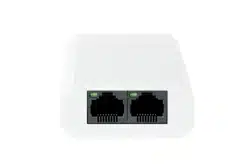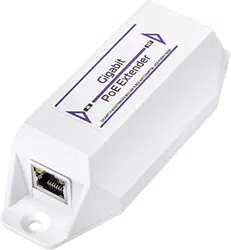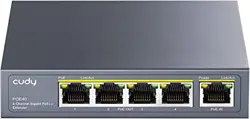

PoE Repeater
Quick Start Guide
UD36738B

i
Preface
Applicable Models
This manual is applicable to PoE repeaters.
Symbol Conventions
The symbols that may be found in this document are defined as
follows.
Symbol Description
Provides additional information to emphasize
or supplement important points of the main
text.
Indicates a potentially hazardous situation,
which if not avoided, could result in equipment
damage, data loss, performance degradation,
or unexpected results.
Indicates a hazard with a high level of risk,
which if not avoided, will result in death or
serious injury.

1
1 Introduction
1.1 Product Introduction
100 Mbps PoE repeaters (0103DP series) feature one 10/100 Mbps
PoE IN port and two 10/100 Mbps PoE OUT ports, and Gigabit PoE
repeaters (0503DP series) feature one gigabit PoE IN port and two
gigabit PoE OUT ports. The devices are plug-and-play, requiring no
external power supply. When connected to Hikvision’s PoE switches,
PoE repeaters can extend the network transmission distance while
providing power.
1.2 Packing List
Please check if the package is damaged first. If the package is intact,
unpack it and check whether the accessories provided with the
product are available by referring to the packing list. Then, you can
continue to install the device.
Table 1-1 Packing List
Accessory Quantity
PoE Repeater × 1
Quick Start Guide × 1
Regulatory Compliance and Safety Information
× 1
1.3 Appearance
Device appearances vary with different models. The actual device
prevails.
PoE Repeater
Table 1-2 Port/Indicator Description
No.
Indicator/Port Description
①
LINK/ACT
Indicator
● Solid on: The port is connected.
● Flashing: The port is
transmitting data.
● Unlit: The port is disconnected
or connection is abnormal.
②
PoE IN Port
10/100 Mbps or gigabit PoE IN
port, used for connection to a PSE
(such as a PoE switch) that meets
the PoE repeater’s power supply
standards.
③
PoE OUT Port
10/100 Mbps or gigabit PoE OUT
port, used for connection to an IPC,
switch, or PoE repeater, extending
the network transmission distance.
2
2 Installation and Wiring
Before You Start
Ensure that the desktop is stable and firm enough.
Desktop Placement
Place the device on the desk.
Wiring
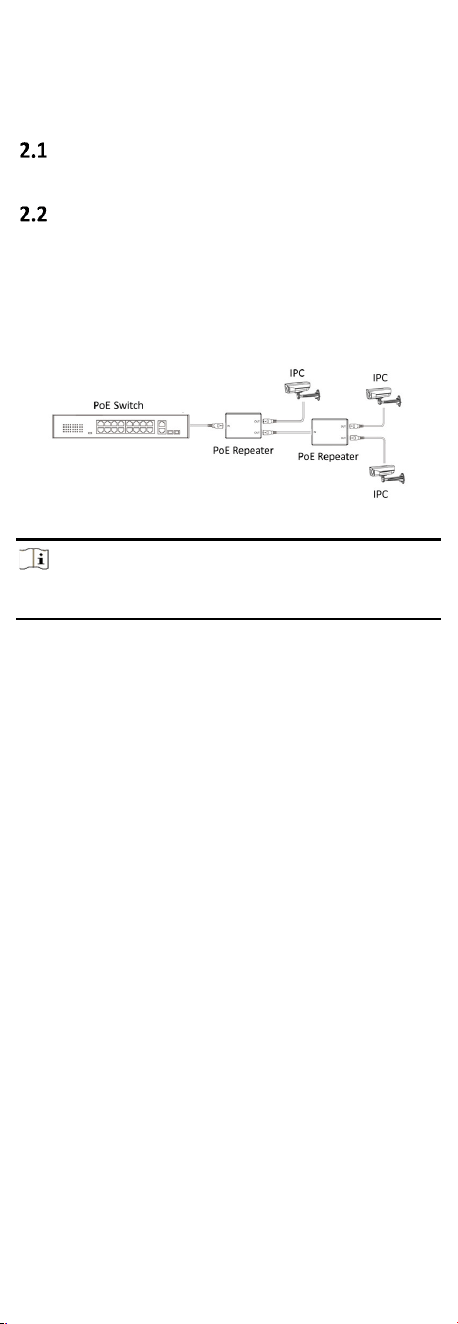
As shown in Figure 2-1, use a network cable to connect the PoE IN
port of the PoE repeater to a RJ45 port of the PoE switch, one PoE
OUT port of the PoE repeater to the RJ45 port of an IPC, and the
other PoE OUT port of the PoE repeater to the PoE IN port of
another PoE repeater respectively.
Figure 2-1 Example of PoE Repeater’s Wiring
Note
Another PoE repeater can be connected to two IPCs, further
extending the network transmission distance of the entire network.