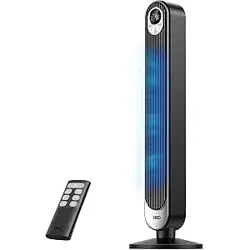
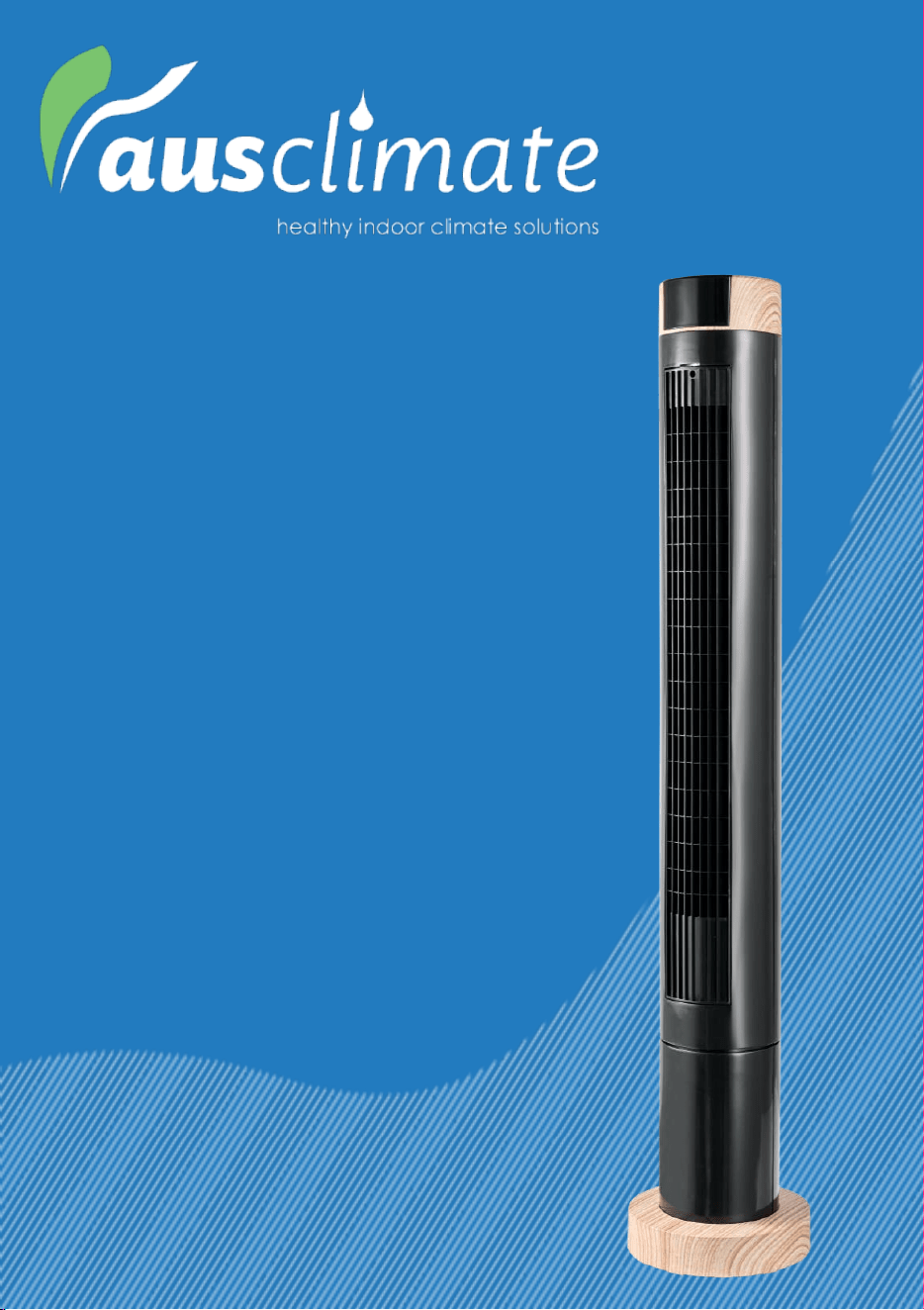
Model: ACTF120
User Manual
Smart Large 102cm
Tower Fan

General Care and Safety Guide
Thank you for choosing this Ausclimate product. This Ausclimate appliance has been
designed and manufactured to high engineering standards, and with proper use and care,
as described in this leaflet, it will give you years of useful service. Please read these
instructions carefully and keep them for future reference.
1. This appliance is not intended for use by persons (including children) with reduced
physical, sensory, or mental capabilities or lack of experience and knowledge
unless they have been given supervision or instruction concerning its use by a
person responsible for their safety.
2. Somebody should supervise children to avoid playing with the appliance.
3. If the supply cord is damaged, it must be replaced by the manufacturer, its service
agent, or similarly qualified persons to avoid a hazard.
4. Ensure the fan is switched off from the supply mains before removing the guard.
5. Use only the voltage specified on the appliance's rating plate.
6. Keep all objects at least 1 metre from the front, sides and rear of the appliance
7. This appliance is intended for household use only, not commercial or industrial
use.
8. Use this appliance only as described in this manual. The manufacturer does not
recommend any other use and may cause fire, electric shock, or injury.
9. The common cause of overheating is deposits of dust or fluff in the appliance.
Ensure these deposits are removed regularly by unplugging the appliance and
vacuum cleaning the air vents and grills.
10. Always unplug appliances when not in use.
11. When the appliance has been unpacked, check it for transport damage and ensure
all parts have been delivered. If parts are missing or the appliance has been
damaged, contact the Ausclimate Customer Services Team.
12. If your appliance does not work or is not working properly, contact the place of
purchase. Repair work on the appliance by unqualified persons can pose a serious
risk to the user.
13. Ensure hands are dry before handling the plug or the main unit.
14. Carry out regular checks of the supply cord to ensure no damage is evident.
15. Ensure that the cord is fully extended (not coiled) while in use.
16. Avoid contact with the moving parts. Keep hands, hair, and clothing away from
the blade of the fan during operation to reduce the risk of injury to a person
and/or damage to the unit.
17. Switch off and use handles provided when moving.
18. It is recommended that this fan is plugged directly into the wall socket.
19. A correctly specified, undamaged extension cord may be used with this fan
provided it is used in a safe manner.
20. Never place appliance close to radiant heat source.
21. Never operate in areas where petrol, paint or other flammable liquids are used or
stored.
General Care and Safety Guide
22. Never use the appliance to dry clothes.
23. Never insert or allow foreign objects to enter any ventilation or exhaust opening,
as this may cause an electric shock, fire or damage to the appliance.
24. Never use abrasive cleaning products on this appliance. Clean with a damp cloth
(not wet) and rinse in hot, soapy water only. Always remove plug from the mains
supply before cleaning.
25. Never connect the appliance to the mains supply until completely assembled and
adjusted.
26. Never remove the plug from power socket until the appliance has been switched
off.
27. Never remove plug from power socket by pulling cord – always grip plug.
28. Never twist, kink or wrap the cord around the appliance, as this may cause the
insulation to weaken and split. Always ensure that all cord has been removed from
any cord storage area and is unrolled before use.
29. Never use this appliance in the immediate surrounds of a bath, a shower, or a
swimming pool or other liquids. The appliance must not be immersed in any
liquids.
30. Due to the risk of injury, never use this appliance for any purpose other than its
intended use. This appliance is intended for use in household and similar
applications such as staff kitchen areas in shops, offices and other working
environments; farmhouses, by clients in hotels, motels, bed and breakfast type
environments and other residential type environments
31. Never use this appliance outdoors.
32. Never operate the appliance with a damaged cord or plug, after it malfunctions, or
if it has been damaged in any manner. Have the appliance checked and repaired
by a qualified electrician if repair is necessary.
33. Never place the unit in wardrobes or other enclosed spaces as this may cause fire
hazards.
General Care and Safety Guide
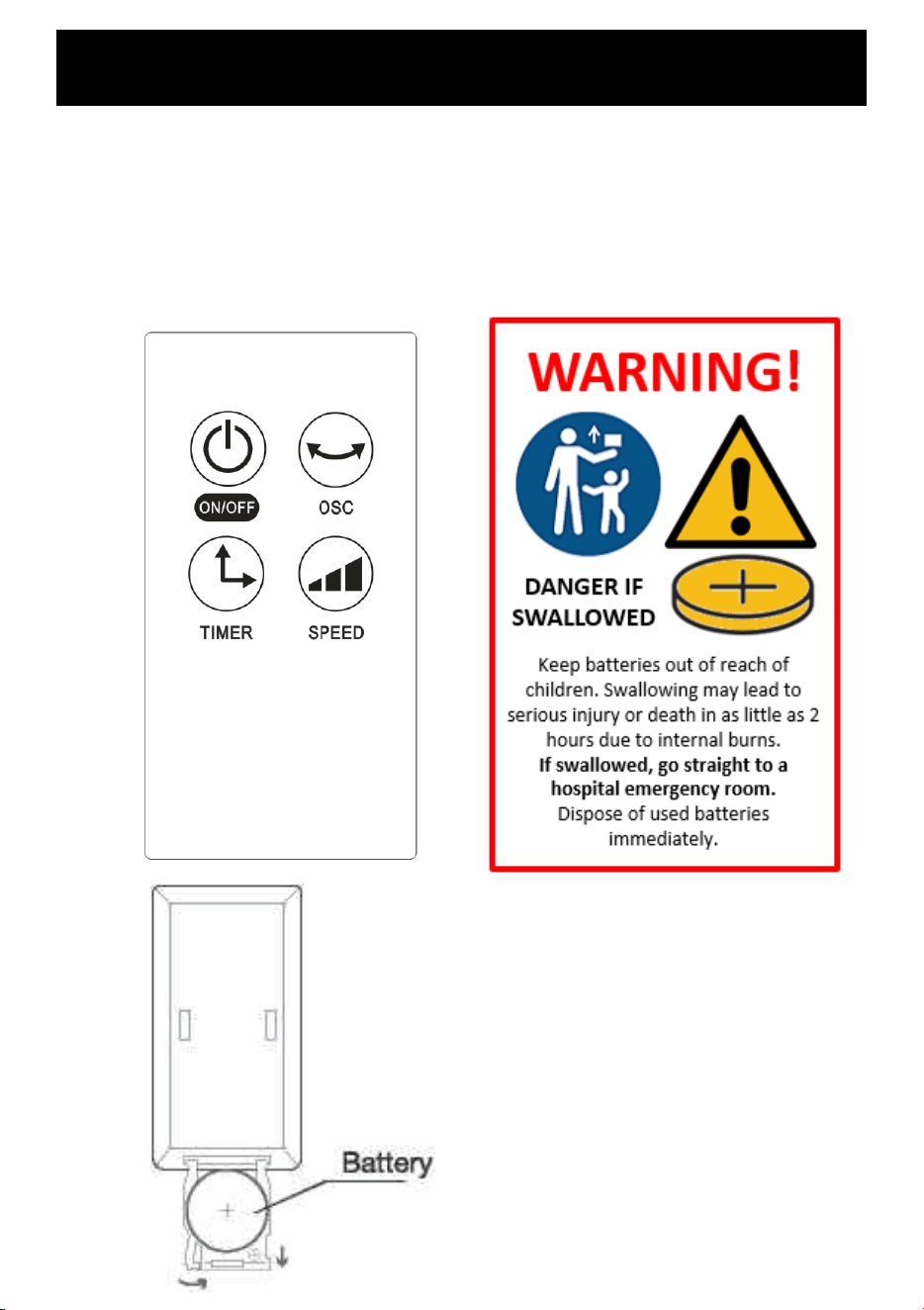
The remote control supplied with this fan uses a CR2025 coin type battery.
DANGER IF SWALLOWED
Keep batteries out of reach of children. Swallowing may lead to serious injury or death in
as little as 2 hours due to internal burns.
If swallowed, go straight to a hospital emergency room.
Dispose of used batteries immediately.
WARNING!
Keep batteries out of reach of
children. Swallowing may lead to
serious injury or death in as little as 2
hours due to internal burns.
If swallowed, go straight to a
hospital emergency room.
Dispose of used batteries
immediately.
DANGER IF
SWALLOWED
WARNING: Keep all objects at least 1 metre from the front, sides and rear
of the appliance. IMPORTANT! NEVER COVER THIS APPLIANCE!
For the fan to operate safely and effectively, it must be placed on a dry, level, and sturdy
surface.
Before plugging the power cord into the socket, it's crucial to ensure that the fan speed control
is in the OFF position. This prevents any sudden starts and ensures safe operation.
Fan control
The fan can be operated by the manual controls located on the top of the fan or by the remote
control.
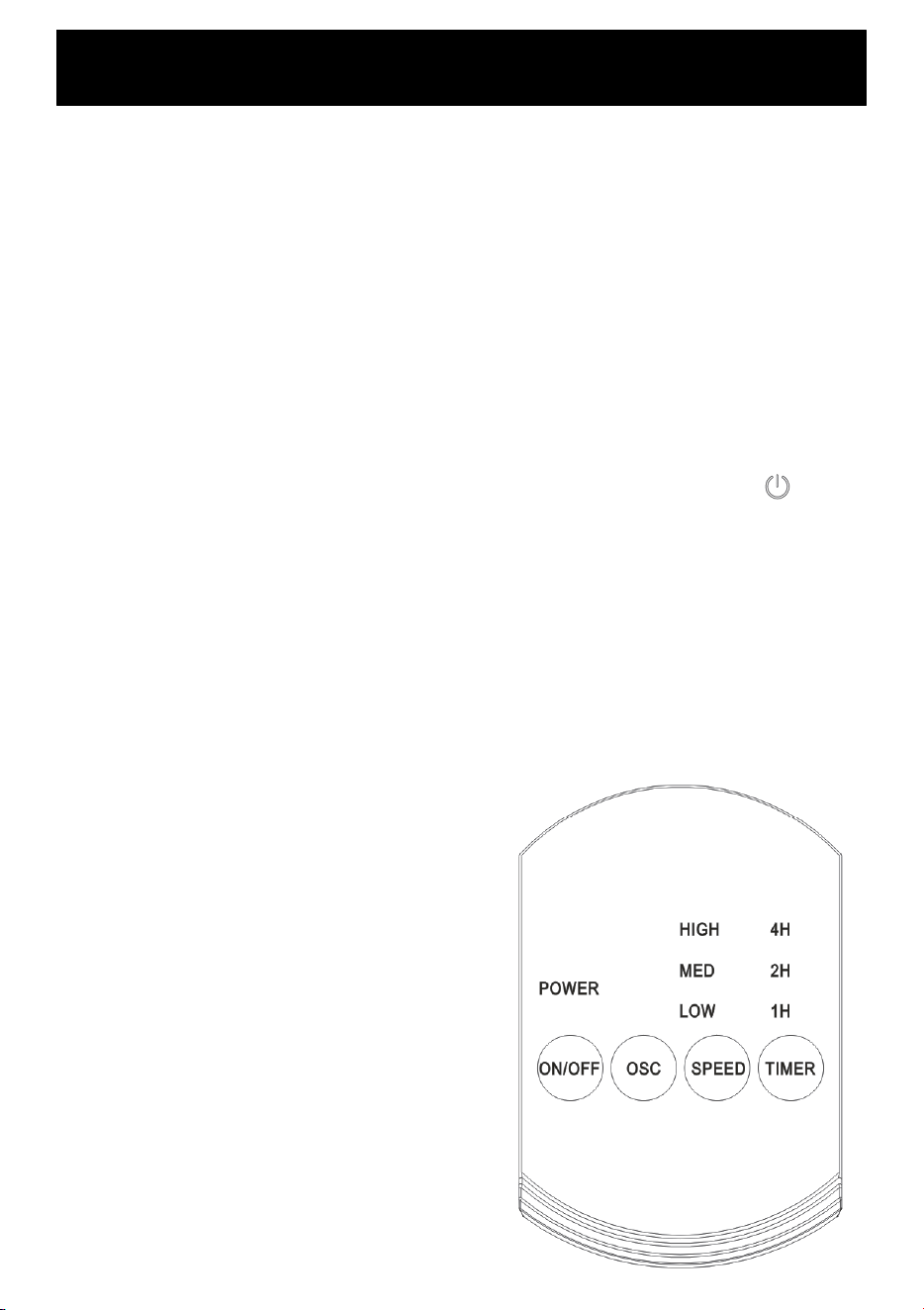
POWER: Turn the FAN ON by pressing the ON/OFF button on the control panel or the button
on the remote. Turn the FAN OFF by pressing the same button again.
SPEED: You can adjust the fan speed to the desired level: low (I), medium (II), or high (III) by
pressing ’SPEED’. The speed setting is displayed on the LED panel.
TIMER: The fan is equipped with a timer that allows you to set its length of operation from 1
hour to 7 hours (in 1hr increments). When the fan is ON, press the ‘TIMER’ button to select the
length of time that the fan should operate before automatically turning off. When multiple
lights are illuminated, the duration of the timer is equal to the combined total.
OSC: Pressing the ‘OSC’ button will start and/or stop the oscillation function.
AUTO LIGHTS OFF: After 3 minutes of no activity on
the control panel or remote control, all the display
lights will go off. They will come back on if you
touch a button on the control panel or remote.
Operating your Fan
Always choose a safe location for the fan, keeping in mind the safety precautions
outlined. Ensure all packaging has been removed from the unit before use. This appliance
requires no installation, it should be used solely as a portable appliance.
Operating your Fan
Remote control
The remote requires a line-of-sight path to allow for the signal to be received by the unit.
Position the unit so the receiver lens is visible from the remote control.
The symbols on the remote correspond to the symbols on the main unit.
1 x CR2025 size battery is required.
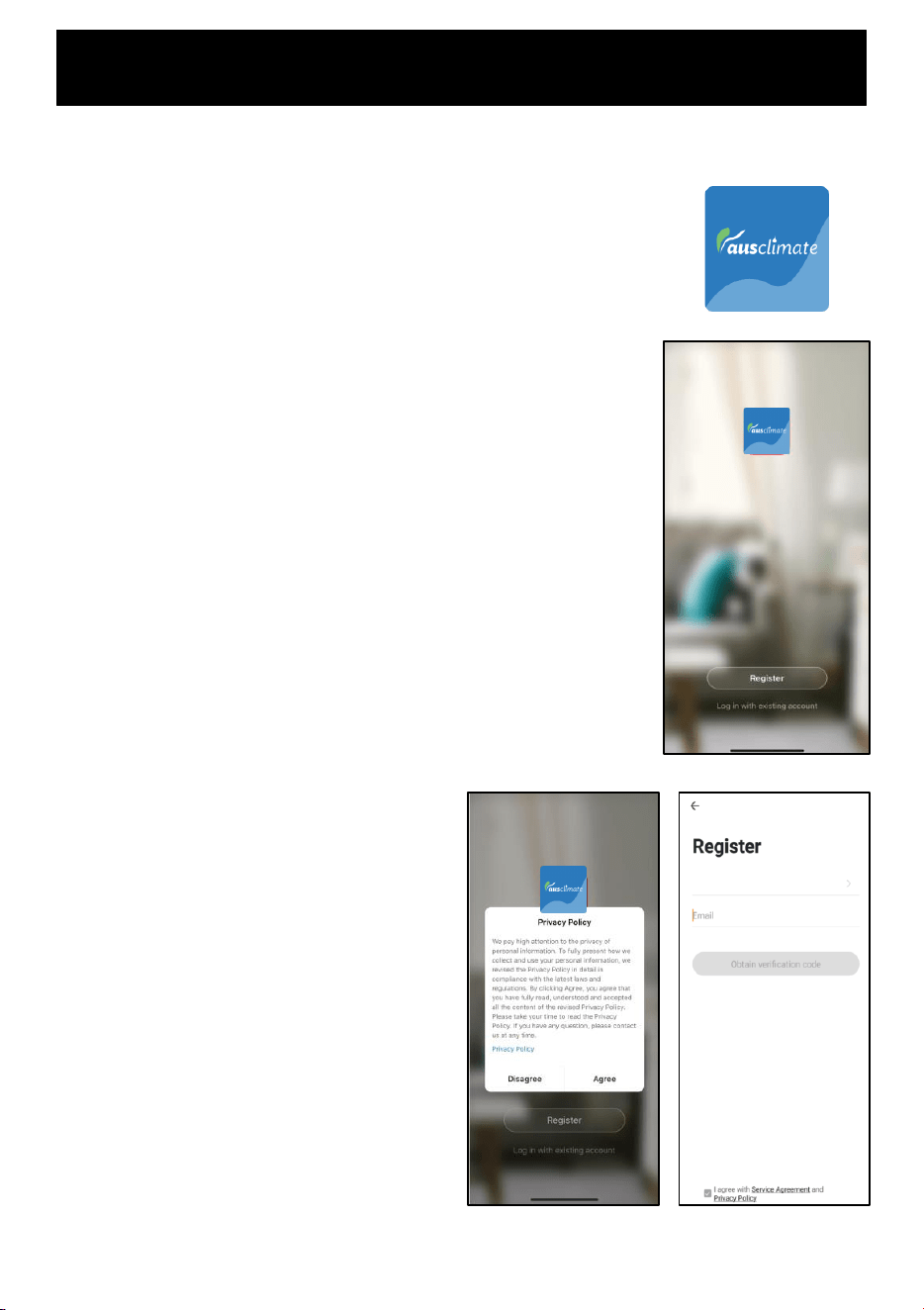
This APP is supported only on 2.4GHz Wi-Fi channels. Please ensure your phone is
2.4GHz capable
Note this device will only work within your home WIFI system.
This does not operate on 3G or 4G internet connections.
You will need a connection to your home Wi-Fi.
• Tap REGISTER near the bottom of the screen.
• Read and agree to the Privacy Policy.
• Add your email address.
• Tap 'Obtain verification code'
You will then receive an email with a verification
code.
Download Ausclimate mobile APP
• Open the APP Store or Google Play on your mobile phone.
• Open 'Search' and enter ‘Ausclimate’
• Click 'GET' and begin to download and install.
Once downloaded to your phone open the APP
• Enter the verification code from your email.
• Create a password.
• Then tap confirm.
If you haven't received a verification code via
email, tap the resend button and when the
verification code is received follow above steps.
Your APP is now registered and ready for pairing
to your device.
Australia
WiFi – Downloading and Setting Up APP
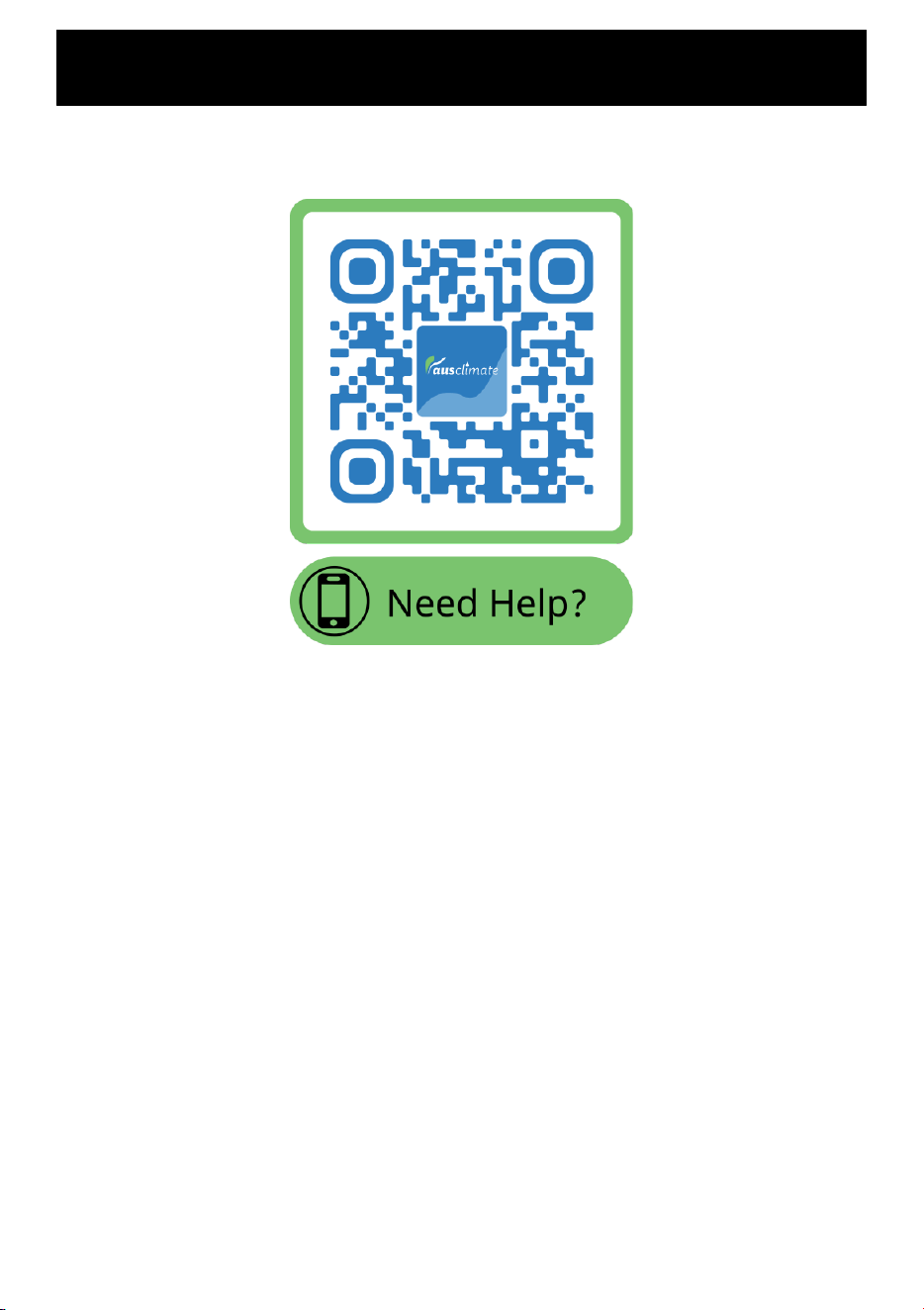
Details for pairing this heater to the Ausclimate App can be found at the below website
link. Either scan the QR code below or enter the website into your browser.
Pairing Mode
To connect to the Ausclimate app you must ensure that your device is
in pairing mode which is where the Wi-Fi Icon is flashing.
If you want to enable WIFI mode, then:
- Put device on STAND-BY mode (ON at the wall but device is OFF)
- Hold down the “SPEED” button for around 3 seconds or until the
Wi-Fi icon begins to flash.
Quick Connection
- Turn your phone’s Bluetooth ON
- Ensure your device is in Pairing Mode (see instructions above)
- Tap the + on the top right corner to navigate to the main device
screen. Tap ‘Auto Scan’ – your device will appear. Tap the device
and follow the instructions.
- If Quick Connection does not work, follow the manual via the QR
Code above
Pairing APP to Device

PROOF OF PURCHASE
To receive warranty, retain receipt as proof of purchase. (Refer to back of booklet).
Ausclimate – New Zealand
Monday – Friday 8am-5pm
Phone +64 (0)9 917 4000
Phone 0800 232 633
Ausclimate – Australia
Monday – Friday 8am-5pm
Phone 1800 122 100
SUPPORT AND TECHNICAL ADVICE
The fan requires regular cleaning to ensure trouble free operation.
Ensure that the fan is switched off and unplugged from the supply mains before
cleaning.
Use a vacuum cleaner to remove dust and fluff from around the inlet and outlet grills,
alternatively use a damp cloth (not wet) to wipe the exterior of the fan to remove dust
and dirt.
Ensure the fan is dry before plugging back into the mains supply.
Do not attempt to dismantle the fan. There are no user serviceable parts.
For service or repair, contact an authorised electrical service technician.
Cleaning
SCAN HERE
FOR HELP
www.ausclimate.com.au
www.ausclimate.co.nz
Troubleshooting
Two Year Warranty
Thank you for purchasing this Ausclimate product. Your product is warranted against faults and manufacture when used in
normal domestic use for a period of two years. In non-domestic use Ausclimate limits the voluntary warranty to three
months.
Ausclimate undertake to repair or replace this product at no charge if found to be defective due to a manufacturing fault
during the warranty period.
This warranty excludes damage caused by misuse, neglect, shipping accidents, incorrect installation, or work carried out by
anyone other than a qualified electrical service technician.
PLEASE KEEP YOUR RECEIPT, THIS WILL HELP VERIFY YOUR WARRANTY.
The benefits given to you by this warranty are in addition to other rights and remedies available to you under law in relation
to the goods or services to which this warranty relates.
In Australia, our goods come with guarantees that cannot be excluded under the Australian Consumer Law. You are entitled
to a replacement or refund for a major failure and compensation for any other reasonably foreseeable loss or damage. You
are also entitled to have the goods repaired or replaced if the goods fail to be of acceptable quality and the failure does not
amount to a major failure.
In New Zealand this warranty is additional to the conditions and guarantees of the Consumers Guarantee Act (1993).
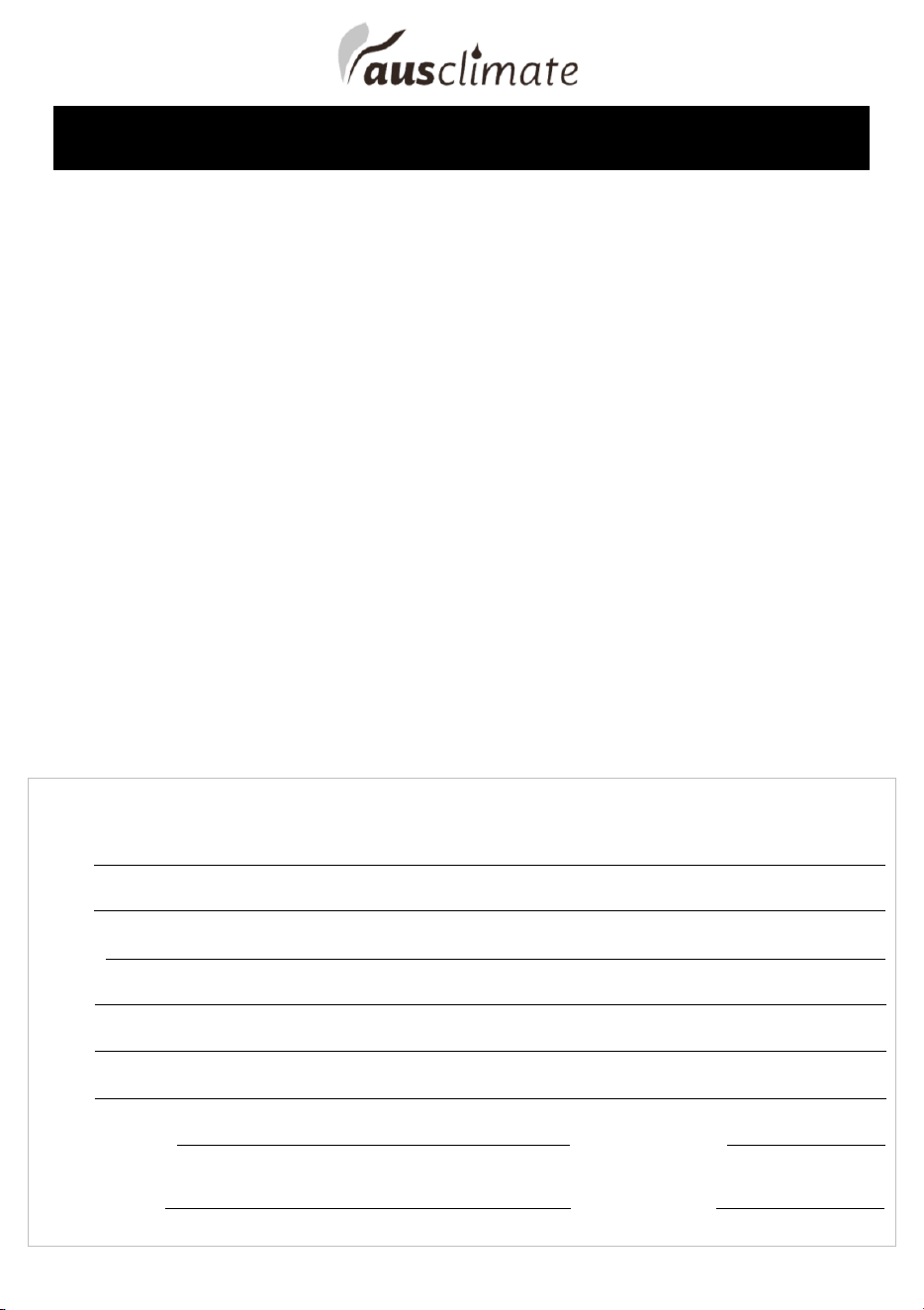
Ausclimate Two Year Warranty (IMPORTANT: Please complete and retain this warranty card)
Name
Address
Place Of Purchase Date Of Purchase
Name Of Product Model Number
Attach a copy of the purchase receipt to this warranty card
Due to continual design improvements, the product illustrated in this User Manual may differ slightly from the actual product.
Ausclimate – New Zealand
CDB Media Ltd.
PO Box 100-707
N.S.M.C
Auckland
Phone 0800 232 633
www.ausclimate.co.nz
Ausclimate – Australia
CDB Goldair Australia Pty
PO Box 574
South Morang
Victoria, 3752
Phone 1800 122 100
www.ausclimate.com.au

Australia
PO Box 574,
South Morang,
Victoria, 3752
www.ausclimate.com.au
New Zealand
PO Box 100707,
North Shore Mail Centre,
Auckland, 0745
www.ausclimate.co.nz