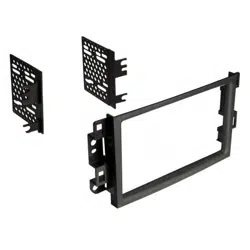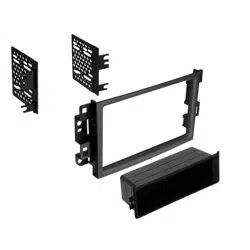
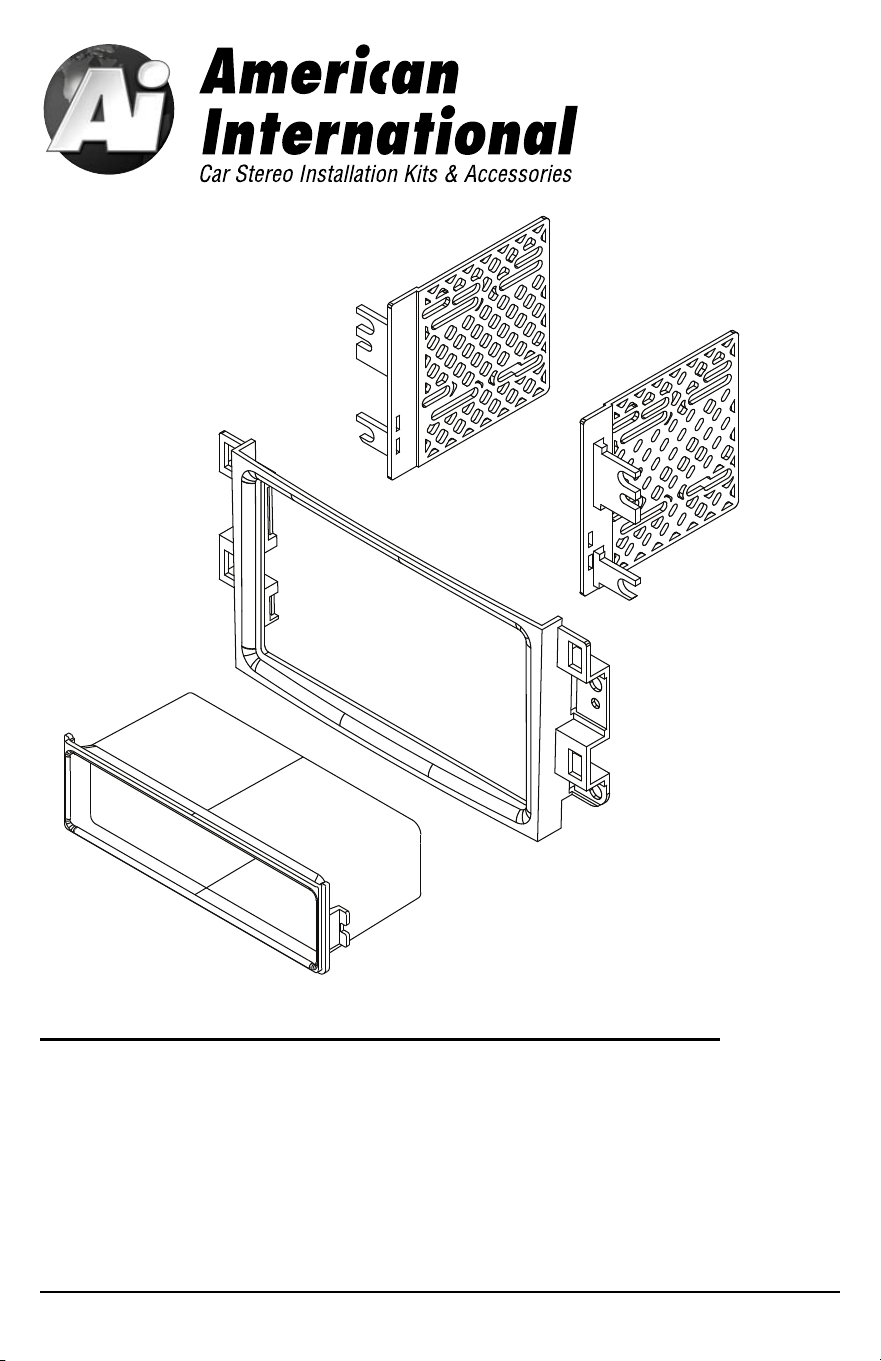
GMK417 Mounting Kit
Chevrolet
2009-11 AVEO
2009-11 AVEO 5
2007-08 AVEO LT
2007-08 AVEO LT SEDAN
Pontiac
2009 G3
VEHICLE APPLICATIONS
Automotive Products Division
1040 Avenida Acaso • Camarillo, CA 93012, U.S.A.
USA Sales (800) 336-6500
Canada Sales (888) 922-3006 • USA Fax (805) 388-7950
CUSTOMER HELP LINE
USA 800-323-4329 • Canada 800-245-8777
©2013 AMERICAN INTERNATIONAL INDUSTRIES, INC.
TECH Ver. 10/13 PRINT Ver. 10/13
iGMK417
For information about other American International automotive
accessories visit our website at:
http://www.americaninternational.net
1. Carefully unclip and remove the trim from around the radio and remove.
2. Remove the (4) phillips screws securing the radio to the sub-dash.
3. Pull the radio forward, disconnect all harnesses and antenna lead and remove radio.
ISOBRK
ISOBRK
DASH DISASSEMBLY INSTRUCTIONS
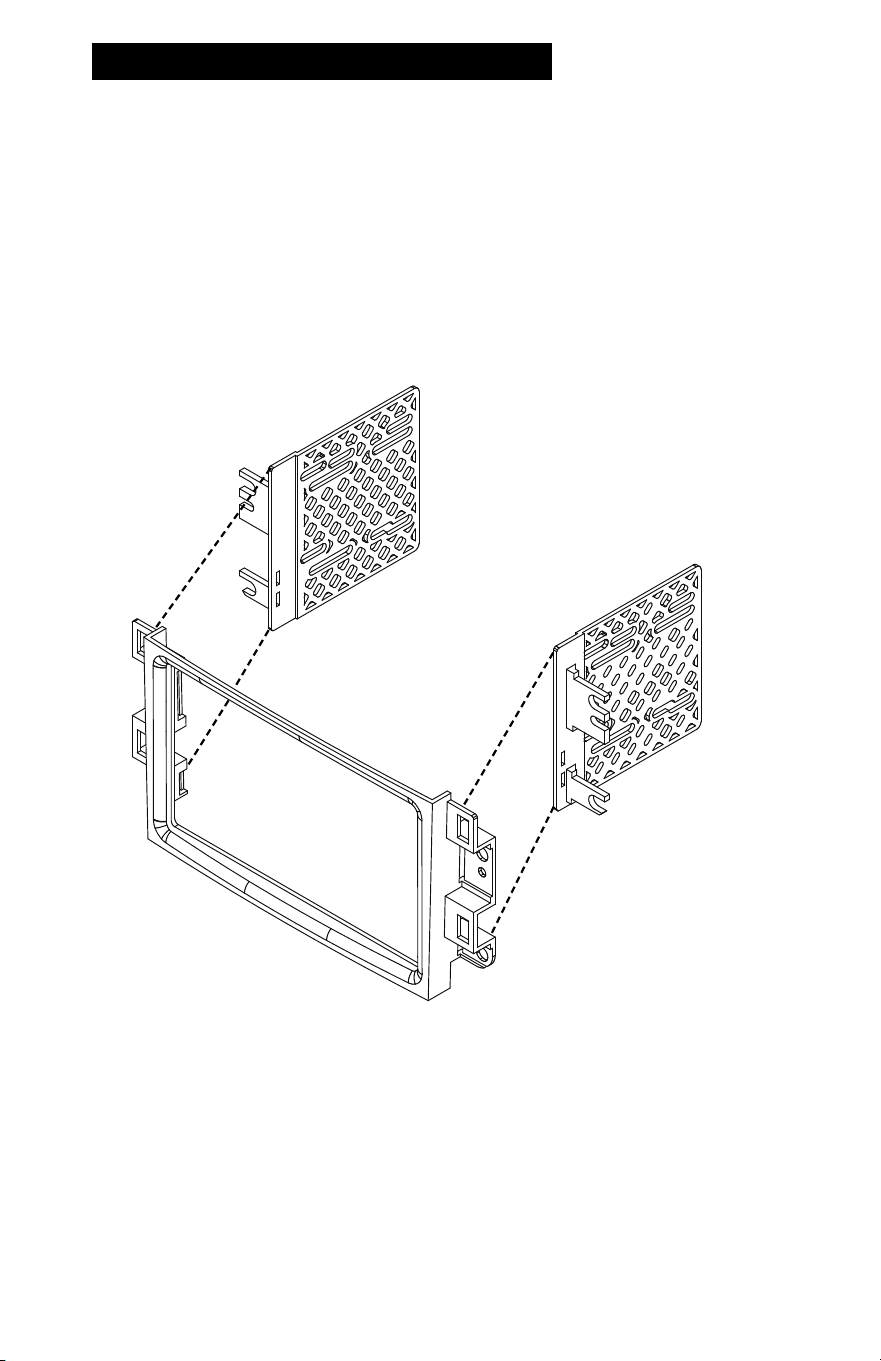
DOUBLE DIN INSTALLATION INSTRUCTIONS
1. Attach ISO brackets to the rear of the main mounting kit.
2. Slide radio into kit from rear & attach to ISO mounting brackets using
screws supplied with radio when possible or screws supplied with kit
(do not tighten screws at this time).
3. Slide radio forward or backward for your desired look and then tighten
the mounting screws.
4. Suggested...Attach rear support.
2 3
Fig B
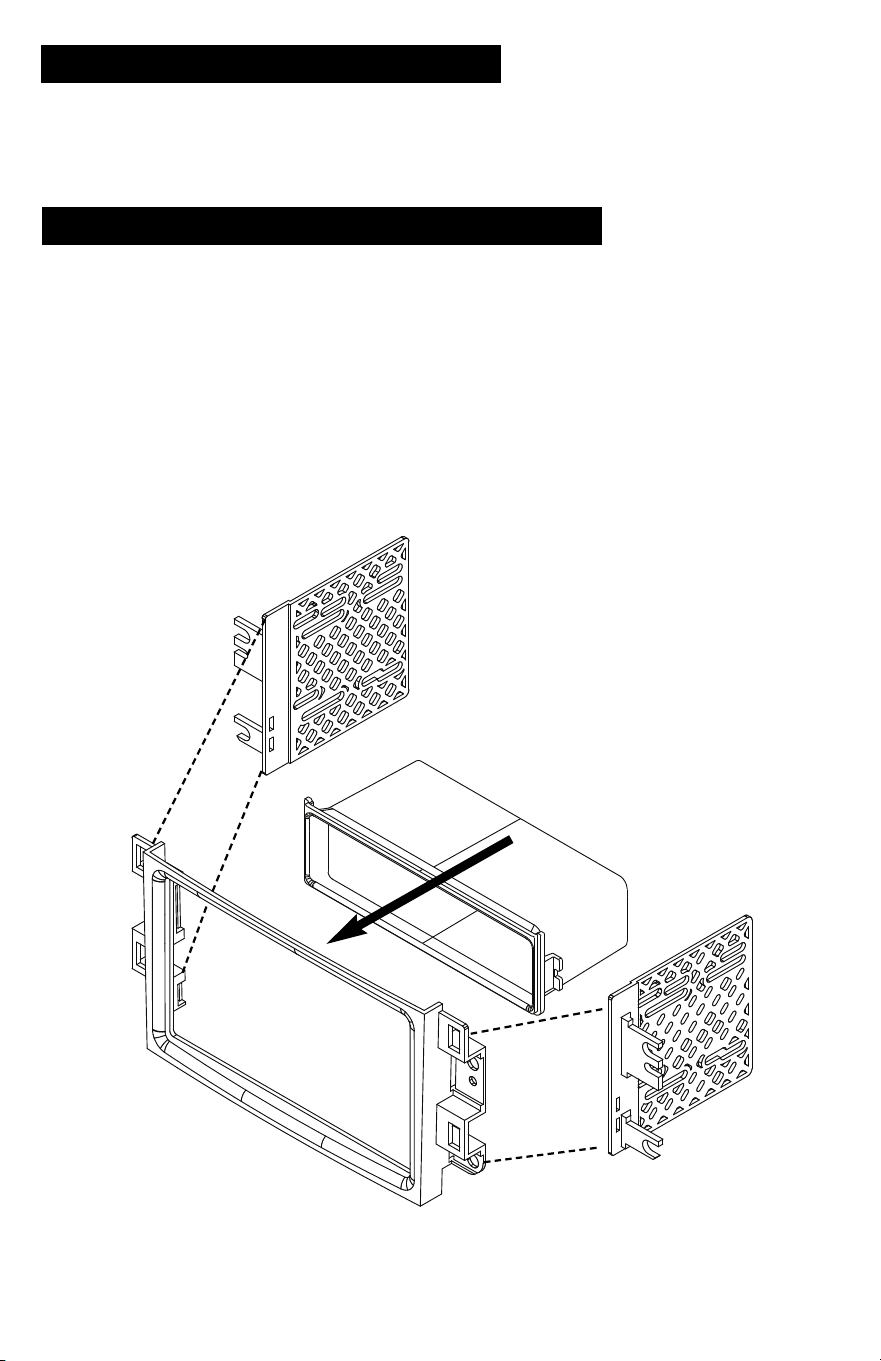
SINGLE ISO w/POCKET INSTALLATION INSTRUCTIONS
1. Insert ISO brackets to rear of kit as shown in Figure A
2. Insert pocket into lower section of kit from rear & lock into slots of mounting brackets.
3. Insert ISO mountable radio between ISO mount brackets and loosely attach to sides
of radio using screws provided with radio when possible or screws supplied with kit.
4. Slide radio forward or backward for desired look and tighten screws.
5. Attach a rear support bracket to the rear of the new radio and adjust as necessary
to support the weight of the radio (Optional)
ISOBRK
ISOBRK
Fig A
1. Carefully unclip and remove the trim from around the radio and remove.
2. Remove the (4) phillips screws securing the radio to the sub-dash.
3. Pull the radio forward, disconnect all harnesses and antenna lead and remove radio.
ISOBRK
ISOBRK
DASH DISASSEMBLY INSTRUCTIONS
DOUBLE DIN INSTALLATION INSTRUCTIONS
1. Attach ISO brackets to the rear of the main mounting kit.
2. Slide radio into kit from rear & attach to ISO mounting brackets using
screws supplied with radio when possible or screws supplied with kit
(do not tighten screws at this time).
3. Slide radio forward or backward for your desired look and then tighten
the mounting screws.
4. Suggested...Attach rear support.
2 3
Fig B
SINGLE ISO w/POCKET INSTALLATION INSTRUCTIONS
1. Insert ISO brackets to rear of kit as shown in Figure A
2. Insert pocket into lower section of kit from rear & lock into slots of mounting brackets.
3. Insert ISO mountable radio between ISO mount brackets and loosely attach to sides
of radio using screws provided with radio when possible or screws supplied with kit.
4. Slide radio forward or backward for desired look and tighten screws.
5. Attach a rear support bracket to the rear of the new radio and adjust as necessary
to support the weight of the radio (Optional)
ISOBRK
ISOBRK
Fig A

GMK417 Mounting Kit
Chevrolet
2009-11 AVEO
2009-11 AVEO 5
2007-08 AVEO LT
2007-08 AVEO LT SEDAN
Pontiac
2009 G3
VEHICLE APPLICATIONS
Automotive Products Division
1040 Avenida Acaso • Camarillo, CA 93012, U.S.A.
USA Sales (800) 336-6500
Canada Sales (888) 922-3006 • USA Fax (805) 388-7950
CUSTOMER HELP LINE
USA 800-323-4329 • Canada 800-245-8777
©2013 AMERICAN INTERNATIONAL INDUSTRIES, INC.
TECH Ver. 10/13 PRINT Ver. 10/13
iGMK417
For information about other American International automotive
accessories visit our website at:
http://www.americaninternational.net