Introduction
Product compliance
Box content
Connection description
Mounting and installation of the thermostat
Safety information
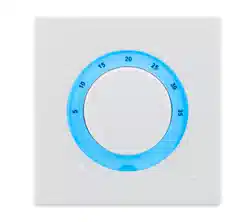
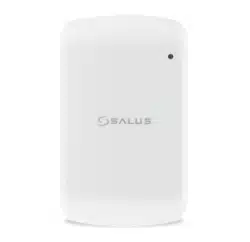
TS600 is a surface-mounted sensor and a thermostat for wireless
control of SALUS Smart Home devices. Installation and conguration
are carried out using the SALUS Smart Home application, the UGE600
universal gateway is also required for operation. In Online mode it can
communicate with devices such as: KL08RF wiring centre, mini TRV
radiator head, RX10RF receiver, SR600 smart relay and SPE600 smart
plug.
This product complies with the essential requirements and other
relevant provisions of Directives 2014/53/EU and 2011/65/EU. The full
text of the EU Declaration of Conformity is available at the following
internet address: www.saluslegal.com.
2405-2480MHz; <14dBm
Use in accordance with the regulations. Indoor use only. Keep your
device completely dry. Disconnect your device before cleaning it with
a dry cloth. This accessory must be tted by a competent person,
and installation must comply with the guidance, standards and
regulations applicable to the city, country or state where the product
is installed. Failure to comply with the relevant standards could lead
to prosecution.
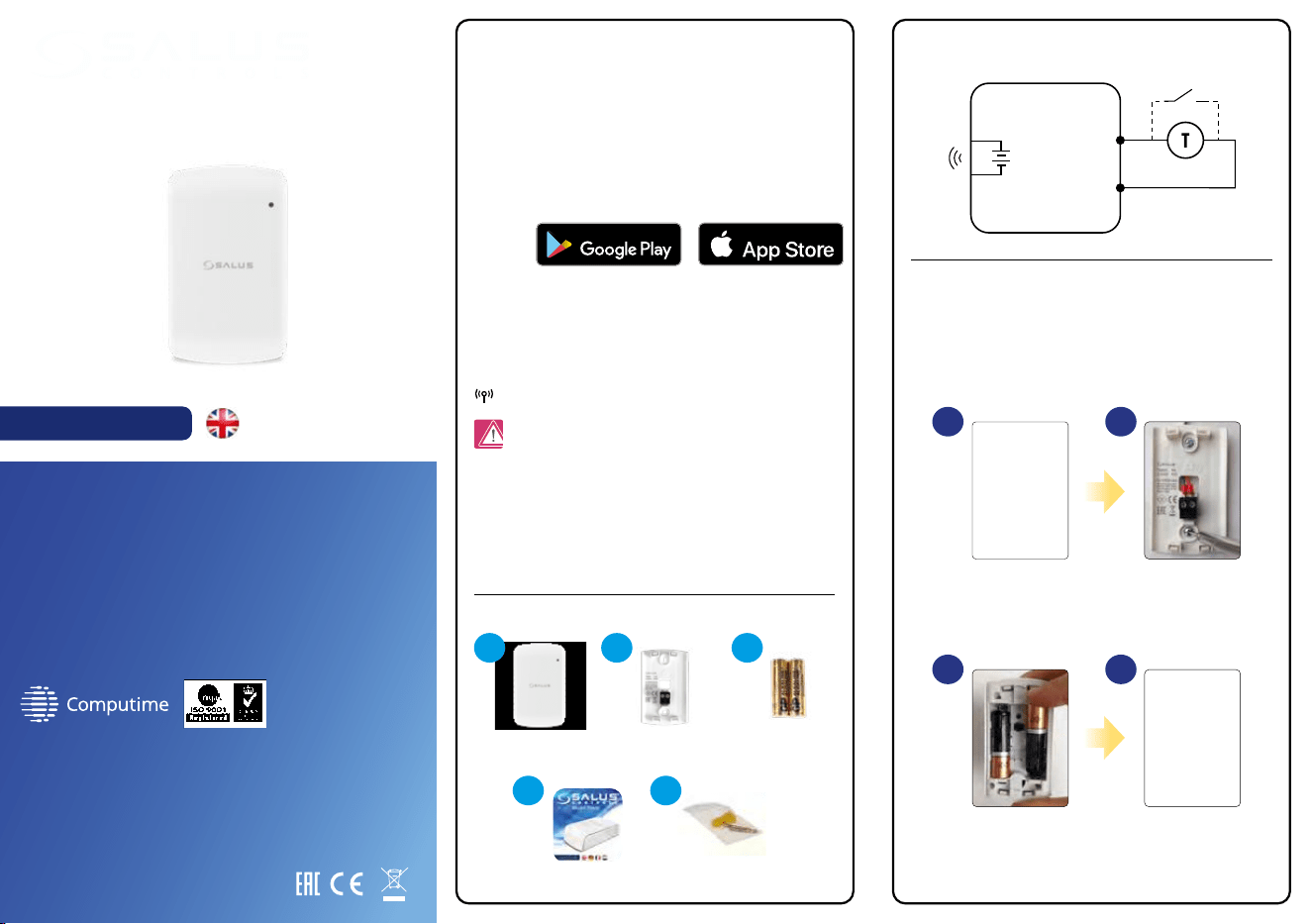
Mounting: to mount thermostat you can use accesories included with
the set (mounting screws). Remove back cover to mount the plate to
the wall. Now please insert the batteries inside the thermostat. After
this just attach thermostat to the plate right into designed holes in
the plate.
S2
S
S1
TS600
3V
2 x AA
SALUS Smart Home
Temperature sensor/thermostat
Model: TS600
User manual
PRODUCER:
Salus Limited
6/F, Building 20E, Phase 3, Hong Kong Science
Park, 20 Science Park East Avenue, Shatin,
New Territories, Hong Kong
IMPORTER:
QL CONTROLS Sp. z o.o. Sp. k.
ul. Rolna 4, 43-262 Kobielice
www.salus-controls.eu
SALUS Controls is a member of the Computime Group.
Maintaining a policy of continuous product development SALUS
Controls plc reserve the right to change specification, design and
materials of products listed in this brochure without prior notice.
III 2021 [ENG]
TS600 thermostat Mounting plate 2 x AA batteries
Short instruction Mounting screws
An external sensor can be
connected to the S1 and
S2 terminals. Purchased
separately.
Insert the batteries.
TS600 will automatically
go into pairing mode.
Add the front case.
Mount the back case on
the wall.
GET IT ON
Download on the
1
4 5
2 3
1
3
2
4
Touch sensor area
DEVICE STATUS
IDENTIFY MODE
BUTTON LOCK
FACTORY RESET /
PAIRING MODE
Press the touch button to see the
status of the device. If TS600 is calling
for HEAT, the LED will be GREEN. If
TS600 is SATISFIED, the LED will be
RED.
If TS600 is paired, press and hold the
touch button for 3 seconds. TS600
will enter Identify mode and will
send Identify command to all related
devices. To stop Identify mode press
button one time.
TS600 can be locked or unlocked via
the app. To unlock the device manualy,
you need to power cycle device and
then press and hold the touch button
for 10 seconds during the rst minute
after reboot. The device will reset
again and unlock.
To perform a reset, press and hold
the touch button for 10 seconds. The
LED will turn red for 5 seconds. TS600
will leave the network and reset. Once
completed, the TS600 will re-enter
pairing mode.
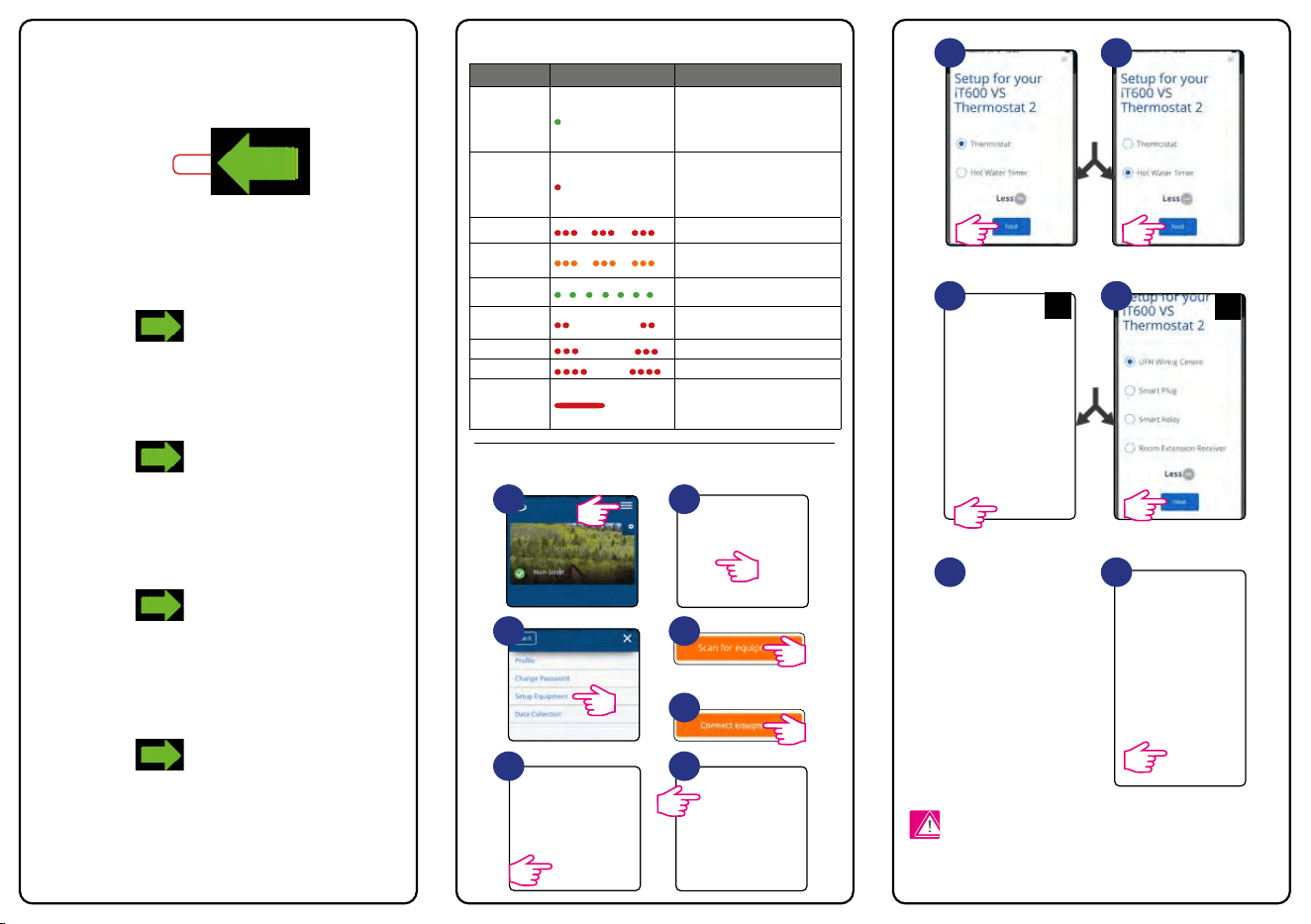
Button operation LED indication
Pairing process
Follow the on screen
instructions to complete
the setup.
For more details please refer to the full TS600 manual instruction
available at www.salus-controls.eu
Please note:
1
3
6
2
4
7
5
8A
9A
10
8B
9B
11
LED colour LED diode Meaning
GREEN
Information on the operating
status of the thermostat STARTED
HEATING (COOLING) - press the
key once and check the status.
RED
Information on the operating
status of the thermostat HEATING
OFF (COOLING) - press the key
once and check the status.
RED
... Thermostat is in pairing mode.
ORANGE
...
Thermostat paired with
coordinator.
GREEN
... Active identify mode.
RED
... Error (check in the app).
RED
... Low battery.
RED
...
Connection lost.
RED
...
Restoring factory settings after
holding down the key for 10
seconds.