
2
Compatible VIVOTEK Cameras
I
FD8166A, FD8166A-N, FD8166A-R
You may also refer to VIVOTEK's website for the list of supported models. Support for other models can
be available through time.
Installation
II
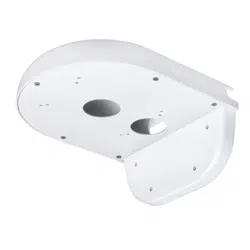
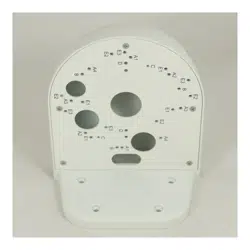
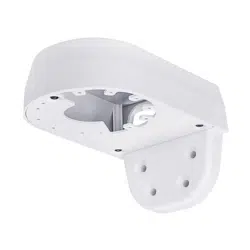
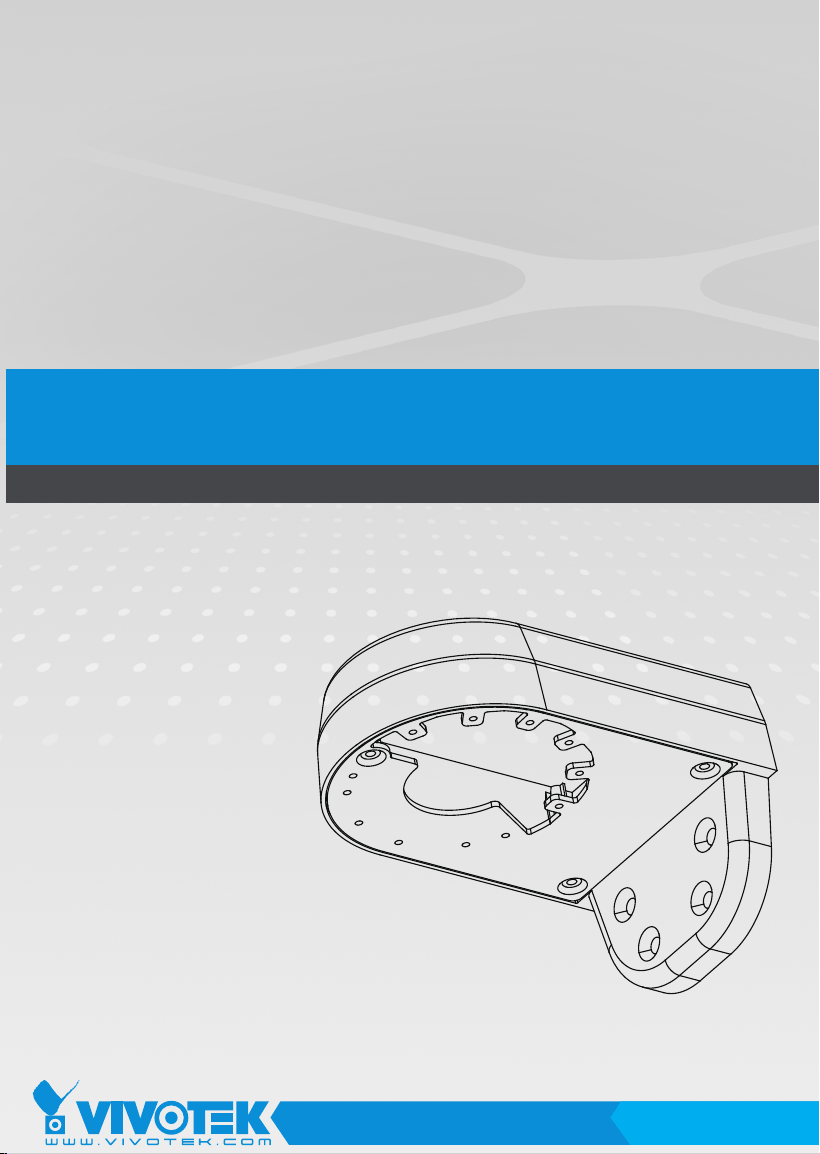
Below are the locations of mounting holes.
Mounting Hole Denitions
Revision History:
* Rev. 1.0: Initial Release
NOTE:
1. It is presumed that this wall-mount bracket is installed with a hole drilled on the wall for
routing power lines, DI/DO, and Ethernet cables.
2. Route cables before you secure the wall-mount bracket to a wall.
3. For details on the cable connections with each camera, please refer to their Quick
Installation Guide.

3
English
Refer to the table below for the description of the included screws:
Screw Description Quantity Applies to
M4X25XD9 Phillips pan
head
4 Securing the
bracket to wall
Plastic anchors 4 Securing the
bracket to wall
For cabling and conguration details with each network camera, please refer to their
documentation.
Wall Mount Installation
Below is a general, sample procedure using a wall mount bracket:
1. Locate the position where you want to install the wall mount bracket and camera. Drill
holes on the wall for securing the bracket and for routing the cables.
2. Secure the bracket by hammering anchors into the wall and then fasten screws through
the four mounting holes on the bracket.

4
3. Route power lines and other cables through the wall and the bracket.
4. Turn the camera towards the eld of view of your interest. When done, align the
camera's screw slots with the mounting holes.
5. Secure the camera to the wall mount bracket as shown below.
6. Install the dome cover.
Shooting direction
IMPORTANT!
The screws and mounting surface must be able to support a weight of 1 kg.