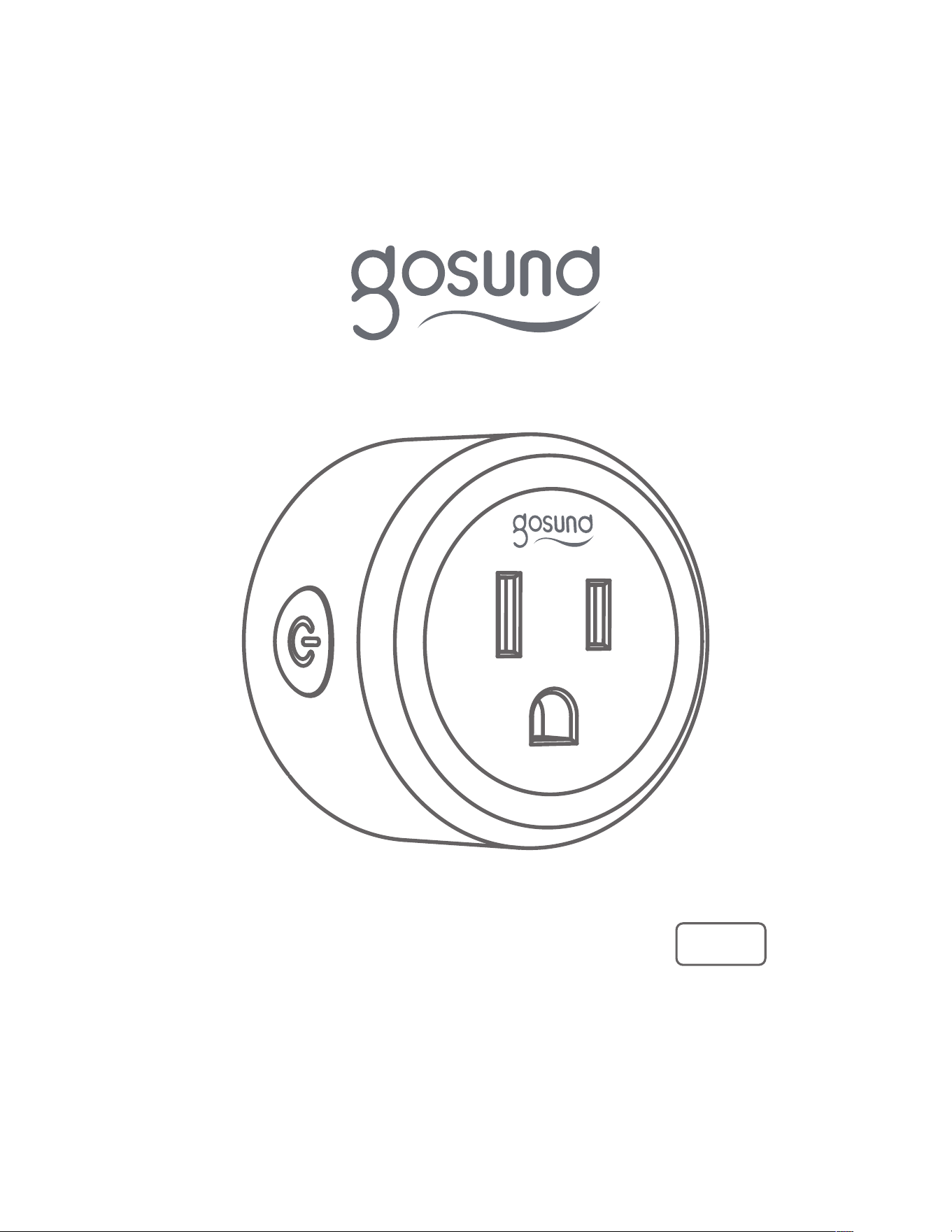
Smart Plug Instruction
WP3
02
User Manual
Binding Voice Assistants Guide
Smart Plug x 1
x 1
x 1
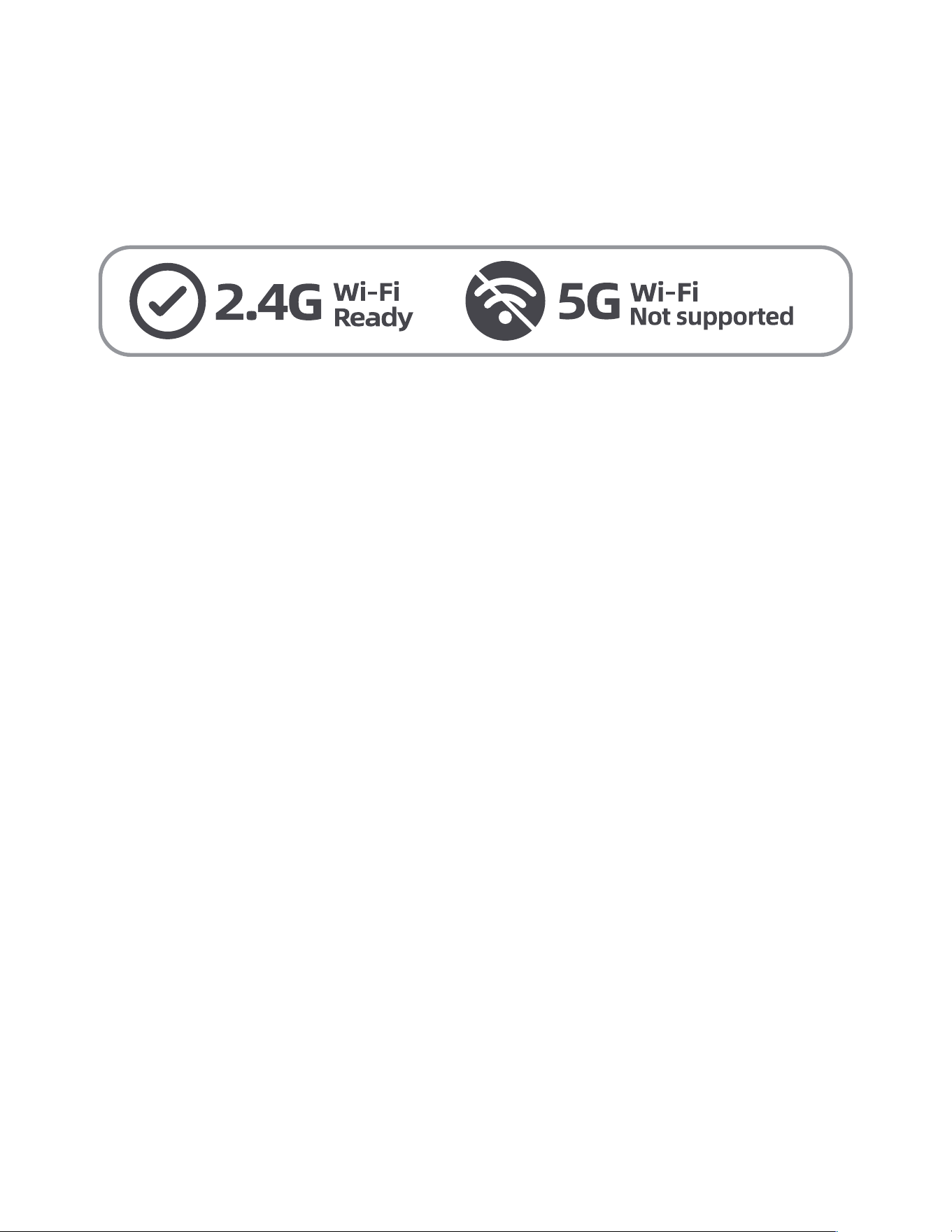
Since the device only supports 2.4G Wi-Fi
connection, please ensure that the mobile
phone and the device are connected to 2.4G
Wi-Fi simultaneously.
PartsIncluded
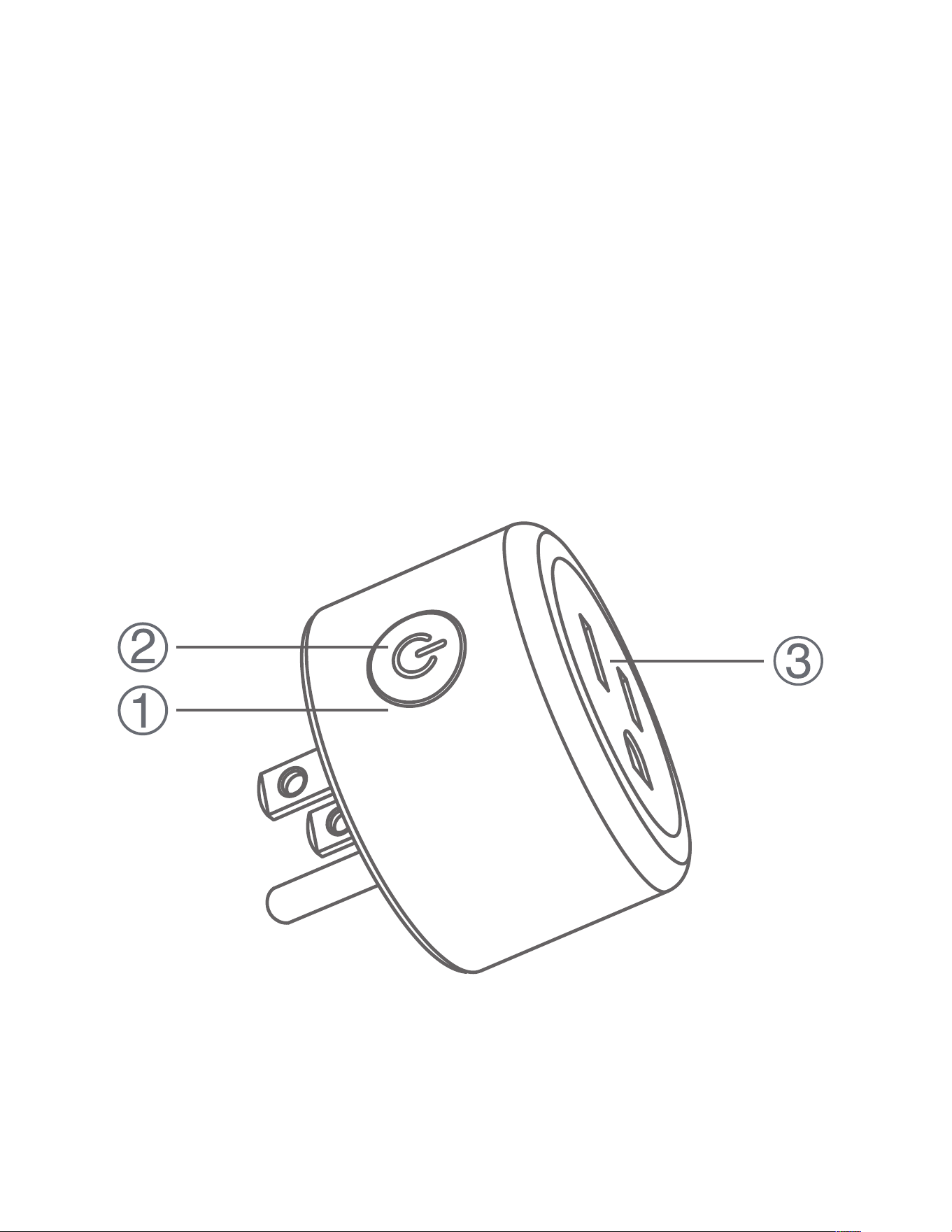
AtaGlance
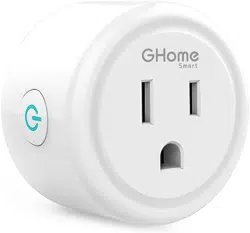
①. ON/OFF Button
②. Indicator Light
③. Flame Resistant Material
03
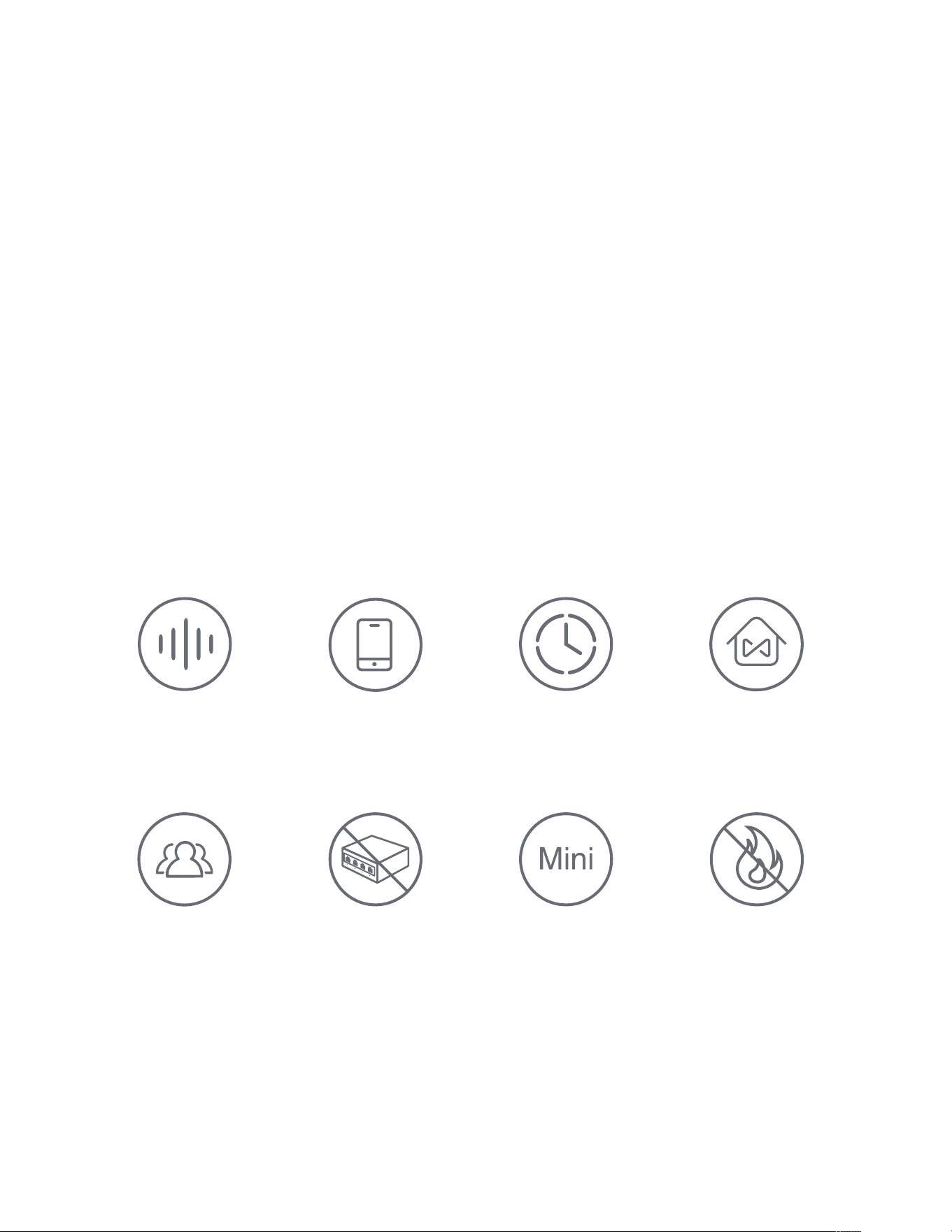
MainFeatures
Parameters
Model: WP3
Rated Power: 1200W Max.
Input: 120V~, 60Hz 10A
04
APP
Control
Voice
Control
No Hub
Required
V0 Fireproof
Materials
Mini Size
Scheduled
Control
Family
Sharing
Group
Control

05
HowtoDownloadtheGosundApp
Option1� Search for "Gosund" in the
Apple APP Store or Google Play.
Option2� Scan the QR code to enter the
download page.

06
HowtoPairwiththeGosundApp
1. Open the "Gosund" APP and create your
Gosund account.
2. Turn on the plug and put it close to the
router when pairing.
3. Press and hold the ON/OFF button for 5
seconds and release it when the plug starts
blinking fast to enter the network pairing
mode.

Turn on the power, hold the Switch/Pairing
button for 5 seconds, and let it go, when the
socket starts blinking fast, the reset process
is successful.
Reset
07
You can add a device in two ways.
Option1. Tap "+" on the upper right corner
and select "Auto Scan".
Option2. Tap "+" on the upper right corner
to select "Add Manually", and then select
"
Socket (Wi-Fi)".
Follow the App instructions to complete the
operation.

Keep it out of the reach of children and pets.
Do not place this product near heating devices,
such as microwave ovens, stoves, or radiators.
When the socket is in a new network
environment, you need to restore the factory
settings, and then reconnect to the network.
Do not use this product in a humid environment
or outdoors. It's for indoor use only.
08
WarningsandPrecautions
Important!

Do not disassemble, modify, or repair your
device, and ask help from the authorized
professionals for device malfunction.
Do not insert your device to another one.
Protect the product from extreme temperatures,
direct sunlight, strong jolts, high humidity,
moisture, flammable gases, vapors and solvents.
Do not store the device for extended periods
in poor ambient conditions.
Do not use the device when it is no longer
working properly or visibly damaged.
09

4.02.000.0449 V2.0
Note: The image shown in the manual is
indicative only. If there is inconsistent between the
image and the actual product, the actual product
shall govern.
Never use aggressive detergents such as alcohol
or other chemical solutions because these could
damage the casing or even impair the functioning
of the product.
Made in China
10
5011128