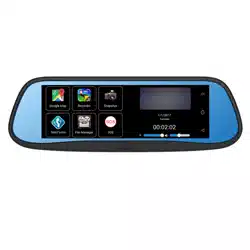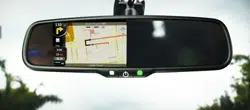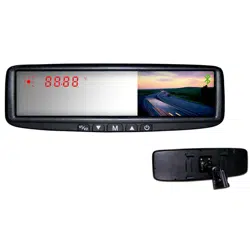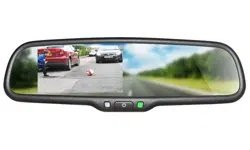
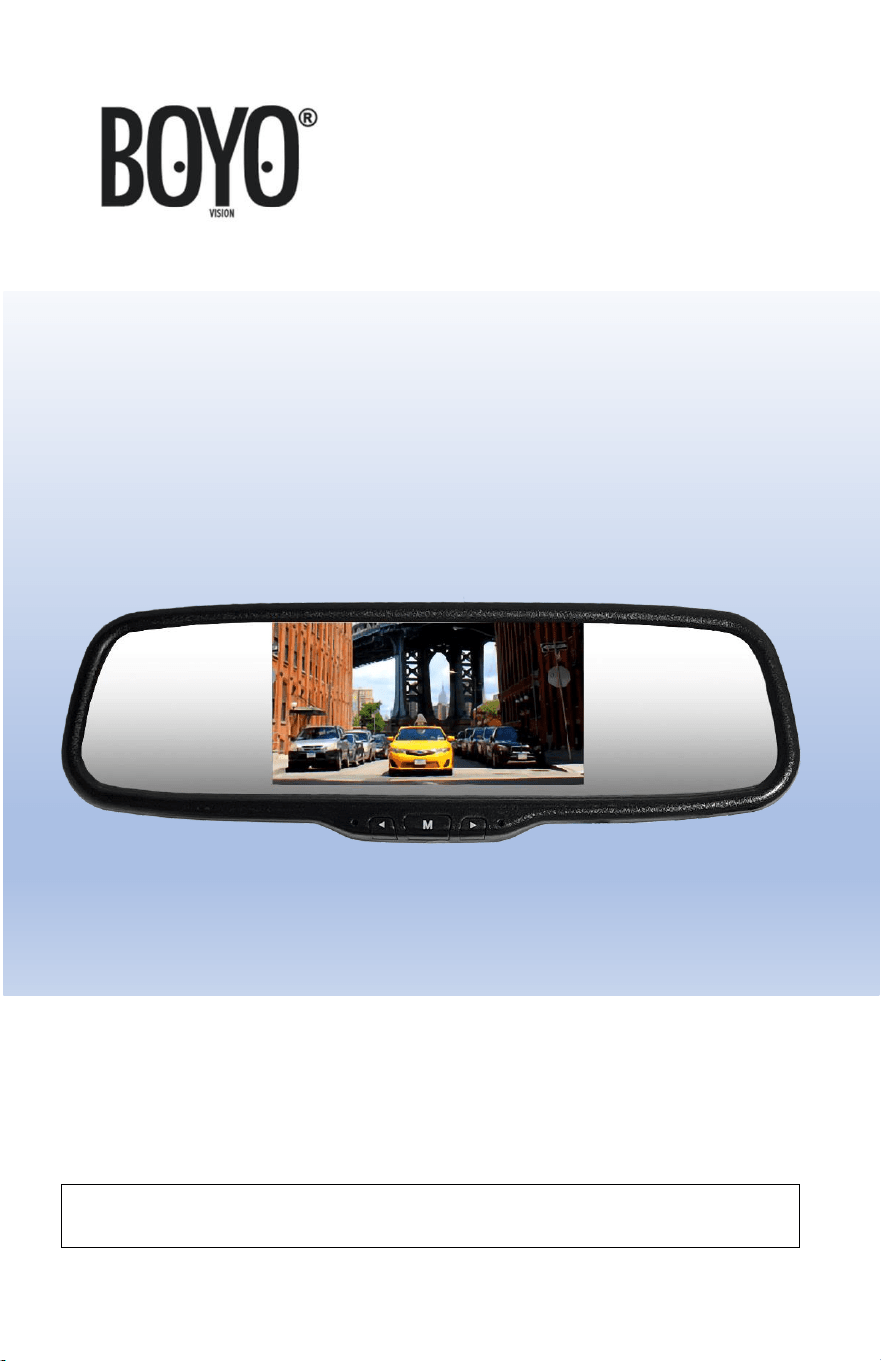
VTM51M
5” Replacement Mirror Monitor
USER MANUAL
Please read the instructional complete before use and keep it for
future reference.
2
Product Features
• 5 Inch TFT LCD Panel
• Display Panel Aspect Ratio 16:9
• Resolution 800x480
• High Brightness 1200cd/m
2
• Mirror Glass
• Universal Mirror Mount
• 2 Video Inputs, Video Signal Auto Detection
• PAL/NTSC Auto Switch
• Power Supply DC 12V
• Power Consumption 0.3W(Stand By)
Before Installation
• Please check contents.
• Perform bench test. Ensure the product is working correctly
before installation by connecting the cameras and power (12VDC)
to the monitor.
• Perform pre-install test (monitor viewing position), before
mounting the monitor.
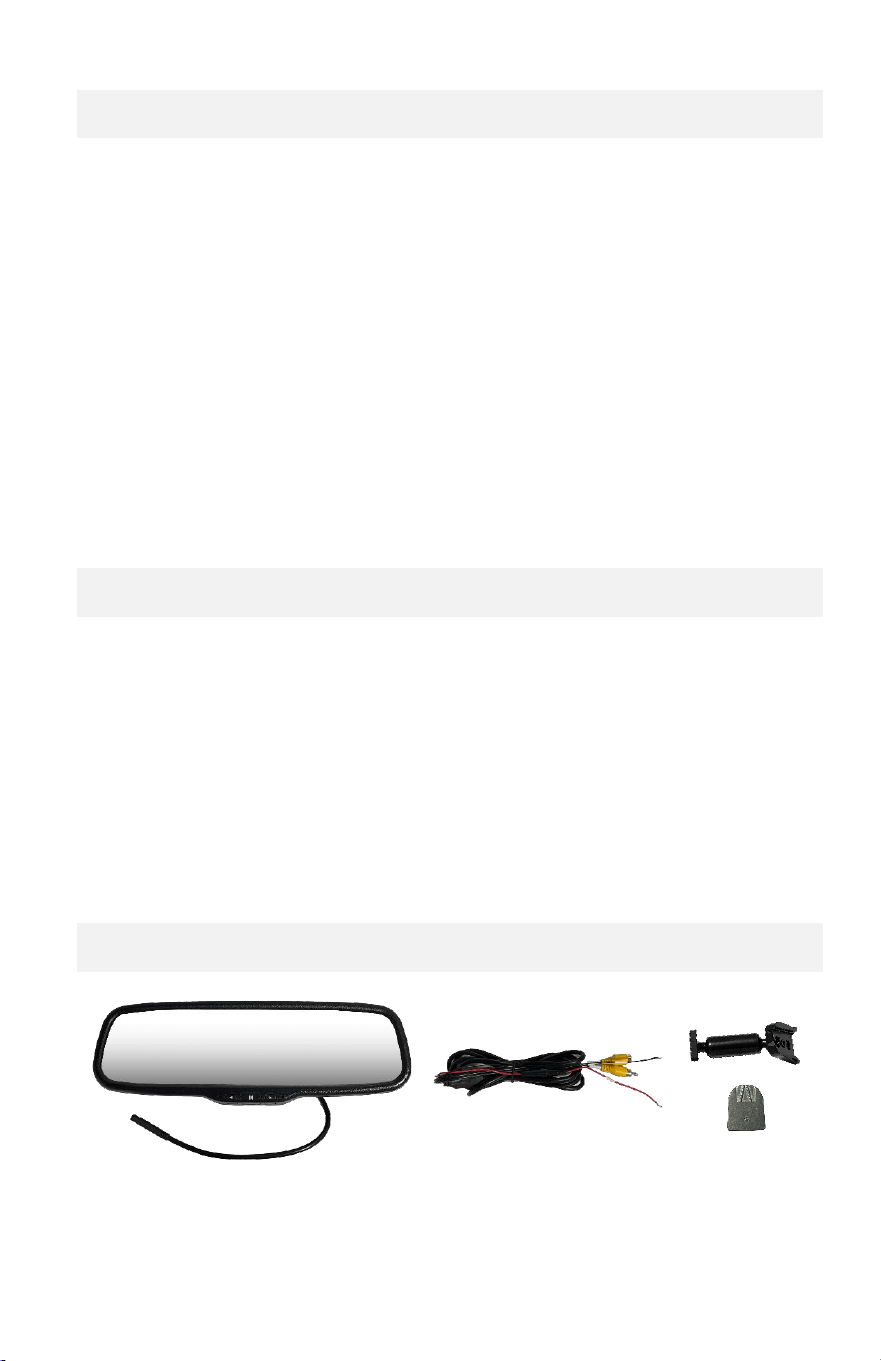
Contents
Mirror Monitor
Power Harness
Universal
Bracket
& Mount
3
Installation
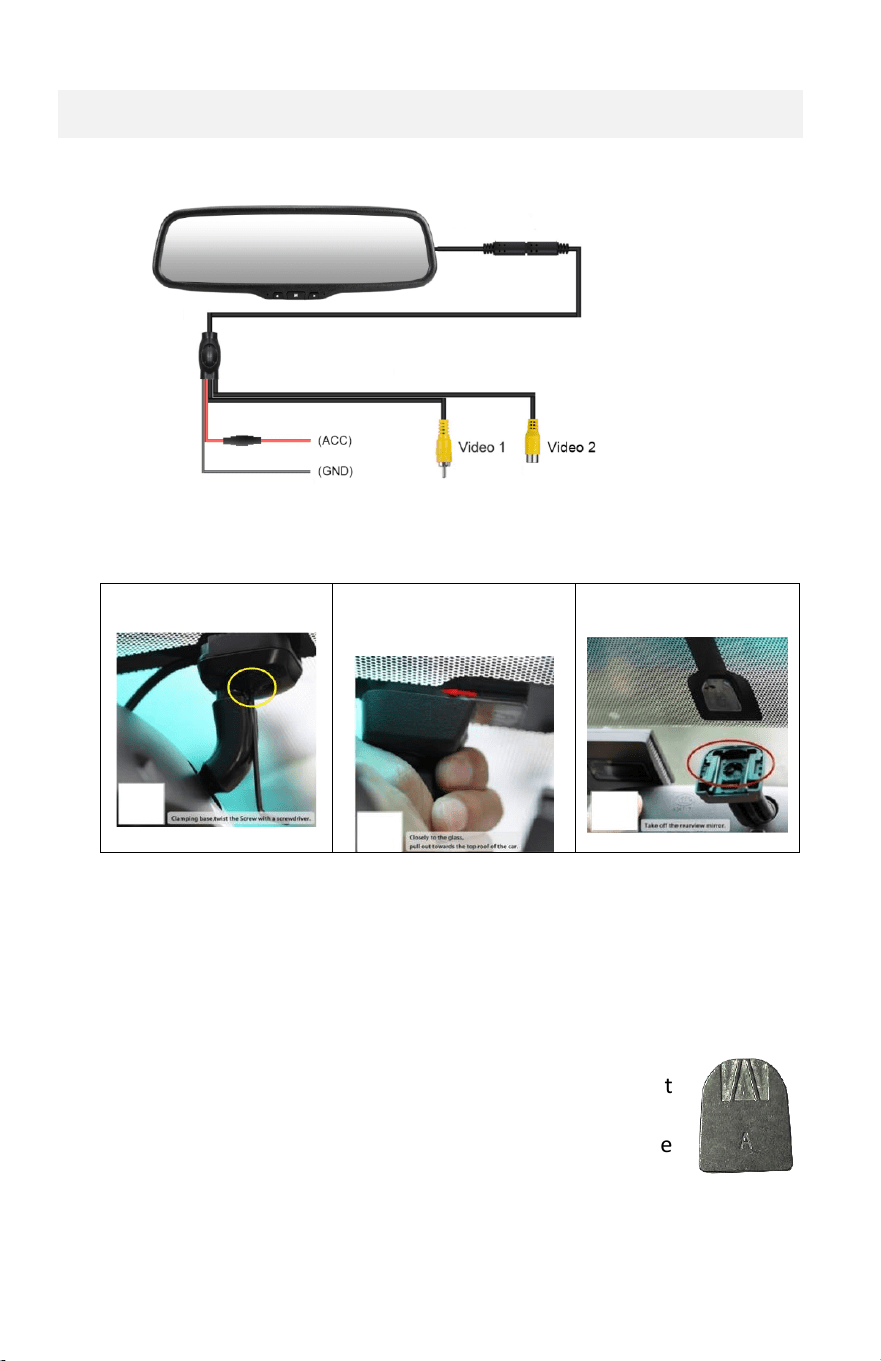
• Wiring / Connections
• Replace your original rearview mirror
Step 1. Remove original mirror from the windshield.
Loosen the set screw
Hold close to the glass
Slide up against
windshield
Remove the mirror
Step 2. VTM51M installation. Reverse of a mirror removal.
• Attach the universal mount to the mirror
• Slide in the universal bracket over the mount
• Tighten the set screw.
Note:
• The universal mount does not fit the bracket
(metal plate shape is different).
Remove the original mount from the
windshield
and use the included mount.
4
Monitor Operation
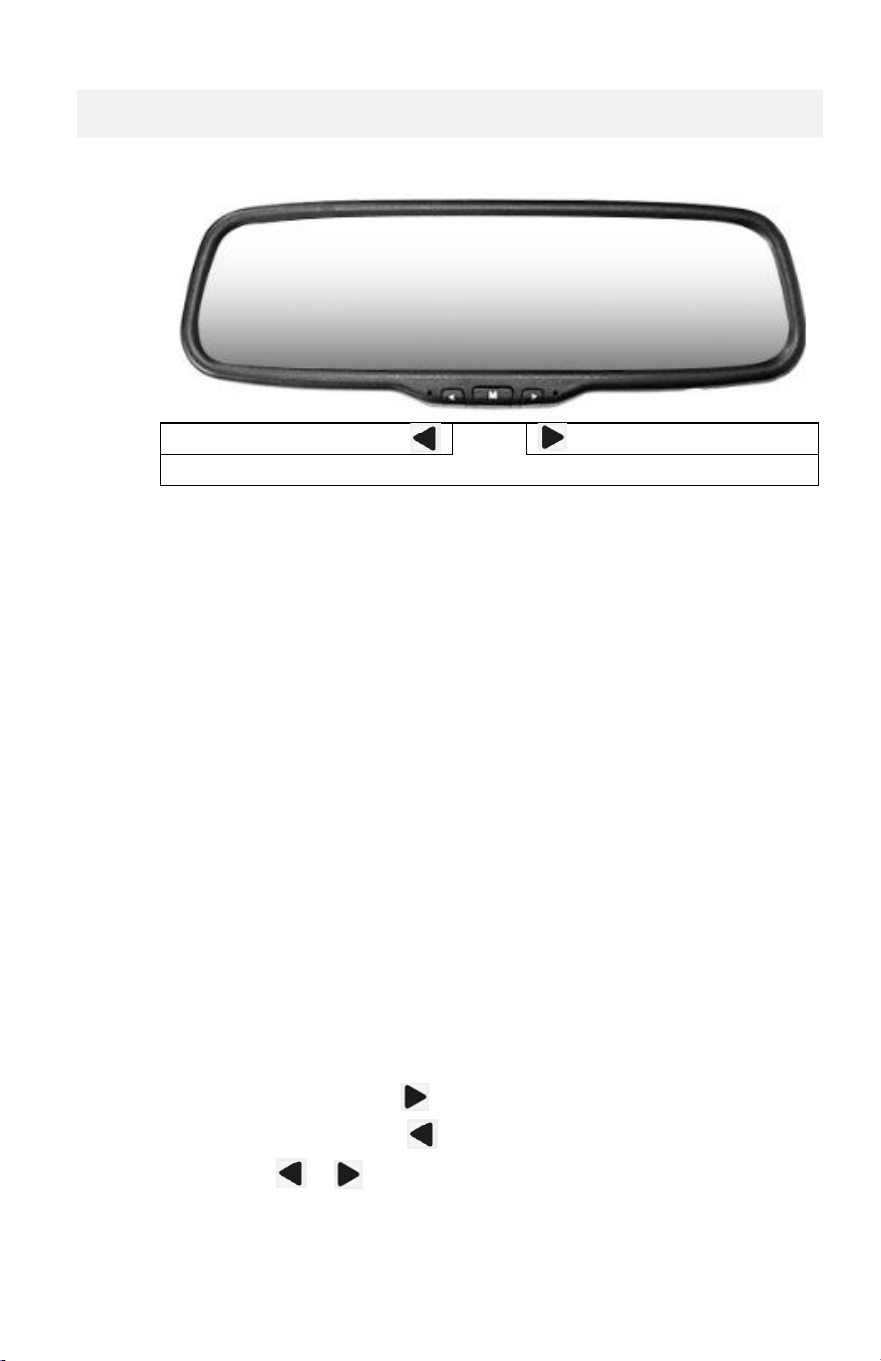
Buttons:
( Adjust - )
M
( Adjust + )
Power on/off & Menu
Monitoring:
• The monitor detects video signal.
• When the video input port 1 detects the video signal, it will
automatically display the video input 1.
• When the video input port 2 detects the video signal, it will
automatically display the video input 2.
• The video input 2 will override the video input 1 if video input port 1
has video signal.
Power ON/OFF:
• Long Press: Press down and hold the “M” button to turn the display
on or off.
Changes Settings:
• Short Press: Press the “M” button to show menu options.
Menu Options: Brightness, Contrast, Color, Sharpness, Reset
To increase the value, press .
To decrease the value, press .
To reset, press or .

5
Troubleshooting
1. No backup camera video. The backup camera is connected and
powered.
Possibility 1: Camera has no power. Please check voltage to the
camera.
Possibility 2: Bad video extension cable or connector. Please test
with another video extension.
Possibility 3: Bad camera. Test the camera with another monitor.
Possibility 3: Wrong video input connection. Check if the camera is
connected to the video input 2. When the backup
camera is connected to video input 1 and the monitor
display is turned off, it will not display.
Possibility 4: Bad monitor. Check the camera with another monitor.
2. Video noise. Video is having random spots, waves, etc. Camera
related issue.
Please check video camera and cable.
Static video noise. You may need 12V filter to for the
camera power.
Bad video connector (e.g., RCA Jack). Use good quality
3. Bad picture color.
Possibility 1: Incorrect color settings. Using the menu options…
Reset the monitor and adjust the display brightness,
color, and contrast.
Possibility 2: Bad camera. Check the camera with another monitor
to verify camera video quality.

6
WARRANTY INFORMATION
This limited warranty is given to the end-user or the retail purchaser (referred to
this warranty as “Original Purchaser”) that it will be free from defects in material
and workmanship for a period of one year from the date of the purchase of the
new product (excluding cameras).
This limited warranty does not cover any physical damage to, or misuse of, this
product, damage caused by improper installation; improper use; misuse; neglect;
repair of cracked, scratched, broken or modified cosmetics; or parts that have
been altered or removed; damages done by another device used with this
product resulting from use of non BOYO®- brand parts. This warranty is VOID if
you purchased this product as used, floor model sample, or refurbished; if the
product has been altered or modified in any way (including but not limited to
attempted repair without authorization from BOYO®- Vision Tech America, Inc.
and/or alteration/removal of the serial number).
For warranty information, visit: https://www.visiontechamerica.com/get-
warranty
For technical support: Call: (888) 941-3060
Email: info@visiontechamerica.com
Visit: www.VisionTechAmerica.com