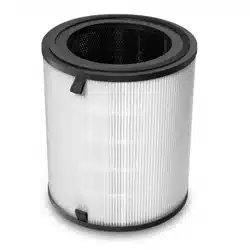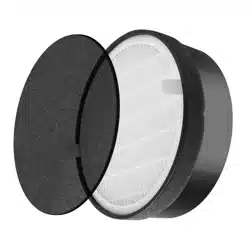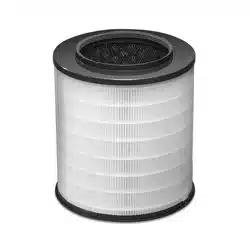

Thank you for purchasing the Levoit LV-H126-RF Personal True HEPA Replacement Filters.
These filters are made for the Levoit LV-H126 Air Purifier. If you have any questions or
concerns, please reach out to us at support@levoit.com.
Personal True HEPA Replacement Filters
Model: LV-H126-RF
SAFETY INFORMATION
Follow all safety guidelines. Read all instructions before using.
• Do not allow children to play with the plastic wrapping. Immediately
discard the wrapping after opening the filters.
• A damaged filter may not properly filter air. Contact Customer Support
immediately if you have received a damaged filter.
Note:
• Do not clean the filters with water or other liquids.
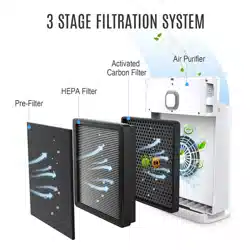
• The Activated Carbon Pre-Filter should be replaced about every 2–3
months. The True HEPA Combination Filter should be replaced every
6–8 months.
JJ0420GY-M1_0420LV-H126-RF
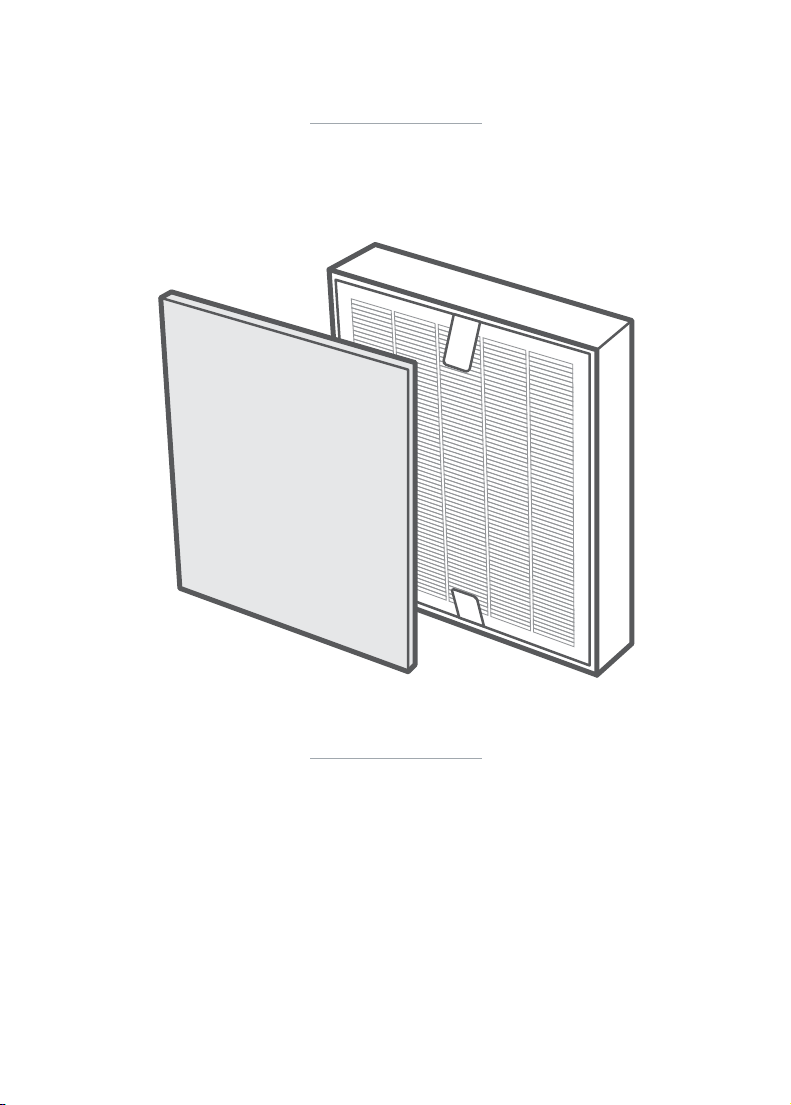
Thank you for purchasing the Levoit LV-H126-RF Personal True HEPA Replacement Filters.
These filters are made for the Levoit LV-H126 Air Purifier. If you have any questions or
concerns, please reach out to us at [email protected].
Personal True HEPA Replacement Filters
Model: LV-H126-RF
SAFETY INFORMATION
Follow all safety guidelines. Read all instructions before using.
• Do not allow children to play with the plastic wrapping. Immediately
discard the wrapping after opening the filters.
• A damaged filter may not properly filter air. Contact Customer Support
immediately if you have received a damaged filter.
Note:
• Do not clean the filters with water or other liquids.
• The Activated Carbon Pre-Filter should be replaced about every 2–3
months. The True HEPA Combination Filter should be replaced every
6–8 months.
JJ0420GY-M1_0420LV-H126-RF
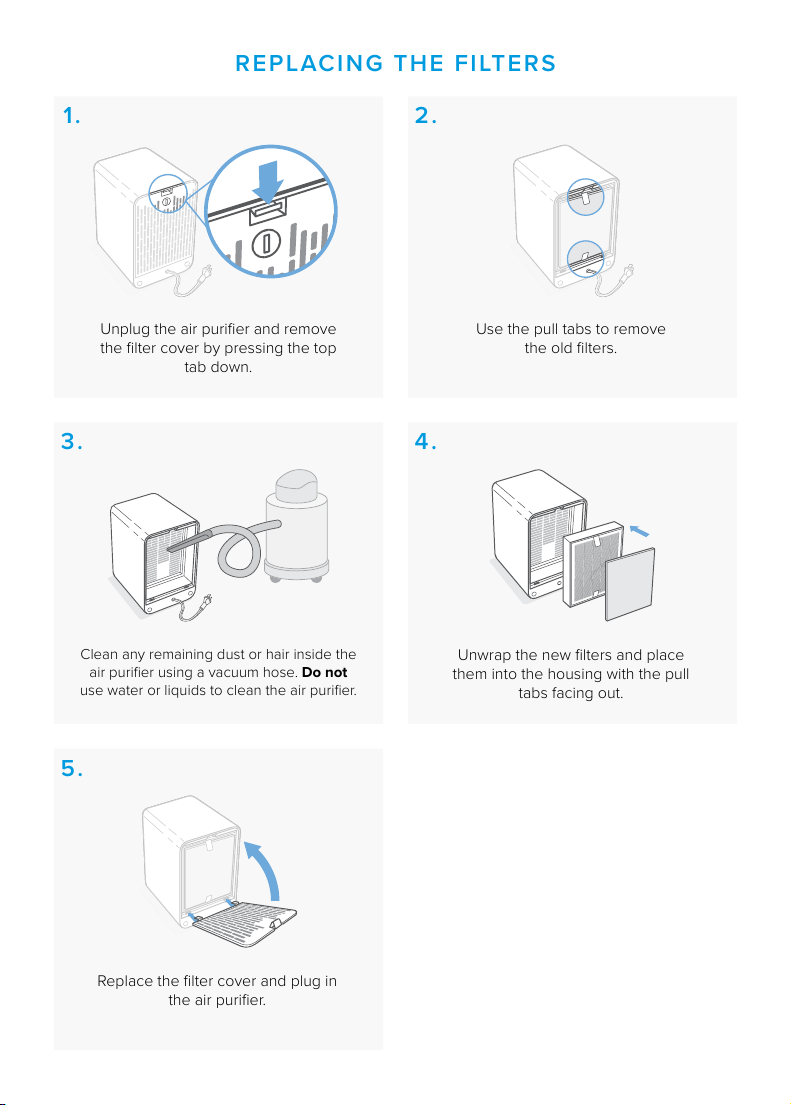
Unplug the air purifier and remove
the filter cover by pressing the top
tab down.
Clean any remaining dust or hair inside the
air purifier using a vacuum hose. Do not
use water or liquids to clean the air purifier.
Use the pull tabs to remove
the old filters.
Unwrap the new filters and place
them into the housing with the pull
tabs facing out.
Replace the filter cover and plug in
the air purifier.
REPLACING THE FILTERS
1. 2.
3.
5.
4.
Arovast Corporation
1202 N. Miller St., Suite A
Anaheim, CA 92806
Email: support@levoit.com
Toll-Free: (888) 726-8520
Customer Support
Mon–Fri, 9:00 am–5:00 pm PST/PDT
Support Hours
*Please have your order invoice and order ID ready before
contacting Customer Support.
To maintain the performance of your air purifier,
only use ocial Levoit filters. To buy replacement
filters, visit Levoit’s online store. Go to levoit.com
for more information.
PURCHASING
ADDITIONAL FILTERS
Unplug the air purifier and remove
the filter cover by pressing the top
tab down.
Clean any remaining dust or hair inside the
air purifier using a vacuum hose. Do not
use water or liquids to clean the air purifier.
Use the pull tabs to remove
the old filters.
Unwrap the new filters and place
them into the housing with the pull
tabs facing out.
Replace the filter cover and plug in
the air purifier.
REPLACING THE FILTERS
1. 2.
3.
5.
4.
Arovast Corporation
1202 N. Miller St., Suite A
Anaheim, CA 92806
Email: support@levoit.com
Toll-Free: (888) 726-8520
Customer Support
Mon–Fri, 9:00 am–5:00 pm PST/PDT
Support Hours
*Please have your order invoice and order ID ready before
contacting Customer Support.
To maintain the performance of your air purifier,
only use ocial Levoit filters. To buy replacement
filters, visit Levoit’s online store. Go to levoit.com
for more information.
PURCHASING
ADDITIONAL FILTERS