1. Please make sure the power knob shutdown before you connect
G3/G5 to power supply, avoid generating electric sparks although
this is normal without any security issues.
2. Default OPTIONAL 19V power supply enough to drive most home
speakers. If you buy the version without power supply or want
higher output, please prepare high-quality power supply by
yourself. Powered by 24V power supply(4Ω load), the actual
output power can reach 100W.
3. Before turning on the amp, please make sure the volume knob
at the leftmost end, avoid high volume ( high output power )
damaging your speakers.
4. Noise may be caused by poor audio cables, sound sources,
speakers, speaker cables, interference sources, poor contacts
and the device itself. How to determine the reason: 1) remove
all input cables and make sure no interference sources around
such as routers; 2) connect the amp to speakers; 3) connect the
amp to power supply correctly and turn on the amp; 4) if noise
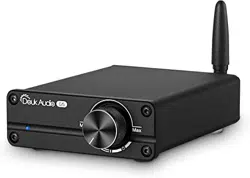
G3/G5 100W Bluetooth
Digital Stereo Power Amplifier
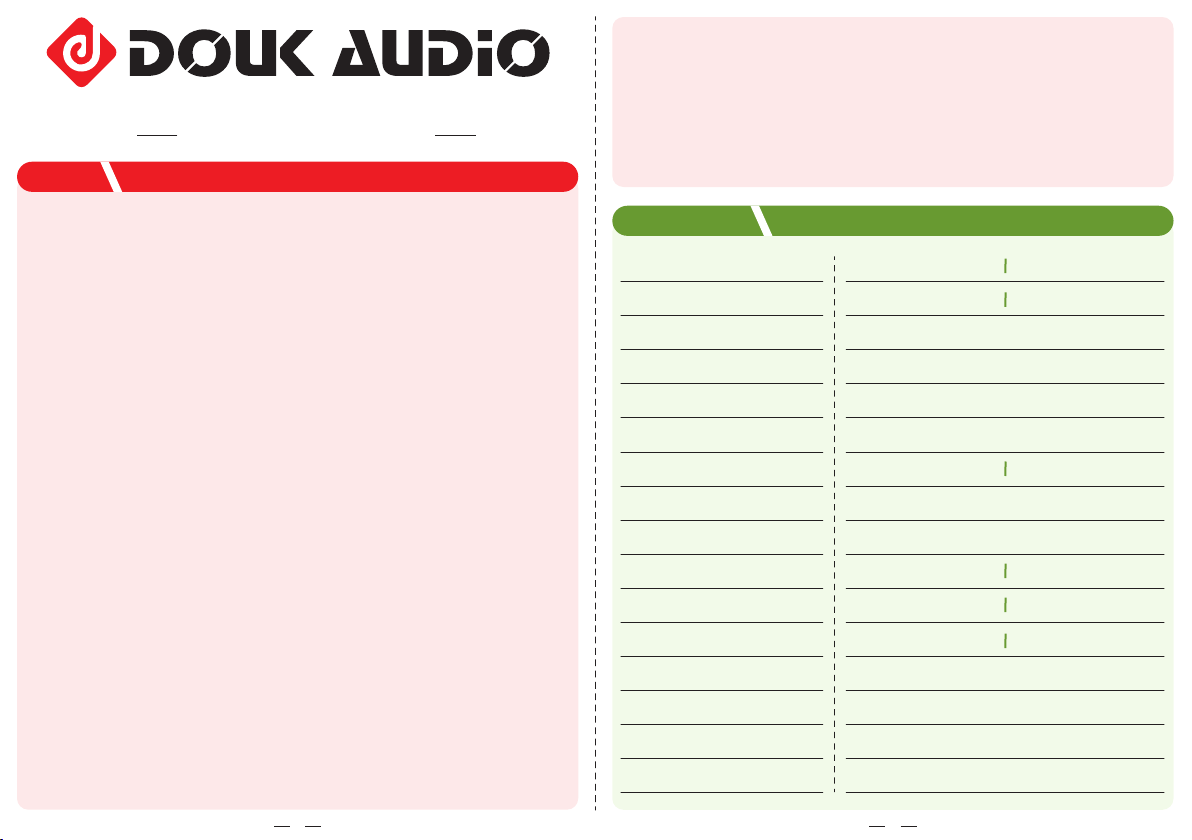
NOTICE
PARAMETERS
1
Model
Treble and Bass Control
Audio input
Audio output
Max output power
Power amp chip
Op amp
Speaker impedance
Matched loudspeakers
Frequency response
THD
SNR
Working Voltage
Default power supply(optional)
Dimensions(L*W*H)
Net Weight
3.5mm AUX & Bluetooth
Banana speaker jacks
100W(24V, 4Ω load)
TPA3116
4-8Ω
3-8 inch 10-150W
DC12-24V (5.5mm / 2.5mm)
19V
105 x 85 x 30mm / 4.13 x 3.35 x 1.18in
260g / 0.57lb
18Hz-25KHz
0.002%(1KHz)
101dB
3*TL072
G3
Yes
G5
No
2*TL072
20Hz-22KHz
0.001%(1KHz)
103dB
2
exists, then problem may be the amp, power supply, speakers
or speaker cables. Please use another speaker, speaker cables
or power supply to check one by one for further determination; 5)
if no noise, please use other audio cables or audio sources for
further determination.
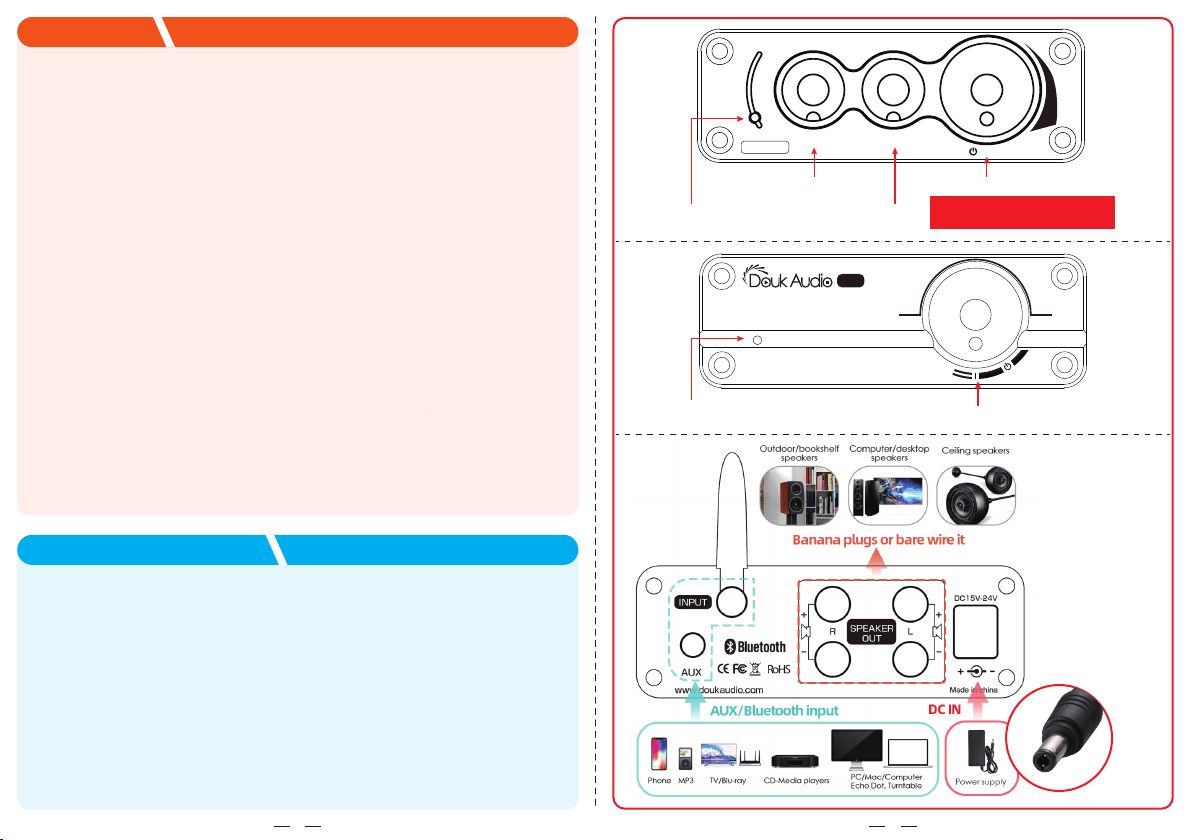
1. Please connect power adapter to G3/G5 firstly and then plug the
power cord to the socket, and connect proper passive speakers
to the G3's or G5’s output.
2. Wired input(3.5mm AUX):
Rotate the power knob to turn it on and power indicator will be
steady on, then connect your audio device to the amp with
high-quality 3.5mm cable.
3. Wireless input (Bluetooth):
Rotate the power knob to turn it on, power indicator will be steady
on, then search amp Bluetooth on your phone and click to
successfully connect.
4. Then you can rotate the knob to adjust proper volume, and adjust
treble and bass control (only for G3 version) to enjoy HiFi music.
HOW TO USE
Address: Room 1329, Wang Cheng Building, Long Guan street,
Long Hua new District, Shenzhen, Guang Dong, China
Contact: LIU CHENXI
Tel: +86-18570015672
Email: [email protected]
CONTACT INFORMATION
3
4
BASS TREBLE
/VOL
Model:G3
+
-
Douk Audio
V
O
L
U
M
E
G5
Min Max
Power indicator
Power indicator
Power switch / Volume knob
BASS knob
TREBLE knob
Multi-function knob
Rotating to adjust the volume
(Turn left end is Shutdown)
5.5mm/2.5mm
