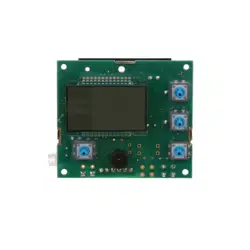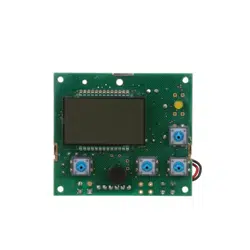
ELECTRONIC CONTROL BOARD (PWA) REPLACEMENT
7303255 (Rev. B 8/3/09)
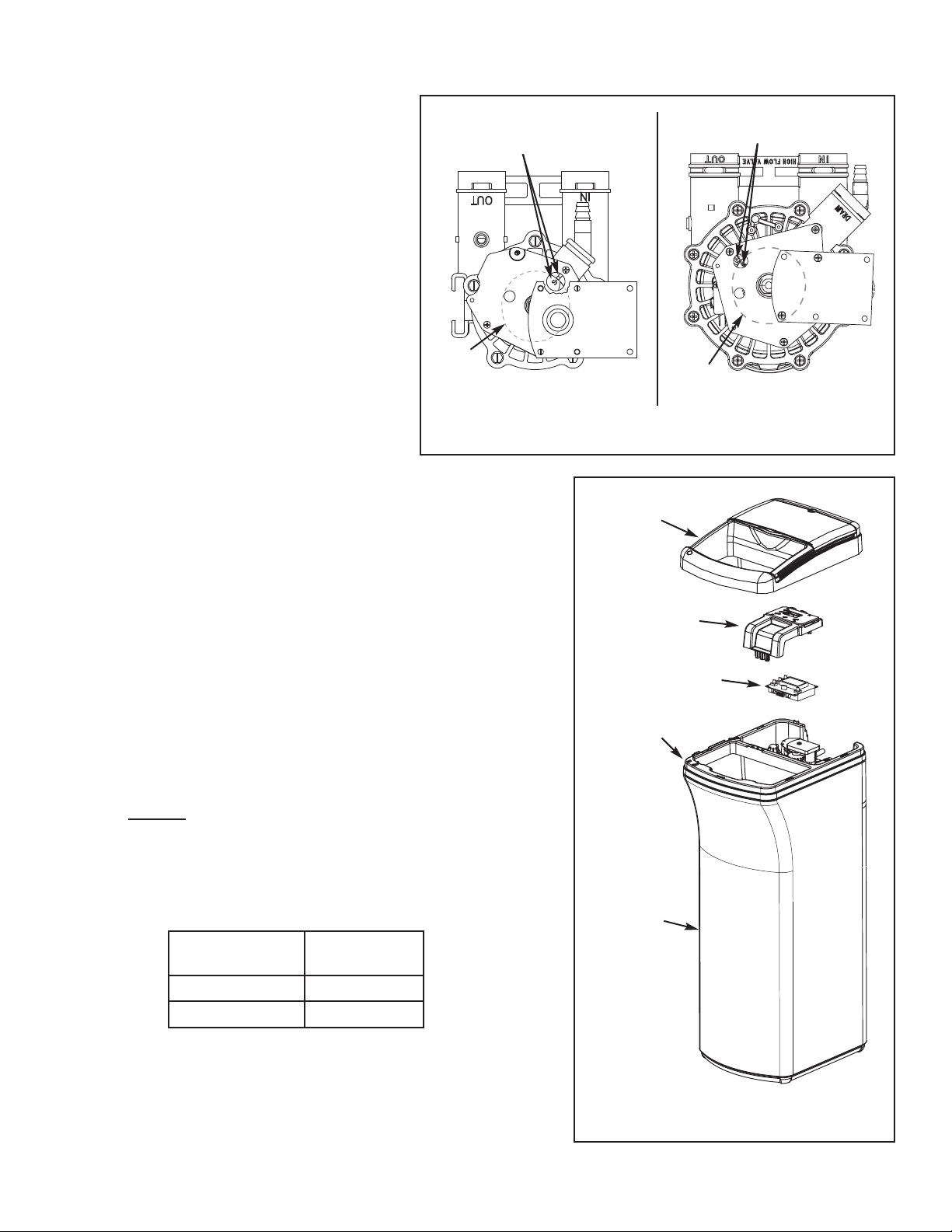
IMPORTANT: BE SURE THE VALVE CAM INDI-
CATES “SERVICE” POSITION (See Figure 1)
WHEN REPLACING THE ELECTRONIC
CONTROL BOARD (PWA), TO ASSURE BOTH
VALVE AND PWA ARE ORIENTED, OR TIMED,
TO THE SAME CYCLE. If the valve is not in
Service position, see step 16 on page 2.
NOTE: When installing the electronic control board
(PWA) on the faceplate, use care not to twist the
circuit board, or force it onto the mounting pegs.
Twisting could damage the printed circuits, or break
the display glass.
1. Unplug the water softener’s transformer from
electrical power.
2. Slide open the salt cover and remove the top
cover assembly (See Figure 2). Unsnap it from
the tank rim by pushing in the two retainer tabs
inside the front of the salt opening.
3. Lift up the faceplate assembly (See Figure 2) to
expose the valve.
4. Unplug the wiring connections from the back of the old Electronic
Control Board (See Figure 3 on page 2).
5. Lay the faceplate assembly face down and carefully remove the old
board by unsnapping it from its retainer tabs.
6. Carefully snap the new Electronic Control Board into the retainer
tabs.
7. Reconnect the wiring to the new board (See Figure 3 on page 2).
8. Put faceplate assembly back into place on the tank rim (See Figure
2).
9. Snap the top cover assembly back into place on tank rim and slide
the salt hole cover closed.
10. Plug the transformer into the electrical outlet. A model code and a
test number shows in the display for a few seconds.
NOTE: If “- - - -” shows in the display, press the
UP or DOWN
button to set the model code.
11. If the correct model code for your softener did not display when the
transformer was first plugged in, set the model code as follows:
Press and hold
the SELECT button until “000 - -” shows. Then
press the SELECT button again until a model code (example:
“E7130”) shows.
12. Use the
UP or DOWN buttons to set the correct model code
for your softener (see table below). Then press the SELECT button
to set, and change to the flashing “SET TIME” display.
Figure 2
Electronic
Control Board
Salt
Storage
Tank
Faceplate
Assembly
Top Cover
Assembly
Tank Rim
1
Model Number
Model Code
to select
EP 7130 E7130
EP 7140 E7140
13. Press the UP or DOWN buttons to set the present time. Up
moves the display ahead; down sets the time back. Be sure AM or
PM is correct.
NOTE: Press buttons and quickly release to slowly advance the display.
Hold the buttons down for fast advance.
continued on page 2
Figure 1
Position markers
(valve in service)
CAM
MOTOR
3/4” Valve
1” Valve
MOTOR
CAM
Position markers
(valve in service)
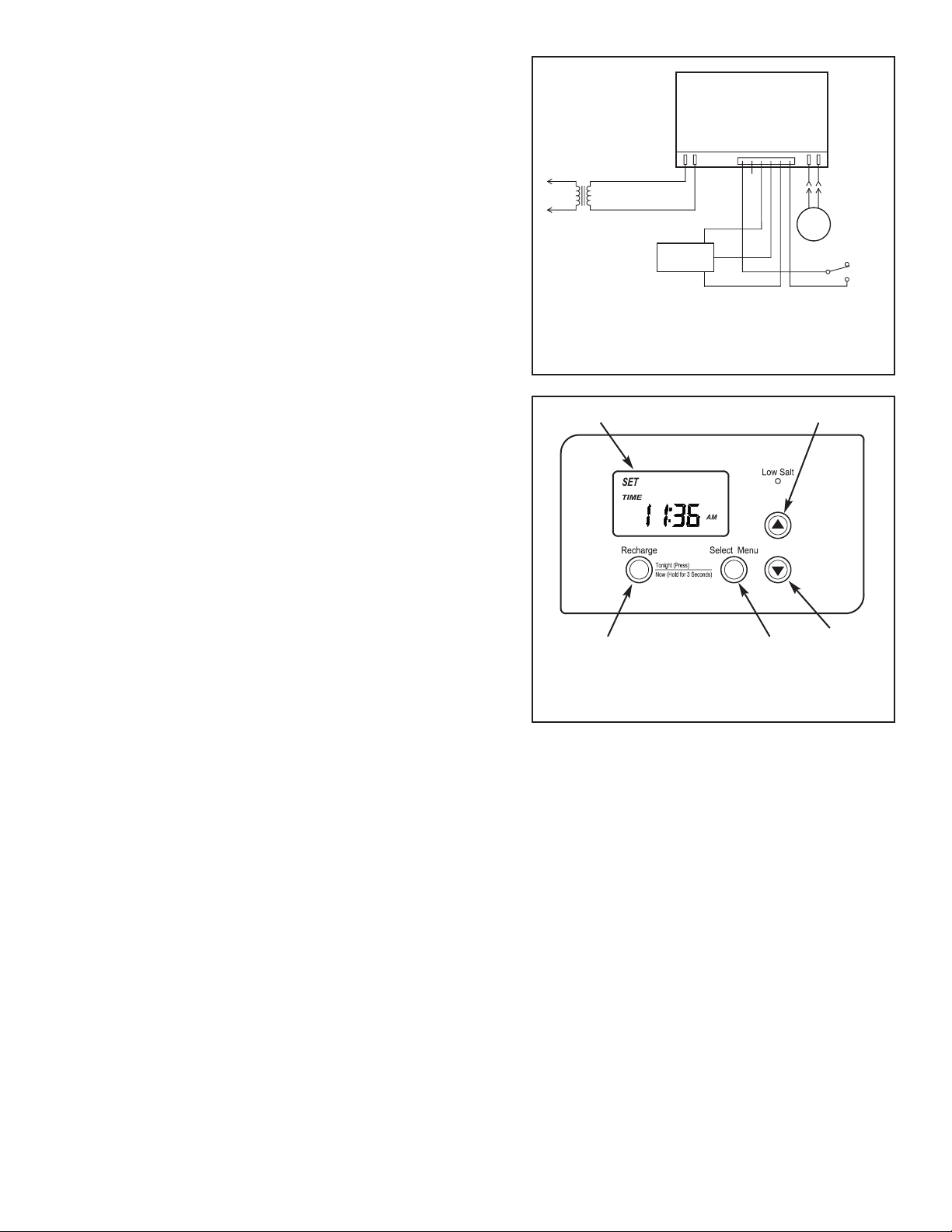
Figure 3
Trans-
former
Back of Electronic
Control Board
Valve
Motor
Turbine
Sensor
Valve Position
Switch
continued from page 1
14. Press the SELECT button a few times, until the time
appears on the display, but is not flashing.
15. For information about programming additional features of the
softener, consult your owner’s manual.
16. If the valve is not in Service position, press the RECHARGE
button and hold for 3 seconds to start a recharge cycle. The
display will flash “RECHARGE NOW.” In about 2 hours the
recharge cycle will be complete and the valve and electronic
control board will be properly oriented together.
NOTE: To save time, use the manual advance procedures to
properly time and check operation. See service informa-
tion in the manual.
2
Figure 4
RECHARGE
button
SELECT
button
Display
DOWN
button
UP button