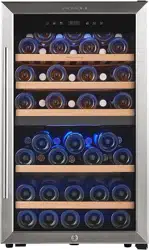

Video:
(https://youtu.be/WaWXHRCmoGk)
Steps:
1) Touch "zone select" button, then the "upper zone display" will flash.
2) Touch "temp. up" or "temp. down" button to set the temp. for the upper zone.
3) Again, touch "zone select" button, then the "bottom zone display" will flash.
4) Touch "temp. up" or "temp. down" button to set the temp. for the bottom zone.
Notes:
The digital is shown as the set temperature when you are setting the temperature,
and it will change to the actual temperature of the inside cabinet after 10 seconds
without being touched.
After 5-10 minutes, it will show the set temperature. and the "upper zone"
"bottom zone" icon will stop to flashing.
Touch the plus sign (+) and the minus sign (-) with 2 fingers at the same time and
hold for 5 seconds, you can interchange the Fahrenheit and Celsius display.
