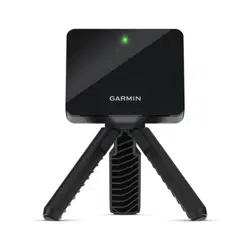
MOBILE LAUNCH MONITOR
user manual
Powered by: Rapsodo
Model No.: MLM 1.0
contents
What’s in the box
Unit Overview
Compatible Platforms
Powering and Charging
Connecting the Wireless
Hitting Your First Shot
Hitting Diagram
Care Instructions
Troubleshooting
Specifications
Downloading the Application
Warranty and Support weight
1
2
3
4
5
6
7
8
9
10
11
12
Getting Started
Getting to know the MLM App 6
1
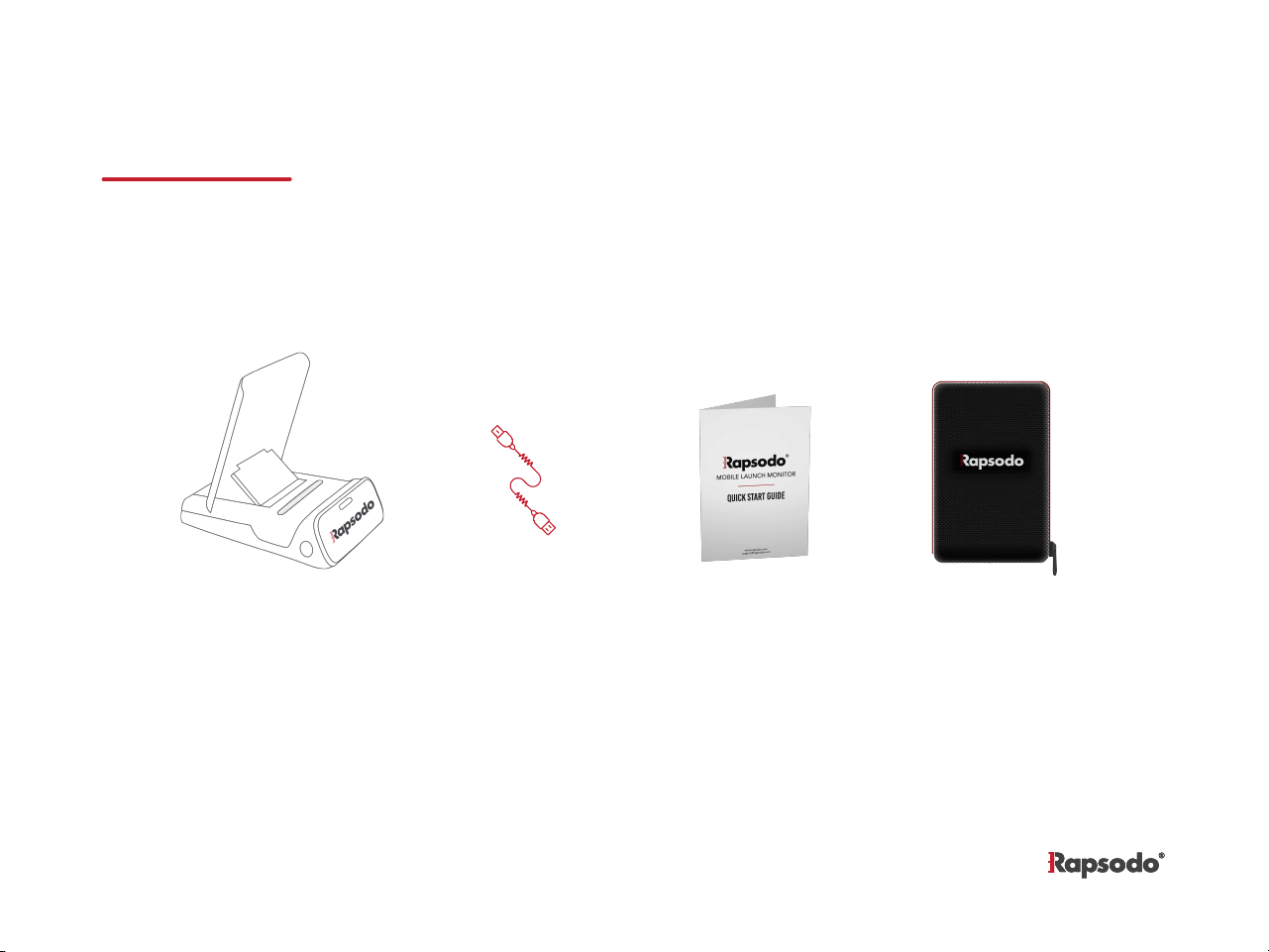
MLM Device USB Charging
Cable
Quick Start
Guide
Protective Case
what’s ınsıde the box
1
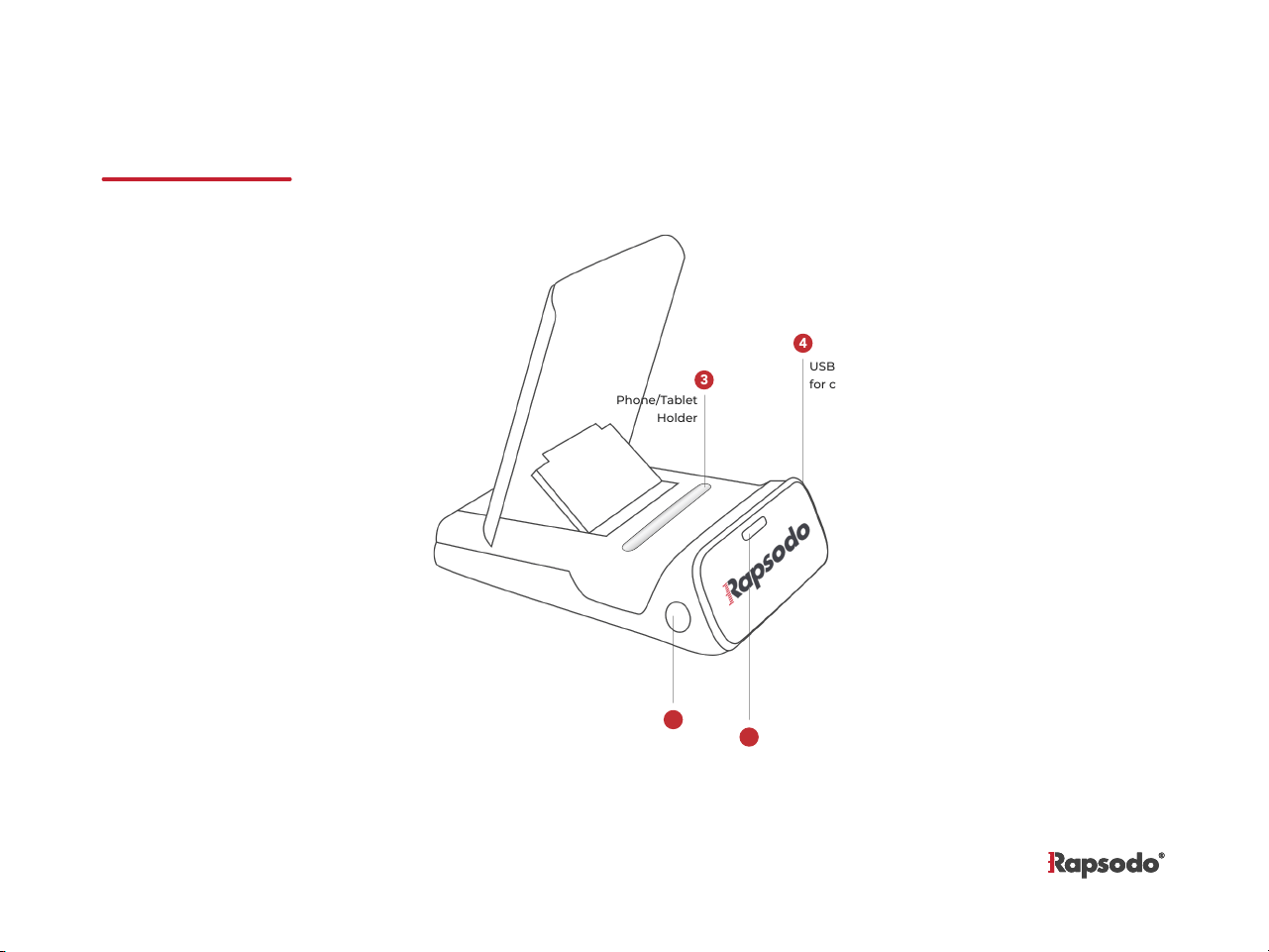
USB Port
for charging
LED
Indication
Phone/Tablet
Holder
On/Off
Button
overvıew
1
2
3
4
2
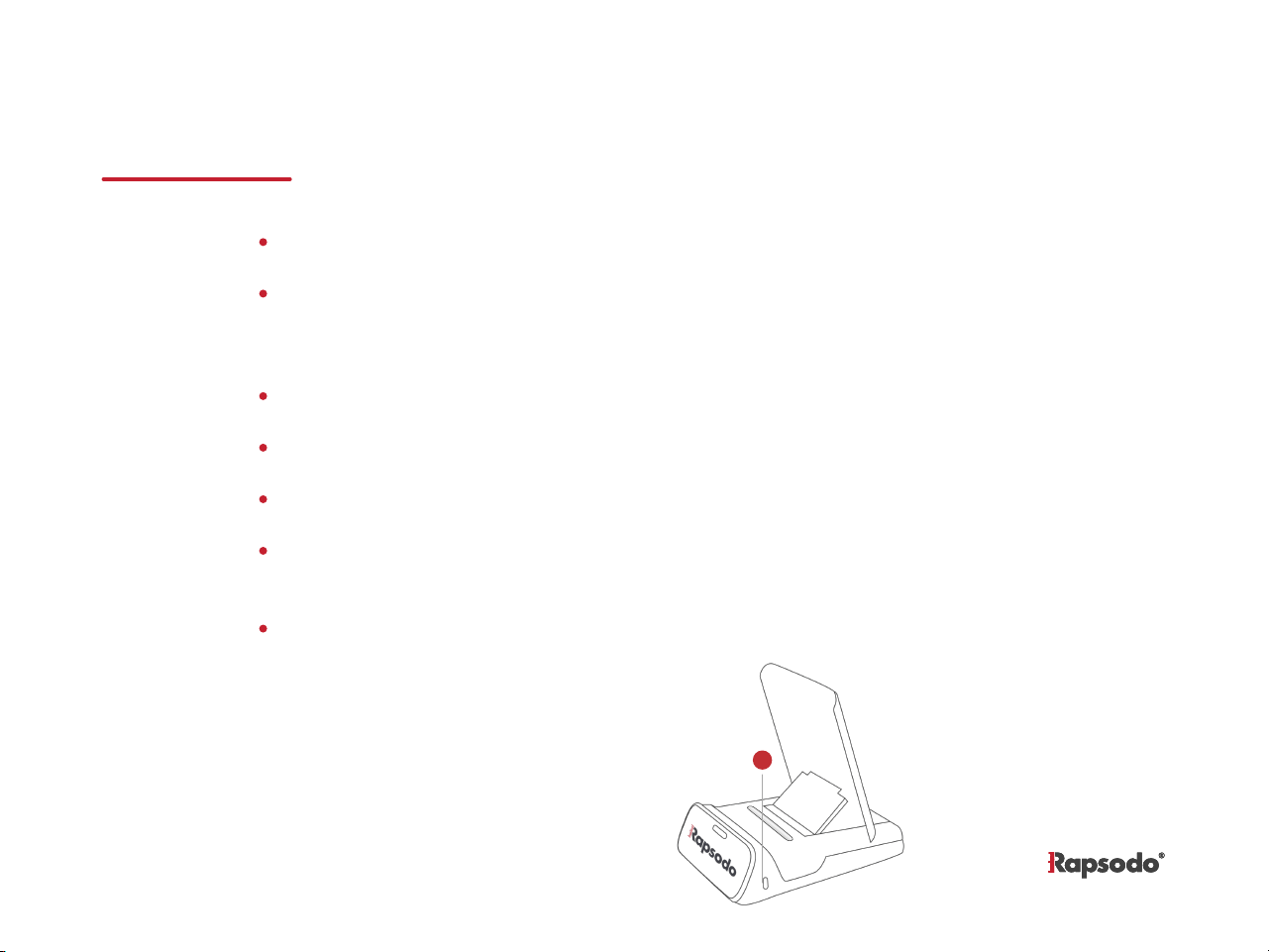
The MLM contains an internal lithium ion battery.
The battery can be charged by connecting the included USB cable between
the USB type C port on the device (located on the right side of the device)
and your computer’s USB port.
The battery should be charged for 6 hours before using the device for the first time.
The device LED will show AMBER indicating the device is being charged
The LED indication will switch off indicating the unit has been fully charged.
The LED indication will blink red indicating the battery charge is getting low and
internal battery should be recharged
Under normal operating conditions, a new battery should last 4 hours on a full charge.
Charging the device
USB Type C
Port
1
3
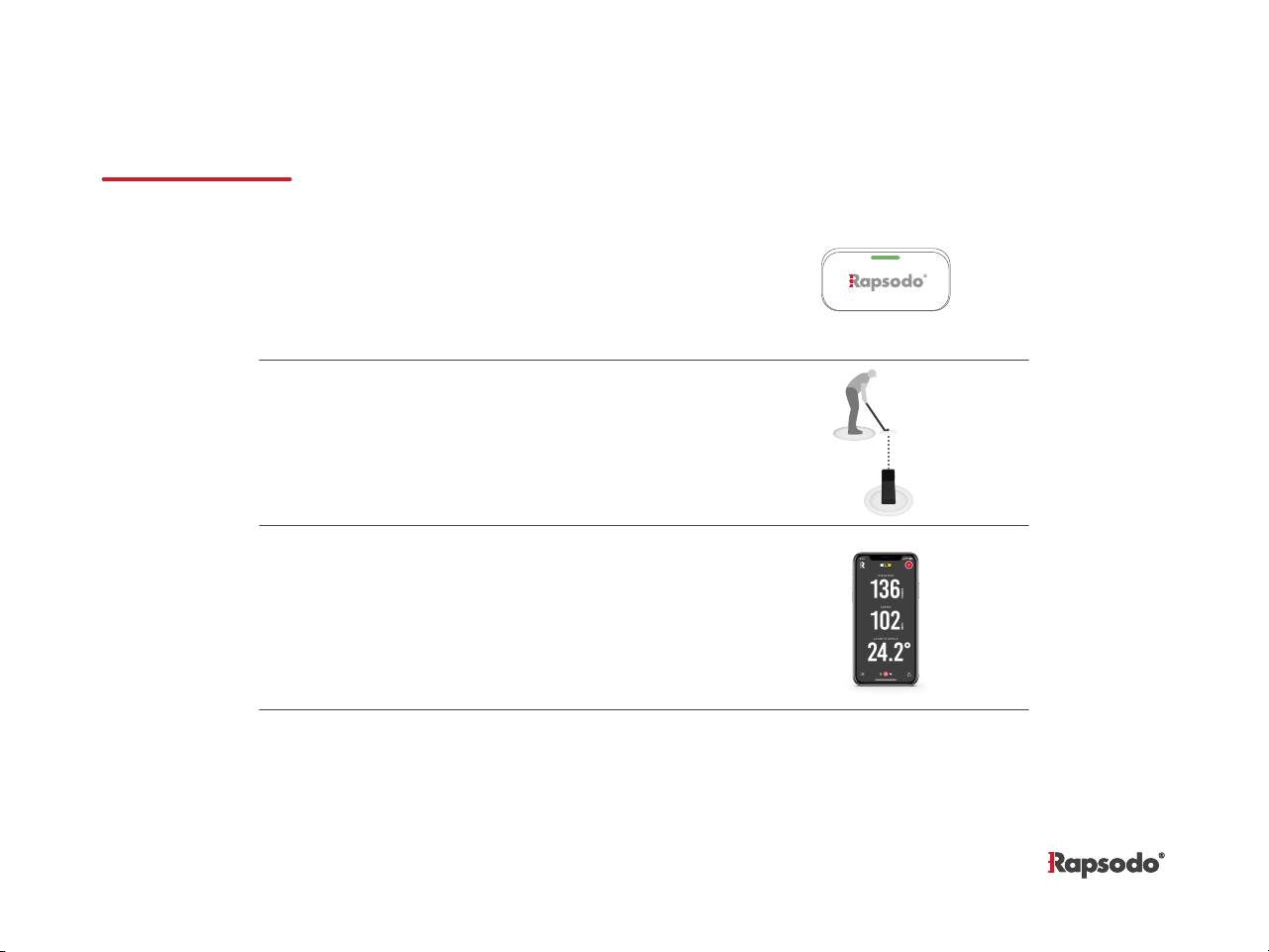
PAIRING THE DEVICE
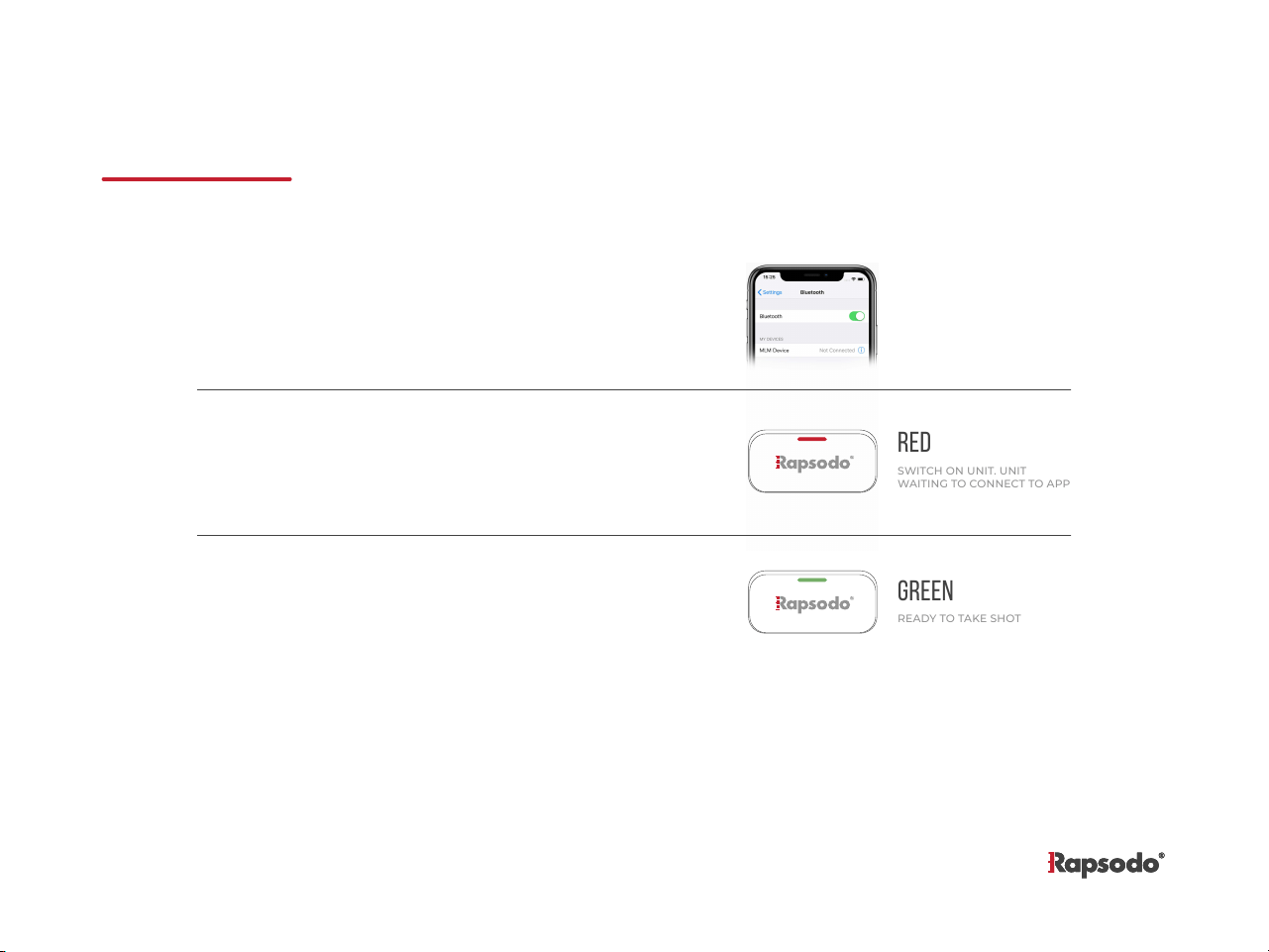
GREEN
READY TO TAKE SHOT
red
SWITCH ON UNIT. UNIT
WAITING TO CONNECT TO APP
1.
2.
3.
On your mobile device, turn on Bluetooth feature.
Make sure that MLM unit is powered on.
When LED on MLM turns red, start the MLM
application on your mobile device. You can go to
rapsodo.com/downloads to download the application.
Once the MLM unit detects the connection from
the application, the LED will turn green.
4
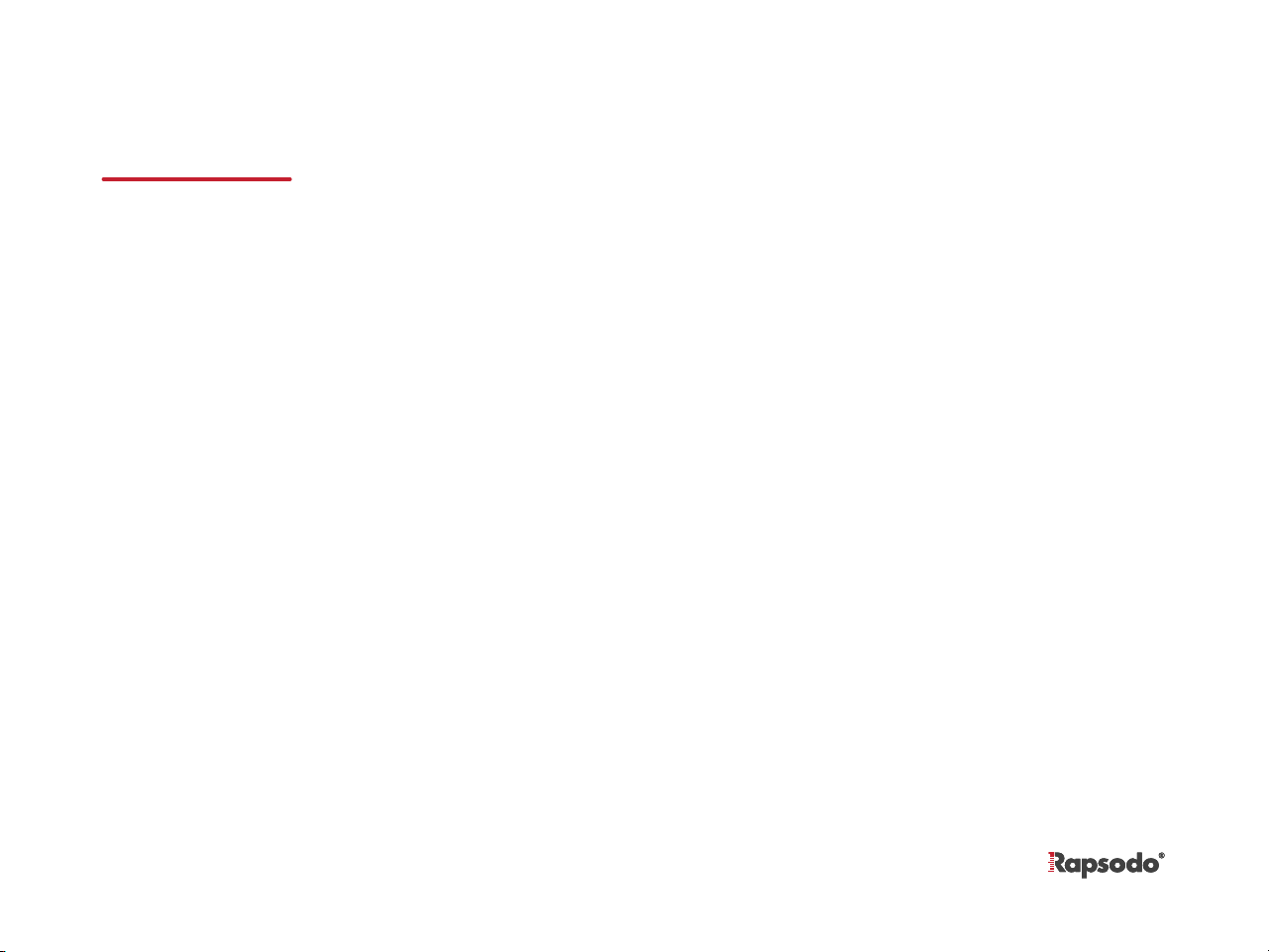
DEVICE PLACEMENT AND SETUP
1.
2.
3.
Once the MLM unit is connected and displays the
green LED, place the golf ball or tee approx. 8 ft
away from the unit.
Make sure the MLM unit is placed on the same
level as the hitting surface.
When the ball is hit, LED blinks blue and you can
view your data in the application.
4.
The LED will turn green again when the unit is
ready for you to hit your next shot
5
aprox.
8 ft / 2.4 m
calıbratıon / Auto-Calibratıon
6
The MLM is ready to use out of the box and does not require calibration.
*New mobile devices may require manual calibration prior to first use. Please see www.rapsodo.com/faq for more details.
troubleshooting
7
When charging, Power
LED does not come on
Press the Power button and hold for 5 seconds. Make sure
the USB cable has power. Try other ports on your
computer to verify your charging cable is working.
Battery is low. Connect the USB cable and charge the unit.
The Power LED will turn OFF when the unit is charged.
Make sure to start the application AFTER turning on the
MLM. MLM LEDs show connected only when the application
is open.
Be sure to position the MLM unit 8 feet behind the ball and
ensure the unit sits level with the hitting surface. Please contact
support@rapsodo.com if your results still seem inaccurate.
Power LED is red and
unit turns off after 15
seconds
LED is not
turning green
Results seem
inaccurate
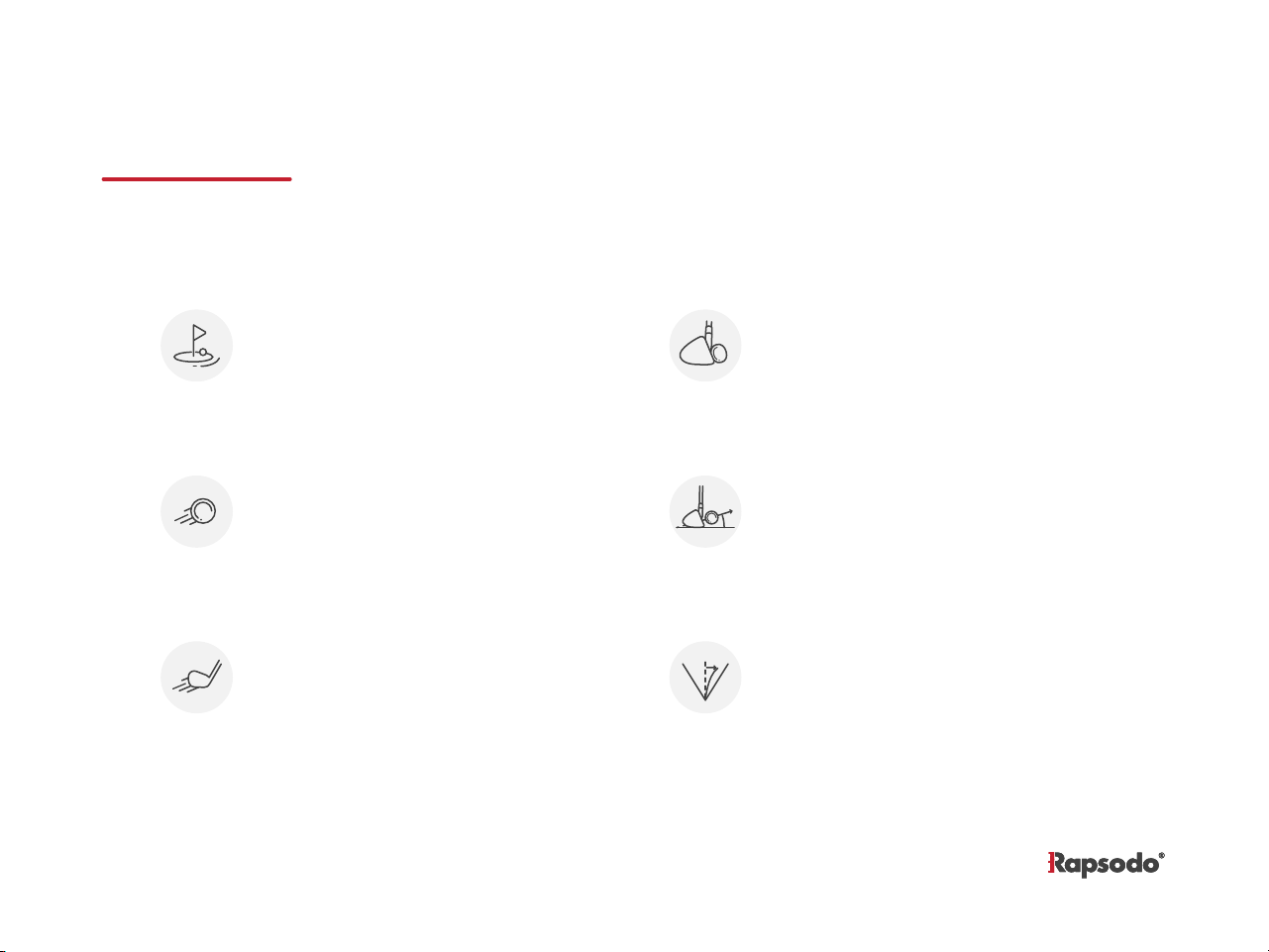
Carry
Total distance travelled from impact
to landing. MLM estimates this based
on your initial launch conditions,
a level surface is assumed.
Club Head Speed
Speed of your club moments before
impact
Ball Speed
Exit speed of the ball immediately
after impact
Smash Factor
Ball Speed divided by club speed. The
higher your smash factor, the more
efficiently you transfer energy from
club to ball.
Launch Angle
Angle of your ball relative to the ground.
Combined with ball speed, will be main
components to determine shot distance.
Launch Direction
Measure how far from ideal line your shot
lands. Center of your camera assumed to
be zero degrees.
Measurements
8
general information
Mobile Launch Monitor (MLM) is designed and produced by Rapsodo Pte. Ltd.
Do not use MLM golf hardware in Wet Conditions
Your MLM device is not water-resistant. Do NOT use the device under rain, water exposure or wet environments, as the product may
get damaged.
App Updates
Rapsodo will periodically update and improve the features of the mobile app. It is recommended that users regularly download the
latest version to make for the highest performance.
Return Policy and Warranty
Rapsodo provides a (1) one-year limited warranty for manufacturing defects. Under conditions of the warranty agreement, purchas-
ers will be entitled to repair or replacement for defective Rapsodo products. This warranty begins from the date of initial purchase.
Rapsodo may also choose to refund the purchase price of the product to the purchaser, at its sole discretion. Warranty detailed
information and return policy can be found online at
www.rapsodo.com/terms-of-use-mlm
Regulatory notice: Waste electrical and electronic equipment
The symbol on the product or its packaging signifies that this product has to be disposed separately from ordinary household
wastes at its end of life. Please kindly be aware that this is your responsibility to dispose electronic equipment at recycling centres in
order to help conserve natural resources. Each country in the European Union should have its collection centres for electrical and
electronic equipment recycling. For information about your recycling drop off point, please contact your local electrical and
electronic equipment waste management authority. Do not dispose of the Rapsodo device with household waste. Batteries are not
to be disposed of in municipal waste stream and require separate collection. Disposal of the packaging and your Rapsodo should be
done in accordance with local regulations.
9