ambertech.com.au • amber.co.nz
ambertech.com.au
amber.co.nz
Imported and distributed in Australia by
PRESENT IT
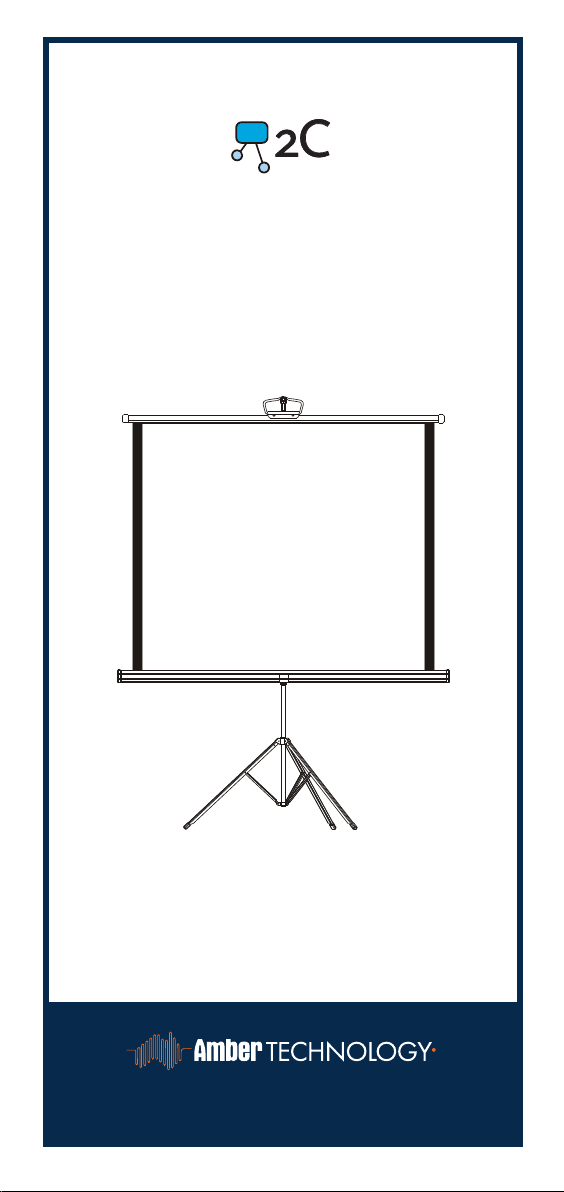
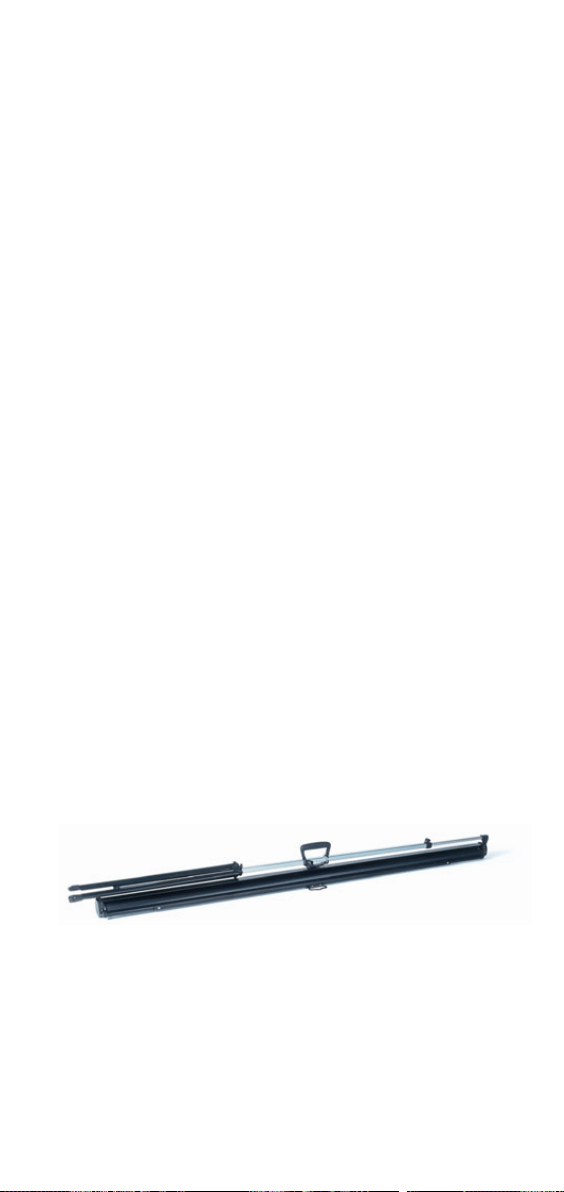
TRIPOD STAND
USER MANUAL
Product Model:
2C401 / 2C402 / 2C403
To the owner
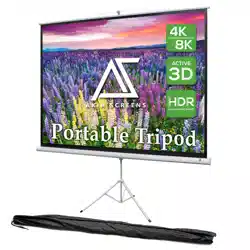
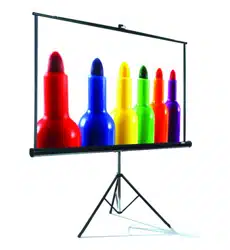
This screen is designed for education,
presentations or as a large computer monitor.
It will give you bright, portable images up to
2.5 metres wide.
Protecting your screen
Store the screen rolled up to protect the
surface material from damage.
Check the screen for dirt or other foreign
matter that may become trapped in the casing
before rolling back into the case.
Cleaning your screen
Clean the screen using warm water, a mild
detergent and a soft cloth. Dry the screen
before rolling back into the case.
Never use strong cleaners, solvents or abrasives
on the screen as this may damage the surface

To Set Up your Screen
1) Stand screen vertically holding handle.
2) Raise extension bar slightly to release the
case from the extension rod and swing case
anti-clockwise to a horizontal position.
You will need to unlock the extension bar by
pressing the extension rod release button (the
Heavy Duty model has a pull release button).
3) Open tripod legs (use toe release tag if fitted).
4) Pull up screen and place the hanger over the
holding hook.
5) Unlock and raise extension rod to desired
height.
6) You can also adjust the height of the case to
your desired height by releasing the case lock.
7) Your screen is now ready for your viewing
enjoyment.
3
4
7
To Pack-up Your Screen
1) The casing will need to be lowered or raised
to original position. (Use the top setting on the
Heavy Duty model).
2) Lower extension rod fully by releasing the
extension rod locking knob.
3) Unhook screen from hook and allow it to
retract fully into case.
TO AVOID DAMAGE TO SCREEN OR CASE,
DO NOT LET GO OF SCREEN AS IT RETRACTS.
4) Close tripod legs.
5) Swing case clockwise to vertical position.
6) Release and extend the screen extension
rod slightly and then lower again to clip the
screen case into locked position.
7) Your screen in now ready for easy transport.
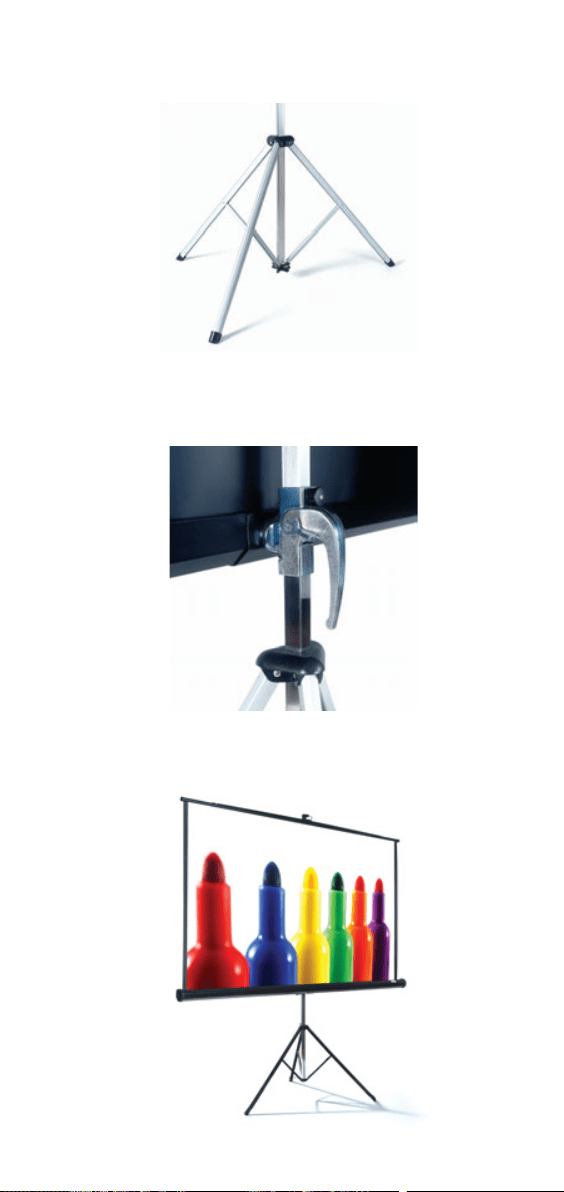
To Set Up your Screen
1) Stand screen vertically holding handle.
2) Raise extension bar slightly to release the
case from the extension rod and swing case
anti-clockwise to a horizontal position.
You will need to unlock the extension bar by
pressing the extension rod release button (the
Heavy Duty model has a pull release button).
3) Open tripod legs (use toe release tag if fitted).
4) Pull up screen and place the hanger over the
holding hook.
5) Unlock and raise extension rod to desired
height.
6) You can also adjust the height of the case to
your desired height by releasing the case lock.
7) Your screen is now ready for your viewing
enjoyment.
3
4
7
To Pack-up Your Screen
1) The casing will need to be lowered or raised
to original position. (Use the top setting on the
Heavy Duty model).
2) Lower extension rod fully by releasing the
extension rod locking knob.
3) Unhook screen from hook and allow it to
retract fully into case.
TO AVOID DAMAGE TO SCREEN OR CASE,
DO NOT LET GO OF SCREEN AS IT RETRACTS.
4) Close tripod legs.
5) Swing case clockwise to vertical position.
6) Release and extend the screen extension
rod slightly and then lower again to clip the
screen case into locked position.
7) Your screen in now ready for easy transport.
To Set Up your Screen
1) Stand screen vertically holding handle.
2) Raise extension bar slightly to release the
case from the extension rod and swing case
anti-clockwise to a horizontal position.
You will need to unlock the extension bar by
pressing the extension rod release button (the
Heavy Duty model has a pull release button).
3) Open tripod legs (use toe release tag if fitted).
4) Pull up screen and place the hanger over the
holding hook.
5) Unlock and raise extension rod to desired
height.
6) You can also adjust the height of the case to
your desired height by releasing the case lock.
7) Your screen is now ready for your viewing
enjoyment.
3
4
7
To Pack-up Your Screen
1) The casing will need to be lowered or raised
to original position. (Use the top setting on the
Heavy Duty model).
2) Lower extension rod fully by releasing the
extension rod locking knob.
3) Unhook screen from hook and allow it to
retract fully into case.
TO AVOID DAMAGE TO SCREEN OR CASE,
DO NOT LET GO OF SCREEN AS IT RETRACTS.
4) Close tripod legs.
5) Swing case clockwise to vertical position.
6) Release and extend the screen extension
rod slightly and then lower again to clip the
screen case into locked position.
7) Your screen in now ready for easy transport.

ambertech.com.au • amber.co.nz
ambertech.com.au
amber.co.nz
Imported and distributed in Australia by
PRESENT IT
TRIPOD STAND
USER MANUAL
Product Model:
2C401 / 2C402 / 2C403
To the owner
This screen is designed for education,
presentations or as a large computer monitor.
It will give you bright, portable images up to
2.5 metres wide.
Protecting your screen
Store the screen rolled up to protect the
surface material from damage.
Check the screen for dirt or other foreign
matter that may become trapped in the casing
before rolling back into the case.
Cleaning your screen
Clean the screen using warm water, a mild
detergent and a soft cloth. Dry the screen
before rolling back into the case.
Never use strong cleaners, solvents or abrasives
on the screen as this may damage the surface
ambertech.com.au • amber.co.nz
ambertech.com.au
amber.co.nz
Imported and distributed in Australia by
PRESENT IT
TRIPOD STAND
USER MANUAL
Product Model:
2C401 / 2C402 / 2C403
To the owner
This screen is designed for education,
presentations or as a large computer monitor.
It will give you bright, portable images up to
2.5 metres wide.
Protecting your screen
Store the screen rolled up to protect the
surface material from damage.
Check the screen for dirt or other foreign
matter that may become trapped in the casing
before rolling back into the case.
Cleaning your screen
Clean the screen using warm water, a mild
detergent and a soft cloth. Dry the screen
before rolling back into the case.
Never use strong cleaners, solvents or abrasives
on the screen as this may damage the surface