1
INSTRUCTION MANUAL
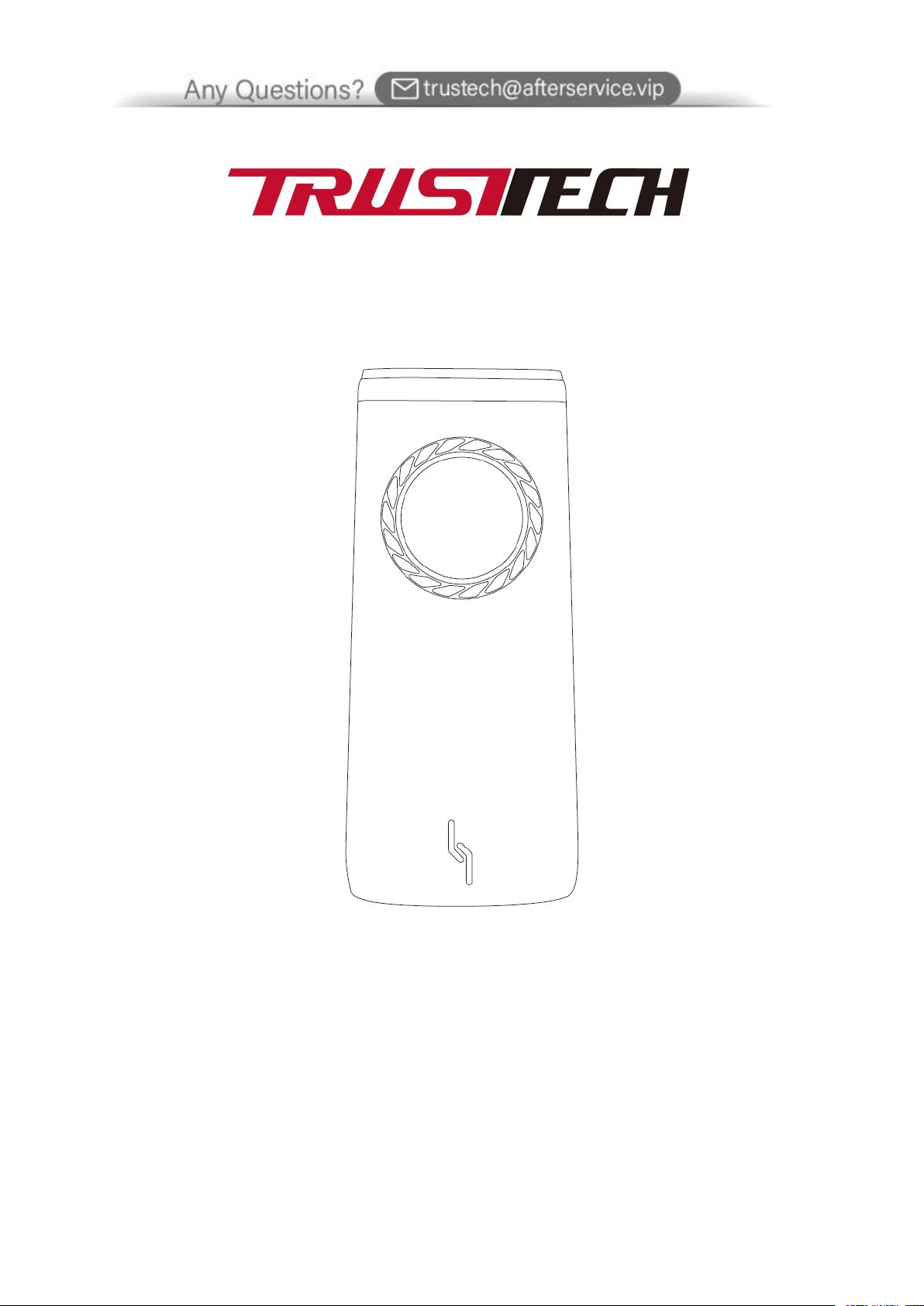
AIR COOLER
MODEL: BLF-T08FL

2
READ THIS MANUAL THOROUGHLY BEFORE USING AND SAVE IT FOR FUTURE REFERENCE.
IMPORTANT SAFEGUARDS
1. Make sure, that voltage and circuit frequency correspond to the voltage
stated on the appliance rating label.
2. Before using, please check, that the power cord or plug work properly. A
damaged power cord or plug must be replaced by the manufacturer or a
qualified person in order to avoid hazard.
3. Do not cover the outlet and inlet of air cooler.
4. Do not let the wind inlet be too close to the wall, curtains etc. Otherwise, it
will block the air flow and affect the wind effect.
5. Do not cover the outlet. You have to choose the socket which it is up to
more than 10A current. Do not connect the other appliance to the same
socket.
6. Do not place the air cooler on sloped or even surface.
7. Please do not use air cooler outdoors, next to the bath, shower or pool.
8. When air cooler work in cool (humidifying) function, level of water tank
must be less than "MAX" and more than "MIN".
9. After filling the water tank, do not tilt the device from side to side or shake
him during his displacement.
10. Do not pull the power plug by wet hand in order to avoid the risk of electric
shock.
11. When air cooler is working, insert hands or foreign body inside the
appliance it is prohibited. Specially pay attention to children.
12. This appliance is not intended for use by persons (including children) with
reduced physical, sensory or mental capabilities, or lack of experience and
knowledge, unless they remain under supervision or follow instructions
given by a person responsible for their safety.
13. Children should be supervised to ensure that they do not play with the
appliance.
14. Turn off the power to the appliance before unplug from the electrical
outlet. Do not pull the power cord. This may result in fire, electric shock or
other injuries.
15. Pull the plug away from the socket when you do not use it.
16. Please do not put anything on air cooler.
3
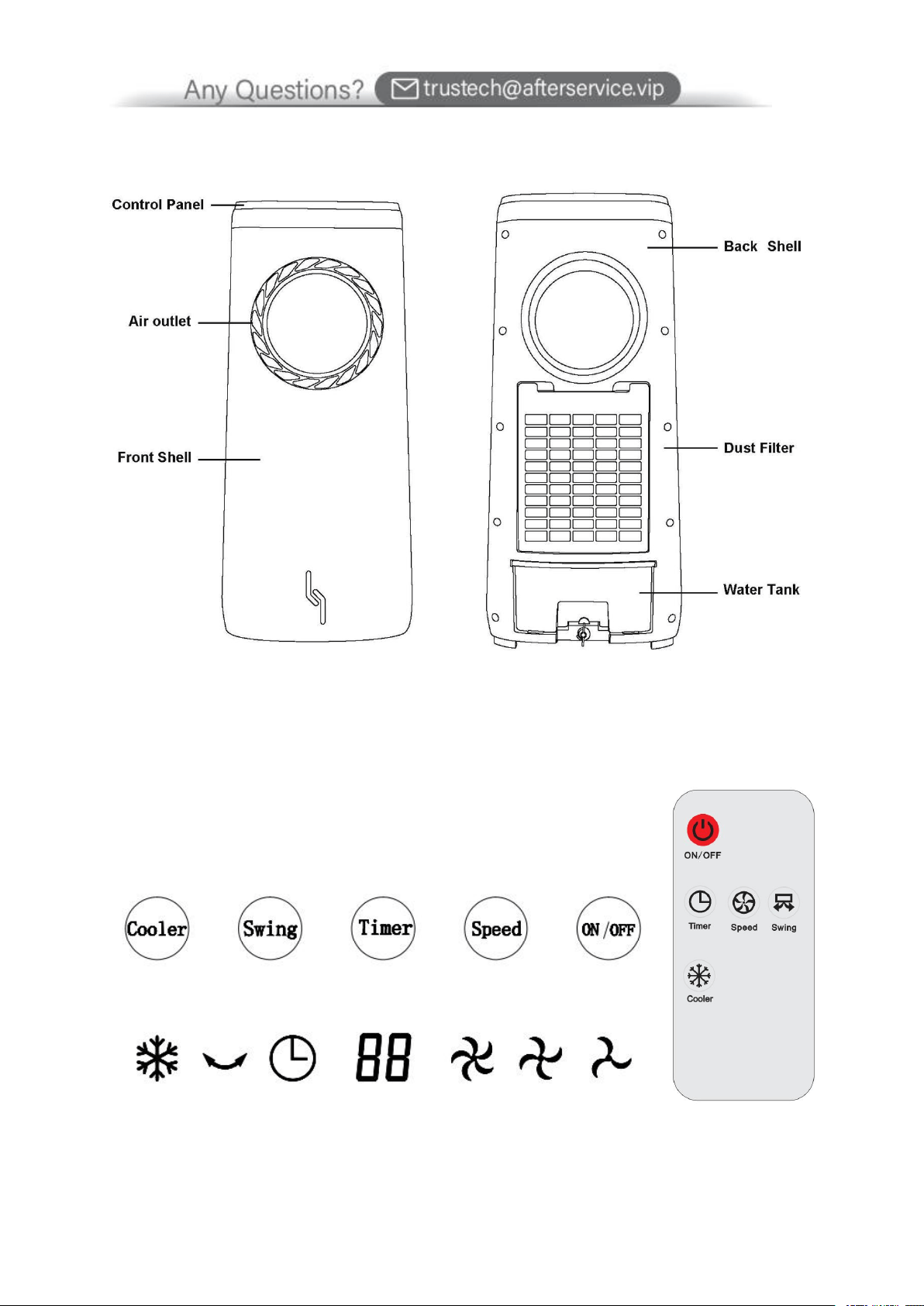
PARTS
CONTROL PANEL & DISPLAY

4
1. “ON/OFF” button
Press the button the first time, the indicator "LOW" of control panel is
working, the air cooler is working with low speed.
Press the button the second time, the air cooler stops working.
2. “SPEED” button
Press the button the first time when air cooler is working, the indicator
"MIDDLE" of control panel is working.
Press the button the second time when air cooler is working, the
indicator "HIGH" of control panel is working.
Press the button the Third time when air cooler is working, the indicator
"LOW" of control panel is working.
3. “TIMER” button
The cooler works 1h longer with each extra press of the button, then it
turns off.
For instance, pressing the button the first time when air cooler is working,
the air cooler keeps working and then turns off after 1 hour; pressing the
button twice constantly, it keeps working and then turns off after 2 hours
and so on.
The cooler will re-clock when the “TIMER” button is pressed each time.
The maximum timer setting range is 12 hours.
4. “SWING” button
Press the button the first time when air cooler is working, the indicator
"SWING" is working while air leaves are working.
5. COOLER” button
Press the button the first time when air cooler is working, the indicator
"COOL" of control panel is working.
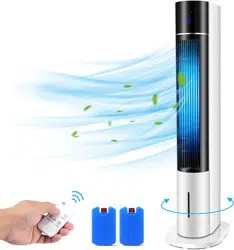
Tips:The control range of the remote controller is about 8 meters away from
the fan, and the fan rotation angle is 360 degrees.
5
HOW TO FILL WATER TANK
Pull out the water tank from the bottom of the air cooler back and fill 1/3 of
water tank.
Pay attention to the water level indicator while fill water.
The water level of water tank must be less than "MAX".
The water level of water tank must be more than "MIN".
Ice boxes (or ices) are put into water tank if you want to get the cooler
wind.
HOW TO USE ICE BOXES
Ice box can keep area cool and slowly absorb the heating from water. The ice
boxes can lower the temperature of water in the water tank than surrounding’s.
So, air cooler with frozen ice boxes can provide cooler wind.
Put ice boxes fill water in the fridge.
After ice boxes are frozen successfully, take ice boxes out the fridge.
Pull the water tank out, put the frozen ice boxes into water tank.
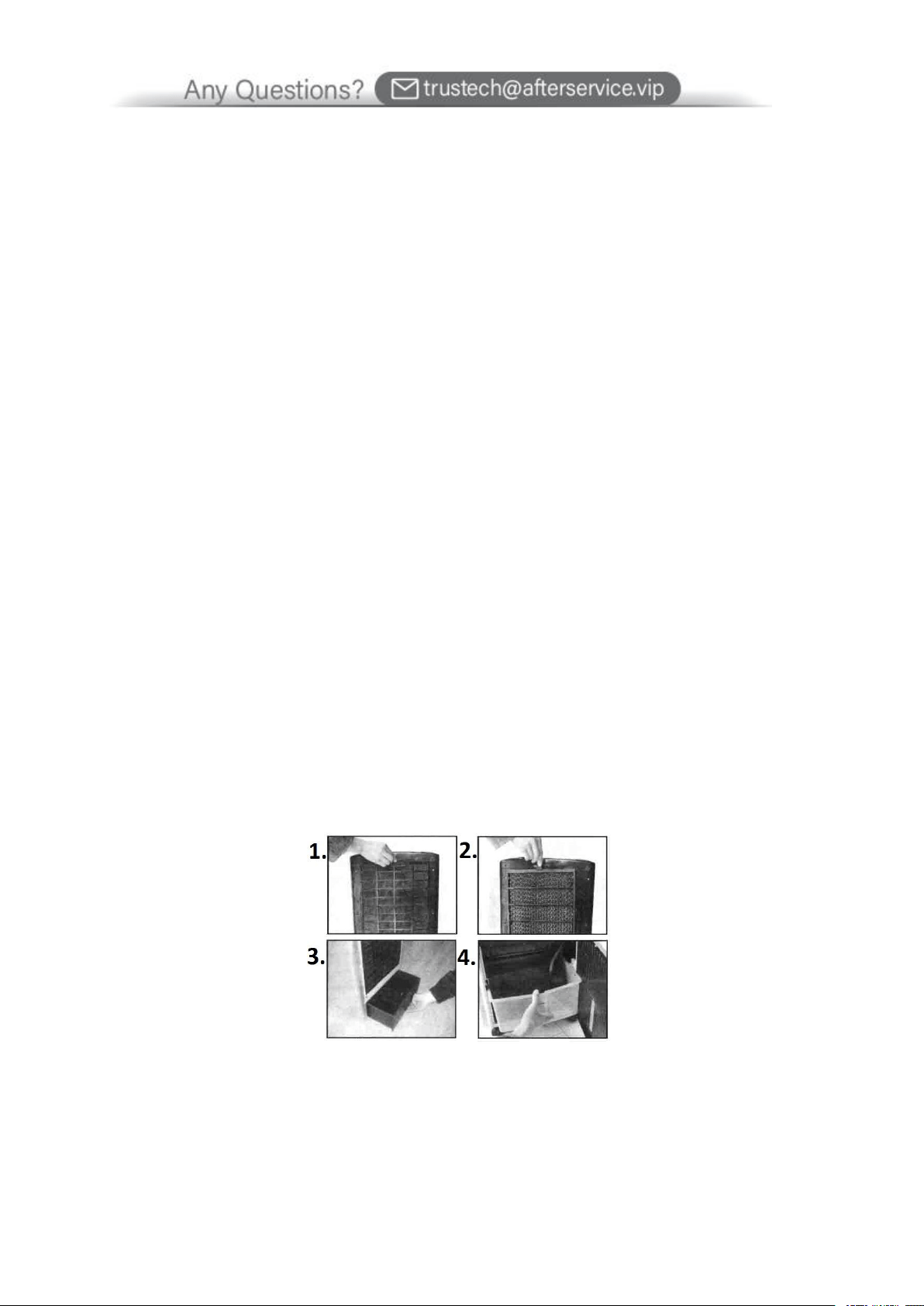
CLEANING
1. Clean air filter
Pull off the plug and pull the holder of air filter by hand while the air filter is
took apart, then clean air filter by neutral cleaner and soft brush. Next clean it
by water and later take the air filter back to the air cooler.

6
2. Clean the wet curtain paper
Pull off the plug and take the air filter off, next take the wet curtain paper out
air cooler. Clean the wet curtain paper by water and soft brush with cleaner,
later put it back to the air cooler.
Important!
In order to avoid leak, wet curtain paper must be installed correctly.
3. Clean water tank
Pull off the plug, next take the water tank out and wash the residue in the
water tank by towel with cleaner. Then clean water tank by water and later put
back to the air cooler.
4. Clean the housing
Wipe off the housing by neutral cleaner and soft cloth.
Important!
Before cleaning the appliance always turn off and unplug the appliance.
TECHNICAL SPECIFICATION
Power: 80W
Voltage: 120V
Frequency: 60Hz
7
WARRANTY
TRUSTECH warrants this product against defects in materials and/or workmanship under normal use
for a period of ONE (1) YEAR from the date of purchase by the original purchaser (“Warranty
Period”). If a defect arises and a valid claim is received within the Warranty Period, at its option,
TRUSTECH will either 1) repair the defect at no charge, using new or refurbished replacement parts,
or 2) replace the product with a new product that is at least functionally equivalent to the original
product, or provide a store credit in the amount of the purchase price of the original product. A
replacement product or part, including a user-installable part installed in accordance with instructions
provided by TRUSTECH, assumes the remaining warranty of the original product. When a product or
part is exchanged, any replacement item becomes your property and the replaced item becomes
TRUSTECH’ s property. When a store credit is given, the original product must be returned to
TRUSTECH and becomes TRUSTECH’ s property. To obtain warranty service, e-mail TRUSTECH
Limited Warranty Service at trustech@afterservice.vip. Please be prepared to describe the product
that needs service and the nature of the problem.
This warranty does not apply to:
a) damage caused by failure to follow instructions relating to product’ use or the installation of
components; b) damage caused by accident, abuse, misuse, fire, floods, earthquake or other external
causes; c) damage caused by service performed by anyone who is not a representative of TRUSTECH;
d) accessories used in conjunction with a covered product; e) a product or part that has been modified
to alter functionality or capability; f) items intended to be periodically replaced by the purchaser
during the normal life of the product including, without limitation, batteries or light bulbs; g) any
product sold “as is” including, without limitation, floor demonstration models and refurbished items;
or h) a product that is used commercially or for a commercial purpose.
8
CONTACT US
If you encounter any problems when using Trustech products, please feel free
to contact us through the following methods or scan the QR code to get a quick
response and a 100% satisfactory solution.
Amazon Platform: “Contact Seller”
Official Website: https://trustech.afterservice.vip