
1. Introduction .......................................................................... 3
2. Warnings and Cautions ........................................................ 3
3. Getting Started .....................................................................
FT-0835 Professional Weather
Station User Manual
3
3.3 Sensor Assembly Set Up ................................................ 6
3.3.1 Install Integrated Outdoor Sensor Battery ................ 6
3.4 Display Console ..............................................................
3.1 Parts List. ........................................................................ 3
3.2 Recommend Tools ......................................................... 6
9
3.5 Sensor Operation Verification ....................................... 14
4. Sensors Pre-Installation .....................................................
3.4.1 Layout of Display Console ....................................... 9
3.4.2 Setup the Display Console .................................... 10
3.4.3 Connect Sensors with Display Console ................. 13
15
4.1 Test the Sensors Before lnstallation ............................. 15
4.2 Site Survey Before lnstallation ...................................... 15
4.3 Best Practices for Wireless Communication ................. 16
5. Final Installation of Sensors ............................................... 18
5.1 Integrated outdoor Sensor lnstallation .......................... 18
6. Low Battery lcon ................................................................ 23
7. Display Console Operation ................................................ 23
7.1 Quick Display Mode ...................................................... 23
7.2 Set (Program) Mode .................................................... 24
7.3 Sensors Search Mode .............................................. 27
7.4 MaMin Viewing and Reset Mode ............................... 27
7.5 Snooze Mode ............................................................... 28
7.6 Backlight Mode ............................................................. 29
- 1 -
14.FCC Statement..................................................................51
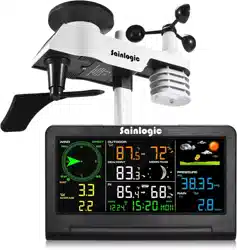
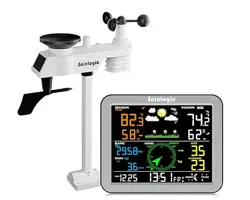
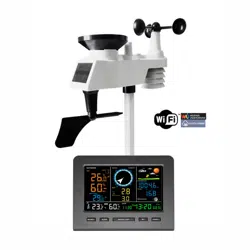
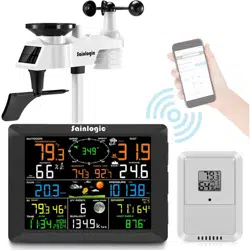
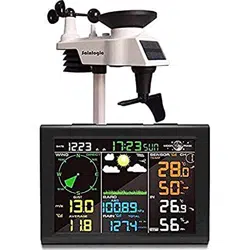
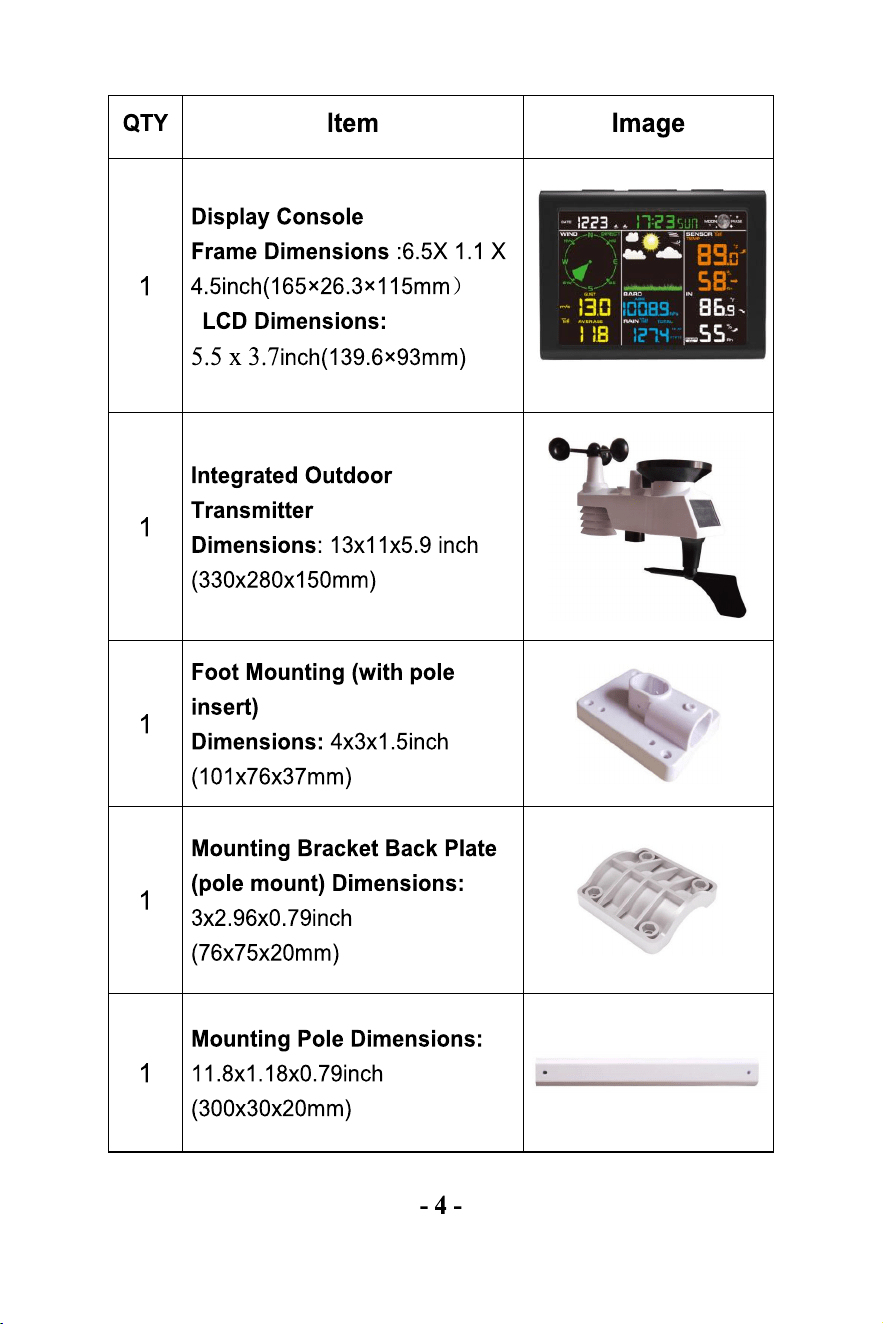
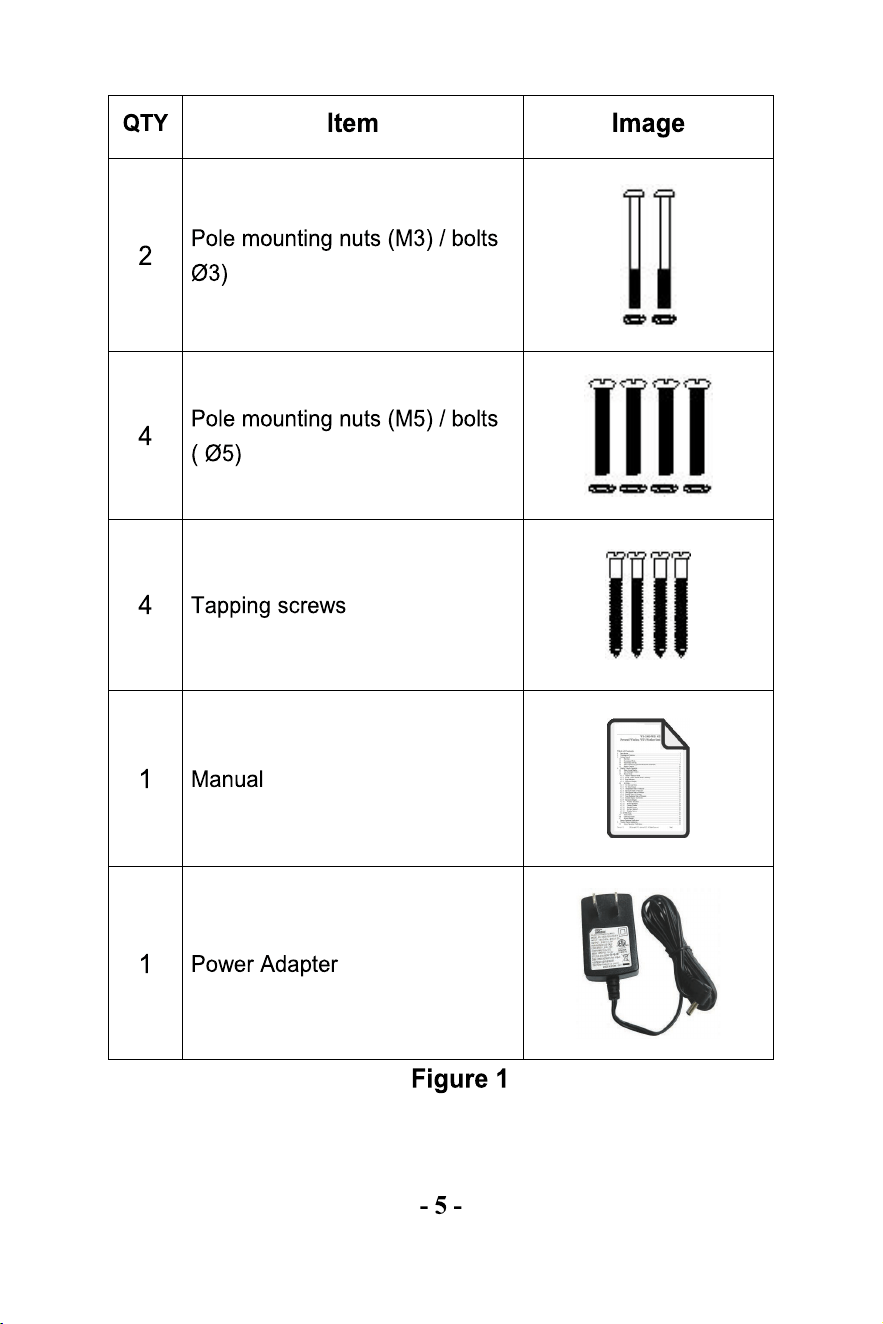
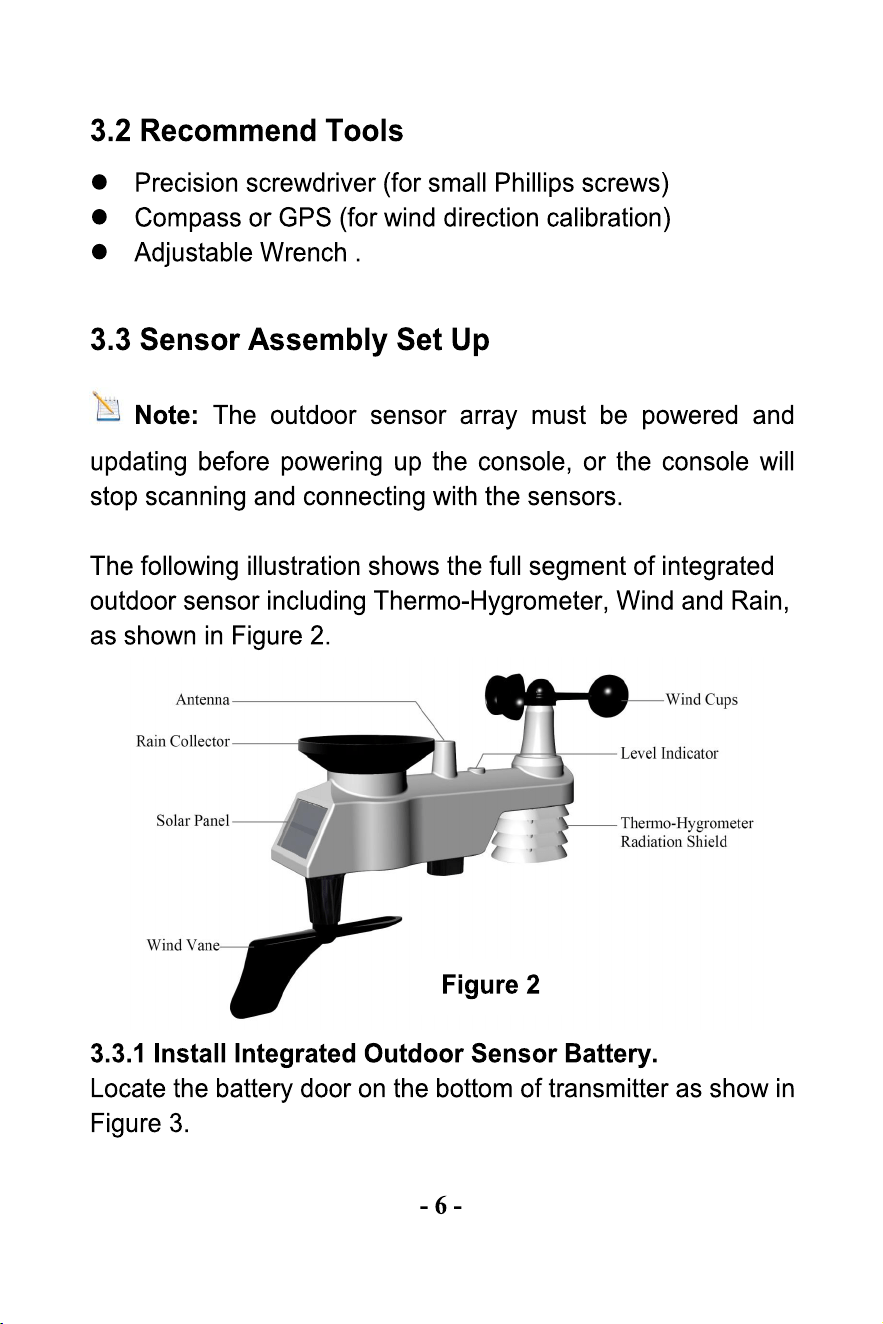
The weather station consists of a display console,a
sensor array with Integrated Outdoor Sensor, and mounting
hardware.
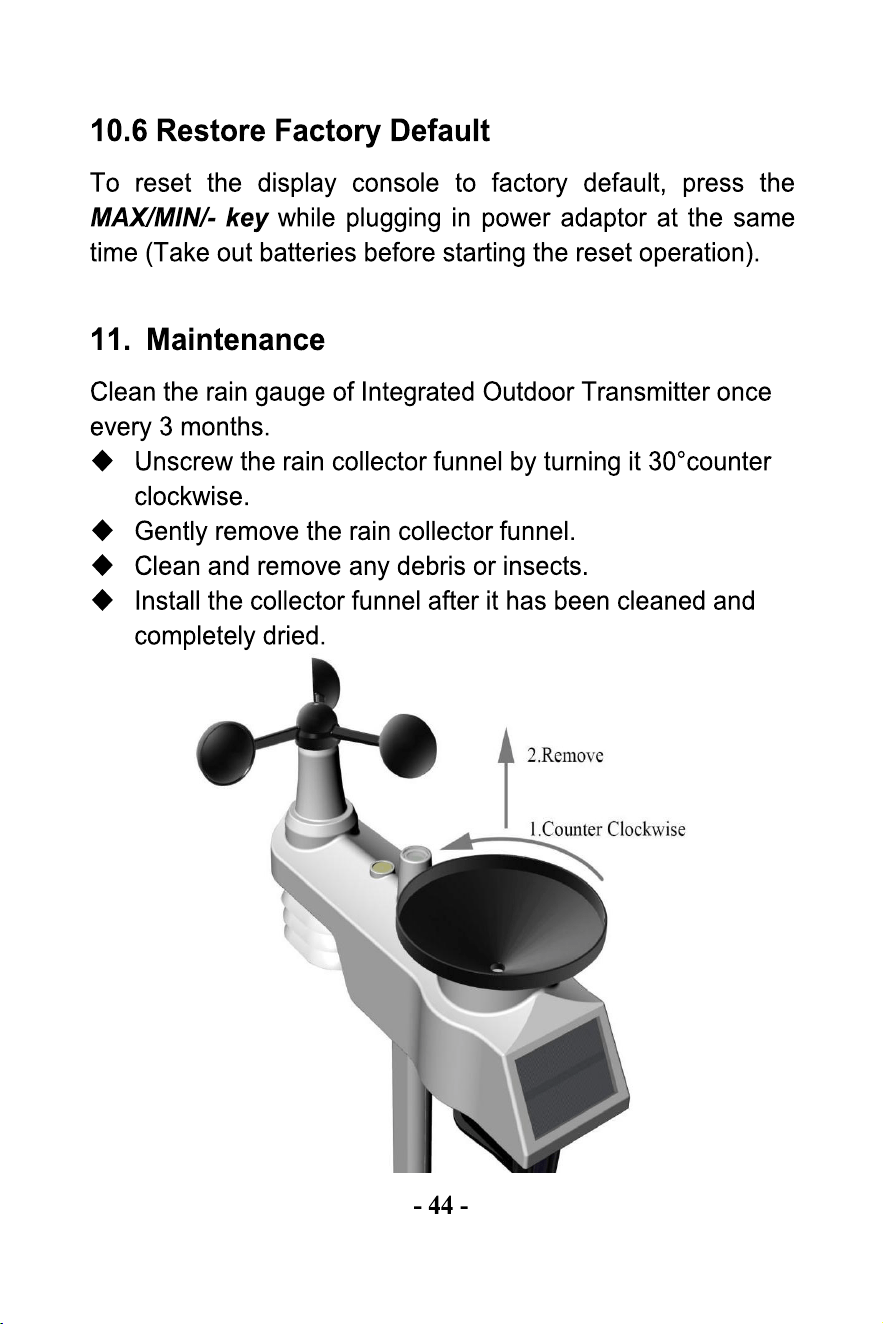
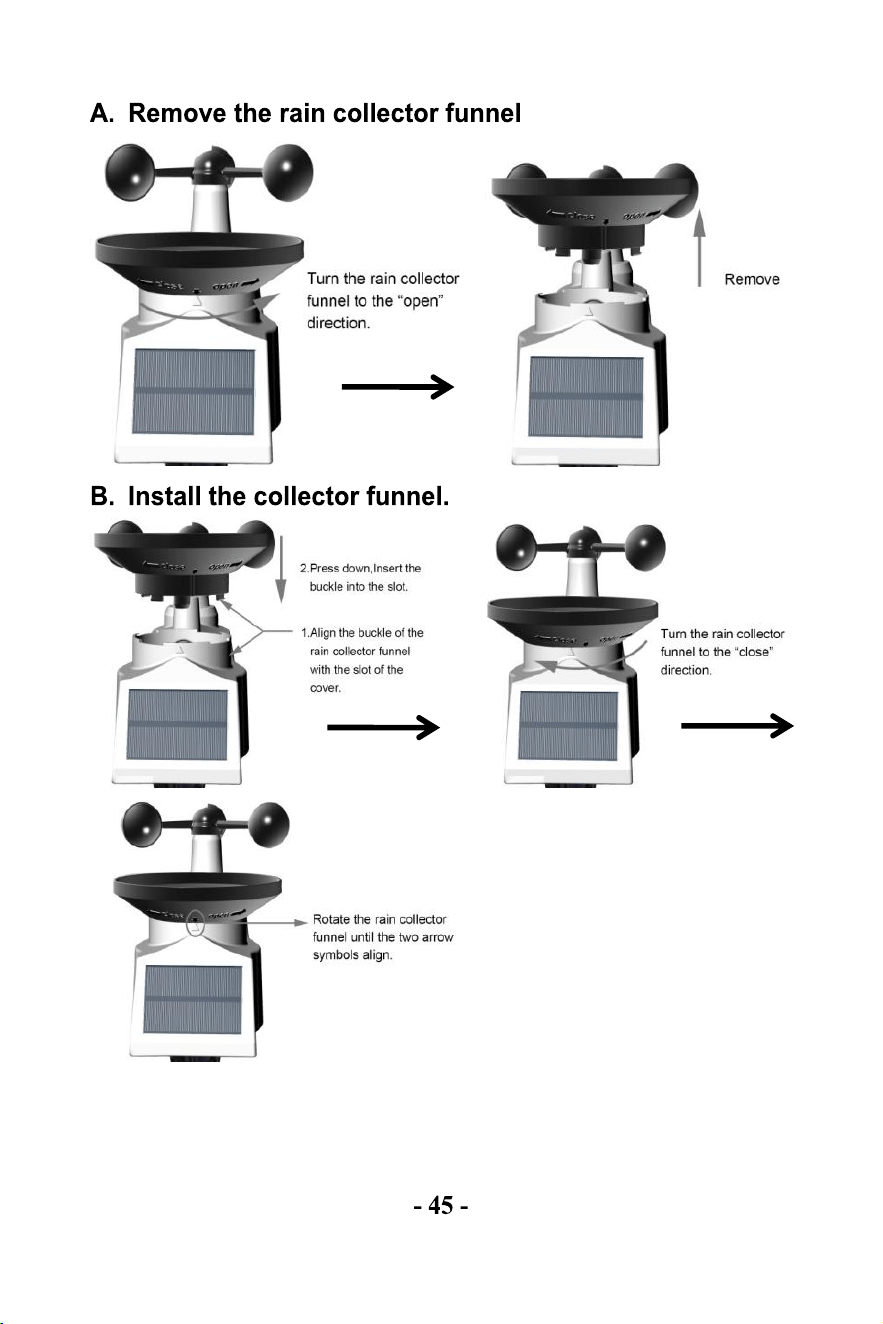
1.We recommend cleaning the rain gauge every 3 months
and replacing the batteries every 3 months.
Provide as easy access to the weather station.
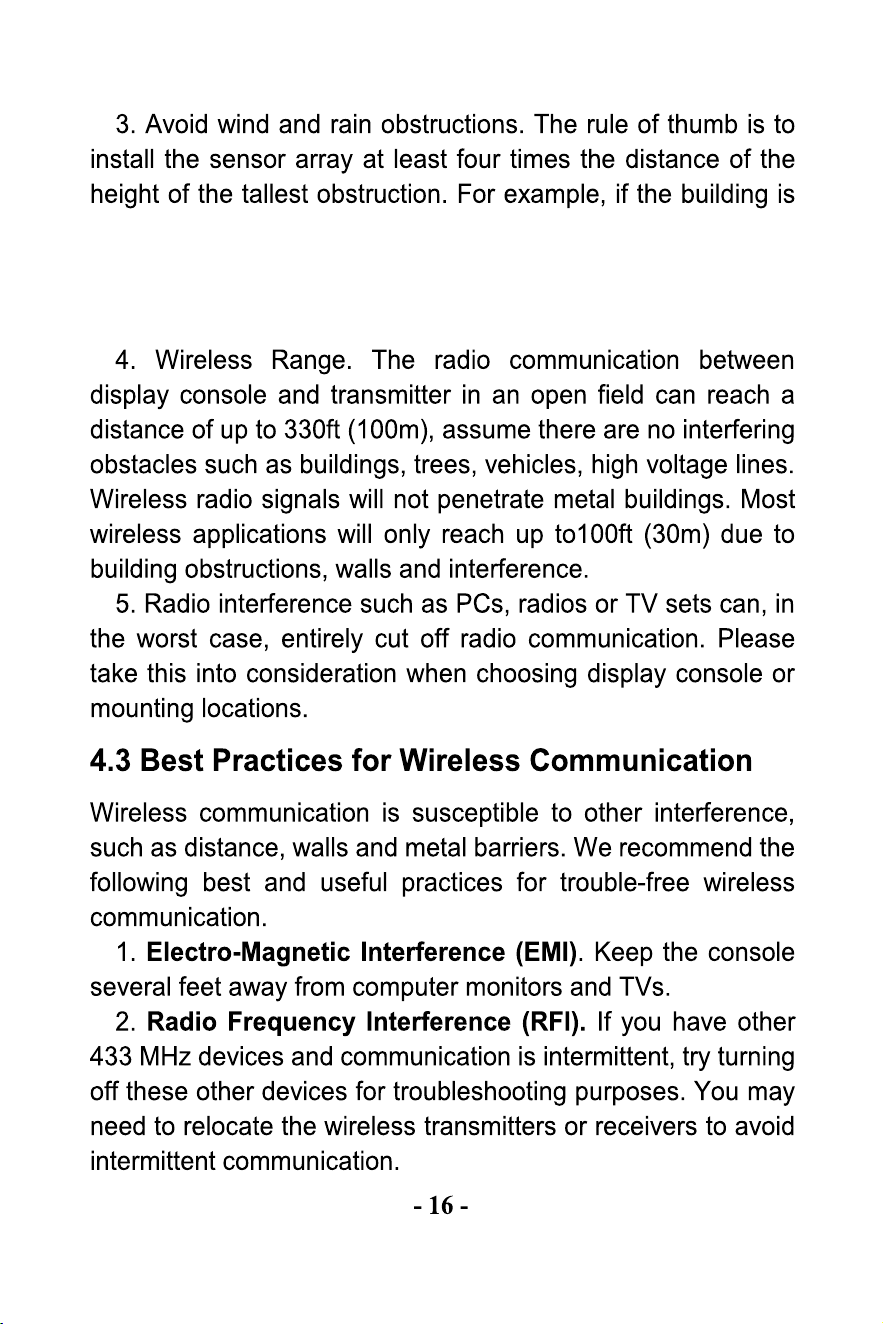
20ft (6m) tall and the monting pole is 6ft(2m) tall, install 4 x
(20 - 6)' = 56ft (17m) away. Use common sense. If the
weather station is installed next to a tall building, the wind
and rain will not be accurate.
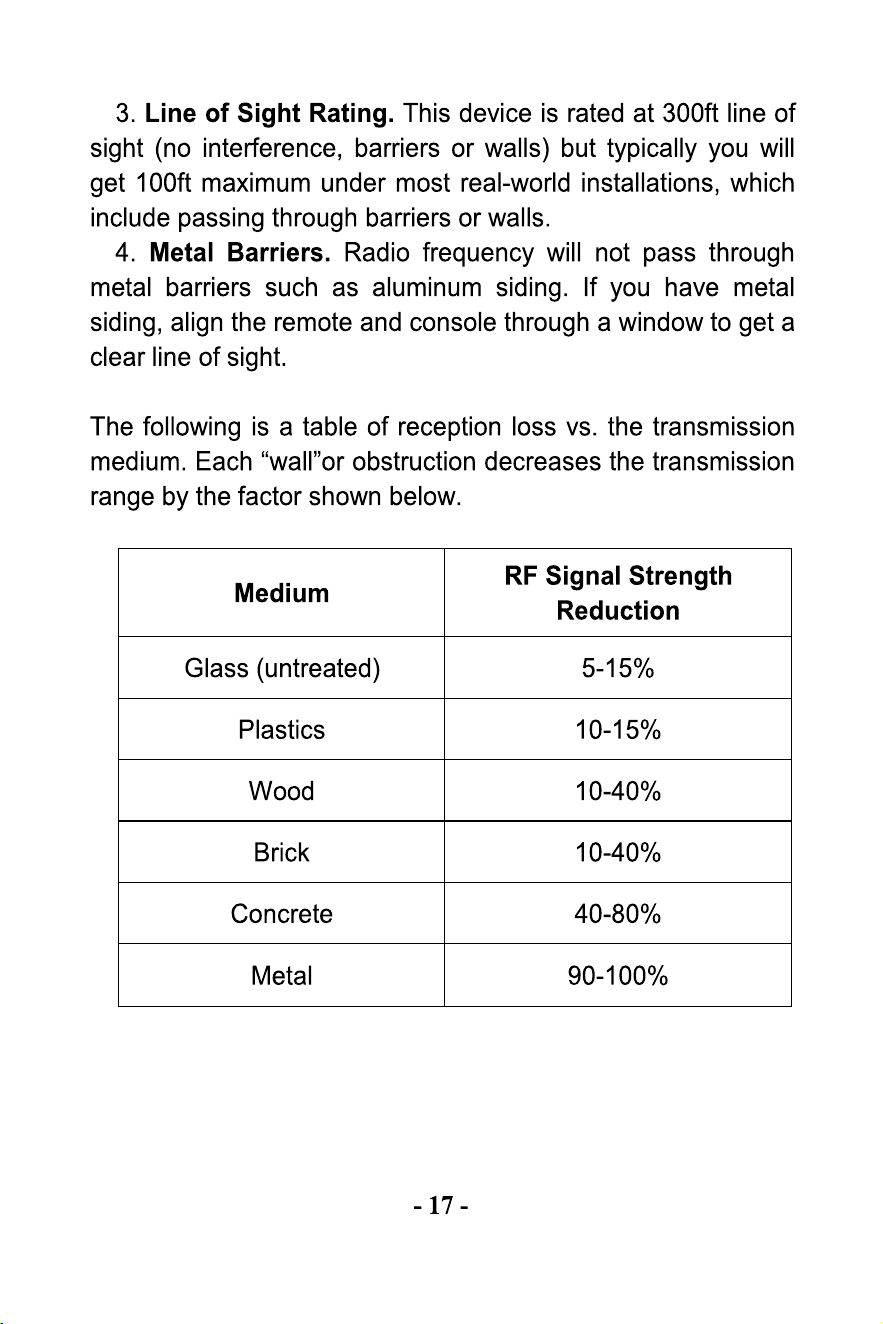
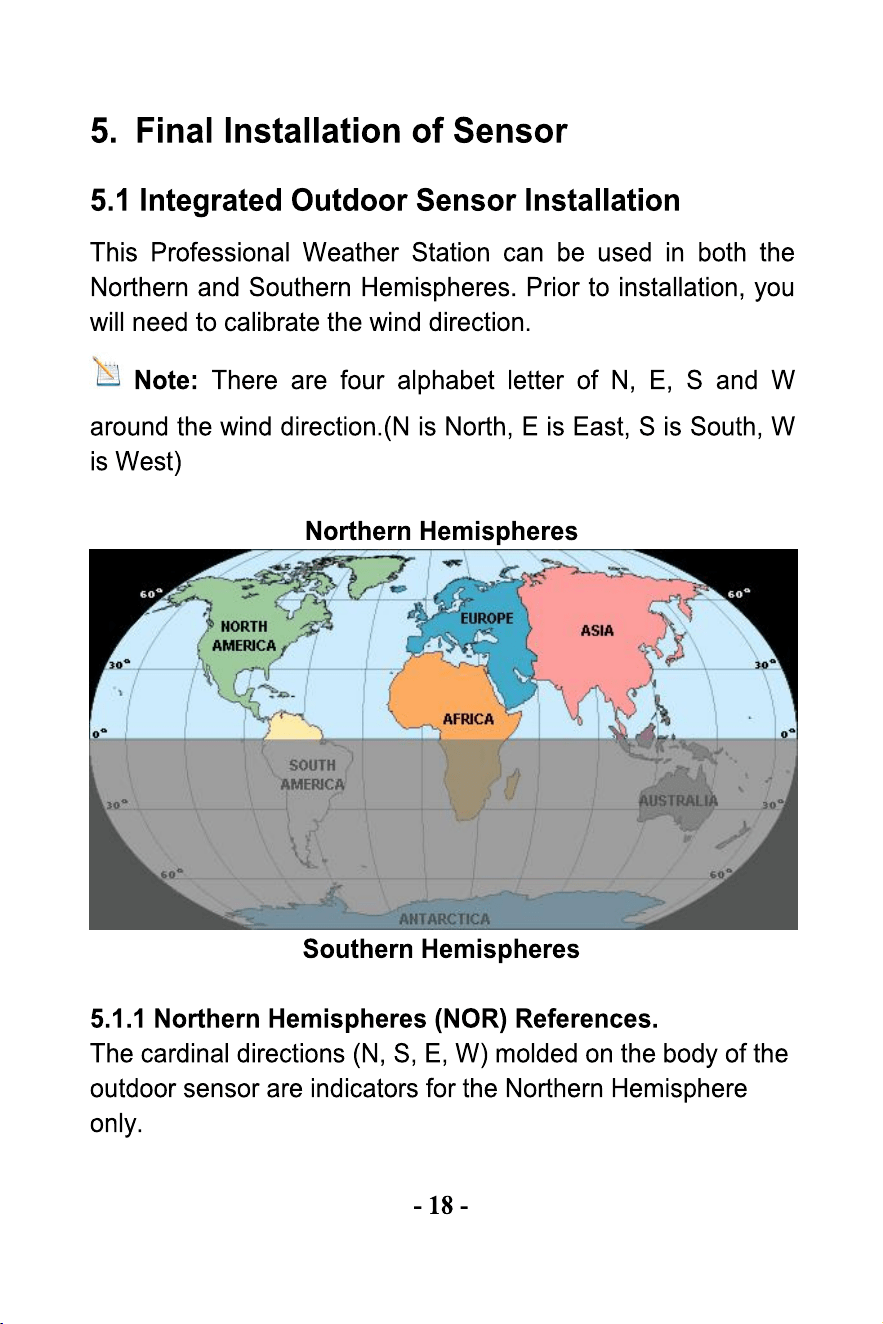
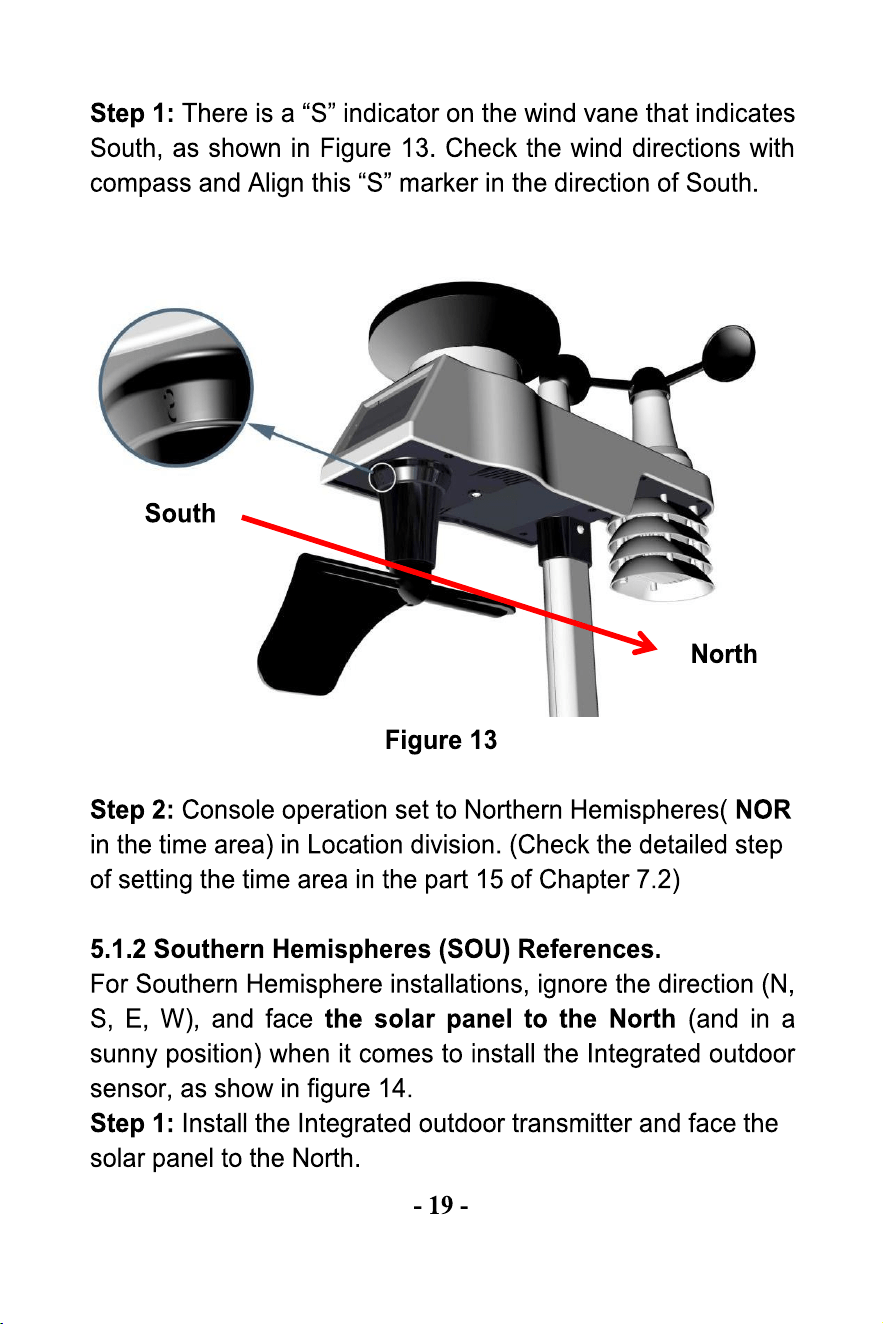
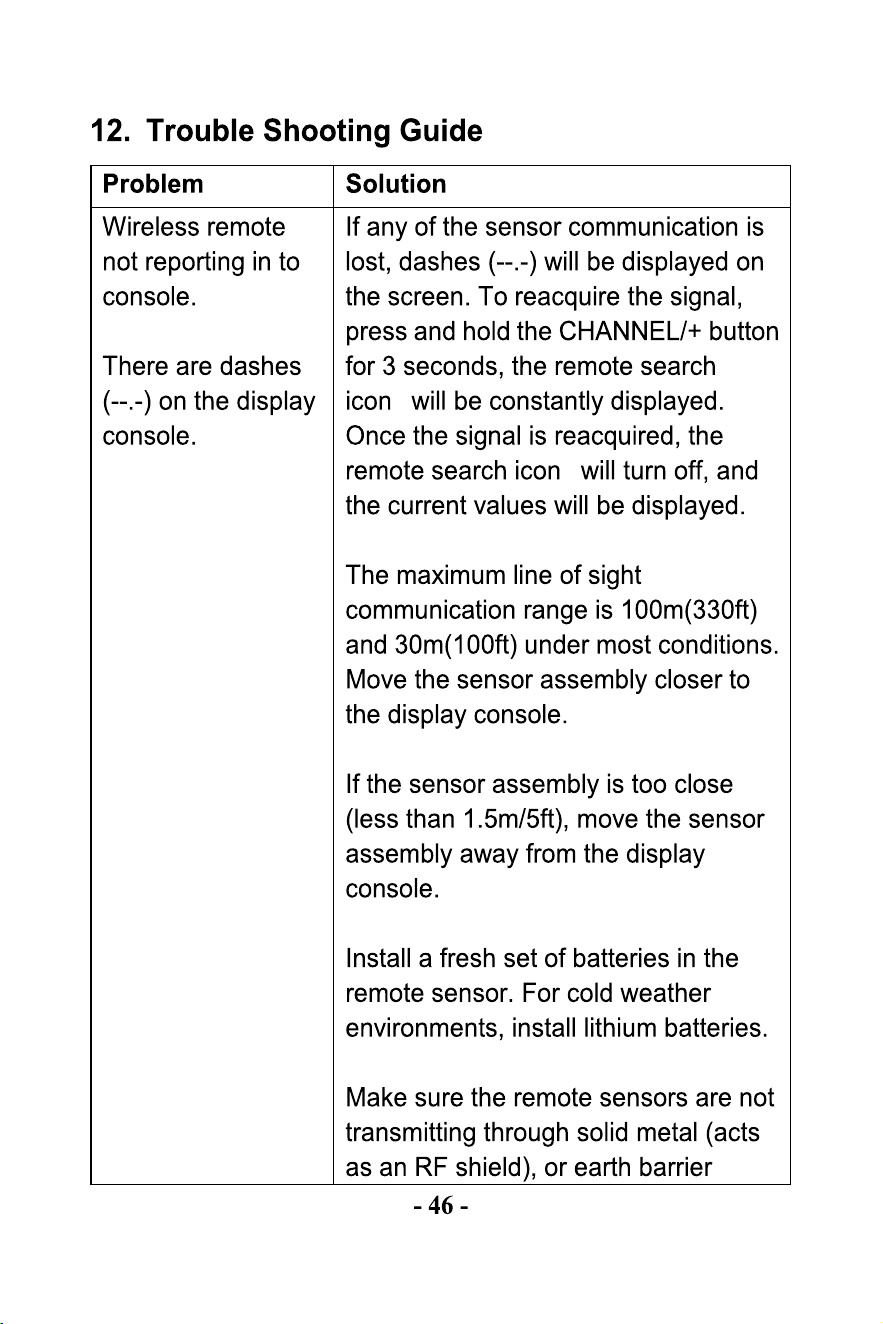
2.Check the wind,rain and thermo-hygrometer transmitter
batteries once every 3 months.
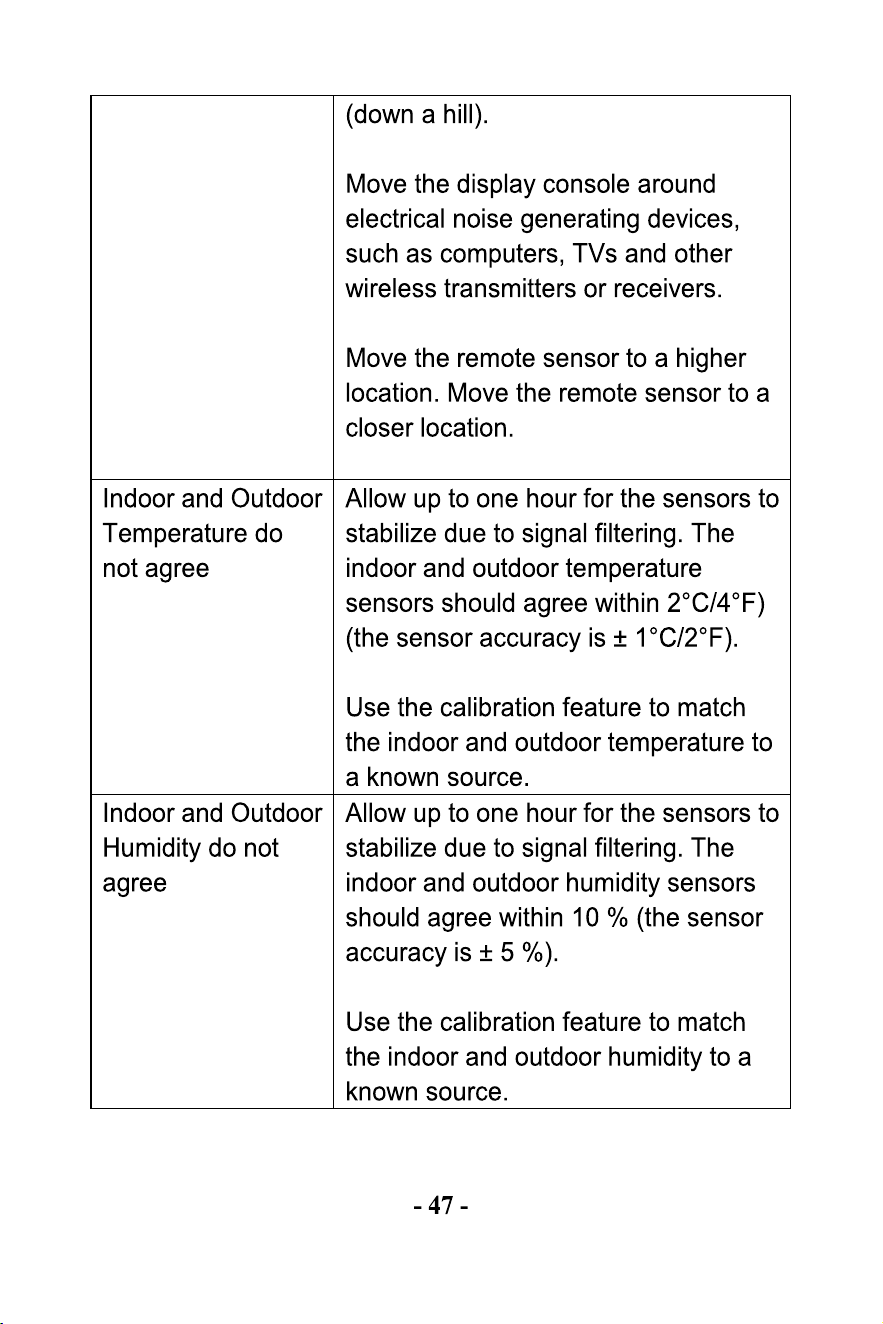
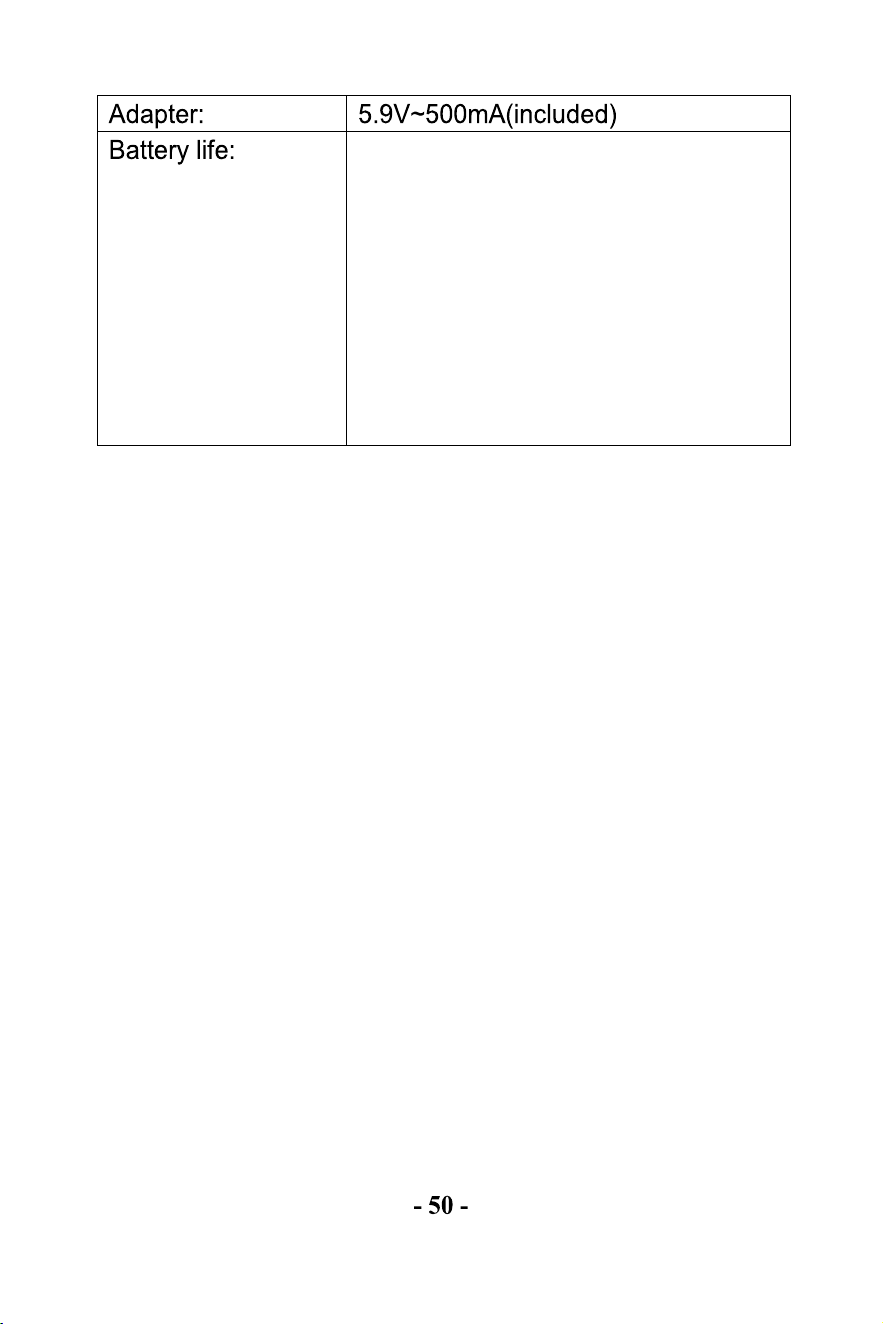
Batteries in base stations with good
reception will last at least 3 months.
Intermittent reception may shorten
battery life.
(Use lithium batteries in cold
climates below -20 °C).
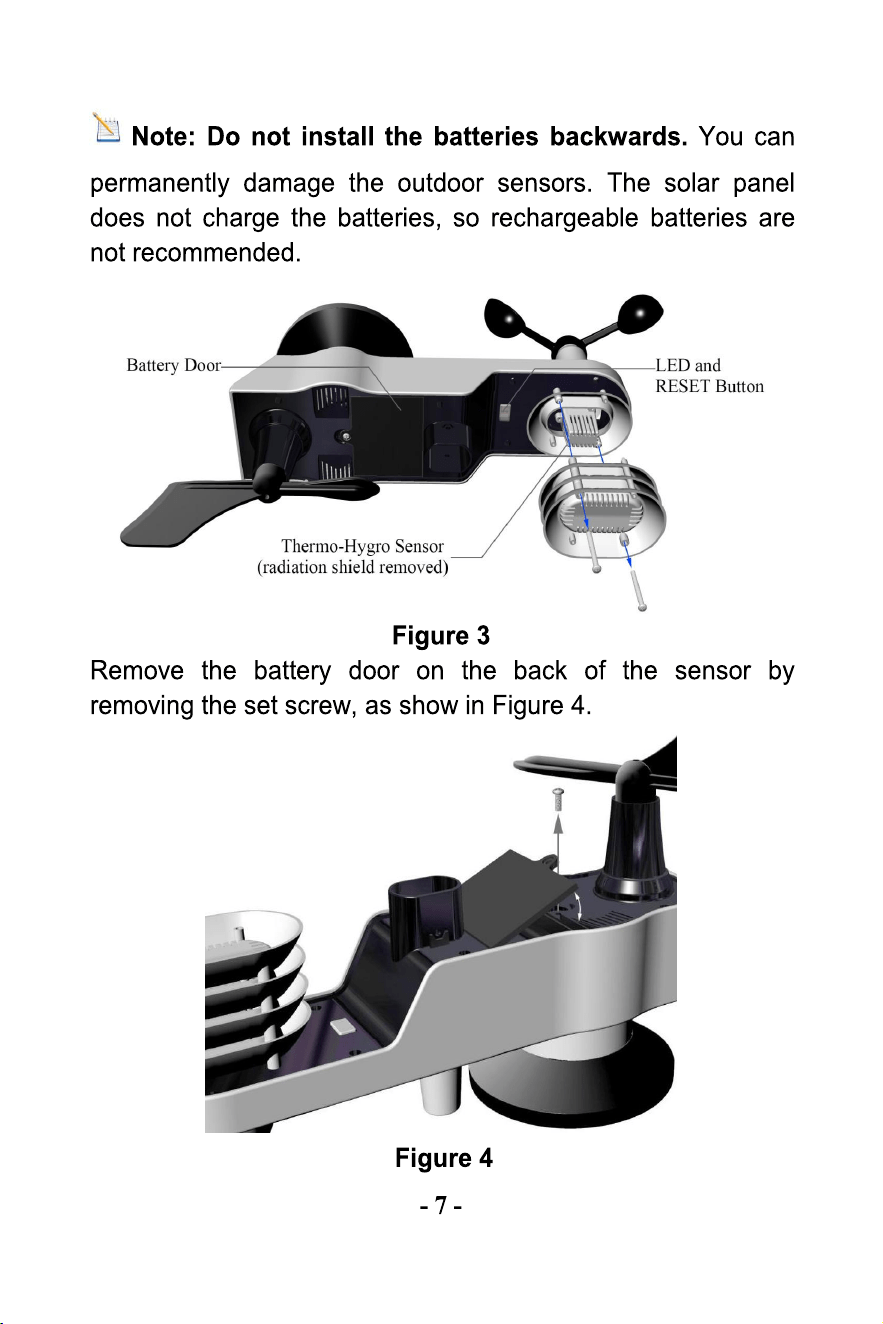
The battery powers the transmitter.
The solar panel is only an auxiliary
power source; it does not charge
the battery.

-51-
14. FCC Statement
1. This device complies with Part 15 of the FCC Rules.Operation
is subject to the following two conditions:
(1) This device may not cause harmful interference, and
(2) This device must accept any interference received,14
including interference that may cause undesired operation.
2. Changes or modifications not expressly approved by the party
responsible for compliance could void the user’s authority to op
erate the equipment.
NOTE: This equipment has been tested and found to comply
with the limits for a Class B digital device, pursuant to Part 15 of
the FCC Rules. These limits are designed to provide reasonable
protection against harmful interference in a residential
installation.
This equipment generates, uses and can radiate radio frequency
energy and, if not installed and used in accordance with the
instructions, may cause harmful interference to radio
communications.
However, there is no guarantee that interference will not occur in
a particular installation. If this equipment does cause harmful
interference to radio or television reception, which can be
determined by turning the equipment off and on, the user is
encouraged to try to correct the interference by one or more of
the following measures:
Reorient or relocate the receiving antenna.
Increase the separation between the equipment and
receiver.
Connect the equipment into an outlet on a circuit different
from that to which the receiver is connected.
Consult the dealer or an experienced radio/TV technician for
help.

Manufacturer:
Sainlogic HighTech Innovation Co.,LTD
10342 Cypress Lakes Dr,
Jacksonville, FL 32256
United State
www.sainlogic.com
Email:[email protected]
Skype
:
+15087580493
Time: Mon-Sat (10 a.m. - 2 p.m. EST)
-52 -
FCCID: 2ALHJ-WS020T