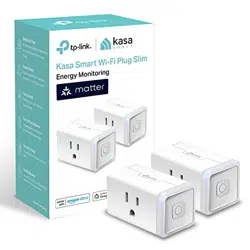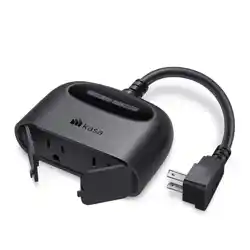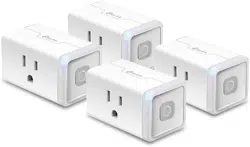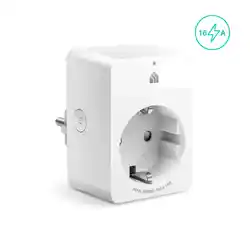
Kasa Smart Wi-Fi Plug www.tp-link.com
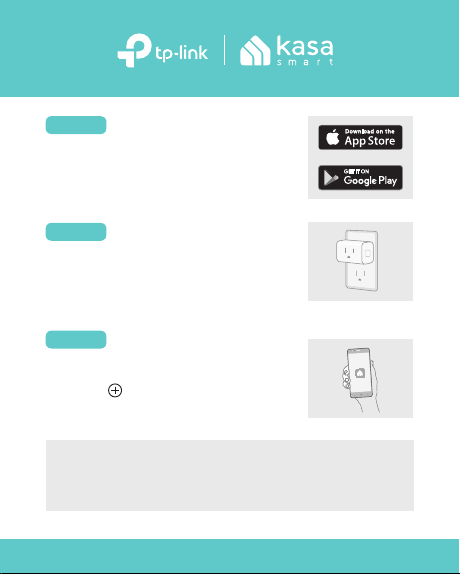
DOWNLOAD KASA
Get the Kasa Smart app from
the App Store or Google Play.
STEP 1
STEP 2
Tap the button in the Kasa
app and select Smart Plugs.
Let’s get started with your new smart plug.
Heater: ≤1500 W
Humidifier: ≤260 W
Iron: ≤1500 WToaster: ≤850 W
Tower Fan: ≤50 W
Common Load Types:
Plug in your smart plug.
*Image may dier from
actual product.
ADD TO KASA
STEP 3
POWER UP
For technical support, the user guide and other information, visit
https: //www.tp-link.com/support.
This is a Matter-certied device. You can integrate it into any
Matter ecosystem you prefer for easy control.
How to Set Up
A Matter-supported controller and smart home app of the same
ecosystem are required.
1. Turn on Bluetooth on your phone.
2. Open your selected smart home app and scan the provided
Matter QR code on the plug.
3. Follow the instructions in the app to complete setup.
Note: Setup processes may vary between ecosystems.
Set Up with Matter
Failed to Set Up?
1. Try to connect your phone to a stable 2.4 GHz Wi-Fi network
with internet access instead of a 5 GHz network.
2. Unplug your device and plug it back in to restart.
3. Refer to the FAQ for detailed instructions:
https://www.tp-link.com/support/faq/3520/