7/18/22, 2:39 PM
Belkin Official Support - How to charge your devices using the Belkin BPD001
https://www.belkin.com/us/support-article?articleNum=318205
1/4
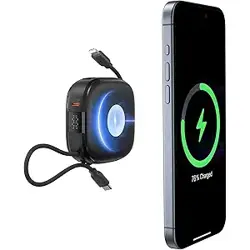
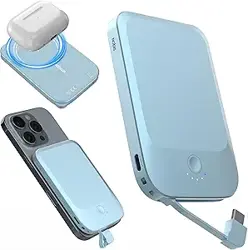
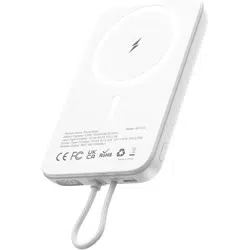
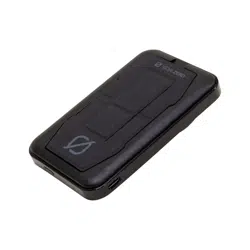
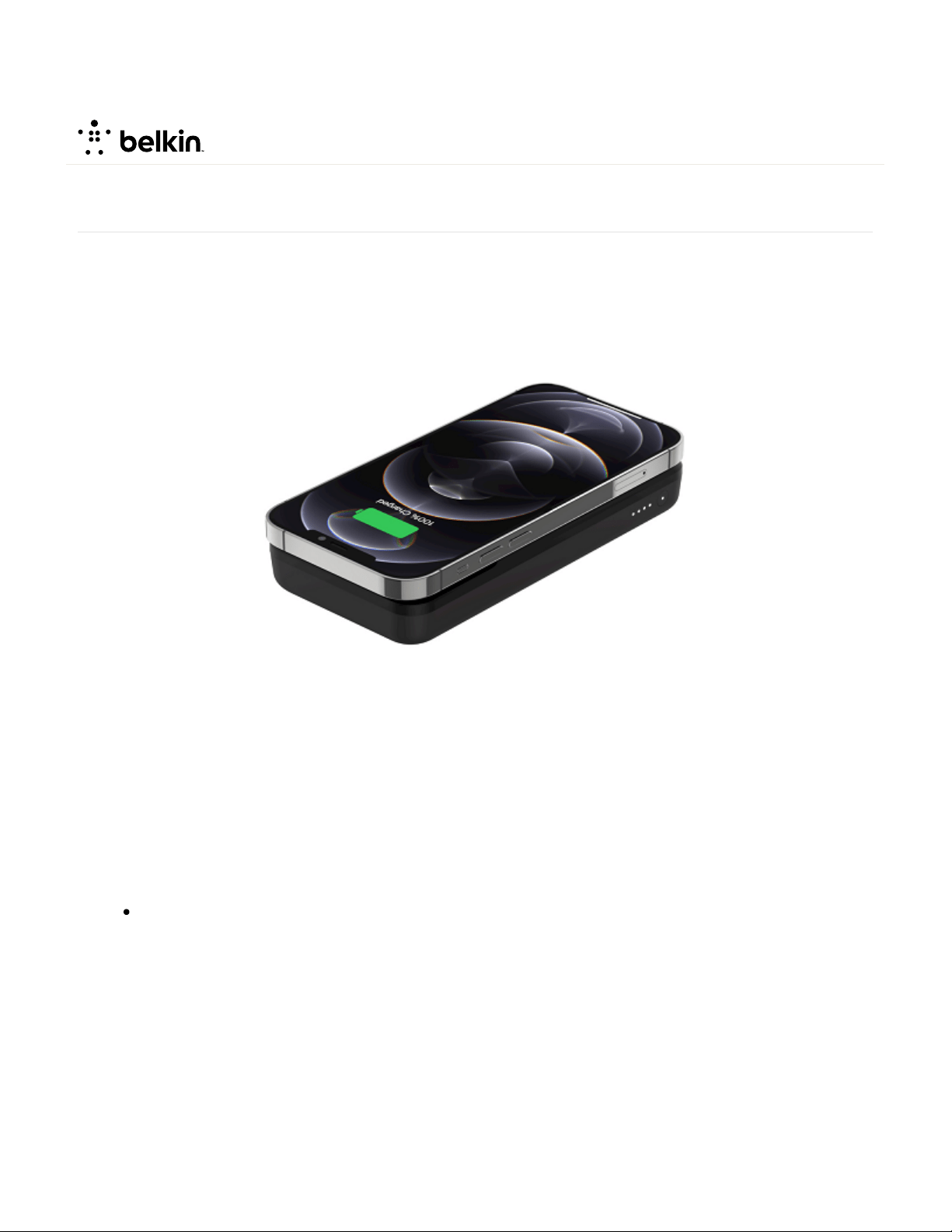
The Belkin BOOST↑CHARGE™ Magnetic Portable Wireless Charger, BPD001 gives you one magnetic
wireless charger with dual functions. Use it as a wireless charging pad at home or as a power bank on the go.
This article will show you how to properly charge your devices using the Belkin BPD001.
Step 1:
Make sure your Belkin BPD001 is properly charged.
Step 2:
Choose between two ways to charge your phone:
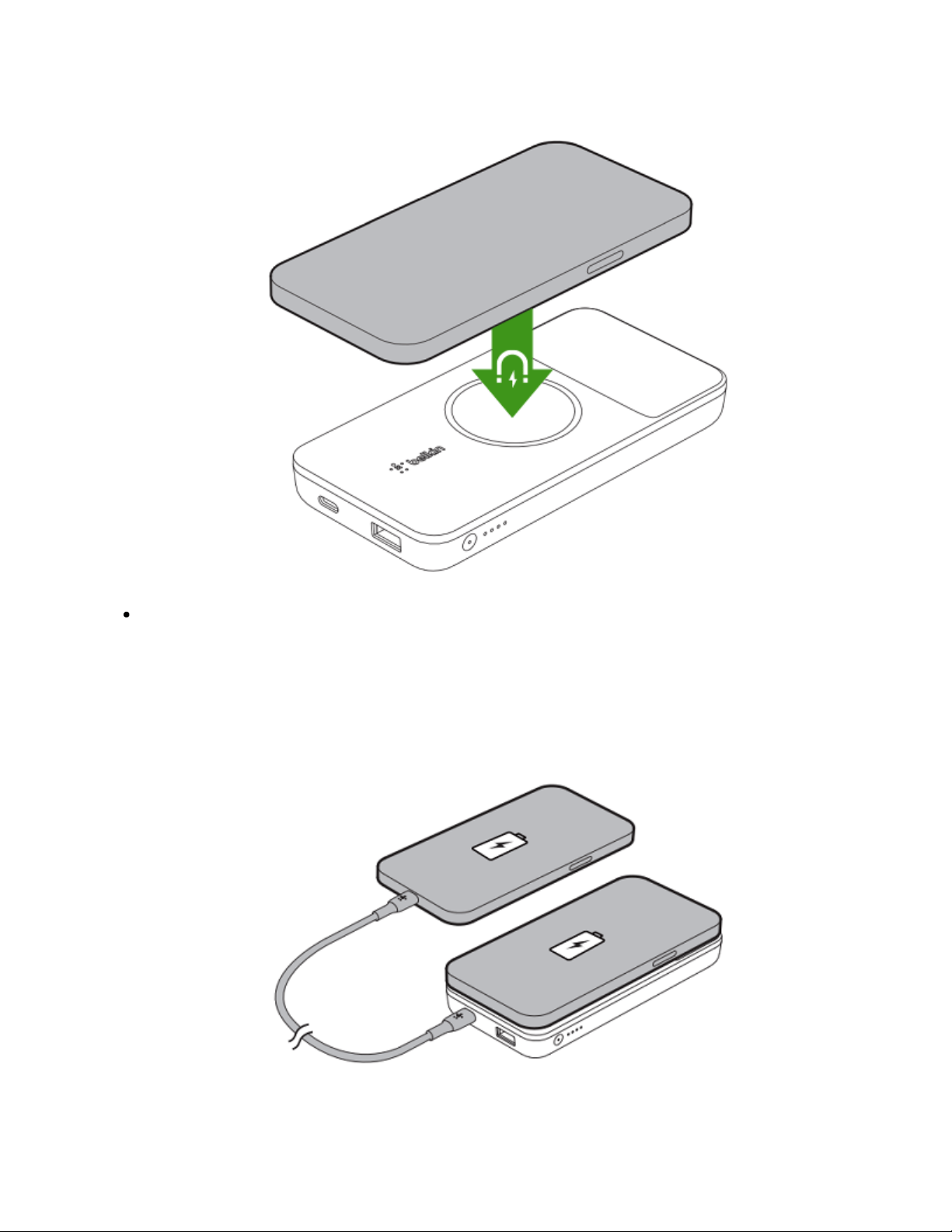
Wireless charging - Place the back of your phone on top of the charger then press the button located
on the side of the Belkin BPD001.
How to charge your devices using the Belkin BPD001
GET 15% OFF
7/18/22, 2:39 PM
Belkin Official Support - How to charge your devices using the Belkin BPD001
https://www.belkin.com/us/support-article?articleNum=318205
2/4
Wired charging - Connect one end of the USB cable to your phone and connect the other end to the
charger then press the button located on the right side of the Belkin BPD001.
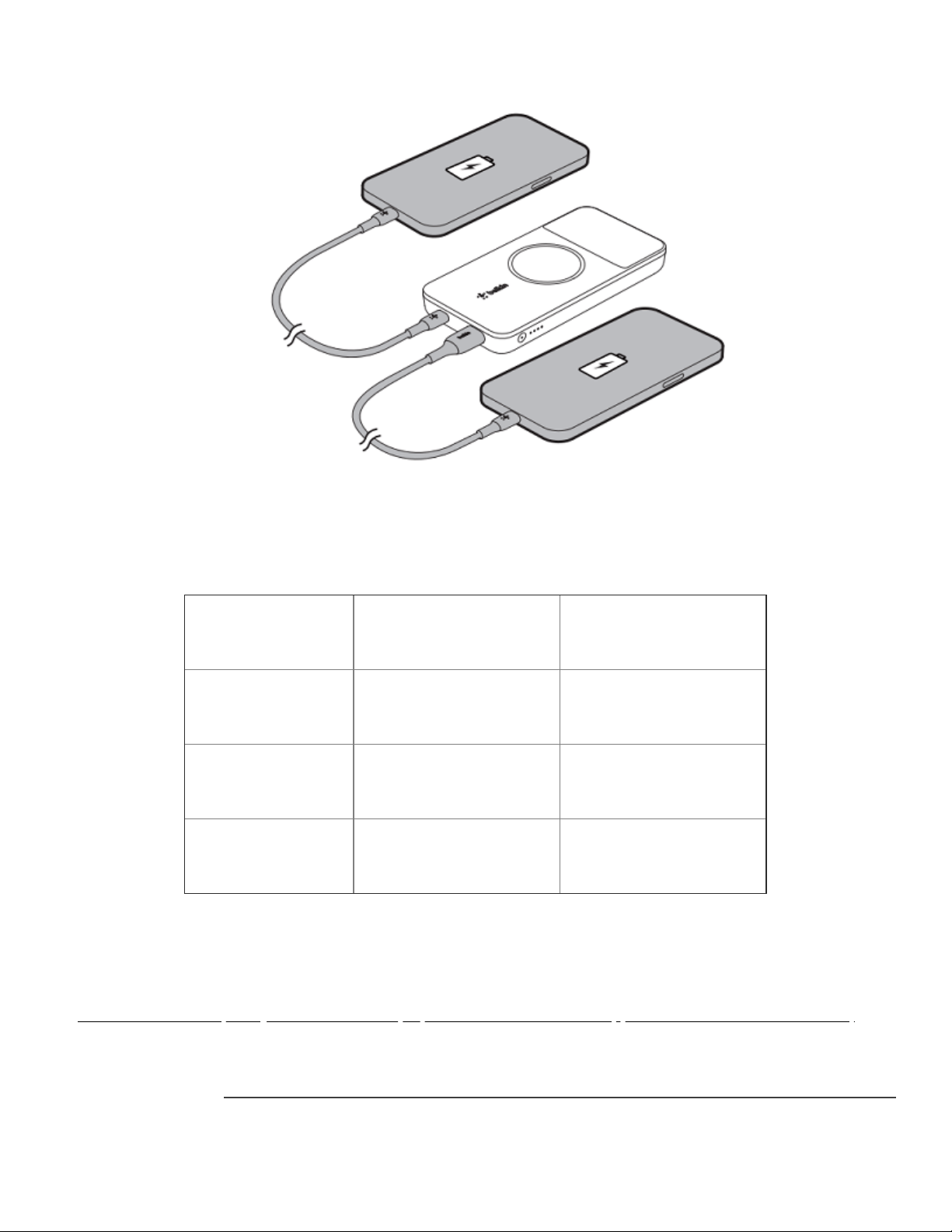
NOTE: The Belkin BPD001 can charge up to two devices at the same time; either two wired
devices or one wireless device and one wired device.
GET 15% OFF
7/18/22, 2:39 PM
Belkin Official Support - How to charge your devices using the Belkin BPD001
https://www.belkin.com/us/support-article?articleNum=318205
3/4
Step 3:
Observe the light on the button of the charger to check if your phone is charging correctly. For more
information, see details below:
Color Behavior Indication
N/A OFF Standby
White Solid Charging / Fully charged
Orange Solid Charging error
Related Article:
Belkin BPD001 Frequently Asked Questions(https://www.belkin.com/us/support-article?articleNum=318196)
GET 15% OFF

7/18/22, 2:39 PM
Belkin Official Support - How to charge your devices using the Belkin BPD001
https://www.belkin.com/us/support-article?articleNum=318205
4/4
© 2022 Belkin International, Inc.
GET 15% OFF