


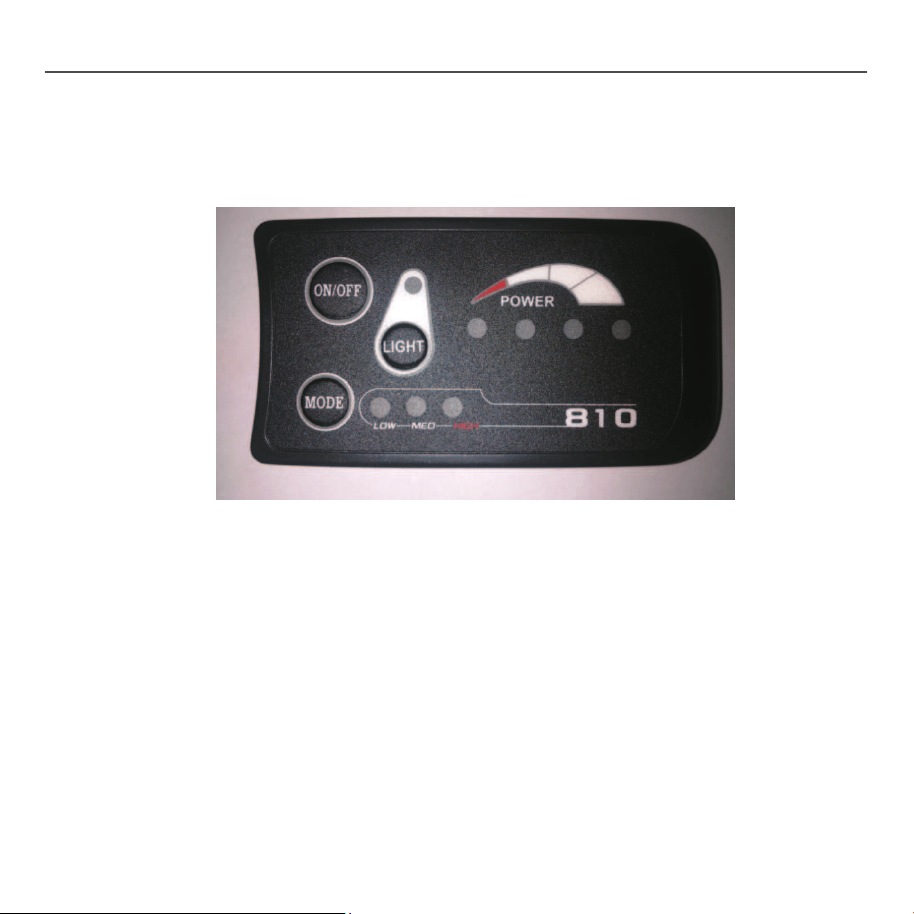
LED Console S810
User Manual V.2014
Model: 810-C
Operating Voltage: DC24V / DC36V / DC48V
Functions: Power Switch (Electric On/Off)
Battery Level Indicators
Three-Gear Motor Power Control
Light Switch
Auto-Hibernation after 10min Standby
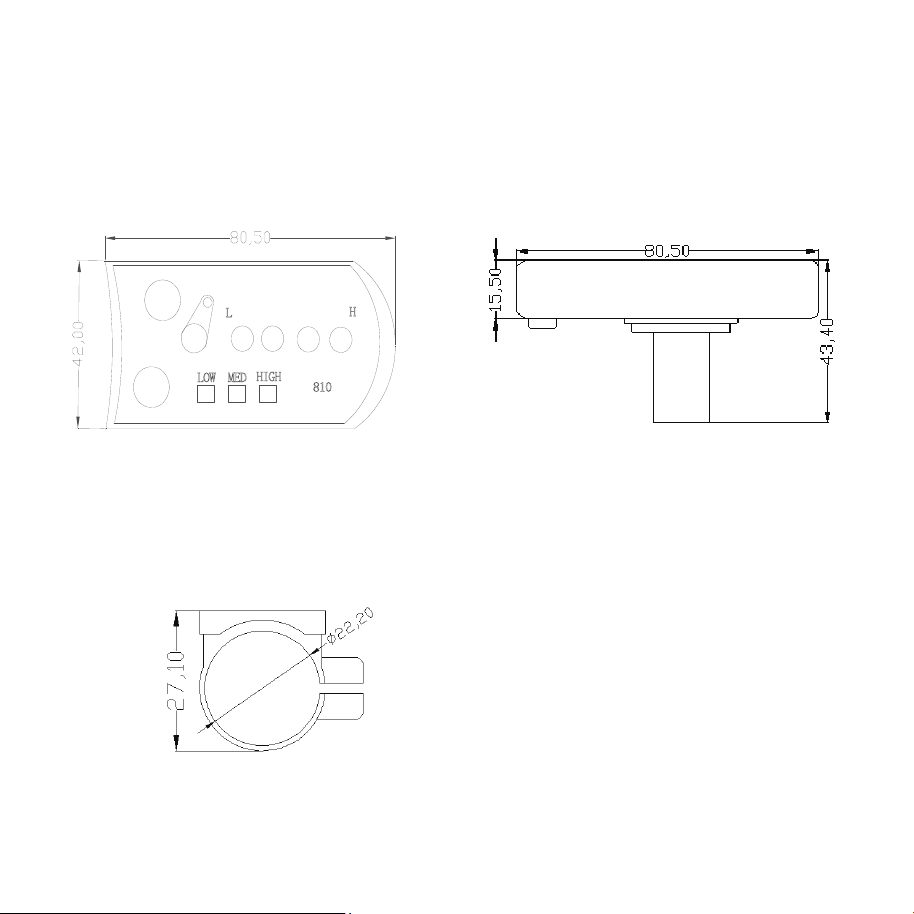
1. Exterior Parameters
Shell Material: ABS
Working Temperature: -20 ℃ -60 ℃ with guaranteed mechanical
performance.
ON/OFF
MODE
8
10
L
H
LOW
MED
HIGH
LIGHT
Front View
Side View
Side View of the Supporter Ring
2. User Instructions
Connections:
1. Connect the red wire to the positive.
2. Connect the black wire to the negative.
3. Connect the blue wire to the controller of the electric
on/off switch.
4. Connect the green wire to the controller of the motor
power output control wire.
5. Connect the yellow wire to the positive.
6. Connect the white wire to the negative.
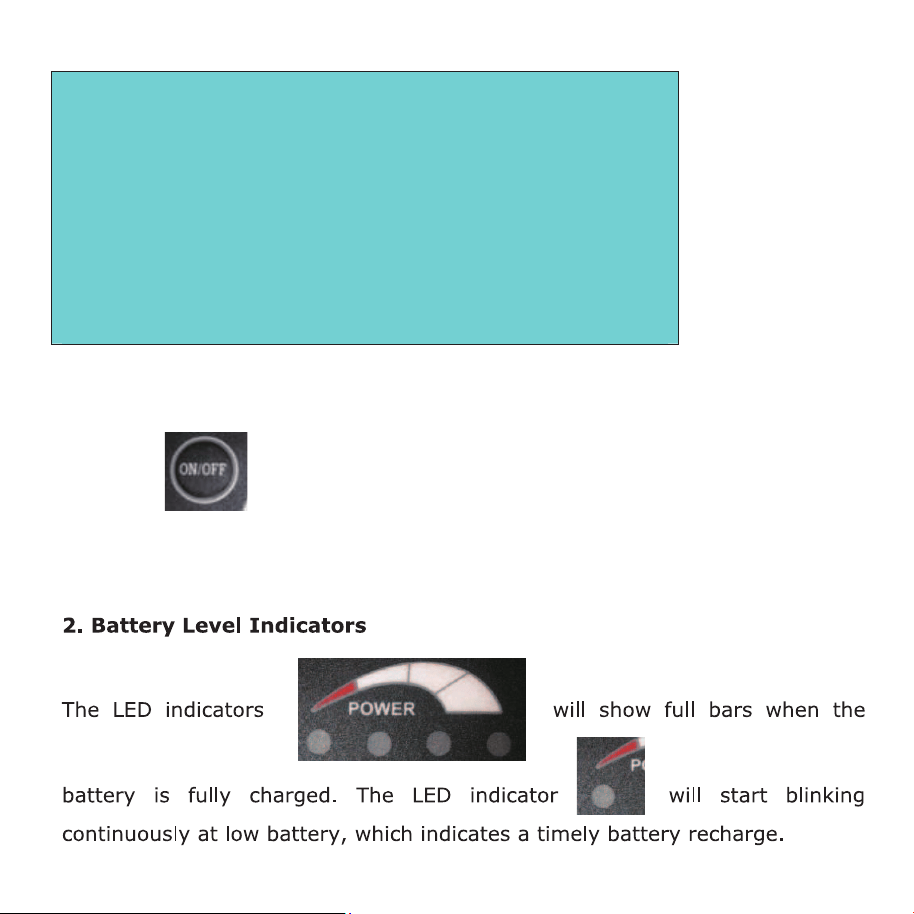
1. Start
Press the
button to power on the console, and the blue wire connected
to it will deliver the same output voltage as the power source. The maximum
operating current of the blue wire can reach 200mA.

4. Light Control
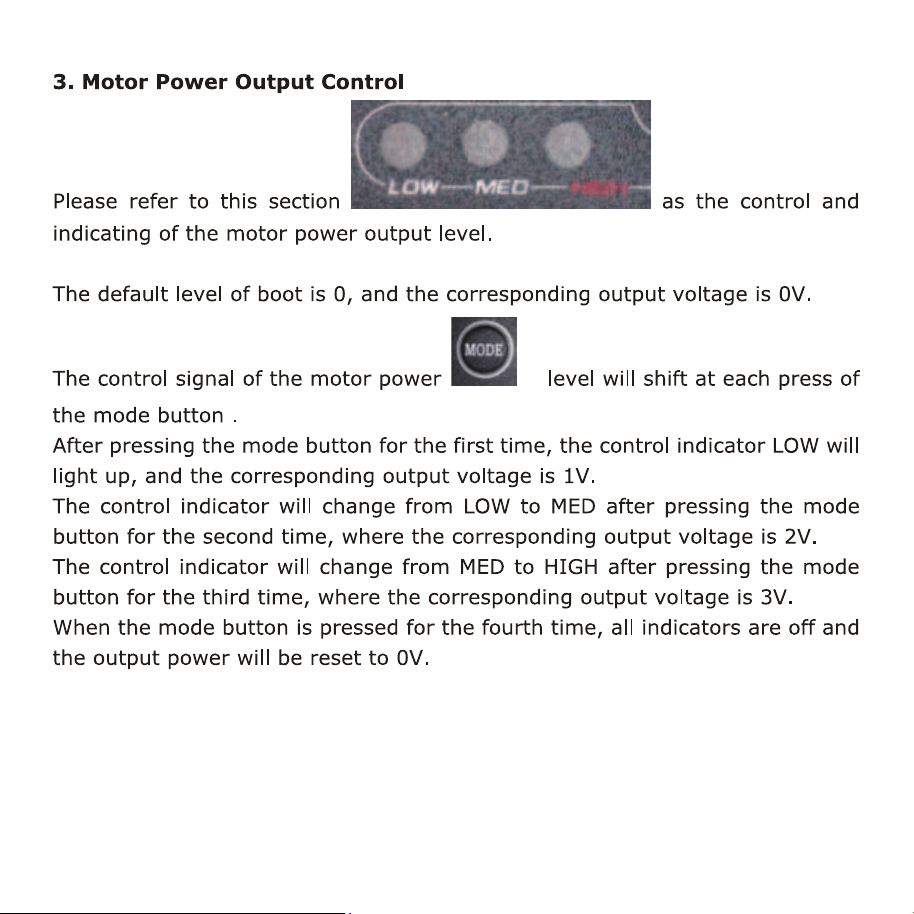
Power on the console and press the light button
, the yellow wire will
give a positive voltage output (power input) and the light indicator
will
be on. When pressing the light button
for the second time, the voltage
output of the yellow wire will be cut off and the light indicator
will be off.