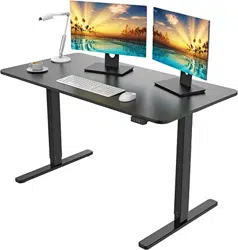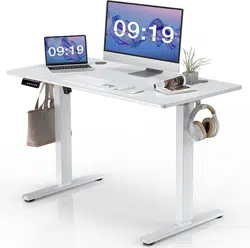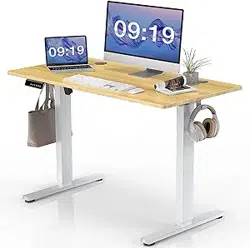
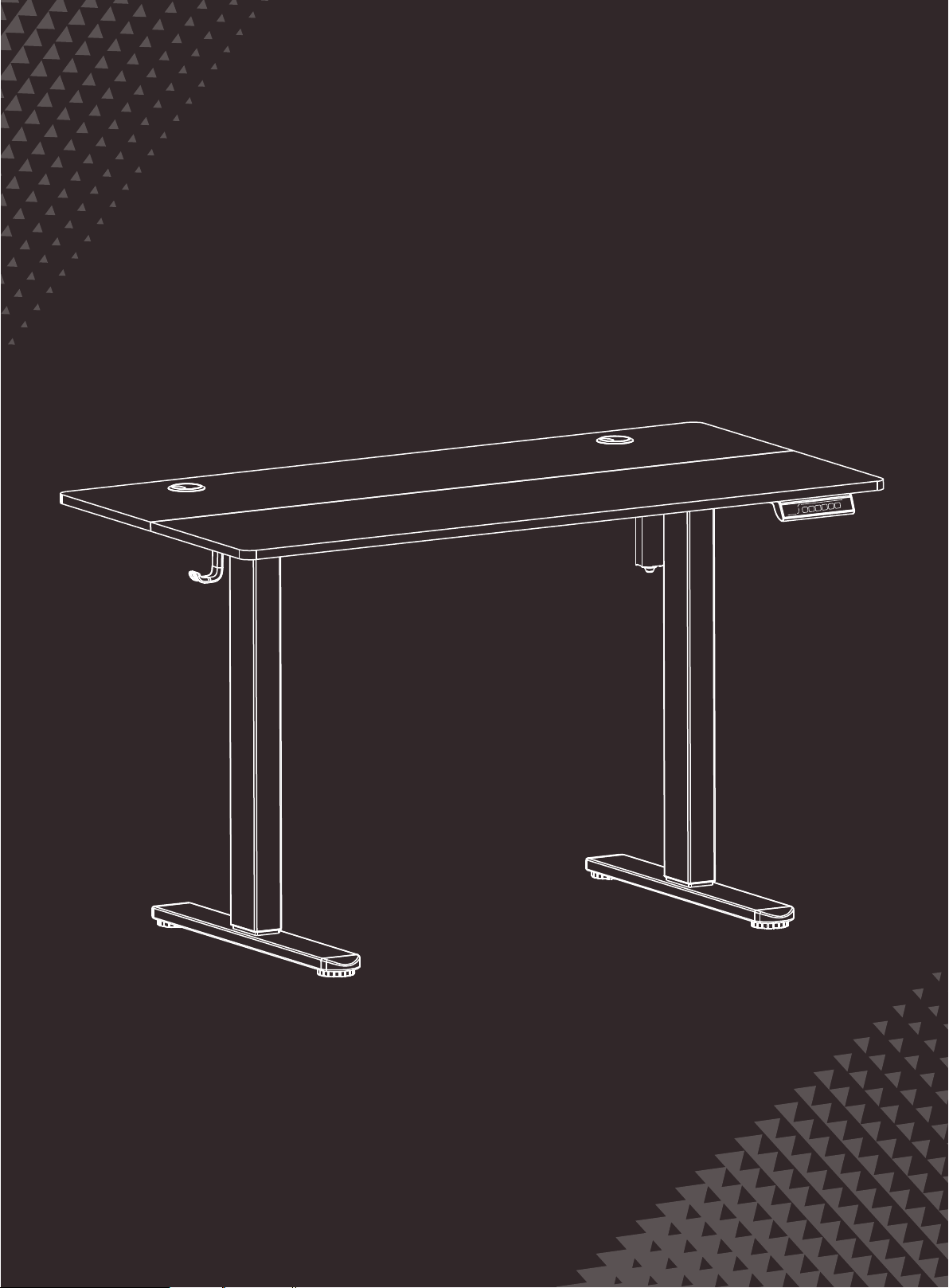
Electric Standing Desk
Instruction Manual
D-JHED121-5524
1
s
2
3
v
v

Specifications
Supplied Parts and Hardware
1
Extra Parts
2
Height Adjustment Range
28.3”–46.4” (72–118cm)
Power Input
100V–240V
Max. Load
154 lbs / 70kg
Max. Speed
20mm/s
Operating Noise
<55dB
Rubber Pad
X11
A
Rubber Pad
X2
A
X2
B
X2
C
X25
B
Screws
M5×16mm
Screws
M6×11mm
X16
C
X1
D
Allen Key
S=2mm
X1
E
Allen Key
S=5mm
Screws
M5×16mm
Screws
M6×11mm
X2
F
Cable Clip
Wood Dowel Pin
X6
G
Headphone hanger
X2
J
Cable Hole Cover
X2
H
Desktop Panel Connector
X4
I
Wood Dowel Pin
X2
G

Component List
3
Desktop
X1
01
X1
02
Crossbar
X2
03
Side Plates
Transmission Rod
X1
04
X1
06
Right Table Leg
Leg Base
X2
07
X1
08
Controller
X1
09
AC Adapter
X1
05
Left Table Leg
01
02
03
03
08
09
05
07
07
04
06

Setting the Desk Legs to the Same Height
Step 1
07
07
Cx8
E
Cx4
E
06
02
05

Setting the Desk Legs to the Same Height
Step 2
Cx4
03
03
E
Loosen the knob
04

04
Insert the transmission rod into the hex hole and turn the transmission
rod clockwise until the left leg goes to the lowest position.
Insert the other end of transmission rod to the slot on the leg (You may
rotate the rod slightly for better installation).
Secure the transmission rod to the slot by tightening the pre-assembled
set screw using the allen key.
04
Allen key
D

Tighten the knob
Insert the rubber pads
Ax11
04

Assembling and Attaching the Desktop
Step 3
Philips
Screwdriver
(not included)
Drill
(not included)
or
Gx6
01
or
Bx8
Ix4

Philips
Screwdriver
(not included)
Drill
(not included)
or
Bx11
or
Bx4
Jx2
or

Connecting the Cables
Step 4
Bx2
8
or
Fx2
09

Hx2
1
s
2
3
v
v
H

Using the Controller
Short-press the button, and the display will flash. Press the1,2,or3
button to save the current height setting to that button.
S
Press the button, and the desk will move to the height that was
previously set for that button.
1
1
Press the button, and the desk will move to the height that was
previously set for that button.
2
2
Press the button, and the desk will move to the height that was
previously set for that button.
3
3
Press the button to raise the desk continuously until it reaches the
highest position of 46.5" (118cm) or the button is released.
Press the button to lower the desk continuously until it reaches the
lowest position of 28.3" (72cm) or the button is released.
v
v
v
v

Settings
Protection Mode Error Codes
Hot
E10
E20
Overheating Protection: When the motor has been working
continuously for 2 minutes, it will stop operating to prevent
damage from overheating. Wait for at least 18 minutes
before making any further height adjustment.
Sensor Malfunction Warning: Motor safety sensor can't be
detected. Power o, check the connection between the motor
and controller, and power back on again.
Overloading Warning: Max load exceeded. If raising the desk
take the things o the desk and try again. If lowering the
desk, power o, take the things o the desk, power back on
and try again.
Change Display Height Units
Press and hold the button until a flashing'S--'is displayed. Press again
and'Un'is displayed. Press to select it, press or to switch between
'IN'(imperial) and'SI' (metric), and press to save your choice.
S
S
Change Collision Detection Sensitivity
Press and hold the button until a flashing'S--'is displayed. Press again
and'Un'is displayed. Press or to switch to'CF'and press to select it.
Press or to switch between o, low, normal, and high sensitivity.
Press to save your choice.
S
v
v
S S
S
S
v
v
v
v
Reset
Press and hold the button for 5 seconds, and the screen
will show 'RES'.Continue holding until the desk goes down to its lowest
level and comes back up slightly.
v
S

E02
E32
E31
E60
-
Operation Status Warning: The desk stops moving if
vibration, impact, or incline are detected. If this detection is
incorrect, follow the reset instructions before continuing use.
Overvoltage Protection: Input voltage too high. If the correct
AC adapter is being used, power o the desk, check the
connection between power and the controller, and power
on again.
Undervoltage Protection: Input voltage too low. If the
correct AC adapter is being used, power o the desk check
the connection between power and the controller and power
on again.
Unequal Leg Height Warning: Power o the desk and check
whether the left and right legs are at the same height. Adjust
if necessary by following the instructions. Power on again.
Cable Disconnection Warning: Check motor and controller
cable connections. Normal operation should return once all
connectors are properly connected.

Thank you for choosing this product. We strive to provide you with the
best quality products and service in the industry. Should you have
any issues, please don't hesitate to contact us.
1
s
2
3
v
v