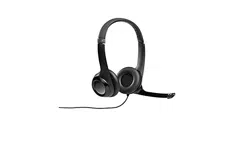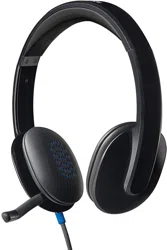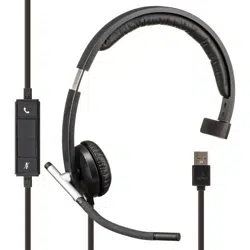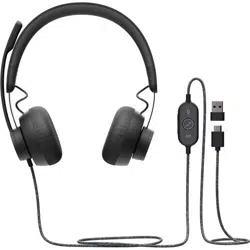
USB HEADSET H340
Complete Setup Guide
完整设置指南
完整設定指南
설치 가이드

CONTENTS
English . . . . . . . . . . . . . . . . .3
简体中文 . . . . . . . . . . . . . . . .5
繁體中文 . . . . . . . . . . . . . . . .7
한국어 . . . . . . . . . . . . . . . . .9

English 3
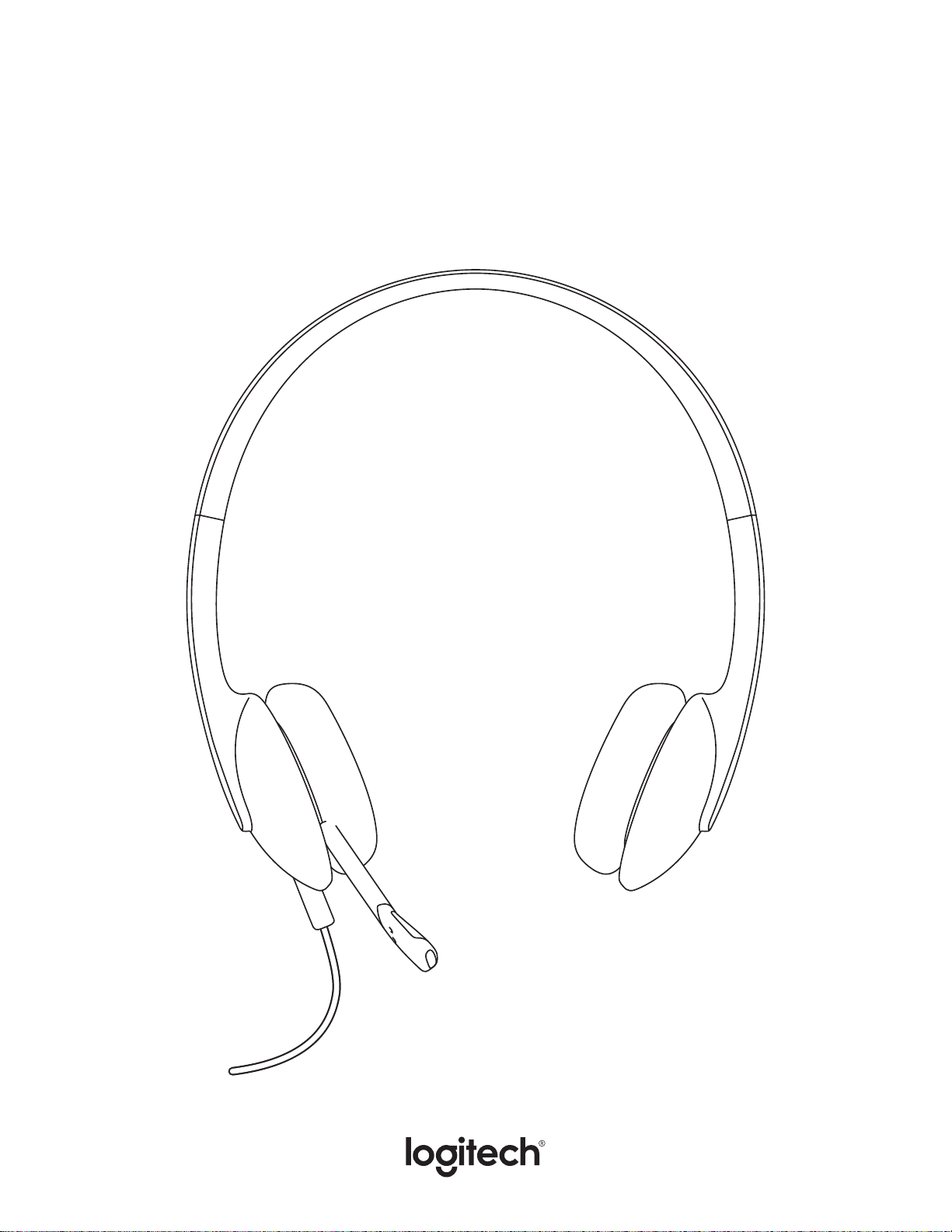
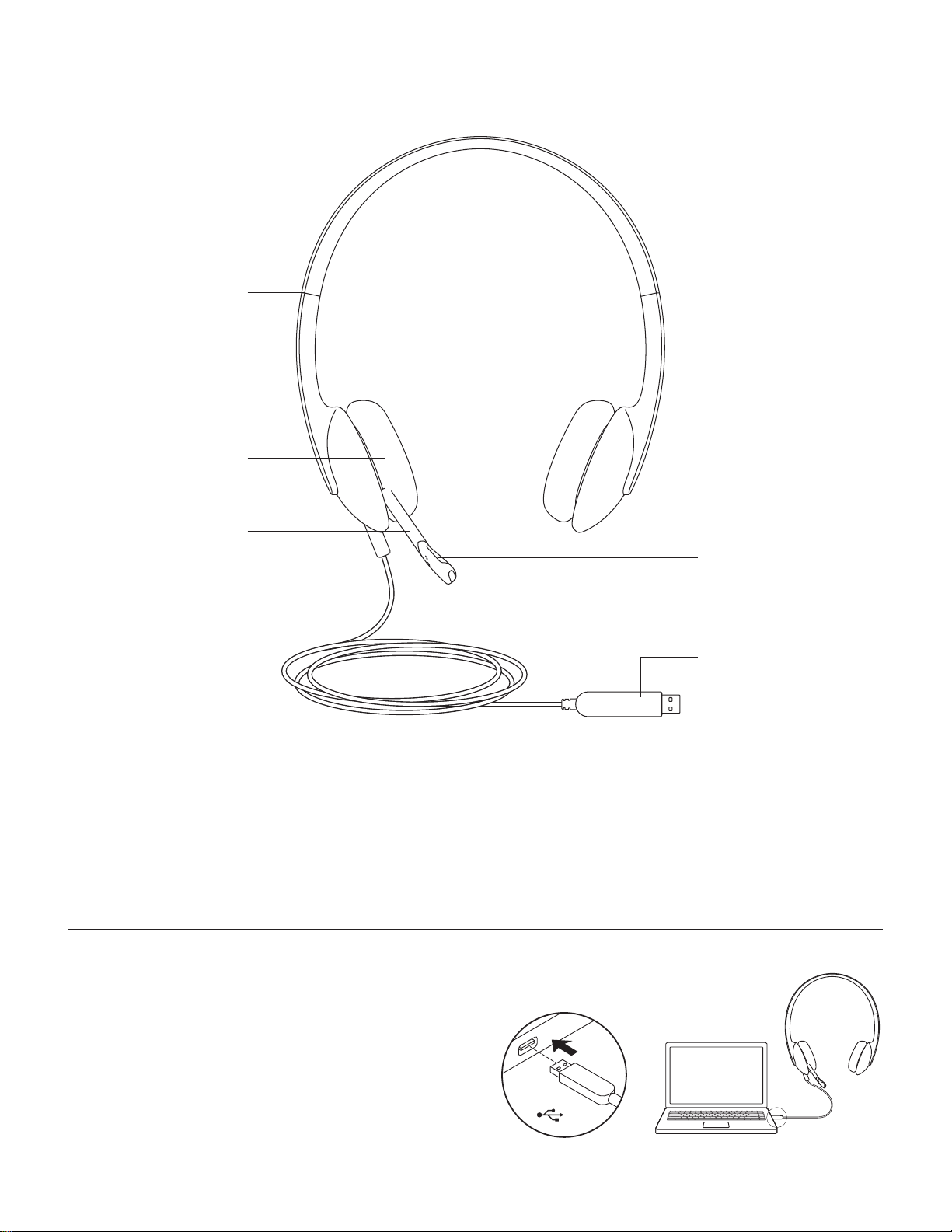
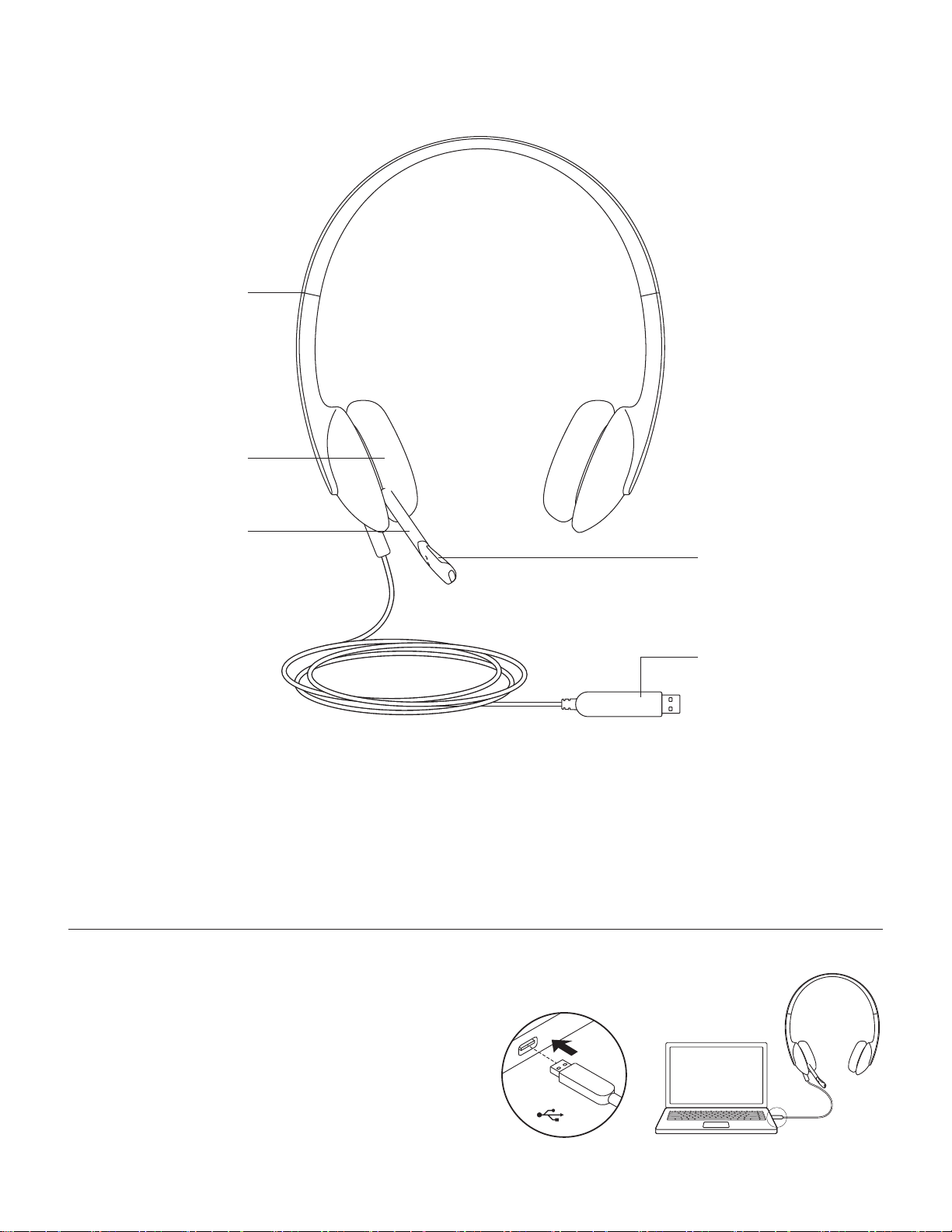
KNOW YOUR PRODUCT
Adjustable
headband
Swivel-mounted
foam ear cushions
Adjustable
microphone boom
USB-A connector
Noise-canceling
microphone
CONNECTING THE HEADSET
Plug the USB-A connector into the computer
USB port.
USB
English 4
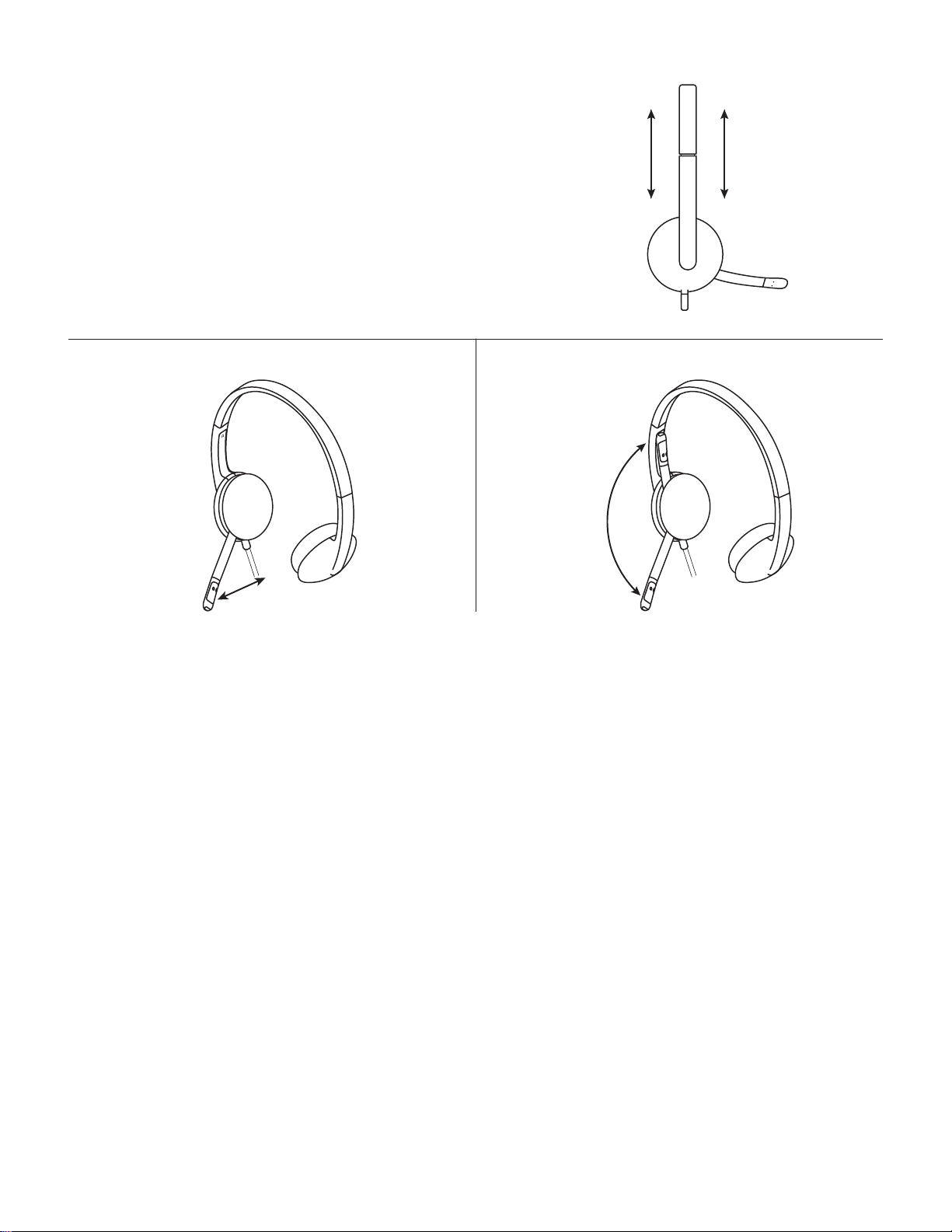
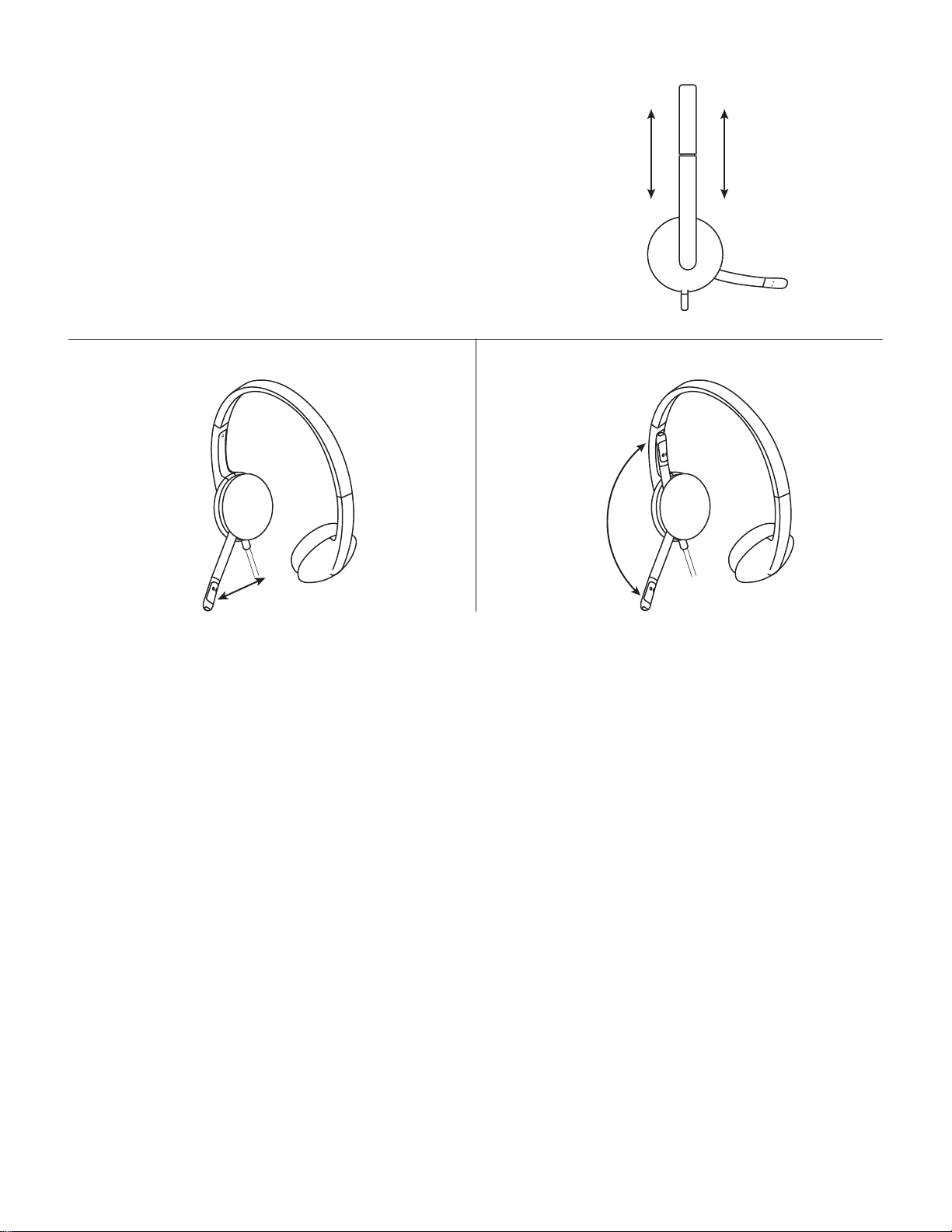
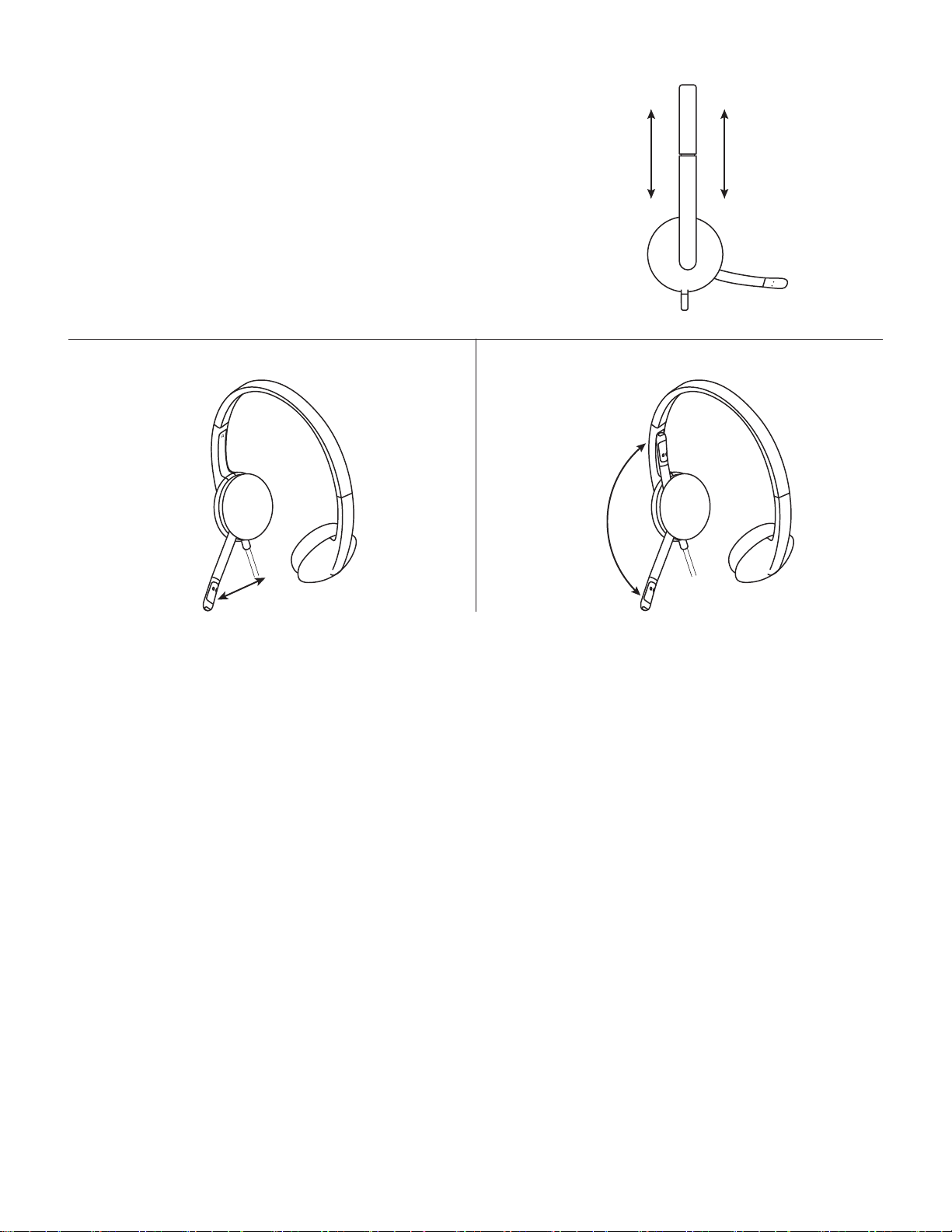
HEADSET FIT
1. To adjust headset size, move the headband up
anddown until it ts comfortably.
2. Move the exible microphone boom up or down
andin or out until it is level with your mouth for
better voice capture.
3. Boom can be tucked out of the way when not
beingused.
1
3
2
www.logitech.com/support/H340
© 2019 Logitech. Logitech, Logi and other Logitech marks are owned by Logitech
and may be registered. All other trademarks are the property of their respective owners.
Logitech assumes no responsibility for any errors that may appear in this manual.
Information contained herein is subject to change without notice.
简体中文 5
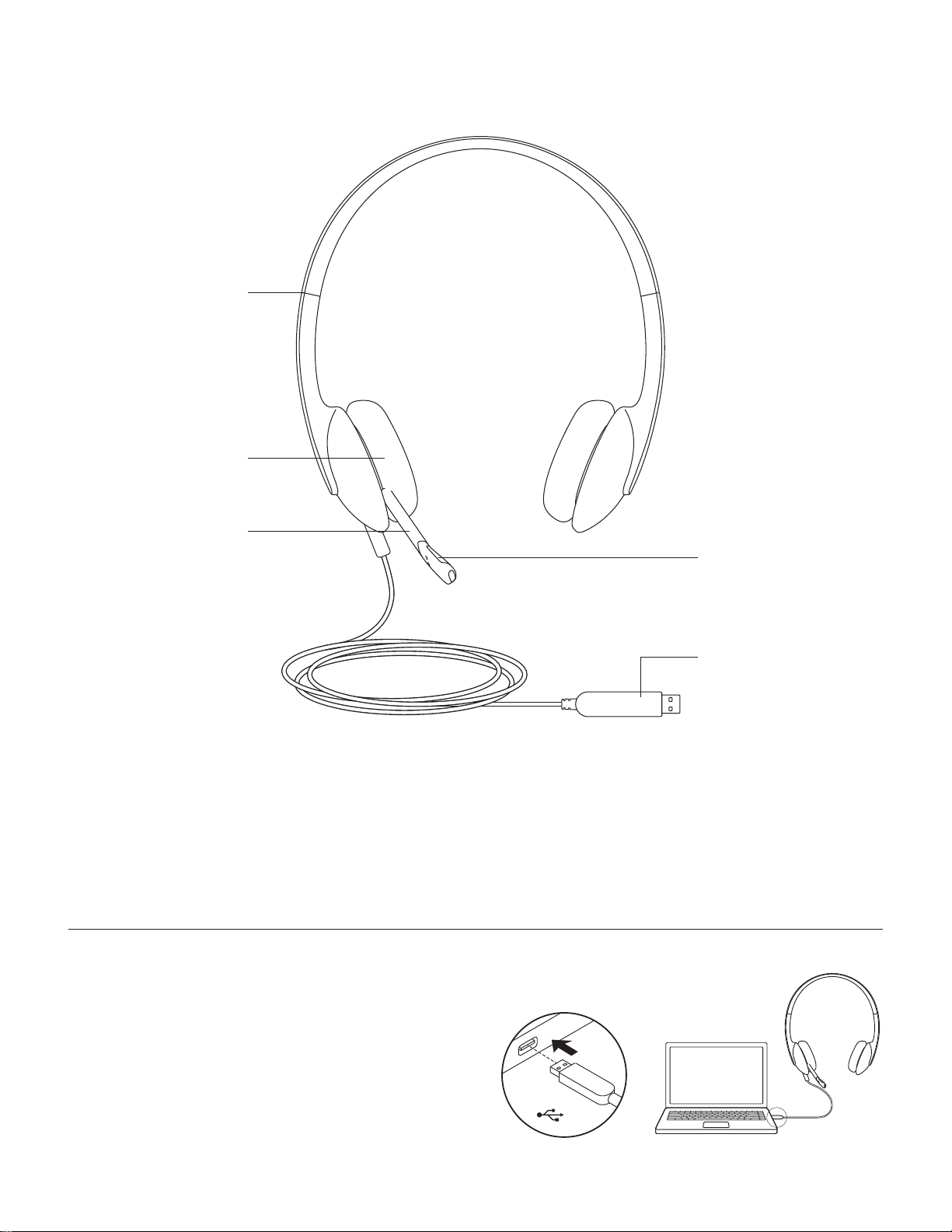
了解您的产品
可调节头带
旋转安装式泡棉耳垫
可调麦克风杆
USB-A 接头
降噪麦克风
连接耳机麦克风
将 USB-A 接头插入电脑的 USB 端口。
USB
简体中文 6
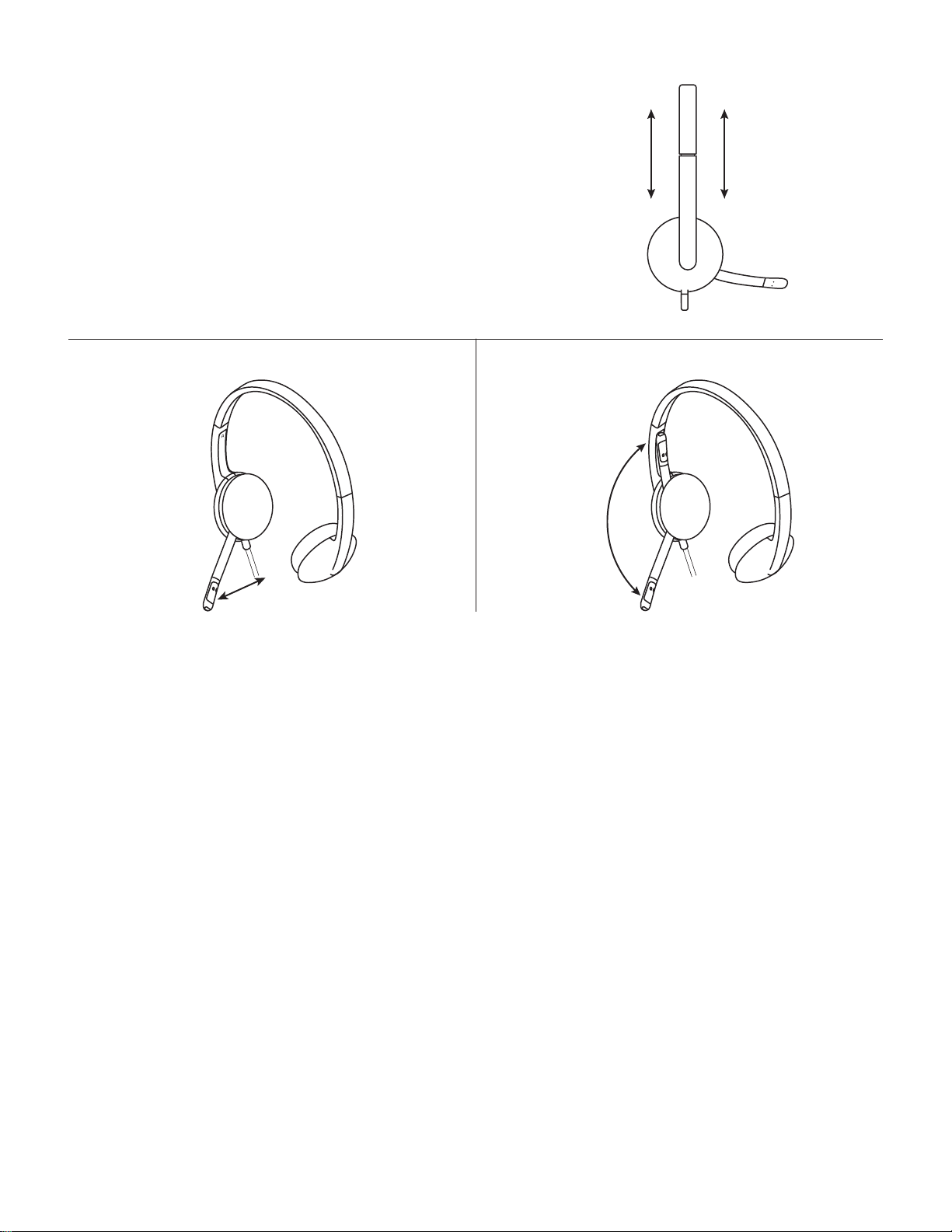
耳机麦克风贴合佩戴
1. 要调节耳机麦克风尺寸,请上下移动头带,直至佩戴舒适
贴合。
2.可上下及前后移动麦克风杆,直至与嘴部齐平,以便更好
地捕捉声音。
3.不使用时,可将麦克风杆旋转至不影响当前使用的位置。
1
3
2
www.logitech.com/support/H340
繁體中文 7
瞭解您的產品
可調整頭帶
旋轉安裝泡棉耳墊
可調整麥克風桿
USB-A 接頭
降噪麥克風
連接耳機麥克風
將 USB-A 插頭插入到電腦上的 USB 連 接 埠。
USB
繁體中文 8
耳機麥克風配戴
1. 若要調整耳機麥克風大小,請上下移動頭帶直到可舒適
配 戴 為 止。
2. 上下、內外移動彈性麥克風桿,直到其與您的嘴部同高以
獲 得 更 好 的 收 音。
3.麥克風桿不使用時可以將其完全收合。
1
3
2
www.logitech.com/support/H340
한국어 9
제품 설명
조절 가능한 헤드밴드
회전 가능한 폼 이어 쿠션
조절 가능한 마이크 붐
USB-A 커넥터
노이즈 캔슬링 마이크
헤드셋 연결
USB-A 커넥터를 컴퓨터 USB 포트에 연결합니다.
USB
한국어 10
헤드셋 핏
1.헤드밴드를 위아래로 움직여 헤드셋의 크기를 머리에
맞게 조절하십시오.
2.또렷한 음성 캡처를 위해 마이크 붐이 입과 수평이
되도록 이동하십시오.
3.붐은 사용하지 않을 때 접어서 넣어둘 수 있습니다.
1
3
2
www.logitech.com/support/H340

WEB-621-001266.002
© 2019 Logitech. Logitech, Logi and other Logitech marks are owned by Logitech
and may be registered. All other trademarks are the property of their respective owners.
Logitech assumes no responsibility for any errors that may appear in this manual.
Information contained herein is subject to change without notice.
www.logitech.com/support/H340