
PETBLE SmartTag Instruction Manual
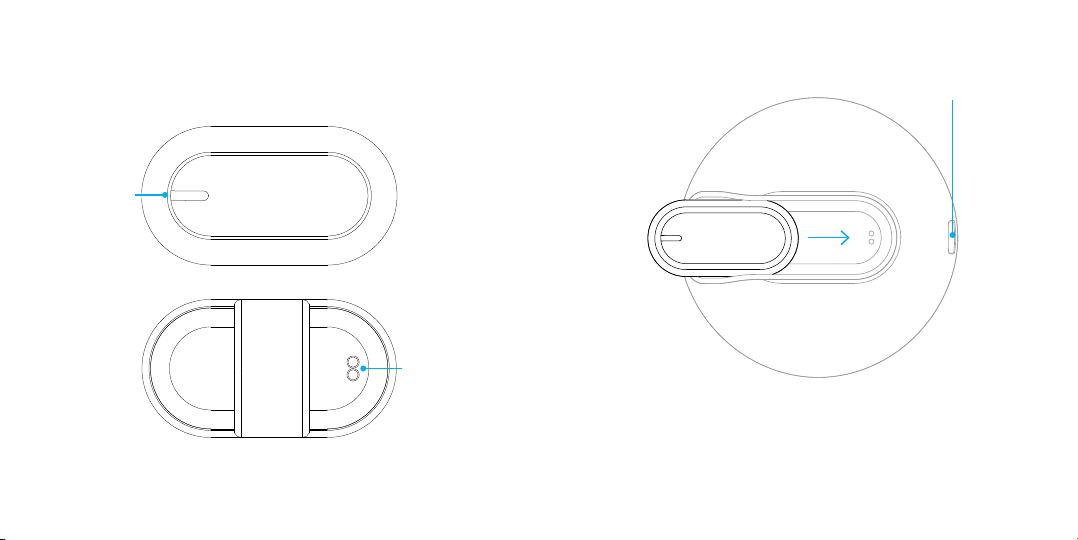
Charging SmartTag
1. Before its first usage, charge the SmartTag to activate its
wireless connectivity by inserting it into the charging slot.
Green Light: Indicates the SmartTag is charging
No Lights: Indicates the SmartTag is fully charged
Start Using SmartTag
Indicator LED
Charging Port
Indicator LED
How to wear the SmartTag
1. Attach the SmartTag to the silicone ring
Pairing SmartTag
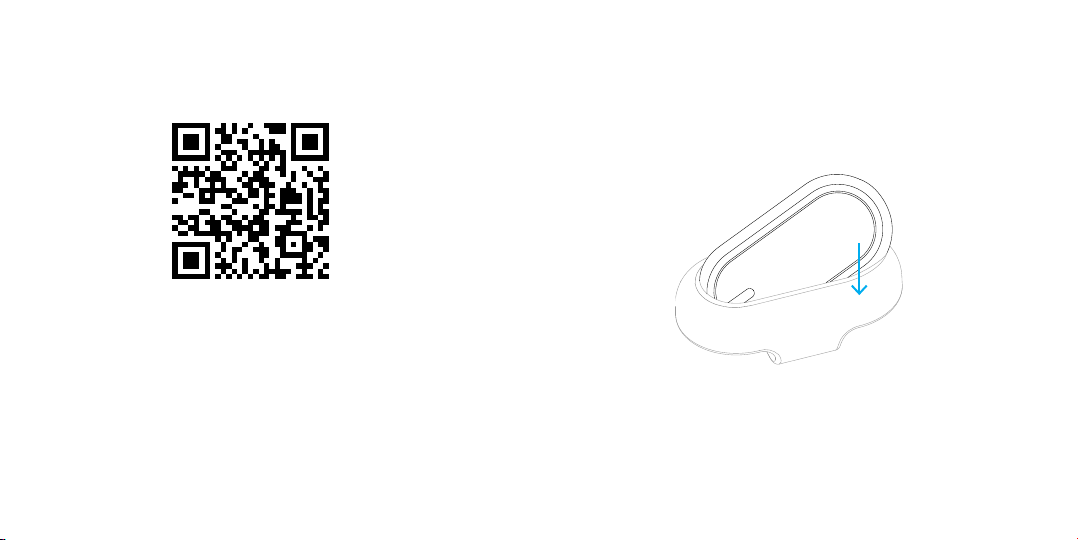
PETBLE SmartTag is designed to work with the PETBLE app. You can
download iOS and Android versions of the app from Apple’s App Store
and Google’s Play Store respectively. Once installed, you can follow
instructions from the app to pair both devices with your smartphone.
For you convenience, the QR code to the stores is provided above.
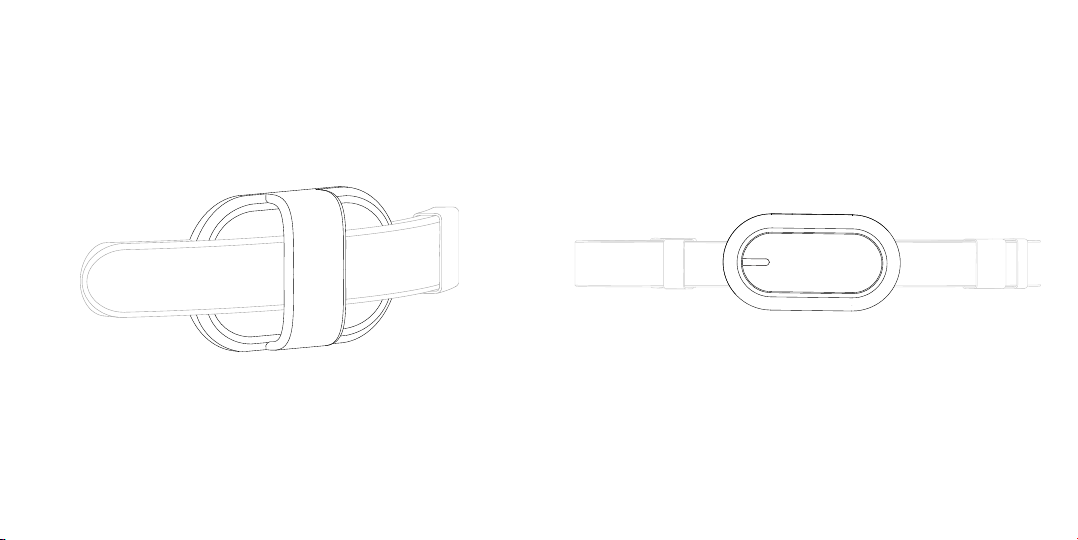
How to wear the SmartTag
3. Wear the collar around the pet’s neck with the SmartTag at
the right position
4. Tie the leash to the collar for walk
2. Attach the silicone ring to the collar
Compliance
211-161213
R