1
Window AC Pairing Instructions
HME030524N HME030525N HME030526N HME030527N HME030528N
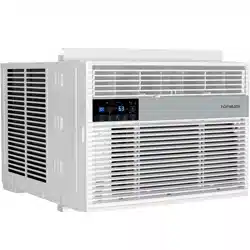
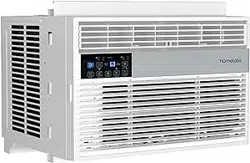
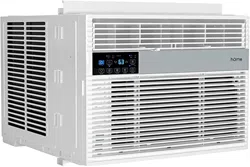
Hold the SMART button on the control panel of the window AC for
several seconds. The letters “AP” will start ashing on the screen.
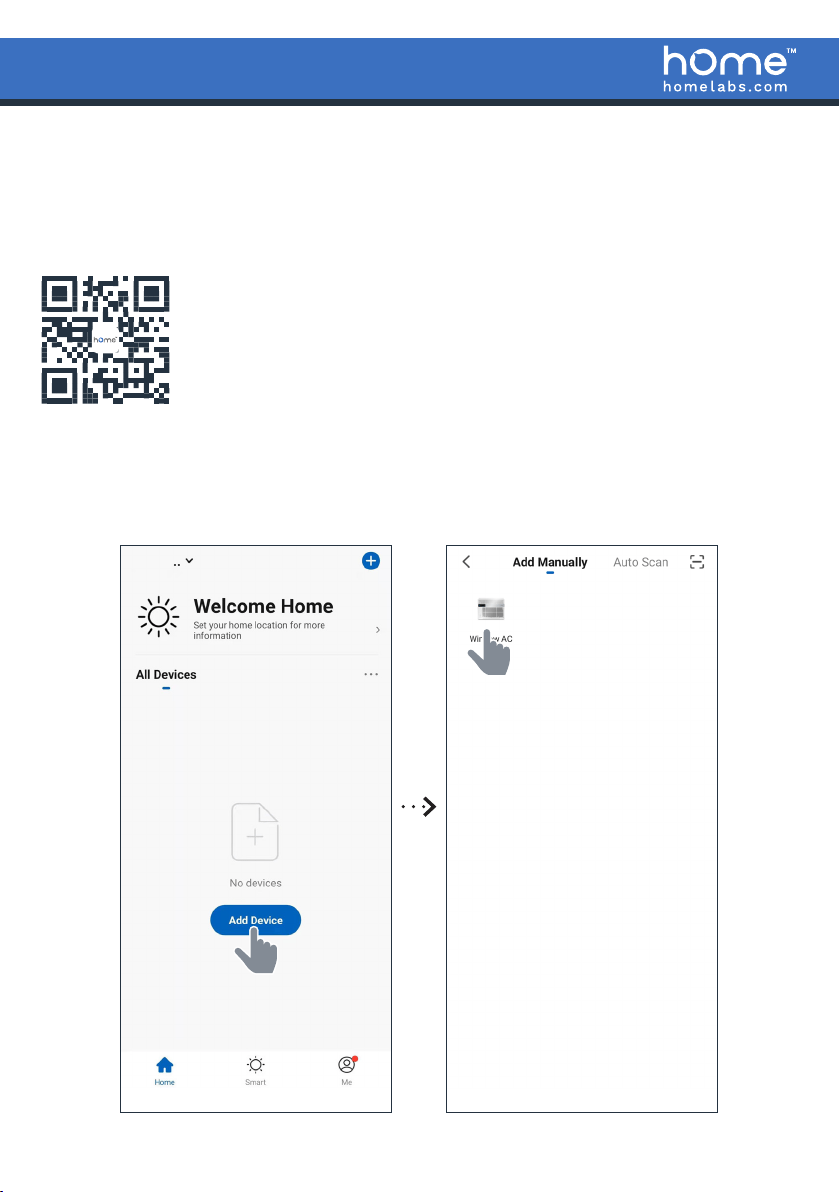
Scan the QR code on the left to download your hOmelabs smart
app and install it on your mobile device. You can also search the
Apple AppStore or the Google Play store for the hOmeLabs app. After
installing the app, open it, and create a new account.
STEP 1 - SELECTING THE DEVICE
Go to the app’s homepage and log in. Tap “Add Device”. Choose “Window AC” from
the list and tap on it.
2
STEP 2 - SELECTING AND LOGGING INTO WIFI NETWORK
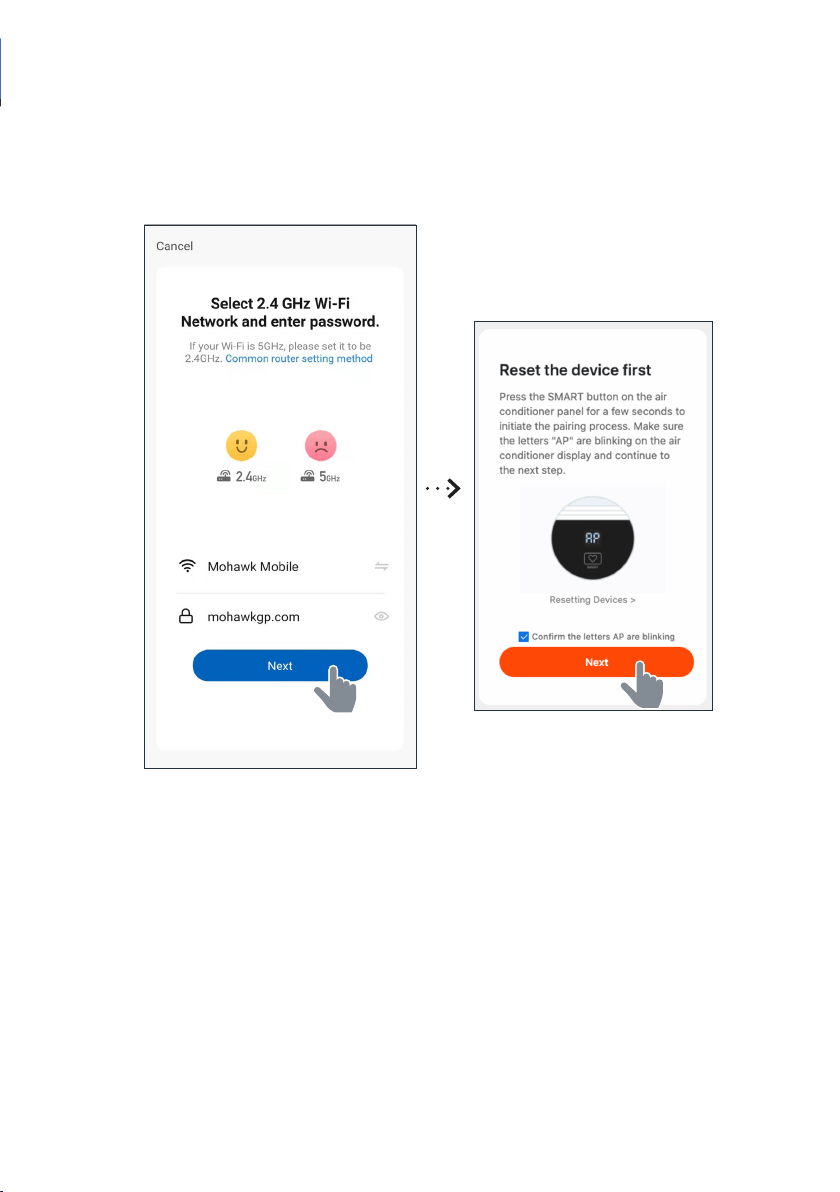
Make sure your Wi-Fi network is set on "2.4GHz". Choose your existing Wi-Fi
network from the list and type in your Wi-Fi password. Tap "Next". You will be taken
to the device pairing screen. Continue to STEP 3.
• The Wi network should be 2.4 GHz.
3
STEP 3 – CONNECTING YOUR MOBILE PHONE TO THE DEVICE WIFI
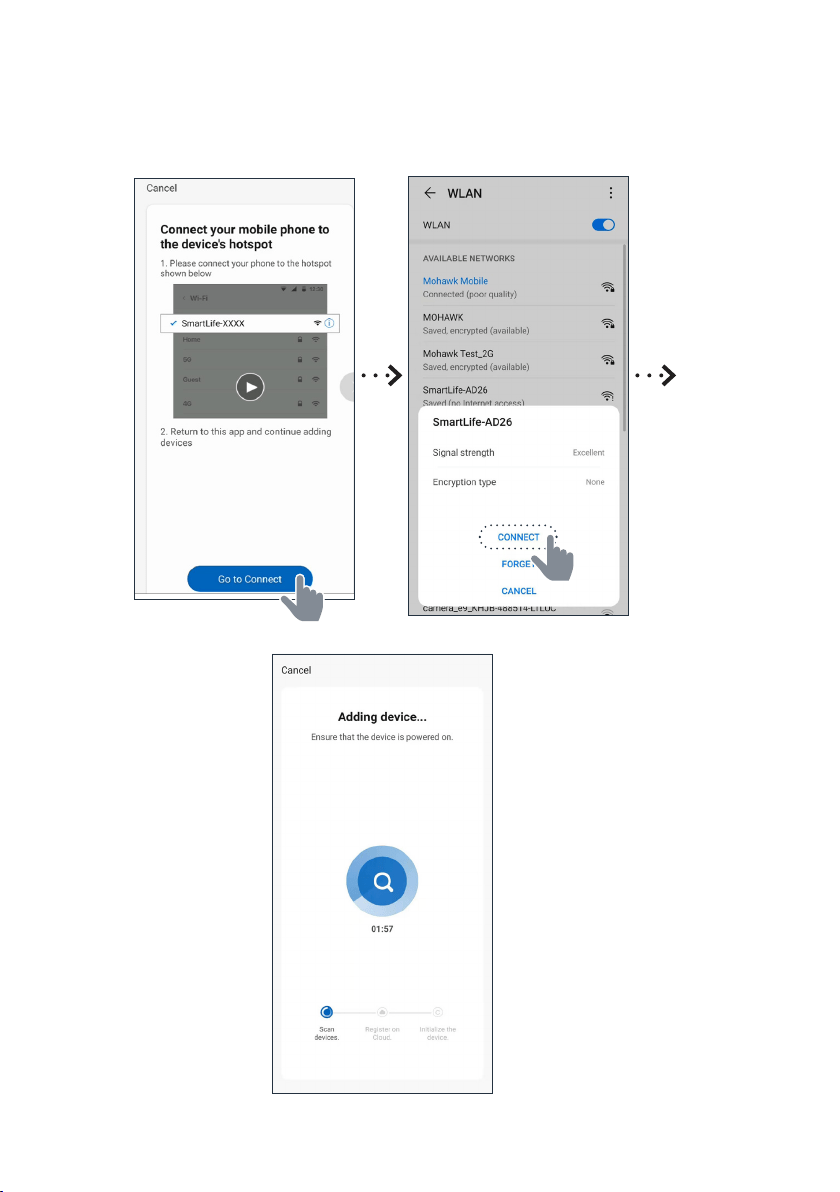
Follow the instructions below to connect your mobile phone to the device's hotspot.
The pairing process should be completed within 3 minutes after resetting the device.
4
Manufacturing Information
This manual covers all items with these model numbers:
HME030524N HME030525N HME030526N HME030527N HME030528N
Contact Us
homelabs.com/chat
1 (800)-898-3002 [email protected]
CHAT W ITH U S
CALL U S
EMAIL U S
STEP 4 - FINALIZING THE PAIRING
(NAME DEVICE, ADD ROOM)
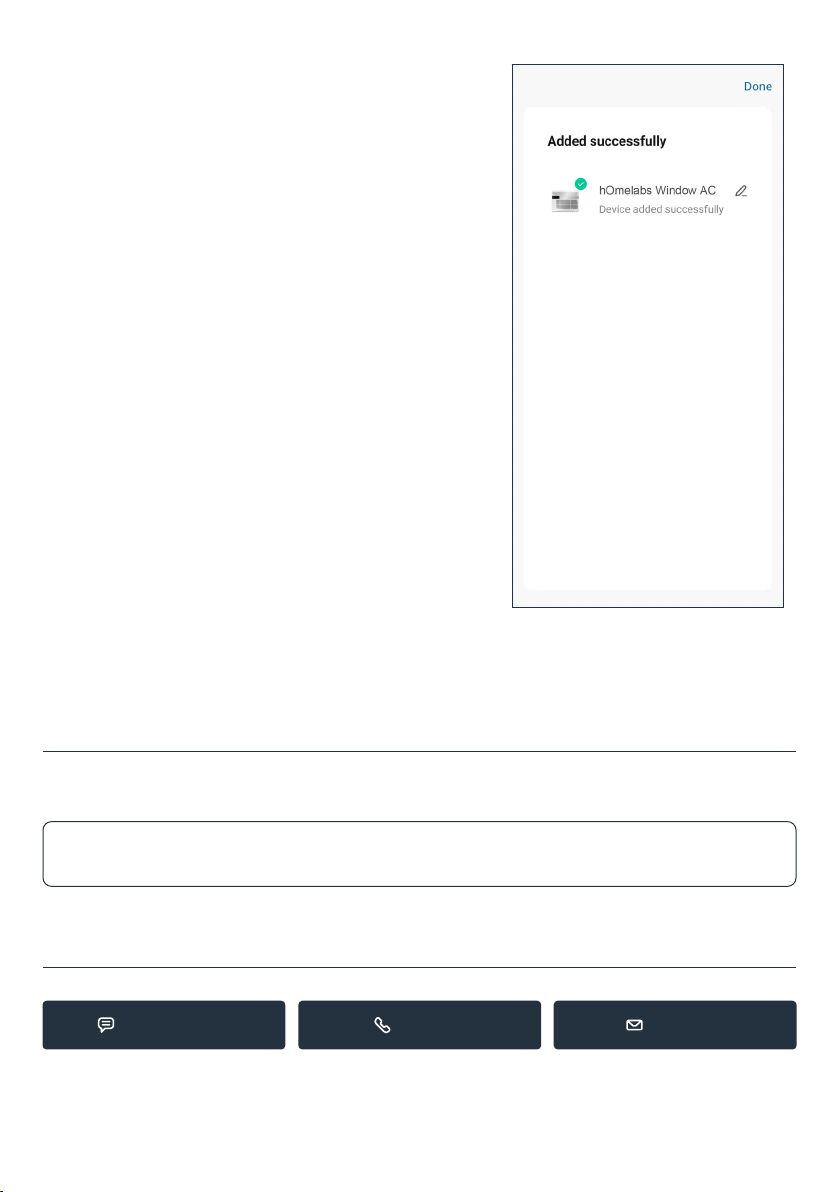
Now, simply conrm that the Wi-Fi signal is
ashing, and tap "Done". Complete pairing your
device and enjoy using the hOmelabs smartapp.