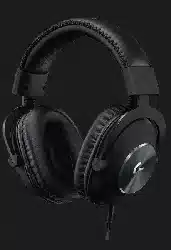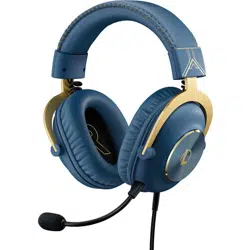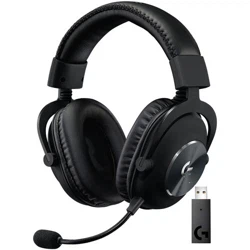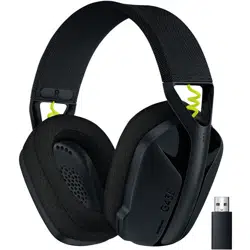
PRO X
SETUP GUIDE | GUIDE D’INSTALLATION
ENGLISH . . . . . . . . . . . . . . . . . . . . . . . . .3
FRANÇAIS . . . . . . . . . . . . . . . . . . . . . . . .7
ESPAÑOL . . . . . . . . . . . . . . . . . . . . . . . . 11
PORTUGUÊS . . . . . . . . . . . . . . . . . . . . . . 15
L
R

3 ENGLISH
PC SETUP
1 Plug in microphone
2 Plug console/PC cable into headset
3 Using USB DAC:
1. Plug console/PC cable into USB DAC
2. Plug USB DAC into PC
1
4 Using PC sound card:
1. Plug console/PC cable into PC splitter
2. Plug PC splitter into PC’s headphone and mic ports
1
Included USB DAC enables 5-band EQ tuning,
DTS Headphone:X 2.0 and Blue VO!CE microphone lters on PC.
Requires Logitech G HUB software download.
5-band EQ tuning, DTS Headphone:X 2.0 and Blue VO!CE
arenot available while using PC sound card.
USB
4 ENGLISH
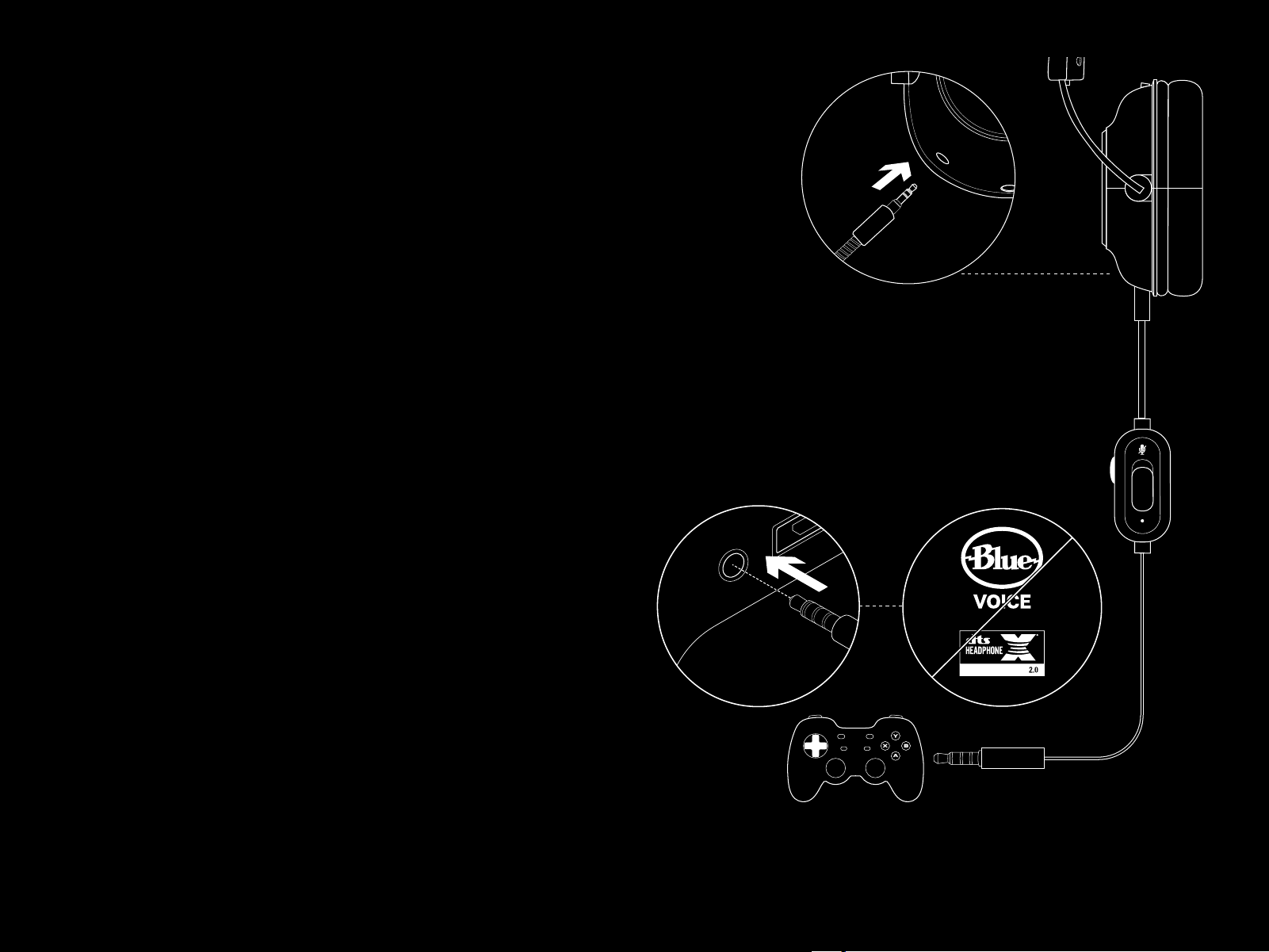
CONSOLE SETUP
(XBOX ONE™, PLAYSTATION
®
4)
1 Plug in microphone
2 Plug console/PC cable into headset
3 Plug other end into controller
2
2
Instructions may vary based on your system version.
Please check your console manual for additional guidance.
Xbox One and PlayStation 4 operate in stereo mode only
viaanalog cable. Some Xbox One controllers may require
XboxOne Stereo Headset Adapter, sold separately.
5-band EQ tuning, DTS Headphone:X 2.0 and Blue VO!CE
arenotavailable while connected to console controller.
3.5mm
5 ENGLISH
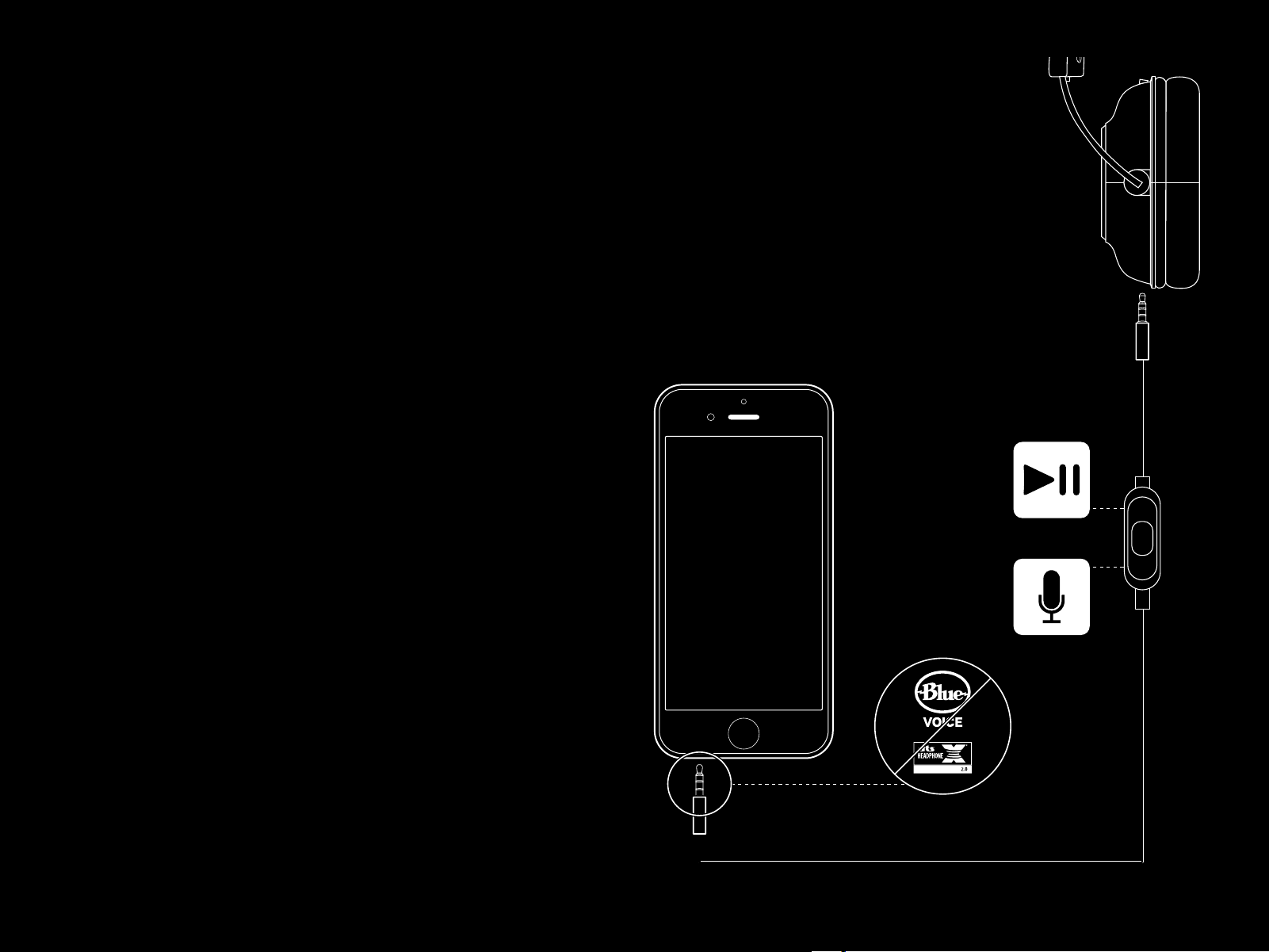
MICROPHONE POSITION SETUP
1 Remove microphone
2 Plug in mobile cable to headset
3 Plug mobile cable into phone
3
3
5-band EQ tuning, DTS Headphone:X 2.0 and Blue VO!CE
arenotavailable on mobile devices.

6 ENGLISH
FREQUENTLY ASKED QUESTIONS
Q: How do I save a custom EQ to the USB DAC?
A: Connect the USB DAC to a PC’s USB port and use G HUB software
to download a pre-congured EQ from your favorite pro gamer,
orto congure your own custom EQ settings. After using G HUB to
save your EQ to the DAC, you can then enjoy your custom settings
even on tournament PCs with no G HUB software installed.
Q: Can I save Blue VO!CE settings to the USB DAC?
A: No, Blue VO!CE technology is only available while using G HUB
software and the USB DAC on PC.
Q: Can I save DTS Headphone:X 2.0 settings to the USB DAC?
A: No, DTS Headphone:X 2.0 is only available while using G HUB
software and the USB DAC on PC.
www.logitechG.com/GHUB
www.logitechG.com/support/proxheadset
MICROPHONE PLACEMENT
Ideal placement of the microphone is at the corner of
yourmouth. In this position, your voice can be heard clearly
without the microphone picking up breathing sounds.