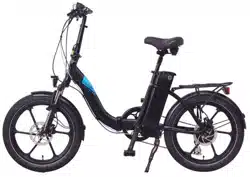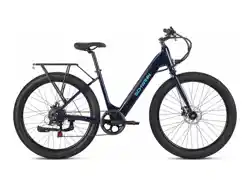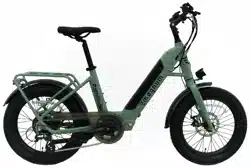

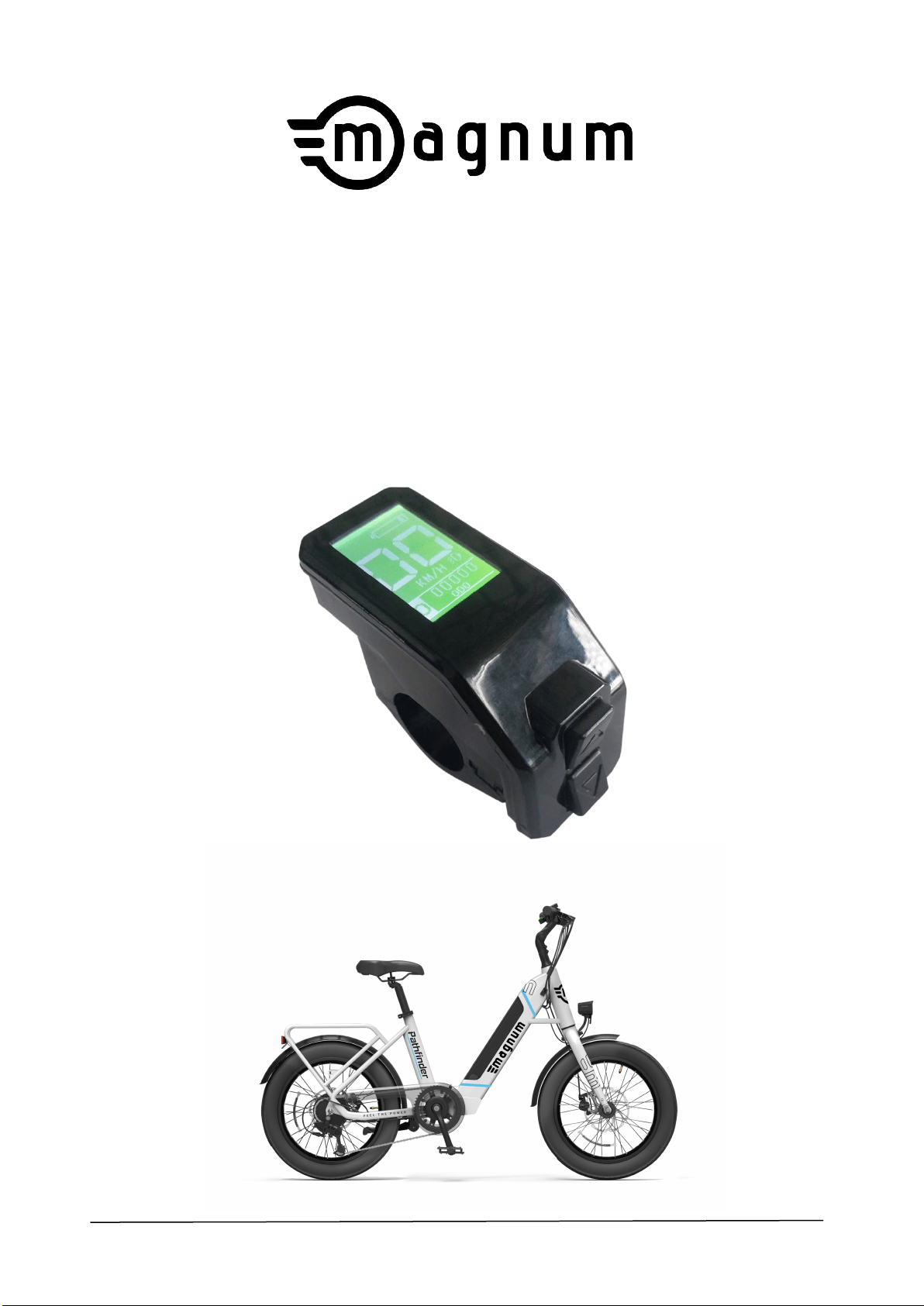
Pathfinder 500W
www.magnumbikes.com
PLEASE READ ME FIRST

LR
BATTERY SAFETY
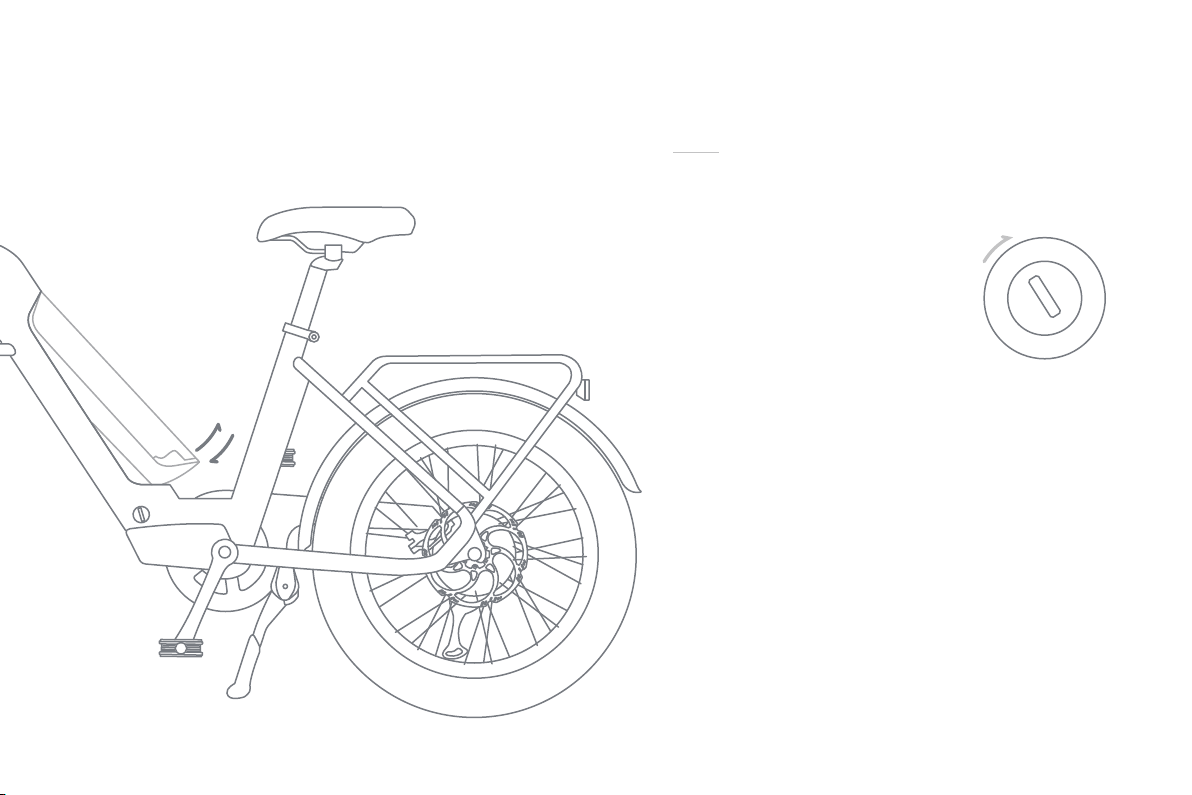
O NOT submerge the battery or allow heavy rain exposure.

Motor Type:
Rear Geared Hub Motor
Motor Output:
48v 500w
Battery Voltage / Amp Hours / Watt Hours:
48v / 13ah /624wh
Battery Chemistry:
Lithium Nickel Cobalt Manganese (Li-ncm)
Estimated Charge Time:
4-4.5 Hrs
Estimated Min And Max Range:
30 To 50 Miles (Depending On Riding Style,
Terrain, Rider Weight, and Pedal Assist Level.)
Display Type:
Bigstone H102 Display
Display Readouts:
Speed (mph or kmh), Frontlight on/off, Assist
Level 0-3, Battery Level, Odometer, Trip Distance,
Range (estimated remaining mileage)
Drive Modes:
Pedal Assist, Twist Throttle
Max Speed:
25mph
Lights:
Integrated Front and Rear Light controlled by the
display (power on/off)
Total Weight:
50lbs
Battery Weight:
8lbs
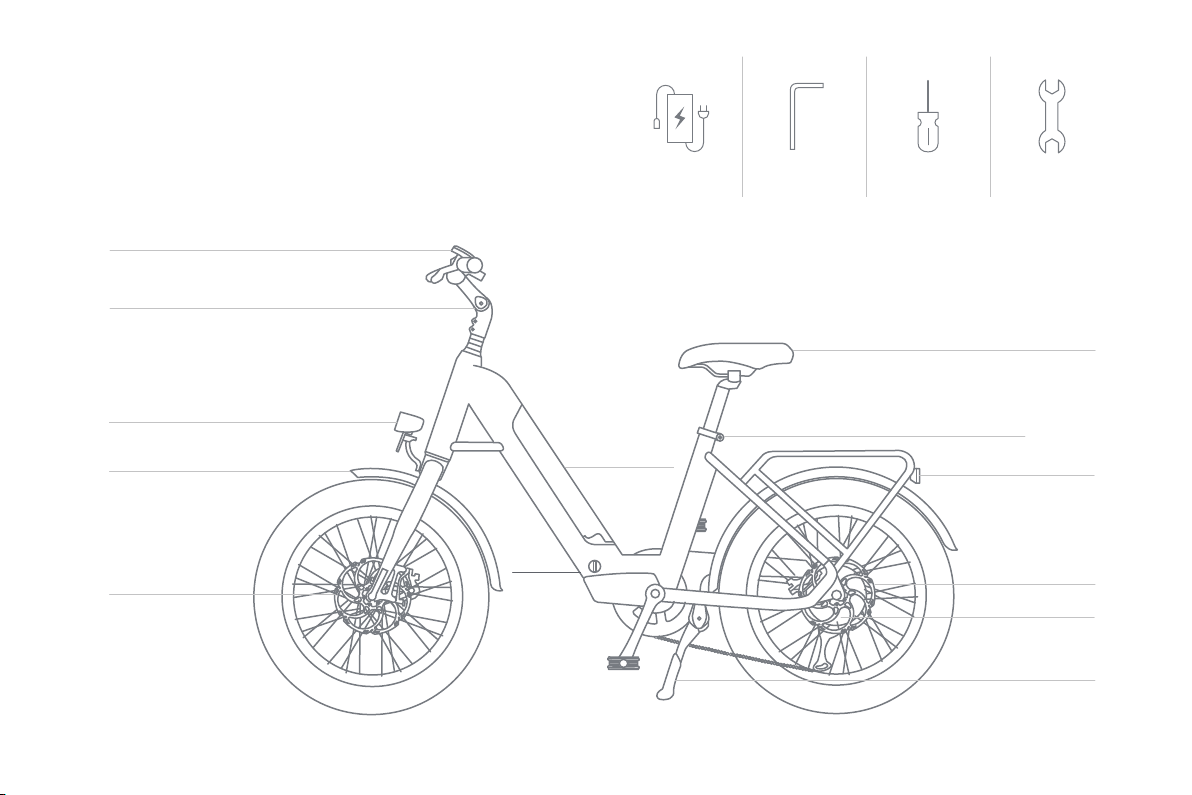
Frame Type:
Low Step
Fork Details:
Fixed Alloy
Gearing Details:
Shimano Altus 7 Speed
Shifter Details:
Shimano Altus
Stem:
Adjustable Alloy
Brake Details:
Tektro Hydraulic disc brakes
Saddle:
VELO saddle
Seatpost:
Rigid
Rack / Fenders:
Rear rack, front and rear fenders
Tires:
Innova 20″ fat tire
Wheel Size:
20″ x 3″

1 / 18
Specification of H102 Display
Specification of H102 display
6 / 18
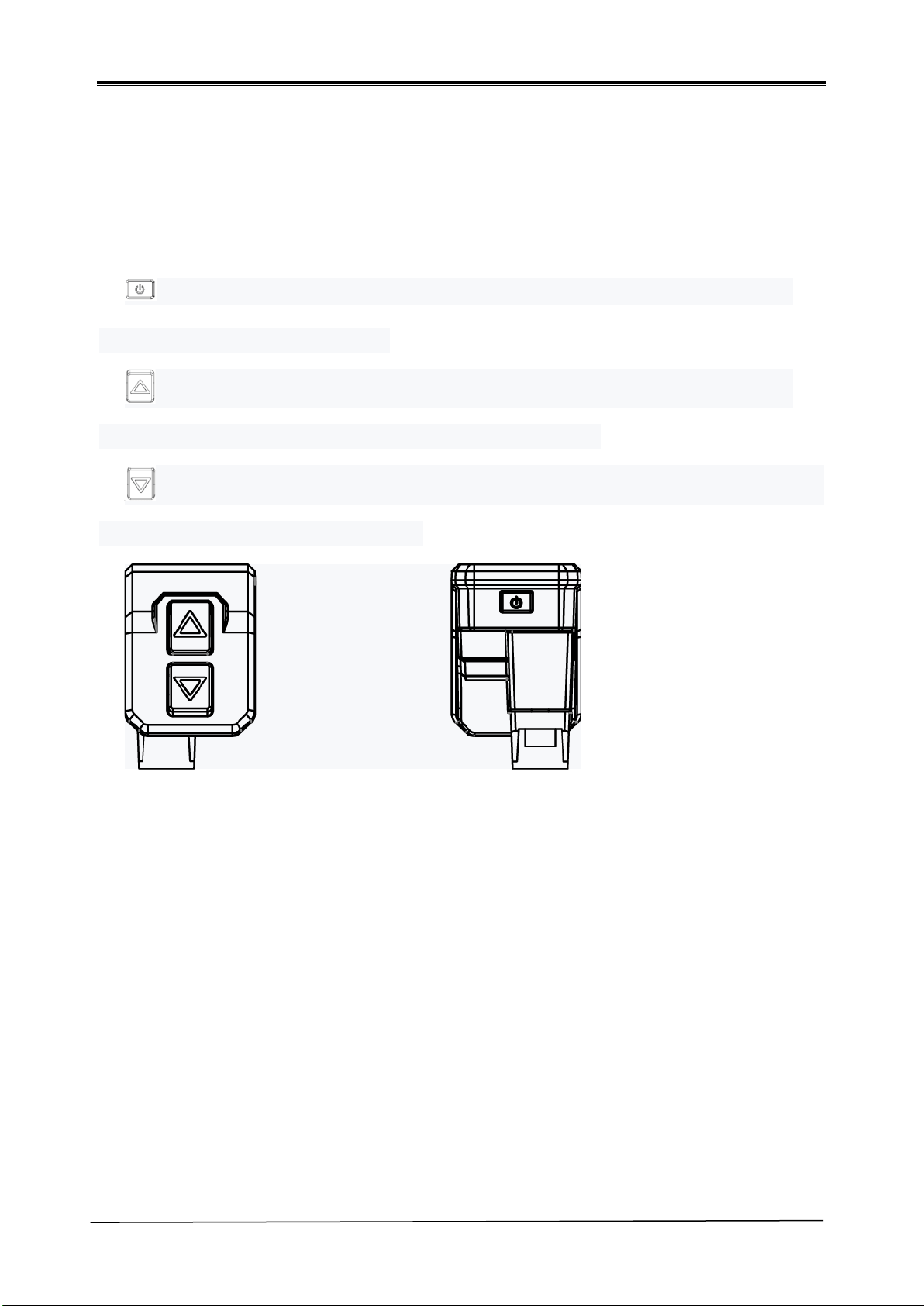
4. Key Functions
H102 display is included 3 buttons, the distribution position is
shown in the figure below, and the functions are as follows
Power key, for switching machine and function confirmation, and
information switching function.
Adjust and increase the button, which is used to adjust the power
gear, select the setting options and switch the lights.
Adjust and reduce buttons for power gear adjustment, setting options
selection and 6KM start assistant.
Specification of H102 display
8 / 18
6. Functional Overview
6.1. Switch on and off machine operation and display
Shut down state, continue to press down 2 secondsThe meter
displays the welcome form and then enters the main form of the system.
In the power on state, press continuously 2 seconds, the meter
displays the shutdown form and then the system shutdown. The button can
be released.
6.2. Main form and operation
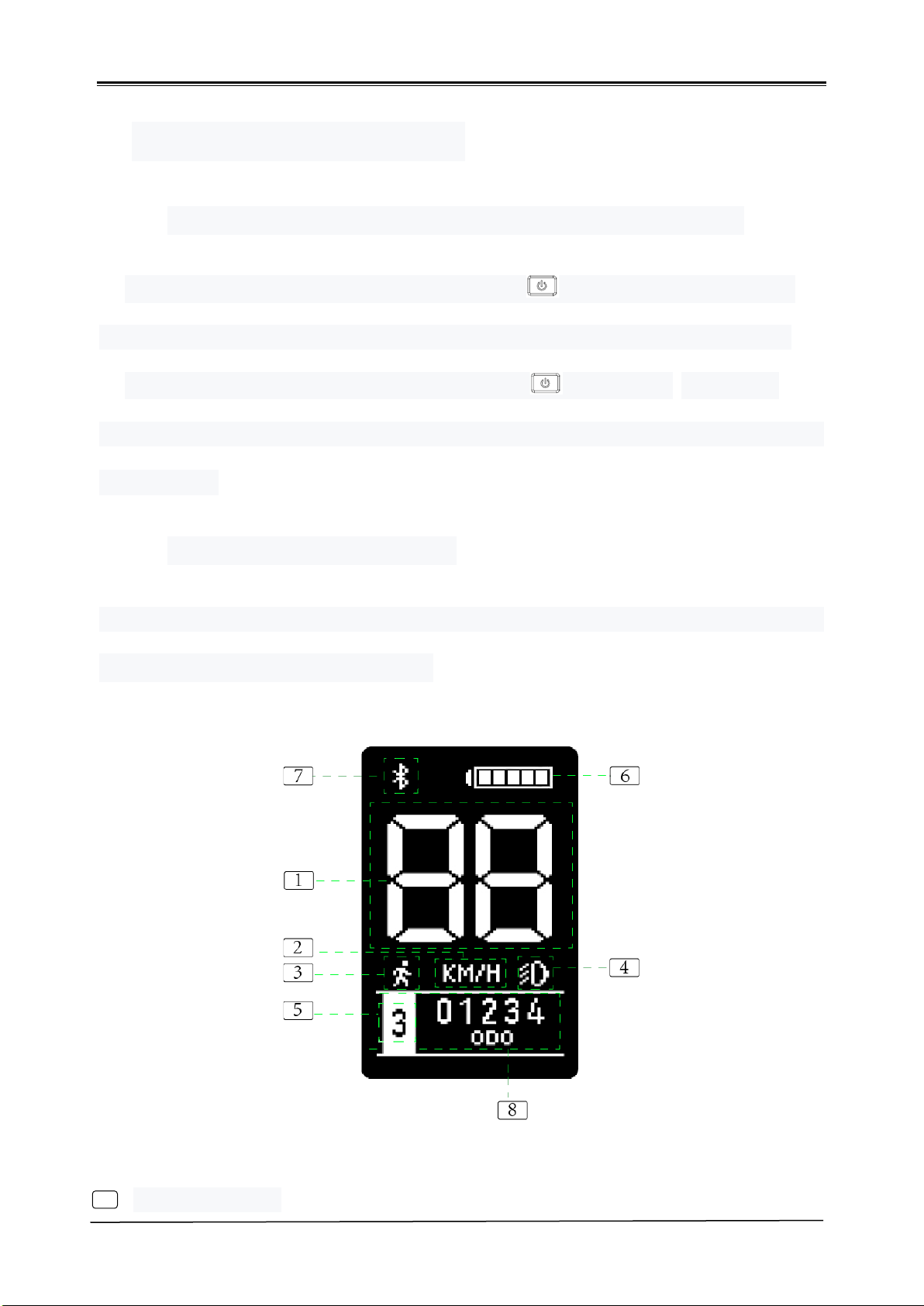
H102 provides you with a variety of displays to meet your riding needs. The
display content of H102 includes
1 Speed display :

Specification of H102 display
9
/ 18
Shows the speed of the current ride.
2 Speed unit display:
You can set the select speed unit by km/h or mph.
3 6KM Display:
When the power gear is not 0Continuous press for opening the
6km implementation functionThis location will displays the 6km icon.
4 The lights display:
Power On modehold the key more than 2 seconds, for opening or
turning off the lights.
5 assistant level display:
Display the current assistant level, turn on the default level 0, adjustable
range 0-6, and the 6th level may be hidden, but can be hidden or closed by
setting items.
6 Battery level display:
Display current battery power information. The battery is full of electricity,
showing full, and when the last level starts flashing, the tip needs to be
charged to the battery.
7 Bluetooth instructions:
When the instrument is connected to the machine via Bluetooth, the
Bluetooth logo is displayed here. If the instrument is in the Bluetooth online
mode, the Bluetooth logo will continue to shine until it is reconnected to the
machine. There is no this item without Bluetooth configuration.
8 Information display:
Specification of H102 display
10
/ 18
i. ODO: Shows the mileage accumulated by the user.
ii. TRIP: Display the user's cycling mileage. The single mileage will not
be cleared when power off. The user needs to reset the mileage
manually in the setting interface.
iii. RANGE: Remaining mileage. The remaining mileage is an estimate
that may differ from the actual ride.
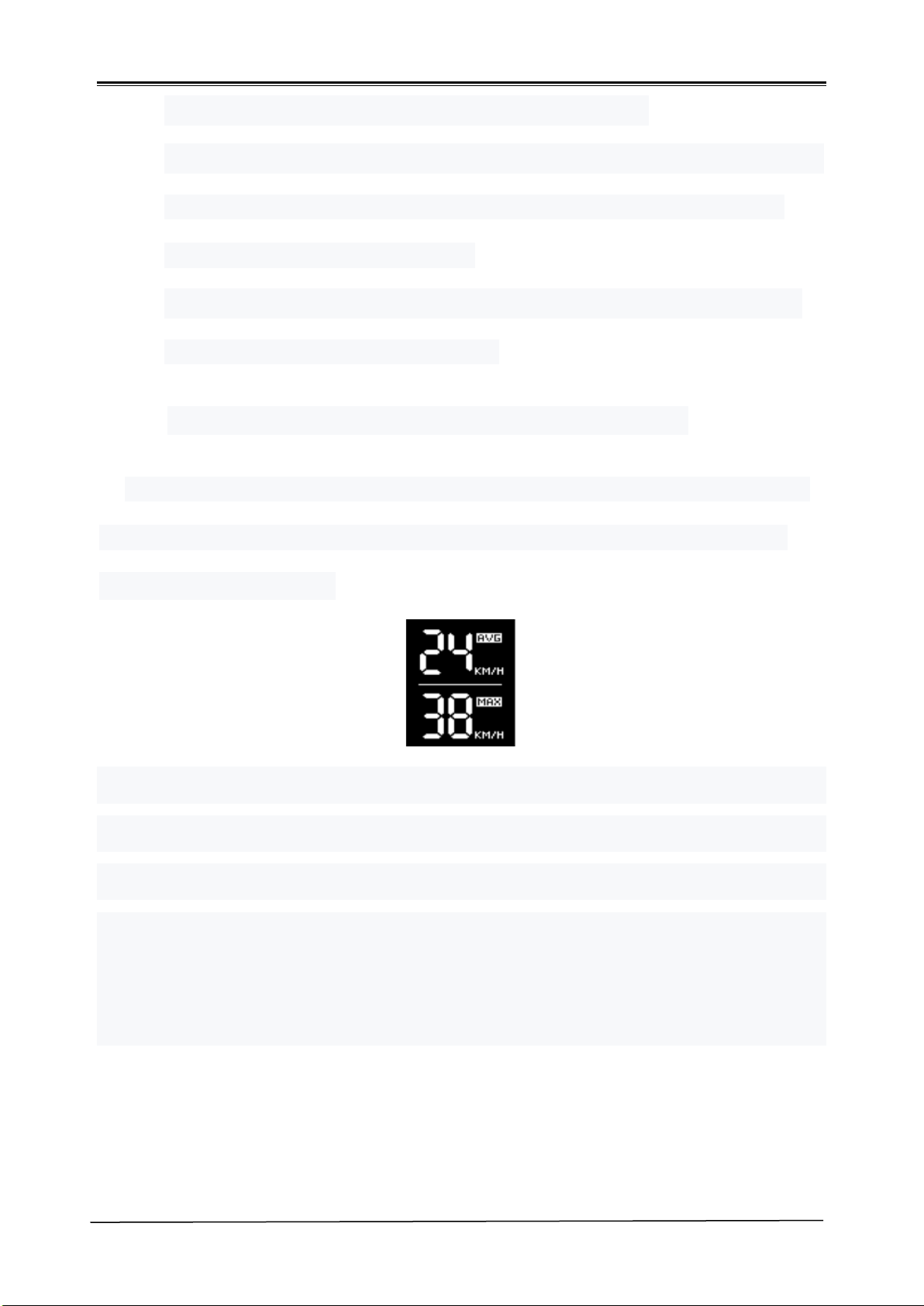
6.3. Average speed and maximum speed display
Under the normal speed display interface, press the key and the key at
the same time to enter the average speed and maximum speed display
page, as shown below
Average speed refers to the average speed of the vehicle up to the
moment of starting up, and the maximum speed is also the maximum speed
recorded so far in this starting up. After shutdown and restart, the average
speed and maximum speed start recording and calculation again.
Press any key once to exit the average speed and maximum speed
display.
Specification of H102 display
11
/ 18
6.4. Setting item description and operation
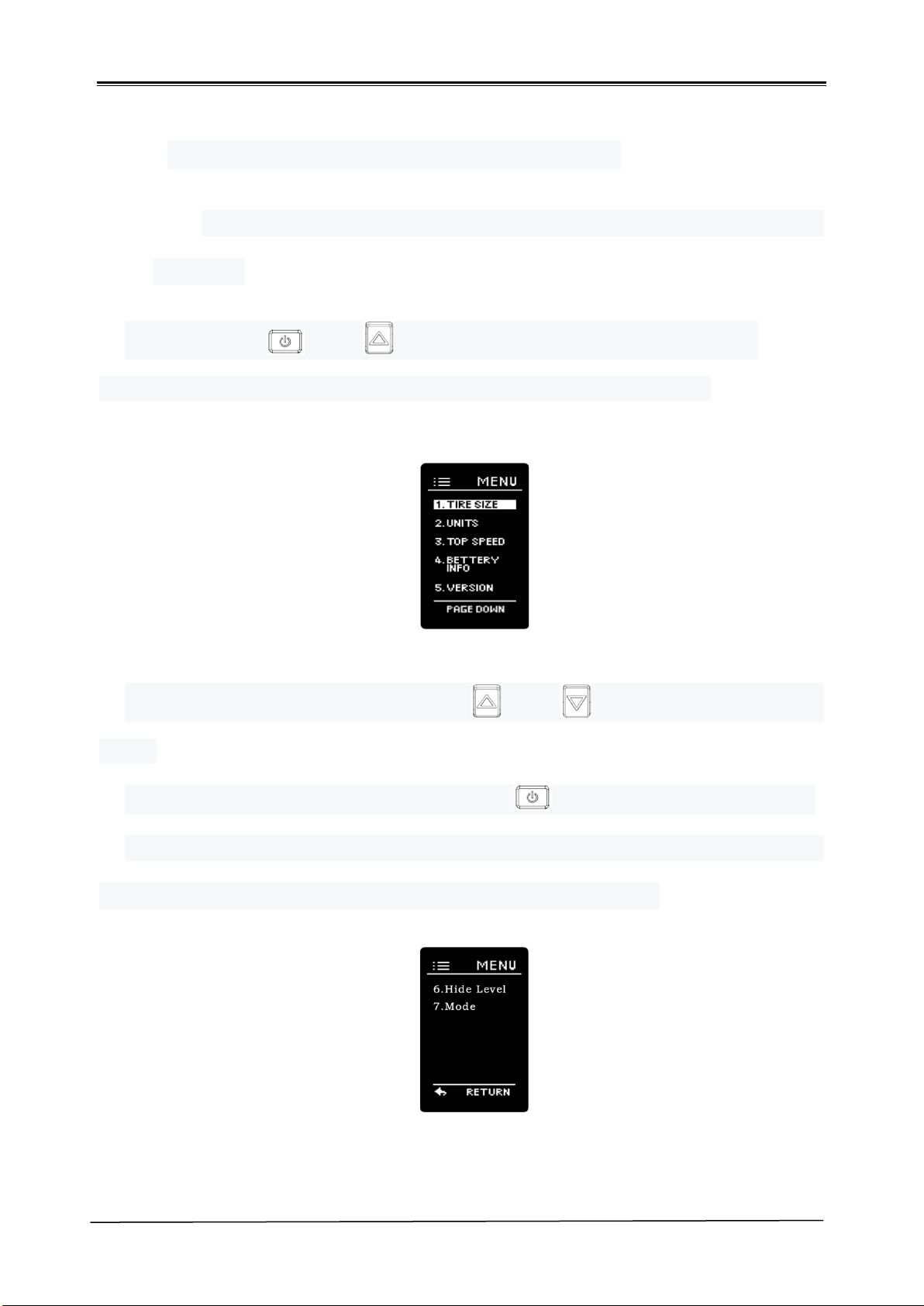
6.4.1. Enter and exit the Settings page and instructions for the
Settings
Press the key and at the same time to enter the setting
interface. The meter on the setting page is displayed as follows:
In the Settings page you can select and to modify or display the
items.
After the item is selected, press the key to confirm the perforation
If more than one page is displayed, there will be PAGE DOWN under the
display area. Select PAGE DOWN to enter the next page.
Specification of H102 display
12
/ 18
In the Settings page, press and at the same time can quickly
exit the Settings page, back to the main page display.
Wheel setting and display
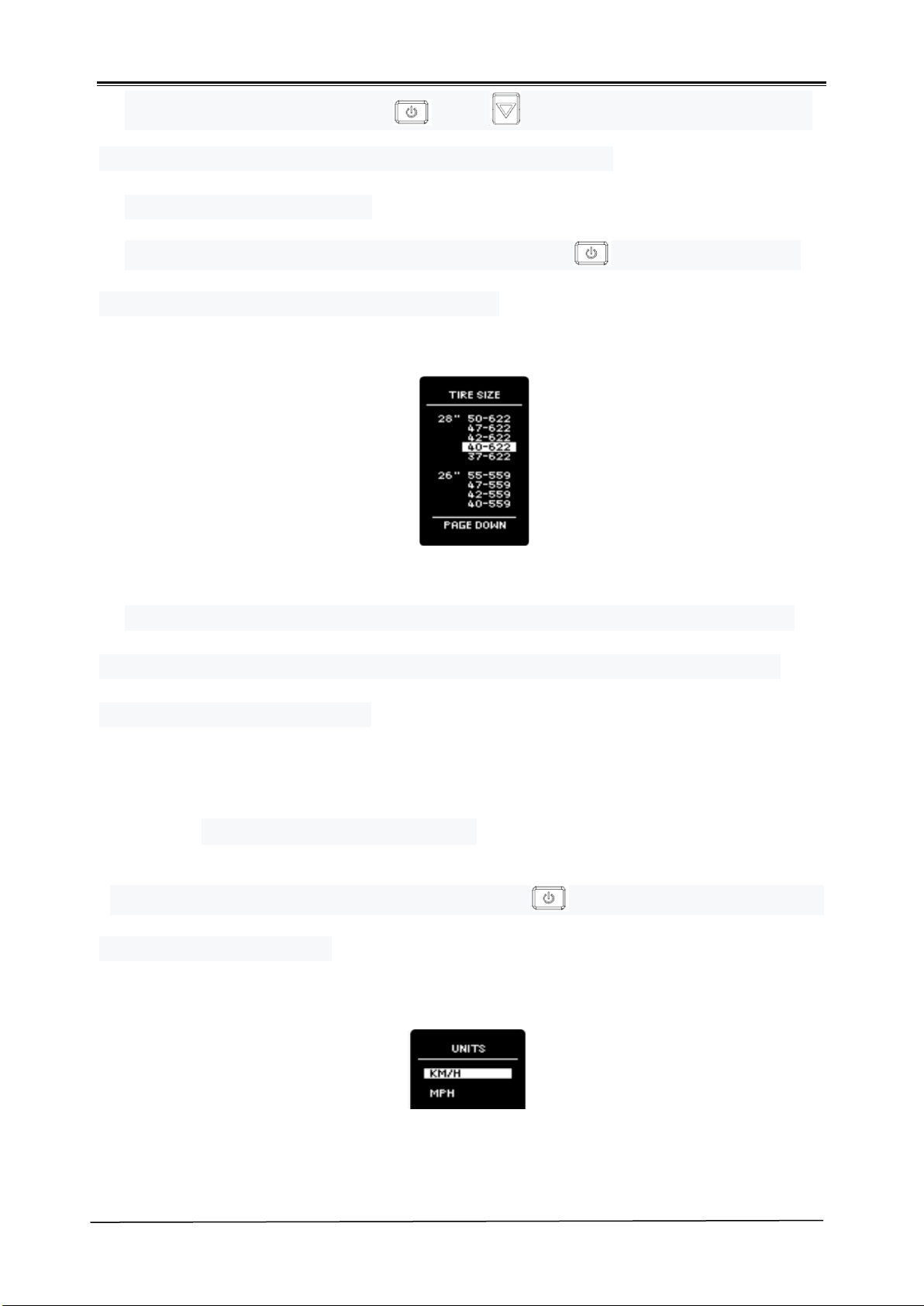
Select the TIRE SIZE, and then press the key to enter the Wheel
Diameter Setting and Display Items page.
If the vehicle controller has fixed the vehicle wheel diameter size, this
numeric term will not be adjustable and will only be used to display the
system wheel diameter size.
6.4.2. Unit settings and display
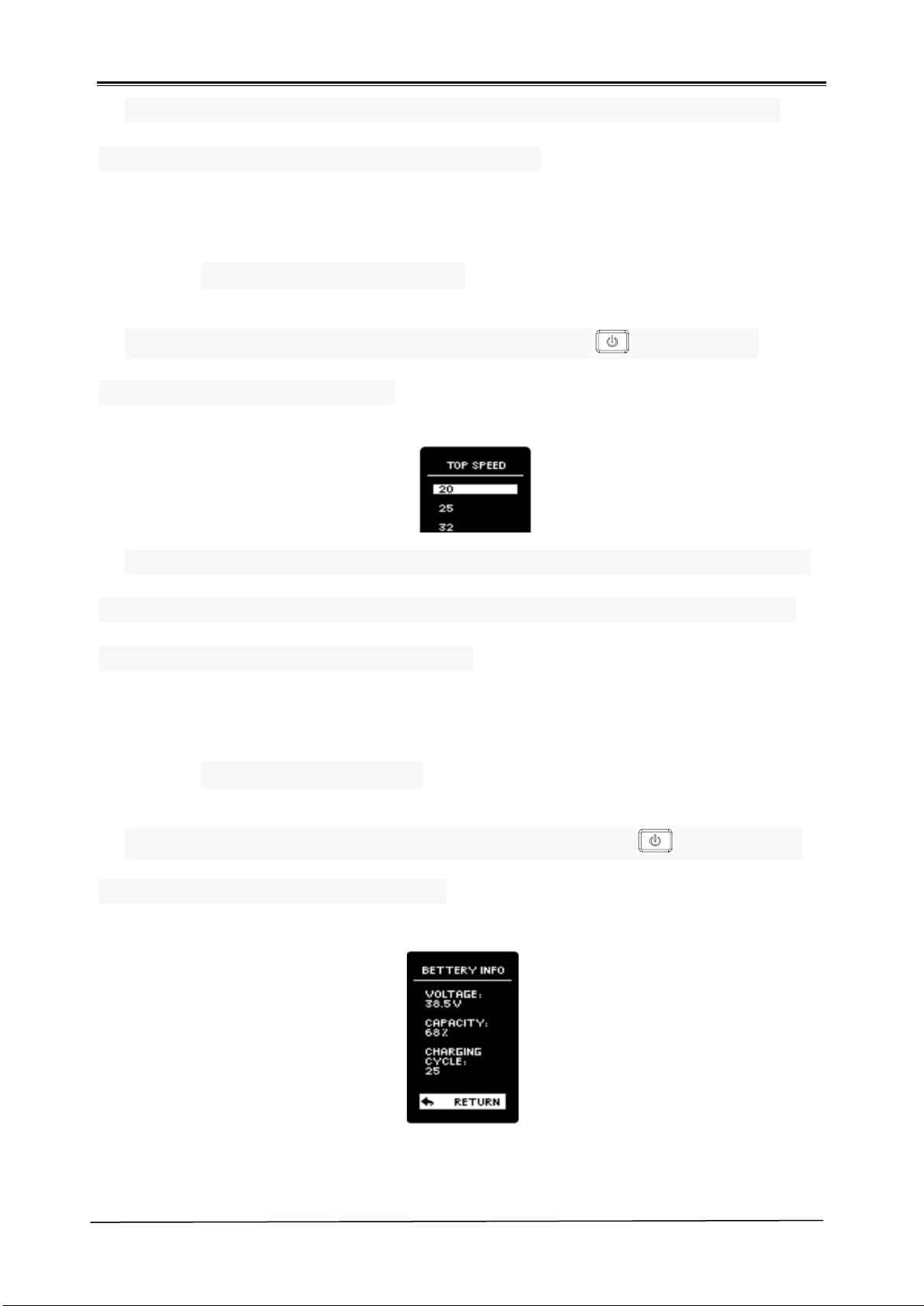
Select the UNITS, and then press the key to enter the Unit Settings
and Display Items page.
Specification of H102 display
13
/ 18
Users can adjust the display unit of mileage and speed according to
actual needs. Choice of metric or British units.
6.4.3. Maximum speed setting
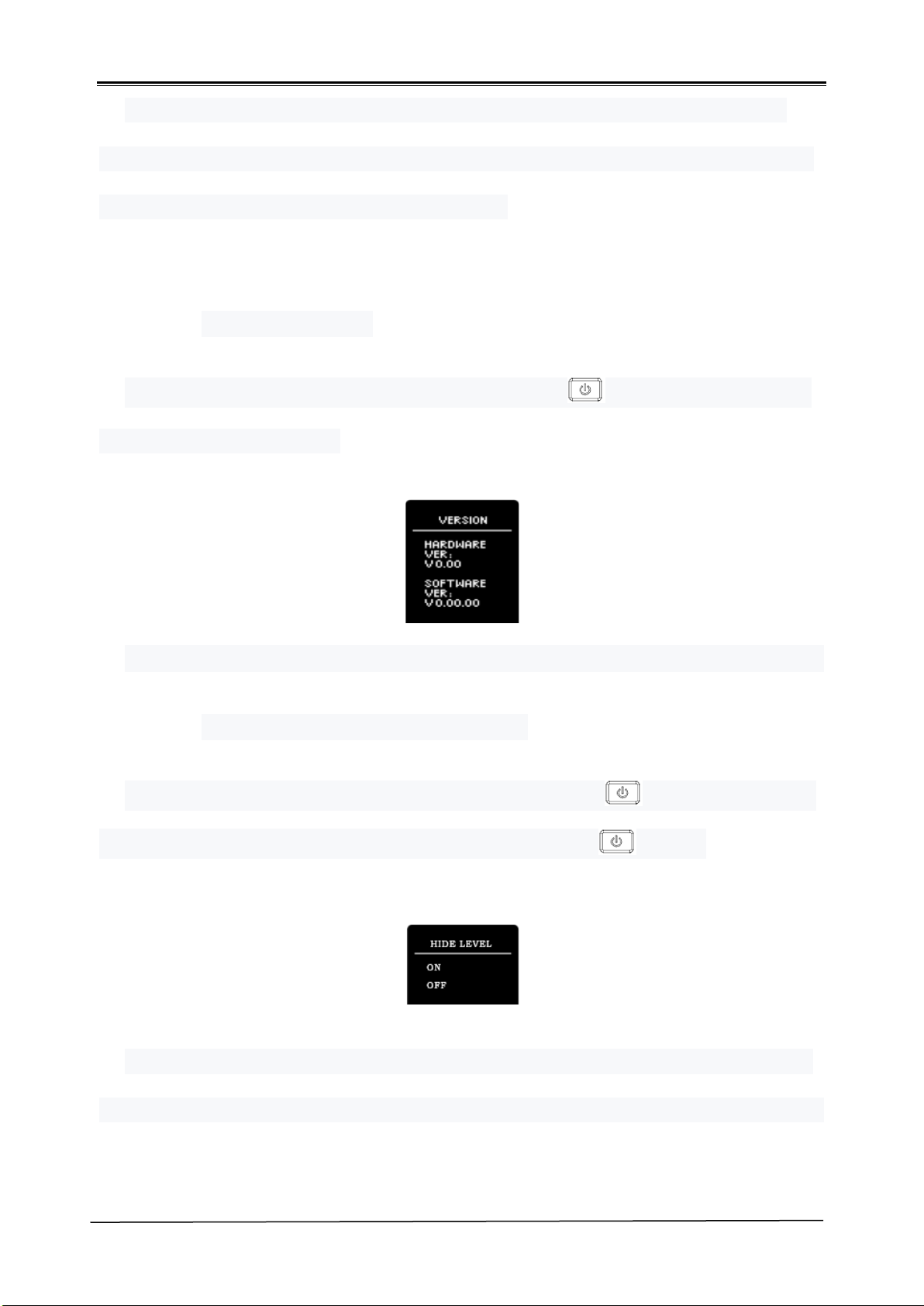
Select the TOP SPEED, and then press the key to enter the
Maximum Speed Setting page.
This item can be adjusted only by entering the password, which can be
selected as 20KM/H, 25HK/H and 32KM/H. Please consult the dealer or
vehicle manufacturer for the password.
6.4.4. Battery information.
Select the BATTERY INFOand then press the key to enter the
BATTERY information display page.
Specification of H102 display
14
/ 18
Display current battery voltage, battery capacity, number of charging
cycles. If the battery is not recommended by the manufacturer, the battery
information may not be displayed properly.
6.4.5. System version
Select the VERSION, and then press the key to enter the Version
information display page.
Display the hardware version and the software version, respectively.
6.4.6. Hidden assistant level setting
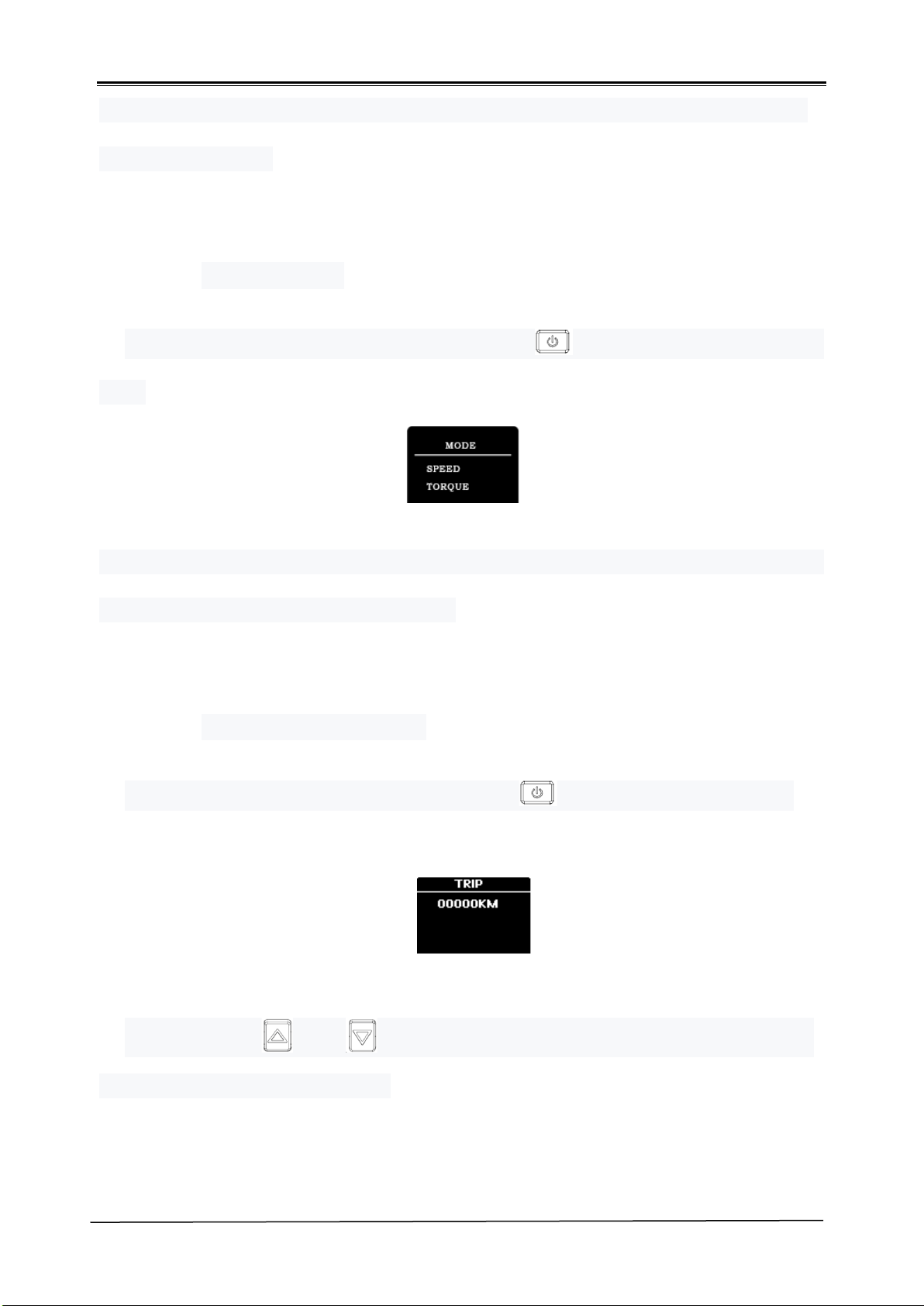
Select the PAGE DOWN, and then press the key to enter the next
Settings page, select HIDE LEVEL, and then press again.
Select ON to turn on the hidden gear function, and select OFF to turn off
the hidden gear function. If ON is selected, the adjustable range of the gear
Specification of H102 display
15
/ 18
in the main interface is 0-5. If OFF is selected, the adjustable range of the
power gear is 0-6.
6.4.7. Mode setting
Select the MODE, and then press the key to enter the Mode setting
item.
SPEED mode or TORQUE mode can be selected depending on the type of
power sensor. Default SPEED mode.
6.4.8. Single mileage reset
Select the TRIP, and then press the key to enter the TRIP page.
Press the key and at the same time for more than 2 seconds to
clear the single mileage value.

Specification of H102 display
17
/ 18
7. Common questions and solutions
Q: why can't you turn it on?
Answer: the boot needs to hold down the power button for 2 seconds. If
you can't turn on the check table wire beam and the controller's
connector contact is secure.
Q: how should the instrument display the fault code?
A: please check the corresponding faults according to the fault
description and control check. If you can't solve it, please send the
vehicle to the nearest dealer.
Q: the operating instrument has no response and how to handle it.
Answer: Long presses the power key more than 2 seconds, turns on
again.
Stay Connected
@magnumbikes
@magnumbikes
www.magnumbikes.com
323-375-2666
Warranty