
User Manual
Version 1
25 June 2021
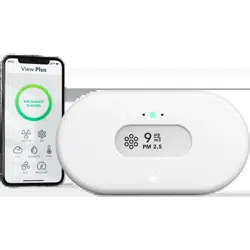
View Plus
Complete Indoor Air Quality Monitor
Congratulations on taking this important step toward living a healthier life.
By keeping track of your indoor air quality and radon levels, you can make healthier decisions in
the spaces where you spend most of your time. Increased productivity and energy levels, better
quality sleep, and resistance to illness are just a few of the benefits. Lessening your exposure to
radon will reduce your risk of lung cancer.
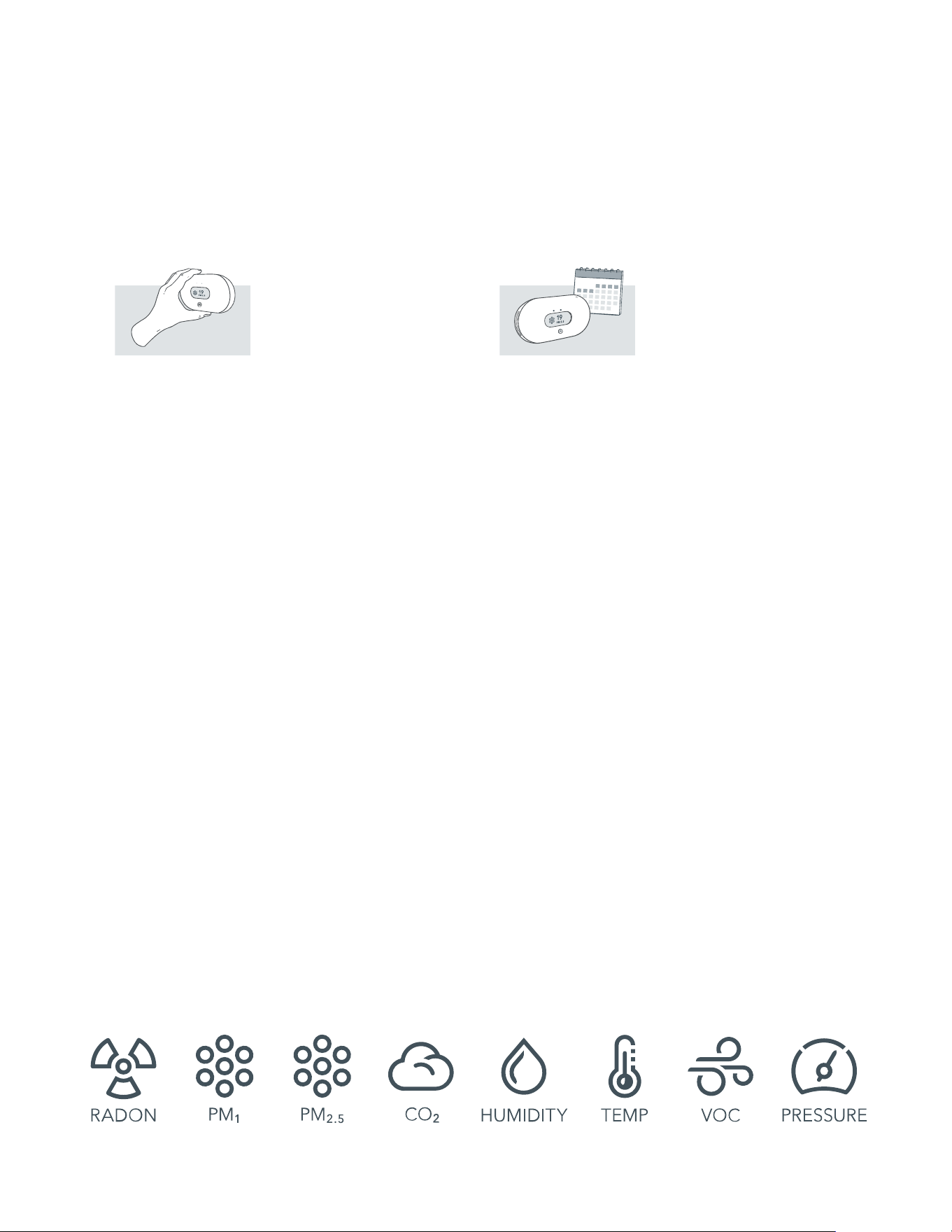
The Airthings View Plus provides you with detailed information about Particulate Matter, Radon,
Airborne chemicals, CO , Temperature, Humidity and Air Pressure levels on the display, your
phone, Airthings Dashboard or simply wave in front of the device for a visual indication of your
overall indoor air quality.
Breathe better, live better,
The Airthings team
GET IN TOUCH
For technical support or if you have any questions or comments that we did not answer
here, you can reach us the following ways:
Chat bubble on the airthings.com website
2
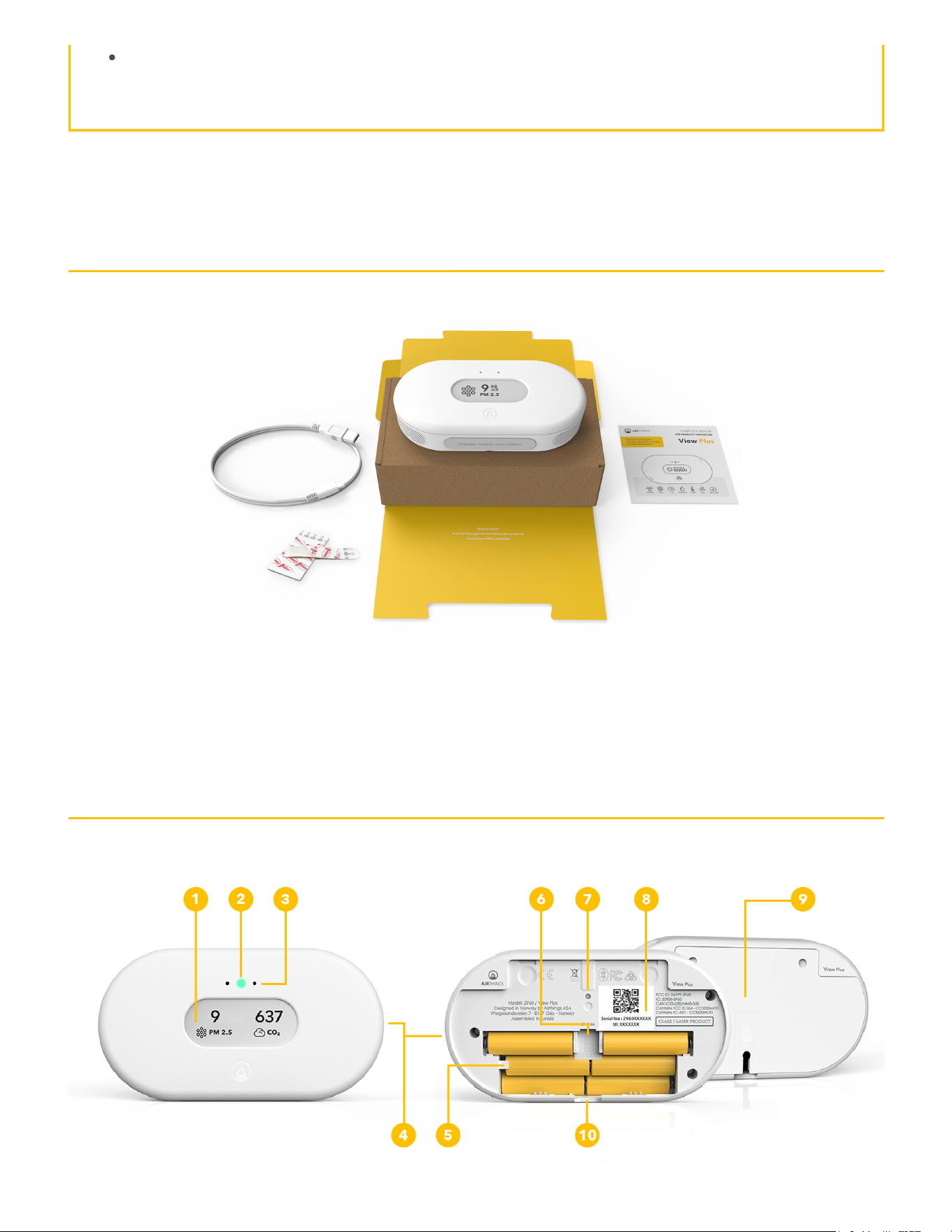
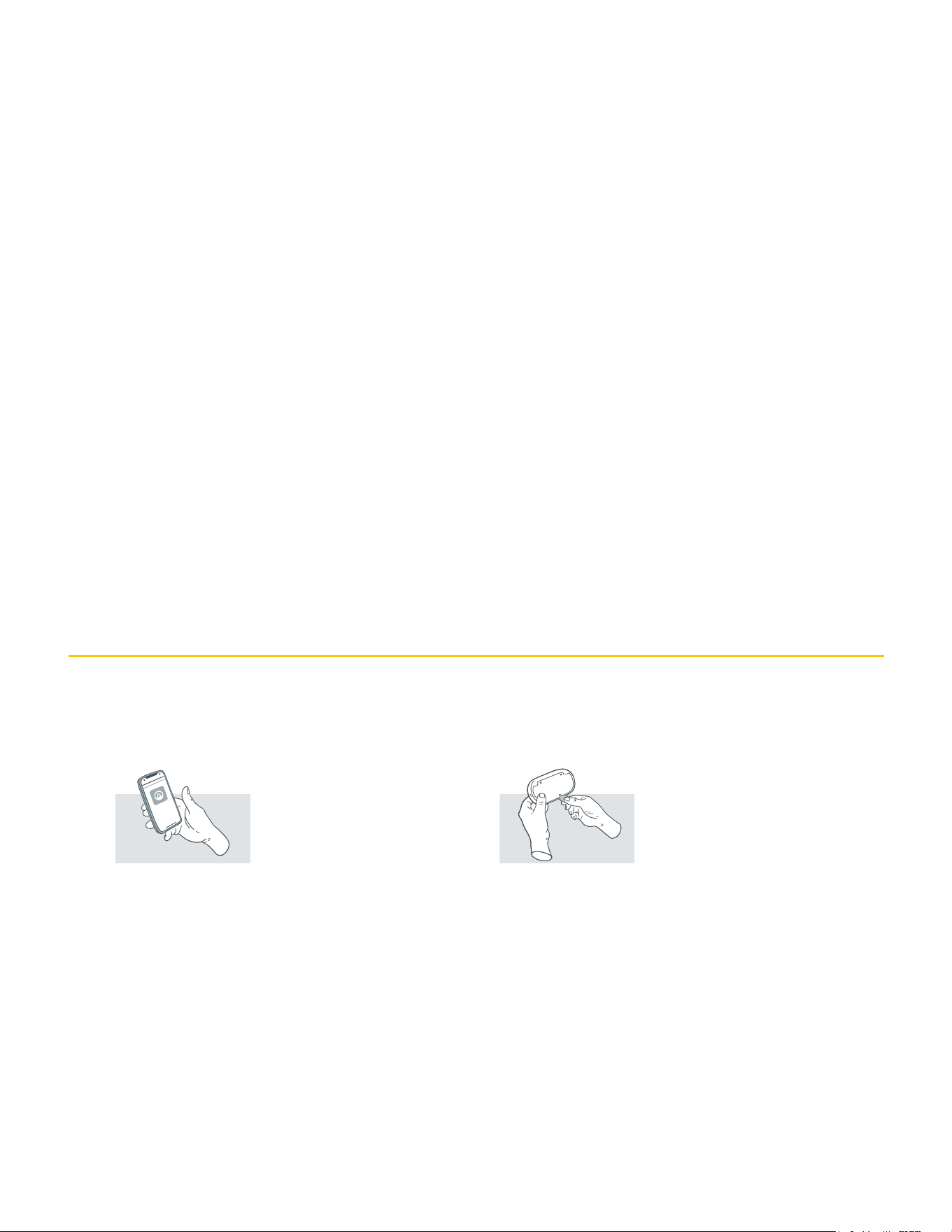
1. Customizable display
2. Glow signal
3. Motion sensor
4. Air inlets
5. Battery compartment with 6 AA batteries (included)
6. USB cable port
7. Button
8. Individual serial number
9. Mounting bracket
10. One-time battery tab
VIEW PLUS SETUP
Step 1 - Download the Airthings
App
Download or update the Airthings
App from the Apple App Store or
Google Play Store and create an
account.
Step 2 - Setup
Pull the battery tab on the device
and follow the in-app instructions
to connect the device to your
smartphone and your Wi-Fi® or
Smartlink network. You can also
power your device using the
supplied USB cable. There may be
a firmware update when you start
the device.
Note: You can leave the batteries in when powering
over USB, but the batteries will not be recharged.
Your View Plus will automatically swap between
battery power and USB power.
Step 3 - Placement
Your View Plus can be placed
wherever you want to measure
your air quality, such as your night
stand, on the wall in the baby
room, on a shelf in the living room.
It should be kept away from very
dusty environments, and performs
best if cleaned with a dry or damp
cloth once in a while.
To mount your View Plus on a wall:
Fix the mounting bracket to the
wall. Make sure you use
appropriate screws for your wall
type. Do not place it close to vents
or windows. Minimum 1 meter / 3
feet distance
Step 4 - Calibration
The radon, CO₂, and VOC sensors
will need time, usually around a
week, to calibrate after power-up.
See more details in the View Plus
Product Sheet.
DAILY USE
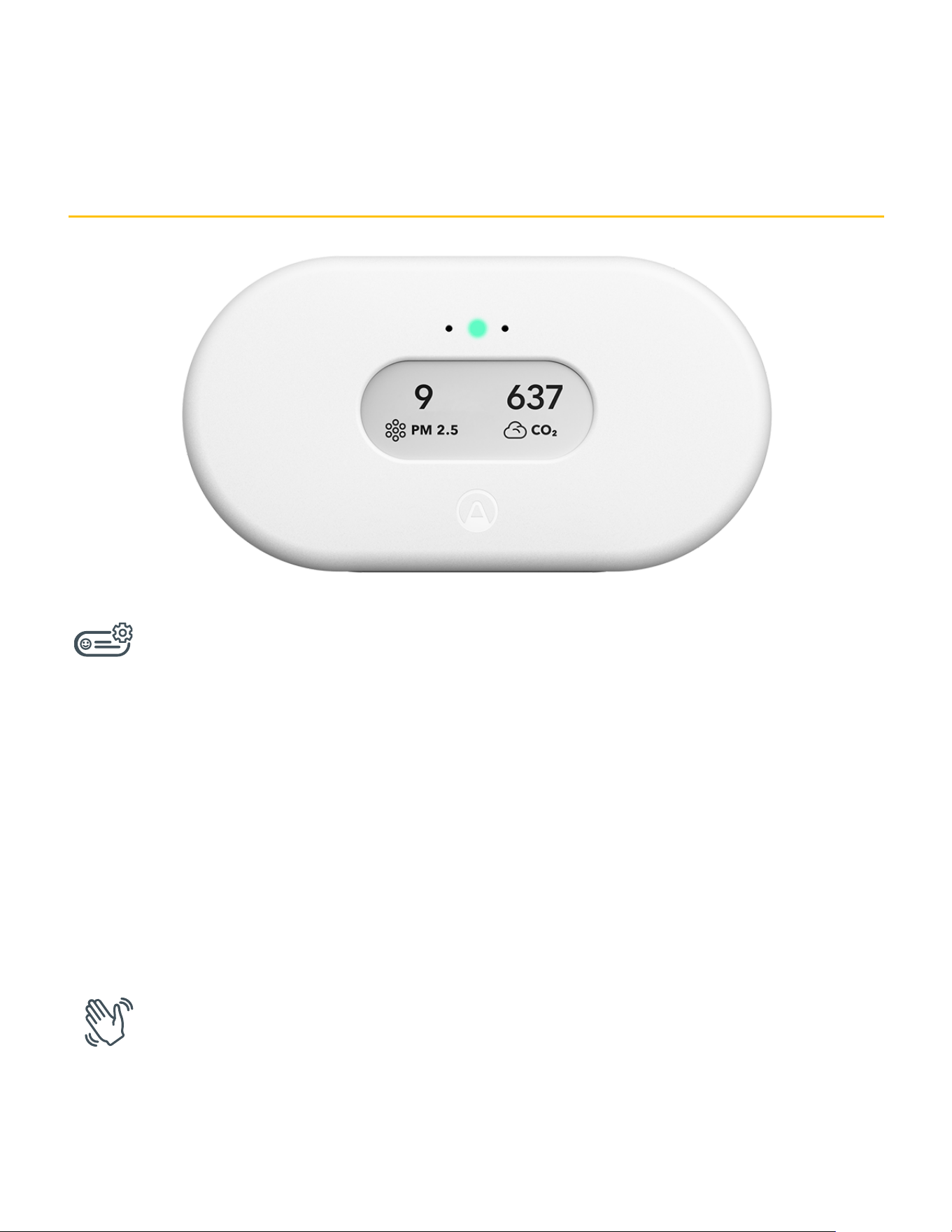
Configurable Display
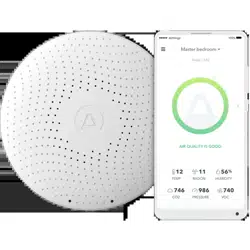
The display can be configured to show the sensor values you care most about. Configuration is
done in the Airthings dashboard or app. The display will update every 2.5 minutes, depending on
sensor sample interval and the sensors shown on the display. It will sometimes flicker completely to
refresh itself. This is normal and does not mean your device is operating incorrectly.
Note: The Calm Tech e-paper display does not require power to show an image. If your View Plus suddenly loses power, for
example if the USB connector is removed and there are no batteries in the compartment, then the display will simply keep
displaying whatever image it had when loss of power occurred. The display will update as normal when power is restored to the
product.
Wave function
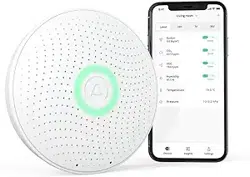
Wave in front of your device for a quick visual indication of your indoor air quality levels. The glow
signal will light up according to the overall air quality (green means good, yellow means fair, and
red means poor), and the display will change to show any levels that are fair or poor.
INTEGRATIONS
The Airthings View Plus shares data to your mobile device as well as the Airthings Dashboard—a
free online platform that provides quick access to view, customize and analyze sensor data from
multiple Airthings devices. Go to airthings.com/dashboard for more info.
The Airthings View Plus is integrated with Amazon Alexa, Google Assistant and IFTTT. With
Amazon Alexa and Google Assistant, use voice commands to hear your sensor values. IFTTT
For details on sensor thresholds go to airthings.com/view-plus
Airthings App
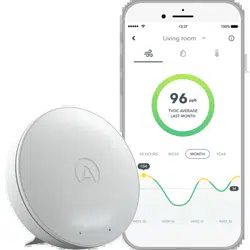
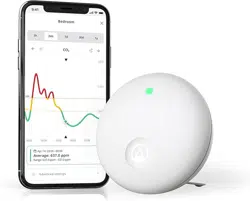
Your app will update automatically as long as your View Plus is connected to a Wi-Fi or Smartlink
network. The Airthings App includes sensor values, historical graphs, and long and short-term
averages. Use the app to configure your View Plus, setting sensor sample intervals, set up
notifications based on sensor values, and more.
Airthings Dashboard
The Airthings web dashboard lets you view, customize and analyze the sensor data from all of your
devices at a glance. You’ll also have access to trends and advanced analytics. Find out more at
https://www.airthings.com/en/dashboard
Sensors
Read more about how to use and interpret the values reported by the sensors in your View Plus
here.
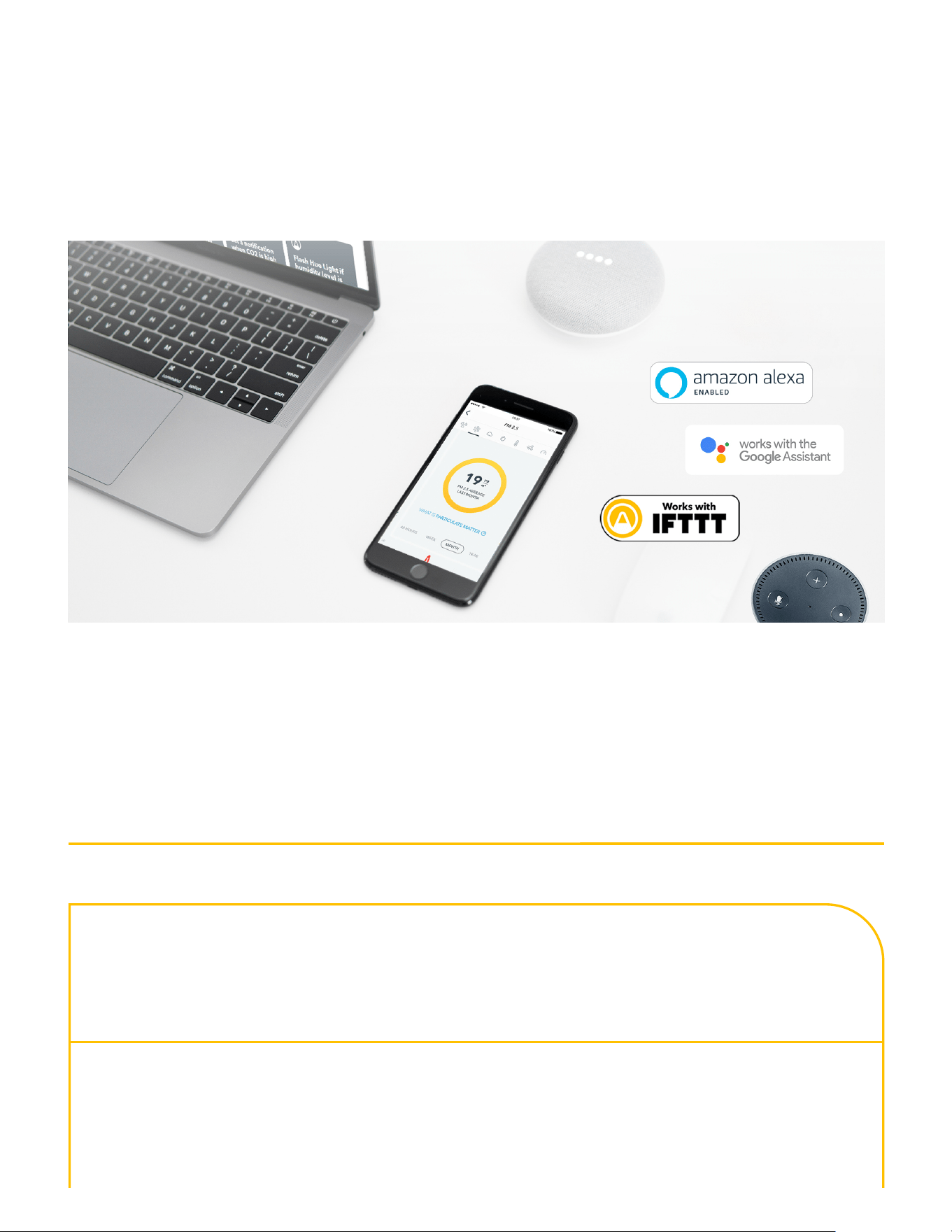
integration allows users to create or access useful recipes for their device to follow and integrate
with third-party products. Sign up for our newsletter for the latest updates.
TECHNICAL SPECIFICATIONS
View Plus (Model: 2960)
FCC ID: 2APPT-2960
IC: 23900-2960
Power supply: 6 AA 1.5V alkaline (LR6)
USB 5.0V
Dimensions: 17 x 9 x 3.3 cm

6.7 x 3.5 x 1.3 inches
Weight: 360g including 6 batteries (18 oz)
Operational and storage environment:
Temperature:
Relative humidity:
4 °C (39 °F) to +40 °C (104 °F)
Relative humidity: < 85%
Sensors: Radon
Particulate Matter
CO
VOC
Temperature
Relative Humidity
Pressure
See more specs in our View Plus Product
Sheet
COMMON QUESTIONS AND TROUBLESHOOTING
You can find answers to many common questions here:https://help.airthings.com/en/
If you have other questions, you can contact the Airthings support team using the chat bubble on
our web page, in the app, or by sending an email tosupport@airthings.com
The Bluetooth word mark and logos are registered trademarks owned by the Bluetooth SIG, Inc. and any use of such marks by
Airthings is under license.
Copyright Airthings ASA, 2021
2