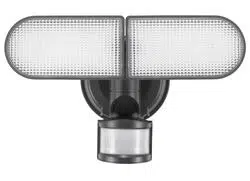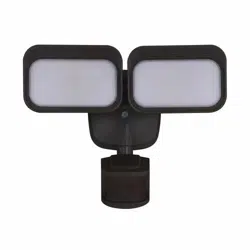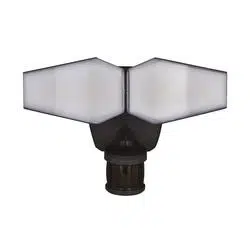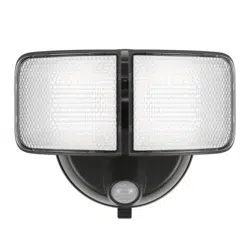
Sku Number: 356-9421
Battery Operated Security Light
Model Number: ES00910G
Questions, problems, missing parts?
Before returning to your retailer, call our customer service at 855-232-6423
Monday – Friday 8:00 a.m. – 8:00 p.m. (EST)
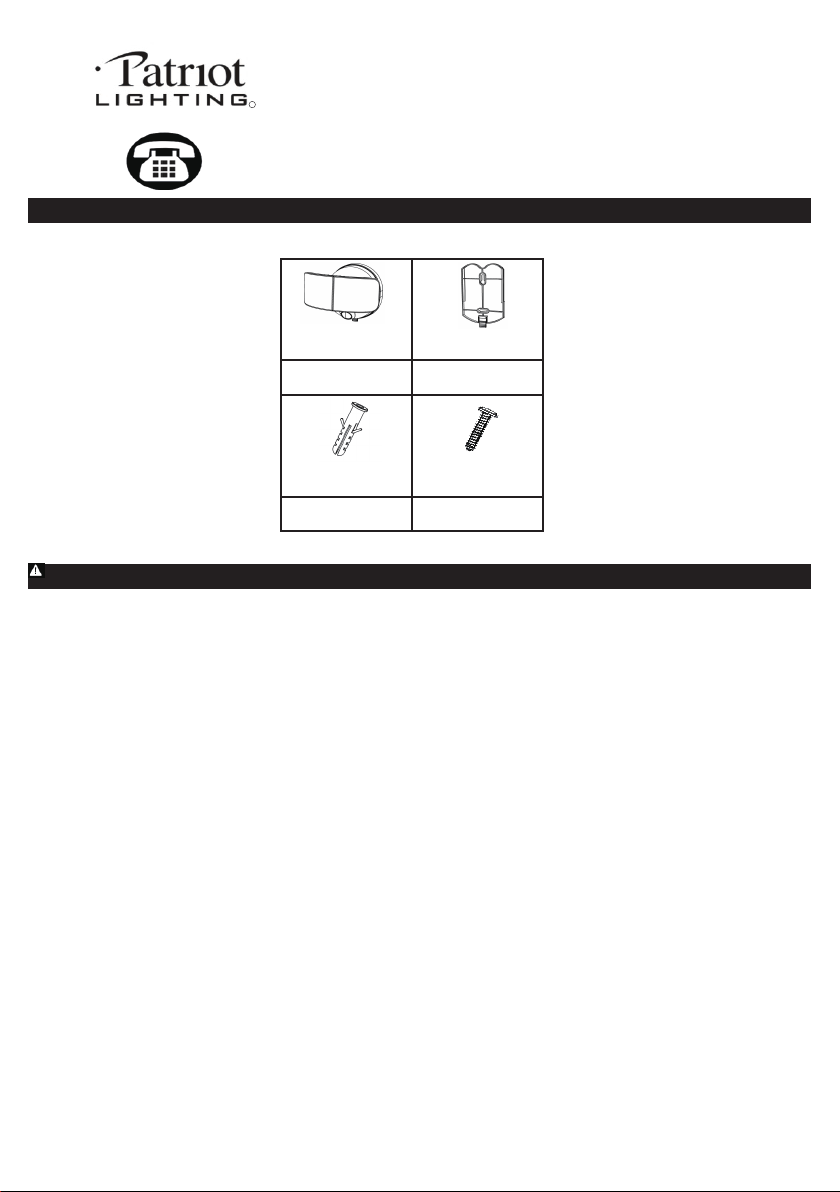
PACKAGE CONTENTS
A B
DC
Light Fixture x 1
Mounting Bracket x 1
Anchor x 2 Screw x 2
Read all instructions before installation, then store in a safe place for future reference. Failure to do so may result in faulty assembly
and potential injury.
FEATURES: Motion sensor: At night,turns light ON automatically when motion is detected and turns light OFF automatically when motion stops.
LOCATION: Fixture can be wall mounted.
Recommended installation height: 6 - 8 feet above the ground.
Environment will affects the sensor range. It is recommended not to mount the fixture near a heat source like an air conditioner, vent, or furnace exhaust, or
in a direction facing a light reflecting object.
Maybe the sensor detection distance will decrease lower than 15 feet in some special environment.
CAUTION: This device complies with Part 15 of the FCC Rules. Operation is subject to the following two conditions: (1) This device may not cause harmful interference,
and (2) this device must accept any interference received, including interference that may cause undesired operation.
WARNING: Changes or modifications to this unit not expressly approved by the party responsible for compliance could void the user's authority to operate the equipment.
NOTE: This equipment has been tested and found to comply with the limited for Class B digital device, pursuant to Part 15 of the FCC Rules. Their limits are designed to
provide reasonable protection against harmful interference in a residential installation. This equipment generates, uses and can radiate radio frequency energy and, if not
installed and used in accordance with the instructions, may cause harmful interference to radio communications. However, there is no guarantee that interference wil not
occur in a particular installation. If the equipment does cause harmful interference to radio or television reception, which can be determined by turning the equipment off and
on, the user is encouraged to try to correct the interference by one or more of the following measures:
* Reorient or relocate the receiving antenna.
* Increase the separation between the equipment and the receiver.
* Connect the equipment into an outlet on a circuit different from that to which the receiver is connected.
* Consult the dealer or an experienced radio/TV technician for help.
CLEANING AND MAINTENANCE: To prolong the original appearance, clean the light fixture with a soft, damp cloth. Do not use paints, solvents, or other chemicals
on this light fixture. They could cause a premature deterioration of the finish.
PREPARATION: Tools required for assembly (not included): phillips screwdriver, safety goggles, power drill and ladder.
1
R
INSTALLATION AND OPERATION INSTRUCTIONS
INSTALLATION
·
Gently remove all parts from the package and lay them out on a smooth surface.
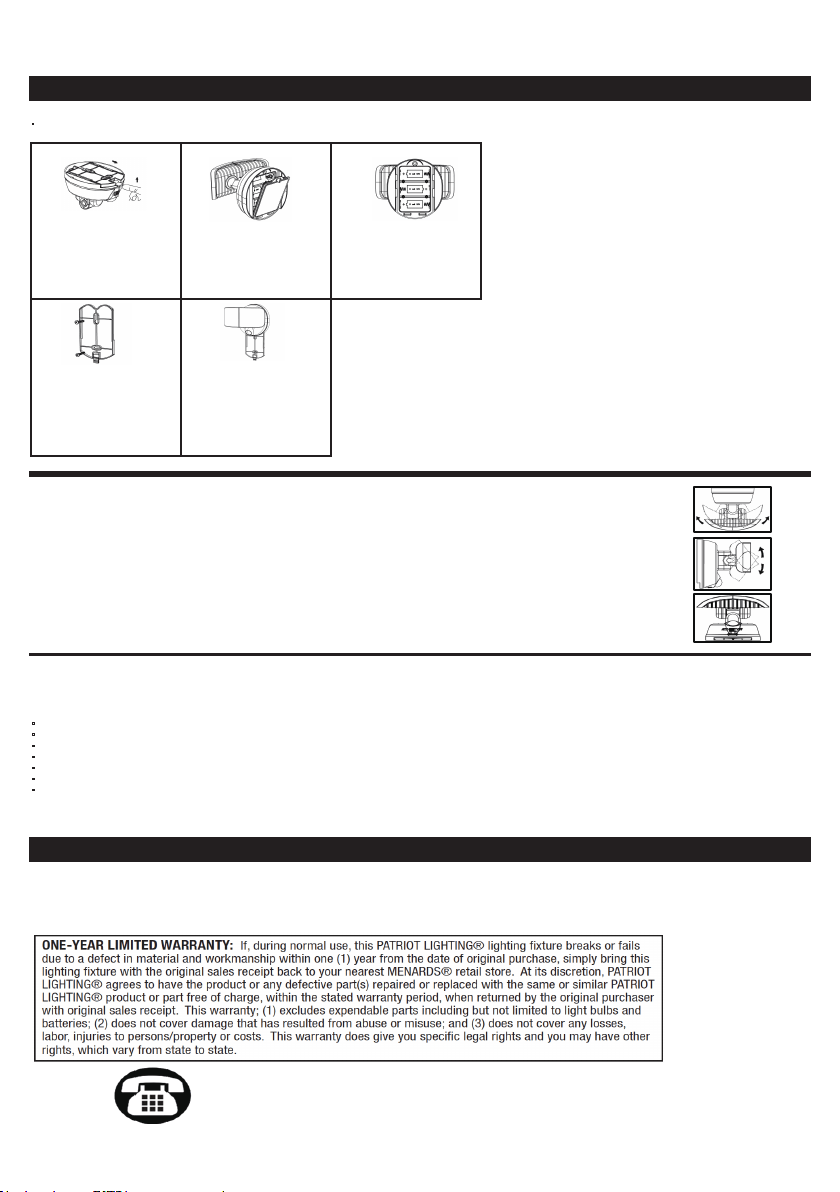
1. Remove the mount bracket
from the light, and use your
finger to push up on the mount
bracket. Then slide the bracket
down off the back of the light.
2. Open the battery case cover
by loosening the screw
(anticlockwise) of the
battery case cover.
3. Insert three D size batteries
(not included). Then close the
battery case cover and screw
it tightly(clockwise).
4. If mounting to wall or brick,
drill two suitable holes using
power drill (not included) into
the mounting surface. Use
attached two screws and two
anchors to fix the mount
bracket on the wall.
5. Line up the light fixture with
themount bracket and slide the
light into the grooves.
2
OPERATIONAL INSTRUCTIONS
1. Adjust the head of light fixture toward to left or right direction to get the desired light direction.
2. Adjust the head of light fixture toward to up and down to get the desired light direction.
3. Slide the switch to Auto from OFF position to power on the light.
When power is on, the PIR sensor enters a “warm-up” period for about 15 seconds, then automatically switches into AUTO MODE.
If needed, gently grasp the lamp heads and tilt or rotate them to adjust the light coverage area.
NOTE: Light sensor only allows light to activate in darkness. We recommend you to test in a dark room or closet.
Sensor Range: Up to 9 m / 30 ft. x 160 degree spread (Varies with various environment).
Auto Shut-off: Light shuts off automatically after around 20 seconds if no motion is detected.
Lumens output: 1,000 lumens / 5,000K (Max, use new Duracell D size battery).
BATTERY REPLACEMENT
Use only new alkaline D size batteries with 1.5V rating for replacement.
Note: Replace batteries around every four months.
·
Non-rechargeable batteries are not to be recharged.
·
Do not mix old and new batteries.
·
Do not mix alkaline, standard (carbon-zinc) or rechargeable batteries.
·
Exhausted batteries are to be removed from the product.
·
Do not dispose of batteries in fire.
·
Batteries should be recycled or disposed of as per state and local guidelines.
·
Batteries are to be inserted with the correct polarity.
Note: While the batteries are exhausted the light will not turn on. If you slide the switch to OFF and back to AUTO again the light will enter a “warm-up” period for about
15 seconds.
TROUBLESHOOTING
The light does not come on
√ Check the battery and make sure that it has contact to the metal plate and the polarity is correct.
If the battery is worn out, replace the battery with three new D size batteries.
Light sensor only allows light to activate in darkness.
Questions, problems, missing parts?
Before returning to your retailer, call our customer service at 855-232-6423
Monday – Friday 8:00 a.m. – 8:00 p.m. (EST)