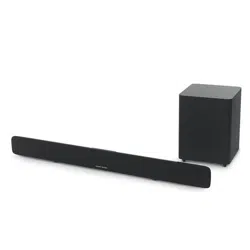
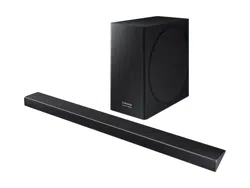
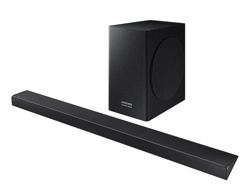
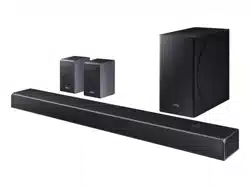
Subwoofer Manual
| 1) Power 2) Bluetooth 3) Sound Feedback 4) HDMI 5) AUX IN | 6) Optical 7) Vol +/- 8) Mute 9) Bass +/- 10) Harman Vol 11) Surround Sound |
* Soundbar top view
1) Power on/Stand by
2) Surround mode
3) Volume -
4) Volume +
5) Source selection
6) Bluetooth source/Pairing
| 1) Power switch 2) Power input AC 3) USB (service only) 4) Wireless subwoofer pairing indicator 5) Wireless subwoofer pairing button | 6) Table/wall equalization (based on your installation) 7) Analog Audio in 8) Optical Audio in 9) HDMI TV |
1) Power indicator
2) Phase adjustment
3) Wireless pairing button
4) Wireless pairing indicator
Press the pairing button on the back of the soundbar to enter the wireless pairing mode (white flashing LED)
Press the pairing button on subwoofer for more than 1 second to pair the subwoofer to the soundbar.
The LED will stop blinking and remain a solid white color when paired
# Slide slots in Soundbar t onto tabs on brackets
CAUTION: This equipment is a Class II or double insulated electrical appliance. It has been designed in such a way that it does not require a safety connection to electrical earth.
WARNING:
CAUTION:
Danger of explosion if battery is incorrectly replaced. Replace only with the same or equivalent type.
| Wireless subwoofer | Remote |
| Soundbar | |