
2002 Accord Coupe Online Reference Owner's Manual
Use these links (and links throughout this manual) to navigate through this reference.
For a printed owner's manual, click on authorized manuals or go to www.helminc.com.
Contents
Owner's Identification Form
Introduction ..................................................................................................................................................... i
A Few Words About Safety .......................................................................................................................... ii
Your Car at a Glance ......................................................................................................................................2
Driver and Passenger Safety .......................................................................................................................5
Proper use and care of your car's seat belts, and Supplemental Restraint System.
Instruments and Controls...........................................................................................................................55
Instrument panel indicator and gauge, and how to use dashboard and steering column controls.
Comfort and Convenience Features.......................................................................................................107
How to operate the climate control system, the audio system, and other convenience features.
Before Driving .............................................................................................................................................191
What gasoline to use, how to break-in your new car, and how to load luggage and other cargo.
Driving...........................................................................................................................................................205
The proper way to start the engine, shift the transmission, and park, plus towing a trailer.
Maintenance.................................................................................................................................................233
The Maintenance Schedule shows you when you need to take your car to the dealer.
Appearance Care.........................................................................................................................................303
Tips on cleaning and protecting your car. Things to look for if your car ever needs body repairs.
Taking Care of the Unexpected...............................................................................................................311
This section covers several problems motorists sometimes experience, and how to handle them.
Technical Information...............................................................................................................................341
ID numbers, dimensions, capacities, and technical information.
Warranty and Customer Relations (U.S. and Canada) ......................................................................357
A summary of the warranties covering your new Honda, and how to contact us.
Authorized Manuals (U.S. only)...............................................................................................................361
How to order manuals and other technical literature.
Index ................................................................................................................................................................. I
Service Information Summary
A summary of information you need when you pull up to the fuel pump.
This Owner’s Manual should be considered
a permanent part of the car, and should
remain with the car when it is sold.
This Owner’s Manual covers all models of
the Accord Coupe. You may find
descriptions of equipment and features that
are not on your particular model.
The information and specifications included
in this publication were in effect at the time
of approval for printing. Honda Motor Co.,
Ltd. reserves the right, however, to
discontinue or change specifications or
design at any time without notice and
without incurring any obligation whatsoever.
Owner’s Identification
Si prefiere este Manual del Propietario
en español, comuníquese con el
concesionario Honda.
POUR CLIENTS CANADIEN
AVIS IMPORTANT: Si vous avez
besoin d’un Manuel du Conducteur
en français, veuillez demander à
votreconcessionnairede
commander le numéro de pièce
38S82640
OWNER
ADDRESS
V. I. N.
DELIVERY DATE
DEALER NAME DEALER NO.
ADDRESS
OWNER’S SIGNATURE
DEALER’S SIGNATURE
STREET
CITY STATE/PROVINCE ZIP CODE/
POSTAL CODE
(Date sold to original retail purchaser)
STREET
CITY STATE/PROVINCE ZIP CODE/
POSTAL CODE
Main Menu
As you read this manual, you will
find information that is preceded by
a symbol. This
information is intended to help you
avoid damage to your Honda, other
property, or the environment.
Several warranties protect your new Honda. Read the warranty booklet
thoroughly so you understand the coverages and are aware of your rights
and responsibilities.
One of the best ways to enhance the enjoyment of your new Honda is to
read this manual. In it, you will learn how to operate its driving controls and
convenience items. Afterwards, keep this owner’s manual in your car so you
can refer to it at any time.
Maintaining your car according to the schedules given in this manual helps
to keep your driving trouble-free while it preserves your investment. When
your car needs maintenance, keep in mind that your Honda dealer’s staff is
specially trained in servicing the many systems unique to your Honda. Your
Honda dealer is dedicated to your satisfaction and will be pleased to answer
any questions and concerns.
California Proposition 65 Warning
This product contains or emits chemicals known to the State of
California to cause cancer and birth defects or other reproductive harm.
Congratulations! Your selection of a 2002 Honda Accord was a wise
investment. It will give you years of driving pleasure.
Introduction
WARNING:
i
Main Menu
−
−
−
−
−
−
To help you make informed
decisions about safety, we have
provided operating procedures and
other information on labels and in
this manual. This information alerts
you to potential hazards that could
hurt you or others.
You will find this important safety information in a variety of forms,
including:
This entire book is filled with important safety information please read it
carefully.
such as Driver and Passenger Safety.
such as Important Safety Reminders or Important
Safety Precautions.
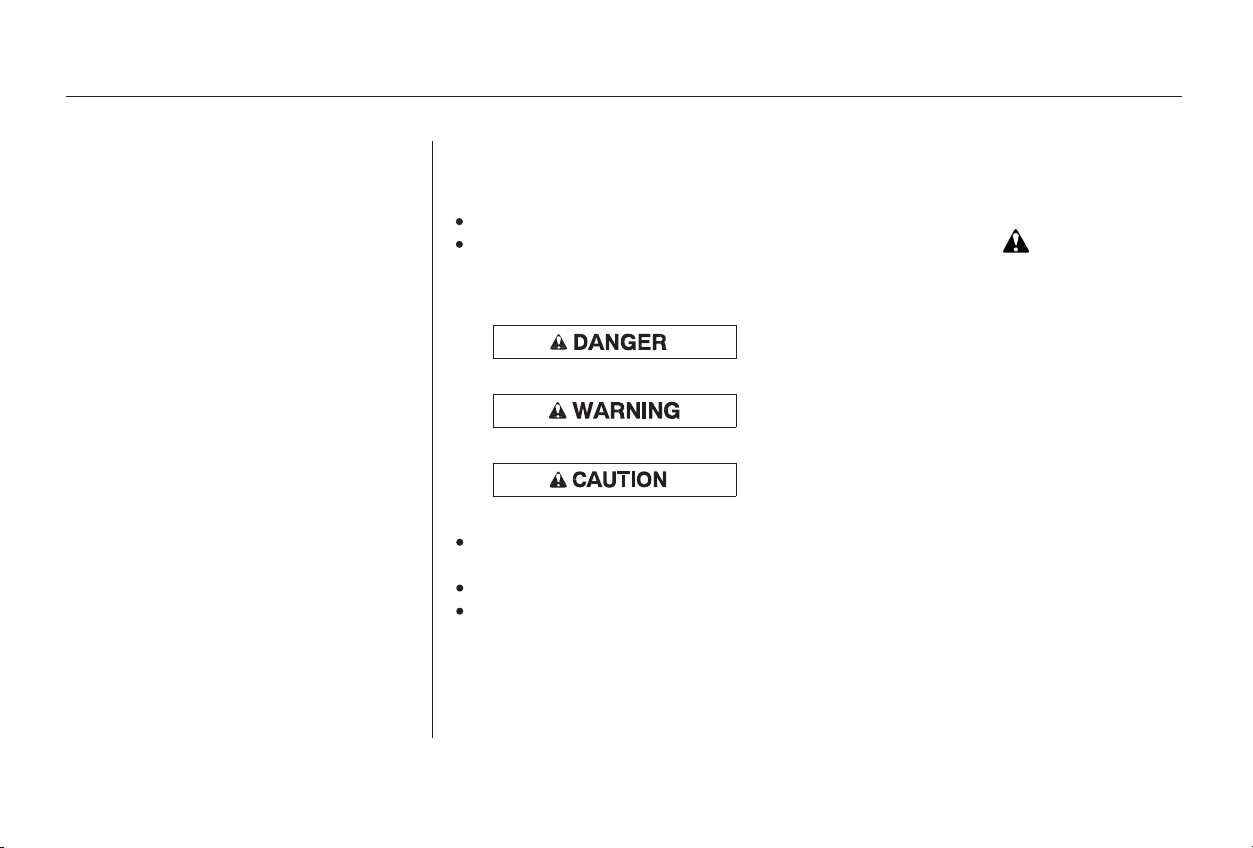
These signal words mean:
preceded by a safety alert symbol and one of
three signal words: , , or .
Your safety, and the safety of others,
is very important. And operating this
car safely is an important
responsibility.
Of course, it is not practical or
possible to warn you about all the
hazards associated with operating or
maintaining your car. You must use
your own good judgement.
on the car.
how to use this car correctly and safely.
AFewWordsAboutSafety
Safety Section
Safety Headings
Safety Messages
Safety Labels
Instructions
DANGER WARNING CAUTION
ii
You CAN be HURT if you don’t follow
instructions.
You CAN be KILLED or SERIOUSLY
HURT if you don’t follow instructions.
You WILL be KILLED or SERIOUSLY
HURT if you don’t follow instructions.
Main Menu
Your Car at a Glance
2
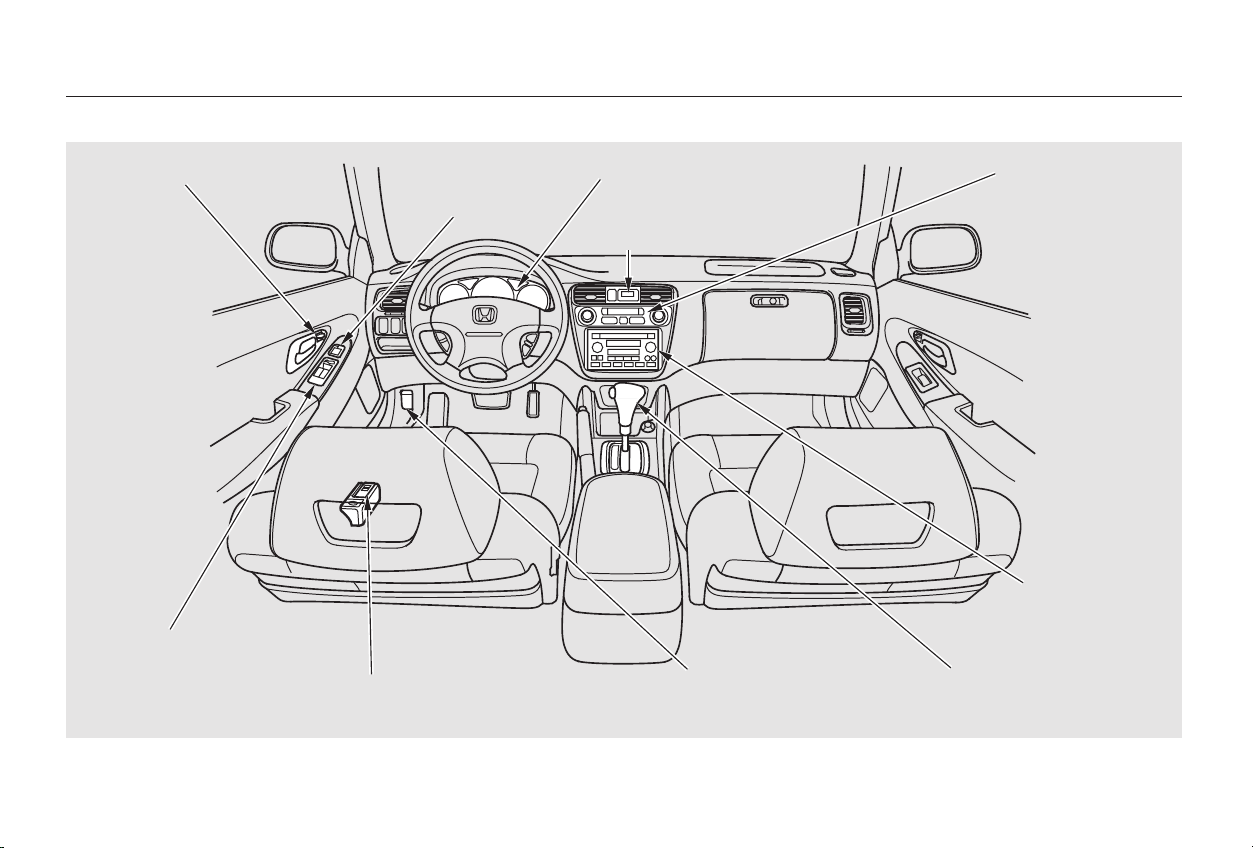
DDIIGGIITTAALL CCLLOOCCKK
AAUUDDIIOO SSYYSSTTEEMM
PPOOWWEERR WWIINNDDOOWW
SSWWIITTCCHHEESS
CCLLIIMMAATTEE CCOONNTTRROOLL
SSYYSSTTEEMM
HHEEAATTIINNGG//CCOOOOLLIINNGG
CCOONNTTRROOLLSS
AAUUTTOOMMAATTIICC TTRRAANNSSMMIISSSSIIOONN
MMAANNUUAALL TTRRAANNSSMMIISSSSIIOONN
IINNSSTTRRUUMMEENNTT PPAANNEELL
PPOOWWEERR DDOOOORR LLOOCCKKSS
FFUUEELL FFIILLLL DDOOOORR//TTRRUUNNKK RREELLEEAASSEE HHAANNDDLLEE
((PP.. 7788))
MMIIRRRROORR
CCOONNTTRROOLLSS
((PP.. 9977))
((PP.. 5577))
((PP.. 110000))
((PP.. 110088))
((PP.. 111155))
((PP.. 112233))
((PP.. 221100))
((PP.. 220099))
HHOOOODD RREELLEEAASSEE
HHAANNDDLLEE
((PP.. 119944))
((PP.. 119933//8822))
((PP.. 9944))
Main Menu
Your Car at a Glance
3
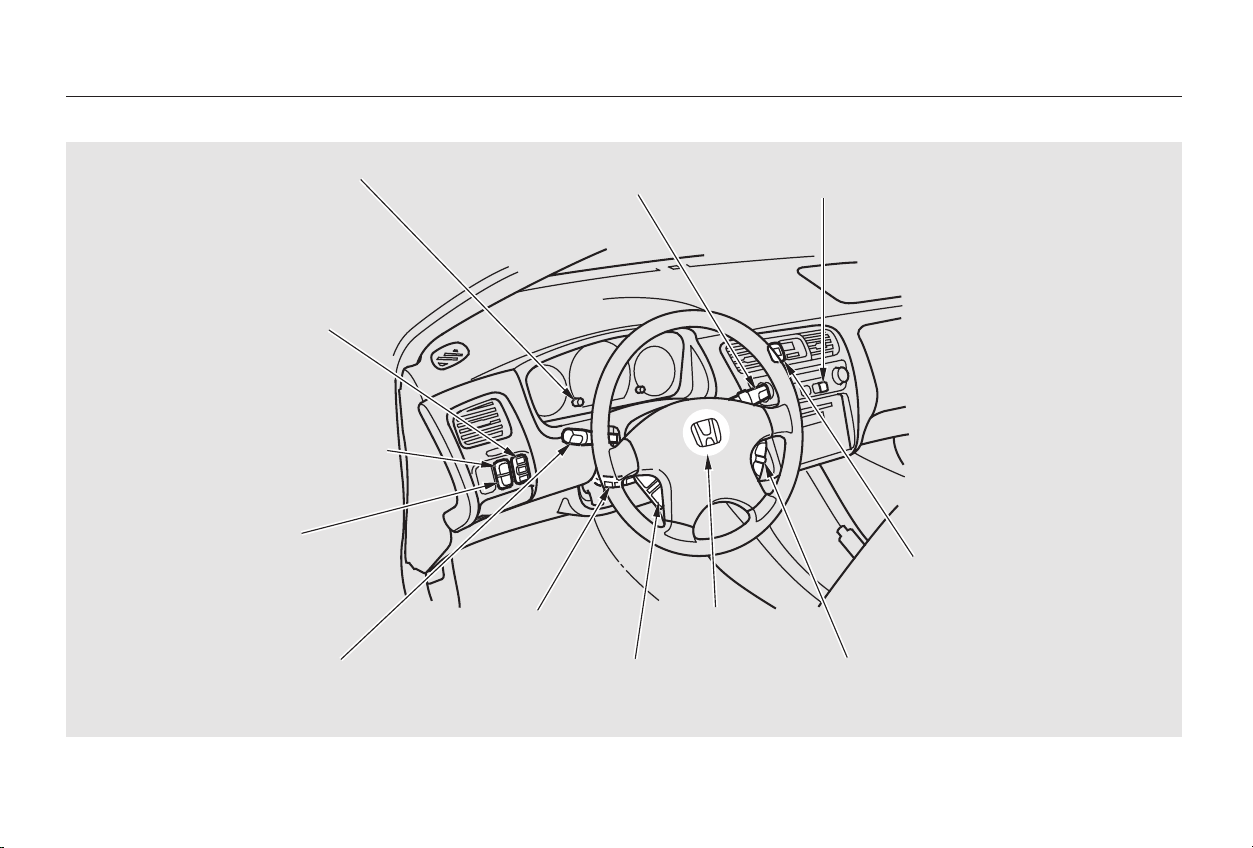
WWIINNDDSSHHIIEELLDD
WWIIPPEERRSS//WWAASSHHEERRSS
TTIILLTT AADDJJUUSSTTMMEENNTT
HHOORRNN
HHAAZZAARRDD WWAARRNNIINNGG LLIIGGHHTTSS
RREEAARR WWIINNDDOOWW DDEEFFOOGGGGEERRIINNSSTTRRUUMMEENNTT PPAANNEELL BBRRIIGGHHTTNNEESSSS
MMOOOONNRROOOOFF SSWWIITTCCHH
HHEEAADDLLIIGGHHTTSS//TTUURRNN SSIIGGNNAALLSS
((PP.. 6699))
((PP.. 6677,, 6699))
((PP.. 7733))
((PP.. 6666))
((PP.. 7711))
RREEMMOOTTEE AAUUDDIIOO CCOONNTTRROOLLSS
((oonn EEXX aanndd EEXX--VV66 mmooddeellss))
((PP.. 7722))
((PP.. 7700,, 7711))
TTRRAACCTTIIOONN CCOONNTTRROOLL SSYYSSTTEEMM
OONN//OOFFFF SSWWIITTCCHH ((oonn VV66 mmooddeellss))
((PP.. 9966))
((PP.. 222200))
CCRRUUIISSEE CCOONNTTRROOLL
MMAASSTTEERR SSWWIITTCCHH
((PP.. 118811))
((PP.. 118888))
((PP.. 118811))
CCRRUUIISSEE CCOONNTTRROOLL BBUUTTTTOONNSS
Main Menu

4
Main Menu

This section gives you important
information about how to protect
yourself and your passengers. It
shows you how to use seat belts
properly. It explains your Supple-
mental Restraint System. And it tells
you how to properly restrain infants
andchildreninyourcar.
.........Important Safety Precautions . 6
.............Your Car’s Safety Features . 7
.......................................Seat Belts . 8
...........................................Airbags . 9
.....................Seats & Seat-Backs . 10
..........................Head Restraints . 10
..................................Door Locks . 10
........Pre-Drive Safety Checklist . 11
............................Protecting Adults . 12
.....1. Close and Lock the Doors . 12
...........2. Adjust the Front Seats . 13
............3. Adjust the Seat-Backs . 14
...4. Adjust the Head Restraints . 15
5. Fasten and Position the Seat
.....................................Belts . 15
....6. Adjust the Steering Wheel . 17
7. Maintain a Proper Sitting
................................Position . 17
.....Advice for Pregnant Women . 18
...Additional Safety Precautions . 19
........................Protecting Children . 20
All Children Must Be
...............................Restrained . 20
Children Should Sit in the Back
...........................................Seat . 21
The Passenger’s Front Airbag
Poses Serious Risks
...........................to Children . 21
If You Must Drive with Several
...................................Children . 24
If a Child Requires Close
..................................Attention . 24
...Additional Safety Precautions . 24
General Guidelines for Using
...............................Child Seats . 25
.......................Protecting Infants . 29
.........Protecting Small Children . 33
.......Protecting Larger Children . 36
Using Child Seats with
.....................................Tethers . 40
Additional Information About Your
.................................Seat Belts . 41
..Seat Belt System Components . 41
......................Lap/Shoulder Belt . 41
Automatic Seat Belt
...............................Tensioners . 43
...............Seat Belt Maintenance . 44
Additional Information About
...........................Your Airbags . 45
........................SRS Components . 45
How Your Front Airbags
.........................................Work . 45
...How Your Side Airbags Work . 47
How the SRS Indicator Light
.......................................Works . 48
How The Side Airbag Indicator
............................Light Works . 49
.............................Airbag Service . 50
...Additional Safety Precautions . 50
.............Carbon Monoxide Hazard . 52
...................................Safety Labels . 53
Driver and Passenger Safety
Driver and Passenger Safety
5
Main Menu

You’ll find many safety
recommendations throughout this
section, and throughout this manual.
Therecommendationsonthispage
are the ones we consider to be the
most important.
Excessive speed is a major factor in
crash injuries and deaths. Generally,
the higher the speed the greater the
risk, but serious accidents can also
occur at lower speeds. Never drive
faster than is safe for current
conditions, regardless of the
maximum speed posted.A seat belt is your best protection in
all types of collisions. Airbags
supplement seat belts, but airbags
are designed to inflate only in a
moderate to severe frontal collision.
So even though your car is equipped
with airbags, make sure you and
your passengers always wear your
seat belts, and wear them properly.
(See page .)
Children are safest when they are
properly restrained in the back seat,
notthefrontseat.Achildwhoistoo
smallforaseatbeltmustbeproperly
restrained in a child safety seat. (See
page .)
Having a tire blowout or a
mechanical failure can be extremely
hazardous. To reduce the possibility
of such problems, check your tire
pressures and condition frequently,
and perform all regularly scheduled
maintenance. (See page .)
Alcohol and driving don’t mix. Even
one drink can reduce your ability to
respond to changing conditions, and
your reaction time gets worse with
every additional drink. So don’t drink
and drive, and don’t let your friends
drink and drive, either.
While airbags can save lives, they
can cause serious or fatal injuries to
occupants who sit too close to them,
or are not properly restrained.
Infants, young children, and short
adults are at the greatest risk. Be
sure to follow all instructions and
warnings in this manual. (See page
.)
15
20
9
238
Driver and Passenger Safety
Important Safety Precautions
Always Wear Your Seat Belt
Be Aware of Airbag Hazards Control Your Speed
Keep Your Car in Safe Condition
Restrain All Children
Don’t Drink and Drive
6
Main Menu
Table of Contents
**
**
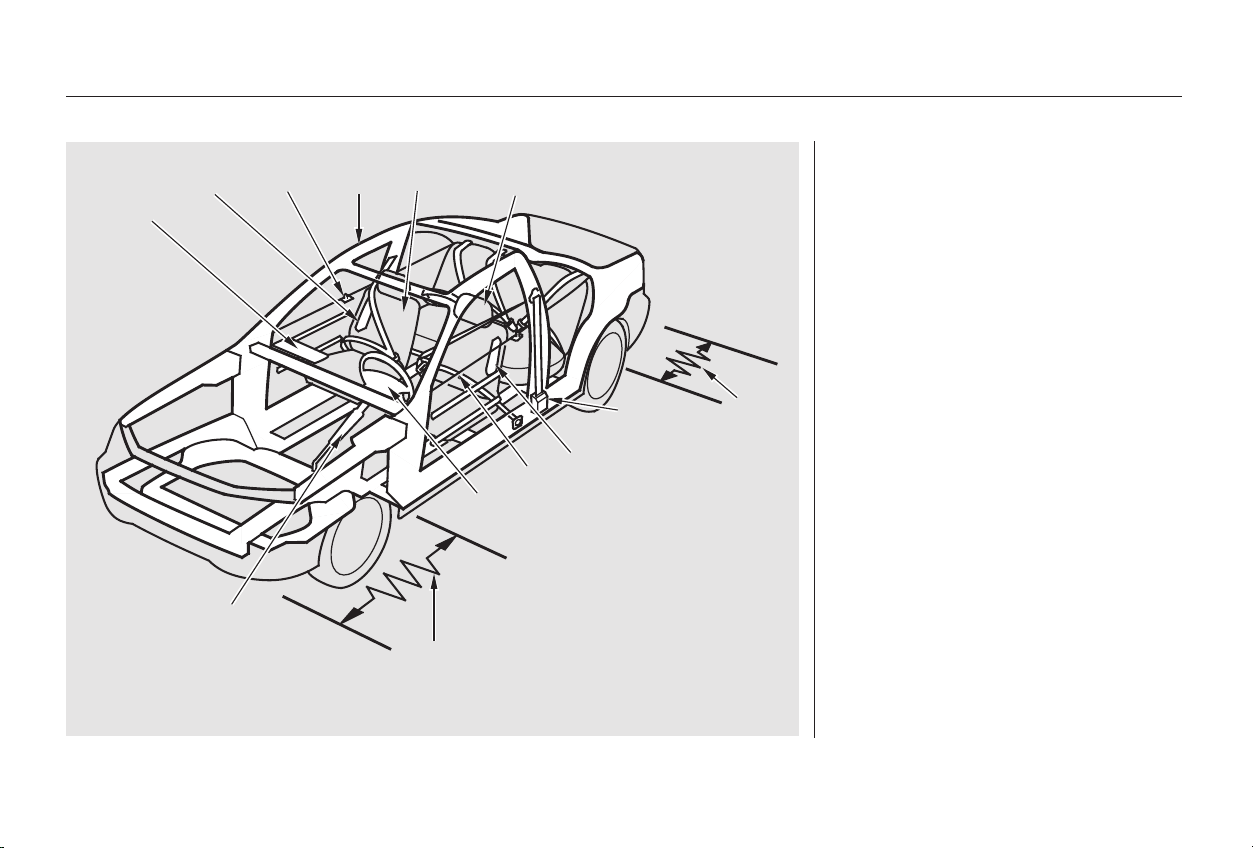
Your car is equipped with many
features that work together to
protect you and your passengers
during a crash.
Some safety features do not require
anyactiononyourpart.These
include a strong steel framework
that forms a safety cage around the
passenger compartment; front and
rear crush zones that are designed to
crumple and absorb energy during a
crash; a collapsible steering column;
and seat belt tensioners that
automatically tighten the front seat
belts in the event of a crash.
CONTINUED
Driver and Passenger Safety
Your Car’s Safety Features
7
((55))
((77))
((66))
((22))
((33))((88))
((22))
((77))
((44))
((88))
((11))
((99))
((1100))
((11)) SSaaffeettyy CCaaggee
((22)) CCrruusshh ZZoonneess
((33)) SSeeaattss && SSeeaatt--BBaacckkss
((44)) HHeeaadd RReessttrraaiinnttss
((55)) CCoollllaappssiibbllee SStteeeerriinngg CCoolluummnn
((66)) SSeeaatt BBeellttss
((77)) FFrroonntt AAiirrbbaaggss
((88)) SSiiddee AAiirrbbaaggss
((99)) SSeeaatt BBeelltt TTeennssiioonneerrss
((1100)) DDoooorr LLoocckkss
IIff eeqquuiippppeedd
Main Menu
Table of Contents
In addition, most states and all
Canadian provinces require you to
wear seat belts.
Foryoursafety,andthesafetyof
your passengers, your car is
equipped with seat belts in all seating
positions.
Your seat belt system also
includes a light on the
instrument panel to remind you and
your passengers to fasten your seat
belts.
Seat belts are the single most
effectivesafetydeviceforadultsand
larger children. (Infants and smaller
children must be properly restrained
in child seats.)
Not wearing a seat belt properly
increases the chance of serious
injury or death in a crash, even
though your car has airbags.
These safety features are designed
to reduce the severity of injuries in a
crash. However, you and your
passengers can’t take full advantage
of these safety features unless you
remain sitting in a proper position
and
In fact, some safety
features can contribute to injuries if
they are not used properly.
Help protect you in almost every
type of crash, including frontal,
side, and rear impacts and
rollovers.
Keep you connected to the vehicle
so you can take advantage of the
vehicle’s built-in safety features.
When properly worn, seat belts:
Driver and Passenger Safety
Your Car’s Safety Features
Seat Belts
Why Wear Seat Belts
always wear your seat belts
properly.
8
Not wearing a seat belt properly
increases the chance of serious
injury or death in a crash, even
if you have airbags.
Be sure you and your
passengers always wear seat
belts and wear them properly.
Main Menu
Table of Contents
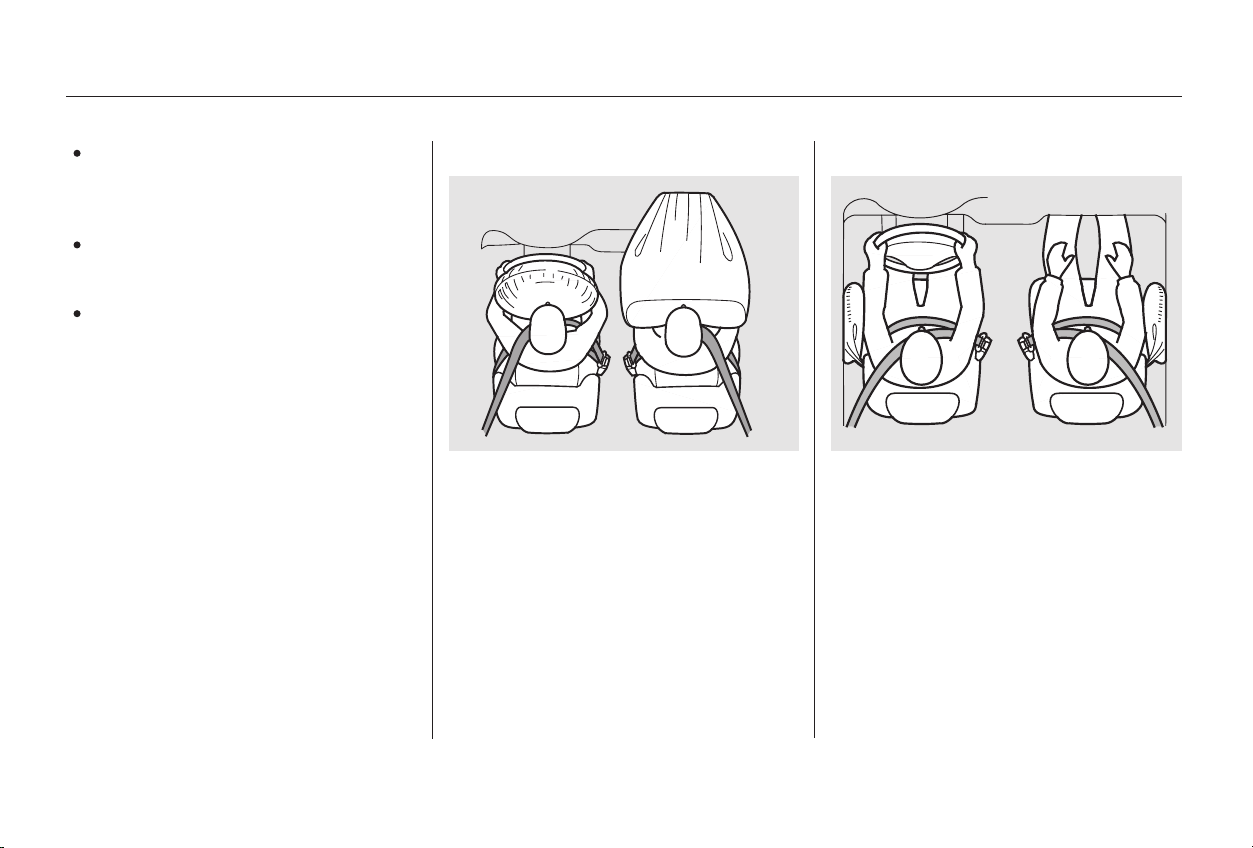
Your car has a Supplemental
Restraint System (SRS) with front
airbags to help protect the heads and
chests of the driver and a front seat
passenger during a moderate to
severe frontal collision.
Always wear
your seat belt, and make sure you
wear it properly.
Help keep you in a good position
should the airbags ever deploy. A
good position reduces the risk of
injury from an inflating airbag, and
allows you to get the best
advantage from the airbag.
Of course, seat belts cannot
completely protect you in every
crash.Butinmostcases,seatbelts
can reduce your risk of serious
injury.
Help keep you from being thrown
against the inside of the vehicle
and against other occupants.
Keep you from being thrown out
of the vehicle.
Some models also have side airbags
to help protect the upper torso of the
driver or a front seat passenger
during a moderate to severe side
impact.
CONTINUED
Driver and Passenger Safety
Your Car’s Safety Features
Airbags
What you should do:
9
Main Menu
Table of Contents

Head restraints can help protect you
from whiplash and other injuries. For
maximum protection, the back of
your head should rest against the
center of the head restraint.
Move the front
seats as far back as possible, and
keep adjustable seat-backs in an
upright position whenever the car is
moving.
Keeping your doors locked reduces
thechanceofbeingthrownoutof
the car during a crash. It also helps
prevent occupants from accidentally
opening a door and falling out, and
outsiders from unexpectedly opening
your doors.
Your car’s seats are designed to keep
you in a comfortable, upright
position so you can take full
advantage of the protection offered
by seat belts and the energy
absorbing materials in the seats.
How you adjust your seats and seat-
backs can also affect your safety. For
example, sitting too close to the
steering wheel or dashboard
increases the risk of you or your
passenger being injured by striking
theinsideofthecar,orbyan
inflating airbag.
Reclining a seat-back too far reduces
the seat belt’s effectiveness and
increases the chance that the seat’s
occupant will slide under the seat
belt in a crash and be seriously
injured.
The most important things you need
to know about your airbags are:
They are designed to supplement
the seat belts.
To do their job, airbags must
inflate with tremendous force and
speed. So while airbags help save
lives, they can cause minor injuries,
or more serious or even fatal
injuries if occupants are not
properly restrained or sitting
properly.
Always wear
your seat belt properly, and sit
upright and as far back as possible
from the steering wheel or
dashboard.
Driver and Passenger Safety
Your Car’s Safety Features
Head Restraints
Door Locks
Seats & Seat-Backs
What you should do:
Airbags do not replace seat belts.
Airbags offer no protection in rear
impacts, rollovers, or minor
frontal or side collisions.
Airbags can pose serious hazards.
What you should do:
10
Main Menu
Table of Contents
All adults, and children who have
outgrown child safety seats, are
wearing their seat belts and
wearingthemproperly(seepage
).
Any infant or small child is
properly restrained in a child seat
inthebackseat(seepage ).
To make sure you and your
passengers get the maximum
protection from your car’s safety
features, check the following each
time before you drive away:
The rest of this section gives more
detailed information about how you
can maximize your safety.
Remember, however, that no safety
system can prevent all injuries or
deaths that can occur in severe
crashes, even when seat belts are
properly worn and the airbags deploy.Head restraints are properly
adjusted (see page ).
Frontseatoccupantsaresitting
upright and as far back as possible
from the steering wheel and
dashboard (see page ).
All cargo is properly stored or
secured (see page ).
Seat-backs are upright (see page
).
Both doors are closed and locked
(see page ).12
15
20
13
14
15
202
Driver and Passenger Safety
Pre-Drive Safety Checklist
Your Car’s Safety Features
11
Main Menu
Table of Contents
The following pages provide
instructions on how to properly
protect the driver and other adult
occupants.
These instructions also apply to
children who have outgrown child
seats and are large enough to wear
lap/shoulder belts. (See page for
important additional guidelines on
how to properly protect larger
children.)
After everyone has entered the car,
be sure the doors are closed and
locked.
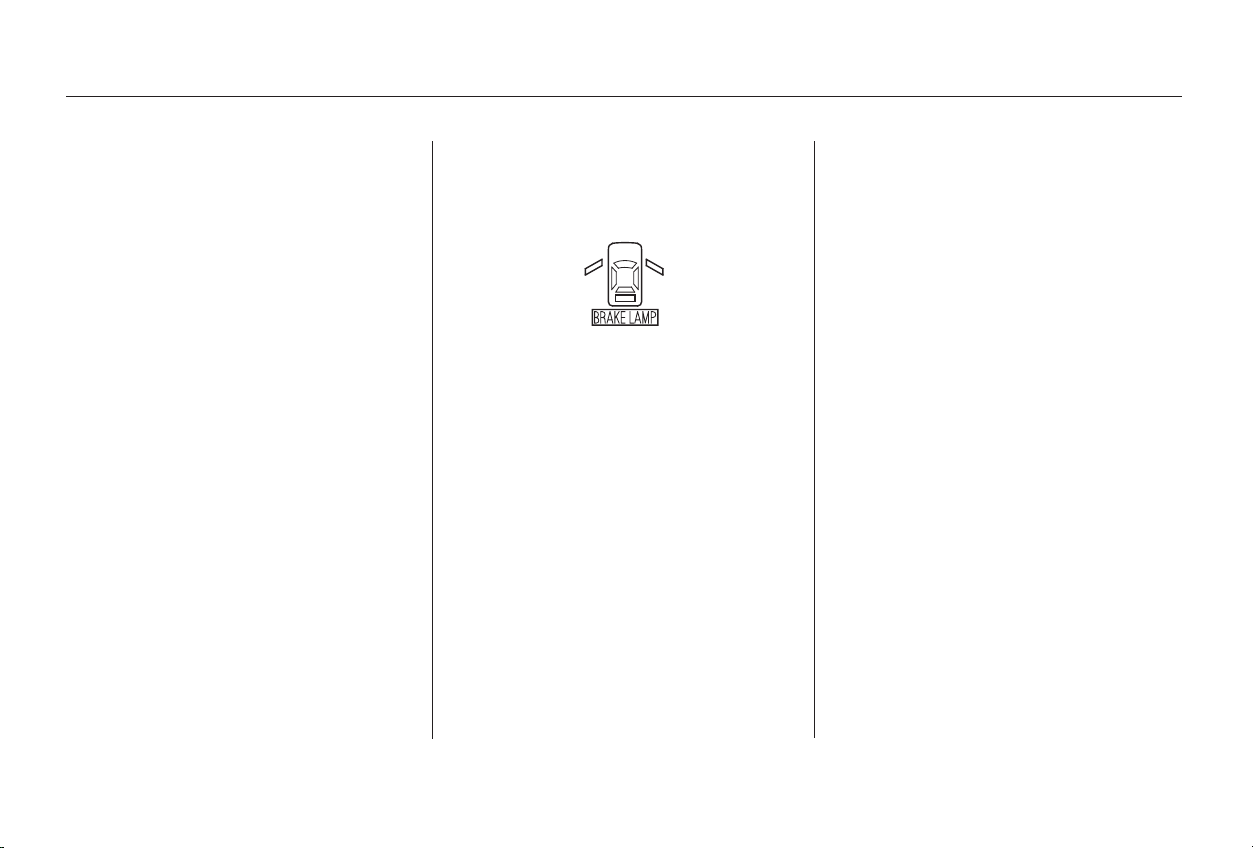
Your car has a door monitor light on
the instrument panel to indicate
when a specific door is not tightly
closed.
For safety, locking the doors reduces
the chance that a passenger,
especially a child, will open a door
while the car is moving and
accidentally fall out. It also reduces
the chance of someone being thrown
out of the car during a crash.
For security, locked doors can
prevent an outsider from
unexpectedly opening a door when
you come to a stop.
See page for how to lock the
doors.
36
78
Driver and Passenger Safety
Protecting Adults
Introduction Close and Lock the Doors1.
12
Main Menu
Table of Contents
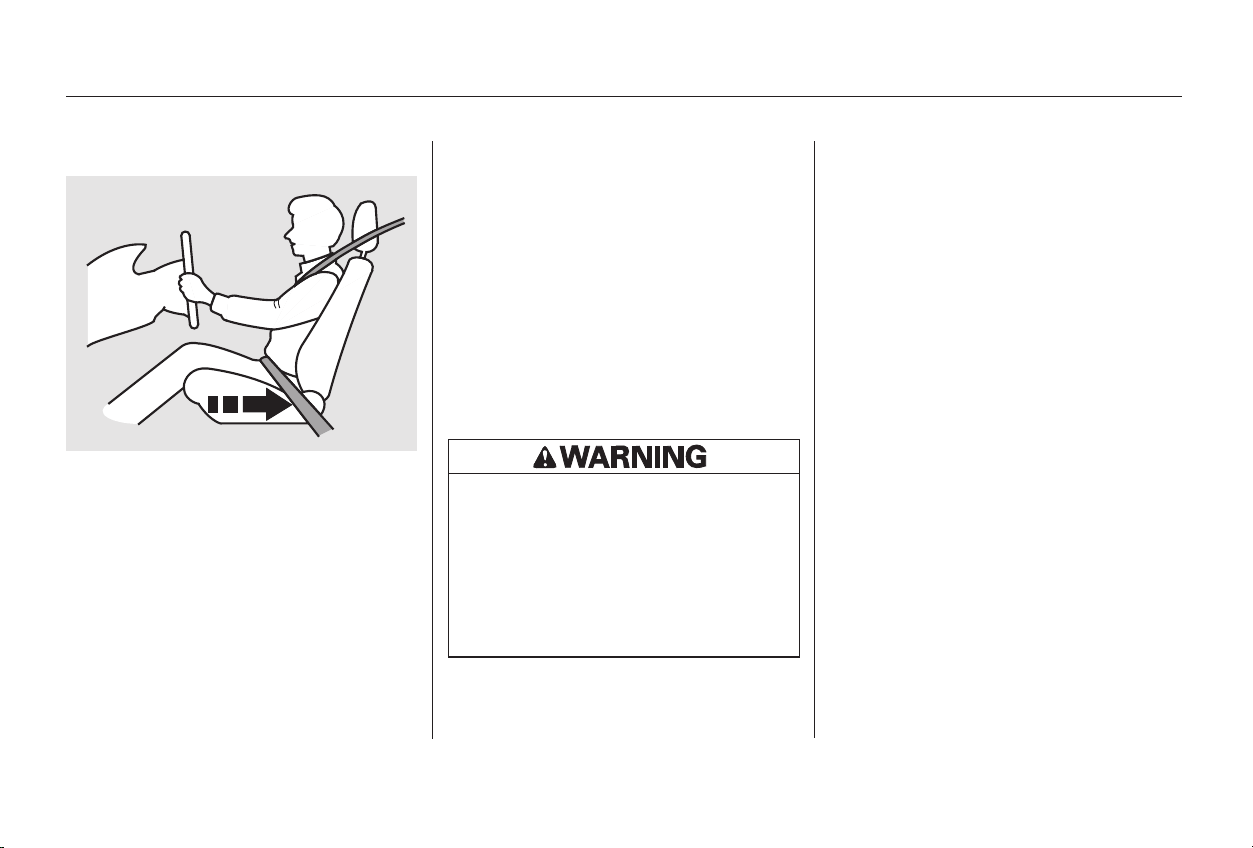
Most shorter drivers can get far
enough away from the steering
wheel and still reach the pedals.
However, if you are concerned about
sitting too close, we recommend that
you investigate whether some type
of adaptive equipment may help.
Once your seat is adjusted correctly,
rock it back and forth to make sure
the seat is locked in position.
See page for how to adjust the
front seats.
Any driver who sits too close to the
steering wheel is at risk of being
seriously injured or killed by striking
the steering wheel or from being
struck by an inflating front airbag
during a crash.
To reduce the chance of injury, wear
your seat belt properly, sit upright
with your back against the seat, and
movetheseatawayfromthe
steering wheel to the farthest
distance that allows you to maintain
full control of the car.
The National Highway Traffic Safety
Administration and Transport
Canada recommend that drivers
adjust the seat so the center of the
chest is at least 10 inches (25 cm)
away from the center of the steering
wheel.Alsomakesureyourfront
seat passenger moves the seat as far
to the rear as possible.
85
Driver and Passenger Safety
Protecting Adults
Adjust the Front Seats2.
13
Sitting too close to a front
airbag can result in serious
injury or death if the front
airbags inflate.
Always sit as far back from the
front airbags as possible.
Main Menu
Table of Contents
See page for how to adjust seat-
backs.
A front passenger should also adjust
the seat-back to an upright position,
but as far from the dashboard as
possible. A passenger who sits too
close to the dashboard could be
injured if the front airbag inflates.
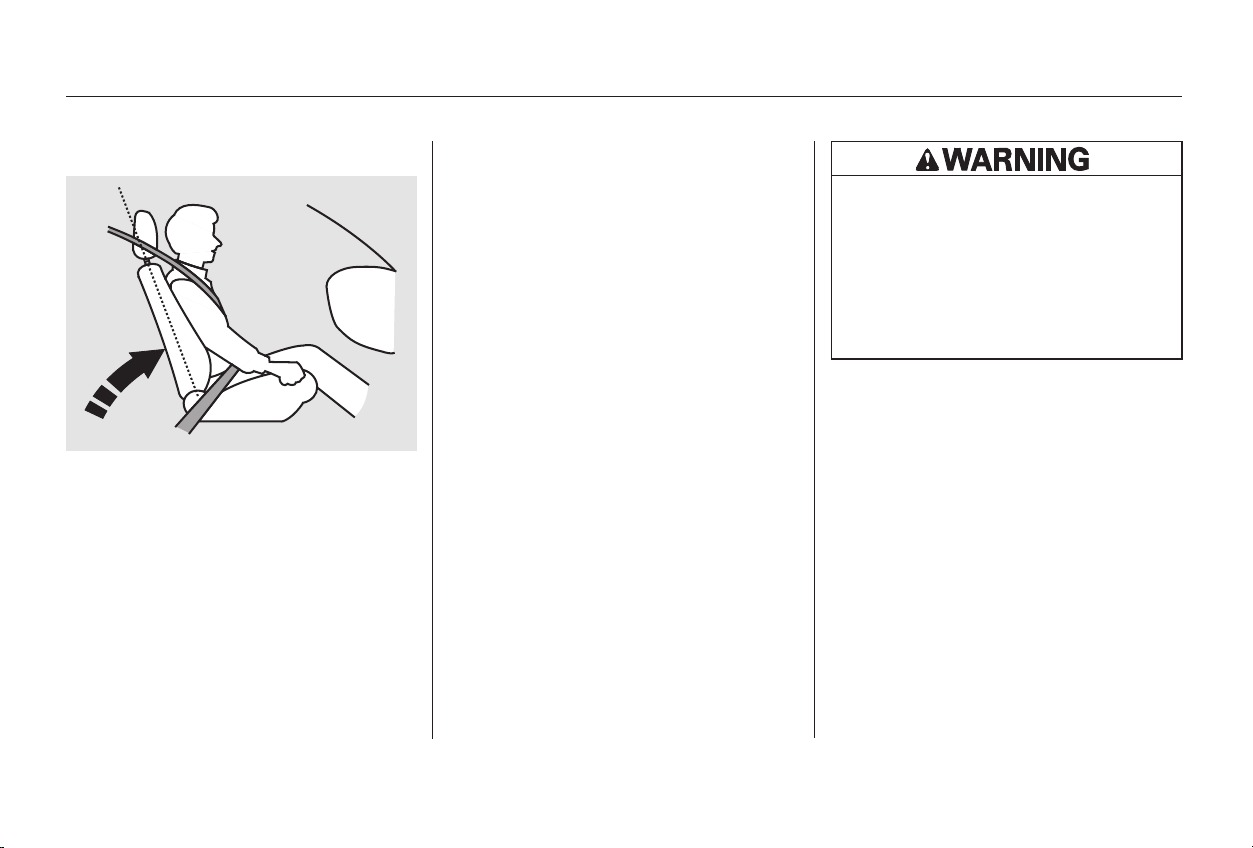
Reclining a seat-back so that the
shoulder part of the belt no longer
rests against the occupant’s chest
reduces the protective capability of
the belt. It also increases the chance
of sliding under the belt in a crash
and being seriously injured. The
farther a seat-back is reclined, the
greater the risk of injury.
Adjust the driver’s seat-back to a
comfortable, upright position,
leaving ample space between your
chest and the airbag cover in the
center of the steering wheel. If you
sit too close to the steering wheel,
you could be injured if the front
airbag inflates.
85
Driver and Passenger Safety
Protecting Adults
Adjust the Seat-Backs3.
14
Reclining the seat-back too far
can result in serious injury or
death in a crash.
Adjust the seat-back to an
upright position and sit well
back in the seat.
Main Menu
Table of Contents
CONTINUED
Insert the latch plate into the buckle,
then tug on the belt to make sure the
belt is securely latched. Also check
that the belt is not twisted, because a
twisted belt can cause serious
injuries in a crash.
Properly adjusted head restraints
will help protect occupants from
whiplash and other crash injuries.
See page for how to adjust the
head restraints.
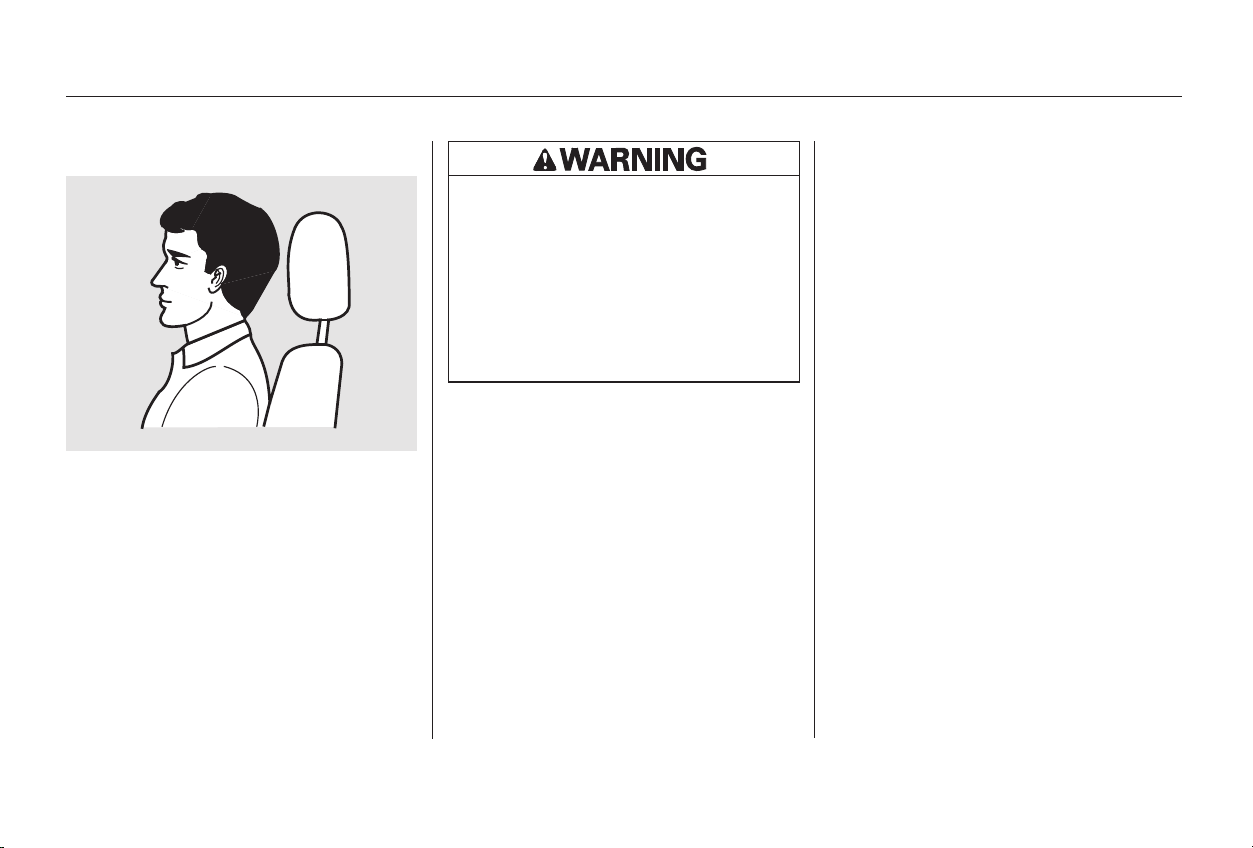
Before driving, make sure everyone
with an adjustable head restraint has
properly positioned the head
restraint. The restraint should be
positioned so the back of the
occupant’s head rests against the
center of the restraint. A taller
person should adjust the restraint as
high as possible.
90
Protecting Adults
Driver and Passenger Safety
Fasten and Position the Seat
Belts
Adjust the Head Restraints 5.4.
15
Improperly positioning head
restraints reduces their
effectiveness and you can be
seriously injured in a crash.
Make sure head restraints are
in place and positioned properly
before driving.
Main Menu
Table of Contents
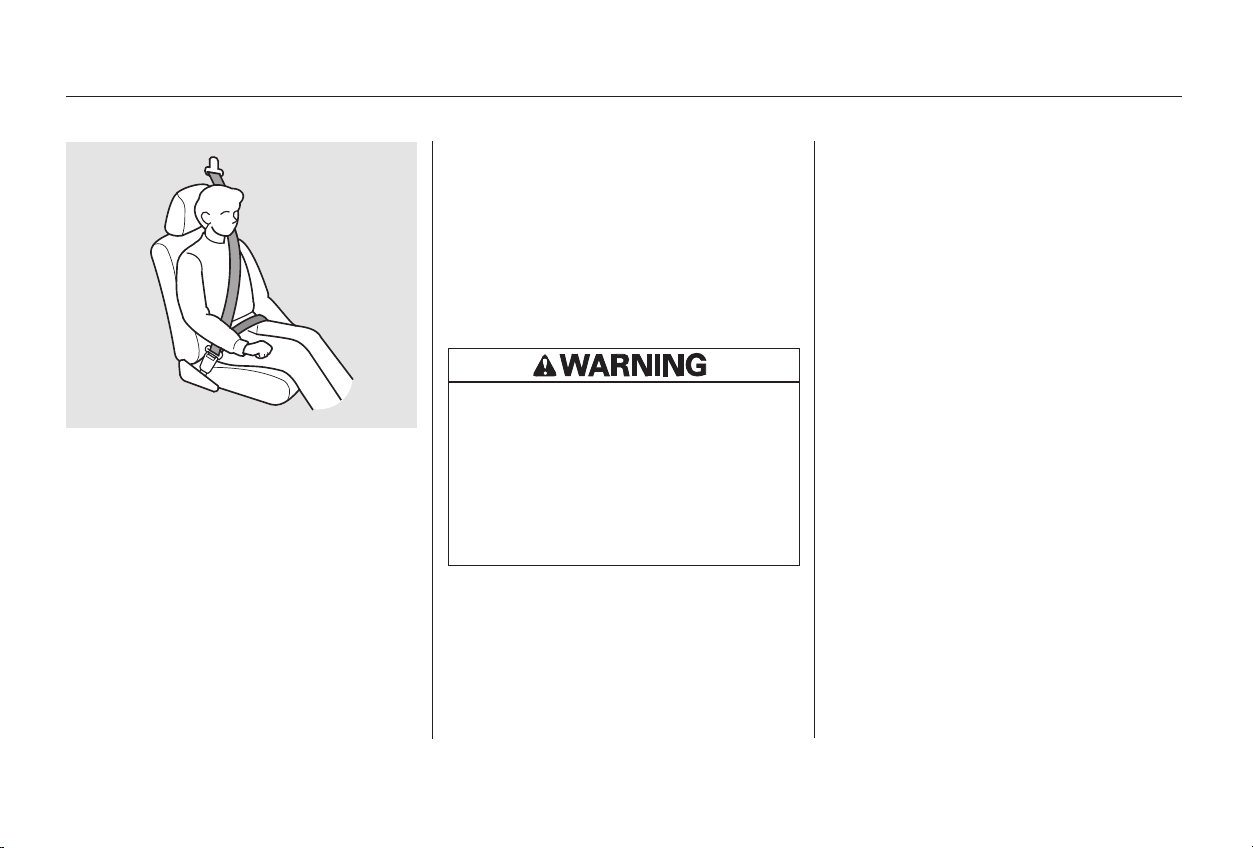
This could cause
very serious injuries in a crash.
If a seat belt does not seem to work
as it should, it may not protect the
occupant in a crash.
Anyone using a seat belt that is
not working properly can be
seriously injured or killed. Have your
Honda dealer check the belt as soon
as possible.
See page for additional
information about your seat belt
system and how to take care of your
belts.
If necessary, pull up on the belt again
to remove any slack from the
shoulder part, then check that the
belt rests across the center of your
chest and over your shoulder. This
spreads the forces of a crash over
the strongest bones in your upper
body.
Position the lap part of the belt as
low as possible across your hips,
then pull up on the shoulder part of
the belt so the lap part fits snugly.
This lets your strong pelvic bones
take the force of a crash and reduces
the chance of internal injuries.
41
Protecting Adults
Driver and Passenger Safety
Never place the shoulder portion of a
lap/shoulder belt under your arm or
behind your back.
No one should
sit in a seat with an inoperative seat
belt.
16
Improperly positioning the seat
belts can cause serious injury
or death in a crash.
Make sure all seat belts are
properly positioned before
driving.
Main Menu
Table of Contents
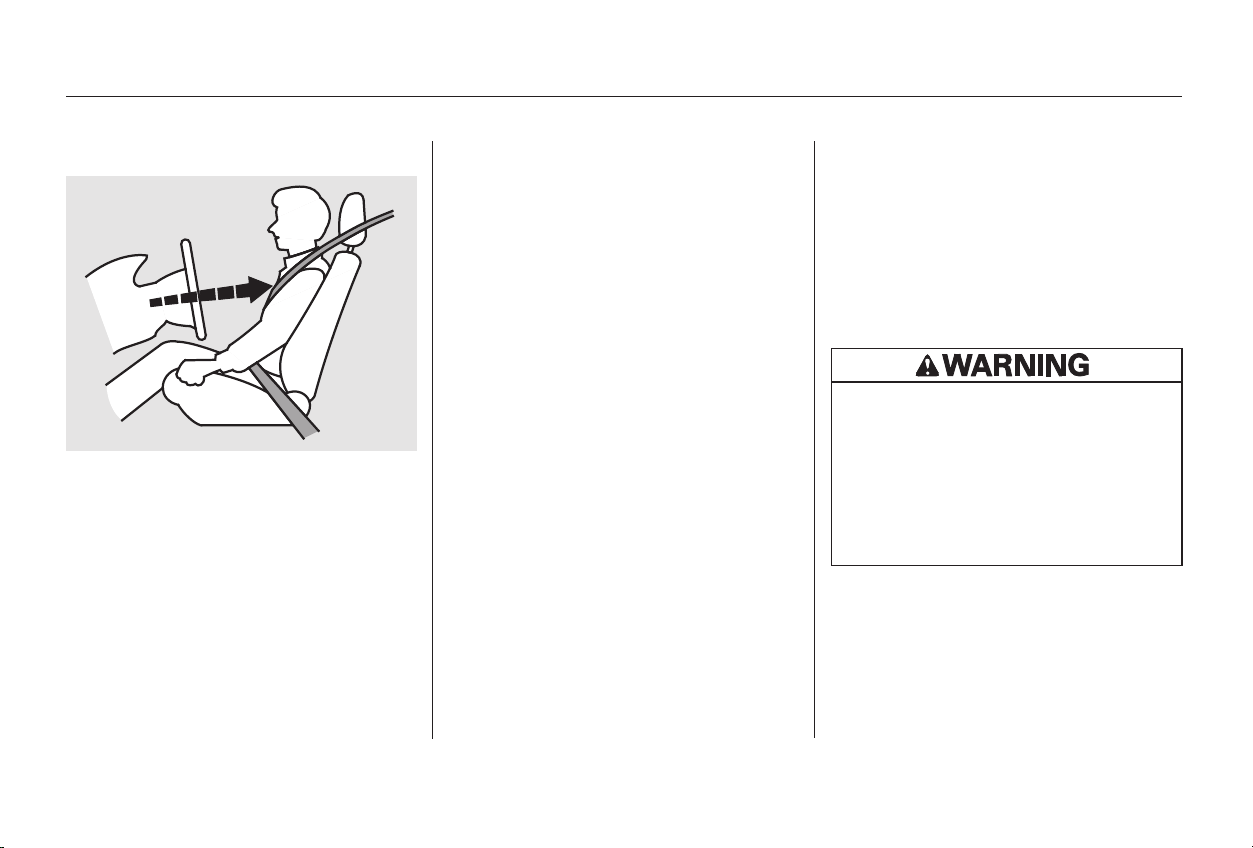
In addition, an occupant who is out of
position in the front seat can be
seriously or fatally injured by
striking interior parts of the car, or
by being struck by an inflating front
airbag. Being struck by an inflating
side airbag can result in possibly
serious injuries.
After all occupants have adjusted
their seats and put on seat belts, it is
very important that they continue to
sit upright, well back in their seats,
with their feet on the floor, until the
car is parked and the engine is off.
Sitting improperly can increase the
chance of injury during a crash. For
example, if an occupant slouches,
lies down, turns sideways, sits
forward, leans forward or sideways,
or puts one or both feet up, the
chance of injury during a crash is
greatly increased.
Adjust the steering wheel, if needed,
so that the wheel points toward your
chest, not toward your face.
Pointing the steering wheel toward
your chest provides optimal
protection from the airbag.
See page for how to adjust the
steering wheel.
73
CONTINUED
Driver and Passenger Safety
Maintain a Proper Sitting
Position
Adjust the Steering Wheel 7.6.
Protecting Adults
17
Sitting improperly or out of
position can result in serious
injury or death in a crash.
Always sit upright, well back in
the seat, with your feet on the
floor.
Main Menu
Table of Contents
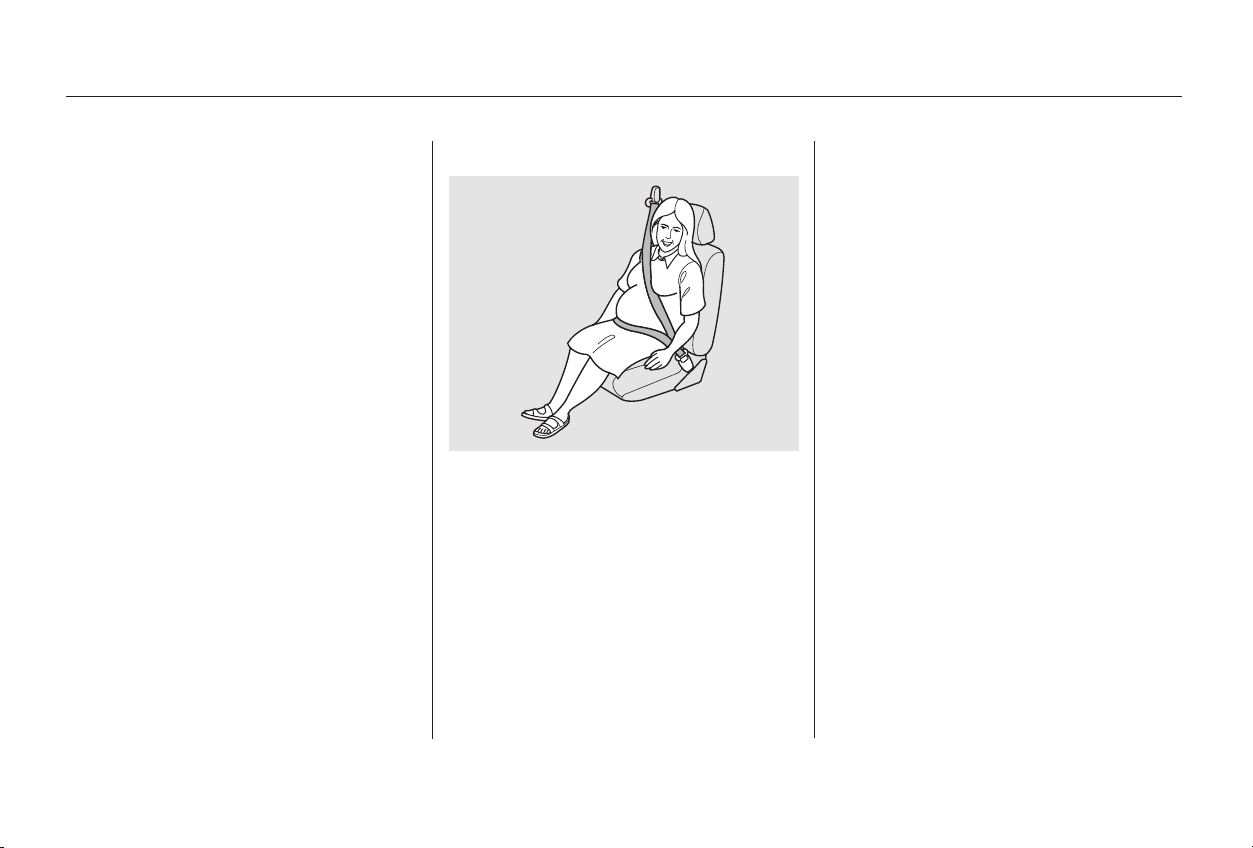
Pregnant women should also sit
upright and as far back as possible
from the steering wheel or
dashboard. This will reduce the risk
of injuries to both the mother and
her unborn child that can be caused
by a crash or an inflating airbag.
Each time you have a check-up, ask
your doctor if it’s okay for you to
drive.
Because protecting the mother is the
best way to protect her unborn child,
a pregnant woman should always
wear a seat belt whenever she drives
or rides in a car.
Remember to keep the lap portion of
the belt as low as possible across
your hips.
Remember, to get the best
protection from your car’s airbags
and other safety features, you must
sit properly and wear your seat belt
properly.
Protecting Adults
Driver and Passenger Safety
Advice for Pregnant Women
18
Main Menu
Table of Contents
If your
hands or arms are close to the
airbag cover in the center of the
steering wheel or on top of the
dashboard, they could be injured if
the front airbags inflate.
Carrying hard or sharp
objects on your lap, or driving with
a pipe or other sharp object in
your mouth, can result in injuries
if your front airbag inflates.
Any object
attached to or placed on the covers
marked ‘‘SRS AIRBAG’’ in the
center of the steering wheel and
on top of the dashboard could
interfere with the proper operation
of the airbags. Or, if the airbags
inflate, the objects could be
propelled inside the car and hurt
someone.
If they do, they
could be very seriously injured in a
crash.
Devices intended to improve
occupant comfort or reposition the
shoulder part of a seat belt can
severely compromise the
protective capability of the seat
belt and increase the chance of
serious injury in a crash.
If a side airbag
inflates,acupholderorotherhard
object attached on or near the
door could be propelled inside the
car and hurt someone.
Protecting Adults
Driver and Passenger Safety
Keep your hands and arms away
from the airbag covers.
Do not place hard or sharp objects
between yourself and a front
airbag.
Do not attach or place objects on
the front airbag covers.
Two people should never use the
same seat belt.
Do not put any accessories on seat
belts.
On the models with side airbags,
do not attach hard objects on or
near a door.
Additional Safety Precautions
19
Main Menu
Table of Contents
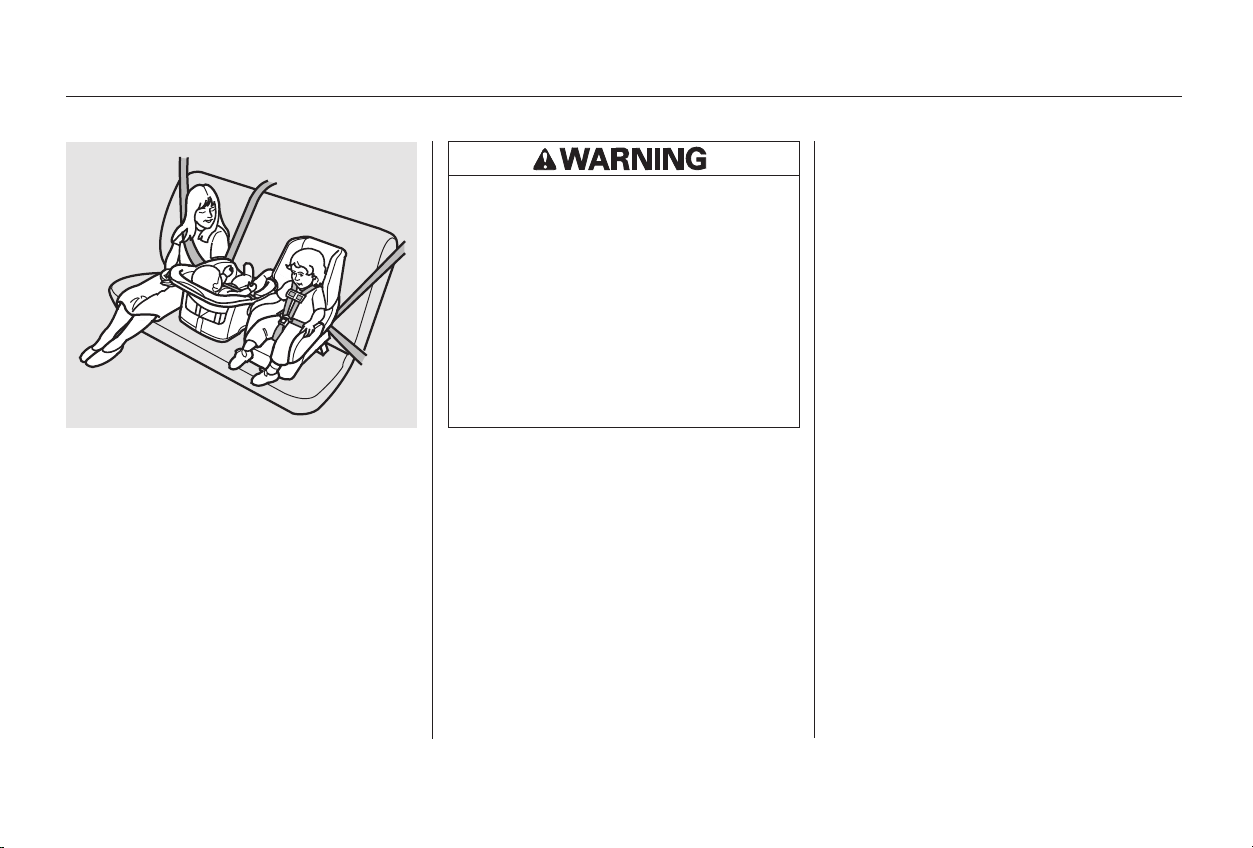
Children depend on adults to protect
them. However, despite their best
intentions, many parents and other
adults may not know how to
protect young passengers.
To reduce the number of child
deaths and injuries, every state and
Canadian province requires that
infants and children be restrained
whenever they ride in a vehicle.
Each year, many children are injured
or killed in vehicle crashes because
they are either unrestrained or not
properly restrained. In fact, vehicle
accidents are the number one cause
of death of children ages 12 and
under.
So if you have children, or if you ever
need to drive with a grandchild or
otherchildreninyourcar,besureto
read this section.
properly
All Children Must Be Restrained
Protecting Children
Driver and Passenger Safety
20
Children who are unrestrained
or improperly restrained can be
seriously injured or killed in a
crash.
Any child too small for a seat
belt should be properly
restrained in a child seat. A
larger child should be properly
restrained with a seat belt.
Main Menu
Table of Contents

(See page
.)
(See page
.)
According to accident statistics,
children of all ages and sizes are
safer when they are restrained in the
back seat, not the front seat. The
National Highway Traffic Safety
Administration and Transport
Canada recommend that all children
ages 12 and under be properly
restrained in the back seat.
In the back seat, children are less
likely to be injured by striking hard
interior parts during a collision or
hard braking. Also, children cannot
be injured by an inflating airbag
when they ride in the back.
Front airbags have been designed to
help protect adults in a moderate to
severe frontal collision. To do this,
the passenger’s front airbag is quite
large, and it inflates with tremendous
speed.
25
36
CONTINUED
Anychildwhoistoosmalltoweara
seat belt should be properly
restrained in a child seat.
A larger child should always be
restrained with a seat belt.
Protecting Children
Driver and Passenger Safety
Children Should Sit in the Back
Seat
The Passenger’s Front Airbag
Poses Serious Risks to Children
21
Main Menu
Table of Contents

If
the airbag inflates, it can hit the back
of the child seat with enough force
to kill or very seriously injure an
infant.
If the vehicle seat is
too far forward, or the child’s head is
thrown forward during a collision, an
inflating front airbag can strike the
child with enough force to kill or
very seriously injure a small child.
Whenever possible,
larger children should sit in the back
seat, properly restrained with a seat
belt. (See page for important
information about protecting larger
children.)
36
Infants
Never put a rear-facing child seat in
the front seat of a vehicle equipped
with a passenger’s front airbag.
Small Children
Placing a forward-facing child seat in
the front seat of a vehicle equipped
with a passenger’s front airbag can
be hazardous.
Larger Children
Children who have outgrown child
seats are also at risk of being injured
or killed by an inflating passenger’s
front airbag.
Protecting Children
Driver and Passenger Safety
22
Main Menu
Table of Contents
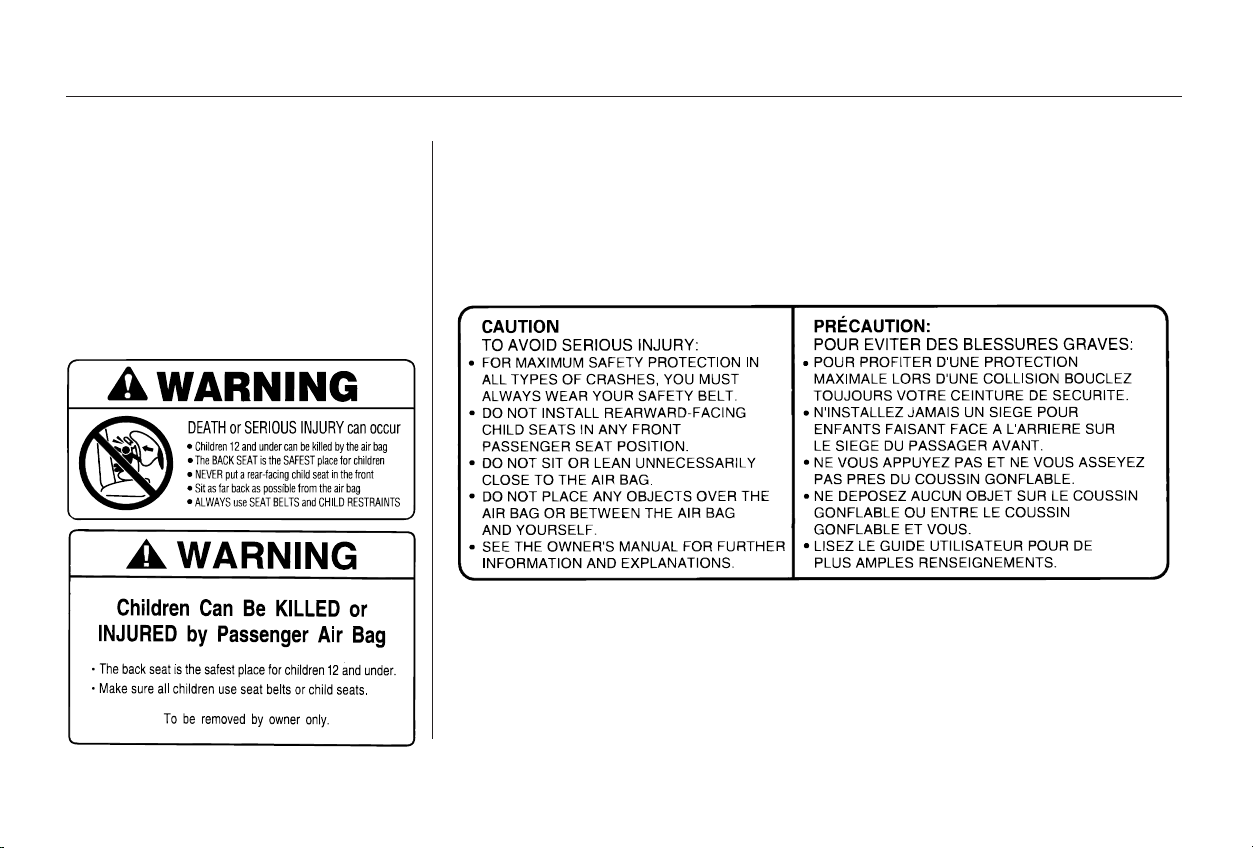
To remind you of the passenger’s
front airbag hazards, and that
children must be properly restrained
in the back seat, your car has
warninglabelsonthedashboardand
on the driver’s and front passenger’s
visors. Please read and follow the
instructions on these labels.
To remind you of the front airbag
hazards, your car has warning labels
on the driver’s and front passenger’s
visors. Please read and follow the
instructions on these labels.
U.S. Models Canadian Models
Protecting Children
Driver and Passenger Safety
23
Main Menu
Table of Contents
Many parents say they prefer to put
an infant or small child in the front
passenger seat so they can watch the
child, or because the child requires
attention.
Placing a child in the front seat
exposes the child to hazards from
the passenger’s front airbag, and
paying close attention to a child
distracts the driver from the
important tasks of driving, placing
both of you at risk.
If a child requires physical attention
or frequent visual contact, we
strongly recommend that another
adult ride with the child in the back
seat. The back seat is far safer for a
child than the front.
Place the largest child in the front
seat, provided the child is large
enough to wear a seat belt
properly (see page ).
Move the vehicle seat as far to the
rear as possible (see page ).
Have the child sit upright and well
backintheseat(seepage ).
Make sure the seat belt is properly
positioned and secured (see page
).
Your car has three seating positions
in the back seat where children can
be properly restrained.
If you ever have to carry more than
three children in your car:
Leaving children without
adult supervision is illegal in most
states and Canadian provinces,
and can be very hazardous. For
example, infants and small
childrenleftinavehicleonahot
day can die from heatstroke. And
children left alone with the key in
the ignition can accidentally set
the vehicle in motion, possibly
injuring themselves or others.
17
15
36
13
Additional Safety PrecautionsIf a Child Requires Close
Attention
If You Must Drive with Several
Children
Do not leave children alone in your
vehicle.
Protecting Children
Driver and Passenger Safety
24
Main Menu
Table of Contents
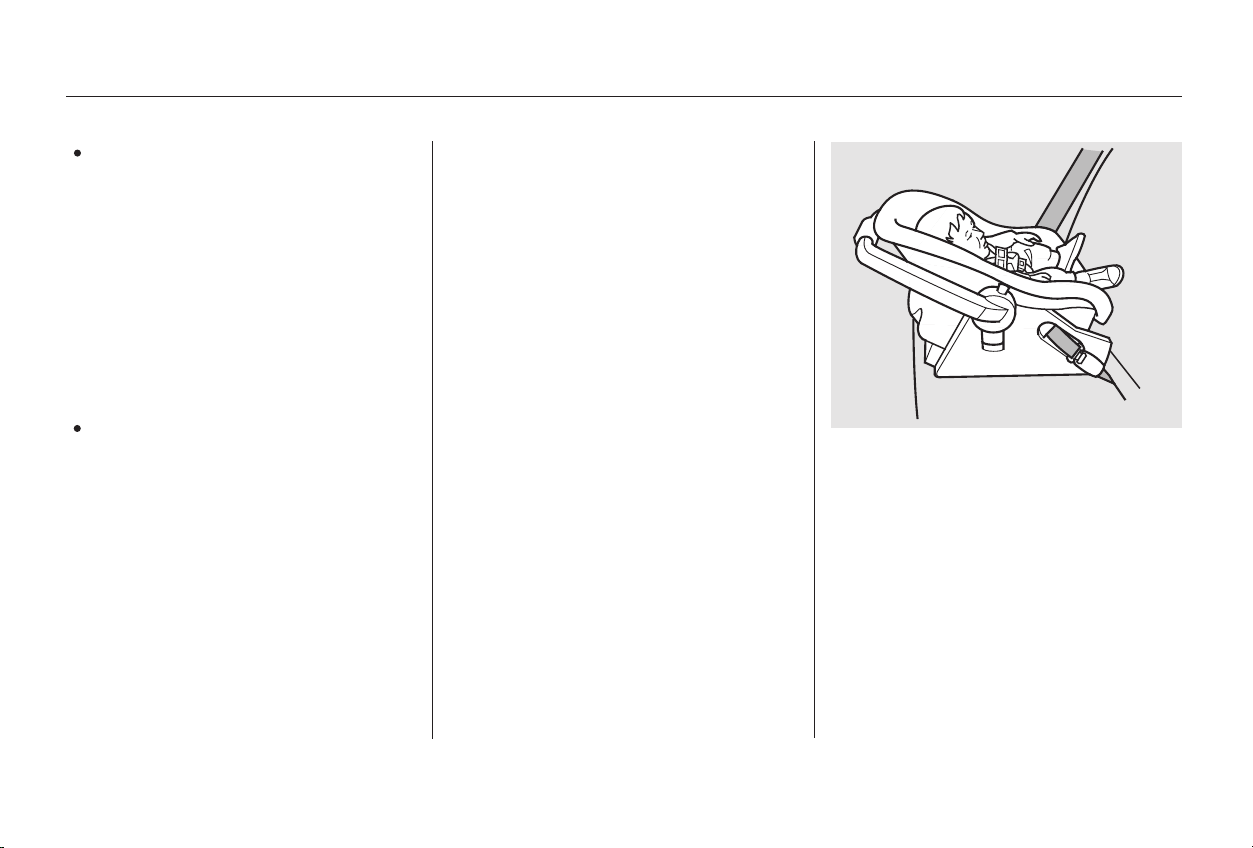
Childrenuptoaboutone
year old should be restrained in a
rear-facing, reclining child seat. Only
a rear-facing seat provides the
proper support to protect an infant’s
head, neck, and back. See page
for additional information on
protecting infants.
The following pages give general
guidelines for selecting and installing
child seats for infants and small
children.
To provide proper protection, a child
seat should meet three
requirements:
The child seat should
meet Federal Motor Vehicle
Safety Standard 213 (FMVSS 213)
or Canadian Motor Vehicle Safety
Standard 213 (CMVSS 213). Look
for the manufacturer’s statement
of compliance on the box and seat.
Children who play in cars can
accidentally get trapped inside the
trunk. Teach your children not to
play in or around cars. Know how
to operate the emergency trunk
opener (U.S. models only) and
decide if your children should be
shown how to use this feature (see
page ).
Even very young
children learn how to unlock
vehicle doors, turn on the ignition,
and open the trunk, which can
lead to accidental injury or death.
29
83
CONTINUED
Infants:
Selecting a Child Seat
The child seat should meet safety
standards. The child seat should be of the
proper type and size to fit the child.
Lock both doors and the trunk
when your vehicle is not in use.
Keep car keys and remote
transmitters out of the reach of
children.
1.
2.
General Guidelines for Using
Child Seats
Protecting Children
Driver and Passenger Safety
25
Main Menu
Table of Contents
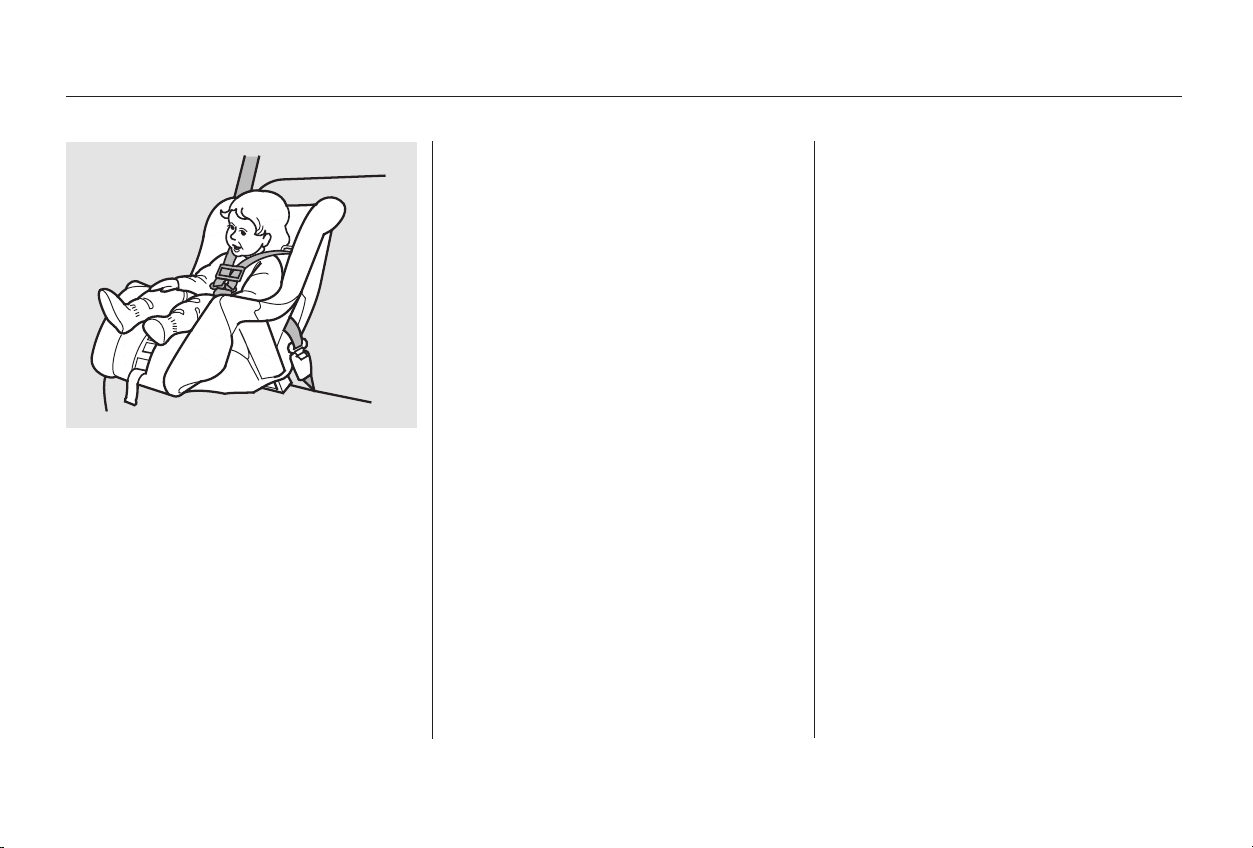
Before purchasing a child seat, we
recommend that parents test the
child seat in the specific vehicle
seating position (or positions) where
they intend to use the seat. If a
previously purchased child seat does
not fit, you may need to buy a
different one that will fit.
Due to variations in the design of
child seats, vehicle seats, and seat
belts, all child seats will not fit all
vehicle seating positions.
A child who is too
large for a rear-facing child seat, and
who can sit up without support,
should be restrained in a forward-
facing child seat. See page for
additional information on protecting
small children.
However, Honda is confident that
one or more child seat models can fit
andbeproperlyinstalledinall
recommended seating positions in
your car.
33
The child seat should fit the
vehicle seating position (or
positions) where it will be used.
Small Children:
3.
Protecting Children
Driver and Passenger Safety
26
Main Menu
Table of Contents
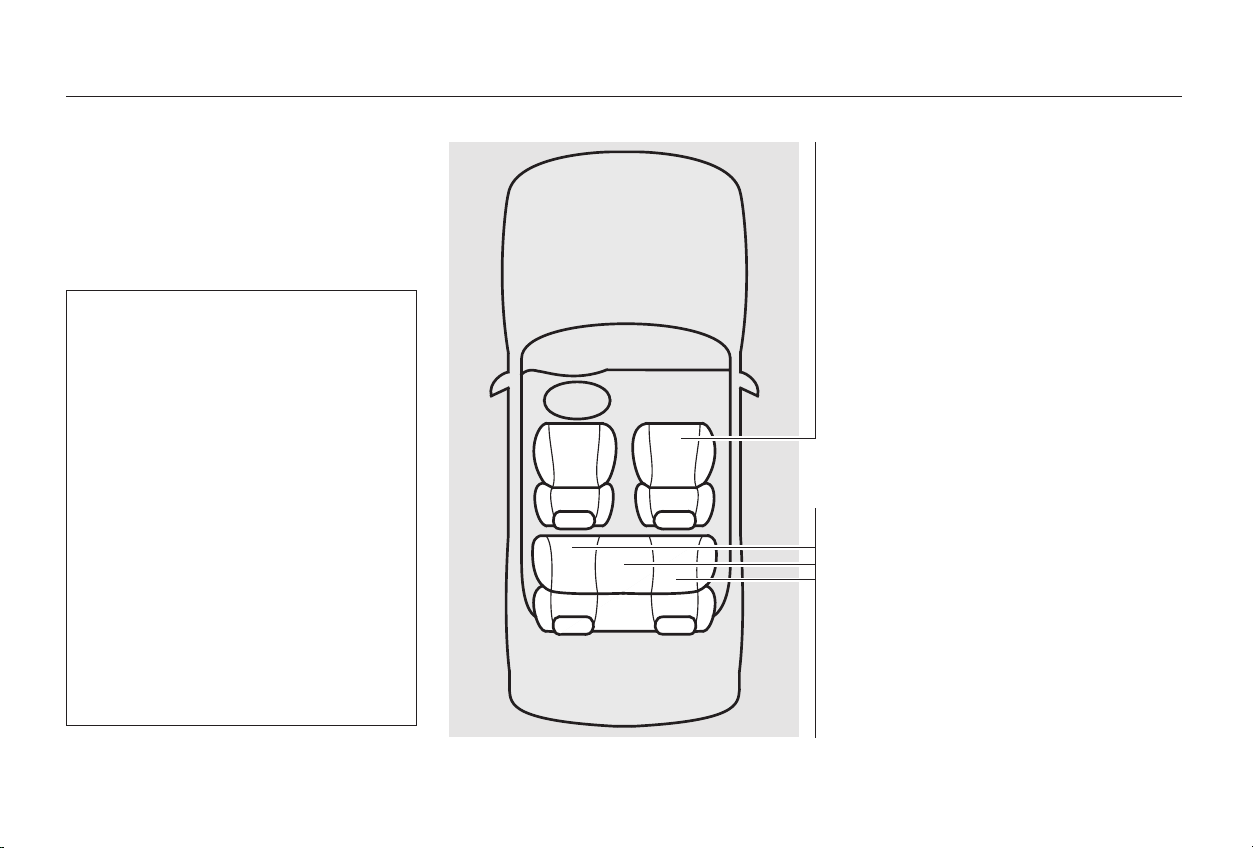
If a small child must ride in the
front, follow the instructions
provided in this section.
The passenger’s front airbag
inflates with enough force to kill
or seriously injure an infant in a
rear-facing child seat.
A small child in a forward-facing
child seat is also at risk. If the
vehicle seat is too far forward,
or the child’s head is thrown
forward during a collision, an
inflating front airbag can kill or
seriously injure the child.
This page briefly summarizes
Honda’s recommendations on where
to place rear-facing and forward-
facing child seats in your car.
Never in the front seat, due
to the front airbag hazard.
Not recommended,
due to the front airbag hazard. If a
small child must ride in front,
move the vehicle seat to the rear-
most position and secure a front-
facing child seat with the seat belt
(see page ).
Recommended positions.
Secure a rear-facing child seat
with the seat belt (see page ).
Recommended
positions. Secure a front-facing
child seat with the seat belt (see
page ).
34
30
34
CONTINUED
Placing a Child Seat Front Passenger’s Seat
Infants:
Small children:
Back Seats
Infants:
Small children:
Airbags Pose Serious
Risks to Children
Protecting Children
Driver and Passenger Safety
27
Main Menu
Table of Contents

After selecting a proper child seat,
and a good position to install the seat,
there are three main steps in
installing the seat:
Make sure the child is properly
strappedinthechildseat
according to the child seat maker’s
instructions. A child who is not
properly secured in a child seat
canbethrownoutoftheseatina
crash and be seriously injured.
To provide security during normal
driving maneuvers as well as during
a collision, we recommend that
parents secure a child seat as firmly
as possible.
However, a child seat does not need
to be ‘‘rock solid.’’ In some vehicles
or seating positions, it may be
difficult to install a child seat so that
it does not move at all. Some side-to-
side or back-and-forth movement can
be expected and should not reduce
the child seat’s effectiveness.
If the child seat is not secure, try
installing it in a different seating
position, or use a different style of
child seat that can be firmly secured
in the desired seating position.
When you are not using a child seat,
either remove it and store it in a safe
place, or make sure it is properly
secured. An unsecured child seat can
be thrown around the car during a
crash or sudden stop and injure
someone.
All child seats
must be secured to the car with
the lap part of a lap/shoulder belt.
A child whose seat is not properly
secured to the car can be
endangered in a crash. See pages
and for instructions on how
to secure child seats in this car.
After installing a child
seat, push and pull the seat
forward and from side to side to
verify that it is secure.
30 34
Installing a Child Seat Secure the child in the child seat.
Storing a Child Seat
Secure the child seat to the car
with a seat belt.
Make sure the child seat is firmly
secured.
1.
2.
3.
Protecting Children
Driver and Passenger Safety
28
Main Menu
Table of Contents
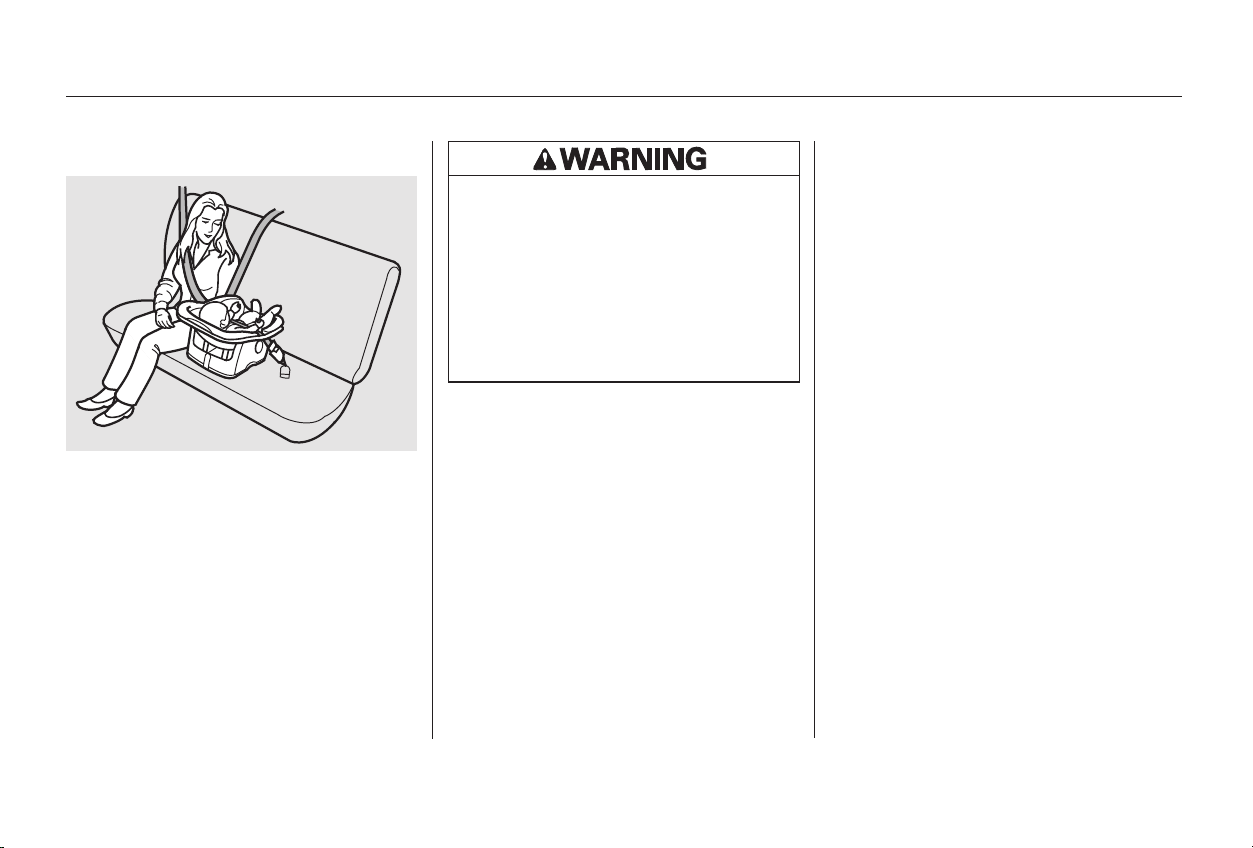
Only a rear-facing child seat provides
proper support for a baby’s head,
neck, and back. Infants up to about
one year of age must be restrained in
a rear-facing child seat.
In this car, a rear-facing child seat
can be placed in any seating position
in the back seat, but not in the front
seat.
We recommend that an infant be
restrained in a rear-facing child seat
until the infant reaches the seat
maker’s weight or height limit and is
able to sit up without support.
Two types of seats may be used: a
seat designed exclusively for infants,
or a convertible seat used in the rear-
facing, reclining mode.
If the passenger’s
front airbag inflates, it can hit the
back of the child seat with enough
force to kill or seriously injure an
infant. If an infant must be closely
watched, we recommend that
another adult sit in the back seat
with the baby.
If placed
facing forward, an infant could be
very seriously injured during a
frontal collision.
CONTINUED
Protecting Infants
Child Seat Type
Rear-Facing Child Seat Placement
Never put a rear-facing child seat in
the front seat.
Do not put a rear-facing child seat in
a forward-facing position.
Protecting Children
Driver and Passenger Safety
29
Placing a rear-facing child seat
in the front seat can result in
serious injury or death if the
passenger’s front airbag inflates.
Always place a rear-facing child
seat in the back seat, not the
front.
Main Menu
Table of Contents
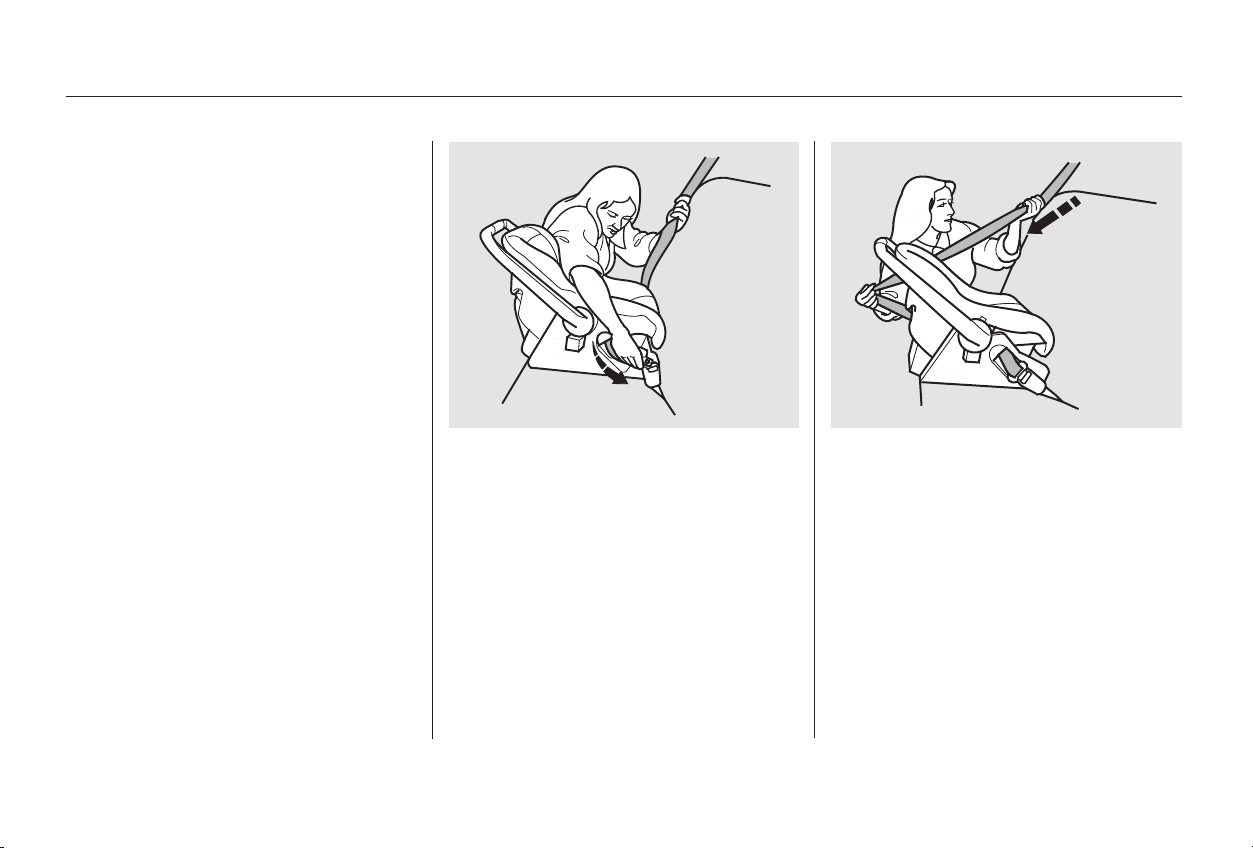
With the child seat in the desired
back seating position, route the
belt through the child seat
according to the seat maker’s
instructions, then insert the latch
plate into the buckle.
To activate the lockable retractor,
slowly pull the shoulder part of the
belt all the way out until it stops,
then let the belt feed back into the
retractor (you might hear a
clicking noise as the belt retracts).
After the belt has retracted, tug on
it. If the belt is locked, you will not
be able to pull it out. If you can pull
the belt out, it is not locked and
you will need to repeat these steps.
The lap/shoulder belts in the back
seats have a locking mechanism that
must be activated to secure a child
seat.
The following pages provide
instructions and tips on how to
secure a rear-facing child seat with
this type of seat belt.
1. 2.
3.
Rear-Facing Child Seat Installation
Protecting Children
Driver and Passenger Safety
30
Main Menu
Table of Contents
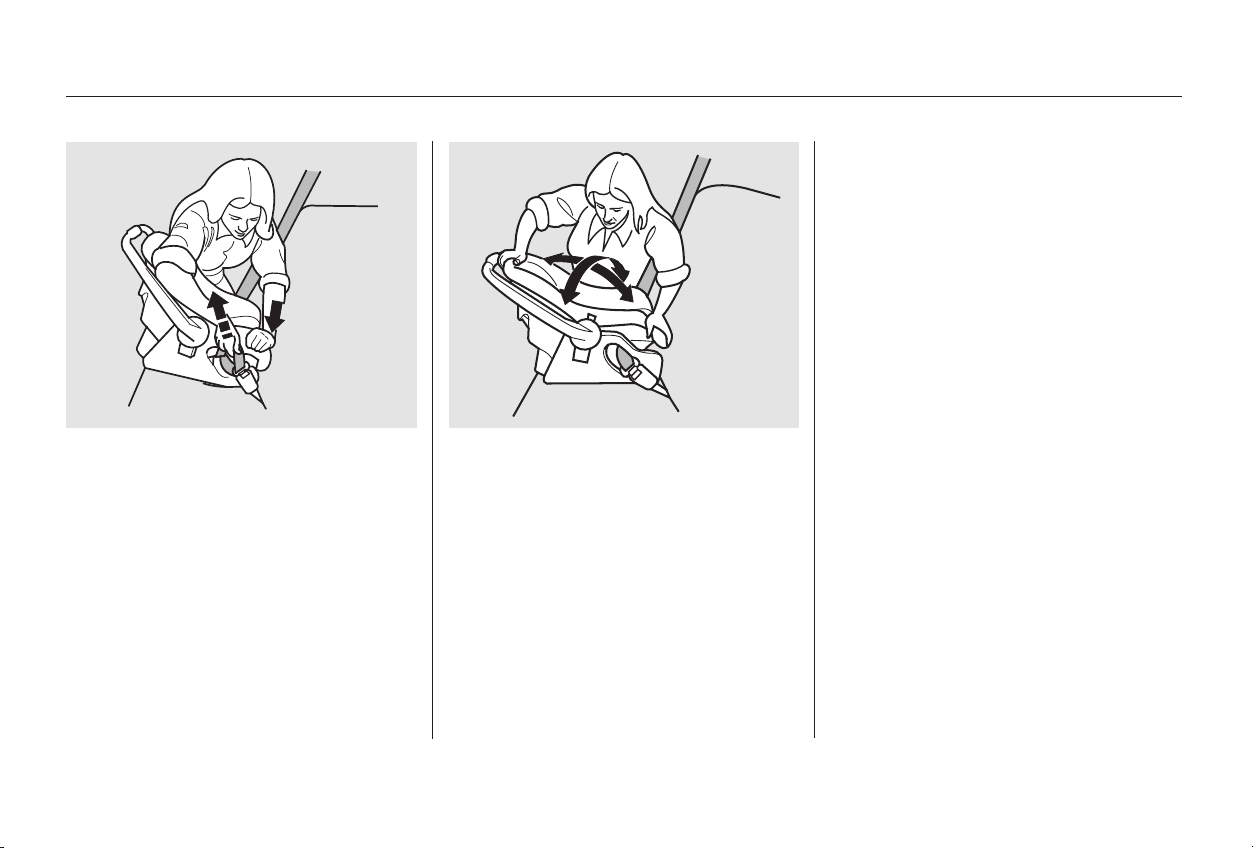
After confirming that the belt is
locked, grab the shoulder part of
the belt near the buckle and pull
up to remove any slack from the
lap part of the belt. Remember, if
the lap part of the belt is not tight,
the child seat will not be secure.
To remove slack, it may help to
putweightonthechildseat,or
push on the back of the seat, while
pulling up on the belt.
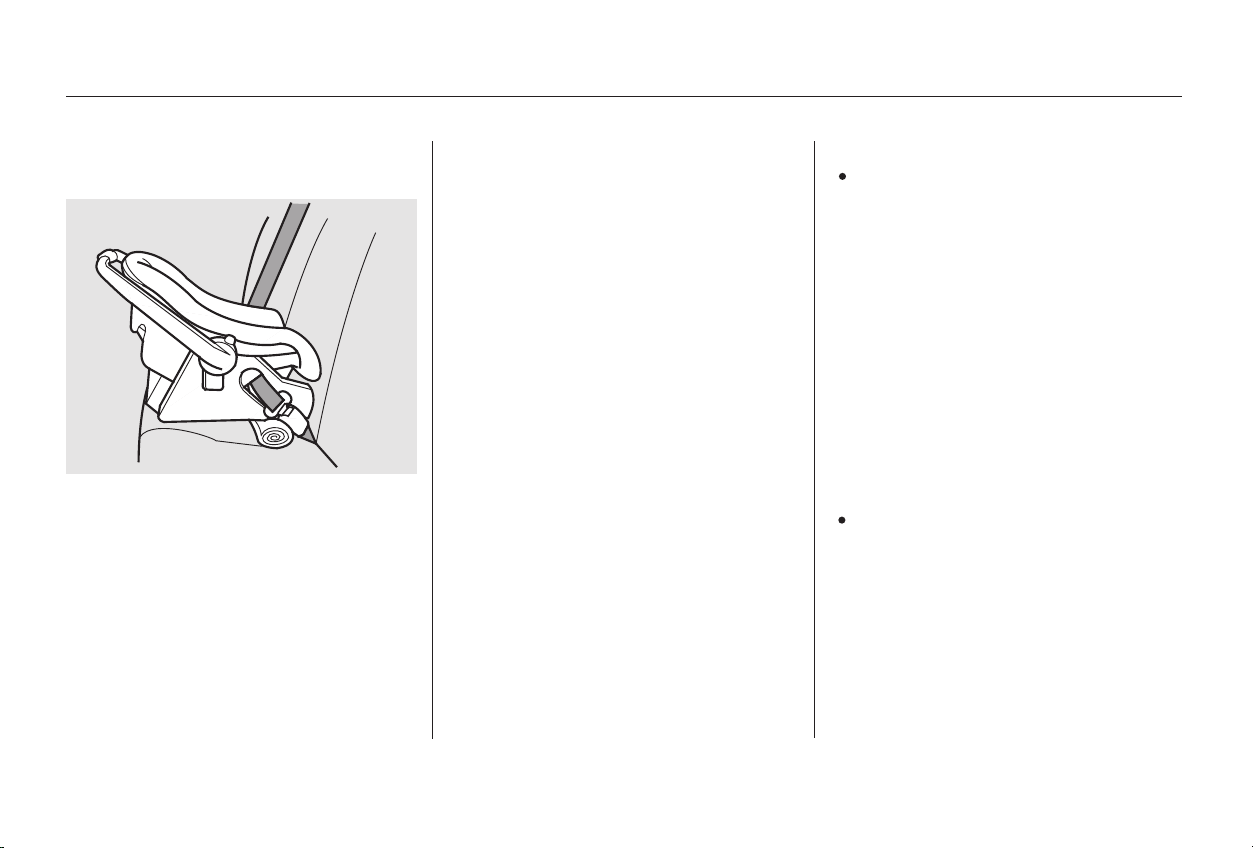
Push and pull the child seat
forward and from side to side to
verify that it is secure enough to
stay upright during normal driving
maneuvers. If the child seat is not
secure, unlatch the belt, allow it to
retract fully, then repeat these
steps.
To deactivate the locking
mechanism and remove a child seat,
unlatch the buckle, unroute the seat
belt, and let the belt fully retract.
4. 5.
CONTINUED
Protecting Children
Driver and Passenger Safety
31
Main Menu
Table of Contents
If you are not wearing a seat belt
in a crash, you could be thrown
forward into the dashboard and
crush the infant.
Ifyouarewearingaseatbelt,the
infantcanbetornfromyourarms
during a crash. For example, if
your car crashes into a parked
vehicleat30mph(48km/h),a
20-lb (9 kg) infant will become a
600-lb (275 kg) force, and you will
not be able to hold on.
In either case, we recommend that
you place the child seat directly
behind the front passenger seat,
move the front seat as far forward as
needed, and leave it unoccupied. Or
you may wish to get a smaller child
seat that allows you to safely carry a
front passenger.
When properly installed, a rear-
facing child seat may prevent the
driver or a front-seat passenger from
moving the seat as far back as
recommended (see page ). Or it
may prevent them from locking the
seat-back in the desired upright
position (see page ).
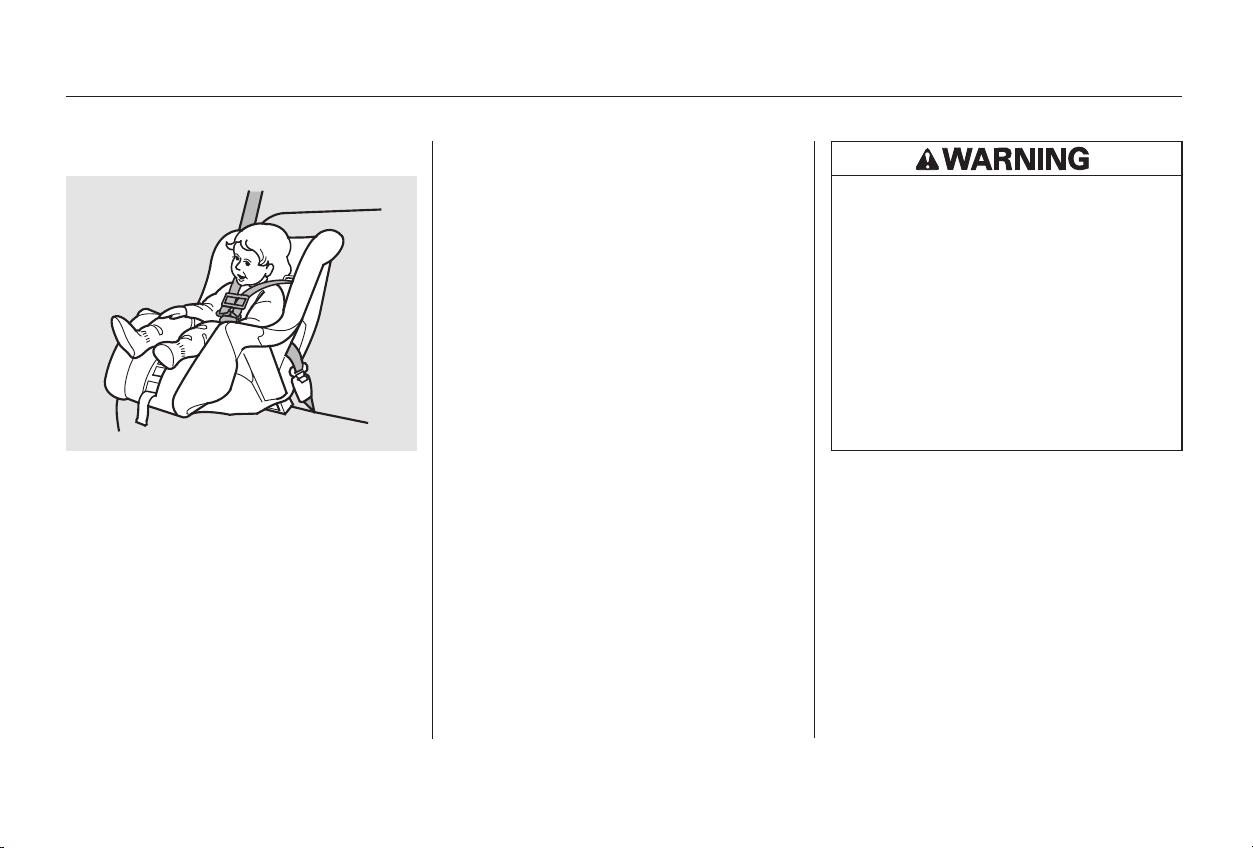
To achieve the desired reclining
angle, it may help to put a rolled up
towel under the toe of the child seat,
as shown.
Forproperprotection,aninfantmust
ride in a reclined, or semi-reclined
position. To determine the proper
reclining angle, check with the baby’s
doctor or follow the seat maker’s
recommendations.
During a crash, the
belt could press deep into the
infant and cause very serious
injuries.
13
14
Additional Precautions for Infants
Never hold an infant on your lap.
Rear-Facing Child Seat Installation
Tips
Never put a seat belt over yourself
and an infant.
Protecting Children
Driver and Passenger Safety
32
Main Menu
Table of Contents
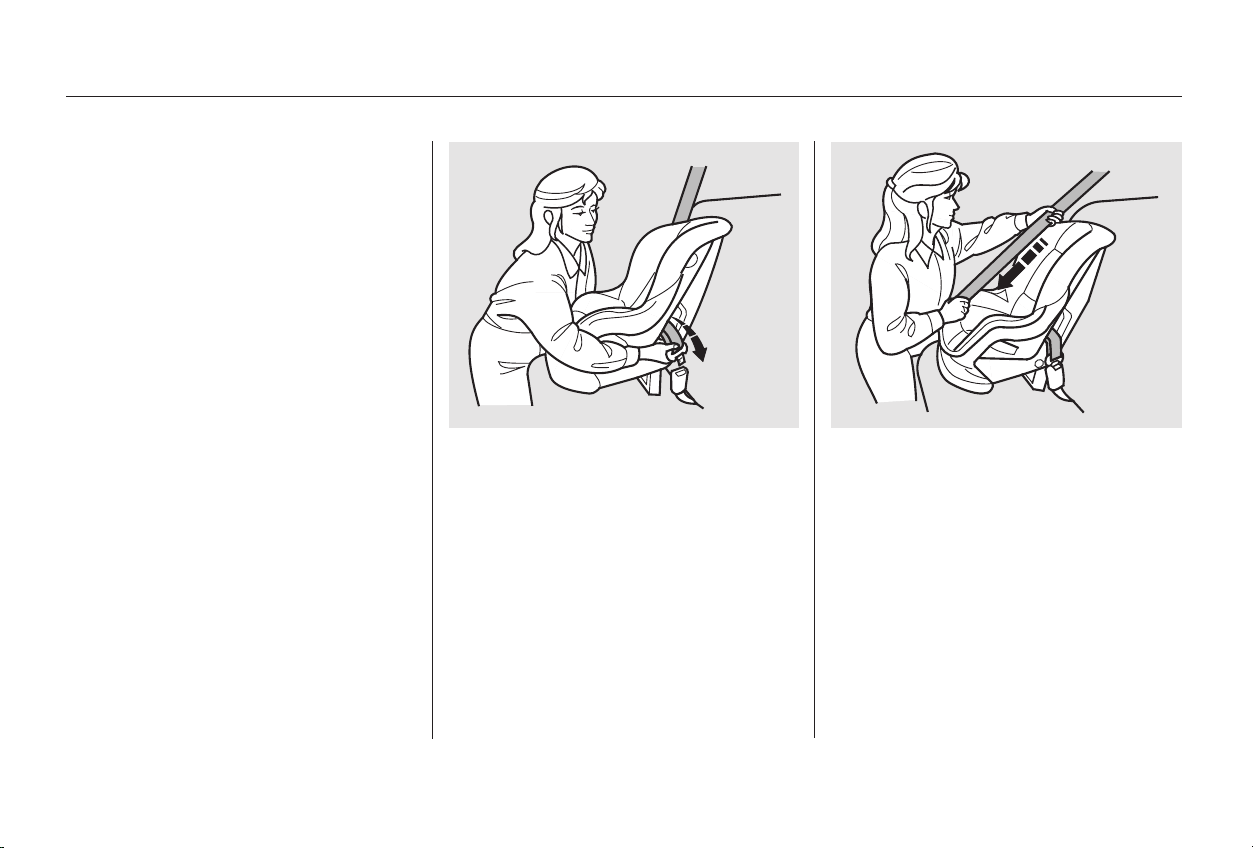
A child who can sit up without
support, and who fits within the child
seat maker’s weight and height
limits, should be restrained in a
forward-facing, upright child seat.
Of the different seats available, we
recommend those that have a five-
point harness system as shown.
We also recommend that a small
child stay in the child seat as long as
possible, until the child reaches the
weight or height limit for the seat.
In this car, the best place to install a
forward-facing child seat is in one of
the seating positions in the back seat.
If the vehicle seat is
too far forward, or the child’s head is
thrown forward during a collision, an
inflating front airbag can strike the
child with enough force to cause
very serious or fatal injuries. If a
small child must be closely watched,
we recommend that another adult sit
in the back seat with the child.
If it is necessary to put a forward-
facing child seat in the front, move
the vehicle seat as far to the rear as
possible, be sure the child seat is
firmly secured to the car, and the
child is properly strapped in the seat.
CONTINUED
Protecting Small Children
Child Seat Type
Child Seat Placement
Placing a forward-facing child seat in
the front seat of a vehicle equipped
with a passenger’s front airbag can
be hazardous.
Protecting Children
Driver and Passenger Safety
33
Improperly placing a forward-
facing child seat in the front
seat can result in serious injury
or death if the front airbags
inflate.
Ifyoumustplaceaforward-
facing child seat in front, move
the vehicle seat as far back as
possible and properly restrain
the child.
Main Menu
Table of Contents
With the child seat in the desired
seating position, route the belt
through the child seat according
to the seat maker’s instructions,
then insert the latch plate into the
buckle.
To activate the lockable retractor,
slowly pull the shoulder part of the
belt all the way out until it stops,
then let the belt feed back into the
retractor (you might hear a
clicking noise as the belt retracts).
After the belt has retracted, tug on
it. If the belt is locked, you will not
be able to pull it out. If you can pull
the belt out, it is not locked and
you will need to repeat these steps.
The lap/shoulder belts in the back
and front passenger seating positions
have a locking mechanism that must
be activated to secure a child seat.
The following pages provide
instructions on how to secure a
forward-facing child seat with this
type of seat belt.
1. 2.
3.
Child Seat Installation
Protecting Children
Driver and Passenger Safety
34
Main Menu
Table of Contents
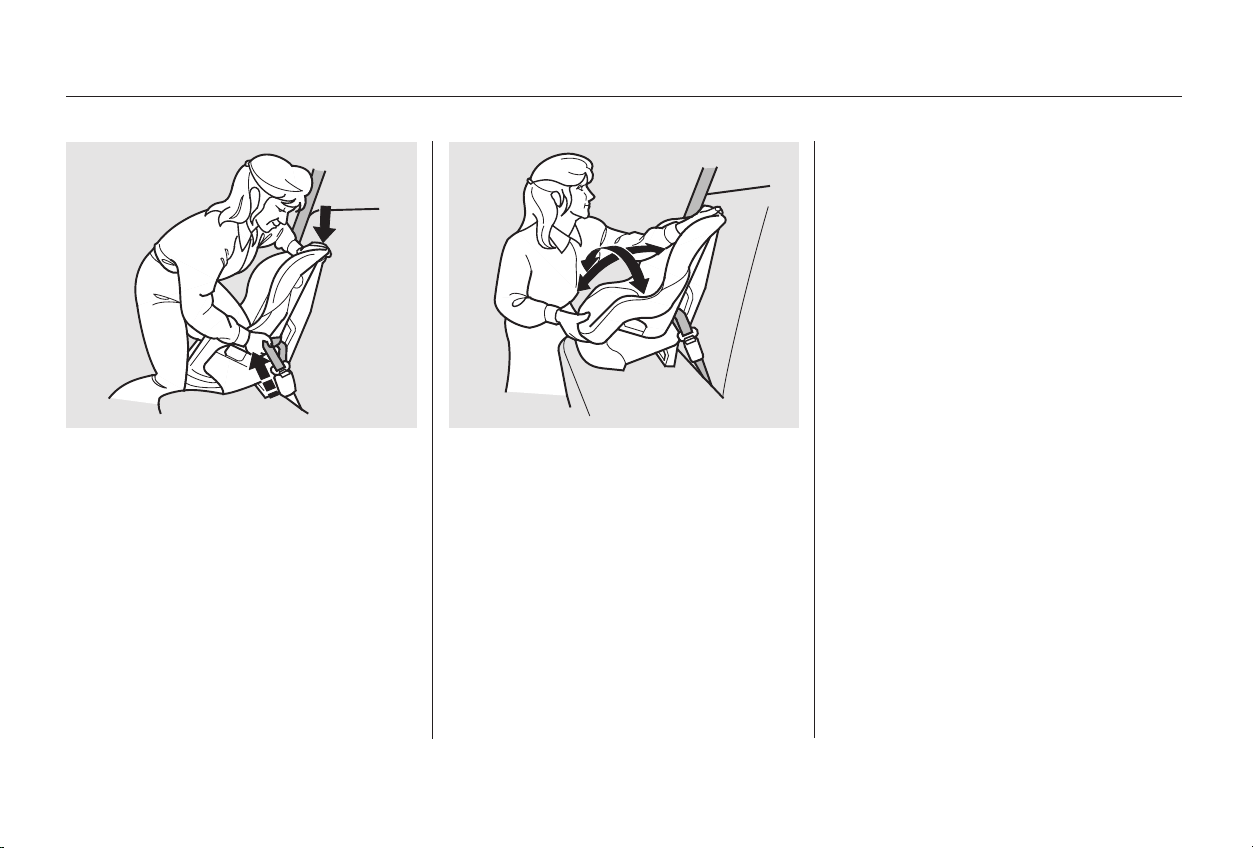
After confirming that the belt is
locked, grab the shoulder part of
the belt near the buckle and pull
up to remove any slack from the
lap part of the belt. Remember, if
the lap part of the belt is not tight,
the child seat will not be secure. It
mayhelptoputweightonthe
child seat, or push on the back of
the seat, while pulling up on the
belt.
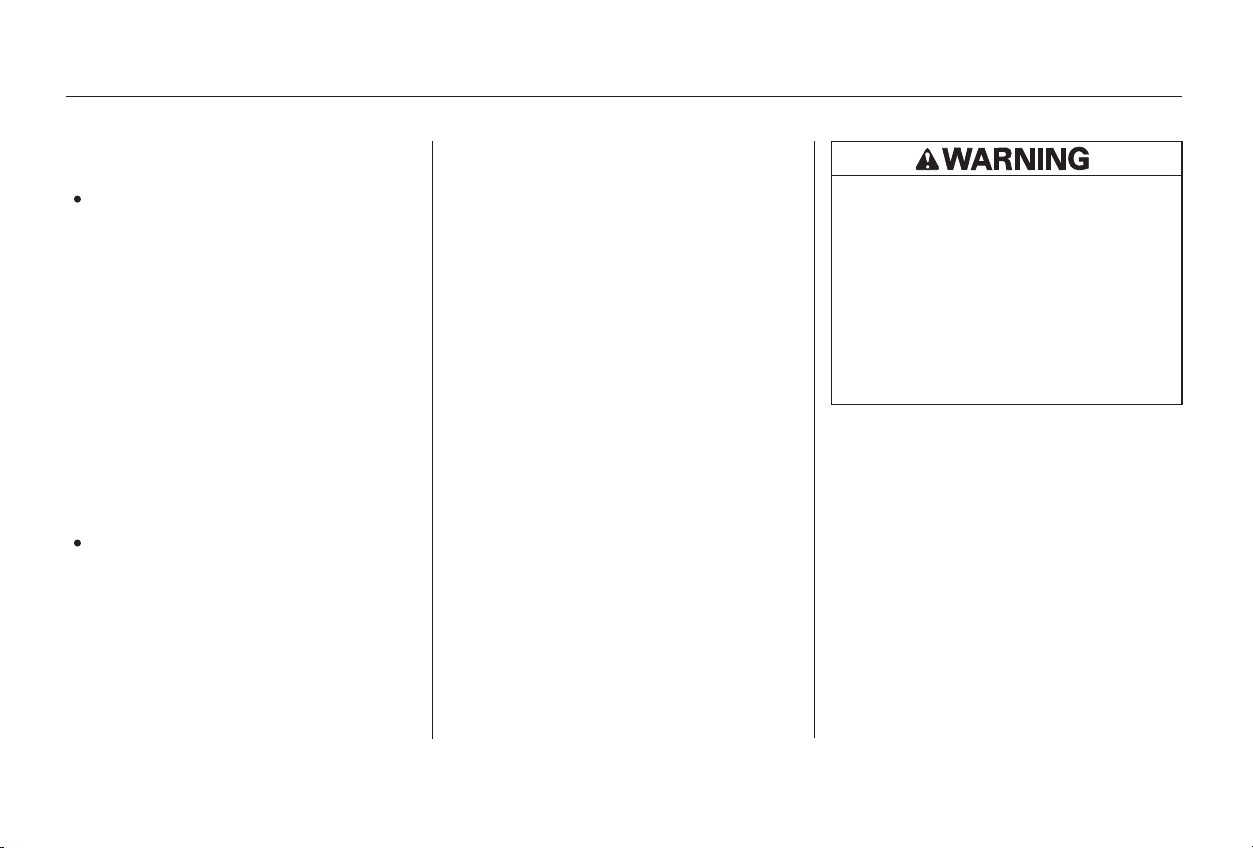
Push and pull the child seat
forward and from side to side to
verify that it is secure enough to
stay upright during normal driving
maneuvers. If the child seat is not
secure, unlatch the belt, allow it to
retract fully, then repeat these
steps.
To deactivate the locking
mechanism in order to remove a
child seat, unlatch the buckle,
unroute the seat belt, and let the belt
fully retract.
4. 5.
CONTINUED
Protecting Children
Driver and Passenger Safety
35
Main Menu
Table of Contents
When a child reaches the
recommended weight or height limit
for a forward-facing child seat, the
child should sit in the back seat and
wear a lap/shoulder belt.
If you are not wearing a seat
belt in a crash, you could be
thrown forward into the
dashboard and crush the child.
During a crash, the
belt could press deep into the child
and cause very serious injuries.
Ifyouarewearingaseatbelt,the
child can be torn from your arms
during a crash. For example, if
your car crashes into a parked
vehicleat30mph(48km/h),a
30-lb (14 kg) child will become a
900-lb (410 kg) force, and you will
not be able to hold on.
If a child is too short for the shoulder
part of the belt to properly fit, we
recommend that the child use a
booster seat until the child is tall
enough to use the seat belt without a
booster.
The following pages give
instructions on how to check proper
seat belt fit, what kind of booster
seat to use if one is needed, and
important precautions for a child
who must sit in the front seat.
Protecting Larger Children
Additional Precautions for Small
Children
Never hold a small child on your
lap.
Never put a seat belt over yourself
and a child.
Protecting Children
Driver and Passenger Safety
36
Allowing a larger child to sit
improperly in the front seat can
result in injury or death if the
passenger’s front airbag inflates.
If a larger child must sit in front,
make sure the child moves the
seat as far back as possible
and wears the seat belt properly.
Main Menu
Table of Contents
Devices intended to improve
occupant comfort or reposition the
shoulder part of a seat belt, severely
compromise the protective capability
of the seat belt and increase the
chance of serious injury in a crash.
If they do, they could
be very seriously injured in a crash.
However, if the belt touches or
crosses the child’s neck, the child
needs to use a booster seat.
This could result in
serious neck injuries during a crash.
This could cause
very serious injuries during a crash.
It also increases the chance that the
child will slide under the belt in a
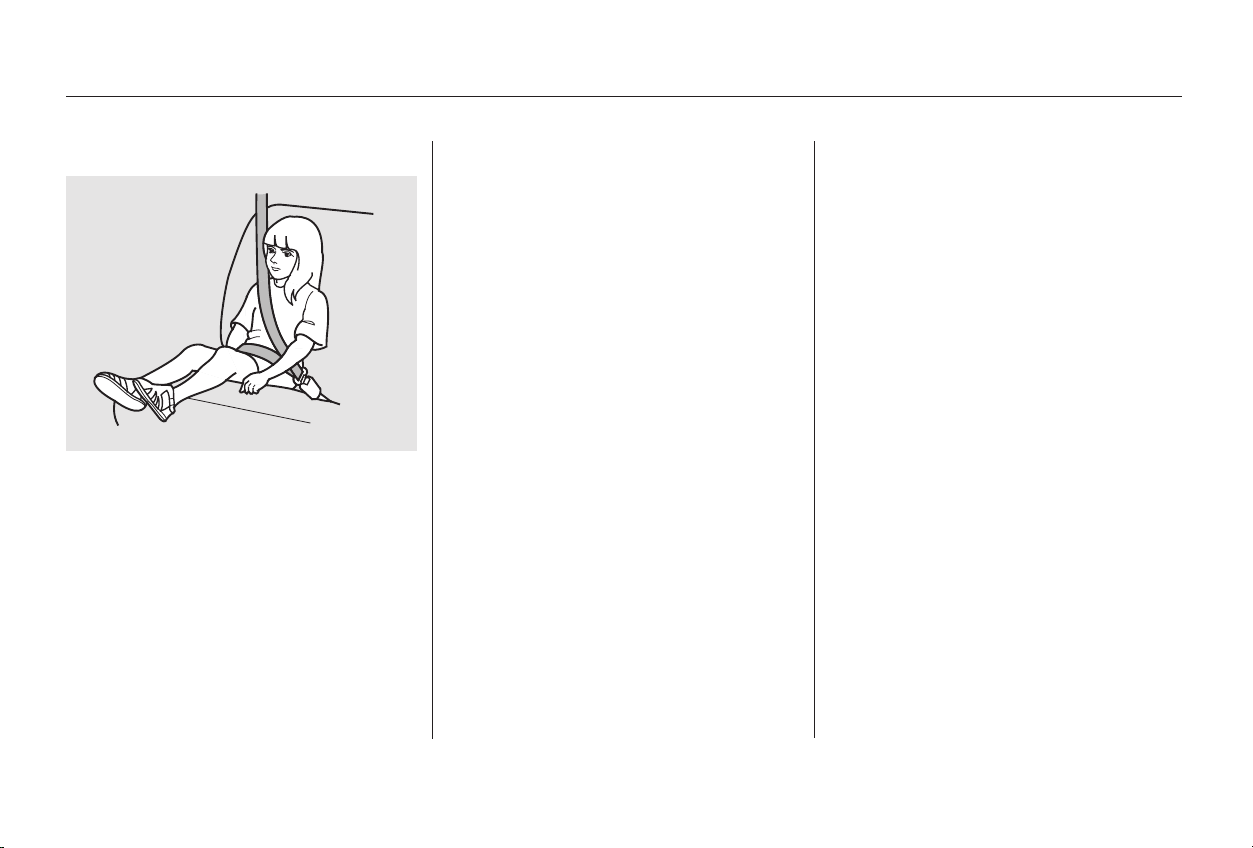
crash and be injured.To determine if a lap/shoulder belt
properly fits a child, have the child
put on the seat belt. Follow the
instructions on page . Then check
how the belt fits.
If the shoulder part of the belt rests
over the child’s collarbone and
against the center of the chest, as
shown, the child is large enough to
wear the seat belt.
15
CONTINUED
Do not put any accessories on a seat
belt.
Two children should never use the
same seat belt.
Do not let a child wear a seat belt
across the neck.
Do not let a child put the shoulder
part of a seat belt behind the back or
under the arm.
Checking Seat Belt Fit
Protecting Children
Driver and Passenger Safety
37
Main Menu
Table of Contents
The National Highway Traffic Safety
Administration and Transport
Canada recommend that all children
ages 12 and under be properly
restrained in a back seat.
The back seat is the safest place for
a child of any age or size.
In addition, the passenger’s front
airbag poses serious risks to children.
If the seat is too far forward, or the
child’s head is thrown forward
during a collision, or the child is
unrestrained or out of position, an
inflating front airbag can kill or
seriously injure the child.
The side airbag also poses risks. If
any part of a larger child’s body is in
the path of a deploying airbag, the
child could receive possibly serious
injuries.
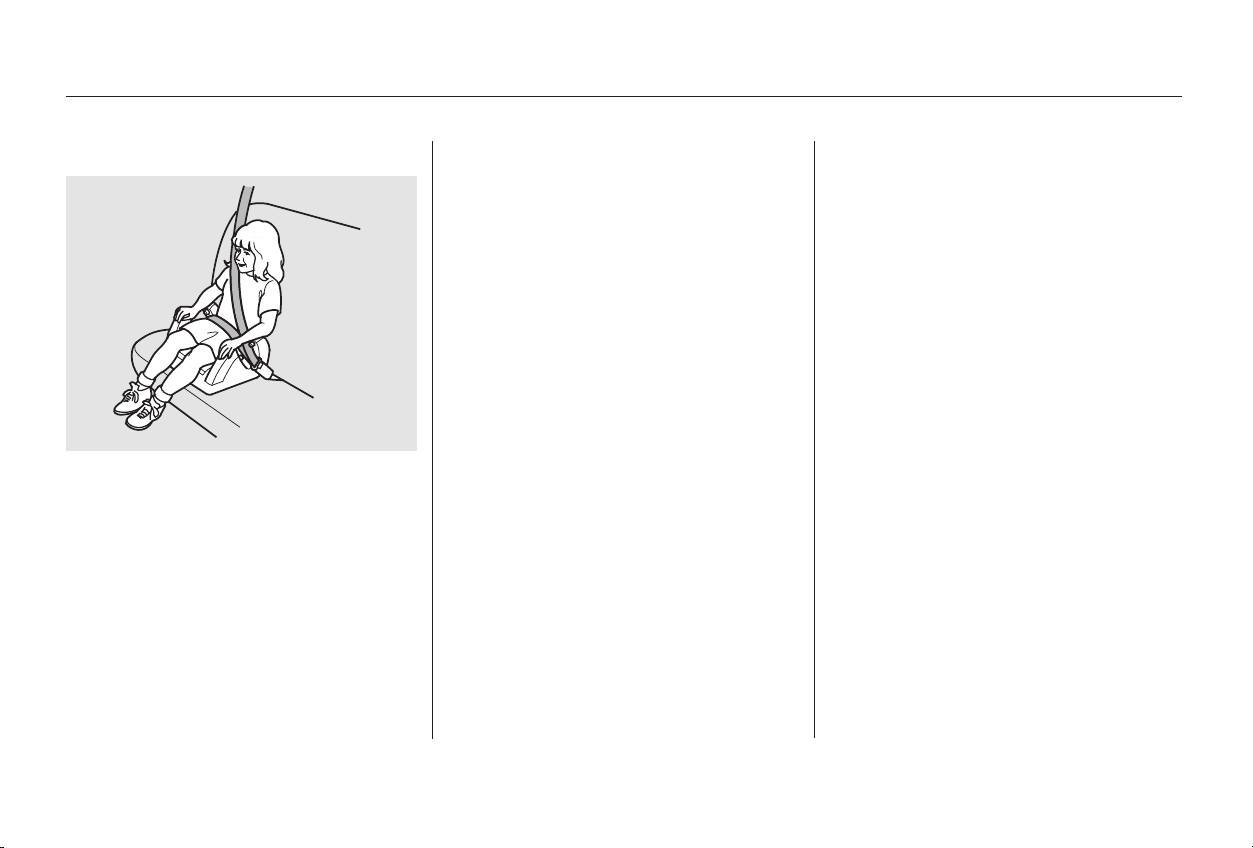
A child may continue using a booster
seat until the tops of the ears are
even with the top of the seat-back. A
child of this height should be tall
enough to use the lap/shoulder belt
without a booster.
Whichever style you select, follow
the booster seat maker’s instructions.
If a child needs a booster seat, we
recommend choosing a style that
allows the child to use the lap/
shoulder belt directly, without a
shield, as shown.
When Can a Larger Child Sit in FrontUsing a Booster Seat
Protecting Children
Driver and Passenger Safety
38
Main Menu
Table of Contents
Move the vehicle seat to the rear-
most position.
Have the child sit up straight, back
against the seat, and feet on or
near the floor.
Carefully read the owner’s manual
and make sure you understand all
seat belt instructions and all safety
information.
If you decide that a child can safely
ride up front, be sure to:
Of course, children vary widely. And
while age may be one indicator of
when a child can safely ride in the
front, there are other important
factors you should consider.
Physically, a child must be large
enough for the lap/shoulder belt to
properly fit over the hips, chest, and
shoulder (see pages and ). If
the seat belt does not fit properly,
the child should not sit in the front.
To safely ride in front, a child must
be able to follow the rules, including
sitting properly and wearing the seat
belt properly throughout a ride.
Check that the child’s seat belt is
properly positioned and secured.
Supervise the child. Even mature
children sometimes need to be
reminded to fasten the seat belts
or sit properly.
15 36
Physical Size
Maturity
Protecting Children
Driver and Passenger Safety
39
Main Menu
Table of Contents
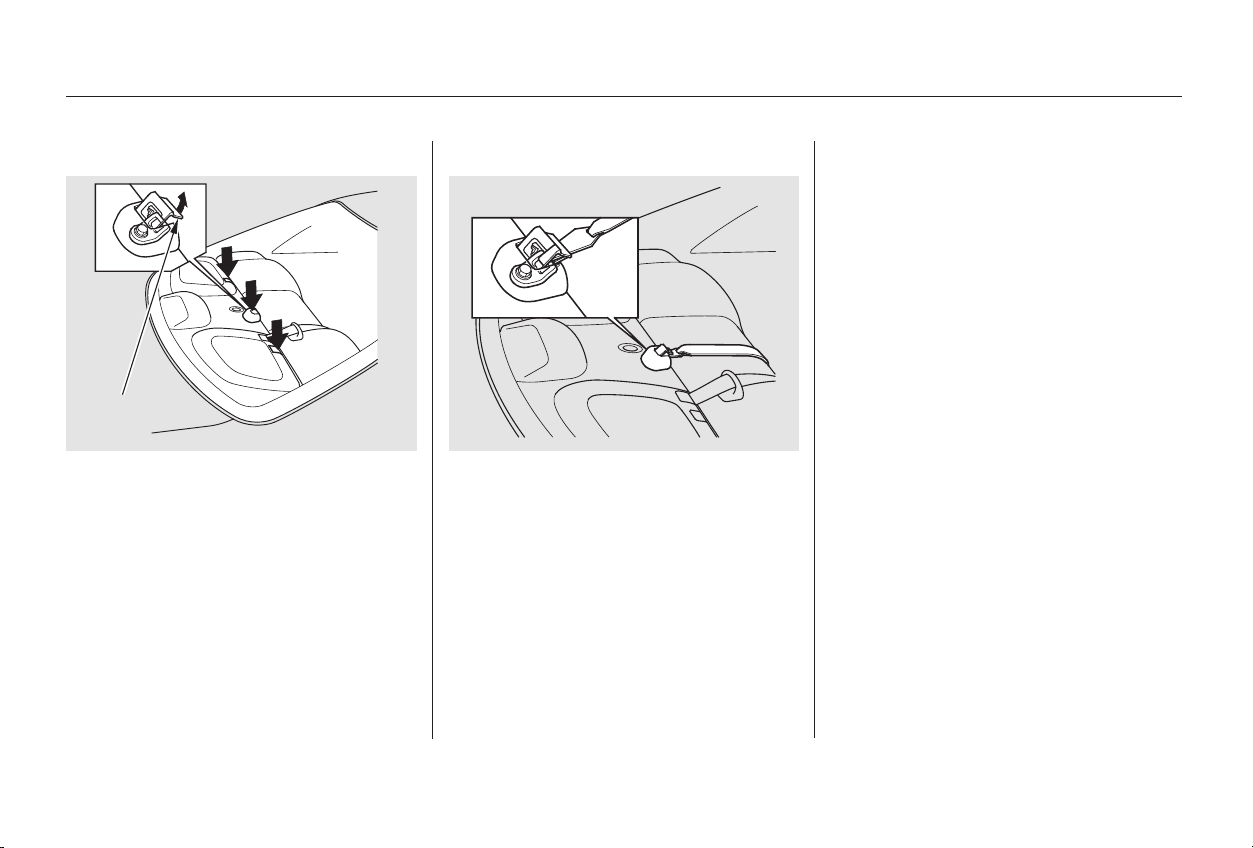
Your car has three tether anchorage
points under the rear window for
securing a tether-style child seat to
the car.
Since a tether can provide additional
security, we recommend using a
tether whenever one is required or
available.
The tether anchorage points are
located under plastic covers. Pivot
the cover backward to access the
anchorage point.
Attach the tether strap hook to the
tether anchorage point as shown in
the illustration, then tighten the
strap according to the child seat
maker’s instructions. Make sure the
strap is not twisted.
Using Child Seats with Tethers
Protecting Children
Driver and Passenger Safety
40
CCOOVVEERR
Main Menu
Table of Contents
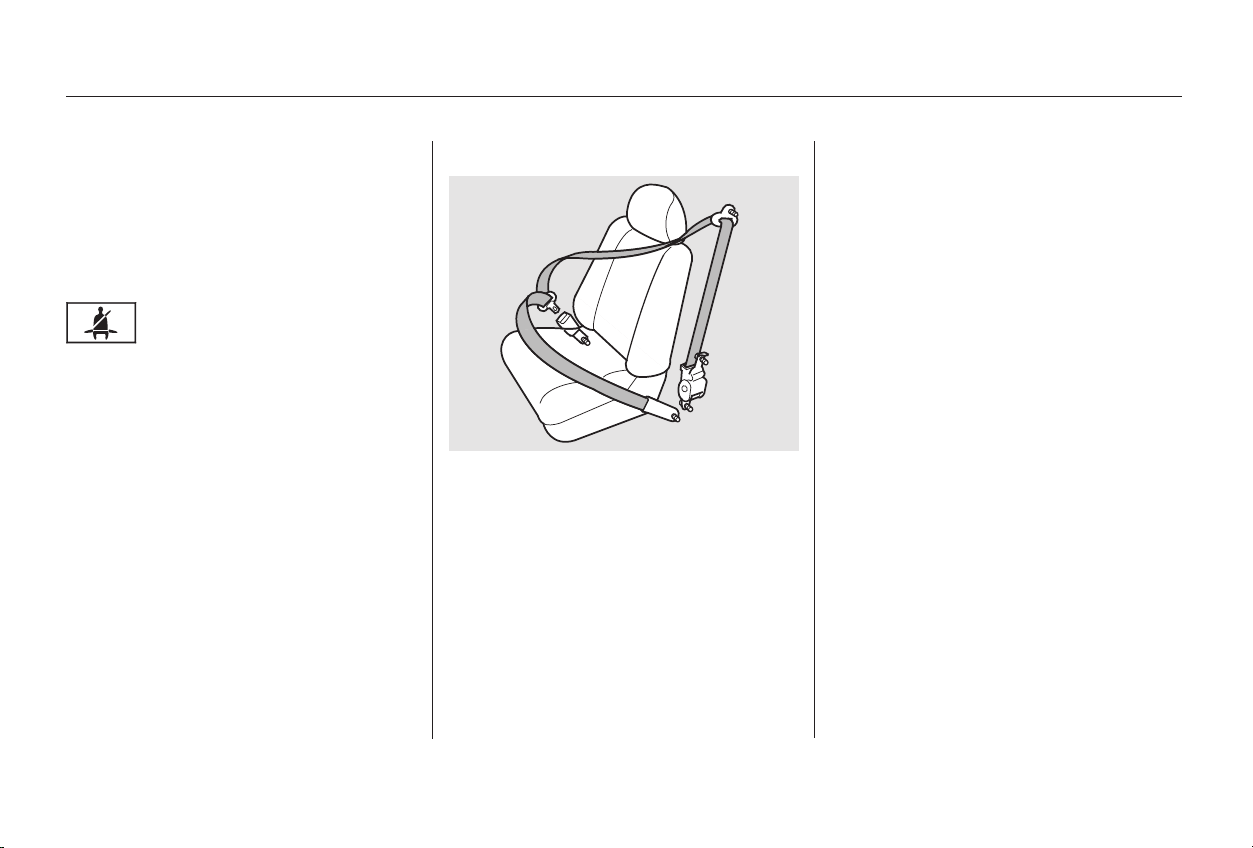
This seat belt has a single belt that
goes over your shoulder, across your
chest and across your hips.
To unlock the belt, push the red
PRESSbuttononthebuckle.
To fasten the belt, insert the latch
plate into the buckle, then tug on the
belt to make sure the buckle is
latched.
Guide the belt across your body to
the door pillar. After exiting the car,
be sure the belt is out of the way and
will not get closed in the door.
The seat belt system also
includes a light on the
instrument panel to remind you and
your passengers to fasten your belts.
If the driver’s seat belt is not
fastened before the ignition is turned
ON (II), the light will come on and a
beeper will also sound. The beeper
will stop after a few seconds, but the
light will stay on until the driver’s
seat belt is fastened.
Your seat belt system includes lap/
shoulder belts in all five seating
positions. The front seat belts are
also equipped with automatic seat
belt tensioners.
CONTINUED
Seat Belt System Components Lap/Shoulder Belt
Additional Information About Your Seat Belts
Driver and Passenger Safety
41
Main Menu
Table of Contents

See page for instructions on how
to wear the lap/shoulder belt
properly.
The seat belts in all seating positions
except the driver’s have an additional
locking mechanism that must be
activated to secure a child seat. (See
pages and for instructions on
how to secure child seats with this
type of seat belt.)
If the shoulder part of the belt is
pulled all the way out, the locking
mechanism will activate. The belt
will retract, but it will not allow the
passenger to move freely.
To deactivate the locking
mechanism, unlatch the buckle and
let the seat belt fully retract. To
refasten the belt, pull it out only as
far as needed.
All seat belts have an emergency
locking retractor. In normal driving,
the retractor lets you move freely in
your seat while it keeps some
tension on the belt. During a collision
or sudden stop, the retractor
automatically locks the belt to help
restrain your body.
15
30 34
Additional Information About Your Seat Belts
Driver and Passenger Safety
42
Main Menu
Table of Contents
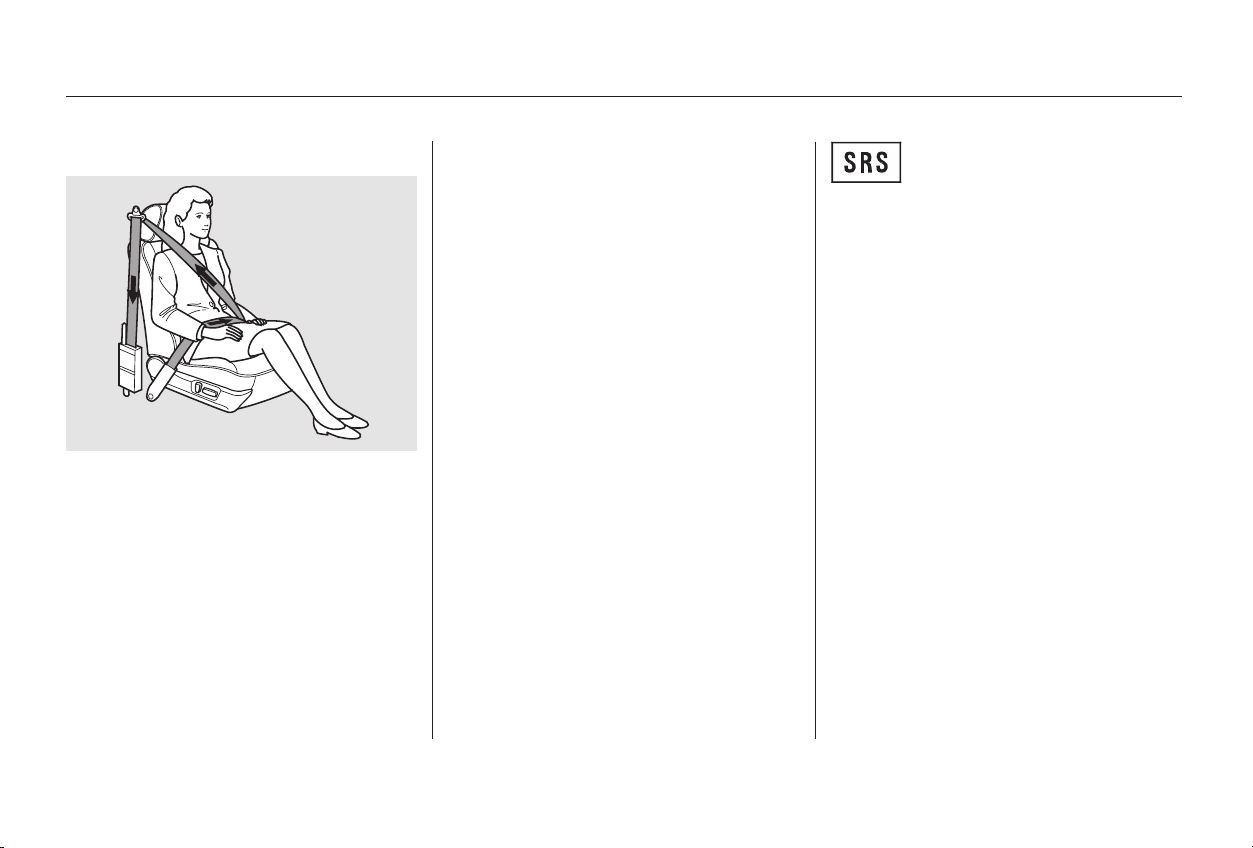
The SRS indicator light will
come on if there is a
problem with your automatic seat
belt tensioners (see page ).
For added protection, the front seat
belts are equipped with automatic
seat belt tensioners. When activated,
the tensioners immediately tighten
the belts to help hold the driver and
a front passenger in place.
The tensioners are designed to
activate primarily in frontal collisions.
The tensioners are independent of
the airbag system, so they can be
activated during a collision that
might not cause the airbags to
deploy. In this case, the airbags
would not be needed but the
additional seat belt tension can be
helpful.
The tensioners will be activated in a
collision severe enough to cause the
front airbags to inflate.
When the tensioners are activated,
the seat belts will remain tight until
they are unbuckled in the normal
way.
48
Driver and Passenger Safety
Additional Information About Your Seat Belts
Automatic Seat Belt Tensioners
43
Main Menu
Table of Contents
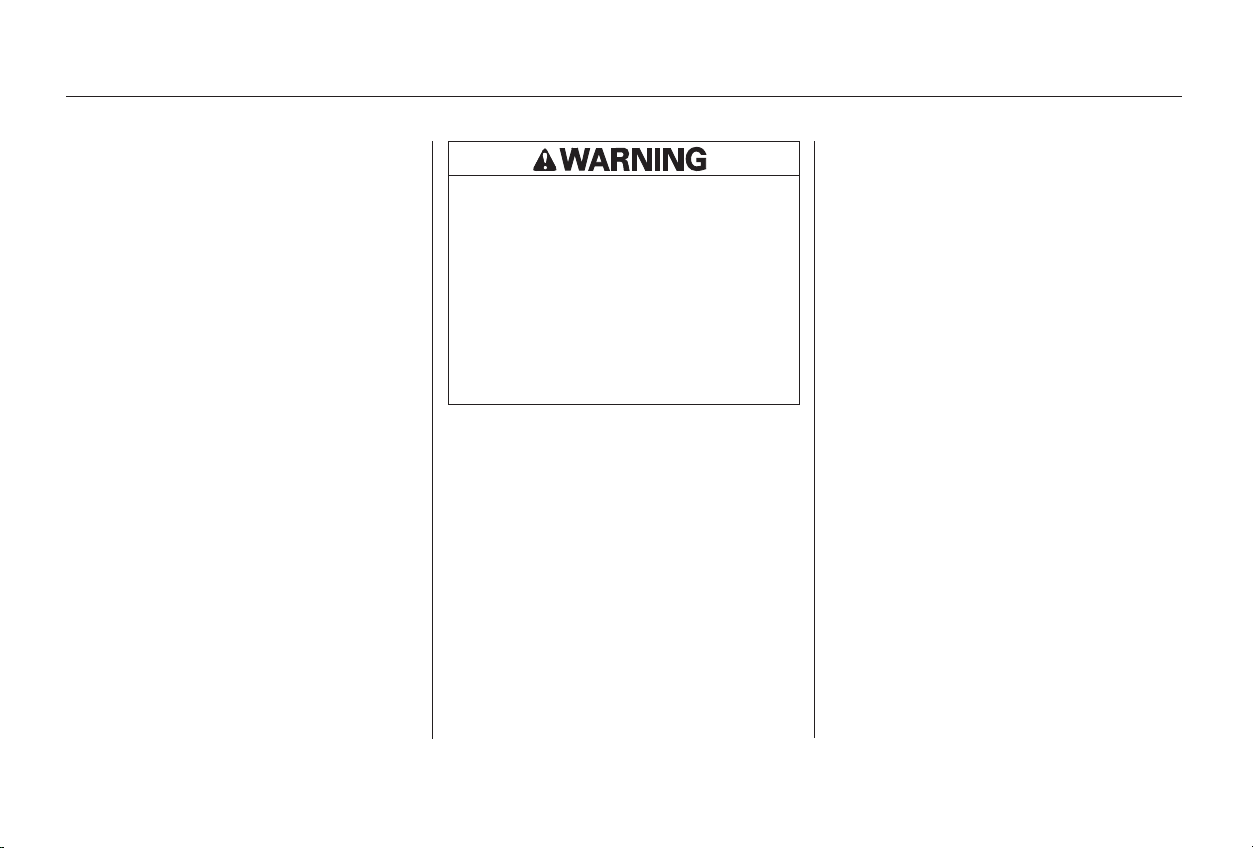
For safety, you should check the
condition of your seat belts regularly.
Pull each belt out fully and look for
frays, cuts, burns, and wear. Check
that the latches work smoothly and
that the lap/shoulder belts retract
easily. Any belt not in good condition
or not working properly will not
provide good protection and should
be replaced as soon as possible.
If a seat belt is worn during a crash,
it must be replaced by the dealer. A
belt that has been worn during a
crash may not provide the same level
of protection in a subsequent crash.
The dealer should also inspect the
anchors for damage and replace
them if needed.
Honda provides a lifetime
warranty on seat belts. Honda will
repair or replace any seat belt
component that fails to function
properly during normal use. Please
see your
booklet for details.
Automatic seat belt tensioners that
deployed during a crash must be
replaced.
For information on how to clean your
seat belts, see page .307
Honda Warranty
Information
Driver and Passenger Safety
Additional Information About Your Seat Belts
Seat Belt Maintenance
U.S. Models
44
Not checking or maintaining
seat belts can result in serious
injury or death if the seat belts
do not work properly when
needed.
Check your seat belts regularly
and have any problem
corrected as soon as possible.
Main Menu
Table of Contents
Your Supplemental Restraint System
(SRS) includes:
Two front airbags. The driver’s
airbag is stored in the center of
the steering wheel; the front
passenger’sairbagisstoredinthe
dashboard. Both are marked ‘‘SRS
AIRBAG.’’
Automatic seat belt tensioners
(see page ).
Sensors that can detect a
moderate to severe frontal
collision.
A sophisticated electronic system
that continually monitors and
records information about the
sensors, the control unit, the
airbag activators, and driver and
passenger seat belt use when the
ignition is ON (II).
An indicator light on the
instrument panel that alerts you to
a possible problem with the
system (see page ).
Emergency backup power in case
your car’s electrical system is
disconnected in a crash.
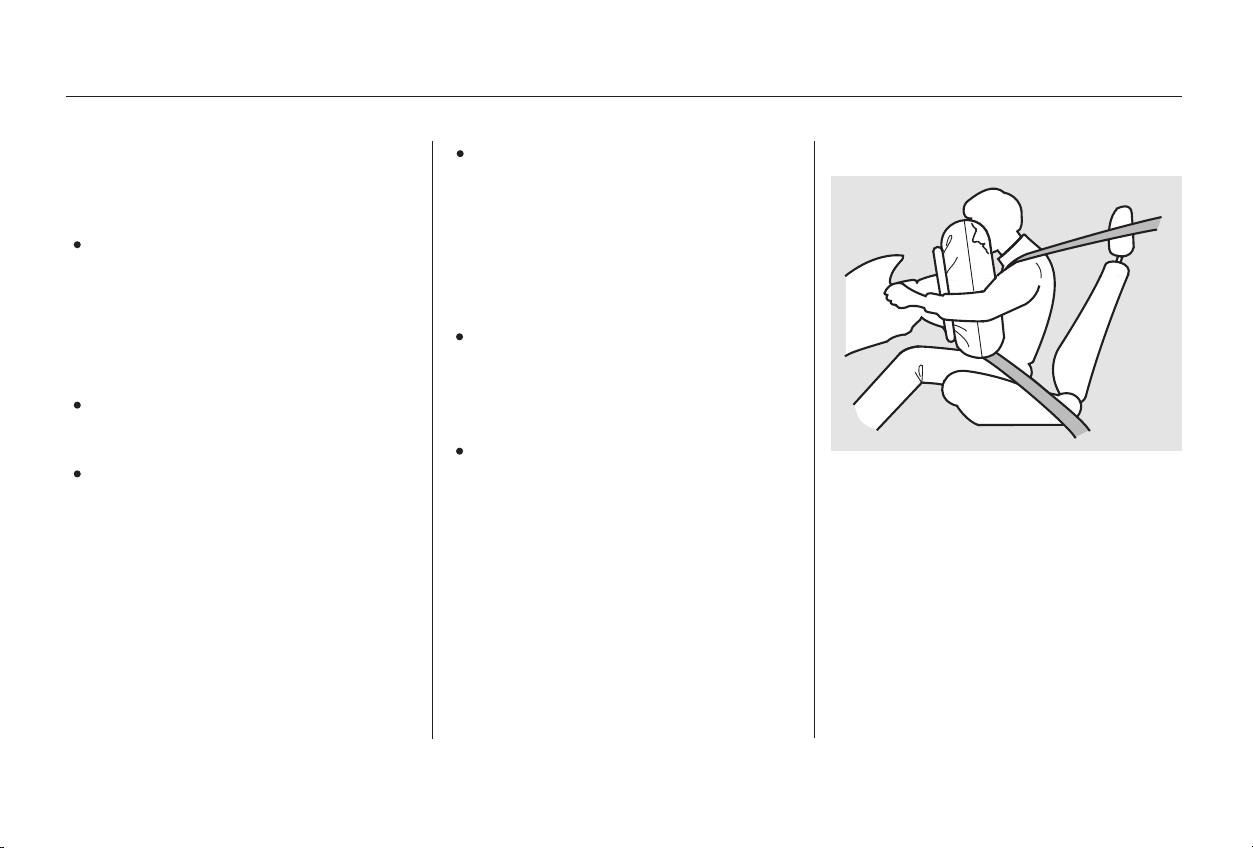
If you ever have a moderate to
severe frontal collision, the sensors
will detect the vehicle’s rapid
deceleration. If the rate of
deceleration is high enough, the
control unit will instantly inflate the
front airbags.
43
48
CONTINUED
SRS Components How Your Front Airbags Work
Driver and Passenger Safety
Additional Information About Your Airbags
45
Main Menu
Table of Contents
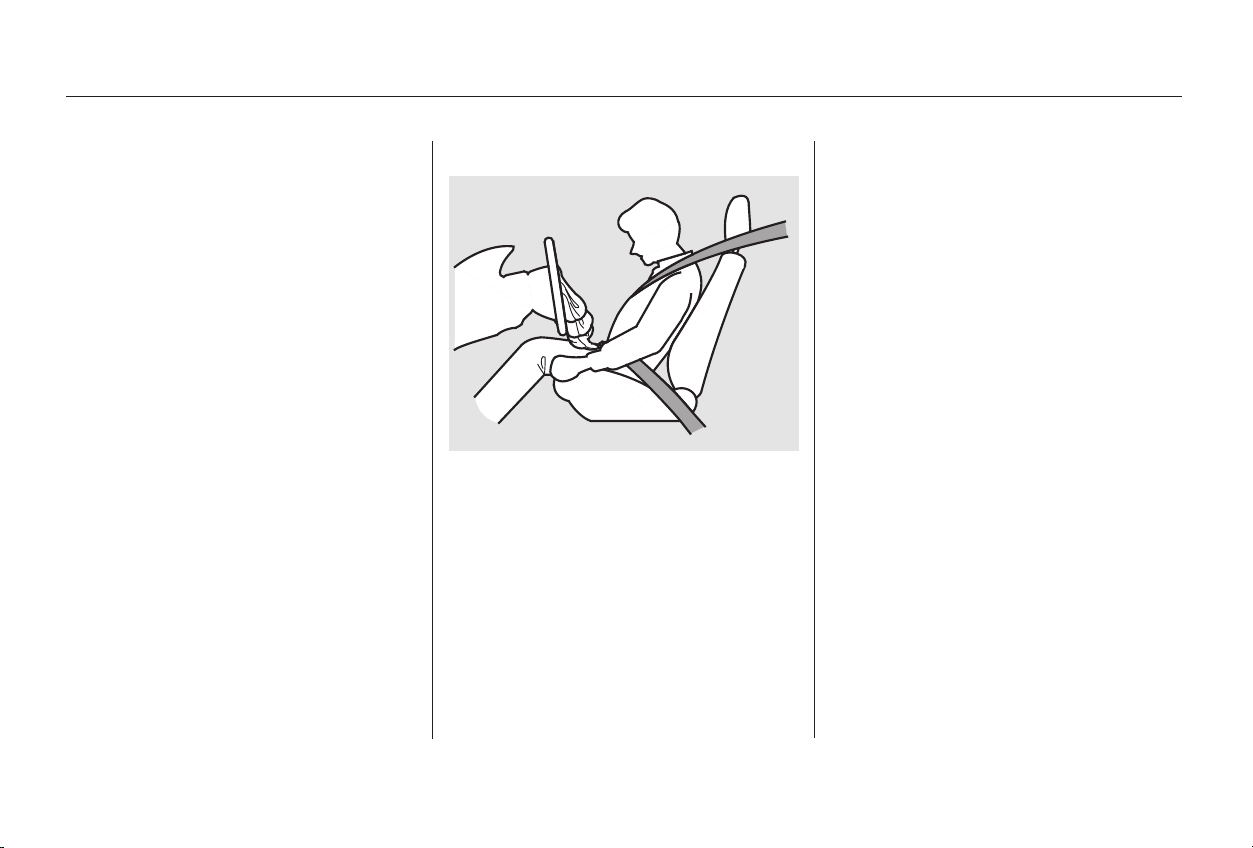
The total time for inflation and
deflation is approximately one-tenth
of a second, so fast that most
occupants are not aware that the
airbags deployed until they see them
lying in their laps.
After a crash, you may see what
looks like smoke. This is actually
powder from the airbag’s surface.
Although the powder is not harmful,
people with respiratory problems
mayexperiencesometemporary
discomfort. If this occurs, get out of
the car as soon as it is safe to do so.
For additional information on how
your airbags work, see the booklet
titled
that came with your
owner’s manual.After inflating, the front airbags
immediately deflate, so they won’t
interfere with the driver’s visibility,
or the ability to steer or operate
other controls.
For additional information on how
your airbags work, ask your dealer
for a copy of the booklet titled
During a frontal crash, your seat
belts help restrain your lower body
and torso. Your airbag provides a
cushion to help restrain and protect
your head and chest.
Since both airbags use the same
sensors, both airbags normally
inflate at the same time. However, it
is possible for only one airbag to
inflate.
This can occur when the severity of
a collision is at the margin, or
threshold, that determines whether
or not the airbags will deploy. In
such cases, the seat belt will provide
sufficient protection, and the
supplemental protection offered by
the airbag would be minimal.
SRS: What You Need to Know
About Airbags
SRS:
What You Need to Know About Airbags
.
U.S. Owners
Canadian Owners
Driver and Passenger Safety
Additional Information About Your Airbags
46
Main Menu
Table of Contents
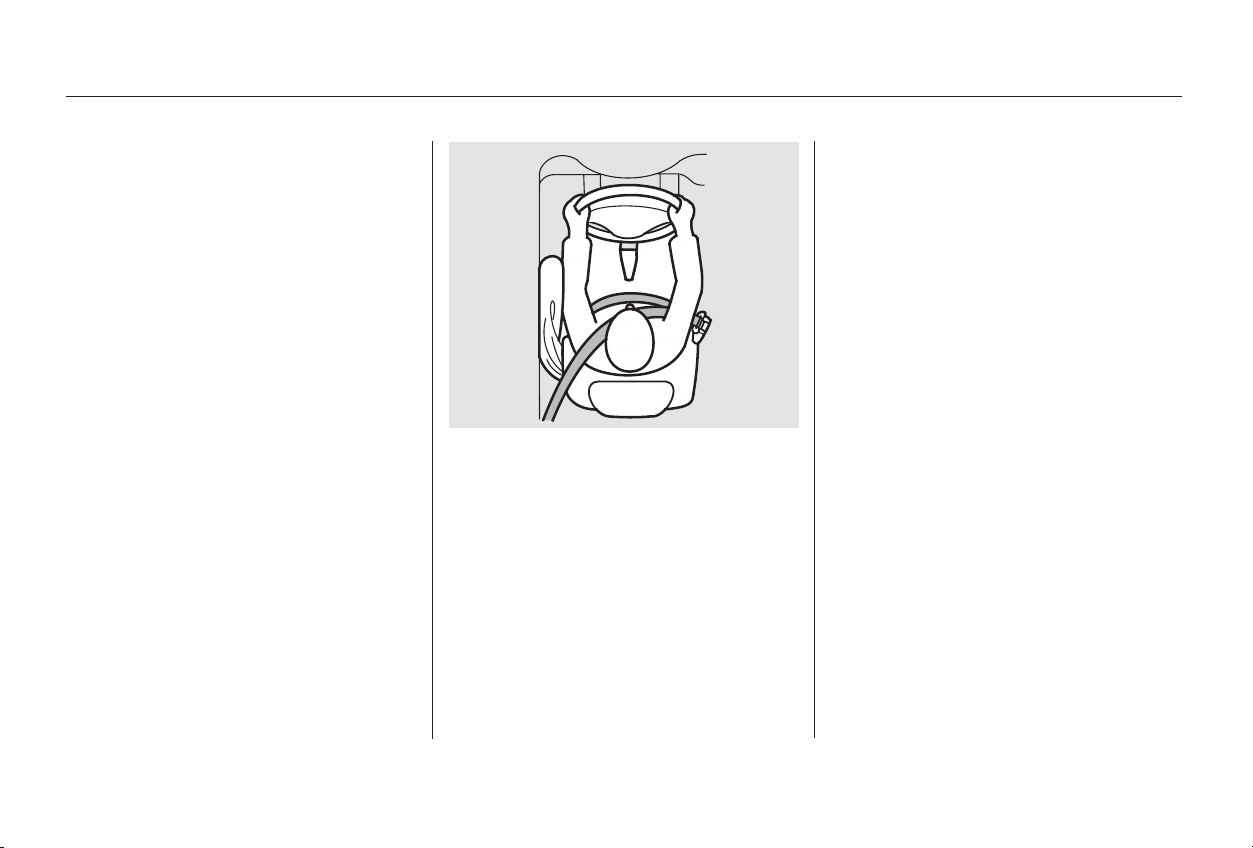
To get the best protection from the
side airbags, front seat occupants
should wear their seat belts and sit
upright and well back in their seats.
If you ever have a moderate to
severe side impact, the sensors will
detect rapid deceleration and signal
the control unit to instantly inflate
either the driver’s or the passenger’s
side airbag.
Only one airbag will deploy during a
side impact. If the impact is on the
passenger’s side, the passenger’s
side airbag will deploy even if there
is no passenger.
Some models are equipped with side
airbags for the driver and a front
seat passenger. The airbags are
stored in the outer edges of the front
seat-backs, and both are marked
‘‘SIDE AIRBAG.’’
Additional Information About Your Airbags
Driver and Passenger Safety
How Your Side Airbags Work
47
Main Menu
Table of Contents
If the SRS indicator light does not
come on after you turn the ignition
ON (II).
If the light stays on after the
engine starts.
If the light comes on or flashes on
andoffwhileyoudrive.
The SRS indicator light
alerts you to a potential
problem with your front airbags.
This light will also alert you to a
potential problem with your
automatic seat belt tensioners (page
).
If the light comes on at any other
time, or does not come on at all, you
should have the system checked by
your dealer. For example:
If you see any of these indications,
your front or side airbags may not
deploy, your passenger’s side airbag
automatic cut-off system may not
work properly, or your seat belt
tensioners may not work when you
need them. See your Honda dealer
as soon as possible.
On models with side airbags, this
light will also alert you to a potential
problem with your side airbags or
passenger’s side airbag automatic
cut-off system (see page ).
When you turn the ignition ON (II),
this indicator will light briefly then
go out. This tells you that the system
is working properly.
43
49
How the SRS Indicator Light
Works
Additional Information About Your Airbags
Driver and Passenger Safety
48
Ignoring the SRS indicator light
can result in serious injury or
death if the airbags, cut-off
system, or tensioners do not
work properly.
Have your vehicle checked by a
dealer as soon as possible if
the SRS light alerts you to a
potential problem.
Main Menu
Table of Contents
A front seat passenger should not
use a cushion or other object as a
backrest. It may prevent the cut-off
system from working properly.
If a small-statured adult leans
sideways, or larger adult slouches
and leans sideways into the
deployment path of the side airbag,
the system may also shut off the side
airbag. When you turn the ignition ON (II),
the indicator should light briefly and
goout(seepage ).Ifitdoesn’t
light, stays on, or comes on while
driving without a passenger in the
front seat, have the system checked.
If the side airbag indicator light
comes on, you should have the
passenger sit upright. Once the
passenger is out of the deployment
path of the side airbag, the system
will turn the airbag back on and the
light will go out.
This light alerts you that
the passenger’s side airbag
has been automatically shut off.
To reduce the risk of injury from an
inflating side airbag, your car has an
automatic cut-off system for the
passenger’s side airbag.
Although Honda does not encourage
children to ride in the front, this
system is designed to shut off the
side airbag if a child leans sideways
and the child’s head is in the side
airbag deployment path.
It does not mean there is a problem
with your side airbags. It means that
thesideairbagcut-offsystemhas
activated to prevent the side airbag
from deploying.
60
Only on models equipped with side
airbags
Driver and Passenger Safety
Additional Information About Your Airbags
How the Side Airbag Cut-off
Indicator Light Works
49
Main Menu
Table of Contents
Your front and side airbag systems
(if equipped) are virtually
maintenance-free, and there are no
parts you can safely service.
However, you must have your car
serviced if:
Together, airbags and
seat belts provide the best
protection.
Tampering could cause
the airbags to deploy, possibly
causing very serious injury.
If rain or spilled water
soaks into a seat-back, it can
prevent the side airbag system
from working properly.
Take your car to an
authorized Honda dealer as soon
as possible. If you ignore this
indication, the airbags might not
inflate when you need them.
Any
airbag that has deployed must be
replaced along with the control
unit and other related parts. Do
not try to remove or replace any
airbag by yourself. This must be
done by a Honda dealer or a
knowledgeable body shop.
Additional Information About Your Airbags
Airbag Service Additional Safety Precautions
Driver and Passenger Safety
Donotattempttodeactivateyour
airbags.
Do not tamper with airbag
components or wiring for any
reason.
Do not expose the front seat-backs
to water.
The SRS indicator light alerts you
to a problem.
Your airbags ever inflate.
50
Main Menu
Table of Contents

Improperly
replacing or covering front seat-
back covers can prevent your side
airbags from inflating during a
collision.
See page for further information
and precautions relating to your
airbags.
201
Driver and Passenger Safety
Do not cover or replace front seat-
back covers without consulting a
Honda dealer.
Additional Information About Your Airbags
51
Main Menu
Table of Contents
High levels of carbon monoxide can
collect rapidly in enclosed areas,
such as a garage. Do not run the
engine with the garage door closed.
Even with the door open, run the
engine only long enough to move the
vehicle out of the garage.
Select the Fresh Air mode.
Select the mode.
Turn the fan on high speed.
Set the temperature control to a
comfortable setting.
Your car’s exhaust contains carbon
monoxide gas. You should have no
problem with carbon monoxide
entering the car in normal driving if
you maintain your car properly.
Have the exhaust system inspected
for leaks whenever:
The car is raised for an oil change.
You notice a change in the sound
of the exhaust.
Thecarwasinanaccidentthat
may have damaged the underside.
With the trunk lid open, air flow can
pull exhaust gas into your car’s
interior and create a hazardous
condition. If you must drive with the
trunk lid open, open all the windows
and set the heating and cooling
system/climate control system as
shown below.
If you must sit in your parked car,
even in an unconfined area, with the
engine running, adjust the heating
and cooling system/climate control
system as follows:
1.
2.
3.
4.
Carbon Monoxide Hazard
Driver and Passenger Safety
52
Carbon monoxide gas is toxic.
Breathing it can cause
unconsciousness and even kill
you.
Avoid any enclosed areas or
activities that expose you to
carbon monoxide.
Main Menu
Table of Contents
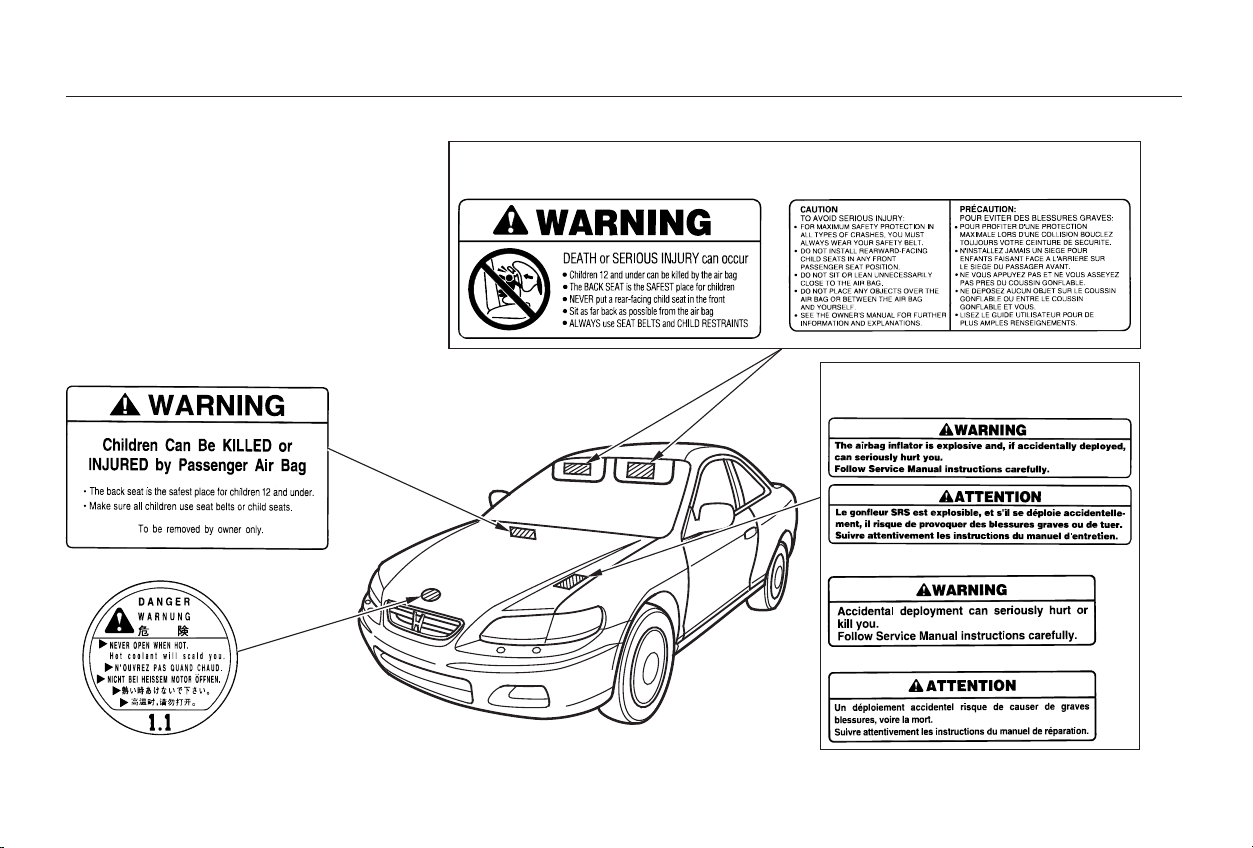
These labels are in the locations
shown. They warn you of potential
hazards that could cause serious
injury. Read these labels carefully.
If a label comes off or becomes hard
to read, contact your Honda dealer
for a replacement.
U.S. models only
U.S. models Canadian models
On cars without Side Airbags
On cars with Side Airbags
Safety Labels
Driver and Passenger Safety
53
RADIATOR CAP
HOOD
SUN VISOR
DASHBOARD
Main Menu
Table of Contents

54
Main Menu

This section gives information about
the controls and displays that
contribute to the daily operation of
your Honda. All the essential
controls are within easy reach.
...........................Control Locations . 56
...............................Indicator Lights . 57
.............................................Gauges . 63
...............................Speedometer . 63
.................................Tachometer . 63
.....................................Odometer . 63
...................................Trip Meter . 64
...................Temperature Gauge . 64
..................................Fuel Gauge . 64
Maintenance Required
...................................Indicator . 65
Controls Near the Steering
.......................................Wheel . 66
...................................Headlights . 67
Automatic Lighting Off
.....................................Feature . 68
............Daytime Running Lights . 68
....Instrument Panel Brightness . 69
................................Turn Signals . 69
.....................Windshield Wipers . 70
..................Windshield Washers . 71
..........................Hazard Warning . 71
.............Rear Window Defogger . 72
......Steering Wheel Adjustment . 73
...............................Keys and Locks . 74
..............................................Keys . 75
....................Immobilizer System . 75
............................Ignition Switch . 76
......................Power Door Locks . 78
................Lockout Prevention . 79
...................Remote Transmitter . 79
...........................................Trunk . 82
........Emergency Trunk Opener . 83
....................................Glove Box . 84
............................Seat Adjustments . 85
.............Front Seat Adjustments . 85
Driver’s Seat Manual Height
..............................Adjustment . 86
Driver’s Seat Power Height
..............................Adjustment . 86
Driver’s Seat Power
............................Adjustments . 87
...........Driver’s Lumbar Support . 88
........................Rear Seat Access . 89
..........................Head Restraints . 90
.......................Folding Rear Seat . 91
....................................Seat Heaters . 93
..............................Power Windows . 94
.........................................Moonroof . 96
.............................................Mirrors . 97
....Adjusting the Power Mirrors . 97
.................................Parking Brake . 99
..................................Digital Clock . 100
........................Sunglasses Holder . 100
...........................Beverage Holder . 101
.................Console Compartment . 102
........................................Sun Visor . 103
................................Vanity Mirror . 103
........................................Coin Box . 104
...............................Center Pocket . 104
.............Accessory Power Socket . 104
...............................Interior Lights . 105
..............................Ceiling Light . 105
...................................Spotlights . 105
........................Courtesy Lights . 106
Instruments and Controls
Instruments and Controls
55
Main Menu
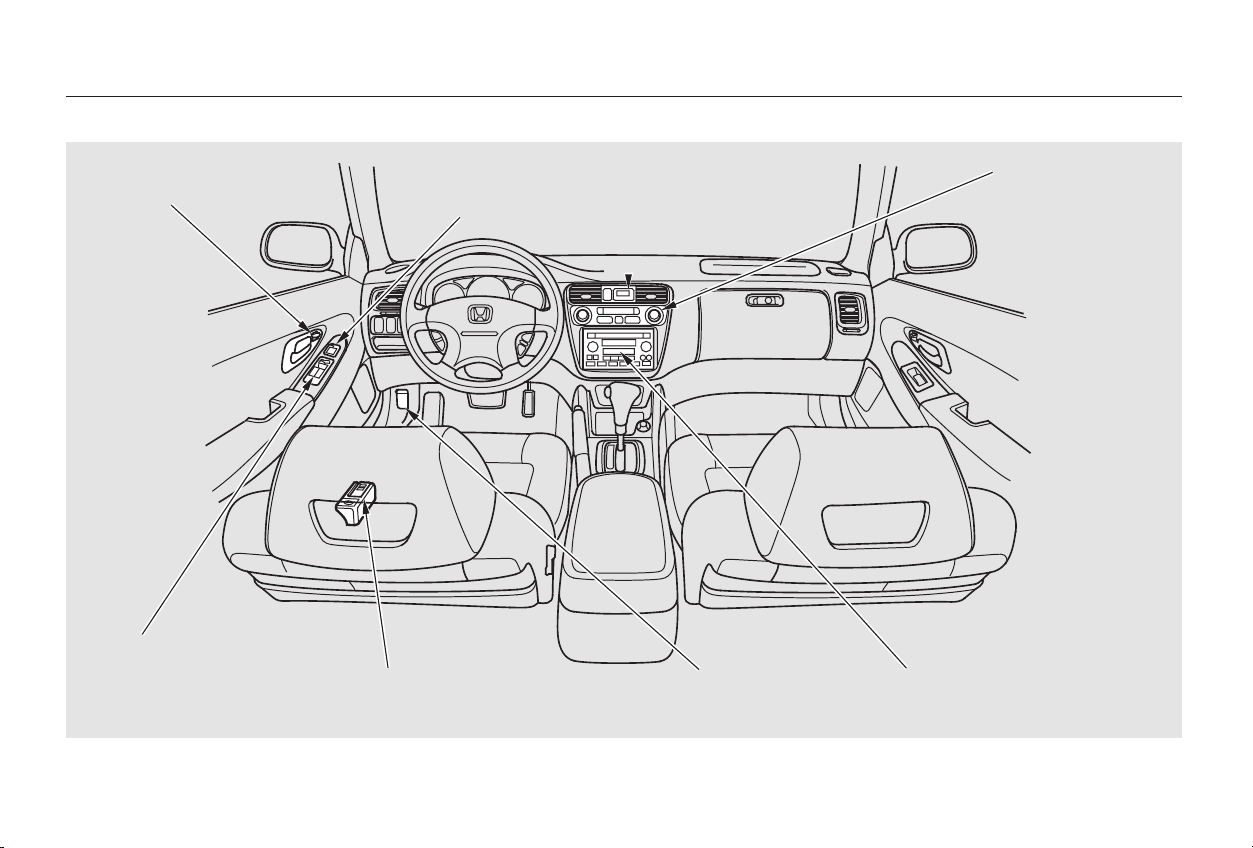
Control Locations
Instruments and Controls
56
DDIIGGIITTAALL CCLLOOCCKK
AAUUDDIIOO SSYYSSTTEEMM
PPOOWWEERR DDOOOORR
LLOOCCKKSS
FFUUEELL FFIILLLL DDOOOORR//TTRRUUNNKK
RREELLEEAASSEE HHAANNDDLLEE
((PP.. 119933//8822))
PPOOWWEERR WWIINNDDOOWW
SSWWIITTCCHHEESS
((PP.. 9944))
((PP.. 7788))
((PP.. 9977))
MMIIRRRROORR
CCOONNTTRROOLLSS
((PP.. 110000))
HHEEAATTIINNGG//CCOOOOLLIINNGG
CCOONNTTRROOLLSS
CCLLIIMMAATTEE CCOONNTTRROOLL
SSYYSSTTEEMM
((PP.. 110088))
((PP.. 111155))
((PP.. 112233))
((PP.. 119944))
HHOOOODD RREELLEEAASSEE
HHAANNDDLLEE
Main Menu
Table of Contents
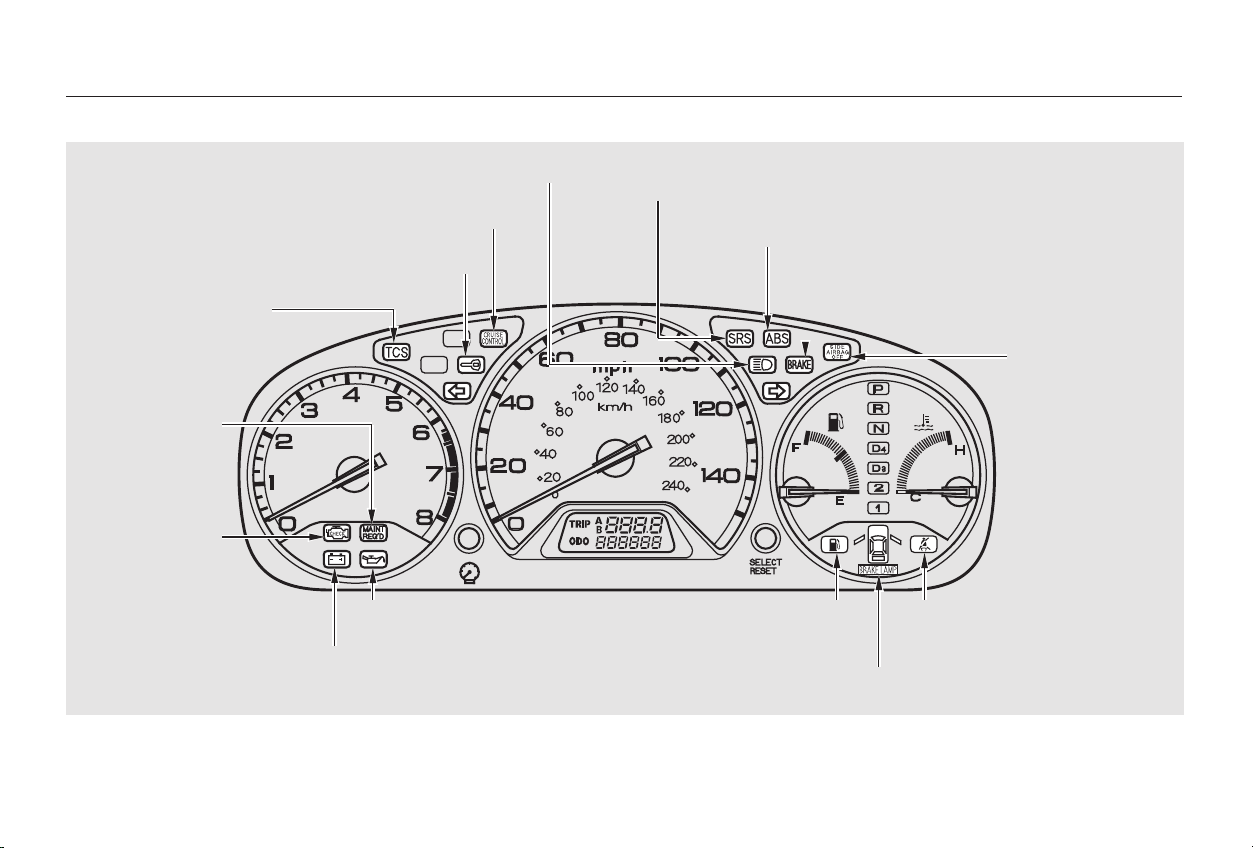
*
**
**
The U.S. instrument panel is shown. Differences for the Canadian models are noted in the text.
Indicator Lights
Instruments and Controls
57
CCHHAARRGGIINNGG SSYYSSTTEEMM IINNDDIICCAATTOORR
LLOOWW OOIILL PPRREESSSSUURREE IINNDDIICCAATTOORR
HHIIGGHH BBEEAAMM IINNDDIICCAATTOORR SSUUPPPPLLEEMMEENNTTAALL RREESSTTRRAAIINNTT SSYYSSTTEEMM IINNDDIICCAATTOORR
DDOOOORR AANNDD BBRRAAKKEE LLAAMMPP MMOONNIITTOORR
LLOOWW FFUUEELL IINNDDIICCAATTOORR SSEEAATT BBEELLTT RREEMMIINNDDEERR
LLIIGGHHTT
CCRRUUIISSEE CCOONNTTRROOLL IINNDDIICCAATTOORR
MMAAIINNTTEENNAANNCCEE
RREEQQUUIIRREEDD
IINNDDIICCAATTOORR
TTRRAACCTTIIOONN CCOONNTTRROOLL
SSYYSSTTEEMM IINNDDIICCAATTOORR
MMAALLFFUUNNCCTTIIOONN
IINNDDIICCAATTOORR LLAAMMPP
((PP.. 6622))
((PP.. 6622))
((PP.. 6600))
((PP.. 6655))
((PP.. 6622))
((PP.. 5588))
((PP.. 6611))
((PP.. 6600))
IIMMMMOOBBIILLIIZZEERR SSYYSSTTEEMM IINNDDIICCAATTOORR
((PP.. 5599))
AANNTTII--LLOOCCKK BBRRAAKKEE SSYYSSTTEEMM IINNDDIICCAATTOORR
((PP.. 5599))
PPAARRKKIINNGG BBRRAAKKEE AANNDD BBRRAAKKEE
SSYYSSTTEEMM IINNDDIICCAATTOORR
((PP.. 5599))
((PP.. 6600))
UU..SS.. VV--66 mmooddeell iiss sshhoowwnn..
((PP.. 332299))
((PP.. 5588,, 332288))
((PP.. 5588,, 332277))
SSIIDDEE AAIIRRBBAAGG OOFFFF
IINNDDIICCAATTOORR
Main Menu
Table of Contents
The engine can be severely damaged
if this light flashes or stays on when
the engine is running. For complete
information, see page .
If this light comes on when the
engine is running, the battery is not
being charged. For complete
information, see page .
This indicator lights when you turn
the ignition switch ON (II). It is a
reminder to you and your passengers
to protect yourselves by fastening
the seat belts. A beeper also sounds
if you have not fastened your seat
belt.
If you do not fasten your seat belt,
the beeper will stop after a few
seconds but the light stays on until
you do. Both the light and the beeper
stay off if you fasten your seat belt
before turning on the ignition.
The instrument panel has many
indicators to give you important
information about your car.
327
328
Indicator Lights
Instruments and Controls
Low Oil Pressure
Indicator
Charging System
Indicator
Seat Belt Reminder Light
58
Main Menu
Table of Contents
This indicator comes on for a few
seconds when you turn the ignition
switch ON (II). It will then go off if
you have inserted a properly-coded
ignition key. If it is not a properly-
coded key, the indicator will blink
and the engine will not start (see
page ).
This indicator also blinks several
times when you turn the ignition
switch from ON (II) to ACCESSORY
(I) or LOCK (0).
This light normally comes on for a
few seconds when you turn the
ignition switch ON (II), and when
the ignition switch is turned to
START (III). If this light comes on at
any other time, there is a problem in
theABS.Ifthishappens,takethe
cartoyourdealertohaveitchecked.
With the light on, your car still has
normal braking ability but no anti-
lock. For complete information, see
page .
This light has two functions:
This indicator comes on when you
turn the ignition switch ON (II). It
is a reminder to check the parking
brake. Driving with the parking
brake not fully released can
damage the brakes and tires.
If the indicator remains lit after
you have fully released the
parking brake while the engine is
running, or if it comes on while
driving, it can indicate a problem
in the brake system. For complete
information, see page .
See page .
1.
2.
75
332
219 329
Only on models equipped with ABS (see
page )200
Indicator Lights
Instruments and Controls
Immobilizer System
Indicator
Malfunction Indicator
Lamp
Anti-lock Brake System
(ABS) Indicator
Parking Brake and
Brake System Indicator
59
U.S. CanadaU.S. Canada
Main Menu
Table of Contents
This indicator has three functions:
Itcomesonasareminderthatyou
have turned off the Traction
Control System.
It flashes when the TCS is
regulating wheelspin.
Ifitcomesonandstaysonwhen
the Traction Control System is on,
it indicates that there is a problem
in the TCS.
This light also comes on when you
turn the ignition ON (II) and goes off
after the engine starts. See page
for more information on the
TCS.
This indicator lights when you turn
the ignition switch ON (II). If it
comes on at any other time, it
indicates a potential problem with
your front airbags or automatic seat
belt tensioners. On models equipped
with side airbags, this light will also
alert you to a potential problem with
your side airbags or passenger’s side
airbag automatic cut-off system. For
complete information, see page .
This indicator lights when you turn
the ignition switch ON (II). If it
comes on at any other time, it
indicates that the passenger’s side
airbag has automatically shut off.
For complete information, see page
.
1.
2.
3.
49
48
220
Only on models equipped with side
airbags
On all V6 models
Supplemental Restraint
System Indicator
Traction Control System
(TCS) Indicator
Side Airbag Cut-off
Indicator
Indicator Lights
Instruments and Controls
60
Main Menu
Table of Contents
Canadian models only
This indicator lights when you turn
the ignition switch to ON (II) with
the headlight switch off and the
parking brake set. It should go off if
youturnontheheadlightsorrelease
the parking brake. If it comes on at
any other time, it means there is a
problem with the DRL. There may
also be a problem with the high
beam headlights.
The left or right turn signal light
blinks when you signal a lane change
or turn. If the light does not blink or
blinks rapidly, it usually means one
of the turn signal bulbs is burned out
(see page ). Replace the bulb as
soon as possible, since other drivers
cannot see that you are signalling.
A burned out brake light is a hazard
when drivers behind you cannot tell
you are braking. Have your brake
lights repaired right away.
The appropriate light comes on in
this display if the trunk or either
door is not closed tightly. If a brake
light does not work, the
indicator comes on when you
push the brake pedal with the
ignition switch ON (II).
All the lights in the monitor display
come on when you turn the ignition
switch ON (II). The lights go off
after the engine starts and the trunk
and both doors are closed tightly.
WhenyouturnontheHazard
Warning switch, both turn signal
lights blink. All turn signals on the
outside of the car should flash.
292
‘‘Daytime Running
Lights’’ Indicator
Turn Signal and
Hazard Warning
Indicators
Door and Brake Lamp Monitor
Indicator Lights
Instruments and Controls
61
BRAKE
LAMP
Main Menu
Table of Contents
This light comes on when the
washer fluid level is low. Add washer
fluid when you see this light come on
(see page ).
On Canadian models, this indicator
comes on with reduced brightness
when the Daytime Running Lights
(DRL) are on (see page ).
This lights when you set the cruise
control. See page for information
on operating the cruise control.
This light comes on as a reminder
that you must refuel soon.
This light comes on with the high
beam headlights. See page for
information on the headlight
controls.
67
68
181
260
Canadian models only
Washer Level IndicatorHigh Beam Indicator
Cruise Control Indicator
Low Fuel Indicator
Indicator Lights
Instruments and Controls
62
Main Menu
Table of Contents
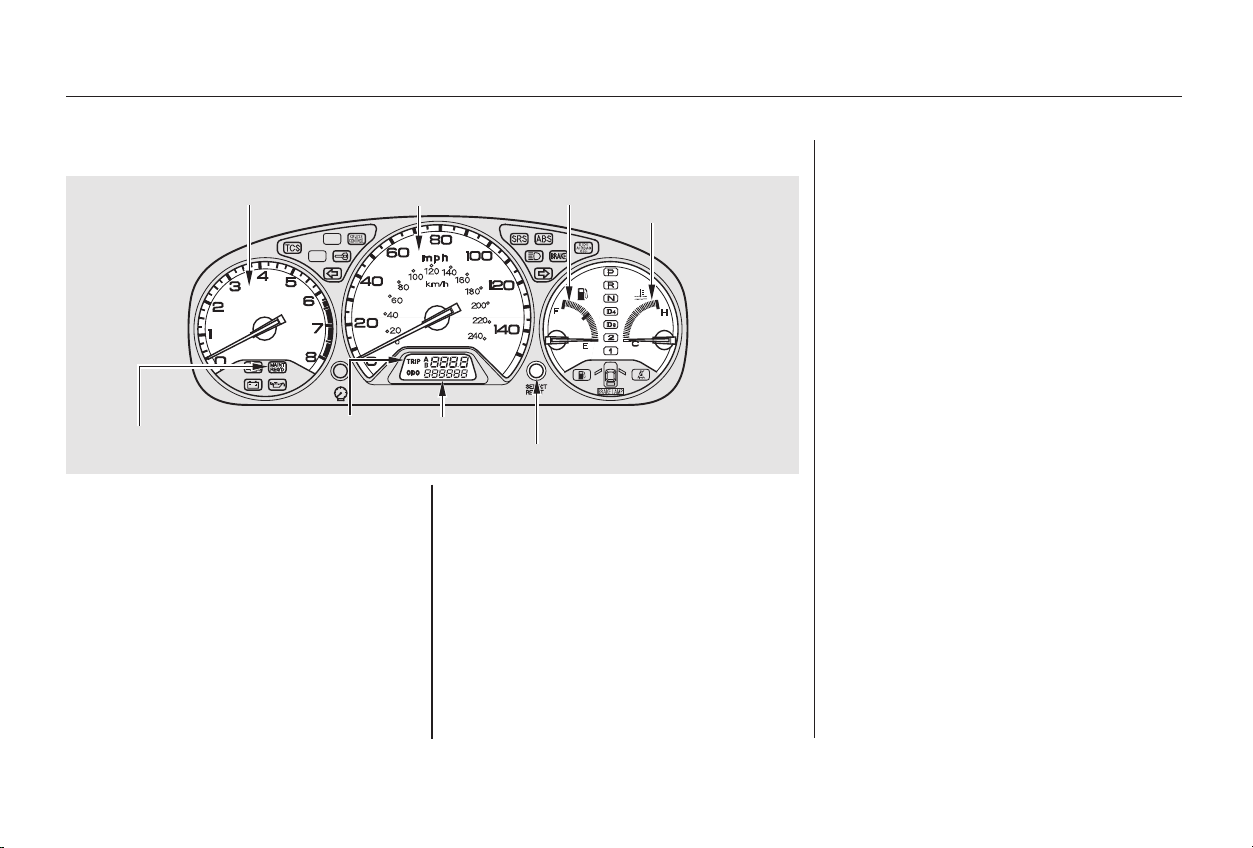
This shows your speed in miles per
hour (mph). The smaller inner
numbers are the speed in kilometers
per hour (km/h).
The tachometer shows the engine
speed in revolutions per minute
(rpm). To protect the engine from
damage, never drive with the
tachometer needle in the red zone.
The odometer shows the total dis-
tance your car has been driven. It
measures miles in U.S. models and
kilometers in Canadian models.
The total number is displayed when
you turn the ignition switch ON (II).
It is illegal under U.S. federal law and
Canadian provincial regulations to
disconnect, reset, or alter the
odometer with the intent to change
the number of miles or kilometers
indicated.
This shows your speed in kilometers
per hour (km/h). The smaller inner
numbers are the speed in miles per
hour (mph).
U.S. Models
Canadian Models
Speedometer
Tachometer
Odometer
Gauges
Instruments and Controls
U.S. Model shown
63
SSPPEEEEDDOOMMEETTEERR
MMAAIINNTTEENNAANNCCEE
RREEQQUUIIRREEDD IINNDDIICCAATTOORR
TTEEMMPPEERRAATTUURREE
GGAAUUGGEE
TTAACCHHOOMMEETTEERR FFUUEELL GGAAUUGGEE
TTRRIIPP MMEETTEERR SSEELLEECCTT//RREESSEETT BBUUTTTTOONN
TTRRIIPP MMEETTEERR OODDOOMMEETTEERR
Main Menu
Table of Contents

4-cylinder models
6-cylinder models
6-cylinder models
The gauge stays at the same fuel
level reading after you turn off the
ignition. When you add fuel, the
gauge slowly changes to the new
readingafteryouturntheignition
switch back ON (II).
The needle returns to the bottom
after you turn off the ignition. The
gauge shows the fuel level reading
immediately after you turn the
ignition switch back ON (II).
This shows how much fuel you have.
It is most accurate when the car is on
level ground. It may show slightly
more or less than the actual amount
whenyouaredrivingoncurvyor
hilly roads.
This meter shows the number of
miles (U.S.) or kilometers (Canada)
driven since you last reset it.
There are two trip meters: Trip A
and Trip B. Switch between these
displays by pressing the Select/
Reset button repeatedly. Each trip
meter works independently, so you
can keep track of two different
distances.
To reset a trip meter, display it, and
then press and hold the Select/Reset
button until the number resets to
‘‘0.0’’.
Both trip meters will reset if the car’s
battery goes dead or is disconnected.
This shows the temperature of the
engine’s coolant. During normal
operation, the pointer should rise
from the bottom white mark to about
the middle of the gauge. In severe
driving conditions, such as very hot
weather or a long period of uphill
driving, the pointer may rise to near
the upper red mark. If it reaches the
red (Hot) mark, pull safely to the
side of the road. Turn to page for
instructions and precautions on
checking the engine’s cooling
system.
324
Trip Meter Temperature Gauge Fuel Gauge
Gauges
Instruments and Controls
64
Main Menu
Table of Contents
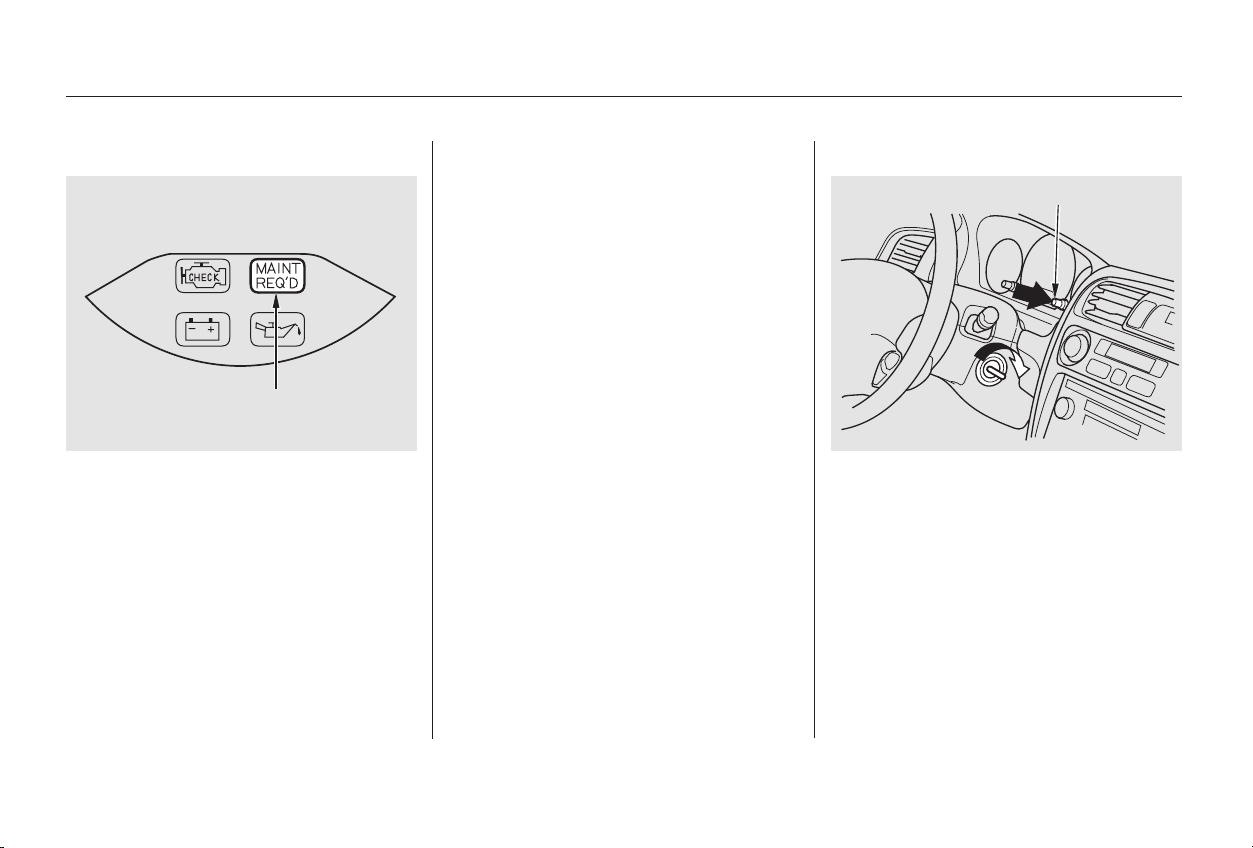
Refer to the Maintenance Schedules
for Normal and Severe Driving
Conditions on pages and .
For the first 6,000 miles (9,600 km)
after the Maintenance Required
Indicator is reset, it will come on for
two seconds when you turn the
ignition switch ON (II).
This indicator reminds you that it is
time to take your car in for
scheduled maintenance.
Between 6,000 miles (9,600 km) and
7,500 miles (12,000 km) this
indicator will light for two seconds
when you first turn the ignition
switch ON (II), and then flash for
ten seconds.
If you exceed 7,500 miles (12,000
km) without having the scheduled
maintenance performed, this
indicator will remain on as a constant
reminder.
Your dealer will reset this indicator
after completing the scheduled
maintenance. If this maintenance is
done by someone other than your
Honda dealer, reset the indicator as
follows.
Turn off the engine.
Press and hold the select/reset
buttonintheinstrumentpanel,
then turn the ignition switch ON
(II).
Hold the button until the indicator
resets (approximately ten
seconds).
1.
2.
3.238 242
Maintenance Required Indicator
Gauges
Instruments and Controls
65
MMAAIINNTTEENNAANNCCEE RREEQQUUIIRREEDD
IINNDDIICCAATTOORR
SSEELLEECCTT//RREESSEETT BBUUTTTTOONN
Main Menu
Table of Contents
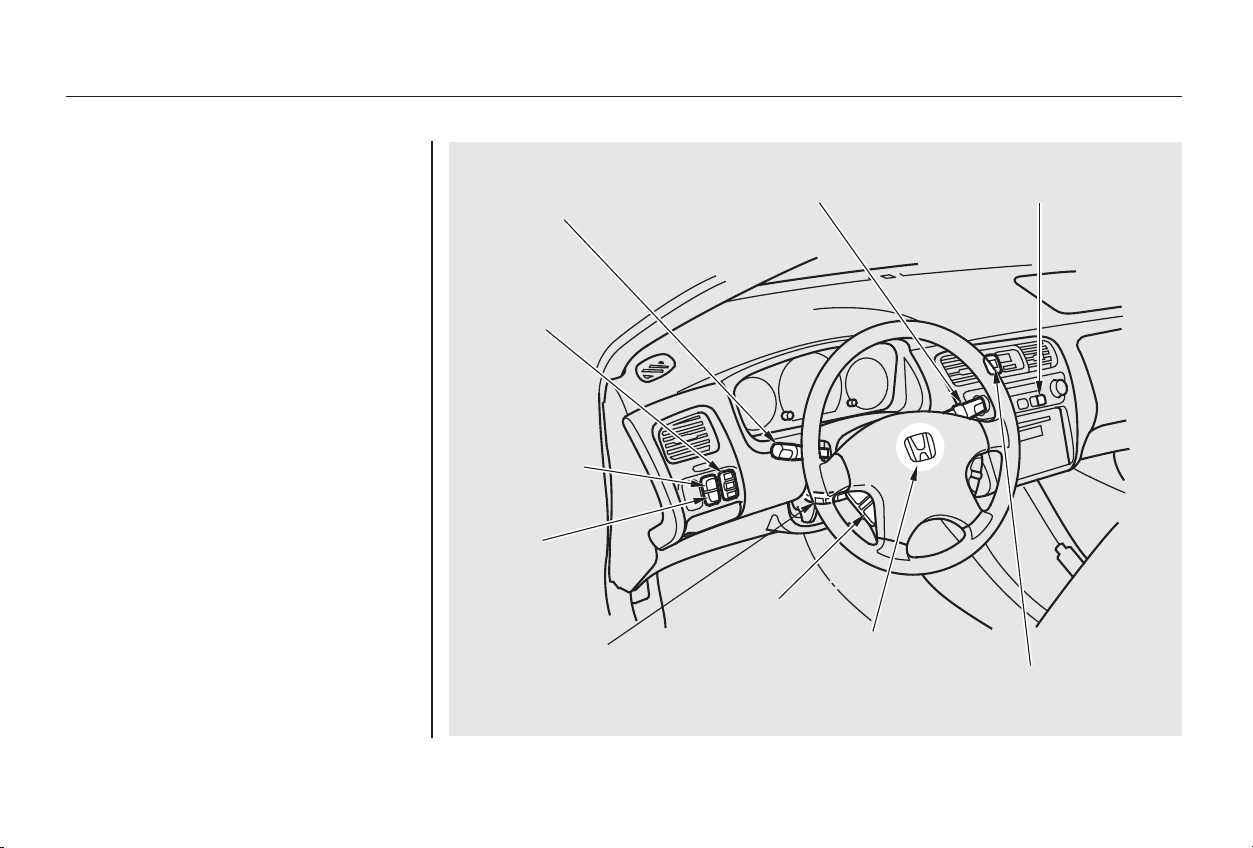
*
**
Thetwoleversonthesteering
column contain controls for driving
features you use most often. The left
lever controls the turn signals,
headlights, and high beams. The
right lever controls the windshield
washers and wipers.
The tilt adjustment lever on the
underside of the steering column
allows you to tilt the steering wheel.
The switches for the hazard warning
lights and rear window defogger are
located to the right of the steering
column.
To use the horn, press the pad
around the ‘‘H’’ logo.
The controls under the left air vent
are for the moonroof, cruise control,
and the TCS.
:
Controls Near the Steering Wheel
Instruments and Controls
66
HHAAZZAARRDD WWAARRNNIINNGG LLIIGGHHTTSS
HHEEAADDLLIIGGHHTTSS//
TTUURRNN SSIIGGNNAALLSS
MMOOOONNRROOOOFF
SSWWIITTCCHH
WWIINNDDSSHHIIEELLDD
WWIIPPEERRSS//WWAASSHHEERRSS
TTIILLTT AADDJJUUSSTTMMENNTT
EEXX--VV66 mmooddeell iiss sshhoowwnn..
((PP.. 7700,, 7711))
((PP.. 6677,, 6699))
((PP.. 7722))
RREEAARR WWIINNDDOOWW
DDEEFFOOGGGGEERR
((PP.. 7711))
CCRRUUIISSEE
CCOONNTTRROOLL
MMAASSTTEERR
SSWWIITTCCHH
RREEMMOOTTEE AAUUDDIIOO
CCOONNTTRROOLLSS
HHOORRNN
((PP.. 9966))
((PP.. 7733))
((PP.. 118811))
TTRRAACCTTIIOONN
CCOONNTTRROOLL
SSYYSSTTEEMM OONN//
OOFFFF SSWWIITTCCHH
((OOnn VV66 mmooddeellss))
((PP.. 222200))
((PP.. 6666))
((OOnn EEXX aanndd
EEXX--VV66 mmooddeellss))
((PP.. 118888))
Main Menu
Table of Contents
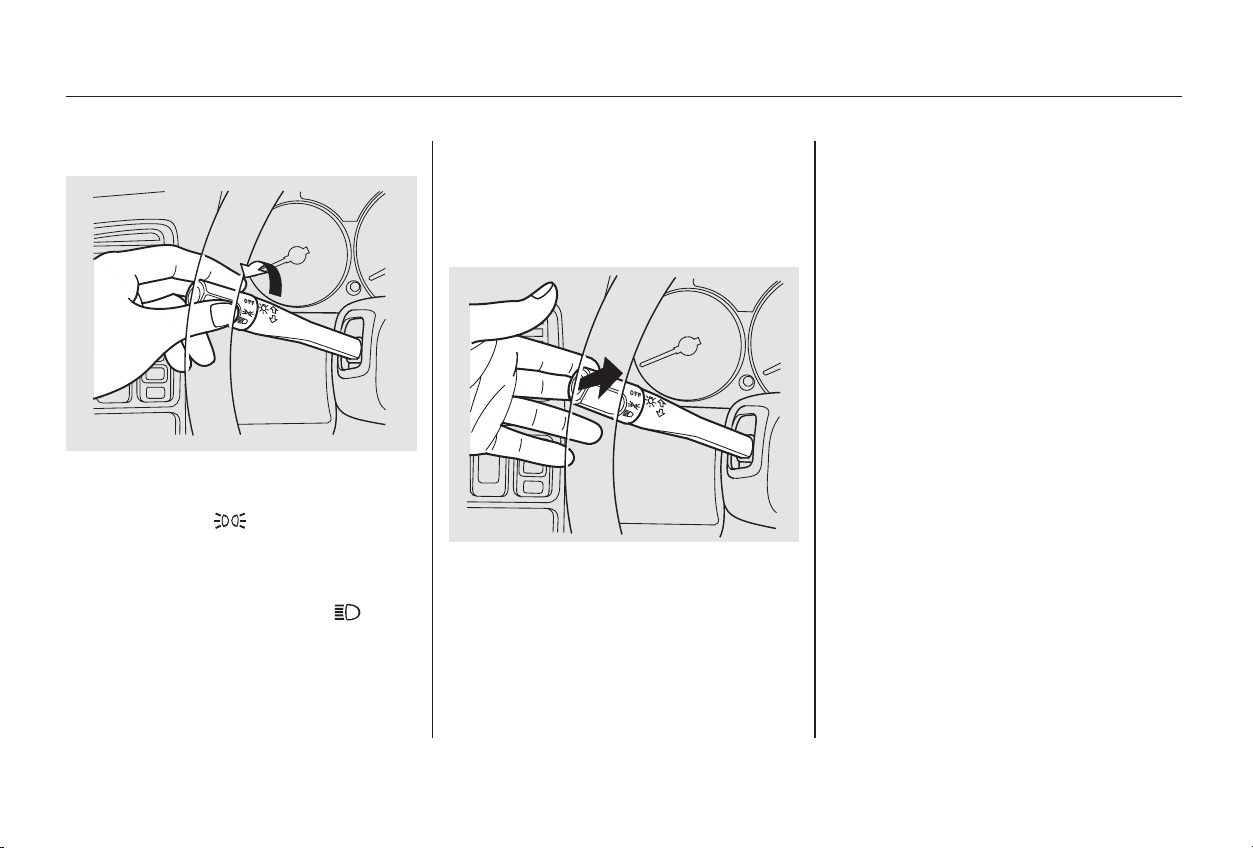
If you leave the lights on with the
ignition switch in ACCESSORY (I)
or LOCK (0), you will hear a
reminder chime when you open the
driver’s door.
The rotating switch on the left lever
controls the lights. Turning this
switch to the ‘‘ ’’ position turns
on the parking lights, taillights,
instrument panel lights, side-marker
lights, and rear license plate lights.
Turning the switch to the ‘‘ ’’
position turns on the headlights.
To change between low beams and
high beams, pull the turn signal lever
until you hear a click, then let go.
The blue high beam indicator will
light (see page ).
To flash the high beams, pull the
turn signal lever back lightly, then
release it. The high beams will come
on and go off.
The high beams will stay on for as
long as you hold the lever back, no
matter what position the headlight
switch is in.
62
Headlights
Controls Near the Steering Wheel
Instruments and Controls
67
Main Menu
Table of Contents
With the headlight switch off, the
high beam headlights come on with
reduced brightness when you turn
the ignition switch to ON (II) and
release the parking brake. They
remain on until you turn the ignition
off, even if you set the parking brake.
The headlights revert to normal
operation when you turn them on
with the switch.
The Automatic Lighting Off feature
turns off the headlights, parking
lights, taillights, side marker lights,
license plate lights and instrument
panel lights within 15 seconds of
removing the key from the ignition
switch and closing the driver’s door.
The lights will turn on again when
you unlock or open the driver’s door.
If you unlock the door, but do not
open it within 15 seconds, the lights
will go off. With the driver’s door
open, you will hear a lights-on
reminder chime.
This feature activates if you leave
the headlight switch in the ‘‘ ’’
or ‘‘ ’’ position, remove the key,
open, then close the driver’s door.
If you remove the key from the
ignition switch with the headlight
switch on, but do not open the door
and get out, the lights will turn off
after ten minutes.
On EX and EX-V6 models
Daytime Running Lights
(Canadian Models)
Automatic Lighting Off Feature
Controls Near the Steering Wheel
Instruments and Controls
68
Main Menu
Table of Contents
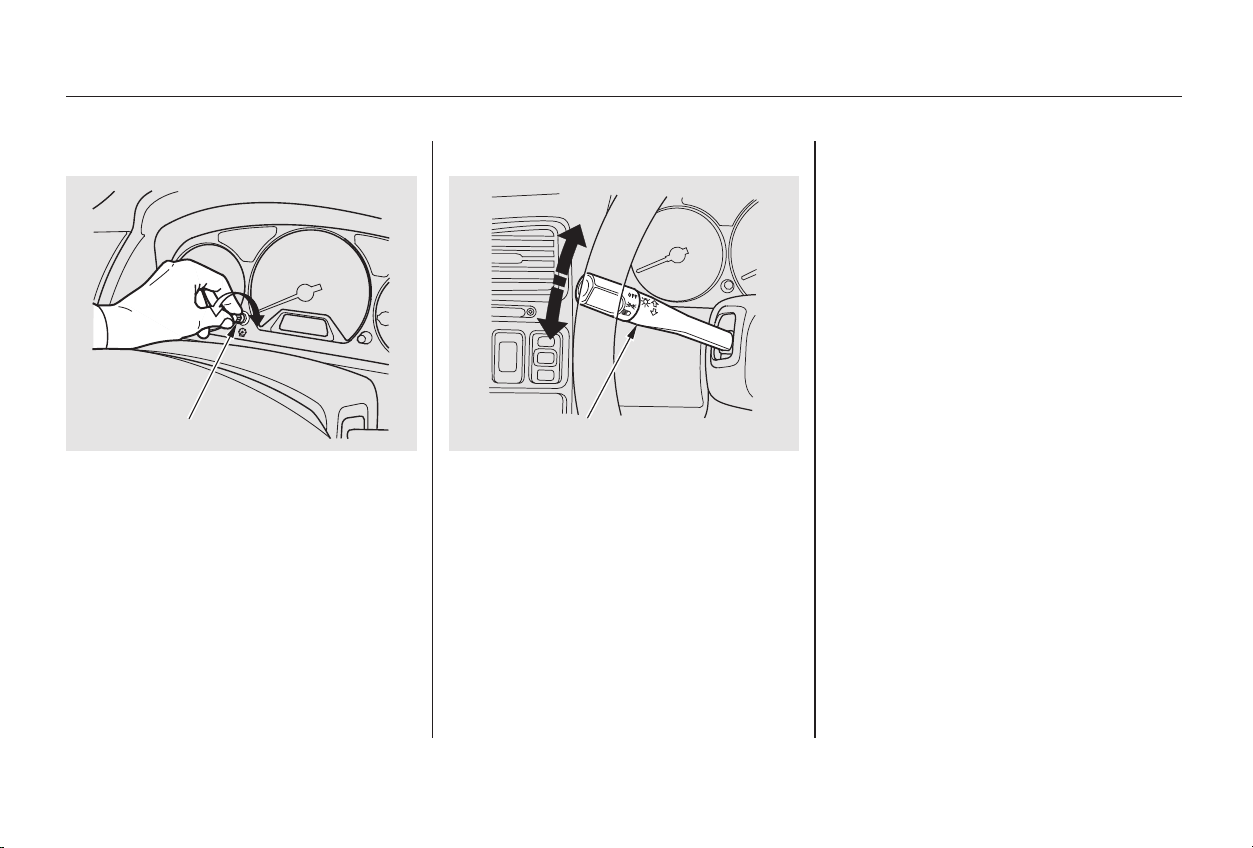
To signal a lane change, push lightly
on the turn signal lever in the proper
direction and hold it. The lever will
return to the center position as soon
as you release it.
Signal a turn or lane change with this
lever. Push down on the lever to
signal a left turn, and up to signal a
right turn. If you push it up or down
all the way, the turn signal continues
to blink even when you release the
lever. It shuts off automatically as
you complete the turn.
Turntheknobontheleftsideofthe
instrument panel to adjust the
brightness of the instrument panel
lights.
Turn SignalsInstrument Panel Brightness
Controls Near the Steering Wheel
Instruments and Controls
69
TTUURRNN SSIIGGNNAALL LLEEVVEERRKKNNOOBB
Main Menu
Table of Contents
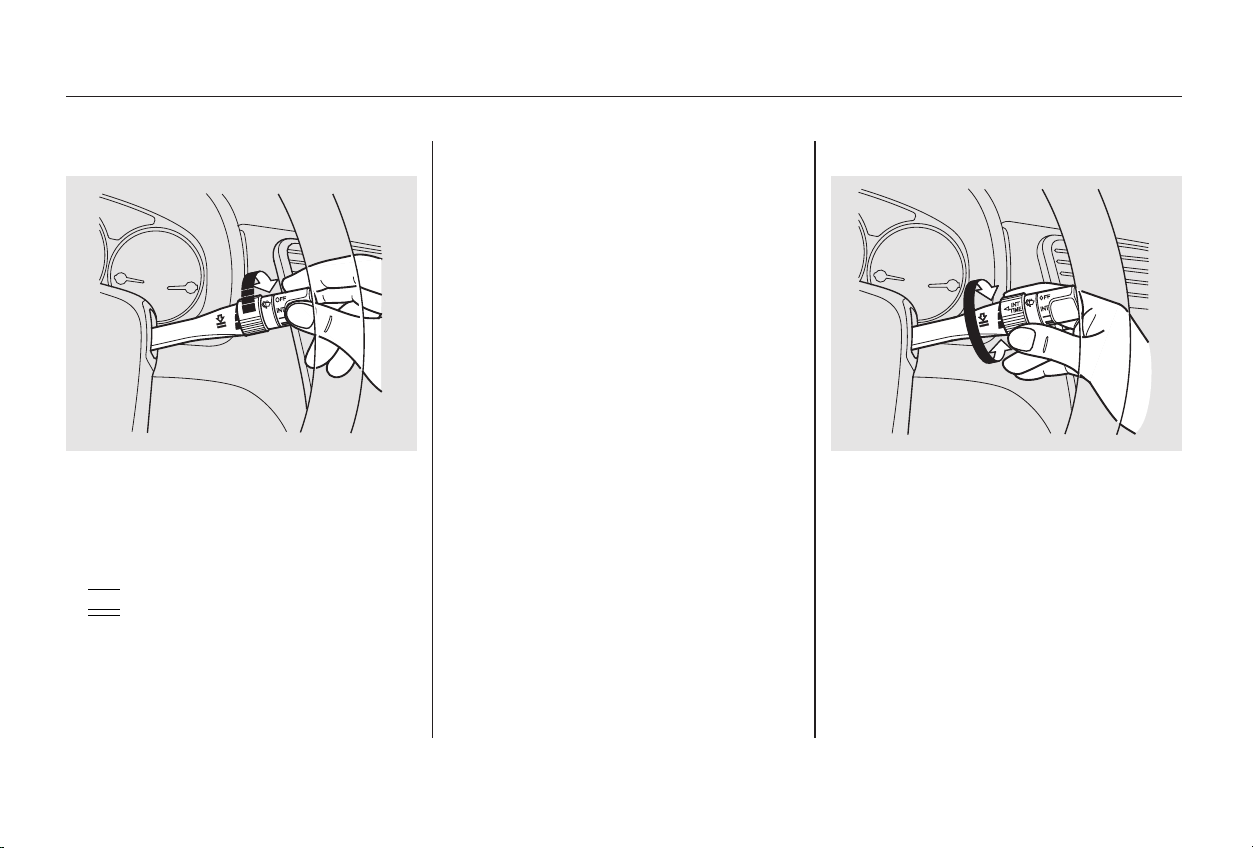
The right lever controls the wind-
shield wipers and washers. The
rotary switch at the end of the lever
has three positions:
INT: intermittent
: low speed
: high speed
If you turn the INT TIME ring to the
shortest delay, the wipers will
change from intermittent to low
speed operation when vehicle speed
exceeds 12 mph (20 km/h).
You can vary how often the wipers
sweep the windshield by turning the
INT TIME ring next to the rotary
switch.
In intermittent, the wipers operate
every few seconds. The sweep
interval will change slightly with
speed; getting shorter as you drive
faster. In low speed and high speed,
the wipers run continuously.
Windshield Wipers
Controls Near the Steering Wheel
Instruments and Controls
70
Main Menu
Table of Contents
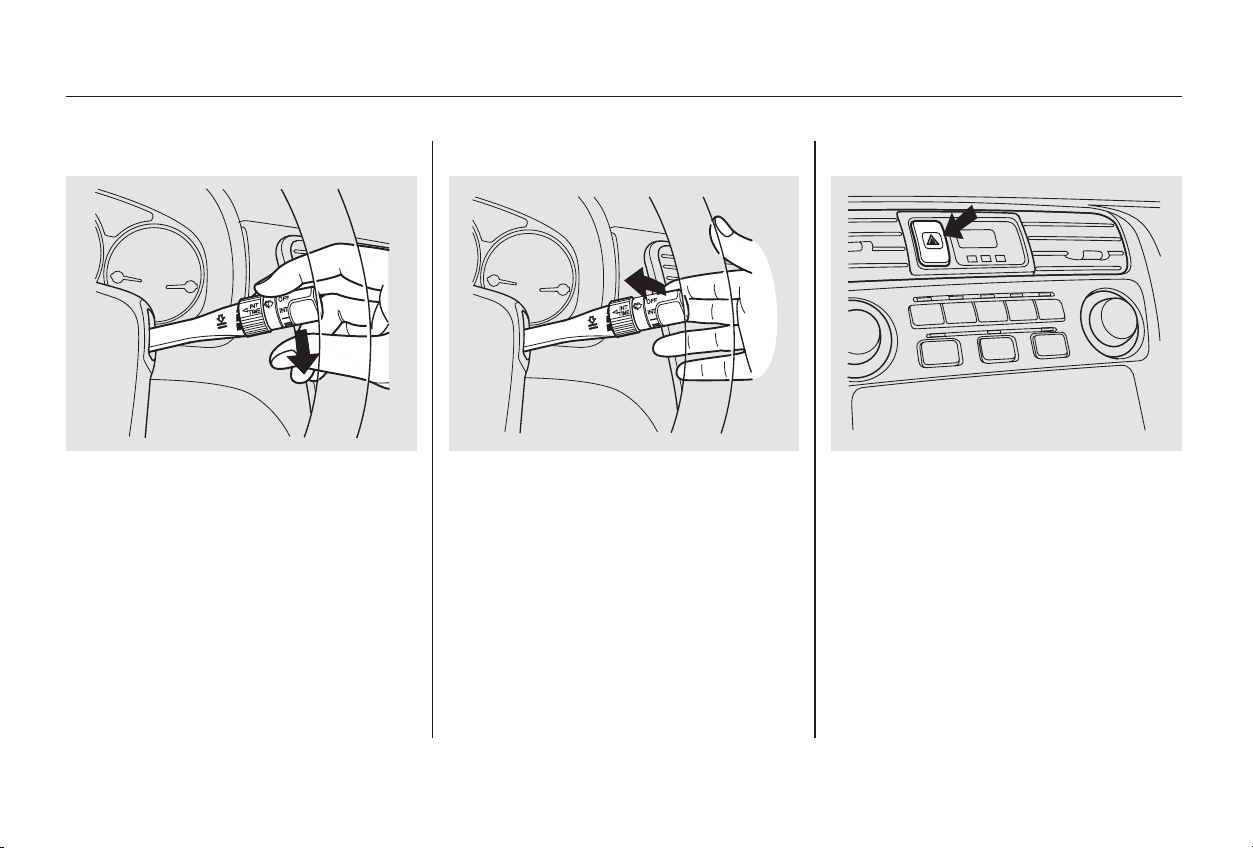
To clean the windshield, pull back on
the wiper control lever. The washers
spray until you release the lever. The
wipers run at low speed while you’re
pulling the lever, then complete one
more sweep of the windshield after
you release it.
To operate the wipers in mist mode,
push the control lever down. The
wipers run at high speed until you
release the lever. This gives you a
quick way to clear the windshield.
Push the button to the left of the
clocktoturnonthehazardwarning
lights (four-way flashers). This
causes all four outside turn signals
and both indicators in the instrument
panel to flash. Use the hazard
warning lights if you need to park in
a dangerous area near heavy traffic,
or if your car is disabled.
Hazard WarningWindshield Washers
Controls Near the Steering Wheel
Instruments and Controls
71
Main Menu
Table of Contents
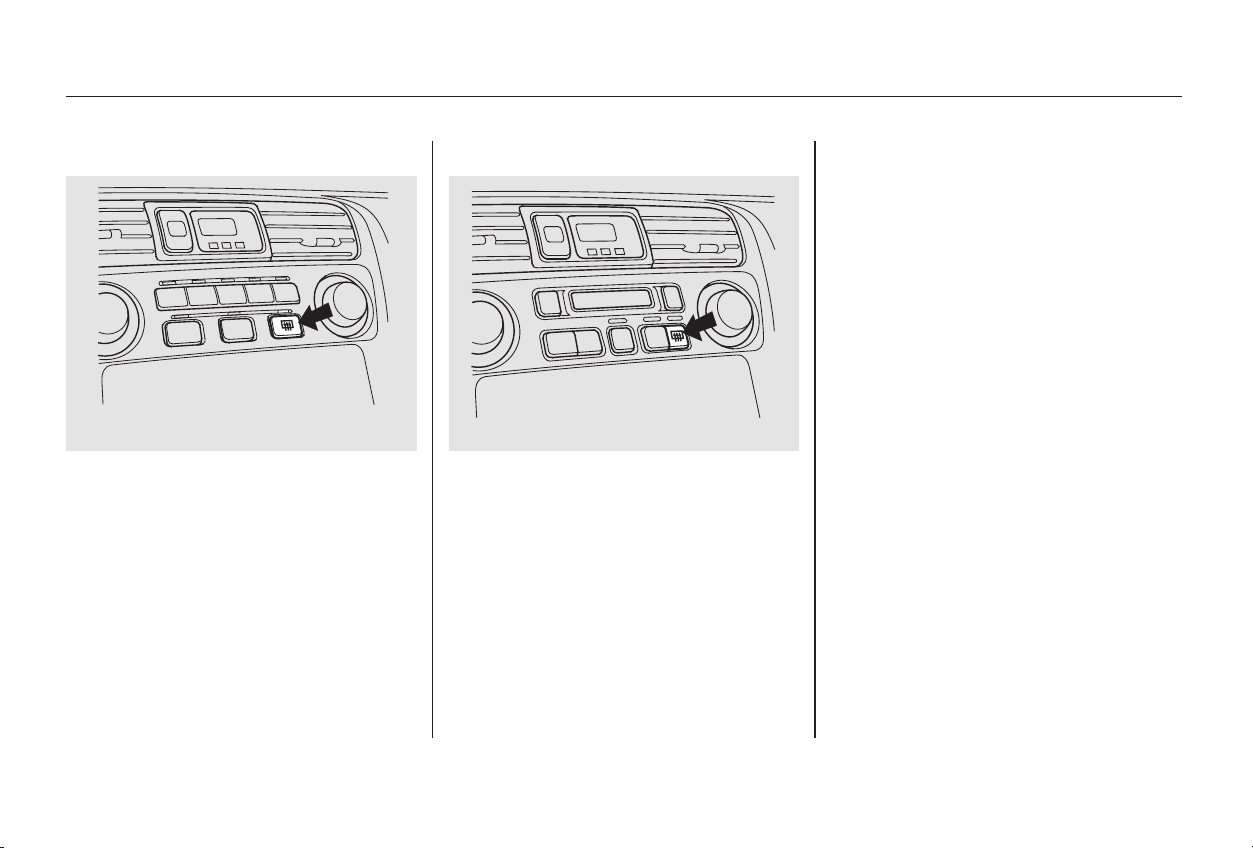
Make sure the rear window is clear
and you have good visibility before
starting to drive.
The rear window defogger will clear
fog,frost,andthinicefromthe
window. Push the defogger button to
turn it on and off. The light above
the button lights to show the
defogger is on. If you do not turn it
off, the defogger will shut itself off
after about 15 minutes. It also shuts
off when you turn off the ignition.
You have to turn it on again when
you restart the car.
The defogger and antenna wires on
the inside of the rear window can be
accidentally damaged. When
cleaning the glass, always wipe side
to side.
Rear Window Defogger
Controls Near the Steering Wheel
Instruments and Controls
72
EEXX--VV66 mmooddeell
SSppeecciiaall EEddiittiioonn,, EEXX,, aanndd
tthhee UU..SS.. LLXX,, aanndd LLXX--VV66 mmooddeellss
Main Menu
Table of Contents
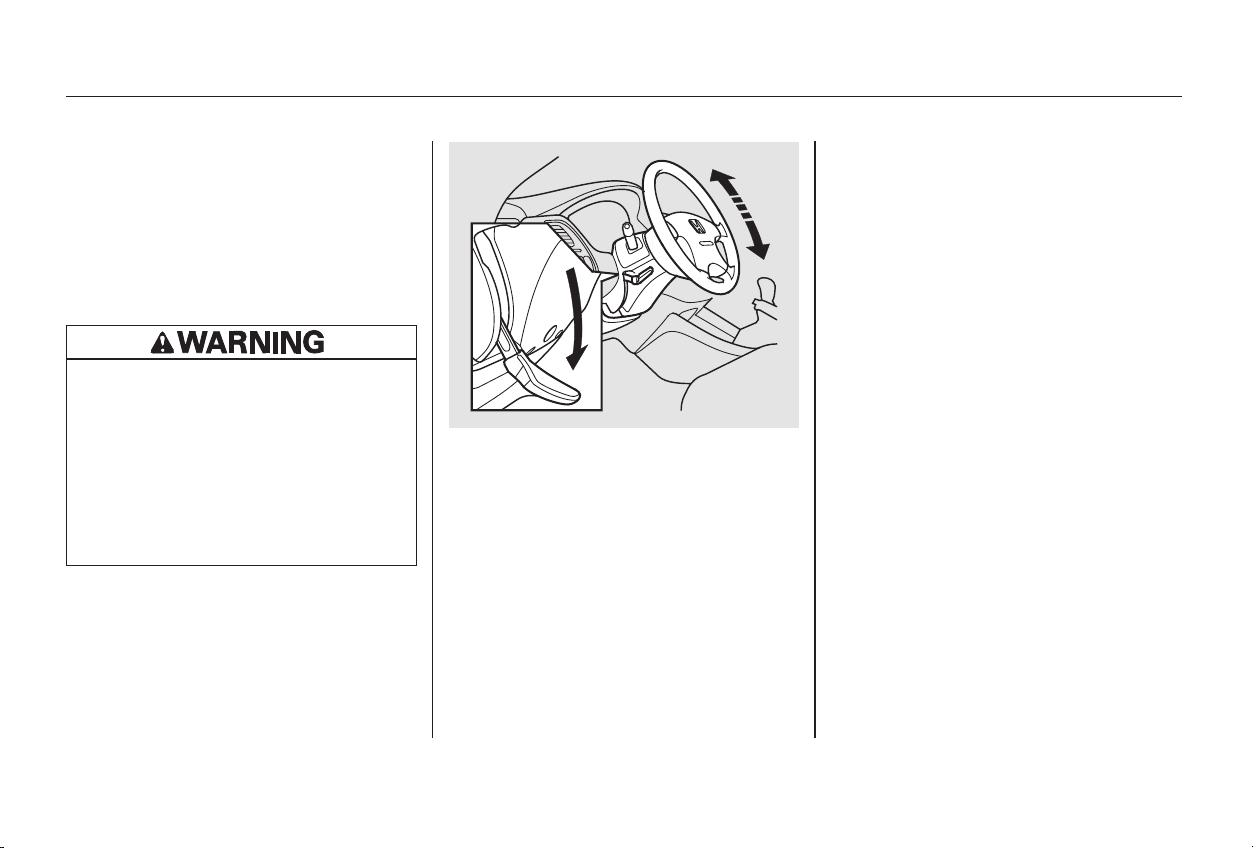
Push the lever up to lock the
steering wheel in that position.
Make sure you have securely
locked the steering wheel in place
by trying to move it up and down.
To adjust the steering wheel upward
or downward:
Push the lever under the steering
column all the way down.
Move the steering wheel to the
desired position, making sure the
wheel points toward your chest,
not toward your face. Make sure
you can see the instrument panel
gauges and the indicator lights.
Make any steering wheel adjustment
before you start driving.
See page for important safety
information about how to properly
position the steering wheel.
3.
4.
1.
2.
17
Steering Wheel Adjustment
Controls Near the Steering Wheel
Instruments and Controls
73
Adjusting the steering wheel
position while driving may
cause you to lose control of the
car and be seriously injured in a
crash.
Adjust the steering wheel only
when the car is stopped.
Main Menu
Table of Contents
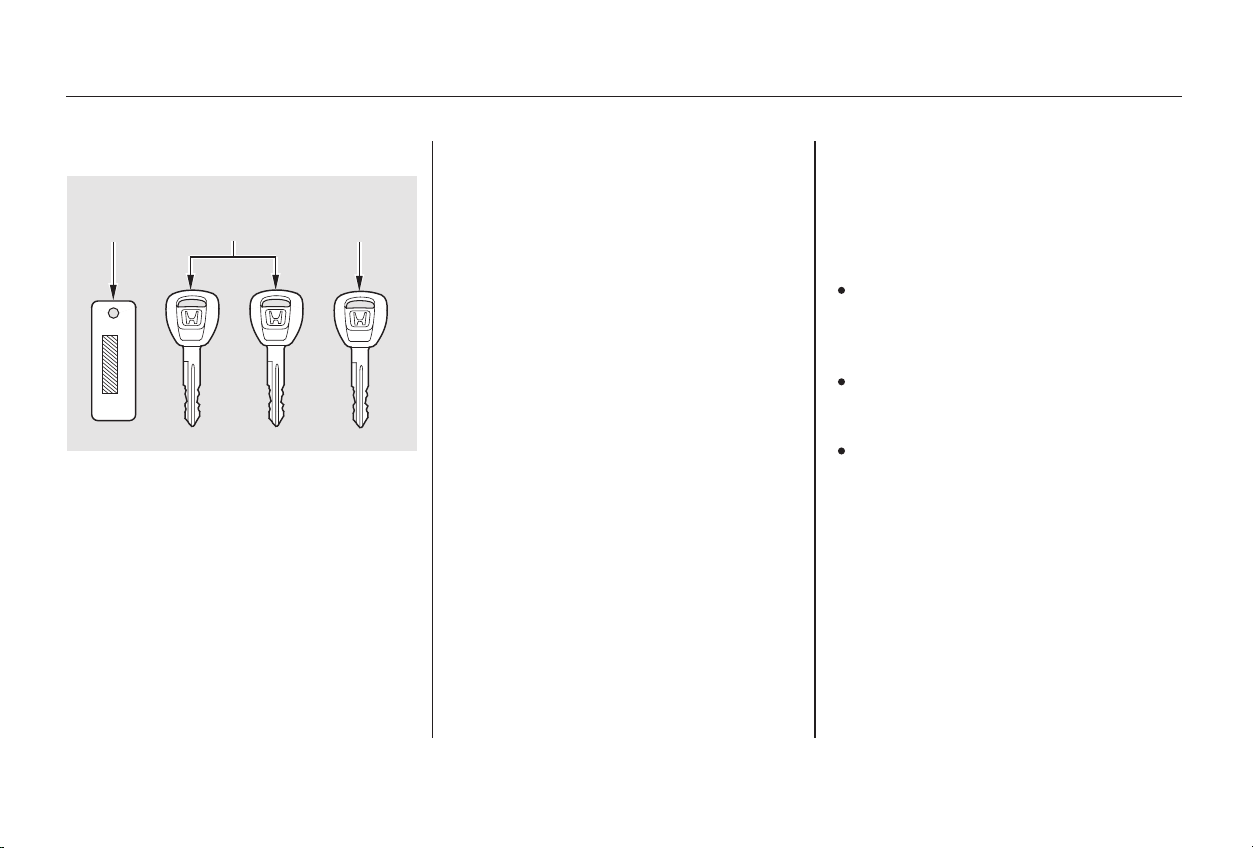
These keys contain electronic
circuits that are activated by the
Immobilizer System. They will not
work to start the engine if the
circuits are damaged.
Protect the keys from direct
sunlight, high temperature, and
high humidity.
Donotdropthekeysorsetheavy
objects on them.
Keep the keys away from liquids.
If they get wet, dry them immedi-
ately with a soft cloth.
The keys do not contain batteries.
Do not try to take them apart.
Some models also come with two
remote transmitters; see page for
an explanation of their operation.
The master key fits all the locks on
your car:
• Ignition
• Doors
• Trunk
• Trunk release handle
• Rear seat trunk access
•Glovebox
Your car comes with two master
keys and a valet key.
Youshouldhavereceivedakey
number plate with your keys. You
will need this key number if you ever
have to get a lost key replaced. Keep
the plate stored in a safe place. If you
need to replace a key, use only
Honda-approved key blanks.
The valet key works only in the
ignition and the door locks. You can
keep the trunk, trunk release handle,
rear seat trunk access and the glove
boxlockedwhenyouleaveyourcar
and the valet key at a parking facility.
79
Keys and Locks
Instruments and Controls
Remote Transmitter
Keys
74
KKEEYY
NNUUMMBBEERR
PPLLAATTEE
MMAASSTTEERR
KKEEYY
((BBLLAACCKK))
VVAALLEETT
KKEEYY
((GGRREEYY))
Main Menu
Table of Contents
This indicator will also blink several
times when you turn the ignition
switch from ON (II) to ACCESSORY
(I) or LOCK (0).
Do not attempt to alter this system
or add other devices to it. Electrical
problems could result that may make
your car undriveable.
If you have lost your key and you
cannot start the engine, contact your
Honda dealer.
The system may not recognize your
key’s coding if another immobilizer
key or other metal object is near the
ignition switch when you insert the
key. To make sure the system
recognizes the key code:
If the system repeatedly does not
recognize the coding of your key,
contact your Honda dealer.
The Immobilizer System protects
your car from theft. A properly-
coded master or valet key must be
used in the ignition switch for the
engine to start. If an improperly-
coded key (or other device) is used,
the engine’s fuel system is disabled.
When you turn the ignition switch to
ON (II), the Immobilizer System
indicator should come on for a few
seconds, then go out. If the indicator
starts to blink, it means the system
does not recognize the coding of the
key. Turn the ignition switch to
LOCK (0), remove the key, reinsert
it, and turn the switch to ON (II)
again.
Do not keep other immobilizer
keys on the same key ring.
Use a plastic or leather key fob,
not metal.
Keep other keys away from your
car’s key and the ignition switch
while trying to start the engine.
CONTINUED
Keys and Locks
Instruments and Controls
Immobilizer System
75
Main Menu
Table of Contents
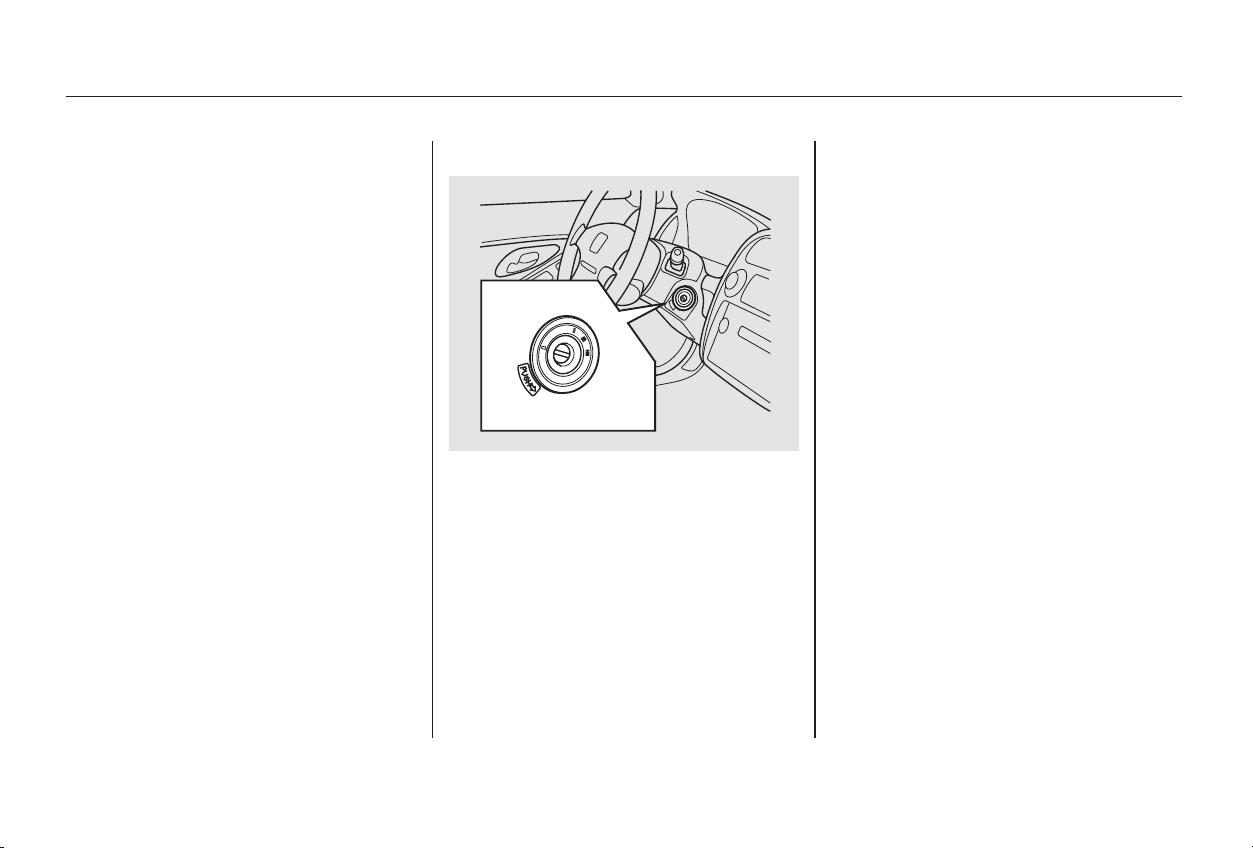
− You can insert or
remove the key only in this position.
To switch from ACCESSORY to
LOCK, you must push the key in
slightly as you turn it. If your car has
an automatic transmission, the shift
lever must also be in Park. The anti-
theft lock will lock the steering
column when you remove the key.
If the front wheels are turned, the
anti-theft lock may sometimes make
it difficult to turn the key from
LOCK to ACCESSORY. Firmly turn
the steering wheel to the left or to
the right as you turn the key.
The ignition switch is on the right
side of the steering column. It has
four positions:
•LOCK(0)
• ACCESSORY (I)
• ON (II)
• START (III)
As required by the FCC:
This device complies with Part 15 of the
FCC rules. Operation is subject to the
following two conditions: (1) This device
may not cause harmful interference, and
(2) this device must accept any
interference received, including
interference that may cause undesired
operation.
Changes or modifications not expressly
approved by the party responsible for
compliance could void the user’s
authority to operate the equipment.
This device complies with Industry
Canada Standard RSS-210.
Operation is subject to the following two
conditions: (1) this device may not cause
interference, and (2) this device must
accept any interference that may cause
undesired operation of the device.
Keys and Locks
Instruments and Controls
LOCK (0)Ignition Switch
76
Main Menu
Table of Contents
−−
−
Use this position
only to start the engine. The switch
returns to ON (II) when you let go of
the key.
The engine will not start if the
Immobilizer System does not
recognize the key’s coding (see page
).
You will hear a reminder beeper if
you leave the key in the ignition
switch in the LOCK (0) or
ACCESSORY (I) position and open
the driver’s door. Remove the key to
turn off the beeper.
In this position,
you can operate the audio system
and the accessory power socket.
This is the normal key
position when driving. All features
and accessories on the car are usable.
Several of the lights on the instru-
ment panel come on as a test when
you turn the ignition switch from
ACCESSORY to ON.
75
Keys and Locks
Instruments and Controls
START (III)ACCESSORY (I)
ON (II)
77
Removing the key from the
ignition switch while driving
locks the steering. This can
cause you to lose control.
Remove the key from the
ignition switch only when
parked.
Main Menu
Table of Contents
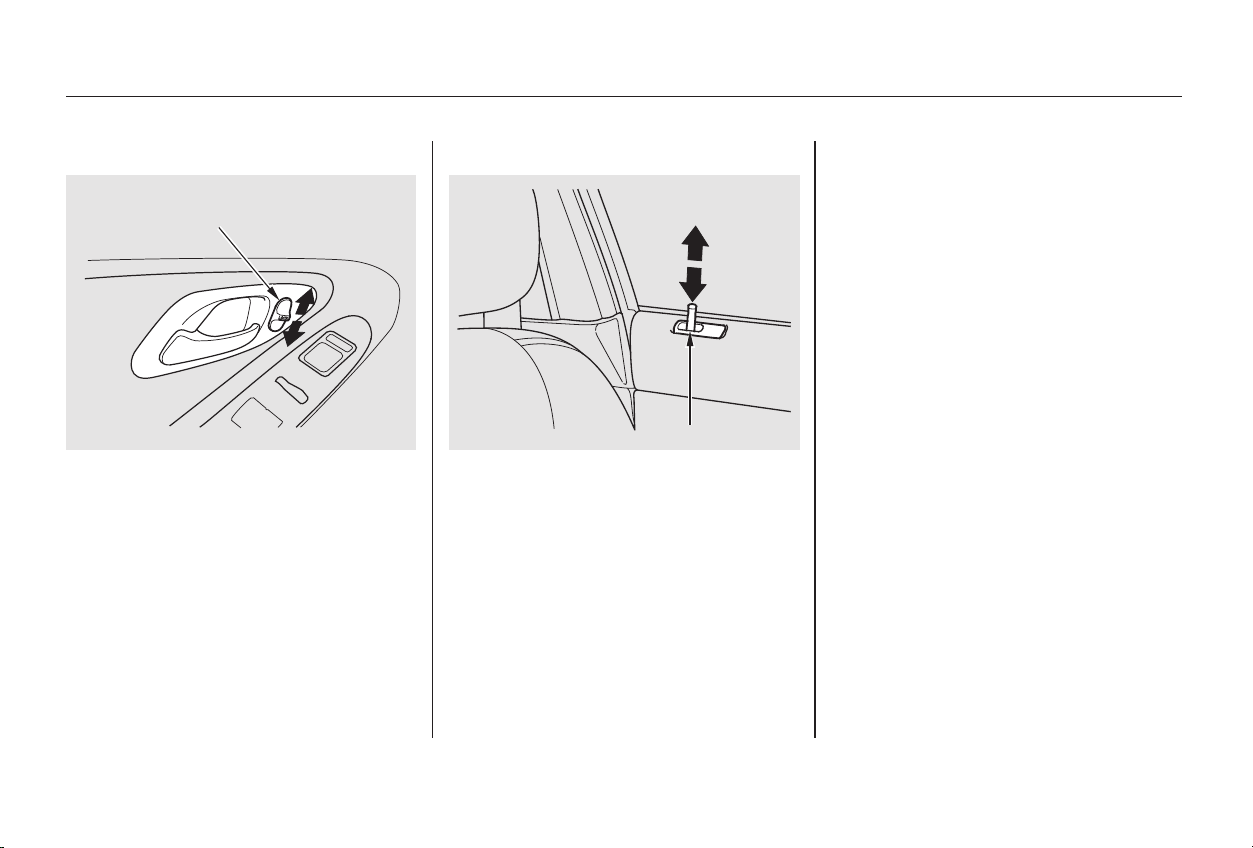
To lock the passenger’s door when
getting out of the car, push the lock
tab down and close the door. To lock
the driver’s door, remove the key
from the ignition switch and push
the lock tab down or push the master
switch down, then close the door.
Both doors can be locked from the
outsidebyusingthekeyineither
door.
To unlock only the driver’s door
from the outside, insert the key in
the driver’s door lock, turn the key
and release it. If you turn the key
and hold it, both doors will unlock.
Both doors will unlock when you
unlock the passenger’s door with the
key.
Each door has a lock tab at the top of
the door. When you push down the
lock tab on the driver’s door, both
doors lock. Pulling up the lock tab on
the driver’s door only unlocks that
door. The lock tab on the passenger’s
door only locks and unlocks that
door.
Each door has a master door
lock switch. Either switch locks
and unlocks both doors. Push
the switch down to lock both
doors and up to unlock them.
Keys and Locks
Instruments and Controls
Power Door Locks
78
LLOOCCKK TTAABB
MMAASSTTEERR DDOOOORR LLOOCCKK SSWWIITTCCHH
Main Menu
Table of Contents
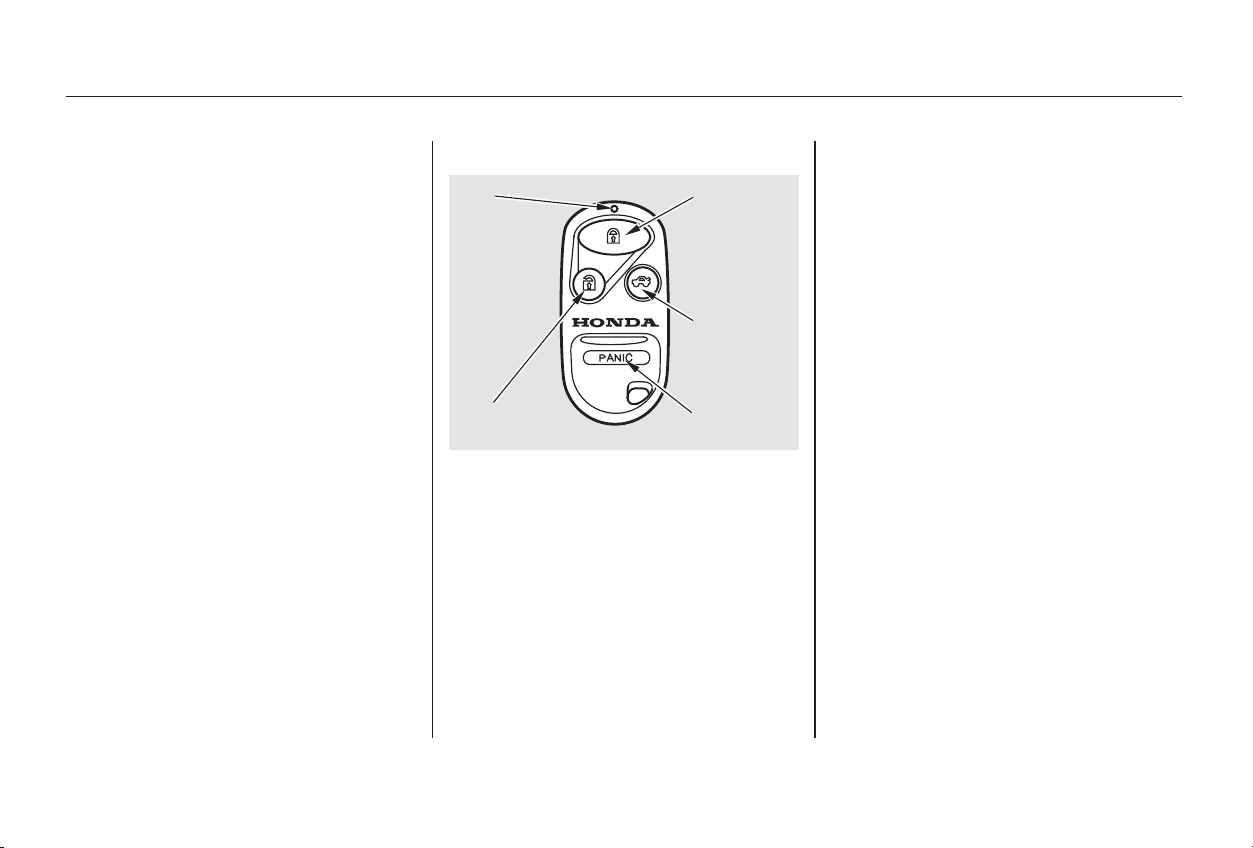
CONTINUED
The ceiling light (if the ceiling light
switch is in the center position) will
come on when you press the
UNLOCK button. If you do not open
either door, the light stays on for
about 10 seconds, then fades out. If
you relock the doors with the remote
transmitter before 10 seconds have
elapsed, the light will go off
immediately.
When you push the LOCK button a
second time within 5 seconds after
you have locked the doors, the horn
will sound once to verify that the
security system will be set.
When you push the UNLOCK button
once, only the driver’s door unlocks.
The passenger’s door unlocks when
you push the button a second time.
The parking lights, side marker
lights, and taillights flash twice.
If you forget and leave the key in the
ignition switch, Lockout Prevention
will not allow you to lock the driver’s
door. With the driver’s door open
andthekeyintheignition,both
master door lock switches are
disabled. However, if the driver’s
door is not open, the master door
lock switches are not disabled.
Pushing the switch down on the
open passenger’s door will lock both
doors. If you try to lock an open
driver’s door by pushing down the
lock tab, the tabs on both doors pop
up. Pushing down the lock tab on the
passenger’s door only locks that door. You can lock and unlock your car
with the remote transmitter. When
you push the LOCK button, both
doors lock. The parking lights, side
marker lights, and taillights flash
once.
On Special Edition, EX, and EX-V6
models
Keys and Locks
Instruments and Controls
Remote Transmitter
Lockout Prevention
79
LLEEDD
UUNNLLOOCCKK
BBUUTTTTOONN
LLOOCCKK
BBUUTTTTOONN
PPAANNIICC
BBUUTTTTOONN
TTRRUUNNKK
RREELLEEAASSEE
BBUUTTTTOONN
Main Menu
Table of Contents
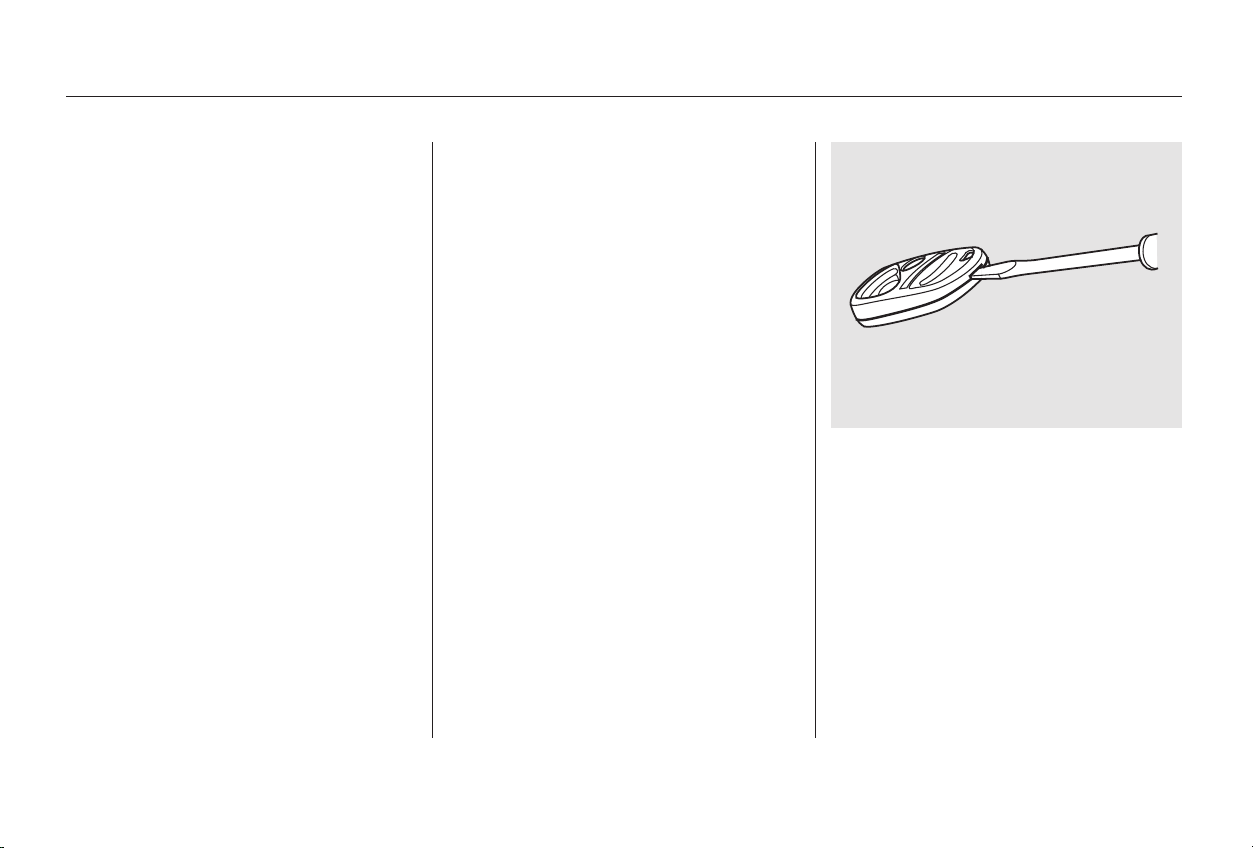
To replace the battery, place a cloth
on the edge of the transmitter and
remove the upper half by carefully
prying on the edge with a small flat-
tip screwdriver.
Panic mode allows you to remotely
activate your car’s security system to
attract attention. When activated, the
horn will sound, and the exterior
lights will flash, for about 30 seconds.
To activate panic mode, press and
hold the PANIC button for about two
seconds.
To cancel Panic mode before 30
seconds, press any button on the
remote transmitter. You can also
turn the ignition switch to ON (II).
When the remote transmitter’s
battery begins to get weak, it may
take several pushes on the button to
lock or unlock the doors, and the
LED will not light. Replace the
battery as soon as possible.
Battery type: CR2025
If you unlock the doors with the
remote transmitter, but do not open
either door within 30 seconds, the
doors automatically relock and the
security system sets.
You cannot lock or unlock the doors
with the remote transmitter if either
door is not fully closed or the key is
in the ignition switch.
To open the trunk, push the Trunk
Release button for approximately
one second.
The trunk will not open if the key is
in the ignition switch.
Keys and Locks
Instruments and Controls
Panic Mode
Replacing the Battery
80
Main Menu
Table of Contents
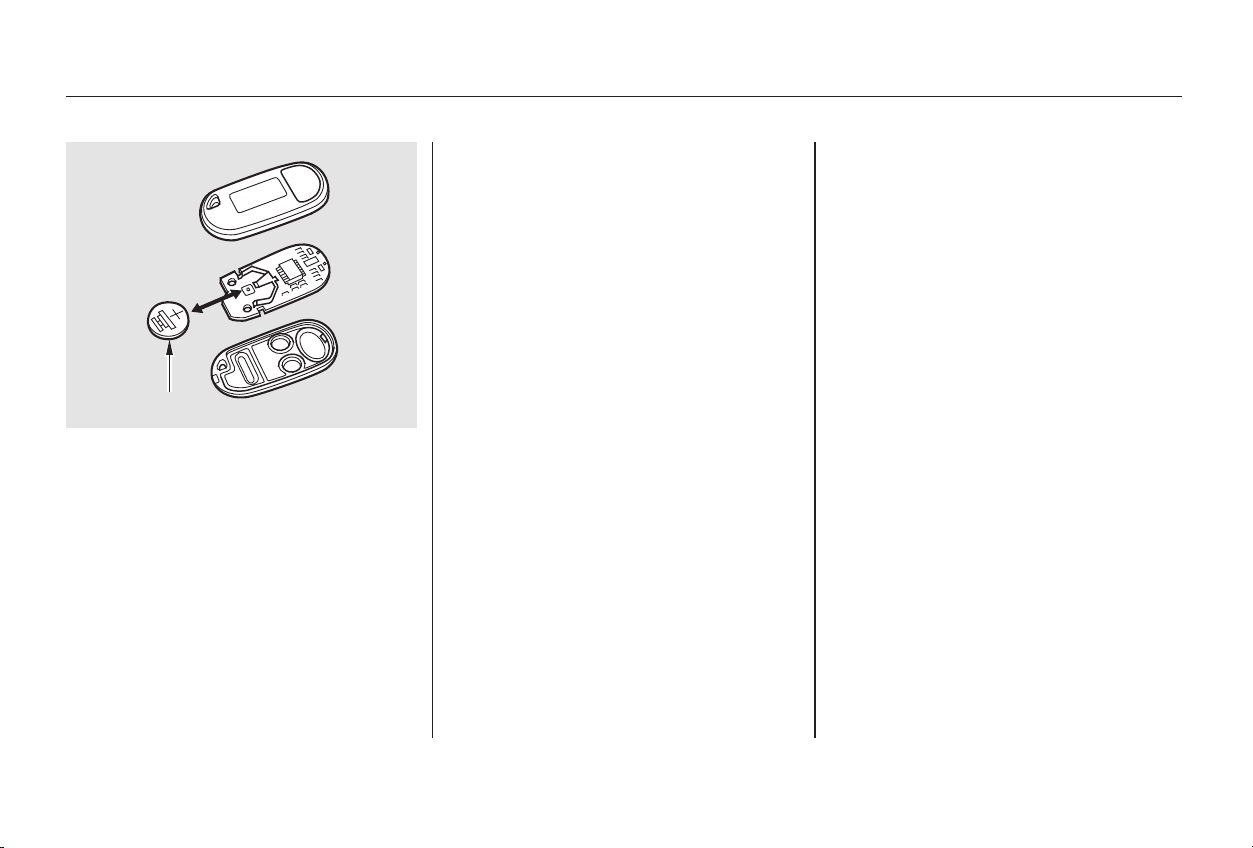
+
Avoid severe shock to the trans-
mitter, such as dropping or throwing
it. Also, protect it from extreme hot
or cold temperatures.
Clean the transmitter case with a
soft cloth. Do not use strong
cleaners or solvents that could harm
the case. Immersing the transmitter
in any liquid will harm the trans-
mitter and cause it to not function
properly.
Remove the old battery and note the
polarity. Make sure the polarity of
the new battery is the same ( side
facing up), then insert it in the
transmitter.
If you lose a transmitter, you will
need to have the replacement
programmed to your car’s system by
your Honda dealer. Any other
transmitters you have will also need
to be reprogrammed.Snapthetwohalvesofthe
transmitter case back together.
As required by the FCC:
This device complies with Part 15 of the
FCC rules. Operation is subject to the
following two conditions: (1) This device
may not cause harmful interference, and
(2) this device must accept any
interference received, including
interference that may cause undesired
operation.
Changes or modifications not expressly
approved by the party responsible for
compliance could void the user’s
authority to operate the equipment.
This device complies with Industry
Canada Standard RSS-210.
Operation is subject to the following two
conditions: (1) this device may not cause
interference, and (2) this device must
accept any interference that may cause
undesired operation of the device.
Transmitter Care
Keys and Locks
Instruments and Controls
81
BBAATTTTEERRYY
Main Menu
Table of Contents
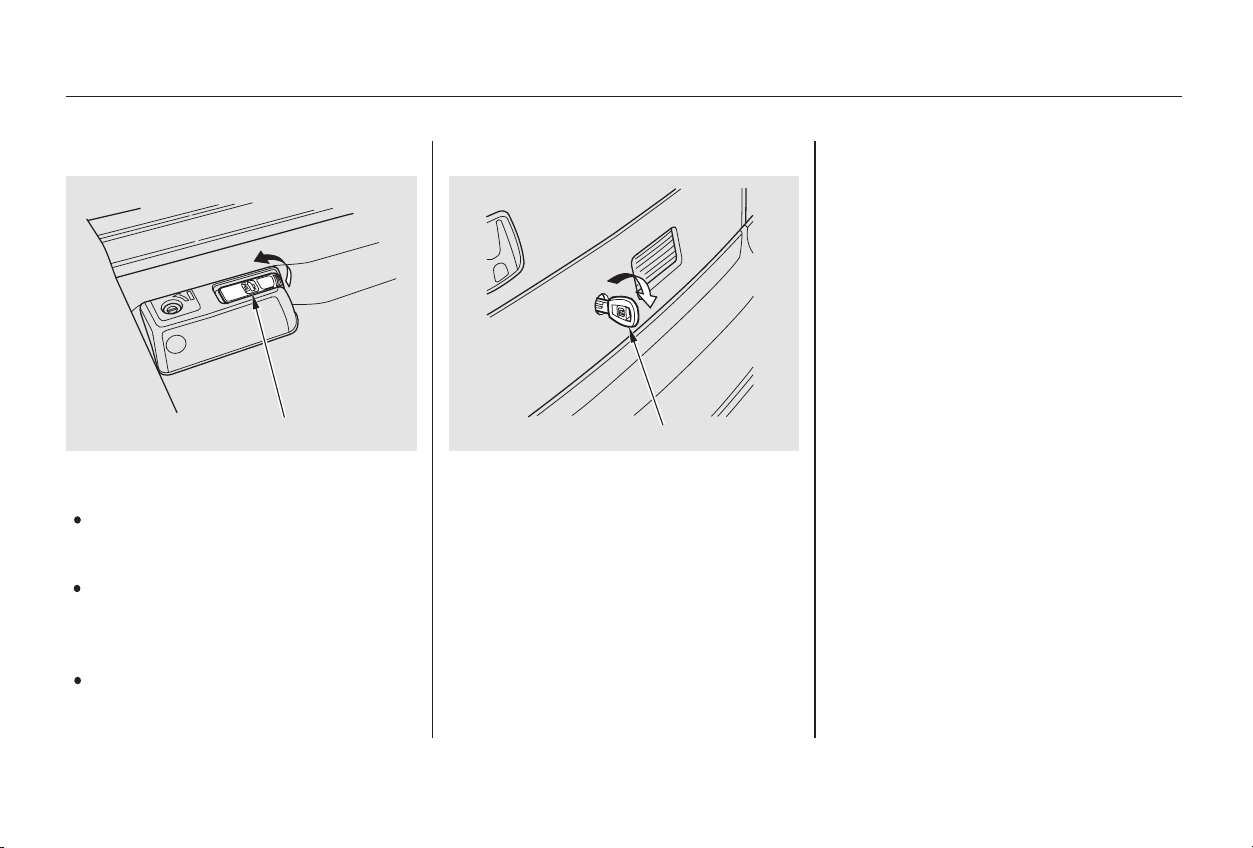
Usethemasterkeytoopenthe
trunk lock. The valet key does not
work in this lock.
To close the trunk, press down on
the trunk lid.
See page for cargo loading and
weight limit information. Keep the
trunk lid closed at all times while
driving to avoid damaging the lid,
and to prevent exhaust gas from
getting into the interior. See
on page .
Pull the trunk release handle to
the left of the driver’s seat.
Press the trunk release button on
the remote transmitter.
Youcanopenthetrunkintwoor
three ways:
52
202Trunk
Carbon
Monoxide Hazard
Keys and Locks
Instruments and Controls
82
TTRRUUNNKK RREELLEEAASSEE HHAANNDDLLEE
MMAASSTTEERR KKEEYY
Main Menu
Table of Contents
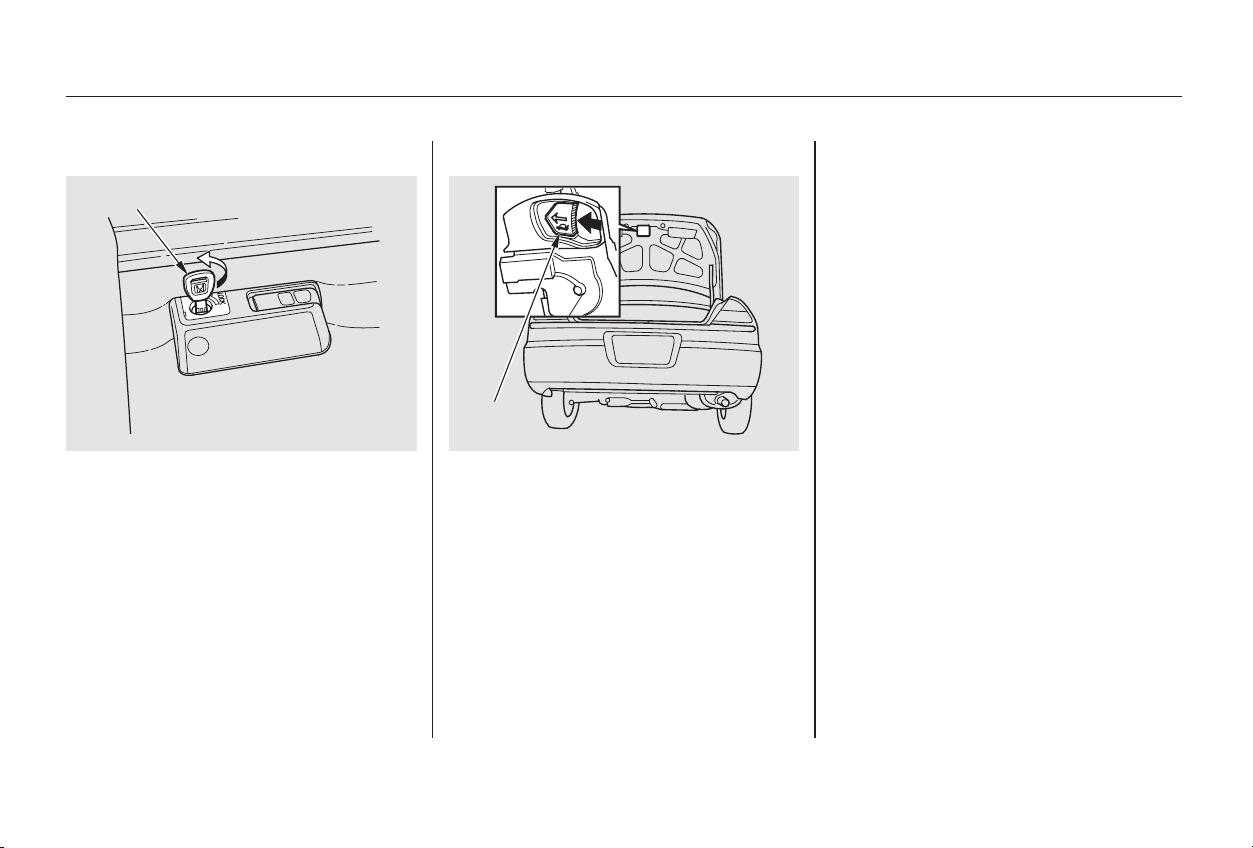
To protect items in the trunk when
you need to give the key to someone
else:
Lock the trunk release handle
with the master key.
Give the person the valet key.
As a safety feature, your car has a
release lever on the trunk latch so
the trunk can be opened from the
inside.
Parents should decide if their
children should be shown how to use
this feature.
For more information about child
safety, see pages and .
To open the trunk, push the release
lever to the left.
1.
2.
24 25
Keys and Locks
Instruments and Controls
Emergency Trunk Opener
U.S. models only
83
MMAASSTTEERR KKEEYY
RREELLEEAASSEE
LLEEVVEERR
Main Menu
Table of Contents
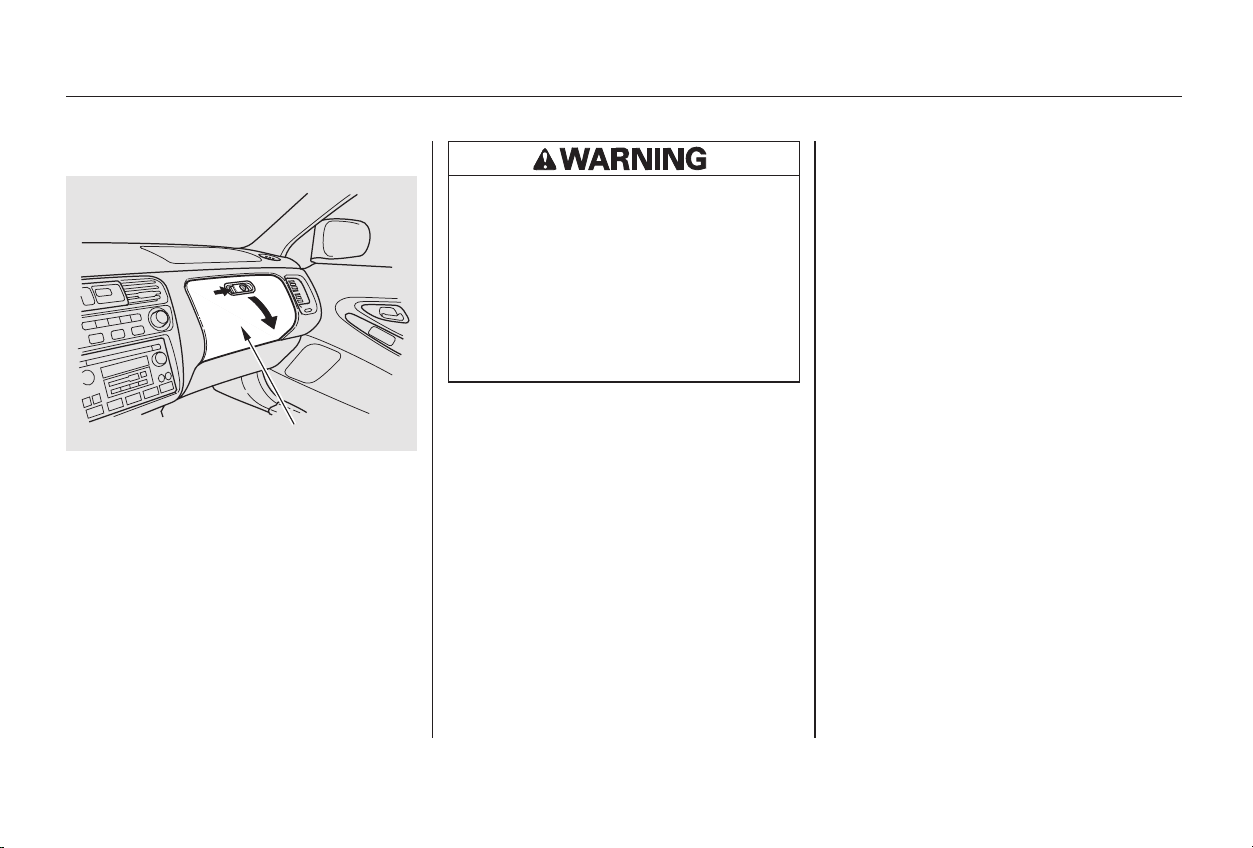
Open the glove box by squeezing the
handle. Close it with a firm push.
Lock or unlock the glove box with
the master key.
The glove box light comes on only
when the instrument panel lights are
on.
Glove Box
Keys and Locks
Instruments and Controls
84
GGLLOOVVEE BBOOXX
An open glove box can cause
serious injury to your passenger
inacrash,evenifthe
passenger is wearing the seat
belt.
Always keep the glove box
closed while driving.
Main Menu
Table of Contents
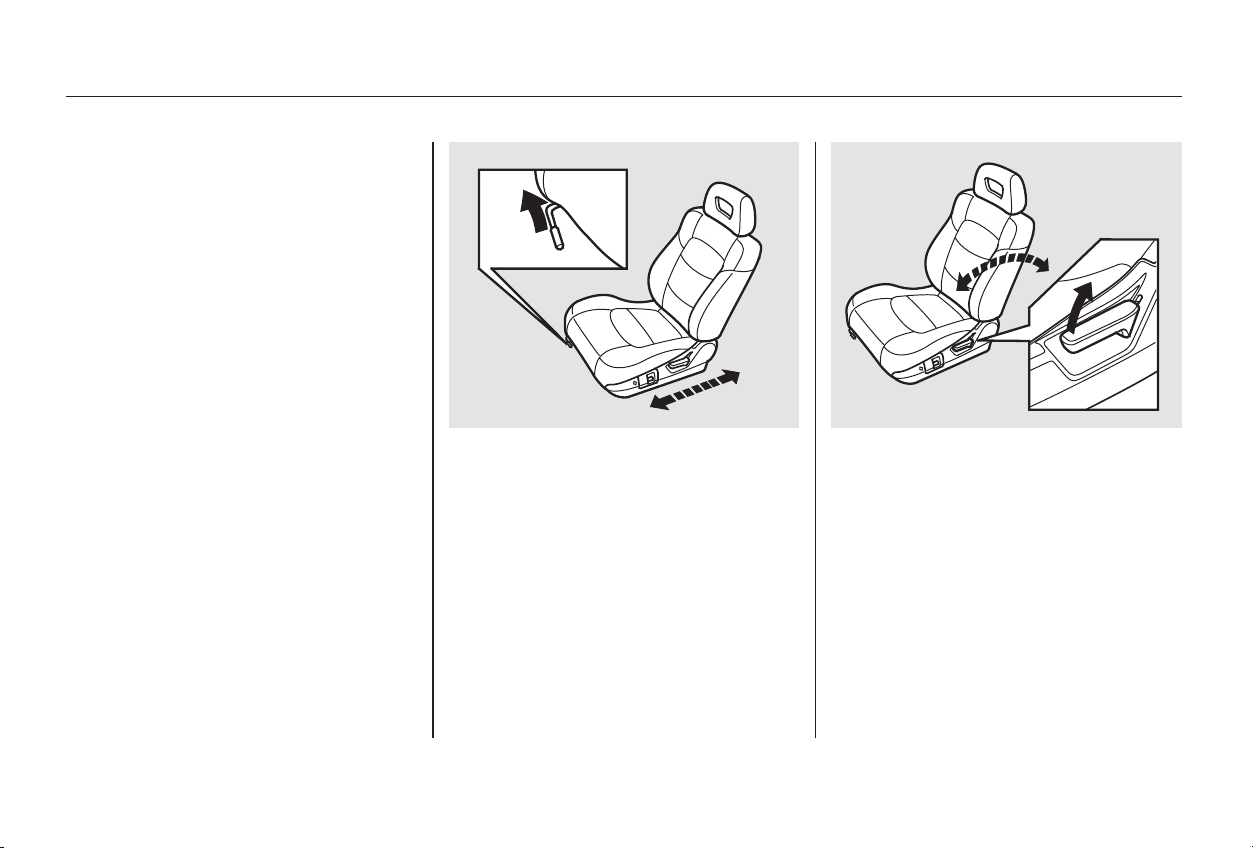
−See pages for important safety
information and warnings about how to
properly position seats and seat-backs.
13 14
To adjust the seat forward and
backward, pull up on the lever under
the seat cushion’s front edge. Move
the seat to the desired position and
releasethelever.Trytomovethe
seat to make sure it is locked in
position.
To change the angle of the seat-back,
pull up on the lever on the outside of
the seat bottom. Move the seat-back
to the desired position and release
the lever. Let the seat-back latch in
the new position.
Make all seat adjustments before
you start driving.
FrontSeatAdjustments
Seat Adjustments
Instruments and Controls
85
Main Menu
Table of Contents
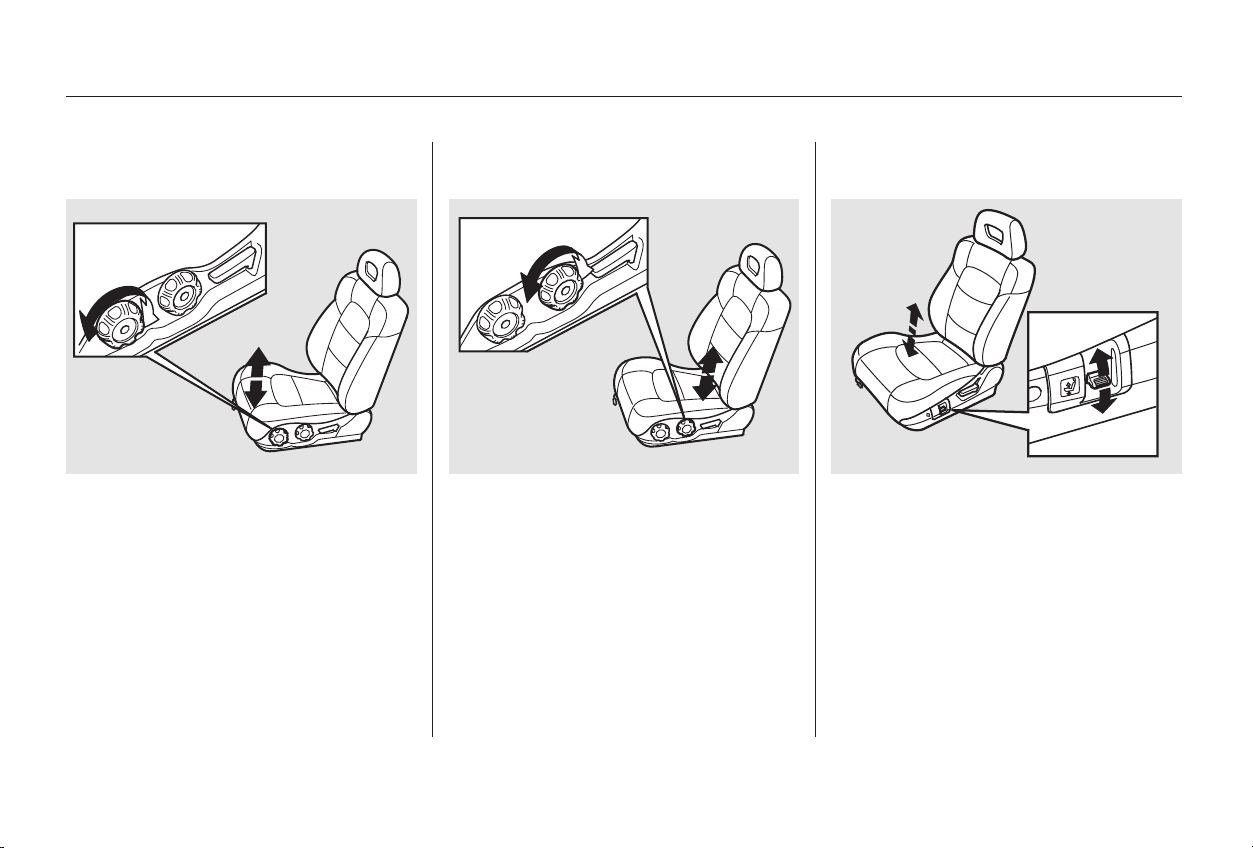
The height of your driver’s seat is
adjustable. Turn the front dial on the
outside of the seat cushion to raise
the front of the seat bottom and turn
the rear dial to raise the rear.
Make all adjustments before you
start driving.
The height of your driver’s seat is
power adjustable. Pull up on the
switch to raise the seat. Push it down
to lower the seat.
Make all adjustments before you
start driving.
On LX model On Special Edition and EX models
Driver’s Seat Manual Height
Adjustment
Driver’s Seat Power Height
Adjustment
Seat Adjustments
Instruments and Controls
86
Main Menu
Table of Contents
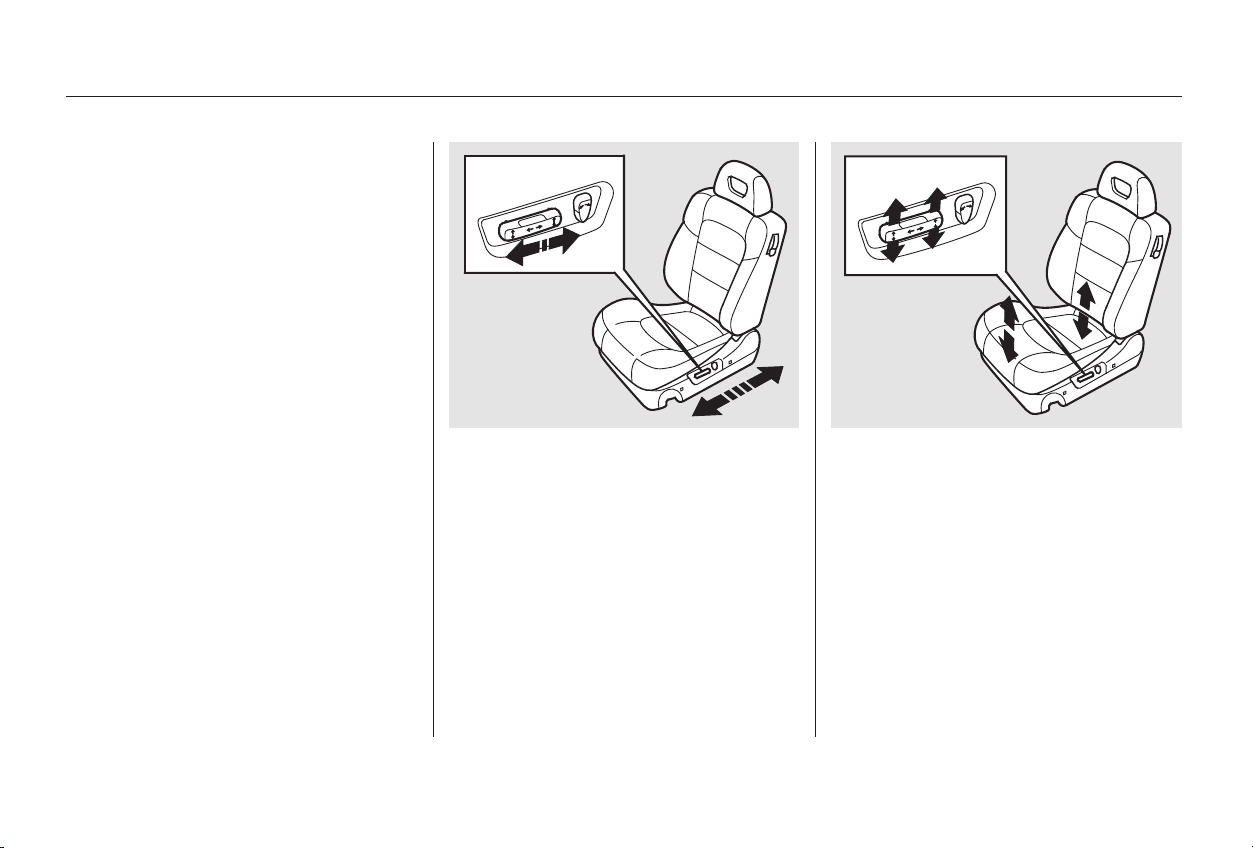
−
Pull up or push down on the front of
the switch to move the seat bottom’s
front edge up or down. Pull up or
push down on the rear of the switch
to move the rear of the seat bottom
up or down.
Push the horizontal switch forward
or backward to move the seat
forward or backward.
The two power seat adjustment
switches are on the outside edge of
the seat bottom. The horizontal
switch adjusts the seat bottom in
several directions. The short vertical
switch adjusts the seat-back angle.
You can adjust the seat with the
ignition switch in any position. Make
all seat adjustments before you start
driving.
See pages for important safety
information and warnings about how to
properly position seats and seat-backs.
On all V6 models and the 4-cylinder EX
model with leather interior
13 14
CONTINUED
Driver’s Seat Power Adjustments
Seat Adjustments
Instruments and Controls
87
Main Menu
Table of Contents
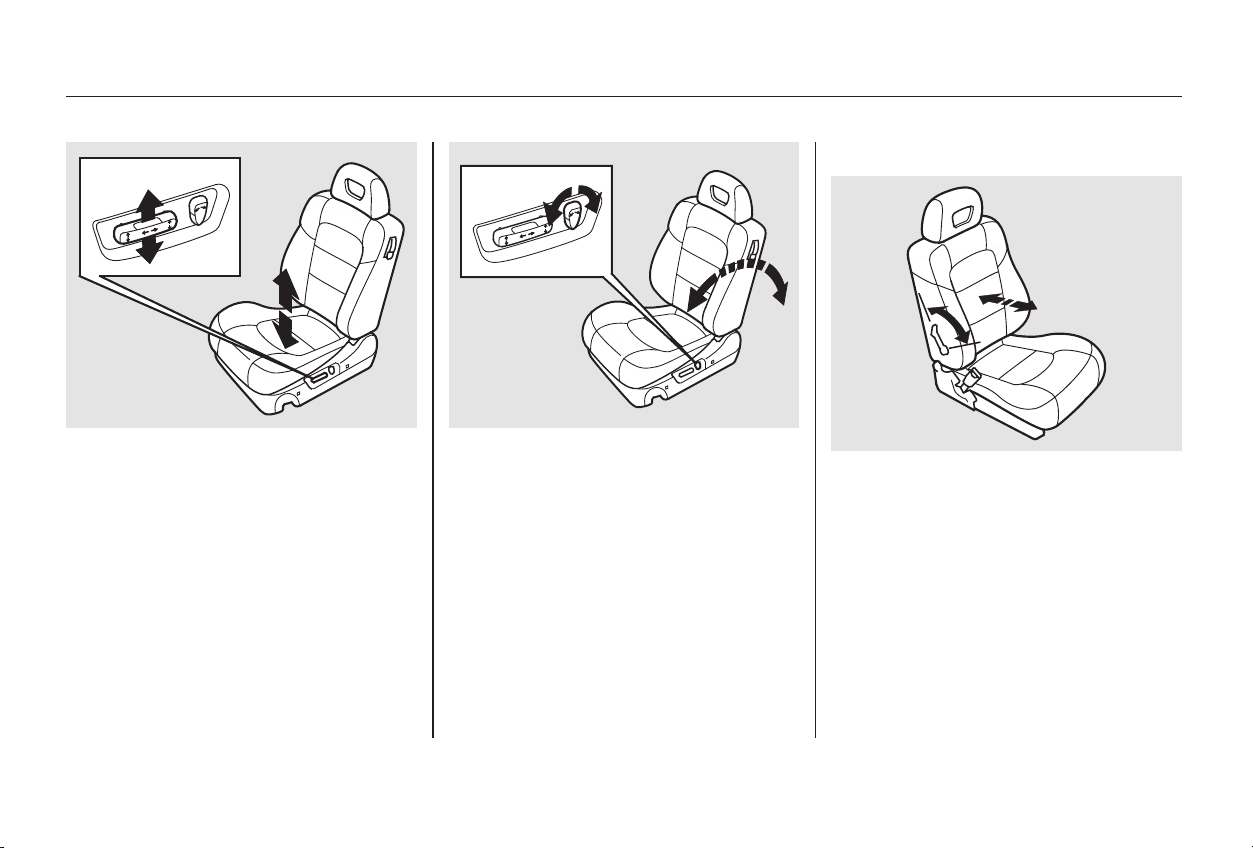
Pull the center of the horizontal
switch up to raise the seat. Push it
down to lower the seat.
Adjust the seat-back angle by
pushing the rear switch in the
direction you want to move. Vary the lumbar support by moving
the lever on the right side of the
seat-back. Move the lever forward or
backward to adjust the lumbar
support through its full range.
On EX and EX-V6 models
Driver’s Lumbar Support
Seat Adjustments
Instruments and Controls
88
Main Menu
Table of Contents
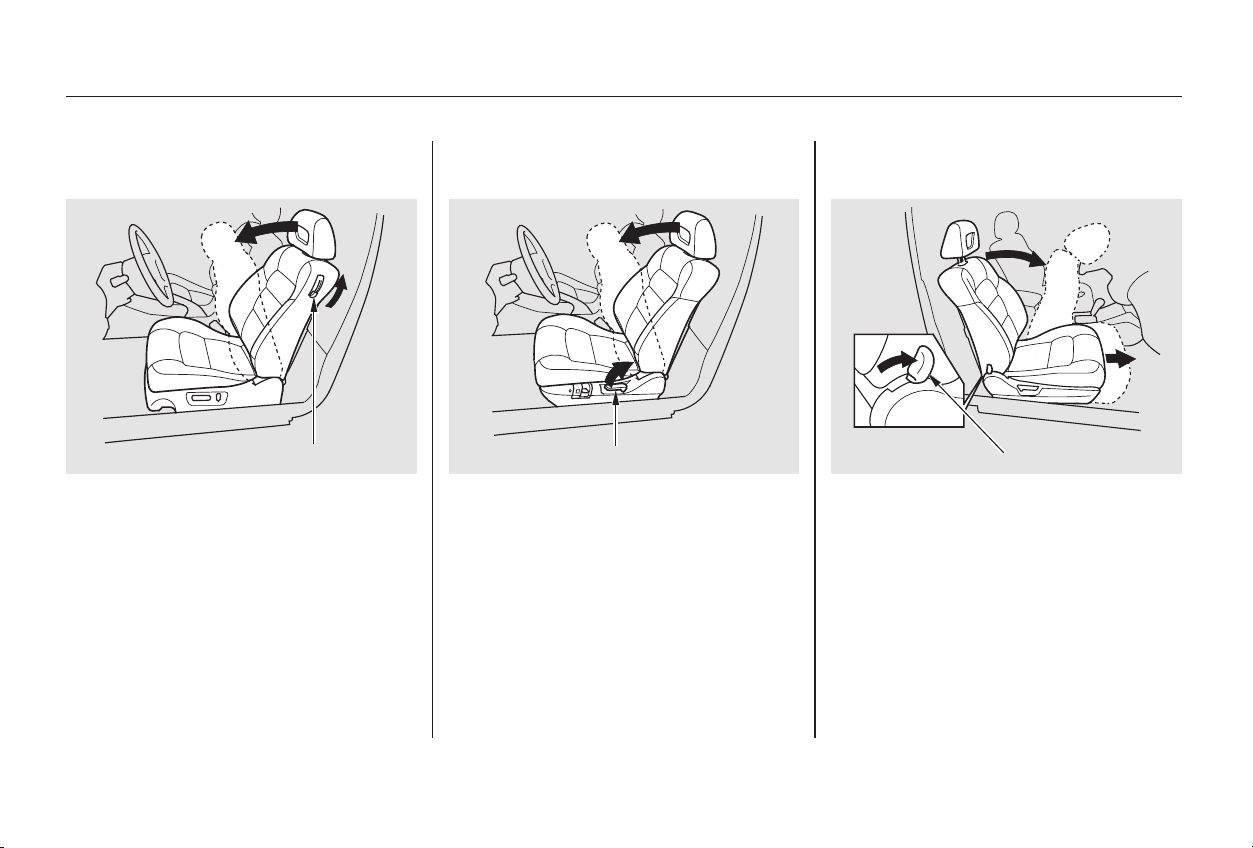
To get into the rear seat on the
driver’s side, open the door and pull
the release lever up on the side of
the seat-back. The seat-back will tilt
forward to allow easier entry to the
rear seat.
To get into the rear seat on the
passenger’s side, push forward on
the release lever at the base of the
seat-back. The seat-back will tilt
forward and the entire seat will move
forward to allow easier entry to the
rear seat. After you return the seat-
back to the upright position, push
the whole seat backwards until it
latches. Make sure the seat is fully
latched before sitting in it.
To get into the rear seat on the
driver’s side, open the door and pull
up on the seat-back adjustment lever.
The seat-back will tilt forward to
allow easier entry to the rear seat.
On all V6 models and the 4-cylinder EX
model with leather interior
On Special Edition, EX, and the
U.S. LX models
Rear Seat Access
Driver’s Side Passenger’s Side
Seat Adjustments
Instruments and Controls
89
RREELLEEAASSEE LLEEVVEERR
SSEEAATT--BBAACCKK AADDJJUUSSTTMMEENNTT LLEEVVEERR
RREELLEEAASSEE LLEEVVEERR
Main Menu
Table of Contents
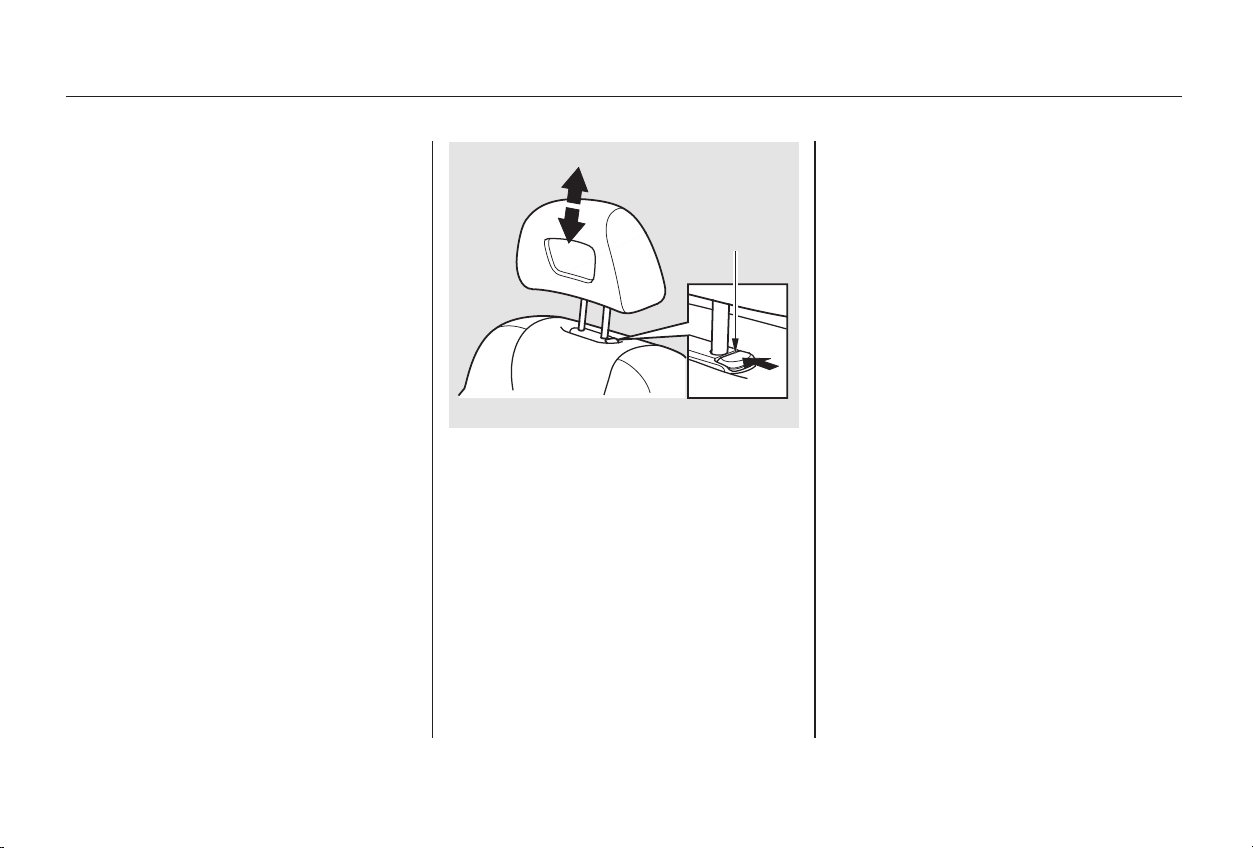
To remove a head restraint for
cleaning or repair, pull it up as far as
it will go. Push the release button
and pull the restraint out of the seat-
back.
The front head restraints help
protect you and your passenger from
whiplash and other injuries. They are
most effective when you adjust them
so the back of the occupant’s head
rests against the center of the
restraint. A taller person should
adjust the restraint as high as
possible. The front head restraints adjust for
height. You need both hands to
adjust the restraint. Do not attempt
to adjust it while driving. To raise it,
pull upward. To lower the restraint,
push the release button sideways
and push the restraint down.
See page for important safety
information and a warning about how to
properly position the head restraints.
15
Head Restraints
Seat Adjustments
Instruments and Controls
90
RREELLEEAASSEE
BBUUTTTTOONN
Main Menu
Table of Contents
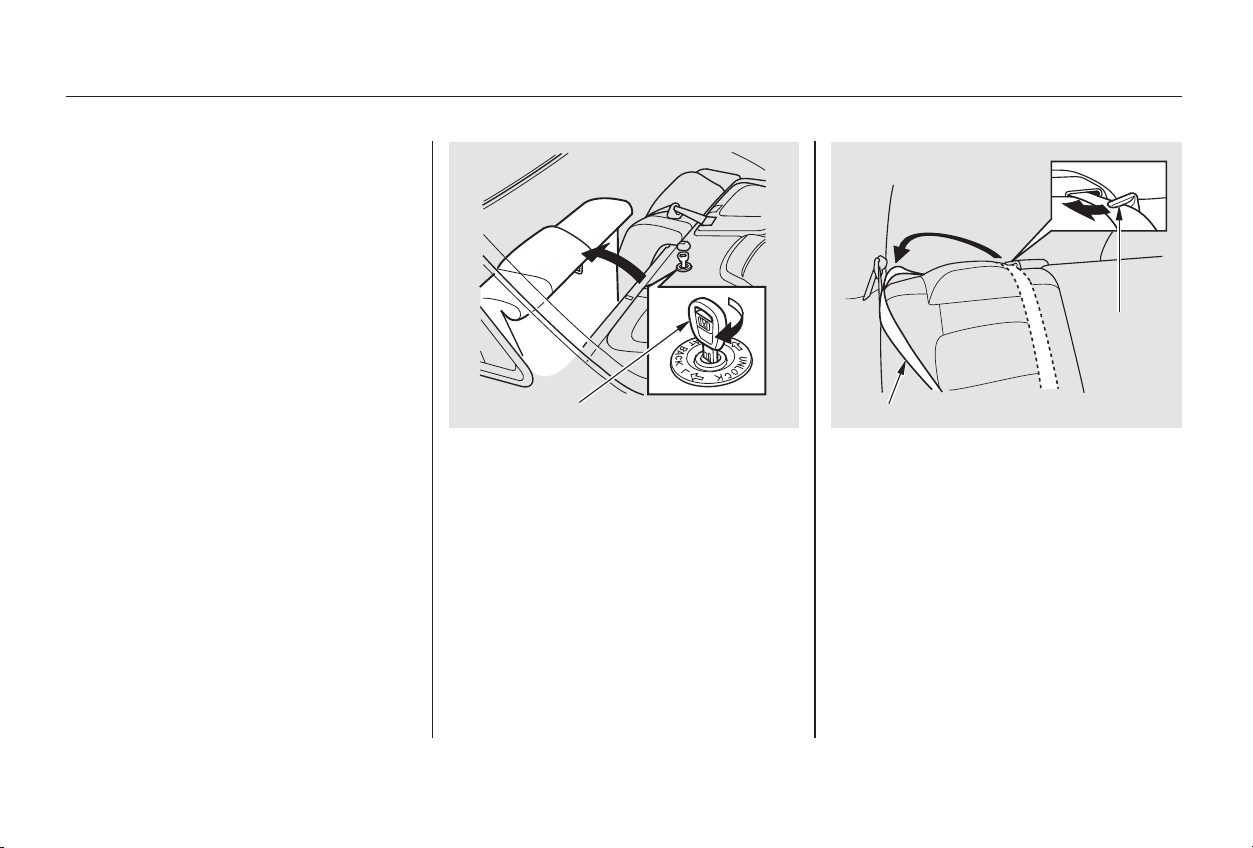
When storing cargo, you can move
therearcentershoulderbeltoutof
the way by removing the belt from
the guide.
The back of the rear seat folds down
to give you direct access to the trunk.
Each side folds down separately.
With only half the seat folded, you
can still carry a passenger in the
back seat. The seat-back can be
released from inside the car or inside
the trunk.
To fold down either side of the seat-
back from inside the car, insert the
master key in the lock on the rear
shelf. To fold down the driver’s side,
turn the key clockwise, pull down the
top of the seat-back, then release the
key. To fold down the passenger’s
side, turn the key counterclockwise
and perform the same procedure.
CONTINUED
Folding Rear Seat
Seat Adjustments
Instruments and Controls
91
MMAASSTTEERR KKEEYY CCEENNTTEERR SSHHOOUULLDDEERR BBEELLTT
GGUUIIDDEE
Main Menu
Table of Contents
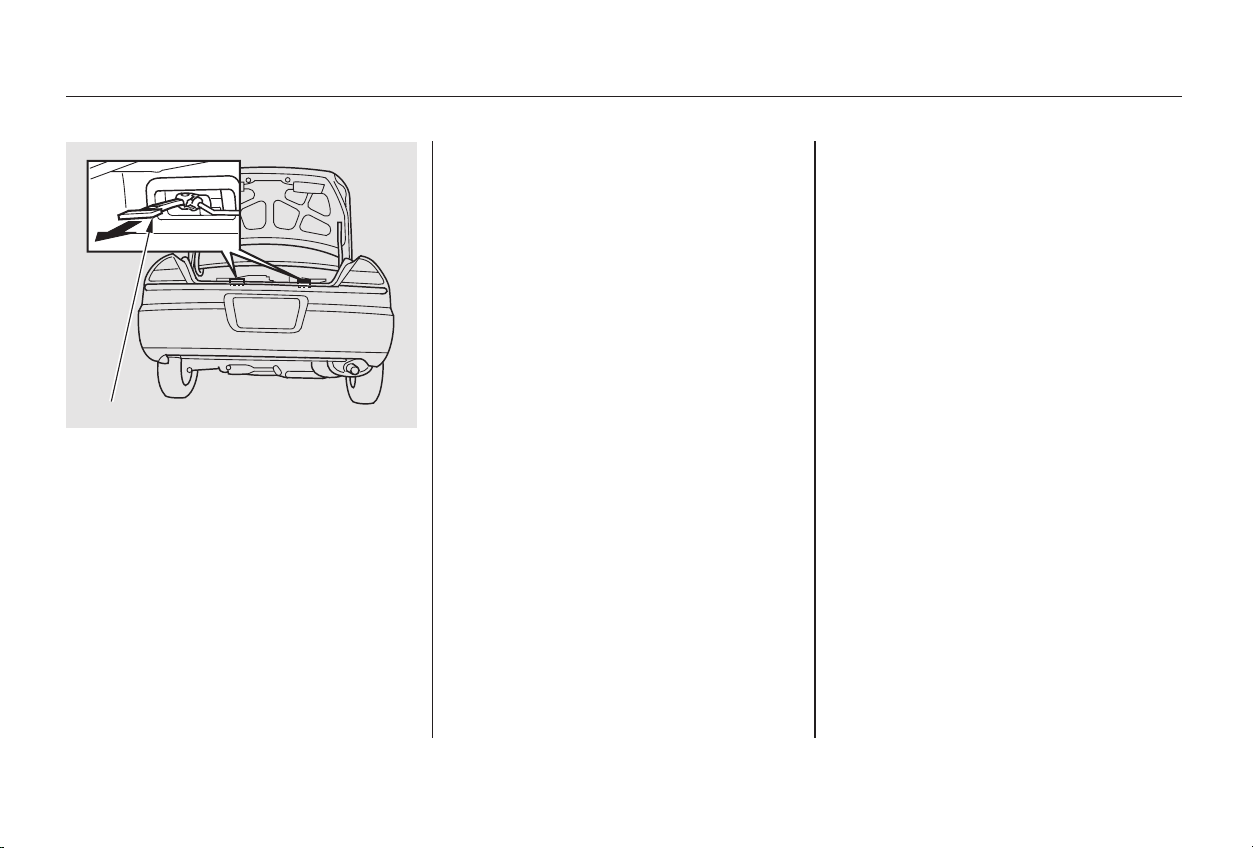
Make sure all rear shoulder belts are
positioned in front of the rear seat-
back whenever the seat-back is in its
upright position.
Never drive with the seat-back
folded down and the trunk lid open.
See on
page .
To lock the seat-back upright, push it
firmly against the trunk panel. Make
sure it is latched in place by pulling
on the top of the seat.
Make sure all items in the trunk, or
items extending through the opening
into the back seat, are secured.
Looseitemscanflyforwardand
cause injury if you have to brake
hard. See on page
.
To release the seat-back from inside
the trunk, pull the release under the
trunk panel. Push the seat-back
down, then let go of the release.
Do not put any heavy items on the
seat-back when it is folded.
184
52
Carbon Monoxide Hazard
Carrying Cargo
Seat Adjustments
Instruments and Controls
92
RREELLEEAASSEE
Main Menu
Table of Contents
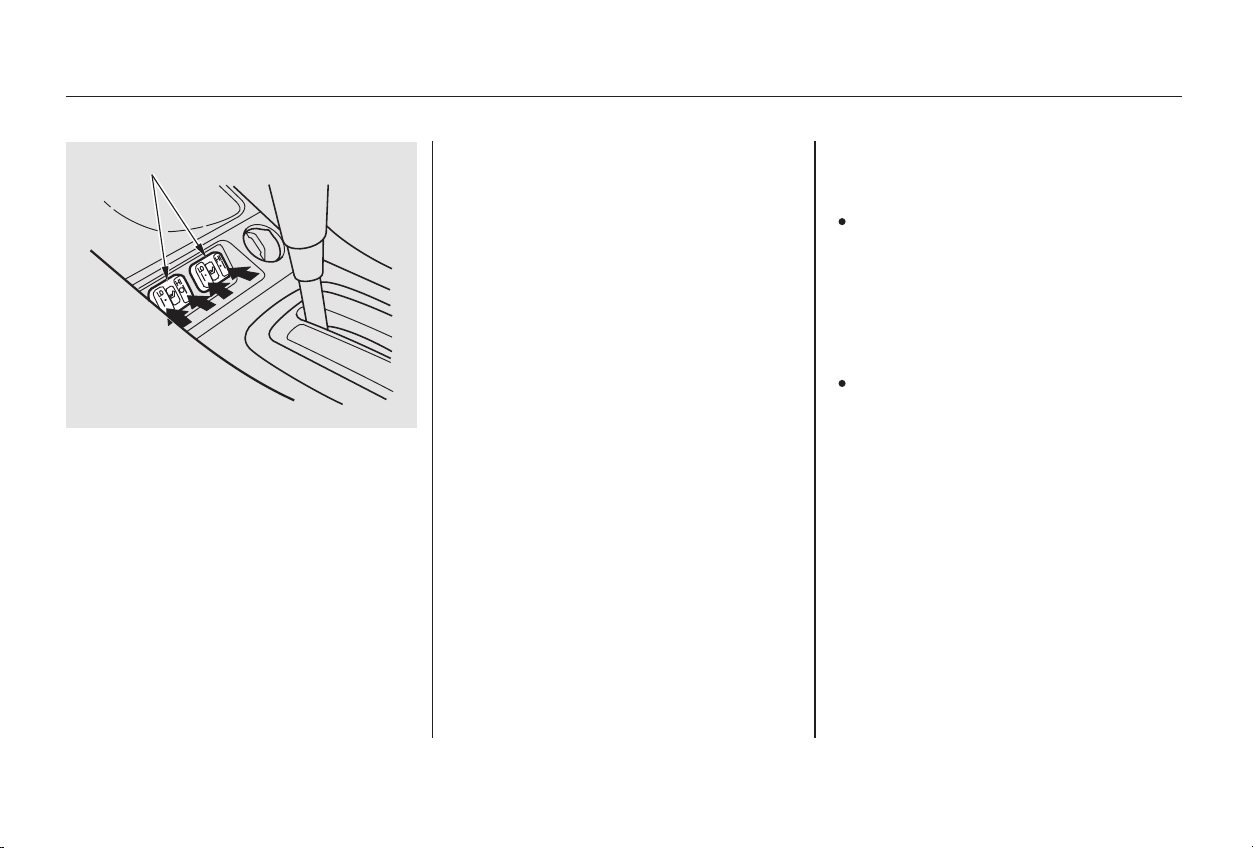
In HI, the heater turns off when the
seat gets warm, and turns back on
after the seat’s temperature drops. It
continues to cycle as long as you
leave it set on HI. The HI indicator
remains lit as a reminder that you
have the heater on.
In LO, the heater runs continuously.
It does not cycle with temperature
changes.
Follow these precautions whenever
you use the seat heaters:
Use the HI setting only to heat the
seats quickly. Select the LO
setting when the seats feel warm.
The HI setting draws large
amounts of current from the
battery.
Do not use the seat heaters, even
on the LO setting, if the engine is
left idling for an extended period.
They can weaken the battery,
causing hard starting.
The HI or LO indicator lights and
remains lit until you turn it off by
pushing the opposite side of the
switch lightly. The indicator will turn
off.
Because of the sensors for the side
airbag system, there is no heater in
the passenger’s seat-back.
Both front seats are equipped with
seat heaters. The ignition must be
ON (II) to use them. Push the right
side of the switch, HI, to rapidly heat
up the seat. After the seat reaches a
comfortable temperature, select LO
by pushing the left side of the switch.
This will keep the seat warm.
Standard on Canadian Special Edition,
EX-V6, and EX with leather interior
models
Instruments and Controls
Seat Heaters
93
SSEEAATT HHEEAATTEERRSS
Main Menu
Table of Contents
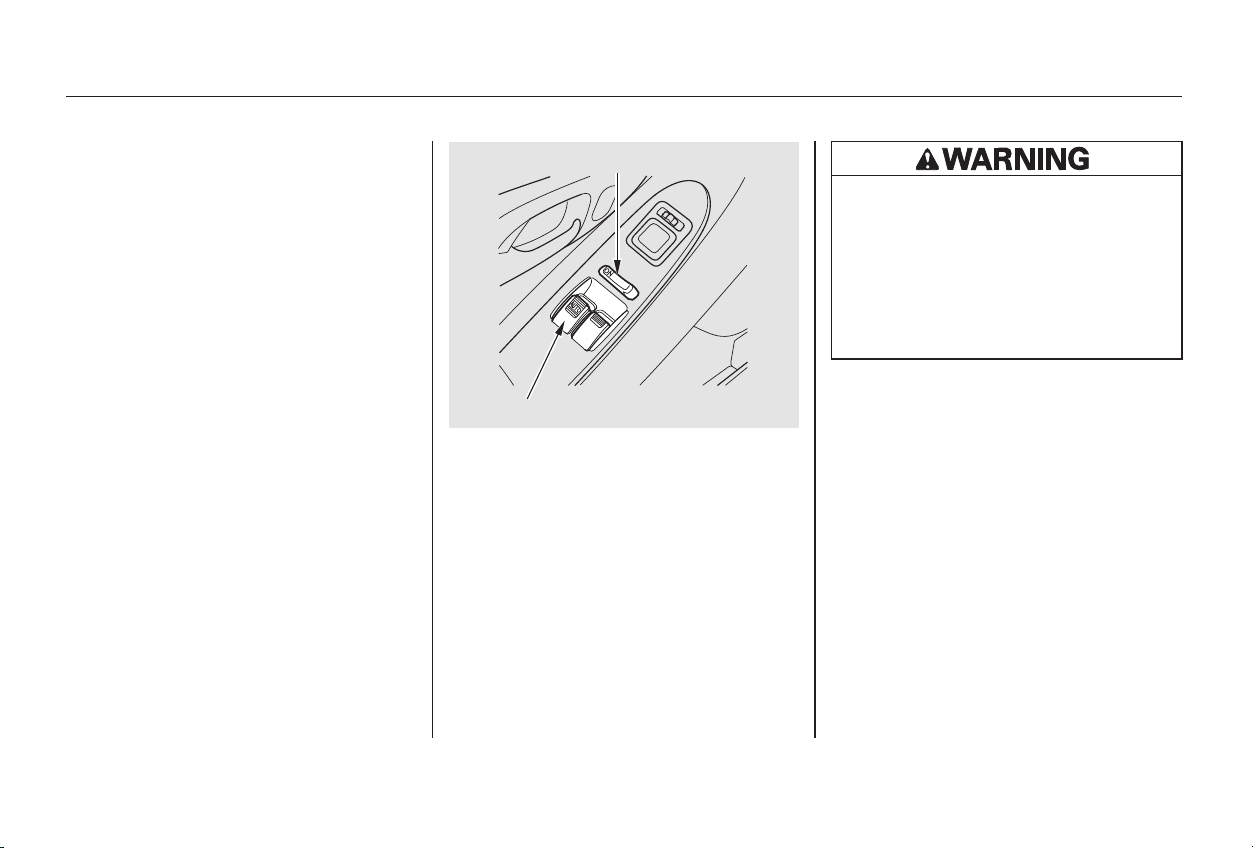
The driver’s armrest has a master
power window control panel. To
open the passenger’s window, push
down on the switch and hold it down
until the window reaches the desired
position. To close the window, pull
back on the window switch. Release
the switch when the window gets to
the position you want.
Your car’s windows are electrically-
powered. Turn the ignition switch to
ON(II)toraiseorloweranywindow.
Each door has a switch that controls
its window. To open the window,
push the switch down and hold it.
Release the switch when you want
the window to stop. Close the
window by pulling back on the
switch and holding it.
Power Windows
Instruments and Controls
94
DDRRIIVVEERR’’SS WWIINNDDOOWW SSWWIITTCCHH
MMAAIINN SSWWIITTCCHH
Closing a power window on
someone’s hands or fingers can
cause serious injury.
Make sure your passengers are
away from the windows before
closing them.
Main Menu
Table of Contents

−
The master control panel also con-
tains these extra features:
To open the driver’s window only
partially, push the window switch
down lightly and hold it. The window
will stop as soon as you release the
switch.
To open the driver’s
window fully, push the window
switch firmly down and release it.
The window automatically goes all
the way down. To stop the window
from going all the way down, pull
back on the window switch briefly.
The MAIN switch controls power to
the passenger’s window. With this
switch off, the passenger’s window
cannot be raised or lowered. The
MAIN switch does not affect the
driver’s window. Keep the MAIN
switch off when you have children in
the car so they do not injure them-
selves by operating the window
unintentionally.
The power window system has a key-
off delay function. The windows will
stilloperateforuptotenminutes
after you turn off the ignition.
Opening either door cancels the
delay function. You must turn the
ignition switch ON (II) again before
you can raise or lower the windows.
The AUTO function only works to
lower the driver’s window. To raise
the window, you must pull back on
the window switch and hold it until
the window reaches the desired
position.
The light inside the AUTO switch
comes on when you turn the ignition
switch to ON (II).
AUTO
Power Windows
Instruments and Controls
95
Main Menu
Table of Contents
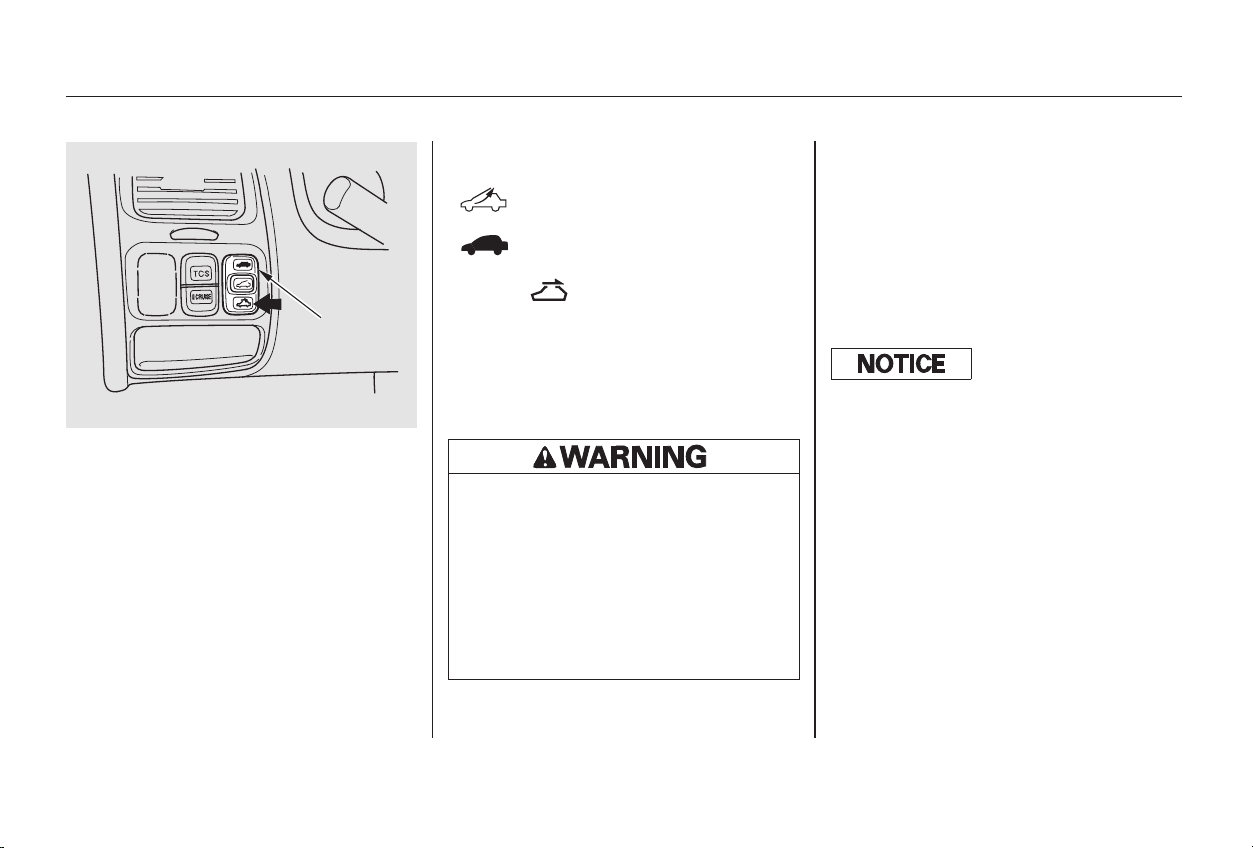
To tilt up the back of the moonroof,
press and hold the center button
( ). To close the moonroof,
press and hold the top of the switch
( ). To open the moonroof,
press and hold the bottom of the
switch ( ). Release the switch
when the moonroof gets to the
desired position. Make sure
everyone’s hands are away from the
moonroof before opening or closing
it.
The moonroof has a key-off delay.
You can still open and close the
moonroof for up to ten minutes after
you turn off the ignition. The key-off
delay cancels as soon as you open
either door. You must then turn the
ignition ON (II) for the moonroof to
operate.
The moonroof has two positions: it
can be tilted up in the back for
ventilation, or it can be slid back into
the roof. Use the switch under the
left dashboard vent to operate the
moonroof. The ignition switch must
be ON (II).
On Special Edition, EX, and EX-V6
models
Moonroof
Instruments and Controls
96
MMOOOONNRROOOOFF
SSWWIITTCCHH
Opening or closing the
moonroof on someone’s hands
or fingers can cause serious
injury.
Make sure all hands and fingers
are clear of the moonroof
before opening or closing it.
If you try to open the moonroof in
below-f reezing temperatures, or when
it is covered with snow or ice, you can
damage the moonroof panel or motor.
Main Menu
Table of Contents
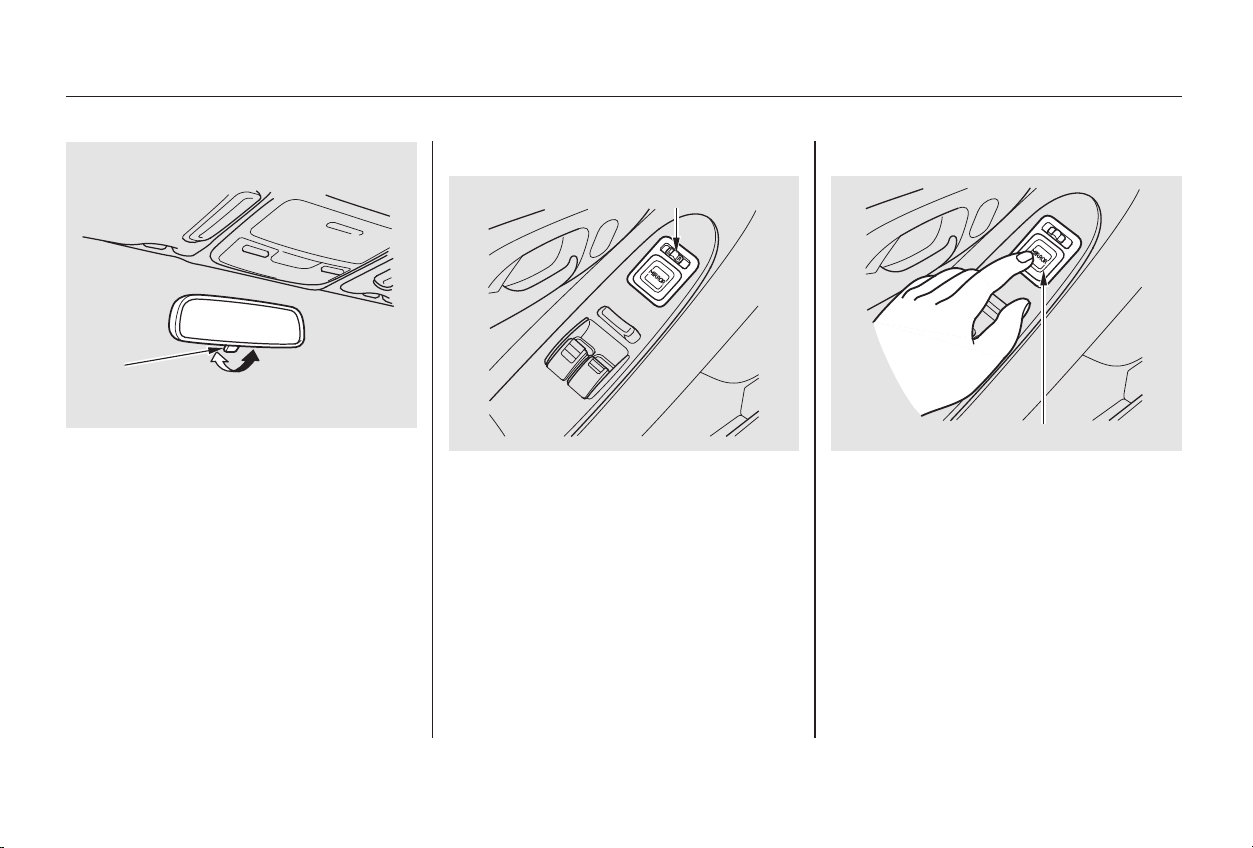
Push the appropriate edge of the
adjustment switch to move the
mirrorright,left,up,ordown.
Adjust the outside mirrors with the
adjustment switch on the driver’s
door armrest:
Turn the ignition switch ON (II).
Move the selector switch to L
(driver’s side) or R (passenger’s
side).
Keeptheinsideandoutsidemirrors
clean and adjusted for best visibility.
Be sure to adjust the mirrors before
you start driving.
The inside mirror has day and night
positions. The night position reduces
glare from headlights behind you.
Flip the tab on the bottom edge of
the mirror to select the day or night
position.
3.
1.
2.
CONTINUED
Adjusting the Power Mirrors
Mirrors
Instruments and Controls
97
TTAABB
SSEELLEECCTTOORR SSWWIITTCCHH
AADDJJUUSSTTMMEENNTT SSWWIITTCCHH
Main Menu
Table of Contents
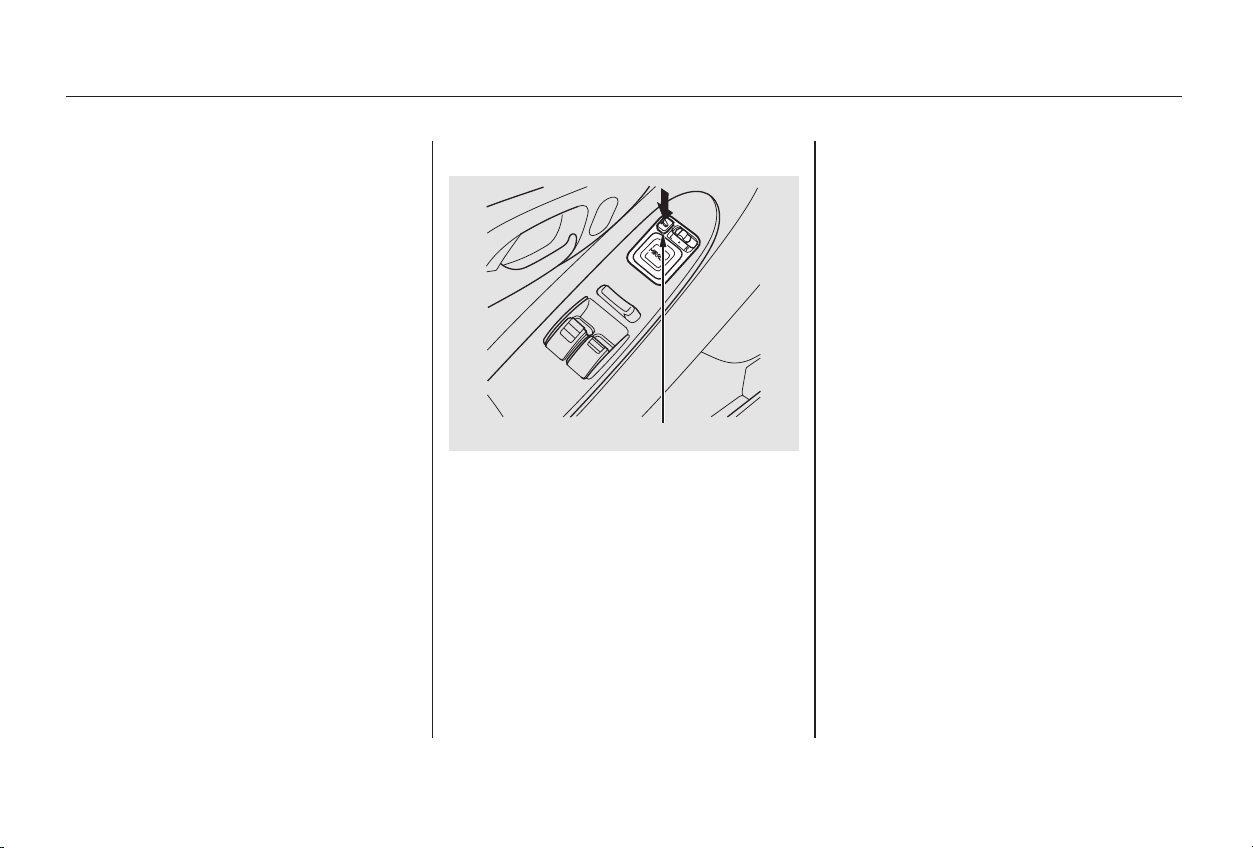
The outside mirrors are heated to re-
move fog and frost. With the ignition
switchON(II),turnontheheaters
by pressing the button. The light in
the button comes on as a reminder.
Press the button again to turn the
heaters off.
When you finish, move the
selector switch to the center (off)
position. This turns off the
adjustment switch so you can’t
move a mirror out of position by
accidentally bumping the switch.
4.
Available on all Canadian models
Mirrors
Instruments and Controls
98
HHEEAATTEEDD MMIIRRRROORR BBUUTTTTOONN
Main Menu
Table of Contents
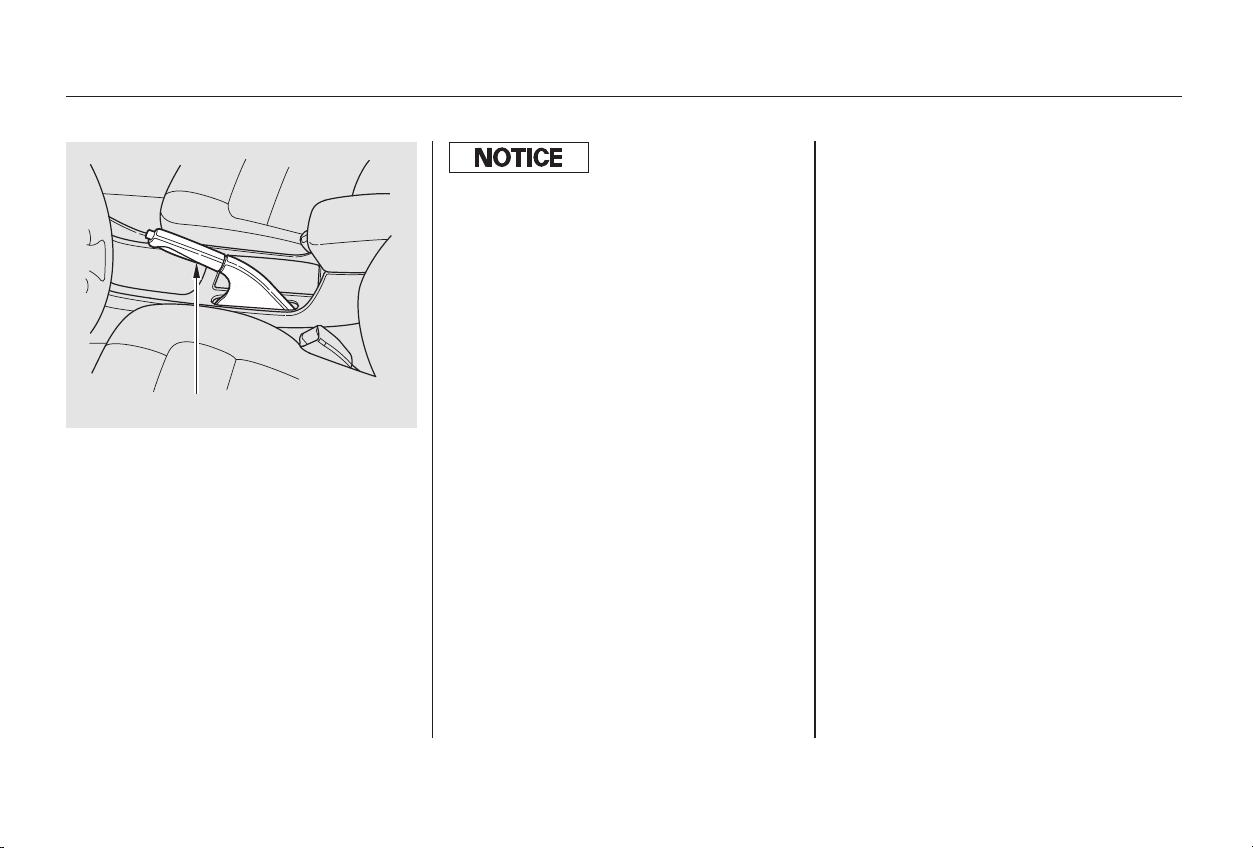
To apply the parking brake, pull the
lever up fully. To release it, pull up
slightly, push the button, and lower
the lever. The parking brake light on
the instrument panel should go out
when the parking brake is fully
released with the engine running
(see page ).59
Parking Brake
Instruments and Controls
99
PPAARRKKIINNGG BBRRAAKKEE LLEEVVEERR
Driving the car with the parking brake
applied can damage the rear brakes
and axles.
Main Menu
Table of Contents
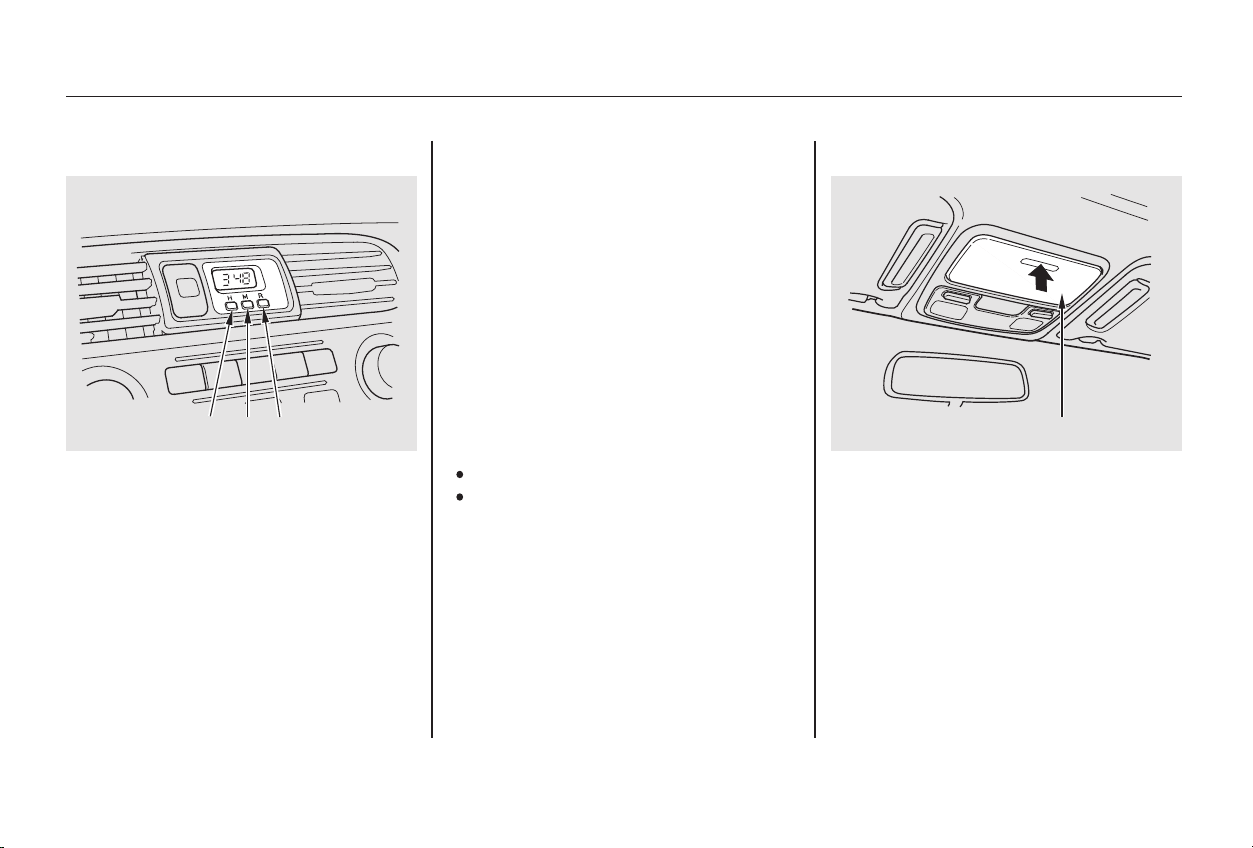
The digital clock displays the time
with the ignition switch in any
position.
To set the clock:
You can use R to quickly set the time
to the nearest hour. If the displayed
time is before the half hour, pressing
Rsetstheclockbacktotheprevious
hour. If the displayed time is after
the half hour, pressing R sets the
clock forward to the beginning of the
next hour.
For example:
1:06 would RESET to 1:00.
1:52 would RESET to 2:00.
To open the sunglasses holder, push
on the front edge. It will unlatch and
swing down. To close it, push it until
it latches. Make sure the holder is
closed while you are driving.
Press and hold the H button until
the hour advances to the desired
time.
Press and hold the M button until
the numbers advance to the
desired time.
1.
2.Digital Clock Sunglasses Holder
Digital Clock, Sunglasses Holder
Instruments and Controls
100
RRMMHH
PPuusshh
SSUUNNGGLLAASSSSEESS HHOOLLDDEERR
Main Menu
Table of Contents
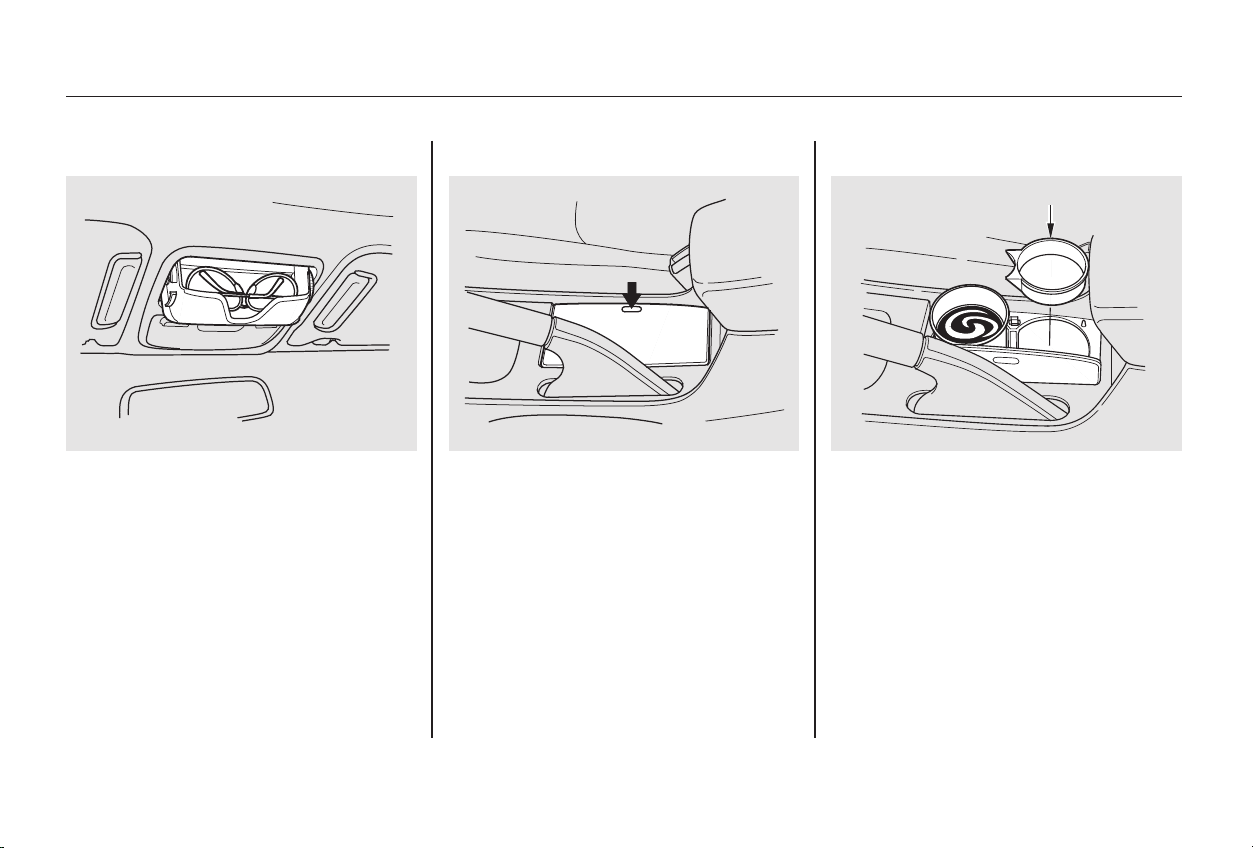
Some larger styles of sunglasses
may not fit in the holder.
To open the beverage holder, push
on the top. The beverage holder lid
is spring-loaded and will swing open.
To close it, push it down until it
latches.
The inner liner can be removed if
youwanttoholdalargercup.
Be careful when you are using the
beverage holder. A spilled liquid that
is very hot can scald you or your
passengers. Spilled liquids can also
damage the upholstery, carpeting,
and electrical components in the
interior.
Beverage Holder
Sunglasses Holder, Beverage Holder
Instruments and Controls
101
PPuusshh
IINNNNEERR LLIINNEERR
Main Menu
Table of Contents
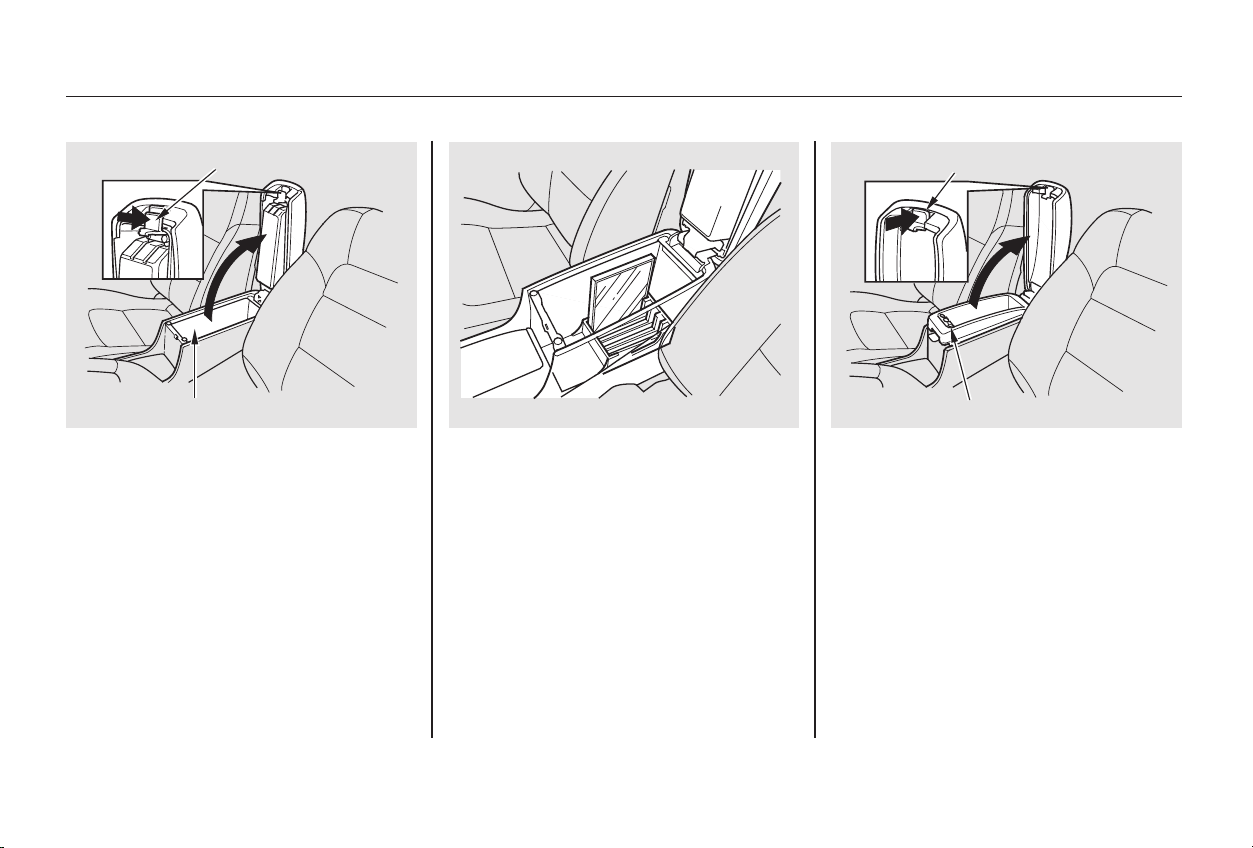
To open the console compartment,
pull up on the lower lever and lift the
lid.
To close, lower the lid and push it
down until it latches.
The console compartment has a
Compact Disc holder.
You can put small items in the tray
located in the console compartment
lid. To use the tray, pull up on the
upper lever and lift up the armrest
pad.
The console compartment also has a
coin holder in the front of the tray.
On EX and EX-V6 models
Instruments and Controls
Console Compartment
102
LLEEVVEERR
CCOONNSSOOLLEE CCOOMMPPAARRTTMMEENNTT
LLEEVVEERR
CCOOIINN HHOOLLDDEERR
Main Menu
Table of Contents
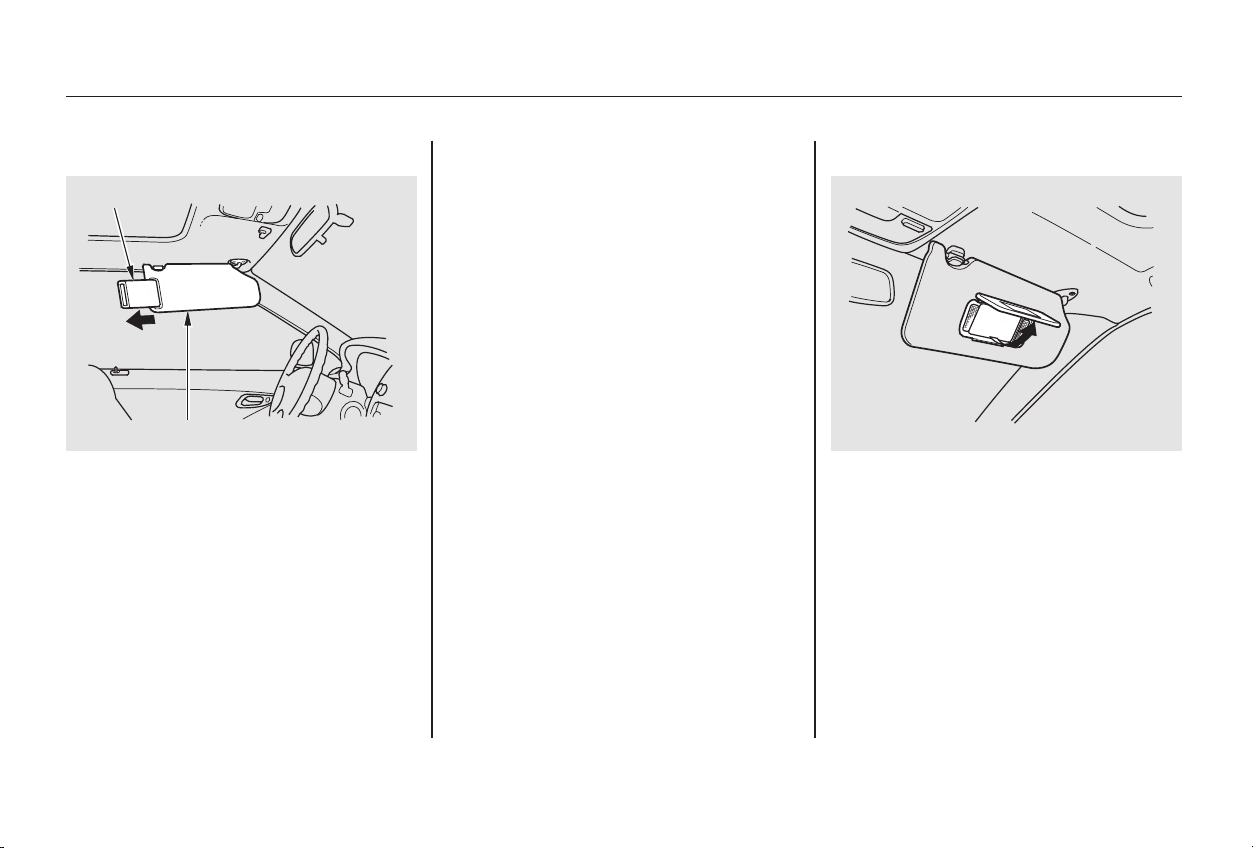
To use the sun visor, pull it down.
You can also use the sun visor at the
side window. Remove the support
rod from the clip and swing the sun
visor toward the side window. In this
position, the sun visor can be
extended by sliding out the
extension.
Touseavanitymirroronthebackof
the sun visor, pull up the cover.
The light beside the mirror comes
on only when the parking lights are
on.
Make sure you put the sun visor
back in place when you are getting
into or out of the car. Do not use the
sun visor extension over the rear
view mirror.
Sun Visor Vanity Mirror
Sun Visor, Vanity Mirror
Instruments and Controls
103
SSUUNN VVIISSOORR
EEXXTTEENNSSIIOONN
Main Menu
Table of Contents
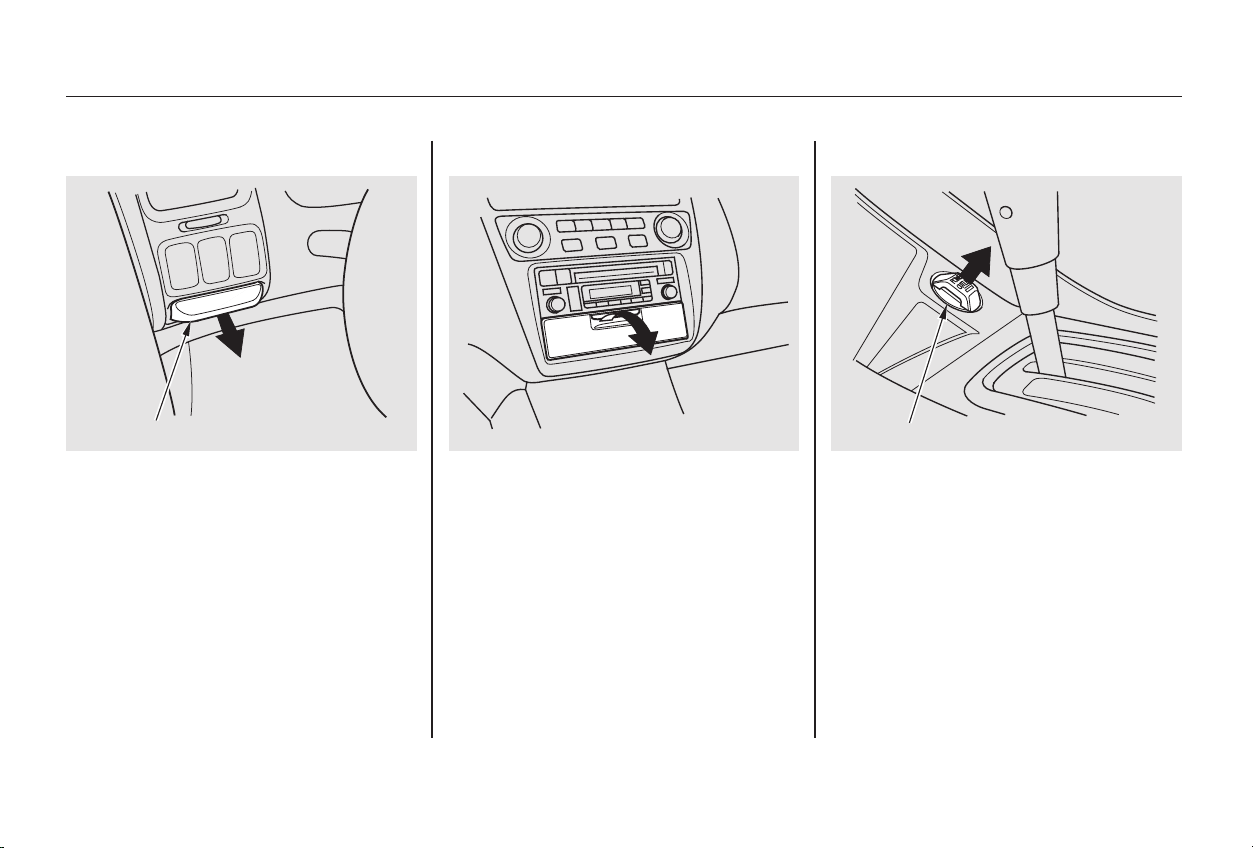
This socket is intended to supply
power for 12 volt DC accessories
that are rated 120 watts or less (10
amps).
It will not power an automotive type
cigarette lighter element.
To use the accessory power socket,
pull out on the cover. The ignition
switch must be in ACCESSORY (I)
or ON (II).
The coin box is located under the air
vent. To open the coin box, pull the
bottom edge. Close it with a firm
push.
The center pocket is located under
the audio system. To open the lid,
pull it down. Close it with a firm push.
On U.S. LX and LX-V6 models
Accessory Power SocketCoin Box Center Pocket
Coin Box, Center Pocket, Accessory Power Socket
Instruments and Controls
104
CCOOIINN BBOOXX
AACCCCEESSSSOORRYY PPOOWWEERR SSOOCCKKEETT
Main Menu
Table of Contents
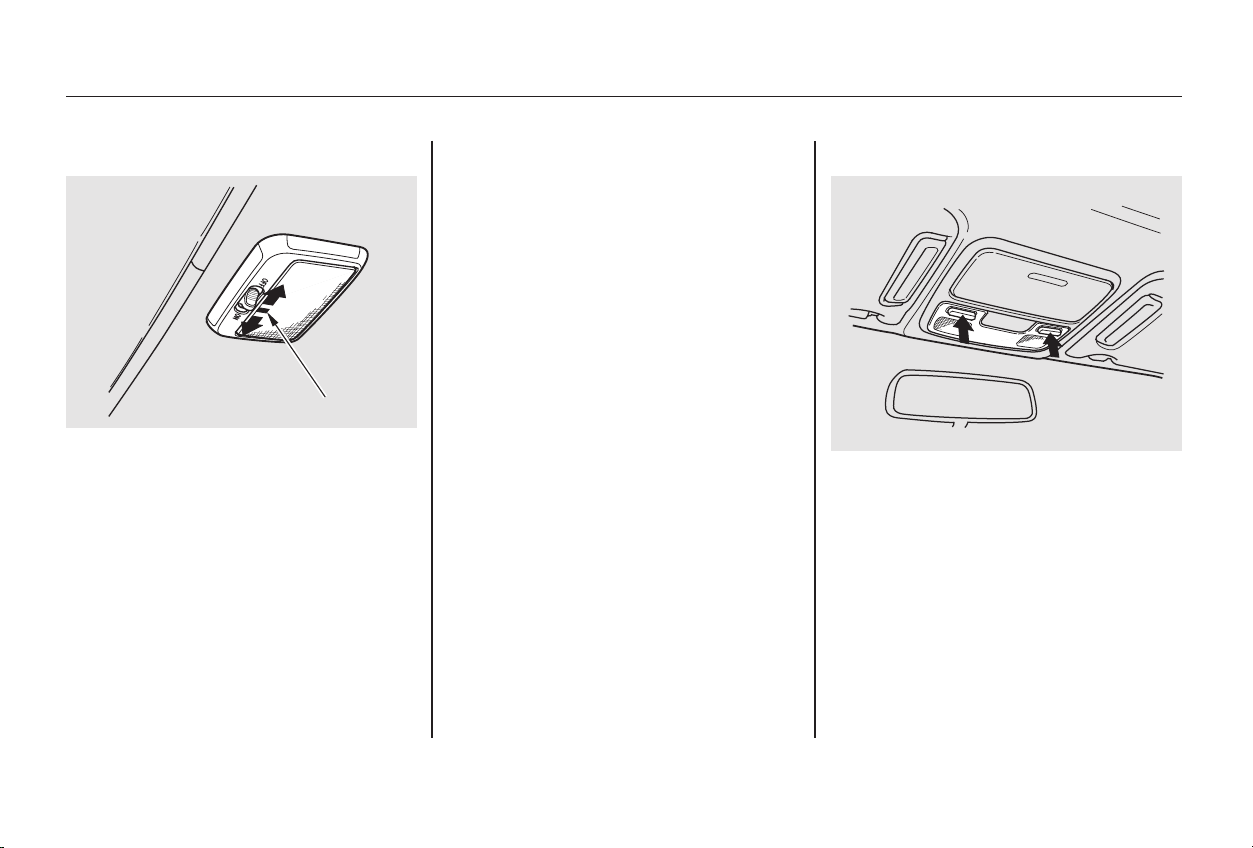
Turn on the spotlight by pushing the
button next to each light. Push the
button again to turn it off. You can
use the spotlights at all times.
The ceiling light has a three-position
switch. In the OFF position, the light
does not come on. In the center
position, the ceiling light comes on
when you open either door.
After both doors are closed tightly,
the light dims slightly, then fades out
in about 10 seconds.
The ceiling light (with the switch in
the center position) also comes on
when you unlock the door with the
remote transmitter (see page ).
The light fades out after both doors
are closed.
In the ON position, the ceiling light
stays on continuously.
The light goes out when both doors
are closed.
83
EX, EX-V6
On EX and EX-V6 models
U.S. LX, LX-V6
Ceiling Light Spotlights
Interior Lights
Instruments and Controls
105
DDOOOORR AACCTTIIVVAATTEEDD
OOFFFF
OONN
Main Menu
Table of Contents
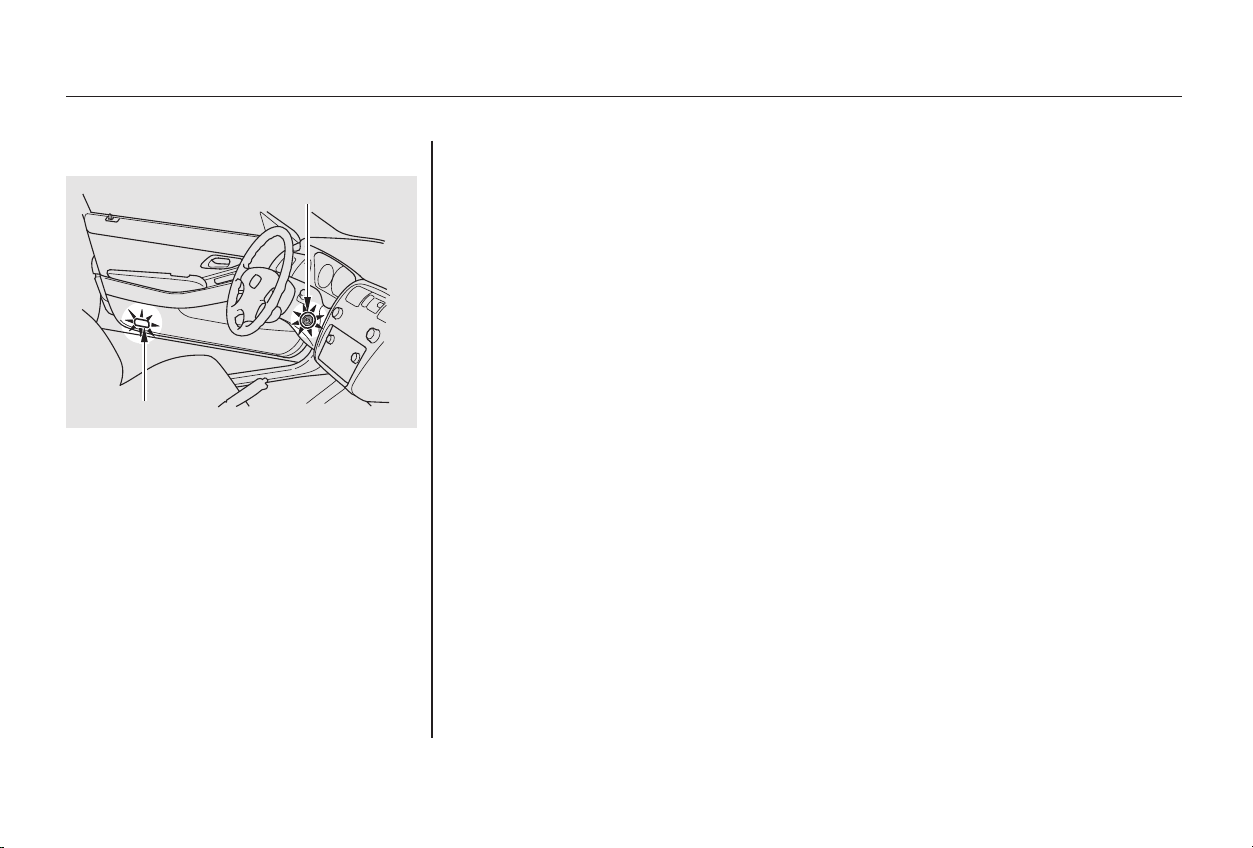
The courtesy light in each door
comes on when the door is opened,
and goes out when the door is closed.
Your car also has a courtesy light in
the ignition switch. This light comes
on when you open the driver’s door.
It remains on for several seconds
after the door is closed.
Courtesy Lights
Interior Lights
Instruments and Controls
106
DDOOOORR LLIIGGHHTT
IIGGNNIITTIIOONN SSWWIITTCCHH LLIIGGHHTT
Main Menu
Table of Contents

.....................Heating and Cooling . 108
.........What Each Control Does . 108
............How to Use the System . 111
..........To Turn Everything Off . 114
...............Climate Control System . 115
.......Fully-automatic Operation . 117
.......Semi-automatic Operation . 118
Sunlight Sensor/
............Temperature Sensor . 122
..........Audio System (LX, LX-V6) . 123
....AM/FM/CD Audio System . 123
.................Operating the Radio . 124
.................Adjusting the Sound . 128
............Audio System Lighting . 129
.........Operating the CD Player . 130
.....Operating the CD Changer . 132
....CD Player Error Indications . 133
CD Changer Error
.............................Indications . 134
Operating the Cassette
.....................................Player . 135
............Tape Search Functions . 136
..........Audio System (EX, EX-V6) . 138
AM/FM/Cassette/
.CD Changer Audio System . 138
.................Operating the Radio . 139
.................Adjusting the Sound . 143
............Audio System Lighting . 144
....................Radio Frequencies . 144
........................Radio Reception . 144
Operating the Cassette
.....................................Player . 146
............Tape Search Functions . 147
Caring for the Cassette
.....................................Player . 150
.....Operating the CD Changer . 151
Loading CDs in the
.............................Changer . 152
...............................Operation . 154
Removing CDs from the
.............................Changer . 156
.......Protecting Compact Discs . 158
CD Changer Error
.............................Indications . 159
...........Remote Audio Controls . 160
Audio System (Special Edition
..................................models) . 161
.................Operating the Radio . 162
.................Adjusting the Sound . 166
....................Radio Frequencies . 167
........................Radio Reception . 167
.........Operating the CD Player . 169
Operating the Optional CD
.................................Changer . 171
.......Protecting Compact Discs . 172
.....CD Player Error Indication . 173
CD Changer Error Indications. 174
Operating the Cassette
.....................................Player . 175
Caring for the Cassette
.....................................Player . 178
.......................Theft Protection . 179
............................Security System . 180
................................Cruise Control .181
HomeLink Universal
.................................Transceiver .185
Comfort and Convenience Features
Comfort and Convenience Features
107
Main Menu
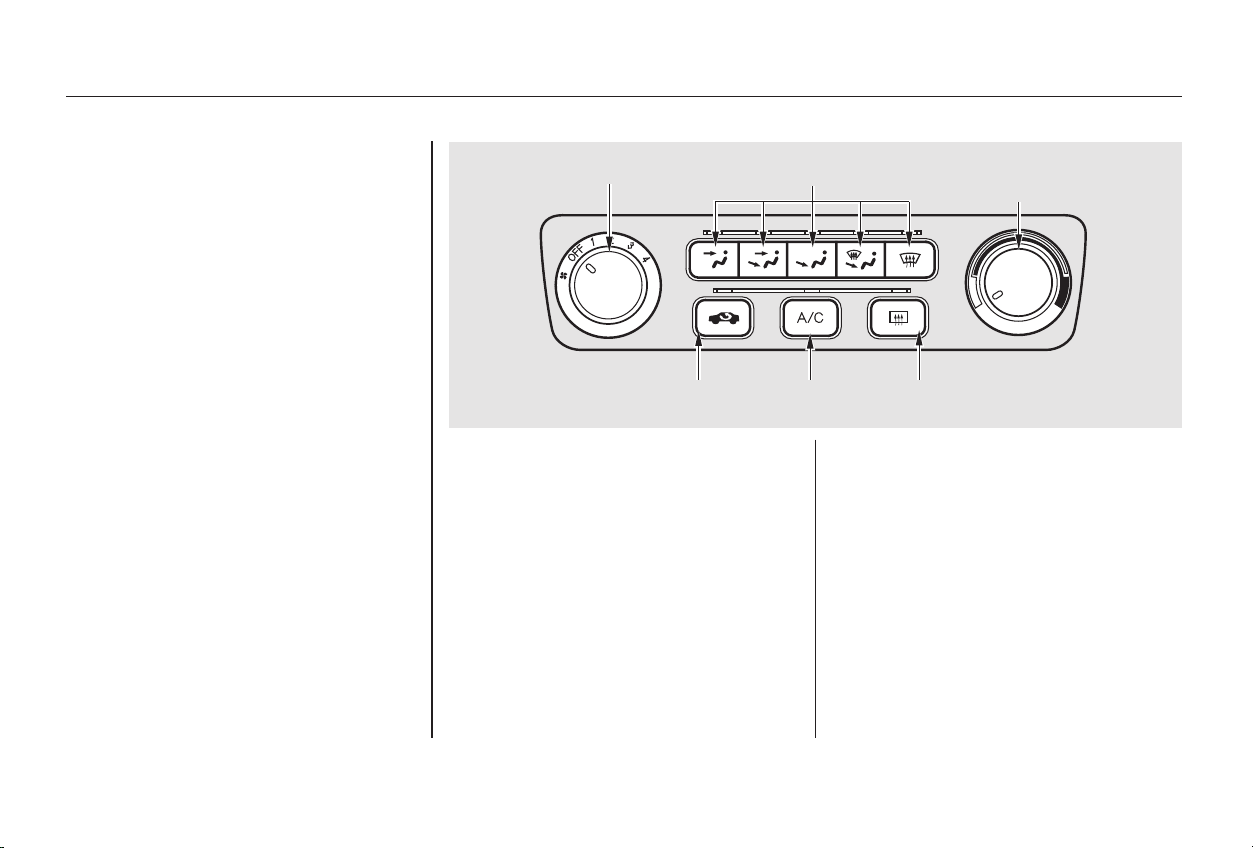
This button controls the source of
the air going into the system. When
the indicator above this button is lit,
air from the car’s interior is sent
through the system again (Recircula-
tion mode). When the indicator is off,
air is brought in from outside the car
(Fresh Air mode).
This button turns the rear window
defogger on and off (see page ).
This button turns the air condi-
tioning ON and OFF. The indicator
above the button lights when the
A/C is on.
Turning this dial clockwise increases
the temperature of the air flow.
Turning this dial clockwise increases
the fan’s speed, which increases air
flow.
Proper use of the Heating and
Cooling system can make the
interior dry and comfortable, and
keep the windows clear for best
visibility.
72
On Special Edition, EX, and the U.S. LX
and LX V-6 models
Comfort and Convenience Features
Heating and Cooling
Recirculation Button Rear Window Defogger Button
Air Conditioning (A/C) Button
Temperature Control Dial
Fan Control Dial
What Each Control Does
108
TTEEMMPPEERRAATTUURREE
CCOONNTTRROOLL DDIIAALL
FFAANN CCOONNTTRROOLL DDIIAALL MMOODDEE BBUUTTTTOONNSS
AAIIRR CCOONNDDIITTIIOONNIINNGG
BBUUTTTTOONN
RREECCIIRRCCUULLAATTIIOONN
BBUUTTTTOONN
RREEAARR WWIINNDDOOWW
DDEEFFOOGGGGEERR BBUUTTTTOONN
Main Menu
Table of Contents
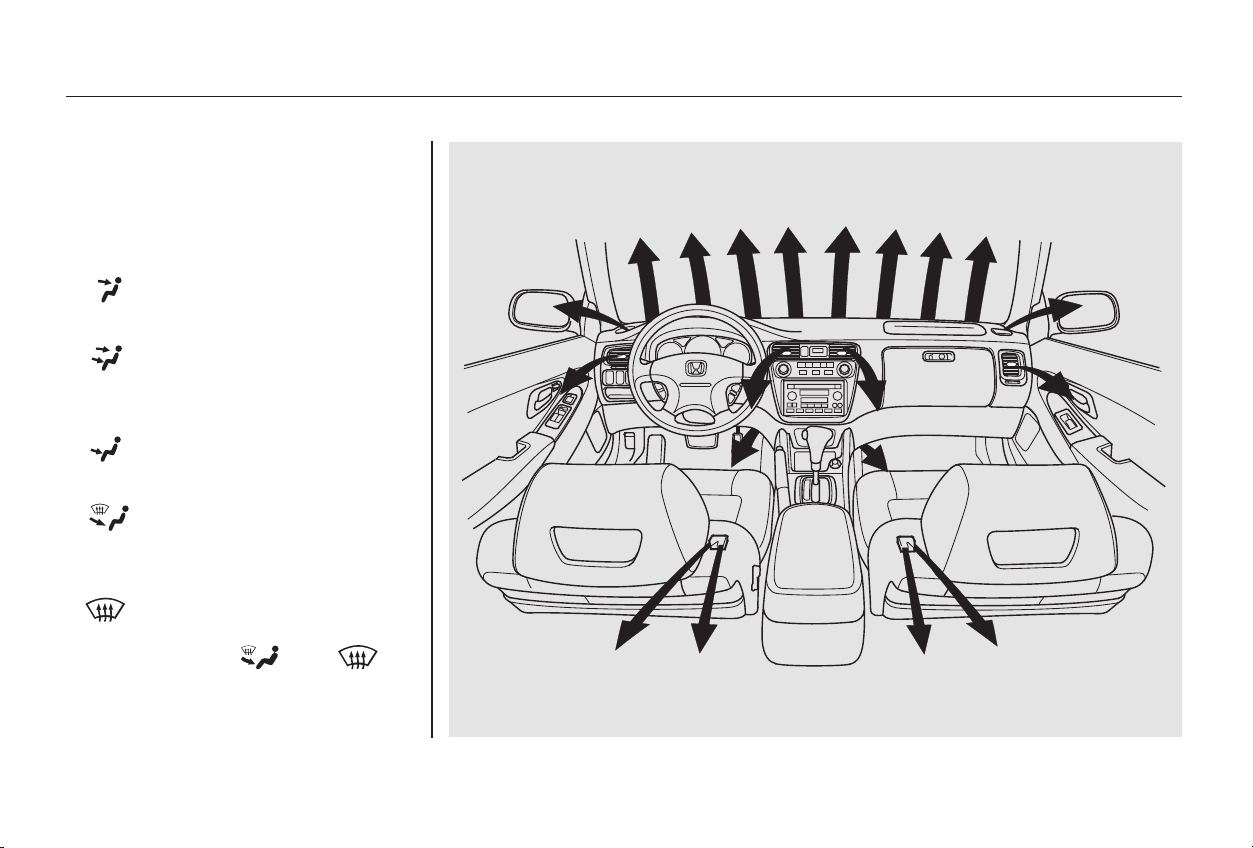
Use the MODE buttons to select the
vents the air flows from. Some air
will flow from the dashboard corner
vents in all modes.
Air flows from the floor
vents.
Air flow is divided between
the vents in the dashboard and the
floor vents.
Air flows from the center
and corner vents in the dashboard.
Air flows from the defroster
vents at the base of the windshield.
Air flow is divided between
the floor vents and the defroster
vents at the base of the windshield.
When you select or ,
the system automatically switches to
Fresh Air mode and turns on the
A/C.
Heating and Cooling
Comfort and Convenience Features
Mode Buttons
109
Main Menu
Table of Contents
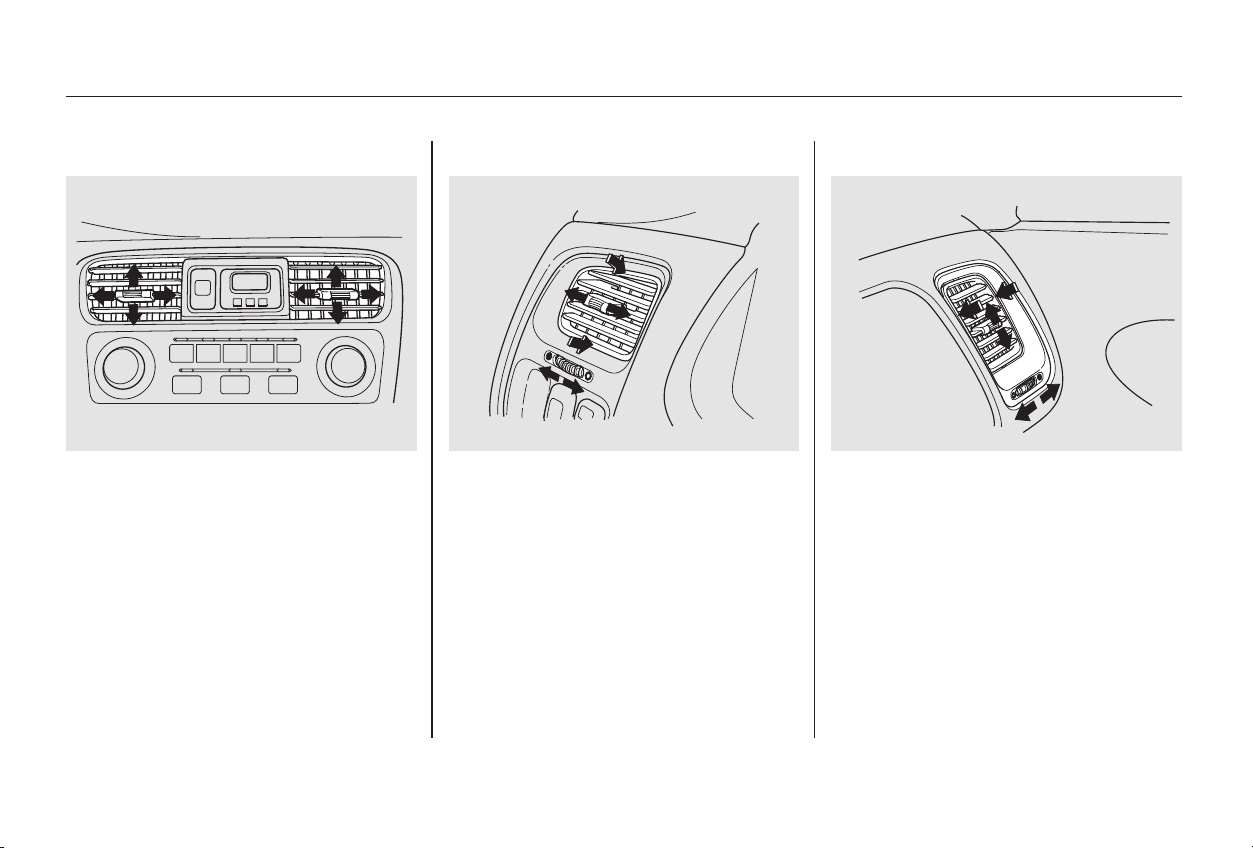
The direction of air flow from the
vents in the center and each side of
the dashboard is adjustable.
To adjust the air flow from the
center vent, move the tab up-and-
down and side-to-side.
The vents in the corners of the
dashboard can be opened and closed
with the dials underneath them.
On the driver’s-side vent, move the
vent up-and-down and move the tab
side-to-side. On the passenger’s-side
vent, move the tab up-and-down and
move the vent side-to-side.
Heating and Cooling
Comfort and Convenience Features
Vent Controls
110
CCEENNTTEERR VVEENNTT
PPAASSSSEENNGGEERR’’SS--SSIIDDEE VVEENNTT
DDRRIIVVEERR’’SS--SSIIDDEE VVEENNTT
CClloossee
OOppeenn
CClloossee
OOppeenn
Main Menu
Table of Contents
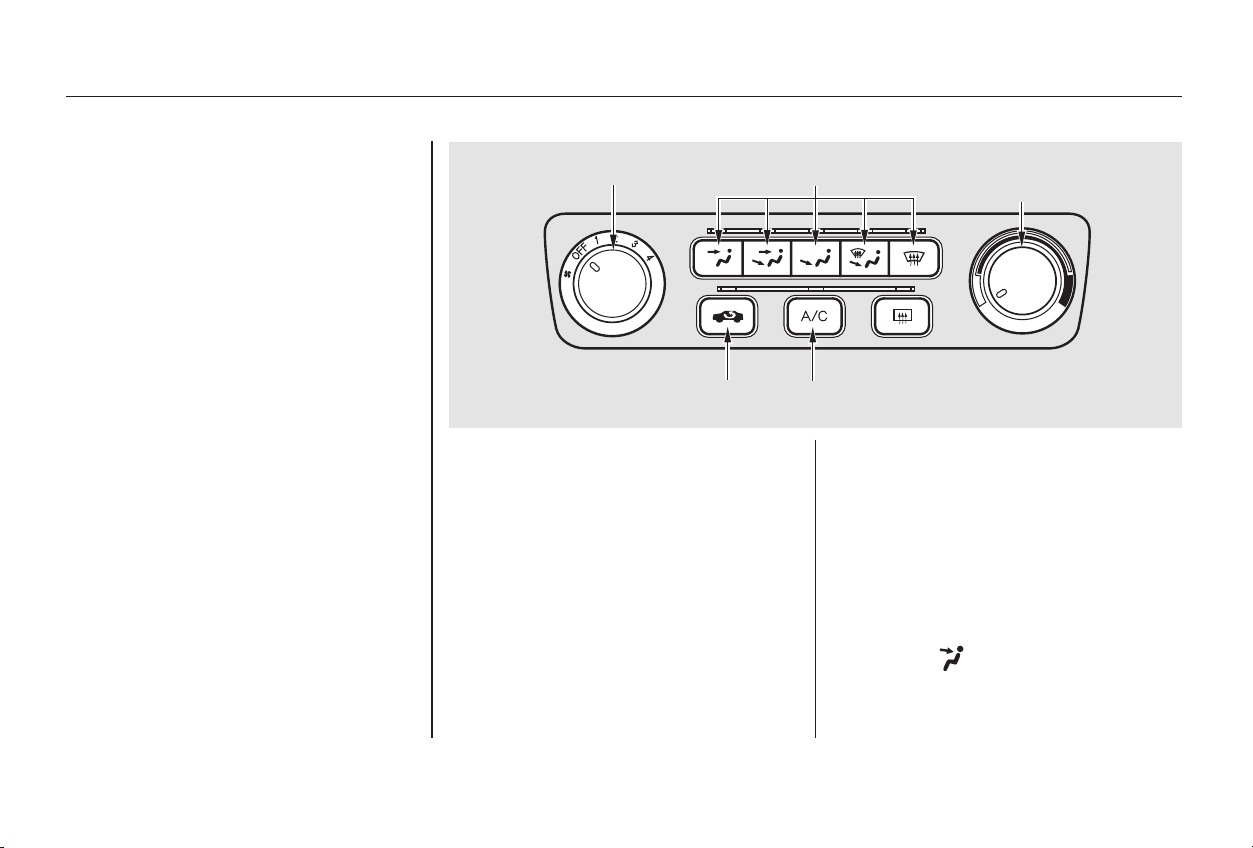
CONTINUED
The flow-through ventilation system
draws in outside air, circulates it
through the interior, then exhausts it
through vents near the rear window.
Turn the temperature control dial
all the way to the left.
Make sure the A/C is off.
Select and Fresh Air mode.
Set the fan to the desired speed.
This section covers how to set up the
system controls for ventilation,
heating, cooling, dehumidifying, and
defrosting.
The engine must be running for the
heater and air conditioning to
generate hot and cold air. The heater
uses engine coolant to warm the air.
If the engine is cold, it will be several
minutes before you feel warm air
coming from the system.
The air conditioning does not rely on
engine temperature. The outside air intakes for the
heating and cooling system are at
the base of the windshield. Keep
these clear of leaves and other
debris.
It is best to leave the system in Fresh
Air mode under almost all conditions.
Keeping the system in Recirculation
mode, particularly with the A/C off,
can cause the windows to fog up.
Switch to Recirculation mode when
you are driving through smoky or
dusty conditions, then switch back to
Fresh Air mode when the condition
clears.
1.
2.
3.
Heating and Cooling
Comfort and Convenience Features
Ventilation
How to Use the System
111
TTEEMMPPEERRAATTUURREE
CCOONNTTRROOLL DDIIAALL
FFAANN CCOONNTTRROOLL DDIIAALL
AAIIRR CCOONNDDIITTIIOONNIINNGG BBUUTTTTOONN
MMOODDEE BBUUTTTTOONNSS
RREECCIIRRCCUULLAATTIIOONN BBUUTTTTOONN
Main Menu
Table of Contents
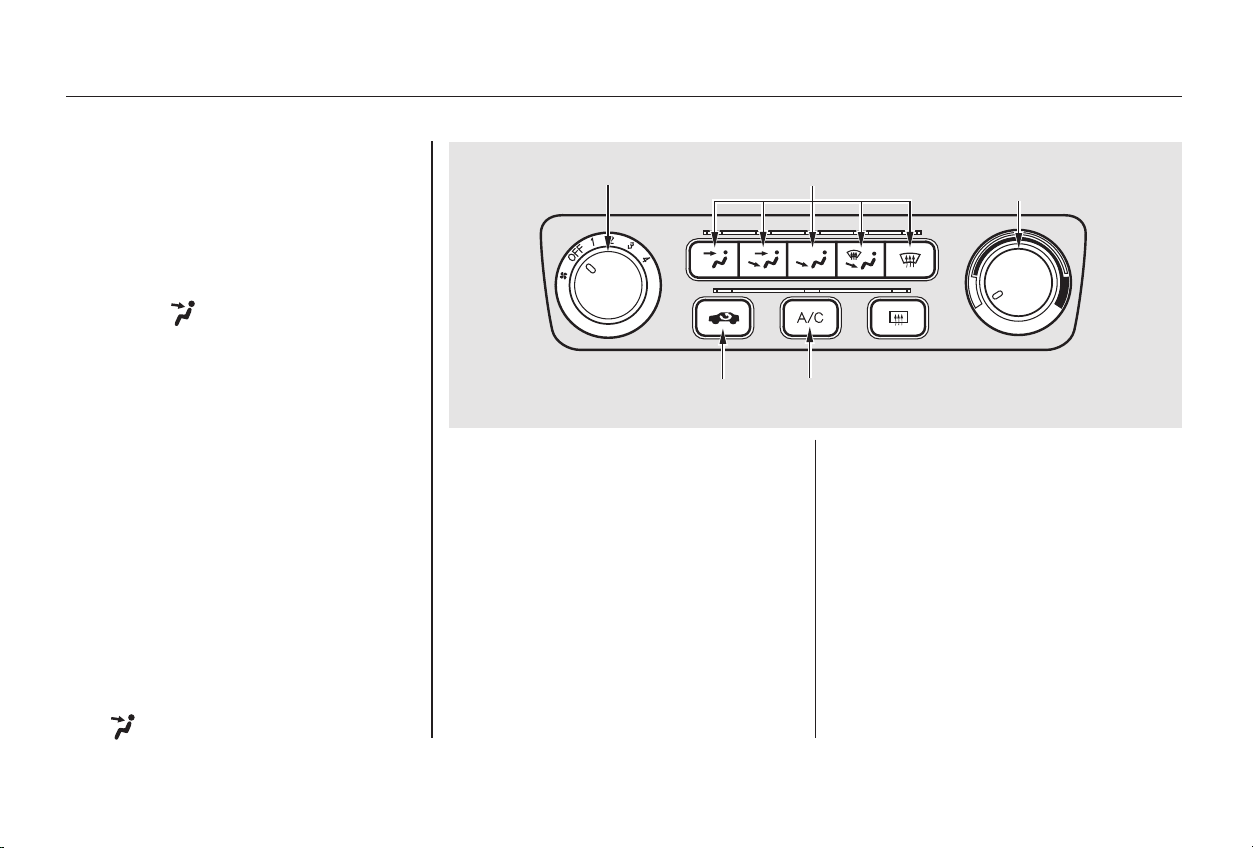
When the interior has cooled down
to a more comfortable temperature,
close the windows and set the
controls as described for normal
cooling.
Air conditioning places an extra load
on the engine. Watch the engine
coolant temperature gauge (see page
) when driving in stop-and-go
traffic or climbing a long, steep hill.
If it moves near the red zone, turn
off the A/C until the gauge reads
normally.
If the interior is very warm from
beingparkedinthesun,youcancool
it down more rapidly by setting up
the controls this way:
Turn on the A/C by pressing the
button. The light above the button
comesonwhenafanspeedis
selected.
Make sure the temperature
control dial is all the way to the left.
Select .
If the outside air is humid, select
Recirculation mode. If the outside
air is dry, select Fresh Air mode.
Set the fan to the desired speed.
Start the engine.
Turn on the A/C by pressing the
button. Make sure the tempera-
ture control dial is turned all the
way to the left.
Set the fan to maximum speed.
Open the windows partially. Select
and Fresh Air mode.
1.
2.
3.
4.
1.
2.
3.
4.
5.
64
Comfort and Convenience Features
Heating and Cooling
To Cool with A/C
112
TTEEMMPPEERRAATTUURREE
CCOONNTTRROOLL DDIIAALL
AAIIRR CCOONNDDIITTIIOONNIINNGG BBUUTTTTOONNRREECCIIRRCCUULLAATTIIOONN BBUUTTTTOONN
MMOODDEE BBUUTTTTOONNSSFFAANN CCOONNTTRROOLL DDIIAALL
Main Menu
Table of Contents
To warm the interior:
Air conditioning, as it cools, removes
moisture from the air. When used in
combination with the heater, it
makes the interior warm and dry.
To remove fog from the inside of the
windows:
This setting is suitable for all driving
conditions whenever the outside
temperature is above 32°F (0°C).
Start the engine.
Select and Fresh Air mode.
Set the fan to the desired speed.
Adjust the warmth of the air with
the temperature control dial. Switch the fan on.
Turn on the air conditioning.
Select and Fresh Air mode.
Adjust the temperature control
dial so the mixture of heated and
cooled air feels comfortable.
Switch the fan on.
Select .
When you select , the
system automatically switches to
Fresh Air mode and turns on the
A/C.
Adjust the temperature control
dial so the air flow from the
defroster vents feels warm.
Turn on the rear window defogger
to help clear the rear window.
When you switch to another mode
from , the A/C stays on.
PresstheA/Cbuttontoturnitoff.
1.
2.
3.
4.
1.
2.
3.
4.
1.
2.
3.
4.
CONTINUED
Heating and Cooling
Comfort and Convenience Features
To Heat To Heat and Dehumidify with Air
Conditioning
To Defog and Defrost
113
Main Menu
Table of Contents
For safety, make sure you have a
clear view through all the windows
before driving away.
To shut off the system temporarily,
turn the fan speed and temperature
control dials all the way to the left.
You should shut the system
completely off only for the first few
minutes of driving in cold weather,
until the engine coolant warms up
enough to operate the heater. Keep
the fan on at all other times so stale
air does not build up in the interior.
Start the engine.
Select .
When you select , the
system automatically switches to
Fresh Air mode and turns on the
A/C.
Switch the fan and temperature
controls to maximum.
To rapidly remove exterior frost or
ice from the windshield (on very cold
days), first select the Recirculation
mode. Once the windshield is clear,
select the Fresh Air mode to avoid
fogging the windows.
These settings direct all the air flow
to the defroster vents at the base of
the windshield and the side window
defroster vents. The air flow will get
warmer and clear the windows faster
as the engine warms up. You can
close the side vents with the dial
underneath each vent. This will send
more warm air to the windshield
defroster vents.
To remove exterior frost or ice from
the windshield and side windows
after the car has been sitting out in
cold weather:
1.
2.
3.
Heating and Cooling
Comfort and Convenience Features
To Turn Everything Off
114
Main Menu
Table of Contents
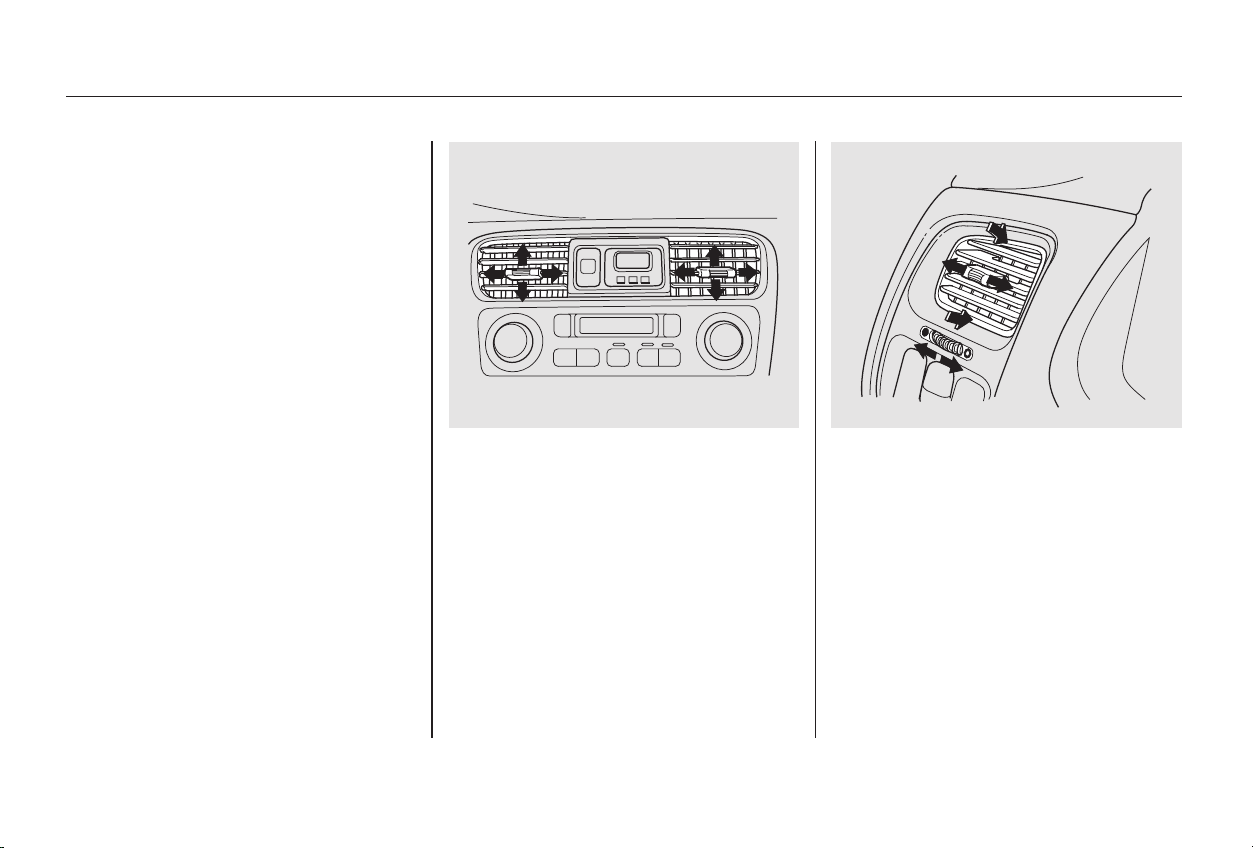
The automatic climate control
system in your Honda picks the
proper combination of air condi-
tioning, heating, and ventilation to
maintain the interior temperature
you select. The system also adjusts
the fan speed and air flow levels.
The direction of air flow from the
vents in the center and each side of
the dashboard is adjustable.
To adjust the air flow from the
center vent, move the tab up-and-
down and side-to-side.
On the driver’s-side vent, move the
vent up-and-down and move the tab
side-to-side. On the passenger’s-side
vent, move the tab up-and-down and
move the vent side-to-side.
Thesideventscanbeopenedand
closed with the dials underneath
them.
CONTINUED
On EX-V6 model
Climate Control System
Comfort and Convenience Features
115
CCEENNTTEERR VVEENNTTSS DDRRIIVVEERR’’SS--SSIIDDEE VVEENNTT
CClloossee
OOppeenn
Main Menu
Table of Contents
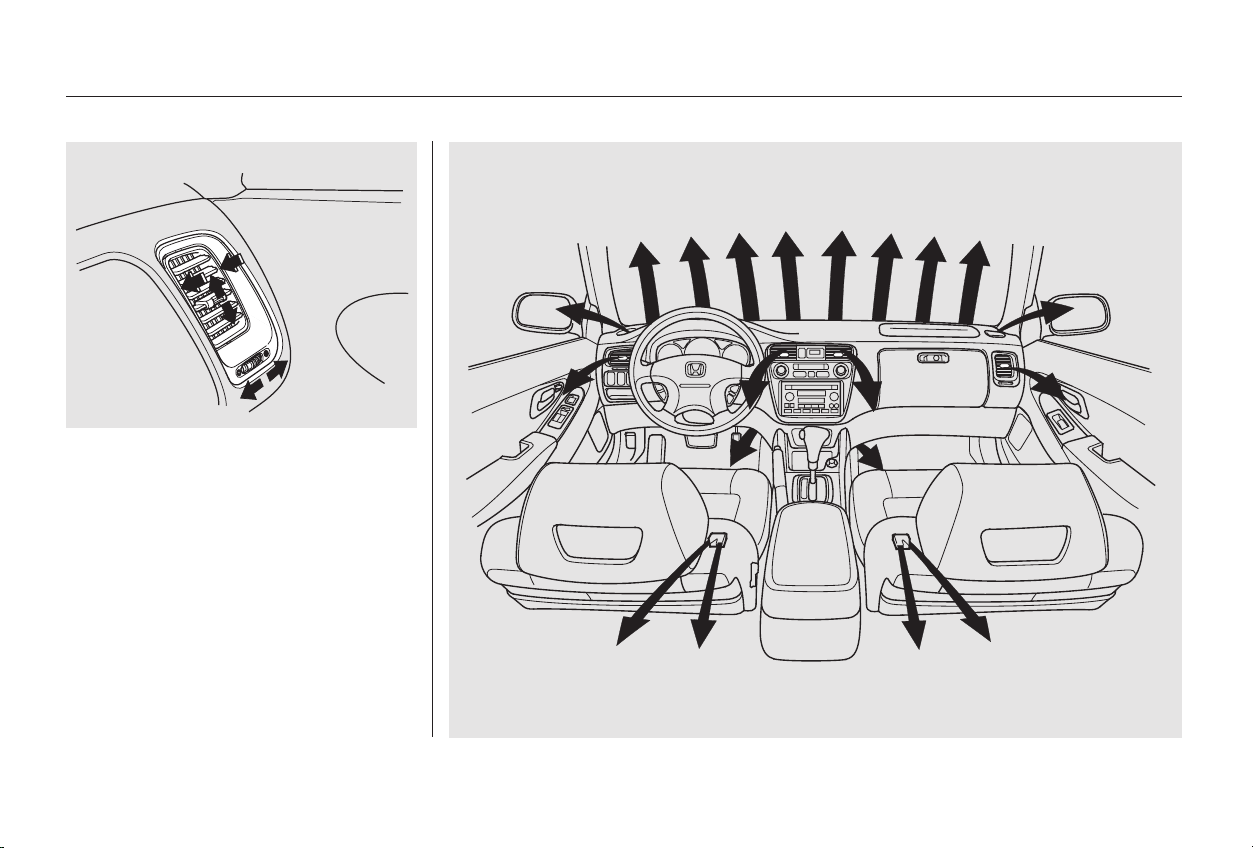
The climate control system draws air
through the exterior vents at the
bottom of the windshield. Keep
these vents clear of leaves and other
debris.
For the climate control system to
provide heating and cooling, the
engine must be running.
Climate Control System
Comfort and Convenience Features
116
PPAASSSSEENNGGEERR’’SS--SSIIDDEE VVEENNTT
CClloossee
OOppeenn
Main Menu
Table of Contents
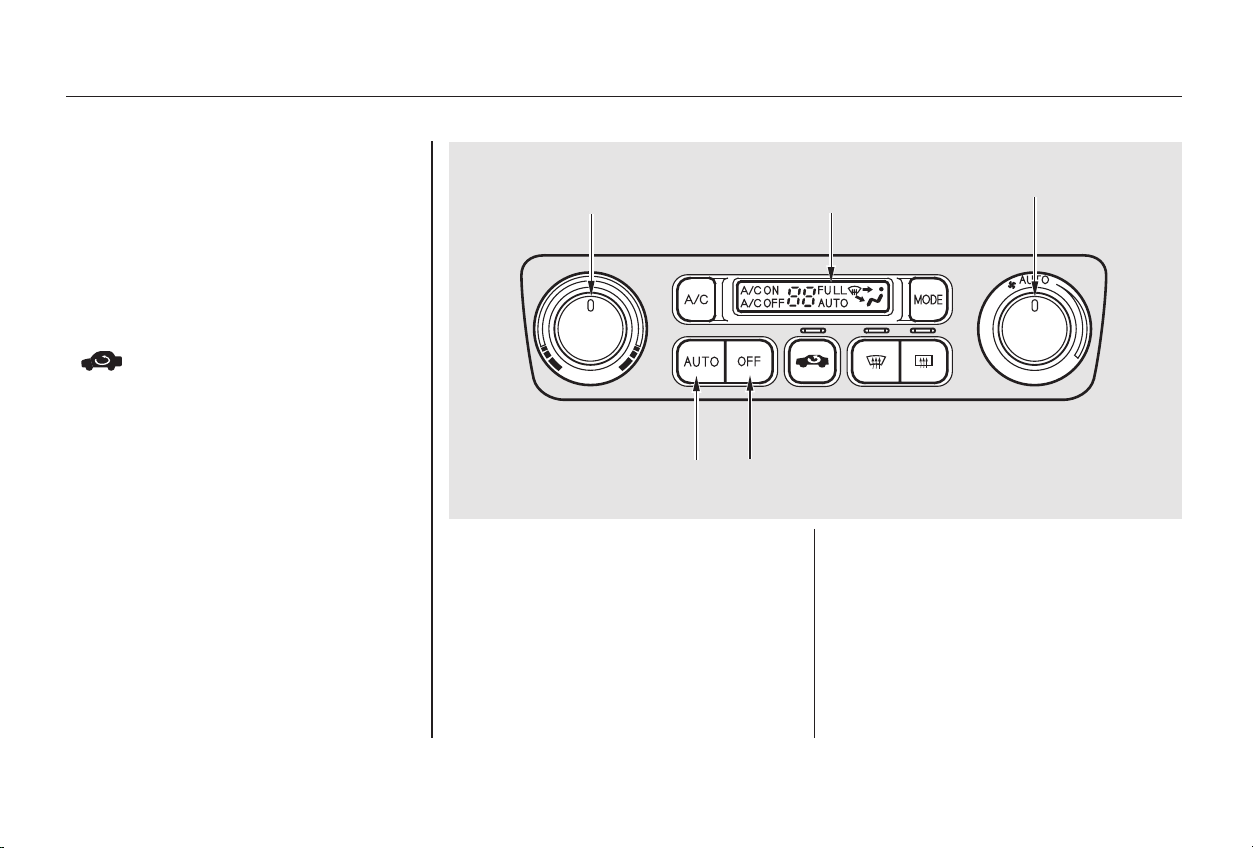
Pressing the OFF button shuts the
climate control system completely
off. Keep the system completely off
only for short periods. To keep stale
air and mustiness from collecting,
you should have the fan running at
all times.
When you set the temperature to its
lower limit (60°F/18°C) or its upper
limit (90°F/32°C), the system runs
at full cooling or heating only. It does
not regulate the interior temperature.
When the temperature is set
between the lower and upper limits,
the system regulates the interior
temperature to the set value.
The system automatically selects the
proper mix of conditioned and/or
heated air that will, as quickly as
possible, raise or lower the interior
temperature from its current level to
the set temperature.
To put the Automatic Climate
Control in fully-automatic mode,
press the AUTO button and set the
fan control dial to AUTO, then set
the desired temperature by turning
the temperature control dial. You will
see FULL AUTO in the system’s
display. The light above the
buttonalsoshowsyouwhich
mode, Recirculation or Fresh Air, is
selected.
In cold weather, the fan will not
come on automatically until the car
has been driven for a short time and
the heater starts to develop warm air.
Fully-automatic Operation
Climate Control System
Comfort and Convenience Features
117
TTEEMMPPEERRAATTUURREE
CCOONNTTRROOLL DDIIAALL
AAUUTTOO BBUUTTTTOONN
FFUULLLL AAUUTTOO
DDIISSPPLLAAYY
FFAANN CCOONNTTRROOLL DDIIAALL
OOFFFF BBUUTTTTOONN
Main Menu
Table of Contents
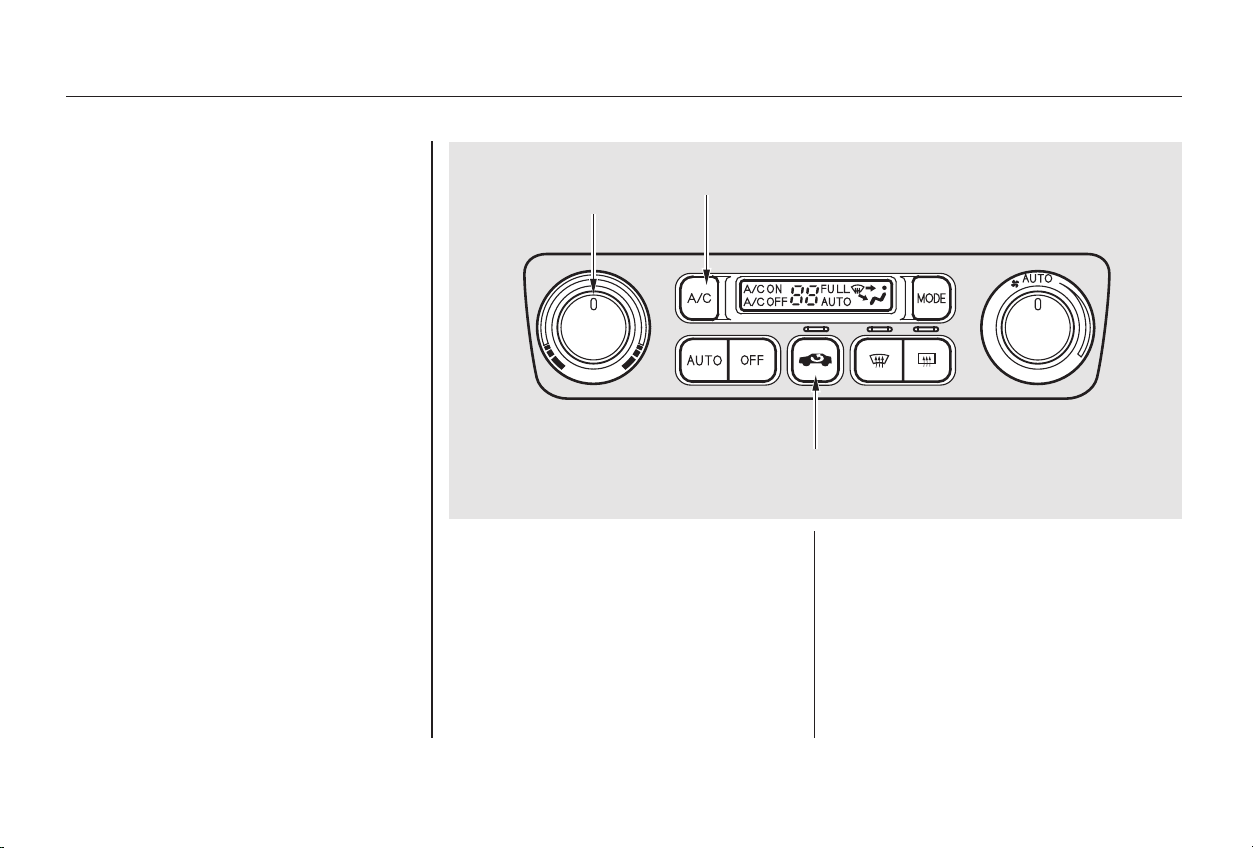
You can manually select various
functions of the Climate Control
system when it is in FULL AUTO.
All other features remain auto-
matically controlled. Making any
manual selection causes the word
FULL to go out.
Press the A/C button to turn the air
conditioningonandoff.Youwillsee
A/C ON or A/C OFF in the display.
When you turn the A/C off, the sys-
tem cannot regulate the inside tem-
perature if you set the dial below the
outside temperature. With the A/C
on, use the temperature control dial
to adjust the temperature of the air
flow to a comfortable setting.
This button controls the source of
the air going into the system. When
the indicator above this button is lit,
air from the car’s interior is sent
through the system again (Recircula-
tion mode). When the indicator is off,
air is brought in from outside the car
(Fresh Air mode).
You can, for example, manually put
the system in recirculation mode
when driving through an area of
smoke or fumes.
Semi-automatic Operation
Air Conditioning (A/C) Button
Recirculation Button
Climate Control System
Comfort and Convenience Features
118
RREECCIIRRCCUULLAATTIIOONN BBUUTTTTOONN
TTEEMMPPEERRAATTUURREE
CCOONNTTRROOLL DDIIAALL
AAIIRR CCOONNDDIITTIIOONNIINNGG BBUUTTTTOONN
Main Menu
Table of Contents
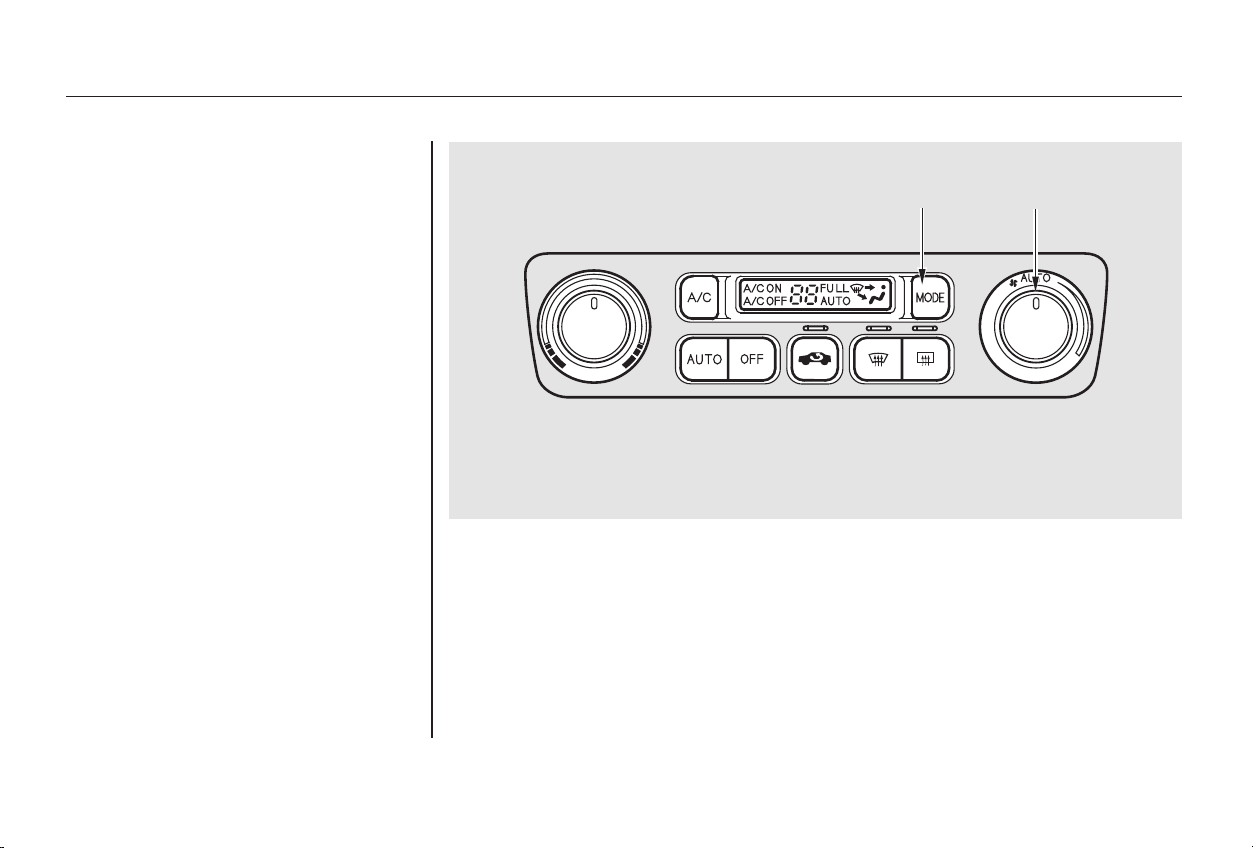
CONTINUED
You can manually select the fan
speedbyturningthefancontroldial.
When you turn the dial clockwise,
the fan is taken out of automatic
mode and starts to run at its lowest
speed. Turning the dial fully
clockwise increases the fan’s speed,
which increases air flow.
Use the MODE button to select the
vents the air flows from. Some air
will flow from the dashboard corner
vents in all modes. Each time you
press the MODE button, the display
shows the mode selected. Press the
button four times to see all the
modes.
Climate Control System
Comfort and Convenience Features
Fan Control Dial
Mode Button
119
FFAANN CCOONNTTRROOLL DDIIAALLMMOODDEE BBUUTTTTOONN
Main Menu
Table of Contents
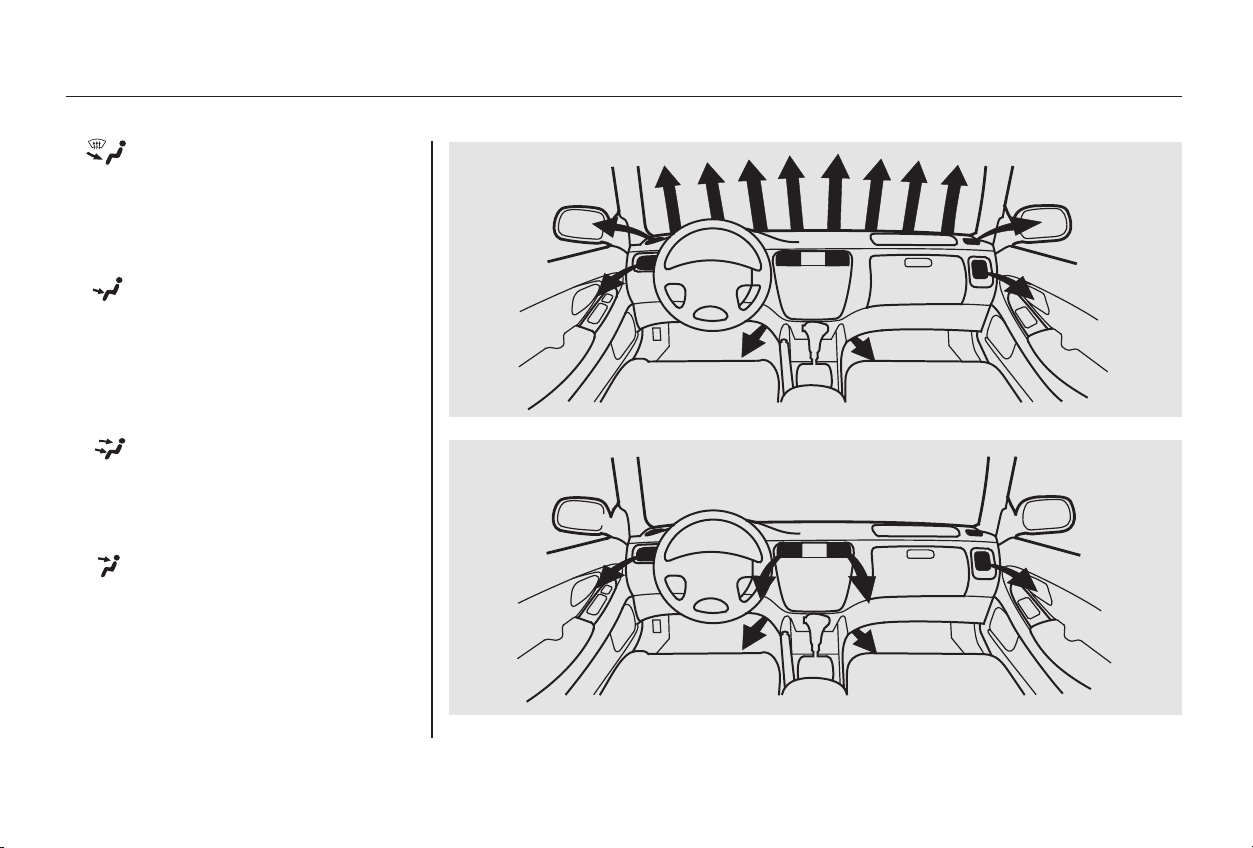
The main air flow is divided
between the dashboard vents and
the floor vents.
The main air flow is divided
between the floor vents and de-
froster vents at the base of the wind-
shield.
The main air flow comes
from the floor vents.
The main air flow comes
from the dashboard vents.
Climate Control System
Comfort and Convenience Features
120
Main Menu
Table of Contents
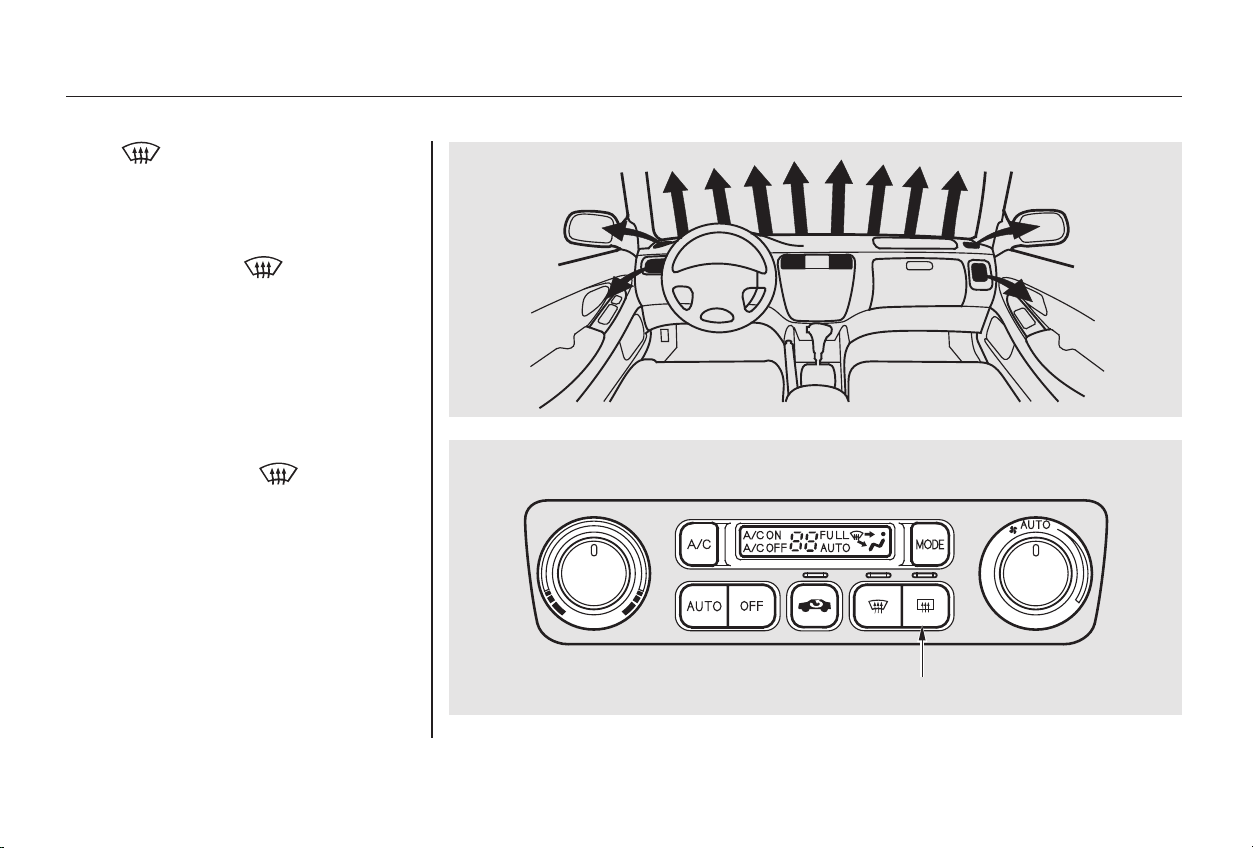
The button directs the main
air flow to the windshield for faster
defrosting. It also overrides any
MODE selection you may have made.
When you turn off by
pressing the button again, the
system returns to its former settings.
When you select , the A/C
turns on automatically and the
system selects Fresh Air mode. For
faster defrosting, manually set the
fanspeedtohigh.Youcanalso
increase air flow to the windshield by
closing the side vents in the
dashboard.
This button turns the rear window
defogger on and off (see page ).72
Rear Window Defogger Button
Climate Control System
Comfort and Convenience Features
121
RREEAARR WWIINNDDOOWW DDEEFFOOGGGGEERR BBUUTTTTOONN
Main Menu
Table of Contents
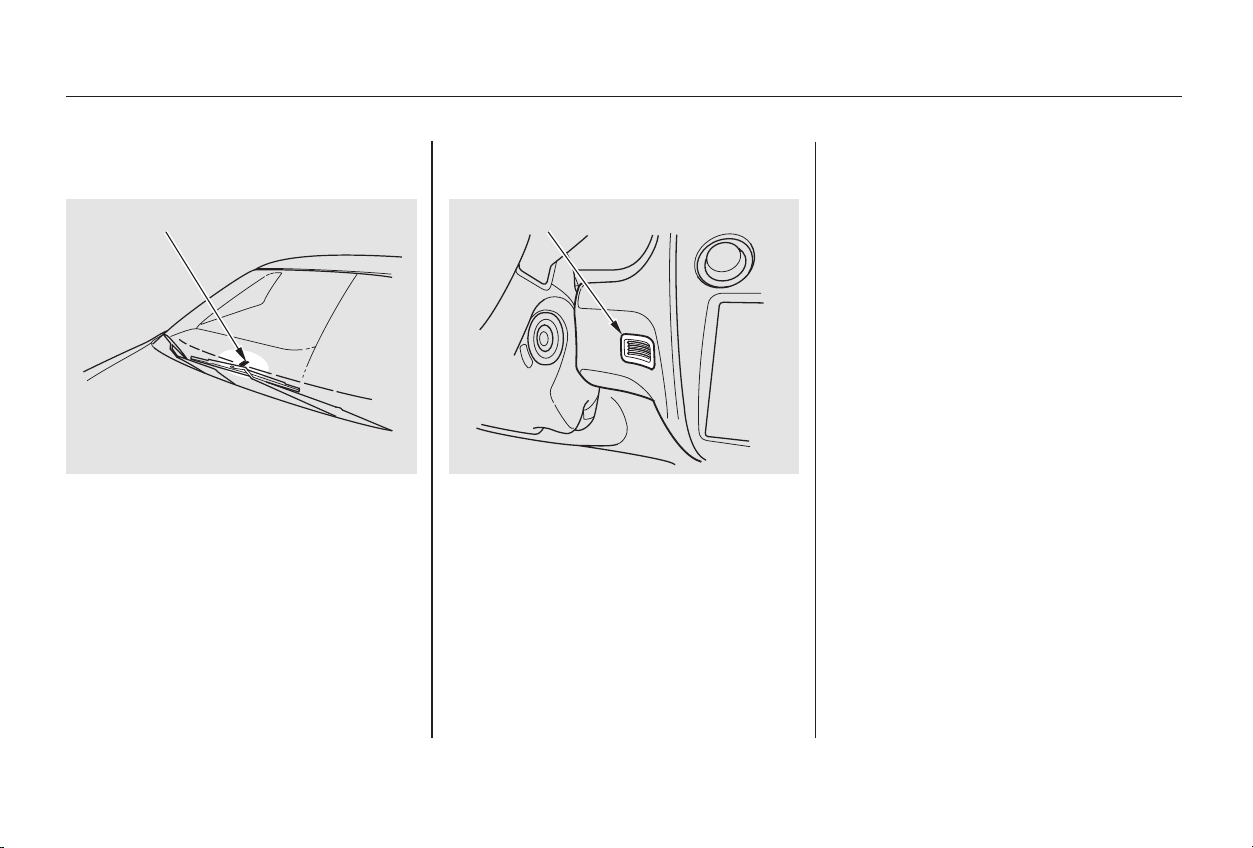
Theclimatecontrolsystemhastwo
sensors. A sunlight sensor is located
in the top of the dashboard and a
temperature sensor is next to the
steering column. Do not cover the
sensors or spill any liquid on them.
Comfort and Convenience Features
Climate Control System
Sunlight Sensor/Temperature
Sensor
122
TTEEMMPPEERRAATTUURREE SSEENNSSOORR
SSUUNNLLIIGGHHTT SSEENNSSOORR
Main Menu
Table of Contents
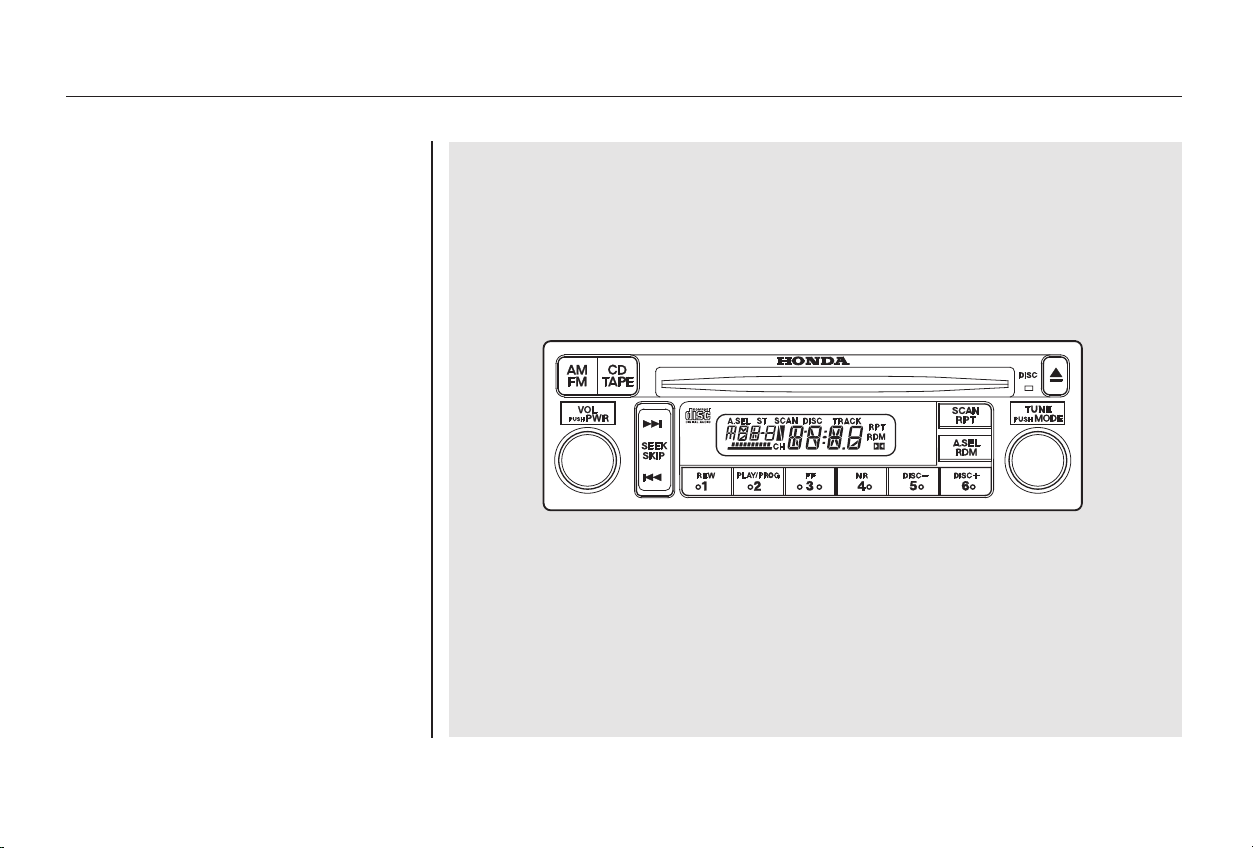
Your Honda’s audio system provides
clear reception on both AM and FM
bands, while the preset buttons allow
you to easily select your favorite
stations.
For U.S. LX and LX-V6 models
Audio System
Comfort and Convenience Features
AM/FM/CD Audio System
123
Main Menu
Table of Contents
−
−
Adjust the volume by turning the
PWR/VOL knob.
The band and frequency that the
radio was last tuned to is displayed.
To change bands, press the AM/FM
button. On the FM band, ST will be
displayed if the station is broadcast-
ing in stereo. Stereo reproduction on
AM is not available.
The ignition switch must be in
ACCESSORY (I) or ON (II) to
operate the audio system. Turn the
system on by pushing the PWR/
VOL knob or the AM/FM button.
You can use any of five methods to
find radio stations on the selected
band: TUNE, SEEK, SCAN, AUTO
SELECT, and the Preset buttons.
Use the TUNE knob to
tune the radio to a desired frequency.
Turn the TUNE knob to the right to
tune to a higher frequency, or to the
left to tune to a lower frequency.
Turn the knob right or left until the
display reaches the desired
frequency.
The SEEK function
searches the band for a station with
a strong signal. To activate it, press
theSEEKbaroneitherthe or
side, then release it.
Depending on which side you press,
the system scans upward or down-
ward from the current frequency. It
stops when it finds a station with a
strong signal.
Audio System
Comfort and Convenience Features
Operating the Radio
TUNE
SEEK
124
Main Menu
Table of Contents
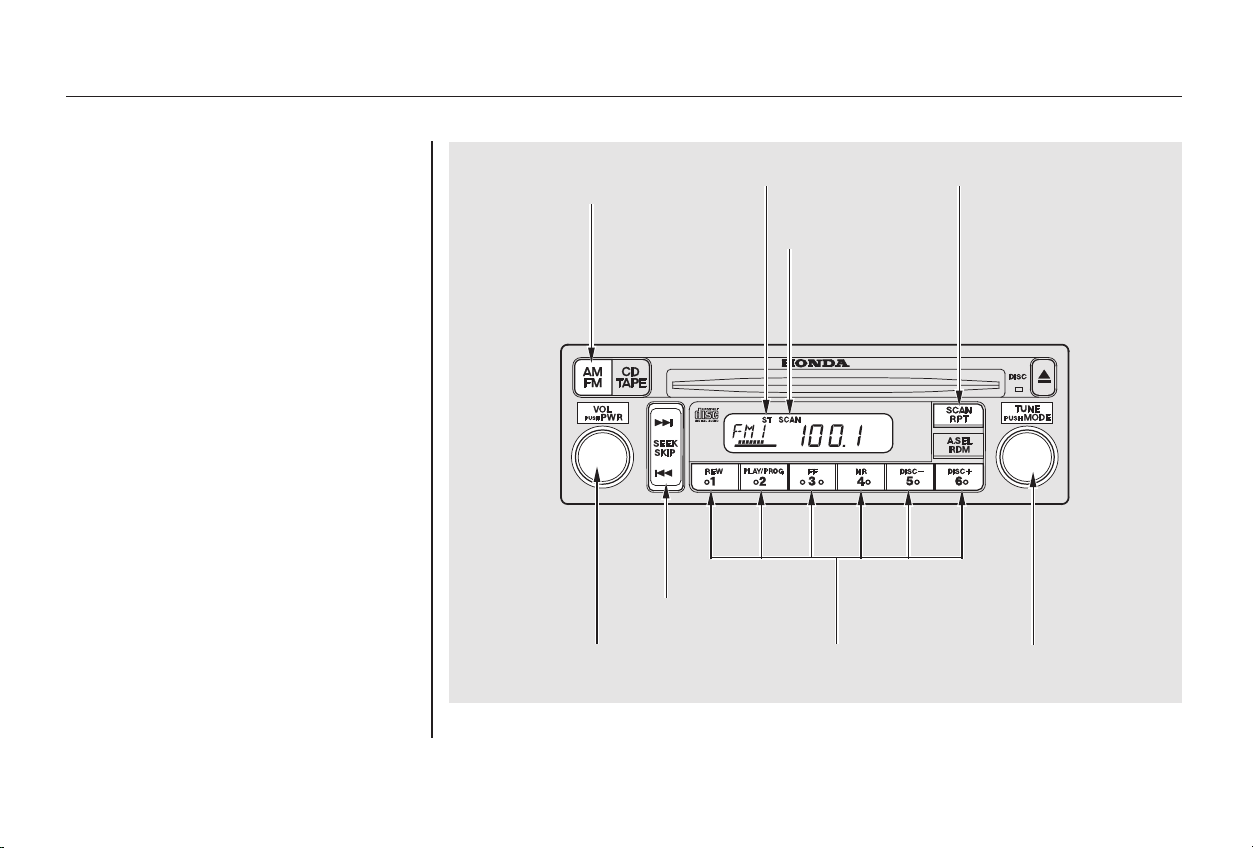
−
CONTINUED
The SCAN function
samples all the stations with strong
signals on the selected band. To
activate it, press the SCAN button,
then release it. When the system is
in the SCAN mode, SCAN shows in
the display. The system will scan up
the band for a station with a strong
signal. When it finds one, it will stop
and play that station for
approximately five seconds. If you do
nothing, the system will then scan
for the next strong station and play
that for five seconds. When it plays a
station that you want to continue
listening to, press the SCAN button
again.
Audio System
Comfort and Convenience Features
SCAN
125
SSTTEERREEOO IINNDDIICCAATTOORR
SSCCAANN
IINNDDIICCAATTOORR
SSCCAANN BBUUTTTTOONNAAMM//FFMM
BBUUTTTTOONN
SSEEEEKK BBAARR
PPWWRR//VVOOLL
KKNNOOBB
PPRREESSEETT BBUUTTTTOONNSS TTUUNNEE KKNNOOBB
Main Menu
Table of Contents
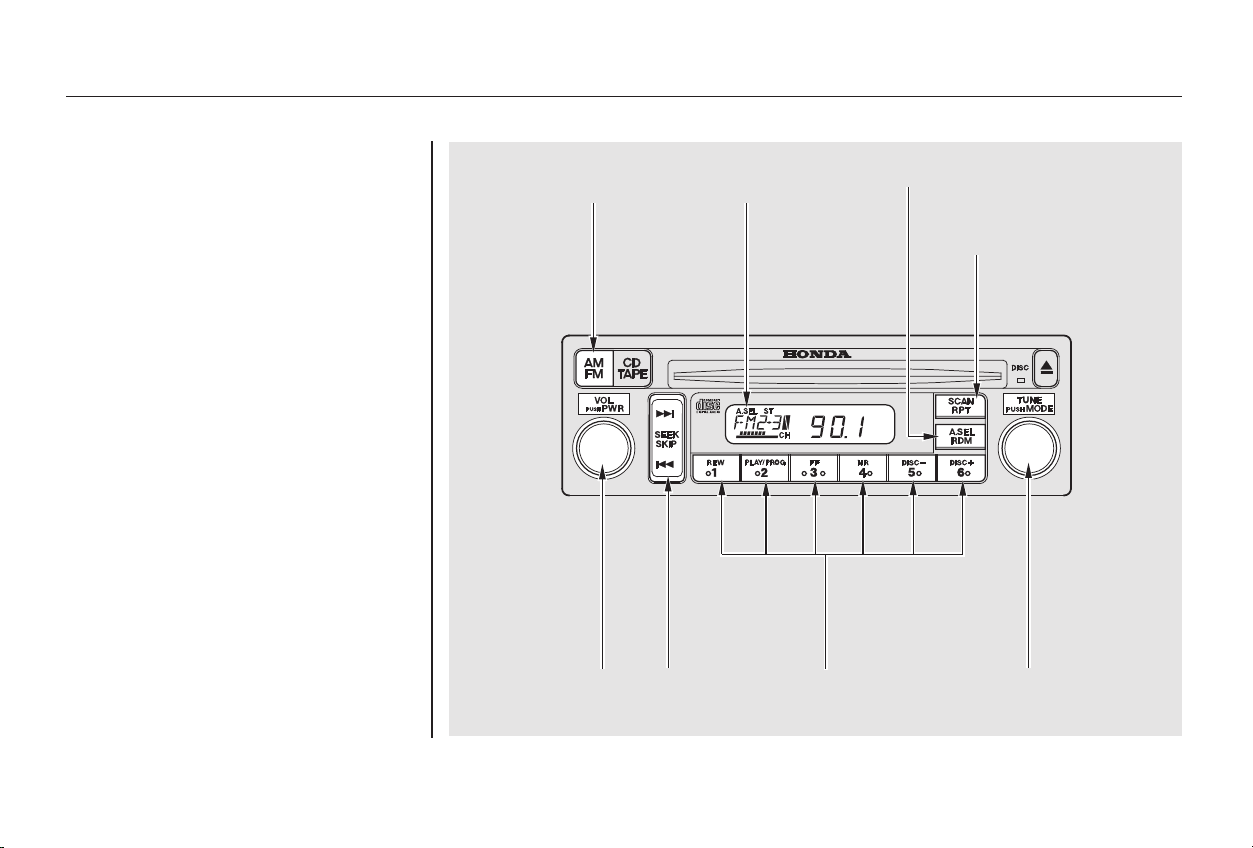
−
Repeat steps 1 to 3 to store a total
of six stations on AM and twelve
on FM.
Pick the Preset button you want
for that station. Press the button
and hold it until you hear a beep.
Select the desired band, AM or
FM. FM1 and FM2 let you store
two frequencies with each Preset
button.
To store a frequency:
You can store the
frequencies of your favorite radio
stations in the six preset buttons.
Each button will store one frequency
on the AM band, and two
frequencies on the FM band.
UsetheTUNE,SEEK,orSCAN
function to tune the radio to a
desired station.
1.
2.
3.
4.
Preset
Audio System
Comfort and Convenience Features
126
PPRREESSEETT BBUUTTTTOONNSS TTUUNNEE KKNNOOBBSSEEEEKK
BBAARR
PPWWRR//VVOOLL
KKNNOOBB
AAMM//FFMM
BBUUTTTTOONN
AAUUTTOO SSEELLEECCTT
IINNDDIICCAATTOORR
SSCCAANN BBUUTTTTOONN
AA.. SSEELL BBUUTTTTOONN
Main Menu
Table of Contents

− If you do not like the stations Auto
Select has stored, you can store
other frequencies in the preset
buttons. Use the TUNE, SEEK, or
SCAN function to find the desired
frequencies, then store them in the
selected preset buttons as described
previously.
Auto Select does not erase the
frequencies that you preset pre-
viously. When you return home, turn
off Auto Select by pressing the
A. SEL button. The preset buttons
will then select the frequencies you
originally set.
If you are
traveling far from home and can no
longer receive the stations you
preset, you can use the Auto Select
feature to find stations in the local
area.
To activate Auto Select, press the
A. SEL button. A. SEL will flash in
the display, and the system will go
into scan mode for several seconds.
It automatically scans both bands,
looking for stations with strong
signals. It stores the frequencies of
six AM stations and twelve FM
stations in the preset buttons. You
can then use the preset buttons to
select those stations.
If you are in a remote area, Auto
Select may not find six strong AM
stations or twelve strong FM stations.
If this happens, you will see a ‘‘0’’
displayed when you press any preset
button that does not have a station
stored.
Once a station’s frequency is stored,
simply press and release the proper
preset button to tune to it.
The preset frequencies will be lost if
your car’s battery goes dead, is
disconnected, or the radio fuse is
removed.
Audio System
Comfort and Convenience Features
AUTO SELECT
127
Main Menu
Table of Contents
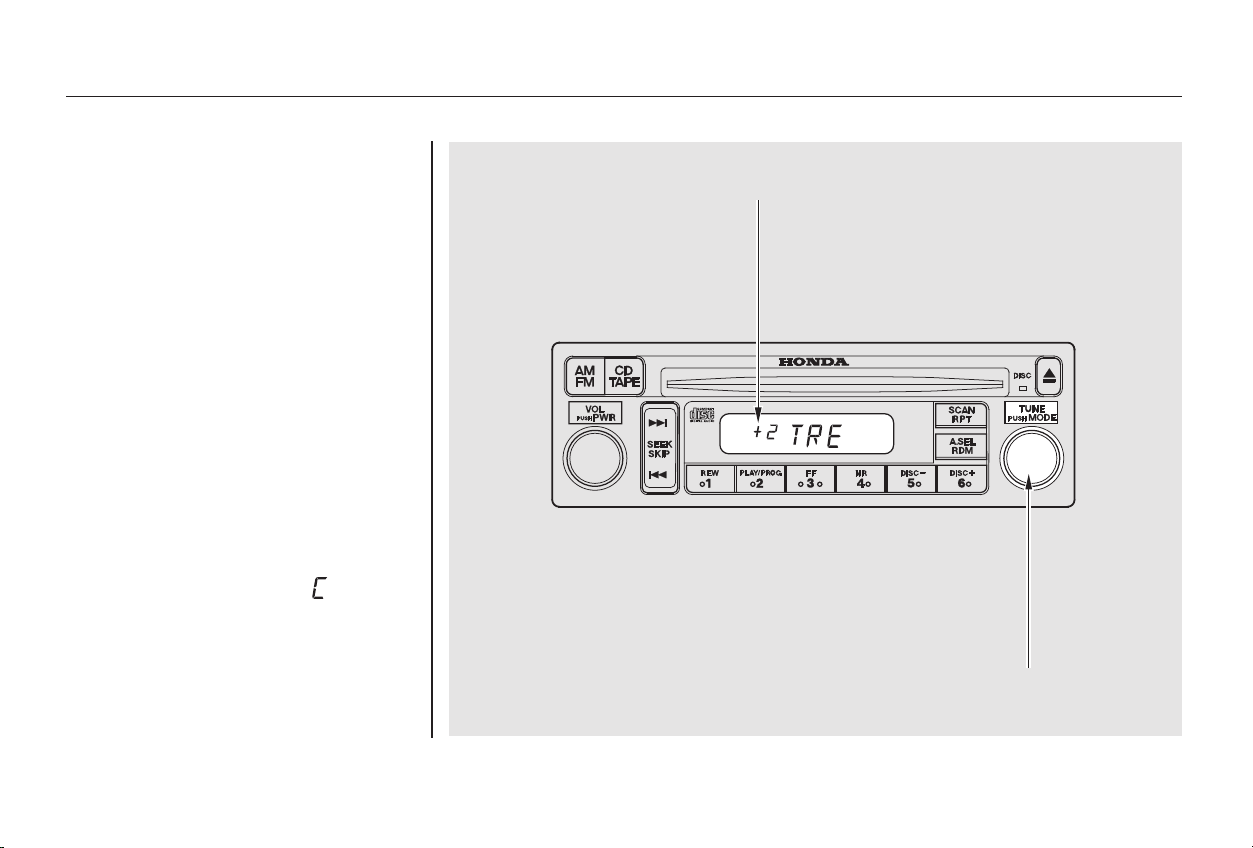
−
Bass, Treble, Balance, and Fader are
each adjustable. You select which of
these you want to adjust by pressing
the TUNE knob. The mode changes
fromBAStoTREtoFADtoBAL,
and then back to the selected audio
mode, each time you press the
TUNE knob. Each mode is shown in
the display as it changes.
Use these modes to
adjust the tone to your liking. Select
TRE or BAS by pressing the TUNE
knob. Adjust the desired mode by
turning the TUNE knob.
The displayed number shows you
the current setting.
When the adjustment level reaches
the center, you will see ‘‘ ’’.
Adjusting the Sound
Treble/Bass
Audio System
Comfort and Convenience Features
128
TTUUNNEE KKNNOOBB
AAddjjuussttmmeenntt LLeevveell
Main Menu
Table of Contents
− These two
modes adjust the strength of the
sound coming from each speaker.
BAL adjusts the side-to-side strength,
while FAD adjusts the front-to-back
strength.
Select BAL or FAD by pressing the
TUNE knob. Adjust the Balance or
Fader to your liking by turning the
TUNE knob.
The displayed number shows you
the current setting.
When the adjustment level reaches
the center, you will see ‘‘ ’’.
The system will automatically return
the display to the selected audio
mode about five seconds after you
stop adjusting a mode with the
TUNE knob.
For information, See page . You can use the instrument panel
brightness control knob to adjust the
illumination of the audio system (see
page ). The audio system
illuminates when the parking lights
are on, even if the radio is turned off.
69
150
Audio System
Comfort and Convenience Features
Balance/Fader Radio Frequencies and Reception Audio System Lighting
129
Main Menu
Table of Contents
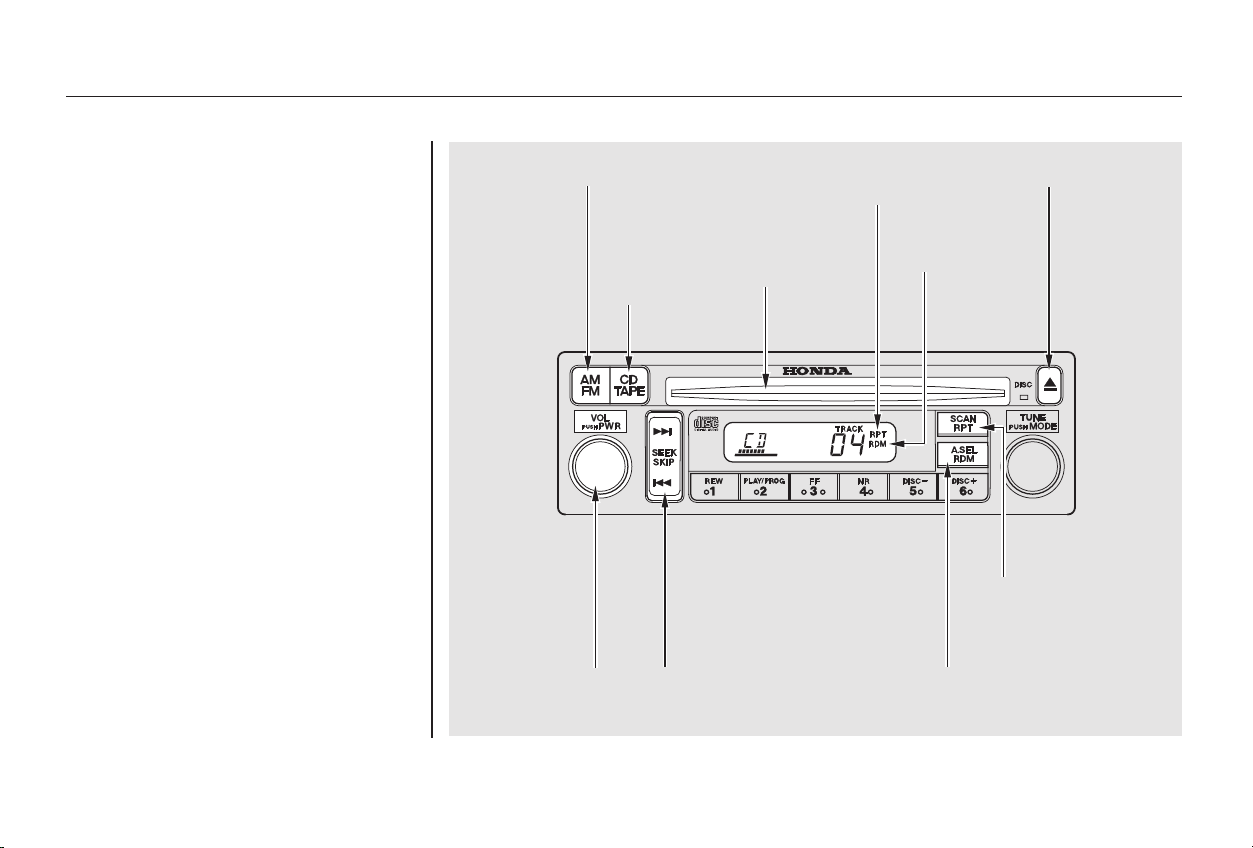
You operate the CD player with the
same controls used for the radio.
With the ignition switch in
ACCESSORY (I) or ON (II), insert
the disc into the CD slot. Push the
disc in halfway, the drive will pull it
in the rest of the way and begin to
play. The number of the track that is
playing is shown in the display.
You can also play 3-inch (8-cm) discs
without using an adapter ring. Play
only standard round discs. Odd-
shaped CDs may jam in the drive or
cause other problems.
For best results when using CD-R
discs, use only high quality discs
labeled for audio use. When
recording a CD-R, the recording
must be closed in order for the disc
to be used by CD players. CD-RW
discs will not work in this unit.
Operating the CD Player
Audio System
Comfort and Convenience Features
130
AA.. SSEELL//RRDDMM
BBUUTTTTOONN
CCDD SSLLOOTT
CCDD//TTAAPPEE
BBUUTTTTOONN
AAMM//FFMM BBUUTTTTOONN RREEPPEEAATT
IINNDDIICCAATTOORR
RRAANNDDOOMM
IINNDDIICCAATTOORR
EEJJEECCTT BBUUTTTTOONN
RRPPTT BBUUTTTTOONN
PPWWRR//VVOOLL
KKNNOOBB
SSEEEEKK//SSKKIIPP
BBAARR
Main Menu
Table of Contents
−
−
You can use the SEEK/SKIP bar
while a disc is playing to select
passages and change tracks.
To move rapidly within a track, press
andholdtheSEEK/SKIPbar.Press
the side to move forward. You
will see CUE in the display. Press the
side to move backward. You
will see REW displayed. Release the
bar when the system reaches the
point you want.
Each time you press and release the
side of the SEEK/SKIP bar,
the system skips forward to the
beginning of the next track. Press
and release the side to skip
backward to the beginning of the
current track. Press it again to skip
to the beginning of the previous
track.
To activate the Repeat
feature, press and release the RPT
button. You will see RPT in the
display. The system continuously
replays the current track. Press the
RPT button again to turn it off.
This feature,
when activated, plays the tracks on
the CD in random order, rather than
in the order they are recorded on the
CD. To activate Random Play, press
and release the A. SEL/RDM button.
You will see RDM in the display. The
system will then select and play
tracks randomly. This continues
until you deactivate Random Play by
pressing A. SEL/RDM again.
When the system reaches the end of
the disc, it will return to the begin-
ning and play that disc again.
You can switch to the radio while a
CD is playing by pressing the AM/
FM button. Press the CD button to
return to playing the CD. The CD
will begin playing where it left off.
If you turn the system off while a CD
is playing, either with the PWR/VOL
knob or by turning off the ignition,
the disc will stay in the drive. When
youturnthesystembackon,theCD
will begin playing where it left off.
Press the eject button to remove the
disc from the drive.
If you eject the disc, but do not
remove it from the slot, the system
will automatically reload the disc
after 15 seconds and put the CD
player in pause mode. To begin
playing the disc, press the CD button.
Audio System
Comfort and Convenience Features
REPEAT
RANDOM PLAY
131
Main Menu
Table of Contents

−
+
Load the desired CDs in the
magazine and load the magazine in
the changer according to the
instructions that came with the unit.
Play only standard round discs. Odd-
shaped CDs may jam in the drive or
cause other problems.
A Compact Disc changer is available
foryourcar.Itholdsuptosixdiscs,
providing several hours of
continuous entertainment. You
operate this CD changer with the
same controls used for the in-dash
CD player.
If you load a CD in the in-dash player
while the changer is playing a CD,
the system will stop the changer and
begin playing the in-dash CD. To
select the changer again, press the
CD button. Play will begin where it
left off. Use the CD button to switch
between the player and the changer.
To select a different disc, use the
Preset 5 (DISC ) or Preset 6
(DISC ) button. Press the Preset 6
button to select the next disc in the
magazine. Press the Preset 5 button
to select the previous disc. If you
select an empty slot in the magazine,
the changer will, after finding that
slot empty, try to load the CD in the
next slot. This continues until it finds
a CD to load and play.
To select the CD changer, press the
CD button. The disc and track
numbers will be displayed.
For best results when using CD-R
discs, use only high quality discs
labeled for audio use. When
recording a CD-R, the recording
must be closed in order for the disc
to be used by CD players. CD-RW
discs will not work in this unit.
If you eject the in-dash CD while it is
playing, the system will automatically
switch to the CD changer and begin
play where it left off. If there are no
CDs in the changer, the display will
flash. You will have to select another
mode (AM or FM) with the FM or
AM button.
For information on how to handle
and protect compact discs, see page
.
To use the SKIP, REPEAT, and
RANDOM functions, refer to the in-
dash player operating instructions.
When you switch back to CD mode,
the system selects the same unit (in-
dash or changer) that was playing
when you switched out of CD mode.
158
Operating the CD Changer
(Optional)
Protecting Compact Discs
Audio System
Comfort and Convenience Features
132
Main Menu
Table of Contents
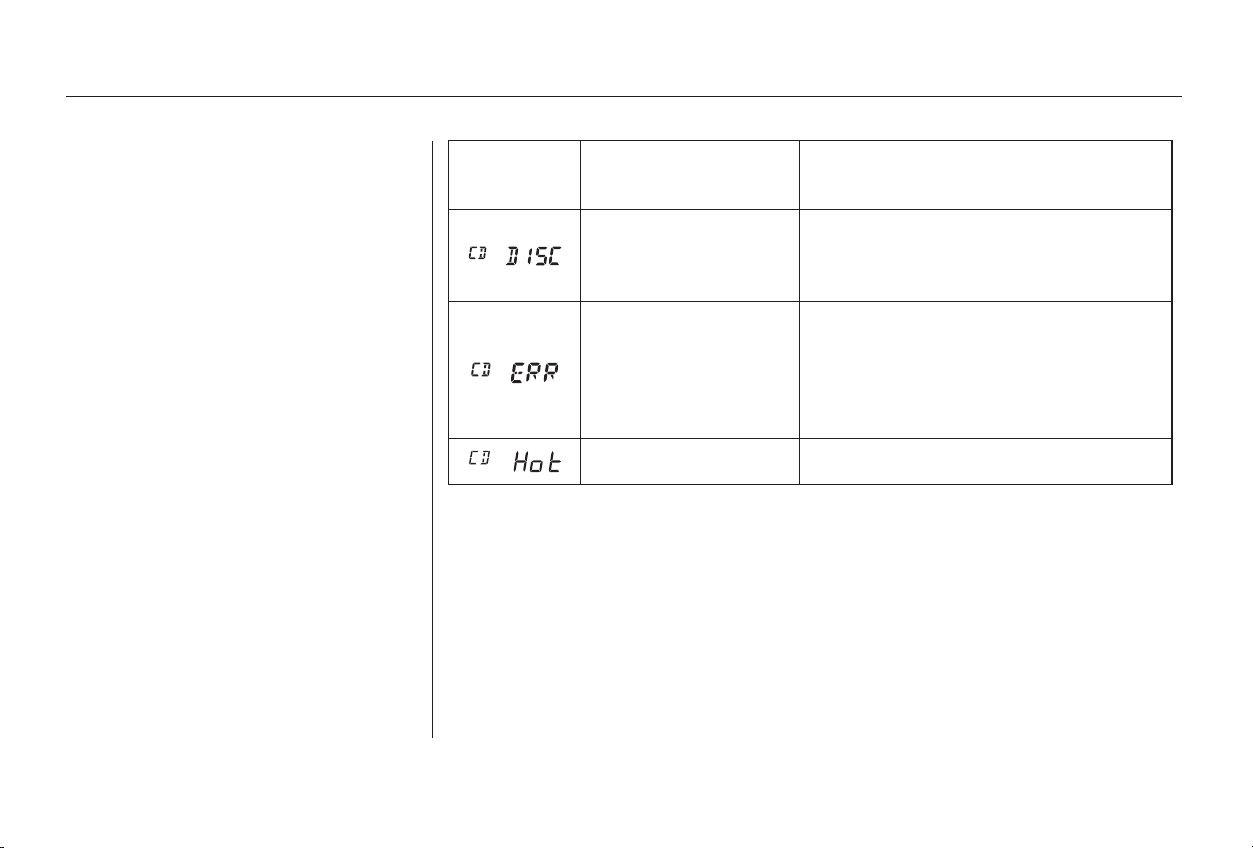
If you see an error indication in the
display while operating the CD
player,findthecauseinthechartto
the right. If you cannot clear the
error indication, take the car to your
Honda dealer.
Indication Cause Solution
FOCUS Error
Mechanical Error
High temperature
Press the EJECT button and pull out the disc.
Check if the disc is inserted correctly in the CD
player.
Make sure the disc is not scratched or damaged.
Press the EJECT button and pull out the disc.
Check the disc for damage or deformation.
If the CD cannot be pulled out or the error
indication does not disappear after the disc is
ejected, see your Honda dealer.
Do not try to force the disc out of the player.
Will disappear when the temperature returns to
normal.
Audio System
Comfort and Convenience Features
CD Player Error Indications
133
Main Menu
Table of Contents
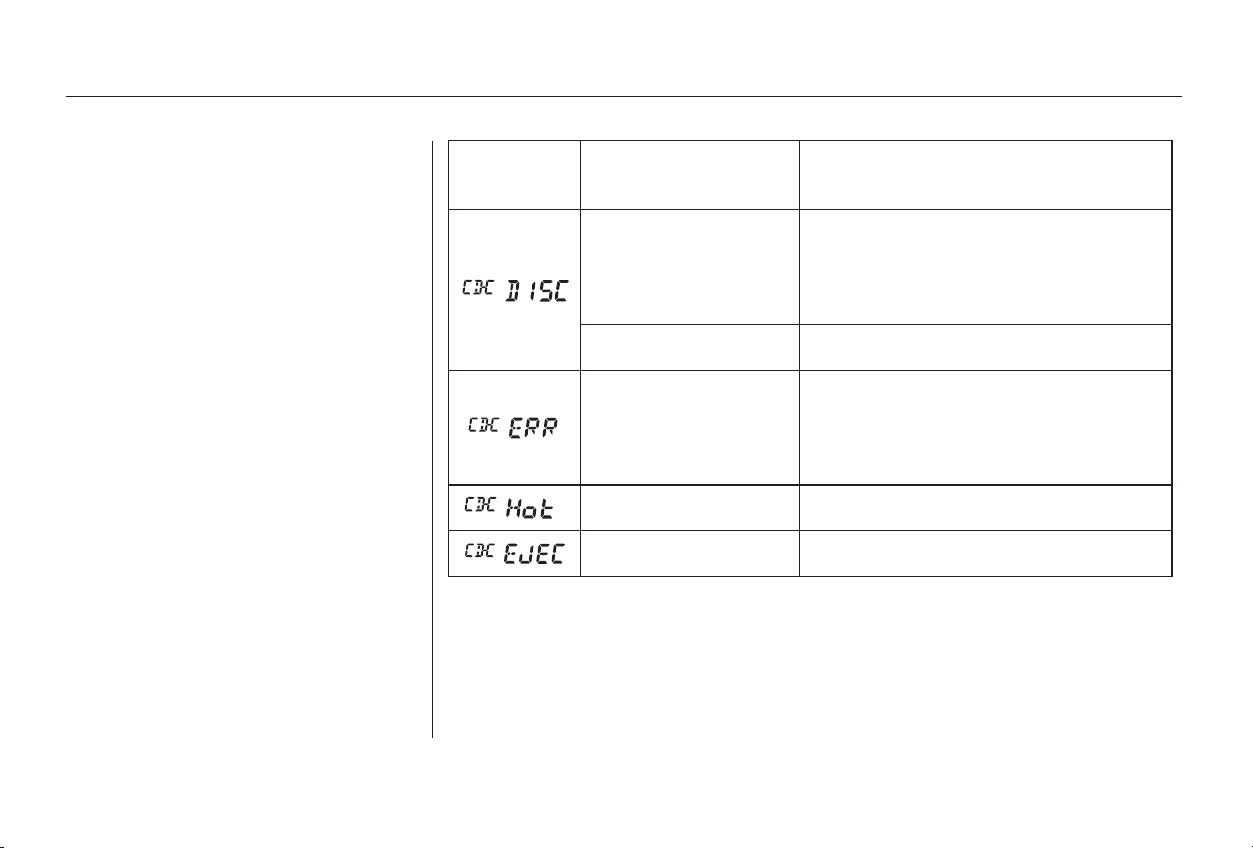
If you see an error indication in the
display while operating the CD
changer, find the cause in the chart
to the right. If you cannot clear the
error indication, take the car to your
Honda dealer.
Indication Cause Solution
FOCUS Error
Mechanical Error
High temperature
Press the magazine eject button and pull out
the magazine, check for error indication. Insert
the magazine again. If the code does not
disappear or the magazine cannot be pulled out,
consult your Honda dealer.
Insert CD.
Press the magazine eject button and pull out
the magazine, check for error indication. Insert
the magazine again. If the code does not
disappear or the magazine cannot be pulled out,
consult your Honda dealer.
Will disappear when the temperature returns to
normal.
Insert CD magazine.
Audio System
Comfort and Convenience Features
CD Changer Error Indications
134
Main Menu
Table of Contents
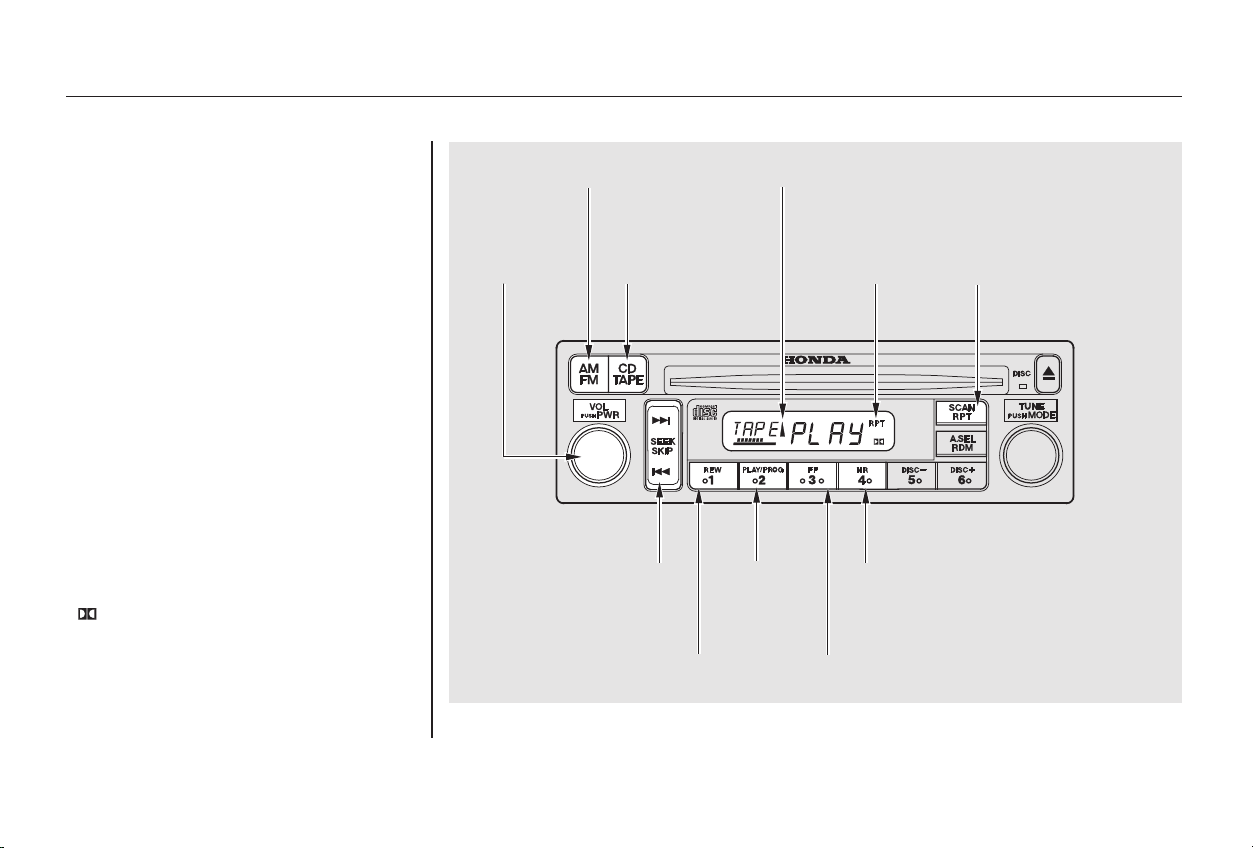
*
*
CONTINUED
The cassette system features Dolby
B noise reduction, automatic
sensing of chromium-dioxide (CrO )
tape, and autoreverse for continuous
play.
To operate the cassette player, the
ignition switch must be in
ACCESSORY(I) or ON(II). Make
sure the tape opening on the cassette
is facing to the right, then insert the
cassette most of the way into the slot.
The system will pull it in the rest of
the way, and begin to play.
2
Dolby noise reduction manufactured under
license from Dolby Laboratories Licensing Corpo-
ration. ‘‘DOLBY’’ and the double-D symbol
are trademarks of Dolby Laboratories
Licensing Corporation.
Audio System
Comfort and Convenience Features
Operating the Cassette Player
(Optional)
135
SSEEEEKK//SSKKIIPP BBAARR
AAMM//FFMM BBUUTTTTOONN
RREEPPEEAATT
BBUUTTTTOONN
RREEPPEEAATT
IINNDDIICCAATTOORR
TTAAPPEE DDIIRREECCTTIIOONN IINNDDIICCAATTOORR
PPLLAAYY//PPRROOGG
BBUUTTTTOONN
FFFF BBUUTTTTOONNRREEWW BBUUTTTTOONN
NNRR BBUUTTTTOONN
PPWWRR//VVOOLL
KKNNOOBB
CCDD//TTAAPPEE
BBUUTTTTOONN
Main Menu
Table of Contents

−
▲
If you turn the system off while a
tape is playing, either with the PWR/
VOL knob or by turning off the
ignition, the cassette will remain in
the drive. When you turn the system
back on, the cassette player will be in
pause mode. To begin playing, press
the PLAY/PROG button.
Fast Forward and Re-
wind move the tape rapidly. To re-
wind the tape, push the REW button.
You will see REW in the display. To
fast forward the tape, push the FF
button. You will see FF displayed.
Press the FF, REW or PLAY/PROG
button to take the system out of re-
wind or fast forward. When the sys-
tem reaches the end of the tape, it
reverses direction and begins to play.
With a cassette playing, you can use
the FF, REW, SKIP, or REPEAT
function to find a desired program.
To switch to the radio or CD player
while a tape is playing, press the
AM/FM, or CD button. To change
back to the cassette player, push the
TAPE button.
The tape direction indicator will light
to show you which side of the
cassette is playing. The indicates
thesideyouinsertedfacingupward
is now playing. If you want to play
the other side, press the PLAY/
PROG button.
Dolby B noise reduction turns on
when you insert a cassette. The
indicator will light in the dis-
play. If the tape was not recorded
with Dolby B noise reduction, turn it
off by pressing the NR button.
Noise reduction remains off until you
turn it on by pressing the button
again.
When the system reaches the end of
the tape, it will automatically reverse
direction and play the other side. If
you want to remove the cassette
from the drive, press the EJECT
button on the cassette player.
Audio System
Comfort and Convenience Features
FF/REW
Tape Search Functions
136
Main Menu
Table of Contents

−− The SKIP and REPEAT functions
use silent periods on the tape to find
the end of a song or passage. These
features may not work to your
satisfaction if there is almost no gap
between selections, a high noise
level between selections, or a silent
period in the middle of a selection.
The Repeat function
continuously replays the current
song or passage. Press the RPT
button to activate it; you will see RPT
displayed as a reminder. When the
system reaches the end of the song
or passage currently playing, it will
automatically go into rewind. When
it senses the beginning of the same
song or passage, the system returns
to PLAY mode. It will continue to
repeat this same program until you
deactivate REPEAT by pressing the
button again.
The Skip function allows
you to find the beginning of a song
or passage. To activate SKIP, press
the SEEK/SKIP bar. Press the
side to advance to the
beginning of the next song or
passage, or the side to return to
the beginning of the current song or
passage. FF or REW will flash in the
display as the tape moves. When the
system reaches the beginning of the
next song or passage (FF), or the
beginning of the current one (REW),
it goes back to PLAY mode.
Damaged cassettes can jam inside
the drive or cause other problems.
See page for information on
cassette care and protection.
150
Audio System
Comfort and Convenience Features
REPEATSKIP
Caring for Cassettes
137
Main Menu
Table of Contents
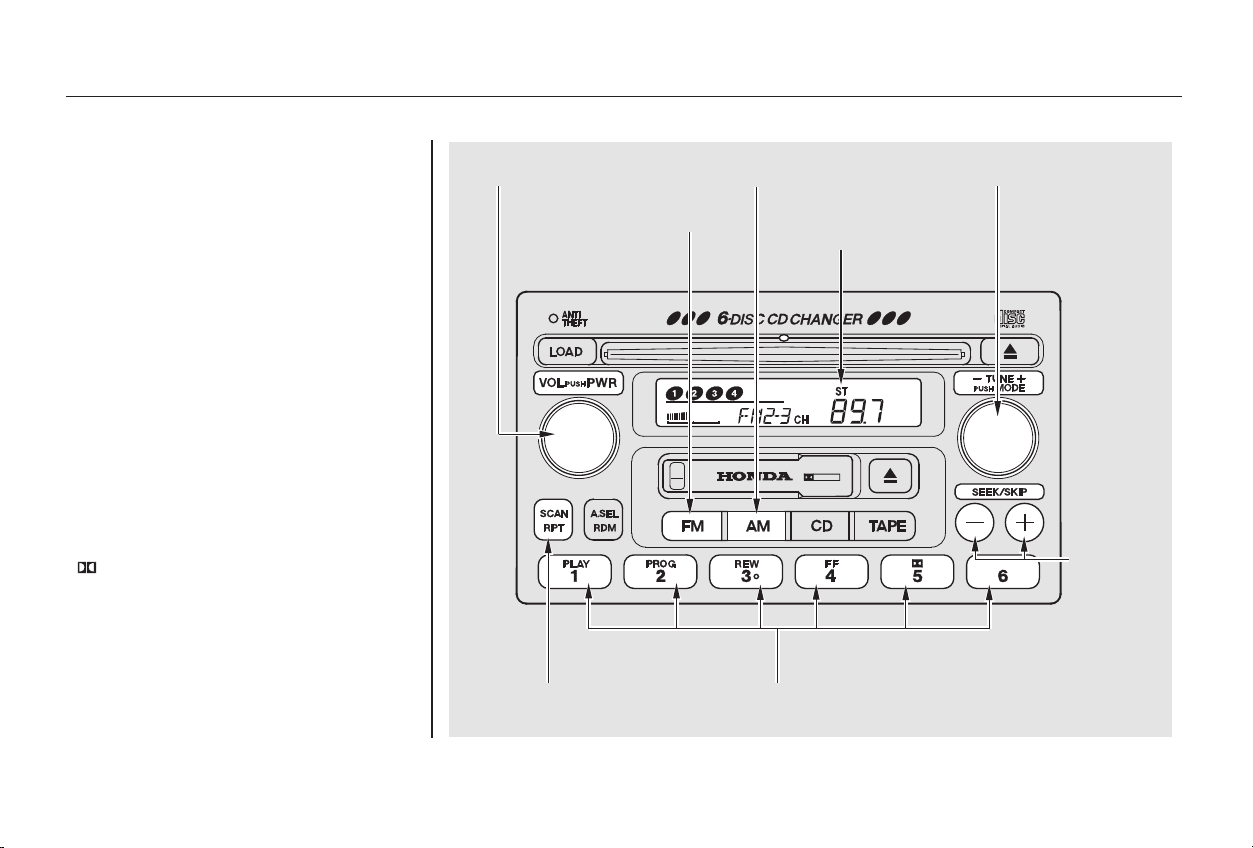
*
*
Your Honda’s audio system provides
clear reception on both AM and FM
bands, while the preset buttons allow
you to easily select your favorite
stations.
The cassette system features Dolby
B noise reduction, automatic
sensing of chromium-dioxide (CrO )
tape, and autoreverse for continuous
play.
The in-dash CD changer holds up to
six discs. You operate the CD
changer with the same controls used
for the radio. See page for CD
changer operation.
151
2
Dolby noise reduction manufactured under
license from Dolby Laboratories Licensing Corpo-
ration. ‘‘DOLBY’’ and the double-D symbol
are trademarks of Dolby Laboratories
Licensing Corporation.
For EX and EX-V6 models
AM/FM/Cassette/CD Changer
Audio System
Audio System
Comfort and Convenience Features
138
TTUUNNEE KKNNOOBB
FFMM BBUUTTTTOONN
SSEEEEKK
BBUUTTTTOONNSS
SSTTEERREEOO
IINNDDIICCAATTOORR
PPWWRR//VVOOLL KKNNOOBB AAMM BBUUTTTTOONN
SSCCAANN BBUUTTTTOONN PPRREESSEETT BBUUTTTTOONNSS
Main Menu
Table of Contents

−
−
○○
−+
The ignition switch must be in
ACCESSORY (I) or ON (II) to
operate the audio system. Turn the
system on by pressing the PWR/
VOL knob or the AM or FM button.
Adjust the volume by turning the
knob.
The band and frequency that the
radio was last tuned to is displayed.
To change bands, press the AM or
FM button. On the FM band, ST will
be displayed if the station is broad-
castinginstereo.Stereo
reproduction on AM is not available.
The anti-theft feature will disable the
system if it is disconnected from the
car’s battery. To get the system
working again, you must enter a
code number (see page ).
You can use any of five methods to
find radio stations on the selected
band: TUNE, SEEK, SCAN, AUTO
SELECT, and the Preset buttons.
Use the TUNE knob to
tune the radio to a desired frequency.
Turn the TUNE knob to the right to
tune to a higher frequency, or to the
left to tune to a lower frequency.
Turn the knob right or left until the
display reaches the desired
frequency.
The SEEK function
searches the band for a station with
a strong signal. To activate it, press
either SEEK button ( or ), then
release it. Depending on which
SEEK button you press, the system
scans upward or downward from the
current frequency. It stops when it
finds a station with a strong signal.
179
CONTINUED
Operating the Radio
TUNE
SEEK
Audio System
Comfort and Convenience Features
139
Main Menu
Table of Contents

−−The SCAN function
samples all the stations with strong
signals on the selected band. To
activate it, press the SCAN button,
then release it. When the system is
in the SCAN mode, SCAN shows in
the display. The system will scan up
the band for a station with a strong
signal. When it finds one, it will stop
and play that station for
approximately five seconds. If you do
nothing, the system will then scan
for the next strong station and play
that for five seconds. When it plays a
station that you want to continue
listening to, press the SCAN button
again.
You can store the
frequencies of your favorite radio
stations in the six preset buttons.
Each button will store one frequency
on the AM band, and two
frequencies on the FM band.
To store a frequency:
Select the desired band, AM or
FM. FM1 and FM2 let you store
two frequencies with each Preset
button.
Pick the Preset button you want
for that station. Press the button
and hold it until you hear a beep.
Repeat steps 1 to 3 to store a total
of six stations on AM and twelve
on FM.
Once a station’s frequency is stored,
simply press and release the proper
preset button to tune to it.
The preset frequencies will be lost if
your car’s battery goes dead, is
disconnected, or the radio fuse is
removed.
UsetheTUNE,SEEK,orSCAN
function to tune the radio to a
desired station.
1.
2.
3.
4.
SCAN Preset
Audio System
Comfort and Convenience Features
140
Main Menu
Table of Contents
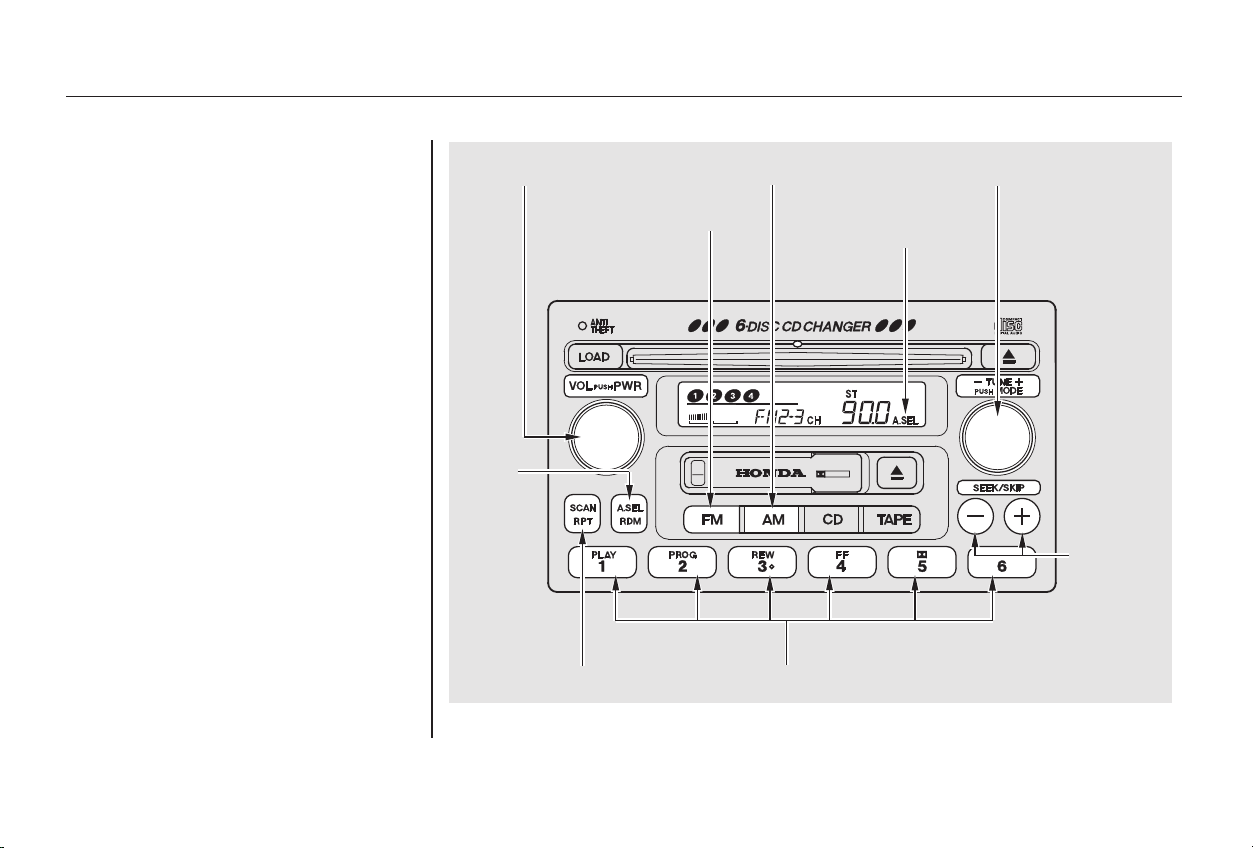
− If you are
traveling far from home and can no
longer receive the stations you
preset, you can use the Auto Select
feature to find stations in the local
area.
To activate Auto Select, press the
A. SEL button. A. SEL will flash in
the display, and the system will go
into scan mode for several seconds.
It automatically scans both bands,
looking for stations with strong
signals. It stores the frequencies of
six AM stations and twelve FM
stations in the preset buttons. You
can then use the preset buttons to
select those stations.
If you are in a remote area, Auto
Select may not find six strong AM
stations or twelve strong FM stations.
If this happens, you will see a ‘‘0’’
displayed when you press any preset
button that does not have a station
stored.
CONTINUED
Audio System
Comfort and Convenience Features
AUTO SELECT
141
TTUUNNEE KKNNOOBB
SSEEEEKK
BBUUTTTTOONNSS
PPWWRR//VVOOLL KKNNOOBB
AA.. SSEELL
BBUUTTTTOONN
AA.. SSEELL
IINNDDIICCAATTOORR
AAMM BBUUTTTTOONN
PPRREESSEETT BBUUTTTTOONNSSSSCCAANN BBUUTTTTOONN
FFMM BBUUTTTTOONN
Main Menu
Table of Contents
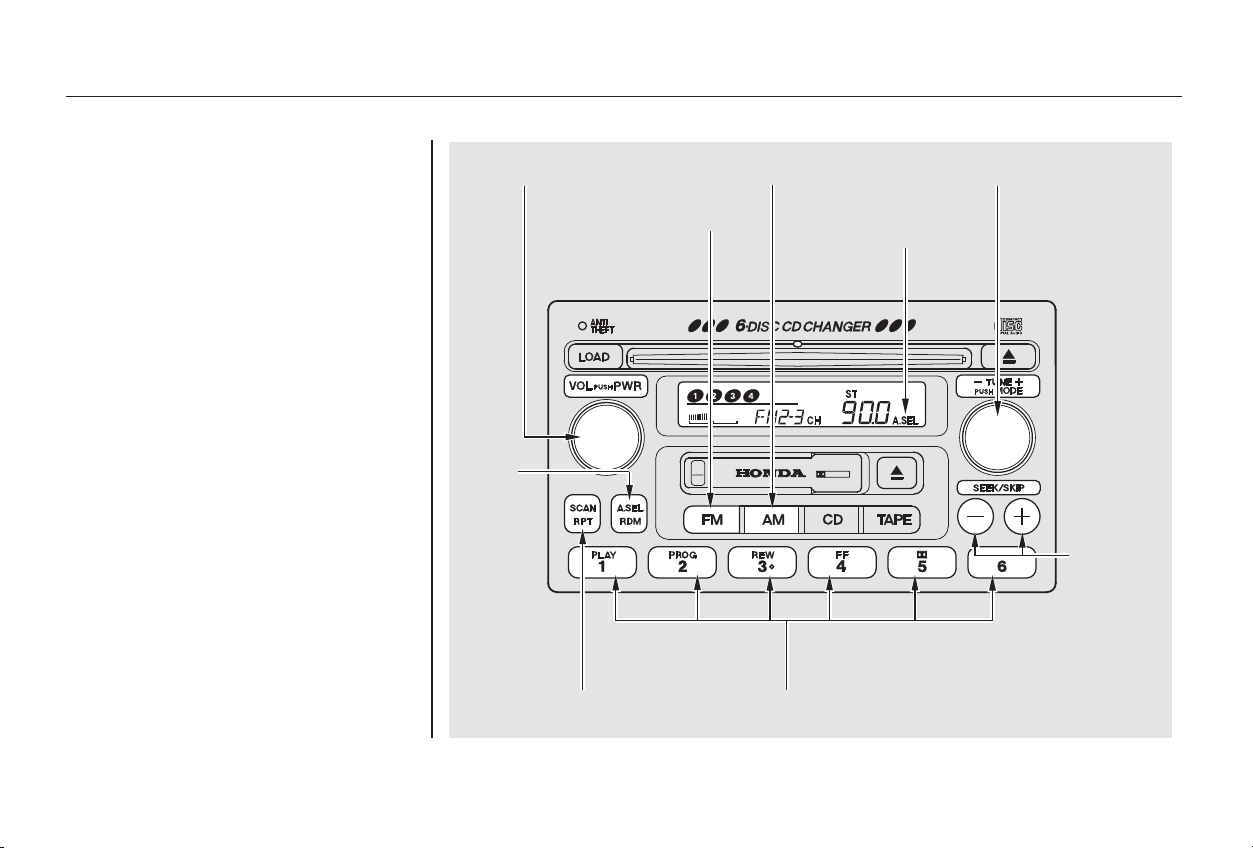
If you do not like the stations Auto
Select has stored, you can store
other frequencies in the preset
buttons. Use the TUNE, SEEK, or
SCAN function to find the desired
frequencies, then store them in the
selected preset buttons as described
previously.
Auto Select does not erase the
frequencies that you preset pre-
viously. When you return home, turn
off Auto Select by pressing the
A. SEL button. The preset buttons
will then select the frequencies you
originally set.
Audio System
Comfort and Convenience Features
142
TTUUNNEE KKNNOOBB
SSEEEEKK
BBUUTTTTOONNSS
PPWWRR//VVOOLL KKNNOOBB
AA.. SSEELL
BBUUTTTTOONN
AA.. SSEELL
IINNDDIICCAATTOORR
AAMM BBUUTTTTOONN
PPRREESSEETT BBUUTTTTOONNSS
FFMM BBUUTTTTOONN
SSCCAANN BBUUTTTTOONN
Main Menu
Table of Contents
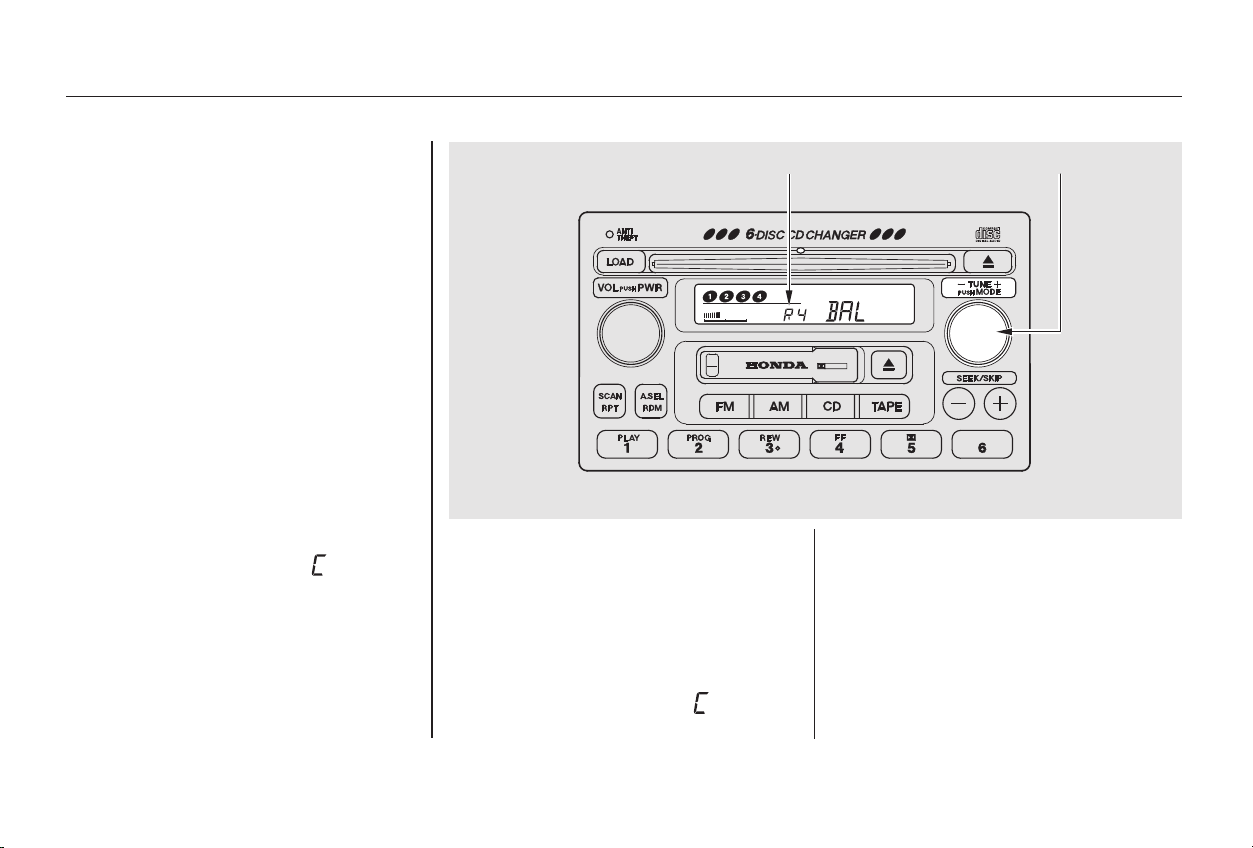
−
−
Bass, Treble, Balance, and Fader are
each adjustable. You select which of
these you want to adjust by pressing
the TUNE knob. The mode changes
fromBAStoTREtoFADtoBAL,
and then back to the selected audio
mode, each time you press the
TUNE knob.
The system will automatically return
the display to the selected audio
mode about five seconds after you
stop adjusting a mode with the
TUNE knob.
Use these modes to
adjust the tone to your liking. Select
TRE or BAS by pressing the TUNE
knob. Adjust the desired mode by
turning the TUNE knob.
The displayed number shows you
the current setting.
When the adjustment level reaches
the center, you will see ‘‘ ’’.
These two
modes adjust the strength of the
sound coming from each speaker.
BAL adjusts the side-to-side strength,
while FAD adjusts the front-to-back
strength.
Select BAL or FAD by pressing the
TUNE knob. Adjust the Balance or
Fader to your liking by turning the
TUNE knob.
The displayed number shows you
the current setting.
When the adjustment level reaches
the center, you will see ‘‘ ’’.
Audio System
Comfort and Convenience Features
Adjusting the Sound
Treble/Bass
Balance/Fader
143
TTUUNNEE KKNNOOBBAAddjjuussttmmeenntt LLeevveell
Main Menu
Table of Contents
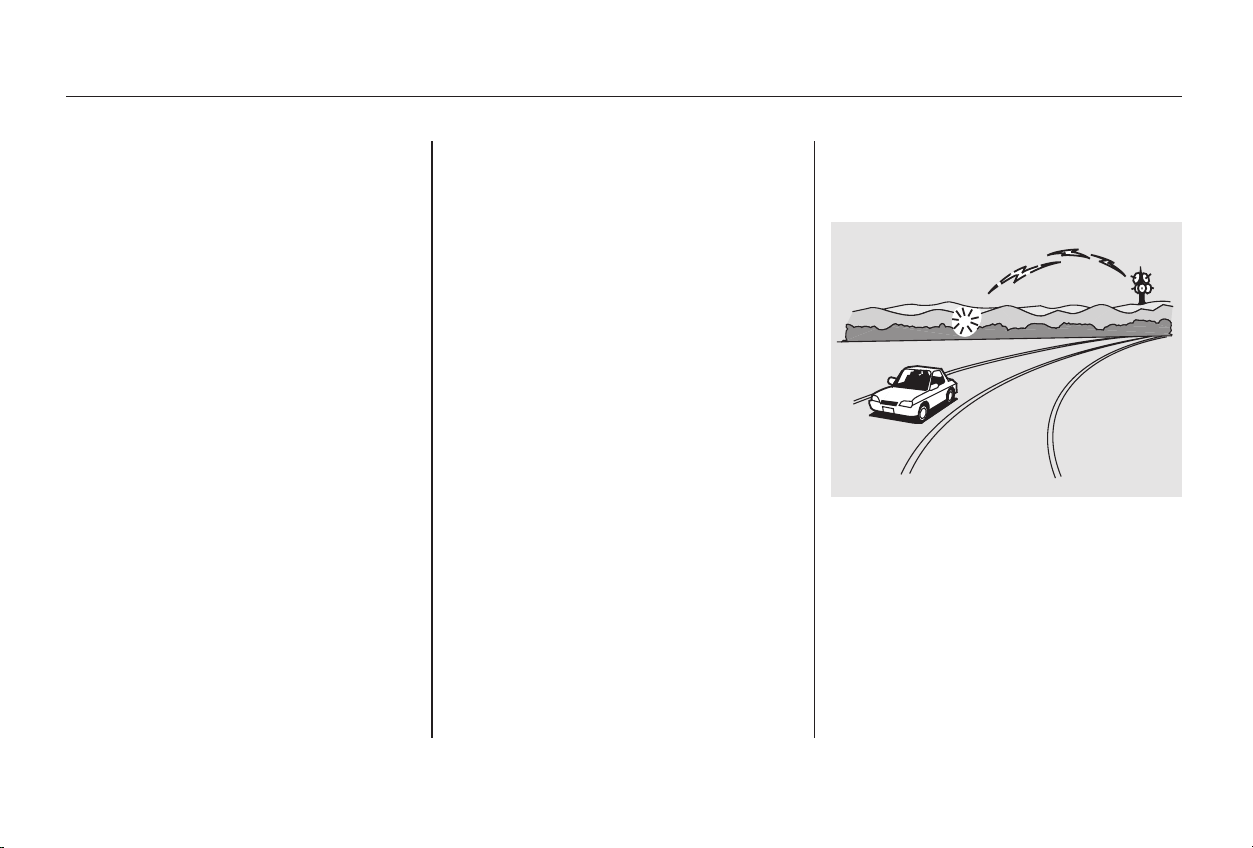
You can use the instrument panel
brightness control knob to adjust the
illumination of the audio system (see
page ). The audio system
illuminates when the parking lights
are on, even if the radio is turned off.
Your Honda’s radio can receive the
complete AM and FM bands.
Those bands cover these frequen-
cies:
AM band:
530 to 1,710 kilohertz
FM band:
87.7 to 107.9 megahertz
Radio stations on the AM band are
assigned frequencies at least ten
kilohertz apart (530, 540, 550).
Stations on the FM band are
assigned frequencies at least 0.2
megahertz apart (87.9, 88.1, 88.3).
Stations must use these exact
frequencies. It is fairly common for
stations to round-off the frequency in
their advertising, so your radio could
display a frequency of 100.9 even
though the announcer may identify
the station as ‘‘FM101.’’
How well your Honda’s radio
receives stations is dependent on
many factors, such as the distance
from the station’s transmitter,
nearby large objects, and atmos-
pheric conditions.
A radio station’s signal gets weaker
as you get farther away from its
transmitter. If you are listening to an
AM station, you will notice the sound
volume becoming weaker, and the
stationdriftinginandout.Ifyouare
listening to an FM station, you will
see the stereo indicator flickering off
and on as the signal weakens.
Eventually, the stereo indicator will
go off and the sound will fade
completely as you get out of range of
the station’s signal.
Driving very near the transmitter of
a station that is broadcasting on a
frequency close to the frequency of
the station you are listening to can
also affect your radio’s reception.
You may temporarily hear both
stations,orhearonlythestationyou
are close to.
69
Audio System Lighting
Radio Frequencies Radio Reception
Audio System
Comfort and Convenience Features
144
Main Menu
Table of Contents
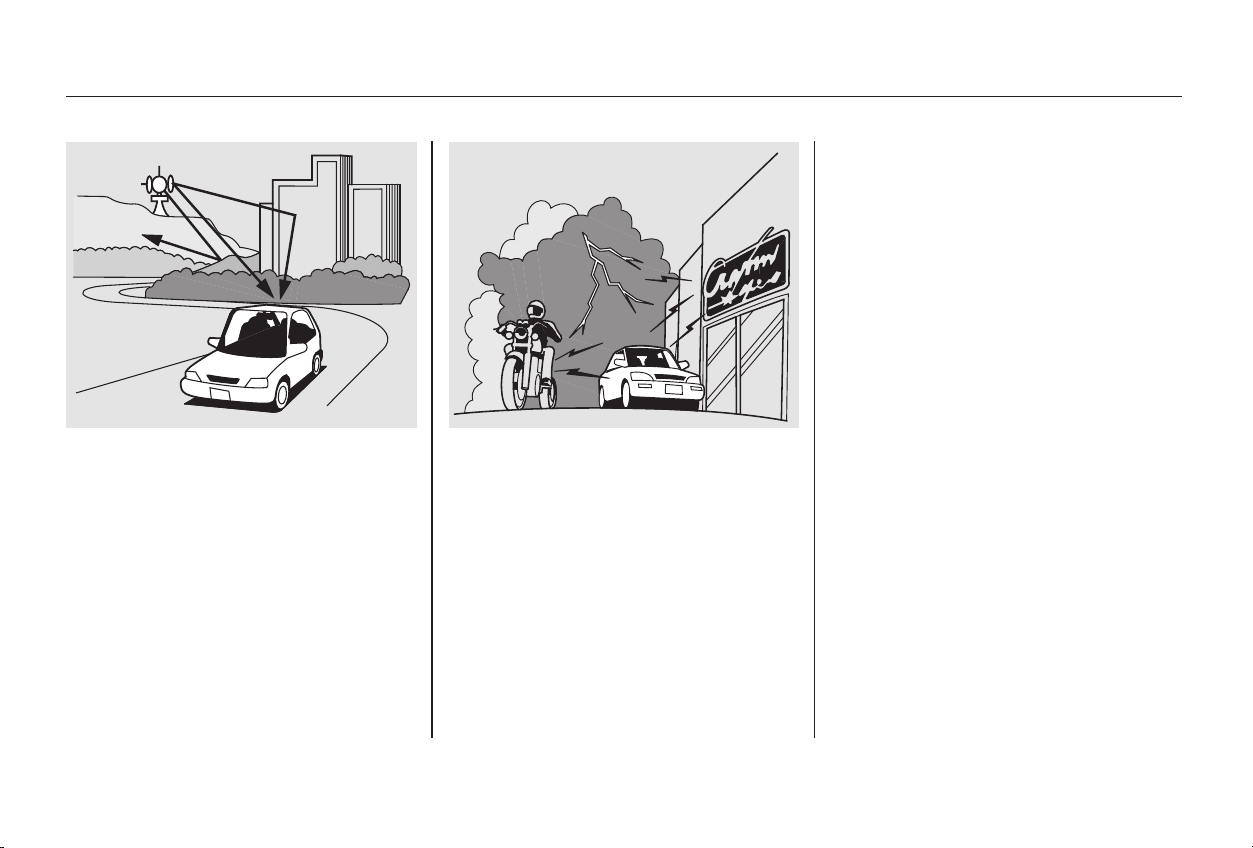
Radio signals, especially on the FM
band, are deflected by large objects
such as buildings and hills. Your
radio then receives both the direct
signal from the station’s transmitter,
and the deflected signal. This causes
the sound to distort or flutter. This is
a main cause of poor radio reception
in city driving.
Radio reception can be affected by
atmospheric conditions such as
thunderstorms, high humidity, and
even sunspots. You may be able to
receive a distant radio station one
day and not receive it the next day
because of a change in conditions.
Electrical interference from passing
vehicles and stationary sources can
cause temporary reception problems.
As required by the FCC:
Changes or modifications not expressly
approved by the party responsible for
compliance could void the user’s
authority to operate the equipment.
Audio System
Comfort and Convenience Features
145
Main Menu
Table of Contents
▲
The ignition switch must be in
ACCESSORY (I) or ON (II).
Make sure the tape opening on the
cassette is facing to the right, then
insert the cassette most of the way
into the slot. The system will pull it
in the rest of the way, and begin to
play.
The tape direction indicator will light
to show you which side of the
cassette is playing. The indicates
thesideyouinsertedfacingupward
is now playing. If you want to play
the other side, press the PROG
button.
Dolby noise reduction turns on when
you insert a cassette. If the tape was
not recorded with Dolby noise reduc-
tion, turn it off by pressing the
button.
Noise reduction remains off until you
turn it on by pressing the button
again.
When the system reaches the end of
the tape, it will automatically reverse
direction and play the other side. If
you want to remove the cassette
from the drive, press the EJECT
button.
You can remove the cassette with
the ignition switch in any position,
even if the audio system is turned off.
If you turn the system off while a
tape is playing, either with the PWR/
VOL knob or by turning off the
ignition, the cassette will remain in
the drive. When you turn the system
back on, the tape will begin playing
where it left off.
To switch to the radio or CD
changer while listening to a tape,
presstheAM,FMorCDbutton.To
change back to the cassette player,
press the TAPE button.
Operating the Cassette Player
Audio System
Comfort and Convenience Features
146
Main Menu
Table of Contents
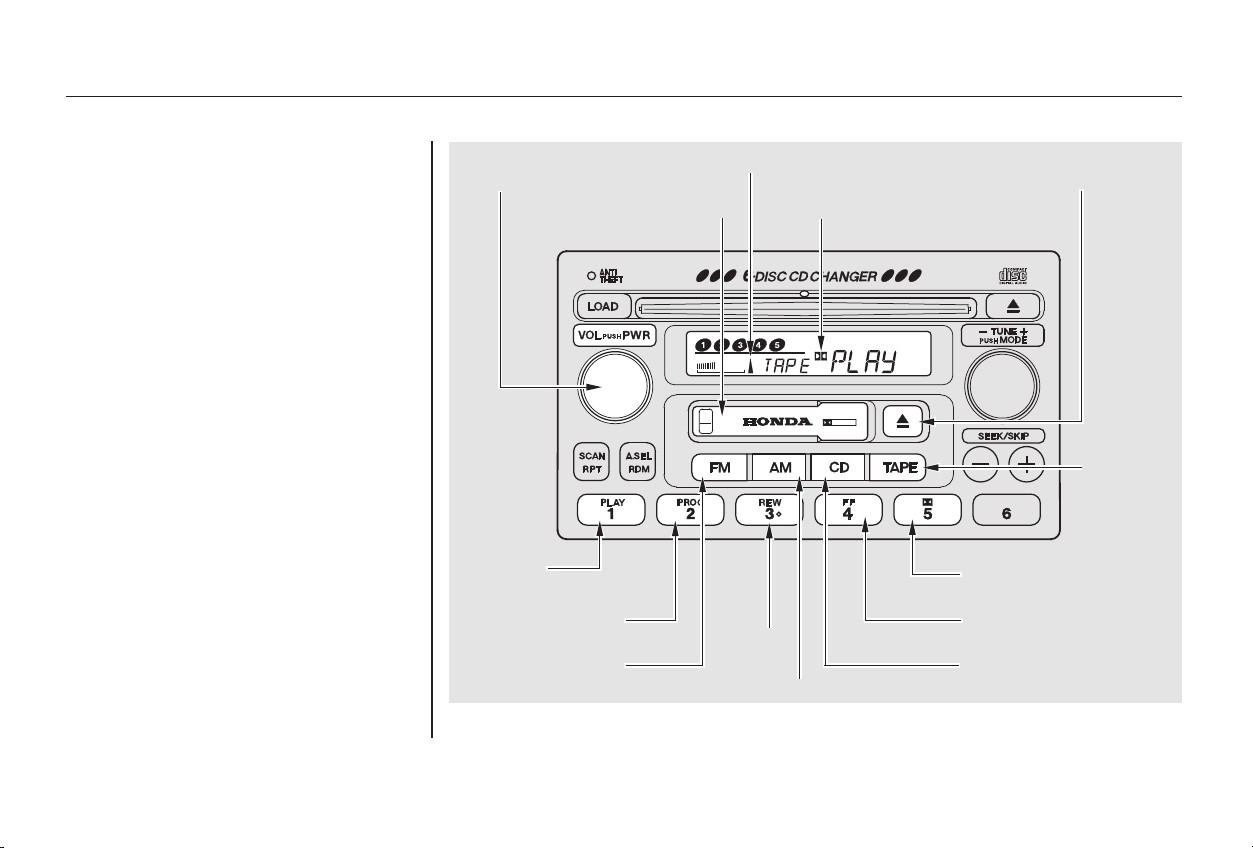
−
CONTINUED
With a cassette playing, you can use
the FF, REW, SKIP, or REPEAT
function to find a desired program.
Fast Forward and
Rewind move the tape rapidly. To
rewind the tape, push the REW
button. You will see REW in the
display. To fast forward the tape,
push the FF button. You will see FF
displayed. Press the FF, REW or
PLAY button to take the system out
of rewind or fast forward. When the
system reaches the end of the tape,
it reverses direction and begins to
play.
Tape Search Functions
FF/REW
Audio System
Comfort and Convenience Features
147
DDOOLLBBYY IINNDDIICCAATTOORR
AAMM BBUUTTTTOONN
PPLLAAYY
BBUUTTTTOONN
DDOOLLBBYY BBUUTTTTOONN
CCDD BBUUTTTTOONN
FFFF BBUUTTTTOONN
TTAAPPEE
BBUUTTTTOONN
PPWWRR//VVOOLL
KKNNOOBB
PPRROOGG BBUUTTTTOONN
FFMM BBUUTTTTOONN
RREEWW
BBUUTTTTOONN
TTAAPPEE DDIIRREECCTTIIOONN IINNDDIICCAATTOORR
CCAASSSSEETTTTEE SSLLOOTT
TTAAPPEE EEJJEECCTT
BBUUTTTTOONN
Main Menu
Table of Contents
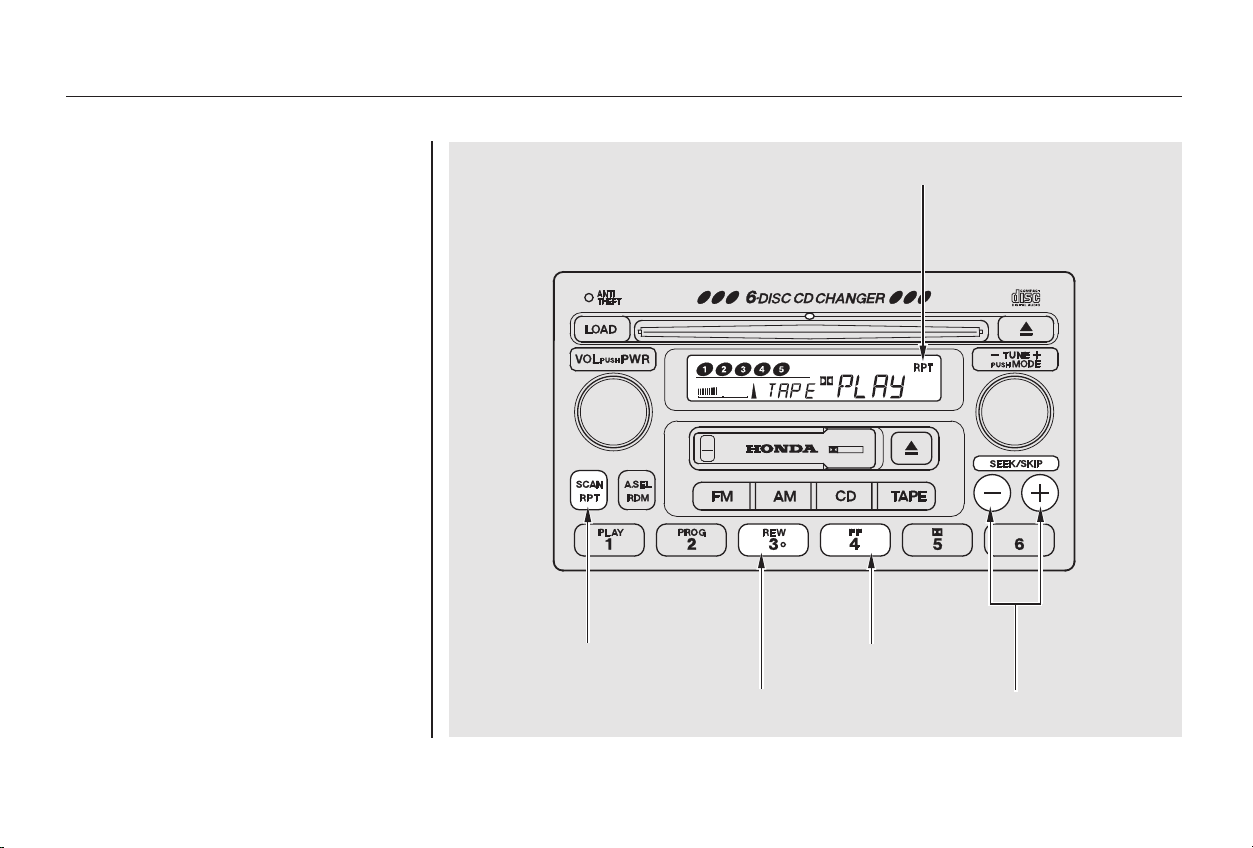
−
○
○
○○
−
+
−+
The SKIP function allows
you to find the beginning of a song
or passage. To skip to the beginning
of a song or passage currently
playing, push the button. You will
see REW flashing in the display as
thetaperewinds.Toskiptothe
beginning of the next song, push the
button. You will see FF flashing in
the display as the tape fast forwards.
When the system finds the begin-
ning of a song or passage, it goes
back to PLAY.
To stop the SKIP function before it
finds the beginning of a song or
passage, press either of the SKIP
buttons ( or ).
Audio System
Comfort and Convenience Features
SKIP
148
RREEPPEEAATT IINNDDIICCAATTOORR
SSKKIIPP BBUUTTTTOONNSS
FFFF BBUUTTTTOONN
RREEWW BBUUTTTTOONN
RRPPTT BBUUTTTTOONN
Main Menu
Table of Contents

− The Repeat function
continuously replays the current
song or passage. Press the RPT
button to activate it; you will see RPT
displayed as a reminder. When the
system reaches the end of the song
or passage currently playing, it will
automatically go into rewind. When
it senses the beginning of the same
song or passage, the system returns
to PLAY mode. It will continue to
repeat this same program until you
deactivate REPEAT by pressing the
button again.
Pressing the REW or FF button, or
either of the SKIP buttons, also turns
off REPEAT.
The SKIP and REPEAT functions
use silent periods on the tape to find
the end of a song or passage. These
features may not work to your
satisfaction if there is almost no gap
between selections, a high noise
level between selections, or a silent
period in the middle of a selection.
Audio System
Comfort and Convenience Features
REPEAT
149
Main Menu
Table of Contents

The cassette player picks up dirt and
oxides from the tape. This contami-
nation builds up over time and
causes the sound quality to degrade.
To prevent this, you should clean the
player after every 30 hours of use.
Your dealer has a cleaning kit
available.
If you do not clean the cassette
player regularly, it may eventually
become impossible to remove the
contamination with a normal
cleaning kit.
Use 100-minute or shorter cassettes.
Cassettes longer than that use
thinner tape that may break or jam
the drive.
Look at the cassette before you
insert it. If the tape is loose, tighten
it by turning a hub with a pencil or
your finger.
If the label is peeling off, remove it
from the cassette or it could cause
the cassette to jam in the player.
Never try to insert a warped or
damaged cassette in the player.
When they are not in use, store
cassettes in their cases to protect
them from dust and moisture. Never
place cassettes where they will be
exposed to direct sunlight, high heat,
or high humidity. If a cassette is
exposed to extreme heat or cold, let
it reach a moderate temperature
before inserting it in the player.
Never try to insert foreign objects
into the cassette player.
If you see the error indication
‘‘ ’’ on the display, press
the TAPE EJECT button to remove
the cassette from the unit. Make
sure the tape is not damaged. If the
cassette will not eject or the error
indication stays on after the cassette
ejects, take the car to your Honda
dealer.
Caring for the Cassette Player
Audio System
Comfort and Convenience Features
150
Main Menu
Table of Contents
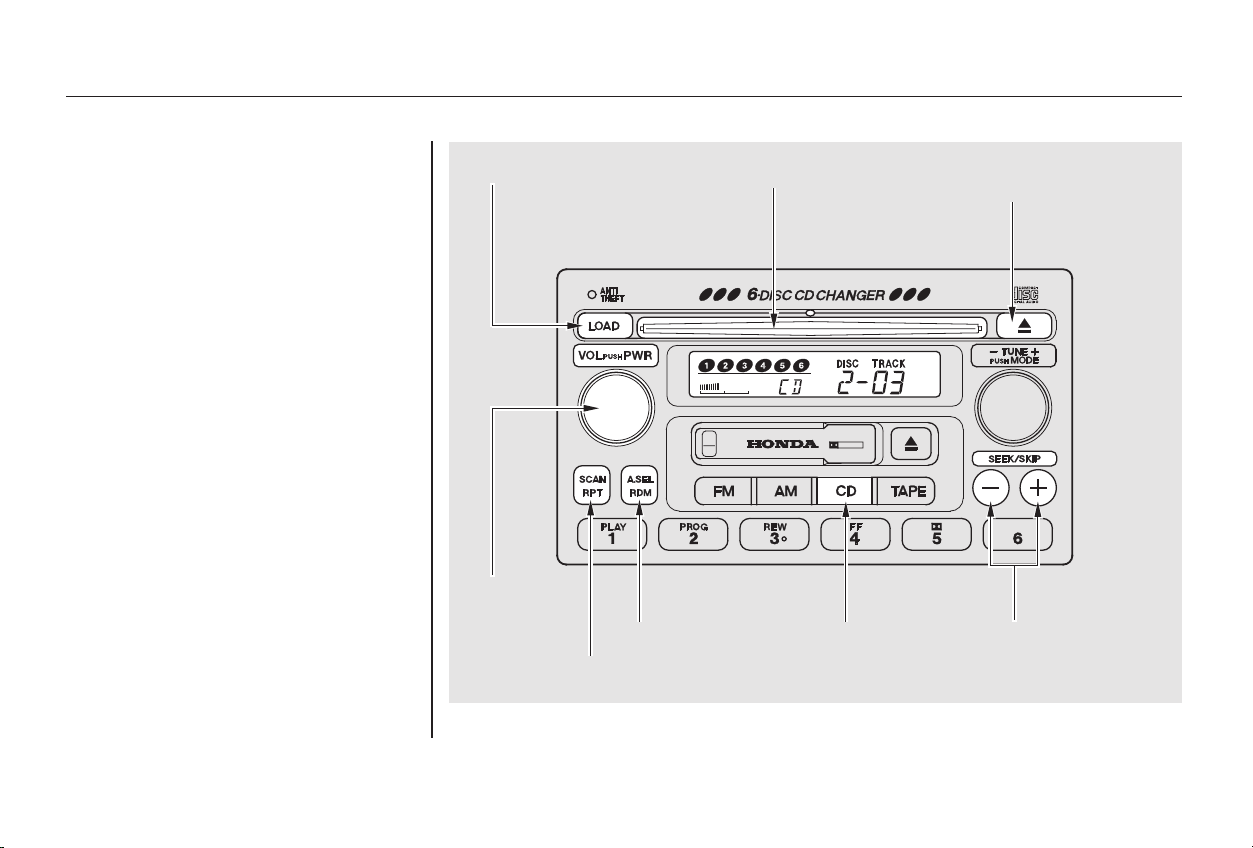
CONTINUED
To load the CDs or operate the CD
changer, the ignition switch must be
in ACCESSORY (I) or ON (II).
Load and play only standard round
discs. Odd-shaped CDs may jam in
the drive or cause other problems.
You cannot load and play 3-inch
(8-cm)discsinthissystem.
Your Honda’s audio system has an
in-dash CD changer that holds up to
six discs, providing several hours of
continuous entertainment. You
operate this CD changer with the
same controls used for the radio and
cassette player.
For best results when using CD-R
discs, use only high quality discs
labeled for audio use. When
recording a CD-R, the recording
must be closed in order for the disc
to be used by CD players. CD-RW
discs will not work in this unit.
Audio System
Comfort and Convenience Features
Operating the CD Changer
151
SSKKIIPP BBUUTTTTOONNSS
RREEPPEEAATT BBUUTTTTOONN
LLOOAADD BBUUTTTTOONN
PPWWRR//VVOOLL
KKNNOOBB
CCDD EEJJEECCTT
BBUUTTTTOONN
CCDD SSLLOOTT
RRDDMM BBUUTTTTOONN CCDD BBUUTTTTOONN
Main Menu
Table of Contents

To load multiple CDs in one
operation:
Repeat this until all six positions
are loaded. The system will then
begin playing the last CD loaded.
If you are not loading CDs into all six
positions, press the Load button
again after the last CD has loaded.
The system will begin playing the
last CD loaded.
If you stop loading CDs before all six
positions are filled, and you do not
press the Load button, the system
will wait for ten seconds, then stop
the load operation and begin playing
the last CD loaded.
To load a single CD:
Press and release the Load button.
Press and hold the Load button
until you hear a beep and see
‘‘LOAd’’ in the display, then
release the button.
Ontheupperleftsideofthe
display, the disc number for an
empty position will begin blinking
and the green CD Loaded
indicator will come on.
When the disc number for an
empty position starts to blink and
the green CD Loaded indicator
comeson,youwillseeLOAdin
the display, then insert the disc
into the CD slot. Insert it only
about halfway, the drive will pull it
in the rest of the way.
When LOAd appears again in the
display, insert the next disc into
the CD slot.
Insert the disc into the CD slot.
Insert it only about halfway, the
drive will pull it in the rest of the
way.YouwillseeBUSYinthe
display. The CD loaded indicator
turns red and blinks as the CD is
loaded.
The system will load the CD, and
begin playing it.
1.
2.
3.
4.
5.
1.
2.
3.
Audio System
Comfort and Convenience Features
Loading CDs in the Changer
152
Main Menu
Table of Contents
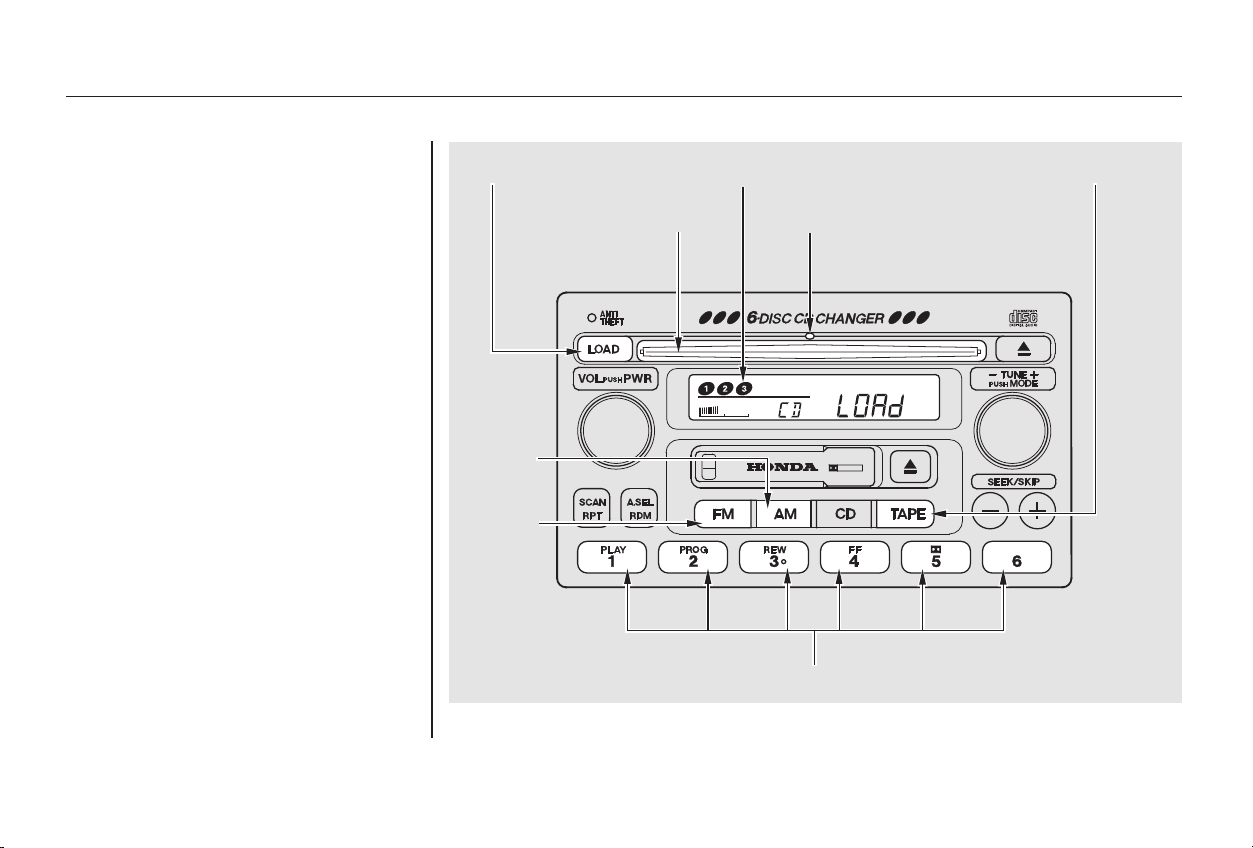
CONTINUED
If you press the Load button while a
CD is playing, the system will stop
playing that CD and start the loading
sequence. It will then play the CD
just loaded.
You can also load a CD into an empty
position while a CD is playing by
pressing the appropriate preset
button. Select an empty position (the
disc number indicator is off), and
press the preset button for that
position (1 to 6). The system will
stop playing the current CD and start
the loading sequence. It will then
play the CD just loaded.
Audio System
Comfort and Convenience Features
153
LLOOAADD BBUUTTTTOONN
CCDD SSLLOOTT
PPRREESSEETT BBUUTTTTOONNSS
DDIISSCC NNUUMMBBEERR
CCDD LLOOAADDEEDD IINNDDIICCAATTOORR
TTAAPPEE BBUUTTTTOONN
FFMM
BBUUTTTTOONN
AAMM
BBUUTTTTOONN
Main Menu
Table of Contents

−
−
−
○
○
○
○
+
−
+
−
Select the CD changer by pressing
the CD button. You will see ‘‘Cd’’ in
the display. The system will begin
playing the last selected disc in the
CD changer. You will see the disc
and track numbers displayed.
When that disc ends, the next disc in
the CD changer is loaded and played.
After the last disc finishes, the
system returns to disc 1.
To select a different disc, press the
appropriate Preset button (1 6). If
youselectanemptypositioninthe
CD changer, the system will go into
the loading sequence (see page ).
You can use the SKIP buttons while
a disc is playing to select passages
and change tracks.
To activate the Repeat
feature, press and release the RPT
button. You will see RPT in the
display as a reminder. The system
continuously replays the current
track. Press the RPT button again to
turn it off. Pressing either of the
SKIP buttons also turns off the
repeat feature.
This feature,
when activated, plays the tracks
within a CD in random order, rather
than in the order they are recorded
on the CD. To activate Random Play,
press the RDM button. You will see
RDM in the display. The system will
then select and play tracks randomly.
This continues until you deactivate
RandomPlaybypressingtheRDM
button again, or you select a
different CD with a preset button.
To move rapidly within a track, press
and hold the appropriate SKIP
button. You will hear a beep and the
system will continue to move. Press
the button to move forward, or
the button to move backward.
Release the button when the system
reaches the point you want.
Each time you press the button
and release it, the system skips
forward to the beginning of the next
track. Press and release the
buttontoskipbackwardtothe
beginning of the current track. Press
and release it again to skip to the
beginning of the previous track.
171
Audio System
Comfort and Convenience Features
Operation
REPEAT
RANDOM PLAY
154
Main Menu
Table of Contents
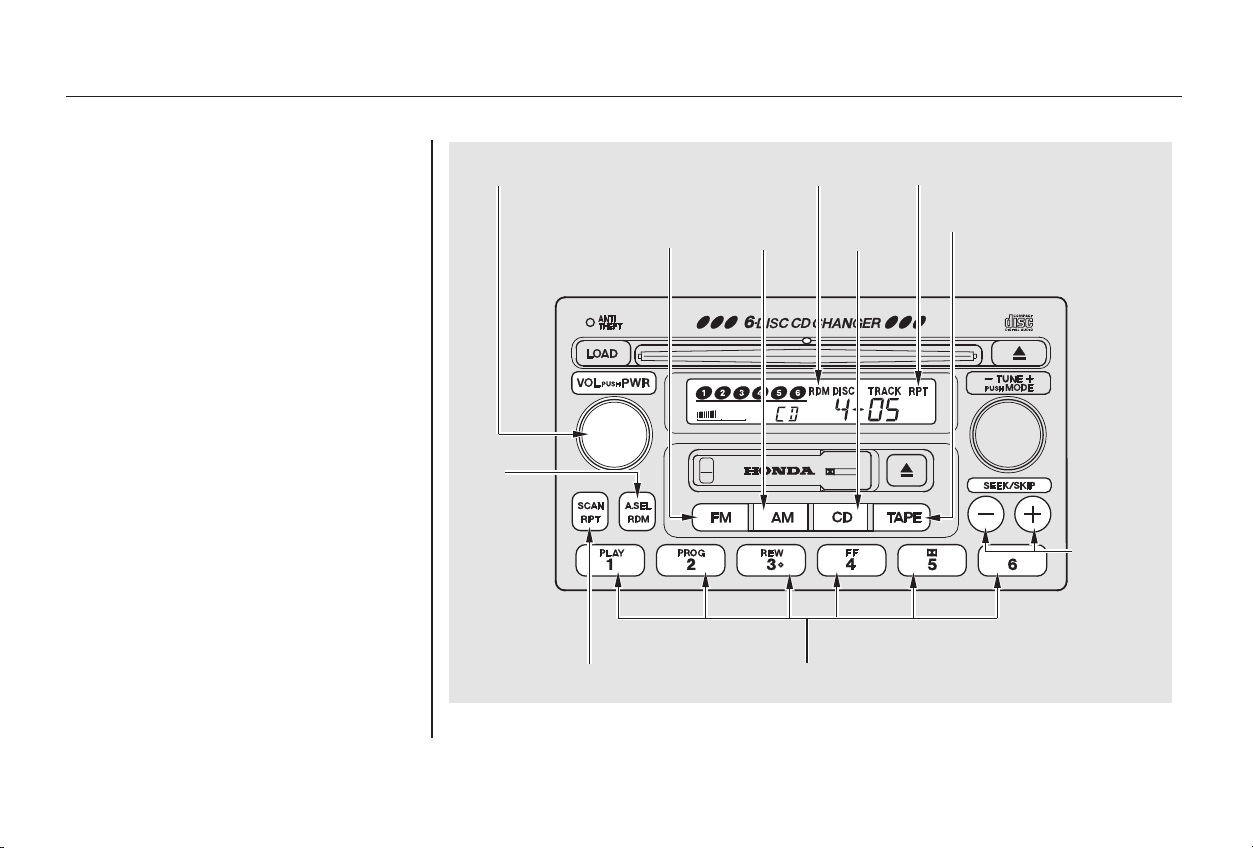
To take the system out of CD mode,
press the AM or FM button, or insert
a cassette in the player. If a tape is
already in the cassette player, press
the TAPE button. When you return
to CD mode by pressing the CD
button, play will continue at the same
point that it left off.
If you turn the system off while a CD
is playing, either with the PWR/VOL
knob or the ignition switch, play will
continue at the same point when you
turn it back on.
CONTINUED
Audio System
Comfort and Convenience Features
155
PPWWRR//VVOOLL KKNNOOBB
PPRREESSEETT BBUUTTTTOONNSS
RRDDMM
BBUUTTTTOONN
SSKKIIPP
BBUUTTTTOONNSS
CCDD
BBUUTTTTOONN
RRPPTT BBUUTTTTOONN
FFMM
BBUUTTTTOONN
AAMM
BBUUTTTTOONN
TTAAPPEE BBUUTTTTOONN
RRPPTT IINNDDIICCAATTOORRRRDDMM IINNDDIICCAATTOORR
Main Menu
Table of Contents
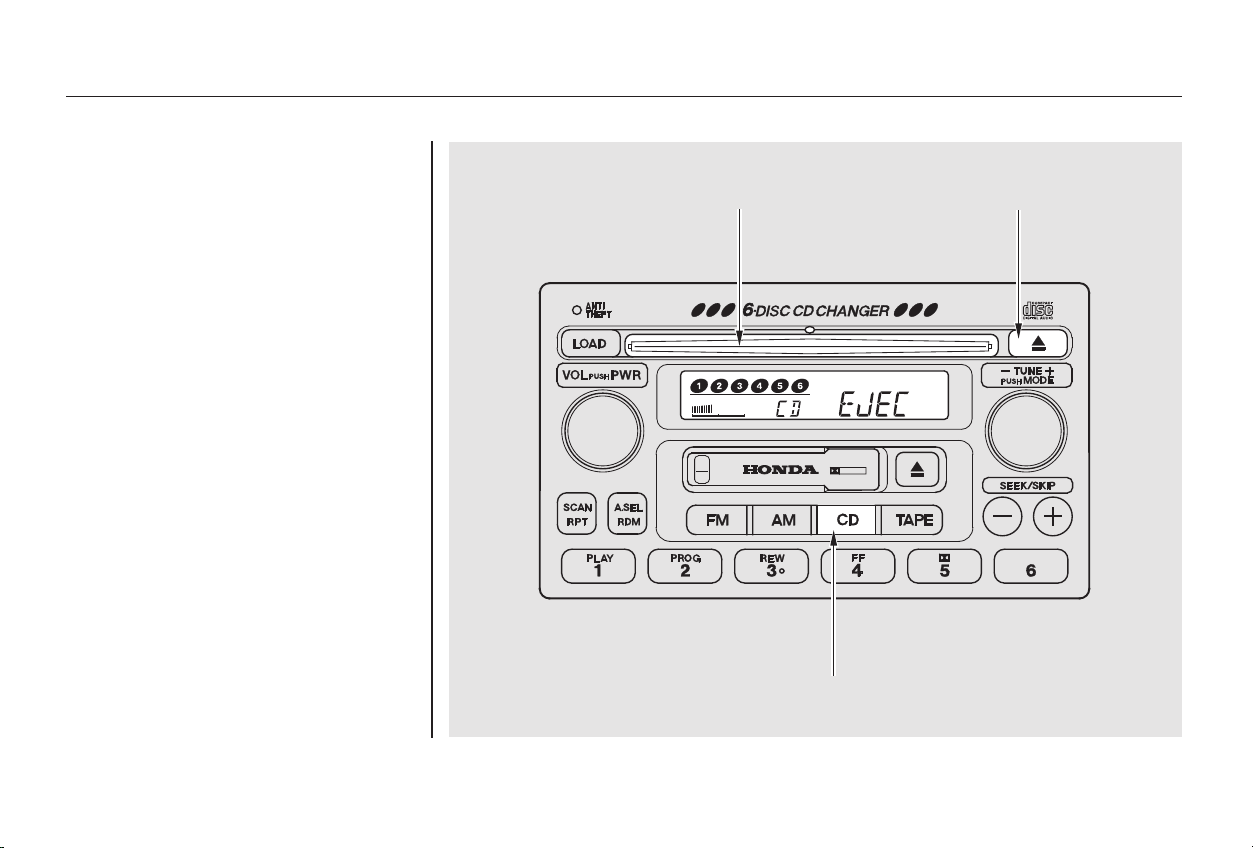
To remove the disc that is currently
playing, press the Eject button. You
will see ‘‘EJEC’’ in the display. When
you remove the disc from the slot,
the system automatically begins the
Load sequence so you can load
another CD in that position. If you do
not load another CD, after ten
seconds the system begins playing
the next disc in the changer. If the
changer is empty, the system selects
the previous mode (AM, FM, or
Tape).
If you do not remove the disc from
the slot, the system will reload the
disc after 15 seconds and put the CD
changer in pause mode. To begin
playing the disc, press the CD button.
To remove a different CD from the
changer,firstselectitwiththe
appropriate preset button. When that
CD begins playing, press the Eject
button.
Removing CDs from the Changer
Comfort and Convenience Features
Audio System
156
CCDD SSLLOOTT CCDD EEJJEECCTT BBUUTTTTOONN
CCDD BBUUTTTTOONN
Main Menu
Table of Contents

If you press the Eject button while
listening to the radio or tape, or with
the audio system turned off, the disc
that was last selected is ejected.
After that disc is ejected, pressing
the Eject button again will eject the
next disc in the numerical order. By
doing this six times, you can remove
all the CDs from the changer.
In any mode, if you press the Eject
button and hold it until you hear a
beep, the system will eject all of the
discs in the changer.
You can also eject discs when the
ignition switch is off. The disc that
was last selected is ejected first. You
can eject up to five discs, one at a
time.
Audio System
Comfort and Convenience Features
157
Main Menu
Table of Contents
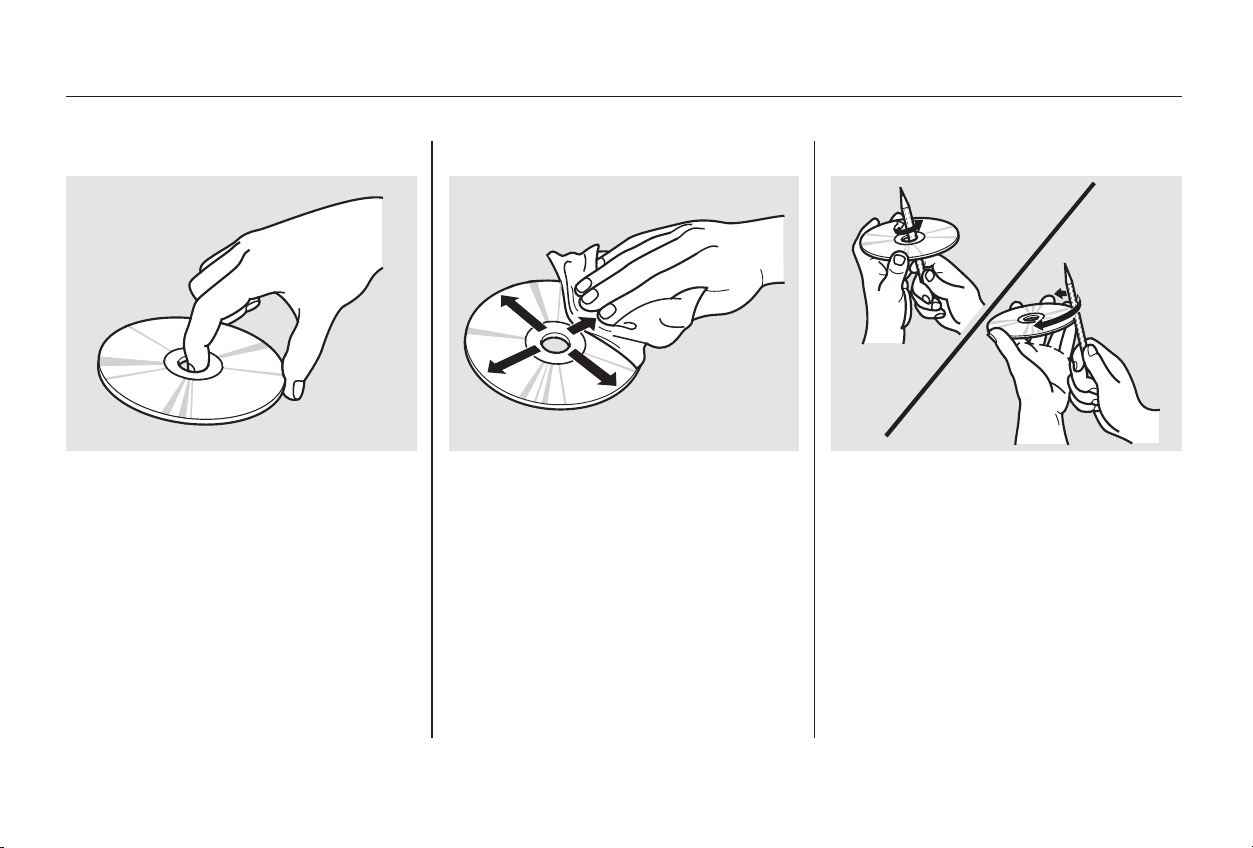
When a CD is not being played, store
it in its case to protect it from dust
and other contamination. To prevent
warpage, keep CDs out of direct
sunlight and extreme heat.
To clean a disc, use a clean soft cloth.
Wipe across the disc from the center
to the outside edge.
Never try to insert foreign objects in
the CD player or the magazine.
A new CD may be rough on the
inner and outer edges. The small
plastic pieces causing this roughness
can flake off and fall on the re-
cording surface of the disc, causing
skipping or other problems. Remove
these pieces by rubbing the inner
and outer edges with the side of a
pencil or pen.
Handle a CD by its edges; never
touch either surface. Do not place
stabilizer rings or labels on the CD.
These, along with contamination
from fingerprints, liquids, and felt-tip
pens, can cause the CD to not play
properly, or possibly jam in the drive.
Protecting Compact Discs
Audio System
Comfort and Convenience Features
158
Main Menu
Table of Contents
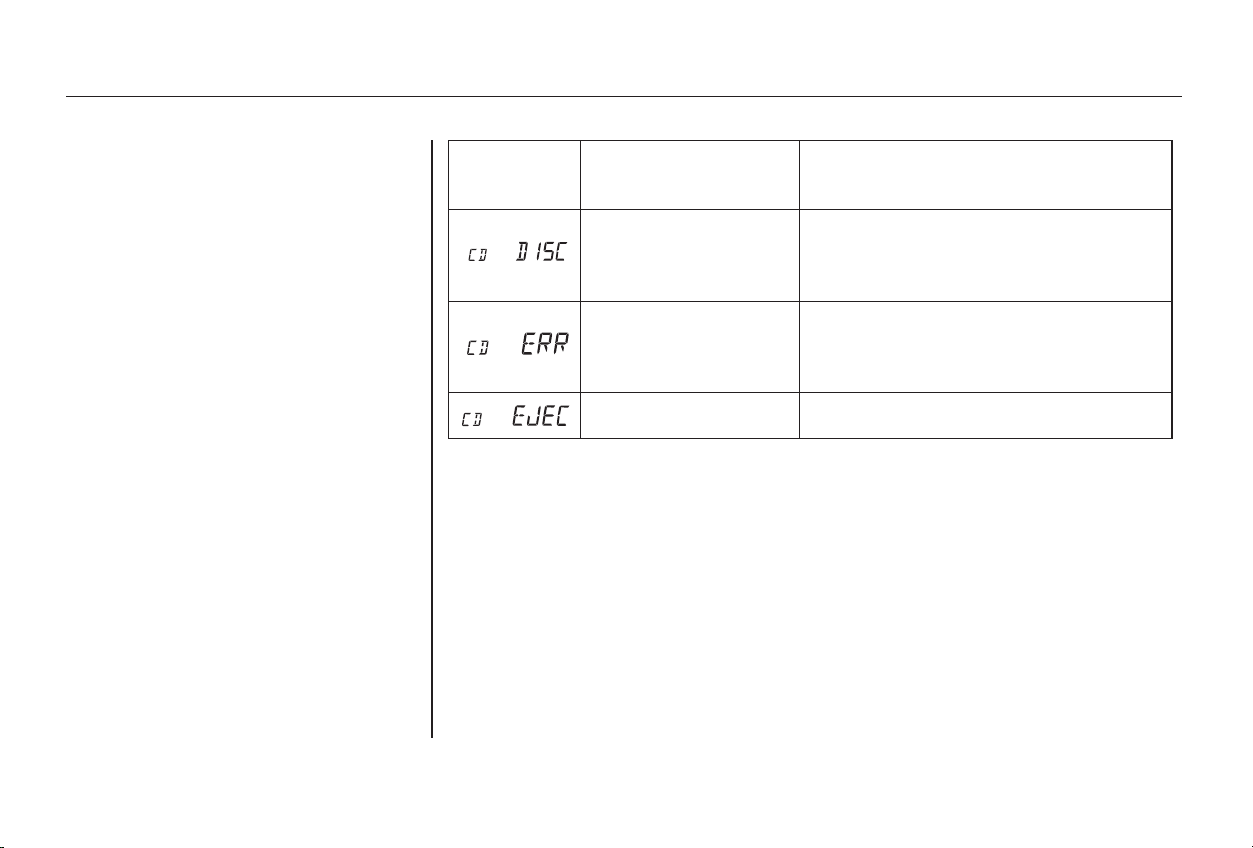
If you see an error indication in the
display while operating the CD
changer, find the cause in the chart
to the right. If you cannot clear the
error indication, take the car to your
Honda dealer.
Indication SolutionCause
Press the CD eject button and pull out the CDs,
check for error indication. Insert the CDs again.
If the code does not disappear or the CD cannot
be pulled out, consult your Honda dealer.
Press the CD eject button and pull out the CDs,
check for error indication. Insert the CDs again.
If the code does not disappear or the CD cannot
be pulled out, consult your Honda dealer.
Insert CD.
FOCUS Error
Mechanical Error
No CD in the CD
changer.
CD Changer Error Indications
Audio System
Comfort and Convenience Features
159
Main Menu
Table of Contents
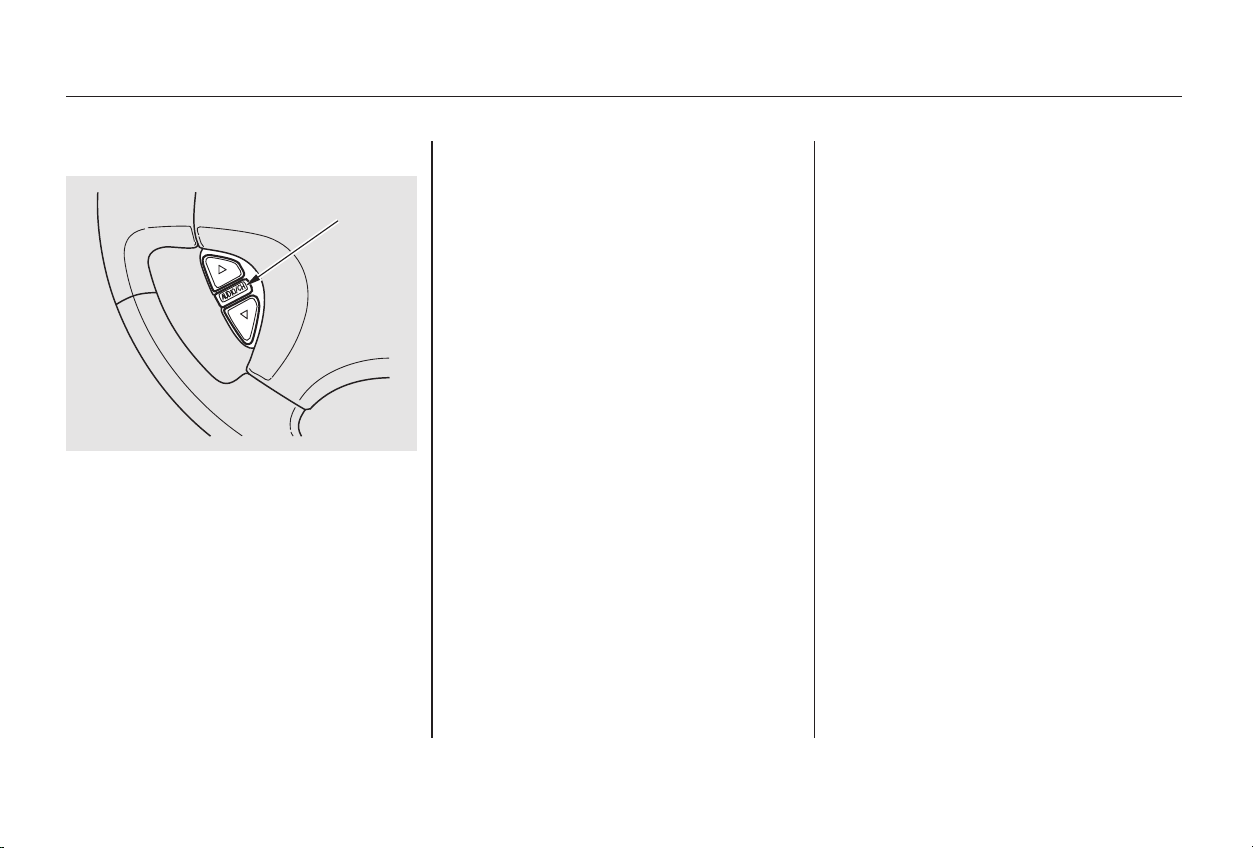
▲▼
The top and bottom buttons adjust
thevolumeup( )ordown( ).
Press the proper button and hold it
until the desired volume is reached,
then release it.
Two controls for the audio system
are mounted in the steering wheel
hub. These let you control basic
functions without removing your
hand from the wheel.
The AUDIO/CH button has three
functions, depending on whether you
are listening to the radio, or playing a
cassette or CD.
If you are listening to the radio, use
the AUDIO/CH button to change
stations. Each time you press this
button, the system advances to the
next preset station on the band you
are listening to. You will see the
number of the selected Preset button
in the display. To change bands,
press the AM or FM button on the
audio system’s front panel.
If you are playing a cassette, use the
AUDIO/CH button to advance to the
next selection. You will see ‘‘FF’’
blinking in the display when you
press the AUDIO/CH button. The
system fast forwards until it senses a
silent period, then goes back to
PLAY.
IfyouareplayingaCD,thesystem
skips to the beginning of the next
track each time you push the
AUDIO/CH button. You will see the
disc and track number in the display.
On EX and EX-V6 models
Remote Audio Controls
Audio System
Comfort and Convenience Features
160
AAUUDDIIOO//CCHH
BBUUTTTTOONN
Main Menu
Table of Contents
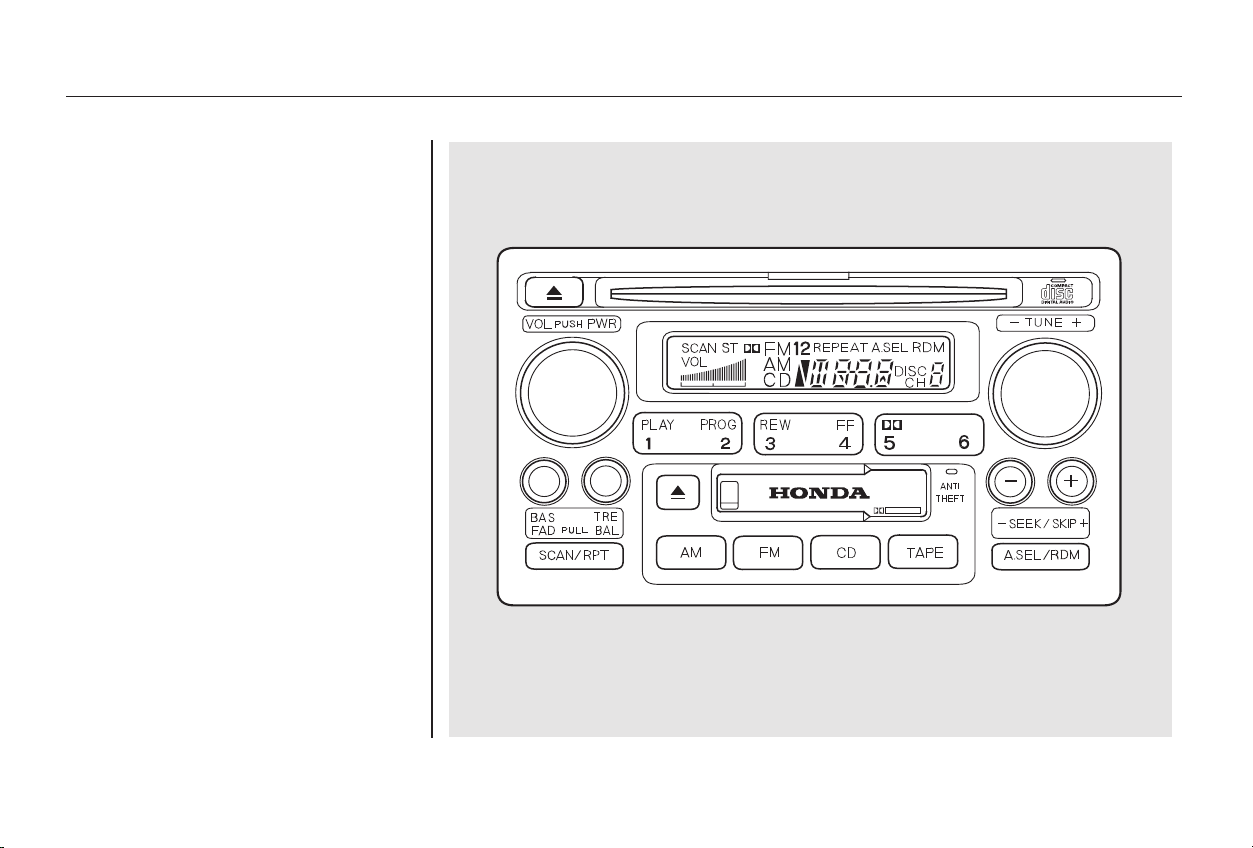
Your Honda’s audio system provides
clear reception on both AM and FM
bands, while the preset buttons allow
you to easily select your favorite
stations.
Special Edition model
AM/FM/Cassette/CD Player
Audio System
Audio System
Comfort and Convenience Features
161
Main Menu
Table of Contents
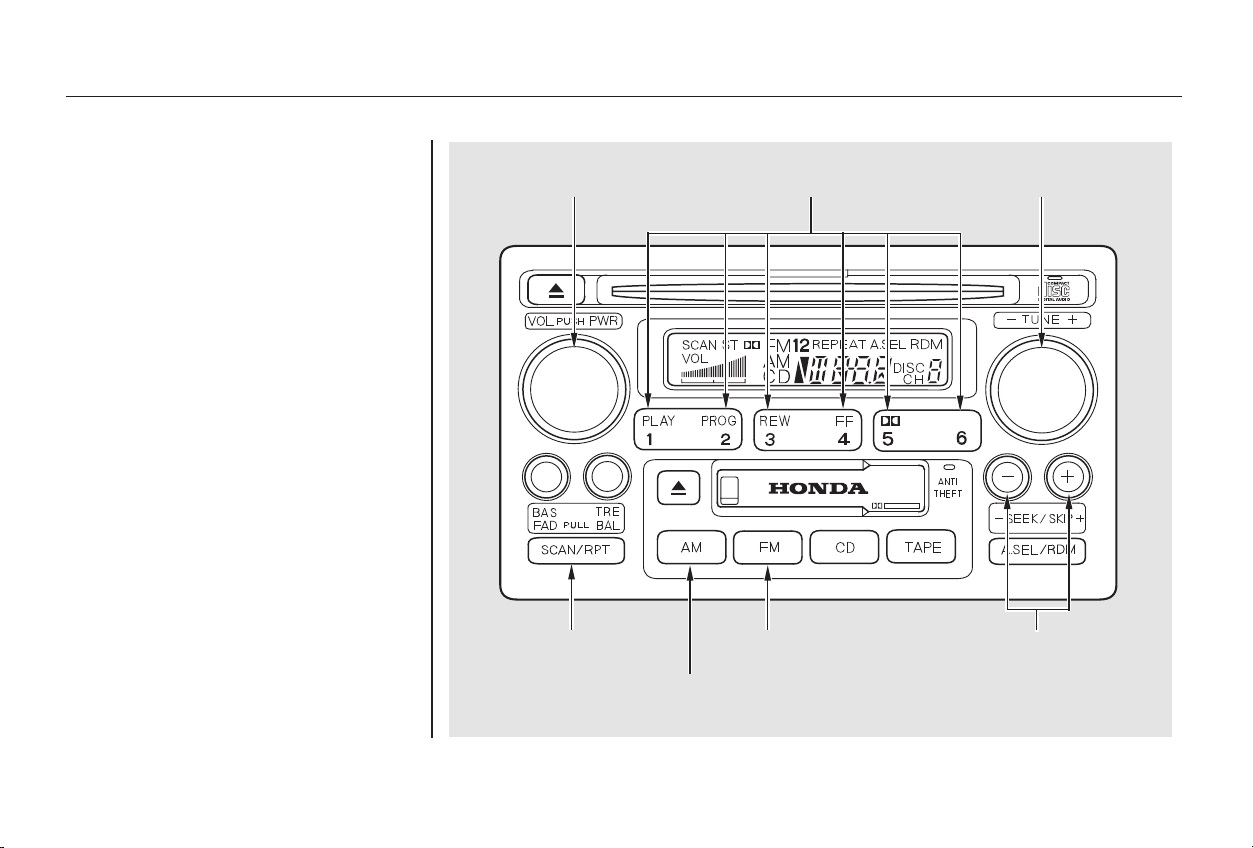
The band and frequency that the
radio was last tuned to is displayed.
To change bands, press the AM or
FM button. On the FM band, ST will
be displayed if the station is broad-
castinginstereo.Stereo
reproduction on AM is not available.
The ignition switch must be in
ACCESSORY (I) or ON (II) to
operate the audio system. Turn the
system on by pushing the PWR/
VOL knob. Adjust the volume by
turning the same knob.
Operating the Radio
Comfort and Convenience Features
Audio System
162
PPRREESSEETT BBUUTTTTOONNSSPPWWRR//VVOOLL KKNNOOBB TTUUNNEE KKNNOOBB
SSEEEEKK BBUUTTTTOONNSSSSCCAANN BBUUTTTTOONN
AAMM BBUUTTTTOONN
FFMM BBUUTTTTOONN
Main Menu
Table of Contents

−
−
−
−
○○
−+
The SCAN function
samples all the stations with strong
signals on the selected band. To
activate it, press the SCAN button,
then release it. The system will scan
up the band for a station with a
strong signal. When it finds one, it
will stop and play that station for
approximately five seconds. If you do
nothing, the system will then scan
for the next strong station and play
that for five seconds. When it plays a
station that you want to continue
listening to, press the SCAN button
again.
To store a frequency:
Select the desired band, AM or
FM. FM1 and FM2 let you store
two frequencies with each Preset
button.
Use the TUNE or SEEK function
to tune the radio to a desired
station.
Pick the Preset button you want
for that station. Press the button
and hold it until you hear a beep.
Repeat steps 1 to 3 to store a total
of six stations on AM and twelve
on FM.
Once a station’s frequency is stored,
simply press and release the proper
preset button to tune to it.
You can use any of four methods to
find radio stations on the selected
band: TUNE, SEEK, SCAN or the
Preset buttons.
Use the TUNE knob to
tune the radio to a desired frequency.
Turn the knob clockwise to tune to a
higher frequency, or
counterclockwise to tune to a lower
frequency.
The preset frequencies will be lost if
your vehicle’s battery goes dead, is
disconnected, or the radio fuse is
removed.
You can store the
frequencies of your favorite radio
stations in the six preset buttons.
Each button will store one frequency
on the AM band, and two
frequencies on the FM band.
The SEEK function
searches the band for a station with
a strong signal. To activate it, press
either SEEK button ( or ), then
release it. Depending on which
SEEK button you press, the system
scans upward or downward from the
current frequency. It stops when it
finds a station with a strong signal.
1.
2.
3.
4.
SCAN
TUNE
Preset
SEEK
Audio System
Comfort and Convenience Features
163
Main Menu
Table of Contents
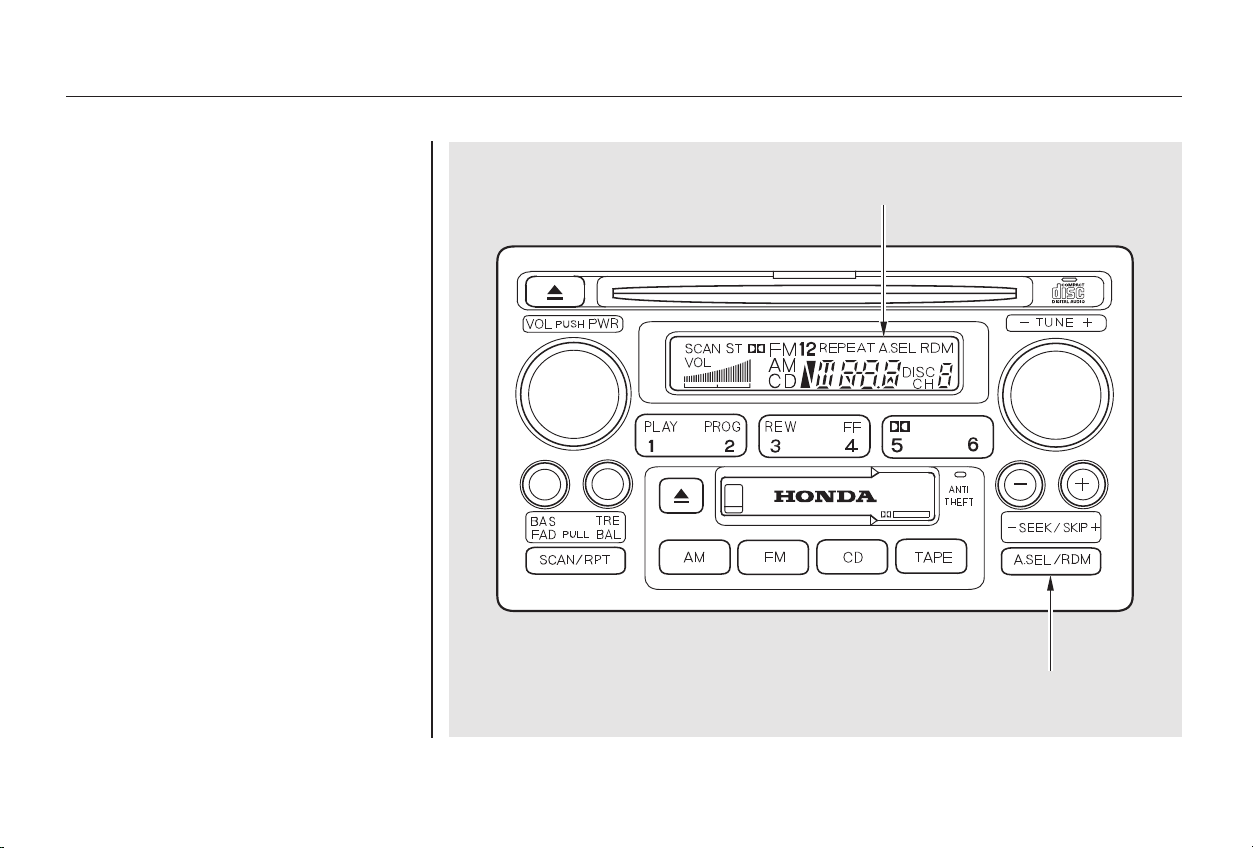
− If you are
traveling far from home and can no
longer receive the stations you
preset, you can use the Auto Select
feature to find stations in the local
area.
If you are in a remote area, Auto
Select may not find six strong AM
stations or twelve strong FM stations.
If this happens, you will see a ‘‘0’’
displayed when you press any preset
button that does not have a station
stored.
To activate Auto Select, press the
A. SEL button. A. SEL will flash in
the display, and the system will go
into scan mode for several seconds.
It automatically scans both bands,
looking for stations with strong
signals. It stores the frequencies of
six AM stations and twelve FM
stations in the preset buttons. You
can then use the preset buttons to
select those stations.
AUTO SELECT
Audio System
Comfort and Convenience Features
164
AA.. SSEELL IINNDDIICCAATTOORR
AA.. SSEELL BBUUTTTTOONN
Main Menu
Table of Contents
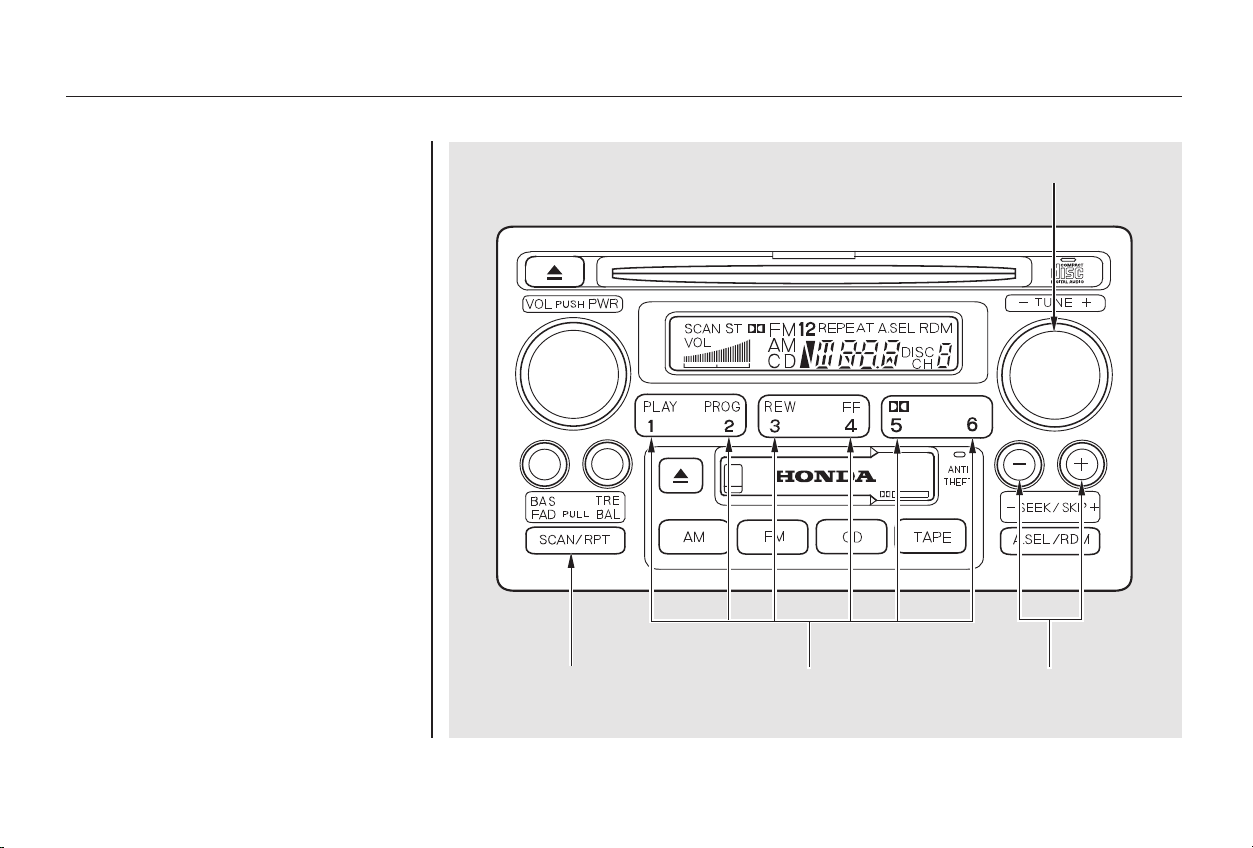
If you do not like the stations Auto
Select has stored, you can store
other frequencies in the preset
buttons. Use the TUNE, SEEK, or
SCAN function to find the desired
frequencies, then store them in the
selected preset buttons as described
previously.
Auto Select does not erase the
frequencies that you preset pre-
viously. When you return home, turn
off Auto Select by pressing the
A. SEL button. The preset buttons
will then select the frequencies you
originally set.
Audio System
Comfort and Convenience Features
165
SSEEEEKK BBUUTTTTOONNSSPPRREESSEETT BBUUTTTTOONNSS
TTUUNNEE KKNNOOBB
SSCCAANN BBUUTTTTOONN
Main Menu
Table of Contents
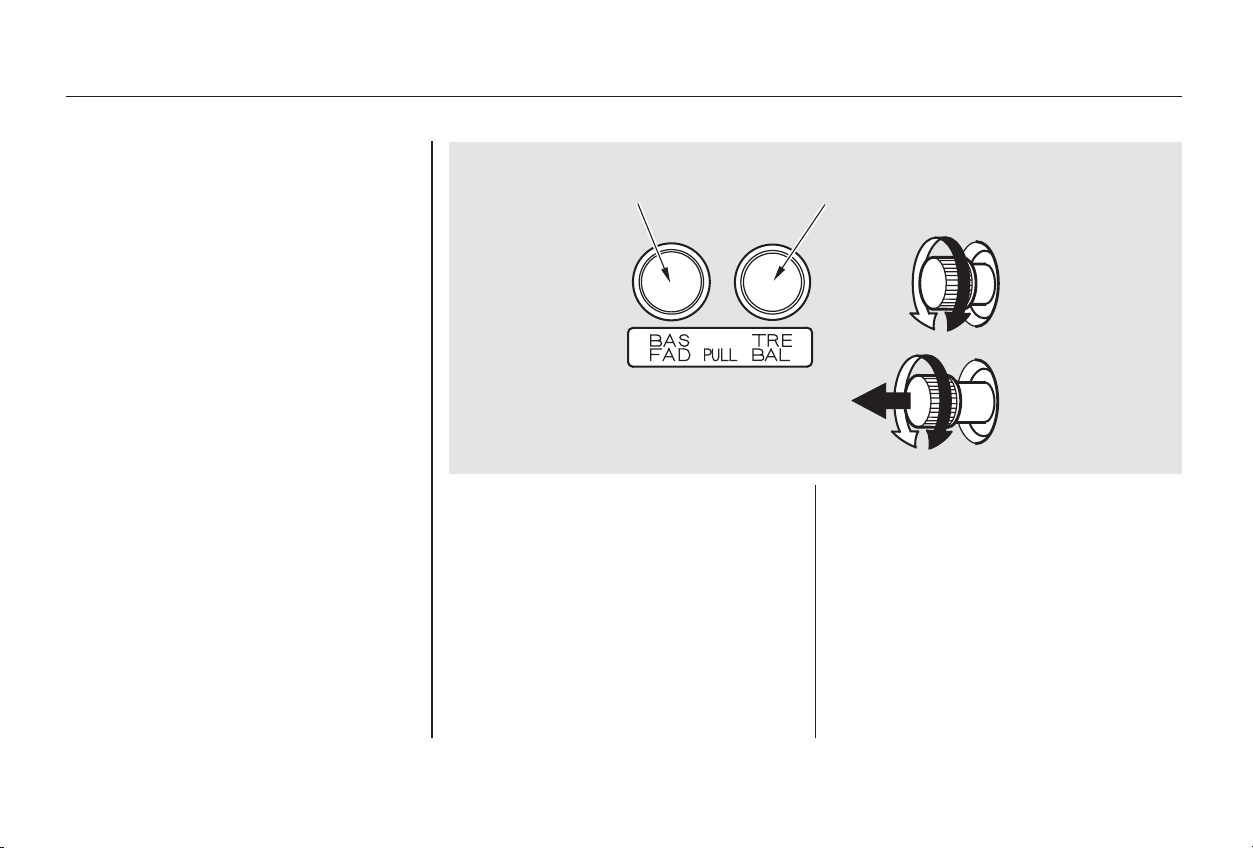
−
−
These two
controls adjust the strength of the
sound coming from each speaker.
The Balance control adjusts the side-
to-side strength, while the Fader
control adjusts the front-to-back
strength.
To adjust the fader, push on the
BASS/FADER control knob to get it
to pop out. Pull it out slightly farther,
and adjust the front-to-back sound to
your liking. Push the knob back in
when you are done so you cannot
change the setting by accidentally
bumping it.
To adjust the balance, push on the
TREBLE/BALANCE control knob
to get it to pop out. Pull it out slightly
farther, and adjust the side-to-side
sound to your liking. Push the knob
back in when you are done so you
cannot change the setting by
accidentally bumping it.
Use these controls
to adjust the tone to your liking.
To adjust the Treble level, push on
the TREBLE/BALANCE control
knob to get it to pop out. Without
pulling it out farther, turn the knob
to adjust the treble level. Push the
knob back in when you are done so
you cannot change the setting by
accidentally bumping it.
To adjust the Bass level, push on the
BASS/FADER control knob to get it
to pop out. Without pulling it out
farther, turn the knob to adjust the
bass level. Push the knob back in
when you are done so you cannot
change the setting by accidentally
bumping it.
Adjusting the Sound
Balance/Fader
Treble/Bass
Audio System
Comfort and Convenience Features
166
BBAASSSS//FFAADDEERR
CCOONNTTRROOLL
TTRREEBBLLEE//BBAALLAANNCCEE
CCOONNTTRROOLL
Main Menu
Table of Contents
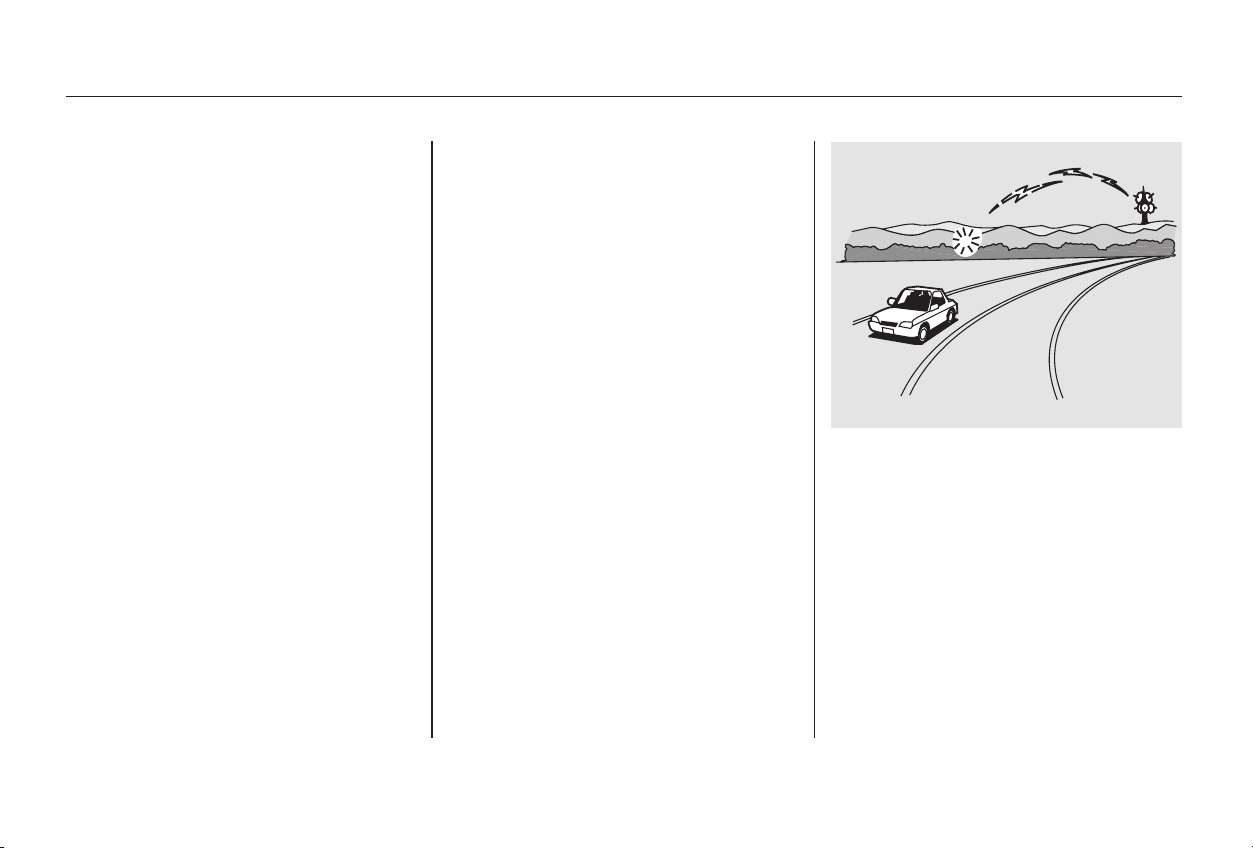
Your Honda’s radio can receive the
complete AM and FM bands.
Those bands cover these frequen-
cies:
AM band:
530 to 1,710 kilohertz
FM band:
87.7 to 107.9 megahertz
Radio stations on the AM band are
assigned frequencies at least ten
kilohertz apart (530, 540, 550).
Stations on the FM band are
assigned frequencies at least 0.2
megahertz apart (87.9, 88.1, 88.3).
Stations must use these exact
frequencies. It is fairly common for
stations to round-off the frequency in
their advertising, so your radio could
display a frequency of 100.9 even
though the announcer may identify
the station as ‘‘FM101.’’
How well your Honda’s radio
receives stations is dependent on
many factors, such as the distance
from the station’s transmitter,
nearby large objects, and atmos-
pheric conditions.
A radio station’s signal gets weaker
as you get farther away from its
transmitter. If you are listening to an
AM station, you will notice the sound
volume becoming weaker, and the
stationdriftinginandout.Ifyouare
listening to an FM station, you will
see the stereo indicator flickering off
and on as the signal weakens.
Eventually, the stereo indicator will
go off and the sound will fade
completely as you get out of range of
the station’s signal.
Driving very near the transmitter of
a station that is broadcasting on a
frequency close to the frequency of
the station you are listening to can
also affect your radio’s reception.
You may temporarily hear both
stations,orhearonlythestationyou
are close to.
CONTINUED
Radio Frequencies Radio Reception
Audio System
Comfort and Convenience Features
167
Main Menu
Table of Contents
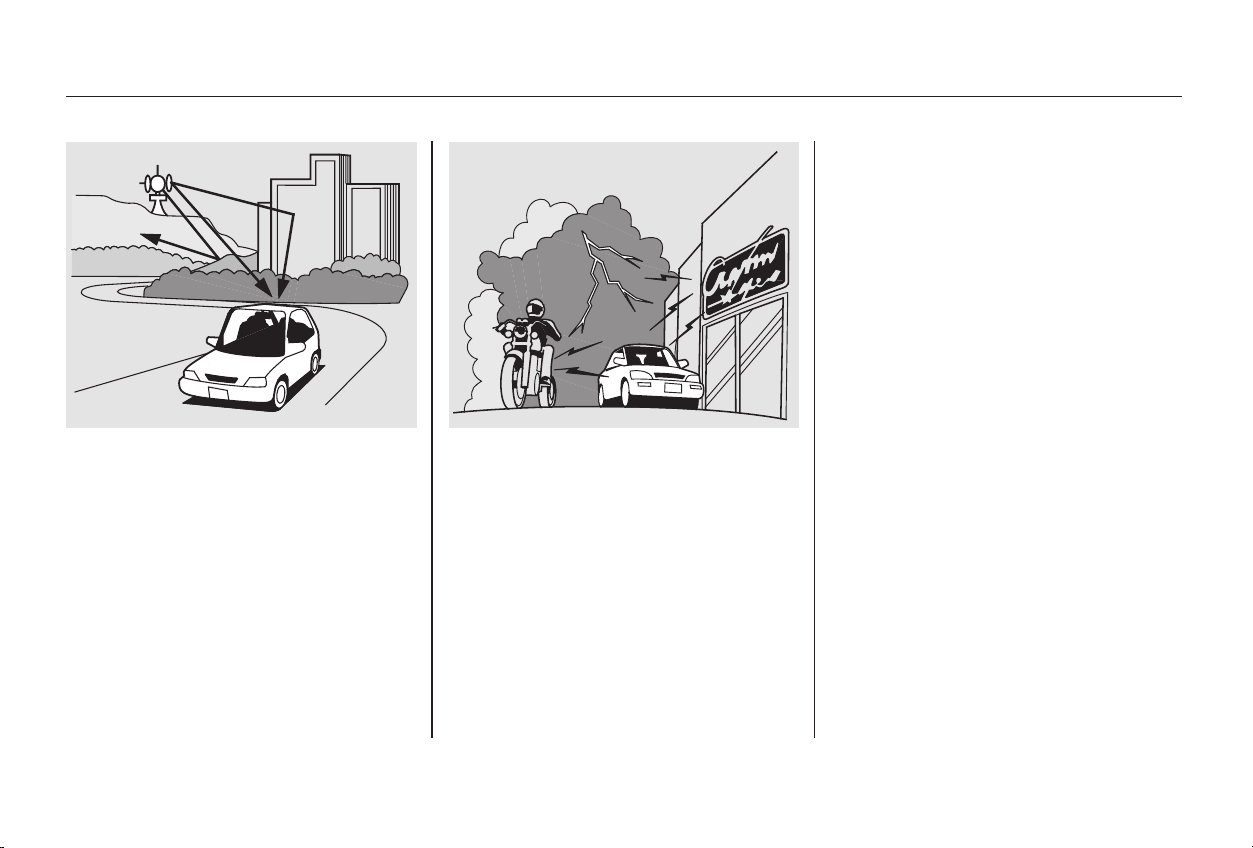
Radio signals, especially on the FM
band, are deflected by large objects
such as buildings and hills. Your
radio then receives both the direct
signal from the station’s transmitter,
and the deflected signal. This causes
the sound to distort or flutter. This is
a main cause of poor radio reception
in city driving.
Radio reception can be affected by
atmospheric conditions such as
thunderstorms, high humidity, and
even sunspots. You may be able to
receive a distant radio station one
day and not receive it the next day
because of a change in conditions.
Electrical interference from passing
vehicles and stationary sources can
cause temporary reception problems.
As required by the FCC:
Changes or modifications not expressly
approved by the party responsible for
compliance could void the user’s
authority to operate the equipment.
Audio System
Comfort and Convenience Features
168
Main Menu
Table of Contents
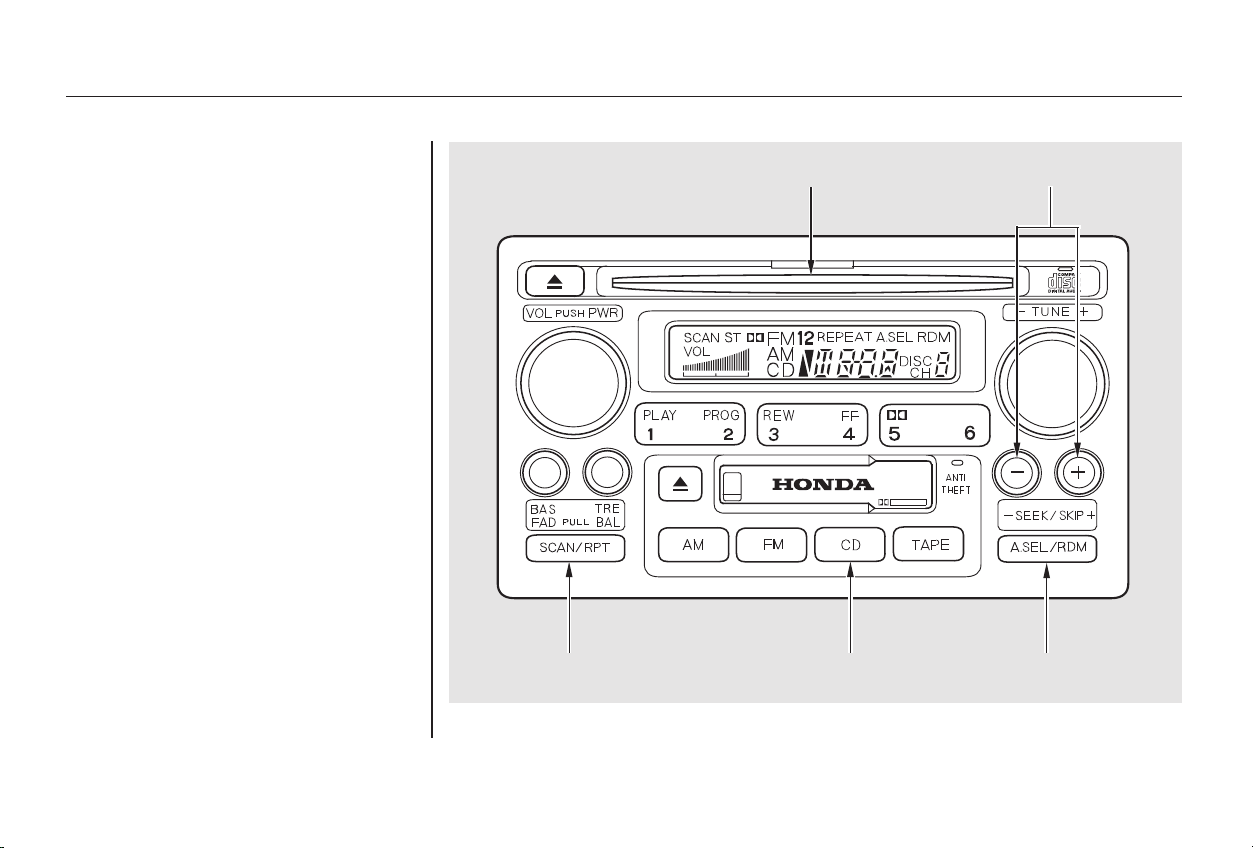
You operate the CD player with the
same controls used for the radio.
With the system on, insert the disc
into the CD slot. Push the disc in
halfway, the drive will pull it in the
rest of the way and begin to play.
The number of the track that is
playing is shown in the display.
You can also play 3-inch (8-cm) discs
without using an adapter ring. In all
cases, play only standard round discs.
Odd-shaped CDs may jam in the
driveorcauseotherproblems.
For best results when using CD-R
discs, use only high quality discs
labeled for audio use. When
recording a CD-R, the recording
must be closed in order for the disc
to be used by CD players. CD-RW
discs will not work in this unit.
CONTINUED
Operating the CD Player
Audio System
Comfort and Convenience Features
169
CCDD BBUUTTTTOONN RRDDMM BBUUTTTTOONNRREEPPEEAATT BBUUTTTTOONN
CCDD SSLLOOTT SSKKIIPP BBUUTTTTOONNSS
Main Menu
Table of Contents

−
○
○
−
○
○
+
−
+
−
You can use the SKIP buttons while
a disc is playing to select passages
and change tracks.
This feature,
when activated, plays the tracks on
the CD in random order, rather than
in the order they are recorded on the
CD. To activate Random Play, press
the RDM button. You will see RDM
in the display. The system will then
select and play tracks randomly.
This continues until you deactivate
RandomPlaybypressingtheRDM
button again.
To move rapidly within a track, press
and hold an appropriate SKIP button.
Press the button to move forward,
or the button to move backward.
Release the button when the system
reaches the point you want.
To activate the Repeat
feature, press and release the Repeat
button. You will see REPEAT in the
display. The system continuously
replays the current track. Press the
Repeat button again to turn it off.
Each time you press the button
and release it, the system skips
forward to the beginning of the next
track. Press and release the
buttontoskipbackwardtothe
beginning of the current track. Press
and release it again to skip to the
beginning of the previous track.
If you eject the disc, but do not
remove it from the slot, the system
will automatically reload the disc
after 15 seconds and put the CD
player in pause mode. To begin
playing the disc, press the CD button.
Press the eject button to remove the
disc from the drive.
If you turn the system off while a CD
is playing, either with the PWR/VOL
knob or by turning off the ignition,
the disc will stay in the drive. When
youturnthesystembackon,theCD
will begin playing where it left off.
When the system reaches the end of
the disc, it will return to the begin-
ning and play that disc again.
You can switch to the radio while a
CD is playing by pressing the AM or
FM button. Press the CD button to
return to playing the CD. The CD
will begin playing where it left off.
RANDOM PLAY
REPEAT
Audio System
Comfort and Convenience Features
170
Main Menu
Table of Contents

−
A Compact Disc changer is available
from your dealer. It holds up to six
discs, providing several hours of
continuous entertainment. You
operate this CD changer with the
same controls used for the in-dash
CD player.
Load the desired CD’s in the
magazine and load the magazine in
the changer according to the
instructions that came with the unit.
Play only standard round discs. Odd-
shaped CDs may jam in the drive or
cause other problems.
For best results when using CD-R
discs, use only high quality discs
labeled for audio use. When
recording a CD-R, the recording
must be closed in order for the disc
to be used by CD players. CD-RW
discs will not work in this unit.
To select the CD changer, press the
CD button. The disc and track
numbers will be displayed.
To select a different disc, press the
appropriate preset button (1 6). If
you select an empty slot in the
magazine, the changer will, after
finding that slot empty, try to load
the CD in the next slot. This
continues until it finds a CD to load
and play.
If you load a CD in the in-dash player
while the changer is playing a CD,
the system will stop the changer and
begin playing the in-dash CD. To
select the changer again, press the
CD button. Play will begin where it
left off. Use the CD button to switch
between the player and the changer.
Ifyouejectthediscinthein-dash
CD while it is playing, the system
will automatically switch to the CD
changer and begin play where it left
off. If there are no CDs in the
changer, the display will flash. You
will have to select another mode
(AM or FM) with the button.
When you switch back to CD mode,
the system selects the same unit (in-
dash or changer) that was playing
when you switched out of CD mode.
To use the SKIP, REPEAT, and
RANDOM functions, refer to the in-
dash player operating instructions.
Operating the CD Changer
(Optional)
Audio System
Comfort and Convenience Features
171
Main Menu
Table of Contents
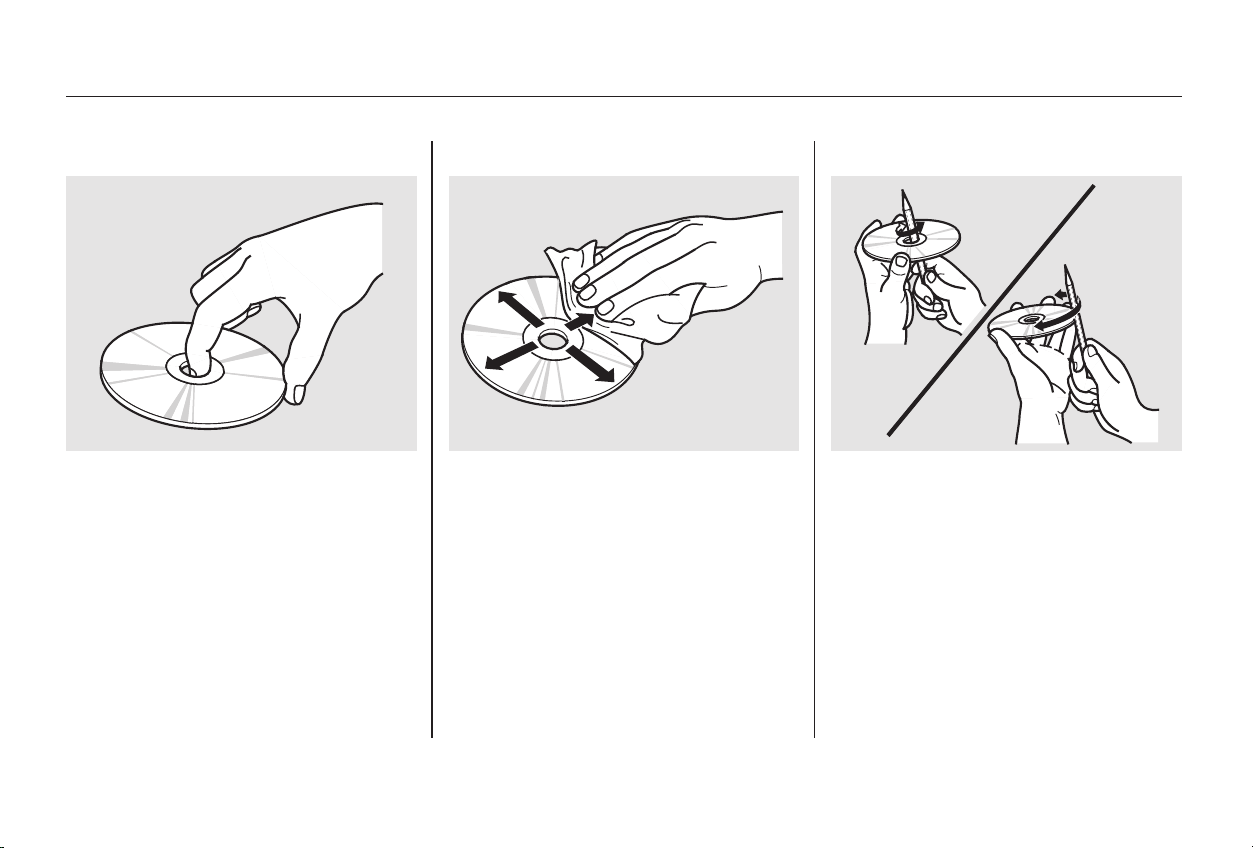
Never try to insert foreign objects in
the CD player or the magazine.
A new CD may be rough on the
inner and outer edges. The small
plastic pieces causing this roughness
can flake off and fall on the re-
cording surface of the disc, causing
skipping or other problems. Remove
these pieces by rubbing the inner
and outer edges with the side of a
pencil or pen.
To clean a disc, use a clean soft cloth.
Wipe across the disc from the center
to the outside edge.
When a CD is not being played, store
it in its case to protect it from dust
and other contamination. To prevent
warpage, keep CDs out of direct
sunlight and extreme heat.
Handle a CD by its edges; never
touch either surface. Do not place
stabilizer rings or labels on the CD.
These, along with contamination
from fingerprints, liquids, and felt-tip
pens, can cause the CD to not play
properly, or possibly jam in the drive.
Protecting Compact Discs
Audio System
Comfort and Convenience Features
172
Main Menu
Table of Contents
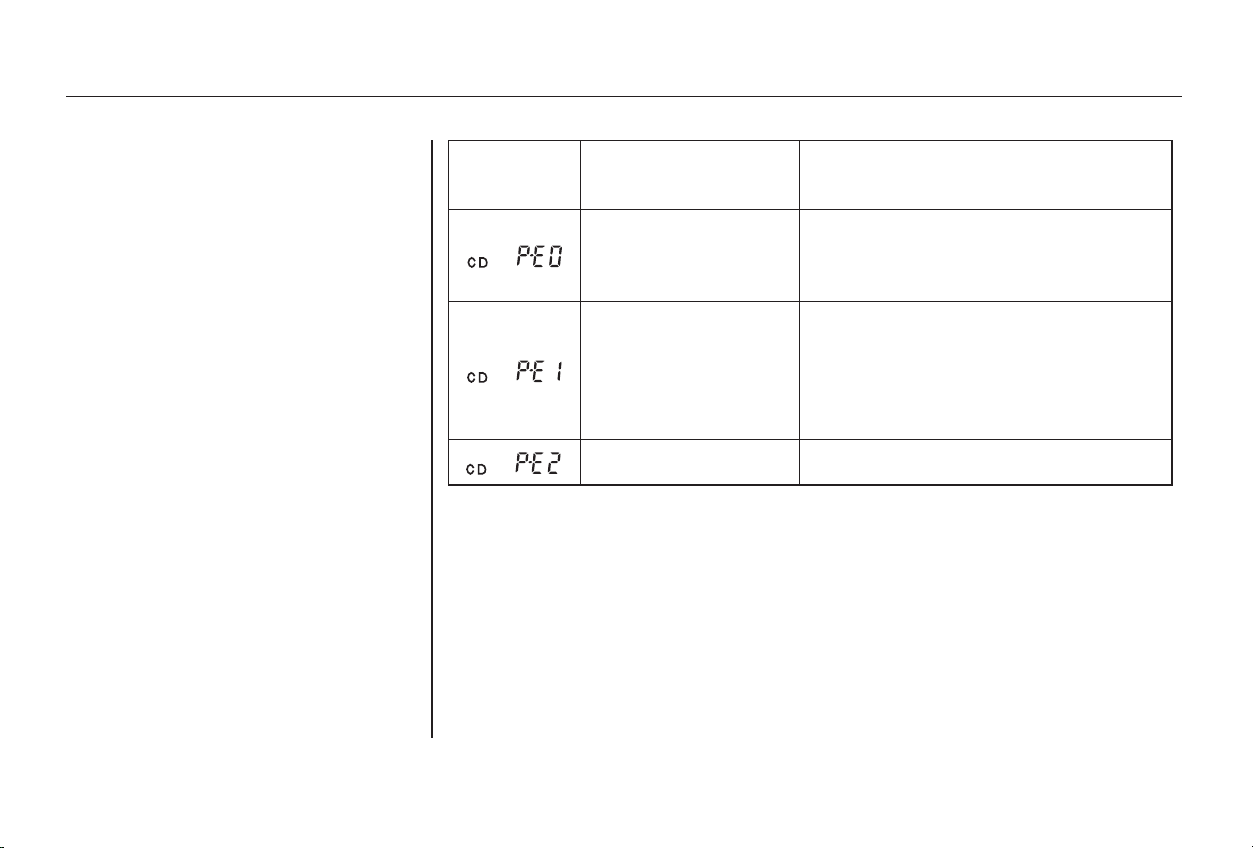
If you see an error indication in the
display while operating the CD
player,findthecauseinthechartto
the right. If you cannot clear the
error indication, take the vehicle to
your Honda dealer.
Indication Cause Solution
FOCUS/CLV Error
Data Read Error
Search Error
Mechanical Error
Control Error
LSI Error
Press the EJECT button and pull out the disc.
Check if the disc is inserted correctly in the CD
player.
Make sure the disc is not scratched or damaged.
Press the EJECT button and pull out the disc.
Check the disc for damage or deformation.
If the CD cannot be pulled out or the error
indication does not disappear after the disc is
ejected, see your Honda dealer.
Do not try to force the disc out of the player.
Consult your Honda dealer.
CD Player Error Indications
Audio System
Comfort and Convenience Features
173
Main Menu
Table of Contents
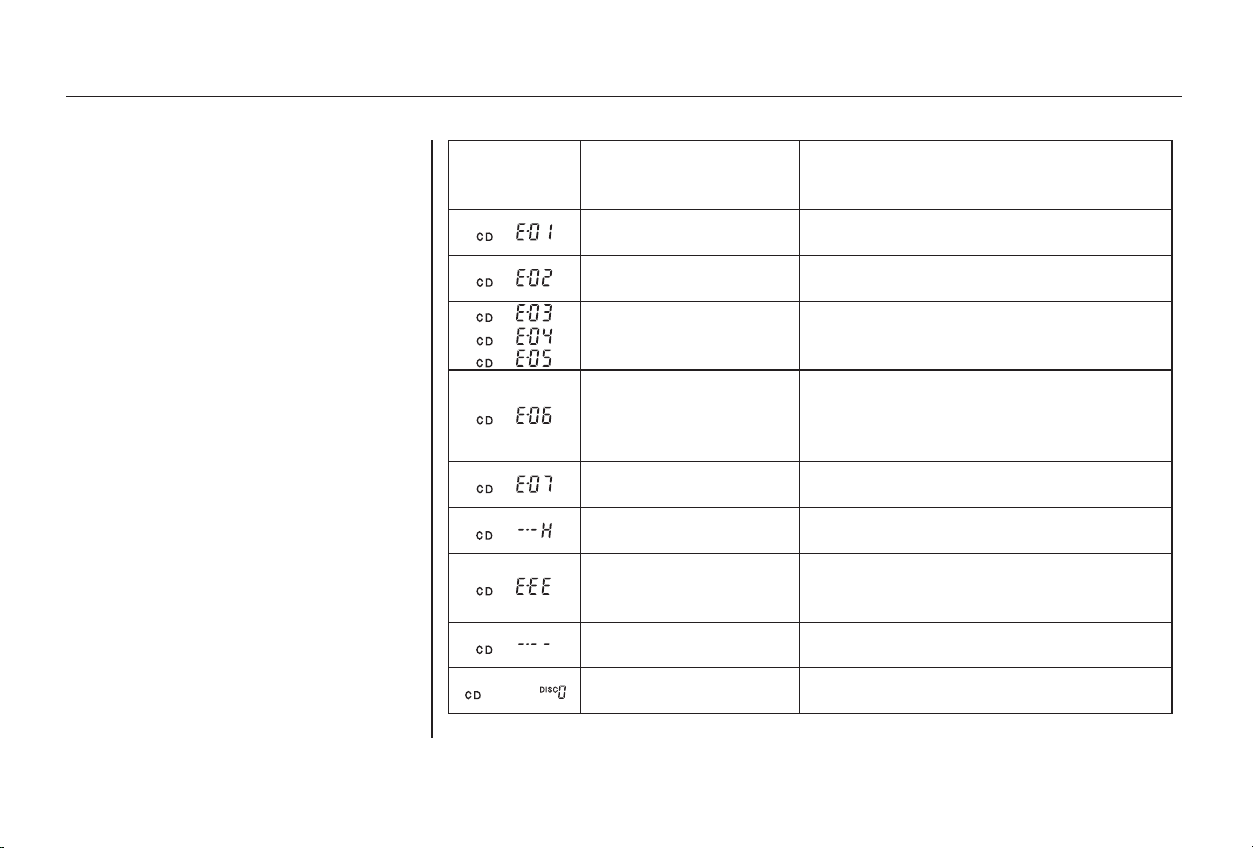
If you see an error indication in the
display while operating the CD
changer, find the cause in the chart
to the right. If you cannot clear the
error indication, take the vehicle to
your Honda dealer.
Cause SolutionIndication
Disc-changer
malfunction.
Disc is in changer
mechanism.
Disc-changer
malfunction.
Disc-changer
malfunction.
CD magazine ejection
impossible.
High temperature.
Misconnection or
disconnection of CD
changer.
No CD magazine in the
CD changer.
No CD in magazine.
Consult your Honda dealer.
Press the magazine eject button, and insert an
empty magazine.
If the code disappears within a few seconds,
unit is OK. If it does not, consult your Honda
dealer.
Press the magazine eject button and pull out
the magazine, check for error indication. Insert
the magazine again. If the magazine can not be
pulled out, consult your Honda dealer.
Press the magazine eject button. If the maga-
zine does not eject, consult your Honda dealer.
Will disappear when the temperature returns to
normal.
See your Honda dealer.
Insert CD magazine.
Insert CD in magazine.
CD Changer Error Indications
Audio System
Comfort and Convenience Features
174
Main Menu
Table of Contents
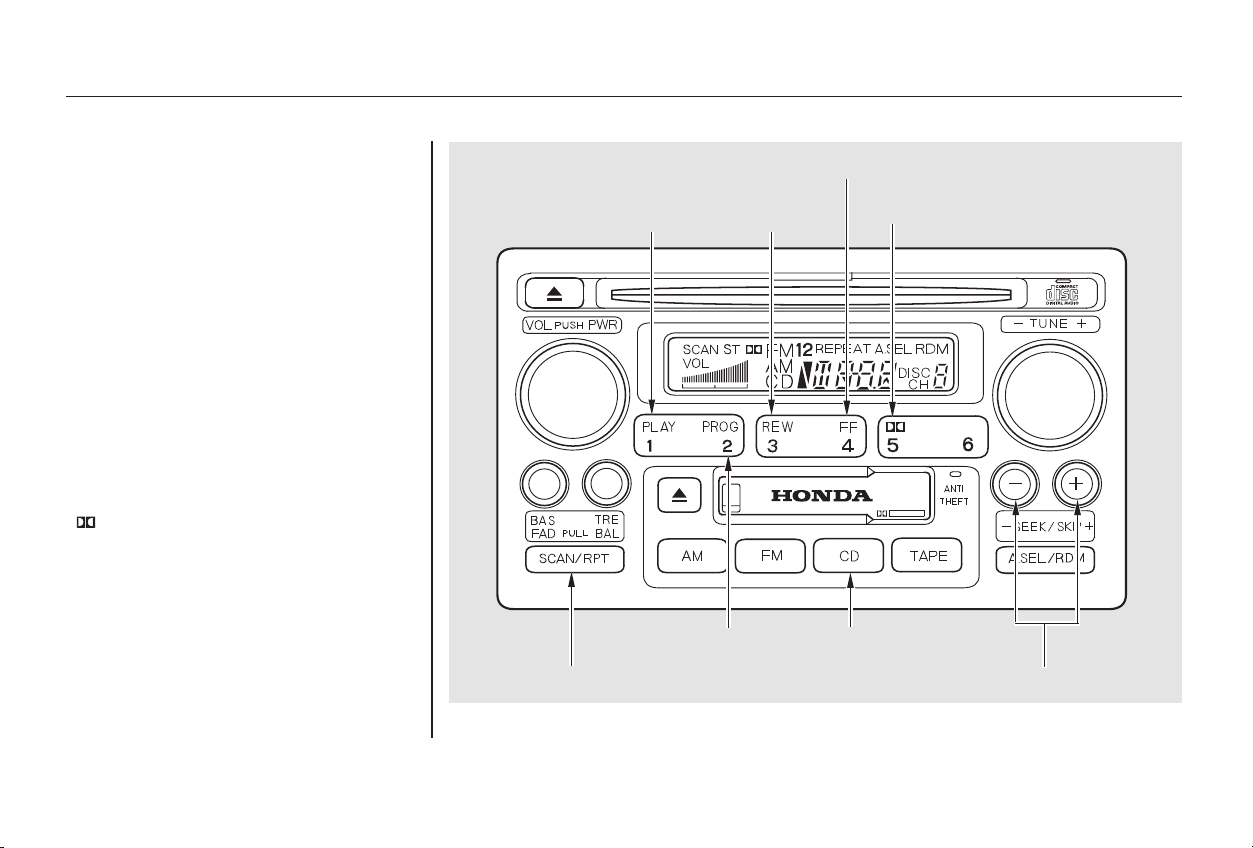
*
*
The cassette system features Dolby
noise reduction, automatic sensing of
chromium-dioxide (CrO ) tape, and
auto-reverse for continuous play.
Make sure the tape opening on the
cassette is facing to the right, then
insert the cassette most of the way
into the slot. The system will pull it
in the rest of the way, and begin to
play.
2
Dolby noise reduction manufactured under
license from Dolby Laboratories Licensing Corpo-
ration. ‘‘DOLBY’’ and the double-D symbol
are trademarks of Dolby Laboratories
Licensing Corporation.
CONTINUED
Operating the Cassette Player
Audio System
Comfort and Convenience Features
175
FFFF BBUUTTTTOONN
CCDD BBUUTTTTOONN
PPLLAAYY
BBUUTTTTOONN
RREEWW
BBUUTTTTOONN
DDOOLLBBYY BBUUTTTTOONN
RREEPPEEAATT BBUUTTTTOONN
PPRROOGG BBUUTTTTOONN
SSKKIIPP BBUUTTTTOONNSS
Main Menu
Table of Contents

▲
−
The tape direction indicator will light
to show you which side of the
cassette is playing. The indicates
thesideyouinsertedfacingupward
is now playing. If you want to play
the other side, press the PROG
button.
When the system reaches the end of
the tape, it will automatically reverse
direction and play the other side. If
you want to remove the cassette
from the drive, press the EJECT
button.
If you turn the system off while a
tape is playing, either with the PWR/
VOL knob or by turning off the
ignition, the cassette will remain in
the drive. When you turn the system
back on, the tape will begin playing
where it left off.
With a cassette playing, you can use
the FF, REW, SKIP, or REPEAT
function to find a desired program.
Fast Forward and Re-
wind move the tape rapidly. To re-
wind the tape, push the REW button.
You will see REW in the display. To
fast forward the tape, push the FF
button. You will see FF displayed.
Press the PLAY button to take the
system out of rewind or fast forward.
If the system reaches the end of the
tape while in fast forward or rewind,
it automatically stops that function,
reverses direction, and begins to play.
To switch to the radio or CD player
while a tape is playing, press the AM,
FM or CD button. To change back to
the cassette player, push the TAPE
button.
Dolby noise reduction turns on when
you insert a cassette. If the tape was
not recorded with Dolby noise
reduction, turn it off by pressing the
DOLBY button.
Tape Search Functions
FF/REW
Audio System
Comfort and Convenience Features
176
Main Menu
Table of Contents

−−
○
○
−
+
The SKIP and REPEAT functions
use silent periods on the tape to find
the end of a song or passage. These
features may not work to your
satisfaction if there is almost no gap
between selections, a high noise
level between selections, or a silent
period in the middle of a selection.
The Repeat function
continuously replays the current
song or passage. Press the REPEAT
button to activate it; you will see
REPEAT displayed as a reminder.
When the system reaches the end of
the song or passage currently
playing, it will automatically go into
rewind. When it senses the
beginning of the same song or
passage, the system returns to PLAY
mode. It will continue to repeat this
same program until you deactivate
REPEAT by pressing the button
again.
The SKIP function allows
you to find the beginning of a song
or passage. To skip to the beginning
of a song or passage currently
playing, push the button. You will
see REW flashing in the display as
thetaperewinds.Toskiptothe
beginning of the next song, push the
button. You will see FF flashing in
the display as the tape fast forwards.
When the system finds the begin-
ning of a song or passage, it goes
back to PLAY.
REPEATSKIP
Audio System
Comfort and Convenience Features
177
Main Menu
Table of Contents

The cassette player picks up dirt and
oxides from the tape. This contami-
nation builds up over time and
causes the sound quality to degrade.
To prevent this, you should clean the
player after every 30 hours of use.
Your dealer has a cleaning kit
available.
If you do not clean the cassette
player regularly, it may eventually
become impossible to remove the
contamination with a normal
cleaning kit.
Use 100-minute or shorter cassettes.
Cassettes longer than that use
thinner tape that may break or jam
the drive.
Look at the cassette before you
insert it. If the tape is loose, tighten
it by turning a hub with a pencil or
your finger.
If the label is peeling off, remove it
from the cassette or it could cause
the cassette to jam in the player.
Never try to insert a warped or
damaged cassette in the player.
When they are not in use, store
cassettes in their cases to protect
them from dust and moisture. Never
place cassettes where they will be
exposed to direct sunlight, high heat,
or high humidity. If a cassette is
exposed to extreme heat or cold, let
it reach a moderate temperature
before inserting it in the player.
Never try to insert foreign objects
into the cassette player.
If you see the error indication
‘‘ ’’ on the display, press
the TAPE EJECT button to remove
the cassette from the unit. Make
sure the tape is not damaged. If the
cassette will not eject or the error
indication stays on after the cassette
ejects, take the car to your Honda
dealer.
Caring for the Cassette Player
Audio System
Comfort and Convenience Features
178
Main Menu
Table of Contents
If you make a mistake entering the
code, do not start over or try to
correct your mistake. Complete the
five-digit sequence, then enter the
correct code. You have ten tries to
enter the correct code. If you are
unsuccessful in ten attempts, you
must then leave the system on for
one hour before trying again.
If your car’s battery is disconnected
or goes dead, or the radio fuse is
removed, the audio system will
disable itself. If this happens, you
will see ‘‘ ’’ in the frequency
display the next time you turn on the
system. Use the Preset buttons to
enter the five-digit code. If it is
entered correctly, the radio will start
playing.
Youshouldhavereceivedacardthat
lists your audio system’s code
number and serial number. It is best
tostorethiscardinasafeplaceat
home. In addition, you should write
the audio system’s serial number in
this Owner’s Manual. If you should
happen to lose the card, you must
obtain the code number from your
Honda dealer. To do this, you will
need the system’s serial number.
Your car’s audio system will disable
itself if it is disconnected from
electrical power for any reason. To
make it work again, the user must
enter a specific five-digit code in the
Preset buttons. Because there are
hundreds of number combinations
possible from five digits, making the
system work without knowing the
exact code is nearly impossible.
You will have to store your favorite
stations in the Preset buttons after
the system begins working. Your
original settings were lost when
power was disconnected.
On Special Edition, EX, and EX-V6
models
Theft Protection
Audio System
Comfort and Convenience Features
179
Main Menu
Table of Contents
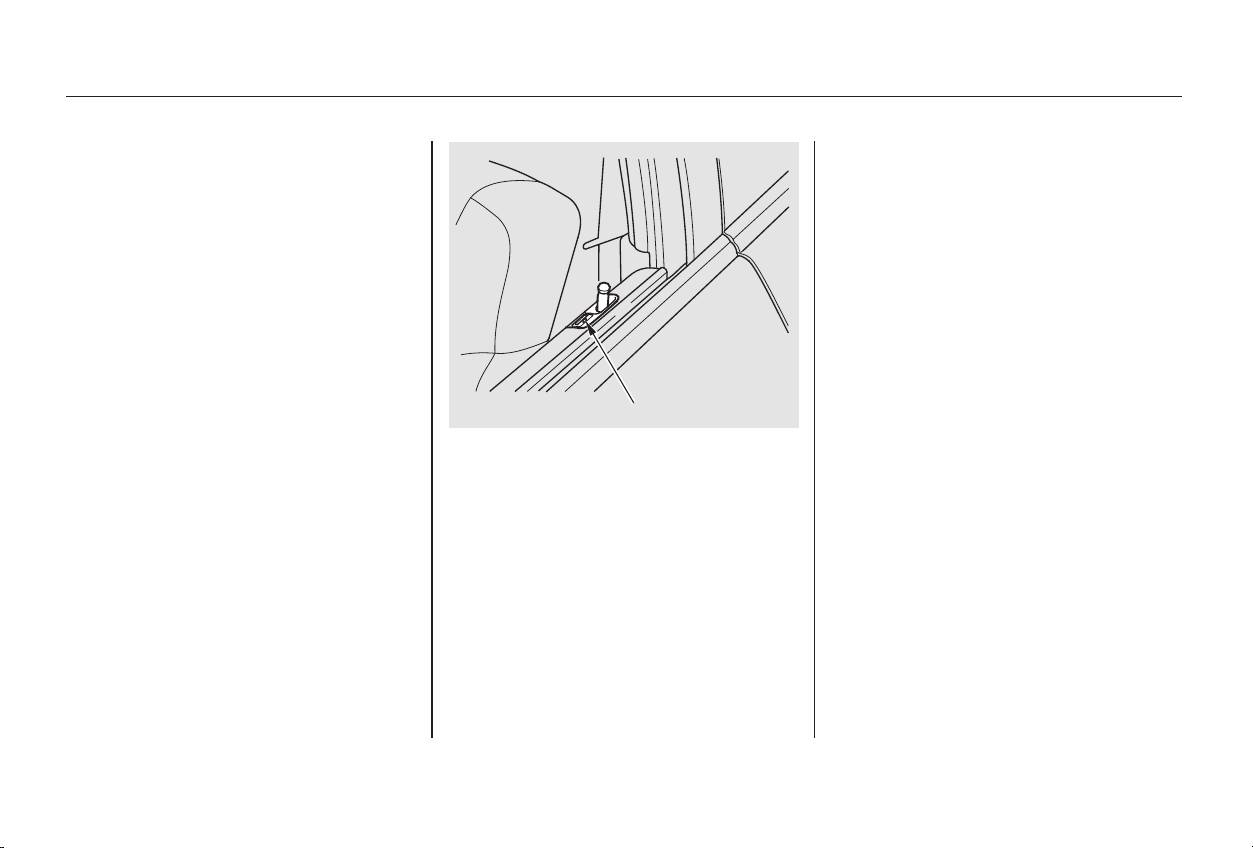
Once the security system is set,
opening either door (without using
the key or the remote transmitter),
or the hood, will cause it to alarm. It
also alarms if the radio is removed
from the dashboard or the wiring is
cut.
The security system helps to protect
your car and valuables from theft.
The horn sounds and a combination
of headlights, parking lights, side
marker lights and taillights flashes if
someone attempts to break into your
carorremovetheradio.Thisalarm
continues for two minutes, then the
system resets. To reset an alarming
system before the two minutes have
elapsed, unlock either door with the
key or the remote transmitter.
The security system sets auto-
matically fifteen seconds after you
lock the doors, hood, and trunk. For
the system to activate, you must lock
the doors from the outside with the
key, lock tab, door lock switch, or
remote transmitter. The security
system light next to the driver’s door
lock starts blinking immediately to
show you the system is setting itself.
With the system set, you can still
open the trunk with the master key
or the remote transmitter (if the
transmitter is equipped with a trunk
opener) without triggering the alarm.
The alarm will sound if the trunk
lock is forced, or the trunk is opened
with the trunk release handle or the
emergency trunk opener.
The security system will not set if
the hood, trunk, or either door is not
fully closed. If the system will not set,
check the Door and Brake Lamp
Monitor on the instrument panel
(see page ), to see if the doors
and trunk are fully closed. Since it is
notpartofthemonitordisplay,
manually check the hood.
Do not attempt to alter this system
or add other devices to it.
61
Standard on Special Edition, EX, and
EX-V6 models
Security System
Comfort and Convenience Features
180
SSEECCUURRIITTYY SSYYSSTTEEMM LLIIGGHHTT
Main Menu
Table of Contents
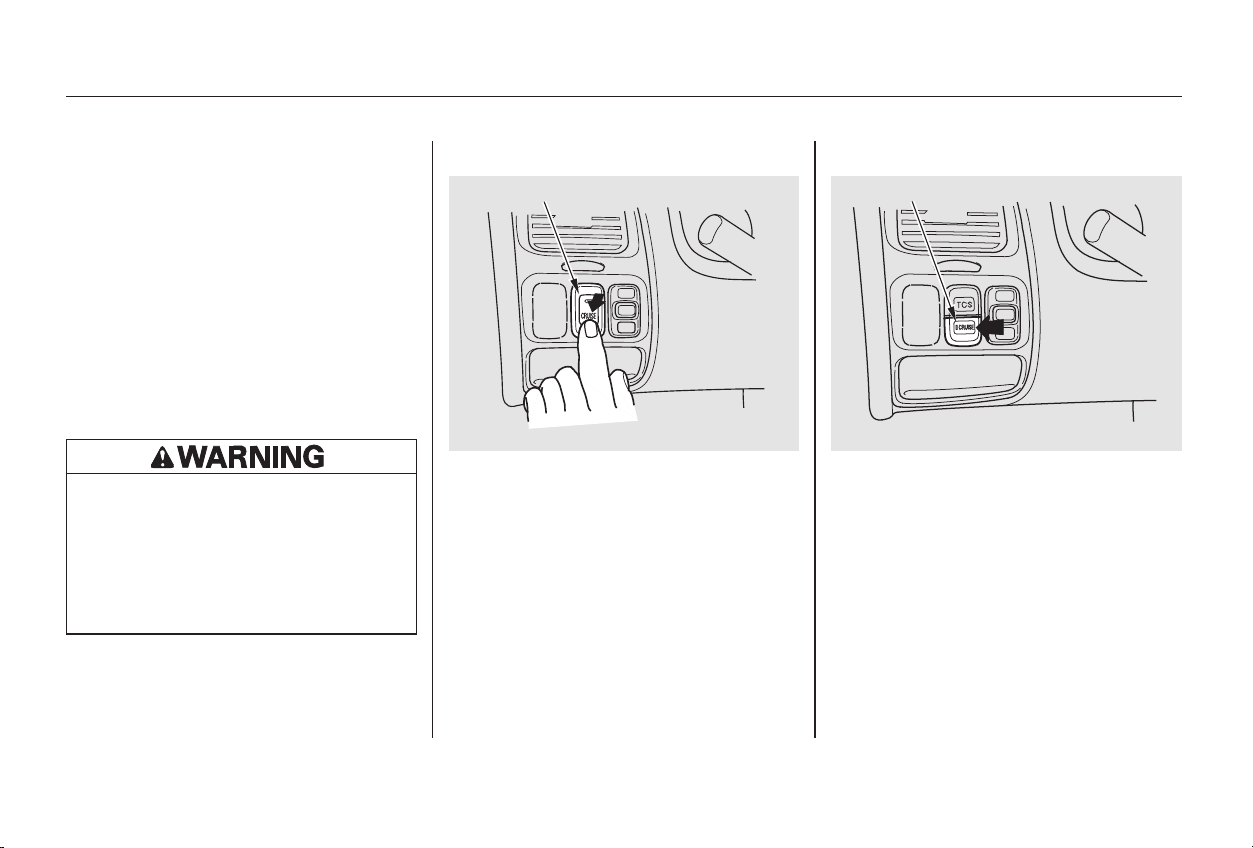
Push in the Cruise Control Master
Switch to the left of the steering
column. The indicator in the
switch will light.
Cruise control allows you to maintain
asetspeedabove25mph(40km/h)
without keeping your foot on the
accelerator pedal. It should be used
for cruising on straight, open
highways. It is not recommended for
conditions such as city driving,
winding roads, slippery roads, heavy
rain, or bad weather. You should
have full control of the car under
those conditions.
Accelerate to the desired cruising
speedabove25mph(40km/h).
1. 2.
CONTINUED
Cruise Control
Using the Cruise Control
Cruise Control
Comfort and Convenience Features
181
CCRRUUIISSEE CCOONNTTRROOLL MMAASSTTEERR SSWWIITTCCHH
66--ccyylliinnddeerr mmooddeellss
CCRRUUIISSEE CCOONNTTRROOLL MMAASSTTEERR SSWWIITTCCHH
44--ccyylliinnddeerr mmooddeellss
Improper use of the cruise
control can lead to a crash.
Use the cruise control only
when traveling on open
highways in good weather.
Main Menu
Table of Contents
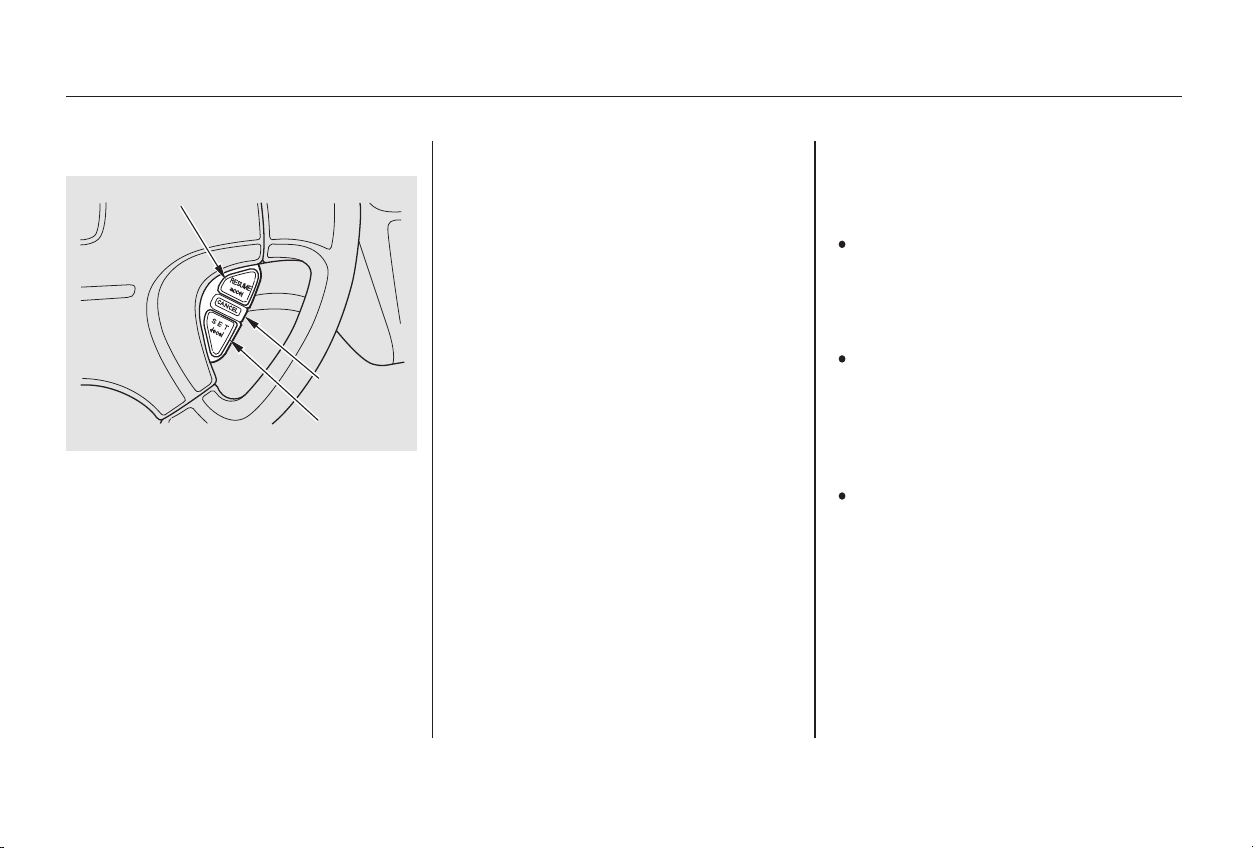
Push on the accelerator pedal. Ac-
celerate to the desired cruising
speed and press the SET/decel
button.
To increase your speed in very
small amounts, tap the RESUME/
accel button repeatedly. Each time
you do this, your car will speed up
about 1 mph (1.6 km/h).
You can increase the set cruising
speed in any of these ways:
Press and hold the RESUME/
accel button. The car will acceler-
ate. When you reach the desired
cruising speed, release the button.
Thecruisecontrolmaynotholdthe
set speed when you are going up and
down hills. If your speed increases
going down a hill, use the brakes to
slow down to the desired speed. This
will cancel the cruise control. To
resume the set speed, press the
RESUME/accel button. The
CRUISE CONTROL light on the
instrument panel comes on.
When climbing a steep hill, the
automatic transmission may
downshift to hold the set speed.
Press and release the SET/decel
buttononthesteeringwheel.The
CRUISE CONTROL light on the
instrument panel comes on to
show the system is now activated.
3.
Changing the Set Speed
Cruise Control
Comfort and Convenience Features
182
RREESSUUMMEE//aacccceell
CCAANNCCEELL
SSEETT//ddeecceell
Main Menu
Table of Contents
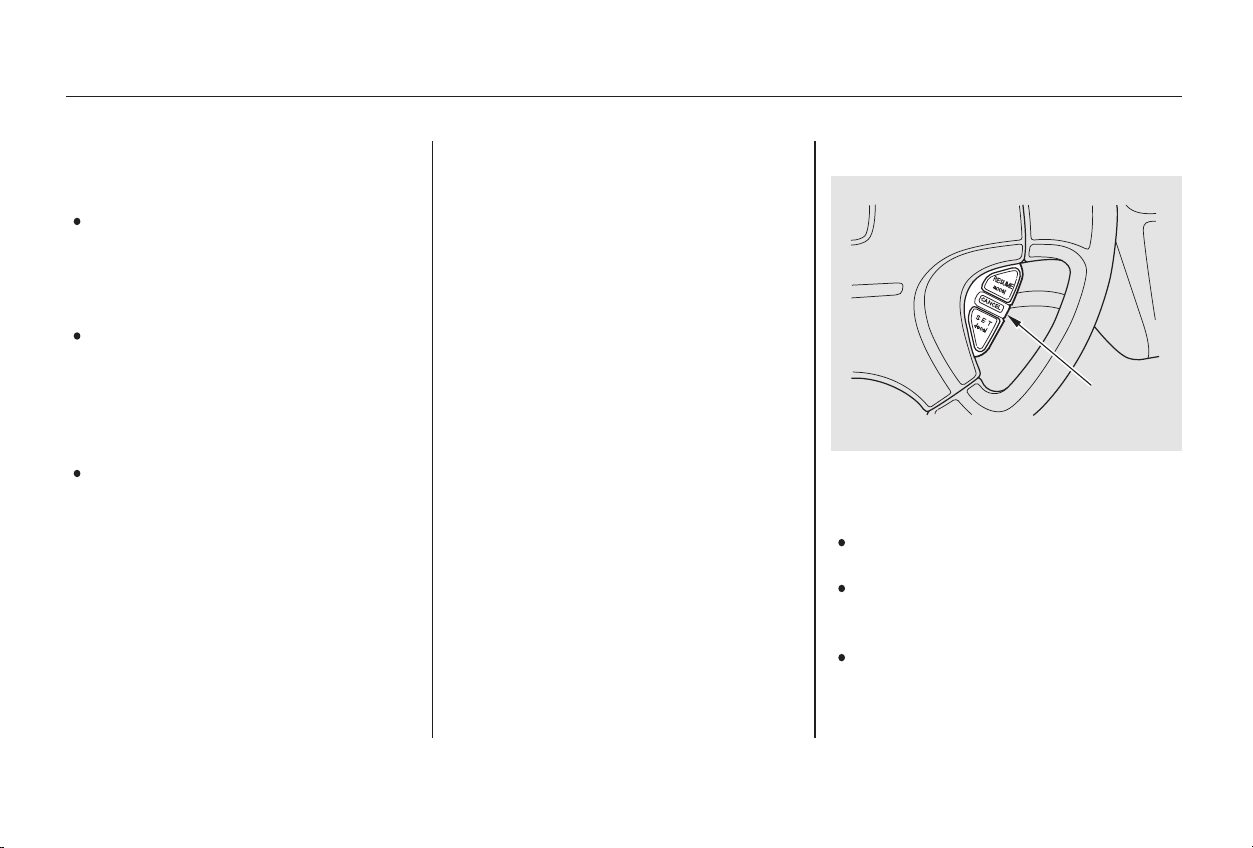
Youcancancelthecruisecontrolin
any of these ways:
Tap the brake or clutch pedal.
Push the CANCEL button on the
steering wheel.
Press the Cruise Control Master
Switch.
Even with the cruise control turned
on, you can still use the accelerator
pedal to speed up for passing. After
completing the pass, take your foot
off the accelerator pedal. The car
will return to the set cruising speed.
Resting your foot on the brake or
clutch pedal will cause the cruise
control to cancel.
You can decrease the set cruising
speed in any of these ways:
Press and hold the SET/decel
button. The car will decelerate.
Release the button when you
reach the desired speed.
To slow down in very small
amounts, tap the SET/decel
button repeatedly. Each time you
do this, your car will slow down
about 1 mph (1.6 km/h).
Tap the brake or clutch pedal
lightly with your foot. The
CRUISE CONTROL light on the
instrument panel will go out.
When the car slows to the desired
speed, press the SET/decel button.
The car will then maintain the
desired speed.
CONTINUED
Cancelling the Cruise Control
Cruise Control
Comfort and Convenience Features
183
CCAANNCCEELL
BBUUTTTTOONN
Main Menu
Table of Contents

Pressing the Cruise Control Master
Switch turns the system completely
off and erases the previous cruising
speed from memory. To use the
system again, refer to
.
When you push the CANCEL button,
or tap the brake or clutch pedal, the
CRUISE CONTROL light on the
instrument panel will go out and the
car will begin to slow down. You can
use the accelerator pedal in the
normal way.
The system remembers the
previously-set cruising speed. To
return to that speed, accelerate to
above25mph(40km/h),thenpress
and release the RESUME/accel
button. The CRUISE CONTROL
light comes on, and the car will
accelerate to the same cruising
speed as before.
Cruise Control
Comfort and Convenience Features
Using the
Cruise Control
184
Main Menu
Table of Contents

The HomeLink Universal
Transceiver built into your car can
be programmed to operate remotely-
controlled devices around your home,
such as garage doors, lighting, or
home security systems. It can
replaceuptothreeremote
transmitters.
If you have problems with training
the HomeLink Universal Transceiver,
or would like information on home
products that can be operated by the
transmitter, call (800) 355-3515. On
the Internet, go to www.homelink.
com.
Always refer to the operating
instructions and safety information
that came with your garage door
opener or other equipment you
intend to operate with the HomeLink
Universal Transceiver. If you do not
have this information, you should
contact the manufacturer of the
equipment.
While training or using HomeLink,
make sure you have a clear view of
the garage door or gate, and that no
one will be injured by its movement.
If you are training HomeLink to
operate a garage door or gate, it is
recommended that you unplug the
motor for that device during training.
Repeatedly pressing the remote
control button could burn out the
motor.
HomeLink stores the code in a
permanent memory. There should
be no need to retrain HomeLink if
your car’s battery goes dead or is
disconnected.
If your garage door opener was
manufactured before April 1982, you
may not be able to program
HomeLink to operate it. Garage door
openers manufactured before that
date do not have a safety feature that
causes them to stop and reverse if an
obstacle is detected during closing,
increasing the risk of injury. If you
have questions, call (800) 355-3515.
On EX-V6 model
Customer Assistance
Important Safety Precautions General Information
Comfort and Convenience Features
HomeLink Universal Transceiver
185
Main Menu
Table of Contents
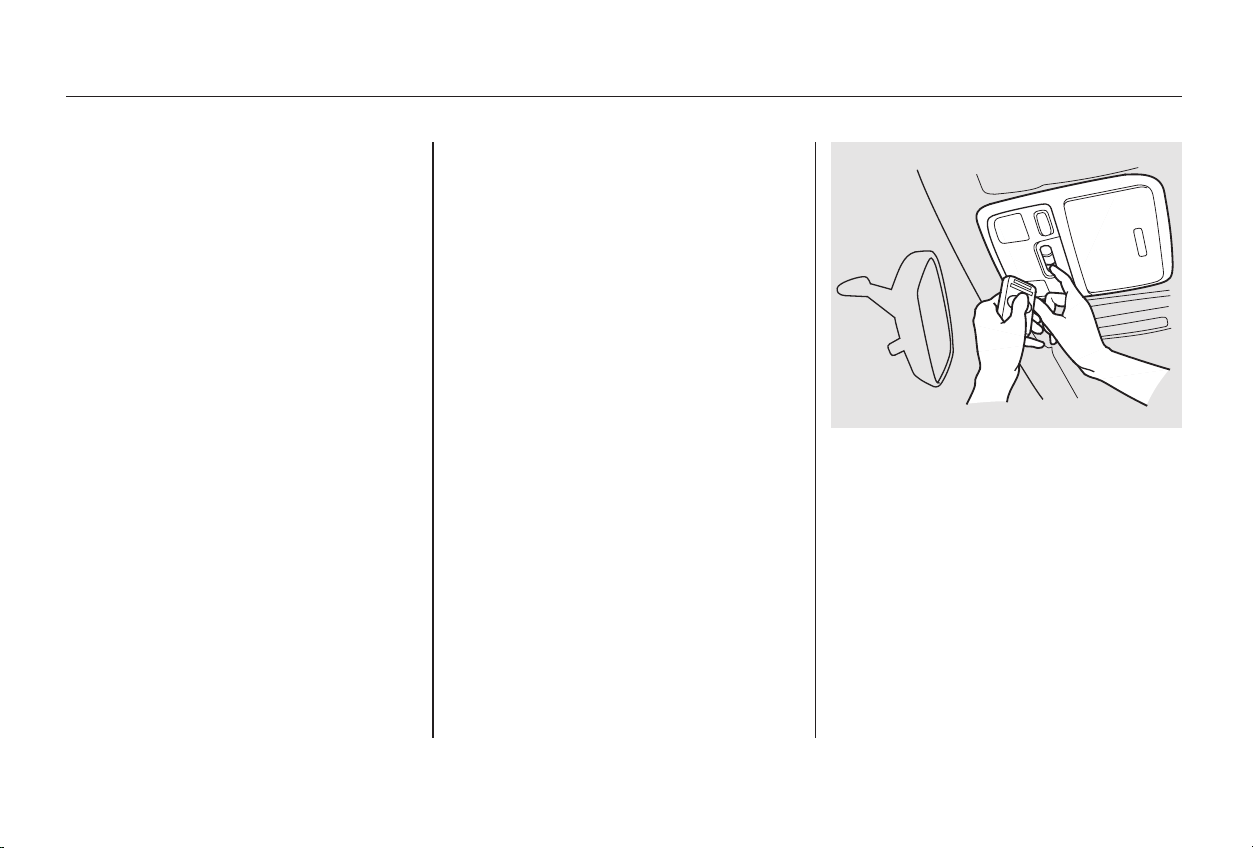
−
If you are training the second or
third buttons, go directly to Step 1.
Unplug the garage door opener
motor from the house current.
Before you can use HomeLink to
operate devices around your home, it
must ‘‘learn’’ the proper codes. For
example, to train HomeLink to open
and close the garage door:
If you just took
delivery of your vehicle and have not
trained any of the buttons in
HomeLink before, you should erase
any previously learned codes before
training the first button. To do this,
press and hold the two outside
buttons on the HomeLink
transceiver for about 20 seconds,
until the red light flashes. Release
the buttons, then proceed to Step 1.
Holdtheendofthegaragedoor
opener remote control 2 to 5
inches from HomeLink. Make
sure you are not blocking your
view of the red light in HomeLink.
Select the HomeLink button you
want to train.
Press the button on the remote
control and the button on
HomeLink at the same time. Hold
down both buttons.
1.
2.
3.
4.
Training HomeLink
Before you begin
HomeLink Universal Transceiver
Comfort and Convenience Features
186
Main Menu
Table of Contents

CONTINUED
Canadian Owners:
The remote control you are training
from may stop transmitting after two
seconds. This is not long enough for
HomeLink to learn the code. Release
and press the button on the remote
control every two seconds until
HomeLink has learned the code.
For security purposes, newer garage
door opening systems use a ‘‘rolling’’
or variable code. Information from
the remote control and the garage
door opener are needed before
HomeLink can operate the garage
door opener.
The‘‘Training HomeLink’’ procedure
trains HomeLink to the proper
garage door opener code. The
following procedure synchronizes
HomeLink to the garage door opener
so they send and receive the correct
codes.
The red light in HomeLink should
begin flashing. It will flash slowly
at first, then rapidly.
When the red light flashes rapidly,
release both buttons. HomeLink
should have learned the code from
the remote control.
Plug in the garage door opener
motor, then test the HomeLink
transceiver button by pushing it. It
should operate the garage door.
If the button does not work, repeat
this procedure to train it again. If it
still does not work, you may have a
variable or rolling code garage
door opener. Test this by pressing
and holding the HomeLink
transceiver button you just trained.
If the red light blinks for two
seconds,thenstayson,youhavea
rolling code garage door opener.
You may be able to verify this with
the manufacturer’s documentation.
Go to ‘‘Training With a Rolling
Code System.’’
Repeat these steps to train the
other two HomeLink buttons to
operate any other remotely-
controlled devices around your
home (lighting, automatic gate,
security system, etc.).
5.
6.
7.
8.
Training With a Rolling Code
System
HomeLink Universal Transceiver
Comfort and Convenience Features
187
Main Menu
Table of Contents
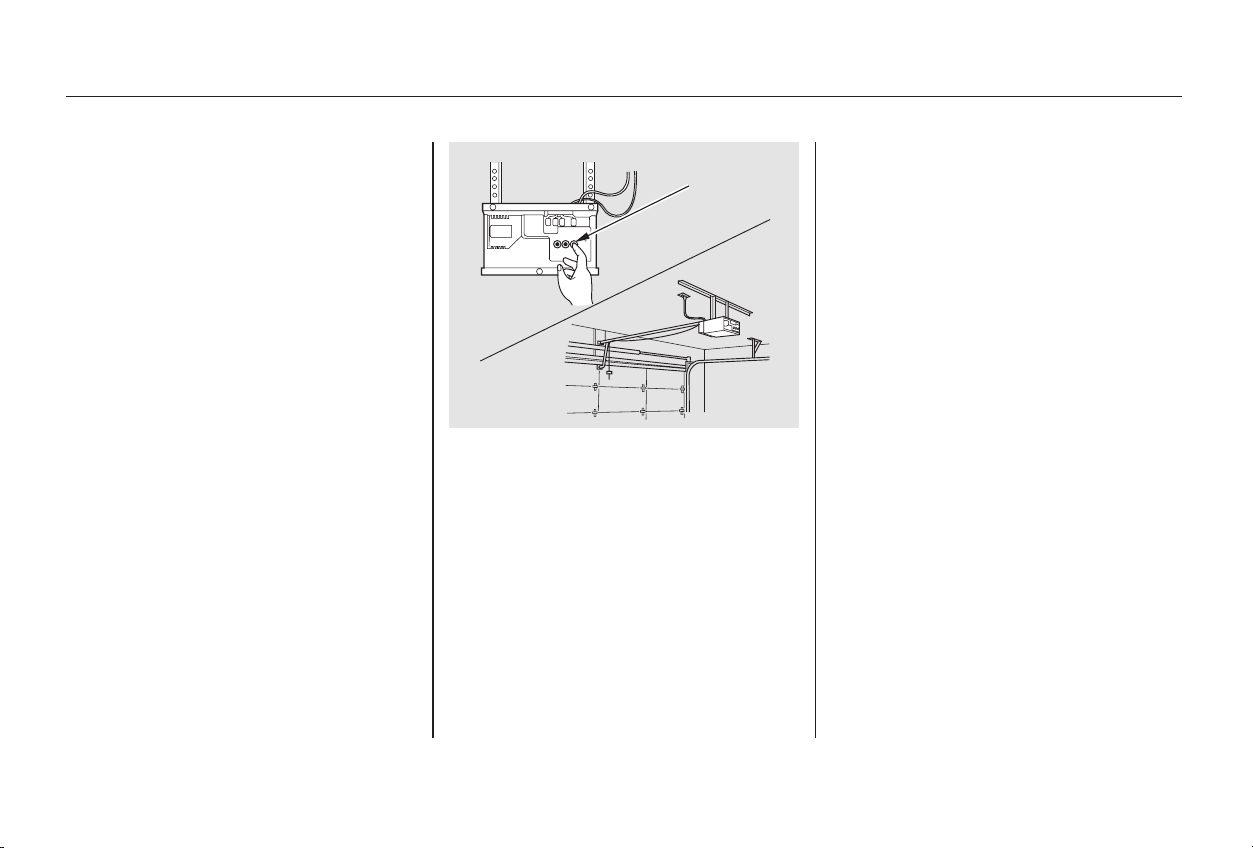
Itmaybehelpfultohavesomeone
assist you with this procedure.
Find the ‘‘Training’’ button on your
garage door opener unit. The
location will vary, depending on
the manufacturer. The
manufacturer’s documentation
may help.
Press the Training button on the
garage door opener unit until the
light next to the button comes on,
then release it. The light may blink,
or come on and stay on. You then
have approximately 30 seconds to
complete the following steps.
Make sure you have properly
completed the ‘‘Training
HomeLink’’ procedure.
Press and release the button on
HomeLink. (The same button you
trained with the ‘‘Training
HomeLink’’ procedure.)
Press and release the HomeLink
button again. This should turn off
the training light on the garage
door opener unit. (Some systems
may require you to press and
releasethebuttonuptothree
times.)
Press the HomeLink button again.
It should operate the garage door.
6.
2.
3.
4.
5.
1.
HomeLink Universal Transceiver
Comfort and Convenience Features
188
TTRRAAIINNIINNGG
BBUUTTTTOONN
Main Menu
Table of Contents

As required by the FCC:
This device complies with Part 15 of the
FCC rules. Operation is subject to the
following two conditions: (1) This device
may not cause harmful interference, and
(2) this device must accept any
interference received, including
interference that may cause undesired
operation.
Changes or modifications not expressly
approved by the party responsible for
compliance could void the user’s
authority to operate the equipment.
This device complies with Industry
Canada Standard RSS-210.
Operation is subject to the following two
conditions: (1) this device may not cause
interference, and (2) this device must
accept any interference that may cause
undesired operation of the device.
Toerasethecodesstoredinallthree
buttons, press and hold the two
outside buttons until the red light
begins to flash, then release the
buttons.
Youshoulderaseallthreecodes
before selling the car.
Totrainanalreadyprogrammed
HomeLink button to operate a new
device:
Select the HomeLink button you
want to train.
Press and hold the HomeLink
button until the red light begins to
flash slowly (approximately 20
seconds).
While continuing to hold the
HomeLink button, place the
remotecontrolforthedevice2to
5inchesfromHomeLink.
Release both buttons. HomeLink
should now be trained to operate
the device.
Press and hold the button on the
remote control. Hold both buttons
until the red light begins to flash
rapidly.
3.
5.
4.
1.
2.
Retraining a Button
Erasing Codes
Comfort and Convenience Features
HomeLink Universal Transceiver
189
Main Menu
Table of Contents

190
Main Menu

Before you begin driving your Honda,
youshouldknowwhatgasolineto
use, and how to check the levels of
important fluids. You also need to
know how to properly store luggage
or packages. The information in this
section will help you. If you plan to
add any accessories to your car,
please read the information in this
section first.
.............................Break-in Period . 192
.........................................Gasoline . 192
.........Service Station Procedures . 193
................Filling the Fuel Tank . 193
....................Opening the Hood . 194
...............................Oil Check . 196
.........Engine Coolant Check . 198
...............................Fuel Economy . 199
.....................Vehicle Condition . 199
...........................Driving Habits . 199
...Accessories and Modifications . 200
.............................Carrying Cargo . 202
Before Driving
Before Driving
191
Main Menu

During this period:
Avoid full-throttle starts and rapid
acceleration.
We recommend gasolines containing
detergent additives that help prevent
fuel system and engine deposits.
Avoidhardbraking.Newbrakes
need to be broken-in by moderate
use for the first 200 miles (300
km).
Your Honda is designed to operate
on unleaded gasoline with a pump
octane number of 86 or higher. Use
of a lower octane gasoline can cause
a persistent, heavy metallic rapping
noise in the engine that can lead to
mechanical damage.
In Canada, some gasolines contain
an octane-enhancing additive called
MMT. If you use such gasolines,
your emission control system
performance may deteriorate and
the Malfunction Indicator Lamp on
your instrument panel may turn on.
If this happens, contact your
authorized Honda dealer for service.
Help assure your car’s future
reliability and performance by paying
extra attention to how you drive
during the first 600 miles (1,000 km).
Using gasoline containing lead will
damage your car’s emissions
controls. This contributes to air
pollution.
Youshouldfollowthesesamere-
commendations with an overhauled
or exchanged engine, or when the
brakes are relined.
Do not change the oil until the
recommended time or mileage
intervalshowninthemaintenance
schedule.
Before Driving
Break-in Period Gasoline
Break-in Period, Gasoline
192
Main Menu
Table of Contents
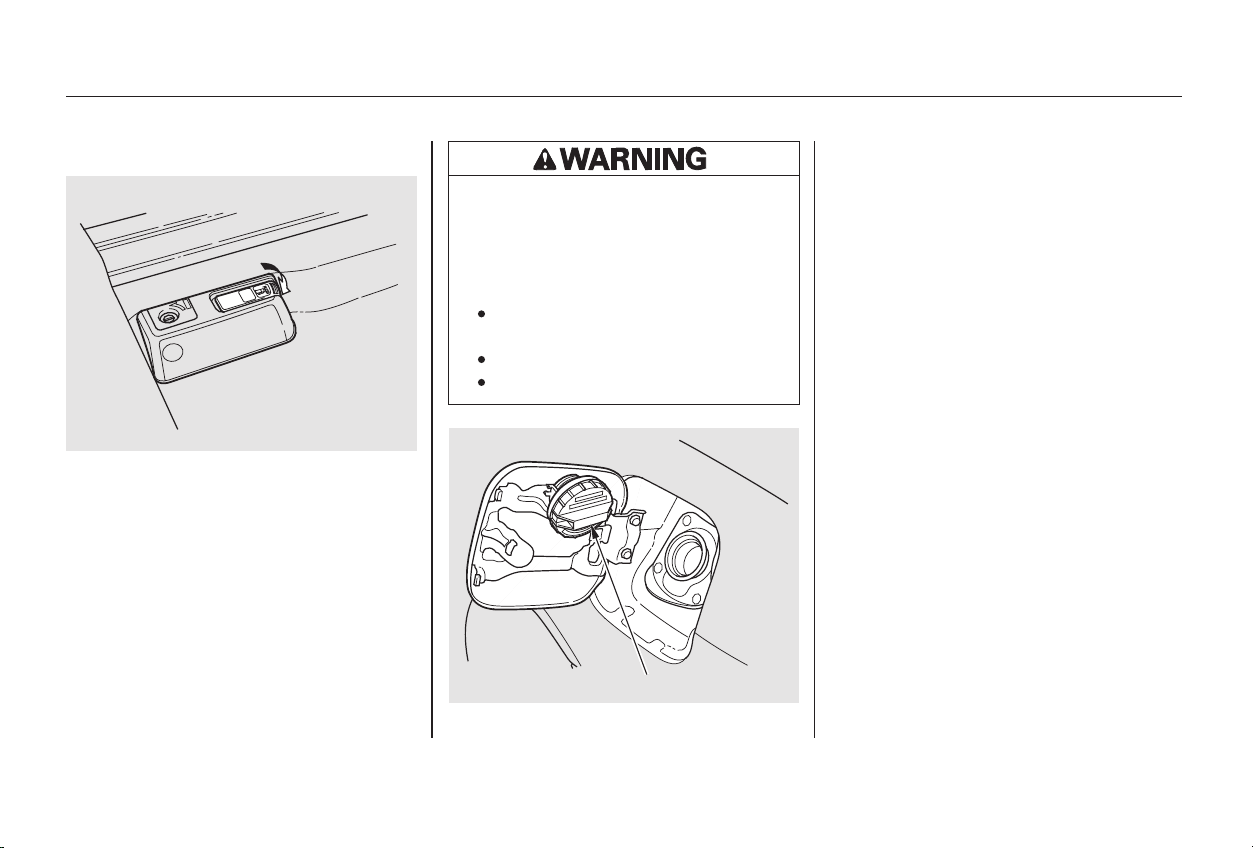
CONTINUED
Remove the fuel fill cap slowly.
You may hear a hissing sound as
pressure inside the tank escapes.
Place the cap in the holder on the
fuel fill door.
Stop filling the tank after the fuel
nozzle automatically clicks off. Do
not try to ‘‘top off’’ the tank, leave
some room for the fuel to expand
with temperature changes.
Open the fuel fill door by pushing
onthehandletotheleftofthe
driver’s seat.
Because the fuel fill cap is on the
driver’s side of the car, park with
that side closest to the service
station pumps.
Your car has an on-board refueling
vapor recovery system to help
keep fuel vapors from going into
the atmosphere. If the fuel nozzle
keeps clicking off even though the
tank is not full, there may be a
problem with this system. Consult
your dealer.
3.
4.
1.
2.
Service Station Procedures
Before Driving
Filling the Fuel Tank
193
FFUUEELL FFIILLLL CCAAPP
PPuusshh
Gasoline is highly flammable
and explosive. You can be
burned or seriously injured
when handling fuel.
Stop the engine and keep
heat, sparks, and flame away.
Handle fuel only outdoors.
Wipe up spills immediately.
Main Menu
Table of Contents
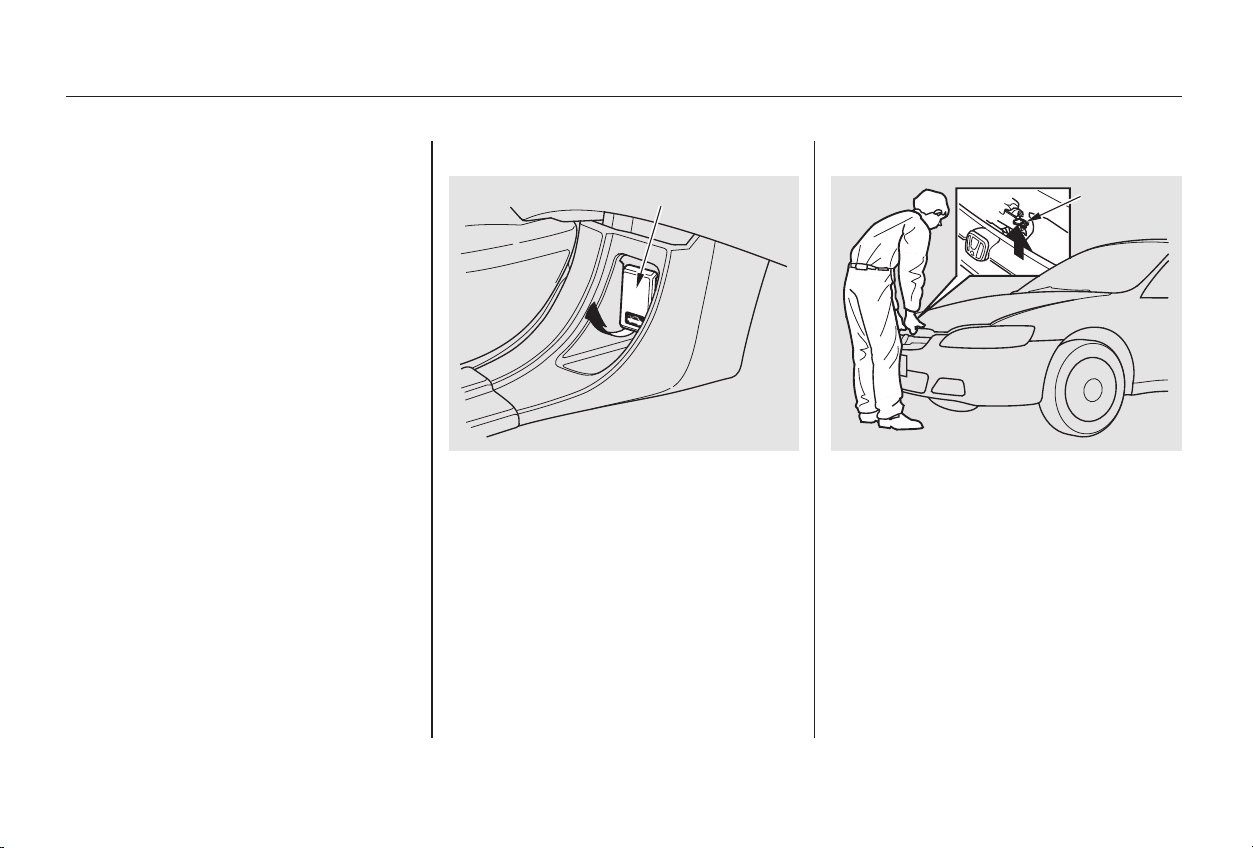
Shift to Park or Neutral and set
the parking brake. Pull the hood
release handle located under the
lower left corner of the dashboard.
The hood will pop up slightly.
Standing in front of the car, put
your fingers under the front edge
of the hood to the right of center.
Slide your hand to the left until
you feel the hood latch handle.
Push this handle up until it
releases the hood. Lift the hood.
Screw the fuel fill cap back on,
tighten it until it clicks several
times. If you do not properly
tighten the cap, the Malfunction
Indicator Lamp may come on (see
page ).
Push the fuel fill door closed until
it latches.
1. 2.
5.
6.
329
Service Station Procedures
Before Driving
Opening the Hood
194
HHOOOODD RREELLEEAASSEE HHAANNDDLLEE LLAATTCCHH
Main Menu
Table of Contents
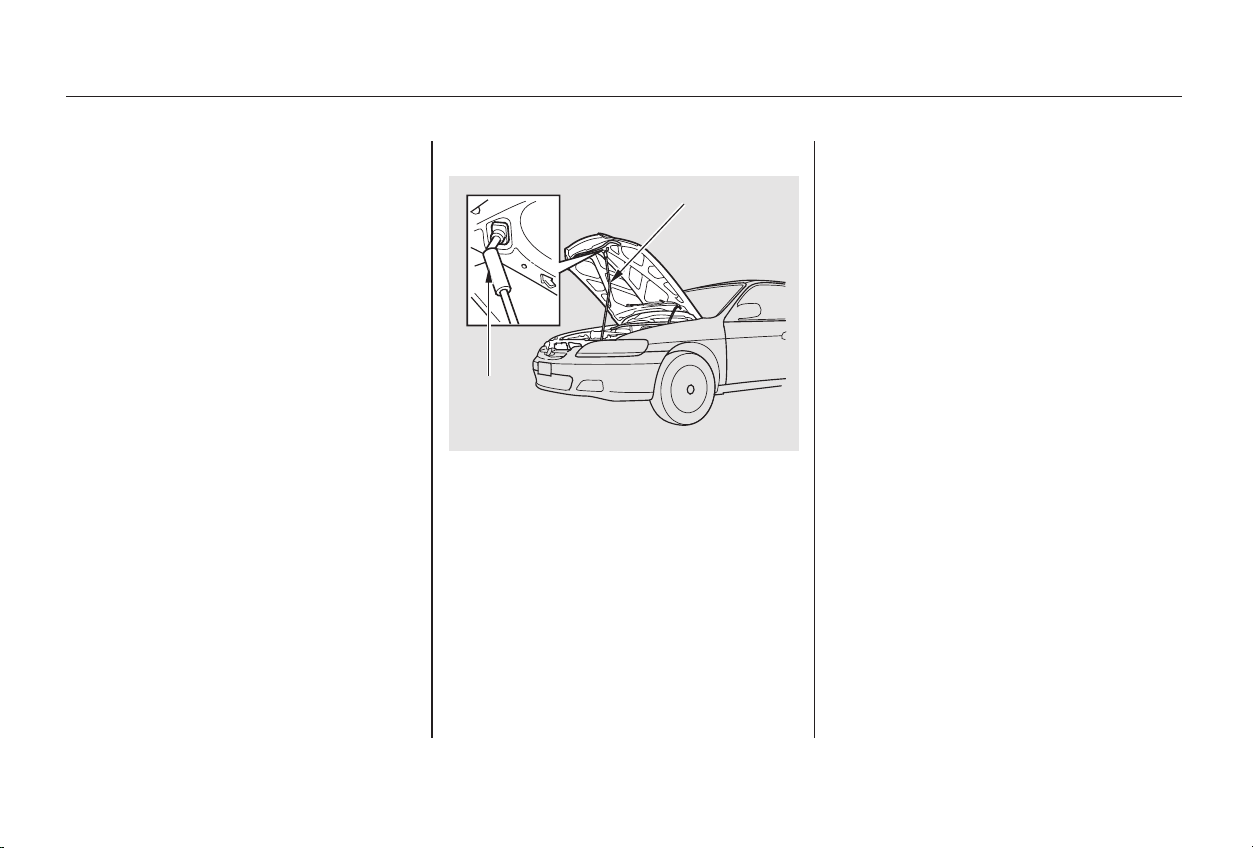
CONTINUED
4-cylinder models
Pull the support rod out of its clip
by holding the grip and insert the
end into the hole on the front of
the hood around the center.
If you can open the hood without
lifting the hood latch handle, or the
hood latch handle moves stiffly or
does not spring back as before, the
mechanism should be cleaned and
lubricated (see page ).
To close the hood, lift it up slightly to
remove the support rod from the
hole. Put the support rod back into
its holding clip. Lower the hood to
about a foot (30 cm) above the
fender,thenletitdrop.
After closing the hood, make sure it
is securely latched.
3.
269
Service Station Procedures
Before Driving
195
SSUUPPPPOORRTT RROODD
44--ccyylliinnddeerr mmooddeellss
GGRRIIPP
Main Menu
Table of Contents
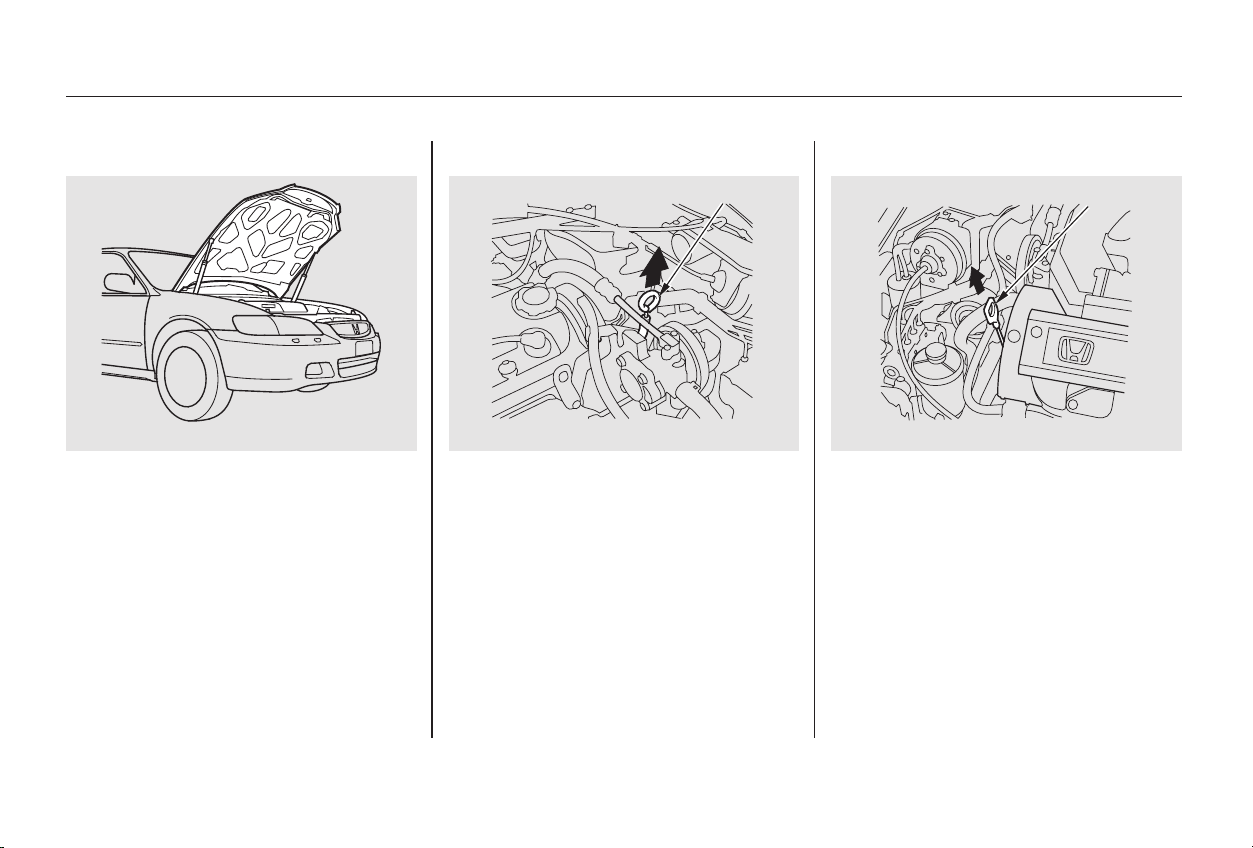
Remove the dipstick (orange
handle).
Lift the hood up most of the way.
The hydraulic supports will lift it
uptherestofthewayandholdit
up.
To close the hood, lower it to about a
foot (30 cm) above the fender, then
press down firmly with your hands.
Afterclosingthehood,makesureit
is securely latched.
Check the engine oil level every time
you fill the car with fuel. Wait a few
minutes after turning the engine off
before you check the oil.
1.
6-cylinder models
Service Station Procedures
Before Driving
Oil Check
196
DDIIPPSSTTIICCKK
66--ccyylliinnddeerr mmooddeellss
66--ccyylliinnddeerr mmooddeellss
44--ccyylliinnddeerr mmooddeellss
DDIIPPSSTTIICCKK
Main Menu
Table of Contents
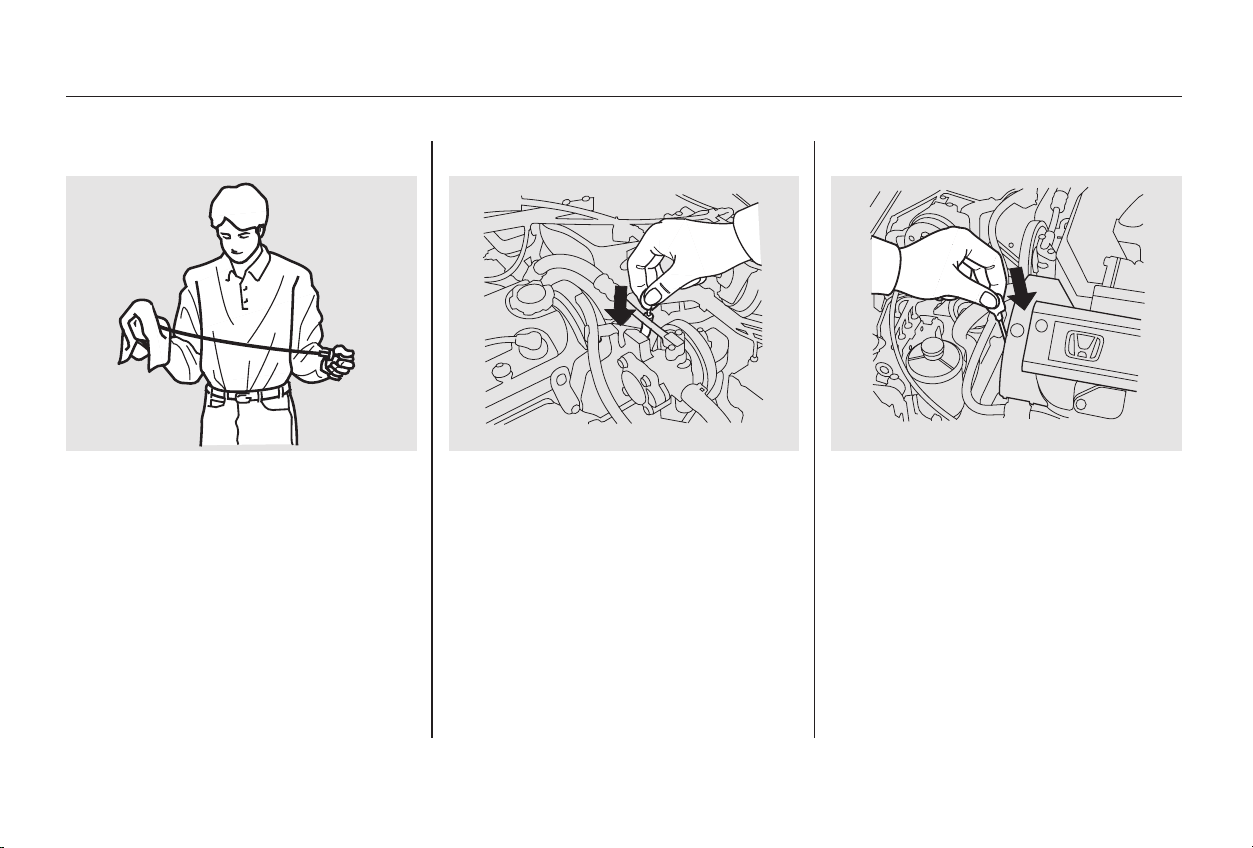
CONTINUED
Insert it all the way back in its tube.Wipe the dipstick with a clean
cloth or paper towel.
3.2.
Service Station Procedures
Before Driving
197
44--ccyylliinnddeerr mmooddeellss 66--ccyylliinnddeerr mmooddeellss
Main Menu
Table of Contents
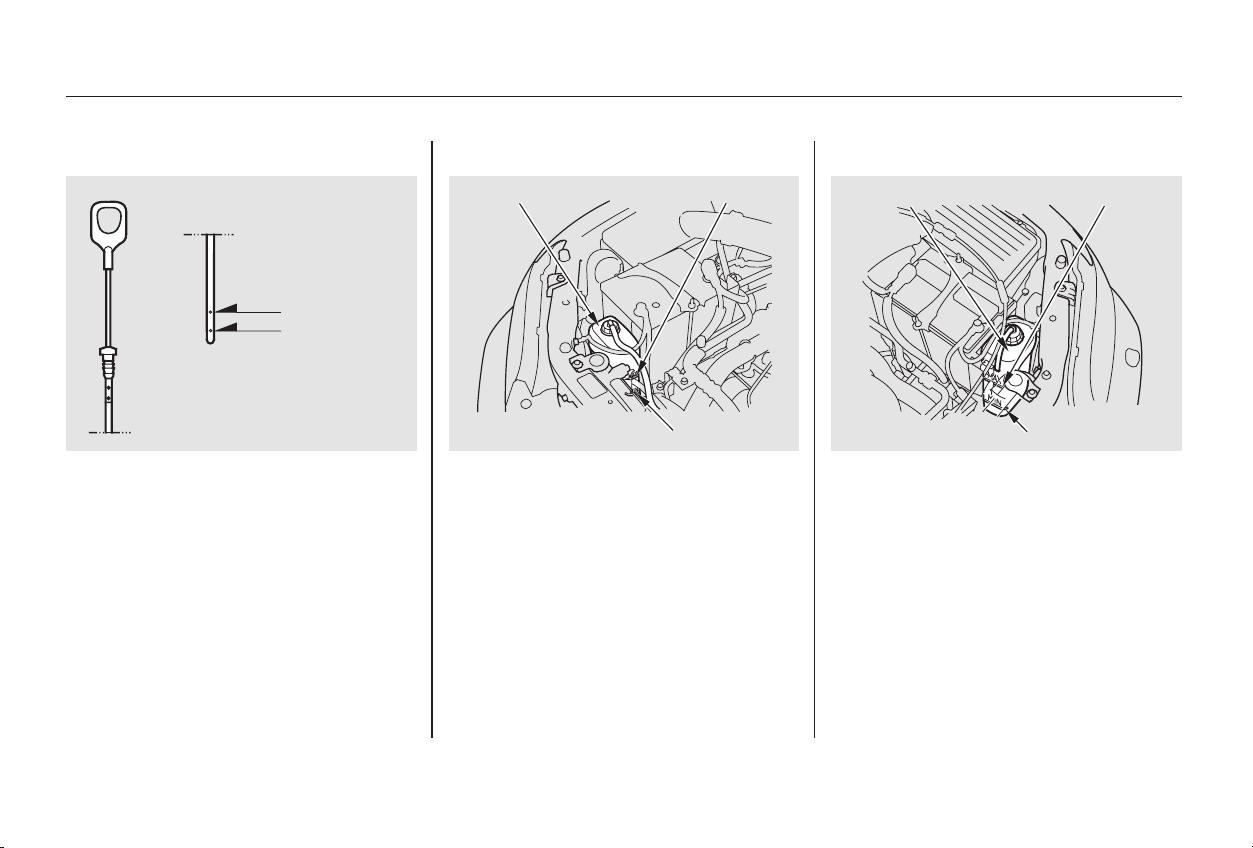
Refer to
on page for information
on checking other items in your
Honda.
Look at the coolant level in the
radiator reserve tank. Make sure it is
between the MAX and MIN lines. If
it is below the MIN line, see
on page for
information on adding the proper
coolant.
Remove the dipstick again and
check the level. It should be
between the upper and lower
marks.
If it is near or below the lower mark,
see on page .
4.
248
253
245
Service Station Procedures
Before Driving
Owner Maintenance
Checks
Adding
Engine Coolant
Adding Oil
Engine Coolant Check
198
MMIINN
MMAAXX
MMIINN
MMAAXX
RREESSEERRVVEE TTAANNKK
RREESSEERRVVEE TTAANNKK
66--ccyylliinnddeerr mmooddeellss44--ccyylliinnddeerr mmooddeellss
UUPPPPEERR MMAARRKK
LLOOWWEERR MMAARRKK
Main Menu
Table of Contents

A cold engine uses more fuel than a
warm engine. It is not necessary to
‘‘warm-up’’ a cold engine by letting it
idle for a long time. You can drive
away in about a minute, no matter
how cold it is outside. The engine
will warm up faster, and you get
better fuel economy. To cut down on
the number of ‘‘cold starts,’’ try to
combine several short trips into one.
You can improve fuel economy by
driving moderately. Rapid acceler-
ation, abrupt cornering, and hard
braking use more fuel.
Always drive in the highest gear that
allows the engine to run and acceler-
ate smoothly.
The air conditioning puts an extra
load on the engine which makes it
usemorefuel.TurnofftheA/Cto
cut down on air conditioning use.
Use the flow-through ventilation
when the outside air temperature is
moderate.
Depending on traffic conditions, try
to maintain a constant speed. Every
time you slow down and speed up,
your car uses extra fuel. Use the
cruise control, when appropriate, to
increase fuel economy.
The condition of your car and your
driving habits are the two most
important things that affect the fuel
mileage you get.
Always maintain your car according
to the maintenance schedule. This
will keep it in top operating condition.
An important part of that mainte-
nance is the
(see page ). For
example, an underinflated tire
causes more ‘‘rolling resistance,’’
which uses fuel. It also wears out
faster, so check the tire pressure at
least monthly.
In winter, the build-up of snow on
your car’s underside adds weight and
rolling resistance. Frequent cleaning
helps your fuel mileage and reduces
thechanceofcorrosion.
245
Vehicle Condition
Driving Habits
Owner Maintenance
Checks
Before Driving
Fuel Economy
199
Main Menu
Table of Contents
Be sure electronic accessories do
not overload electrical circuits
(see page ).
Have the installer contact your
Honda dealer for assistance before
installing any electronic accessory.
If possible, have your dealer inspect
the final installation.
Before installing any accessory:
Modifying your car, or installing
some non-Honda accessories, can
make your car unsafe. Before you
make any modifications or add any
accessories,besuretoreadthe
following information.
Your dealer has genuine Honda
accessories that allow you to
personalize your car. These
accessories have been designed and
approved for your car, and are
covered by warranty.
Non-Honda accessories are usually
designed for universal applications.
Although aftermarket accessories
may fit on your car, they may not
meet factory specifications, and
could adversely affect your car’s
handling and stability. (See
‘‘Modifications’’ on page for
additional information.)
When properly installed, cellular
phones, alarms, two-way radios, and
low-powered audio systems should
not interfere with your car’s
computer-controlled systems, such
as the SRS and anti-lock brake
system.
However, if electronic accessories
are improperly installed, or exceed
your car’s electrical system capacity,
they can interfere with the operation
of your car, or even cause the
airbags to deploy.
Make sure the accessory does not
obscure any lights, or interfere
with proper car operation or
performance.
201
333
Accessories
Accessories and Modifications
Before Driving
200
Improper accessories or
modifications can affect your
car’s handling, stability and
performance, and cause a
crash in which you can be hurt
or killed.
Follow all instructions in this
owner’s manual regarding
accessories and modifications.
Main Menu
Table of Contents
In addition, any modifications that
decrease ground clearance increase
the chance of undercarriage parts
striking a curb, speed bump, or other
raised object, which could cause
your airbags to deploy.
Do not modify your steering wheel
or any other part of your
Supplemental Restraint System.
Modifications could make the
system ineffective.
Do not remove any original
equipment or modify your car in any
way that would alter its design or
operation. This could make your car
unsafe and illegal to drive.
For example, do not make any
modifications that would change the
ride height of your car, or install
wheels and tires with a different
overall diameter.
Such modifications can adversely
affect handling, and interfere with
the operation of the car’s anti-lock
brakes and other systems.
Covering the outside edge of a
front seat-back, with a non-Honda
seat cover for example, could
prevent the airbag from inflating
properly.Any object
attached to or placed on the covers
marked ‘‘SRS AIRBAG,’’ in the
center of the steering wheel and
on top of the dashboard, could
interfere with the proper operation
of the airbags. Or, if the airbags
inflate, the objects could be
propelled inside the car and hurt
someone.
If a side airbag
inflates,acupholderorotherhard
object attached on or near the
door could be propelled inside the
car and hurt someone.
Only on models equipped with side
airbags
Modifications
Additional Safety Precautions
Accessories and Modifications
Before Driving
Do not place any objects over the
outsideedgeofafrontseat-back.
Do not attach or place objects on
the front airbag covers.
Do not attach hard objects on or
near a door.
201
Main Menu
Table of Contents
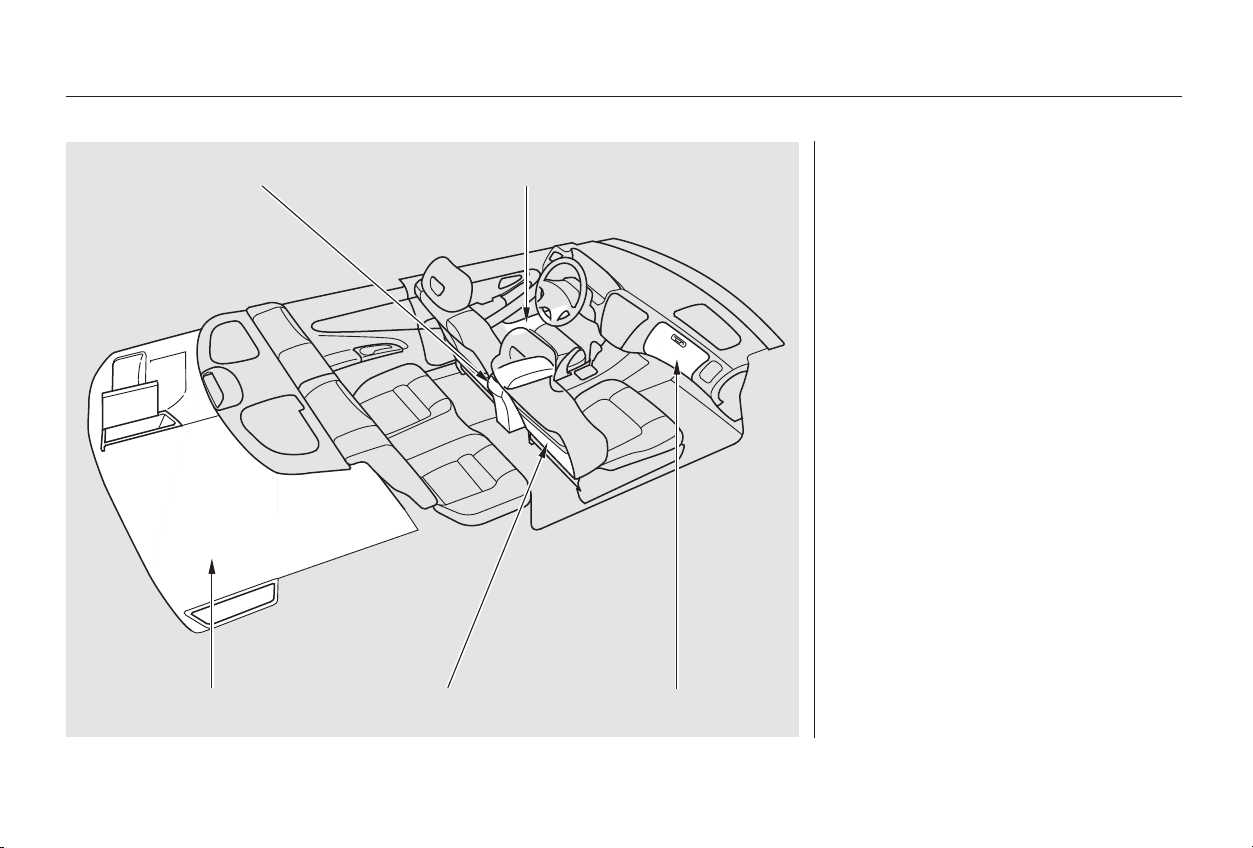
The glove box, and the pockets in
the doors and seat-backs, are
designed for small, lightweight items.
The trunk is intended for larger,
heavier items. In addition, the back
seatcanbefoldeddowntoallowyou
to carry more cargo or longer items.
Your car has several convenient
storage areas so you can stow cargo
safely.
However, carrying too much cargo,
or improperly storing it, can affect
your car’s handling, stability, and
operation and make it unsafe. Before
carrying any type of cargo, be sure to
read the following pages.
Carrying Cargo
Before Driving
202
CCOONNSSOOLLEE CCOOMMPPAARRTTMMEENNTT
GGLLOOVVEE BBOOXXSSEEAATT--BBAACCKK PPOOCCKKEETTTTRRUUNNKK
DDOOOORR PPOOCCKKEETT
Main Menu
Table of Contents
Store or secure all items that could
be thrown around and hurt
someone during a crash.
Be sure items placed on the floor
behind the front seats cannot roll
under the seats and interfere with
the driver’s ability to operate the
pedals, or with the proper
operation of the seats.
Keep the glove box closed while
driving. If the lid is open, a
passenger could injure their knees
during a crash or sudden stop.
This figure includes the total weight
of all occupants, cargo, accessories,
and the tongue weight if you are
towing a trailer.
The final number is the total weight
of cargo you can carry.
If you are towing a trailer, add the
tongue weight to the number
above.
Add up the weight of all occupants.
To figure out how much cargo you
can carry:
The maximum load for your car is
850 lbs (395 kg).
Subtract the total from 850 lbs
(395 kg).
Do not put any items on top of the
rear shelf. They can block your
view and be thrown around the car
during a crash.
Carrying Items in the Passenger
Compartment
Load Limit
Carrying Cargo
Before Driving
203
Overloading or improper
loading can affect handling and
stability and cause a crash in
which you can be hurt or killed.
Follow all load limits and other
loading guidelines in this
manual.
Main Menu
Table of Contents

Distribute cargo evenly on the
floor of the trunk, placing the
heaviest items on the bottom and
as far forward as possible.
If you can carry any items on a
roofrack,besurethetotalweight
of the rack and the items does not
exceed the maximum allowable
weight. Please contact your Honda
dealer for further information.
You can use the cargo net to secure
small items in the trunk.
If you carry large items that
prevent you from closing the trunk
lid, exhaust gas can enter the
passenger area. To avoid the
possibility of carbon monoxide
poisoning, follow the instructions
on page .
Ifyoufolddownthebackseat,tie
down items that could be thrown
about the car during a crash or
sudden stop.
52
On EX and EX-V6 models
Carrying Cargo in the Trunk or on
a Roof Rack
Cargo Net
Carrying Cargo
Before Driving
204
Main Menu
Table of Contents

This section gives you tips on
starting the engine under various
conditions, and how to operate the
5-speed manual and automatic
transmissions. It also includes
important information on parking
your car, the braking system, the
Traction Control System, and facts
you need if you are planning to tow a
trailer.
........................Preparing to Drive . 206
.......................Starting the Engine . 207
Starting in Cold Weather
....................at High Altitude . 208
....5-speed Manual Transmission . 209
.....Recommended Shift Points . 210
..............Engine Speed Limiter . 210
..............Automatic Transmission . 210
.Shift Lever Position Indicator . 211
................Shift Lever Positions . 211
..............Engine Speed Limiter . 214
....................Shift Lock Release . 214
...........................................Parking . 216
.....................The Braking System . 217
.............Brake Wear Indicators . 217
...............Brake System Design . 218
.......................Anti-lock Brakes . 218
Important Safety
.........................Reminders . 219
........................ABS Indicator . 219
..............Traction Control System . 220
...............Driving in Bad Weather . 223
...........................Towing a Trailer . 225
Driving
Driving
205
Main Menu

Make sure all windows, mirrors,
and outside lights are clean and
unobstructed. Remove frost, snow,
or ice.
Check that the hood and trunk are
fully closed.
Check the adjustment of the seat
(see page ).
Check the adjustment of the
inside and outside mirrors (see
page ).
Check the adjustment of the
steering wheel (see page ).
Make sure the doors are securely
closed and locked.
Fasten your seat belt. Check that
your passengers have fastened
their seat belts (see page ).
Turn the ignition switch ON (II).
Check the indicator lights in the
instrument panel.
Start the engine (see page ).
Check the gauges and indicator
lights in the instrument panel (see
page ).
Check that any items you may be
carrying with you inside are stored
properly or fastened down
securely.
Visually check the tires. If a tire
looks low, use a gauge to check its
pressure.
Youshoulddothefollowingchecks
and adjustments every day before
you drive your car.
3.
2.
1.
4.
5.
6.
7.
8.
9.
15
10.
11.
12.
57
85
97
73
207
Preparing to Drive
Driving
206
Main Menu
Table of Contents

Push the clutch pedal down all the
way. START (III) does not
function unless the clutch pedal is
depressed.
Apply the parking brake.
In cold weather, turn off all
electrical accessories to reduce
the drain on the battery.
Make sure the shift lever is in
Park. Press on the brake pedal.
If the engine still does not start,
press the accelerator pedal all the
way down and hold it there while
starting in order to clear flooding.
As before, keep the ignition key in
the START (III) position for no
more than 15 seconds. Return to
step 5 if the engine does not start.
If it starts, lift your foot off the
accelerator pedal so the engine
does not race.
Without touching the accelerator
pedal, turn the ignition key to the
START (III) position. If the engine
does not start right away, do not
hold the key in START (III) for
more than 15 seconds at a time.
Pause for at least 10 seconds
before trying again.
If the engine does not start within
15 seconds, or starts but stalls
right away, repeat step 4 with the
accelerator pedal pressed half-way
down. If the engine starts, release
pressure on the accelerator pedal
so the engine does not race.
1.
2.
3.
4.
5.
6.
Automatic Transmission:
Manual Transmission:
Starting the Engine
Driving
207
Main Menu
Table of Contents

Use the following procedure:
An engine is harder to start in cold
weather. The thinner air found at
high altitude above 8,000 feet (2,400
meters) adds to the problem.
If the engine fails to start in step 2,
push the accelerator pedal to the
floor and hold it there while you
try to start the engine for no more
than 15 seconds. If the engine
does not start, return to step 2.
Turn off all electrical accessories
to reduce the drain on the battery.
Push the accelerator pedal half-
way to the floor and hold it there
while starting the engine. Do not
hold the ignition key in START
(III) for more than 15 seconds.
When the engine starts, release
the accelerator pedal gradually as
the engine speeds up and smooths
out.
1.
2.
3.
Driving
Starting in Cold Weather at High
Altitude (Above 8,000 feet/
2,400 meters)
Starting the Engine
208
Main Menu
Table of Contents
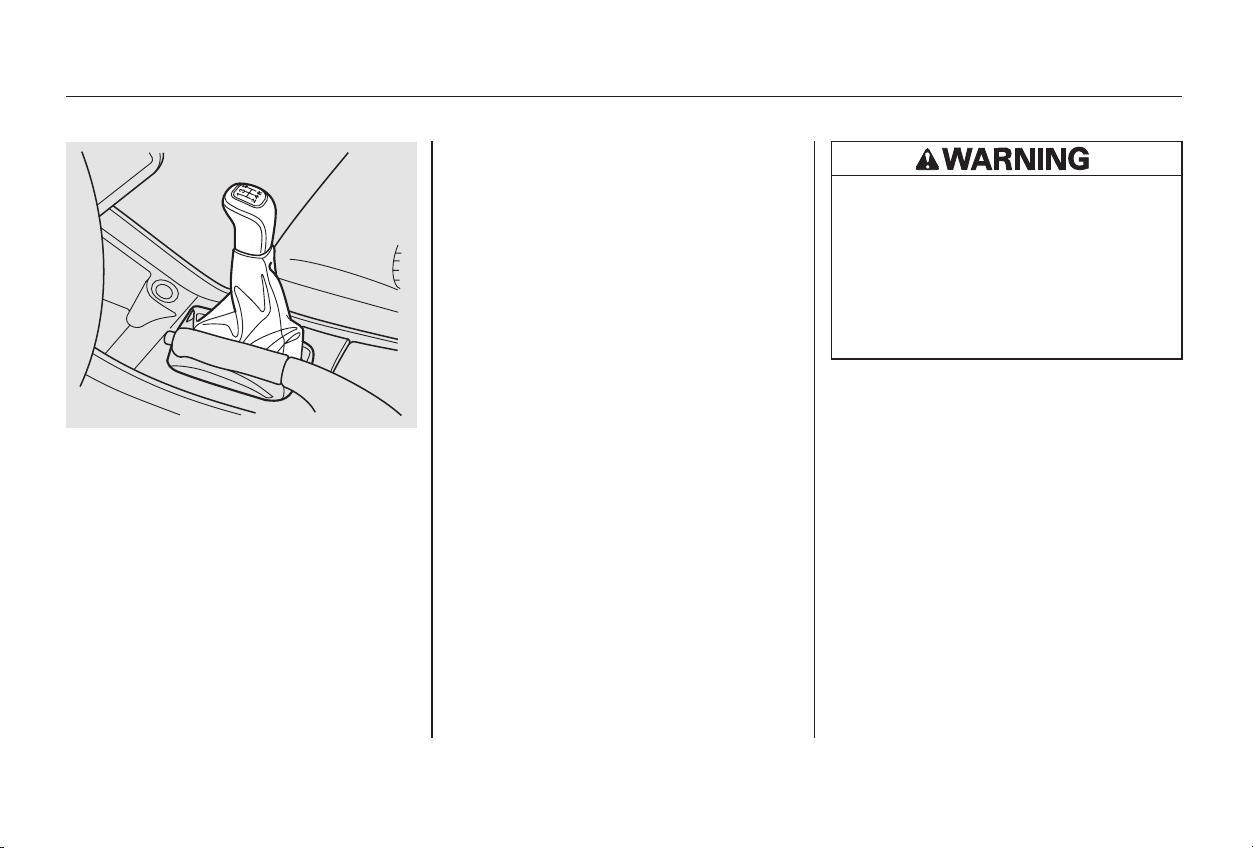
Come to a full stop before you shift
into Reverse. You can damage the
transmission by trying to shift into
Reverse with the car moving. Push
down the clutch pedal, and pause for
a few seconds before shifting into
Reverse, or shift into one of the
forward gears for a moment. This
stops the gears so they won’t ‘‘grind.’’
When slowing down, you can get
extra braking from the engine by
shifting to a lower gear. This extra
braking can help you maintain a safe
speed and prevent your brakes from
overheating while going down a
steep hill. Before downshifting,
make sure engine speed will not go
into the tachometer’s red zone in the
lower gear.
The manual transmission is syn-
chronizedinallforwardgearsfor
smooth operation. It has a lockout so
you cannot shift directly from Fifth
to Reverse. When shifting up or
down,makesureyoupushtheclutch
pedal down all the way, shift to the
next gear, and let the pedal up
gradually. When you are not shifting,
do not rest your foot on the clutch
pedal. This can cause your clutch to
wear out faster.
Driving
5-speed Manual Transmission
209
Rapid slowing or speeding-up
can cause loss of control on
slippery surfaces. If you crash,
you can be injured.
Use extra care when driving on
slippery surfaces.
Main Menu
Table of Contents
Your Honda’s transmission has four
forward speeds, and is electronically
controlled for smoother shifting. It
also has a ‘‘lock-up’’ torque converter
forbetterfueleconomy.Youmay
feel what seems like another shift
when the converter locks.
Drive in the highest gear that lets
the engine run and accelerate
smoothly. This will give you the best
fuel economy and effective emis-
sions control. The following shift
points are recommended:
If you exceed the maximum speed
for the gear you are in, the engine
speed will enter into the tachometer’s
red zone. If this occurs, you may feel
the engine cut in and out. This is
caused by a limiter in the engine’s
computer controls. The engine will
run normally when you reduce the
RPM below the red zone.
Before downshifting, make sure the
engine will not go into the
tachometer’s red zone.
Shift up
1st to 2nd
2nd to 3rd
3rd to 4th
4th to 5th
Normal acceleration
15 mph (24 km/h)
28 mph (45 km/h)
41 mph (66 km/h)
52 mph (84 km/h)
Shift up
1st to 2nd
2nd to 3rd
3rd to 4th
4th to 5th
Cruise acceleration
7mph(11km/h)
22 mph (35 km/h)
33 mph (53 km/h)
48 mph (77 km/h)
5-speed Manual Transmission, Automatic Transmission
Driving
Automatic TransmissionRecommended Shift Points Engine Speed Limiter
210
Main Menu
Table of Contents
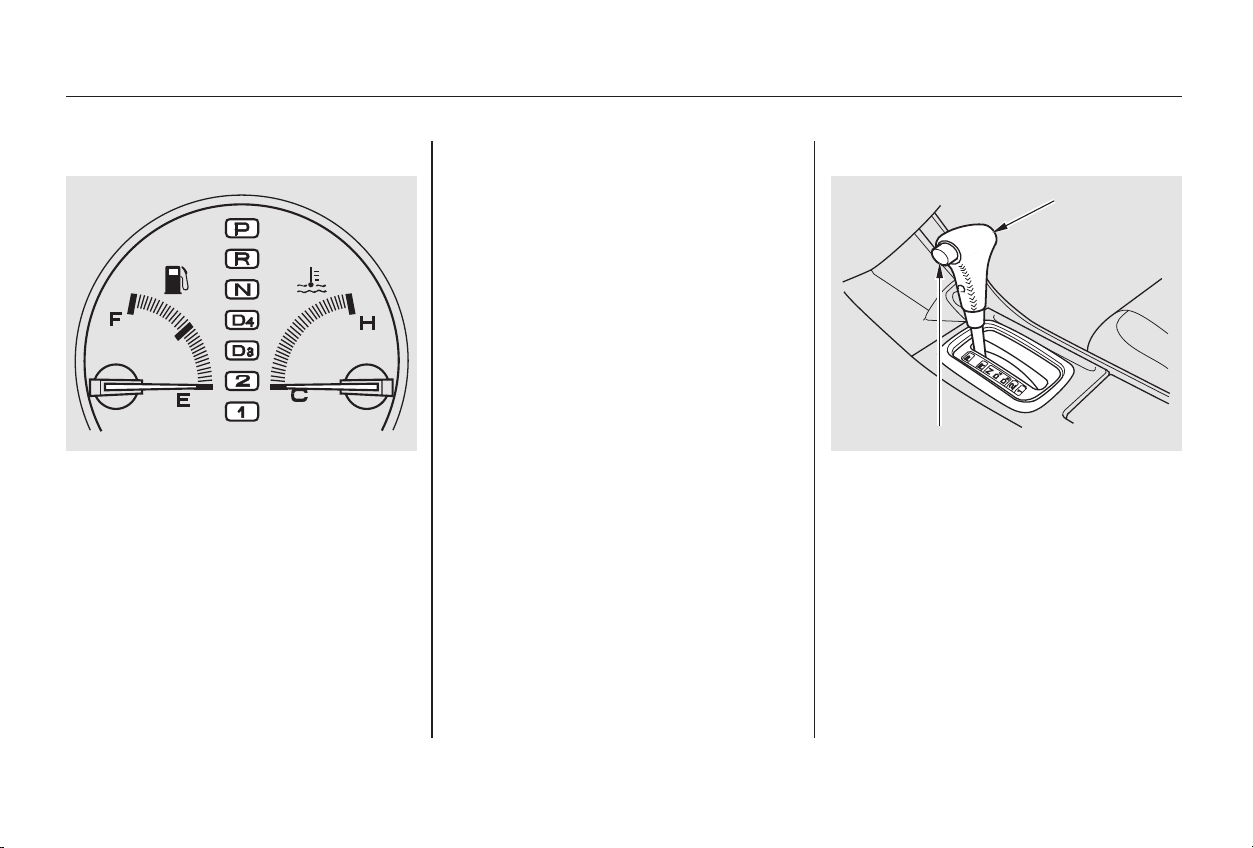
CONTINUED
The shift lever has seven positions.
It must be in Park or Neutral to start
the engine. When you are stopped in
D,D,2,1,NorR,pressfirmlyon
the brake pedal, and keep your foot
off the accelerator pedal.
This indicator between the fuel
gauge and temperature gauge shows
which position the shift lever is in.
The ‘‘D ’’ indicator comes on for a
few seconds when you turn the
ignition switch ON (II). If it flashes
while driving (in any shift position),
it indicates a possible problem in the
transmission. Avoid rapid acceler-
ation and have the transmission
checkedbyanauthorizedHonda
dealer as soon as possible.
43
4
Driving
Automatic Transmission
Shift Lever Position Indicator Shift Lever Positions
211
SSHHIIFFTT LLEEVVEERR
RREELLEEAASSEE BBUUTTTTOONN
Main Menu
Table of Contents
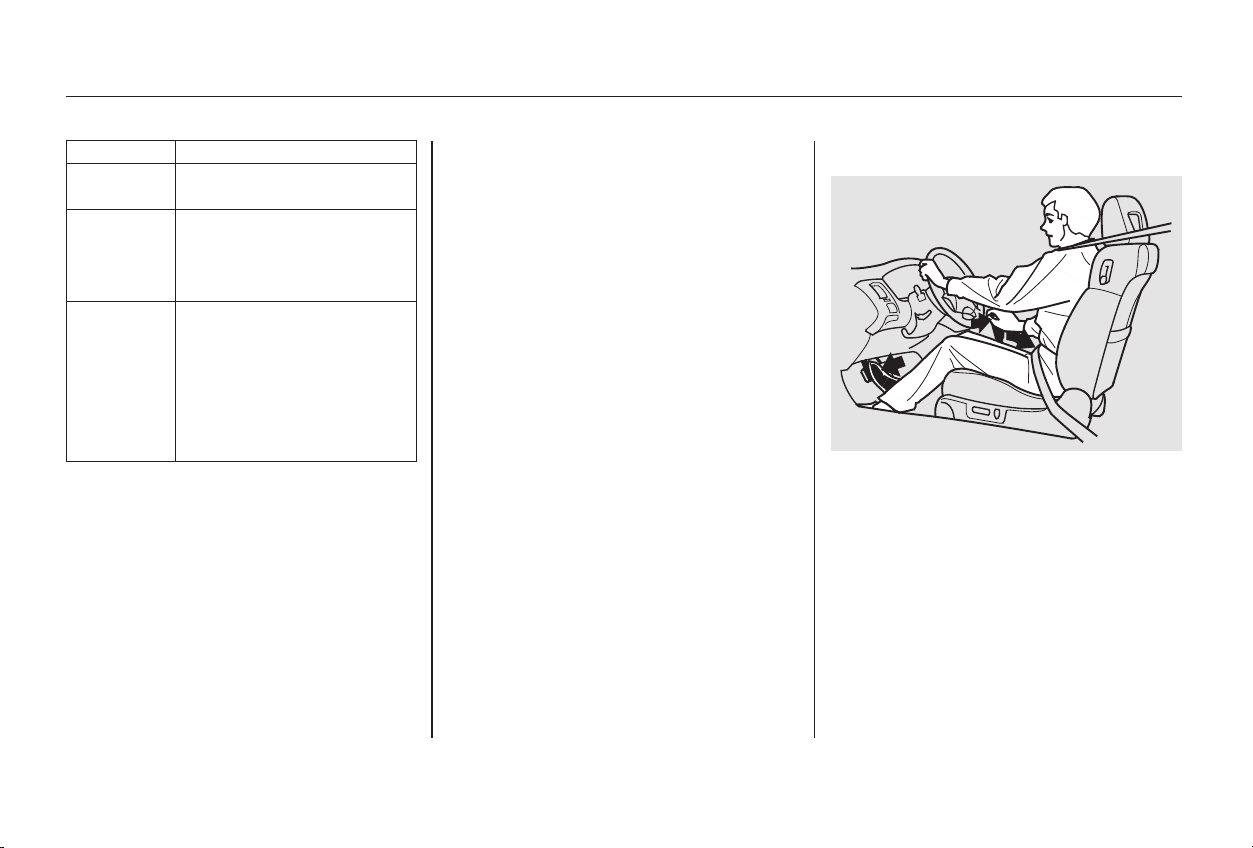
−
−
To shift to Reverse
from Park, see the explanation under
Park. To shift to Reverse from
Neutral, come to a complete stop and
then shift. Press the release button
before shifting into Reverse from
Neutral.
This position mechani-
cally locks the transmission. Use
Park whenever you are turning off or
starting the engine. To shift out of
Park, you must press on the brake
pedal and have your foot off the
accelerator pedal. Press the release
button on the side of the shift lever
to move it.
If you have done all of the above and
still cannot move the lever out of
Park, see Shift Lock Release on page
.
You must also press the release
button to shift into Park. To avoid
transmission damage, come to a
complete stop before shifting into
Park. The shift lever must be in Park
before you can remove the key from
the ignition switch.
214
To shift from:
PtoR
RtoP
NtoR
Dto2
2to1
1to2
2toD
DtoD
DtoN
DtoD
NtoD
RtoN
Do this:
Press the brake pedal and
press the release button.
Press the release button.
Move the lever.
3
3
34
4
43
4
Driving
Automatic Transmission
Reverse (R)
Park (P)
212
Main Menu
Table of Contents

−−
−
− To shift to Second,
pressthereleasebuttonontheside
of the shift lever. This position locks
the transmission in second gear. It
does not downshift to first gear
when you come to a stop. Second
gives you more power when climbing,
and increased engine braking when
going down steep hills. Use second
gear when starting out on a slippery
surface or in deep snow. It will help
reduce wheelspin.
This position is similar
to D , except only the first three
gears are selected. Use D when
towing a trailer in hilly terrain, or to
provide engine braking when going
down a steep hill. D can also keep
the transmission from cycling
between third and fourth gears in
stop-and-go driving.
ForfasteraccelerationwheninD or
D , you can get the transmission to
automatically downshift by pushing
the accelerator pedal to the floor.
The transmission will shift down one
or two gears, depending on your
speed.
Use this position for
your normal driving. The transmis-
sion automatically selects a suitable
gear for your speed and acceleration.
You may notice the transmission
shifting up at higher speeds when
the engine is cold. This helps the
engine warm up faster.
Use Neutral if you
need to restart a stalled engine, or if
it is necessary to stop briefly with
the engine idling. Shift to Park posi-
tion if you need to leave the car for
any reason. Press on the brake pedal
when you are moving the shift lever
from Neutral to another gear.
4
3
3
3
4
CONTINUED
Automatic Transmission
Driving
Second (2)Drive (D )
Drive (D )
Neutral (N)
3
4
213
Main Menu
Table of Contents

− To shift from Second to
First, press the release button on the
side of the shift lever. With the lever
in this position, the transmission
locks in First gear. By upshifting and
downshifting through 1, 2, D , and
D , you can operate this
transmission much like a manual
transmission without a clutch pedal.
If you exceed the maximum speed
for the gear you are in, the engine
speed will enter into the tachometer’s
red zone. If this occurs, you may feel
the engine cut in and out. This is
caused by a limiter in the engine’s
computer controls. The engine will
run normally when you reduce the
RPM below the red zone.
This allows you to move the shift
lever out of Park if the normal
method of pushing on the brake
pedal and pressing the release
button does not work.
Set the Parking brake.
Remove the key from the ignition
switch.
1.
2.
3
4
Automatic Transmission
Driving
First (1) Engine Speed Limiter Shift Lock Release
214
Main Menu
Table of Contents
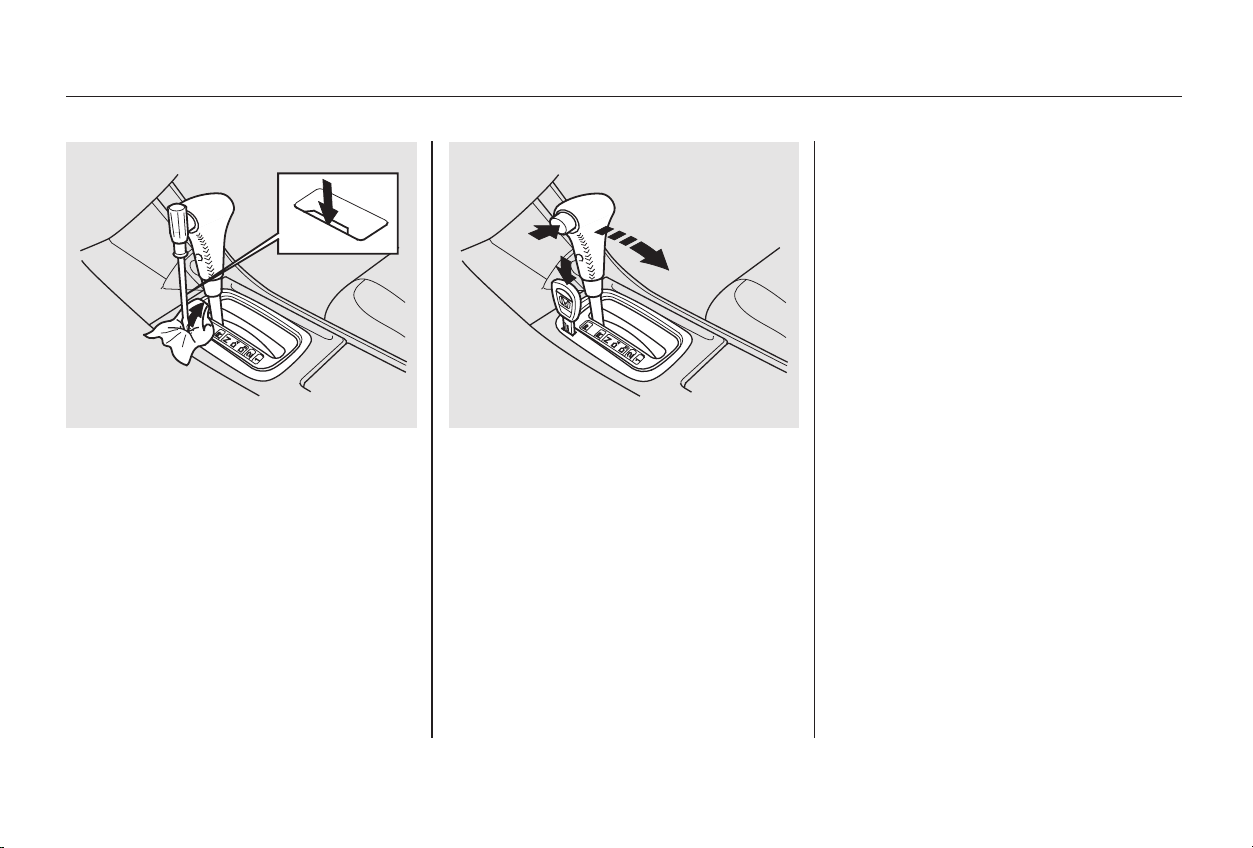
Put a cloth on the edge of the Shift
Lock Release slot cover next to
the shift lever.
Use a small flat-tipped screwdriver
or small metal plate (neither are
included in the tool kit) to remove
the cover. Carefully pry off the
edge of the cover.
Insert the key in the Shift Lock
Release slot.
Push down on the key while you
pressthereleasebuttononthe
shift lever and move the shift lever
out of Park to Neutral.
Remove the key from the Shift
Lock Release slot, then reinstall
thecover.Makesurethenotchon
the cover is on the left side.
Depress the brake pedal and
restart the engine.
If you need to use the Shift Lock
Release, it means your car is
developing a problem. Have the car
checked by your Honda dealer.
4.
5.
6.
3.
Automatic Transmission
Driving
215
Main Menu
Table of Contents
−
Make sure the moonroof and the
windows are closed.
Place any packages, valuables, etc.,
in the trunk or take them with you.
Turn off the lights.
Make sure the parking brake is fully
released before driving away.
Driving with the parking brake
partially set can overheat or damage
the rear brakes.
Lock the doors.
Always use the parking brake when
you park your car. The indicator on
the instrument panel shows that the
parking brake is not fully released; it
does not indicate that the parking
brakeisfirmlyset.Makesurethe
parking brake is set firmly or your
car may roll if it is parked on an
incline.
If your car has an automatic
transmission, set the parking brake
before you put the transmission in
Park.Thiskeepsthecarfrom
moving and putting pressure on the
parking mechanism in the
transmission making it easier to
move the shift lever out of Park
when you want to drive away.
If the car is facing uphill, turn the
front wheels away from the curb. If
you have a manual transmission, put
it in first gear.
If the car is facing downhill, turn the
front wheels toward the curb. If you
have a manual transmission, put it in
reverse gear.
Never park over dry leaves, tall
grass, or other flammable
materials. The three way catalytic
converter gets very hot, and could
cause these materials to catch on
fire.
Lockthedoorswiththekeyorthe
remote transmitter. Check the
indicator on the driver’s door to
verify that the security system is
set.
On Special Edition, EX, and EX-V6
models
Parking Tips
Driving
Parking
216
Main Menu
Table of Contents

Your brakes may sometimes squeal
or squeak when you apply them
lightly. Do not confuse this with the
brakewearindicators.Theymakea
very audible ‘‘screeching.’’
Constant application of the brakes
when going down a long hill builds
up heat and reduces their effective-
ness. Use the engine to assist the
brakes by downshifting to a lower
gear and taking your foot off the
accelerator pedal.
Check your brakes after driving
through deep water. Apply the
brakes moderately to see if they feel
normal. If not, apply them gently and
frequently until they do. Since a
longer distance is needed to stop
with wet brakes, be extra cautious
and alert in your driving.
The front disc brakes on all models
have audible brake wear indicators.
They are also on the rear brakes of
cars equipped with ABS as standard
equipment.
When the brake pads need replacing,
you will hear a distinctive metallic
‘‘screeching’’ sound when you apply
the brakes. If you do not have the
brake pads replaced, they will begin
screeching all the time.
Your Honda is equipped with front
disc brakes. The brakes on the rear
wheels may be disc or drum,
depending on the model. A power
assist helps reduce the effort needed
on the brake pedal. The ABS (on
cars equipped with ABS) helps you
retain steering control when braking
very hard.
Put your foot on the brake pedal only
when you intend to brake. Resting
your foot on the pedal keeps the
brakes applied lightly, causing them
to build up heat. Heat build-up can
reduce how well your brakes work. It
also keeps your brake lights on all
the time, confusing drivers behind
you.
Brake Wear Indicators
The Braking System
Driving
217
Main Menu
Table of Contents
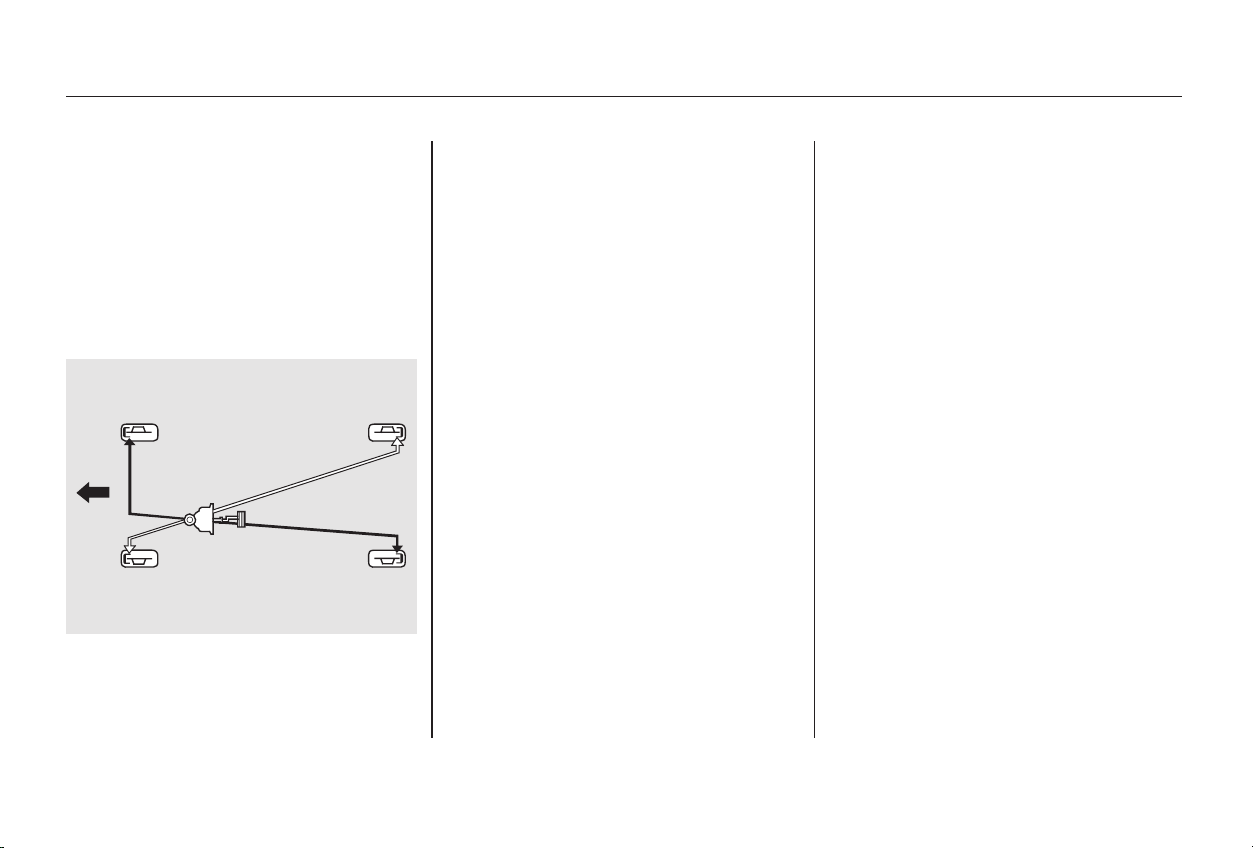
this defeats the
purpose of the ABS. Let the ABS
work for you by always keeping firm,
steady pressure on the brake pedal
as you steer away from the hazard.
This is sometimes referred to as
You will feel a pulsation in the brake
pedal when the ABS activates, and
you may hear some noise. This is
normal, it is the ABS rapidly
pumping the brakes.
Activation varies with the amount of
traction your tires have. On dry
pavement, you will need to press on
thebrakepedalveryhardbeforeyou
activate the ABS. However, you may
feel the ABS activate immediately if
you are trying to stop on snow or ice.
The hydraulic system that operates
the brakes has two separate circuits.
Each circuit works diagonally across
the vehicle (the left-front brake is
connected with the right-rear brake,
etc.). If one circuit should develop a
problem, you will still have braking
at two wheels.
When the front tires skid, you lose
steering control; the car continues
straightaheadeventhoughyouturn
the steering wheel. The ABS helps to
prevent lock-up and helps you retain
steering control by pumping the
brakes rapidly; much faster than a
person can do it.
ABS helps to prevent the wheels
from locking up and skidding during
hard braking, allowing you to retain
steering control.
The EX, and EX-V6 models, the U.S.
LX-V6, and the Canadian Special
Edition models have an Anti-lock
Brake System (ABS) as standard
equipment.
‘‘stomp and steer.’’
Anti-lock Brakes You should never pump the
brake pedal,
Brake System Design
The Braking System
Driving
218
FFrroonntt
Main Menu
Table of Contents
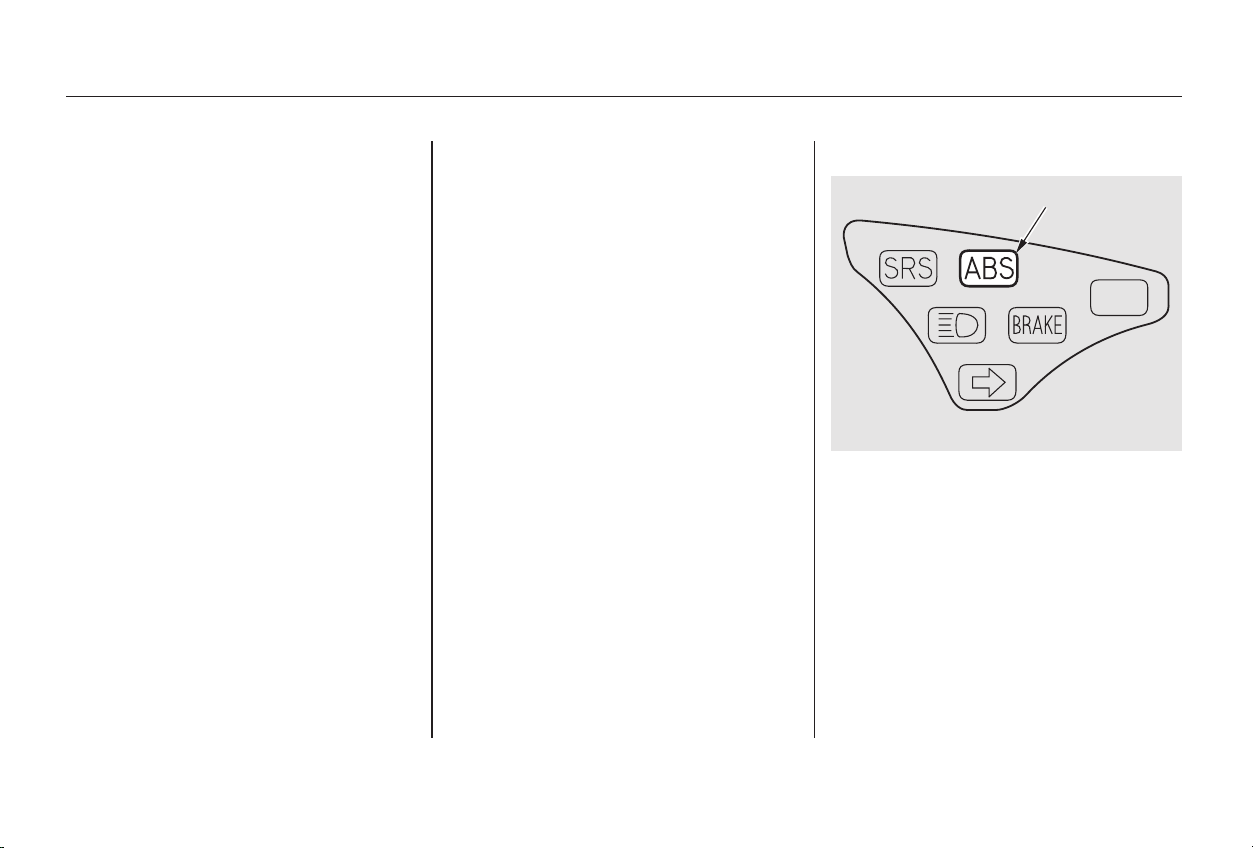
**
**
such as trying to take a
corner too fast or making a sudden
lane change. Always drive at a safe,
prudent speed for the road and
weather conditions.
on loose or
uneven surfaces, such as gravel or
snow, than a vehicle without anti-
lock. Slow down and allow a greater
distance between vehicles under
those conditions.
The ABS is self-checking. If anything
goes wrong, the ABS indicator on
the instrument panel comes on (see
page ). This means the anti-lock
function of the braking system has
shut down. The brakes still work like
a conventional system without anti-
lock, providing normal stopping
ability. You should have the dealer
inspect your car as soon as possible.
it
only helps with steering control
during braking. You should always
maintain a safe following distance
from other vehicles.
Always steer moderately
when you are braking hard. Severe
or sharp steering wheel movement
can still cause your car to veer into
oncoming traffic or off the road.
59
CONTINUED
Important Safety Reminders ABS Indicator
ABS will not prevent a skid that
results from changing direction
abruptly,
A vehicle with ABS may require a
longer distance to stopABS does not reduce the time or
distance it takes to stop the car,
ABS cannot prevent a loss of
stability.
The Braking System
Driving
219
UU..SS.. iinnddiiccaattoorr sshhoowwnn
AABBSS IINNDDIICCAATTOORR
Main Menu
Table of Contents
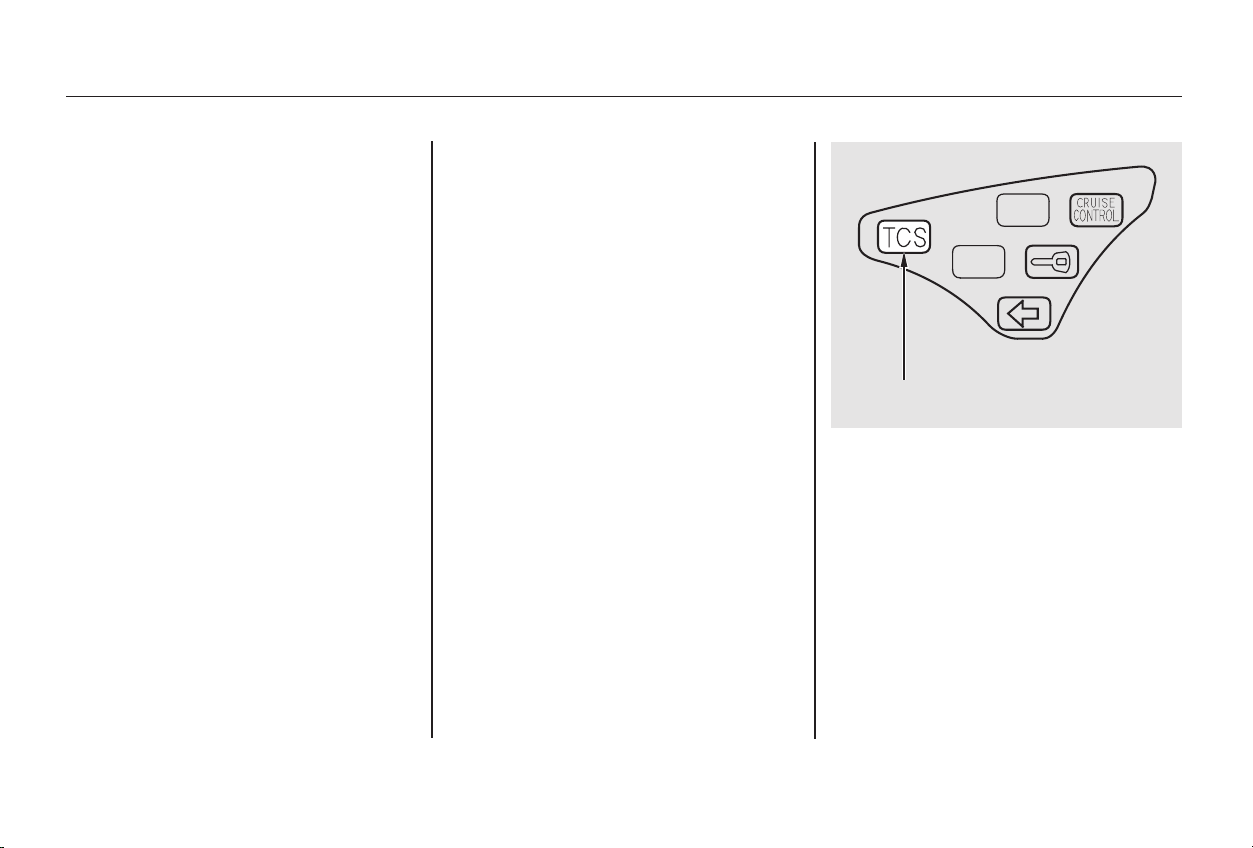
TCS monitors the speed of all four
wheels. When it senses a front wheel
losing traction, it applies braking to
that wheel. The TCS indicator
flashes when this occurs.
Driving with TCS requires no special
skills or technique. The TCS does
not control your car’s whole braking
system and cannot prevent skidding
if you enter a corner too fast. It is
still your responsibility to drive at
reasonable speeds and to leave a
sufficient margin of safety.
Your Honda is equipped with a
Traction Control System (TCS) to
assist you in maintaining traction
while driving slowly on loose or
slippery surfaces. The TCS assists
only in low-speed, low-traction
conditions; up to approximately 25
mph (40 km/h).
The TCS indicator will come on
alongwiththeABSindicatorifthere
is a problem with the anti-lock brake
system.
On all V6 models
On all V6 models
Driving
The Braking System, Traction Control System
Traction Control System
220
TTRRAACCTTIIOONN CCOONNTTRROOLL SSYYSSTTEEMM
IINNDDIICCAATTOORR
Main Menu
Table of Contents
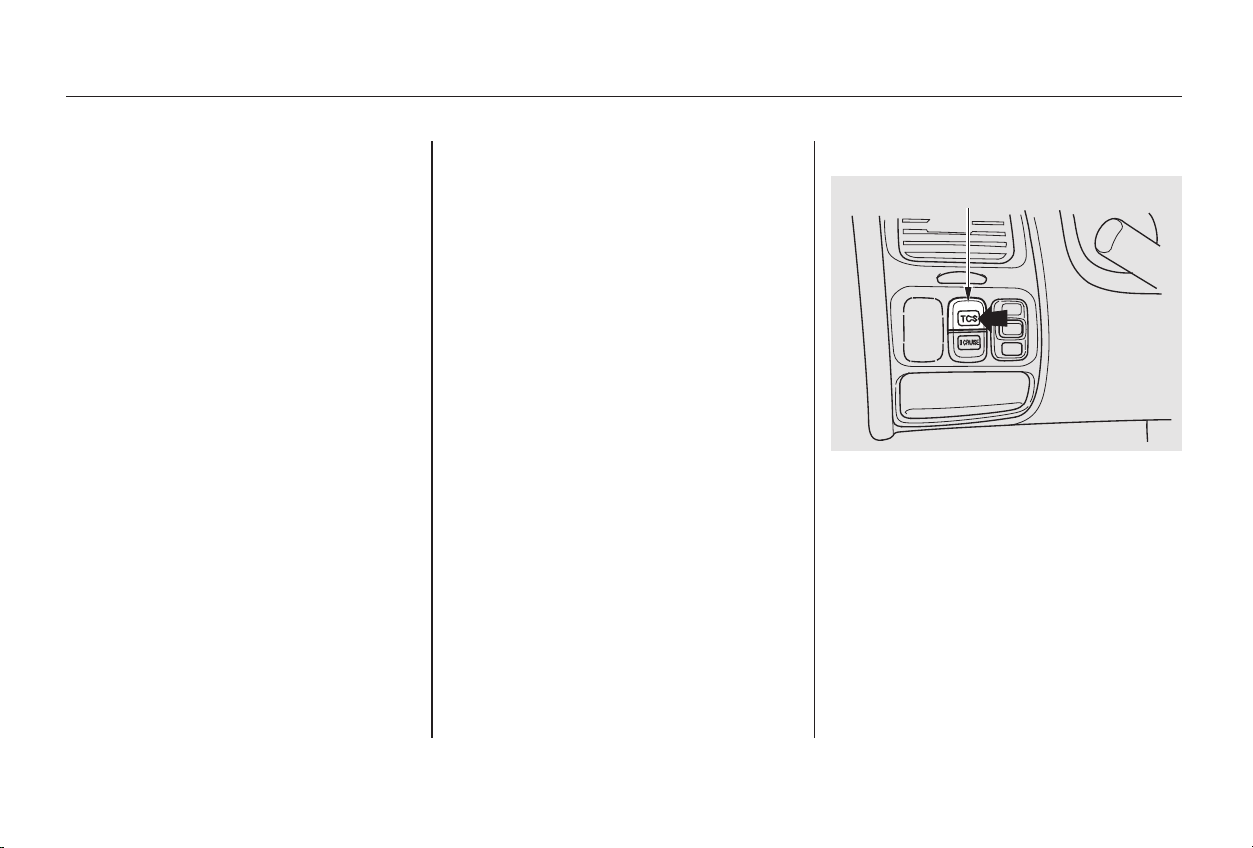
When starting out or driving at low
speeds on a loose or slippery road
surface, you may notice that the
vehicle does not respond to the
accelerator in the same way it does
at other times. This is a sign TCS is
activating. You will see the TCS
indicator light flash.
Driving with the compact spare tire
installed (see page ) may
activate the TCS. You should turn off
the system.
If the brakes overheat while TCS is
activating, the TCS indicator will
stop flashing and stay on temporarily.
This indicates that TCS has turned
off. After the brakes have cooled
down (usually for about 10 minutes),
TCSwillturnbackonandthe
indicator will turn off.
This switch is under the side vent. It
letsyouturntheTractionControl
System on and off. You cannot turn
off the TCS while the TCS indicator
light is flashing.
Deactivate the system by pressing
the TCS On/Off switch. The TCS
indicator light comes on as a
reminder. Pressing the switch again
turns the system back on.
You should still install winter tires on
your car during the winter. Make
sure to use the same size originally
supplied with vehicle. Exercise the
samecautioninwinterdrivingasyou
would if your car was not equipped
with TCS.
312
CONTINUED
TCS ON/OFF Switch
Traction Control System
Driving
221
TTCCSS OONN//OOFFFF SSWWIITTCCHH
Main Menu
Table of Contents
This indicator will come on along
with the ABS indicator if there is a
problem in the anti-lock brake
system (see on page
).
The TCS indicator may occasionally
come on for one or two seconds and
then go out. This is normal.
The Traction Control System turns
on every time you start the engine,
even if you turned it off the last time
you drove the vehicle.
The TCS indicator comes on or
flashes under the following condi-
tions:
When you turn the ignition switch
to ON (II).
When you manually turn off TCS.
If the TCS indicator comes on and
stays on for more than 10 minutes
while driving, pull to the side of the
road when it is safe and turn off the
engine. Reset the system by
restarting the engine, and watch the
TCS indicator. If the indicator
remains on, or comes back on while
driving, have the system inspected
by your Honda dealer. You can still
drive the vehicle without TCS.It flashes when TCS is regulating
wheelspin.
If the system’s diagnostics senses
a problem with TCS, the indicator
will come on and stay on.
If the brakes overheat, the
indicator will come on.
219
ABS Indicator
TCS Indicator
Traction Control System
Driving
222
Main Menu
Table of Contents
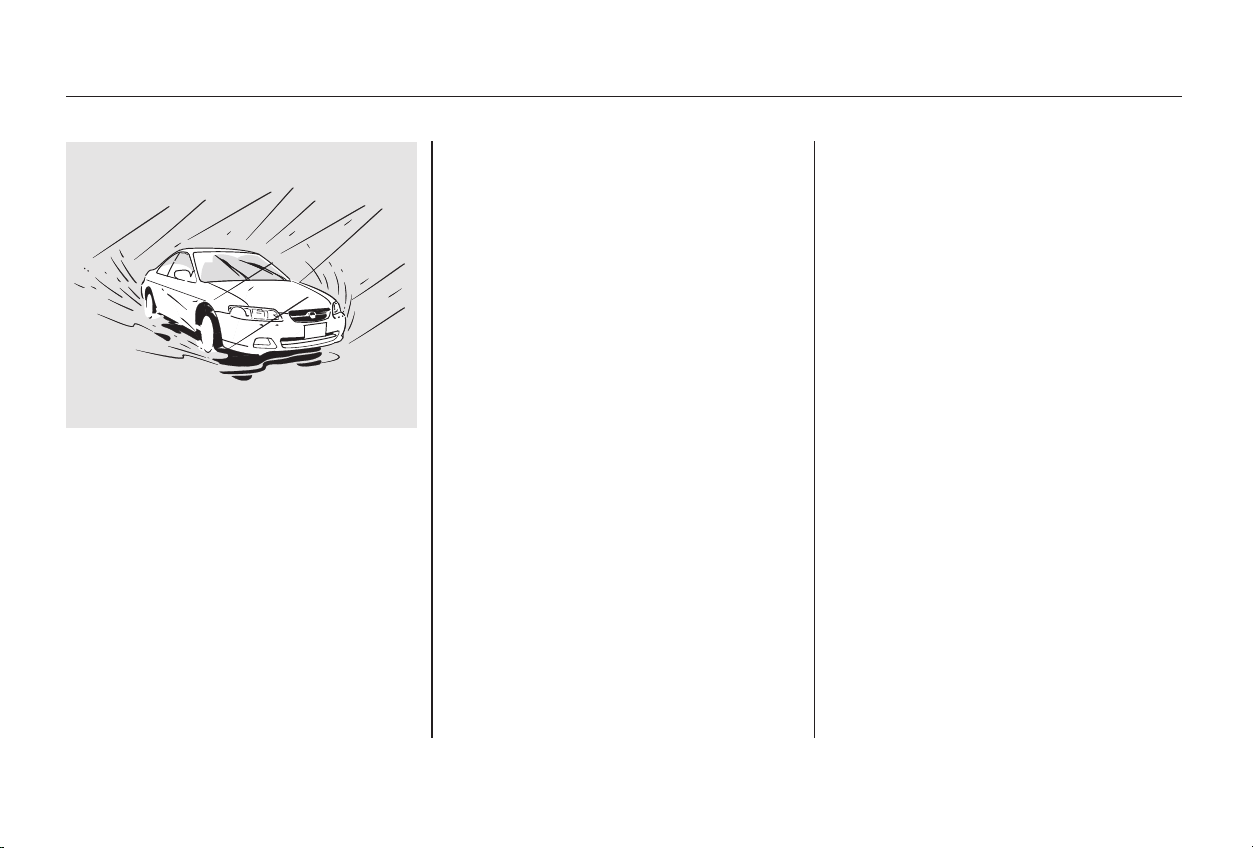
− Always drive
slower than you would in dry
weather. It takes your car longer to
react, even in conditions that may
seem just barely damp. Apply
smooth, even pressure to all the
controls. Abrupt steering wheel
movements or sudden, hard appli-
cation of the brakes can cause loss of
control in wet weather. Be extra
cautious for the first few miles
(kilometers) of driving while you
adjust to the change in driving
conditions. This is especially true in
snow. A person can forget some
snow-driving techniques during the
summer months. Practice is needed
to relearn those skills.
Exercise extra caution when driving
in rain after a long dry spell. After
months of dry weather, the first
rains bring oil to the surface of the
roadway, making it slippery.
Rain, fog, and snow conditions
require a different driving technique
because of reduced traction and
visibility. Keep your car well-
maintained and exercise greater
caution when you need to drive in
bad weather. The cruise control
should not be used in these
conditions.
CONTINUED
Driving Technique
Driving in Bad Weather
Driving
223
Main Menu
Table of Contents
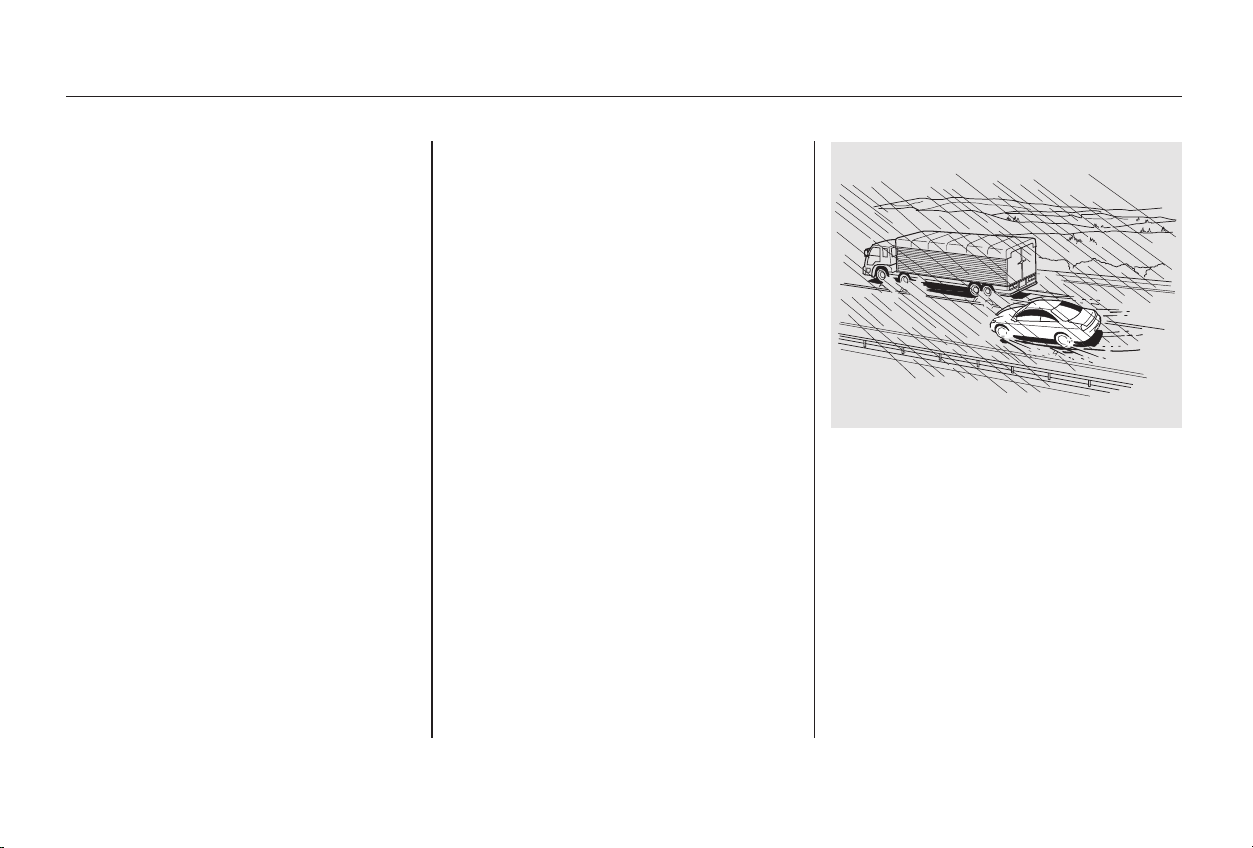
−−Being able to see
clearly in all directions and being
visible to other drivers are important
in all weather conditions. This is
more difficult in bad weather. To be
seen more clearly during daylight
hours, turn on your headlights.
Check your tires
frequently for wear and proper
pressure. Both are important in
preventing ‘‘hydroplaning’’ (loss of
traction on a wet surface). In the
winter, mount snow tires on all four
wheels for the best handling.
Watch road conditions carefully,
they can change from moment to
moment. Wet leaves can be as slip-
pery as ice. ‘‘Clear’’ roads can have
patches of ice. Driving conditions
can be very hazardous when the
outside temperature is near freezing.
The road surface can become
covered with areas of water puddles
mixed with areas of ice, so your
traction can change without warning.
Be careful when downshifting. If
traction is low, you can lock up the
drive wheels for a moment and cause
askid.
Inspect your windshield wipers and
washers frequently. Keep the wind-
shield washer reservoir full of the
proper fluid. Have the windshield
wiper blades replaced if they start to
streak the windshield or leave parts
unwiped. Use the defroster and air
conditioning to keep the windows
from fogging up on the inside (see
pages and ).
Be very cautious when passing, or
beingpassedbyothervehicles.The
spray from large vehicles reduces
your visibility, and the wind buffeting
can cause you to lose control.113 121
Visibility Traction
Driving in Bad Weather
Driving
224
Main Menu
Table of Contents
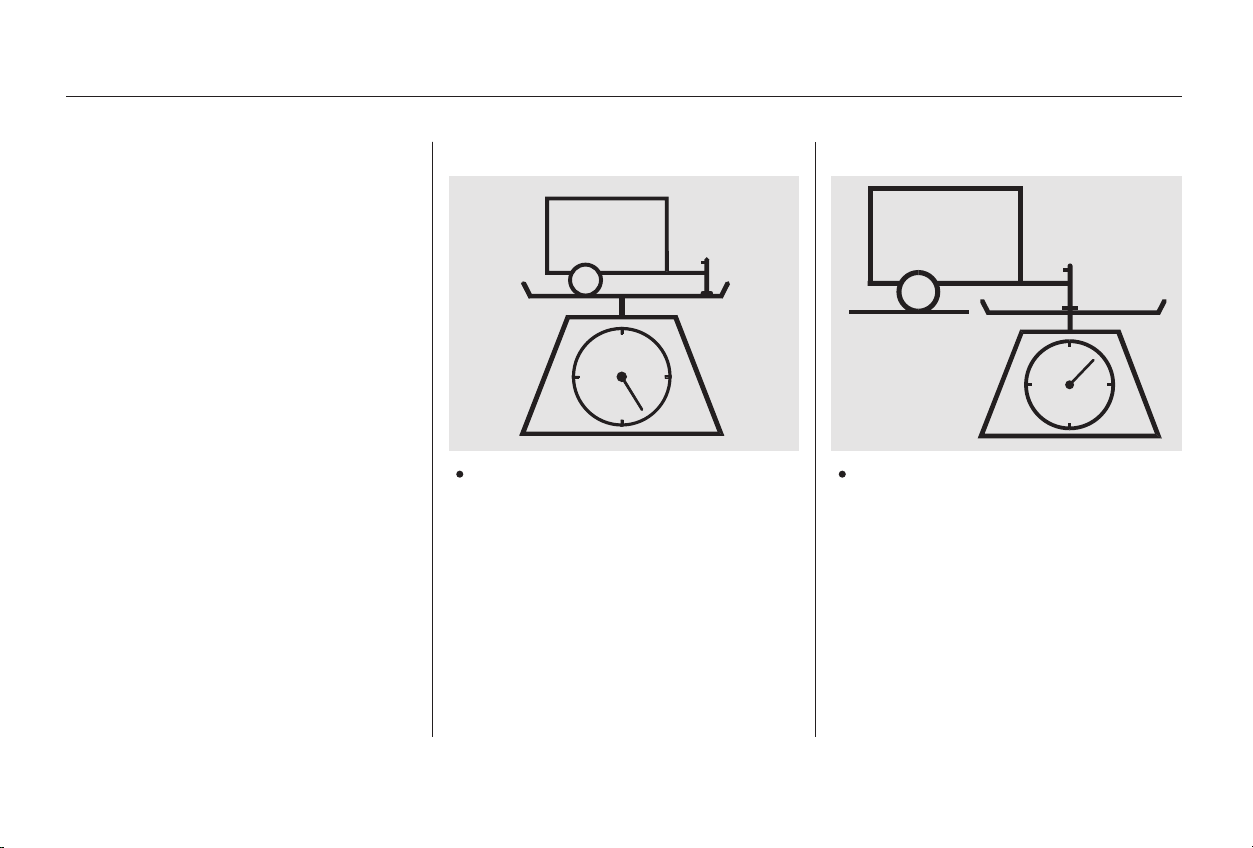
Your Honda has been designed
primarily to carry passengers and
their cargo. You can use it to tow a
trailer if you carefully observe the
load limits, use the proper equipment,
and follow the guidelines in this
section.
The total
weight of the trailer and
everything loaded in it must not
exceed 1,000 lbs (450 kg). Towing
a load that is too heavy can
seriously affect your vehicle’s
handling and performance. It can
also damage the engine and
drivetrain.
The weight that
the tongue of a fully-loaded trailer
puts on the hitch should be
approximately 10 percent of the
trailer weight. Too little tongue
load can make the trailer unstable
and cause it to sway. Too much
tongue load reduces front-tire
traction and steering control.
CONTINUED
Total Trailer Weight: Tongue Load:
Load Limits
Towing a Trailer
Driving
225
Main Menu
Table of Contents
The total weight of the vehicle, all
occupants, all cargo, and the
tongue load must not exceed:
To achieve a proper tongue load,
start by loading 60 percent of the
load toward the front of the trailer
and 40 percent toward the rear, then
re-adjust the load as needed.
The total weight of the vehicle, all
occupants, all cargo, the
tongue load must not exceed:
(Special Edition and U.S. LX)
(EX)
(LX-V6, EX-V6)
(Special Edition and U.S. LX)
(EX)
(Special Edition and U.S. LX-V6,
EX-V6)
on the front axle
(Special Edition and U.S. LX)
(EX)
(LX-V6, EX-V6)
on the rear axle
and
Towing a Trailer
Driving
Gross Axle Weight Rating
(GAWR):
Gross Vehicle Weight Rating
(GVWR):
226
3,990 lbs (1,810 kg)
4,035 lbs (1,830 kg)
4,235 lbs (1,920 kg)
2,160 lbs (980 kg)
2,185 lbs (990 kg)
2,315 lbs (1,050 kg)
1,895 lbs (860 kg)
1,920 lbs (870 kg)
1,940 lbs (880 kg)
Exceeding load limits or
improperly loading your vehicle
and trailer can cause a crash in
which you can be seriously
injured or killed.
Check the loading of your
vehicle and trailer carefully
beforestartingtodrive.
Main Menu
Table of Contents

Towing can require a variety of
equipment, depending on the size of
your trailer, how it will be used, and
how much load you are towing.
Discuss your needs with your trailer
sales or rental agency, and follow the
guidelines in the rest of this section.
Also make sure that all equipment is
properly installed and that it meets
federal, state, province, and local
regulations.
Any hitch used on your vehicle must
be properly bolted to the underbody.
The best way to confirm that vehicle
and trailer weights are within limits
is to have them checked at a public
scale.
Using a suitable scale or a special
tongue load gauge, check the tongue
load the first time you set up a
towing combination (a fully-loaded
vehicle and trailer), then recheck the
tongue load whenever the conditions
change.
Always use safety chains. Make sure
they are secured to both the trailer
and hitch, and that they cross under
the tongue so they can catch the
trailer if it becomes unhitched.
Leave enough slack to allow the
trailer to turn corners easily, but do
not let the chains drag on the ground.
CONTINUED
Towing Equipment and
Accessories
Checking Loads
Hitches
Safety Chains
Towing a Trailer
Driving
227
Main Menu
Table of Contents
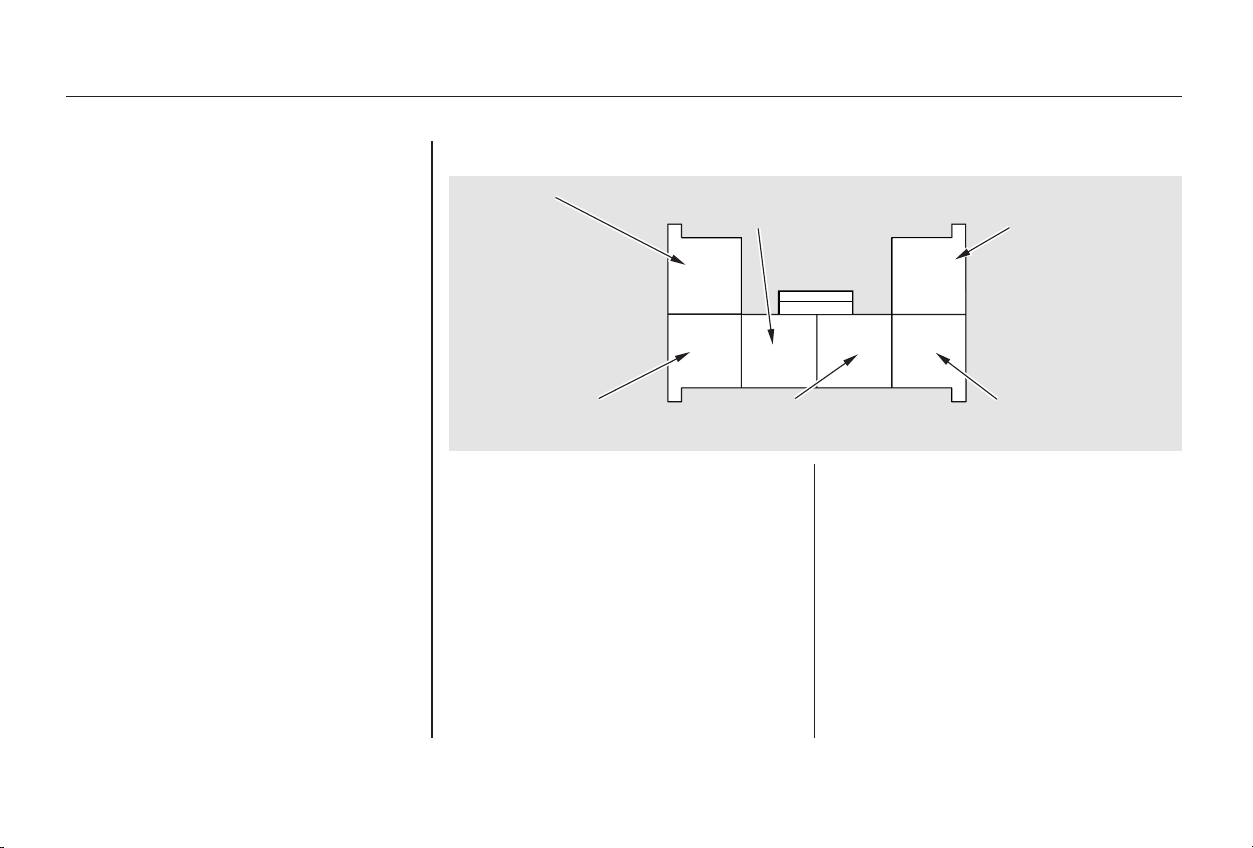
Honda recommends that any trailer
having a total weight of 1,000 lbs
(450 kg) or more be equipped with
its own electric or surge-type brakes.
If you choose electric brakes, be
sure they are electronically actuated.
Do not attempt to tap into your
vehicle’s hydraulic system. No
matter how successful it may seem,
any attempt to attach trailer brakes
to your vehicle’s hydraulic system
will lower braking effectiveness and
create a potential hazard. Since lighting and wiring vary in
trailer type and brand, you should
also have a qualified mechanic install
a suitable connector between the
vehicle and the trailer.
If you use a converter, you can get
the connector and pins that mate
with the connector in your car from
your Honda dealer.
Your car has a trailer lighting
connector located in the trunk by the
left taillight. Refer to the drawing
above for the wiring color code and
purpose of each pin.
Trailer Brakes Trailer Lights
Towing a Trailer
Driving
228
GGRROOUUNNDD
((BBLLAACCKK))
BBAACCKK--UUPP LLIIGGHHTT
((GGRREEEENN//BBLLAACCKK))
LLEEFFTT TTUURRNN SSIIGGNNAALL
((GGRREEEENN//BBLLUUEE))
RRIIGGHHTT TTUURRNN SSIIGGNNAALL
((GGRREEEENN//YYEELLLLOOWW))
TTAAIILLLLIIGGHHTT
((RREEDD//BBLLAACCKK))
BBRRAAKKEE LLIIGGHHTT
((WWHHIITTEE//BBLLAACCKK))
Main Menu
Table of Contents
Your vehicle tires and spare are
properly inflated (see page ),
and the trailer tires and spare are
inflated as recommended by the
trailer maker.
When preparing to tow, and before
driving away, be sure to check the
following:
The vehicle has been properly
serviced, and the tires, brakes,
suspension, and cooling system
are in good operating condition.
All weights and loads are within
limits (see pages and ).
Allitemsonandinthetrailerare
properly secured and cannot shift
while you drive.
The lights and brakes on your
vehicle and the trailer are working
properly.
Many states and Canadian provinces
require special outside mirrors when
towing a trailer. Even if they don’t,
you should install special mirrors if
you cannot clearly see behind you, or
if the trailer creates a blind spot.
Askyourtrailersalesorrental
agency if any other items are
recommended or required for your
towing situation.
Thehitch,safetychains,andany
other attachments are secure.
225 226
283
Pre-Tow Checklist
Additional Trailer Equipment
Towing a Trailer
Driving
229
Main Menu
Table of Contents

The added weight, length, and
height of a trailer will affect your
vehicle’s handling and performance,
so driving with a trailer requires
some special driving skills and
techniques.
Make turns more slowly and wider
than normal. The trailer tracks a
smaller are than your vehicle, and it
canhitorrunoversomethingthe
vehicle misses. Allow more time and
distance for braking. Do not brake or
turn suddenly as this could cause the
trailer to jackknife or turn over.
When driving down hills, reduce
your speed and shift down to 2nd
gear. Do not ‘‘ride’’ the brakes, and
remember it will take longer to slow
downandstopwhentowingatrailer.
Foryoursafetyandthesafetyof
others,taketimetopracticedriving
maneuvers before heading for the
open road, and follow the guidelines
discussed below.
When climbing hills, closely watch
your temperature gauge. If it nears
the red (Hot) mark, turn the air
conditioning off, reduce speed and, if
necessary, pull to the side of the
road to let the engine cool.
If the automatic transmission shifts
frequently between 3rd and 4th
gears while going up a hill, shift to
D.
Ifyoumuststopwhenfacinguphill,
use the foot brake or parking brake.
Do not try to hold the vehicle in
placebypressingontheaccelerator,
as this can cause the automatic
transmission to overheat.
Drive slower than normal in all
driving situations, and obey posted
speed limits for vehicles with trailers.
If you have an automatic
transmission, use the D position
when towing a trailer on level roads.
D is the proper shift lever position
to use when towing a trailer in hilly
terrain. (See ‘‘ ’’ in the
next column for additional gear
information.)
3
4
3
Driving Safely With a Trailer
Towing Speeds and Gears
Making Turns and Braking
Driving on Hills
Driving on Hills
Towing a Trailer
Driving
230
Main Menu
Table of Contents

Crosswinds and air turbulence
caused by passing trucks can disrupt
your steering and cause trailer
swaying. When being passed by a
large vehicle, keep a constant speed
and steer straight ahead. Do not try
to make quick steering or braking
corrections.
Always drive slowly and have
someone guide you when backing up.
Grip the of the steering
wheel; then turn the wheel to the left
to get the trailer to move to the left,
andturnthewheelrighttomovethe
trailer to the right.
Follow all normal precautions when
parking, including firmly setting the
parking brake and putting the
transmission in Park (automatic) or
in 1st or Reverse (manual). Also,
place wheel chocks at each of the
trailer’s tires.
bottom
Handling Crosswinds and Buffeting
Backing Up
Parking
Towing a Trailer
Driving
231
Main Menu
Table of Contents

232
Main Menu

This section also includes
Maintenance Schedules for normal
driving and severe driving conditions,
a Maintenance Record, and instruc-
tions for simple maintenance tasks
you may want to take care of
yourself.
If you have the skills and tools to per-
form more complex maintenance
tasks on your Honda, you may want
to purchase the Service Manual. See
page for information on how to
obtain a copy, or see your Honda
dealer.
This section explains why it is
important to keep your car well
maintained and to follow basic
maintenance safety precautions.
......................Maintenance Safety . 234
.Important Safety Precautions . 235
.................Maintenance Schedule . 236
...Required Maintenance Record . 243
.......Owner Maintenance Checks . 245
..............................Fluid Locations . 246
......................................Engine Oil . 248
..................................Adding Oil . 248
....................Recommended Oil . 248
..............................Synthetic Oil . 250
....................................Additives . 250
.....Changing the Oil and Filter . 250
.............................Cooling System . 253
............Adding Engine Coolant . 253
.......Replacing Engine Coolant . 255
....................Windshield Washers . 260
.......................Transmission Fluid . 261
Automatic
.........................Transmission . 261
5-speed Manual
.........................Transmission . 263
................Brake and Clutch Fluid . 264
............................Brake System . 264
...........................Clutch System . 265
..............................Power Steering . 266
.....................Air Cleaner Element . 267
....................................Hood Latch . 269
Spark Plugs
..............(4-cylinder Models) . 269
..............................Replacement . 269
............................Specifications . 270
Spark Plugs
..............(6-cylinder Models) . 271
..............................Replacement . 271
............................Specifications . 273
...........................................Battery . 274
.................................Wiper Blades . 277
..............Air Conditioning System . 279
.................Dust and Pollen Filter . 280
.....................................Drive Belts . 280
....................................Timing Belt . 281
...............................................Tires . 282
......................................Inflation . 282
..................................Inspection . 283
..............................Maintenance . 284
.............................Tire Rotation . 285
...Replacing Tires and Wheels . 285
......................Wheels and Tires . 286
..........................Winter Driving . 286
.............................Snow Tires . 287
............................Tire Chains . 287
.............................................Lights . 288
.....................Headlight Aiming . 290
........................Replacing Bulbs . 290
...........................Storing Your Car . 291
361
Maintenance
Maintenance
233
Main Menu
This section includes instructions for
simple maintenance tasks, such as
checking and adding oil. Any service
items not detailed in this section
should be performed by a Honda
technician or other qualified
mechanic.
Some of the most important safety
precautions are given here. However,
we cannot warn you of every
conceivable hazard that can arise in
performing maintenance. Only you
can decide whether or not you
should perform a given task.
Regularly maintaining your car is the
best way to protect your investment.
Proper maintenance is essential to
your safety and the safety of your
passengers. It will also reward you
with more economical, trouble-free
driving and help reduce air pollution.
Maintenance Safety
Maintenance
234
Failure to properly follow
maintenance instructions and
precautions can cause you to
be seriously hurt or killed.
Always follow the procedures
and precautions in this owner’s
manual.
Improperly maintaining this car
or failing to correct a problem
before driving can cause a
crash in which you can be
seriously hurt or killed.
Always follow the inspection
and maintenance
recommendations and
schedules in this owner’s
manual.
Main Menu
Table of Contents

Be sure
there is adequate ventilation
whenever you operate the engine.
Let the
engine and exhaust system cool
before touching any parts.
Do
not run the engine unless in-
structed to do so.
Read the instructions before you
begin, and make sure you have the
tools and skills required.
To reduce the possibility of fire or
explosion, be careful when working
around gasoline or batteries. Use a
commercially available degreaser or
parts cleaner, not gasoline, to clean
parts. Keep cigarettes, sparks, and
flames away from the battery and all
fuel-related parts.
Before you begin any maintenance,
make sure your car is parked on
level ground and that the parking
brake is set. Also, be sure the engine
is off. This will help to eliminate
several potential hazards:
You should wear eye protection and
protective clothing when working
near the battery or when using
compressed air.
Maintenance Safety
Maintenance
Important Safety Precautions
Carbon monoxide poisoning
from engine exhaust.
Burns from hot parts.
Injury from moving parts.
235
Main Menu
Table of Contents
The Maintenance Schedule specifies
how often you should have your car
serviced and what things need
attention. It is essential that you have
your car serviced as scheduled to
retain its high level of safety,
dependability, and emissions control
performance.
The services and time or distance
intervals shown in the maintenance
schedule assume you will use your
car as normal transportation for
passengers and their possessions.
You should also follow these
recommendations:
Avoidexceedingyourcar’sload
limit.Thisputsexcessstresson
the engine, brakes, and many
other parts of your car. The load
limit is shown on the label on the
driver’s doorjamb.
Operate your car on reasonable
roads within the legal speed limit.
Drive your car regularly over a
distance of several miles
(kilometers).
Always use unleaded gasoline with
theproperoctanerating(seepage
).
Service your car according to the
time and mileage periods on one of
the Maintenance Schedules on the
following pages. Select the schedule
for ‘‘Severe Conditions’’ if most of
your driving is done under one or
more of the conditions listed on that
page. Otherwise, follow the schedule
for ‘‘Normal Conditions.’’
192
Maintenance Schedule
Maintenance
Which Schedule to Follow:
236
Main Menu
Table of Contents

#
We recommend the use of genuine
Honda parts and fluids whenever you
have maintenance done. These are
manufactured to the same high-
quality standards as the original
components, so you can be confident
of their performance and durability.
According to state and federal
regulations, failure to perform
maintenance on the items marked
with will not void your emissions
warranties. However, Honda
recommends that all maintenance
services be performed at the
recommended time or mileage
period to ensure long-term reliability.
Your authorized Honda dealer
knows your car best and can provide
competent, efficient service.
However, service at a dealer is not
mandatory to keep your warranties
in effect. Maintenance may be done
by any qualified service facility or
person who is skilled in this type of
automotive service. Keep all the
receipts as proof of completion, and
have the person who does the work
fill out the Maintenance Record.
Check your warranty booklet for
more information.
U.S. Cars:
Maintenance Schedule
Maintenance
Maintenance, replacement or
repair of emissions control
devices and systems may be done
by any automotive repair
establishment or individual using
parts that are ‘‘certified’’ to EPA
standards.
237
Main Menu
Table of Contents
−
*
#
#
#
*
Follow the Normal Conditions
Maintenance Schedule if the
severe driving conditions
specified in the Severe
Conditions Maintenance
Schedule do not apply.
NOTE: If you only
drive under a
‘‘severe’’ condition, you should
follow the Normal Conditions
Maintenance Schedule.
Follow the Maintenance
Schedule for Severe Conditions.
OCCASIONALLY
Maintenance
U.S. Owners
Canadian Owners
238
Visually inspect the following items:
Balancer belt applies to 4-cylinder
models only.
See information on maintenance and
emissions warranty, last column, page
.
miles x 1,000
km x 1,000
months
Service at the indicated
distance or time whichever
comes first.
Replace every 7,500 miles (12,000 km) or 1 year
Check oil and coolant at each fuel stop
Rotate tires every 7,500 miles (12,000 km)
15
24
12
30
48
24
45
72
36
60
96
48
75
120
60
90
144
72
105
168
84
120
192
96
Every 120,000 miles (192,000 km) or 6 years
120,000 miles (192,000 km) or 6 years, then every
90,000 miles (144,000 km) or 5 years
Tie rod ends, steering gear box, and boots
Suspension components
Driveshaft boots
Brake hoses and lines (including ABS)
All fluid levels and condition of fluids
Cooling system hoses and connections
Exhaust system
Fuel lines and connections
120,000 miles (192,000 km) or 10 years, then every 60,000 miles
(96,000 km) or 5 years
Every 3 years (independent of mileage)
Replace engine oil
Replace engine oil filter
Check engine oil and coolant
Replace air cleaner element
Inspect valve clearance
Replace spark plugs
Replace timing belt, balancer belt , and inspect
water pump
Inspect and adjust drive belts
Inspect idle speed
Replace engine coolant
Replace transmission fluid
Inspect front and rear brakes
Replace brake fluid
Check parking brake adjustment
Replace dust and pollen filter
Rotate tires (Check tire inflation and condition
at least once per month)
Adjust only if noisy
1:
:
MT
AT
237
1
Maintenance Schedule for Normal Conditions
Main Menu
Table of Contents
−
−
□
□
□
□
□
□
□
□
□
□
□
□
□
□
□
□
□
□
□
□
□
□
□
□
*
#
#
#
*
Maintenance
239
A, B, C, D
U.S. Owners
Canadian Owners
A
B
C
D
See information on maintenance and emissions warranty, last
column, page .
Balancer belt applies to 4-cylinder models only.
Check engine oil and coolant at each fuel stop.
Check and adjust valve clearance, cold engine, only if noisy.
NOTE:
·
·
:
:
237
Service at the indicated distance or time, whichever comes first. Do the items in as required for each distance/time interval.
Refer to page to determine which schedule to use.
Use the Maintenance Schedule for Severe Conditions.
Do items in A.
Do items in A, B.
Do items in A.
DoitemsinA,B,C.
Do items in A.
Do item in D.
Do items in A, B.
Do items in A.
DoitemsinA,B,C.
Do items in A.
Do items in A, B.
Do items in A.
DoitemsinA,B,C.
Do item in D.
Do items in A.
Replace timing belt, balancer belt , and inspect
water pump.
Check idle speed.
Inspect valve clearance.
Replace spark plugs.
Do items in A, B.
Do items in A.
DoitemsinA,B,C.
Replace engine coolant.
Replace manual transmission fluid.
Replace automatic transmission fluid.
7,500 mi/12,000 km
15,000 mi/24,000 km/1 yr
22,500 mi/36,000 km
30,000 mi/48,000 km/2 yrs
37,500 mi/60,000 km
3 yrs (independent of mileage)
45,000 mi/72,000 km/3 yrs
52,500 mi/84,000 km
60,000 mi/96,000 km/4 yrs
67,500 mi/108,000 km
75,000 mi/120,000 km/5 yrs
82,500 mi/132,000 km
90,000 mi/144,000 km/6 yrs
6 yrs (independent of mileage)
97,500 mi/156,000 km
105,000 mi/168,000 km/7 yrs
112,500 mi/180,000 km
120,000 mi/192,000 km/8 yrs
120,000 mi/192,000 km/10 yrs
then replace every 60,000 mi/
96,000 km/5 yrs
120,000 mi/192,000 km/6 yrs
120,000 mi/192,000 km/6 yrs
then replace every 90,000 mi/
144,000 km/5 yrs
Replace engine oil.
Rotate tires (follow pattern on page 267 ).
Replace engine oil filter.
Inspect front and rear brakes.
Check parking brake adjustment.
Inspect tie rod ends, steering gear box and boots.
Inspect suspension components.
Inspect driveshaft boots.
Inspect brake hoses and lines (including ABS).
Check all fluid levels, condition of fluids, and check
for leaks.
Inspect cooling system hoses and connections.
Inspect exhaust system.
Inspect fuel lines and connections.
Replace air cleaner element.
Inspect and adjust drive belts.
Replace dust and pollen filter.
Replace brake fluid every 3 years (independent of
mileage).
238
Maintenance Schedule for Normal Conditions (listed by distance/time)
Main Menu
Table of Contents
−
−
*
*
*
#
##
#***
*
Follow the Severe Conditions
Maintenance Schedule if you
drive your car under
one or more of the following
conditions:
Driving less than 5 miles (8
km) per trip or, in freezing
temperatures, driving less
than 10 miles (16 km) per trip.
Driving in extremely hot
[over 90°F (32°C)] conditions.
Extensive idling or long
periods of stop-and-go driving.
Trailer towing, driving with a
roof rack, or driving in
mountainous conditions.
Driving on muddy, dusty, or
de-iced roads.
Follow the Maintenance
Schedule for Severe Conditions.
MAINLY
U.S. Owners
Canadian Owners
Maintenance
240
Visually inspect the following items:
Service at the indicated
distance or time whichever
comes first.
miles x 1,000
km x 1,000
months
Replace every 3,750 miles (6,000 km) or 6 months
Check oil and coolant at each fuel stop
Every 60,000 miles (96,000 km) or 3 years
Inspect every 7,500 miles (12,000 km) or 6 months
Rotate tires every 7,500 miles (12,000 km)
Every 7,500 miles (12,000 km) or 6 monthsTie rod ends, steering gear box, and boots
Suspension components, Driveshaft boots
Brake hoses and lines (including ABS)
All fluid levels and conditions of fluids
Cooling system hoses and connections
Exhaust system, Fuel lines and connections
Lights and controls, Vehicle underbody
15
24
12
30
48
24
45
72
36
60
96
48
75
120
60
90
144
72
105
168
84
120
192
96
120,000 miles (192,000 km) or 10 years, then every 60,000
miles (96,000 km) or 5 years
Balancer belt applies to 4-cylinder models only.
See information on maintenance and
emissions warranty, last column, page
.
Every 3 years (independent of mileage)
Replace engine oil and oil filter
Check engine oil and coolant
Clean ( ) or replace ( ) air cleaner element
Use normal schedule except in dusty
conditions
Inspect valve clearance
Replace spark plugs
Replace timing belt , balancer belt , and
inspect water pump
Inspect and adjust drive belts
Inspect idle speed
Replace engine coolant
Replace transmission fluid
Inspect front and rear brakes
Replace brake fluid
Check parking brake adjustment
Replace dust and pollen filter
Lubricate all hinges, locks, and latches
Rotate tires (Check tire inflation and condition
at least once per month)
See dust and pollen filter on page for replacement information under special driving conditions.
See timing belt on page for replacement information under special driving conditions.
Adjust only if noisy
MT
AT
1:
2:
3:
:
237
281
280
60,000 miles (96,000 km) or 3 years, then every 30,000 miles (48,000 km) or 2 years
11,2
3
Maintenance Schedule for Severe Conditions
Main Menu
Table of Contents
−
−
□
□
□
□
□
□
□
□
□
□
□
□
□
□
□
□
□
□
□
□
□
□
□
□
#
#
#***
*
*
*
*
#
CONTINUED
Maintenance
241
A, B, C, D, E
U.S. Owners
Canadian Owners
A
B
C
D
E
Service at the indicated distance or time, whichever comes first. Do the items in as required for each distance/time.
Refer to page to determine which schedule to use.
Use the Maintenance Schedule for Severe Conditions.
Replace engine oil and filter.
Inspect front and rear brakes.
Rotate tires (follow pattern on page 267 ).
Inspect tie rod ends, steering gear box and boots.
Inspect suspension components.
Inspect driveshaft boots.
Check parking brake adjustment.
Lubricate all hinges, locks, and latches with
multipurpose grease.
Inspect brake hoses and lines (including ABS).
Check all fluid levels, condition of fluids, and check
for leaks.
Inspect cooling system hoses and connections.
Inspect exhaust system.
Inspect fuel lines and connections.
Check all lights.
Inspect the underbody.
3,750 mi/6,000 km
7,500 mi/12,000 km
11,250 mi/18,000 km
15,000 mi/24,000 km/1 yr
18,750 mi/30,000 km
22,500 mi/36,000 km
26,250 mi/42,000 km
30,000 mi/48,000 km/2 yrs
33,750 mi/54,000 km
37,500 mi/60,000 km
41,250 mi/66,000 km
45,000 mi/72,000 km/3 yrs
3 yrs (independent of mileage)
48,750 mi/78,000 km
52,500 mi/84,000 km
56,250 mi/90,000 km
60,000 mi/96,000 km/4 yrs
60,000 mi/96,000 km/3 yrs
60,000 mi/96,000 km/3 yrs
then replace every 30,000 mi/
48,000 km/2 yrs
63,750 mi/102,000 km
67,500 mi/108,000 km
71,250 mi/114,000 km
Do items in A.
Do items in A, B.
Do items in A.
Clean air cleaner element.
DoitemsinA,B,C.
Do items in A.
Do items in A, B.
Do items in A.
DoitemsinA,B,C,D.
Do items in A.
Do items in A, B.
Do items in A.
Clean air cleaner element.
DoitemsinA,B,C,E.
Do item in E.
Do items in A.
Do items in A, B.
Do items in A.
Replace timing belt , balancer belt , and
inspect water pump.
DoitemsinA,B,C,D.
Replace MT fluid.
Replace automatic transmission fluid.
Do items in A.
Do items in A, B.
Do items in A.
Replace air cleaner element.
Inspect and adjust drive belts.
Replace dust and pollen filter .
Replace brake fluid every 3 years (independent of
mileage).
240
Check engine oil and coolant at each fuel stop.
Check and adjust valve clearance, cold engine, only if noisy.
See information on maintenance and emissions warranty, last column, page .
See dust and pollen filter on page for replacement information under special driving
conditions.
Balancer belt applies to 4-cylinder models only.
See timing belt on page for replacement information under special driving conditions.
·
·
NOTE:
1:
2:
3:
: 237
281
280
11,2
3
Maintenance Schedule for Severe Conditions (listed by distance/time)
Main Menu
Table of Contents
□
□
□
□
□
□
□
□
□
□
□
***
***
*
*
*
#
Maintenance
242
Balancer belt applies to 4-cylinder models only.
See information on maintenance and emissions warranty, last
column, page .
Check engine oil and coolant at each fuel stop.
Check and adjust valve clearance, cold engine, only if noisy.
See timing belt on page for replacement information under
special driving conditions.
See dust and pollen filter on page for replacement information
under special driving conditions.
NOTE:
·
·
1:
2:
3:
:
237
281
280
75,000 mi/120,000 km/5 yrs
78,750 mi/126,000 km
82,500 mi/132,000 km
86,250 mi/138,000 km
90,000 mi/144,000 km/6 yrs
90,000 mi/144,000 km/5 yrs
6 yrs (independent of mileage)
93,750 mi/150,000 km
97,500 mi/156,000 km
101,250 mi/162,000 km
105,000 mi/168,000 km/7 yrs
108,750 mi/174,000 km
112,500 mi/180,000 km
116,250 mi/186,000 km
120,000 mi/192,000 km/8 yrs
120,000 mi/192,000 km/10 yrs
then replace every 60,000 mi/
96,000 km/5 yrs
120,000 mi/192,000 km/6 yrs
120,000 mi/192,000 km/7 yrs
Clean air cleaner element.
DoitemsinA,B,C.
Do items in A.
Do items in A, B.
Do items in A.
DoitemsinA,B,C,D.
Replace automatic transmission fluid.
Do item in E.
Do items in A.
Do items in A, B.
Do items in A.
Replace timing belt , balancer belt , and
inspect water pump.
Check idle speed.
Clean air cleaner element.
Replace spark plugs.
Inspect valve clearance.
DoitemsinA,B,C.
Do items in A.
Do items in A, B.
Do items in A.
Replace timing belt , balancer belt , and
inspect water pump.
DoitemsinA,B,C,D.
Replace engine coolant.
Replace MT fluid.
Replace AT fluid.
11,2
11,2
Maintenance Schedule for Severe Conditions (listed by distance/time)
Main Menu
Table of Contents
CONTINUED
Maintenance
Required Maintenance Record (for Normal and Severe Schedules)
243
3,750 mi
7,500 mi
11,250 mi
15,000 mi
18,750 mi
22,500 mi
26,250 mi
30,000 mi
33,750 mi
37,500 mi
41,250 mi
45,000 mi
48,750 mi
52,500 mi
56,250 mi
60,000 mi
mi/km
Date
mi/km
Date
mi/km
Date
mi/km
Date
mi/km
Date
mi/km
Date
mi/km
Date
mi/km
Date
Signature or dealer stamp Signature or dealer stamp mi/km
Date
mi/km
Date
mi/km
Date
mi/km
Date
mi/km
Date
mi/km
Date
mi/km
Date
mi/km
Date
You or the servicing dealer can record all completed maintenance here, whether you follow the schedule for normal conditions (page ) or severe
conditions (page ). Keep the receipts for all work done on your car.
6,000 km
12,000 km
18,000 km
24,000 km
(or 1 year)
30,000 km
36,000 km
42,000 km
48,000 km
(or 2 years)
54,000 km
60,000 km
66,000 km
72,000 km
(or 3 years)
78,000 km
84,000 km
90,000 km
96,000 km
(or 4 years)
240
238
Main Menu
Table of Contents
Maintenance
Required Maintenance Record (for Normal and Severe Schedules)
244
63,750 mi
67,500 mi
71,250 mi
75,000 mi
78,750 mi
82,500 mi
86,250 mi
90,000 mi
93,750 mi
97,500 mi
101,250 mi
105,000 mi
108,750 mi
112,500 mi
116,250 mi
120,000 mi
Signature or dealer stamp mi/km
Date
mi/km
Date
mi/km
Date
mi/km
Date
mi/km
Date
mi/km
Date
mi/km
Date
mi/km
Date
Signature or dealer stamp mi/km
Date
mi/km
Date
mi/km
Date
mi/km
Date
mi/km
Date
mi/km
Date
mi/km
Date
mi/km
Date
102,000 km
108,000 km
114,000 km
120,000 km
(or 5 years)
126,000 km
132,000 km
138,000 km
144,000 km
(or 6 years)
150,000 km
156,000 km
162,000 km
168,000 km
(or 7 years)
174,000 km
180,000 km
186,000 km
192,000 km
(or 8 years)
Main Menu
Table of Contents
−
−
−
−
−
−
−
Youshouldcheckthefollowing
items at the specified intervals. If
you are unsure of how to perform
any check, turn to the page given.
Engine oil level Check every
time you fill the fuel tank. See
page .
Engine coolant level Check the
radiator reserve tank every time
you fill the fuel tank. See page .
Windshield washer fluid Check
the level in the reservoir monthly.
If weather conditions cause you to
use the washers frequently, check
the reservoir each time you stop
for fuel. See page .
Lights Check the operation of
the headlights, parking lights,
taillights, high-mount brake light,
turn signals, brake lights, and
license plate lights monthly. See
page .
Tires Check the tire pressure
monthly. Examine the tread for
wear and foreign objects. See page
.
Automatic transmission Check
the fluid level monthly. See page
.
Brakes Check the fluid level
monthly. See page .
196
198
260
261
264
282
288
Owner Maintenance Checks
Maintenance
245
Main Menu
Table of Contents
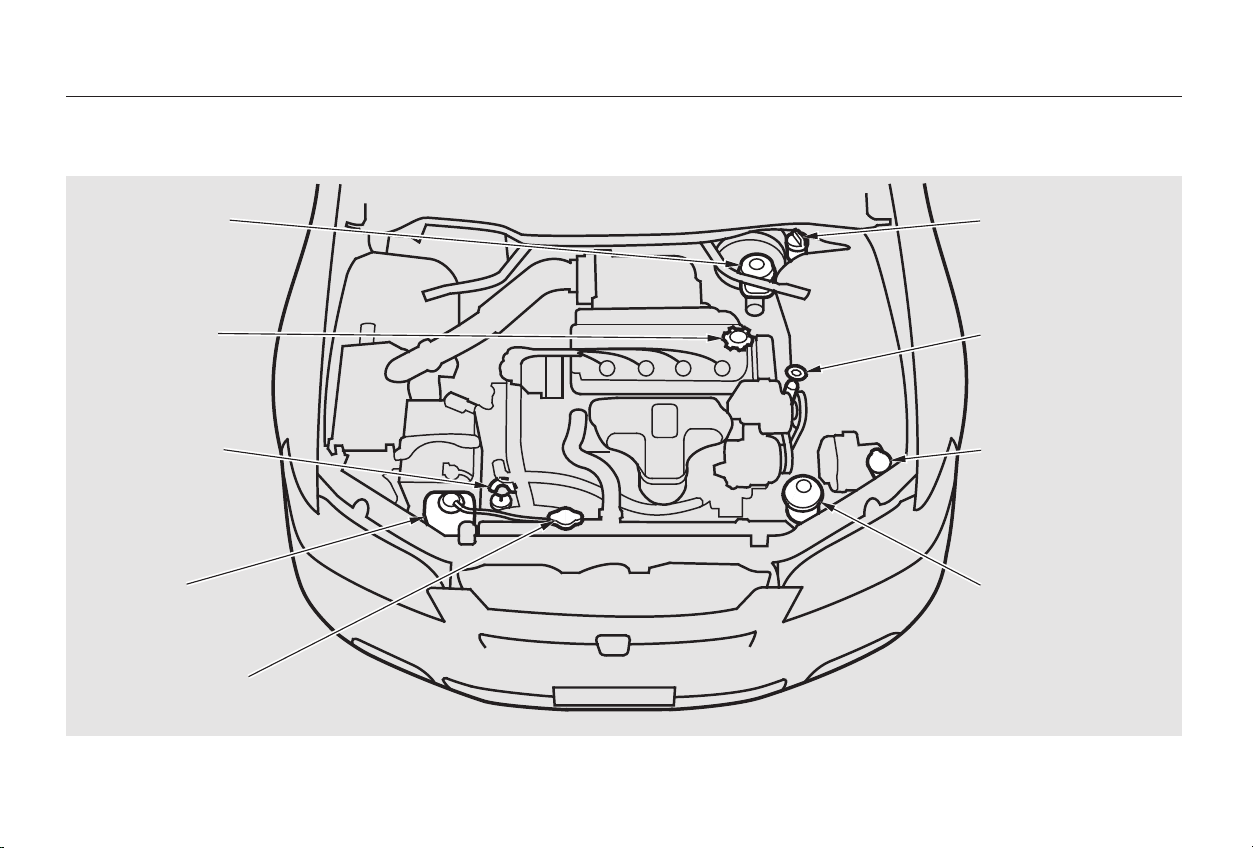
Maintenance
Fluid Locations
4-cylinder Models
246
BBRRAAKKEE FFLLUUIIDD
((GGrraayy ccaapp))
EENNGGIINNEE OOIILL DDIIPPSSTTIICCKK
((OOrraannggee lloooopp))
WWAASSHHEERR FFLLUUIIDD
((BBlluuee ccaapp))
RRAADDIIAATTOORR CCAAPP
EENNGGIINNEE
CCOOOOLLAANNTT
RREESSEERRVVOOIIRR
AAUUTTOOMMAATTIICC
TTRRAANNSSMMIISSSSIIOONN
FFLLUUIIDD DDIIPPSSTTIICCKK
((YYeellllooww lloooopp))
CCLLUUTTCCHH FFLLUUIIDD
((55--ssppeeeedd MMaannuuaall
TTrraannssmmiissssiioonn oonnllyy))
((GGrraayy ccaapp))
PPOOWWEERR SSTTEEEERRIINNGG
FFLLUUIIDD
((RReedd ccaapp))
EENNGGIINNEE OOIILL
FFIILLLL CCAAPP
((BBllaacckk ccaapp))
Main Menu
Table of Contents
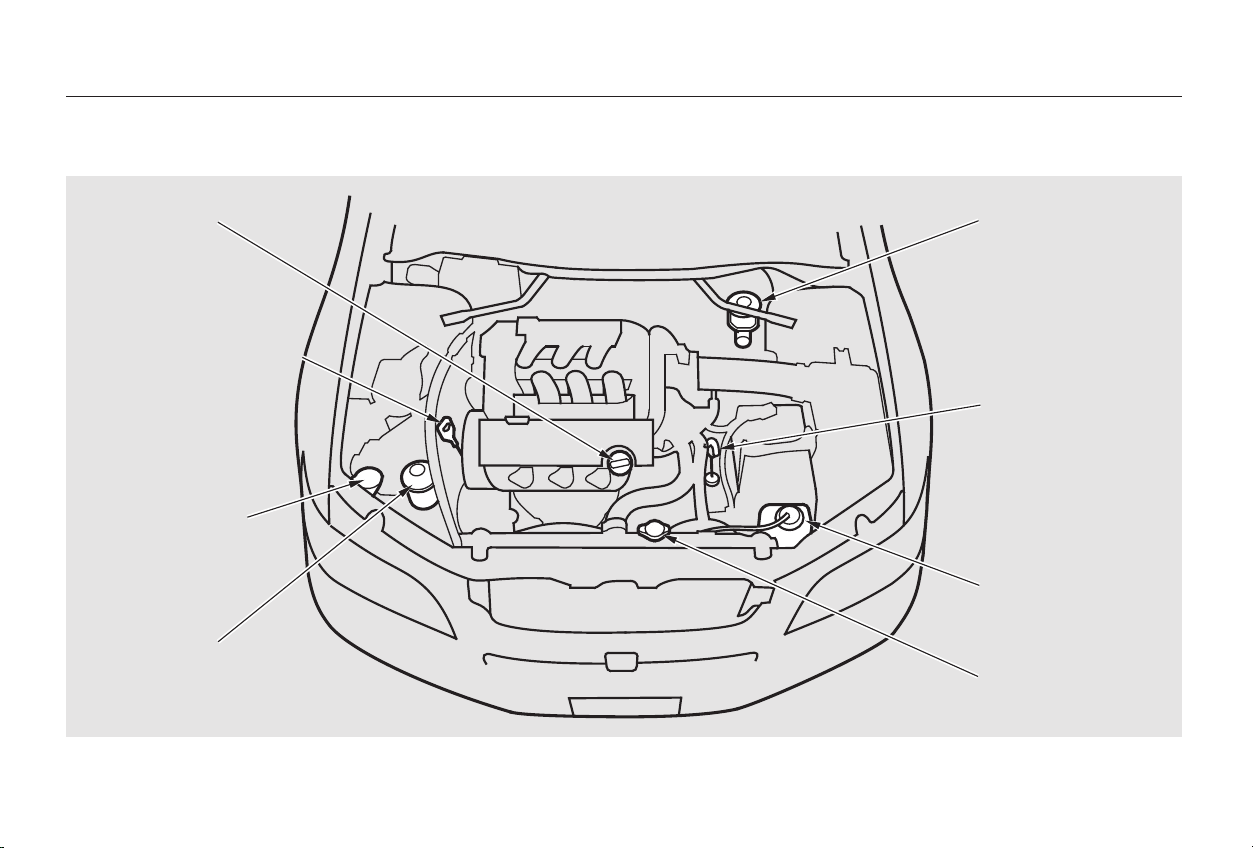
Fluid Locations
Maintenance
6-cylinder Models
247
PPOOWWEERR SSTTEEEERRIINNGG
FFLLUUIIDD ((RReedd ccaapp))
BBRRAAKKEE FFLLUUIIDD
((GGrraayy ccaapp))
WWAASSHHEERR FFLLUUIIDD
((BBlluuee ccaapp))
EENNGGIINNEE OOIILL DDIIPPSSTTIICCKK
((OOrraannggee lloooopp))
RRAADDIIAATTOORR CCAAPP
EENNGGIINNEE CCOOOOLLAANNTT
RREESSEERRVVOOIIRR
AAUUTTOOMMAATTIICC
TTRRAANNSSMMIISSSSIIOONN
FFLLUUIIDD DDIIPPSSTTIICCKK
((YYeellllooww lloooopp))
EENNGGIINNEE OOIILL
FFIILLLL CCAAPP
((BBllaacckk ccaapp))
Main Menu
Table of Contents
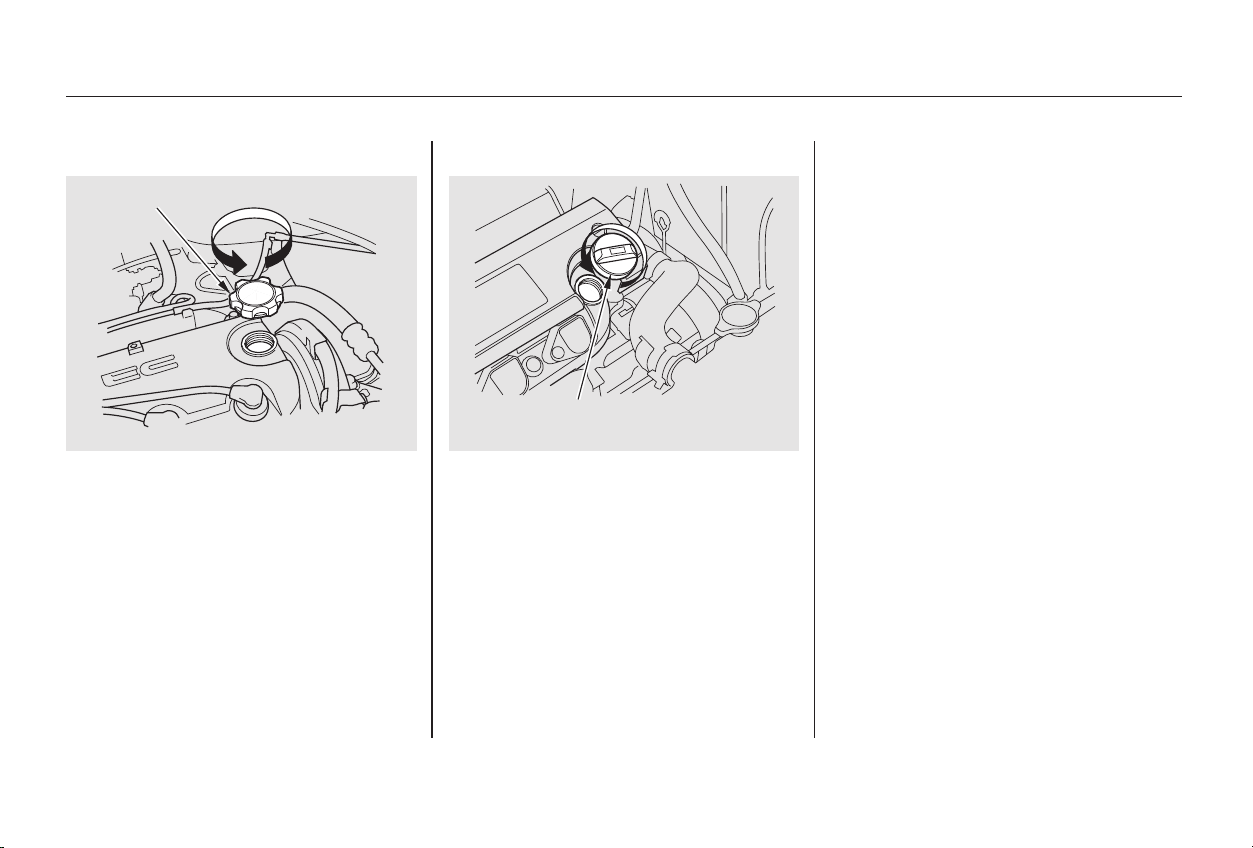
To add oil, unscrew and remove the
engine oil fill cap on top of the valve
cover. Pour in the oil, and install the
engine oil fill cap. Tighten it securely.
Wait a few minutes and recheck the
oil level. Do not fill above the upper
mark; you could damage the engine.
Oil is a major contributor to your
engine’s performance and longevity.
Always use a premium-grade 5W-20
detergent oil displaying the API
Certification Seal. This seal indicates
the oil is energy conserving, and that
it meets the American Petroleum
Institute’s latest requirements.
Honda Motor Oil is the preferred
5W-20 lubricant for your vehicle. It is
highly recommended that you use
Honda Motor Oil in your vehicle for
optimum engine protection.
Recommended OilAdding Oil
Maintenance
Engine Oil
248
EENNGGIINNEE OOIILL FFIILLLL CCAAPP
44--ccyylliinnddeerr mmooddeellss
EENNGGIINNEE OOIILL FFIILLLL CCAAPP
66--ccyylliinnddeerr mmooddeellss
Main Menu
Table of Contents
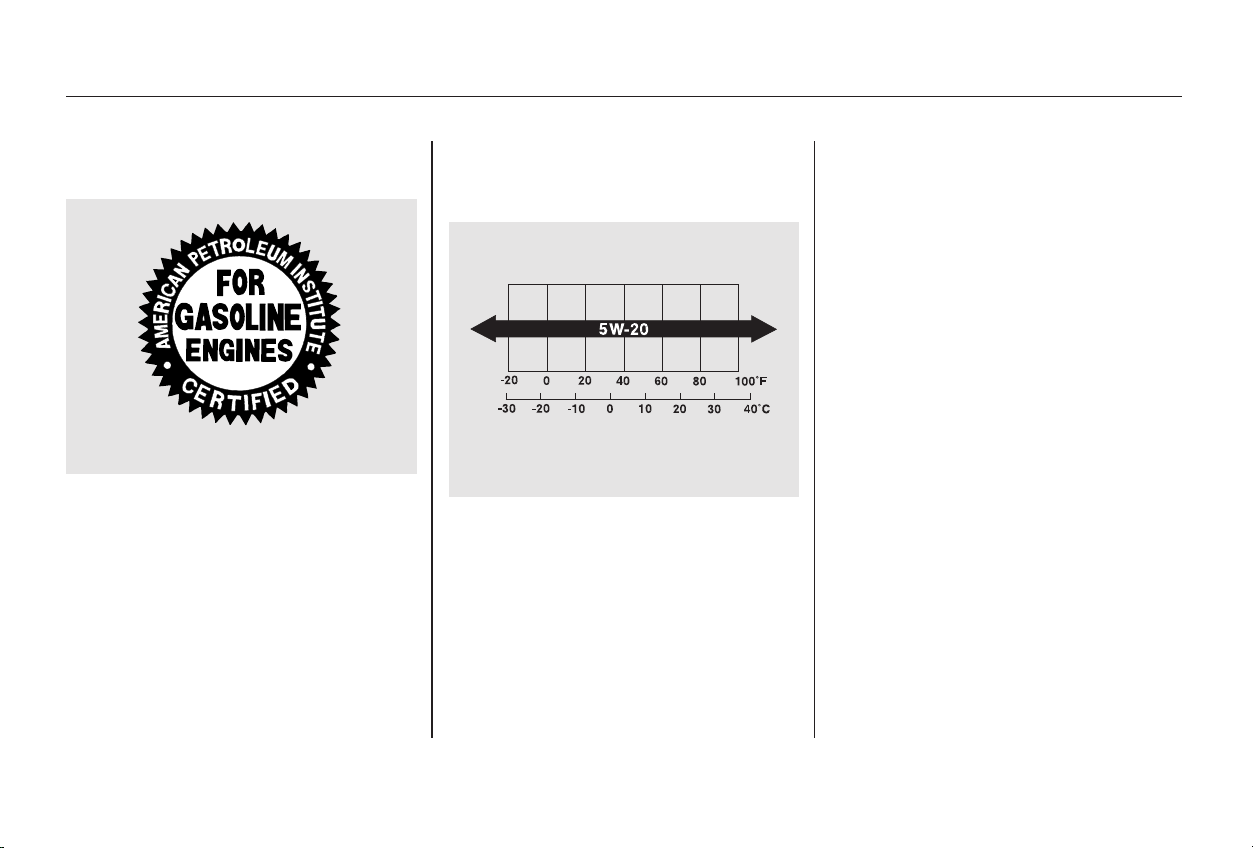
Make sure the API Certification Seal
says ‘‘For Gasoline Engines.’’
The SAE number tells you the oil’s
viscosity or weight. Select the oil for
your vehicle according to this chart.
5W-20 oil is formulated for year-
round protection of your Honda, to
improve cold weather starting, and
to help your engine use less fuel.
If 5W-20 oil is not available, a 5W-30
oil may be used. However, it should
be replaced with 5W-20 at the next
oil change.
Engine Oil
Maintenance
249
AAmmbbiieenntt TTeemmppeerraattuurree
AAPPII CCEERRTTIIFFIICCAATTIIOONN SSEEAALL
Main Menu
Table of Contents
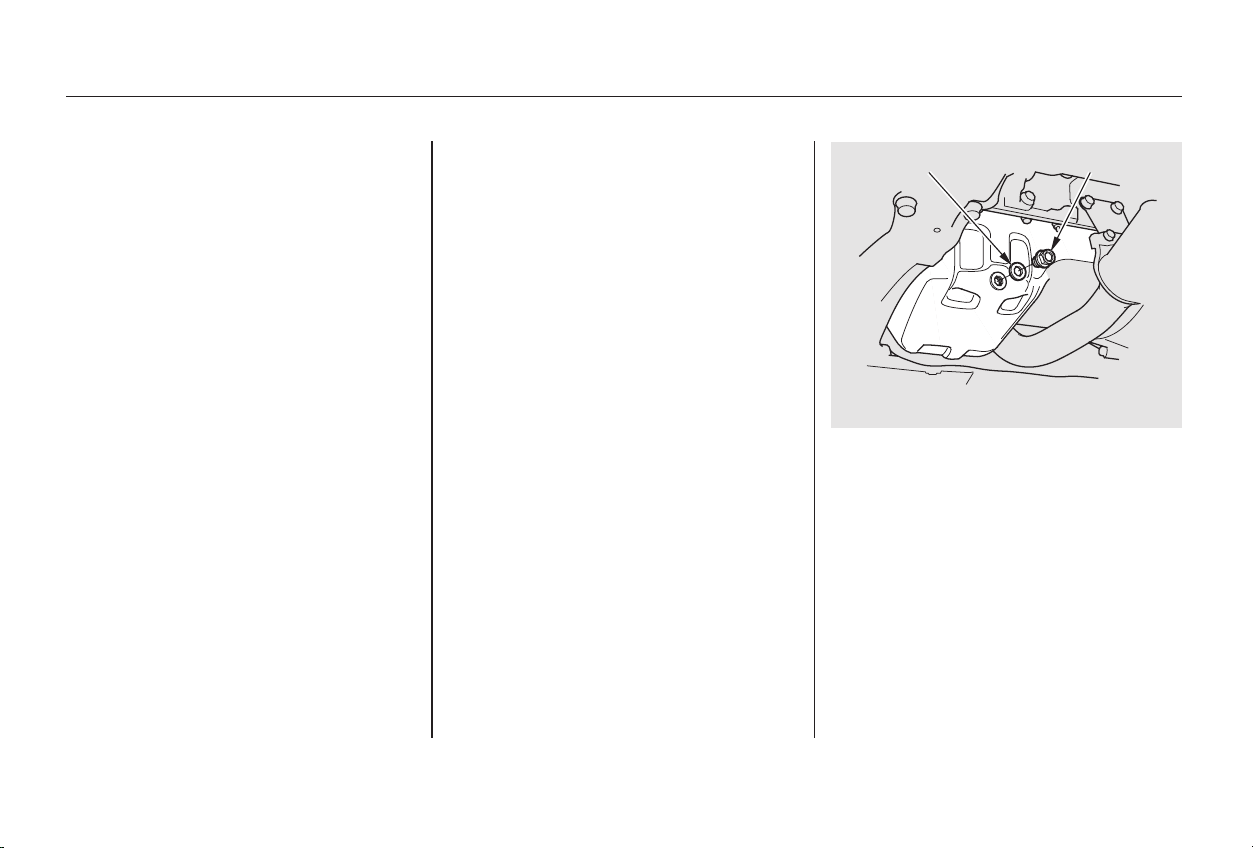
Always change the oil and filter
accordingtothetimeanddistance
(miles/kilometers) recommenda-
tions in the maintenance schedule.
The oil and filter collect contami-
nants that can damage your engine if
they are not removed regularly.
Run the engine until it reaches
normal operating temperature,
then shut it off.
Open the hood and remove the
engine oil fill cap. Remove the oil
drain bolt and washer from the
bottom of the engine. Drain the oil
into an appropriate container.
Changing the oil and filter requires
special tools and access from
underneath the car. The car should
be raised on a service station-type
hydraulic lift for this service. Unless
you have the knowledge and proper
equipment, you should have this
maintenance done by a skilled
mechanic.
You may use a synthetic motor oil if
it meets the same requirements
given for a conventional motor oil: it
displays the API Certification Seal,
and it is the proper weight as shown
on the chart. When using synthetic
oil, you must follow the oil and filter
change intervals given in the
maintenance schedule.
Your Honda does not require any oil
additives. Additives may adversely
affect your engine’s or transmission’s
performance and durability.
1.
2.
Maintenance
Engine Oil
Synthetic Oil
Additives
Changing the Oil and Filter
250
44--ccyylliinnddeerr mmooddeellss
WWAASSHHEERR DDRRAAIINN BBOOLLTT
Main Menu
Table of Contents
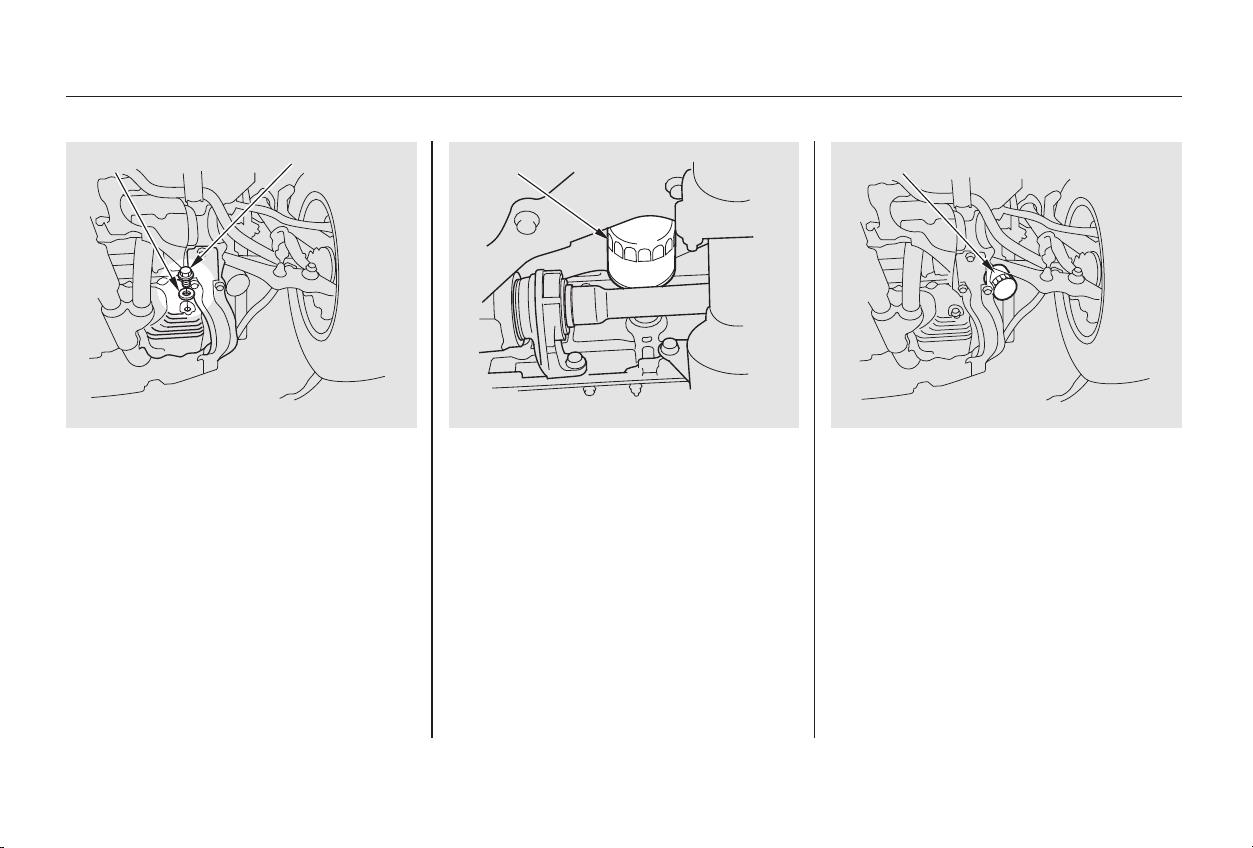
CONTINUED
Remove the oil filter and let the
remaining oil drain. A special
wrench (available from your
Honda dealer) is required to
remove the filter.
Install a new oil filter according to
instructions that come with it.
4.3.
Engine Oil
Maintenance
251
WWAASSHHEERR OOIILL FFIILLTTEERR
66--ccyylliinnddeerr mmooddeellss 44--ccyylliinnddeerr mmooddeellss 66--ccyylliinnddeerr mmooddeellss
DDRRAAIINN BBOOLLTT OOIILL FFIILLTTEERR
Main Menu
Table of Contents
Let the engine run for several
minutes and check the drain bolt
and oil filter for leaks.
Turn off the engine, let it sit for
several minutes, then check the oil
level. If necessary, add oil to bring
the level to the upper mark on the
dipstick.
Put a new washer on the drain bolt,
then reinstall the drain bolt.
Tighten it to:
Replace the engine oil fill cap.
Start the engine. The oil pressure
indicator light should go out within
five seconds. If it does not, turn off
the engine and reinspect your
work.
Refill the engine with the recom-
mended oil.
Engine oil change capacity
(including filter):
9.
8.
7.
6.
5.
(Special Edition, EX, and U.S. LX)
(EX-V6 and the U.S. LX-V6)
(EX-V6 and the U.S. LX-V6)
(Special Edition, EX, and U.S. LX)
Engine Oil
Maintenance
252
33 lbf·ft (44 N·m , 4.5 kgf·m)
29 lbf·ft (39 N·m , 4.0 kgf·m)
4.5 US qt (4.3
, 3.8 Imp qt)
4.6 US qt (4.4
, 3.9 Imp qt)
Improper disposal of engine oil can be
harmf ul to the environment. If you
change your own oil, please dispose of
the used oil properly. Put it in a sealed
container and take it to a recycling
center. Do not discard it in a trash bin
or dump it on the ground.
Main Menu
Table of Contents
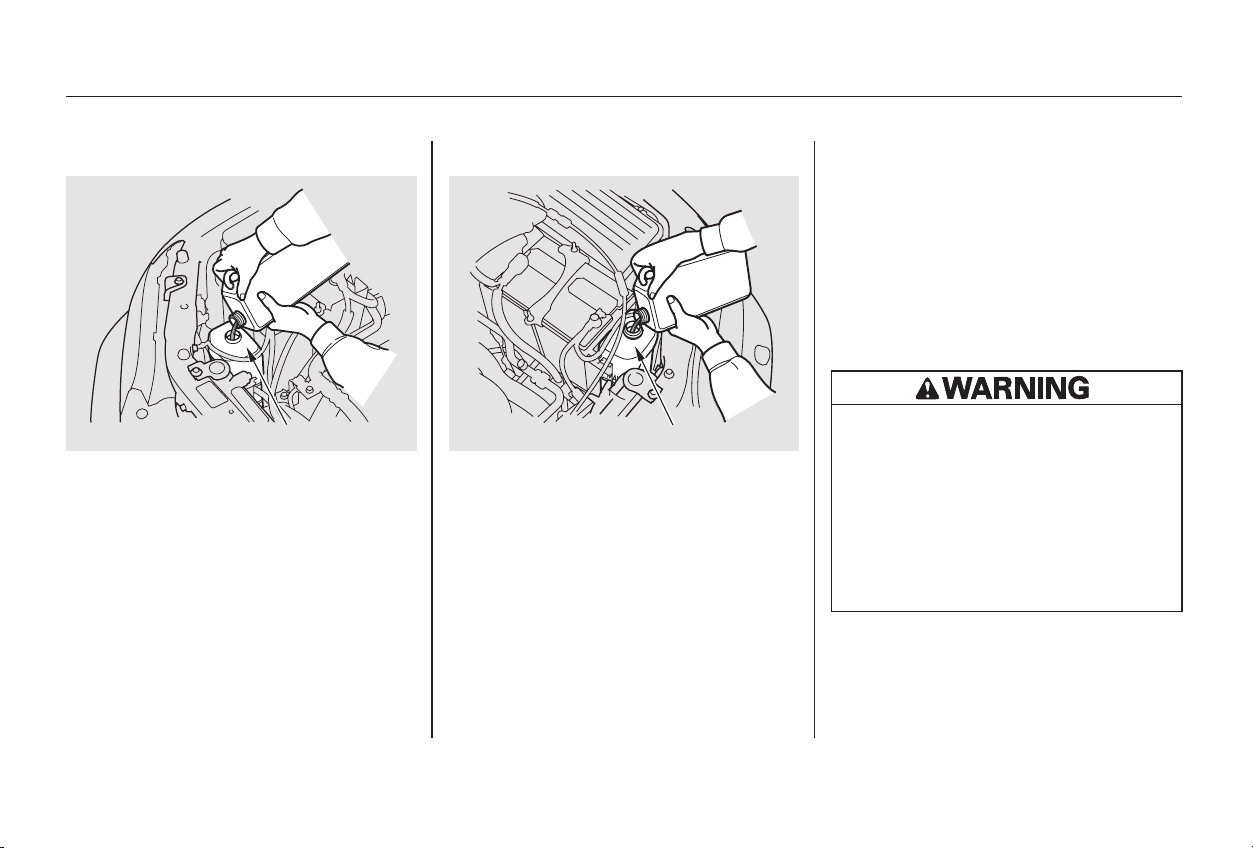
If the coolant level in the reserve
tank is at or below the MIN line, add
coolant to bring it up to the MAX line.
Inspect the cooling system for leaks.
This coolant should always be a
mixtureof50percentantifreezeand
50 percent water. Never add straight
antifreeze or plain water.
Always use Honda All Season
Antifreeze/Coolant Type 2. This
coolant is pre-mixed with 50 percent
antifreeze and 50 percent water. It
does not require any additional
mixing. If it is not available, you may
use another major-brand non-silicate
coolant as a temporary replacement.
Make sure it is a high-quality coolant
recommended for aluminum engines.
However, continued use of any non-
Honda coolant can result in
corrosion, causing the cooling
system to malfunction or fail. Have
the cooling system flushed and
refilled with Honda antifreeze/
coolant as soon as possible.
If the reserve tank is completely
empty, you should also check the
coolant level in the radiator.
Make sure the engine and radiator
are cool.
1.
CONTINUED
Adding Engine Coolant
Maintenance
Cooling System
253
66--ccyylliinnddeerr mmooddeellss44--ccyylliinnddeerr mmooddeellss RREESSEERRVVEE TTAANNKK RREESSEERRVVEE TTAANNKK
Removing the radiator cap
while the engine is hot can
cause the coolant to spray out,
seriously scalding you.
Always let the engine and
radiator cool down before
removing the radiator cap.
Main Menu
Table of Contents
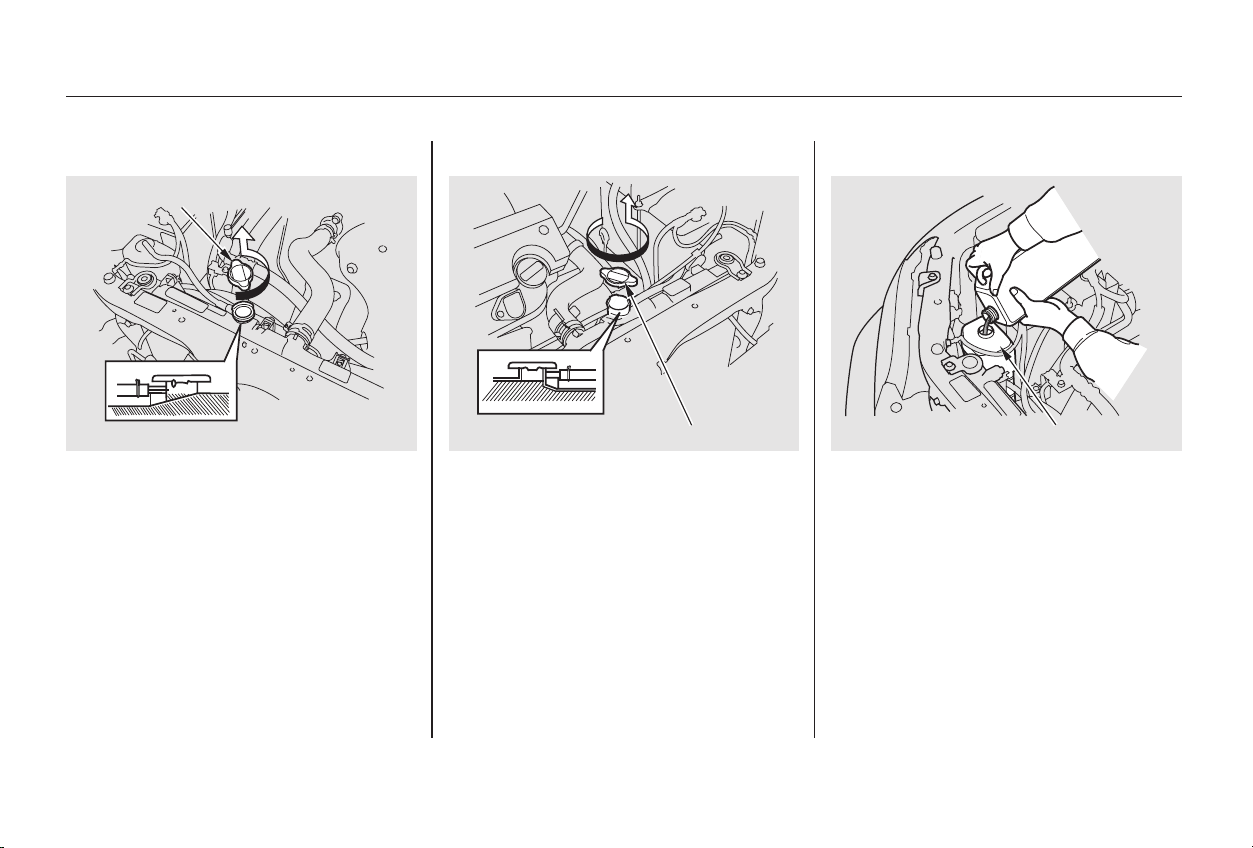
Turn the radiator cap counter-
clockwise, without pressing down
on it, until it stops. This relieves
any pressure remaining in the
cooling system.
Remove the radiator cap by
pushing down and turning
counterclockwise.
The coolant level should be up to
the base of the filler neck. Add
coolant if it is low.
Put the radiator cap back on.
Tighten it fully.
Pour coolant into the reserve tank.
Fill it to halfway between the MAX
and MIN marks. Put the cap back
on the reserve tank.
3.
2. 4.
5.
6.
Cooling System
Maintenance
254
44--ccyylliinnddeerr mmooddeellss 66--ccyylliinnddeerr mmooddeellss
RRAADDIIAATTOORR CCAAPP
RRAADDIIAATTOORR CCAAPP 44--ccyylliinnddeerr mmooddeellss RREESSEERRVVEE TTAANNKK
Main Menu
Table of Contents
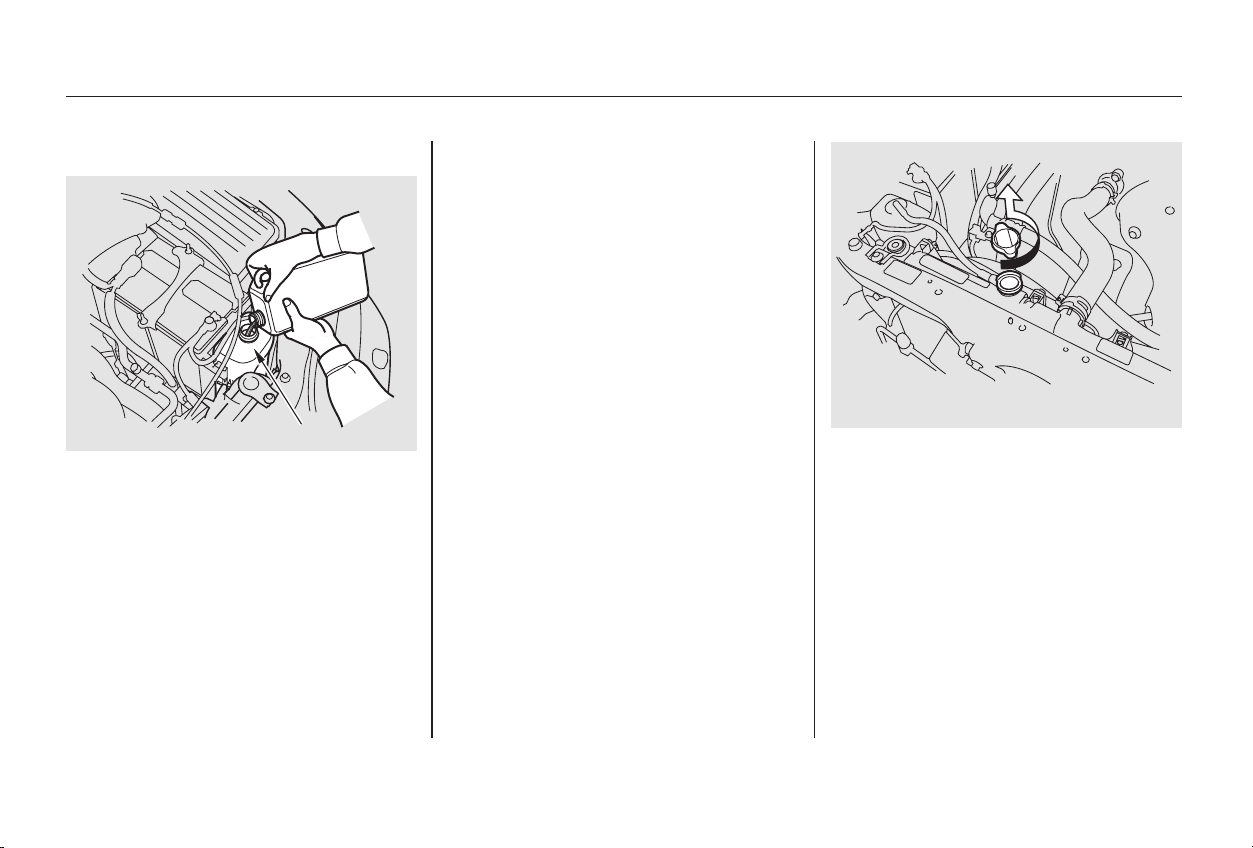
CONTINUED
Do not add any rust inhibitors or
other additives to your car’s cooling
system. They may not be compatible
with the coolant or engine compo-
nents.
Turn the ignition ON (II). Turn
the heater temperature control
dial to maximum heat (climate
control to 90°F/32°C). Turn off
the ignition. Open the hood. Make
sure the engine and radiator are
cool to the touch.
Remove the radiator cap.
Thecoolingsystemshouldbe
completely drained and refilled with
new coolant according to the time
and distance recommendations in
the maintenance schedule. Only use
Honda All Season Antifreeze/
Coolant Type 2.
Draining the coolant requires access
to the underside of the car. Unless
you have the tools and knowledge,
you should have this maintenance
done by a skilled mechanic. 1.
2.
Cooling System
Maintenance
Replacing Engine Coolant
255
RREESSEERRVVEE TTAANNKK66--ccyylliinnddeerr mmooddeellss
44--ccyylliinnddeerr mmooddeellss
Main Menu
Table of Contents
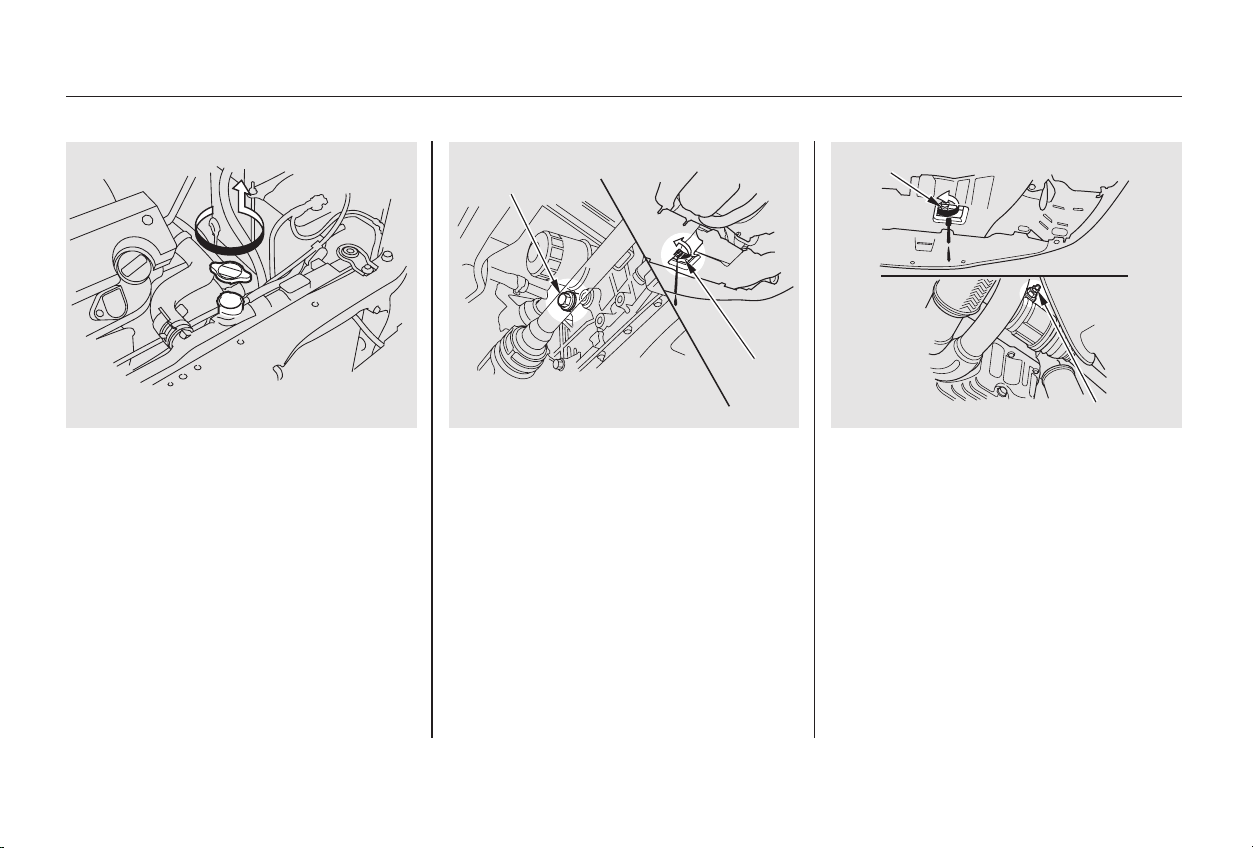
4-cylinder models 6-cylinder models
Loosen the drain plug on the
bottom of the radiator. The
coolant will drain through the
splash guard. Remove the drain
bolt and washer from the engine
block.
Loosen the drain plug on the
bottom of the radiator. The
coolant will drain through the
splash guard. Loosen the drain
bolt.
3.
Maintenance
Cooling System
256
66--ccyylliinnddeerr mmooddeellss 44--ccyylliinnddeerr mmooddeellss 66--ccyylliinnddeerr mmooddeellss DDRRAAIINN BBOOLLTT
DDRRAAIINN
PPLLUUGG
DDRRAAIINN
BBOOLLTT
DDRRAAIINN PPLLUUGG
Main Menu
Table of Contents
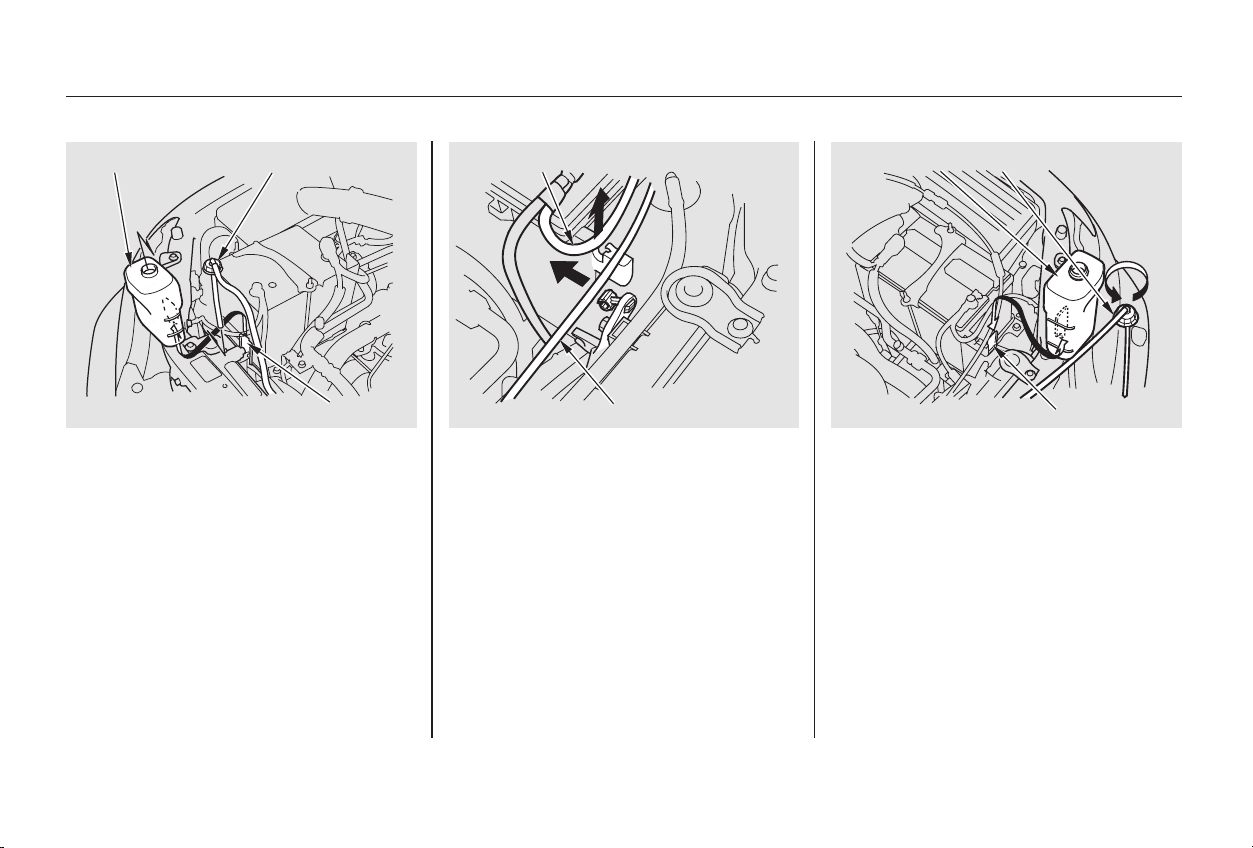
CONTINUED
Remove the reserve tank from its
holder by pulling it straight up.
Drain the coolant, then put the
tank back in its holder.
When removing the reserve tank,
first remove the cruise control cable
and the ground cable from their clips.
After installing the tank back in
place, put the cables back in their
clips.
4.
6-cylinder models
Cooling System
Maintenance
257
RREESSEERRVVEE TTAANNKK
66--ccyylliinnddeerr mmooddeellss44--ccyylliinnddeerr mmooddeellss
RREESSEERRVVEE TTAANNKKRREESSEERRVVEE TTAANNKK CCAAPP
HHOOLLDDEERR
RREESSEERRVVEE TTAANNKK CCAAPP
HHOOLLDDEERR
GGRROOUUNNDD CCAABBLLEE
CCRRUUIISSEE CCOONNTTRROOLL CCAABBLLEE
Main Menu
Table of Contents
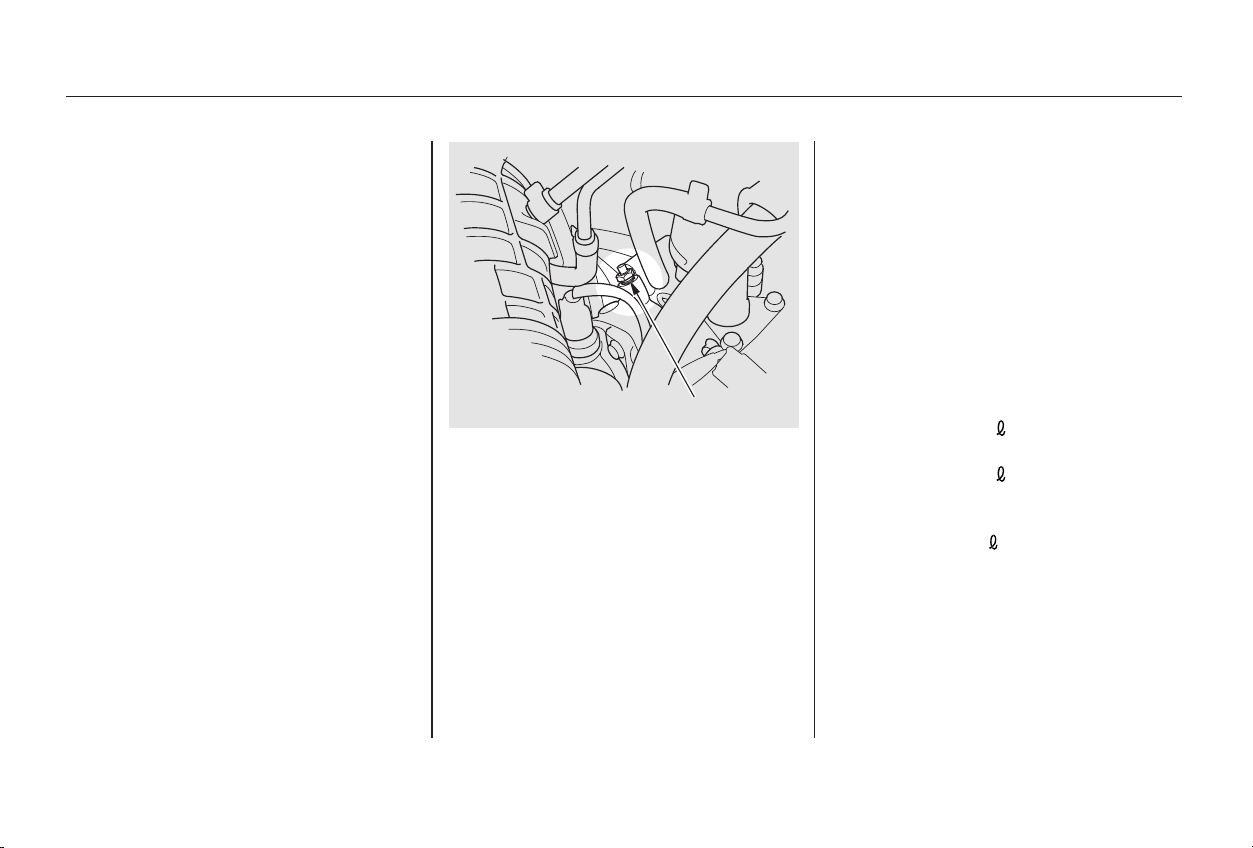
4-cylinder models
6-cylinder models
6-cylinder models
With automatic transmission:
With 5-speed manual transmission:
4-cylinder models
4-cylinder models
6-cylinder models
Put a new washer on the drain bolt,
then reinstall the drain bolt in the
engine block. Tighten it securely.
Tightening torque:
Tighten the drain bolt at the rear
of the engine cylinder block
securely.
Tightening torque:
When the coolant stops draining,
tightenthedrainplugatthe
bottom of the radiator.
Loosen the bleeder bolt on top of
the engine.
Pour Honda All Season
Antifreeze/Coolant Type 2 into
the radiator. This coolant is a
mixture of 50 percent antifreeze
and 50 percent water. Pre-mixing
is not required.
The cooling system capacity is:
Tighten the bleeder bolt when
coolant comes out in a steady
stream with no bubbles.
Pour coolant into the radiator up
to the base of the filler neck.
7.
6.
5.
Cooling System
Maintenance
258
BBLLEEEEDDEERR BBOOLLTT
61 lbf·ft (83 N·m , 8.5 kgf·m)
7 lbf·ft (10 N·m , 1.0 kgf·m)
1.43 US gal (5.4
, 1.19 Imp gal)
1.45 US gal (5.5
, 1.21 Imp gal)
1.48 US gal (5.6 , 1.23 Imp gal)
Main Menu
Table of Contents
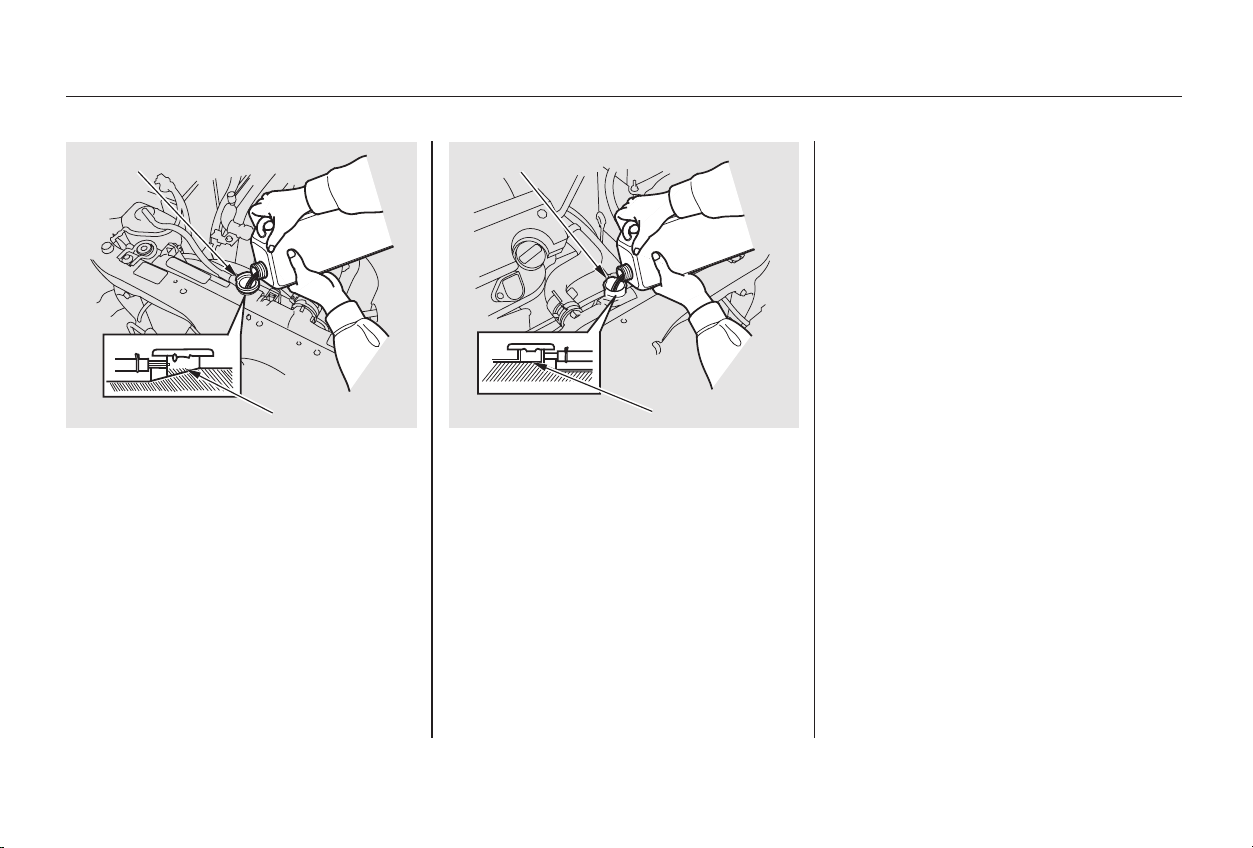
Fill the radiator with coolant up to
the base of the filler neck.
Fill the reserve tank to the MAX
mark. Install the reserve tank cap.
Install the radiator cap, and
tighten it to the first stop.
Start the engine and let it run until
the radiator cooling fan comes on
at least twice. Then stop the
engine.
Remove the radiator cap. Pour
coolant into the radiator up to the
base of the filler neck and into the
reserve tank up to the MAX mark.
Start the engine and hold it at
1,500 rpm until the radiator fan
comes on. Turn off the engine.
Check the coolant level in the
radiator and add coolant if needed.
Install the radiator cap, and
tighten it fully.
If necessary, fill the reserve tank
to the MAX mark. Install the
reserve tank cap.
Start the engine and let it run for
about 30 seconds. Then turn off
the engine.
9.
10.
11.
12.
13.
14.
15.
16.
8.
Cooling System
Maintenance
259
44--ccyylliinnddeerr mmooddeellss FFiillll uupp ttoo hheerree
FFIILLLLEERR NNEECCKK FFIILLLLEERR NNEECCKK
66--ccyylliinnddeerr mmooddeellss
FFiillll uupp ttoo hheerree
Main Menu
Table of Contents
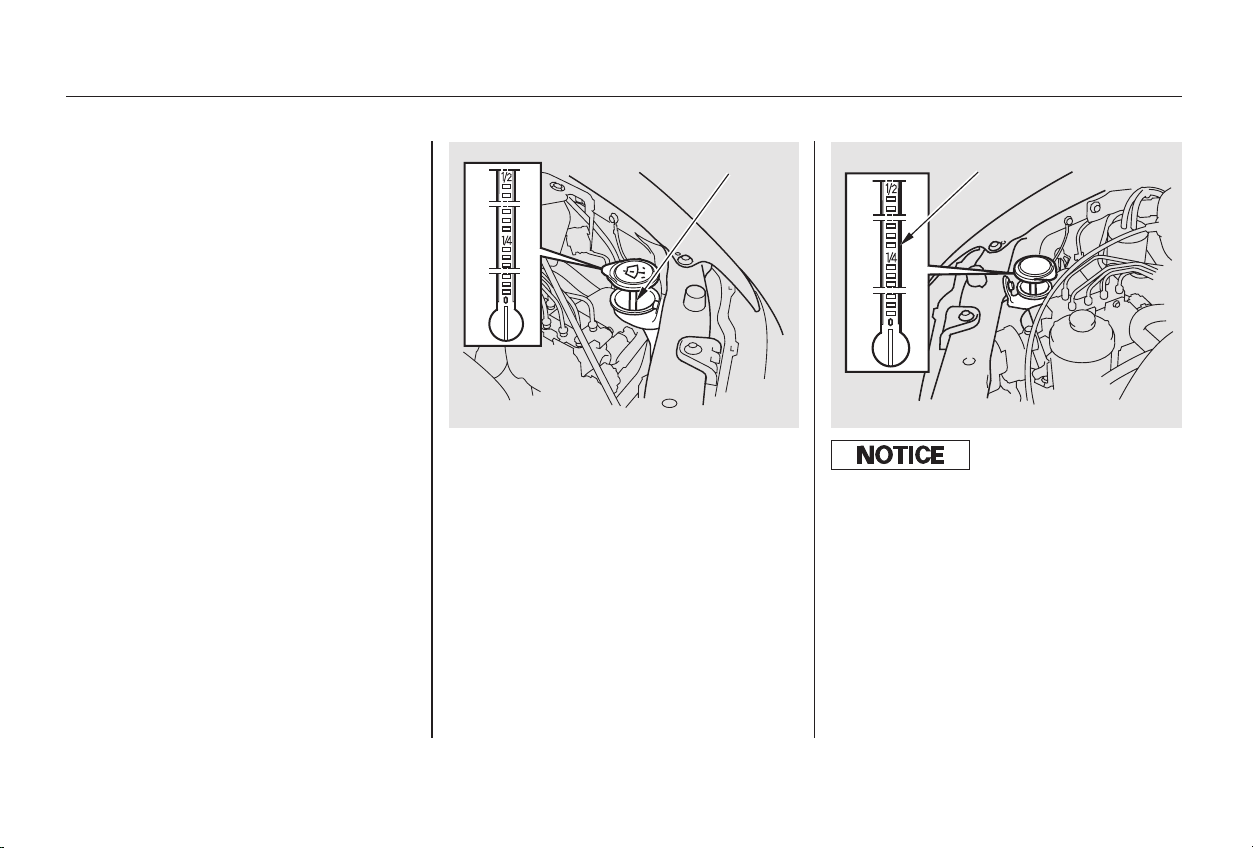
Check the level in the windshield
washer reservoir at least monthly
during normal usage. In bad weather,
when you use the washers often,
check the level every time you stop
for fuel.
The windshield washer reservoir is
located behind the driver’s side
headlight.
The windshield washer reservoir is
located behind the passenger’s side
headlight.
The low washer level indicator will
light when the level is low (see page
).
Check the reservoir’s fluid level by
removing the cap and looking at the
level gauge attached to the cap.
Fill the reservoir with a good-quality
windshield washer fluid. This
increases the cleaning capability and
prevents freezing in cold weather.
When you refill the reservoir, clean
the edges of the windshield wiper
blades with windshield washer fluid
on a clean cloth. This will help to
condition the blade edges.
62
4-cylinder models
6-cylinder models
On Canadian models
Windshield Washers
Maintenance
260
LLEEVVEELL GGAAUUGGEE
44--ccyylliinnddeerr mmooddeellss 66--ccyylliinnddeerr mmooddeellss
LLEEVVEELL GGAAUUGGEE
Do not use engine antif reeze or a
vinegar/water solution in the
windshield washer reservoir.
Antif reeze can damage your car’s paint,
while a vinegar/water solution can
damage the windshield washer pump.
Use only commercially-available
windshield washer f luid.
Main Menu
Table of Contents
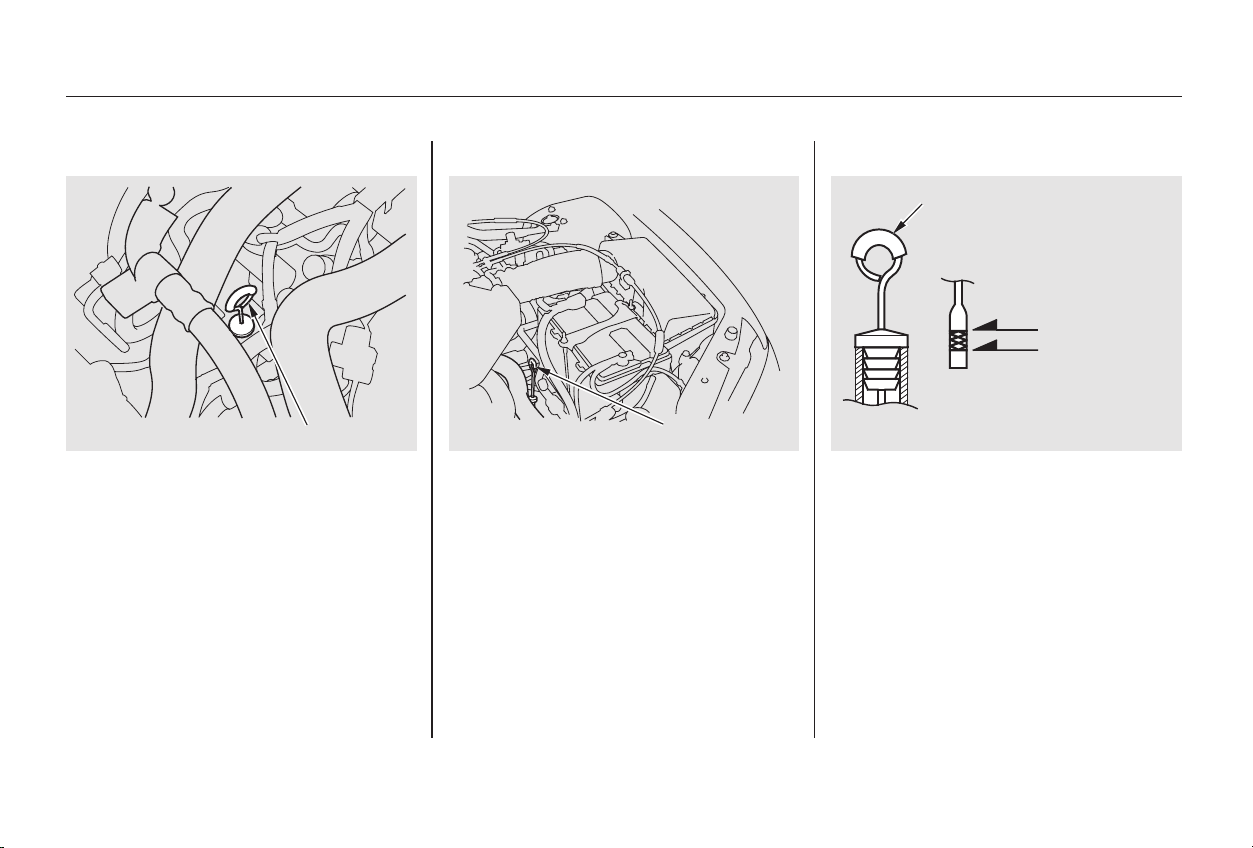
Check the fluid level with the engine
at normal operating temperature.
Insert the dipstick all the way into
the transmission securely as
shown in the illustration.
Remove the dipstick (yellow loop)
from the transmission and wipe it
with a clean cloth.
Park the car on level ground. Shut
off the engine.
1.
2.
3.
CONTINUED
Automatic Transmission
Transmission Fluid
Maintenance
261
UUPPPPEERR MMAARRKK
LLOOWWEERR MMAARRKK
DDIIPPSSTTIICCKK44--ccyylliinnddeerr mmooddeellss
DDIIPPSSTTIICCKK
66--ccyylliinnddeerr mmooddeellss DDIIPPSSTTIICCKK 44--ccyylliinnddeerr mmooddeellss
Main Menu
Table of Contents
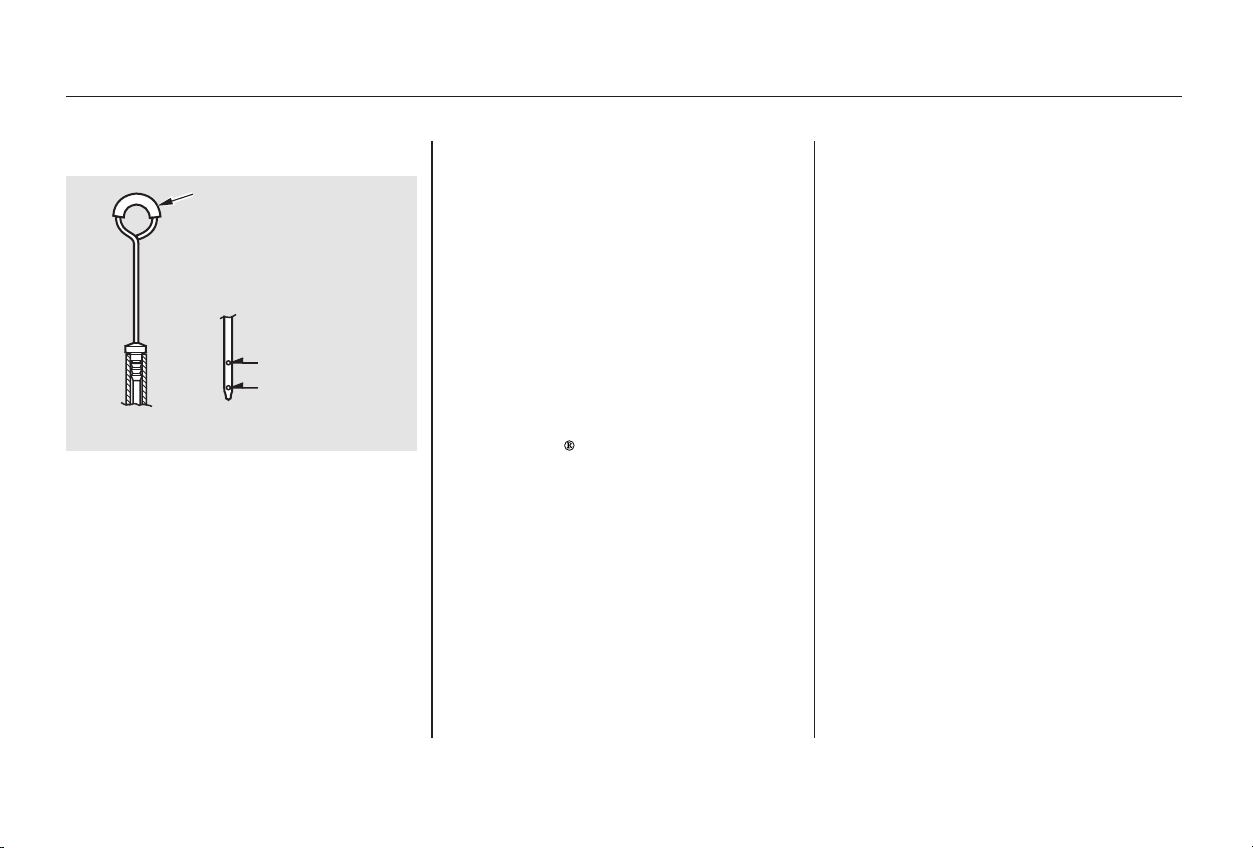
−
−
Remove the dipstick and check
the fluid level. It should be
between the upper and lower
marks.
If the level is below the lower
mark, add fluid to bring it to the
upper mark.
Add fluid in the
dipstick tube.
Remove the fill
plug to add fluid.
Always use Honda ATF-Z1
(Automatic Transmission Fluid). If
it is not available, you may use a
DEXRON
III automatic
transmission fluid as a temporary
replacement. However, continued
use can affect shift quality. Have
the transmission flushed and
refilled with Honda ATF-Z1 as
soon as it is convenient.
To thoroughly flush the
transmission, the technician
should drain and refill it with
Honda ATF-Z1, then drive the
vehicle a short distance. Do this
three times. Then drain and refill
the transmission a final time.
Insert the dipstick all the way back
into the transmission securely as
shown in the illustration.
The transmission should be drained
and refilled with new fluid according
to the time and distance recommen-
dations in the maintenance schedule.
If you are not sure how to add fluid,
contact your Honda dealer.
5.
6.
4.
4-cylinder cars
6-cylinder cars
Maintenance
Transmission Fluid
262
DDIIPPSSTTIICCKK
66--ccyylliinnddeerr mmooddeellss
UUPPPPEERR MMAARRKK
LLOOWWEERR MMAARRKK
Main Menu
Table of Contents
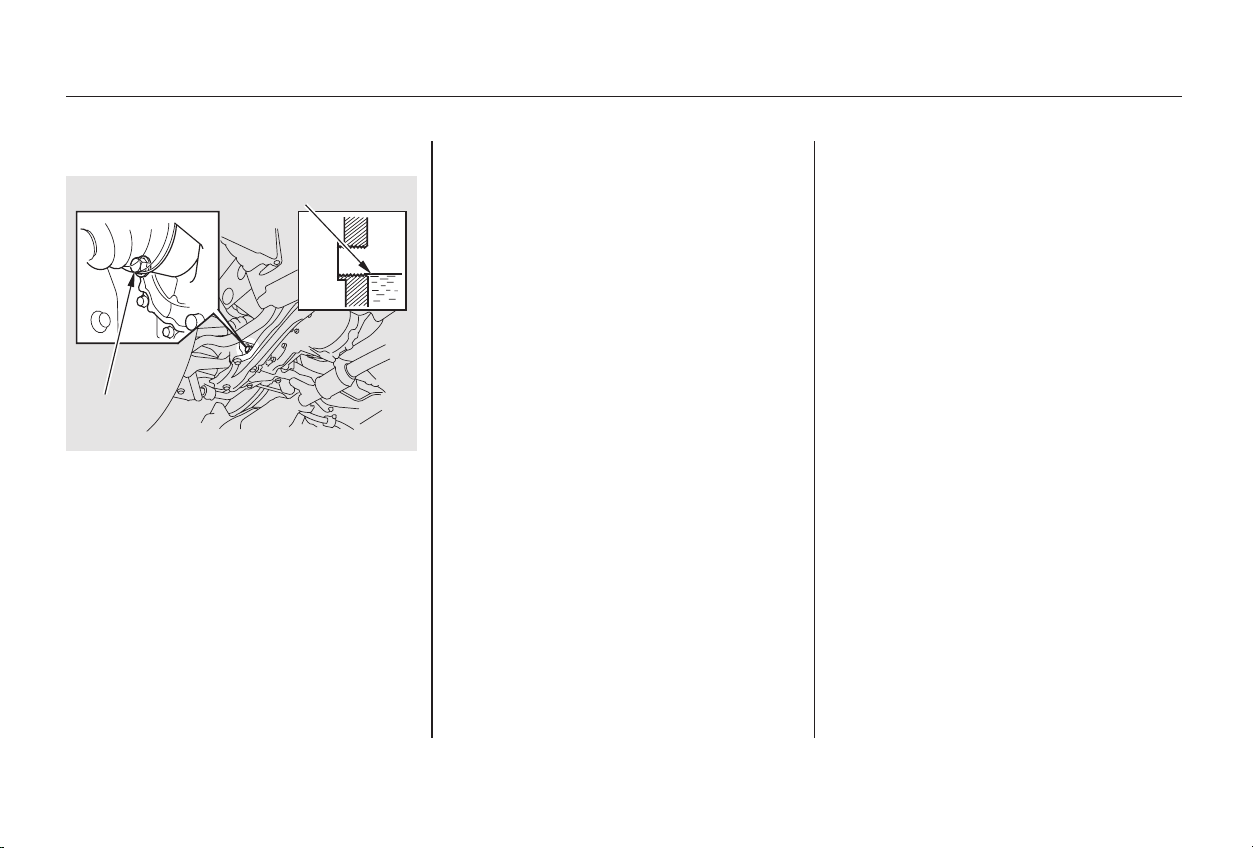
If Honda MTF is not available, you
may use an API service SG, SH or SJ
grade motor oil with a viscosity of
SAE 10W-30 or 10W-40 as a
temporary replacement. An SG
grade is preferred, but an SH or SJ
grade may be used if SG is not
available. However, motor oil does
not contain the proper additives and
continued use can cause stiffer
shifting. Replace as soon as it is
convenient.
The transmission should be drained
and refilled with new fluid according
to the time and distance recommen-
dations in the maintenance schedule.
Check the fluid level with the
transmission at normal operating
temperature and the car sitting on
level ground. Remove the
transmission filler bolt and carefully
feel inside the bolt hole with your
finger. The fluid level should be up
to the edge of the bolt hole. If it is
not, add Honda Manual Transmis-
sion Fluid (MTF) until it starts to
run out of the hole. Reinstall the
filler bolt and tighten it securely.
Transmission Fluid
Maintenance
5-speed Manual Transmission
263
FFIILLLLEERR
BBOOLLTT
CCoorrrreecctt lleevveell
Main Menu
Table of Contents
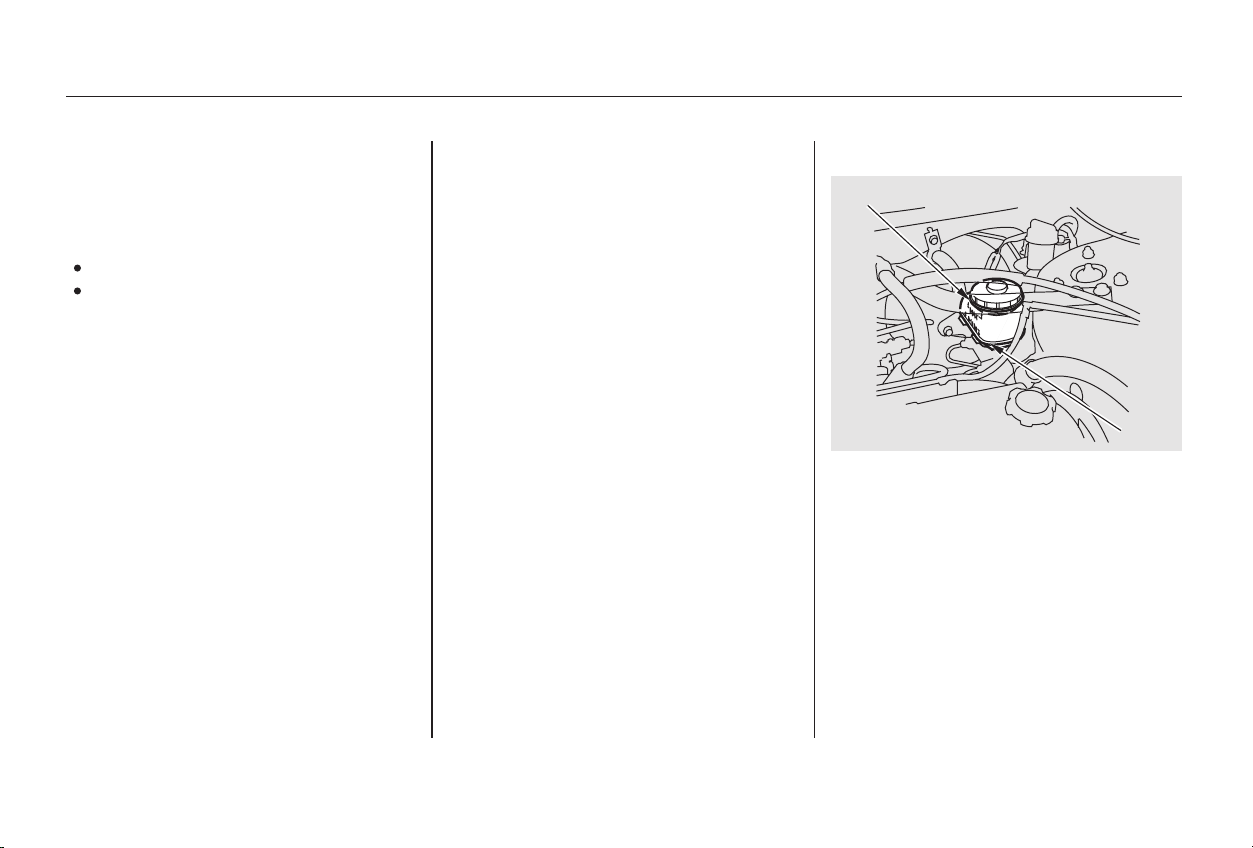
Always use Honda Heavy Duty
Brake Fluid DOT 3. If it is not
available, you should use only DOT 3
or DOT 4 fluid, from a sealed
container, as a temporary
replacement. However, the use of
any non-Honda brake fluid can cause
corrosion and decrease the life of the
system. Have the brake system
flushed and refilled with Honda
Heavy Duty Brake Fluid DOT 3 as
soon as possible.
Check the fluid level in the reser-
voirs monthly. There are up to two
reservoirs, depending on the model.
They are:
Brake fluid reservoir (all models)
Clutch fluid reservoir
(manual transmission only)
The fluid level should be between
theMINandMAXmarksontheside
of the reservoir. If the level is at or
below the MIN mark, your brake
system needs attention. Have the
brake system inspected for leaks or
worn brake pads.
The brake fluid should be replaced
according to the time recommenda-
tion in the maintenance schedule.
Brake fluid marked DOT 5 is not
compatible with your car’s braking
system and can cause extensive
damage.
Maintenance
Brake and Clutch Fluid
Brake System
264
MMAAXX
44--ccyylliinnddeerr mmooddeellss MMIINN
Main Menu
Table of Contents
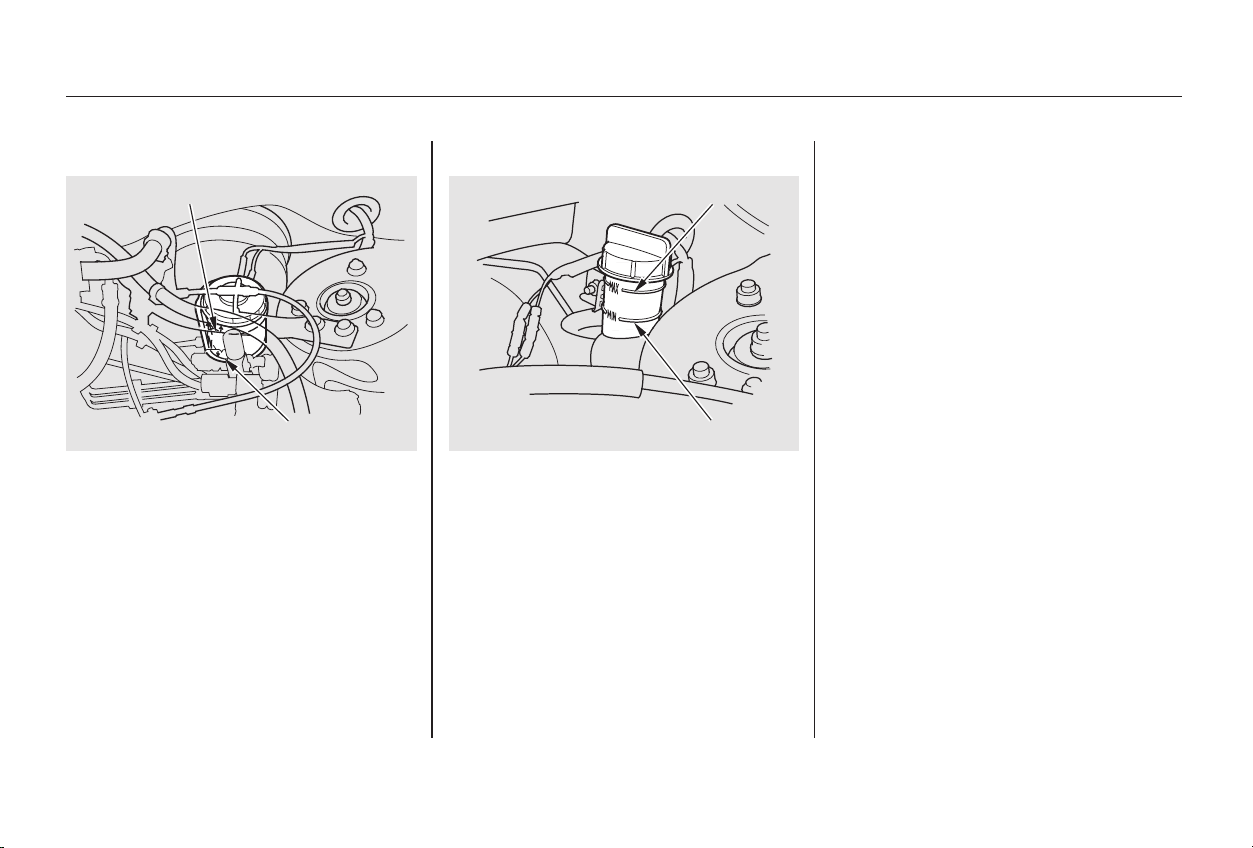
The fluid should be between the
MIN and MAX marks on the side of
the reservoir. If it is not, add brake
fluid to bring it up to that level. Use
the same fluid specified for the
brake system.
Low fluid level can indicate a leak in
the clutch system. Have this system
inspected as soon as possible.
Clutch System
Brake and Clutch Fluid
Maintenance
265
MMAAXX
MMIINN
66--ccyylliinnddeerr mmooddeellss
MMIINN
MMAAXX
Main Menu
Table of Contents
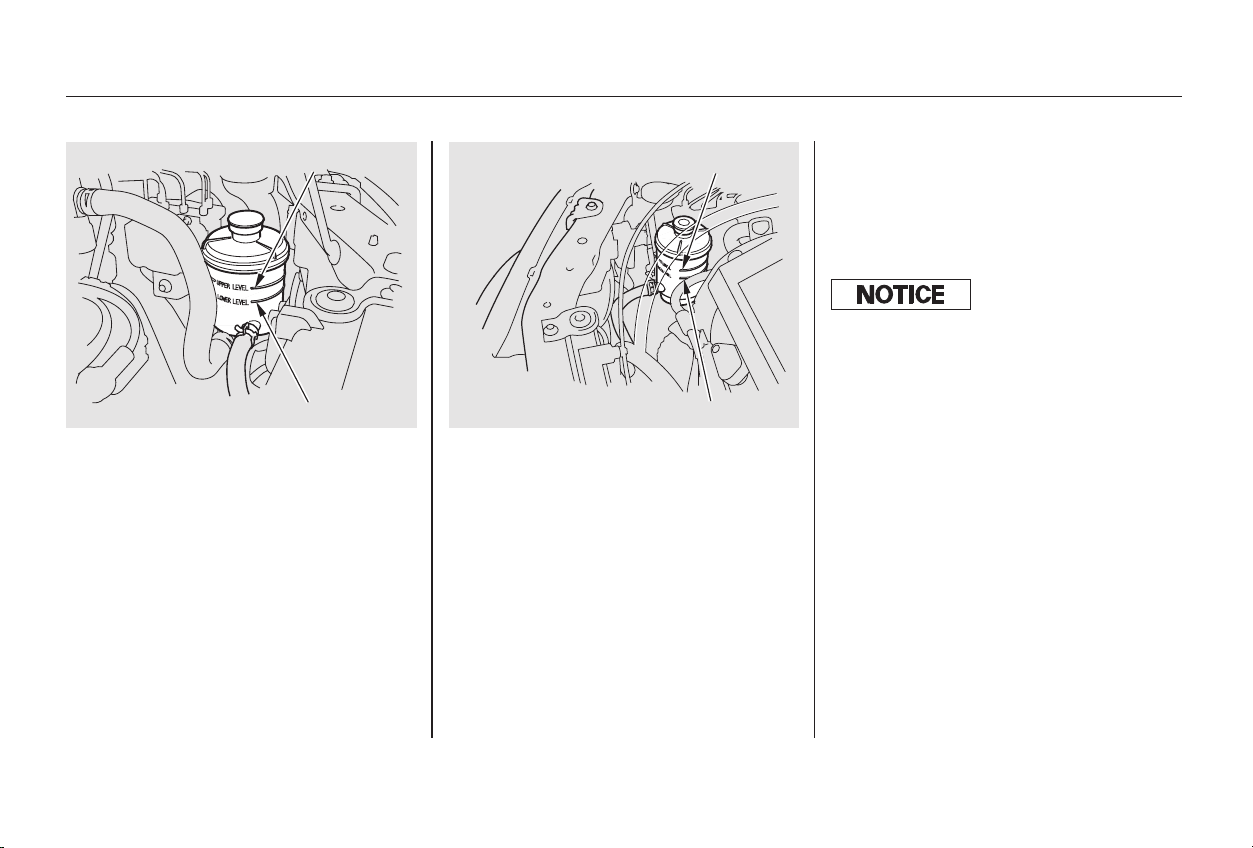
A low power steering fluid level can
indicate a leak in the system. Check
the fluid level frequently and have
the system inspected as soon as
possible.
Always use Honda Power Steering
Fluid. If it is not available, you may
use another power steering fluid as
an emergency replacement.
However, continued use can cause
increased wear and poor steering in
cold weather. Have the power
steering system flushed and refilled
with Honda PSF as soon as possible.
Check the level when the engine is
cold. Look at the side of the
reservoir. The fluid should be
between the UPPER LEVEL and
LOWER LEVEL. If it is below the
LOWER LEVEL, add power steering
fluid to the UPPER LEVEL.
Power Steering
Maintenance
266
66--ccyylliinnddeerr mmooddeellss44--ccyylliinnddeerr mmooddeellss
UUPPPPEERR LLEEVVEELL
LLOOWWEERR LLEEVVEELL
UUPPPPEERR LLEEVVEELL
LLOOWWEERR LLEEVVEELL
Turning the steering wheel to f ull lef t
or right lock and holding it there can
damage the power steering pump.
Main Menu
Table of Contents
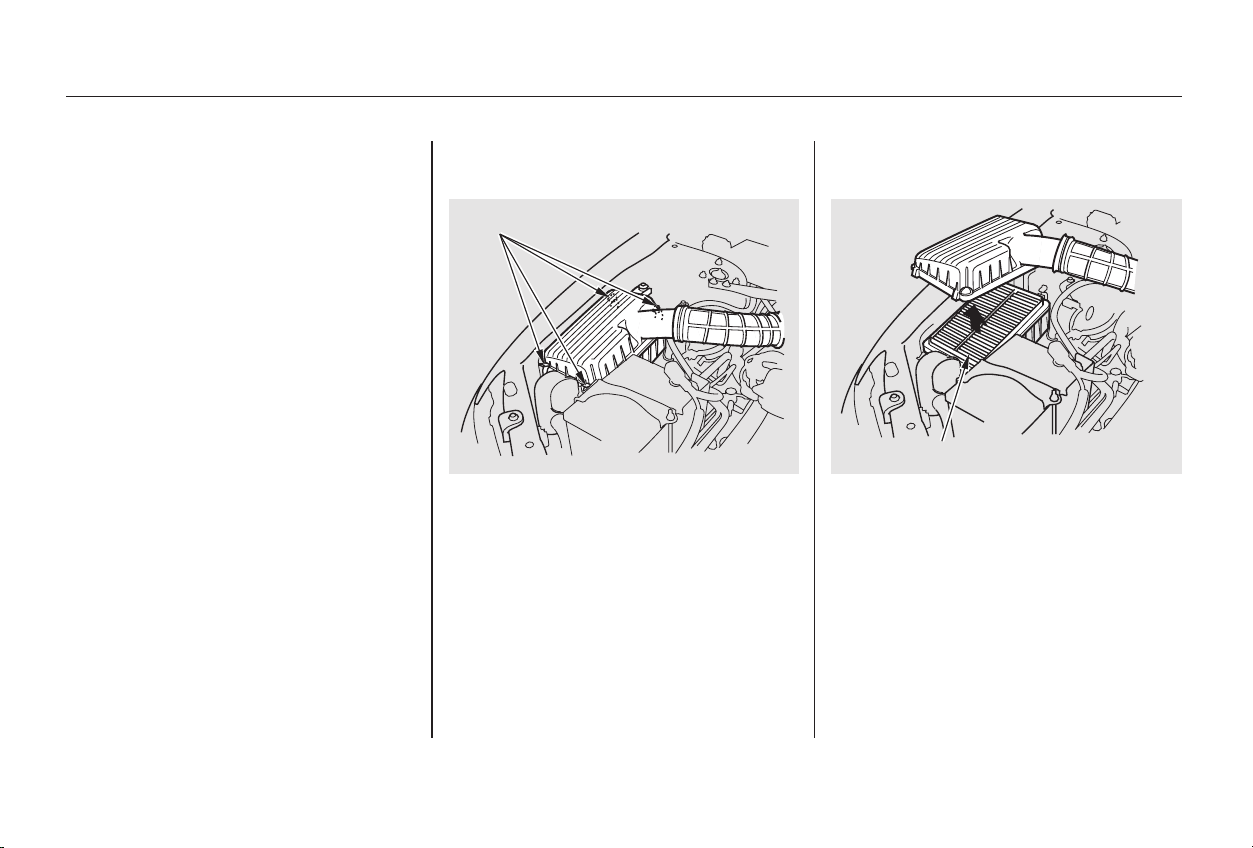
Carefully clean the inside of the
air cleaner housing with a damp
rag.
Remove the old air cleaner
element.
Unsnap the four hold-down clamps
and remove the air cleaner
housing cover.
To replace it:
The air cleaner element is inside the
air cleaner housing on the passenger’s
side of the engine compartment.
The air cleaner element should be
cleaned or replaced according to the
time and distance recommendations
in the maintenance schedule.
Clean the air cleaner element by
blowing compressed air through it in
the opposite direction to normal air
flow. If you do not have access to
compressed air (such as a service
station), ask your Honda dealer to do
this service.
Follow the replacement procedure
for removal and reinstallation.
Reinstall the air cleaner housing
cover, snap the four hold-down
clamps back into place.
Place the new air cleaner element
in the air cleaner housing.1.
3.
4.
5.
2.
Replacement
Cleaning (Severe Conditions)
4-cylinder Models
Air Cleaner Element
Maintenance
267
AAIIRR CCLLEEAANNEERR EELLEEMMEENNTT
HHOOLLDD--DDOOWWNN CCLLAAMMPPSS
Main Menu
Table of Contents
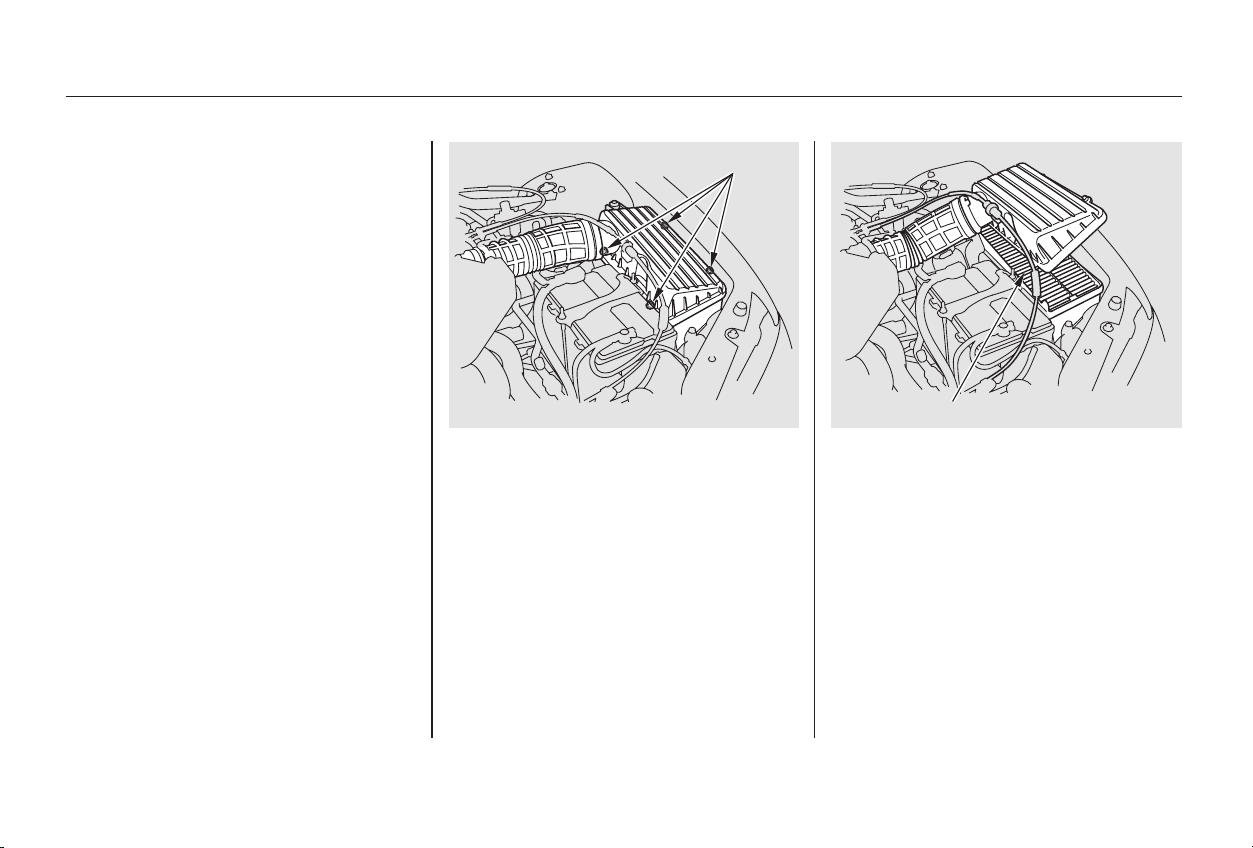
Place the new air cleaner element
in the air cleaner housing.
Reinstall the air cleaner housing
cover, tighten the four bolts.
To replace it:
The air cleaner element is inside the
air cleaner housing on the driver’s
side of the engine compartment.
Loosen the four bolts by using a
Phillips-head screwdriver and
remove the air cleaner housing
cover.
Remove the old air cleaner
element.
Carefully clean the inside of the
air cleaner housing with a damp
rag.
1.
3.
4.
5.
2.
Replacement
6-cylinder Models
Air Cleaner Element
Maintenance
268
AAIIRR CCLLEEAANNEERR EELLEEMMEENNTT
BBOOLLTTSS
Main Menu
Table of Contents
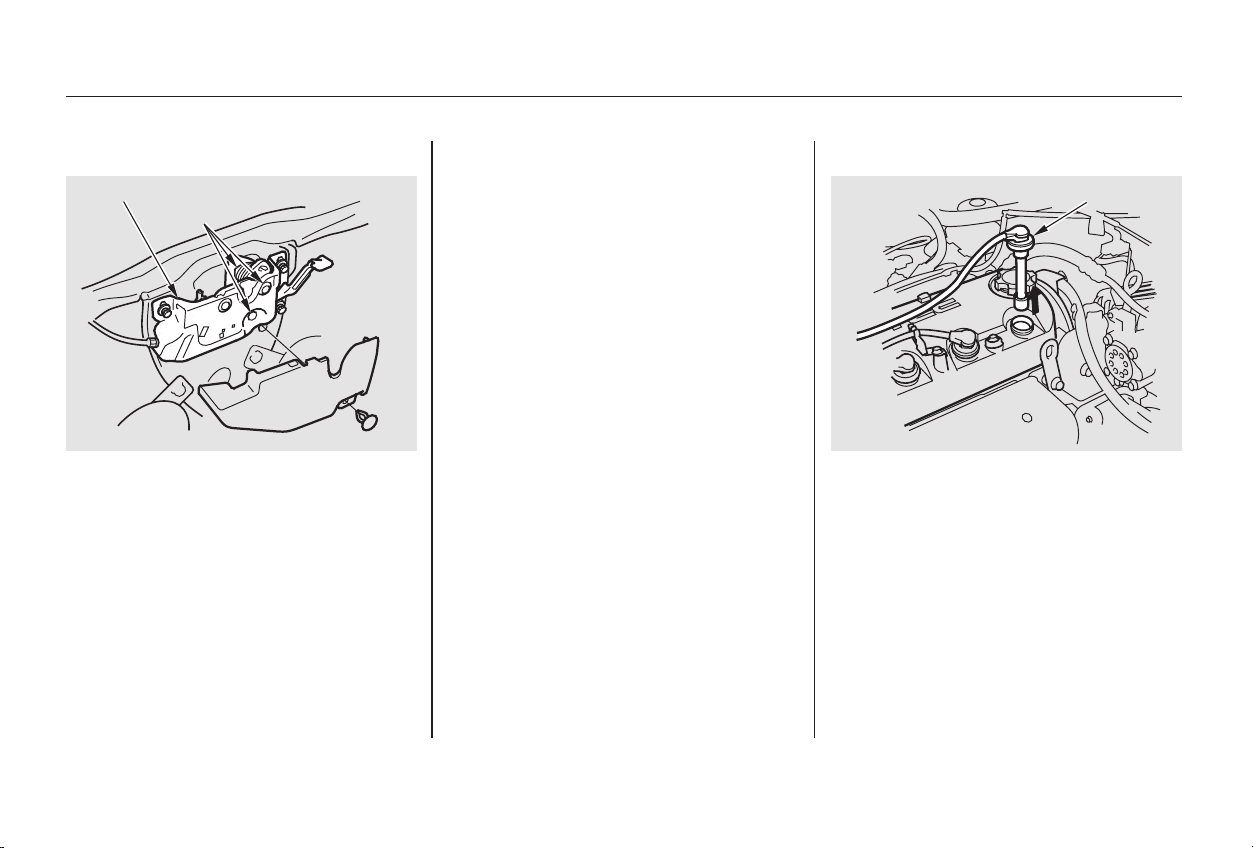
Clean up any dirt and oil around
the spark plug caps.
Remove the spark plug cap by
pulling it straight out.
Remove the spark plug with
a five-eighths inch (16 mm) spark
plug socket.
The spark plugs in your car should
be replaced according to the time
and distance recommendations in
the maintenance schedule.
Clean the hood latch assembly with a
mild cleaner, then lubricate it with a
multipurpose grease. Lubricate all
the moving parts (as shown),
including the pivot. To lubricate
them, remove the holding clip and
pull the cover away. Follow the time
and distance recommendations in
the Maintenance Schedule. If you
are not sure how to clean and grease
the latch, contact your Honda dealer.
1.
2.
3.
CONTINUED
Hood Latch Spark Plugs
Replacement
Hood Latch, Spark Plugs (4-cylinder Models)
Maintenance
269
SSPPAARRKK PPLLUUGG CCAAPP
PPIIVVOOTTSS
LLAATTCCHH AASSSSEEMMBBLLYY
Main Menu
Table of Contents
+
−
Spark Plug Gap:
Install the spark plug cap.
Repeat this procedure for the
other three spark plugs.
Torque the spark plug. (If you do
not have a torque wrench, tighten
the spark plug two-thirds of a turn
after it contacts the cylinder head.)
Tightening torque:
Put the new spark plug into the
socket; then screw it into the hole.
Screw it in by hand so you do not
crossthread it.
5.
6.
7.
NGK:
DENSO:
4.
Specifications:
Spark Plugs (4-cylinder Models)
Maintenance
270
0.04 in (1.1 mm)13 lbf·ft (18 N·m , 1.8 kgf·m)
PZFR5F-11
PKJ16CR-L11
0
0.1 mm
Tighten the spark plugs caref ully. A
spark plug that is too loose can
overheat and damage the engine.
Overtightening can cause damage to
the threads in the cylinder head.
Main Menu
Table of Contents
CONTINUED
The spark plugs in your car should
be replaced according to the time
and distance recommendations in
the maintenance schedule.
Clean up any dirt and oil that have
collected around the ignition coils.
Disconnect the wire connector
from the ignition coil by pushing
on the lock tab and pulling on the
connector. Pull on the plastic
connector, not the wires.
Loosen the two holding clips by
turning the heads one-quarter turn
counterclockwise with a flat-tipped
screwdriver. Remove the cover on
the front cylinder bank by pulling
it straight up.
1. 2.
3.
Maintenance
Spark Plugs (6-cylinder Models)
Replacement
271
HHOOLLDDIINNGG CCLLIIPP
Main Menu
Table of Contents
Use a wrench to remove the
hexagonsocketheadcapbolt
holding the ignition coil. Remove
the ignition coil by pulling it
straight out.
Remove the spark plug with
a five-eighths inch (16 mm) spark
plug socket.
Put the new spark plug into the
socket; then screw it into the hole.
Screw it in by hand so you do not
crossthread it.
Torque the spark plug. (If you do
not have a torque wrench, tighten
the spark plug two-thirds of a turn
after it contacts the cylinder head.)
Tightening torque:
4. 5.
6.
7.
Spark Plugs (6-cylinder Models)
Maintenance
272
HHEEXXAAGGOONN SSOOCCKKEETT HHEEAADD CCAAPP BBOOLLTT
13 lbf·ft (18 N·m , 1.8 kgf·m)
Main Menu
Table of Contents
+
−
Install the ignition coil. Reinstall
the hexagon socket head cap bolt.
Push the wire connector onto the
ignition coil. Make sure it locks in
place.
Repeat this procedure for the
other five spark plugs.
Reinstall the cover on the front
cylinder bank while putting its
mounting clip in the hole on the
passenger’s side. Secure the cover
by turning the heads of the two
holding clips one-quarter turn
clockwise with a flat-tipped
screwdriver.
Spark Plug Gap:
NGK:
DENSO:
8.
9.
10.
11.
Spark Plugs (6-cylinder Models)
Maintenance
Specifications:
273
0.04 in (1.1 mm)
PKJ16CR-L11
PZFR5F-11
0
0.1 mm
Tighten the spark plugs caref ully. A
spark plug that is too loose can
overheat and damage the engine.
Overtightening can cause damage to
the threads in the cylinder head.
Main Menu
Table of Contents
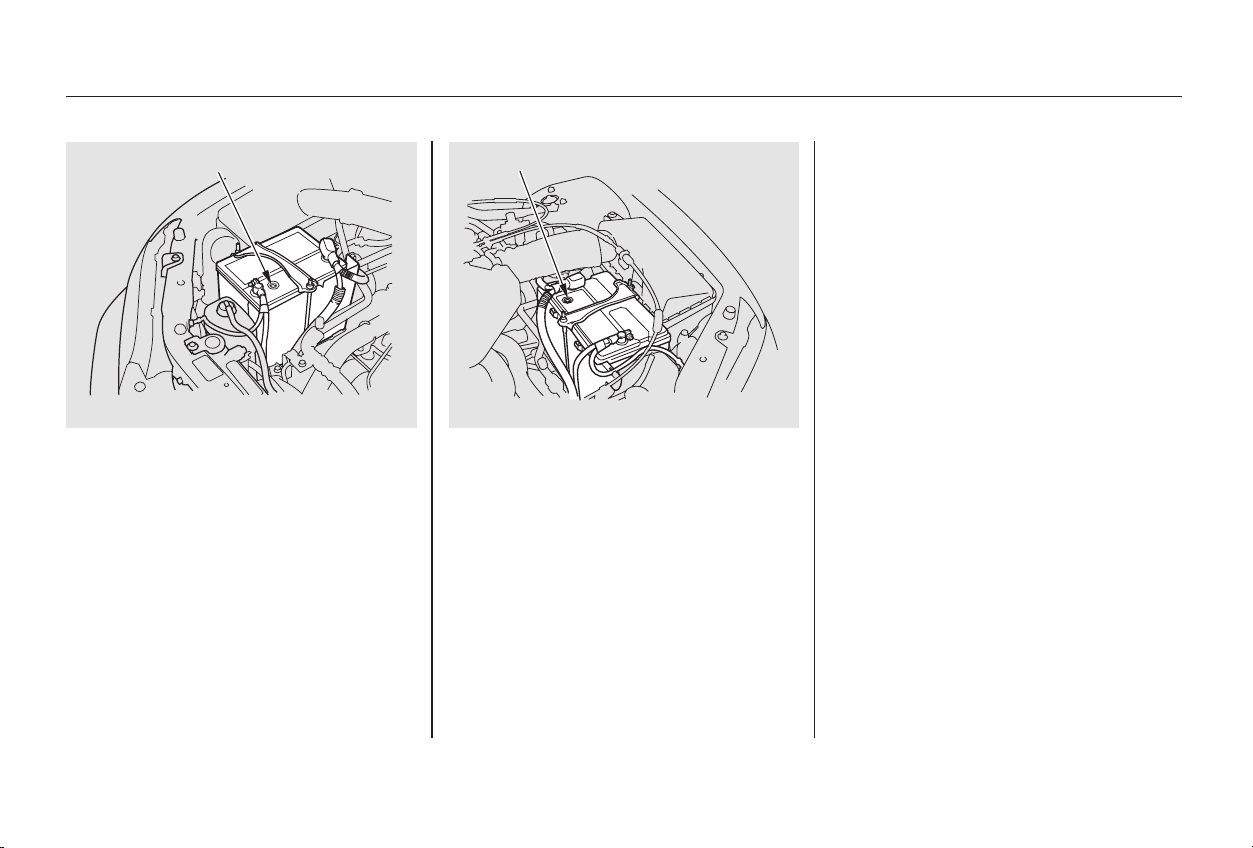
Check the battery condition by
looking at the test indicator window
on the battery.
The label on the battery explains the
test indicator’s colors.
Check the condition of your car’s
battery monthly. You should check
the color of the test indicator window,
and for corrosion on the terminals.
Check the battery terminals for
corrosion (a white or yellowish
powder). To remove it, cover the
terminals with a solution of baking
soda and water. It will bubble up and
turn brown. When this stops, wash it
off with plain water. Dry off the
battery with a cloth or paper towel.
Coat the terminals with grease to
help prevent future corrosion.
Battery posts,
terminals and related accessories
contain lead and lead compounds.
Battery
Maintenance
WARNING:
Wash hands after handling.
274
TTEESSTT IINNDDIICCAATTOORR WWIINNDDOOWW
44--ccyylliinnddeerr mmooddeellss
TTEESSTT IINNDDIICCAATTOORR WWIINNDDOOWW
66--ccyylliinnddeerr mmooddeellss
Main Menu
Table of Contents
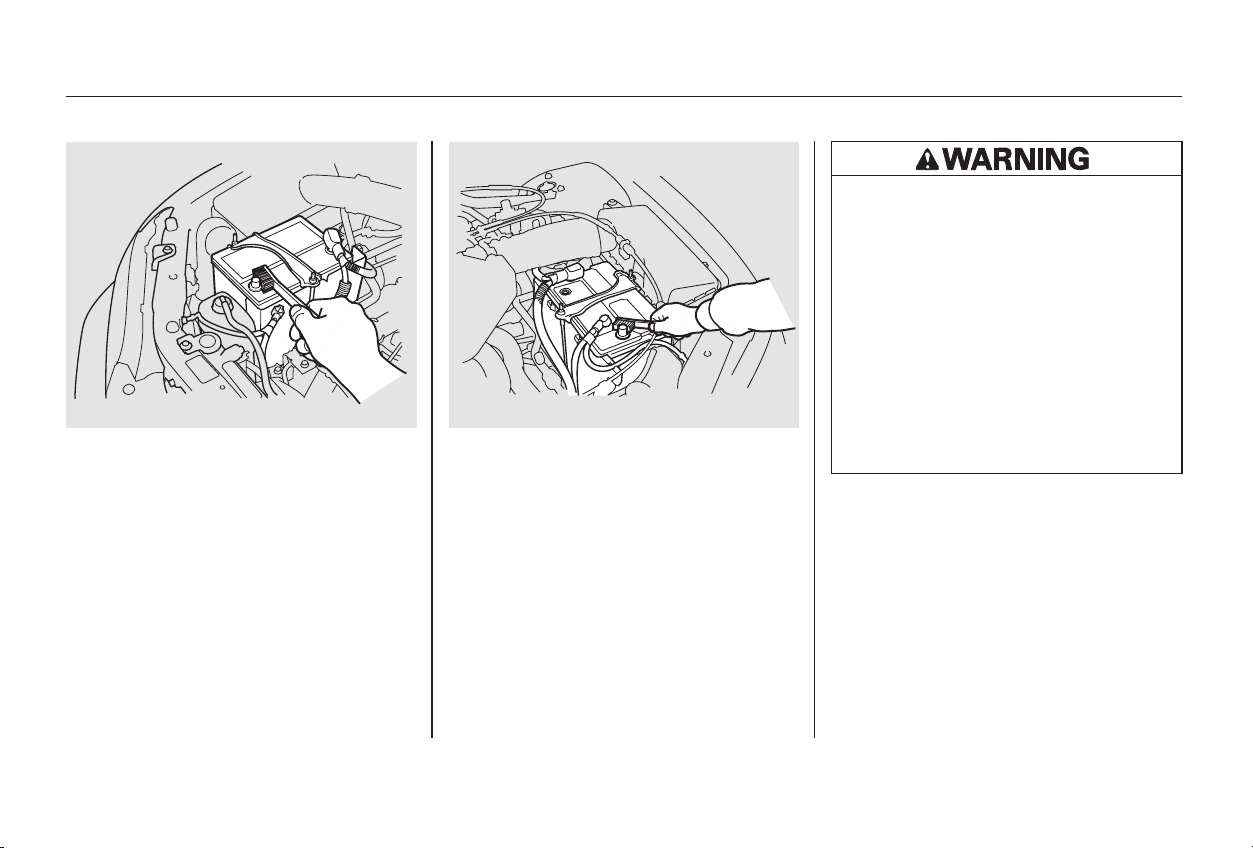
−
If the terminals are severely cor-
roded, clean them with baking soda
and water. Then use a wrench to
loosen and remove the cables from
the terminals. Always disconnect the
negative ( ) cable first and recon-
nect it last. Clean the battery termi-
nals with a terminal cleaning tool or
wire brush. Reconnect and tighten
the cables, then coat the terminals
with grease.
If you need to connect the battery to
a charger, disconnect both cables to
prevent damage to the car’s
electrical system.
CONTINUED
Battery
Maintenance
275
44--ccyylliinnddeerr mmooddeellss 66--ccyylliinnddeerr mmooddeellss
The battery gives off explosive
hydrogen gas during normal
operation.
A spark or flame can cause the
battery to explode with enough
force to kill or seriously hurt you.
Wear protective clothing and a
face shield, or have a skilled
mechanic do the battery
maintenance.
Main Menu
Table of Contents
If your car’s battery is disconnected
or goes dead, the audio system will
disableitself.Thenexttimeyouturn
on the radio you will see ‘‘ ’’
in the frequency display. Use the
Preset buttons to enter the five-digit
code (see page ).179
On EX, Special Edition, and EX-V6
models
Battery
Maintenance
276
Charging the battery with the cables
connected can seriously damage your
car’s electronic controls. Detach the
battery cables bef ore connecting the
battery to a charger.
Main Menu
Table of Contents
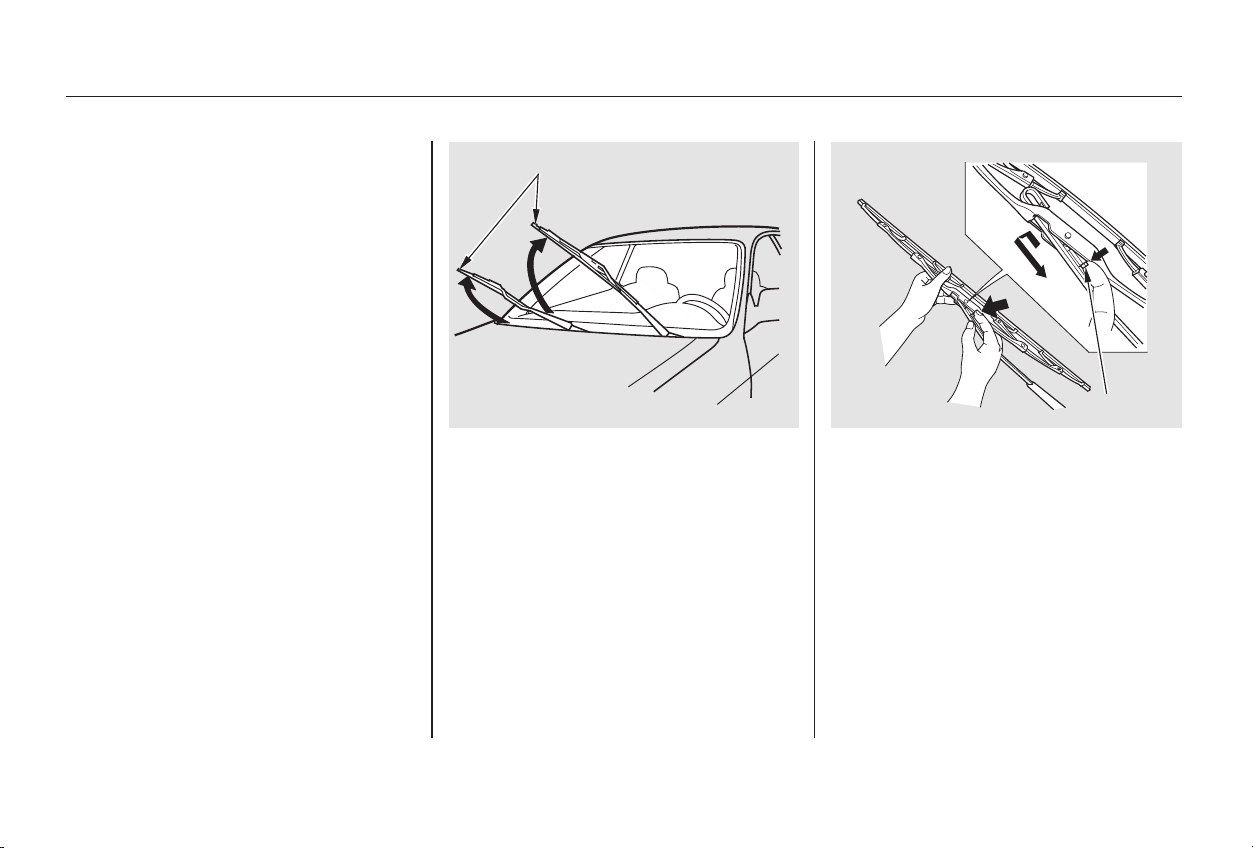
Check the condition of the wiper
blades at least every six months.
Look for signs of cracking in the
rubber, or areas that are getting
hard. Replace the blades if you find
these signs, or they leave streaks
and unwiped areas when used.
Disconnect the blade assembly
fromthewiperarmbypushingin
the lock tab. Hold it in while you
push the blade assembly toward
thebaseofthearm.
Raise the wiper arm off the
windshield.
To replace the blade:
Raise the driver’s side first, then
the passenger’s side.
2.
1.
CONTINUED
Wiper Blades
Maintenance
277
LLOOCCKK TTAABB
WWIIPPEERR AARRMMSS
Main Menu
Table of Contents
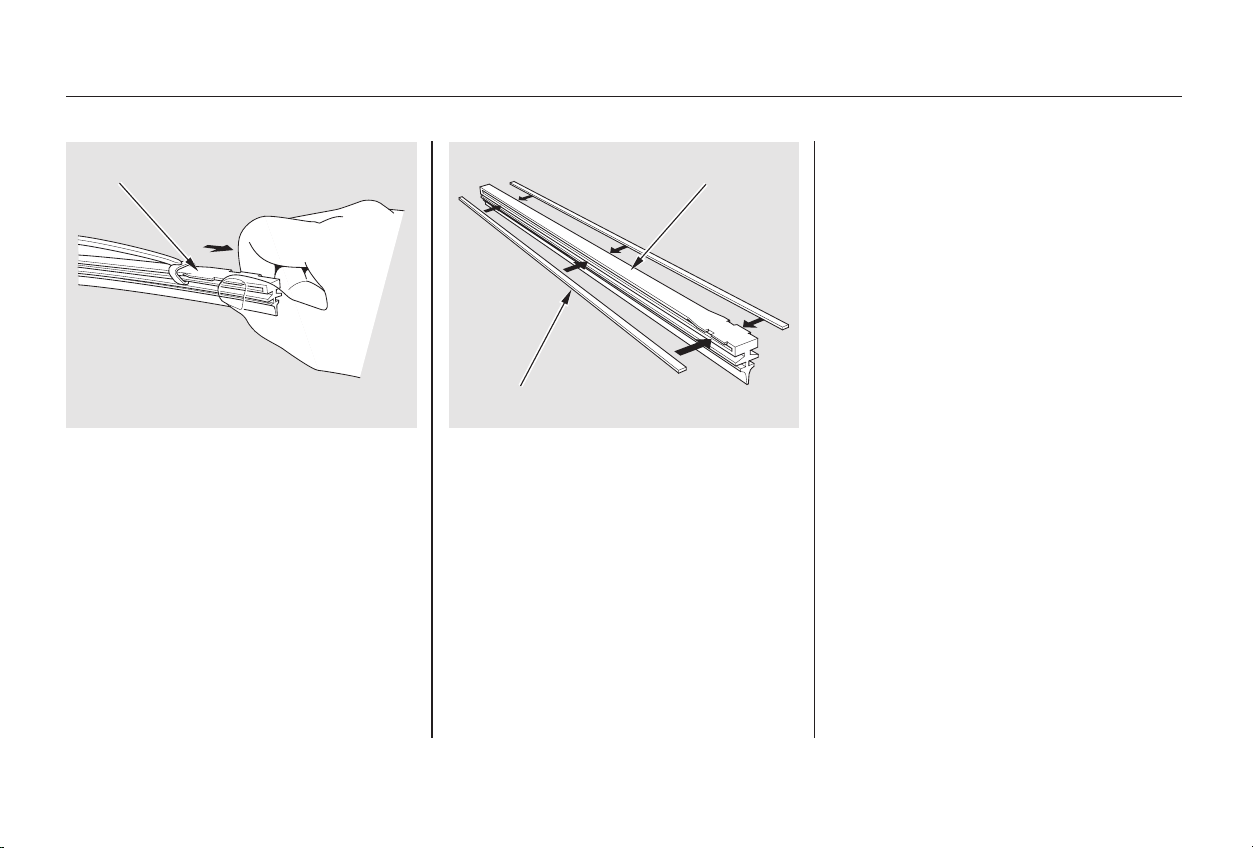
Remove the blade from its holder
by grasping the tabbed end of the
blade. Pull firmly until the tabs
come out of the holder.
Examine the new wiper blades. If
they have no plastic or metal rein-
forcement along the back edge,
remove the metal reinforcement
strips from the old wiper blade and
install them in the slots along the
edge of the new blade.
Slide the new wiper blade into the
holder until the tabs lock.
Lower the wiper arm down against
the windshield.
Slide the wiper blade assembly
onto the wiper arm. Make sure it
locks in place.
Lower the passenger’s side first,
then the driver’s side.
3. 4.
5.
6.
7.
Wiper Blades
Maintenance
278
RREEIINNFFOORRCCEEMMEENNTT
BBLLAADDEE BBLLAADDEE
Main Menu
Table of Contents
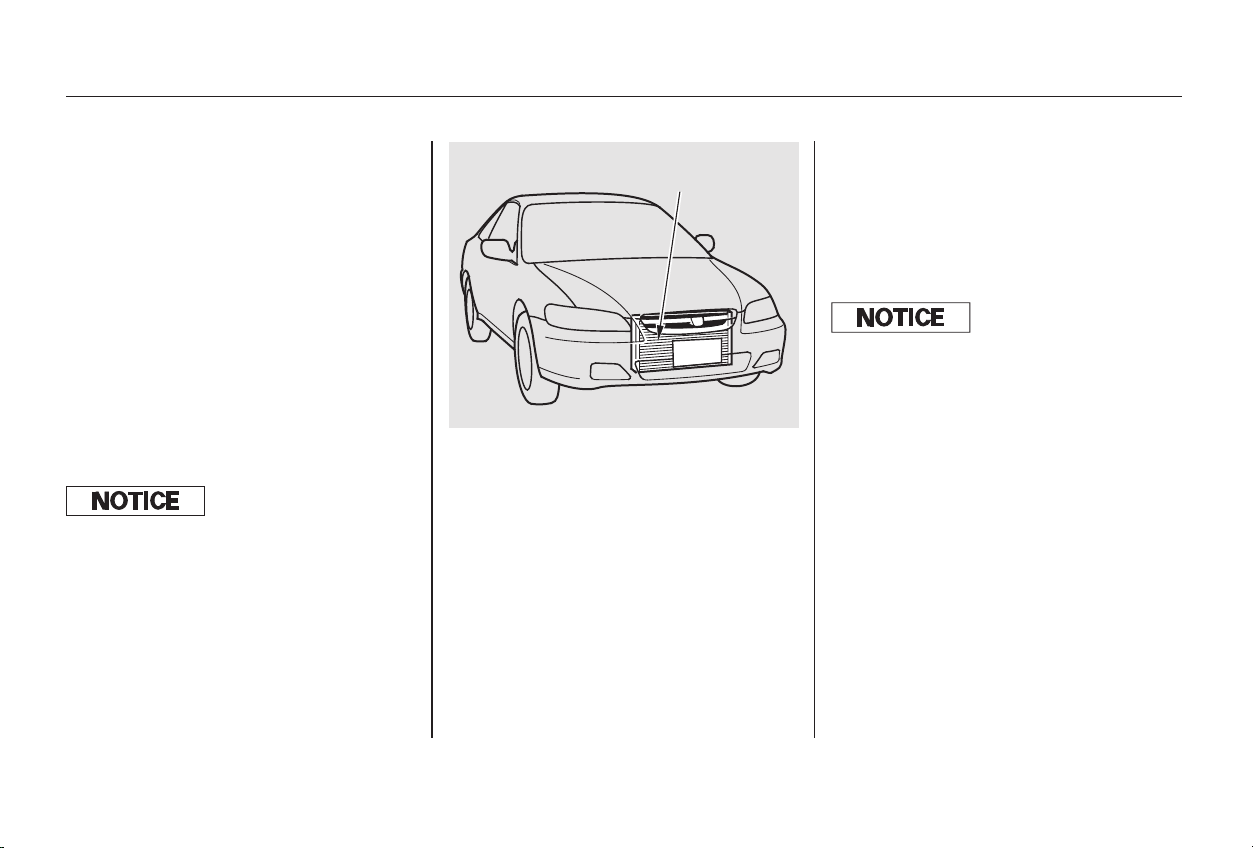
Run the air conditioning at least once
a week during the cold weather
months. Run it for at least ten
minutes while you are driving at a
steady speed with the engine at
normal operating temperature. This
circulates the lubricating oil con-
tained in the refrigerant.
If the air conditioning does not get as
cold as before, have your dealer
check the system. Recharge the
system with Refrigerant HFC-134a
(R-134a). (See Specifications on
pages and .)
Your car’s air conditioning is a sealed
system. Any major maintenance,
such as recharging, should be done
by a qualified mechanic. You can do
a couple of things to make sure the
air conditioning works efficiently.
Periodically check the engine’s
radiator and air conditioning
condenser for leaves, insects, and
dirt stuck to the front surface. These
block the air flow and reduce cooling
efficiency. Use a light spray from a
hose or a soft brush to remove them.
344 346
Maintenance
Air Conditioning System
279
AAIIRR CCOONNDDIITTIIOONNIINNGG
CCOONNDDEENNSSEERR
Whenever you have the air conditioning
system serviced, make sure the service
f acility uses a ref rigerant recycling
system. This system captures the
ref rigerant f or reuse. Releasing
ref rigerant into the atmosphere can
damage the environment.
The condenser and radiator f ins bend
easily. Only use a low-pressure spray
or sof t-bristle brush to clean them.
Main Menu
Table of Contents
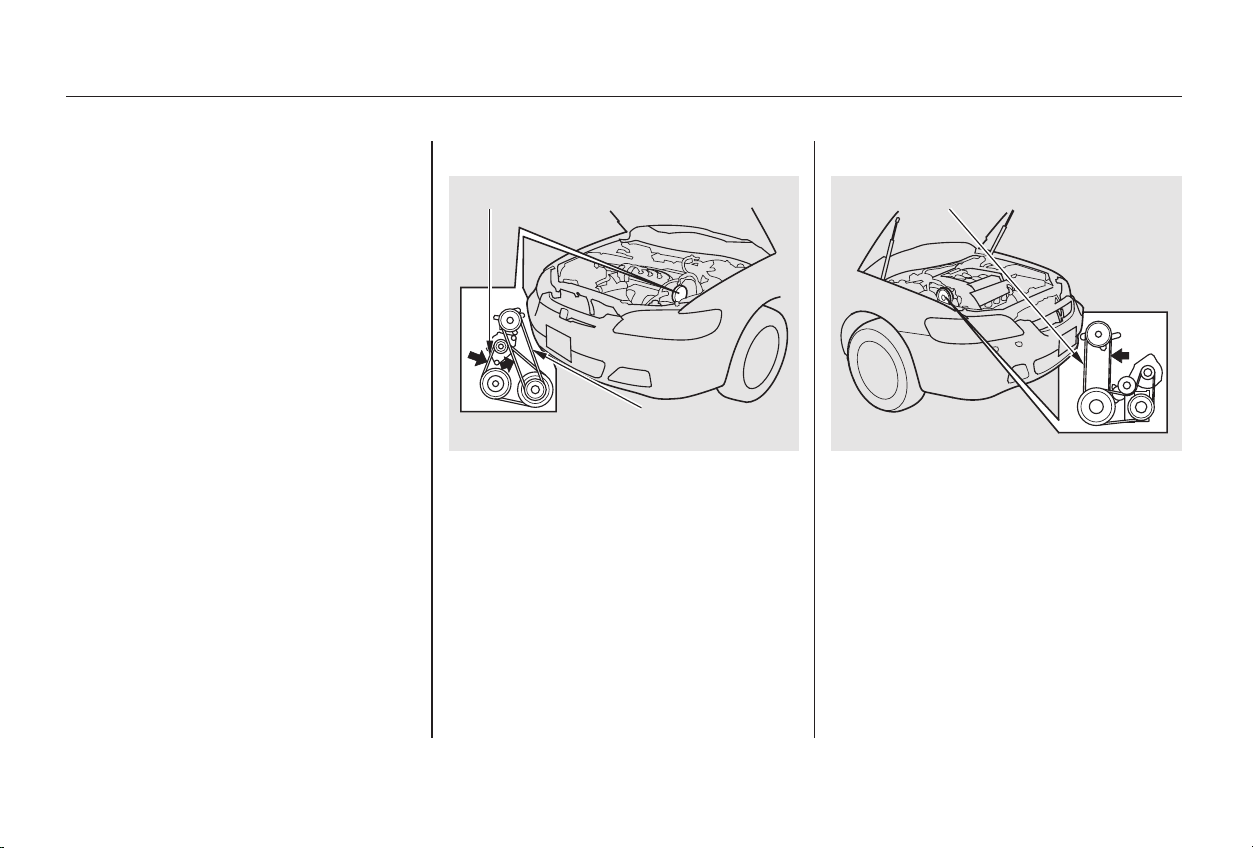
Check the condition of the drive
belts (two on 4-cylinder models, one
on 6-cylinder models). Examine the
edges of each belt for cracks or
fraying.
Check the tension of each belt by
pushingonitwithyourthumb
midway between the pulleys.
The dust and pollen filter removes
pollen and dust that is brought in
from the outside through the heating
and cooling system/climate control
system.
This filter should be replaced every
30,000 miles (48,000 km) under
normal conditions. It should be
replaced every 15,000 miles (24,000
km) if you drive primarily in urban
areas that have high concentrations
of soot in the air from industry and
diesel-powered vehicles. Replace it
more often if air flow from the
heating and cooling system/climate
control system becomes less than
usual. Have the dust and pollen filter
replaced by your Honda dealer.
Drive BeltsDust and Pollen Filter
Maintenance
Dust and Pollen Filter, Drive Belts
280
44--ccyylliinnddeerr mmooddeellss
66--ccyylliinnddeerr mmooddeellss
AALLTTEERRNNAATTOORR BBEELLTT
PPOOWWEERR SSTTEEEERRIINNGG
BBEELLTT
PPOOWWEERR SSTTEEEERRIINNGG BBEELLTT
Main Menu
Table of Contents
−−
−−
−−
−−
In very high temperatures
(over 110°F, 43°C).
In very low temperatures
(under 20°F, 29°C).
Power steering belt:
Power steering belt:
Alternator belt:
The belts should have the following
‘‘play’’ or deflection.
If you see signs of wear or looseness,
have your dealer adjust or replace
the belts.
The timing belt and balancer belt (4-
cylinder models only) should
normally be replaced at the intervals
shown in the maintenance schedule.
Replace these belts at 60,000 miles
(U.S.) or 100,000 km (Canada) if you
regularly drive your car in one or
more of these conditions:
6-cylinder models
4-cylinder models
Timing Belt
Maintenance
Drive Belts, Timing Belt
281
0.51 0.65 in (13.0 16.5 mm)
0.51 0.63 in (13.0 16.0 mm)
0.28 0.35 in (7.0 9.0 mm)
Main Menu
Table of Contents
Youshouldgetyourowntire
pressure gauge and use it whenever
you check your tire pressures. This
will make it easier for you to tell if a
pressure loss is due to a tire problem
and not due to a variation between
gauges.
We recommend that you visually
check your tires every day. If you
think a tire might be low, check it
immediately with a tire gauge.
Use a gauge to measure the air
pressure at least once a month. Even
tires that are in good condition may
lose1to2psi(7to15kPa,0.07to
0.15 kgf/cm ) per month.
Remember to check the spare tire at
thesametimeyoucheckallthe
other tires.
To safely operate your car, your tires
must be the proper type and size, in
good condition with adequate tread,
and correctly inflated. The following
pages give more detailed information
on how and when to check air
pressure, how to inspect your tires
for damage and wear, and what to do
when your tires need to be replaced.
Keeping the tires properly inflated
provides the best combination of
handling, tread life and riding
comfort. Underinflated tires wear
unevenly, adversely affect handling
and fuel economy, and are more
likely to fail from being overheated.
Overinflated tires can make your car
ride more harshly, are more prone to
damage from road hazards, and wear
unevenly.
Check the pressure in the tires when
they are cold. This means the car
has been parked for at least three
hours. If you have to drive the car
before checking the tire pressure,
the tires can still be considered
‘‘cold’’ if you drive less than 1 mile
(1.6 km).
If you check the pressure when the
tires are hot (the car has been driven
several miles), you will see readings
4 to 6 psi (30 to 40 kPa, 0.3 to 0.4
kgf/cm ) higher than the cold
reading. This is normal. Do not let
air out to match the specified cold
pressure. The tire will be
underinflated.
Inflation
Tires
Maintenance
282
Using tires that are excessively
worn or improperly inflated can
cause a crash in which you can
be seriously hurt or killed.
Follow all instructions in this
owner’s manual regarding tire
inflation and maintenance.
Main Menu
Table of Contents
Thecompactsparetirepressureis:
These pressures are also given on
thetireinformationlabelonthe
driver’s doorjamb.
Tubeless tires have some ability to
self-seal if they are punctured.
However, because leakage is often
very slow, you should look closely
for punctures if a tire starts losing
pressure.
Every time you check inflation, you
should also examine the tires for
damage, foreign objects, and wear.
Youshouldlookfor:
Bumps or bulges in the tread or
side of the tire. Replace the tire if
youfindeitheroftheseconditions.
Cuts, splits, or cracks in the side
of the tire. Replace the tire if you
can see fabric or cord.
Excessive tread wear.
The following chart shows the
recommended cold tire pressures for
most normal driving conditions and
speeds. Tire pressures for high
speed driving are the same as for
normal driving.
(EX-V6)
(Special Edition, EX, and U.S. LX)
(U.S. LX-V6)
CONTINUED
Tire Size
Tire Size
Tire Size
Cold Tire Pressure
for Normal Driving
Cold Tire Pressure
for Normal Driving
Cold Tire Pressure
for Normal Driving
Recommended Tire Pressures for
Normal Driving
Tires
Maintenance
Inspection
283
P195/65R15 89H 29 psi (200 kPa ,
2.0 kgf/cm
)
P205/60R16 91V 32 psi (220 kPa ,
2.2 kgf/cm
)
P205/65R15 92V 30 psi (210 kPa ,
2.1 kgf/cm
)
60 psi (420 kPa , 4.2 kgf/cm )
Main Menu
Table of Contents
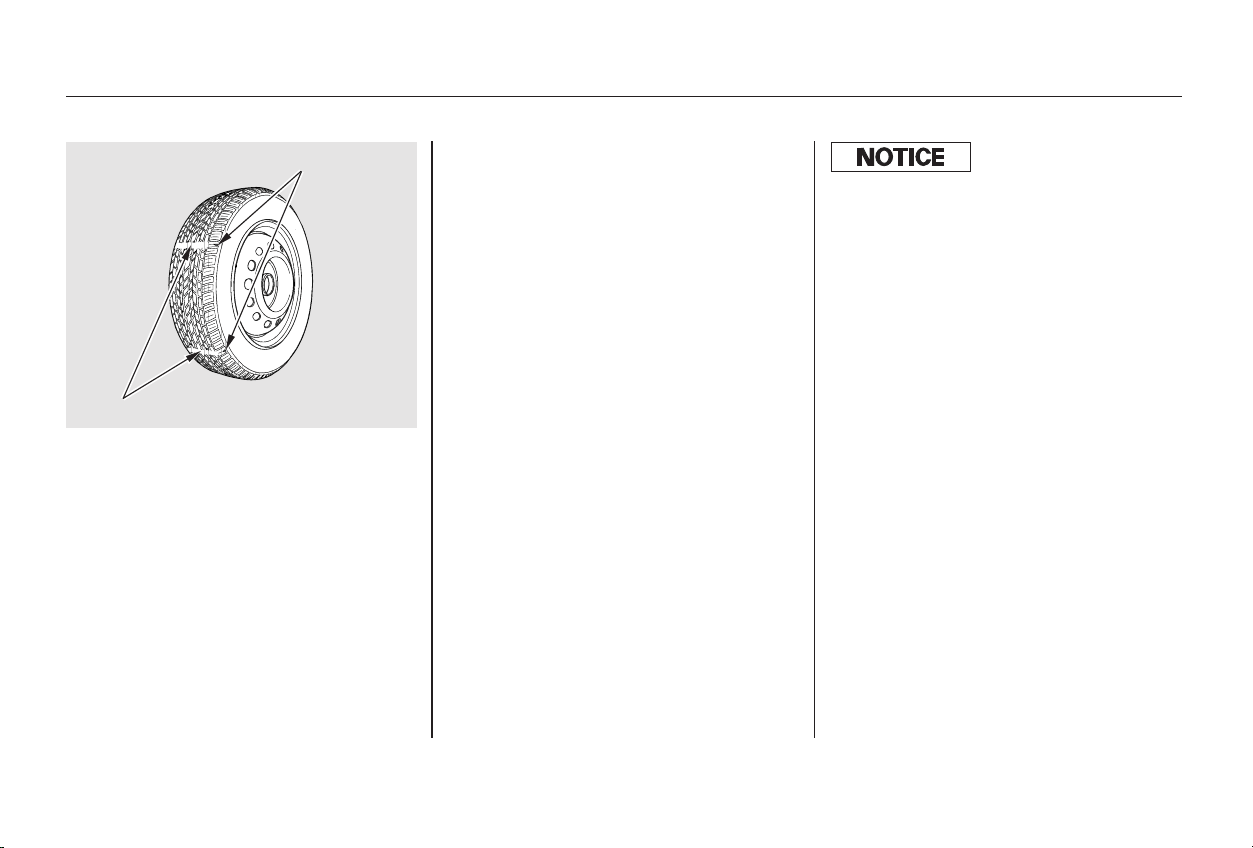
In addition to proper inflation,
correct wheel alignment helps to
decrease tire wear. If you find a tire
is worn unevenly, have your dealer
check the wheel alignment.
The tires were properly balanced by
the factory. They may need to be
rebalanced at some time before they
are worn out. Have your dealer
check the tires if you feel a consis-
tent vibration while driving. A tire
should always be rebalanced if it is
removed from the wheel for repair.
Your car’s tires have wear indicators
molded into the tread. When the
tread wears down to that point, you
will see a 1/2 inch (12.7 mm) wide
band running across the tread. This
shows there is less than 1/16 inch
(1.6 mm) of tread left on the tire. A
tire that is this worn gives very little
traction on wet roads. You should
replace the tire if you can see the
tread wear indicator in three or more
places around the tire.
Make sure the installer balances the
wheels when you have new tires
installed. This increases riding
comfort and tire life. Your car’s
original tires were dynamic or ‘‘spin’’
balanced at the factory. For best
results, have the installer perform a
dynamic balance.
On some models
Maintenance
Tires
Maintenance
284
IINNDDIICCAATTOORR LLOOCCAATTIIOONN MMAARRKKSS
TTRREEAADD WWEEAARR IINNDDIICCAATTOORRSS
Improper wheel weights can damage
your car’s aluminum wheels. Use only
Genuine Honda wheel weights f or
balancing.
Main Menu
Table of Contents
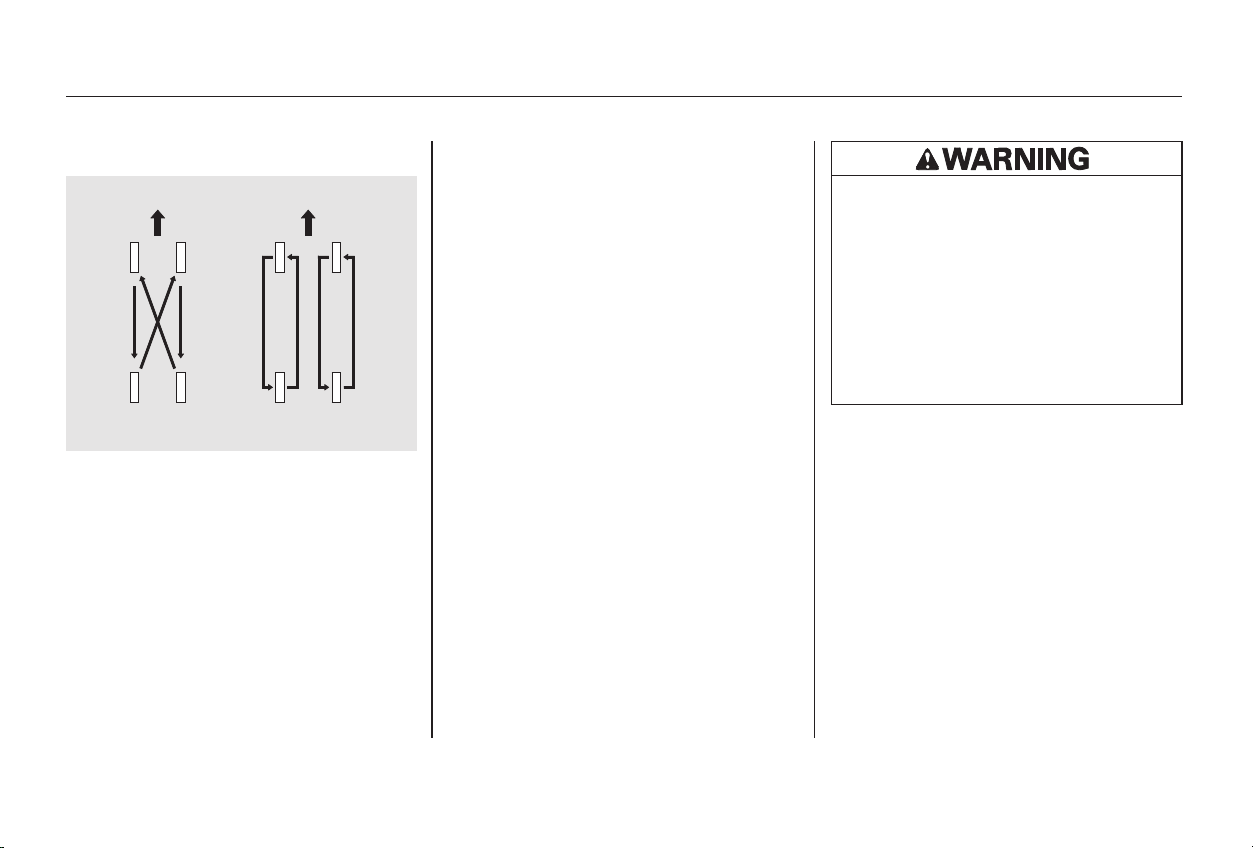
To help increase tire life and
distribute wear more evenly, you
should have the tires rotated every
7,500 miles (12,000 km). Move the
tires to the positions shown in the
chart each time they are rotated.
When shopping for replacement
tires, you may find that some tires
are ‘‘directional.’’ This means they
are designed to rotate only in one
direction. If you use directional tires,
they should be rotated only front-to-
back.
The tires that came with your car
were selected to match the perform-
ance capabilities of the car while
providing the best combination of
handling, ride comfort, and long life.
Youshouldreplacethemwithradial
tires of the same size, load range,
speed rating, and maximum cold tire
pressure rating (as shown on the
tire’s sidewall). Mixing radial and
bias-ply tires on your car can reduce
its braking ability, traction, and
steering accuracy.
It is best to replace all four tires at
thesametime.Ifthatisnotpossible
or necessary, then replace the two
front tires or the two rear tires as a
pair. Replacing just one tire can
seriously affect your car’s handling.
CONTINUED
Tire Rotation
Replacing Tires and Wheels
Tires
Maintenance
285
FFrroonntt FFrroonntt
((FFoorr NNoonn--ddiirreeccttiioonnaall
TTiirreess aanndd WWhheeeellss))
((FFoorr DDiirreeccttiioonnaall
TTiirreess aanndd WWhheeeellss))
Installing improper tires on your
car can affect handling and
stability. This can cause a crash
in which you can be seriously
hurt or killed.
Always use the size and type of
tires recommended in this
owner’s manual.
Main Menu
Table of Contents

+Wheel: Tires that are marked ‘‘M S’’ or
‘‘All Season’’ on the sidewall have an
all-weather tread design. They
should be suitable for most winter
driving conditions. Tires without
these markings are designed for
optimum traction in dry conditions.
They may not provide adequate
performance in winter driving.
For the best performance in snowy
or icy conditions, you should install
snow tires or tire chains. They may
be required by local laws under
certain conditions.
If you ever need to replace a wheel,
make sure the wheel’s specifications
match those of the original wheel
that came on your car. Replacement
wheels are available at your Honda
dealer.
TheABSworksbycomparingthe
speed of the wheels. When replacing
tires, use the same size originally
supplied with the car. Tire size and
construction can affect wheel speed
and may cause the system to work
inconsistently.
See page for information about
DOT Tire Quality Grading.
Tire:
(Special Edition, EX, and the U.S.
LX)
(U.S. LX-V6)
(EX-V6)
(Special Edition, EX, and the U.S.
LX)
(U.S. LX-V6)
(EX-V6)
348
Tires
Maintenance
Wheels and Tires Winter Driving
286
P205/60R16 91V
P205/65R15 92V
P195/65R15 89H
16x61/2JJ
15x61/2JJ
15x6JJ
Main Menu
Table of Contents
4-cylinder models
6-cylinder models
If you mount snow tires on your
Honda, make sure they are radial
tires of the same size and load range
as the original tires. Mount snow
tiresonallfourwheelstobalance
your car’s handling in all weather
conditions. Keep in mind the traction
provided by snow tires on dry roads
may not be as high as your car’s
original equipment tires. You should
drive cautiously even when the roads
areclear.Checkwiththetiredealer
for maximum speed recommenda-
tions.
Mount traction devices (link-type or
cable-type) only when required by
driving conditions or local laws.
Make sure they are the correct size
for your tires. Install them only on
the front tires.
If link-type traction devices are used,
they must be SAE class ‘‘S’’. Cable-
type traction devices can also be
used.
Because your Honda has limited tire
clearance, mount only SAE Class ‘‘S’’
cable-type traction devices.
Link-type ‘‘chains’’ should not be
used. No matter how tight they seem
to be installed, they can come into
contact with the body and
suspension, causing serious damage.
When installing traction devices,
follow the manufacturer’s
instructions and mount them as
tightly as you can. Drive slowly with
them installed. If you hear them
coming in contact with the body or
chassis, stop and investigate. Make
sure the traction devices are
installed tightly, and that they are
not contacting the brakes or
suspension. Remove them as soon as
youstartdrivingonclearedroads.
Snow Tires Tire Chains All Models
Tires
Maintenance
287
Traction devices that are the wrong
size or improperly installed can
damage your car’s brake lines,
suspension, body, and wheels. Stop
driving if they are hitting any part of
the car.
Main Menu
Table of Contents
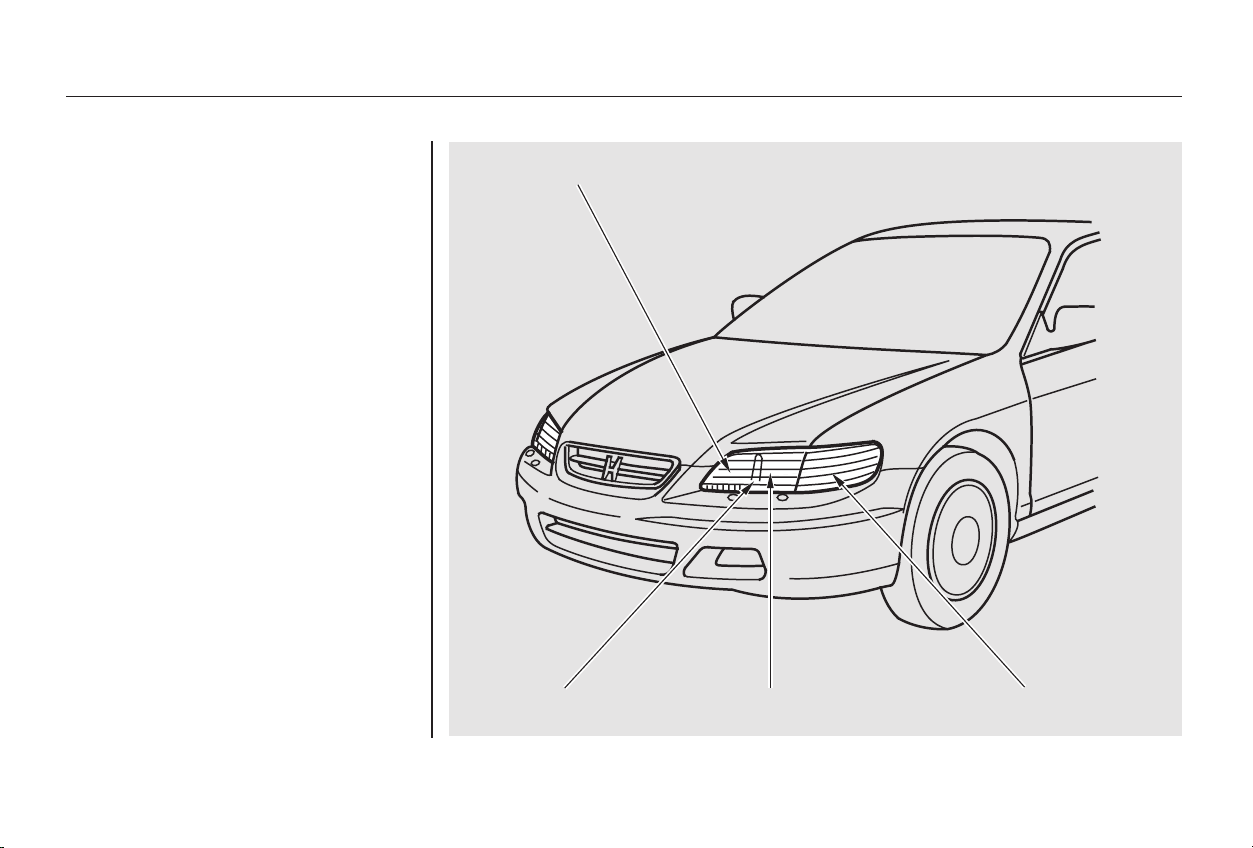
Check the operation of your car’s
exterior lights at least once a month.
A burned out bulb can create an
unsafe condition by reducing your
car’s visibility and the ability to
signal your intentions to other
drivers.
Lights
Maintenance
288
HHEEAADDLLIIGGHHTT HHIIGGHH BBEEAAMM
TTUURRNN SSIIGGNNAALL//SSIIDDEE
MMAARRKKEERR LLIIGGHHTT
HHEEAADDLLIIGGHHTT LLOOWW BBEEAAMMPPAARRKKIINNGG LLIIGGHHTT
Main Menu
Table of Contents
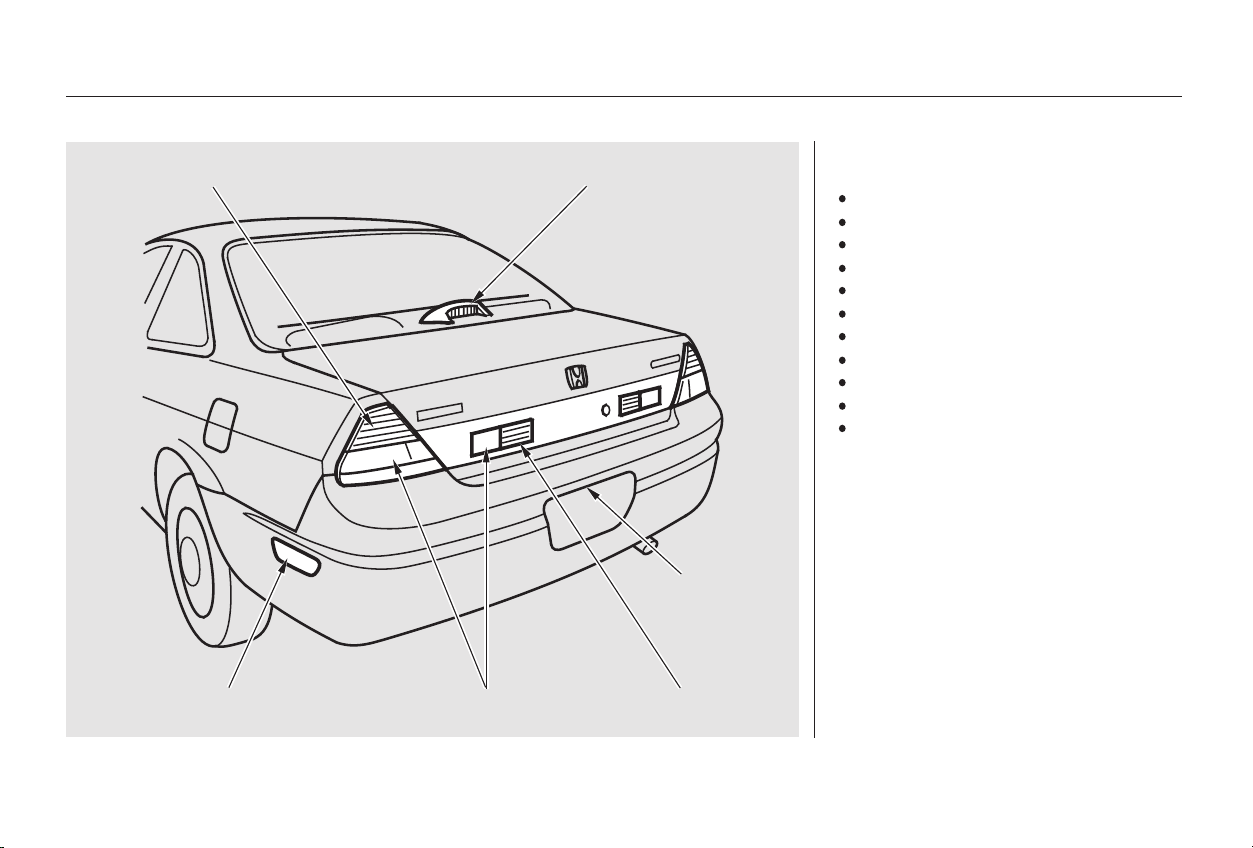
Check the following:
Headlights (low and high beam)
Parking lights
Taillights
Brake lights
High-mount brake light
Turn signals
Back-up lights
Hazard light function
License plate light
Side marker lights
Daytime running lights
(Canadian models)
If you find any bulbs are burned out,
replace them as soon as possible.
Refer to the chart on pages and
to determine what type of
replacement bulb is needed.
347
345
Lights
Maintenance
289
TTUURRNN SSIIGGNNAALL//TTAAIILLLLIIGGHHTT HHIIGGHH--MMOOUUNNTT BBRRAAKKEE LLIIGGHHTT
BBAACCKK--UUPP LLIIGGHHTTRREEAARR SSIIDDEE MMAARRKKEERR LLIIGGHHTT SSTTOOPP//TTAAIILLLLIIGGHHTT
LLIICCEENNSSEE
PPLLAATTEE LLIIGGHHTTSS
Main Menu
Table of Contents
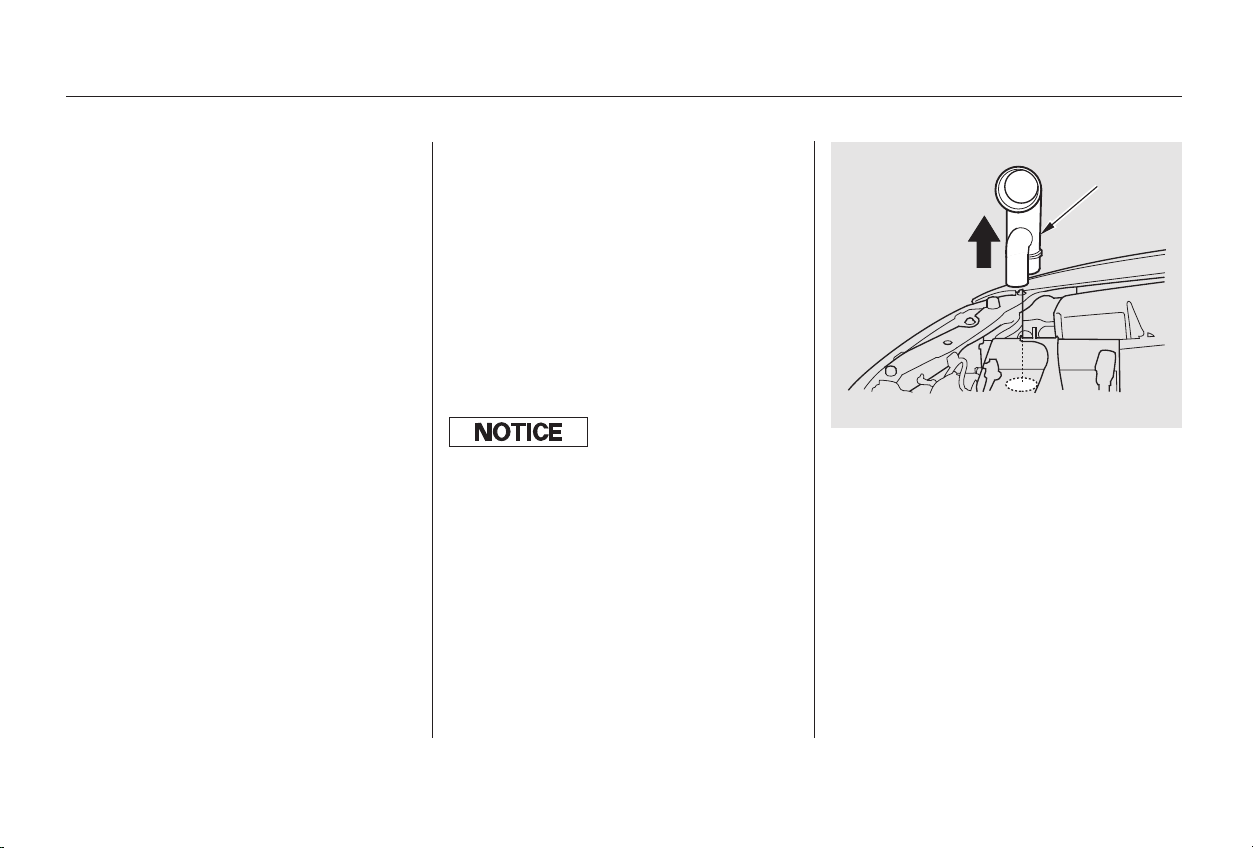
Your car has two bulbs on each side,
four in total. Make sure you are
replacing the bulb that is burned out.
Your car uses halogen headlight
bulbs. When replacing a bulb, handle
it by its plastic case and protect the
glass from contact with your skin or
hard objects. If you touch the glass,
clean it with denatured alcohol and a
clean cloth.
Theheadlightswereproperlyaimed
when your car was new. If you
regularly carry heavy items in the
trunk or pull a trailer, readjustment
may be required. Adjustment of the
headlights should be performed by a
Honda technician or other qualified
mechanic.
Open the hood.
If you need to change the head-
light bulb on the passenger’s side,
remove the radiator reserve tank
and the air intake duct.
If you need to change the
headlight bulb on the driver’s side,
remove the radiator reserve tank.
1.
4-cylinder models
6-cylinder models
Replacing a Headlight BulbHeadlight Aiming
Lights
Maintenance
290
44--ccyylliinnddeerr mmooddeellss
AAIIRR IINNTTAAKKEE
DDUUCCTT
Halogen headlight bulbs get very hot
when lit. Oil, perspiration, or a scratch
on the glass can cause the bulb to
overheat and shatter.
Main Menu
Table of Contents
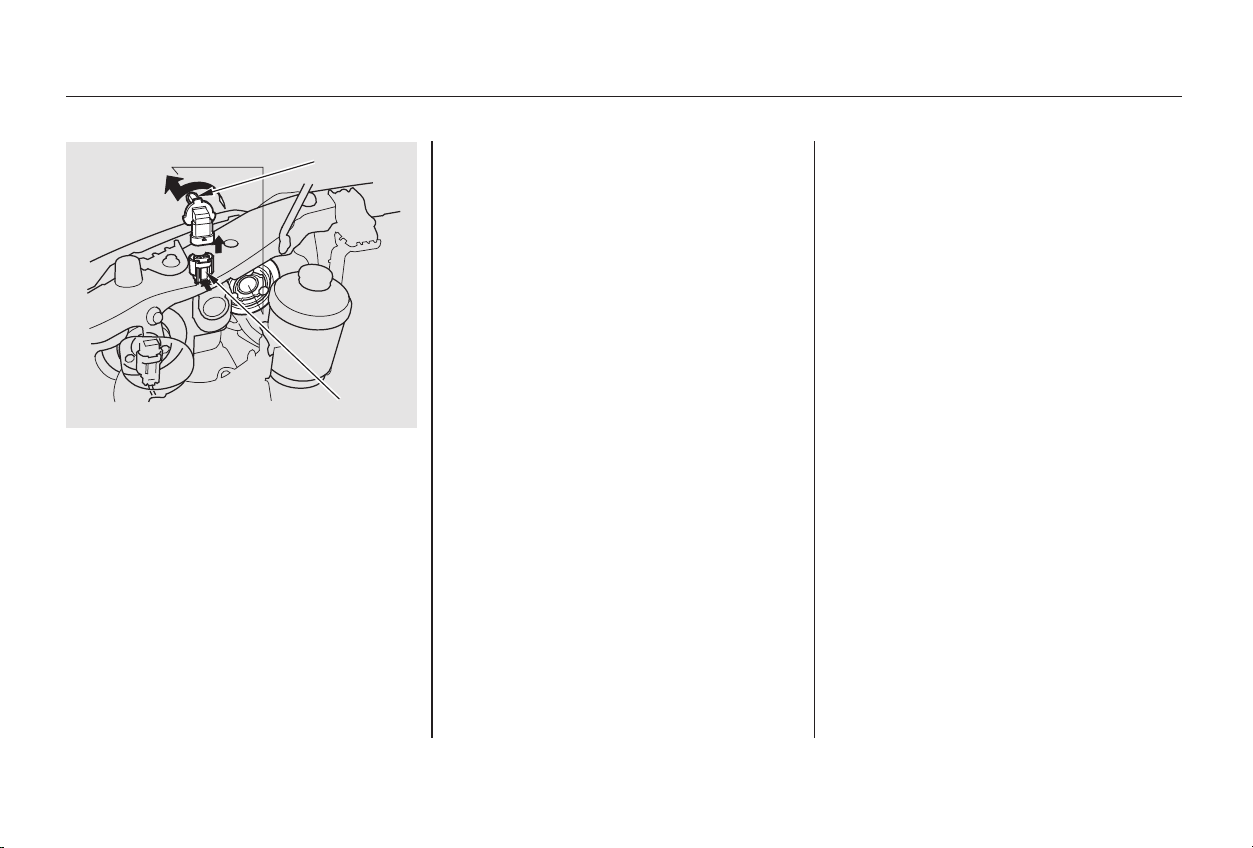
Remove the electrical connector
from the bulb by squeezing the
connector to unlock the tab, then
slide the connector off the bulb.
Remove the bulb by turning it
approximately one-quarter turn
counterclockwise.
Reinstall the radiator reserve tank.
(Driver’s side)
Reinstall the radiator reserve tank
and the air intake duct.
(Passenger’s side)
Turn on the headlights to test the
new bulb.
Push the electrical connector back
onto the bulb. Make sure it is on
all the way.
Insert the new bulb into the hole
and turn it one-quarter turn clock-
wise to lock it in place.
2.
3.
4.
7.
6.
5.
6-cylinder models
4-cylinder models
Lights
Maintenance
291
BBUULLBB
TTAABB
Main Menu
Table of Contents
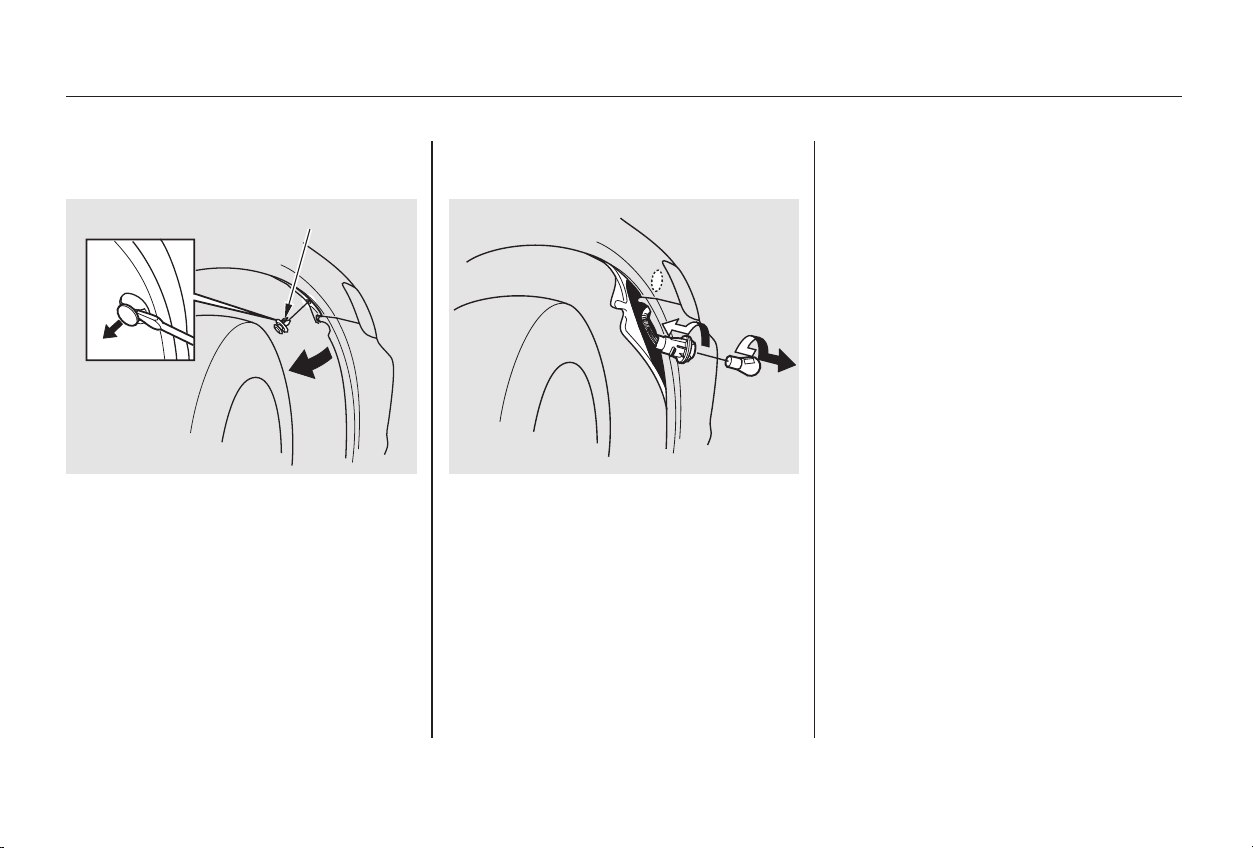
Testthelightstomakesurethe
new bulb is working.
Insert the socket back into the
headlight assembly. Turn it
clockwise to lock it in place.
Install the new bulb in the socket.
Turn it clockwise to lock it in place.
Remove the burned out bulb from
thesocketbypushingitinand
turning the bulb counterclockwise
until it unlocks.
Remove the socket from the
headlight assembly by turning it
one-quarter turn counterclockwise.
If you are changing the bulb on
the driver’s side, start the engine,
turn the steering wheel all the way
to the right, and turn off the
engine. If you are changing the
bulb on the passenger’s side, turn
the steering wheel to the left.
Use a flat-tipped screwdriver to
remove the holding clip from the
inner fender.
Pull the inner fender cover away
from the fender and bumper.
Put the inner fender cover in place.
Install the holding clip. Lock it in
place by pushing on the center.
1.
3.
2.
4.
5.
6.
7.
8.
9.
Replacing Front Turn Signal and
Side Marker Light Bulbs
Lights
Maintenance
292
HHOOLLDDIINNGG CCLLIIPP
Main Menu
Table of Contents
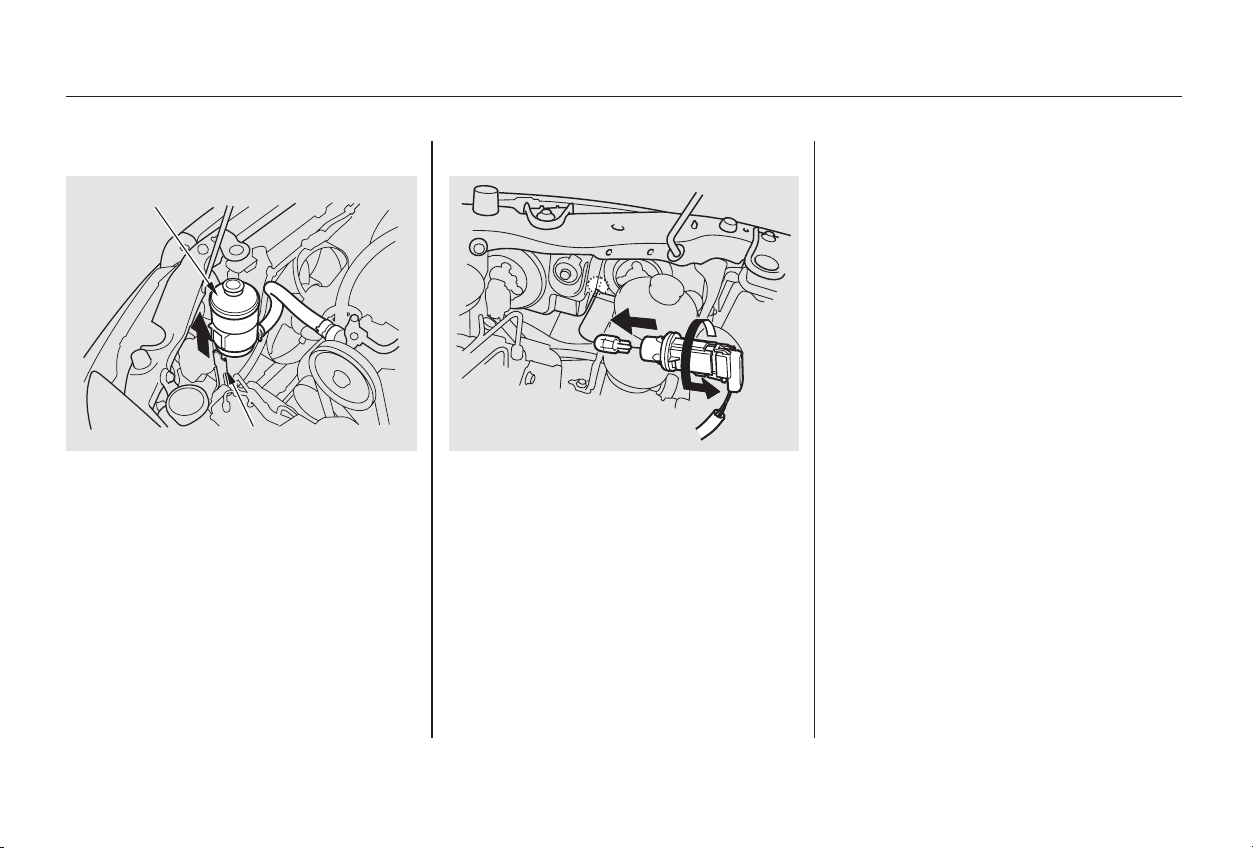
Pull the bulb straight out of its
socket.
Push the new bulb straight into
the socket until it bottoms.
Open the hood. The front parking
light is next to the headlight bulb.
Insert the socket back into the
headlight assembly. Turn it
clockwise to lock it in place.
Turn on the parking lights to
make sure the new bulb works.
(Passenger’s side)
Reinstall the radiator reserve tank.
(Driver’s side)
If you need to change a bulb on
the driver’s side, remove the
radiator reserve tank.
Remove the socket from the
headlight assembly by turning it
one-quarter turn counterclockwise.
(Driver’s side)
Reinstall the power steering fluid
tank.
Reinstall the radiator reserve tank.
If you need to change a bulb on
the passenger’s side, remove the
radiator reserve tank. On the
driver’s side, remove the power
steering fluid tank.
2.
3.
1.
4.
5.
6.
4-cylinder models
6-cylinder models
6-cylinder models
4-cylinder models
Replacing a Parking Light Bulb
Lights
Maintenance
293
PPOOWWEERR SSTTEEEERRIINNGG FFLLUUIIDD TTAANNKK
HHOOLLDDEERR
Main Menu
Table of Contents
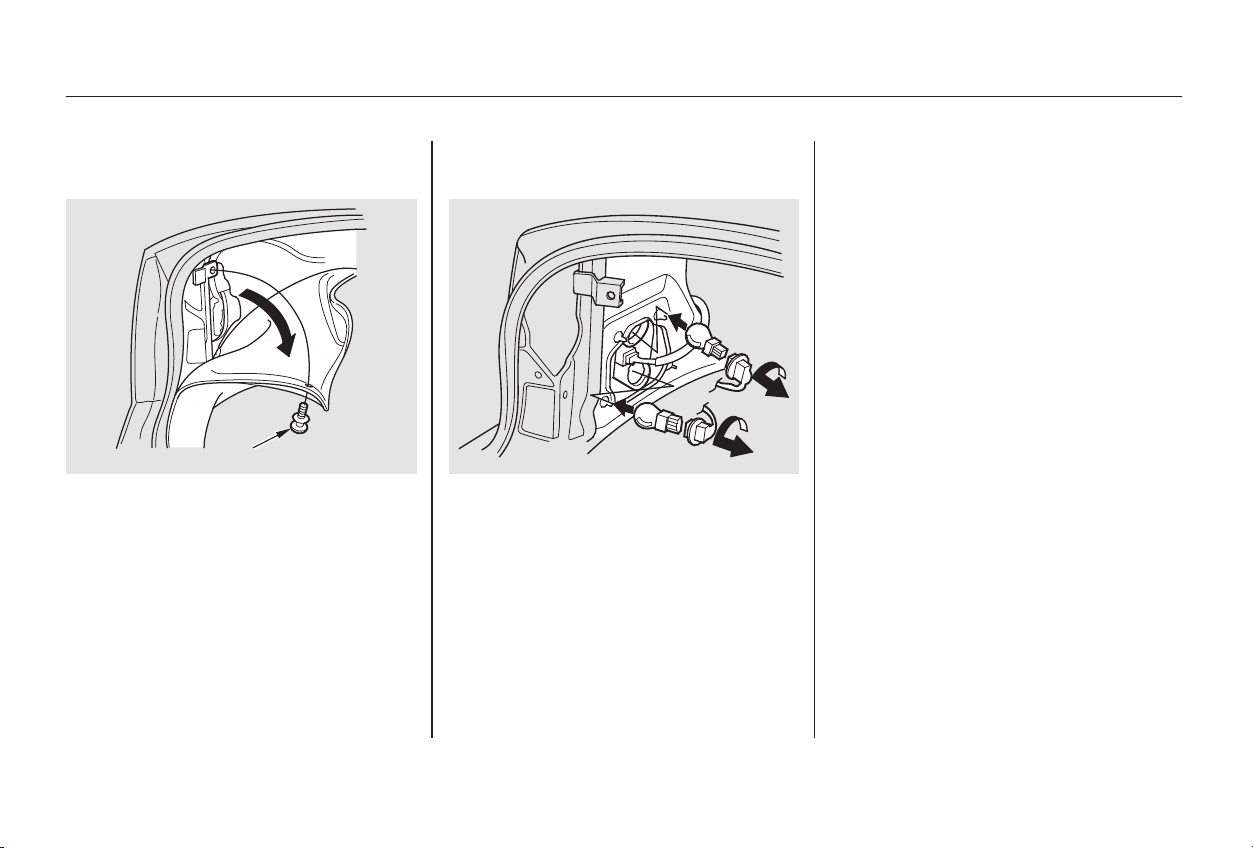
Open the trunk.
Remove the fastener from the side
of the trunk lining by turning it
counterclockwise with a coin. Pull
the lining back.
Determine which of the two bulbs
is burned out: stop/taillight or turn
signal/taillight.
Remove the socket by turning it
one-quarter turn counterclockwise.
Pull the bulb straight out of its
socket.
Push the new bulb straight into
the socket until it bottoms.
Reinstall the socket into the light
assembly by turning it clockwise
until it locks.
Testthelightstomakesurethe
new bulb is working.
Reinstall the trunk lining. Make
sure it is installed under the edge
of the trunk seal.
1. 3.
2.
4.
5.
6.
7.
8.
Replacing Rear Bulbs
(in Fenders)
Maintenance
Lights
294
FFAASSTTEENNEERR
Main Menu
Table of Contents
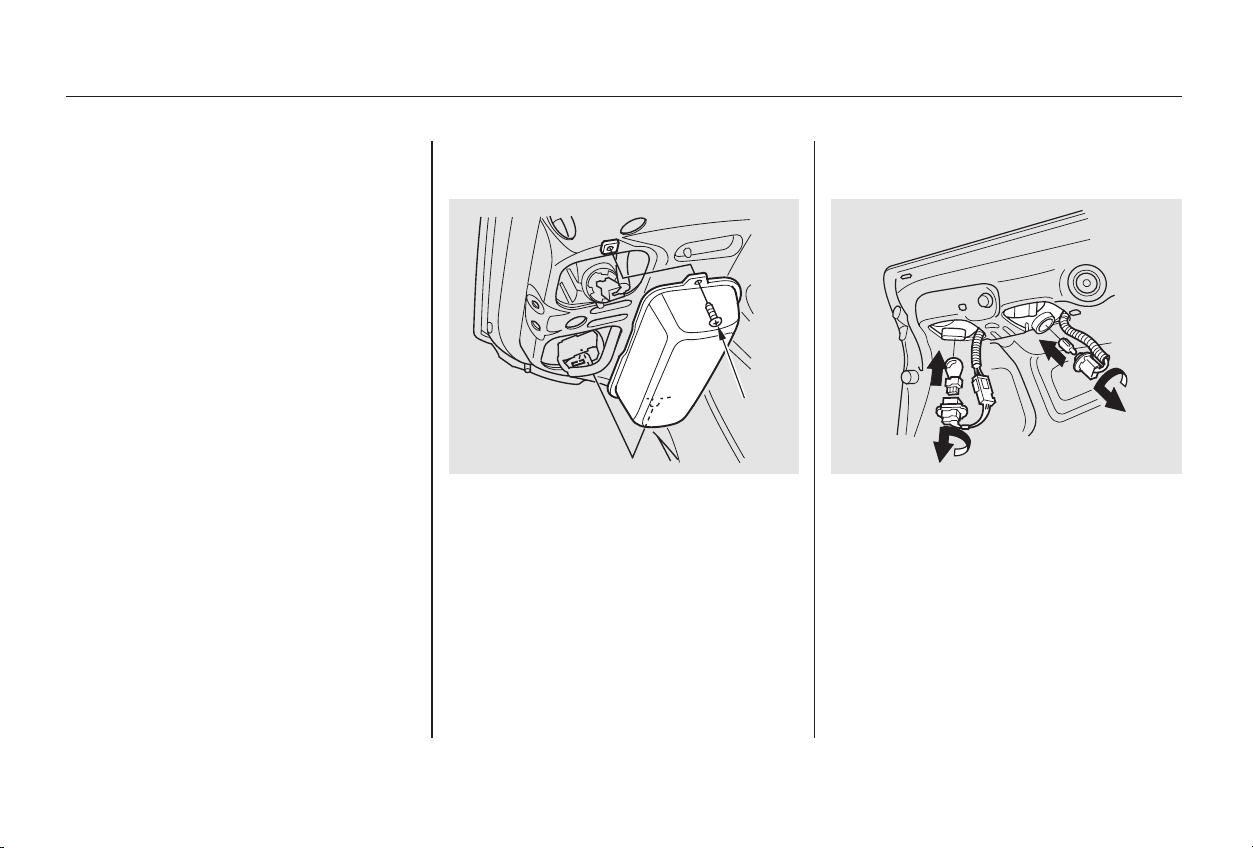
Open the trunk.
Remove the screw securing the
plastic cover. Then remove the
plastic cover.
Determine which of the two bulbs
is burned out: stop/taillight or
back-up light.
Put the fastener in the hole on the
side of the trunk lining and push
on the center until it locks (the
center is flush with the head).
1.
2.
3.
9.
CONTINUED
Replacing Rear Bulbs
(in Trunk Lid)
Lights
Maintenance
295
SSCCRREEWW
Main Menu
Table of Contents
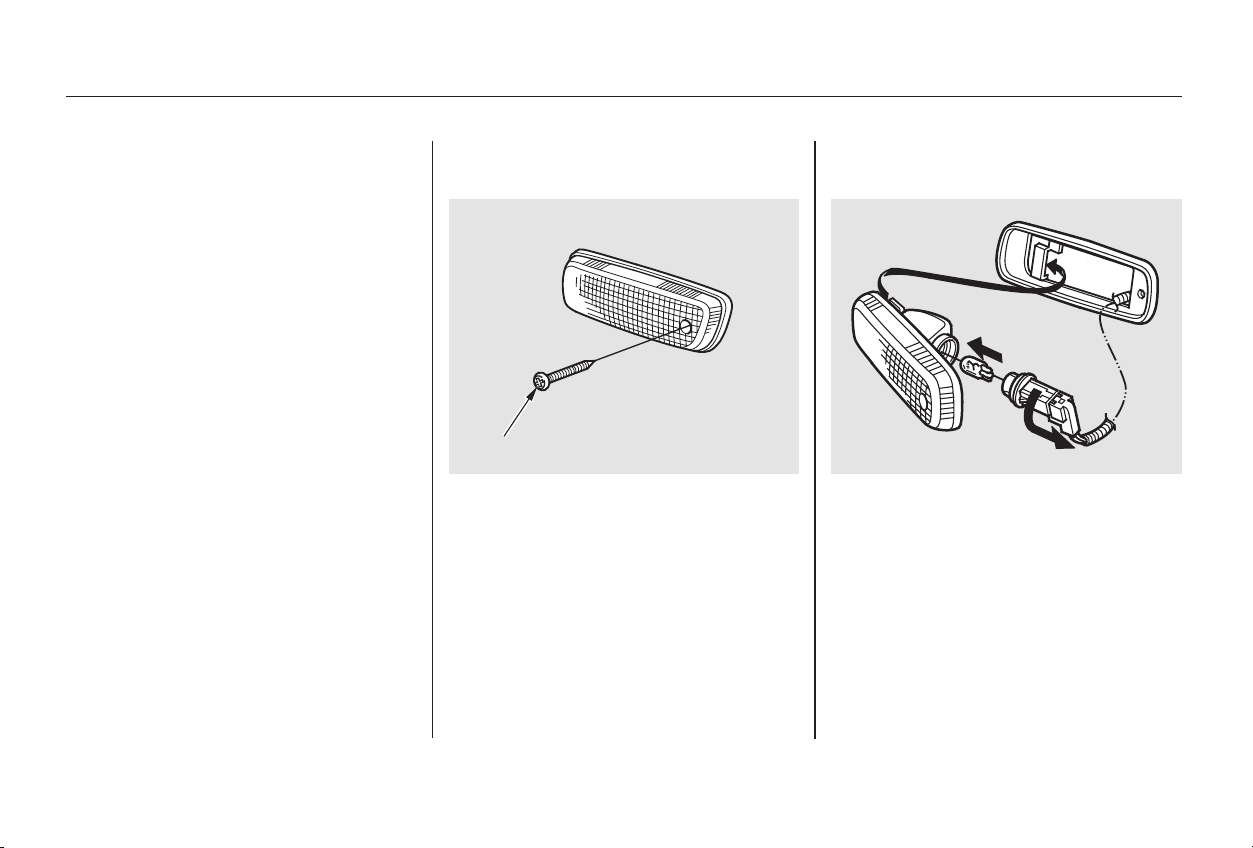
Remove the socket by turning it
one-quarter turn counterclockwise.
Pull the bulb straight out of its
socket.
Push the new bulb straight into
the socket until it bottoms.
Reinstall the socket into the light
assembly.
Testthelightstomakesurethe
new bulb is working.
Reinstall the plastic cover and
secure it with the screw. Use a Phillips-head screwdriver to
loosen the side marker assembly
mounting screw.
Remove the assembly from the
fender by pulling out the back
edge and sliding the assembly
backwards.
Remove the socket from the light
assembly by turning it counter-
clockwise.
Remove the bulb from the socket
by pulling it straight out.
Install the new bulb. Turn on the
headlights to test the bulb.
1.
2.
4.
5.
6.
7.
8.
4.
3.
Replacing a Rear Side Marker
Light Bulb
Lights
Maintenance
296
SSCCRREEWW
Main Menu
Table of Contents
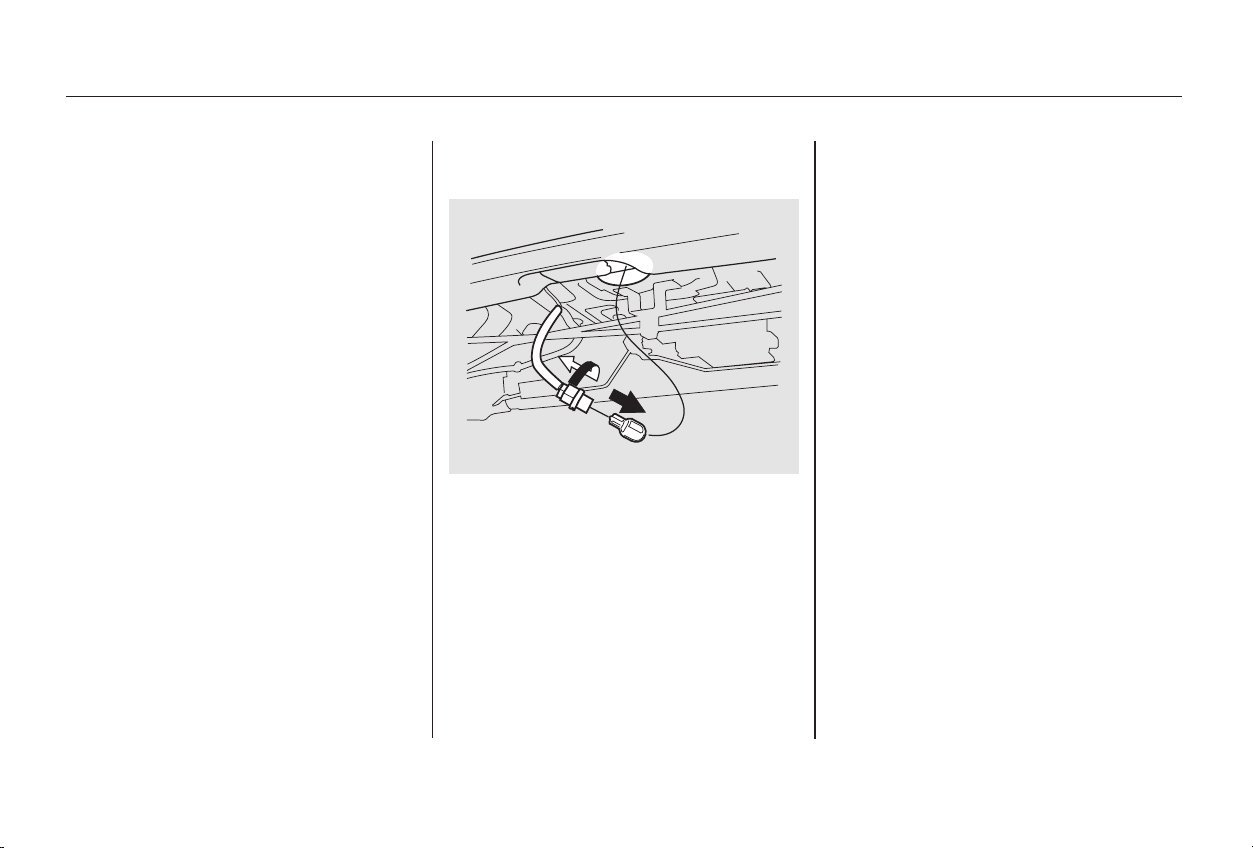
Insert the socket in the assembly.
Turn it clockwise to lock it in place.
Reinstall the side marker assem-
bly in the bumper. Tighten the
mounting screw securely.
Open the trunk and remove the
socket from the light assembly by
turning it one-quarter turn counter-
clockwise.
Remove the burned-out bulb by
pulling it straight out of the socket.
Install the new bulb in the socket.
Reinstall the socket. Turn it
clockwise until it locks.
Testthelightstomakesurethe
new bulb is working.
1.
2.
3.5.
6. 4.
Replacing a High-mount Brake
Light Bulb
Lights
Maintenance
297
Main Menu
Table of Contents
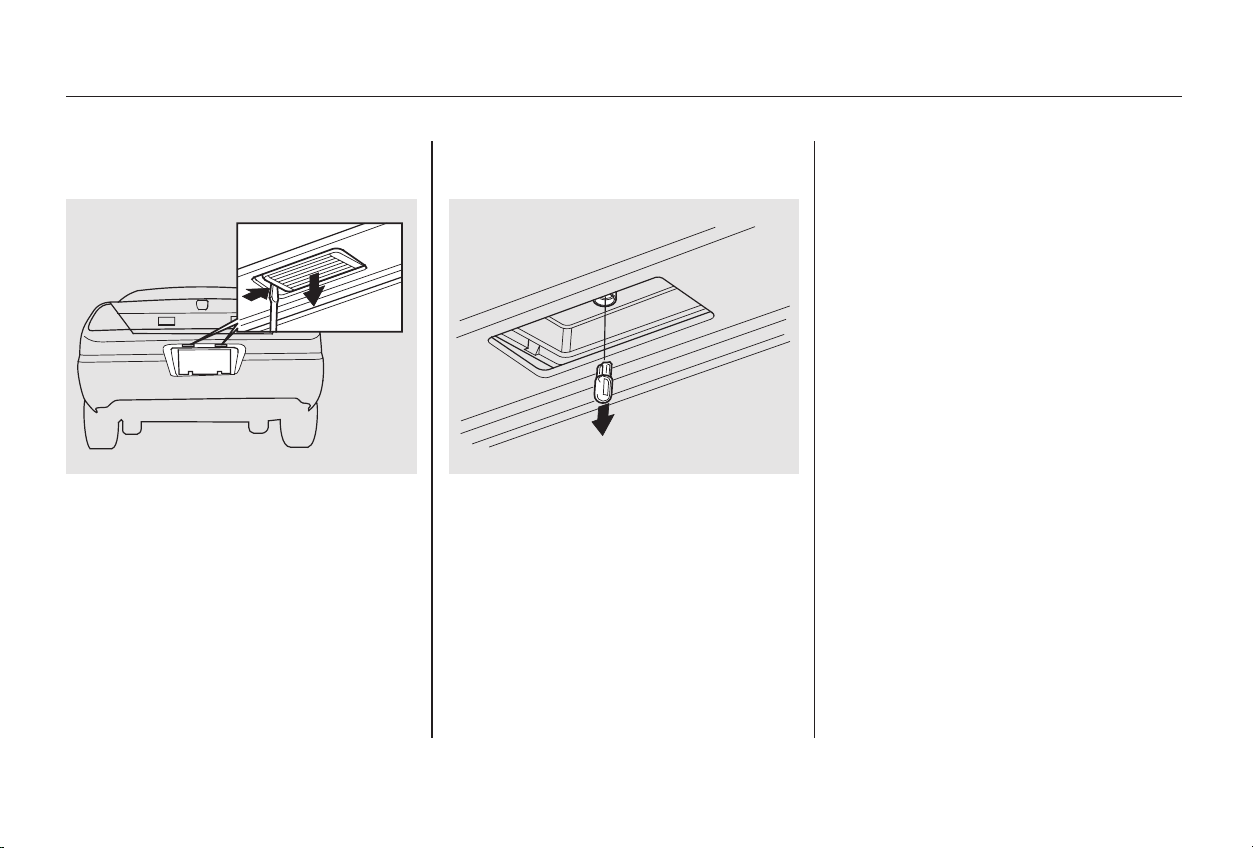
Turn on the parking lights and
check that the new bulb is
working.
Put the lens back into the light
assembly, right side first. Push on
the left edge until it snaps into
place.
Insert a flat-tipped screwdriver
between the left edge of the lens
and the housing. The lens will
come down.
Pull the bulb straight out of its
socket. Push the new bulb in until
it bottoms in the socket.
1. 2.
3.
4.
Replacing a Rear License Plate
Bulb
Lights
Maintenance
298
Main Menu
Table of Contents
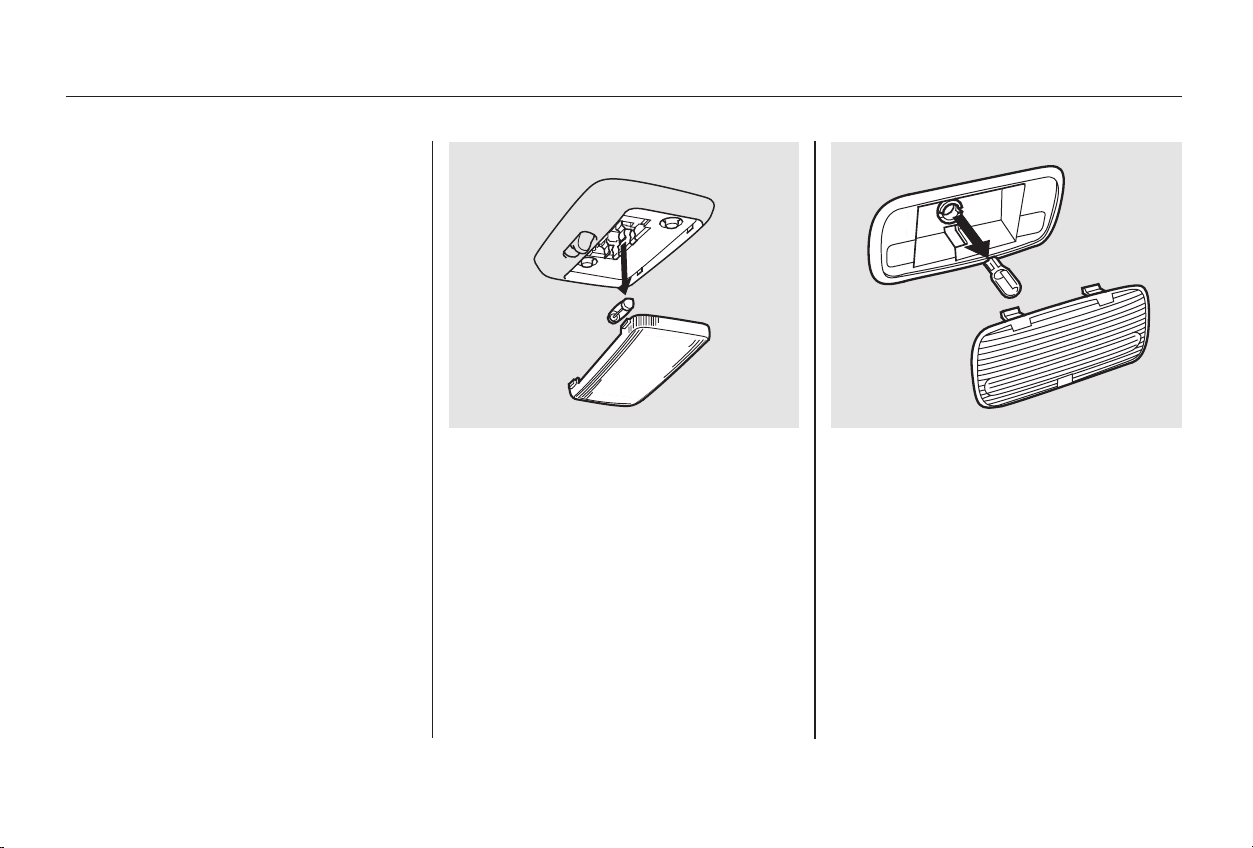
The ceiling light, door light and
vanity mirror light come apart the
same way, but they do not use the
same type of bulb.
Door light:
Pryonthetopmiddleofthelens.
Removethelensbycarefully
prying on the edge of the lens with
a fingernail file or a small flat-tip
screwdriver. Do not pry on the
edge of the housing around the
lens.
Ceiling light:
Pry on the front edge of the lens
near both sides.
1.
CONTINUED
Replacing Bulbs in the Interior
Courtesy Lights
Lights
Maintenance
299
CCEEIILLIINNGG LLIIGGHHTT DDOOOORR LLIIGGHHTT
Main Menu
Table of Contents
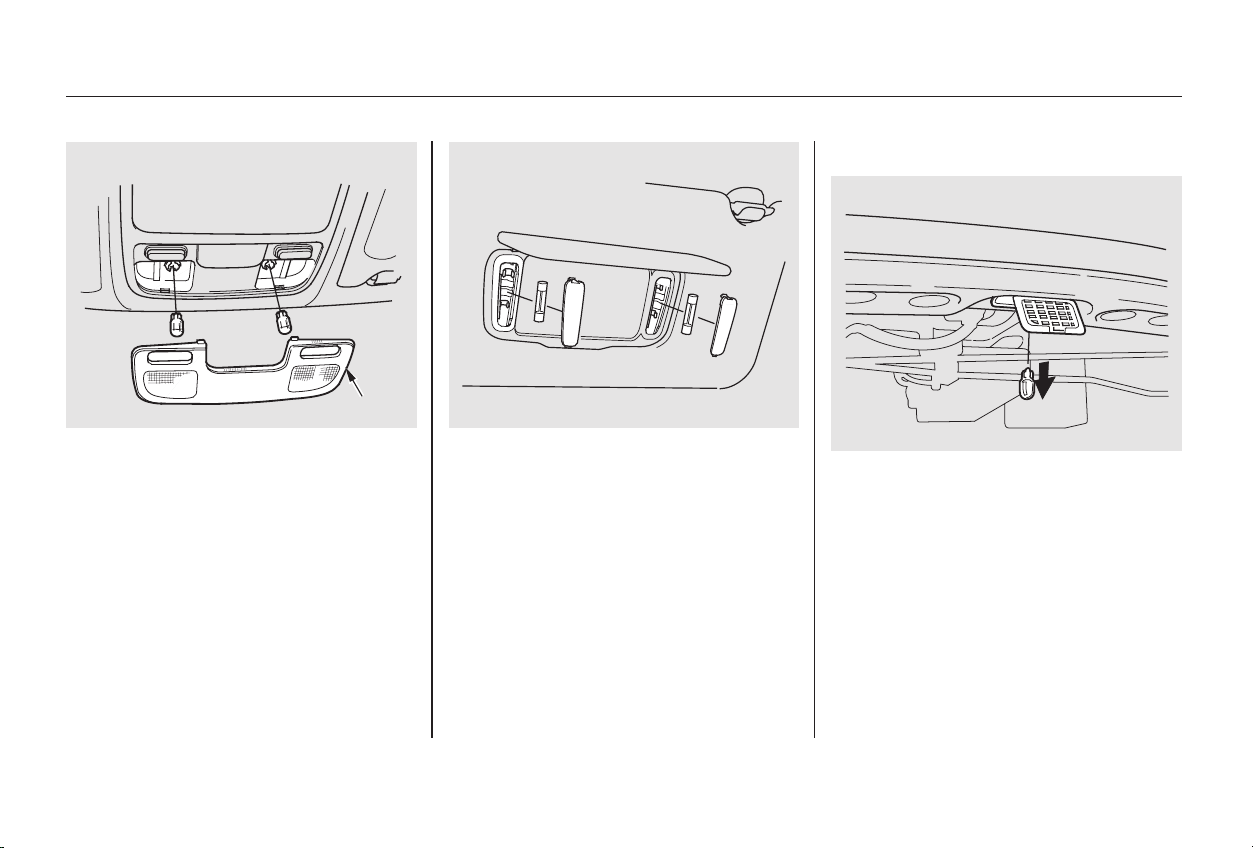
Remove the bulb by pulling it
straight out of its metal tabs.
Push the new bulb into the metal
tabs. Snap the lens back in place.
Open the trunk. Pull down the
trunk light cover.
Remove the bulb by pulling it
straight out of its metal tabs.
Push the new bulb into the metal
tabs.
Push the cover back in place.
Spotlights:
Pry on the front edge in front of
both spotlights.
2.
3.
1.
2.
3.
4.
Replacing the Trunk Light Bulb
Lights
Maintenance
300
SSPPOOTTLLIIGGHHTT
LLEENNSS
VVAANNIITTYY MMIIRRRROORR LLIIGGHHTT
TTRRUUNNKK LLIIGGHHTT
Main Menu
Table of Contents
Block the rear wheels.
Fill the fuel tank.
Change the engine oil and filter
(see page ).
Wash and dry the exterior
completely.
Cleantheinterior.Makesurethe
carpeting, floor mats, etc. are
completely dry.
Leave the parking brake off. Put
the transmission in Reverse
(5-speed manual) or Park
(automatic).
If you need to park your car for an
extended period (more than one
month), there are several things you
should do to prepare it for storage.
Proper preparation helps prevent
deterioration and makes it easier to
get your car back on the road. If
possible, store your car indoors.
If the car is to be stored for a
longer period, it should be
supported on jackstands so the
tires are off the ground.
Leave one window open slightly (if
the car is being stored indoors).
Disconnect the battery.
Support the front wiper blade
arms with a folded towel or rag so
they do not touch the windshield.
To minimize sticking, apply a
silicone spray lubricant to all door
and trunk seals. Also, apply a
vehiclebodywaxtothepainted
surfaces that mate with the door
and trunk seals.
Coverthecarwitha‘‘breathable’’
cover, one made from a porous
material such as cotton.
Nonporous materials, such as
plastic sheeting, trap moisture,
which can damage the paint.
If possible, run the engine for a
while periodically (preferably once
amonth).
If you store your car for 12 months
or longer, have your Honda dealer
perform the inspections called for in
the 24 months/30,000 miles (48,000
km) maintenance schedule (Normal
Conditions) as soon as you take it
out of storage (see page ). The
replacements called for in the
maintenance schedule are not
needed unless the car has actually
reached that time or mileage.
250
238
Storing Your Car
Maintenance
301
Main Menu
Table of Contents

302
Main Menu

Regular cleaning and polishing of
your Honda helps to keep it ‘‘new’’
looking. This section gives you hints
on how to clean your car and
preserve its appearance: the paint,
brightwork, wheels and interior. Also
included are several things you can
do to help prevent corrosion.
.................................Exterior Care . 304
.....................................Washing . 304
.......................................Waxing . 305
....................Aluminum Wheels . 305
..........................Paint Touch-up . 305
..................................Interior Care . 306
...................................Carpeting . 306
.................................Floor Mats . 306
.........................................Fabric . 307
...........................................Vinyl . 307
.......................................Leather . 307
...................................Seat Belts . 307
....................................Windows . 308
..........................Air Fresheners . 308
....................Corrosion Protection . 309
.................................Body Repairs . 310
Appearance Care
Appearance Care
303
Main Menu
When you have washed and rinsed
the whole exterior, dry it with a
chamois or soft towel. Letting it
air-dry will cause dulling and water
spots.
Fill a bucket with cool water. Mix
in a mild detergent, such as
dishwashing liquid or a product
made especially for car washing.
Only use the solvents and cleaners
recommendedinthisOwner’s
Manual.
Frequent washing helps preserve
your car’s beauty. Dirt and grit can
scratch the paint, while tree sap and
bird droppings can permanently ruin
the finish.
Rinse the car thoroughly with cool
water to remove loose dirt.
As you dry the car, inspect it for
chips and scratches that could allow
corrosion to start. Repair them with
touch-up paint (see page ).
Wash the car using the water and
detergent solution and a soft-
bristle brush, sponge, or soft cloth.
Start at the top and work your way
down. Rinse frequently.
Check the body for road tar, tree
sap, etc. Remove these stains with
tar remover or turpentine. Rinse it
off immediately so it does not
harm the finish. Remember to re-
wax these areas, even if the rest of
the car does not need waxing.
Wash your car in a shady area, not in
direct sunlight. If the car is parked in
the sun, move it into the shade and
let the exterior cool down before you
start.
305
Exterior Care
Appearance Care
Washing
304
Chemical solvents and strong cleaners
can damage the paint, metal, and
plastic on your car.
Main Menu
Table of Contents

−
−
Always wash and dry the whole car
before waxing it. You should wax
your car, including the metal trim,
whenever water sits on the surface
in large patches. It should form into
beads or droplets after waxing.
You should use a quality liquid or
paste wax. Apply it according to the
instructions on the container. In
general, there are two types of
products:
Waxes A wax coats the finish and
protects it from damage by exposure
to sunlight, air pollution, etc. You
should use a wax on your Honda
when it is new.
Polishes Polishes and cleaner/
waxes can restore the shine to paint
that has oxidized and lost some of its
shine. They normally contain mild
abrasives and solvents that remove
the top layer of the finish. You
should use a polish on your Honda if
the finish does not have its original
shine after using a wax.
Cleaning tar, insects, etc. with
removers also takes off the wax.
Remember to re-wax those areas,
even if the rest of the car does not
need waxing.
Clean your Honda’s aluminum alloy
wheels as you do the rest of the
exterior.Washthemwiththesame
solution, and rinse them thoroughly.
The wheels have a protective clear-
coat that keeps the aluminum from
corroding and tarnishing. Using
harsh chemicals, including some
commercial wheel cleaners, or stiff
brushes can damage this clear-coat.
Only use a mild detergent and soft
brush or sponge to clean the wheels.
Your dealer has touch-up paint to
match your car’s color. The color
code is printed on a sticker on the
driver’s doorjamb. Take this code to
your dealer so you are sure to get
the correct color.
Inspect your car frequently for chips
or scratches in the paint. Repair
them right away to prevent corrosion
of the metal underneath. Use the
touch-up paint only on small chips
and scratches. More extensive paint
damage should be repaired by a
professional.
On some models
Exterior Care
Appearance Care
Waxing Paint Touch-up
Aluminum Wheels
305
Main Menu
Table of Contents
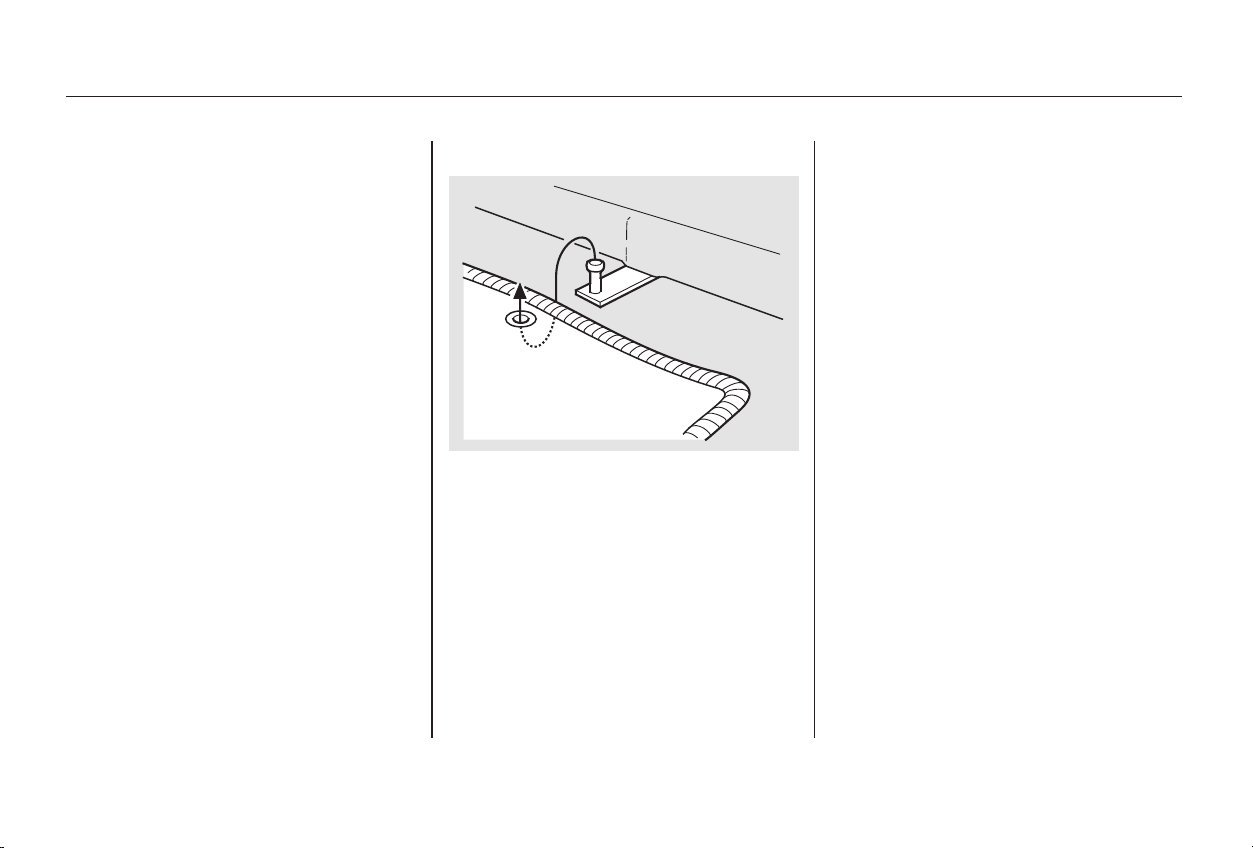
Vacuum the carpeting frequently to
remove dirt. Ground-in dirt will make
the carpet wear out faster.
Periodically shampoo the carpet to
keep it looking new. Use one of the
foam-type carpet cleaners on the
market. Follow the instructions that
come with the cleaner, applying it
with a sponge or soft brush. Keep
the carpeting as dry as possible by
not adding water to the foam.
If you remove the floor mat, make
sure to re-anchor it when you put it
back in your car.
If you replace it, use a genuine
Honda floor mat that is designed to
be used with the floor mat anchor in
your car.
If you use a non-Honda floor mat in
the driver’s footwell, make sure it
fits properly and that it can be used
with the floor mat anchor.
Do not put additional floor mats on
top of the anchored mat, otherwise
the additional mats may slide
forward and interfere with the pedals.
The Genuine Honda driver’s floor
matthatcamewithyourcarwas
designed to be hooked over the floor
mat anchor. This keeps the floor mat
from sliding forward and possibly
interfering with the pedals.
On all V6 and Special Edition models
and the 4-cylinder EX model
Carpeting Floor Mats
Appearance Care
Interior Care
306
Main Menu
Table of Contents
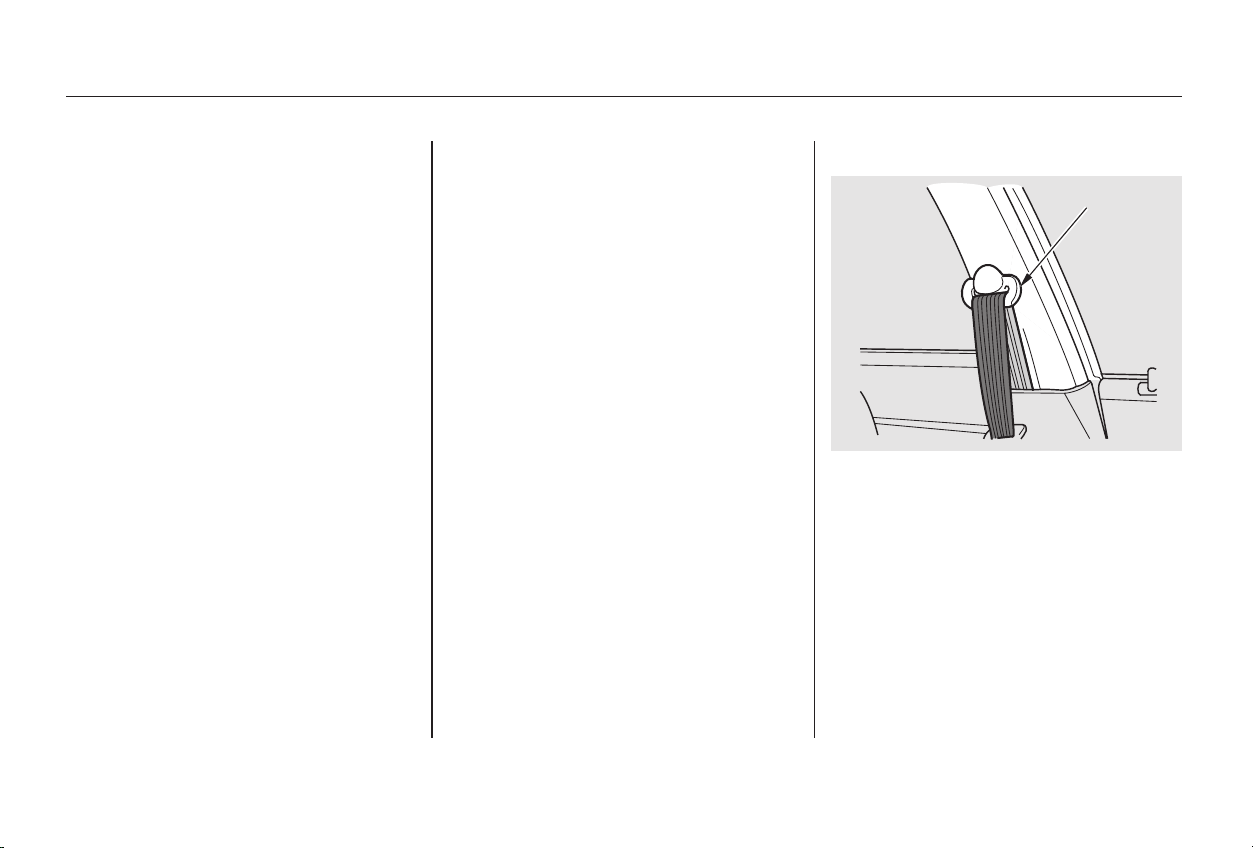
Vacuum dirt and dust out of the
material frequently. For general
cleaning, use a solution of mild soap
and lukewarm water, letting it air dry.
To clean off stubborn spots, use a
commercially-available fabric cleaner.
Test it on a hidden area of the fabric
first, to make sure it does not bleach
or stain the fabric. Follow the
instructions that come with the
cleaner.
Remove dirt and dust with a vacuum
cleaner. Wipe the vinyl with a soft
cloth dampened in a solution of mild
soap and water. Use the same
solution with a soft-bristle brush on
more difficult spots. You can also use
commercially-available spray or
foam-type vinyl cleaners.
Vacuum dirt and dust from the
leather frequently. Pay particular
attention to the pleats and seams.
Clean the leather with a soft cloth
dampened with clear water, then
buff it with a clean, dry cloth. If
further cleaning is needed, use a
soap specifically for leather, such as
saddle soap. Apply this soap with a
damp,softcloth.Wipedownand
buff as described above.
If your seat belts get dirty, you can
use a soft brush with a mixture of
mild soap and warm water to clean
them. Do not use bleach, dye, or
cleaning solvents. They can weaken
the belt material. Let the belts air-
drybeforeyouusethecar.
On some models
CONTINUED
Interior Care
Appearance Care
Fabric
Vinyl
Leather Seat Belts
307
LLOOOOPP
Main Menu
Table of Contents
Dirt build-up in the loops of the seat
belt anchors can cause the belts to
retract slowly. Wipe the insides of
the loops with a clean cloth
dampened in mild soap and warm
water or isopropyl alcohol.
Clean the windows, inside and out,
with a commercially-available glass
cleaner. You can also use a mixture
of one part white vinegar to ten parts
water. This will remove the haze that
builds up on the inside of the
windows. Use a soft cloth or paper
towels to clean all glass and clear
plastic surfaces.
If you want to use an air freshener/
deodorizer in the interior of your car,
it is best to use a solid type. Some
liquid air fresheners contain chemi-
cals that may cause parts of the
interior trim and fabric to crack or
discolor.
Ifyouusealiquidairfreshener,
make sure you fasten it securely so it
does not spill as you drive.
Interior Care
Appearance Care
Windows Air Fresheners
308
The rear window def ogger and
antenna wires are bonded to the inside
of the glass. Wiping vigorously up-and-
down can dislodge and break these
wires. When cleaning the rear window,
use gentle pressure and wipe side-to-
side.
Main Menu
Table of Contents
Repair chips and scratches in the
paint as soon as you discover them.
Inspect and clean out the drain
holes in the bottom of the doors
and body.
Check the floor coverings for
dampness. Carpeting and floor
mats may remain damp for a long
time, especially in winter. This
dampness can eventually cause
the floor panels to corrode.
Two factors normally contribute to
causing corrosion in your car:
Moisture trapped in body cavities.
Dirtandroadsaltthatcollectsin
hollows on the underside of the
car stays damp, promoting
corrosion in that area.
Removal of paint and protective
coatings from the exterior and
underside of the car.
Many corrosion-preventive measures
are built into your Honda. You can
help keep your car from corroding
by performing some simple periodic
maintenance:
Use a high-pressure spray to clean
the underside of your car. This is
especially important in areas that
useroadsaltinwinter.Itisalsoa
good idea in humid climates and
areas subject to salt air. Cars
equipped with ABS have a sensor
and wiring at each wheel. Be
careful not to damage them.
Have the corrosion-preventive
coatings on the underside of your
car inspected and repaired
periodically.
1.
2.
Corrosion Protection
Appearance Care
309
Main Menu
Table of Contents

Make sure the repair facility uses
genuine Honda replacement body
parts. Some companies make sheet
metal pieces that seem to duplicate
the original Honda body parts, but
are actually inferior in fit, finish, and
corrosion resistance. Once installed,
they do not give the same high-
quality appearance.
Body repairs can affect your car’s
resistance to corrosion. If your car
needs repairs after a collision, pay
close attention to the parts used in
the repair and the quality of the
work.
Takeyourcartoyourauthorized
Honda dealer for inspection after the
repairs are completed. Your dealer
can make sure that quality materials
were used, and that corrosion-
preventive coatings were applied to
all repaired and replaced parts.
When reporting your collision to the
insurance company, tell them you
want genuine Honda parts used in
the repair. Although most insurers
recognize the quality of original
parts, some may try to specify that
the repairs be done with other
available parts. You should investi-
gate this before any repairs have
begun.
Body Repairs
Appearance Care
310
Main Menu
Table of Contents

This section covers the more-
common problems that motorists
experience with their vehicles. It
gives you information about how to
safely evaluate the problem and what
to do to correct it. If the problem has
stranded you on the side of the road,
you may be able to get going again.
If not, you will also find instructions
on getting your car towed.
......................Compact Spare Tire . 312
....................Changing a Flat Tire . 313
..........If Your Engine Won’t Start . 319
Nothing Happens or the
Starter Motor Operates
............................Very Slowly . 319
The Starter Operates
................................Normally . 320
................................Jump Starting . 321
............If Your Engine Overheats . 324
.........Low Oil Pressure Indicator . 327
..........Charging System Indicator . 328
.......Malfunction Indicator Lamp . 329
.......................Readiness Codes . 330
...............Brake System Indicator . 331
..................Closing the Moonroof . 332
..............................................Fuses . 333
..........Checking and Replacing . 334
......................Emergency Towing . 338
Taking Care of the Unexpected
Taking Care of the Unexpected
311
Main Menu
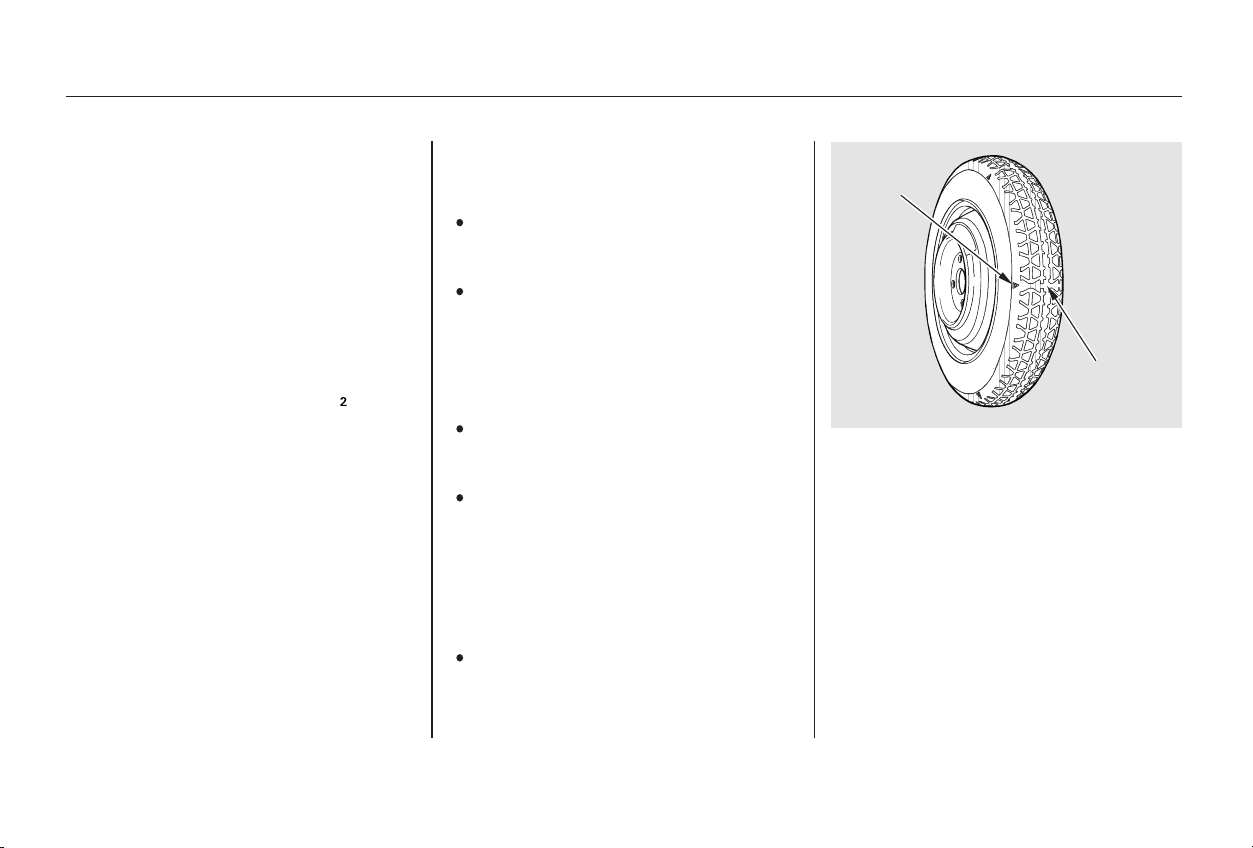
Follow these precautions whenever
you are using the compact spare tire:
Thecompactsparetirehasashorter
tread life than a regular tire. Replace
it when you can see the tread wear
indicator bars. The replacement
should be the same size and design
tire, mounted on the same wheel.
Thecompactsparetireisnot
designed to be mounted on a regular
wheel, and the compact wheel is not
designed for mounting a regular tire.
Check the inflation pressure of the
compact spare tire every time you
check the other tires. It should be
inflated to:
Do not exceed 50 mph (80 km/h)
under any circumstances.
This tire gives a harsher ride and
less traction on some road sur-
faces than the regular tire. Use
greater caution while driving on
this tire.
Do not mount snow chains on the
compact spare.
Your car has a compact spare tire
that takes up less space. Use this
sparetireasatemporaryreplace-
ment only. Get your regular tire
repaired or replaced and put it back
on your car as soon as you can.
The wheel of the compact spare
tire is designed especially to fit
your car. Do not use your spare
tire on another vehicle unless it is
thesamemakeandmodel.
Turn off the Traction Control
System (see page ). Driving
withthecompactsparetiremay
activate the TCS.
221
On all V6 models
Compact Spare Tire
Taking Care of the Unexpected
312
IINNDDIICCAATTOORR
LLOOCCAATTIIOONN
MMAARRKK
TTRREEAADD WWEEAARR
IINNDDIICCAATTOORR
BBAARR
60 psi (420 kPa , 4.2 kgf/cm )
Main Menu
Table of Contents
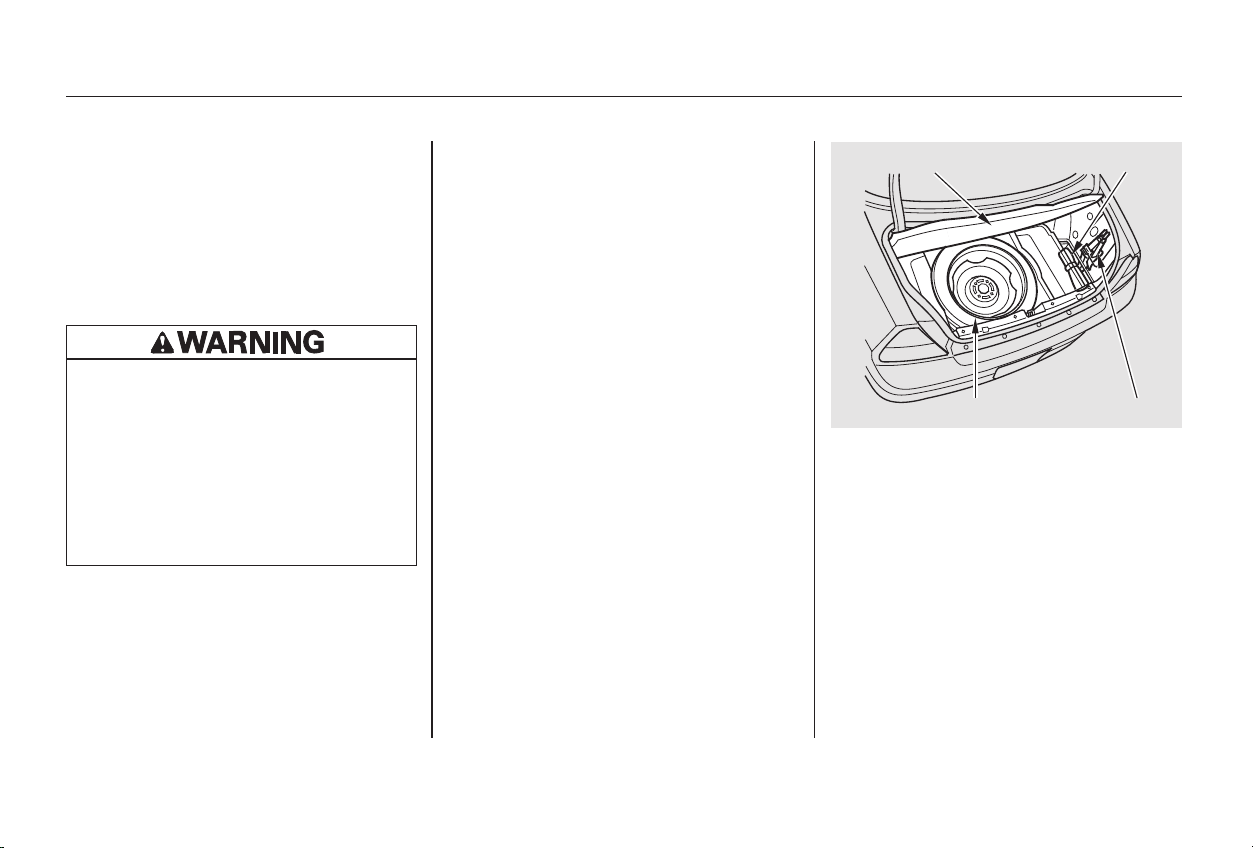
If you have a flat tire while driving,
stop in a safe place to change it.
Stopping in traffic or on the shoulder
of a busy road is dangerous. Drive
slowly along the shoulder until you
gettoanexitoranareatostopthat
is far away from the traffic lanes.
Open the trunk. Raise the trunk
floor by lifting up on the back edge.
The tools are in the tool box on
the right side of the trunk. Take
the tools out of the tool box.
Park the car on firm, level and
non-slippery ground away from
traffic. Put the transmission in
Park (automatic) or Reverse
(manual). Apply the parking brake.
If you are towing a trailer, unhitch
the trailer.
Turn on the hazard warning lights
and turn the ignition switch to
LOCK (0). Have all the
passengers get out of the car while
you change the tire.
4.
3.
2.
1.
CONTINUED
Changing a Flat Tire
Taking Care of the Unexpected
313
JJAACCKKSSPPAARREE TTIIRREE
TTRRUUNNKK FFLLOOOORR TTOOOOLL KKIITT
The car can easily roll off the
jack, seriously injuring anyone
underneath.
Follow the directions for
changing a tire exactly, and
never get under the car when it
is supported only by the jack.
Main Menu
Table of Contents
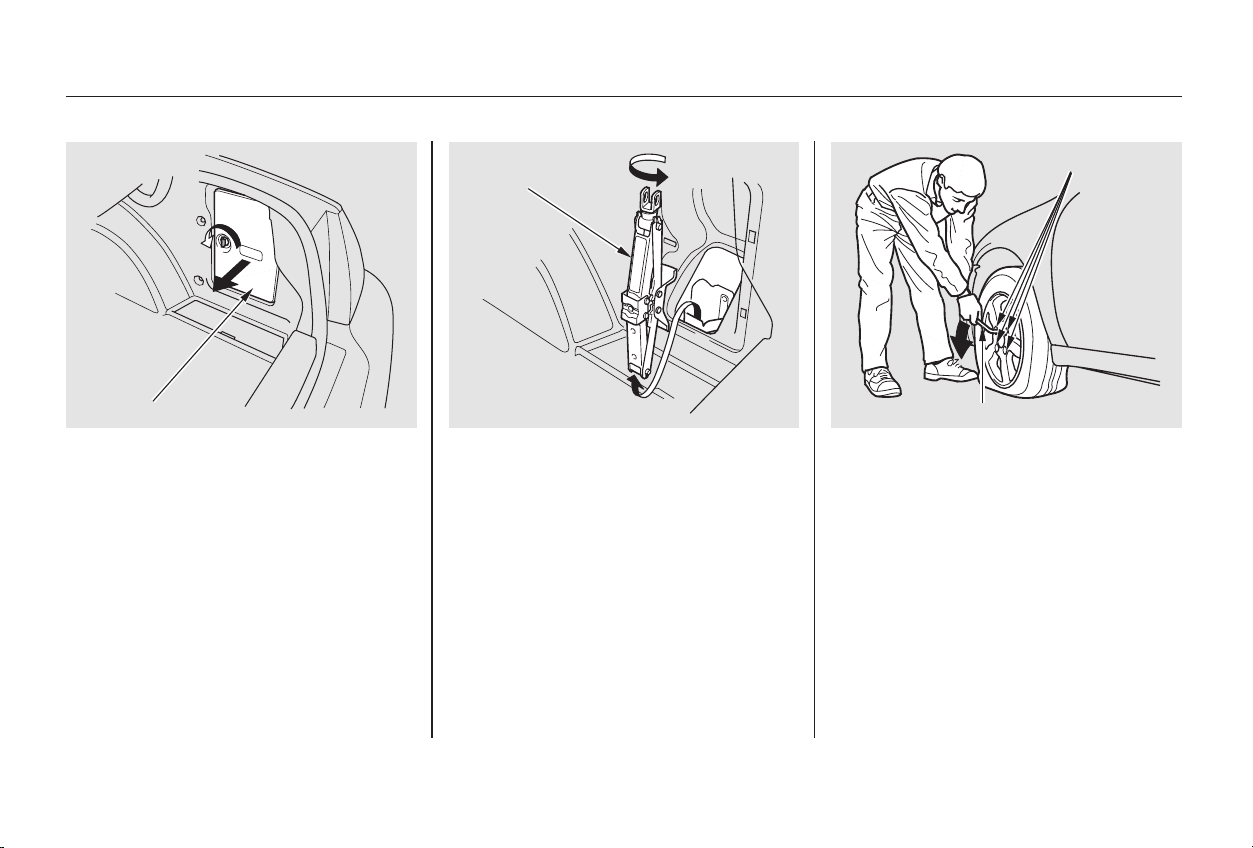
Loosen the wheel nuts (four for
the4-cylindermodels,fiveforthe
V-6 models) 1/2 turn with the
wheel wrench.
Turn the jack’s end bracket
counterclockwise to loosen it, then
remove the jack.
Unscrew the wing bolt and take
the spare tire out of its well.
The jack is behind a cover in the
right fender. Remove the cover by
turning the handle counterclock-
wise, then pulling on the cover.
7. 8.5.
6.
Taking Care of the Unexpected
Changing a Flat Tire
314
JJAACCKK
WWHHEEEELL NNUUTTSS
WWHHEEEELL WWRREENNCCHH
CCOOVVEERR
Main Menu
Table of Contents
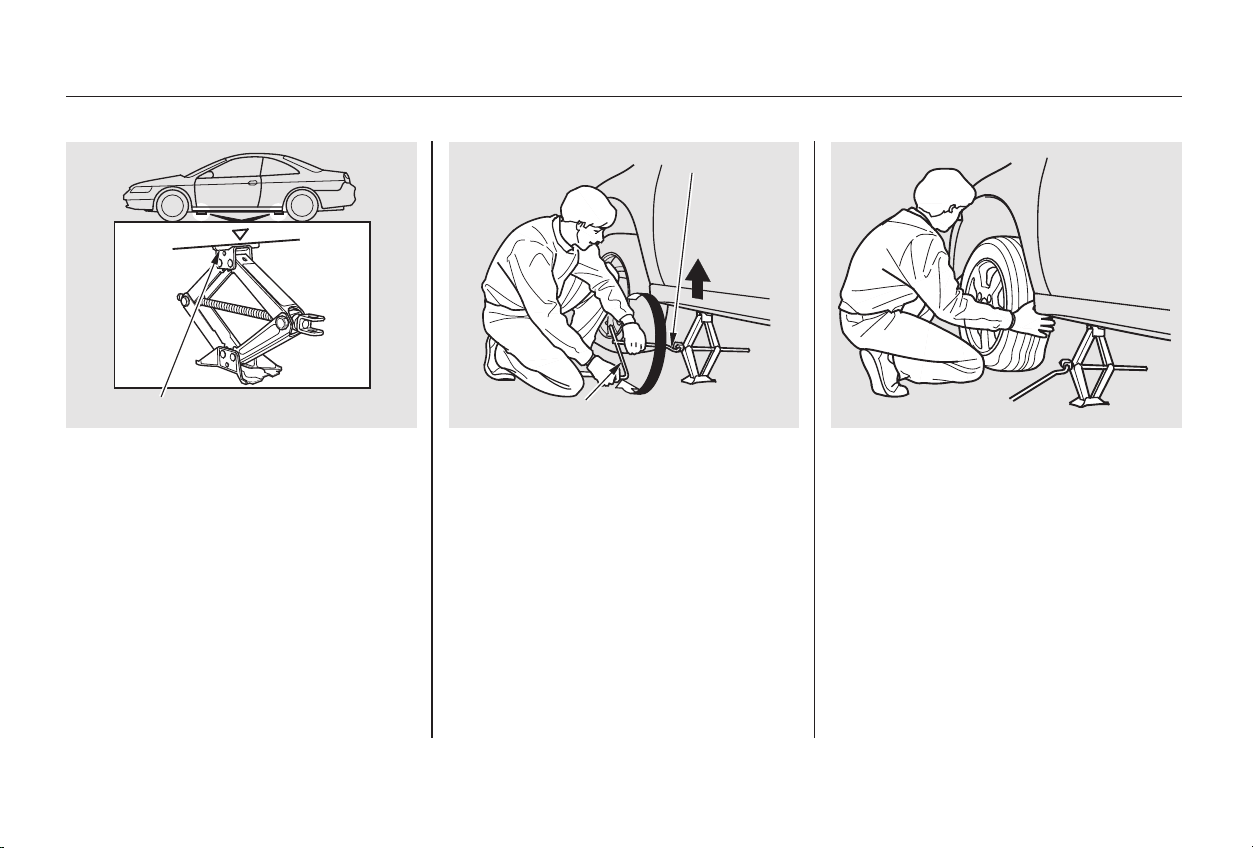
△
CONTINUED
Remove the wheel nuts and flat
tire. Temporarily place the flat tire
on the ground with the outside
surface of the wheel facing up.
You could scratch the wheel if you
putitfacedown.
Use the extension and wheel
wrench as shown to raise the
vehicle until the flat tire is off the
ground.
Locate the jacking point nearest
thetireyouneedtochange.Itis
pointed to by a mark molded
into the underside of the body.
Place the jack under the jacking
point. Turn the end bracket
clockwise until the top of the jack
contacts the jacking point. Make
sure the jacking point tab is
restinginthejacknotch.
10.
11.
9.
Changing a Flat Tire
Taking Care of the Unexpected
315
WWHHEEEELL WWRREENNCCHH
EEXXTTEENNSSIIOONN
JJAACCKKIINNGG PPOOIINNTT
Main Menu
Table of Contents
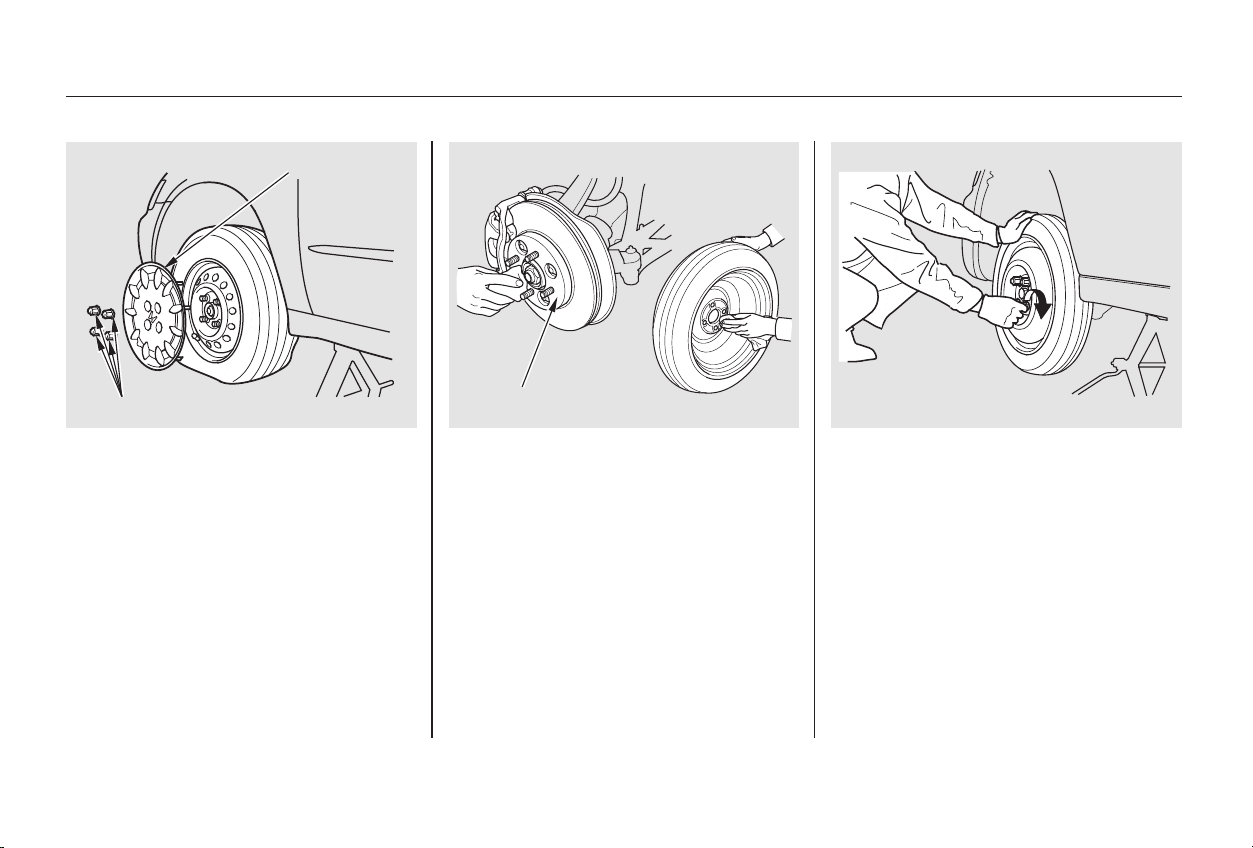
Put on the spare tire. Put the
wheel nuts back on finger-tight,
then tighten them in a crisscross
pattern with the wheel wrench
until the wheel is firmly against
the hub. Do not try to tighten
them fully.
Before mounting the spare tire,
wipeanydirtoffthemounting
surface of the wheel and hub with
a clean cloth. Wipe the hub
carefully,itmaybehotfrom
driving.
Do not attempt to forcibly pry the
wheel cover off with a screwdriver or
other tool. The wheel cover cannot
be removed without first removing
the wheel nuts.
12. 13.
On U.S. LX and LX-V6 models
Taking Care of the Unexpected
Changing a Flat Tire
316
BBRRAAKKEE HHUUBB
WWHHEEEELL CCOOVVEERR
WWHHEEEELL NNUUTTSS
Main Menu
Table of Contents
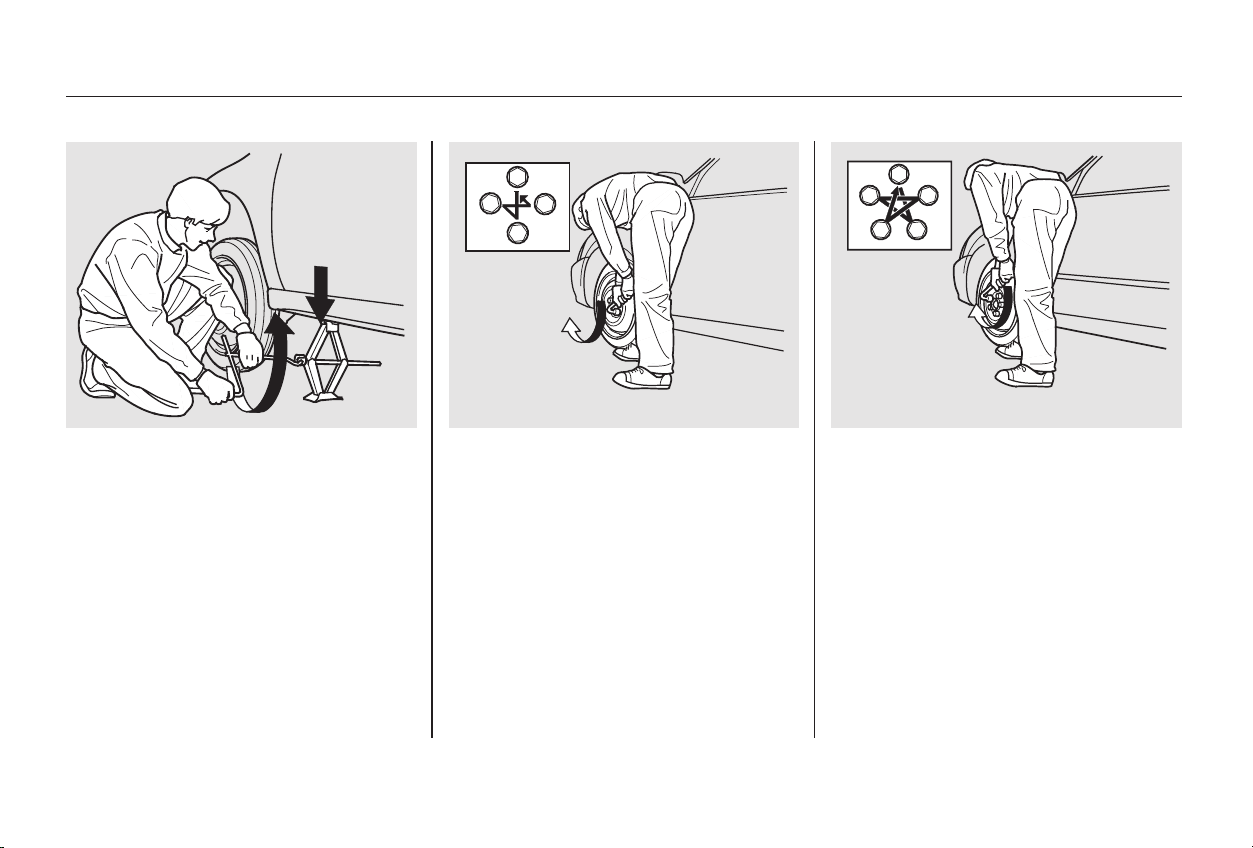
CONTINUED
Tighten the wheel nuts securely in
the same crisscross pattern. Have
the wheel nut torque checked at
the nearest automotive service
facility.
Tighten the wheel nuts to:
Lower the car to the ground and
remove the jack.
15.
14.
Changing a Flat Tire
Taking Care of the Unexpected
317
44--ccyylliinnddeerr mmooddeellss
66--ccyylliinnddeerr mmooddeellss
80 lbf·ft (108 N·m , 11 kgf·m)
Main Menu
Table of Contents
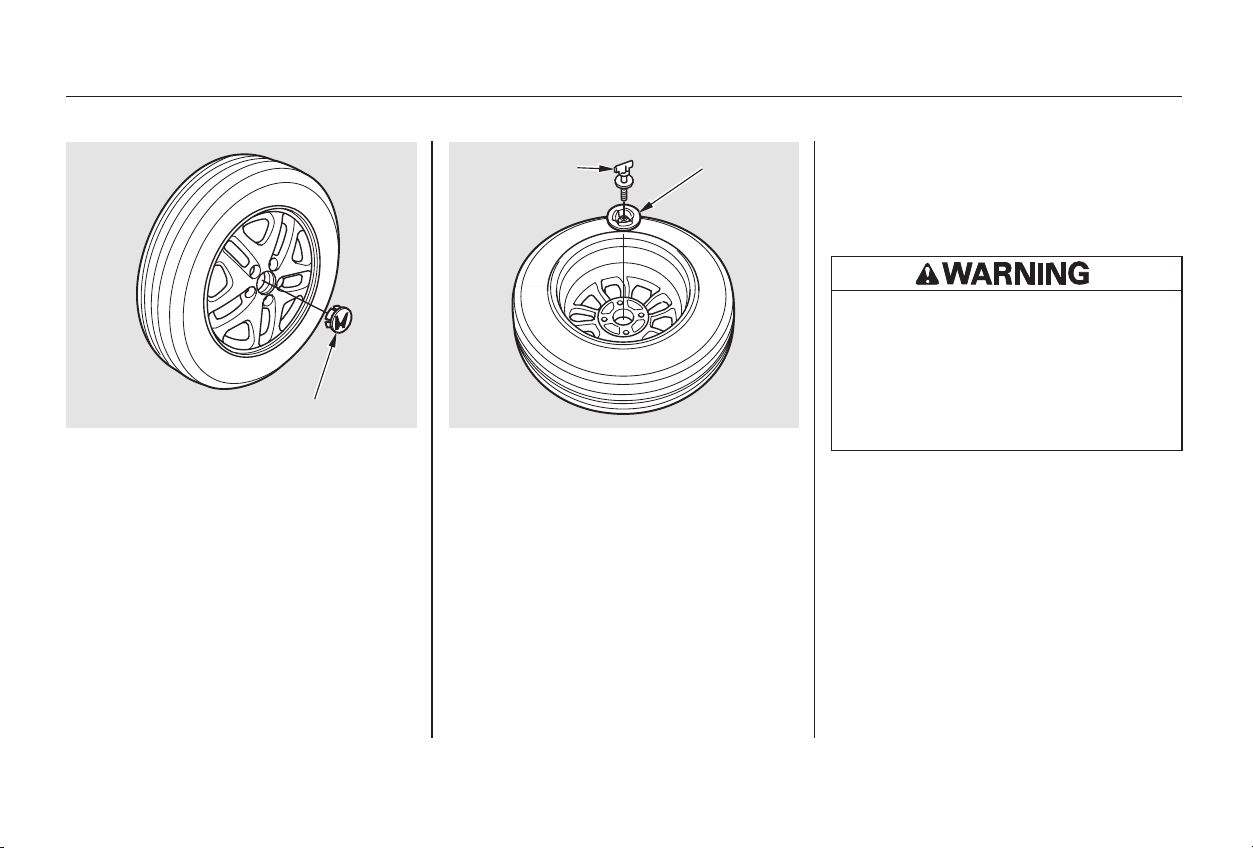
Lower the trunk floor, then close
the trunk lid.
Store the wheel cover or center
cap in the trunk. Make sure it does
not get scratched or damaged.
Store the jack in its holder. Turn
the jack’s end bracket to lock it in
place. Replace the cover. Store the
tools.
Place the flat tire face down in the
spare tire well.
Remove the spacer cone from the
wing bolt, turn it over, and put it
back on the bolt.
Securetheflattirebyscrewing
the wing bolt back into its hole.
Remove the center cap before
storing the flat tire in the trunk
well.
17.
19.
18.
22.
20.
21.
16.
On Special Edition, EX, and EX-V6
models
Taking Care of the Unexpected
Changing a Flat Tire
318
WWIINNGG BBOOLLTT SSPPAACCEERR
CCOONNEE
CCEENNTTEERR CCAAPP
Loose items can fly around the
interiorinacrashandcould
seriously injure the occupants.
Store the wheel, jack, and tools
securely before driving.
Main Menu
Table of Contents
Diagnosing why your engine won’t
start falls into two areas, depending
on what you hear when you turn the
key to START (III):
When you turn the ignition switch to
START (III), you do not hear the
normal noise of the engine trying to
start. You may hear a clicking sound
or series of clicks, or nothing at all.
Check these things:
You hear nothing, or almost
nothing. The engine’s starter
motor does not operate at all, or
operates very slowly.
You can hear the starter motor
operating normally, or the starter
motor sounds like it is spinning
faster than normal, but the engine
does not start up and run.
Check the transmission interlock.
If you have a manual transmission,
the clutch pedal must be pushed
all the way to the floor or the
starter will not operate. With an
automatic transmission, it must be
in Park or Neutral.
Turn the ignition switch to ON (II).
Turn on the headlights and check
their brightness. If the headlights
are very dim or don’t light at all,
the battery is discharged. See
on page .
Turn the ignition switch to START
(III). If the headlights do not dim,
check the condition of the fuses. If
the fuses are OK, there is proba-
bly something wrong with the
electrical circuit for the ignition
switch or starter motor. You will
need a qualified technician to
determine the problem. (See
on page .)
If the headlights dim noticeably or
go out when you try to start the
engine, either the battery is dis-
charged or the connections are
corroded. Check the condition of
the battery and terminal connec-
tions (see page ). You can
then try jump starting the car from
a booster battery (see page ).
256
321
338
321
If Your Engine Won’t Start
Nothing Happens or the Starter
Motor Operates Very Slowly
Jump Starting
Emergency Towing
Taking Care of the Unexpected
319
Main Menu
Table of Contents
Ifyoufindnothingwrong,youwill
need a qualified technician to find
the problem. See
on page .
In this case, the starter motor’s
speed sounds normal, or even faster
than normal, when you turn the
ignition switch to START (III), but
the engine does not run.
Do you have fuel? Turn the
ignition switch to ON (II) for a
minute and watch the fuel gauge.
The low fuel level warning light
may not be working, so you were
not reminded to fill the tank.
There may be an electrical
problem, such as no power to the
fuel pump. Check all the fuses
(see page ).
Your car has the Immobilizer
System. You should use a
properly-coded master or valet key
to start the engine (see page ).
A key that is not properly coded
will cause the immobilizer system
indicator in the dash panel to blink
rapidly.
Are you using the proper starting
procedure? Refer to
on page .
75
207
333
338
Emergency
Towing
The Starter Operates Normally
Starting the
Engine
Taking Care of the Unexpected
If Your Engine Won’t Start
320
Main Menu
Table of Contents
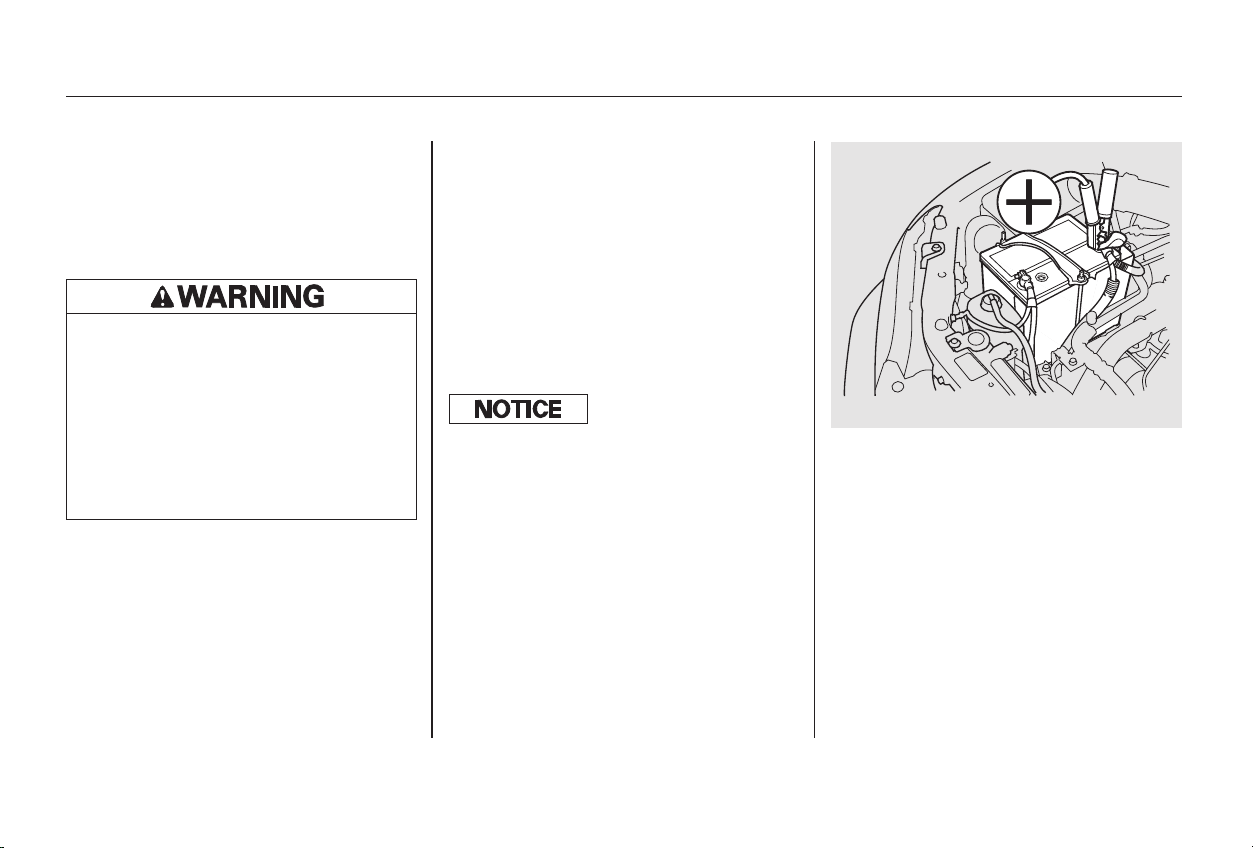
+
+
CONTINUED
If your car’s battery has run down,
you may be able to start the engine
by using a booster battery. Although
this seems like a simple procedure,
you should take several precautions.
You cannot start a Honda with an
automatic transmission by pushing
or pulling it.
To jump start your car, follow these
directions closely:
Open the hood and check the
physical condition of the battery
(see page ). In very cold
weather, check the condition of
the electrolyte. If it seems slushy
or like ice, do not try jump starting
until it thaws.
Turn off all the electrical acces-
sories: heater, A/C, climate
control, stereo system, lights, etc.
Put the transmission in Neutral or
Park, and set the parking brake.
Connect one jumper cable to the
positive ( ) terminal on your
Honda’s battery. Connect the
other end to the positive ( )
terminal on the booster battery.
1.
2.
3.
274
Jump Starting
Taking Care of the Unexpected
321
44--ccyylliinnddeerr mmooddeellss
A battery can explode if you do
not follow the correct procedure,
seriously injuring anyone
nearby.
Keep all sparks, open flames,
and smoking materials away
from the battery.
If a battery sits in extreme cold, the
electrolyte inside can f reeze.
Attempting to jump start with a f rozen
battery can cause it to rupture.
Main Menu
Table of Contents
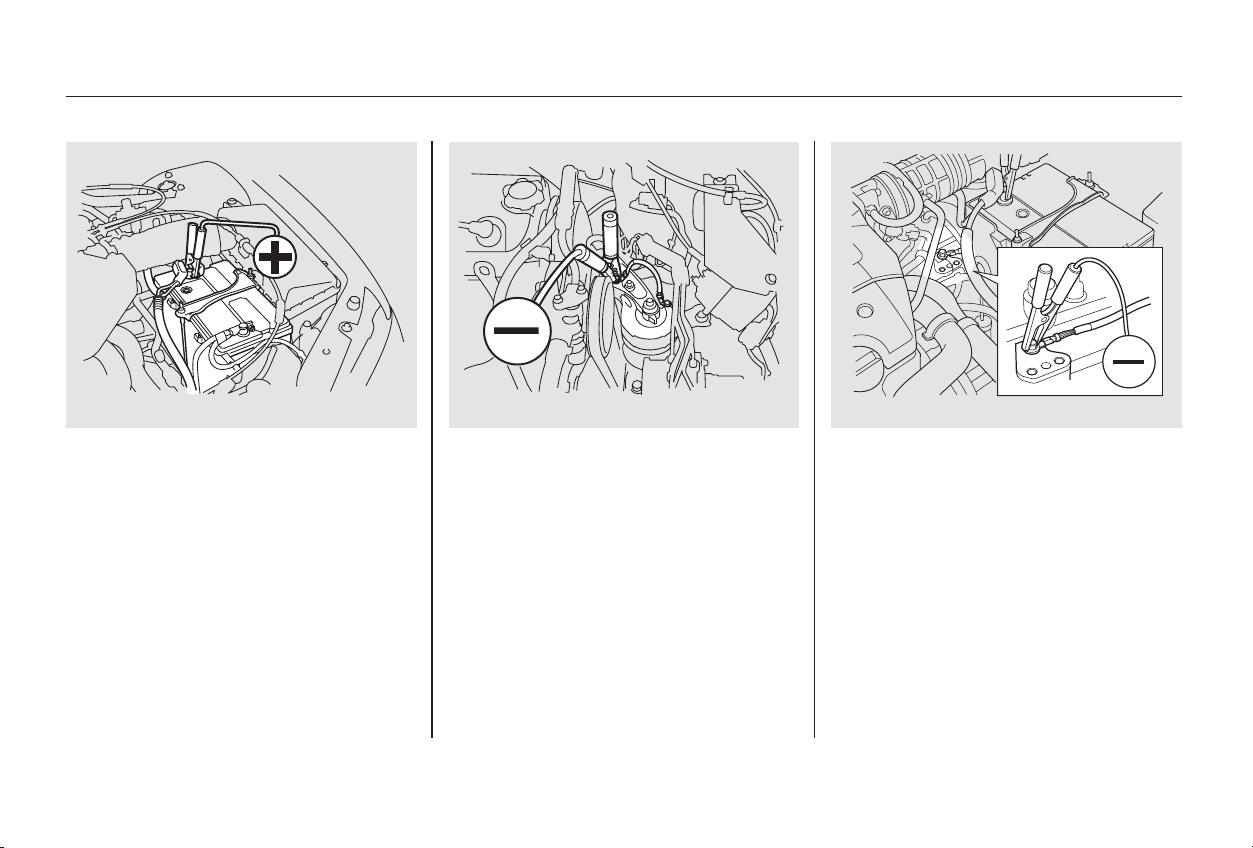
−
Connect the second jumper cable
to the negative ( ) terminal on
the booster battery. Connect the
other end to the grounding strap
as shown. Do not connect this
jumper cable to any other part of
the engine.
4.
Jump Starting
Taking Care of the Unexpected
322
66--ccyylliinnddeerr mmooddeellss 44--ccyylliinnddeerr mmooddeellss 66--ccyylliinnddeerr mmooddeellss
Main Menu
Table of Contents
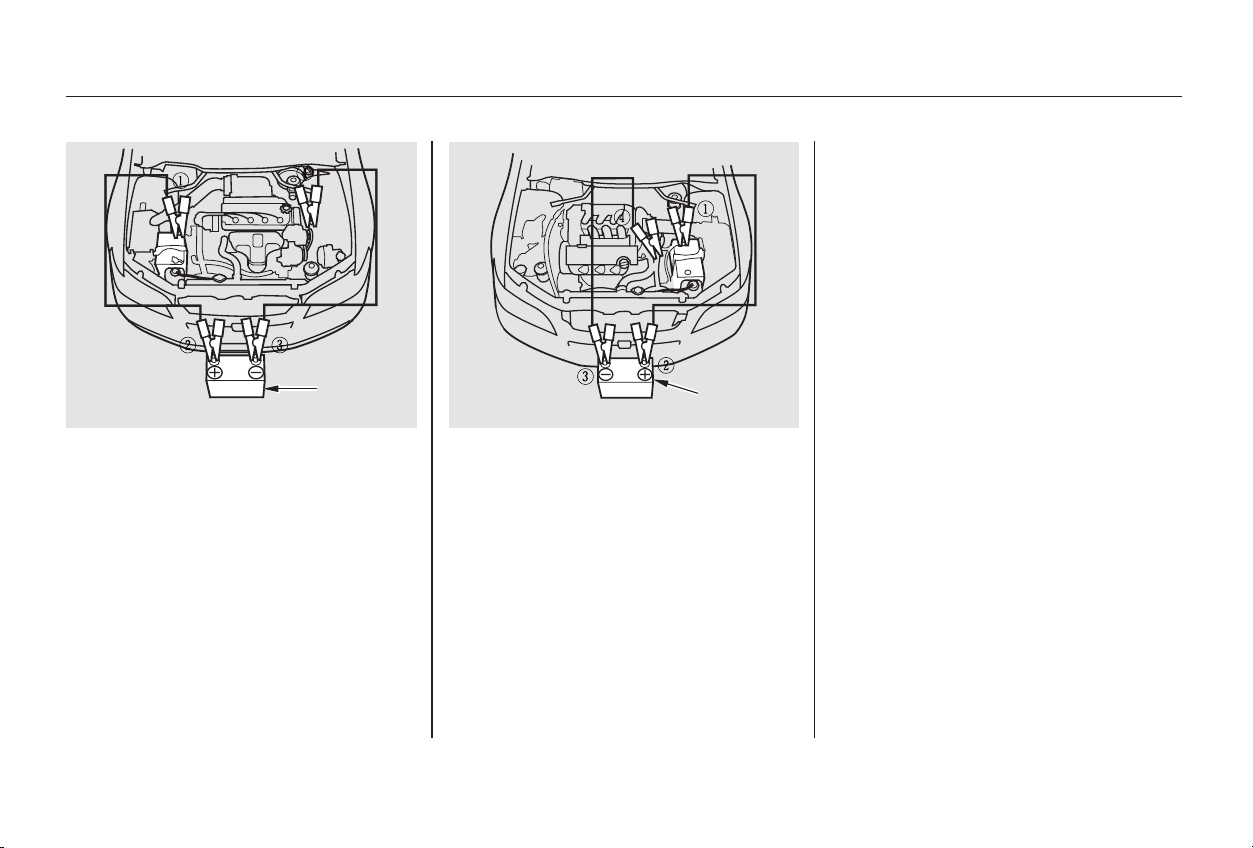
If the booster battery is in another
vehicle, have an assistant start
that vehicle and run it at a fast idle.
Once your car is running, discon-
nectthenegativecablefromyour
car, then from the booster battery.
Disconnect the positive cable from
your car, then the booster battery.
The numbers in the illustration show
you the order to connect the jumper
cables. Make sure to disconnect the
cables in the reverse order.
Keep the ends of the jumper cables
away from each other and any metal
on the vehicle until all are
disconnected. Otherwise, you may
cause an electrical short.
Start your car. If the starter motor
still operates slowly, check the
jumper cable connections to make
sure they have good metal-to-
metal contact.
7.
6.
5.
Jump Starting
Taking Care of the Unexpected
323
BBOOOOSSTTEERR
BBAATTTTEERRYY
BBOOOOSSTTEERR
BBAATTTTEERRYY
44--ccyylliinnddeerr mmooddeellss 66--ccyylliinnddeerr mmooddeellss
Main Menu
Table of Contents
If you see steam and/or spray
coming from under the hood, turn
off the engine.
Safely pull to the side of the road.
Put the transmission in Neutral or
Park and set the parking brake.
Turn off the heating and cooling/
climate control system and all
otheraccessories.Turnonthe
hazard warning indicators.
The pointer of your car’s tempera-
ture gauge should stay in the mid-
range under most conditions. It may
go higher if you are driving up a long
steep hill on a very hot day. If it
climbs to the red mark, you should
determine the reason.
Your car can overheat for several
reasons, such as lack of coolant or a
mechanical problem. The only
indication may be the temperature
gauge climbing to or above the red
mark. Or you may see steam or
spray coming from under the hood.
In either case, you should take
immediate action.
1.
2.
If Your Engine Overheats
Taking Care of the Unexpected
324
Steam and spray from an
overheated engine can
seriously scald you.
Do not open the hood if steam
is coming out.
Driving with the temperature gauge
pointer at the red mark can cause
serious damage to your engine.
Main Menu
Table of Contents
If you do not see steam or spray,
leave the engine running and
watch the temperature gauge. If
the high heat is due to overloading
(climbing a long, steep hill on a
hot day with the A/C running, for
example), the engine should start
to cool down almost immediately.
If it does, wait until the tempera-
ture gauge comes down to the mid-
point then continue driving.
If the temperature gauge stays at
the red mark, turn off the engine.
Wait until you see no more signs
of steam or spray, then open the
hood.
Look for any obvious coolant leaks,
such as a split radiator hose.
Everything is still extremely hot,
so use caution. If you find a leak, it
must be repaired before you
continue driving (see
on page ).
If you don’t find an obvious leak,
check the coolant level in the
radiator reserve tank (see page
). If the level is below the
MIN mark, add coolant to halfway
between the MIN and MAX marks.
If there was no coolant in the
reserve tank, you may also have to
add coolant to the radiator. Let the
engine cool down until the pointer
reaches the middle of the tempera-
ture gauge, or lower, before check-
ing the radiator.
3.
4.
5.
6.
7.
8.
338
198
CONTINUED
If Your Engine Overheats
Emergency
Towing
Taking Care of the Unexpected
325
Removing the radiator cap
while the engine is hot can
cause the coolant to spray out,
seriously scalding you.
Always let the engine and
radiator cool down before
removing the radiator cap.
Main Menu
Table of Contents

Using gloves or a large heavy
cloth, turn the radiator cap
counterclockwise, without pushing
down, to the first stop. This
releases any remaining pressure in
the cooling system. After the
pressure releases, push down on
the cap and turn it until it comes
off.
Start the engine and set the
temperature control dial to
maximum (climate control to
FULL AUTO at 90°F/32°C). Add
coolant to the radiator up to the
base of the filler neck. If you do
not have the proper coolant
mixture available, you can add
plain water. Remember to have
the cooling system drained and
refilled with the proper mixture as
soon as you can.
Put the radiator cap back on
tightly. Run the engine and watch
the temperature gauge. If it goes
back to the red mark, the engine
needs repair. (See
on page .)
If the temperature stays normal,
check the coolant level in the
radiator reserve tank. If it has
gone down, add coolant to the
MAX mark. Put the cap back on
tightly.
9. 11.
12.
10.
338
Taking Care of the Unexpected
If Your Engine Overheats
Emergency
Towing
326
Main Menu
Table of Contents
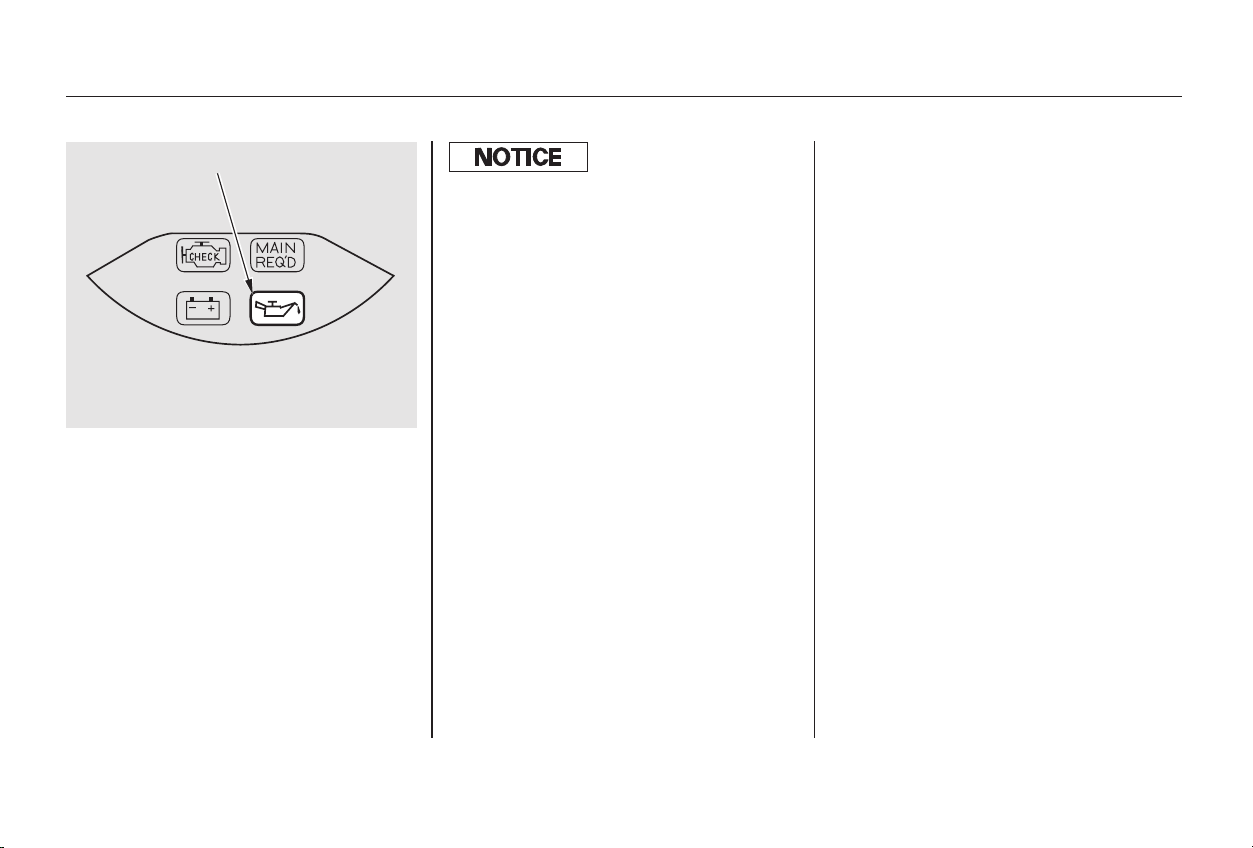
This indicator should light when the
ignition switch is ON (II), and go out
after the engine starts. It should
never come on when the engine is
running. If it starts flashing, it
indicates that the oil pressure
dropped very low for a moment, then
recovered. If the indicator stays on
with the engine running, it shows
that the engine has lost oil pressure
and serious engine damage is
possible. In either case, you should
take immediate action.
Safely pull off the road and shut
off the engine. Turn on the hazard
warning indicators.
If necessary, add oil to bring the
level back to the full mark on the
dipstick (see page ).
Start the engine and watch the oil
pressure indicator. If the light
does not go out within ten seconds,
turn off the engine. There is a
mechanical problem that needs to
be repaired before you can
continue driving. (See
on page .)
Letthecarsitforaminute.Open
the hood and check the oil level
(see page ). Although oil level
and oil pressure are not directly
connected, an engine that is very
low on oil can lose pressure during
cornering and other driving
maneuvers.
1.
2.
3.
4.
196
248
338
Low Oil Pressure Indicator
Taking Care of the Unexpected
Emergency
Towing
327
LLOOWW OOIILL PPRREESSSSUURREE IINNDDIICCAATTOORR
Running the engine with low oil
pressure can cause serious mechanical
damage almost immediately. Turn of f
the engine as soon as you can saf ely get
the car stopped.
Main Menu
Table of Contents
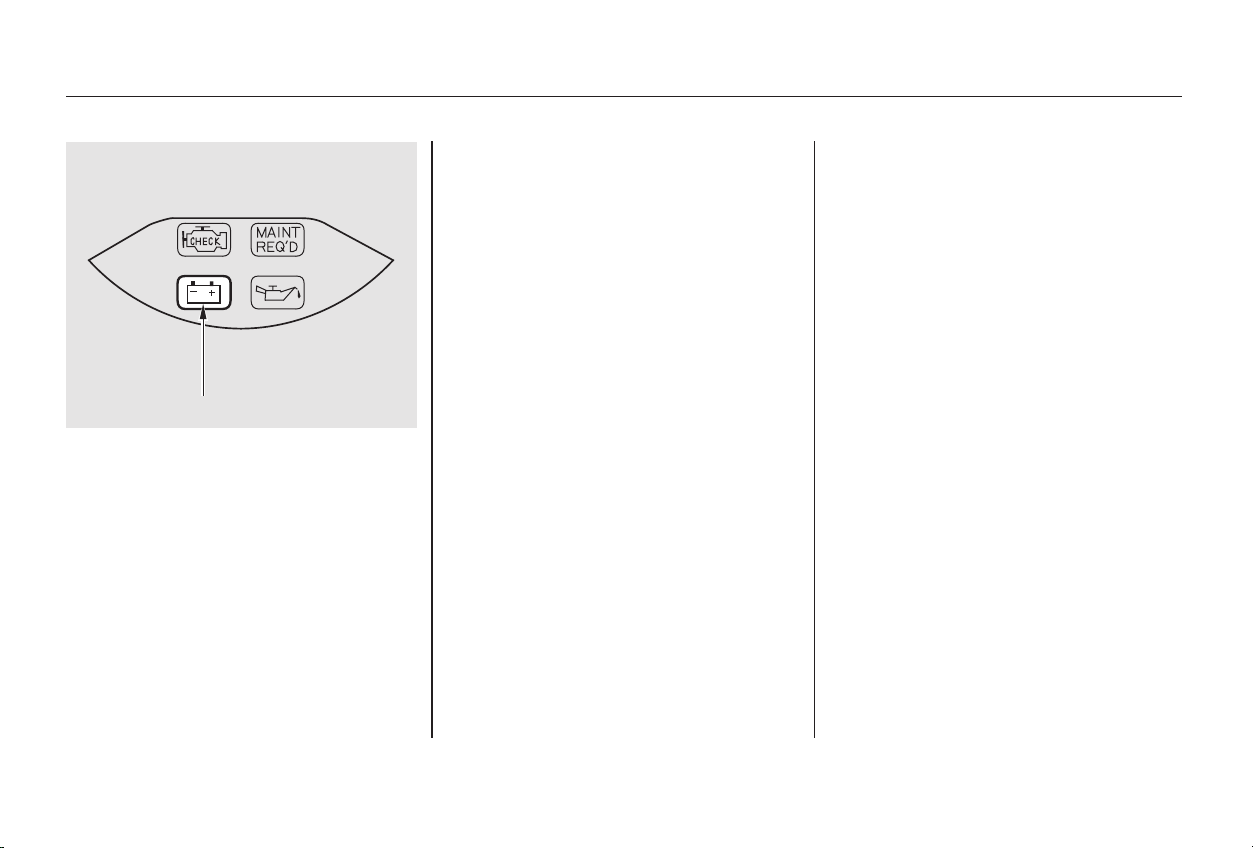
By eliminating as much of the
electrical load as possible, you can
drive several miles (kilometers)
before the battery is too discharged
to keep the engine running. Drive to
a service station or garage where
you can get technical assistance.
This indicator should come on when
the ignition switch is ON (II), and go
out after the engine starts. If it
comes on brightly when the engine
is running, it indicates that the
charging system has stopped
charging the battery.
Immediately turn off all electrical
accessories:radio,heater,A/C,
climate control, rear defogger, cruise
control, etc. Try not to use other
electrically-operated controls such as
the power windows. Keep the engine
running and take extra care not to
stall it. Starting the engine will
discharge the battery rapidly.
Taking Care of the Unexpected
Charging System Indicator
328
CCHHAARRGGIINNGG SSYYSSTTEEMM IINNDDIICCAATTOORR
Main Menu
Table of Contents
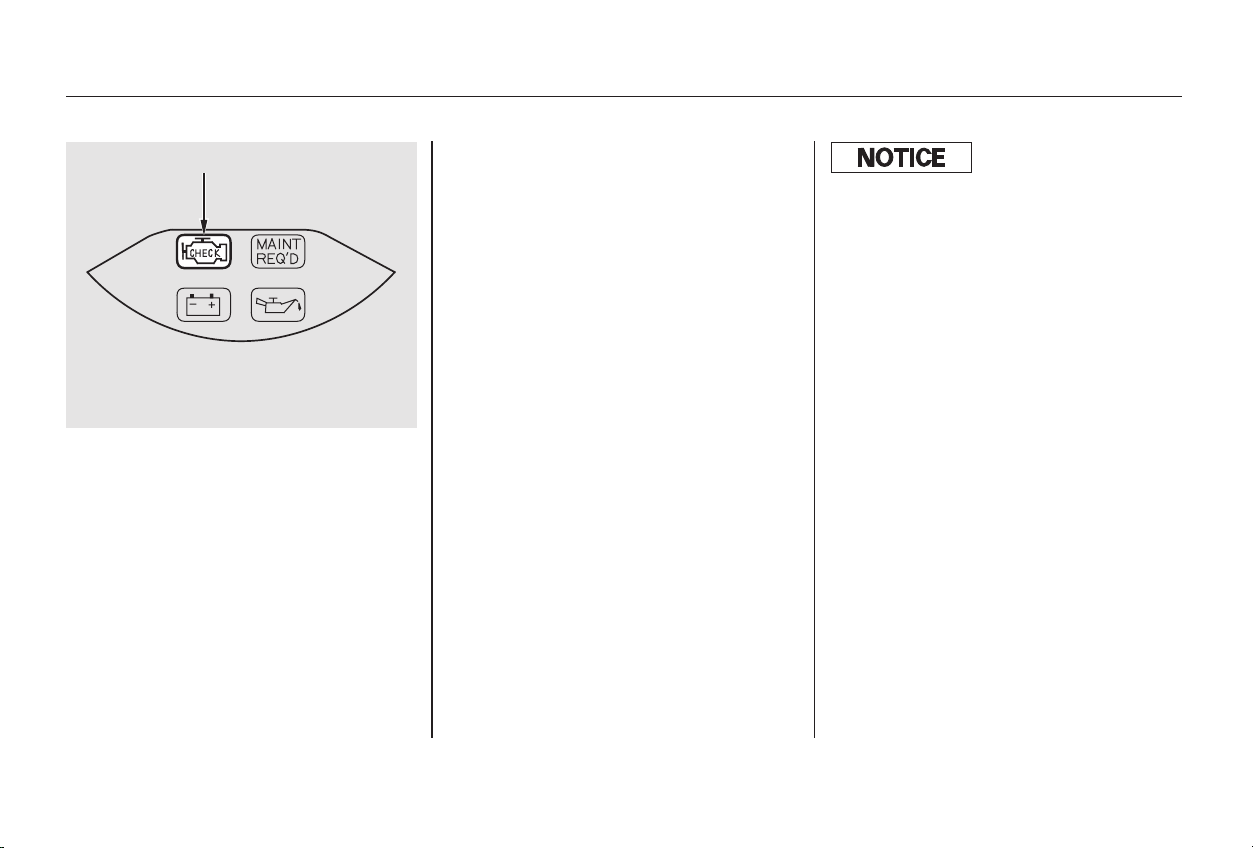
This indicator comes on for a few
seconds when you turn the ignition
switch ON (II). If it comes on at any
other time, it indicates one of the
engine’s emissions control systems
may have a problem. Even though
you may feel no difference in your
car’s performance, it can reduce
your fuel economy and cause your
car to put out excessive emissions.
Continued operation may cause
serious damage.
If you have recently refueled your
car, the cause of this indicator
coming on could be a loose or
missing fuel fill cap. Check the cap
and tighten it until it clicks several
times. Replace the fuel fill cap if it is
missing. Tightening the cap will not
make the indicator turn off
immediately; it takes at least three
driving trips.
If the indicator remains on past three
driving trips, or the fuel cap was not
loose or missing, have the car
checked by the dealer as soon as
possible. Drive moderately until the
dealer has inspected the problem.
Avoid full-throttle acceleration and
driving at high speed.
Youshouldalsohavethedealer
inspect your car if this indicator
comes on repeatedly, even though it
may turn off as you continue driving.
Malfunction Indicator Lamp
Taking Care of the Unexpected
329
MMAALLFFUUNNCCTTIIOONN IINNDDIICCAATTOORR LLAAMMPP
If you keep driving with the
malf unction indicator lamp on, you can
damage your car’s emissions controls
and engine. Those repairs may not be
covered by your car’s warranties.
Main Menu
Table of Contents

Your car has certain ‘‘readiness
codes’’ that are part of the on-board
diagnostics for the emissions
systems. In some states, part of the
emissions testing is to make sure
these codes are set. If they are not
set, the test cannot be completed.
If your car’s battery has been
disconnected or gone dead, these
codes are erased. It takes several
days of driving under various
conditions to set the codes again.
If possible, do not take your car for a
state emissions test until the
readiness codes are set. Refer to
State Emissions Testing for more
information. (See page .)
To check if they are set, turn the
ignition ON (II), but do not start the
engine. The Malfunction Indicator
Lamp will come on for 20 seconds. If
it then goes off, the readiness codes
are set. If it blinks 5 times, the
readiness codes are not set.
355
For 4-cylinder ULEV and V-6 models
Readiness Codes
Malfunction Indicator Lamp
Taking Care of the Unexpected
330
Main Menu
Table of Contents
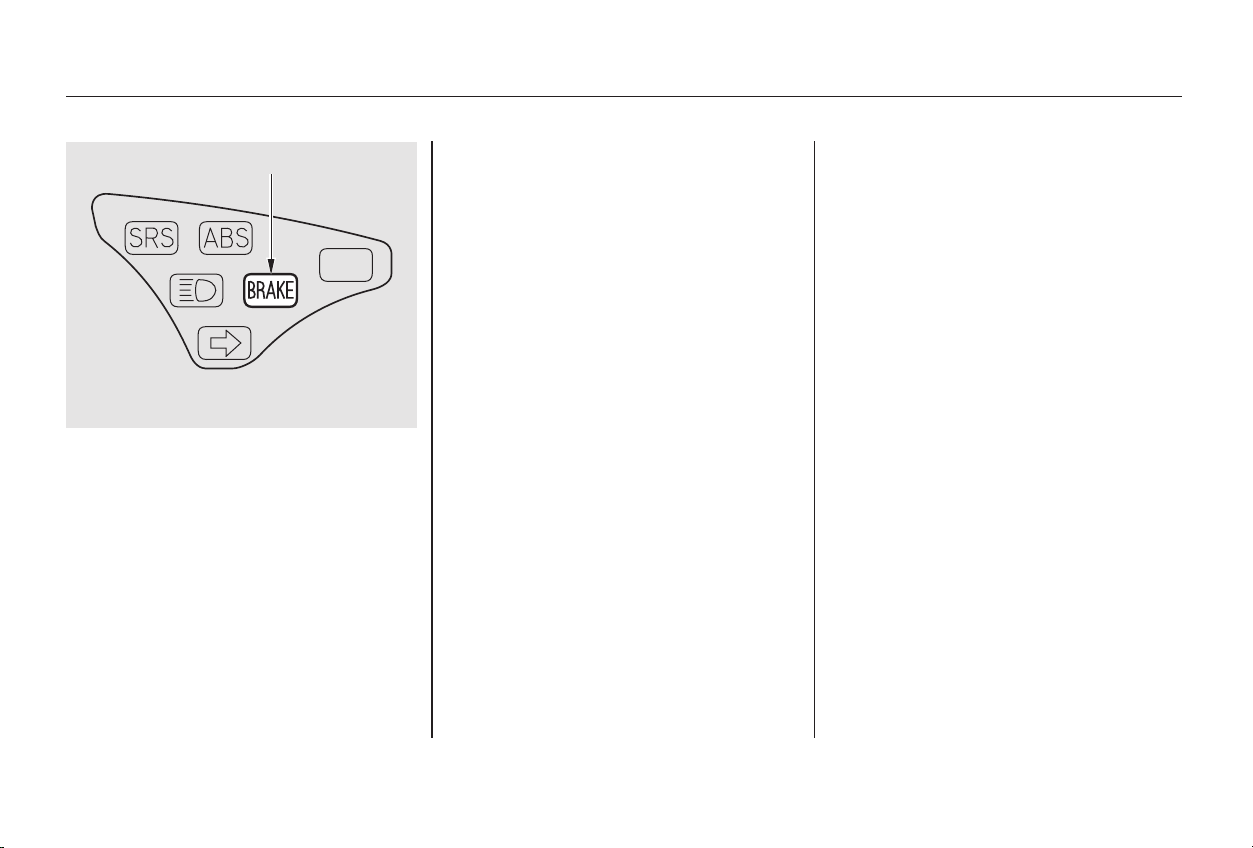
**
**
If it comes on at any other time, it
indicates a problem with the car’s
brake system. In most cases, the
problem is a low fluid level in the
brake fluid reservoir. Press lightly on
the brake pedal to see if it feels
normal. If it does, check the brake
fluid level the next time you stop at a
service station (see page ). If the
fluid level is low, take the car to your
dealer and have the brake system
inspected for leaks or worn brake
pads.
However, if the brake pedal does not
feel normal, you should take
immediate action. Because of the
brake system’s dual-circuit design, a
problem in one part of the system
will still give you braking at two
wheels. You will feel the brake pedal
go down much farther before the car
begins to slow down, and you will
have to press harder on the pedal.
The distance needed to stop will be
much longer.
Slow down by shifting to a lower
gear, and pull to the side of the road
when it is safe. Because of the
longer distance needed to stop, it is
hazardous to drive the car. You
should have it towed, and repaired as
soon as possible. (See
on page .)
If you must drive the car a short
distance in this condition, drive
slowly and cautiously.
The Brake System Indicator
normallycomesonwhenyouturn
the ignition switch ON (II). It is a
reminder to check the parking brake.
It comes on and stays lit if you do not
fully release the parking brake.
264
338
Emergency
Towing
Brake System Indicator
Taking Care of the Unexpected
331
BBRRAAKKEE SSYYSSTTEEMM IINNDDIICCAATTOORR
UU..SS.. iinnddiiccaattoorr sshhoowwnn
Main Menu
Table of Contents
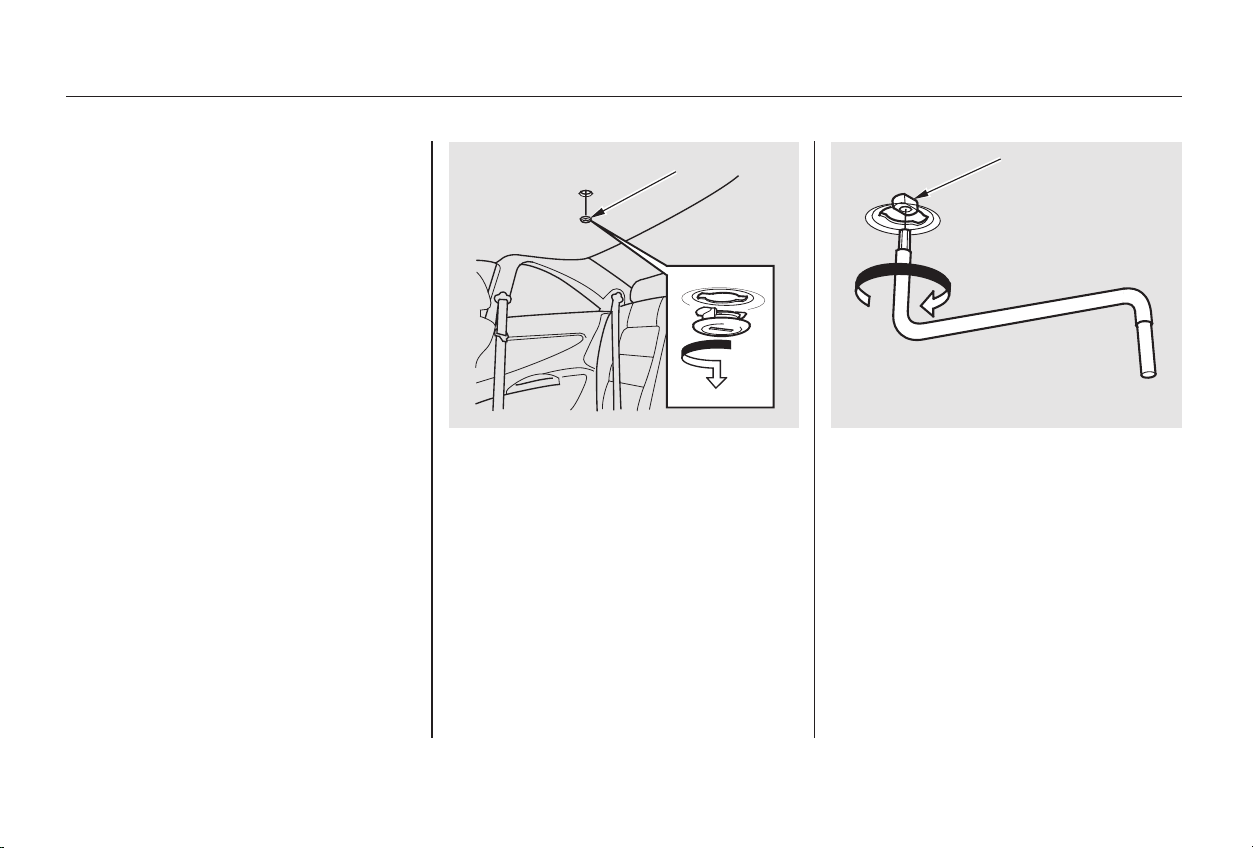
Use a screwdriver or coin to
remove the round plug in the
center of the headliner.
Remove the wrench. Replace the
round plug.
If the electric motor will not close
the moonroof, do the following:
Check the fuse for the moonroof
motor (see page ). If the fuse
is blown, replace it with one of the
same or lower rating.
Try closing the moonroof. If the
new fuse blows immediately or the
moonroof motor still does not
operate, you can close the
moonroof manually.
Insert the moonroof wrench into
the socket behind this plug. Turn
the wrench until the moonroof is
fully closed.
Get the moonroof wrench out of
the tool kit in the trunk.
5.
6.
4.
1.
2.
3.
333
Closing the Moonroof
Taking Care of the Unexpected
332
SSOOCCKKEETT
RROOUUNNDD PPLLUUGG
Main Menu
Table of Contents
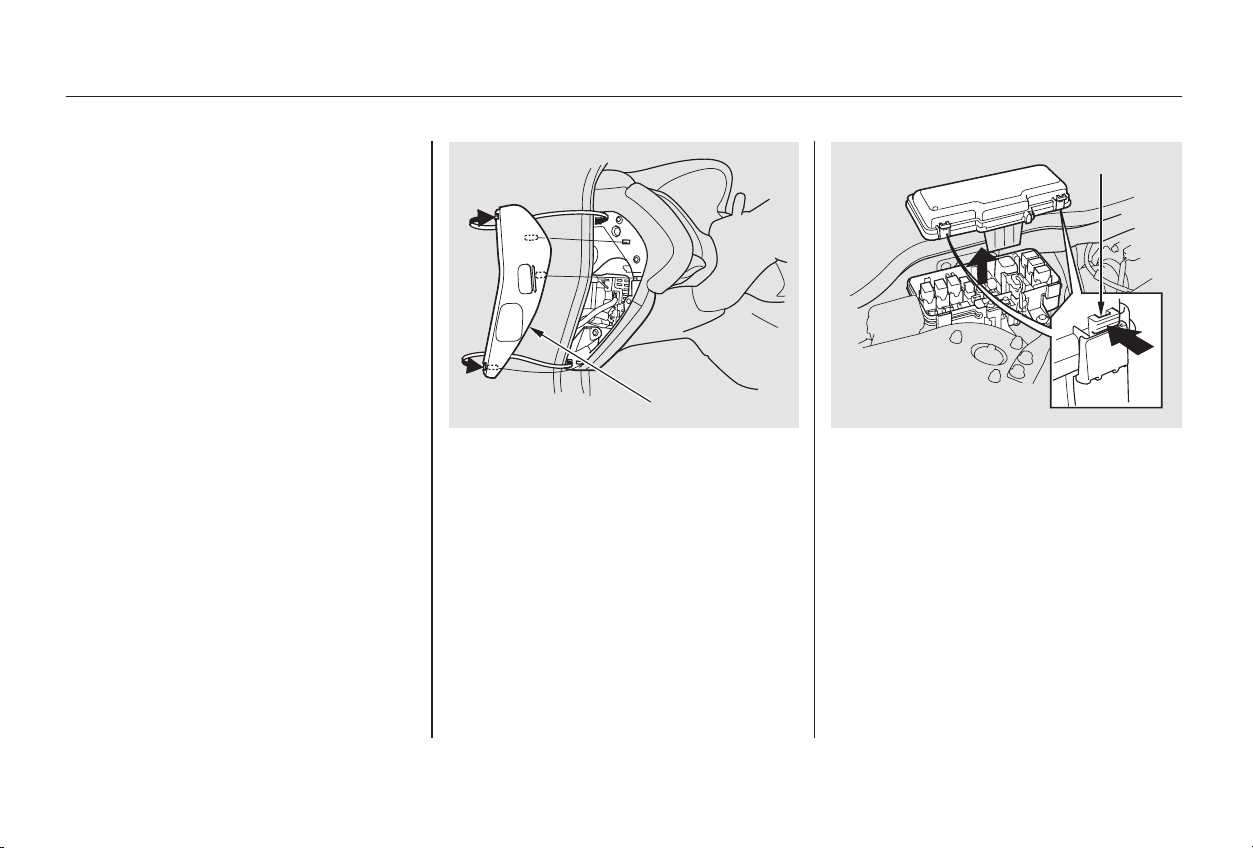
The under-hood fuse box is located
in the back of the engine compart-
ment on the passenger’s side. To
open it, push the tabs as shown.
All the electrical circuits in your car
have fuses to protect them from a
short circuit or overload. These
fuses are located in three fuse boxes.
Theinteriorfuseboxesarelocated
on each side of the dashboard. To
open an interior fuse box, open the
car door. Pull the cover open, then
take it out of its hinges by pulling it
toward you.
Fuses
Taking Care of the Unexpected
333
IINNTTEERRIIOORR UUNNDDEERR--HHOOOODD TTAABB
CCOOVVEERR
Main Menu
Table of Contents
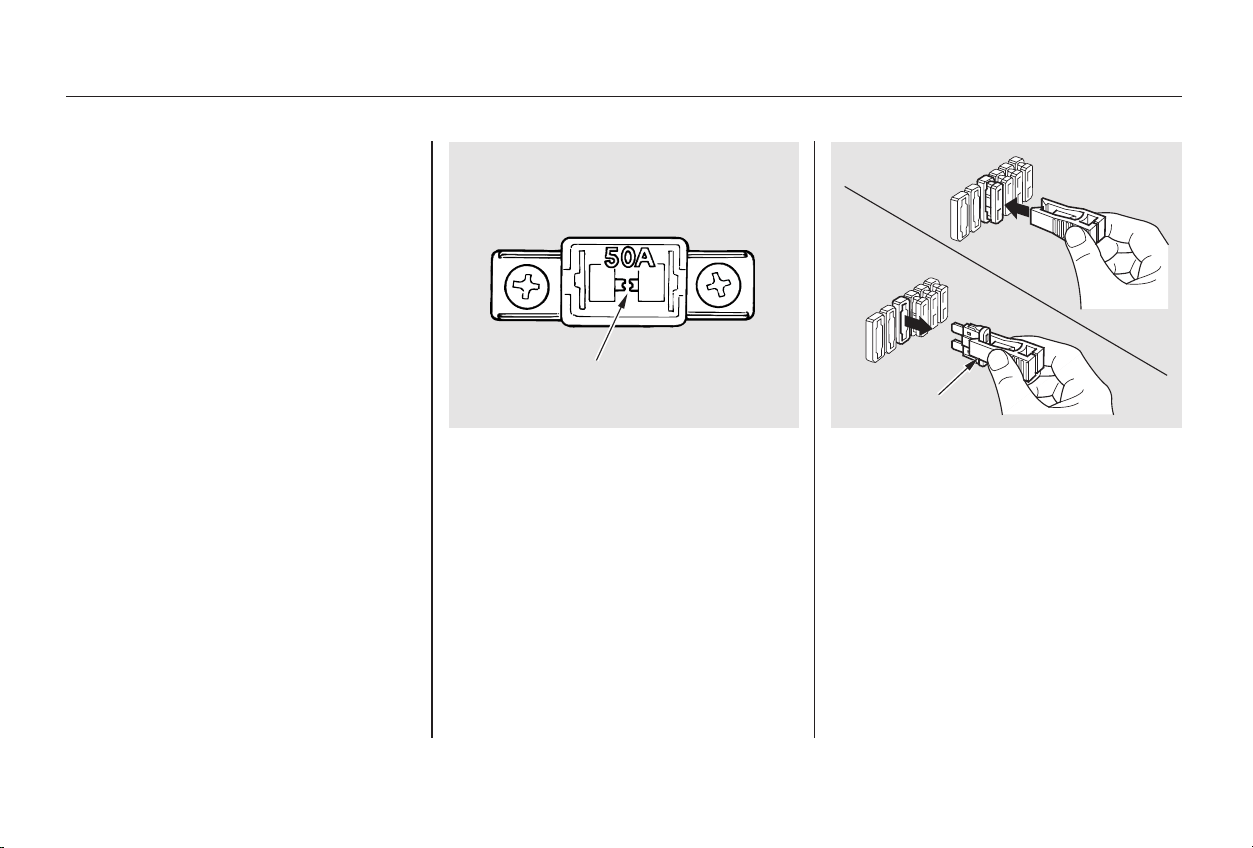
Turn the ignition switch to LOCK
(0). Make sure the headlights and
all other accessories are off.
Remove the cover from the fuse
box.
Check each of the large fuses in
the under-hood fuse box by
looking through the top at the wire
inside. Removing these fuses
requires a Phillips-head screw-
driver.
Check the smaller fuses in the
under-hood fuse box and all the
fuses in the interior fuse boxes by
pulling out each fuse with the fuse
puller provided in the under-hood
fuse box.
If something electrical in your car
stops working, the first thing you
should check for is a blown fuse.
Determine from the chart on pages
and , or the diagram on the
fuse box lid, which fuse or fuses
control that component. Check those
fuses first, but check all the fuses
before deciding that a blown fuse is
not the cause. Replace any blown
fuses and check the component’s
operation.
3.
1.
2.
4.
336 337
Checking and Replacing Fuses
Fuses
Taking Care of the Unexpected
334
BBLLOOWWNN
FFUUSSEE PPUULLLLEERR
FFUUSSEE
Main Menu
Table of Contents
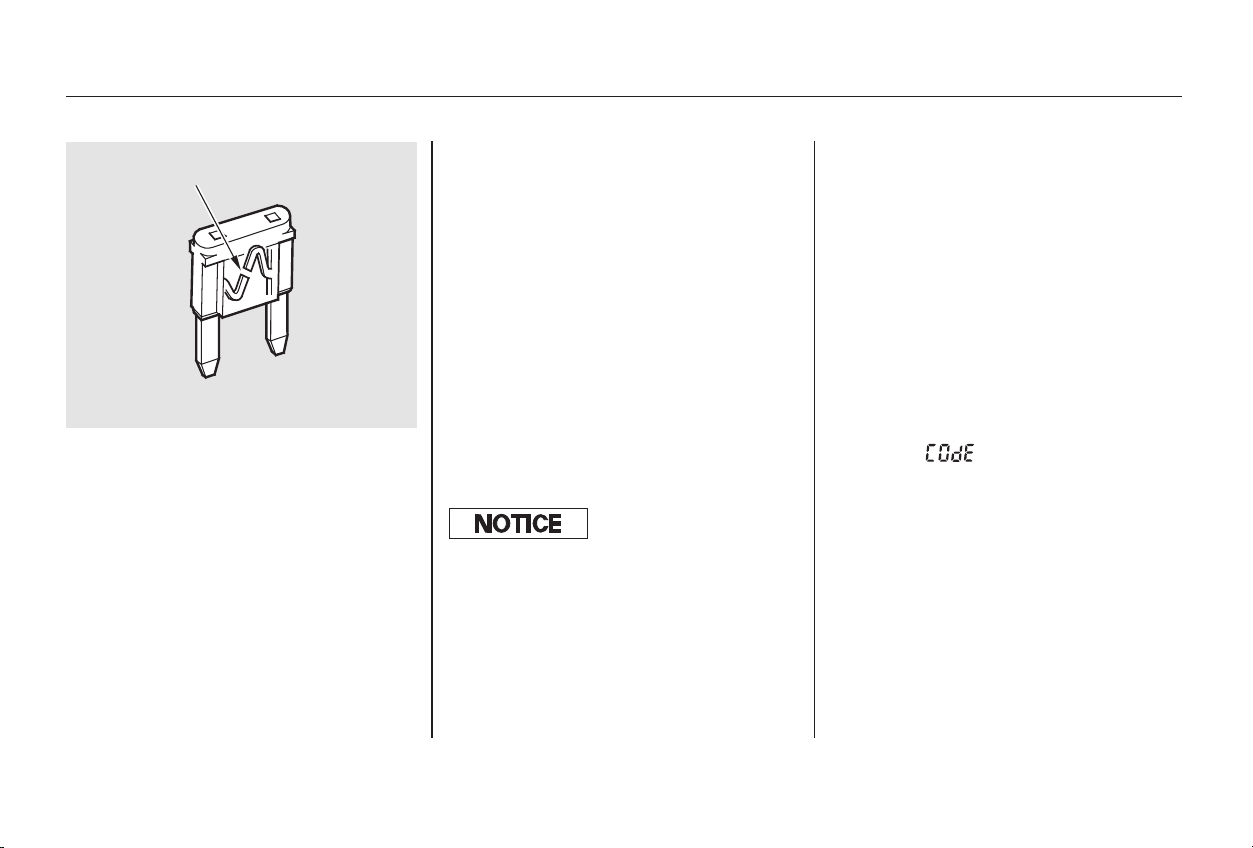
Look for a burned wire inside the
fuse. If it is burned, replace it with
oneofthesparefusesofthesame
rating or lower.
If you cannot drive the car without
fixing the problem, and you do not
have a spare fuse, take a fuse of the
same rating or a lower rating from
one of the other circuits. Make sure
youcandowithoutthatcircuit
temporarily (such as the accessory
power socket or radio).
If you replace the blown fuse with a
spare fuse that has a lower rating, it
might blow out again. This does not
indicate anything wrong. Replace the
fuse with one of the correct rating as
soon as you can.
If the replacement fuse of the
same rating blows in a short time,
there is probably a serious
electrical problem in your car.
Leave the blown fuse in that
circuit and have your car checked
by a qualified mechanic.
If the radio fuse is removed, the
audio system will disable itself. The
nexttimeyouturnontheradioyou
will see ‘‘ ’’ in the frequency
display. Use the Preset buttons to
enter the five-digit code (see page
).
5.
6.
179
CONTINUED
On Special Edition, EX, and EX-V6
models
Fuses
Taking Care of the Unexpected
335
BBLLOOWWNN
Replacing a f use with one that has a
higher rating greatly increases the
chances of damaging the electrical
system. If you do not have a replace-
ment f use with the proper rating f or the
circuit, install one with a lower rating.
Main Menu
Table of Contents
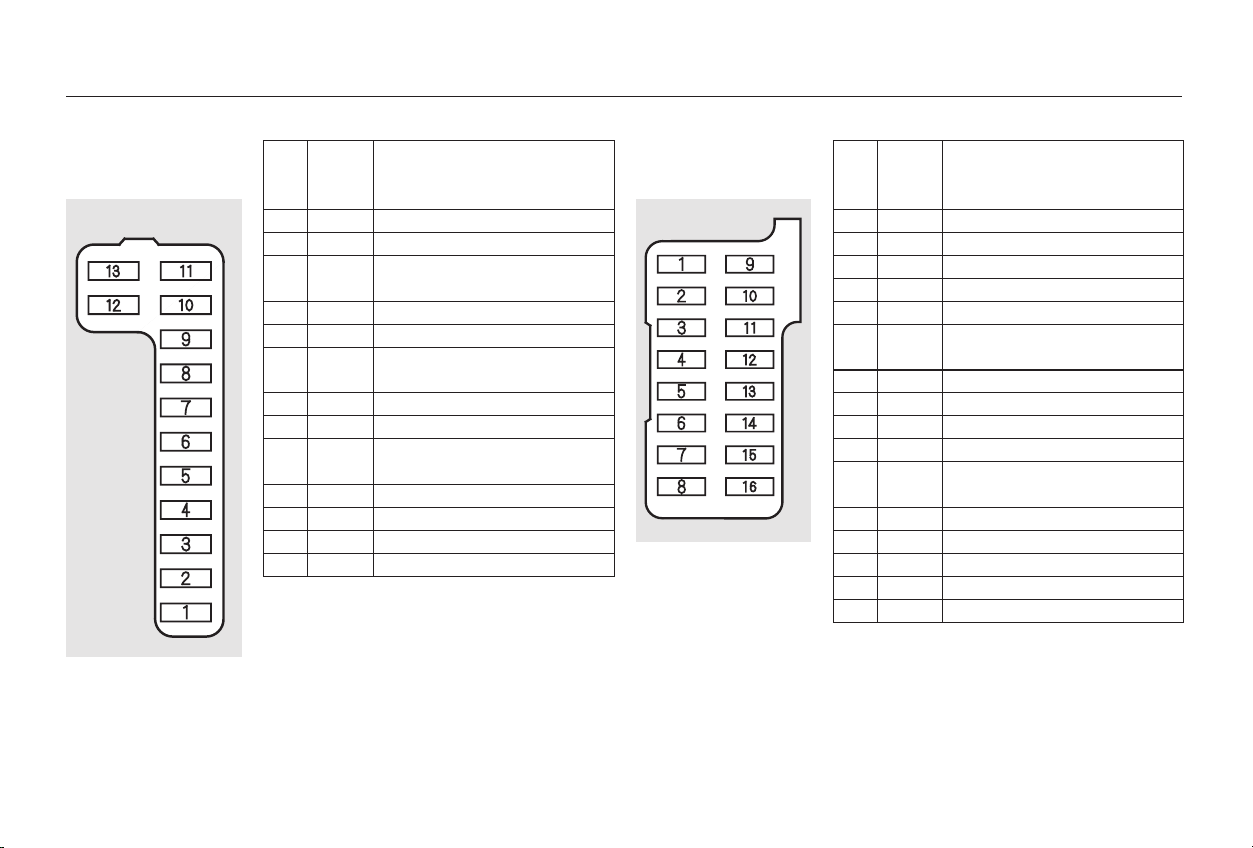
*
*
*
*
*
*
*
*
−
−
−
*
*
*
*
*
→→←←
No. Amps. Circuits Protected No. Amps. Circuits Protected
1
2
3
4
5
6
7
8
9
10
11
12
13
15 A
10 A
7.5 A
7.5 A
7.5 A
15 A
7.5 A
7.5 A
7.5 A
7.5 A
15 A
30 A
7.5 A
Fuel Pump
SRS
Heater Control, A/C Clutch
Relay, Cooling Fan Relay
Power Mirror
Daytime Running Light
ECU (ECM/PCM), Cruise
Control
SRS, Moonroof
ACC Relay
Back-up Lights, Meter
Lights
Turn Signals
IG Coil
Wiper
Starter Signal
1
2
3
4
5
6
7
8
9
10
11
12
13
14
15
16
30 A
20 A
20 A
10 A
20 A
20 A
20 A
20 A
15 A
7.5 A
20 A
7.5 A
7.5 A
20 A
Moonroof
Power Seat
Not Used
Power Seat
Not Used
Daytime Running Light
LAF Heater
Moonroof Relay
Passenger’s Power Window
Radio, ACC Socket
Small Light, License Light
Interior Light, Courtesy
Lights
Power Door Locks
Clock, Back Up
ABS Motor Check
Driver’s Power Window
Not Used
On Canadian models
Special Edition, EX, EX-V6
Canadian Special Edition, U.S. LX-V6, and
EX, EX-V6
Canadian models
U.S. models except LX
1:
2:
3:
4:
1
2
2
3
4
1
2
Fuses
Taking Care of the Unexpected
336
Driver’s Side
INTERIOR FUSE BOX
Passenger’s Side
FFrroonnttFFrroonntt
:
Main Menu
Table of Contents
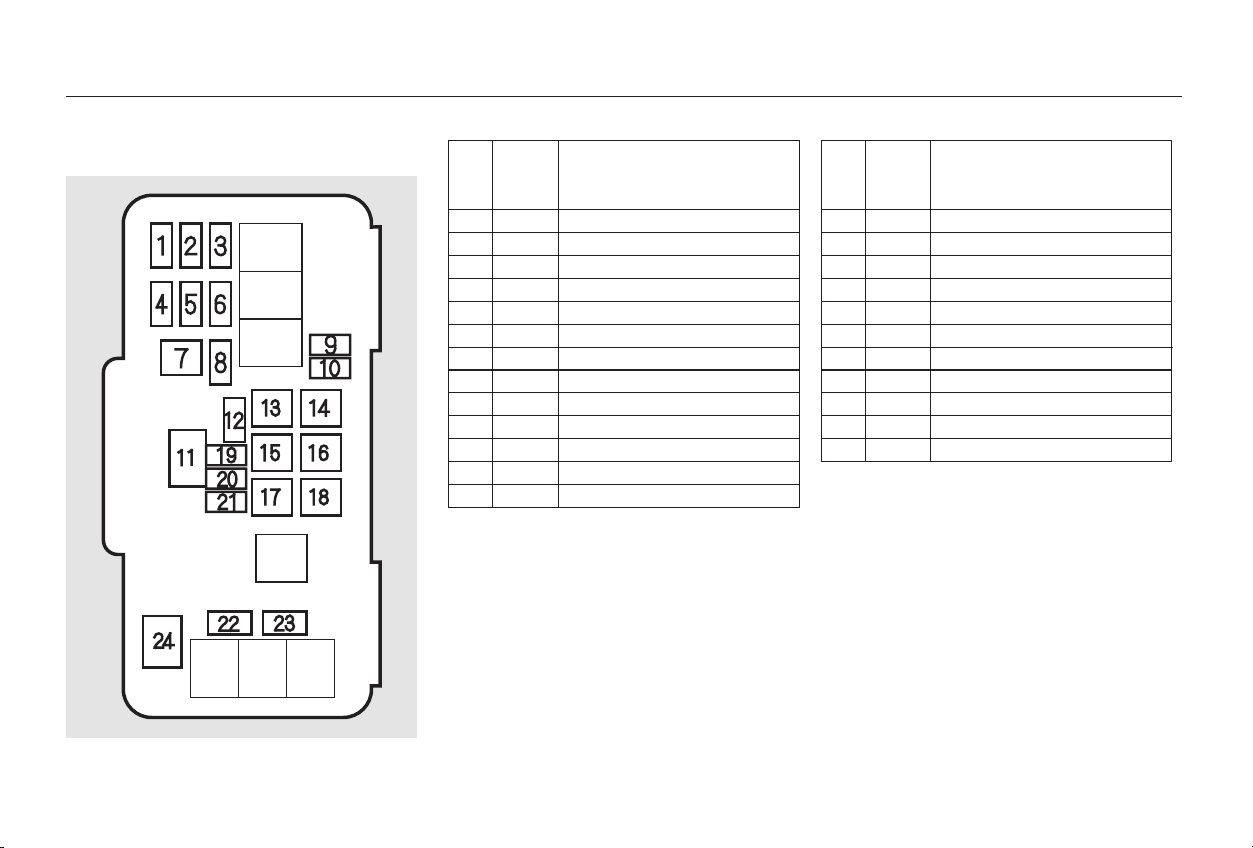
*
*
*
*
*
*
*
*
*
No. Amps. Circuits Protected No. Amps. Circuits Protected
1
2
3
4
5
6
7
8
9
10
11
12
13
20 A
7.5 A
20 A
20 A
20 A
15 A
30 A
15 A
20 A
30 A
100 A
20 A
40 A
Left Headlight
Dimmer Relay
Right Headlight
ABS F/S
Stop
ACG
ABS Motor
Hazard
Spare Fuse
Spare Fuse
Battery
Cooling Fan
Back Up, ACC
14
15
16
17
18
19
20
21
22
23
24
40 A
40 A
20 A
40 A
40 A
7.5 A
10 A
15 A
20 A
20 A
50 A
Power Window Motor
Power Seat
TCS F/S
Heater Motor
Rear Defroster
Spare Fuse
Spare Fuse
Spare Fuse
Heated Seat
Condenser Fan
IG1 Main
1:
2:
3:
4:
EX-V6 in Canada
EX,V6models
V6 models
Canadian Special Edition, EX, and EX-V6
models
1
2
2
3
4
Fuses
Taking Care of the Unexpected
337
UNDER-HOOD FUSE BOX
Main Menu
Table of Contents
−
−
−
Release the parking brake.
Start the engine.
ShifttoD,thentoN.
Turn off the engine.
If your car needs to be towed, call a
professional towing service or, if you
belong to one, an organization that
provides roadside assistance. Never
tow your car behind another vehicle
with just a rope or chain. It is very
dangerous.
The operator
loads your car on the back of a truck.
The tow
truck uses two pivoting arms that go
under the tires (front or rear) and lift
them off the ground. The other two
tires remain on the ground.
The tow
truck uses metal cables with hooks
on the ends. These hooks go around
parts of the frame or suspension and
the cables lift that end of the car off
the ground. Your car’s suspension
and body can be seriously damaged.
If your Honda cannot be transported
by flat-bed, it should be towed by
wheel-lift equipment with the front
wheels off the ground. If due to
damage, your car must be towed
with the front wheels on the ground,
do the following:
Release the parking brake.
Shift the transmission to Neutral.
With the front wheels on the ground,
it is best to tow the car no farther
than 50 miles (80 km), and keep the
speedbelow35mph(55km/h).
There are three popular types of
professional towing equipment.
4
5-speed Manual Transmission
Automatic Transmission
Flat-bed Equipment
Wheel-lift Equipment
Sling-type Equipment
This is the best way to transport
your Honda.
This is
an acceptable way to tow your
Honda.
This method of towing is
unacceptable.
Emergency Towing
Taking Care of the Unexpected
338
Improper towing preparation will
damage the transmission. Follow the
above procedure exactly. If you cannot
shif t the transmission or start the
engine (automatic transmission), your
car must be transported with the f ront
wheels of f the ground.
Main Menu
Table of Contents
If you decide to tow your car with all
four wheels on the ground, make
sure you use a properly-designed and
attached tow bar. Prepare the car for
towing as described above, and leave
the ignition switch in Accessory (I)
so the steering wheel does not lock.
Make sure the radio and any items
plugged into the accessory power
socket are turned off so they do not
rundownthebattery.
Emergency Towing
Taking Care of the Unexpected
339
The steering system can be damaged if
the steering wheel is locked. Leave the
ignition switch in Accessory (I), and
make sure the steering wheel turns
f reely bef ore you begin towing.
Trying to lif t or tow your car by the
bumpers will cause serious damage.
The bumpers are not designed to
support the car’s weight.
Main Menu
Table of Contents

340
Main Menu

−
−
Thediagramsinthissectiongive
you the dimensions and capacities of
your Honda, and the locations of the
identification numbers. It also
includes information you should
know about your vehicle’s tires and
emissions control systems.
................Identification Numbers . 342
Specifications
..................(4-cylinder Models) . 344
Specifications
..................(6-cylinder Models) . 346
DOT Tire Quality Grading
.............................(U.S.Cars) .348
.................................Treadwear . 348
...........Traction AA, A, B, C . 348
...........Temperature A,B,C .349
.........................Oxygenated Fuels . 350
......Driving in Foreign Countries . 351
.......................Emissions Controls . 352
.....................The Clean Air Act . 352
Crankcase Emissions Control
....................................System . 352
Evaporative Emissions Control
....................................System . 352
Onboard Refueling Vapor
................................Recovery . 352
...Exhaust Emissions Controls . 353
....................PGM-FI System . 353
Ignition Timing Control
................................System . 353
Exhaust Gas Recirculation
...................(EGR) System . 353
Three Way Catalytic
...........................Converter . 353
....................Replacement Parts . 353
..Three Way Catalytic Converter . 354
..............State Emissions Testing . 355
Technical Information
Technical Information
341
Main Menu
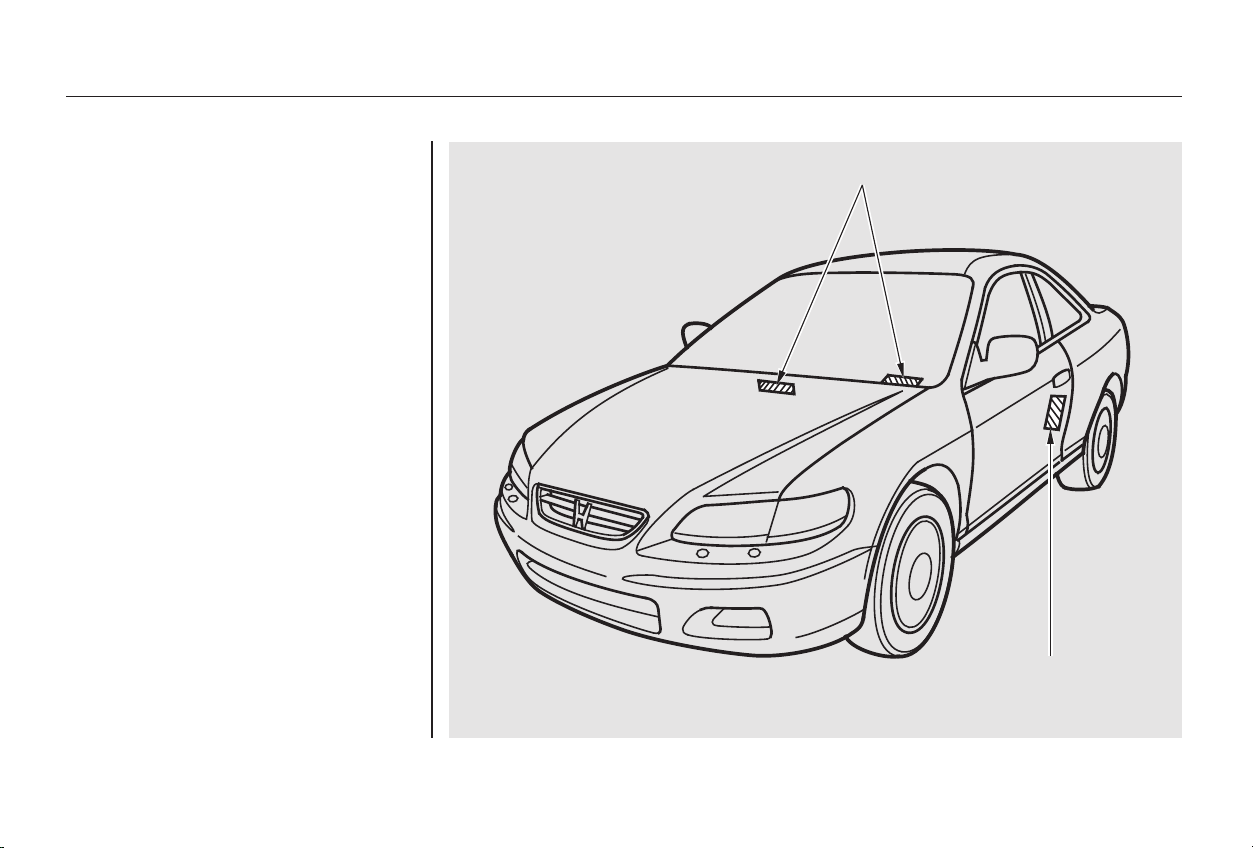
Your car has several identifying
numbers located in various places.
The Vehicle Identification Number
(VIN) is the 17-digit number your
Honda dealer uses to register your
car for warranty purposes. It is also
necessary for licensing and insuring
your car. The easiest place to find
the VIN is on a plate fastened to the
top of the dashboard. You can see it
by looking through the windshield
on the driver’s side. It is also on the
Certification label attached to the
driver’s doorjamb, and is stamped on
the engine compartment bulkhead.
The VIN is also provided in bar code
on the Certification label.
Identification Numbers
Technical Information
342
VVEEHHIICCLLEE IIDDEENNTTIIFFIICCAATTIIOONN NNUUMMBBEERR
CCEERRTTIIFFIICCAATTIIOONN LLAABBEELL
Main Menu
Table of Contents
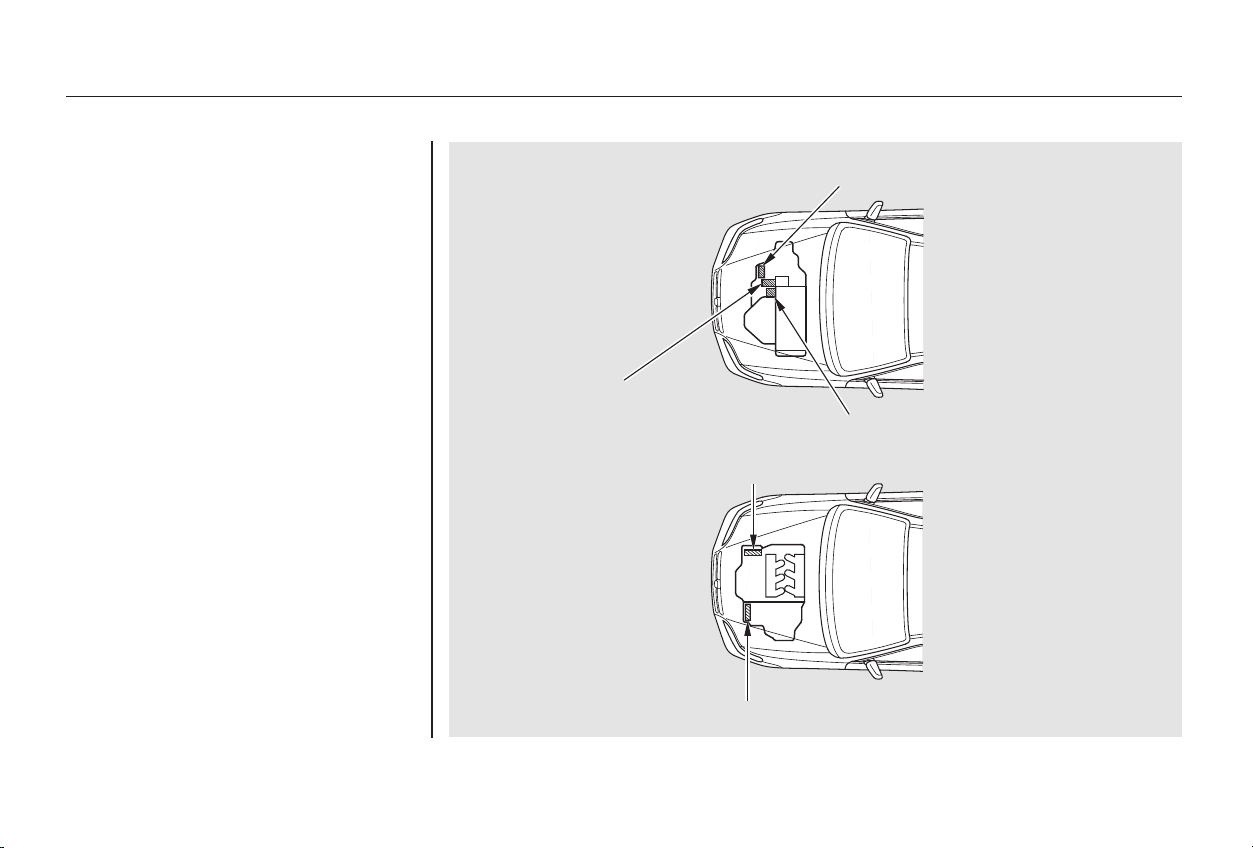
The Transmission Number is on a
label on top of the transmission.
The Engine Number is stamped into
the engine block. It is on the front.
Identification Numbers
Technical Information
343
MMAANNUUAALL
TTRRAANNSSMMIISSSSIIOONN
NNUUMMBBEERR
EENNGGIINNEE NNUUMMBBEERR
AAUUTTOOMMAATTIICC TTRRAANNSSMMIISSSSIIOONN NNUUMMBBEERR
44--ccyylliinnddeerr MMooddeellss
66--ccyylliinnddeerr MMooddeellss
EENNGGIINNEE NNUUMMBBEERR
AAUUTTOOMMAATTIICC TTRRAANNSSMMIISSSSIIOONN NNUUMMBBEERR
Main Menu
Table of Contents
−−
*
*
*
*
Technical Information
Specifications (4-cylinder Models)
344
Dimensions
Weights
Capacities
Air Conditioning
187.7 in (4,767 mm)
70.3 in (1,785 mm)
54.9 in (1,395 mm)
105.1 in (2,670 mm)
61.2 in (1,555 mm)
60.4 in (1,535 mm)
1.82 US gal (6.9 , 1.52 Imp gal)
1.85 US gal (7.0 , 1.54 Imp gal)
1.43 US gal (5.4 , 1.19 Imp gal)
1.45 US gal (5.5 , 1.21 Imp gal)
5.9 US qt (5.6 , 4.9 Imp qt)
HFC-134a (R-134a)
24.7 26.5 oz (700 750 g)
4.5 US qt (4.3 , 3.8 Imp qt)
4.2 US qt (4.0
, 3.5 Imp qt)
ND-OIL8 2.0 US qt (1.9 , 1.7 Imp qt)
2.1 US qt (2.0
, 1.8 Imp qt)
2.6 US qt (2.5 , 2.2 Imp qt)
6.4 US qt (6.1
, 5.4 Imp qt)
2.6 US qt (2.5 , 2.2 Imp qt)
Including the coolant in the reserve tank and that remaining in the
engine.
Reserve tank capacity:
0.16 US gal (0.6 , 0.13 Imp gal)
Excluding the oil remaining in the engine.
4.8 US qt (4.5 , 4.0 Imp qt)
Length
Width
Height
Wheelbase
Track
Gross vehicle weight rating
Fuel tank
Engine
coolant
Engine oil
Manual trans-
mission oil
Automatic
transmission
fluid
Windshield
washer
reservoir
Refrigerant type
Charge quantity
Lubricant type
See the certification label attached
to the driver’s doorjamb.
Front
Rear
Approx.
1:
2:
Change
Manual
Automatic
Total
Manual
Automatic
Change
Including
filter
Without
filter
Total
Change
Total
Change
Total
U.S. Cars
Canada Cars
17.12 US gal (64.8 , 14.26 Imp gal)
1
2
Main Menu
Table of Contents
−
−
−
−
−
−
−
−
−
−
−
−
−
−
−
−
−
−
Technical Information
Specifications (4-cylinder Models)
345
Lights
Battery
Engine
Alignment
Tires
Fuses
9.3 : 1
138 cu-in (2,254 cm )
3.39 x 3.82 in (86.0 x 97.0 mm)
12 V
12 V
12 V
24/2.2 CP
32/2 CP
32/2 CP
12 V
12 V
60 W (HB3)
51 W (HB4)
12 V
12 V
12 V
12 V
12 V
12 V
12 V
12 V
12 V
12 V
3CP
21 W
3CP
3CP
8W
21 W
5W
3CP
1.8 W
4CP
12 V 52 AH/5 HR
0.00 in (0.0 mm)
0.08 in (2.0 mm)
0°
0°30’
2°48’
P195/65R15 89H
T125/70D15 95M
29 psi (200 kPa , 2.0 kgf/cm
)
60 psi (420 kPa , 4.2 kgf/cm )
Headlights
Front turn signal/side marker
lights
Front parking lights
Rear turn signal/taillights
Stop/Taillights
Back-up lights
Rear side marker lights
License plate lights
Ceiling light
High-mount brake light
Trunk light
Door courtesy lights
Vanity mirror light
Spotlights
Capacity
Type
BorexStroke
Displacement
Compression ratio
Spark plugs
Toe-in
Camber
Caster
Size
Pressure
Water cooled 4-stroke
SOHC VTEC
4-cylinder gasoline engine
65 AH/20 HR
Interior
Under-hood
See spark plug maintenance sec-
tion page 252 .
12 V
See page 336 or the fuse label
attached to the inside of the fuse
box door on each side of the
dashboard.
See page 337 or the fuse box
cover.
Front
Rear
Front
Rear
Front
High
Low
Front/Rear
Spare
Front/Rear
Spare
Main Menu
Table of Contents
−−
*
*
*
*
Technical Information
Specifications (6-cylinder Models)
346
Dimensions
Weights
Capacities
Air Conditioning
187.7 in (4,767 mm)
70.3 in (1,785 mm)
55.3 in (1,405 mm)
105.1 in (2,670 mm)
61.2 in (1,555 mm)
60.4 in (1,535 mm)
HFC-134a (R-134a)
ND-OIL8
4.6 US qt (4.4 , 3.9 Imp qt)
4.2 US qt (4.0 , 3.5 Imp qt)
5.3 US qt (5.0 , 4.4 Imp qt)
3.1 US qt (2.9 , 2.6 Imp qt)
7.6 US qt (7.2
, 6.3 Imp qt)
2.6 US qt (2.5
, 2.2 Imp qt)
4.8 US qt (4.5
, 4.0 Imp qt)
Including the coolant in the reserve tank and that remaining in the
engine.
Reserve tank capacity:
0.16 US gal (0.6 , 0.13 Imp gal)
Excluding the oil remaining in the engine.
Length
Width
Height
Wheelbase
Track
Gross vehicle weight rating
Fuel tank
Engine
coolant
Engine oil
Automatic
transmission
fluid
Windshield
washer
reservoir
Refrigerant type
Charge quantity
Lubricant type
See the certification label attached
to the driver’s doorjamb.
15.8 17.5 oz (450 500 g)
1.48 US gal (5.6
, 1.23 Imp gal)
1.98 US gal (7.5 , 1.65 Imp gal)
Front
Rear
Approx.
1:
2:
Change
Total
Change
Including
filter
Without
filter
Total
Change
Total
U.S. Cars
Canada Cars
17.12 US gal (64.8 , 14.26 Imp gal)
1
2
Main Menu
Table of Contents
−
*
*
−
−
−
−
−
−
−
−
−
−
−
−
−
−
−
−
−
*
*
*
*
Technical Information
Specifications (6-cylinder Models)
347
Lights
Battery
Engine
Alignment
Tires
Fuses
12 V
12 V
60 W (HB3)
51 W (HB4)
12 V
12 V
12 V
12 V
4CP
5W
24/2.2 CP
12 V
21 W
55 AH/5 HR12 V
12 V
1.8 W
3CP
12 V
12 V
32/2 CP
32/2 CP
12 V
12 V
3CP
3CP
3CP
12 V
12 V
12 V
21 W
8W
3.39 x 3.39 in (86.0 x 86.0 mm)
183 cu-in (2,997 cm )
9.4 : 1
0.00 in (0.0 mm)
0.08 in (2.0 mm)
0°
0°30’
2°48’
P205/60R16 91V
P205/65R15 92V
T135/90D15 100M
32 psi (220 kPa , 2.2 kgf/cm
)
30 psi (210 kPa , 2.1 kgf/cm )
60 psi (420 kPa , 4.2 kgf/cm )
Headlights
Front turn signal/side marker
lights
Front parking lights
Rear turn signal/taillights
Stop/Taillights
Back-up lights
Rear side marker lights
License plate lights
Ceiling light
High-mount brake light
Trunk light
Door courtesy lights
Vanity mirror light
Spotlights
Capacity
Type
BorexStroke
Displacement
Compression ratio
Spark plugs
Toe-in
Camber
Caster
Size
Pressure
Water cooled 4-stroke
SOHC VTEC
6-cylinder gasoline engine
65 AH/20 HR12 V
Interior
Under-hood
See spark plug maintenance sec-
tion page 255 .
See page 336 or the fuse label
attached to the inside of the fuse
box door on each side of the
dashboard.
See page 337 or the fuse box
cover.
Front
Rear
Front
Rear
Front
High
Low
1:
2:
Front/Rear
Spare
Front/Rear
Spare
EX-V6
LX-V6
1
2
1
2
Main Menu
Table of Contents

−
The treadwear grade is a compara-
tive rating based on the wear rate of
the tire when tested under controlled
conditions on a specified government
test course. For example, a tire
graded 150 would wear one and one-
half (1 1/2) times as well on the
government course as a tire graded
100. The relative performance of
tires depends upon the actual condi-
tions of their use, however, and may
depart significantly from the norm
due to variations in driving habits,
service practices and differences in
road characteristics and climate.
The traction grades, from highest to
lowest, are AA, A, B, and C. Those
grades represent the tire’s ability to
stop on wet pavement as measured
under controlled conditions on
specified government test surfaces
of asphalt and concrete. A tire
marked C may have poor traction
performance.
Warning: The traction grade
assignedtothistireisbasedon
straight-ahead braking traction tests,
and does not include acceleration,
cornering, hydroplaning, or peak
traction characteristics.
The tires on your car meet all U.S.
Federal Safety Requirements. All
tires are also graded for treadwear,
traction, and temperature perform-
ance according to Department of
Transportation (DOT) standards.
The following explains these
gradings.
Quality grades can be found where
applicable on the tire sidewall
between the tread shoulder and the
maximum section width. For
example:
All passenger car tires must conform
to Federal Safety Requirements in
addition to these grades.
Technical Information
DOT Tire Quality Grading (U.S. Cars)
Treadwear Traction AA, A, B, C
Uniform Tire Quality Grading
Treadwear 200
Traction AA
Temperature A
348
Main Menu
Table of Contents

− Warning: The temperature grade for
this tire is established for a tire that
is properly inflated and not over-
loaded. Excessive speed, underinfla-
tion, or excessive loading, either
separately or in combination, can
cause heat buildup and possible tire
failure.
The temperature grades are A (the
highest), B, and C, representing the
tire’s resistance to the generation of
heat and its ability to dissipate heat
when tested under controlled
conditions on a specified indoor
laboratory test wheel. Sustained high
temperature can cause the material
of the tire to degenerate and reduce
tire life, and excessive temperature
can lead to sudden tire failure. The
grade C corresponds to a level of
performance which all passenger car
tires must meet under the Federal
Motor Vehicle Safety Standard No.
109. Grades B and A represent
higher levels of performance on the
laboratory test wheel than the
minimum required by law.
Technical Information
DOT Tire Quality Grading (U.S. Cars)
Temperature A,B,C
349
Main Menu
Table of Contents

Some conventional gasolines are
being blended with alcohol or an
ether compound. These gasolines
are collectively referred to as
oxygenated fuels. To meet clean air
standards, some areas of the United
States and Canada use oxygenated
fuels to help reduce emissions.
If you use an oxygenated fuel, be
sure it is unleaded and meets the
minimum octane rating requirement.
Before using an oxygenated fuel, try
to confirm the fuel’s contents. Some
states/provinces require this
informationtobepostedonthe
pump.
If you notice any undesirable
operating symptoms, try another
service station or switch to another
brand of gasoline.
Fuel system damage or performance
problems resulting from the use of
an oxygenated fuel containing more
than the percentages of oxygenates
given above are not covered under
warranty.
(methyl or wood
alcohol)
Your vehicle was not designed to use
fuel that contains methanol.
Methanol can corrode metal parts in
the fuel system, and also damage
plastic and rubber components. This
damage would not be covered by
your warranties.
(ethyl or grain alcohol)
You may use gasoline containing up
to 10 percent ethanol by volume.
Gasoline containing ethanol may be
marketed under the name ‘‘Gasohol.’’
The following are the U.S. EPA and
Canadian CGSB approved
percentages of oxygenates:
(Methyl Tertiary Butyl
Ether)
You may use gasoline containing up
to 15 percent MTBE by volume.
Oxygenated Fuels
Technical Information
METHANOL
ETHANOL
MTBE
350
Main Menu
Table of Contents

If you are planning to take your
Honda outside the U.S. or Canada,
contact the tourist bureaus in the
areas you will be traveling in to find
out about the availability of unleaded
gasoline with the proper octane
rating.
If unleaded gasoline is not available,
be aware that using leaded gasoline
in your Honda will affect perfor-
mance and fuel mileage, and damage
its emissions controls. It will no
longer comply with U.S. and
Canadian emissions regulations, and
will be illegal to operate in North
America. To bring your car back into
compliance will require the replace-
ment of several components, such as
theoxygensensorsandthethree
way catalytic converter. These re-
placements are not covered under
warranty.
Driving in Foreign Countries
Technical Information
351
Main Menu
Table of Contents

*
*
The United States Clean Air Act
sets standards for automobile
emissions. It also requires that
automobile manufacturers explain to
owners how their emissions controls
workandwhattodotomaintain
them. This section summarizes how
the emissions controls work.
Scheduled maintenance is on page
.
In Canada, Honda vehicles comply
with the Canadian Motor Vehicle
Safety Standards (CMVSS) for
Emissions valid at the time they are
manufactured.
The burning of gasoline in your car’s
engine produces several byproducts.
Some of these are carbon monoxide
(CO), oxides of nitrogen (NOx) and
hydrocarbons (HC). Gasoline
evaporating from the tank also
produces hydrocarbons. Controlling
the production of NOx, CO, and HC
is important to the environment.
Under certain conditions of sunlight
and climate, NOx and HC react to
form photochemical ‘‘smog.’’ Carbon
monoxide does not contribute to
smog creation, but it is a poisonous
gas.
As gasoline evaporates in the fuel
tank, an evaporative emissions
control canister filled with charcoal
adsorbs the vapor. It is stored in this
canister while the engine is off. After
the engine is started and warmed up,
the vapor is drawn into the engine
and burned during driving.
The Onboard Refueling Vapor
Recovery (ORVR) system captures
the fuel vapors during refueling. The
vapors are adsorbed in a canister
filled with activated carbon. While
driving, the fuel vapors are drawn
into the engine and burned off.
Your car has a Positive Crankcase
Ventilation System. This keeps
gasses that build up in the engine’s
crankcase from going into the
atmosphere. The Positive Crankcase
Ventilation valve routes them from
the crankcase back to the intake
manifold. They are then drawn into
the engine and burned.
238
The Clean Air Act
Crankcase Emissions Control
System
Evaporative Emissions Control
System
Onboard Refueling Vapor
Recovery
Technical Information
Emissions Controls
352
Main Menu
Table of Contents

The exhaust emissions controls
include four systems: PGM-FI,
Ignition Timing Control, Exhaust
Gas Recirculation and Three Way
Catalytic Converter. These four
systems work together to control the
engine’s combustion and minimize
the amount of HC, CO, and NOx that
comes out the tailpipe. The exhaust
emissions control systems are
separate from the crankcase and
evaporative emissions control
systems.
The emissions control systems are
designed and certified to work to-
gether in reducing emissions to
levels that comply with the Clean Air
Act. To make sure the emissions
remain low, you should use only new
Genuine Honda replacement parts or
their equivalent for repairs. Using
lowerqualitypartsmayincreasethe
emissions from your car.
The emissions control systems are
covered by warranties separate from
the rest of your car. Read your
warranty manual for more informa-
tion.
The PGM-FI System uses sequential
multiport fuel injection.
It has three subsystems: Air Intake,
Engine Control, and Fuel Control.
The Engine Control Module (ECM)/
Powertrain Control Module (PCM-
A/T only) uses various sensors to
determine how much air is going
into the engine. It then controls how
much fuel to inject under all
operating conditions.
This system constantly adjusts the
ignition timing, reducing the amount
of HC, CO and NOx produced.
The Exhaust Gas Recirculation
(EGR) system takes some of the
exhaust gas and routes it back into
the intake manifold. Adding exhaust
gas to the air/fuel mixture reduces
the amount of NOx produced when
the fuel is burned.
The three way catalytic converter is
in the exhaust system. Through
chemical reactions, it converts HC,
CO, and NOx in the engine’s exhaust
to carbon dioxide (CO ), dinitrogen
(N ), and water vapor.
2
2
Exhaust Emissions Controls Replacement Parts
Technical Information
Emissions Controls
PGM-FI System
Ignition Timing Control System
Exhaust Gas Recirculation (EGR)
System
Three Way Catalytic Converter
353
Main Menu
Table of Contents
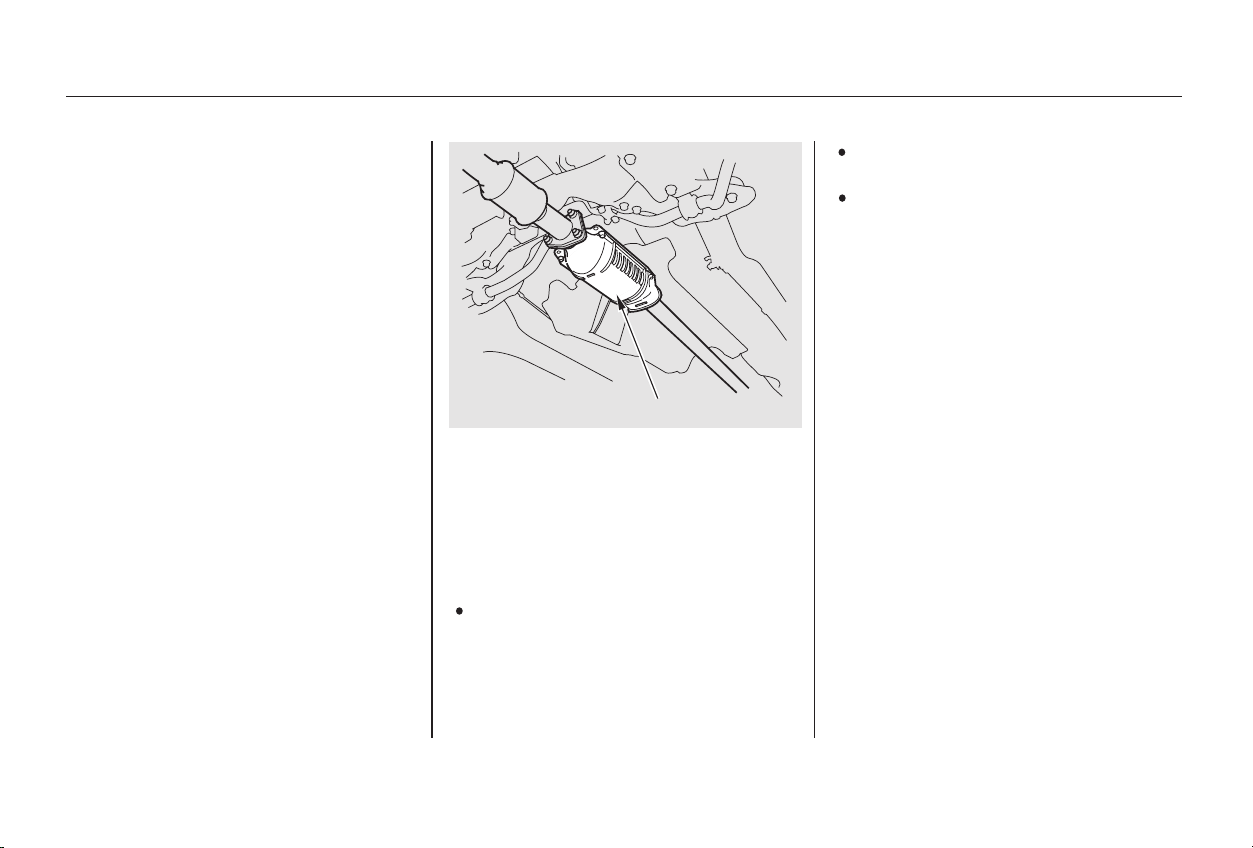
Keep the engine tuned-up.
Always use unleaded gasoline.
Even a small amount of leaded
gasoline can contaminate the
catalyst metals, making the three
way catalytic converter ineffective.
The three way catalytic converter
contains precious metals that serve
as catalysts, promoting chemical
reactions to convert the exhaust
gasses without affecting the metals.
The catalytic converter is referred to
as a three-way catalyst, since it acts
on HC, CO, and NOx. A replacement
unit must be an original Honda part
or its equivalent.
The three way catalytic converter
must operate at a high temperature
for the chemical reactions to take
place. It can set on fire any com-
bustible materials that come near it.
Park your car away from high grass,
dry leaves, or other flammables.
A defective three way catalytic
converter contributes to air pollution,
and can impair your engine’s per-
formance. Follow these guidelines to
protect your car’s three way catalytic
converter.
Have your car diagnosed and
repaired if it is misfiring, back-
firing, stalling, or otherwise not
running properly.
Three Way Catalytic Converter
Technical Information
354
TTHHRREEEE WWAAYY CCAATTAALLYYTTIICC CCOONNVVEERRTTEERR
Main Menu
Table of Contents
CONTINUED
If you take your vehicle for a state
emissions test shortly after the
battery has been disconnected or
gone dead, it may not pass the test.
This is because of certain ‘‘readiness
codes’’ that must be set in the on-
board diagnostics for the emissions
systems. These codes are erased
when the battery is disconnected,
and set again only after several days
of driving under a variety of
conditions.
If the testing facility determines that
the readiness codes are not set, you
will be requested to return at a later
date to complete the test. If you must
get the vehicle re-tested within the
next two or three days, you can
condition the vehicle for re-testing
by doing the following.
Make sure the gas tank is nearly,
but not completely, full (around
3/4).
Make sure the vehicle has been
parked with the engine off for 8
hours or more.
Make sure the ambient
temperature is between 20° and
95°F.
Without touching the accelerator
pedal, start the engine and let it
idle for 20 seconds.
Keep the vehicle in Park
(automatic transmission) or
Neutral (manual transmission).
Increase the engine speed to 2,000
rpm and hold it there until the
temperature gauge rises to at least
1/4ofthescale(approximately3
minutes).
State Emissions Testing
Technical Information
Testing of Readiness Codes
355
Main Menu
Table of Contents

Then drive in city/suburban
traffic for at least 10 minutes.
When traffic conditions allow, let
the vehicle coast for several
seconds without using the
accelerator pedal or the brake
pedal.
If the testing facility determines the
readiness codes are still not set, see
your Honda dealer.
Select a nearby lightly traveled
major highway where you can
maintain a speed of 50 to 60 mph
(80to97km/h)foratleast20
minutes. Drive on the highway in
D (A/T) or 5th (M/T). Do not
use the cruise control. When
traffic allows, drive for 90 seconds
without moving the accelerator
pedal. (Vehicle speed may vary
slightly; this is okay.) If you cannot
do this for a continuous 90
seconds because of traffic
conditions, drive for at least 30
seconds, then repeat it two more
times (for a total of 90 seconds).
4
State Emissions Testing
Technical Information
356
Main Menu
Table of Contents

Customer Relations
................................Information . 358
....................Warranty Coverages . 359
Reporting Safety Defects
..........................(U.S. Vehicles) . 360
.....................Authorized Manuals . 361
Warranty and Customer Relations
Warranty and Customer Relations
357
Main Menu
Honda dealership personnel are
trained professionals. They should
be able to answer all your questions.
If you encounter a problem that your
dealership does not solve to your
satisfaction, please discuss it with
the dealership’s management. The
Service Manager or General
Manager can help. Almost all
problems are solved in this way.
If you are dissatisfied with the
decision made by the dealership’s
management, contact your Honda
Customer Relations Office.
U.S. Owners: In Puerto Rico and the U.S. Virgin
Islands:
When you call or write, please give
us this information:
Vehicle Identification Number
(see page )
Name and address of the dealer
who services your car
Date of purchase
Mileage on your car
Your name, address, and tele-
phone number
A detailed description of the
problem
Name of the dealer who sold the
car to you
Canadian Owners:
342
Customer Relations Information
Warranty and Customer Relations
358
CUSTOMER RELATIONS
RELATIONS AVEC LA CLIENTÉLE
Bella International
P.O. Box 190816
San Juan, Puerto Rico 00919-0816
(787) 250-4318
American Honda Motor Co.
Honda Consumer Affairs
Department
Mail Stop 500-2N-7D
1919 Torrance Boulevard
Torrance, California 90501-2746
Tel: (800) 999-1009
Honda Canada Inc.
715 Milner Avenue
Toronto, ON
M1B 2K8
Tel: 1-888-9-HONDA-9
Fax: Toll-free 1-877-939-0909
Toronto (416) 287-4776
Main Menu
Table of Contents

−
−
−
−
−
−
−
−
−
a seat
belt that fails to function properly is
coveredfortheusefullifeofthe
vehicle.
provides prorated
coverage for a replacement battery
purchased from a Honda dealer.
Your new Honda is covered by these
warranties:
covers all genuine
Honda replacement parts against
defects in materials and workman-
ship.
Genuine Honda Accessories are
covered under this warranty. Time
and mileage limits depend on the
type of accessory and other factors.
Please read your warranty manual
for details.
all exterior body panels are
covered for rust-through from the
inside for the specified time period
with no mileage limit.
covers your new vehicle, except for
the battery, emissions control
systems and accessories, against
defects in materials and
workmanship.
provides
coverageforaslongasthepur-
chaser of the muffler owns the
vehicle.
these two
warranties cover your vehicle’s emis-
sions control systems. Time, mileage,
and coverage are conditional. Please
read the warranty manual for exact
information.
this warranty gives up
to 100 percent credit toward a
replacement battery.
Restrictions and exclusions apply to
all these warranties. Please read the
2002 Honda Warranty Information
booklet that came with your car for
precise information on warranty
coverages. Your Honda’s original
tires are covered by their
manufacturer. Tire warranty infor-
mation is in a separate booklet.
Please refer to the 2002 Warranty
Manual that came with your car.
Seat Belt Limited Warranty Replacement Battery Limited
Warranty
Replacement Parts Limited
Warranty
Accessory Limited Warranty
Rust Perforation Limited Warranty
New Vehicle Limited Warranty
Replacement Muffler Lifetime
Limited Warranty
Emissions Control Systems Defects
Warranty and Emissions
Performance Warranty
Original Equipment Battery Limited
Warranty
U.S. Owners
Canadian Owners
Warranty Coverages
Warranty and Customer Relations
359
Main Menu
Table of Contents

To contact NHTSA, you may either
call the Auto Safety Hotline toll-free
at 1-800-424-9393 (or 366-0123 in
Washington D.C. area) or write to:
NHTSA, U.S. Department of
Transportation, Washington,
D.C. 20590. You can also obtain
other information about motor
vehicle safety from the Hotline.
If you believe that your vehicle has a
defect which could cause a crash or
could cause injury or death, you
should immediately inform the
National Highway Traffic Safety
Administration (NHTSA) in addition
to notifying American Honda Motor
Co., Inc.
If NHTSA receives similar com-
plaints, it may open an investigation,
and if it finds that a safety defect
exists in a group of vehicles, it may
order a recall and remedy campaign.
However, NHTSA cannot become
involved in individual problems
between you, your dealer, or
American Honda Motor Co., Inc.
Reporting Safety Defects (U.S. Vehicles)
Warranty and Customer Relations
360
Main Menu
Table of Contents
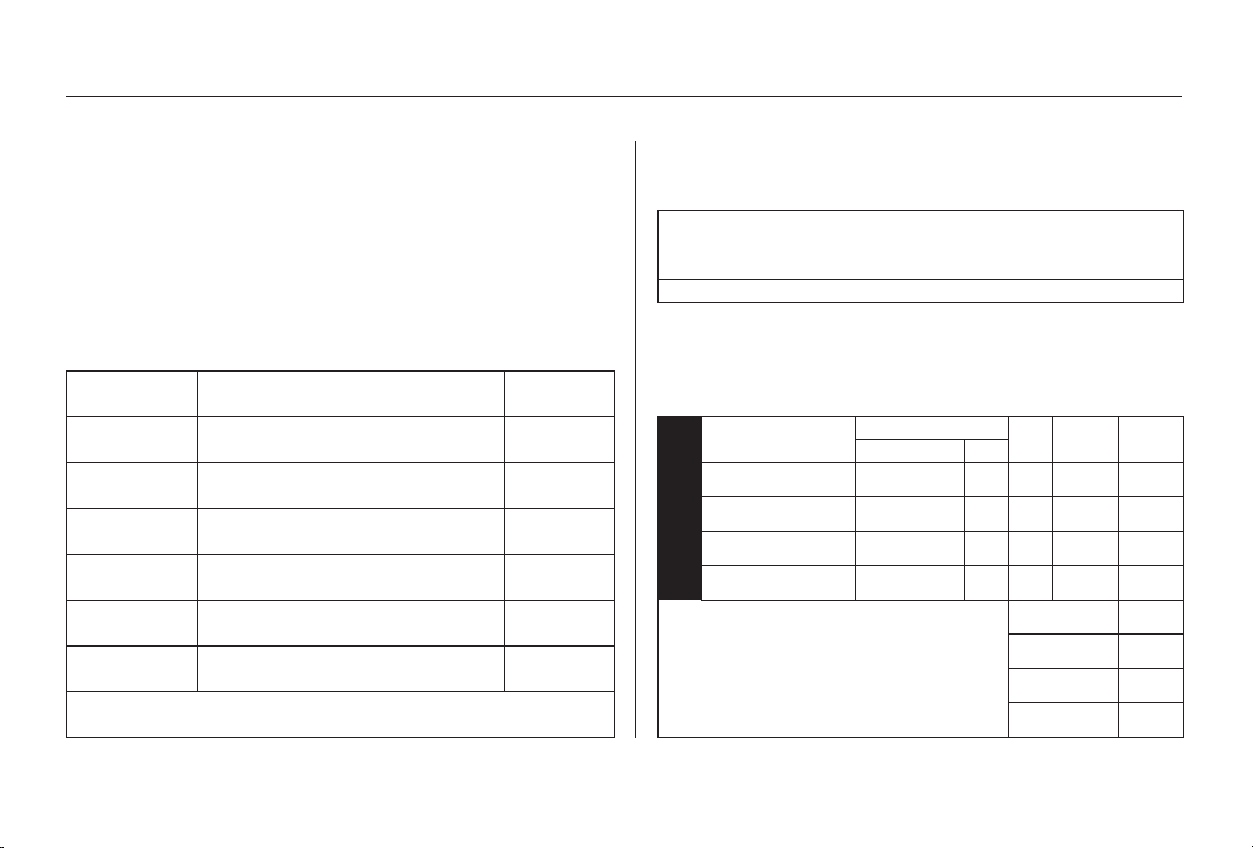
−
*
*
*
*
2
0
0
2
H
O
N
The following publications covering the operation and
servicing of your vehicle can be obtained from Helm
Incorporated, either by filling out the attached form or,
for credit card holders, calling the toll-free phone number
on the form. For manuals prior to the year shown below,
contact Helm Incorporated, P.O. Box 07280, Detroit,
Michigan 48207, or call 1-800-782-4356.
Valid only for sales within the U.S. Canadian owners should
contact their authorized Honda dealer.
Authorized Manuals
Purchasing Factory Authorized Manuals
(U.S. only)
361
ORDER TOLL FREE: 1-800-782-4356
OR
(NOTE: For Credit Card Holder Orders Only)
MINIMUM CREDIT CARD PURCHASE $10.00
Publication
Form Number
61S8400
61S8401
61S8400EL
61S8030
31S82640
HON-R
Form Description
1998-2002 Honda Accord 2/4 Door L4
Service Manual Base Book
1998-2002 Honda Accord 2/4 Door V6
Service Manual Supplement
Electrical Troubleshooting Manual
Body Repair Manual
2002 Honda Accord 2 Door L4/V6
Owner’s Manual
Order Form for Previous Years-
Indicate Year and Model Desired
Price
Each
$68.00
$38.00
$48.00
$42.00
$32.00
FREE
1998-2002 Honda Accord 2/4 Door L4/V6
1998-2002 Honda Accord 2/4 Door L4/V6
PUBLICATION NUMBER
VEHICLE MODEL
Name Year
Qty
Price
Each
Total
Price
GRAND TOTAL
HANDLING CHARGE
Mich. Purchases
Add 6% Sales Tax
TOTAL MATERIAL
$6.00
Monday-Friday 8:00 A.M. 6:00 P.M. EST
By completing this form you can order the materials desired. You can
pay by check or money order, or charge to your credit card. Mail to
Helm Incorporated at the address shown on the back of the order form.
Prices are subject to change without
notice and without incurring obligation.
Orders are mailed within 10 days. Please
allow adequate time for delivery.Prices are subject to change without notice and without incurring
obligation.
Main Menu
Table of Contents
−
−
−
S
H
I
P
T
O
P
A
Y
M
E
N
T
This manual complements the Service Manual by
providing in-depth troubleshooting information for each
electrical circuit in your vehicle.
This manual describes the procedures involved in the
replacement of damaged body parts.
This manual covers maintenance and recommended
procedures for repair to engine and chassis components.
It is written for the Journeyman mechanic, but is simple
enough for most mechanically-inclined owners to under-
stand.
Authorized Manuals
Service Manual:
Electrical Troubleshooting Manual:
Body Repair Manual:
362
NOTE: Dealers and Companies please provide dealer or company name,
and also the name of the person to whose attention the shipment should
be sent. For purchases outside U.S.A. please write to the address shown
below for a quotation.
P.O. BOX 07280·DETROIT, MICHIGAN 48207·1-800-782-4356
Customer Name
Attention
Apartment Number
State & Zip Code
City
Daytime Telephone Number
Check or money order enclosed payable to Helm Inc U.S. funds only.
Do not send cash
Master
Card
VISA Check here if your billing address is different
from the shipping address shown above.
Account Number
Expiration: Mo. Yr.
CUSTOMER SIGNATURE
DATE
Street Address No P.O. Box Number
()
These Publications cannot be returned for credit without receiving advance authorization within 14
days of delivery. On returns, a restocking fee may be applied against the original order.
Main Menu
Table of Contents
CONTINUED
Battery
Charging System
...........................Indicator . 58, 328
............................Jump Starting . 321
..............................Maintenance . 274
....................Specifications . 345, 347
..............................Before Driving . 191
....................................Belts,Seat .8,41
...........................Beverage Holder . 101
...................................Body Repair . 310
Brakes
...........Anti-lock System (ABS) . 218
.............Break-in, New Linings . 192
............Bulb Replacement . 294, 295
...........................................Fluid . 264
.........................................Parking . 99
.................System Indicator . 59, 331
........................Wear Indicators . 217
.............................Braking System . 217
........................Break-in, New Car . 192
..Brightness Control, Instruments . 69
........................Brights, Headlights . 67
Bulb Replacement
..........................Back-up Lights . 295
.....................Brake Lights . 294, 295
..............................Ceiling Light . 299
........................Courtesy Lights . 299
................Front Parking Lights . 293
........Front Side Marker Lights . 292
.................................Headlights . 290
.........High-mount Brake Light . 297
.................License Plate Lights . 298
.........Rear Side Marker Lights . 296
....................Specifications . 345, 347
...Accessories and Modifications . 200
................................Accessories . 200
.Additional Safety Precautions . 201
............................Modifications . 201
ACCESSORY (Ignition Key
.......................................Position) . 77
.............Accessory Power Socket . 104
....................Additives, Engine Oil . 250
...............................Airbag (SRS) . 9, 45
.....................Air Cleaner Element . 267
.................Air Conditioning Filter . 280
......Air Conditioning System . 108, 115
..............................Maintenance . 279
.................................Usage . 111, 117
...............Air Outlets (Vents) . 110, 115
.......................Air Pressure, Tires . 282
.......................Alcohol in Gasoline . 350
.......Aluminum Wheels, Cleaning . 305
......................................Antifreeze . 253
Anti-lock Brakes (ABS)
...............................Indicator . 59, 219
...................................Operation . 218
..............Anti-theft, Audio System . 179
.Anti-theft Steering Column Lock . 76
..........................Appearance Care . 303
................Audio System . 123, 138, 161
...Automatic Lighting Off Feature . 68
...Automatic Seat Belt Tensioners . 43
.............Automatic Speed Control . 181
..............Automatic Transmission . 210
..................Capacity, Fluid . 344, 346
...............Checking Fluid Level . 261
.......................................Shifting . 211
.Shift Lever Position Indicator . 211
................Shift Lever Positions . 211
....................Shift Lock Release . 214
Index
A
B
I
Main Menu
*
Bulb Replacement
...................................Spotlights . 299
...............................Trunk Light . 300
....................Turn Signal Lights . 292
..............................Bulbs, Halogen . 290
................DANGER, Explanation of . ii
...................................Dashboard . 2, 56
................Daytime Running Lights . 68
............Defects, Reporting Safety . 360
................Defogger, Rear Window . 72
......Defrosting the Windows . 113, 121
............................Dimensions . 344, 346
...............Dimming the Headlights . 67
Dipstick
..........Automatic Transmission . 261
..................................Engine Oil . 196
...................Capacities Chart . 344, 346
.............Carbon Monoxide Hazard . 52
.............................Carrying Cargo . 202
Cassette Player
....................................Care . 150, 178
...................Operation . 135, 146, 175
..............CAUTION, Explanation of . ii
..................CD Changer . 132, 151, 171
..............................CD Player . 130, 169
..................................Ceiling Light . 105
...............................Center Pocket . 104
........................Certification Label . 342
............................................Chains . 287
Changing Oil
........................................How to . 250
......................................When to . 238
....................Changing a Flat Tire . 313
............Changing Engine Coolant . 255
...Charging System Indicator . 58, 328
............Checklist, Before Driving . 206
.....................................Child Safety . 20
.......................................Child Seats . 25
..........Tether Anchorage Points . 40
....................Cleaner Element, Air . 267
Cleaning
....................Aluminum Wheels . 305
...................................Carpeting . 306
......................................Exterior . 304
.........................................Fabric . 307
.......................................Interior . 306
.......................................Leather . 307
...................................Seat Belts . 307
...........................................Vinyl . 307
....................................Windows . 308
...............Climate Control System . 115
.........................Clock, Setting the . 100
...................................Clutch Fluid . 265
........................CO in the Exhaust . 352
........................................Coin Box . 104
............Cold Weather, Starting in . 208
..............................Compact Spare . 312
.................Console Compartment . 102
...............Consumer Information . 358
.............Controls, Instruments and . 55
Coolant
........................................Adding . 253
....................................Checking . 198
.........................Proper Solution . 253
...................................Replacing . 255
...................Temperature Gauge . 64
....................Corrosion Protection . 309
............................Courtesy Lights . 106
Crankcase Emissions Control
........................................System . 352
............Cruise Control Operation . 181
..........Customer Relations Office . 359
Index
C
D
II
Main Menu
CONTINUED
..........................Directional Signals . 69
........Disc Brake Wear Indicators . 217
.....................Disposal of Used Oil . 252
Doors
..............Locking and Unlocking . 78
..............................Monitor Light . 61
......................Power Door Locks . 78
..........DOT Tire Quality Grading . 348
Downshifting, 5-speed Manual
.............................Transmission . 209
.....................................Drive Belts . 280
...........Driver and Passenger Safety . 5
...........................................Driving . 205
....................................Economy . 199
.........................In Bad Weather . 223
................In Foreign Countries . 351
..............................Economy, Fuel . 199
............Emergencies on the Road . 311
.............Battery, Jump Starting . 321
...........Brake System Indicator . 331
................Changing a Flat Tire . 313
.....Charging System Indicator . 328
..................Checking the Fuses . 333
.....Low Oil Pressure Indicator . 327
Malfunction Indicator
......................................Lamp . 329
...Manually Closing Moonroof . 332
..................Overheated Engine . 324
...........................Emergency Brake . 99
......................Emergency Flashers . 71
......................Emergency Towing . 338
............Emergency Trunk Opener . 83
.......................Emissions Controls . 352
.............Emissions Testing, State . 355
Engine
....Coolant Temperature Gauge . 64
.................................Drive Belts . 280
Malfunction Indicator
................................Lamp . 59, 329
........Oil Pressure Indicator . 58, 327
..............Oil, What Kind to Use . 248
...............................Overheating . 324
....................Specifications . 345, 347
....................Speed Limiter . 210, 214
.......................................Starting . 207
......................Ethanol in Gasoline . 350
.Evaporative Emissions Controls . 352
...............................Exhaust Fumes . 52
Expectant Mothers, Use of Seat
........................................Belts by . 18
..................Exterior, Cleaning the . 304
............................Fabric, Cleaning . 307
..........................Fan, Interior . 108, 119
Features, Comfort and
..............................Convenience . 107
....................Filling the Fuel Tank . 193
Filters
................................Air Cleaner . 267
.........................Dust and Pollen . 280
...............................................Oil . 250
5-speed Manual Transmission
...............Checking Fluid Level . 263
................................Shifting the . 209
.............Flashers, Hazard Warning . 71
...................Flat Tire, Changing a . 313
.....................................Floor Mats . 306
Fluids
..........Automatic Transmission . 261
..........................................Brake . 264
Index
E
F
III
Main Menu
Fluids
.........................................Clutch . 265
..............Manual Transmission . 263
..........................Power Steering . 266
................Windshield Washers . 260
FM Stereo Radio
...........................Reception . 124, 139
...........................Folding Rear Seat . 91
.....Foreign Countries, Driving in . 351
..........................Four-way Flashers . 71
..............................Front Airbags . 9, 45
.................................................Fuel . 192
......................Fill Door and Cap . 193
...........................................Gauge . 64
................Octane Requirement . 192
...............................Oxygenated . 350
........................Reserve Indicator . 62
........................Tank, Filling the . 193
.....................Fuses, Checking the . 333
...............Gas Mileage, Improving . 199
..........................................Gasohol . 350
.........................................Gasoline . 192
...............Fuel Reserve Indicator . 62
...........................................Gauge . 64
................Octane Requirement . 192
........................Tank, Filling the . 193
................Gas Station Procedures . 193
Gauges
...Engine Coolant Temperature . 64
...............................................Fuel . 64
...............................Speedometer . 63
.................................Tachometer . 63
GAWR (Gross Axle Weight
......................................Rating) . 226
Gearshift Lever Positions
..........Automatic Transmission . 211
5-speed Manual
.........................Transmission . 209
..............................Glass Cleaning . 308
........................................Glove Box . 84
GVWR (Gross Vehicle Weight
......................................Rating) . 226
.............Halogen Headlight Bulbs . 290
..............Hazard Warning Flashers . 71
........................................Headlights . 67
........................................Aiming . 290
Automatic Lighting Off
.....................................Feature . 68
............Daytime Running Lights . 68
..................High Beam Indicator . 62
....................Lights On Indicator . 62
.........................Reminder Chime . 67
........Replacing Halogen Bulbs . 290
...................................Turning on . 67
..............................Head Restraints . 90
.....................Heating and Cooling . 108
.............High Altitude, Starting at . 208
.................High-Low Beam Switch . 67
HomeLink Universal
................................Transceiver . 185
....................................Hood Latch . 269
.......................Hood, Opening the . 194
..................................................Horn . 66
...........................Hydraulic Clutch . 265
.................................Hydroplaning . 224
...Identification Number, Vehicle . 342
Ignition
..............................................Keys . 75
...........................................Switch . 76
Index
GHI
IV
Main Menu
CONTINUED
..................................................Keys . 75
............Timing Control System . 353
........................Immobilizer System . 75
.........Important Safety Precautions . 6
.........Indicators, Instrument Panel . 57
...............................Infant Restraint . 20
......................................Infant Seats . 29
..........Tether Anchorage Points . 40
...................Inflation, Proper Tire . 282
...................................Inside Mirror . 97
.............................Inspection, Tire . 283
........................Instrument Panel . 2, 56
........Instrument Panel Brightness . 69
...........................Interior Cleaning . 306
...............................Interior Lights . 105
........................................Introduction . i
........................Jacking up the Car . 315
.......................................Jack, Tire . 314
................................Jump Starting . 321
.......................Label, Certification . 342
.................Lane Change, Signaling . 69
..................Lap/Shoulder Belts . 15, 41
Lights
....................Bulb Replacement . 290
.......................................Indicator . 57
.........................................Parking . 67
..................................Turn Signal . 69
.....................................Load Limit . 203
......LOCK (Ignition Key Position) . 76
........................Lockout Prevention . 79
Locks
.......Anti-theft Steering Column . 76
............................Fuel Fill Door . 193
....................................Glove Box . 84
.................................Power Door . 78
...........................................Trunk . 82
........................Low Coolant Level . 198
...Lower Gear, Downshifting to a . 209
...Low Oil Pressure Indicator . 58, 327
Lubricant Specifications
..................................Chart . 344, 346
.........................................Luggage . 202
..................................Maintenance . 233
...Owner Maintenance Checks . 245
................................Record . 243, 244
......................Required Indicator . 65
..........................................Safety . 234
............................Schedule . 238, 242
Malfunction Indicator
....................................Lamp . 59, 329
...................Manual Transmission . 209
........Manual Transmission Fluid . 263
...............................Meters, Gauges . 63
...................Methanol in Gasoline . 350
..........................Mirrors, Adjusting . 97
.........................................Moonroof . 96
......................Closing Manually . 332
.....................................Operation . 96
...................Neutral Gear Position . 213
..................New Vehicle Break-in . 192
.....................Normal Shift Speeds . 210
Index
K
L
J
M
N
V
Main Menu
...................NOTICE, Explanation of . i
...............Numbers, Identification . 342
...Octane Requirement, Gasoline . 192
.........................................Odometer . 63
...............................Odometer, Trip . 64
Oil
........................Change, How to . 250
......................Change, When to . 238
......................Checking Engine . 196
..............Pressure Indicator . 58, 327
Selecting Proper Viscosity
......................................Chart . 249
...........ON (Ignition Key Position) . 78
Onboard Refueling Vapor
....................................Recovery . 352
..Operation in Foreign Countries . 351
..............................Outside Mirrors . 97
....................Overheating, Engine . 324
.......Owner Maintenance Checks . 245
.........................Oxygenated Fuels . 350
..............................Paint Touch-up . 305
..............Panel Brightness Control . 69
........................Park Gear Position . 212
...........................................Parking . 216
.................................Parking Brake . 99
Parking Brake and Brake
.................System Indicator . 59, 331
.................................Parking Lights . 67
..Parking Over Things that Burn . 216
.............................PGM-FI System . 353
..................Polishing and Waxing . 305
............Pre-Drive Safety Checklist . 11
.........Pregnancy, Using Seat Belts . 18
..................Proper Seat Belt Usage . 15
............................Protecting Adults . 12
...Additional Safety Precautions . 19
.....Advice for Pregnant Women . 18
........................Protecting Children . 20
.......................Protecting Infants . 29
.......Protecting Larger Children . 36
.........Protecting Small Children . 33
Using Child Seats with
.....................................Tethers . 40
...................Radiator Overheating . 324
Radio/Cassette/CD Changer
....................Sound System . 138, 161
.............Radio/CD Sound System . 123
...................Readiness Codes . 340, 355
..Rear Lights, Bulb Replacement . 294
............................Rear Seat Access . 89
..........................Rear Seat, Folding . 91
............................Rear View Mirror . 97
.................Rear Window Defogger . 72
.........Reclining the Seat Backs . 85, 88
.......Recommended Shift Speeds . 210
.............................Reminder Lights . 57
................Remote Audio Controls . 178
.......................Remote Transmitter . 83
Replacement Information
.................Air Cleaner Element . 267
..............Dust and Pollen Filter . 280
..........................Engine Coolant . 255
................Engine Oil and Filter . 250
..........................................Fuses . 334
................................Light Bulbs . 290
............................Schedule . 236, 242
.......................Spark Plugs . 269, 271
Index
O
PR
VI
Main Menu
**
CONTINUED
................................Timing Belt . 281
...........................................Tires . 285
.............................Wiper Blades . 277
Replacing Seat Belts After a
............................................Crash . 44
...Reserve Tank, Engine Coolant . 198
...............................Restraint, Child . 20
..................Reverse Gear Position . 212
................................Rotation, Tire . 285
..................................Safety Belts . 8, 41
.........Safety Defects, Reporting . 360
.................................Safety Features . 7
...........................................Airbags . 9
..................................Door Locks . 10
..........................Head Restraints . 10
.......................................Seat Belts . 8
.....................Seats & Seat-Backs . 10
.............Safety Labels, Location of . 53
...............................Safety Messages . ii
.....................................Seat Belts . 8, 41
...............Additional Information . 41
Automatic Seat Belt
...............................Tensioners . 43
.....................................Cleaning . 307
................Lap/Shoulder Belt . 15, 41
................................Maintenance . 44
Reminder Light and
................................Beeper . 41, 58
...................System Components . 41
...............Use During Pregnancy . 18
...Wearing a Lap/Shoulder Belt . 15
........................Seats, Adjusting the . 85
....................................Seat Heaters . 93
............................Security System . 180
...............................Serial Number . 342
...........................Service Intervals . 238
...........................Service Manual . 361
.........Service Station Procedures . 193
..........................Setting the Clock . 100
.....Shift Lever Position Indicator . 211
........................Shift Lock Release . 214
....................................Side Airbags . 47
...............Side Airbag Indicator . 49, 60
Side Marker Lights, Bulb
..............................Replacement . 296
...............................Signaling Turns . 69
.....................................Snow Tires . 287
...................Solvent-type Cleaners . 304
........................Sound System . 123, 138
Spare Tire
......................................Inflating . 312
....................Specifications . 345, 347
........Spark Plugs, Replacing . 269, 271
...........Specifications Charts . 344, 346
................................Speed Control . 181
...................................Speedometer . 63
.......................................Spotlights . 105
..........SRS, Additional Information . 45
...Additional Safety Precautions . 50
Automatic Seat Belt
...............................Tensioners . 43
How the SRS Indicator
.......................................Works . 48
...........How Your Airbags Work . 45
........................SRS Components . 45
..................................SRS Service . 50
.............................SRS Indicator . 48, 60
....START (Ignition Key Position) . 78
.......................Starting the Engine . 207
In Cold Weather at High
..................................Altitude . 208
................With a Dead Battery . 321
..............State Emissions Testing . 355
Index
S
VII
Main Menu
........Steam Coming from Engine . 324
Steering Wheel
..................................Adjustment . 73
.............Anti-theft Column Lock . 76
...........Stereo Sound System . 123, 138
...........................Storing Your Car . 301
........................................Sun Visor . 103
........................Sunglasses Holder . 100
Supplemental Restraint
..................................System .9,45
......................................Servicing . 50
.........................SRS Indicator . 48, 60
...................System Components . 45
..................................Synthetic Oil . 250
.....................................Tachometer . 63
......Taillights, Changing Bulbs in . 294
.Taking Care of the Unexpected . 311
...........................Tape Player . 135, 146
Technical Descriptions
.....Emissions Control Systems . 352
.....................Oxygenated Fuels . 350
Three Way Catalytic
...............................Converter . 354
.......................Temperature Gauge . 64
..............Tether Anchorage Points . 40
............................Theft Protection . 179
..Three Way Catalytic Converter . 354
..........................Time, Setting the . 109
....................................Timing Belt . 281
....................................Tire Chains . 287
.........Tire, How to Change a Flat . 313
...............................................Tires . 282
..............................Air Pressure . 282
.........................Checking Wear . 283
..........................Compact Spare . 312
......................................Inflation . 282
..................................Inspection . 283
..............................Maintenance . 284
...................................Replacing . 285
......................................Rotating . 285
...........................................Snow . 287
....................Specifications . 345, 347
................................Tire Chains . 287
..........................Winter Driving . 286
...................Tools, Tire Changing . 313
Towing
.....................................A Trailer . 225
................Emergency Wrecker . 338
Traction Control System (TCS)
...............................Indicator . 60, 222
...................................Operation . 220
Transmission
Checking Fluid Level,
..............................Automatic . 261
...................................Manual . 263
..................Fluid Selection . 244, 263
..............Identification Number . 343
.............Shifting the Automatic . 211
..................Shifting the Manual . 209
.....................................Treadwear . 348
.......................................Trip Meter . 64
................................................Trunk . 82
........Emergency Trunk Release . 83
.................................Opening the . 82
...................Open Monitor Light . 61
....................................Turn Signals . 69
.....................Underside, Cleaning . 309
Unexpected, Taking Care
..........................................of the . 311
....Uniform Tire Quality Grading . 348
........................Unleaded Gasoline . 192
Index
T
U
VIII
Main Menu
*
*
.....................Upholstery Cleaning . 307
.......Used Oil, How to Dispose of . 252
................................Vanity Mirror . 103
.................Vehicle Capacity Load . 203
.............Vehicle Dimensions . 344, 346
....Vehicle Identification Number . 342
.............................Vehicle Storage . 301
.............................Ventilation . 111, 115
.................................................VIN . 342
...............................Vinyl Cleaning . 307
..................................Viscosity, Oil . 249
.............WARNING, Explanation of . ii
.........Warning Labels, Location of . 53
..................Warranty Coverages . 361
Washer, Windshield
........Checking the Fluid Level . 260
.......................................Indicator . 62
Washer, Windshield
.....................................Operation . 71
.........................................Washing . 304
..................Waxing and Polishing . 305
Wheels
...............Adjusting the Steering . 73
............Alignment and Balance . 284
..........................Compact Spare . 312
......................................Wrench . 314
Windows
.....................................Cleaning . 308
..................Operating the Power . 94
...........................Rear, Defogger . 72
Windshield
.......................................Cleaning . 70
...........................Defroster . 113, 121
.......................................Washers . 71
Wipers, Windshield
.......................Changing Blades . 277
.....................................Operation . 70
....................................Worn Tires . 283
.....Wrecker, Emergency Towing . 339
: U.S. and Canada only
Index
V
W
IX
Main Menu
Service Information Summary
Gasoline:
Fuel Tank Capacity:
Recommended Engine Oil:
5-speed Manual Transmission
Fluid:
Power Steering Fluid:
Brake Fluid:
Tire Pressure (measured cold):
Automatic Transmission Fluid:
Unleaded gasoline, pump octane
number of 86 or higher.
Capacity:
2.0 US qt (1.9
, 1.7 Imp qt)
Honda Power Steering Fluid
preferred, or another brand of
power steering fluid as a
temporary replacement. Do not
use ATF (see page ).
Honda Heavy Duty Brake Fluid
DOT 3 preferred, or a DOT 3 or
DOT 4 brake fluid as a temporary
replacement (see page ).
29 psi (200 kPa , 2.0 kgf/cm
)
30 psi (210 kPa , 2.1 kgf/cm
)
32 psi (220 kPa , 2.2 kgf/cm
)
Spare Tire:
60 psi (420 kPa , 4.2 kgf/cm
)
Honda Manual Transmission
Fluid preferred, or an API service
SG, SH or SJ, SAE 10W-30 or
10W-40 motor oil as a temporary
replacement (see page ).
API Premium grade 5W-20
detergent oil (see page ).
Oil change capacity (including
filter):
4.5 US qt (4.3
, 3.8 Imp qt)
4.6 US qt (4.4
, 3.9 Imp qt)
Honda ATF-Z1 (Automatic
Transmission Fluid) preferred, or
aDEXRON
III ATF as a
temporary replacement (see page
).
248
Special Edition, EX, and U.S. LX
LX-V6, EX-V6
262
263
266
264
Special Edition, EX, and U.S. LX
Front/Rear:
LX-V6
Front/Rear:
EX-V6
Front/Rear:
17.12 US gal (64.8 , 14.26 Imp gal)
Main Menu