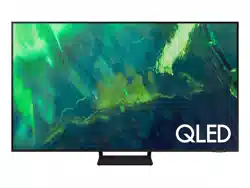
Samsung QN55Q7DAAFXZA Questions & Answers
You can find answers or submit your question.
In ManualsFile, you can ask and answer questions about your issues. We - volunteers - or other people who own the product will help you.
You should also read the documentation for your own answers. Download documentation for this product here.
2 Questions
How do I change it to 120 hertz for gaming?
It does support 4K at 120hz.
How do I change it to 120 hertz for gaming?
Follow the steps below to turn on Game Mode: Settings > General >External Device Manager > Game Mode Settings. Then Turn Game Mode to Auto.

Submit your question
If you have any questions about this product, please ask here.