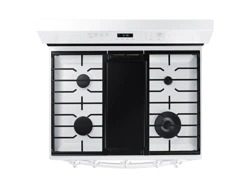
Samsung NX60A6511SW/AA Questions & Answers
You can find answers or submit your question.
In ManualsFile, you can ask and answer questions about your issues. We - volunteers - or other people who own the product will help you.
You should also read the documentation for your own answers. Download documentation for this product here.
1 Questions
how do you set the clock
To set the clock: 1. Press the Clock button. 2. To select AM/PM, press the Clock button again. 3. Enter the current time using the number pad. 4. Press Start/OK to confirm the settings. https://manualsfile.com/product/pbzzizzfng.html#p14:~:text=To%20set%20the%20clock%20time

Submit your question
If you have any questions about this product, please ask here.