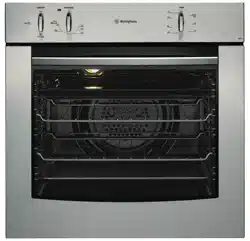
Westinghouse POR663S Questions & Answers
You can find answers or submit your question.
In ManualsFile, you can ask and answer questions about your issues. We - volunteers - or other people who own the product will help you.
You should also read the documentation for your own answers. Download documentation for this product here.
Mine has 4 elements on the top. Where I turn the knobs on the high low and medium markings have been worn off. That’s what I’d like a picture of please. Thanks
We looked at the User Manual including pictures of the Westinghouse POR663S but can't find what you mentioned. Its top is stainless steel not ceramic (https://manualsfile.com/images/appliances/k7dosgfn3_0_1691638802.webp), are you sure your model is POR663S? Please check again and let us know.
The numbers have worn off my Westinghouse cooktop. The model is Westinghouse por663s. Is it possible to a picture to show where the knobs need to be eg: low medium high. Many thanks Hazel Ludlow.
Hi, here is the picture so you can see the description of the cooktop: https://files.manualsfile.com/4c8fac7b8d3fcc8e25e244ec17a471a7/1_1688168401.png We hope this helps!
That’s the front, I’m looking for the ceramic top picture please?
How do i turn the oven on
How do I turn the oven on
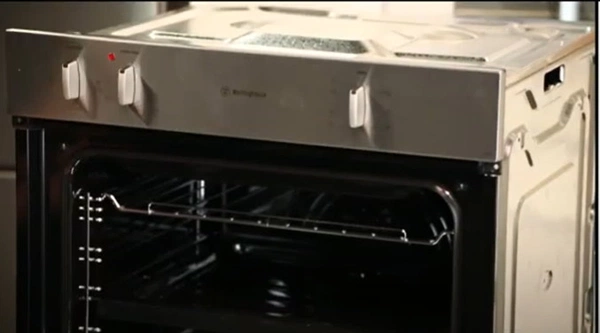
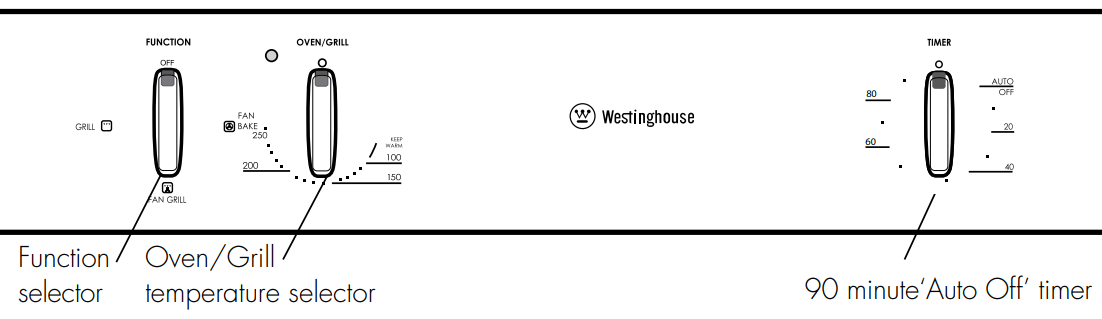
To turn on the oven, turn the temperature selector in a clockwise direction to the desired setting. An indicator light above the temperature selector will come on. When the temperature is reached, the heating source switches itself off and the indicator light goes out. When the oven temperature falls below the desired setting, the heating source switches on and the indicator light comes on again.
Once the food is cooked, turn the temperature selector back in an anti-clockwise direction. Do not force it right round in a clockwise direction as this will result in damage to the thermostat.

Submit your question
If you have any questions about this product, please ask here.