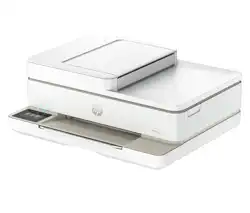
HP ENVY 6555 Questions & Answers
You can find answers or submit your question.
In ManualsFile, you can ask and answer questions about your issues. We - volunteers - or other people who own the product will help you.
You should also read the documentation for your own answers. Download documentation for this product here.
1 Questions
How can I fax from an Envy 6555 printer
Make sure your mobile device or computer are connected to a network.
- Open HP software on your mobile device or computer. If prompted, create or sign in to an HP account and register the printer.
- Select the Mobile Fax tile. If the tile is missing, tap or click Personalize Tiles to add it to your home screen. NOTE: If you cannot find this feature in the HP software, it might not be available in your country/region.
- Fill out the necessary information and enable a cover page if required.
- Attach an existing file to fax or scan a new file using your printer or mobile device.
- Review the details and send the fax when ready.

Submit your question
If you have any questions about this product, please ask here.