Honeywell TH8321U1006 Questions & Answers
You can find answers or submit your question.
In ManualsFile, you can ask and answer questions about your issues. We - volunteers - or other people who own the product will help you.
You should also read the documentation for your own answers. Download documentation for this product here.
1 Questions
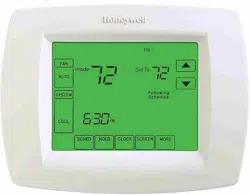
How to program this thermostat
- Press SCHED, then EDIT.
- Press day buttons (MON-SUN) to select day(s).
- Press ▼ or ▲ to set WAKE time for selected day(s).
- Press ▼ or ▲ to set Heat and Cool temperature for this time period.
- Press other time periods (LEAVE, RETURN, SLEEP) to set time and temperatures for each.
- Press DONE to save & edit (or press CANCEL to exit without saving changes).

Submit your question
If you have any questions about this product, please ask here.