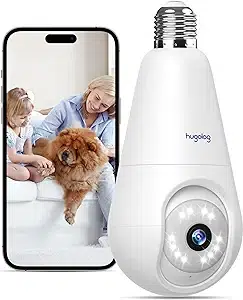
Hugolog HU-PWG3-W Questions & Answers
You can find answers or submit your question.
In ManualsFile, you can ask and answer questions about your issues. We - volunteers - or other people who own the product will help you.
You should also read the documentation for your own answers. Download documentation for this product here.
1 Questions
how to turn off the light
Please adjust the night vision mode to either "Black & White Mode" (the image will be black and white in low light) or "Color Mode" (the image will remain in color in low light). Please follow these step:
Open Hugolog Connect APP - Click the camera - Click lower right button - Click "Night Mode" - Choose "Black & White Mode" or "Color Mode".

Submit your question
If you have any questions about this product, please ask here.