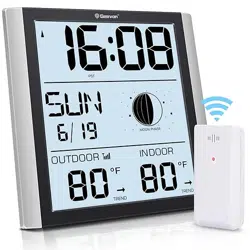
Geevon 228614C Questions & Answers
You can find answers or submit your question.
In ManualsFile, you can ask and answer questions about your issues. We - volunteers - or other people who own the product will help you.
You should also read the documentation for your own answers. Download documentation for this product here.
1 Questions
How to change from eastern to central time
Press "MODE" button to confirm your setting, the TIME ZONE display, use the “UP” or “DOWN” buttons to select the TIME ZONE. The TIME ZONE order is: EST AST HAST AKST PST MST CST.
Choose CST (Central Standard Time) instead of EST (Eastern Standard Time).

Submit your question
If you have any questions about this product, please ask here.