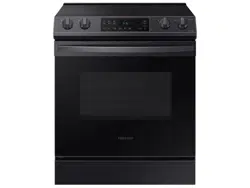
Samsung NE63T8111SG/AA Questions & Answers
You can find answers or submit your question.
In ManualsFile, you can ask and answer questions about your issues. We - volunteers - or other people who own the product will help you.
You should also read the documentation for your own answers. Download documentation for this product here.
How do I set the clock on model NE63T8111SG
To set the clock: 1. Press Clock. 2. Press Up or Down to set the current time (hour and minute). 3. Press Clock or START/SET to save the changes.
How do you set the clock?
Please read the "Setting the clock" section in this link below: https://manualsfile.com/product/cv7ueuvv4.html#:~:text=from%20the%20display.-,Setting%20the%20clock,-The%20clock%20must

Submit your question
If you have any questions about this product, please ask here.