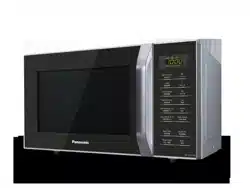
Panasonic NN-GT35HMMPQ Questions & Answers
You can find answers or submit your question.
In ManualsFile, you can ask and answer questions about your issues. We - volunteers - or other people who own the product will help you.
You should also read the documentation for your own answers. Download documentation for this product here.
hoe to restart
How to set time & unlock for child
To unlock the Child safety lock, press Stop/Reset 3 times in 10 seconds. The clock will reappear on the display. To set the clock: 1/ Press Timer/Clock twice. A colon starts to blink. 2/ Enter time of day. 3/ Press Timer/Clock. The colon stops blinking. Time of day is now locked into the display.
My unit, can not operate. Only number 88.88 shown on display. But when we touch the menu, cant hear beep and there is no change on display. Im at Jakarta Indonesia. Pls help.
Mobile.ph 62-8118 4999 88When the oven is plugged in for the first time, “88.88” appears in display. Press Timer/Clock twice, a colon starts to blink. Then enter time of day, press Timer/Clock. The colon stops blinking. Time of day is now locked into the display.

Submit your question
If you have any questions about this product, please ask here.