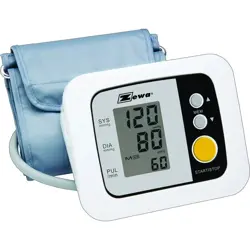
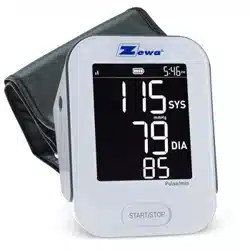
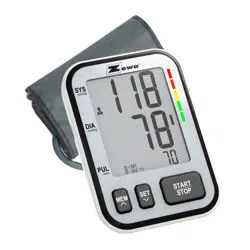
#1 How do you change from kPa to mmHg?
1. Turn the BP monitor off (blank display).
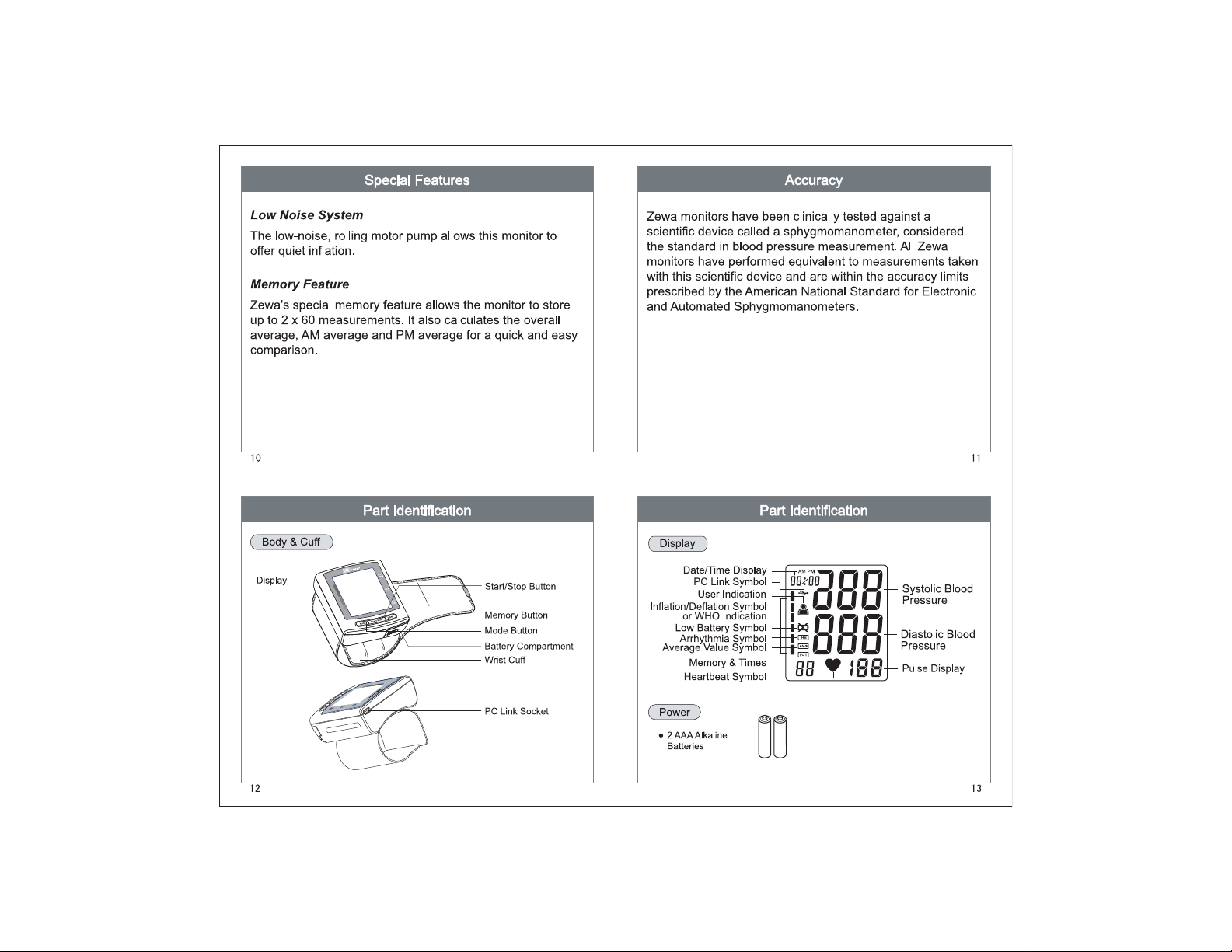
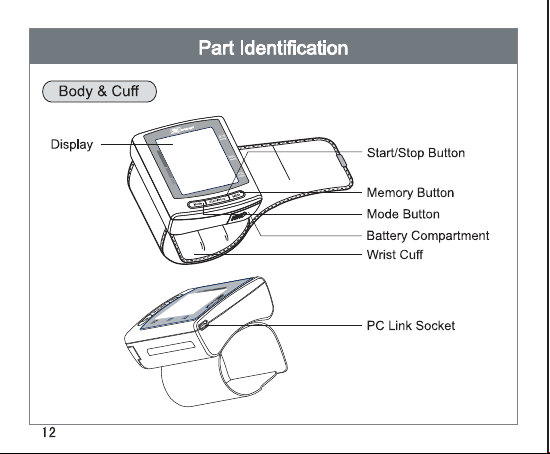
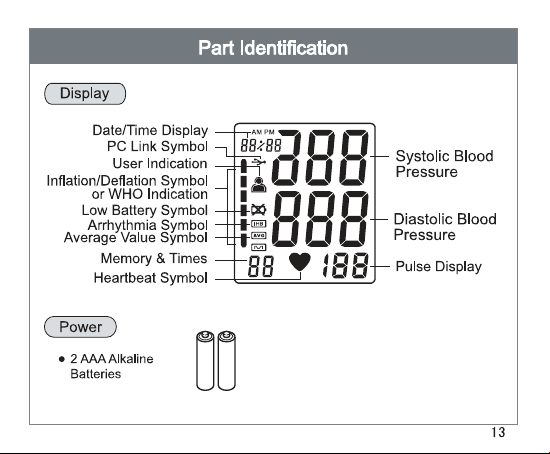
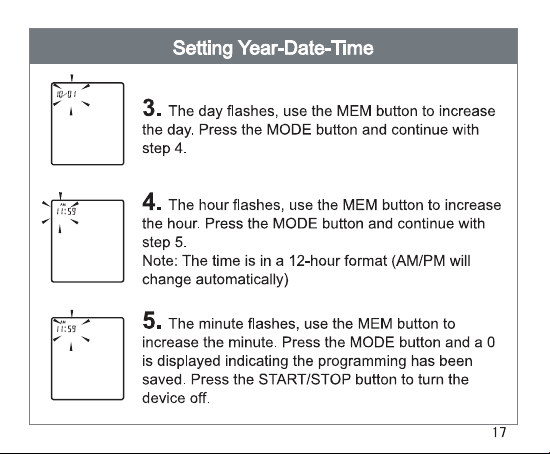
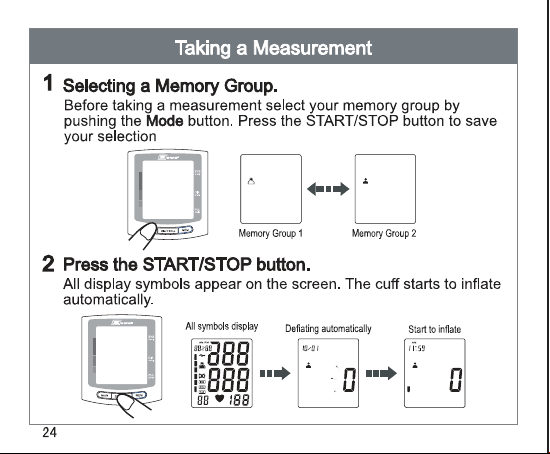
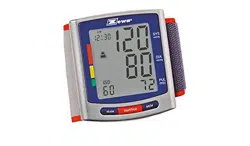
2. Short press the "mode" button 1 time (left button that looks like a wheel), the time will show on the top right corner of the display.
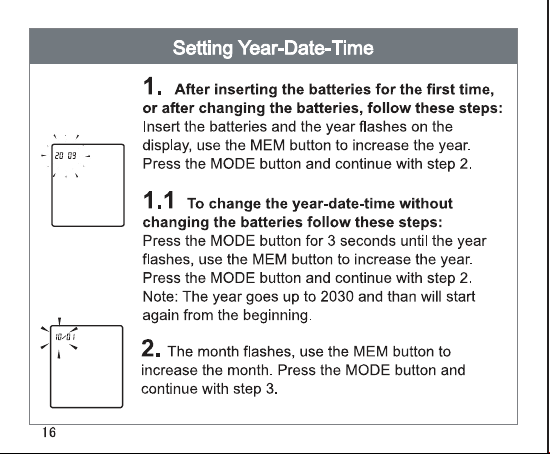
3. Push and hold the "mode" button for 5 seconds until the year is flashing on the top right corner.
4. Short press the "mode" button 5 more times until a 0.0 is displayed.
5. Short press the "memory" button (right button that looks like a magnifying glass) 1 more time and 0.0 changes to 0.
6. Short press the "mode" button, the word done is displayed on the LCD and device turns off.