INSTRUCTION MANUAL
FIBARO SYSTEM
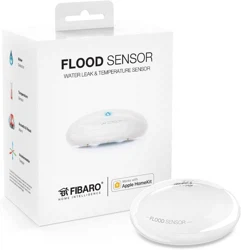
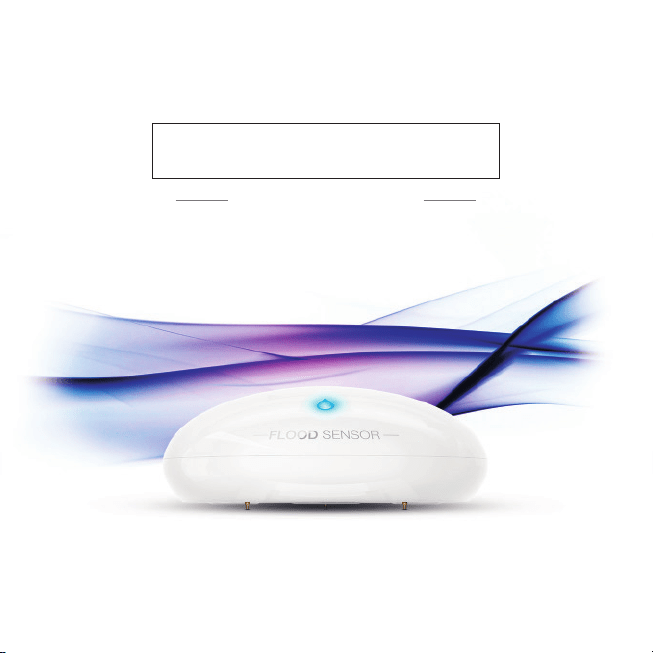
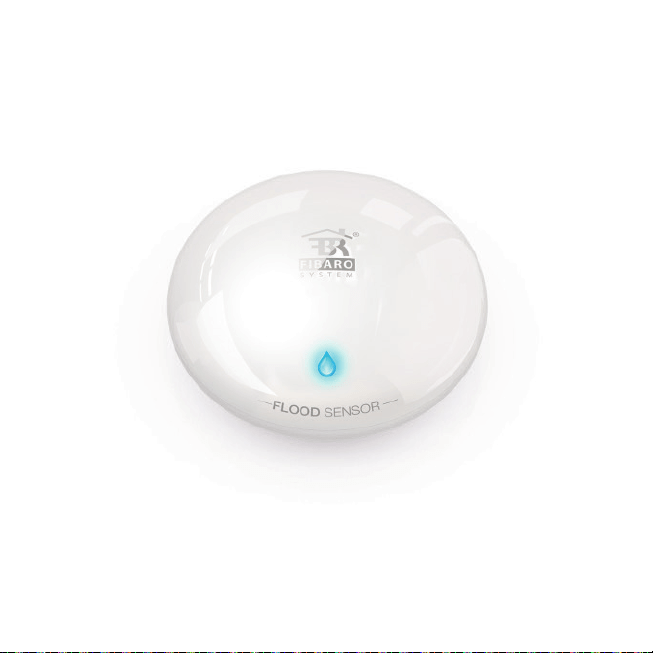
FLOOD SENSOR

Technical support
Should youneed any assistance in connecting or configuring your Home Center, please use our guides
and technical presentations which can be found on our website:
http://www.baro.com/en/support
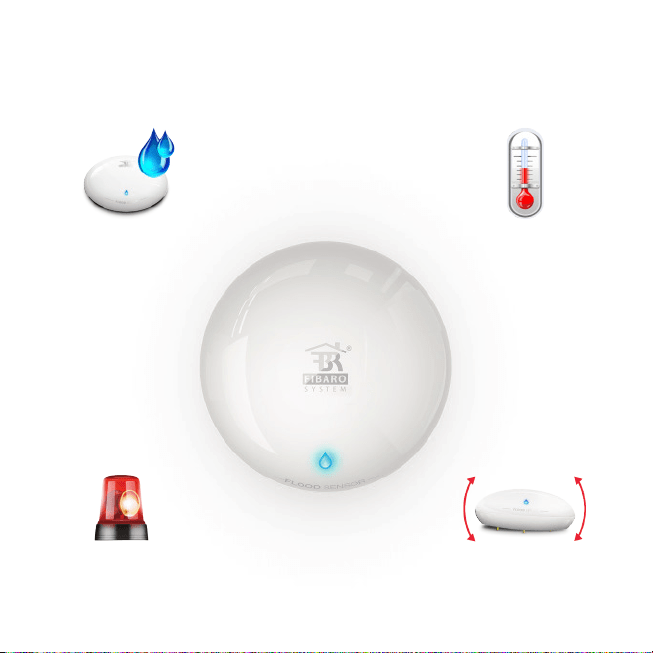
Flood sensor Temperature sensor
Functional features
Tilt sensorSignal and
light alarm
Download FIBARO app for smartphone
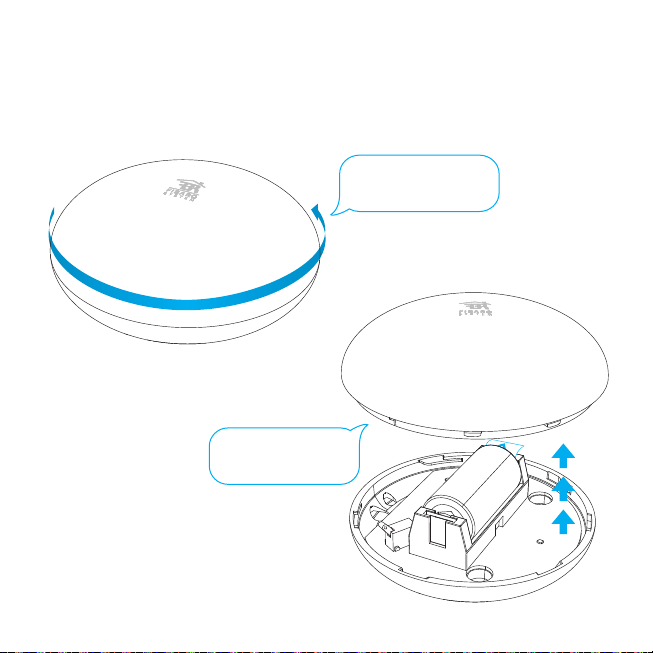
Start the device
Twist and open the casing.
STEP 1
Take off the casing.
STEP 2
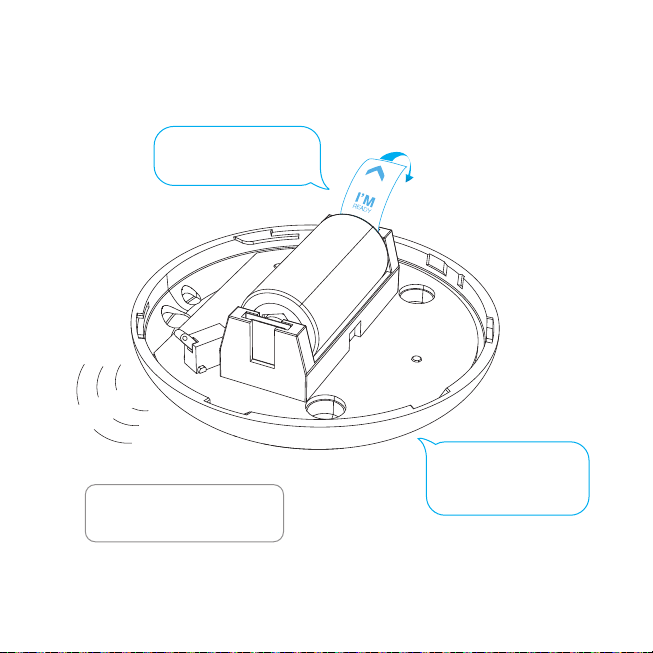
B
e
e
p
!
Remove the battery blocker
“I’m ready”.
STEP 3
Start the device
You will hear a beep while LED
diode blinks red.
Check if the battery
is placed correctly.
STEP 4
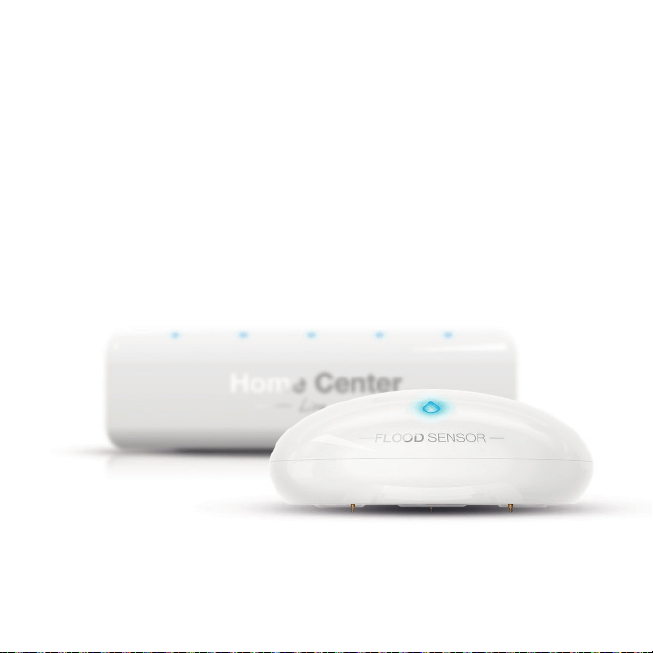
Your Flood Sensor is ready to be added to
the Home Center.
Flood Sensormust be in range of the Home Center because it requires
a direct communication with the controller.
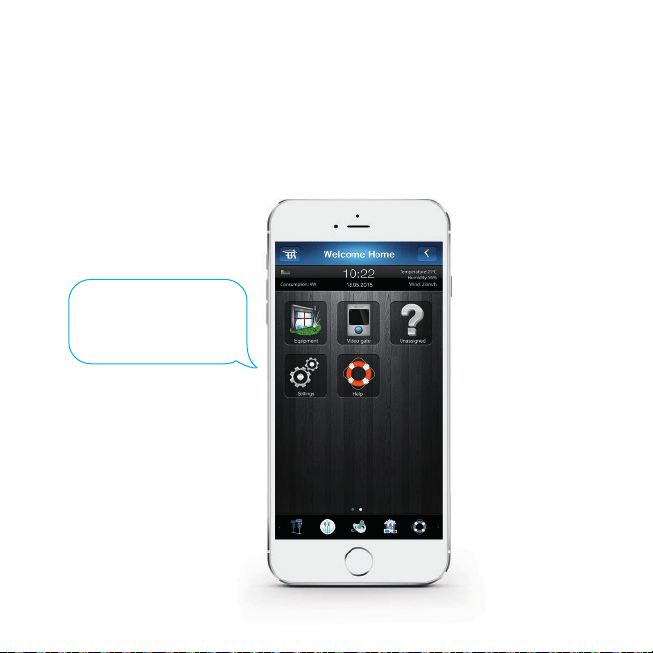
Start inclusion mode
Start your FIBARO application.
Go to Settings.
STEP 5
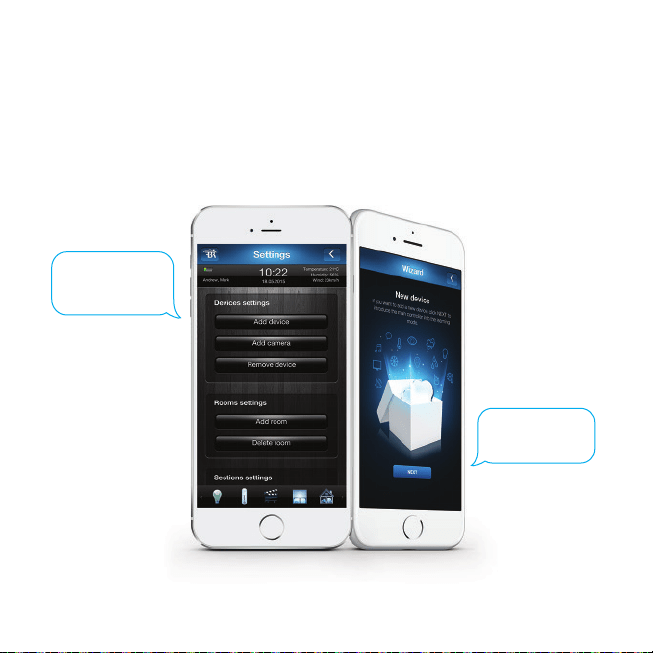
Start inclusion mode
STEP 7
STEP 6
Press “Next”.
Press “add device”.
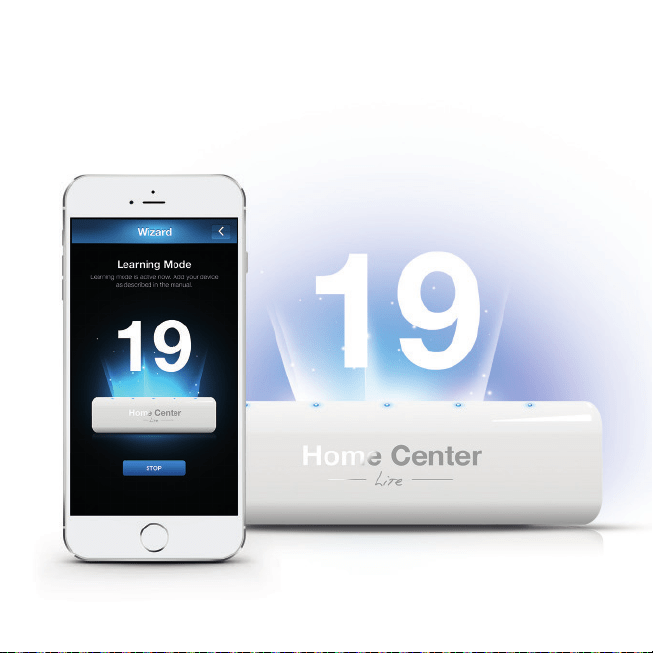
Inclusion mode has been launched
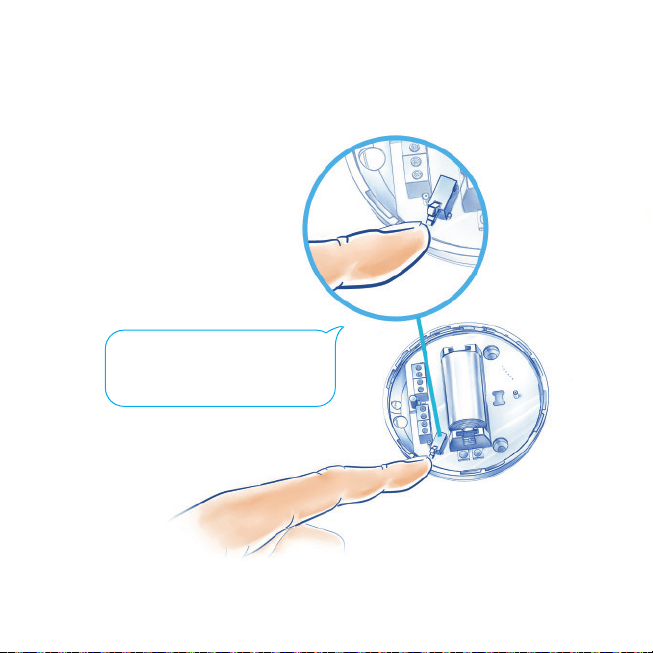
Add your device
Quickly, triple click the button in order
to add your device to the system.
STEP 8
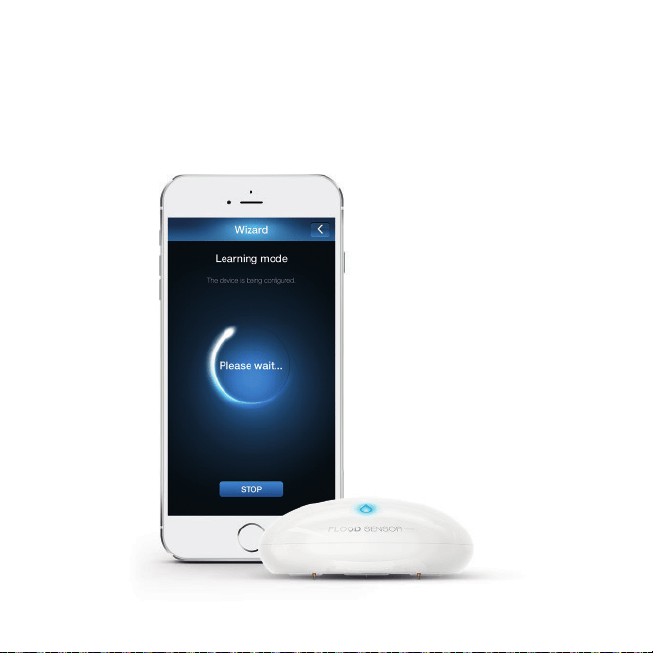
Processing your congurations
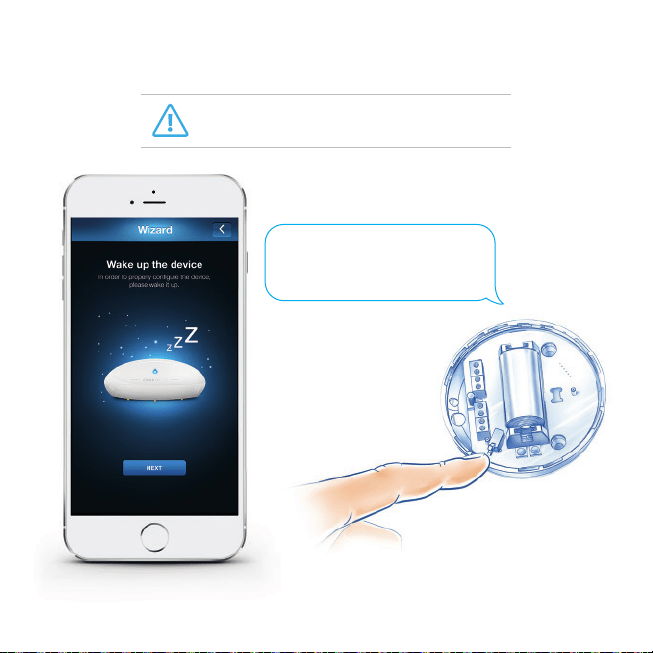
Quickly, triple click the button
in order to wake up the device.
STEP 9
Wake up the device
Sometimes waking up the device is not required
so it will be omitted automatically.
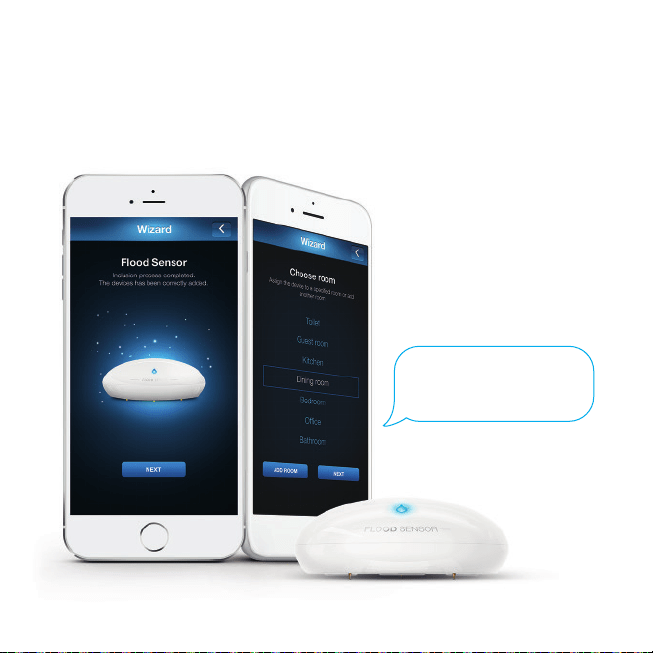
The device has been added
Name the device
and assign it to the room.
STEP 10

STEP 11
Hold the button for about 10-15 seconds
until LED diode blinks violet.
STEP 12
Release the button, and press it again.
Network range test
It is recommended to check if the device’s destination
is in range of your Home Center.
The quality of the network range will be
indicated by different colours
of the LED diode.
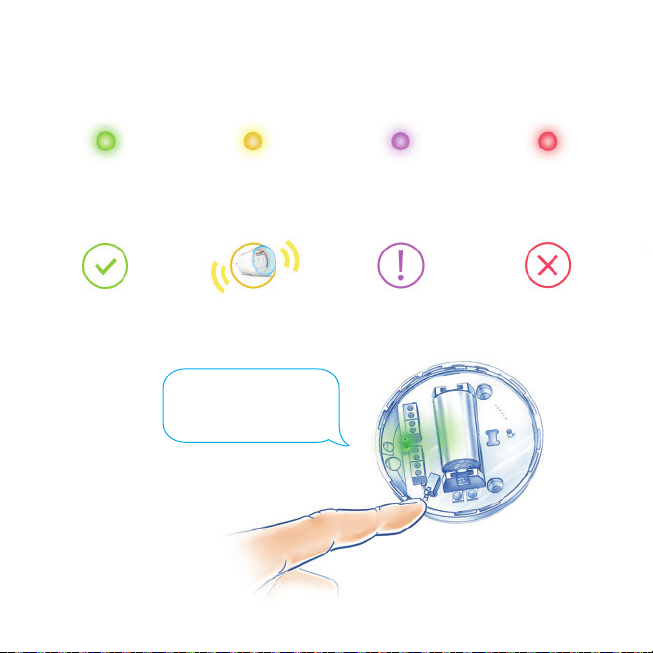
Network range test – quality indicator
Direct
communication
Routed
communication
Limited
communication
No signal! The device
will not work correctly!
Press the button in order to
leave testing mode.
STEP 13
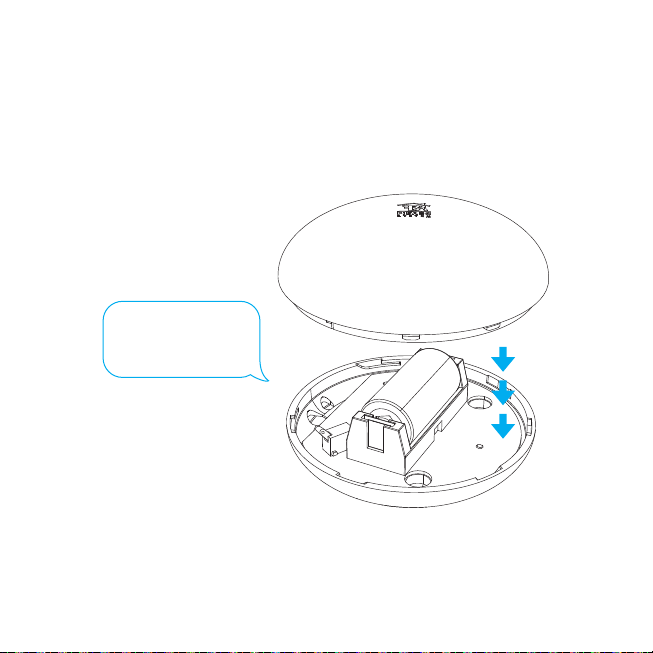
Close and twist the cover.
STEP 14
Close the casing
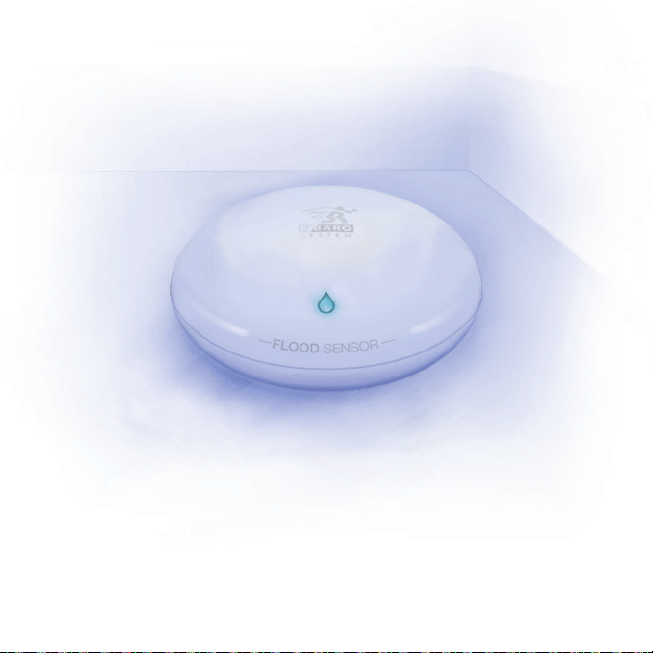
Installation
1. FIBARO Flood Sensor should be installed in all
spaces, where’s the risk of flood:
• In the bathroom,
• In the kitchen,
• At the basement.
3. A built-in temperature sensor lets you
monitor e.g. floor’s temperature.
2. Additional security informs about accidental
location change (every time it changes its location
in information is being sent to Home Center).
During the installation it is recommended to wake up the device.
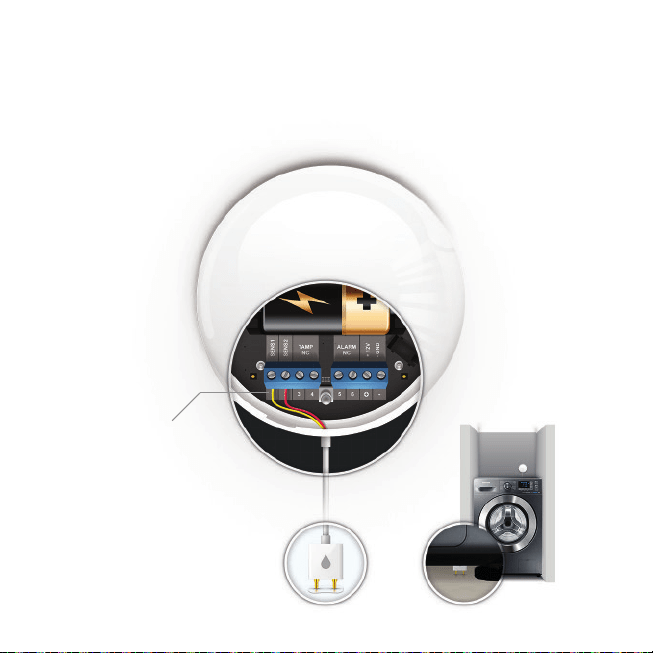
Adding a probe
If the sensor cannot fit the space which is in danger of flooding
you can install a wired probe* that will get to difficult
to access spaces.
*The probe is not included in the
Flood Sensor set.
Here install the probe
www.fibaro.com