Register your product and get support at
www.philips.com/welcome
SHN6000
EN
Use the headphones
Use of the headphones draws battery from your iPod, and iPod
playtime is affected.
To save your iPod power, please switch off your headphones after use.
1 To have a better noise cancelling effect, select the most suitable
caps for your ears.
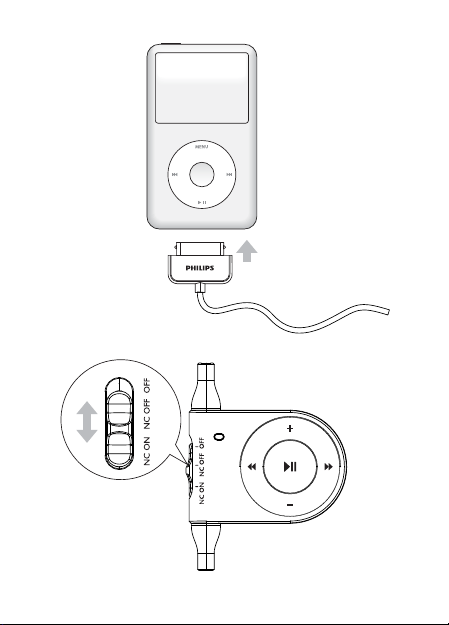
2 Connect the iPod connector to your iPod (Fig. 1).
3 Adjust the slide switch to NC ON (Fig. 2) to enable noise cancel-
ing function.
LED light turns blue.
»
To disable noise canceling function, adjust the slide switch to •
NC OFF .
LED light turns green.
»
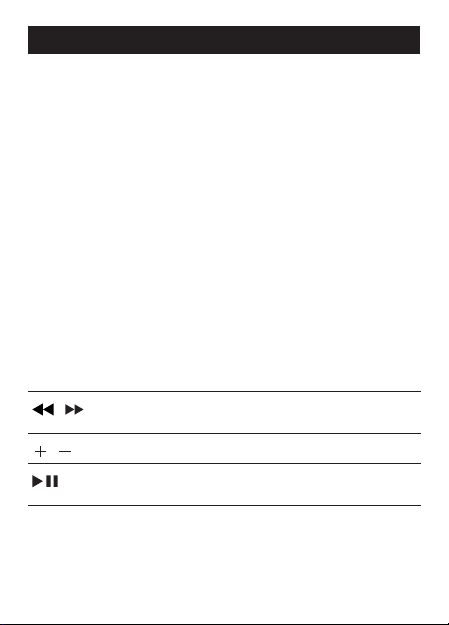
4 Use the control panel to control your iPod (Fig 3).
/
Skip to the previous/next track
Hold to scroll fast backward/forward
/
Adjust volume level
Play/Pause iPod
Hold to switch off the iPod
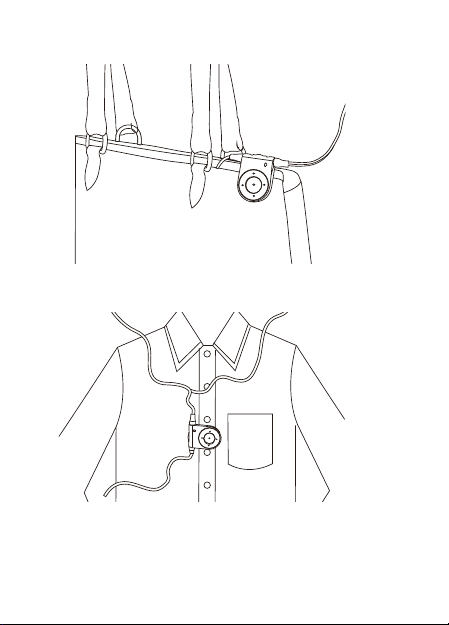
5 Clip the headphones on your bag (Fig. 4) or shirt (Fig. 5).
6 After use, adjust the slide switch to OFF to switch off the head-
phones.
LED light turns off.
»
© 2009 Koninklijke Philips Electronics N.V.
All rights reserved.
QSG_V1.0
