© 2005 Sony Corporation Printed in China
2-631-727-02(1)
日本語
使用上のご注意
曲転送について
本機をパソコンに接続して、
SonicStage
から曲を転送するときには、本機上の表示で
「
USB Connect
」の上のアイコンが左右にアニメーション表示されている間、もしくは、
SonicStage
上で
[
転送状態
]
が「転送済み」から「−」になるまで、
USB
接続ケーブルを抜
かないでください。
フォーマット(初期化)について
フォーマット(初期化)は、必ず本機上でおこなってください(フォーマットすると記録さ
れたデータはすべて消却されますので、フォーマットする前に内容を確認してください)。
Windows
のエクスプローラを使ってフォーマットすると、
SonicStage
で曲を転送しても
NO DATA
や
FORMAT ERROR
というメッセージが本機上に表示され再生できない
ことがあります。そのような場合は、必ず本機上でフォーマット(初期化)をおこなってくだ
さい。
English
Note on using
On the transfer
When you transfer audio files from your computer to the Network Walkman using
SonicStage, do not disconnect the USB cable while the icon above “USB Connect” on the
Network Walkman display is animating, or until “Transferred” changes to “–” in [Status] of
the SonicStage screen.
On the format
Be sure to format the built-in flash memory using the Menu mode on this unit. (Check all
contents before formatting as all data stored will be erased.)
If you format the built-in flash memory using Windows Explorer, “NO DATA” or “FORMAT
ERROR” may appear on this unit and any track may not play back, even if it is transferred
by SonicStage. In this case, format the built-in memory on this unit.
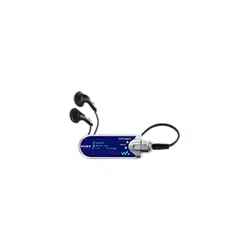
NW-E403/E405/E407
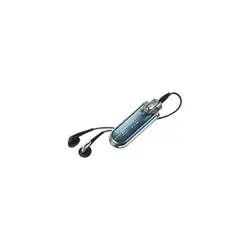
NW-E503/E505/E507