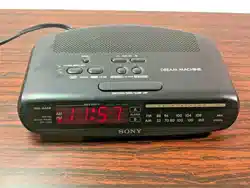
Sony ICF-C370 Dream Machine Digital Clock Radio AM FM Dual Alarm

Product's Documents

Below are documents related to this product, you can read online or download:
User Manual Warranty

Operating Instructions

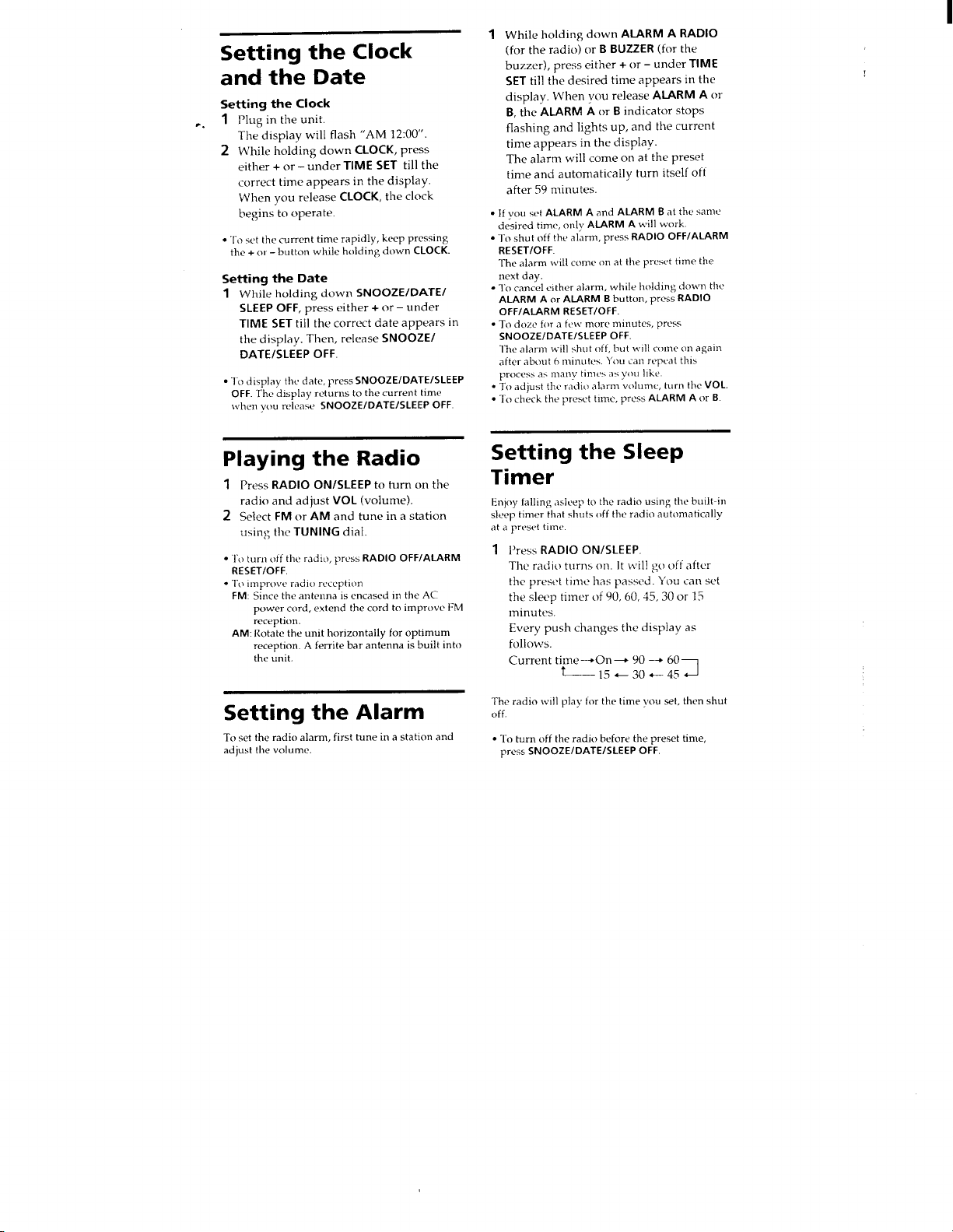
This is the main product document for model ICF-C370.

The file format is pdf, 8 pages, you can download this manual here .

background
background
background
background
background
background
background
background

Specifications

Sony ICF-C370 Questions and Answers


#1 What is covered by the Sony warranty?

Sony® product warranty information, including what is covered by the warranty, is part of the documentation inside the box for each Sony product. The warranty may be on a separate card or as part of the Primary User Manual (usually the User's Guide or Operating Instructions).

Electronic copies of the warranty card, primary user manual, and other documentation are available online. Manuals are posted on your model support page.
IMPORTANT: Electronic copies of warranty information may not be available for all models.

#2 How far is the range of a power-class 2 Bluetooth wireless device?

A power-class 2 Bluetooth® wireless device has a transmission operating range of approximately 30 feet (10 meters) within a line of sight but will vary depending on the surrounding conditions.

NOTE: Communication range will vary according to whether walls or other obstacles are located between the devices, the material used in the intervening walls, the presence of Radio Frequency (RF) interference and other environmental conditions, and the type of software being used, if applicable.

#3 How does the new daylight-saving time (DST) affect my Sony products?

In August of 2005 the United States Congress passed the Energy Policy Act, which changed the dates of both the start and end of daylight-savings time (DST). Once this law went into effect in 2007, DST now begins at 2:00 A.M. on the second Sunday in March and ends at 2:00 A.M. on the first Sunday in November.

Since most electronic devices are already programmed with the DST feature set, there is no way for any electronic product with a time/clock function that was produced prior to 2007 to know about the new DST time changes. This means that such devices, especially portable devices like IC recorders, cameras and camcorders, will need to be manually adjusted to reflect the new DST start and end times. It is recommended that if your product was produced prior to 2007 and has a DST setting, that you turn that feature off, otherwise the device will continue to change using the old DST settings.

Some electronic products (TVs, VCRs and DVRs to name a few) have auto clock-set options. If the auto clock-set option is enabled, then the time is updated automatically with the signal provided by the broadcaster or service provider. If your device does not have an auto clock-set option, you will need to manually adjust for the start and end of DST.
IMPORTANT: For model-specific information about time/clock setting options available for your product, refer to the operating instruction manual.
#4 How to reduce static or interference and improve poor radio reception on a clock radio.

Refer to the following guidelines when troubleshooting poor radio reception and static interference:

NOTE: Refer to your owner's manual for model-specific information on the features and capabilities of your radio. Manuals are posted on your model support page.

Do not use the clock radio on a metal surface. Steel and metal surfaces may interfere with radio reception.
Move cellular telephones and two way radios away from the clock radio. Any device that transmits a radio signal can interfere with radio reception and cause static.
FM reception

The power cord functions as the FM antenna for the clock radio. Fully extend the power cord and set the FM ANTENNA selector to INT.
If your clock radio has the capability of connecting an external antenna, set the FM ANTENNA selector to EXT and connect a 75 ohm coaxial cable (not supplied) to the FM ANTENNA (75 Ω) jack.
You may be able to receive FM signals via cable from your cable television provider. Contact your cable provider for additional information.
AM reception

A ferrite bar antenna is built into the unit. Rotate the unit horizontally for optimum reception.

#5 What does it mean when a product is being sold as refurbished or factory recertified?

There are several types of refurbishment processes. Refer to the dealer selling the product for information on what refurbishment process the product has been through. Products being sold as refurbished or factory recertified should be labeled as such.