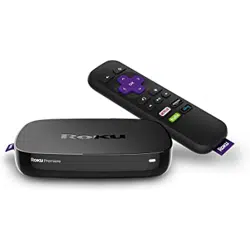

Roku 4 (Model 4400) - Setup Instructions
Connect your player
First, if you're
going to connect
to the internet
via a wired
connection,
connect an
Ethernet cable
to the Ethernet
port on the back
of the Roku 4.
If you're
connecti
ng
wirelessl
y, just
proceed
to the
next
step.
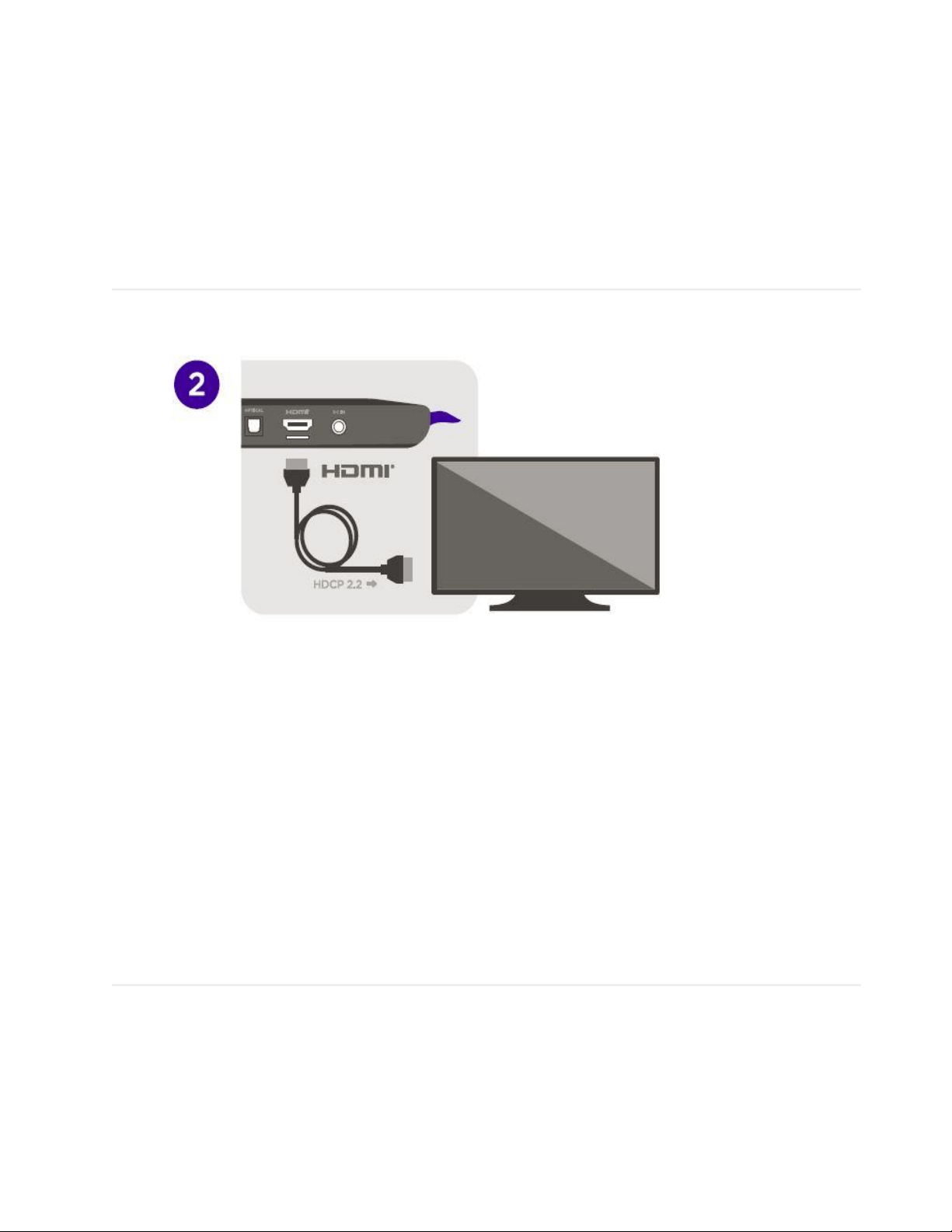
Next,
connect
the
HDMI
cable to
the
HDMI
port on
the back
of the
Roku 4,
and
connect
the other
end of
the
HDMI
cable to
an
available
HDMI
port on
your
TV.
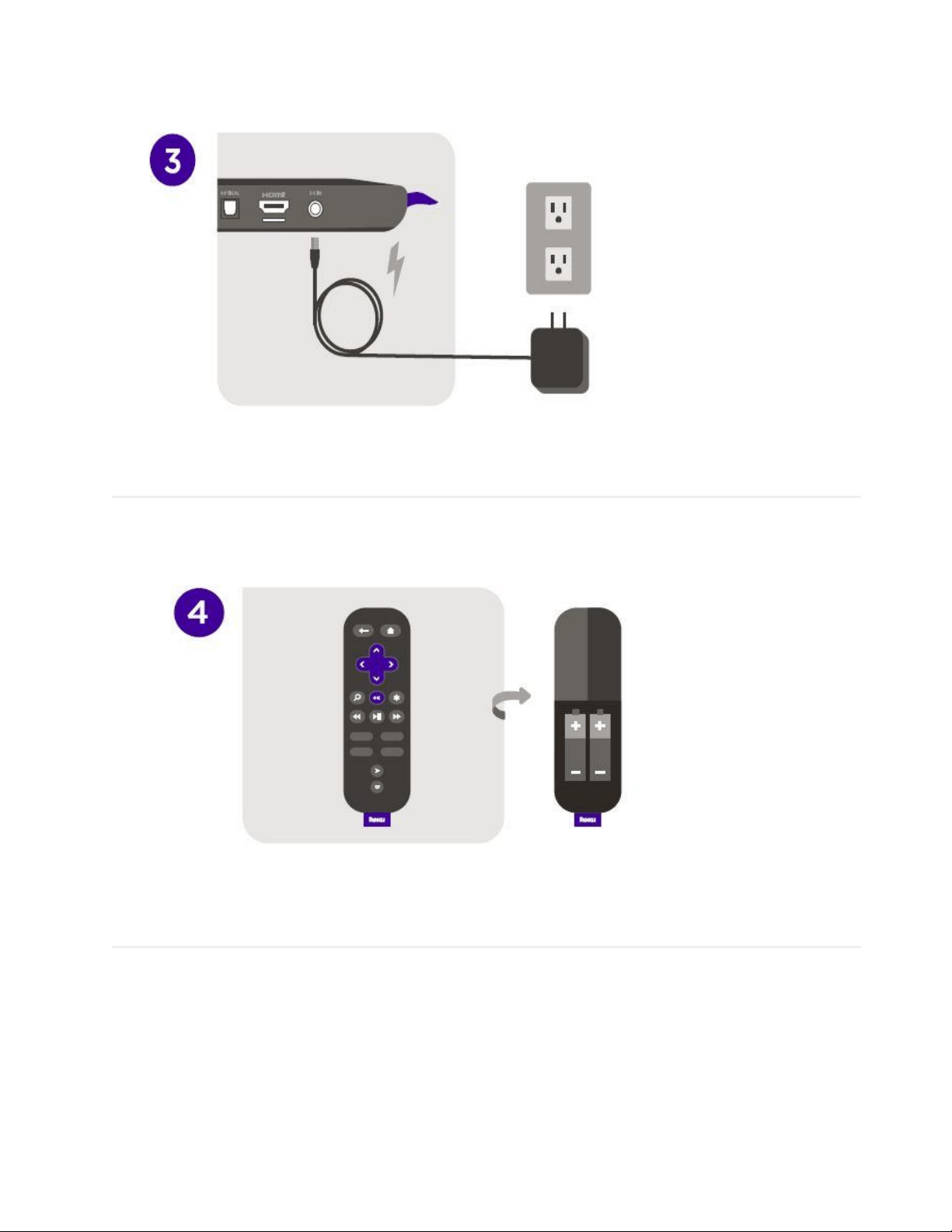
Now, connect the
Power Adapter into
the Roku 4, then
plug the adapter into
a power outlet.
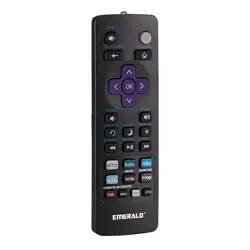
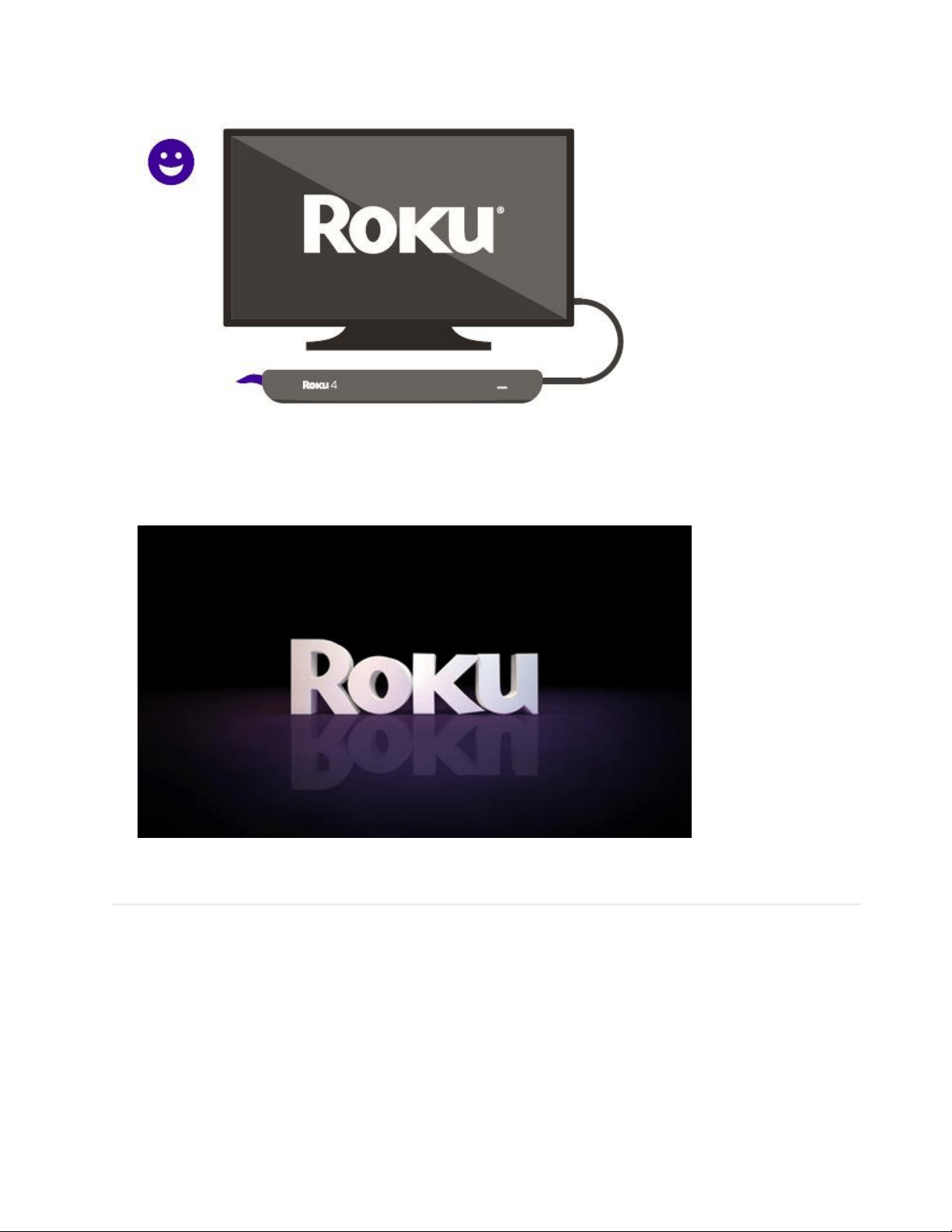
Insert the
batteries into
the Roku 4
Remote.
Ensure
the
batterie
s are
correct
ly
oriente
d
When you see the
Roku logo on your
screen, you can
proceed to the next
steps below.
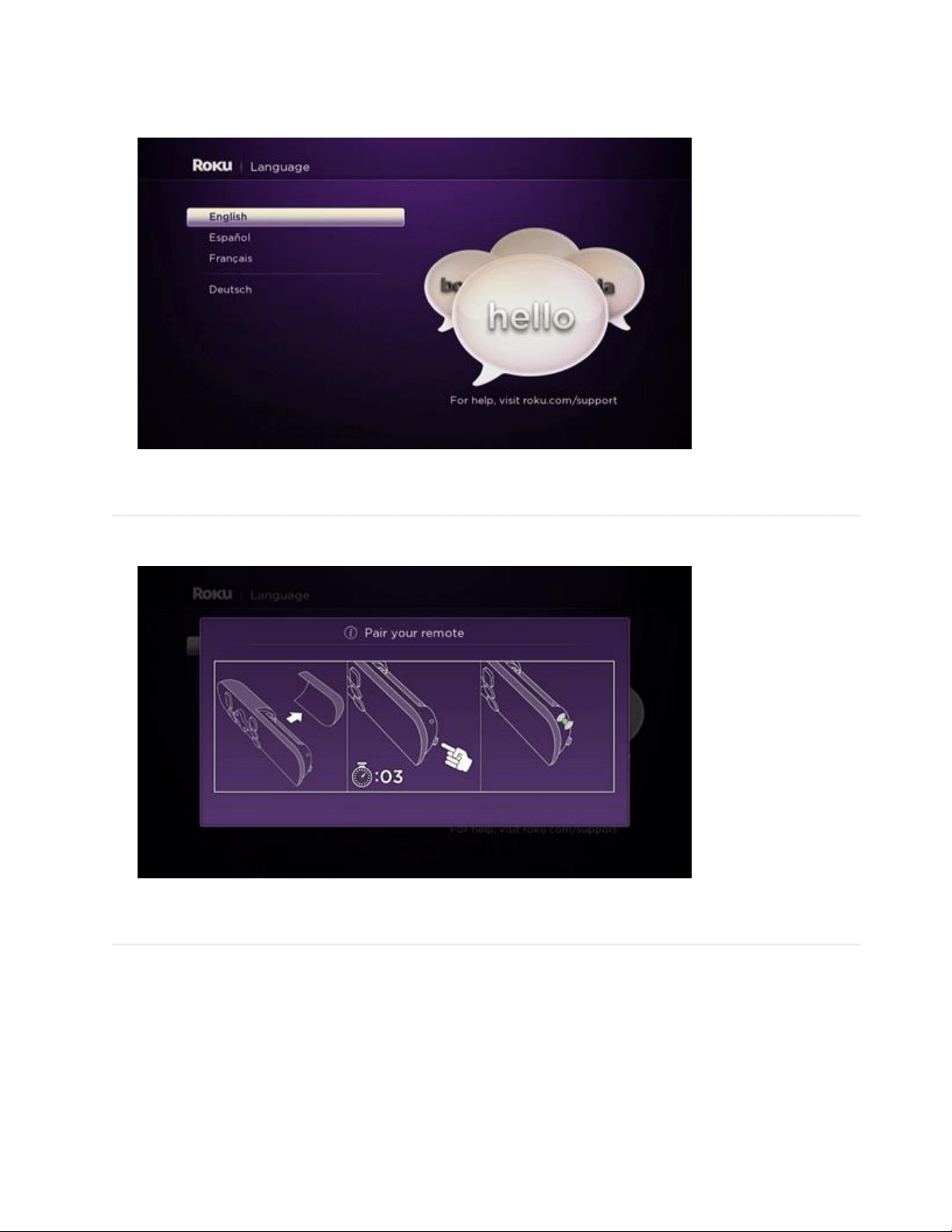
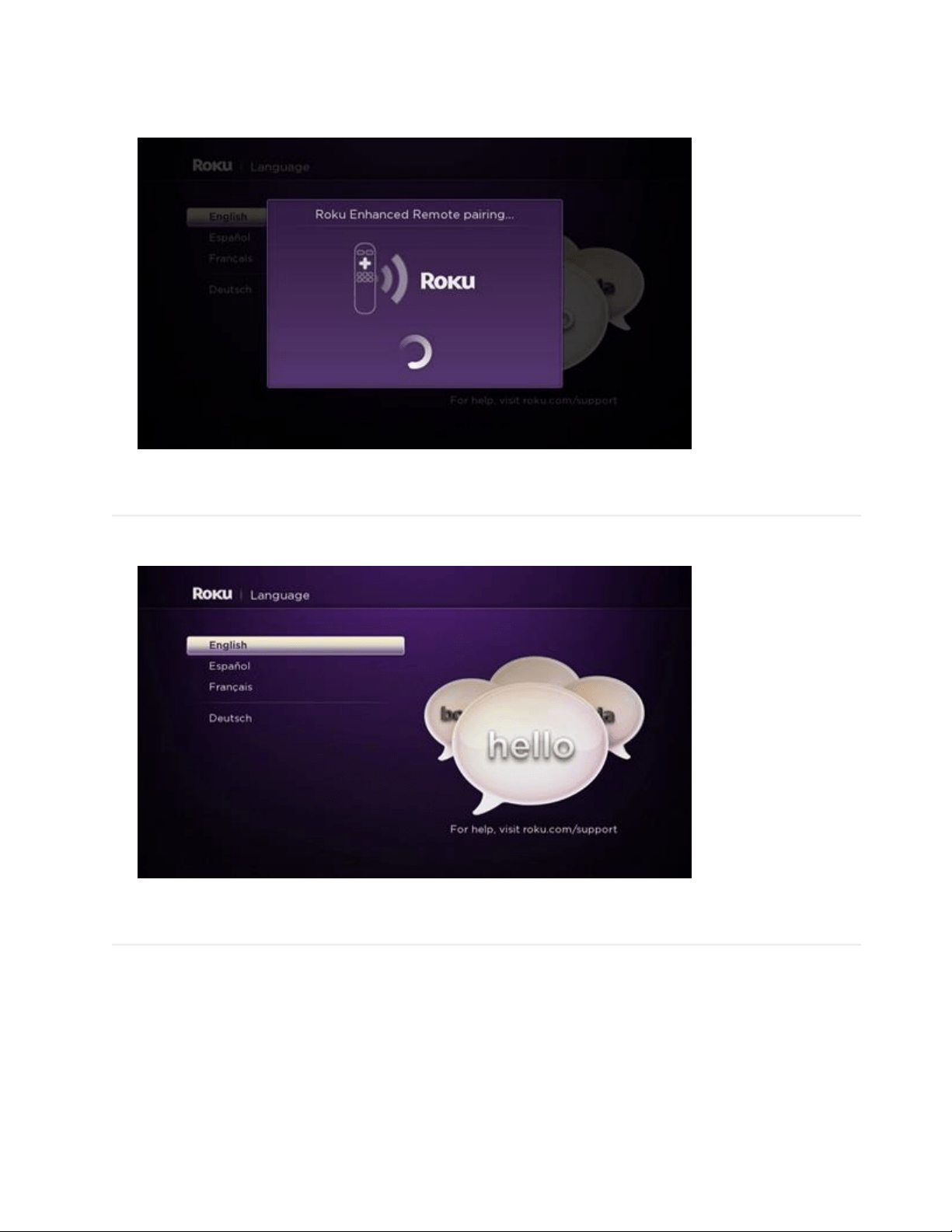
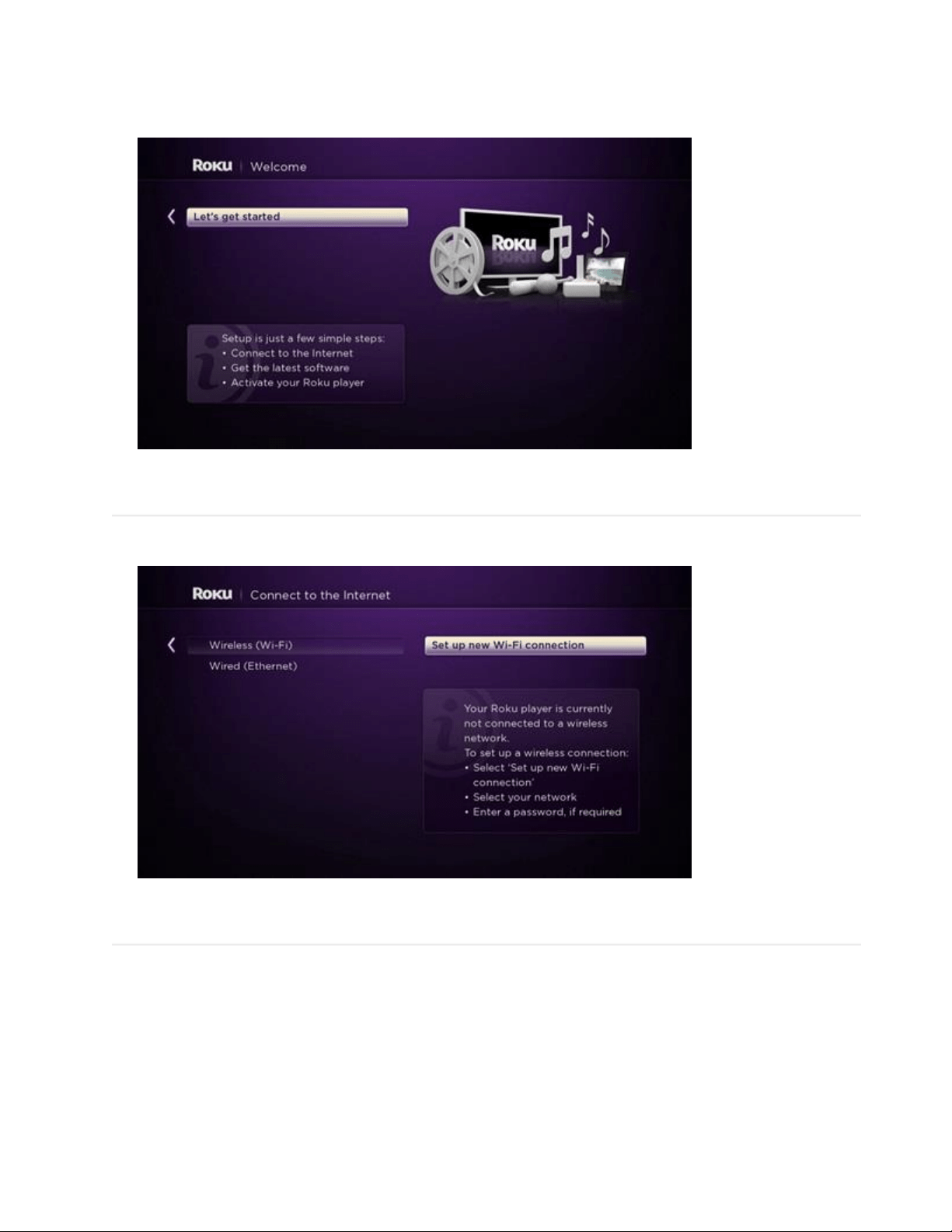
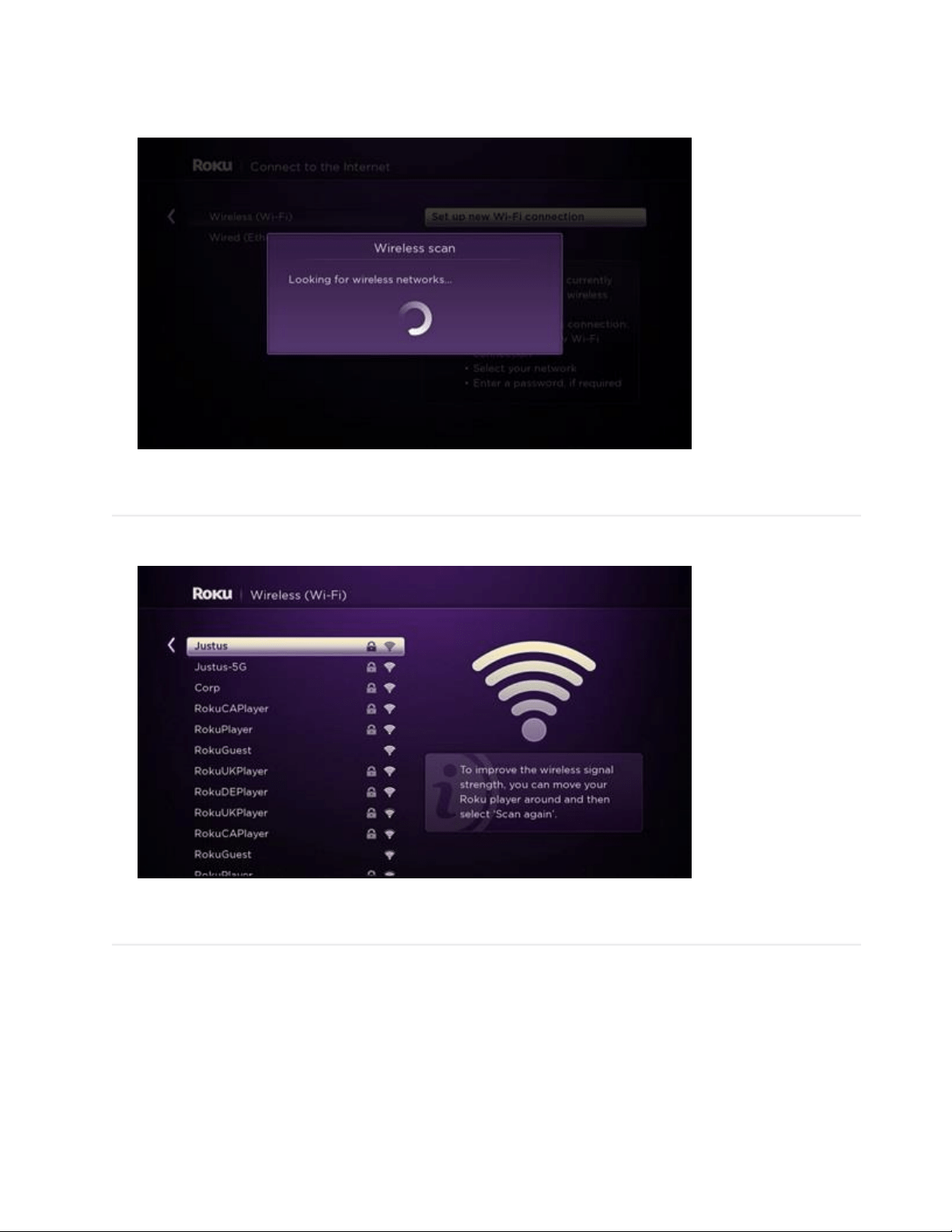
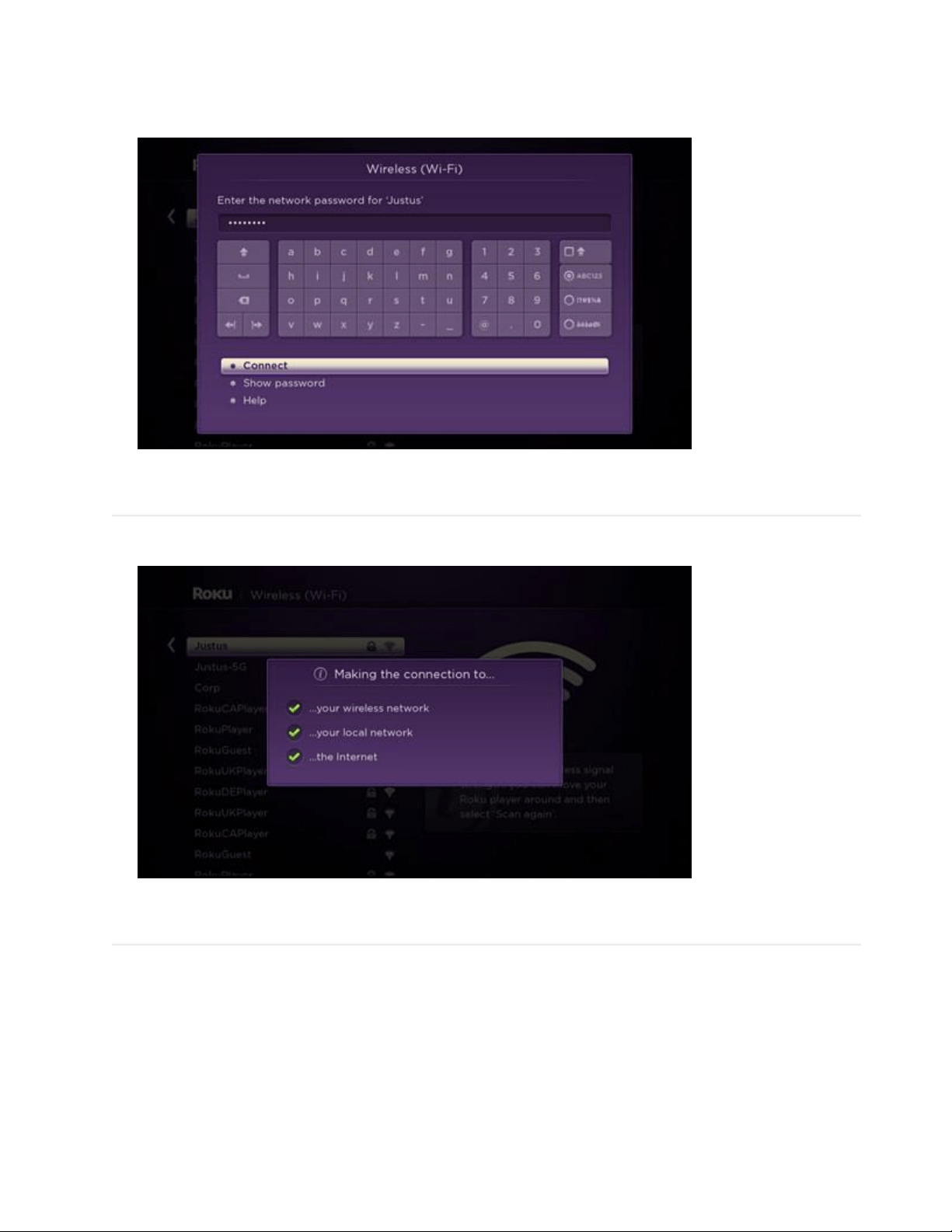
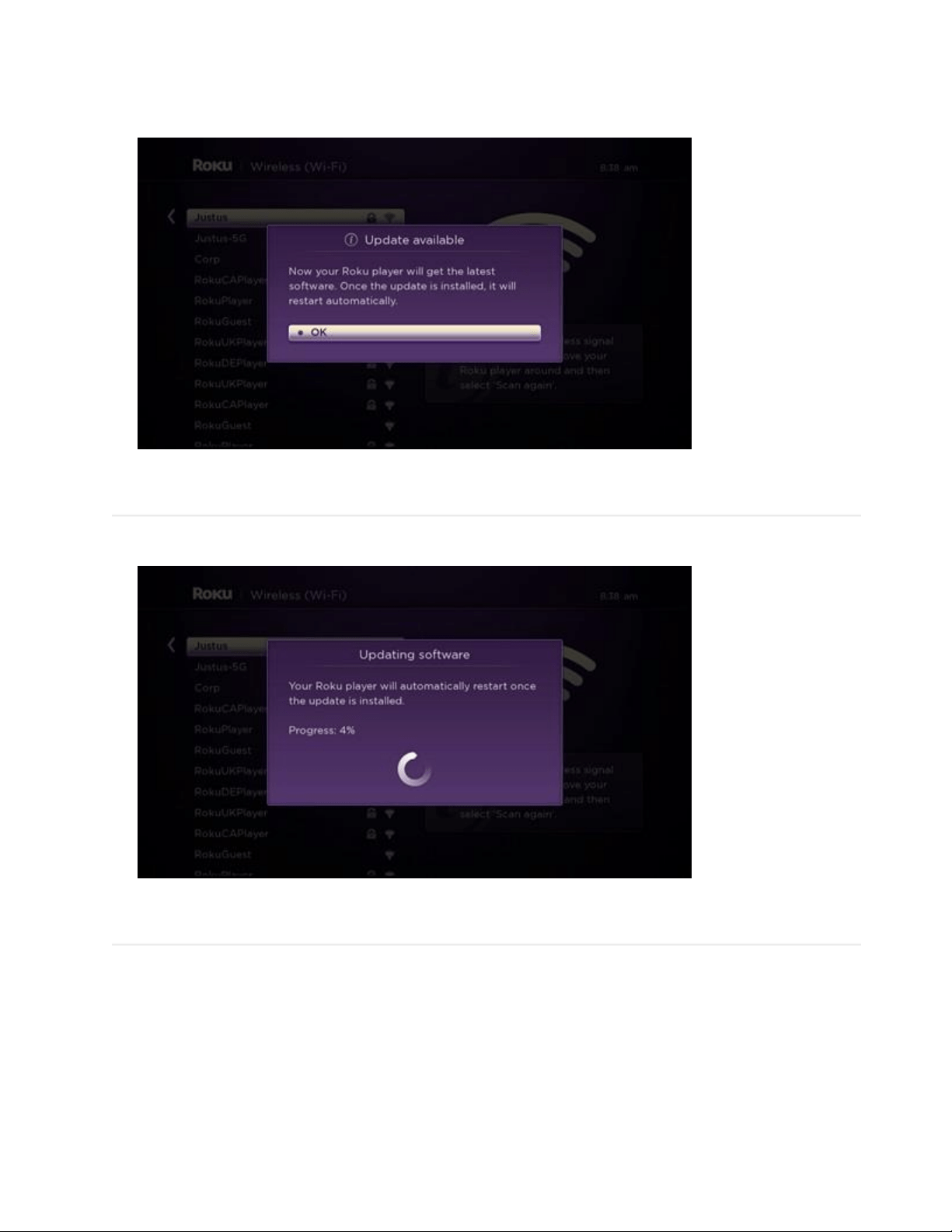
Onscreen setup
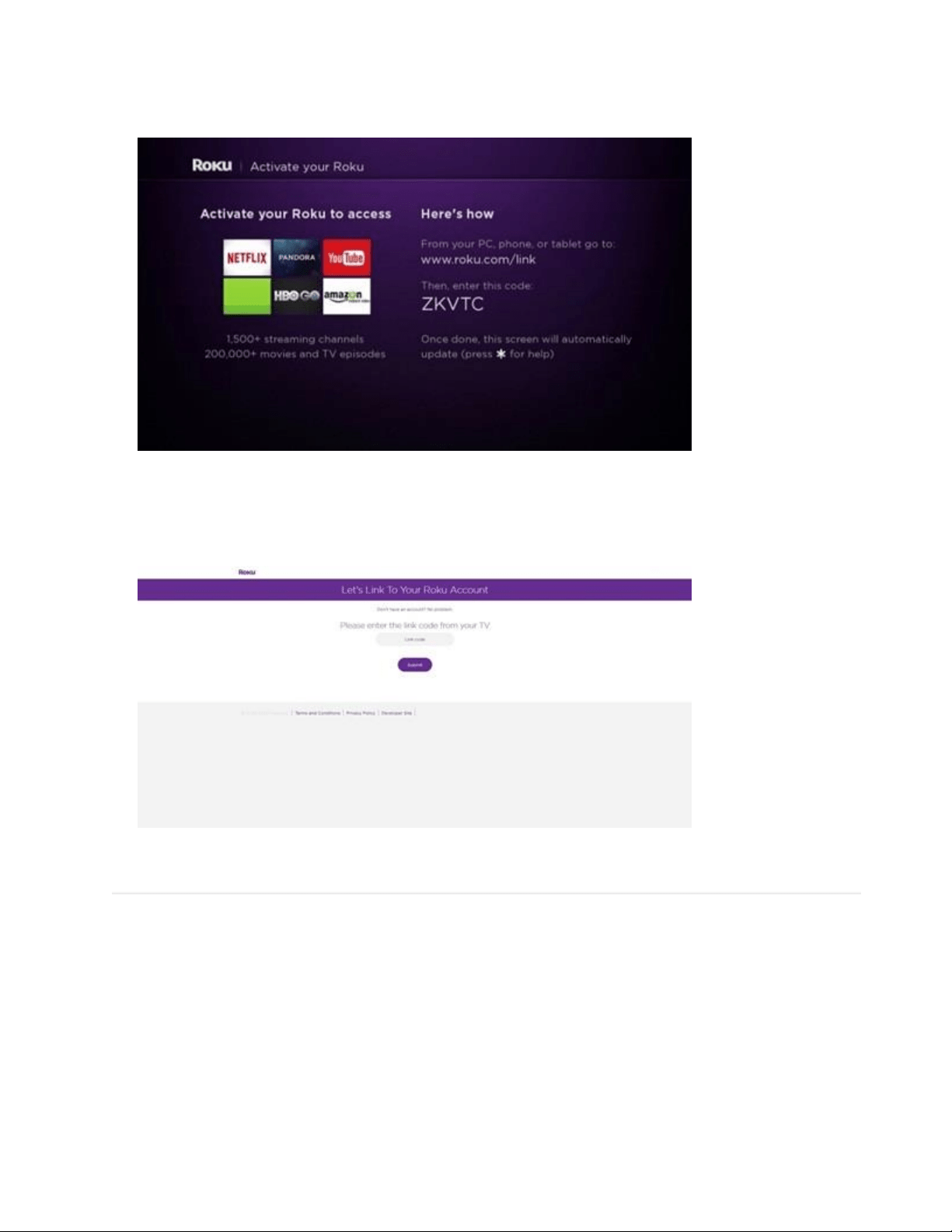
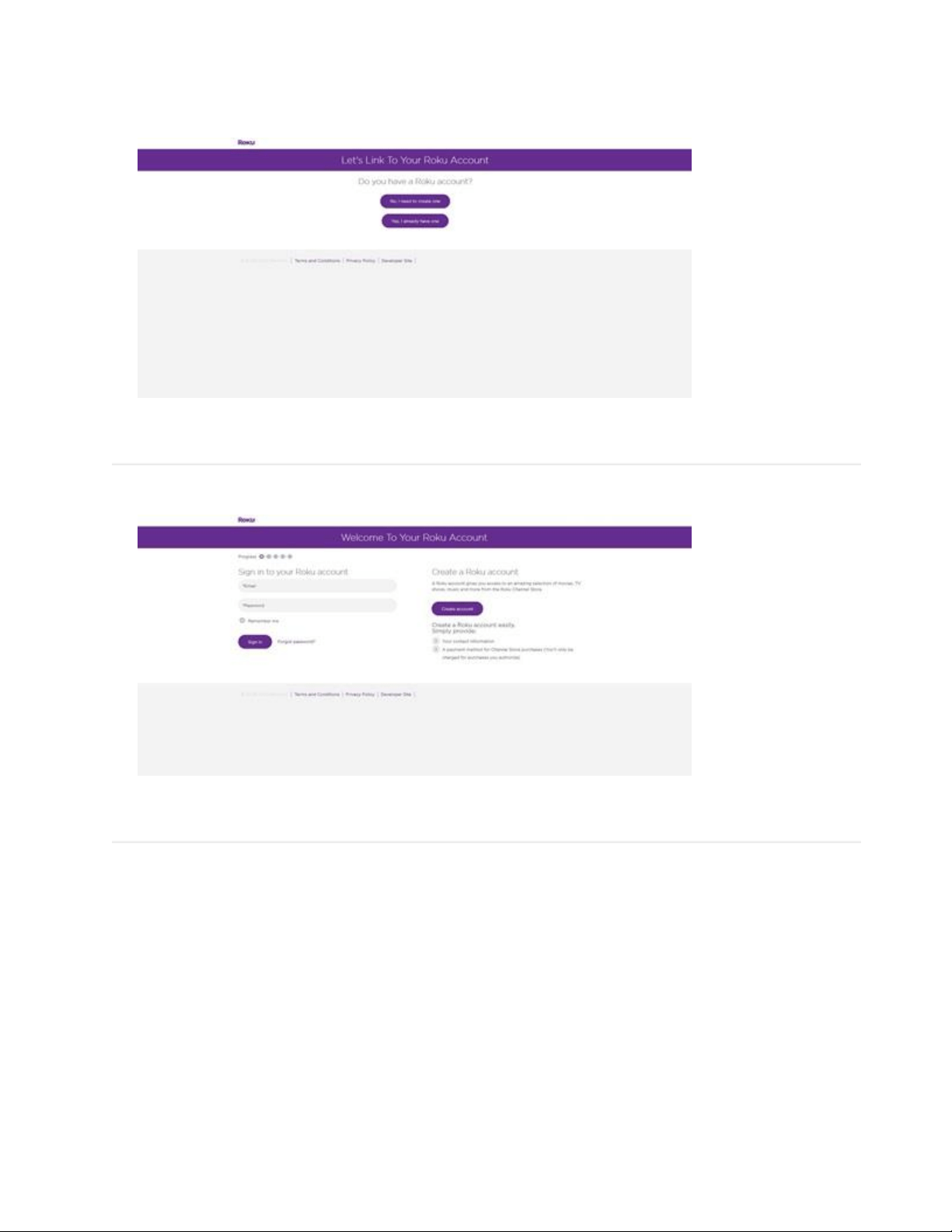
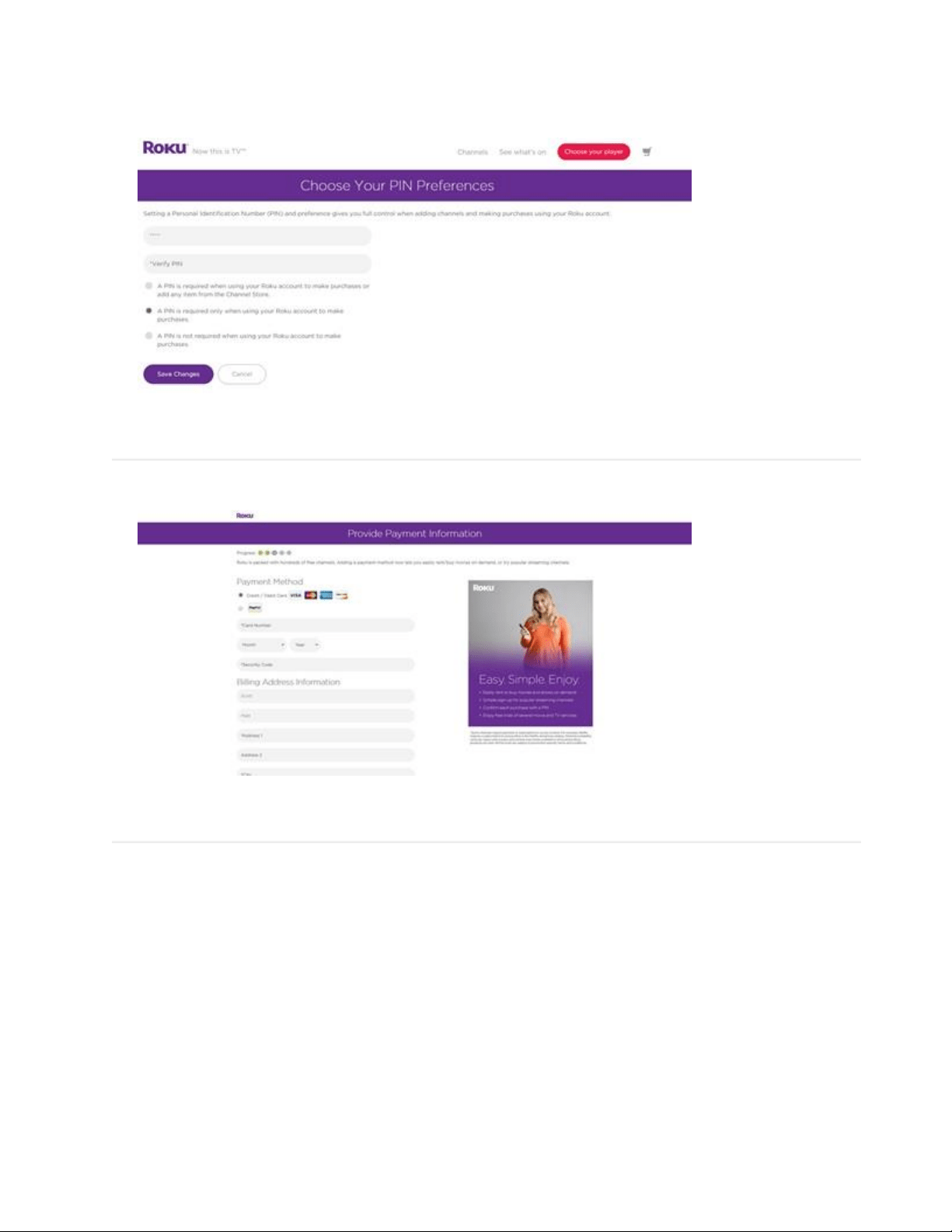
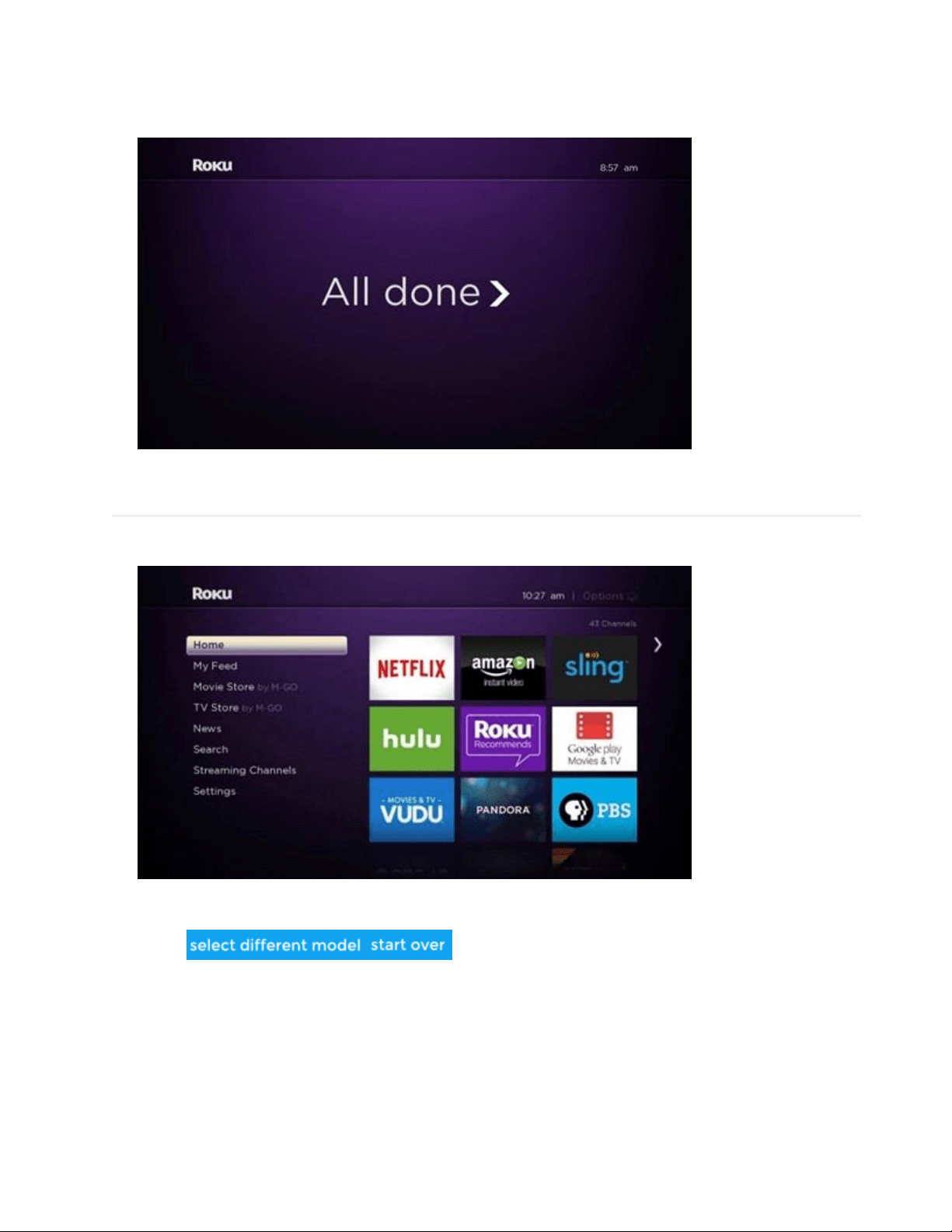
Online account setup