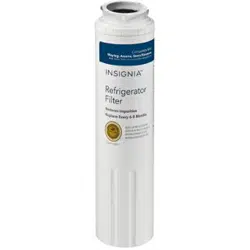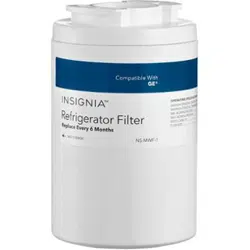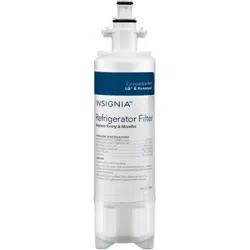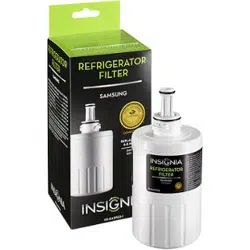
INSTALLING THE WATER FILTER
Note: It is normal to have black carbon particles on the outside of your lter. They are
safe and can be wiped o.
1 You must soak your new lter in water for 15 minutes prior to
installing it in your refrigerator to remove air from the carbon block.
2 Unlatch the plastic lter cover on the refrigerator and let it swing down.
3 Rotate the old lter 1/4 turn counterclockwise, then pull it straight out.
4 Push the new lter into the refrigerator until it stops, then rotate it
1/4 turn clockwise.
Note: Filter connections are larger to prevent leaks. You may need to twist the lter
hard to make sure that the connection is secure.
5 Swing the plastic lter cover up until it snaps closed.
6 Reset your refrigerator’s “change lter” light (if it has one). See “Resetting
your change lter indicator” for more information.
7 Run 2-3 gallons of water through your refrigerator to remove air and loose
carbon pieces.
RESETTING YOUR CHANGE FILTER INDICATOR
Note: These are the most common lter reset instructions. See the documentation
that came with your refrigerator if they don’t work.
Before using your new product, please read these instructions to prevent any damage.
PACKAGE CONTENTS
• Refrigerator lter(s) (1 or 2 pack)
• Quick Setup Guide
REFRIGERATOR BRAND
Amana®
Kenmore
Maytag® and Jenn-Air®
INSTRUCTIONS
• Press and hold the dispenser lock and auto light buttons at the
same time until the lter indicator ashes (about four seconds).
OR
• Press and hold the dispenser lock and water buttons at the same
time until the lter indicator ashes (about four seconds).
• The lter reset for Kenmore refrigerators varies by model. See
the documentation that came with your refrigerator.
• Press and hold the lock and light buttons at the same time
until the lter indicator ashes (about four seconds).
OR
• On newer models, press and hold the lock and water buttons at
the same time until the lter indicator ashes (about four seconds).
QUICK SETUP GUIDE
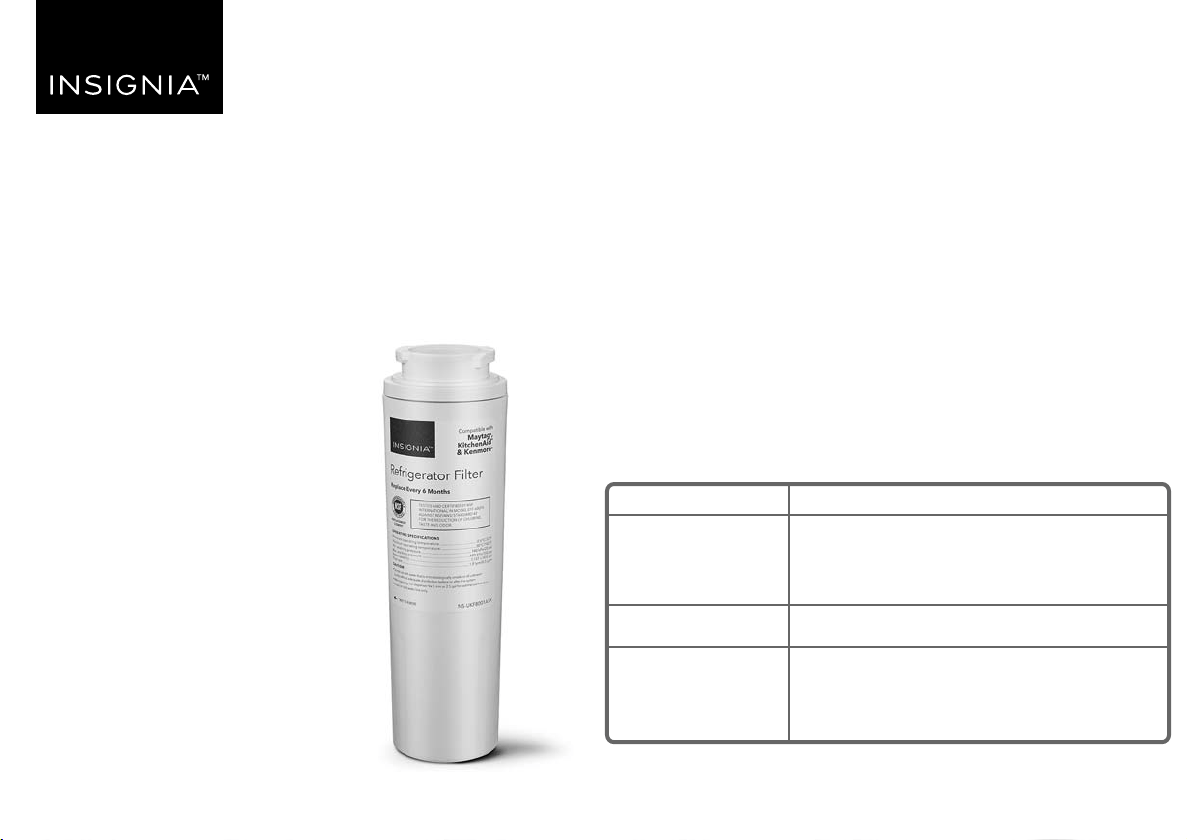
Refrigerator Filter
NSUKF8001AXX1 / NSUKF8001AXX2
TROUBLESHOOTING STORAGE AND MAINTENANCE
• Replace your lter every three to six months to prevent bacteria and
fungus growth in your lter, supply lines, and storage tank.
• Stored lters do not expire. Keep your unused lters in a cool, dark, and
dry place until you need them.
• If you do not use your water dispenser for more than four days, run two
gallons of water before using it to prevent bad tasting water.
ONEYEAR LIMITED WARRANTY
For complete warranty, visit www.insigniaproducts.com.
CONTACT INSIGNIA
1-877-467-4289 (U.S. and Canada) or 01-800-926-3000 (Mexico)
www.insigniaproducts.com
CERTIFICATIONS:
INSIGNIA is a trademark of Best Buy and its aliated companies.
Distributed by Best Buy Purchasing, LLC
7601 Penn Ave South, Richeld, MN 55423 U.S.A.
©2018 Best Buy. All rights reserved.
Made in China
V2 ENGLISH 18-0538
PROBLEM
My refrigerator is not
dispensing water
My water dispenser is
dripping
My water is cloudy or
contains black carbon
pieces
My new lter is making
noises or sputtering
My water tastes bad
SOLUTION
• Make sure that you soaked your lter in water
for 15 minutes before installing.
• Make sure that the lter is securely connected
to the receiver. Do not use tools to tighten the
lter in place.
• Make sure that the water line to the refrigerator
is turned on. The valve must be completely
open for the refrigerator to receive water.
• Make sure that the refrigerator door is closed or
the dispenser will not work.
• A few drops are normal. If the water is dripping
constantly, have a service technician check your
refrigerator’s water valve.
• Cloudy water is caused by microscopic air
bubbles. Run two to three gallons of water from
your dispenser to clear the air bubbles out.
• Black carbon pieces in the water are normal and
appear with all carbon lters. Run two to three
gallons of water through your dispenser to
remove loose carbon pieces.
• Make sure that you soaked your lter in water
for 15 minutes before installing.
• Noises and sputtering are caused by trapped air
pockets. Run two to three gallons of water from
your dispenser to push the air out.
• If you do not use your water dispenser for more
than four days, run two gallons of water
through the dispenser before using it.
• Make sure that you replace your lter every
three to six months to prevent bacteria growth.
Tested and Certied by NSF International in Model
EFF-6007S against NSF/ANSI Standard 42 for the
reduction of chlorine, taste and odor.
REPLACEMENT
ELEMENT