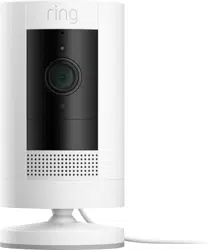
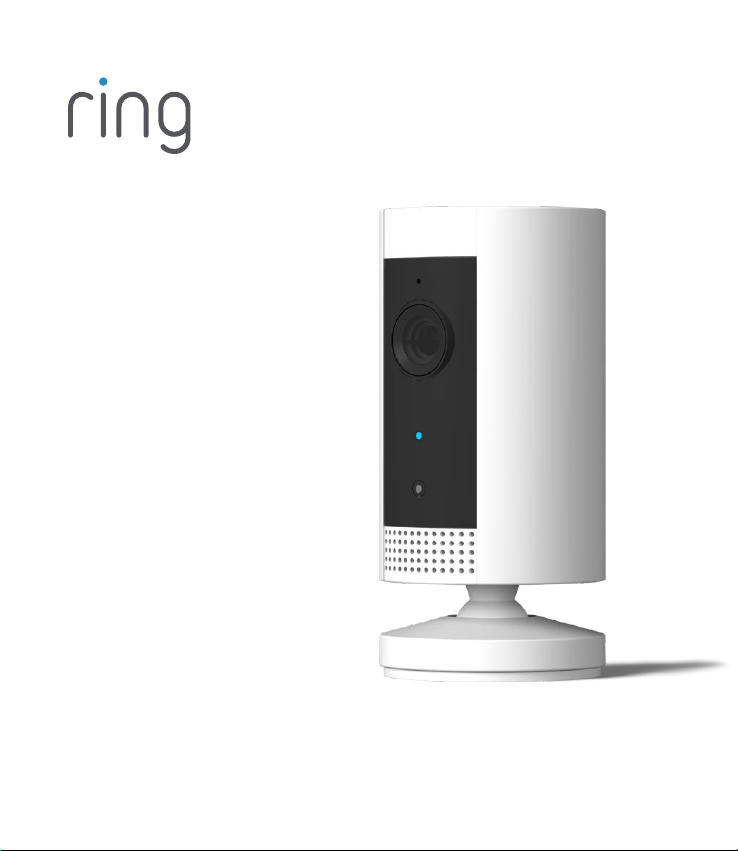
Indoor Cam

1. Set up your
Indoor Cam.
Download the Ring app.
The Ring app walks you through setting up and managing
your Indoor Cam.
Search for “Ring” in one of these app stores, or visit:
ring.com/app.
Grab your Wi-Fi password.
You’ll need it to set up your Indoor Cam.
Write it down below so it’s handy when you need it:
Download from
Windows Store
32

Power it up!
First, plug the included
power cable into the back
of your Indoor Cam.
Then plug the power
supply into an outlet.
Set up your Indoor Cam in the Ring app.
In the Ring app, select Set Up a Device.
When prompted, select Security Cams and follow the
in-app instructions.
Try it out!
After setup, tap the Live View button in the Ring app to see
live video from your Indoor Cam.
Blue light flashing?
If the light on the front of your Indoor Cam is flashing after
setup, it’s updating its software.
Do not unplug your Indoor Cam while the light is flashing!
2. Install your
Indoor Cam.
54
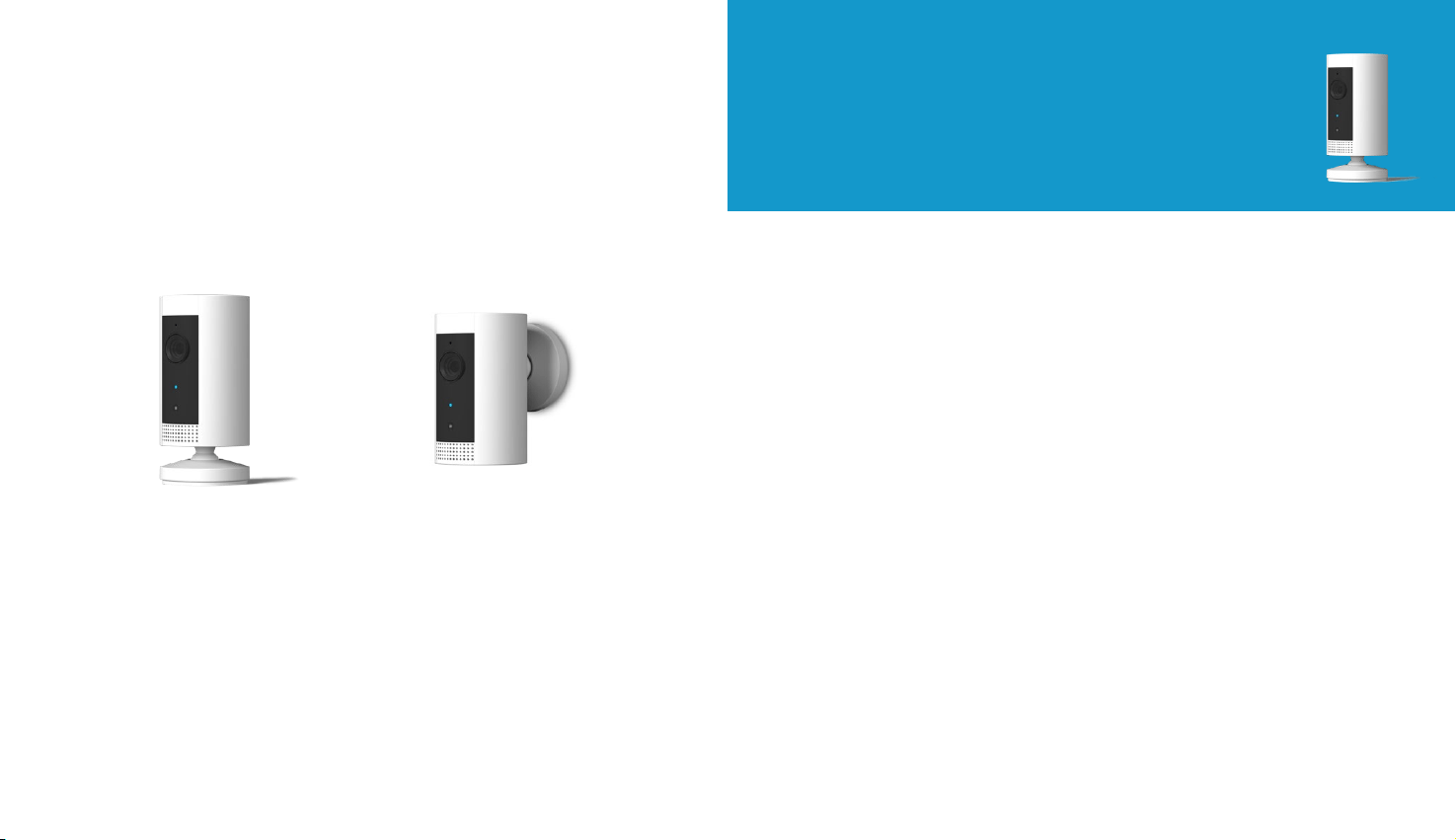
How to use Indoor Cam on
a table or shelf:
It’s all ready, already!
Place it at your chosen location, then plug it in.
Your Indoor Cam is now ready to protect you.
Once you’re done, check out the live video in the
Ring app to make sure you have the view you want.
Choose a location.
Indoor Cam is happy just about anywhere inside.
It comes ready to sit on a flat surface like a table or
shelf, but can also be mounted to a wall.
Choose a spot where it can provide the view you want,
within reach of a power outlet.
Table or shelf Mounted on a wall
76
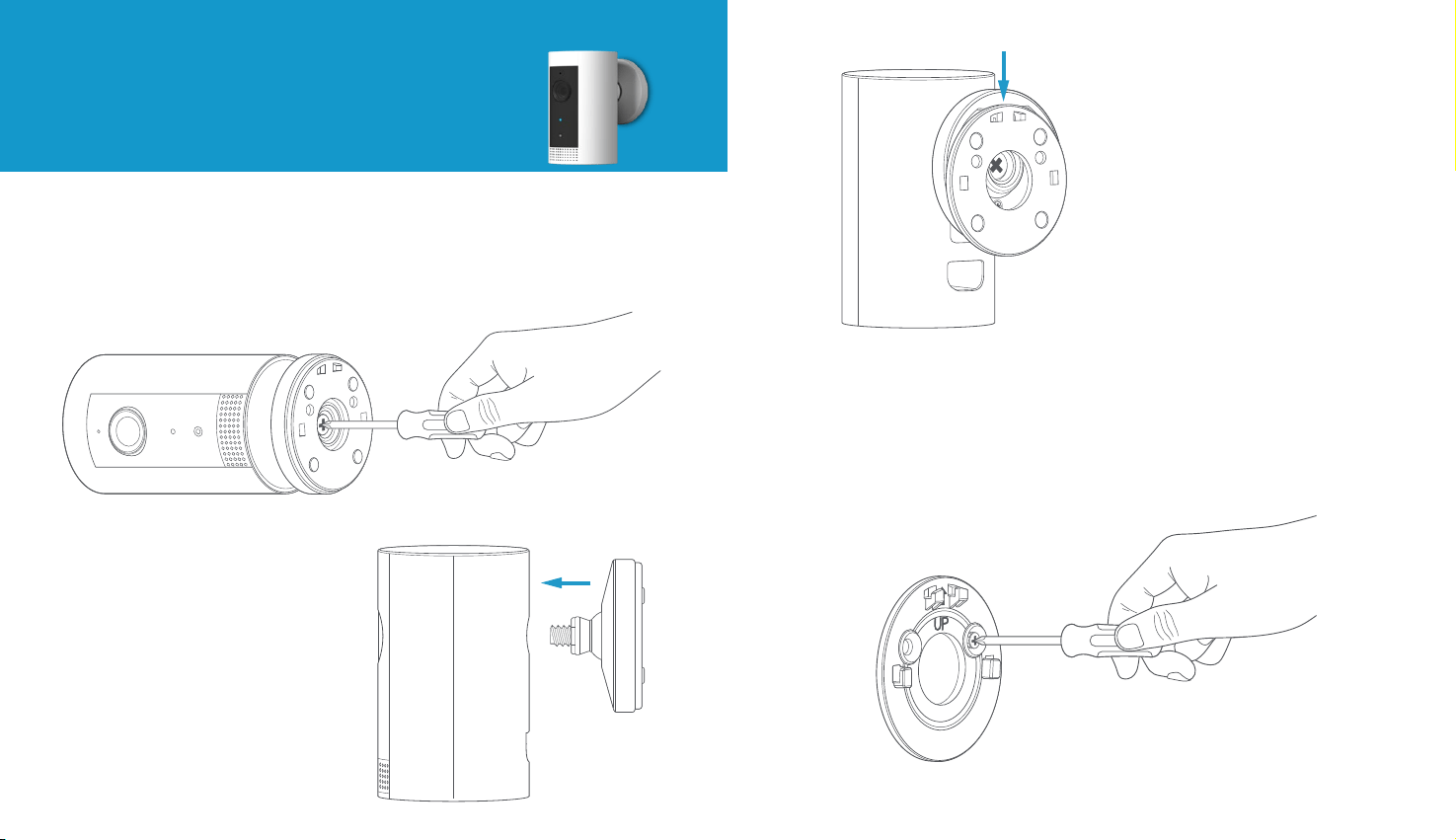
How to install Indoor Cam
on a wall:
Remove the base.
Unscrew it using a standard Phillips-head screwdriver
(not included).
Re-attach the base.
Screw it into the back of
your Indoor Cam with the
“UP” arrow on the bracket
pointing upwards.
Remove the
mounting bracket.
Slide it down. It’ll come right
o the base.
Drive the screws.
Hold the plate against your wall, making sure the “UP” arrow
is pointing up, and mount it with the included screws.
98
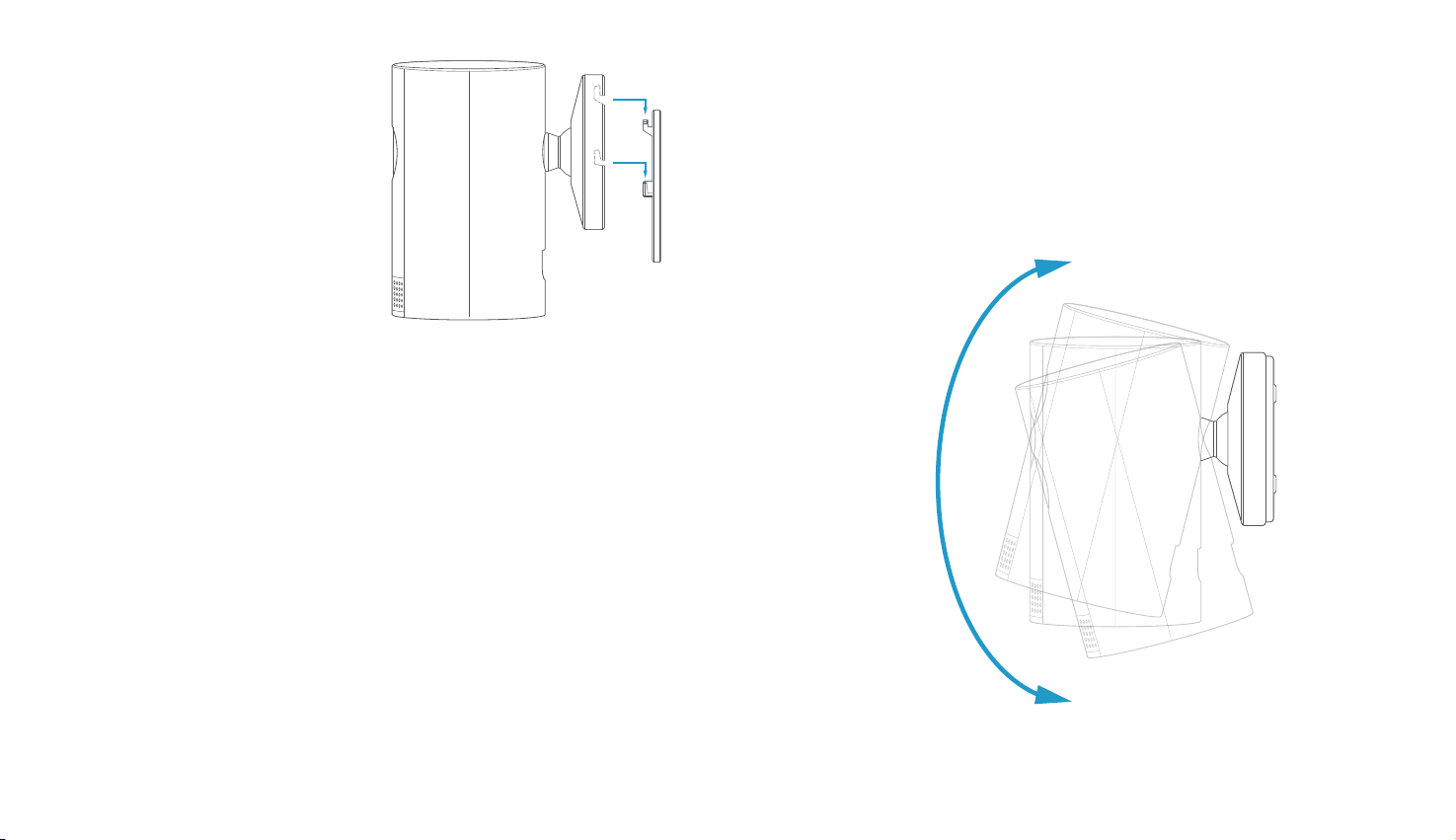
Mount your Cam.
Guide the grooves in the
base onto the hooks on the
bracket. Slide Indoor Cam
down to secure it to the wall.
Plug it in.
Once secure, plug the power cord into your Indoor Cam,
then plug the adapter into a power outlet.
Adjust the view.
Now check out the live video in the Ring app to make sure
you have the view you want.
Indoor Cam rotates on its base, so adjust the view as needed.
1110

For additional help, visit: ring.com/help
Or give us a call…
US 1 800 656 1918
Canada 1 855 300 7289
Worldwide +1 310 929 7085
To review your warranty coverage, please visit www.ring.com/warranty.
© 2019 Ring LLC or its aliates.
Ring and all related logos are trademarks of Ring LLC or its aliates.
For a list of all our customer support numbers,
visit: ring.com/callus