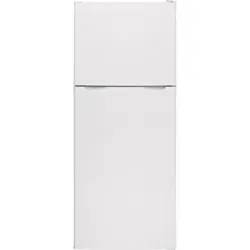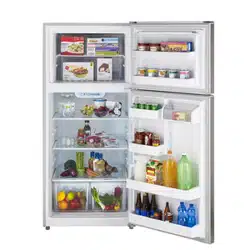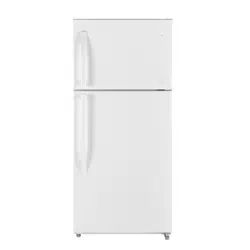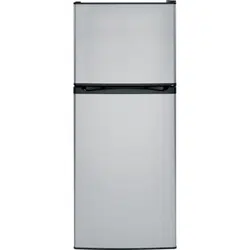
MPE12FG
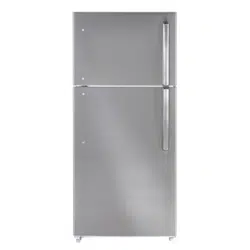
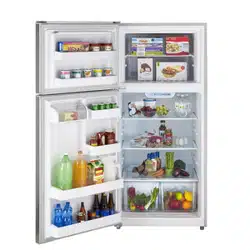
MPE12FS
29-6063 01-16 MC
IMPORTANT SAFETY INFORMATION.
READ ALL INSTRUCTIONS BEFORE USING.
2
IMPORTANT SAFETY INFORMATION READ ALL INSTRUCTIONS BEFORE USING
Moffat Appliances website
For more information on your refrigerator’s operation, visit www.moffatappliances.ca or
call 800.561.3344
This refrigerator must be properly installed and located in
accordance with the Installation Instructions before it is
used.
Do not allow children to climb, stand or hang on the shelves
in the refrigerator. They could damage the refrigerator and
seriously injure themselves.
Do not touch the cold surfaces in the freezer compartment,
particularly when hands are damp or wet. Skin may stick to
these extremely cold surfaces.
Do not store or use gasoline or other flammable vapors and
liquids in the vicinity of this or any other appliance.
In refrigerators with automatic ice makers, avoid contact
with the moving parts of the ejector mechanism, or with
the heating element that releases the cubes. Do not place
fingers or hands on the automatic ice making mechanism
while the refrigerator is plugged in.
Keep fingers out of the “pinch point” areas; clearances
between the doors and between the doors and cabinet are
necessarily small. Be careful closing doors when children are
in the area.
Unplug the refrigerator before cleaning and making repairs.
NOTE: We strongly recommend that any servicing be
performed by a qualified individual.
Turning the control to the COLD position does not remove
power to the light circuit.
Do not refreeze frozen foods which have thawed
completely.
Before replacing a burned-out light bulb, the refrigerator
should be unplugged in order to avoid contact with a live
wire filament. (A burned-out light bulb may break when
being replaced.)
This is the safety alert symbol. This symbol alerts you to potential hazards that can kill or hurt you and others. All safety
messages will follow the safety alert symbol and the word “DANGER”, “WARNING”, or “CAUTION”. These words are defined as:
Indicates a hazardous situation which, if not avoided, will result in death or serious injury.
Indicates a hazardous situation which, if not avoided, could result in death or serious injury.
Indicates a hazardous situation which, if not avoided, could result in minor or moderate injury.
IMPORTANT SAFETY INSTRUCTIONS
To reduce the risk of fire, explosion, electric shock, or injury when using your
refrigerator follow these basic safety precautions:
REFRIGERATOR SAFETY INFORMATION
WARNING
WARNING
DANGER
CAUTION
3
IMPORTANT SAFETY INFORMATION.
READ ALL INSTRUCTIONS BEFORE USING. moffatappliances.ca
WARNING
Explosion Hazard.
Keep flammable materials and vapors, such as gasoline, away from refrigerator. Failure to do so can
result in fire, explosion, or death.
Do not, under any circumstances, cut or remove the third (ground) prong from the power cord.
For personal safety, this appliance must be properly grounded.
The power cord of this appliance is equipped with a 3-prong
(grounding) plug which mates with a standard 3-prong
(grounding) wall outlet to minimize the possibility of electric
shock hazard from this appliance.
Have the wall outlet and circuit checked by a qualified
electrician to make sure the outlet is properly grounded.
Where a standard 2-prong wall outlet is encountered, it is
your personal responsibility and obligation to have it replaced
with a properly grounded 3-prong wall outlet. Do not use an
adapter.
The refrigerator should always be plugged into its own
individual electrical outlet which has a voltage rating that
matches the rating plate.
This provides the best performance and also prevents
overloading house wiring circuits which could cause a fire
hazard from overheated wires.
Never unplug your refrigerator by pulling on the power cord.
Always grip plug firmly and pull straight out from the outlet.
Repair or replace immediately all power cords that have
become frayed or otherwise damaged. Do not use a cord
that shows cracks or abrasion damage along its length or at
either end.
When moving the refrigerator away from the wall, be careful
not to roll over or damage the power cord.
CONNECTING ELECTRICITY
WARNING
Electrical Shock Hazard.
Plug into a grounded 3-prong outlet
Do not remove the ground prong
Do not use an adapter
Failure to follow these instructions can result in death, fire, or electrical shock.
READ AND FOLLOW THIS SAFETY INFORMATION CAREFULLY.
SAVE THESE INSTRUCTIONS
WARNING
Suffocation and child entrapment hazard.
Remove fresh-food and freezer doors from the refrigerator, prior to disposal. Failure to do so can result
in child entrapment which can lead to death or brain damage.
Child entrapment and suffocation are not problems of
the past. Junked or abandoned refrigerators are still
dangerous even if they will sit for “just a few days.” If you
are getting rid of your old refrigerator, please follow the
instructions below to help prevent accidents.
Before You Throw Away Your Old Refrigerator or
Freezer:
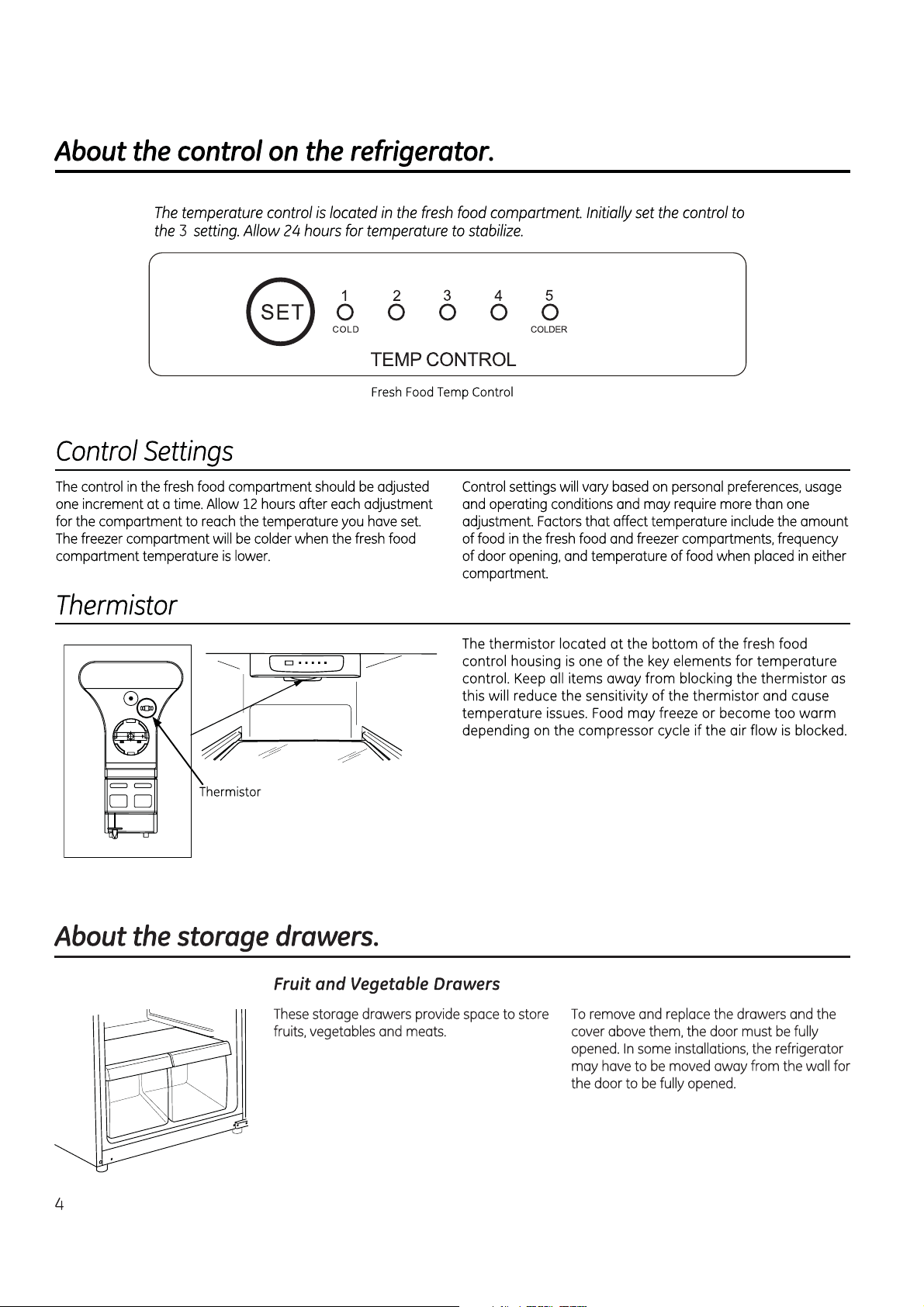
Take off the fresh food and freezer doors.
Leave the shelves in place so that children may not
easily climb inside.
Refrigerants
All refrigeration products contain refrigerants, which
under federal law must be removed prior to product
disposal. If you are getting rid of an old refrigeration
product, check with the company handling the disposal
about what to do.
PROPER DISPOSAL OF YOUR OLD REFRIGERATOR
IMPORTANT:
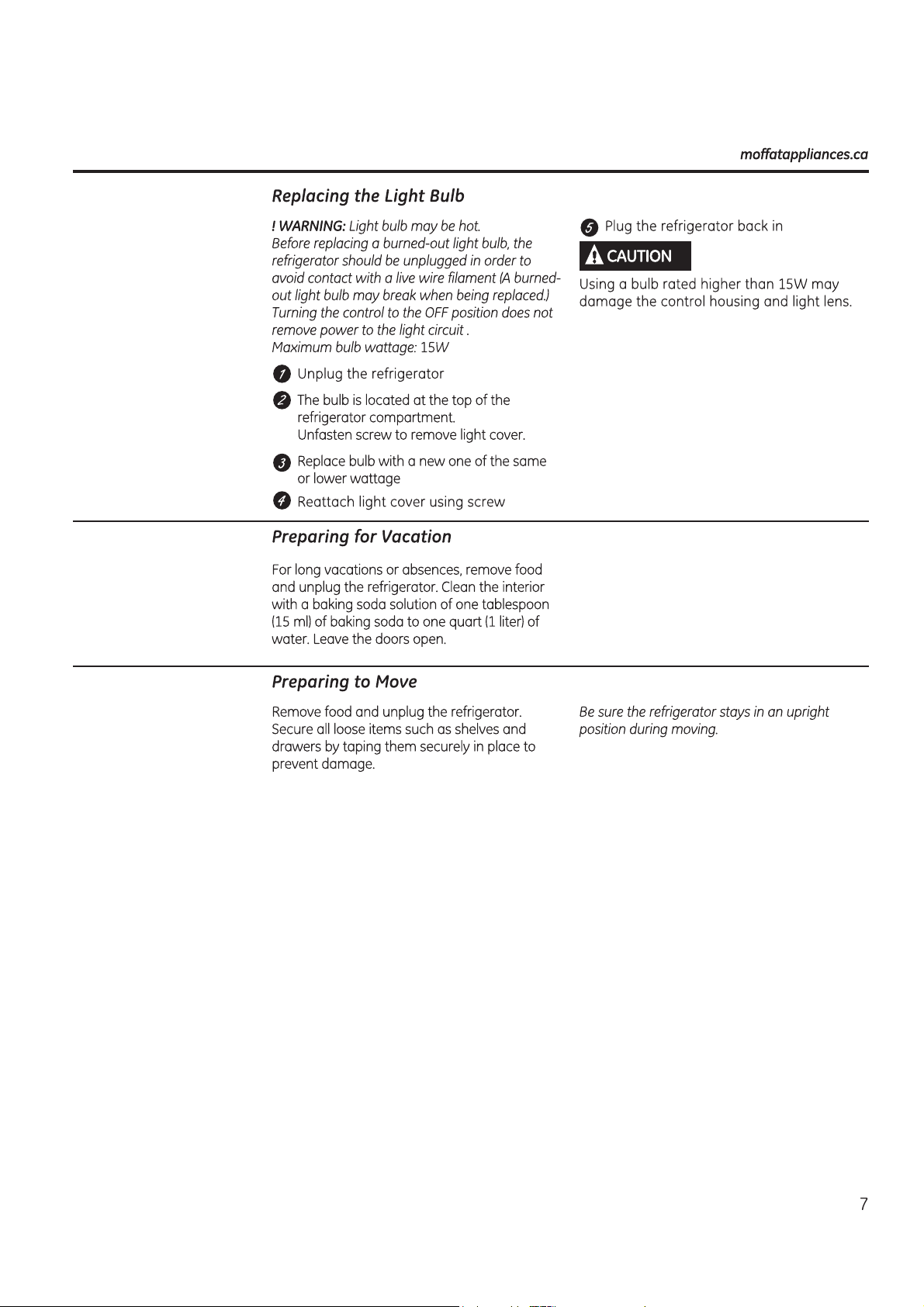
5
Ice Trays
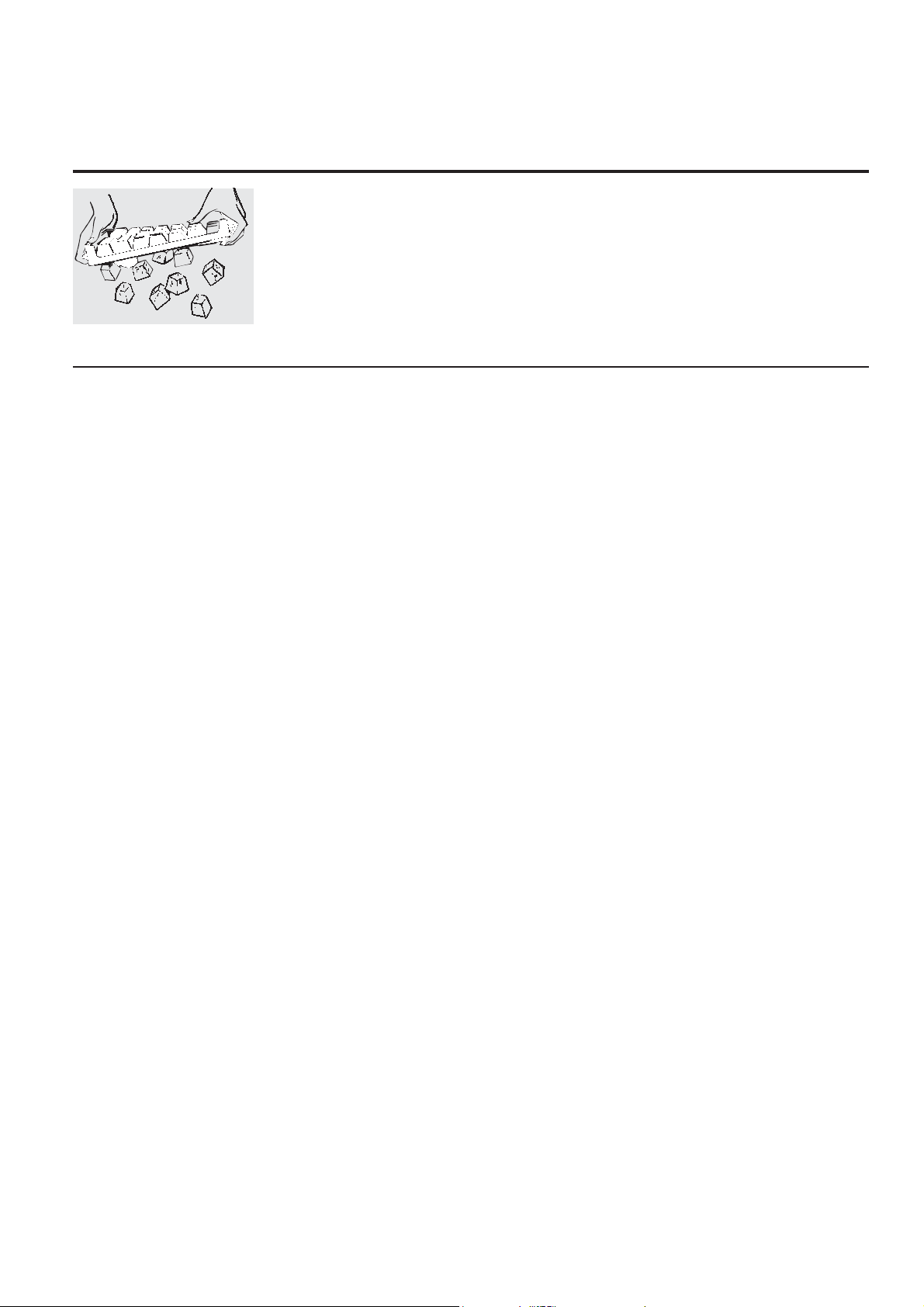
To make ice, fill the ice tray with water and set
it on a level surface in the freezer compartment.
Ice cubes will form in a few hours.
To release ice cubes, turn the tray upside down,
hold it over a container and twist both ends.
For only one or two ice cubes, leave the tray
right-side up, twist both ends slightly and
remove as many cubes as you want.
:DVKLFHWUD\VLQOXNHZDUPZDWHURQO\³
do not put them in an automatic dishwasher.
About ice service. moffatappliances.ca
6
Care and cleaning of the refrigerator.
Cleaning the Outside
Keep the outside clean. Wipe with a clean
cloth lightly dampened with mild liquid dish
detergent. Dry with a clean, soft cloth.
Do not wipe the stainless steel door with
a soiled dishcloth or wet towel. These may
leave a residue that can erode the finish. Do
not use scouring pads, powdered cleaners,
bleach or cleaners containing bleach
because these products can scratch and
weaken the finish. Use only a liquid cleanser
free of grit and rub in the direction of the
brush lines.
The stainless steel door and door handle
can be cleaned with a commercially
available stainless steel cleaner. Cleaners
with oxalic acid (e.g. Bar Keepers Friend
Soft Cleanser) will remove rust, lime, and
other tarnish. Do not use appliance wax or
polish on the stainless steel.
Protect the paint finish. The finish on the
outside of the refrigerator is a high quality,
baked-on paint finish. With proper care, it
will stay new-looking and rust free for years.
Apply a coat of kitchen/appliance wax when
the refrigerator is new, and then at least
twice a year.
Cleaning the Inside
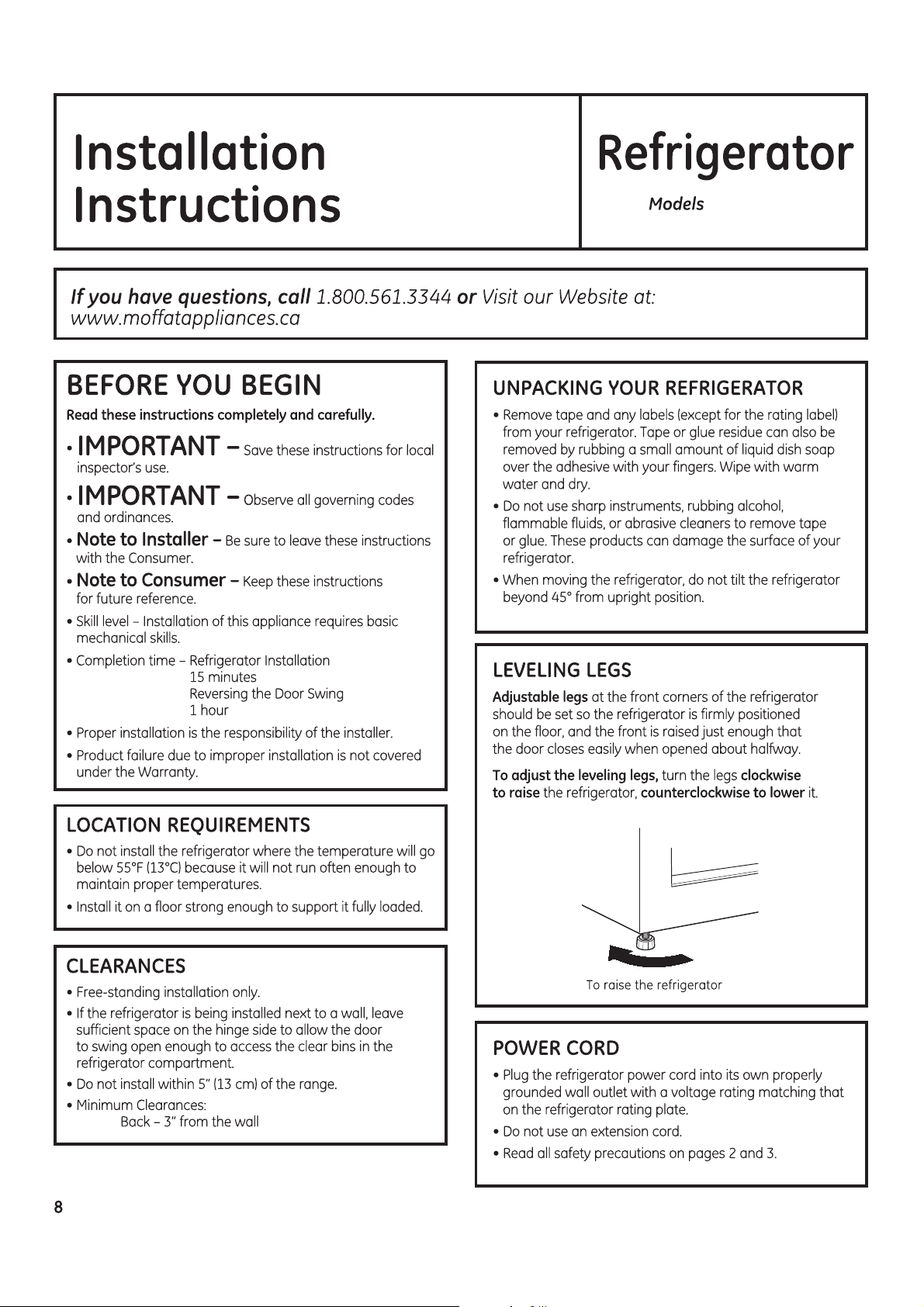
To help prevent odors, leave an open box
of baking soda in the fresh food and freezer
compartments.
Unplug the refrigerator before cleaning.
If this is not practical, wring excess moisture
out of sponge or cloth when cleaning around
switches, lights or controls.
8VHZDUPZDWHUDQGEDNLQJVRGDVROXWLRQ³
about a tablespoon (15 ml) of baking soda to
a quart (1 liter) of water. This both cleans and
neutralizes odors. Rinse and wipe dry.
2WKHUSDUWVRIWKHUHIULJHUDWRU³LQFOXGLQJGRRU
gaskets, fruit and vegetable drawers, and all
SODVWLFSDUWV³FDQEHFOHDQHGWKHVDPHZD\
After cleaning the door gaskets, apply a thin
layer of petroleum jelly to the door gaskets
at the hinge side. This helps keep the gaskets
from sticking and bending out of shape. Do
not use cleansing powders or other abrasive
cleaners.
Do not wash any plastic refrigerator parts
in the dishwasher.
Avoid cleaning cold glass shelves (on some
models) with hot water because the extreme
temperature difference may cause them to
break. Handle glass shelves carefully. Bumping
tempered glass can cause it to shatter.
MPE12FG
MPE12FS
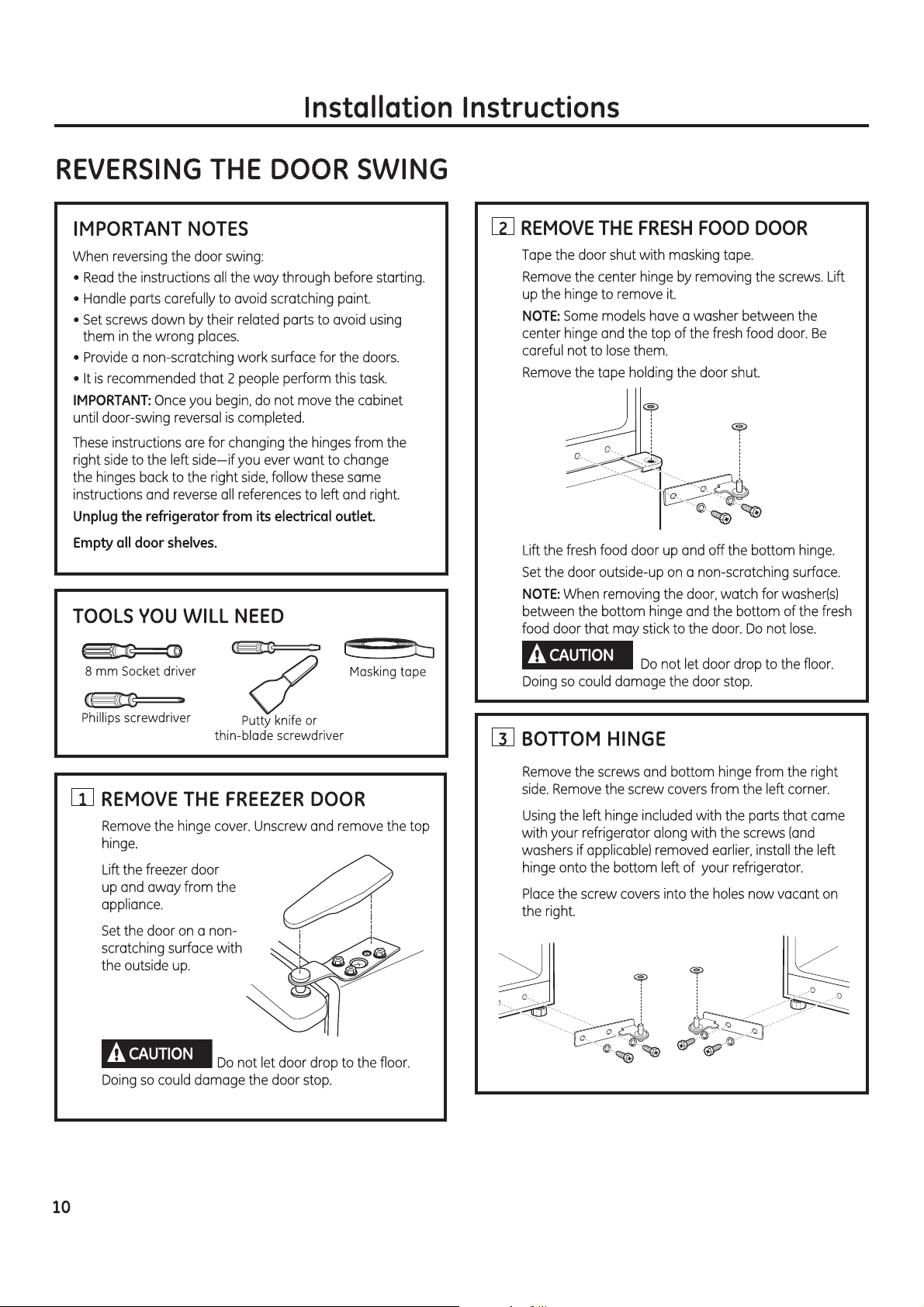
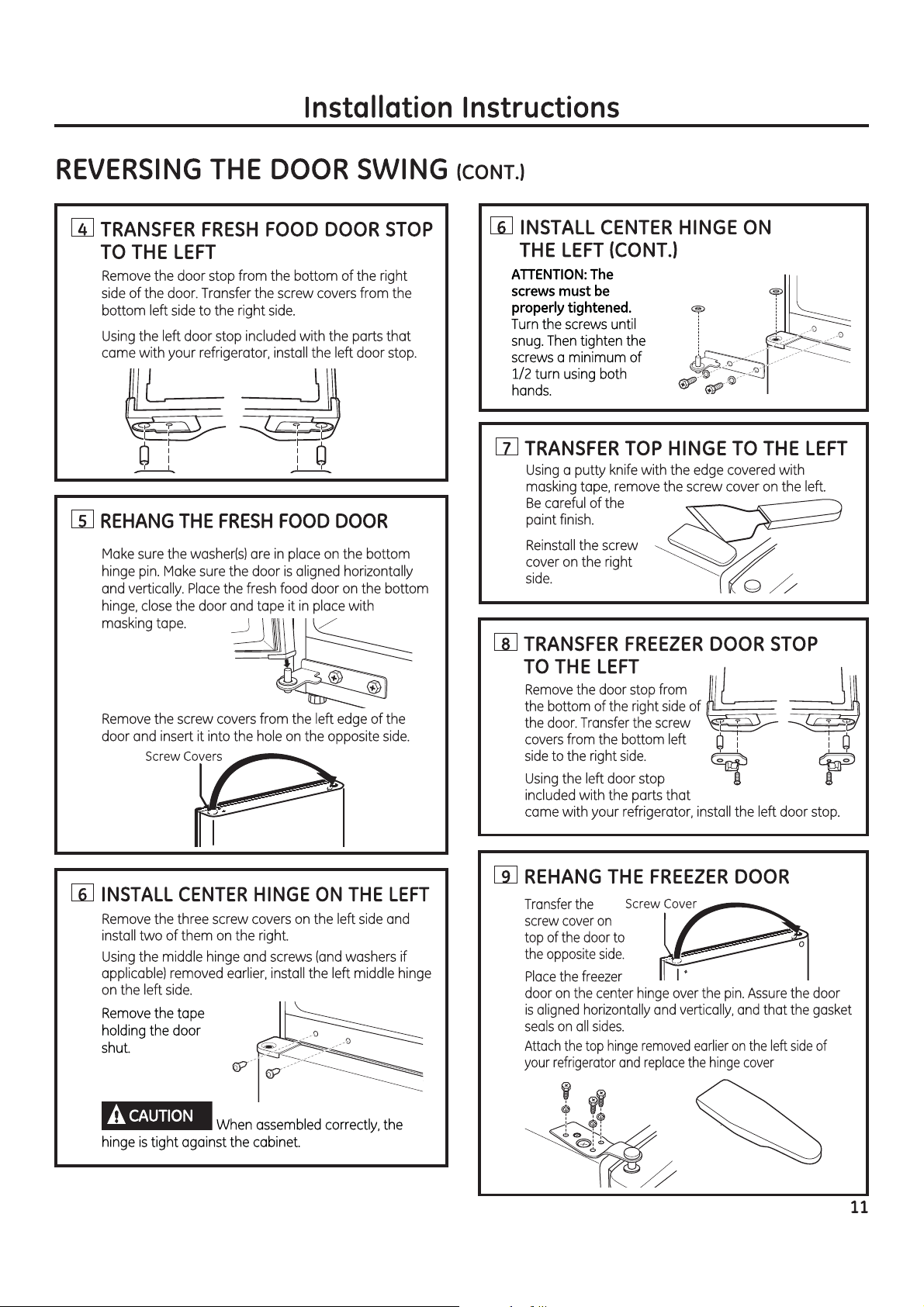
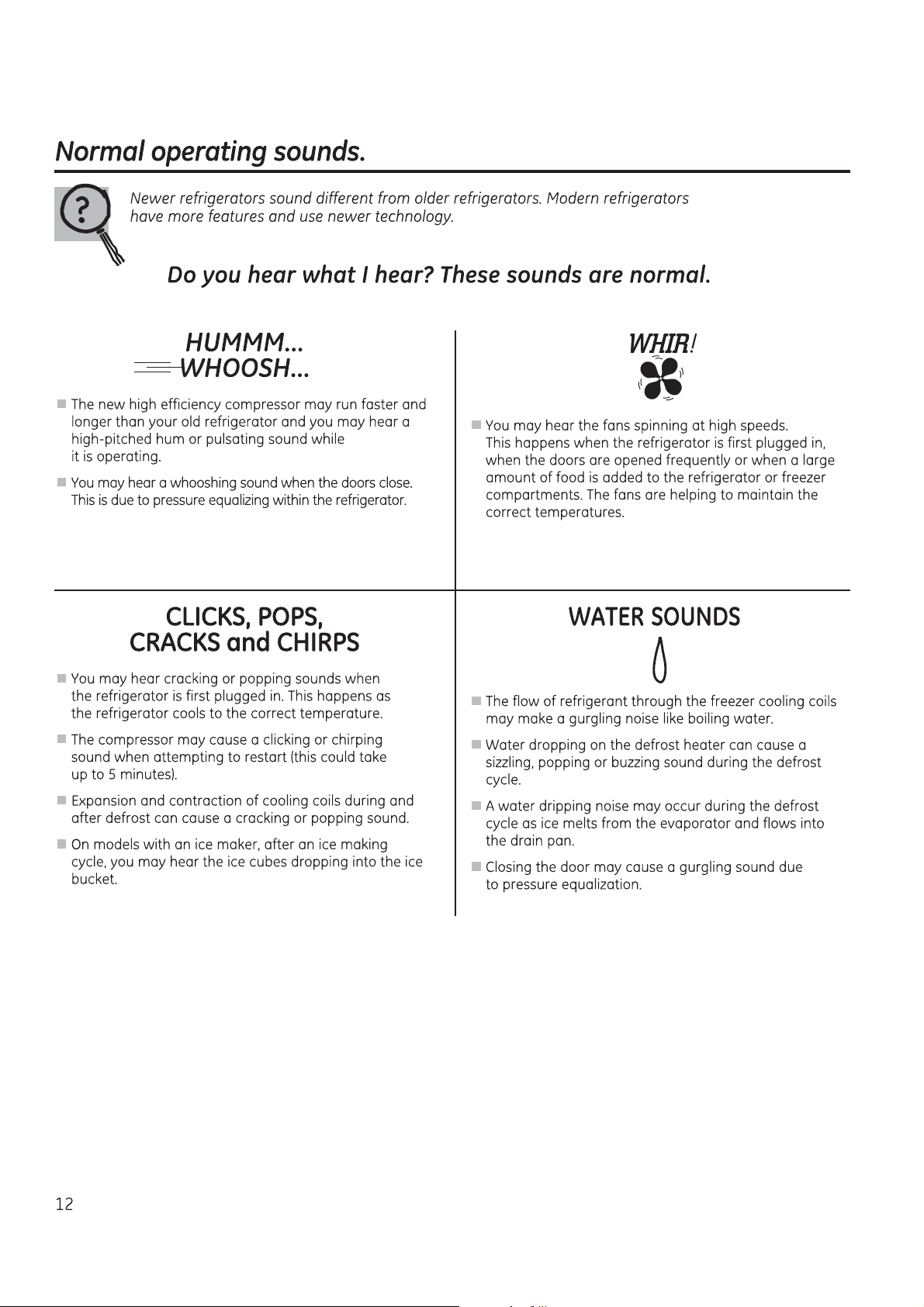
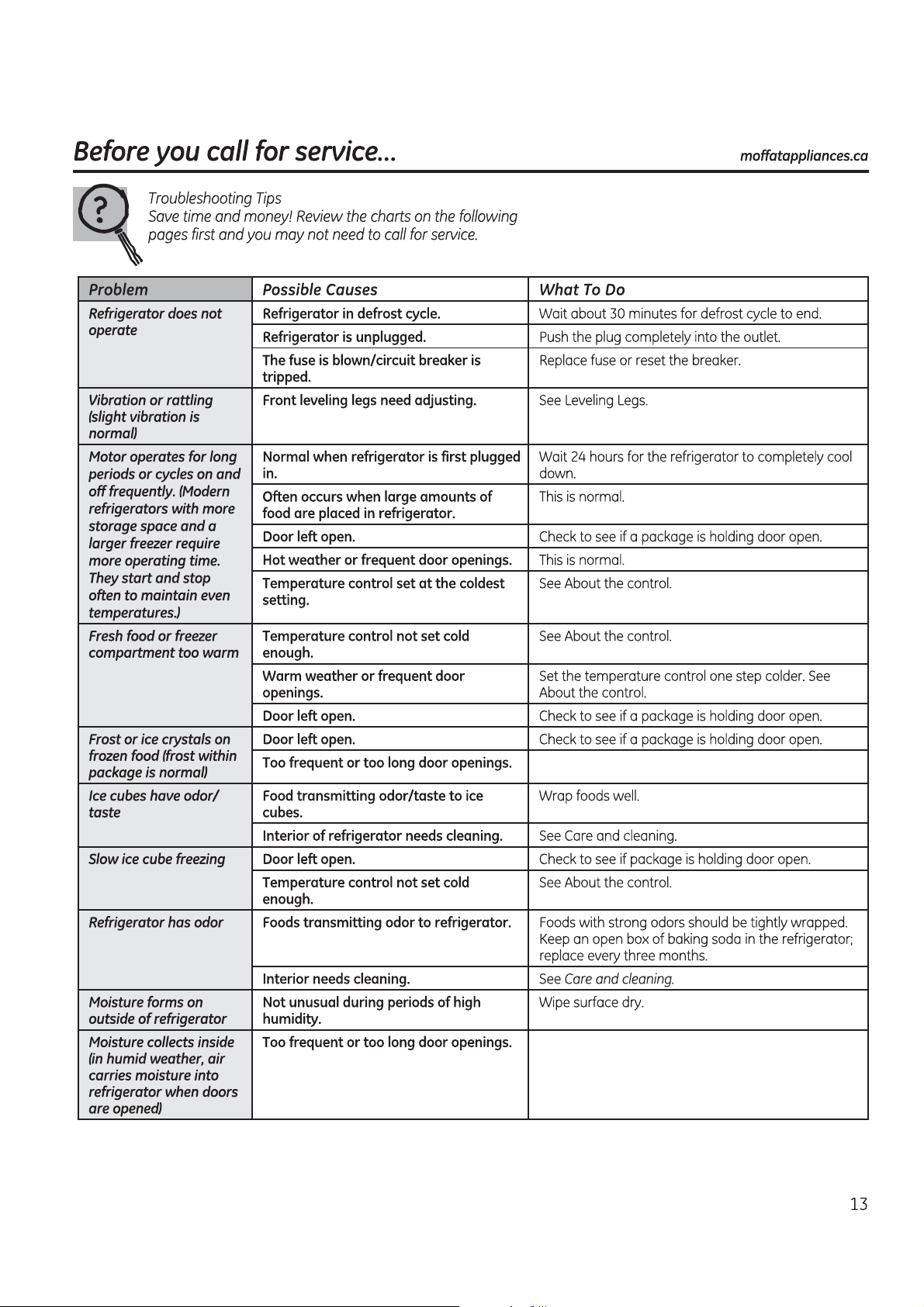
Consumer Support.
Schedule Service
Expert repair service is only one step away from your door.
Call 1.800.561.3344 during normal business hours.
Real Life Design Studio
We supports the Universal Design concept-products, services and environments that can be used by people of all
ages, sizes and capabilities. We recognize the need to design for a wide range of physical and mental abilities and
impairments. For details of our Universal Design applications, including kitche design ideas for people with disabilities,
check out our Website today.
In Canada, contact: Director, Customer Relations, MC Commercial
Bureau 310, 1 Factory Lane
Moncton, N.B. E1C 9M3
Extended Warranties
Please consult your local listings for extended warranty suppliers.
Parts and Accessories
Consult the yellow pages for the nearest authorized parts distributor, or call 1.800.661.1616.
Instructions contained in this manual cover procedures to be performed by any user.
Other servicing generally should be referred to qualified service personnel. Caution must be exercised, since
improper servicing may cause unsafe operation.
Contact Us
If you are not satisfied with the service you receive, contact us on our Website with all the details including your phone
number, or write to:
Director, Customer Relations, MC Commercial
Bureau 310, 1 Factory Lane
Moncton, N.B. E1C 9M3
Register Your Appliance GEAppliances.ca
Register your new appliance on-line-at your convenience! Timely product registration will allow for enhanced
communication and prompt service under the terms of your warranty, should the need arise.
You may also mail in the pre-printed registration card included in the packing material.