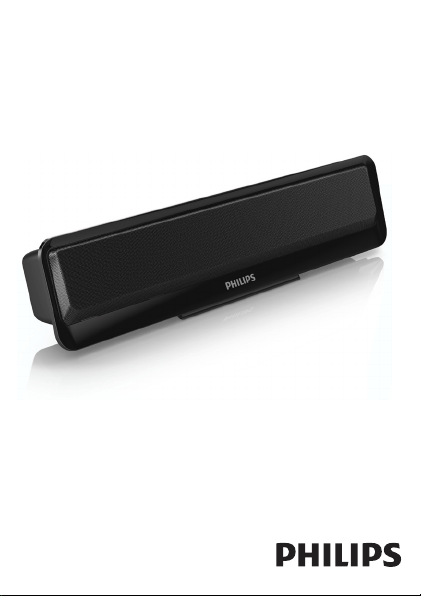
User manual
Register your product and get support at
www.philips.com/welcome
Always there to help you
SPA2100


2 EN
1 Safety
Important safety instructions
• Read and follow all these instructions.
• The product shall not be exposed to dripping or splashing and
noobjectslledwithliquids,suchasvases,shallbeplacedonthe
product.
• Nonakedamesources,suchaslightedcandles,shallbeplaced
on the products.
• Keepthisproductawayfromdirectsunlight,nakedamesor
other heat sources.
• Onlyuseattachments/accessoriesspeciedbythemanufacturer.
Warning
• Neverremovethecasingofthisproduct.
• Neverplacethisproductonotherelectricalequipment.
2 Notice
Anychangesormodicationsmadetothisdevicethatarenotexpressly
approvedbyWOOXInnovationsmayvoidtheuser’sauthorityto
operatetheequipment.
This product complies with the radio interference
requirementsoftheEuropeanCommunity.
3EN
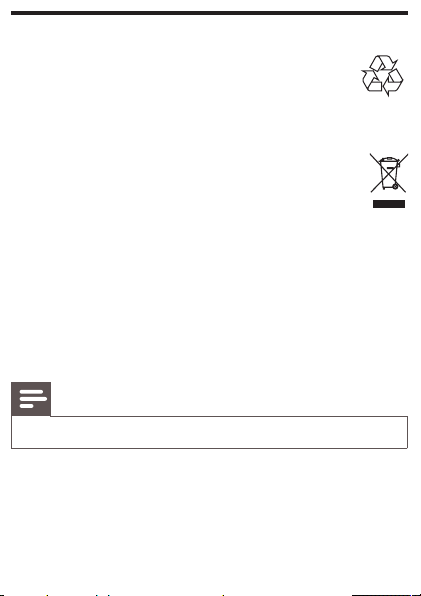
Recycling
Yourproductisdesignedandmanufacturedwithhighquality
materialsandcomponents,whichcanberecycledand
reused.
Whenyouseethecrossed-outwheelbinsymbolattachedtoaproduct,
itmeanstheproductiscoveredbytheEuropeanDirective2002/96/EC:
Neverdisposeofyourproductwithotherhouseholdwaste.
Please inform yourself about the local rules on the separate
collection of electrical and electronic products. The correct
disposalofyouroldproducthelpspreventpotentiallynegative
consequencesontheenvironmentandhumanhealth.
Environmental information
Allunnecessarypackaginghasbeenomitted.Wehavetriedtomake
thepackagingeasytoseparateintothreematerials:cardboard(box),
polystyrenefoam(buffer)andpolyethylene(bags,protectivefoamsheet.)
Your system consists of materials which can be recycled and reused if
disassembledbyaspecializedcompany.Pleaseobservethelocalregulations
regardingthedisposalofpackagingmaterials,andoldequipment.
Note
• The type plate is located on the back of the apparatus.
3 Your speaker
CongratulationsonyourpurchaseandwelcometoPhilips!
TofullybenetfromthesupportthatPhilipsoffers,registeryour
product at www.philips.com/welcome.
4 EN
IfyoucontactPhilips,youwillbeaskedforthemodelandserialnumber
ofthisdevice.Themodelnumberandserialnumberareonthebackof
thedevice.Writethenumbershere:
Model No. __________________________
Serial No. ___________________________
4 Use your speaker
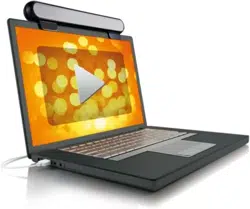
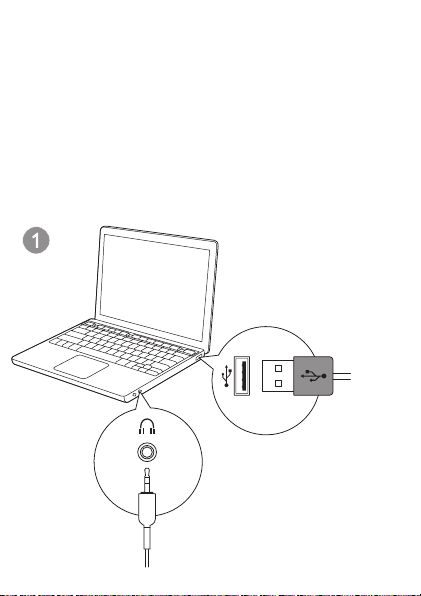
1 InserttheUSBplugintotheUSBsocketofyourPC.
2 Insert the audio input plug into the headphone jack of your
PC.(Fig.1)
5EN
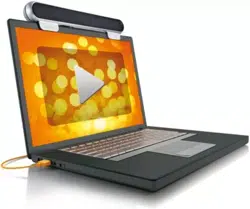
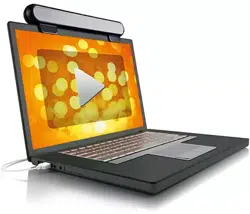
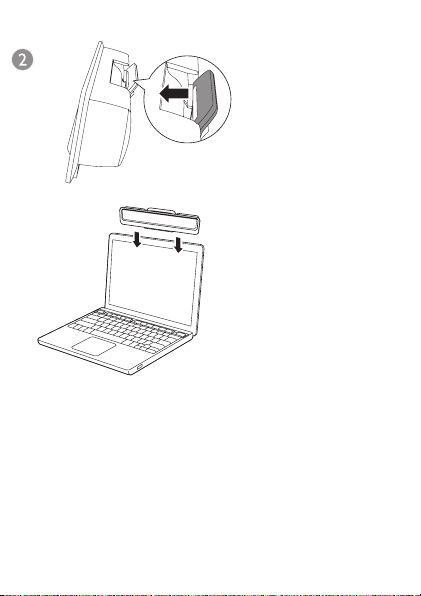
3 Clipthespeakeronthetopofyournotebookscreen.(Fig.2)
4 AdjustthevolumeofyourPC.
5 Afteruse,disconnecttheUSBandaudioinputplugs.

6 EN
5 Product information
Specications
USB Power Input
5 V 500 mA
Dimensions
-MainUnit(WxHxD)
250x61x39mm
Weight
-MainUnit
0.23kg
System Requirements:
PC Mac
Windows
®
98SE,Windows
®
ME,Windows
®
2000,
Windows
®
XP,orWindows
®
Vista™,Windows7
MacOS9/OS
®
X,
or later
6 Troubleshooting
Tokeepthewarrantyvalid,nevertrytorepairthesystemyourself.
Ifyouencounterproblemswhenusingtheproduct,checkthefollowing
pointsbeforerequestingservice.Iftheproblemremainsunsolved,
register your product and get support at www.philips.com/support.
No sound
• Make sure that the speaker is correctly connected.
• AdjustthevolumeofyourPC.


Specifications are subject to change without notice
2013 © WOOX Innovations Limited. All rights reserved.
This product was brought to the market by WOOX
Innovations Limited or one of its affiliates, further referred
to in this document as WOOX Innovations, and is the
manufacturer of the product. WOOX Innovations is the
warrantor in relation to the product with which this booklet
was packaged. Philips and the Philips Shield Emblem are
registered trademarks of Koninklijke Philips N.V.
SPA2100_12_UM_V3.0