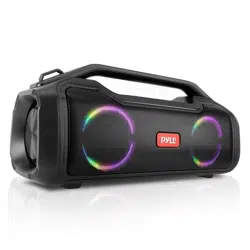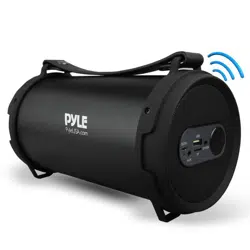

PBMSPG7
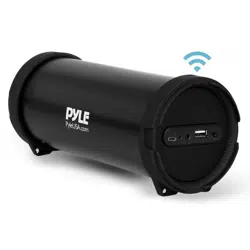
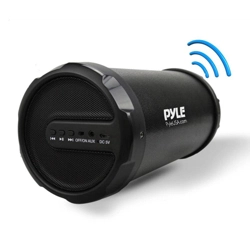
Portable Bluetooth Wireless BoomBox Stereo System,
Built-in Rechargeable Battery, MP3/USB/Micro SD/FM Radio
USER MANUAL

For correctly operating, please read this manual carefully before using. Any
content revise of the manual won’t declare again, and we are no responsible
for consequence caused by fault or oversight of this manual.
FEATURES:
1.0ch Outdoor Bluetooth Speaker:
Outdoor HIFI Bluetooth speaker output very clear sound and dynamic sound
effect;
With A2DP Bluetooth, wireless stream music from any Bluetooth-enabled
device such as your mobile phone, notebook, iPhone or iPad;
Secure simple pairing for user-friendly operating;
10 meters operating rang;
With Line-in function suitable for PC, MID, TV and other radio device;
With USB & TF card support;
Built-in lithium rechargeable battery 1500mAh;
With handle, easy to take out;
Digital Sound Amplifier
Aux (3.5mm) Input Jack
Side Panel Button Control Center
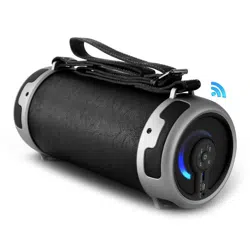
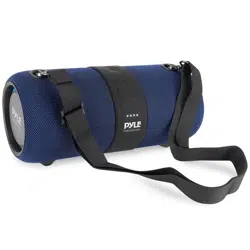
Convenient Carry Strap for Portability
Full Range Stereo Sound Reproduction
Ported Enclosure Design for Impressive Bass Response
What’s in the Box:
Wireless Tube Speaker
USB Charging Cable
Audio Connection Cable
Pyle BT Portable Speaker
PBMSPG7 USER GUIDE
www.PyleUSA.com
le phone, notebook, iPhone or iPad;
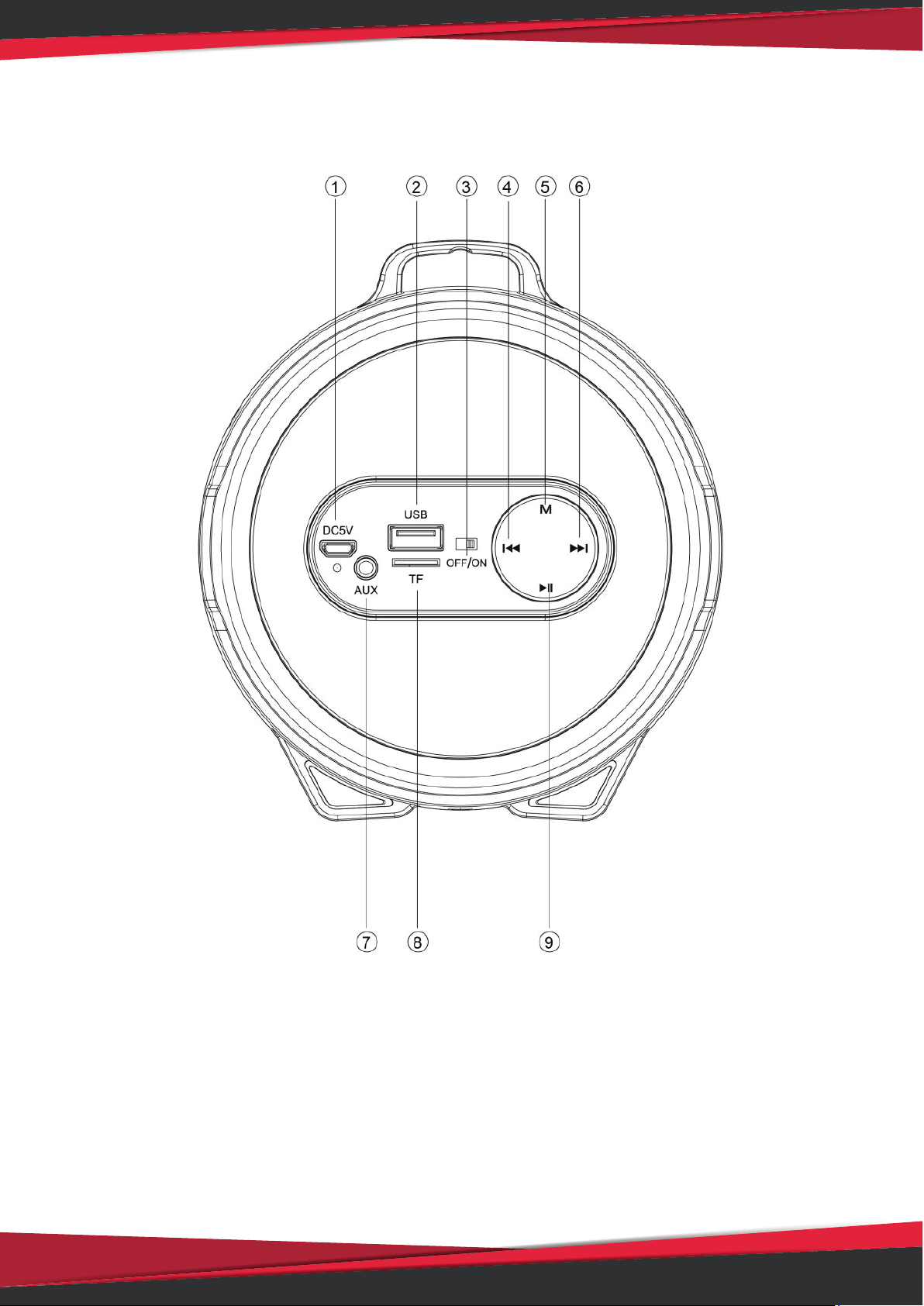
INSTRUNCTION FOR APPEARANCE AND KEY:
1. Charging jack 6. Forward /Volume up
2. USB port 7. Aux-in jack
3. ON/OFF button 8. TF slot
4. Backward/Volume down 9. Play/Pause
5. Mode (Switch Bluetooth, USB disk, TF, FM and AUX-IN state)
www.PyleUSA.com

Bluetooth connection:
1. Turn the power button to “ON”, The LED light turn blue and twinkle quickly
and beep twice
2. Activate Bluetooth of mobile phone and search for device name “BT
speaker” then connect it. The blue LED light twinkle slowly and beep third
times once connected successful.
3. Play the music from your mobile phone and enjoy.
4. Press Forward or Backward button on the devices or on Mobile phones to
select songs you like.
5. Press Play/Pause button on the devices or on Mobile phones to play/stop
the music
6. Use the bluetooth device to adjust volume up and down. Or long press to
Forward or Backward button to adjust volume up and down.
Playing music from USB disk & TF card:
1. Turn the Power button to “ON”.
2. Insert TF card or USB flash disk into slot, the music stored will be played
automatically and blue LED light always keep lighting.
3. Under playing mode, short press Forward or Backward to select songs you
like, Or long press to Forward or Backward button to adjust volume
up and
down.
4. PLAY/PAUSE to play or pause.
5. Please turn the Power button to “OFF” while without use.
Remark: Under Bluetooth playing mode, insert TF card or USB will disconnect
the Bluetooth and switch the playing from USB or TF card. You can press the
MODE button to swich to Bluetooth mode again.
How to Use FM Radio:
1. Under FM radio state, the audio cable provided treat as antennal. Please
Insert the audio cable to get the best FM signal before using.
2. Turn the power button to “ON”, press the “MODE”
button to switch to FM
radio state.
3. Under playing mode, short press “Play/pause” button to auto search the FM
Channel and store it automatically.
4. Press Forward or Backward button to change the stored FM channel.
www.PyleUSA.com