(1,1)
北米Model "A1320BE-C" EDITED: 2017/ 10/ 10
Foreword
Foreword
SFWAA
Congratulations on choosing a SUBARU vehicle. This Owner’s
Manual has all the information necessary to keep your SUBARU in
excellent condition and to properly maintain the emission control
system for minimizing emission pollutants. We urge you to read this
manual carefully so that you may understand your vehicle and its
operation. For information not found in this Owner’s Manual, such
as details concerning repairs or adjustments, please contact the
SUBARU dealer from whom you purchased your SUBARU or the
nearest SUBARU dealer.
The information, specifications and illustrations found in this
manual are those in effect at the time of printing. SUBARU
CORPORATION reserves the right to change specifications and
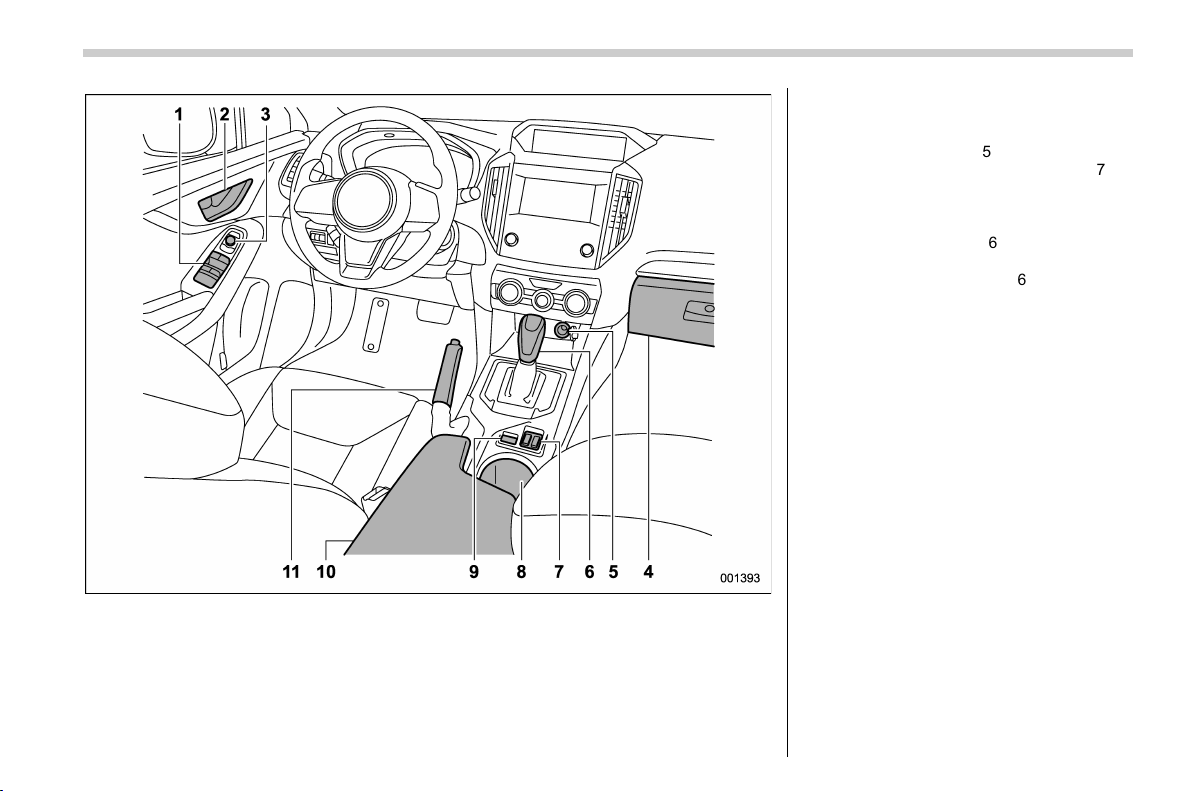
designs at any time without prior notice and without incurring any
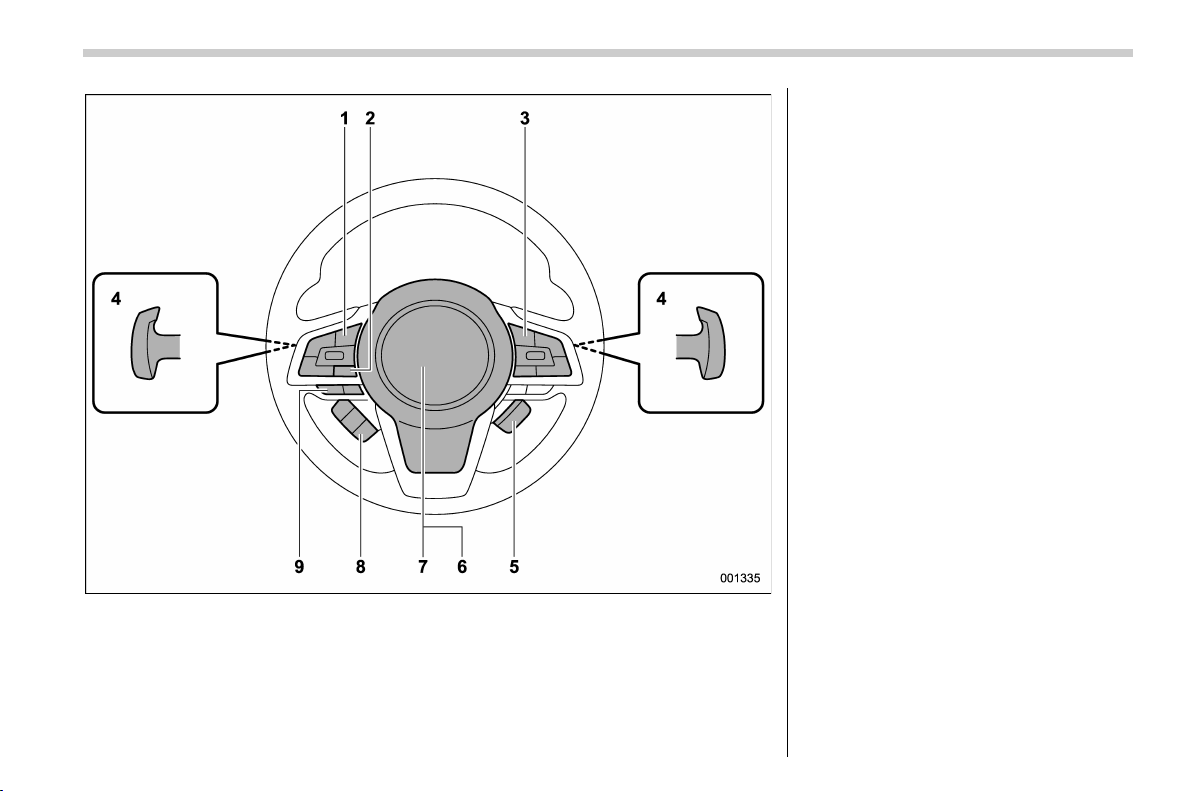
obligation to make the same or similar changes on vehicles
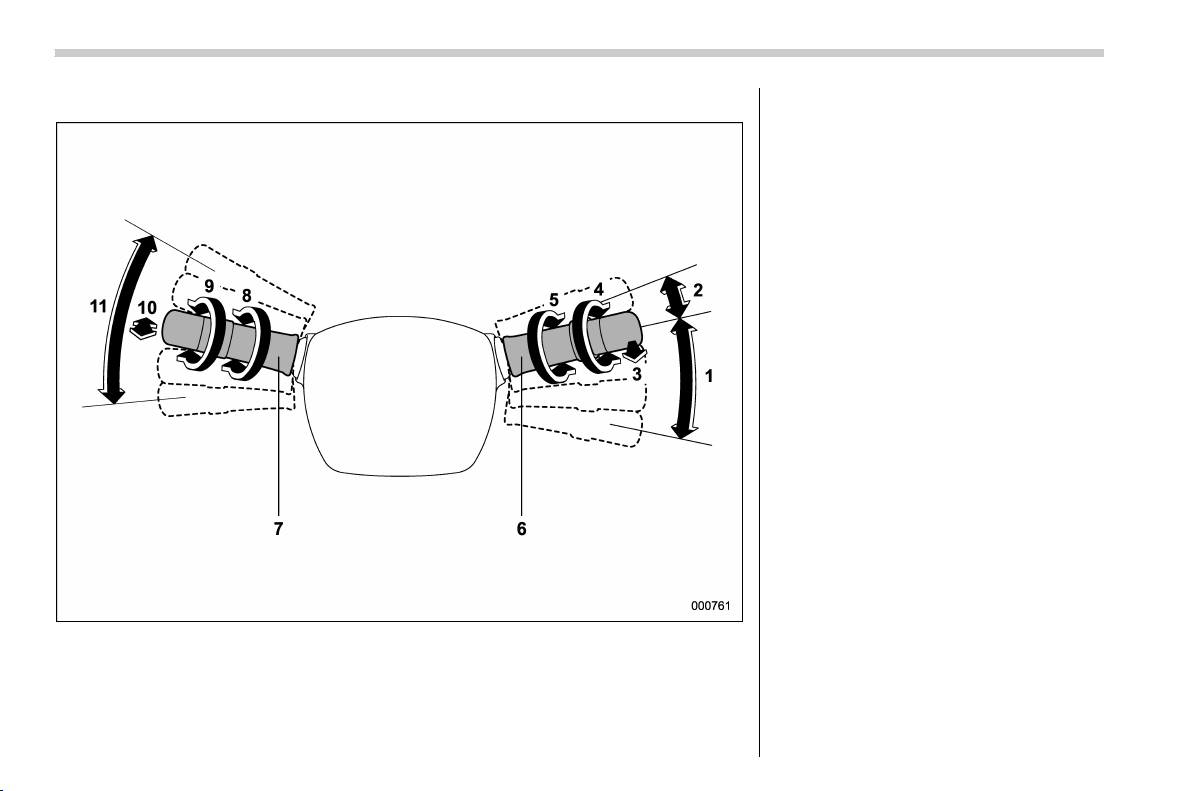
previously sold. This Owner’s Manual applies to all models and
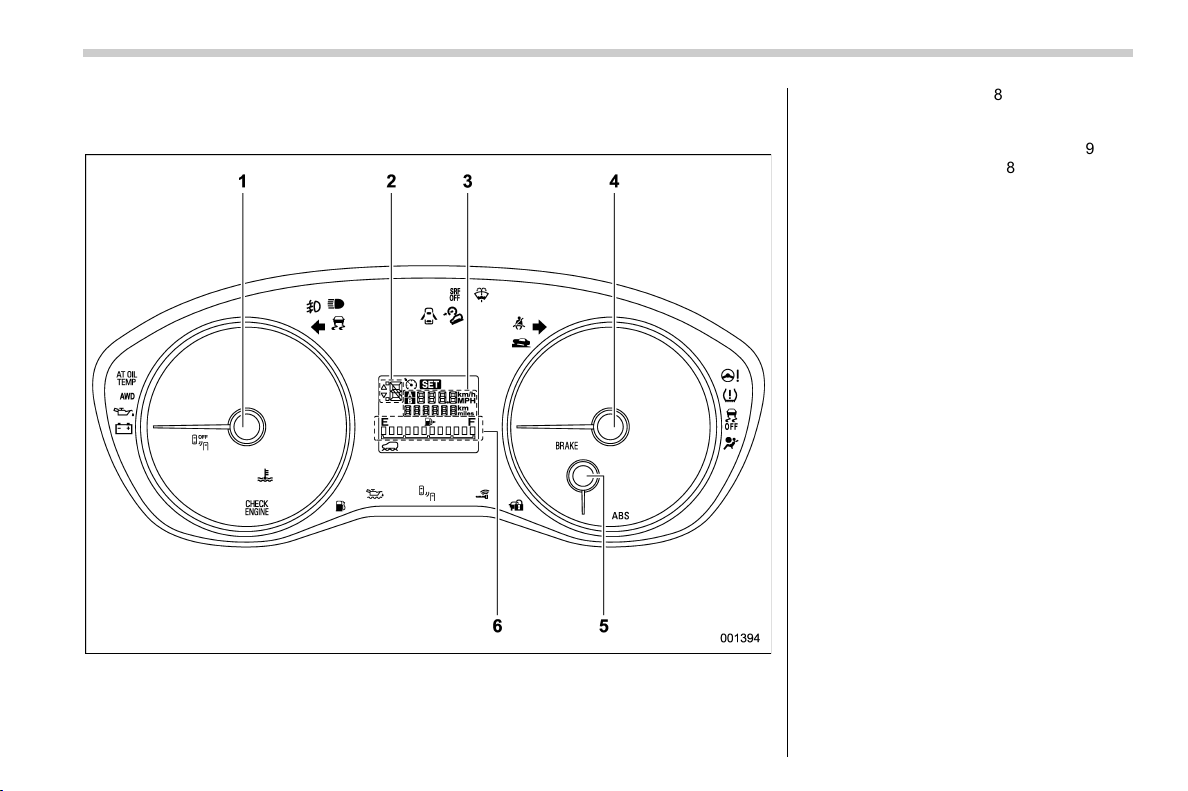
covers all equipment, including factory installed options. Some
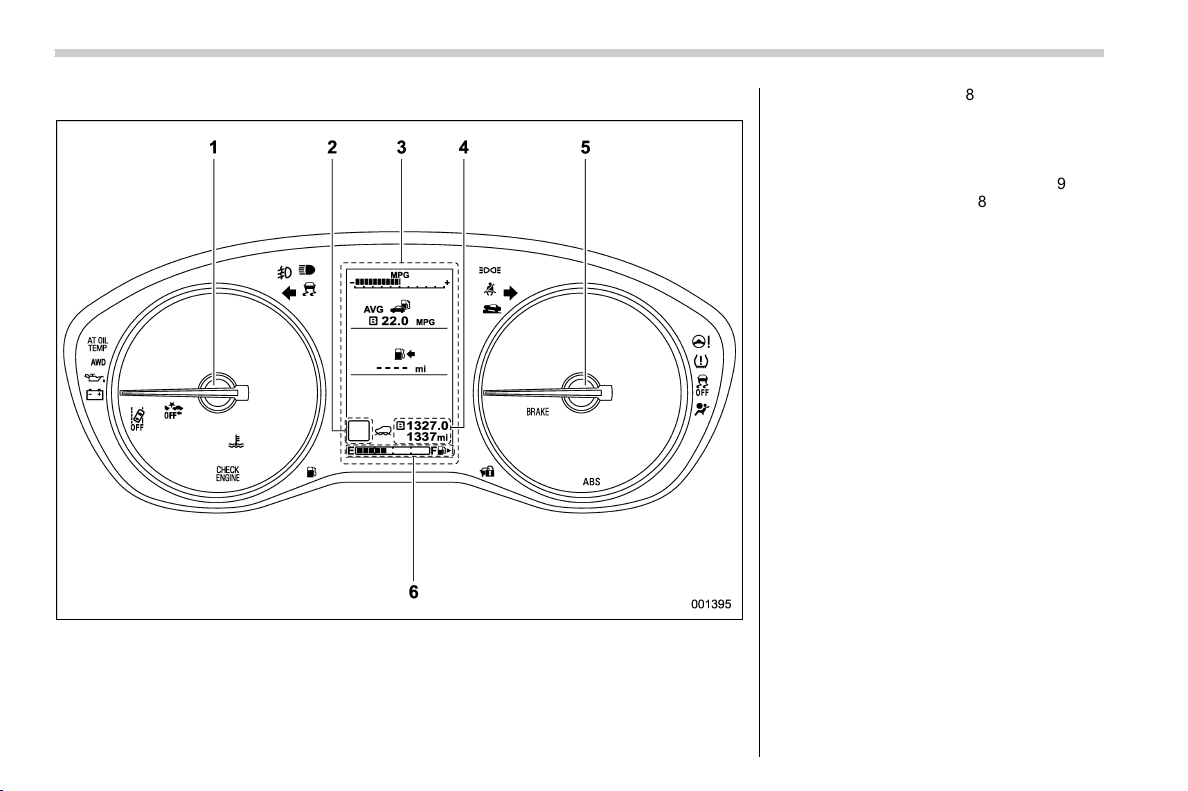
explanations, therefore may be for equipment not installed in your
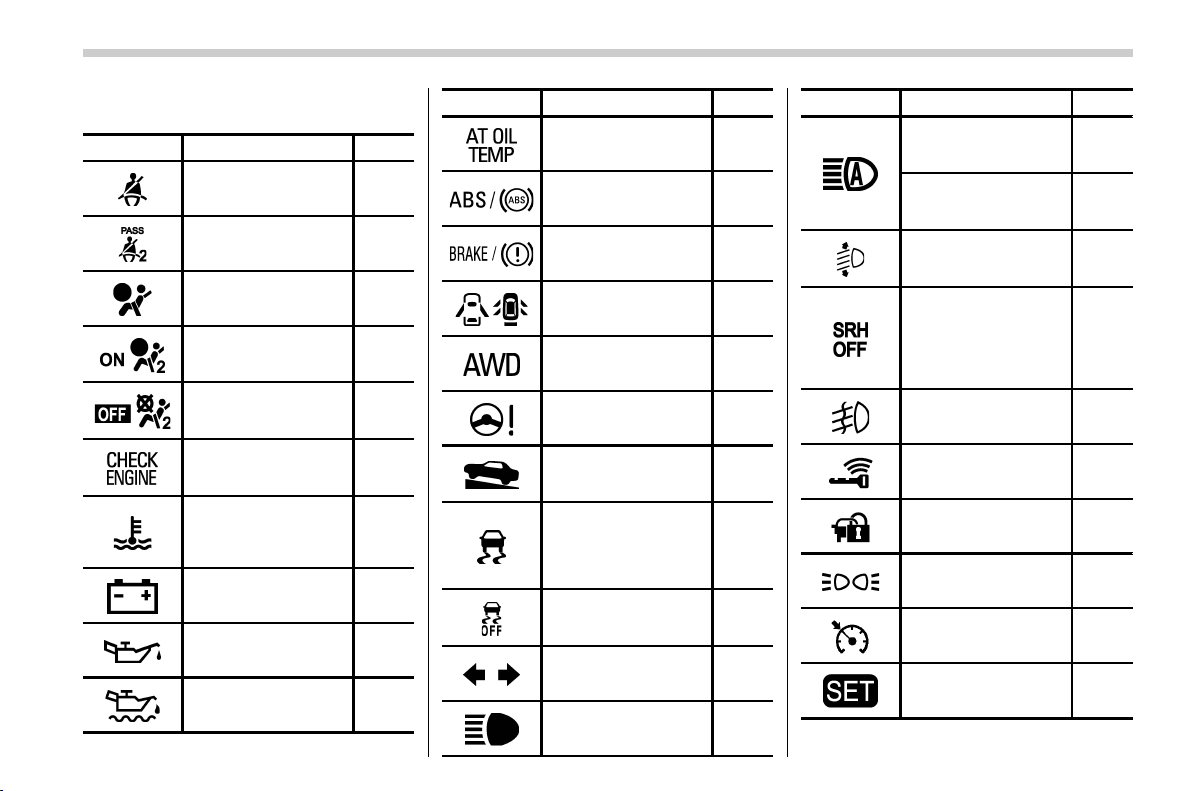
vehicle.
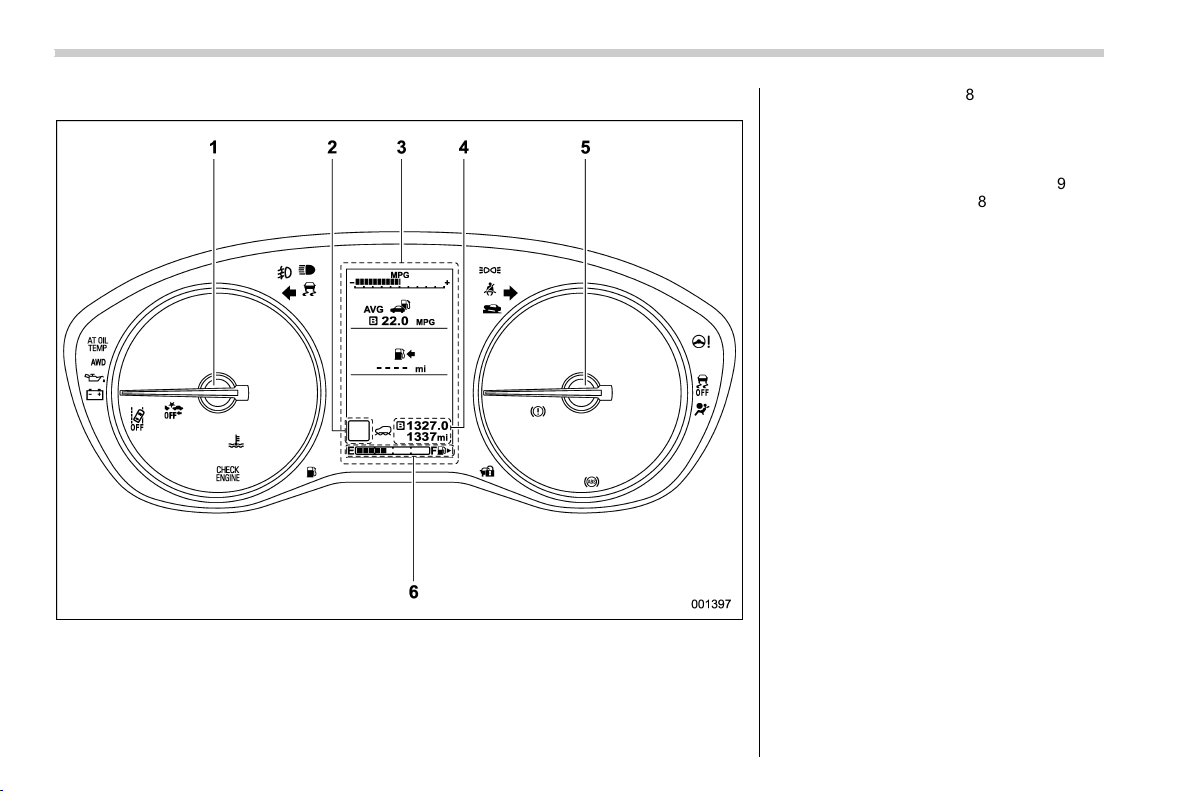
Please leave this manual in the vehicle at the time of resale. The next
owner will need the information found herein.
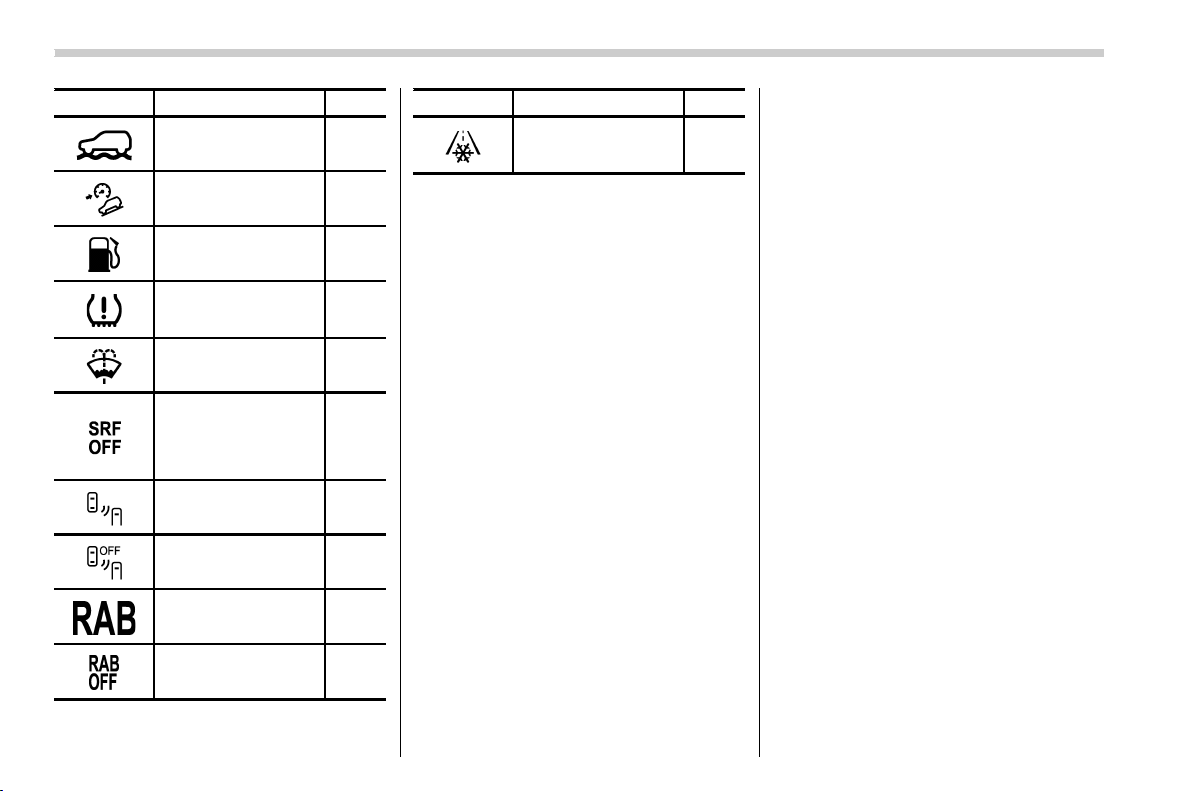
SUBARU CORPORATION, TOKYO, JAPAN
is a registered trademark of SUBARU CORPORATION.
*
C
Copyright 2017 SUBARU CORPORATION
(2,1)
北米Model "A1320BE-C" EDITED: 2017/ 10/ 10
Vehicle types
SFWAB
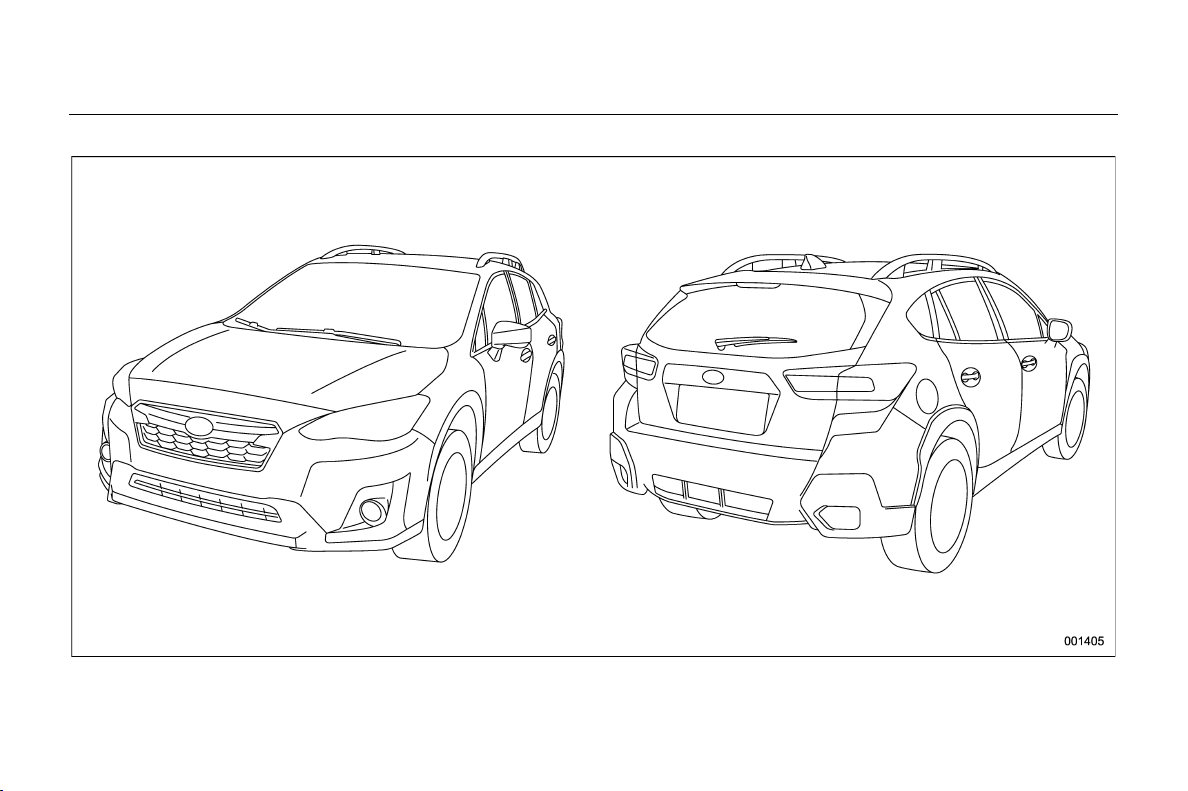
This manual describes the following vehicle types.

Black plate (3,1)
Model "ALL_MODEL_MEMO" EDITED: 2007/ 6/ 22

(3,1)
北米Model "A1320BE-C" EDITED: 2017/ 10/ 10
Warranties
& Warranties for U.S.A.
SUBARU vehicles distributed by Subaru of
America, Inc. and sold at retail by an
authorized SUBARU dealer in the United
States come with the following warranties:
. SUBARU Limited Warranties
. Federal Emission Control Systems
Warranties
. California Emissions Control Sys-
tems Warranties
All warranty information, including applic-
ability, details of coverage and exclusions,
is in the “Warranty and Maintenanc e
Booklet”. Read these warranties carefully.
& Warranties for Canada
SUBARU vehicles distributed by Subaru
Canada, Inc. and sold at retail by an
authorized SUBARU dealer in Canada
come with the following warranties:
. SUBARU Limited Warranty
. Emission Control System Warranty
All warranty information, including applic-
ability, details of coverage and exclusions,
is in the “Warranty and Service Booklet”.
Read these warranties carefully.
& Warranties except for U.S.A.
and Canada
All warranty information, including details
of coverage and exclusions, is in the
“Warranty and Maintenance Booklet”.
Read these warranties carefully.
How to use this Owner’s
Manual
& Using your Owner’s Manual
Before you operate your vehicle, carefully
read this manual. To protect yourself and
extend the service life of your vehicle,
follow the instructions in this manual.
Failure to observe these instructions may
result in serious injury and damage to your
vehicle.
This manual is composed of fourteen
chapters. Each chapter begins with a brief
table of contents, so you can usually tell at
a glance if that chapter contains the
information you want.
Chapter 1: Seat, seatbelt and SRS air-
bags
This chapter informs you how to use the
seat and seatbelt and contains precau-
tions for the SRS airbags.
Chapter 2: Keys and doors
This chapter informs you how to operate
the keys, locks and windows.
Chapter 3: Instruments and controls
This chapter informs you about the opera-
tion of instrument panel indicators and how
to use the instruments and other switches.
– CONTINUED –
1
0
(4,1)
北米Model "A1320BE-C" EDITED: 2017/ 10/ 10
Chapter 4: Climate control
This chapter informs you how to operate
the climate control.
Chapter 5: Audio
This chapter informs you about your audio
system.
Chapter 6: Interior equipment
This chapter informs you how to operate
interior equipment.
Chapter 7: Starting and operating
This chapter informs you how to start and
operate your SUBARU.
Chapter 8: Driving tips
This chapter informs you how to drive your
SUBARU in various conditions and ex-
plains some safety tips on driving.
Chapter 9: In case of emergency
This chapter informs you what to do if you
have a problem, such as a flat tire or
engine overheating.
Chapter 10: Appearance care
This chapter informs you how to keep your
SUBARU looking good.
Chapter 11: Maintenance and service
This chapter informs you when you need to
take your SUBARU to the dealer for
scheduled maintenance and informs you
how to keep your SUBARU running
properly.
Chapter 12: Specifications
This chapter informs you about dimen-
sions and capacities of your SUBARU.
Chapter 13: Consumer information and
Reporting safety defects
This chapter informs you about Uniform
tire quality grading standards and Report-
ing safety defects.
Chapter 14: Index
This is an alphabetical listing of all that’sin
this manual. You can use it to quickly find
something you want to read.
For models with EyeSight system:
For details about the EyeSight system,
refer to the Owner’s Manual supplement
for the EyeSight system.
& Safety warnings
You will find a number of WARNINGs,
CAUTIONs and NOTEs in this manual.
These safety warnings alert you to poten-
tial hazards that could result in injury to you
or others.
Please read these safety warnings as well
as all other portions of this manual care-
fully in order to gain a better understanding
of how to use your SUBARU vehicle safely.
WARNING
A WARNING indicates a situation in
which serious injury or death could
result if the warning is ignored.
CAUTION
A CAUTION indicates a situation in
which injury or damage to your
vehicle, or both, could result if the
caution is ignored.
NOTE
A NOTE gives information or sugges-
tions how to make better use of your
vehicle.
2
(5,1)
北米Model "A1320BE-C" EDITED: 2017/ 10/ 10
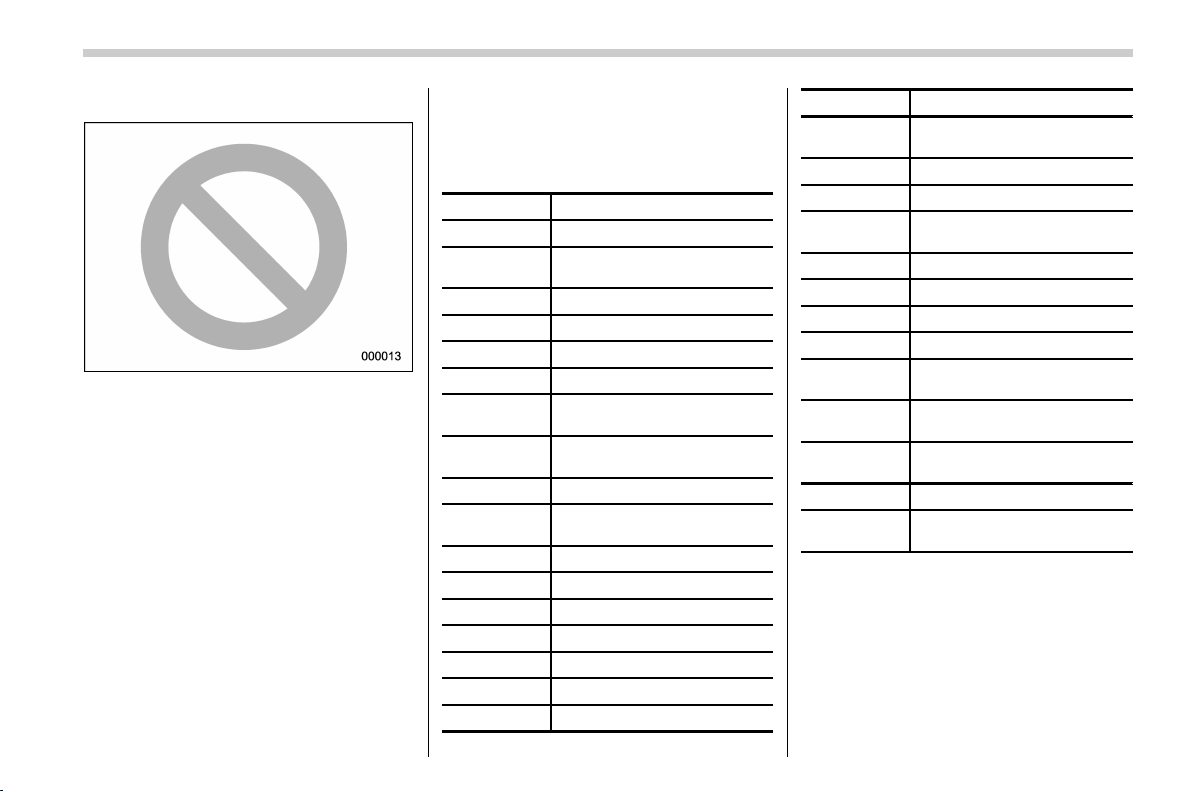
& Safety symbol
You will find a circle with a slash through it
in this manual. This symbol means “Do
not”, “Do not do this”,or“Do not let this
happen”, depending upon the context.
& Abbreviation list
You may find several abbreviations in this
manual. The meanings of the abbrevia-
tions are shown in the following list.
Abbreviation Meaning
A/C Air conditioner
ALR/ELR
Automatic locking retractor/
Emergency locking retractor
ABS Anti-lock brake system
AKI Anti knock index
ALR Automatic locking retractor
AWD All-wheel drive
BSD/RCTA
Blind Spot Detection/Rear
Cross Traffic Alert
CVT
Continuously variable trans-
mission
DRL Daytime running light
EBD
Electronic brake force distri-
bution
ELR Emergency locking retractor
GAW Gross axle weight
GAWR Gross axle weight rating
GPS Global positioning system
GVW Gross vehicle weight
GVWR Gross vehicle weight rating
INT Intermittent
Abbreviation Meaning
LATCH
Lower anchors and tethers for
children
LED Light emitting diode
MIL Malfunction indicator light
MMT
Methylcyclopentadienyl man-
ganese tricarbonyl
MT Manual transmission
OBD On-board diagnostics
RAB Reverse Automatic Braking
RON Research octane number
SRF
Steering responsive fog lights
system
SRH
Steering Responsive Head-
light
SRS
Supplemental restraint sys-
tem
TIN Tire identification number
TPMS
Tire pressure monitoring sys-
tem
3
0
(6,1)
北米Model "A1320BE-C" EDITED: 2017/ 10/ 10
Vehicle symbols
There are some of the symbols you may
see on your vehicle.
For warning and indicator lights, refer to
“Warning and indicator lights” F23.
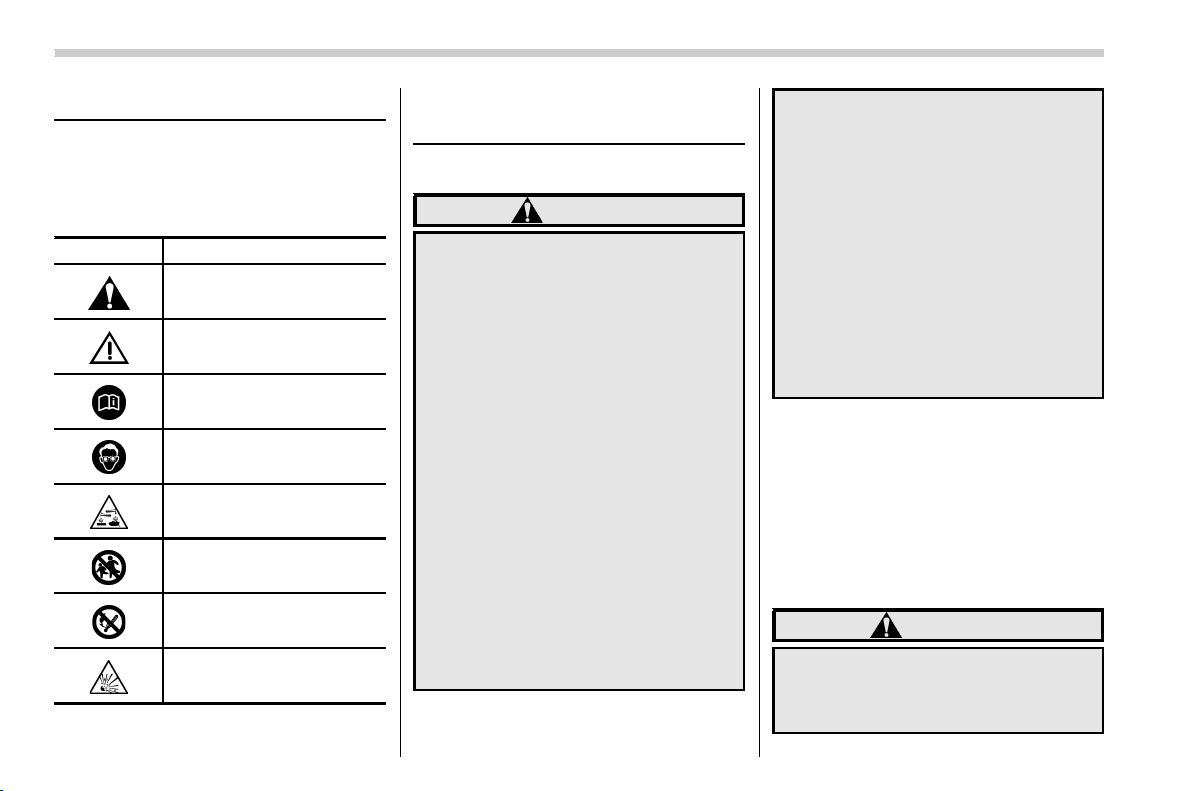
Mark Name
WARNING
CAUTION
Read these instructions care-
fully
Wear eye protection
Battery fluid contains sulfuric
acid
Keep children away
Keep flames away
Prevent explosions
Safety precautions when
driving
& Seatbelt and SRS airbag
WARNING
. All persons in the vehicle must
fasten their seatbelts BEFORE
the vehicle starts to move. Other-
wise, the possibility of serious
injury becomes greater in the
event of a sudden stop or acci-
dent.
. To obtain maximum protection in
the event of an accident, the
driver and all passengers must
always wear seatbelts when in
the vehicle. The SRS (Supple-
mental Restraint System) airbag
does not do away with the need to
fasten seatbelts. In combination
with the seatbelts, it offers the
best combined protection in case
of a serious accident.
Not wearing a seatbelt increases
the chance of severe injury or
death in a crash even when the
vehicle has the SRS airbag.
. The SRS airbags deploy with
considerable speed and force.
Occupants who are out of proper
position when the SRS airbag
deploys could suffer very serious
injuries. Because the SRS airbag
needs enough space for deploy-
ment, the driver should always sit
upright and well back in the seat
as far from the steering wheel as
practical while still maintaining
full vehicle control and the front
passenger should move the seat
as far back as possible and sit
upright and well back in the seat.
For instructions and precautions, carefully
read the following sections.
. For the seatbelt system, refer to “Seat-
belts” F1-12.
. For the SRS airbag system, refer to
“SRS airbag (Supplemental Restraint Sys-
tem airbag)” F1-37.
& Child safety
WARNING
. Never hold a child on your lap or
in your arms while the vehicle is
moving. The passenger cannot
protect the child from injury in a
4

(7,1)
北米Model "A1320BE-C" EDITED: 2017/ 10/ 10
collision, because the child will
be caught between the passen-
ger and objects inside the vehi-
cle.
. While riding in the vehicle, infants
and small children should always
be seated in the REAR seat in an
infant or child restraint system
which is appropriate for the
child’s age, height and weight. If
a child is too big for a chil d
restraint system, the child should
sit in the REAR seat and be
restrained using the seatbelts.
According to accident statistics,
children are safer when properly
restrained in the rear seating
positions than in the front seating
positions. Never allow a child to
stand up or kneel on the seat.
. Place children in the REAR seat
properly restrained at all times in
a child restraint device or in a
seatbelt. The SRS airbag deploys
with considerable speed and
force and can injure or even kill
children, especially if they are not
restrained or improperly re-
strained. Beca use children are
lighter and weaker than adults,
their risk of being injured from
deployment is greater.
. NEVER INSTALL A FORWARD OR
REARWARD FACING CHILD
SEAT IN THE FRONT SEAT.
DOING SO RISKS SERIOUS IN-
JURY OR DEATH TO THE CHILD
BY PLACING THE CHILD’S HEAD
TOO CLOSE TO THE SRS AIR-
BAG.
. Always turn the child safety locks
to the “LOCK” position when
children sit in the rear seat.
Serious injury could result if a
child accidentally opens the door
and falls out. Refer to “Child
safety locks” F2-28.
. Always lock the passenger’s win-
dows using the lock switch when
children are riding in the vehicle.
Failure to follow this procedure
could result in injury to a child
operating the power window. Re-
fer to “Windows” F2-28.
. Never leave unattended children,
adults or animals in the vehicle.
They could accidentally injure
themselves or others through
inadvertent operation of the ve-
hicle. Also, on hot or sunny days,
temperature in a closed vehicle
could quickly become high en-
ough to cause severe or possibly
fatal injuries to them.
. When leaving the vehicle, close
all windows and lock all doors.
For instructions and precautions, carefully
read the following sections.
. For the seatbelt system, refer to “Seat-
belts” F1-12.
. For the child restraint system, refer to
“Child restraint systems” F 1-25.
. For the SRS airbag system, refer to
“SRS airbag (Supplemental Restraint Sys-
tem airbag)” F1-37.
– CONTINUED –
5
0
(8,1)
北米Model "A1320BE-C" EDITED: 2017/ 10/ 10
& Engine exhaust gas (carbon
monoxide)
WARNING
. Never inhale engine exhaust gas.
Engine exhaust gas contains
carbon monoxide, a colorless
and odorless gas which is dan-
gerous, or even lethal, if inhaled.
. Always properly maintain the en-
gine exhaust system to prevent
engine exhaust gas from entering
the vehicle.
. Never run the engine in a closed
space, such as a garage, except
for the brief time needed to drive
the vehicle in or out of it.
. Avoid remaining in a parked ve-
hicle for a lengthy time while the
engine is running. If that is un-
avoidable, then use the ventila-
tion fan to force fresh air into the
vehicle.
. Always keep the front ventilator
inlet grille free from snow, leaves
or other obstructions to ensure
that the ventilation system al-
ways works properly.
. If at any time you suspect that
exhaust fumes are entering the
vehicle, have the problem
checked and corrected as soon
as possible. If you must drive
under these conditions, dr ive
only with all windows fully open.
. Keep the rear gate closed while
driving to prevent exhaust gas
from entering the vehicle.
& Drinking and driving
WARNING
Drinking and then driving is very
dangerous. Alcohol in the blood-
stream delays your reaction time
and impairs your perception, judg-
ment and attentiveness. If you drive
after drinking – even if you drink just
a little – it will increase the risk of
being involved in a serious or fatal
accident, injuring or killing yourself,
your passengers and others. In
addition, if you are injured in the
accident, alcohol may increase the
severity of that injury.
Please don’t drink and drive.
Drunken driving is one of the most frequent
causes of accidents. Since alcohol affects
all people differently, you may have con-
sumed too much alcohol to drive safely
even if the level of alcohol in your blood is
below the legal limit. The safest thing you
can do is never drink and drive. However if
you have no choice but to drive, stop
drinking and sober up completely before
getting behind the wheel.
& Drugs and driving
WARNING
There are some drugs (over the
counter and prescription) that can
delay your reaction time and impair
your perception, judgment and at-
tentiveness. If you drive after taking
them, it may increase your, your
passengers’ and other persons’ risk
of being involved in a serious or fatal
accident.
If you are taking any drugs, check with
your doctor or pharmacist or read the
literature that accompanies the medication
to determine if the drug you are taking can
impair your driving ability. Do not drive
after taking any medications that can make
you drowsy or otherwise affect your ability
to safely operate a motor vehicle. If you
have a medical condition that requires you
to take drugs, please consult with your
doctor.
6
(9,1)
北米Model "A1320BE-C" EDITED: 2017/ 10/ 10
Never drive if you are under the influence
of any illicit mind-altering drugs. For your
own health and well-being, we urge you
not to take illegal drugs in the first place
and to seek treatment if you are addicted
to those drugs.
& Driving when tired or sleepy
WARNING
When you are tired or sleepy, your
reaction time will be delayed and
your perception, judgment and at-
tentiveness will be impaired. If you
drive when tired or sleepy, your,
your passengers’ and other per-
sons’ chances of being involved in
a serious accident may increase.
Please do not continue to drive but instead
find a safe place to rest if you are tired or
sleepy. On long trips, you should make
periodic rest stops to refresh yourself
before continuing on your journey. When
possible, you should share the driving with
others.
& Modification of your vehicle
CAUTION
Your vehicle should not be modified
other than with genuine SUBARU
parts and accessories. Other types
of modifications could affect its
performance, safety or durability,
and may even violate governmental
regulations. In addition, damage or
performance problems resulting
from modification may not be cov-
ered under warranties.
& Use of cell phones/texting
and driving
CAUTION
Do not talk on a cell phone or text
while driving; it may distract your
attention from driving and lead to an
accident. If you use a cell phone to
talk or text, first pull off the road and
park in a safe place. In some States/
Provinces, it may be lawful to talk on
a phone while driving, but only if the
phone is hands-free.
& Driving vehicles equipped
with navigation system
WARNING
Do not allow the monitor to distract
your attention from driving. Also, do
not operate the controls of the
navigation system while driving.
The loss of attention to driving could
lead to an accident. If you wish to
operate the controls of the naviga-
tion system, first take the vehicle off
the road a nd stop it in a safe
location.
& Driving with pets
Unrestrained pets can interfere with your
driving and distract your attention from
driving. In a collision or sudden stop,
unrestrained pets or cages can be thrown
around inside the vehicle and hurt you or
your passengers. Besides, the pets can be
hurt under these situations. It is also for
their own safety that pets should be
properly restrained in your vehicle. Re-
strain a pet with a special traveling harness
which can be secured to the rear seat with
a seatbelt or use a pet carrier which can be
secured to the rear seat by routing a
seatbelt th rough t he carrie r ’s handle.
– CONTINUED –
7
0
(10,1)
北米Model "A1320BE-C" EDITED: 2017/ 10/ 10
Never restrain pets or pet carriers in the
front passenger’s seat. For further infor-
mation, consult your veterinarian, local
animal protection society or pet shop.
& Tire pressures
Check and, if necessary, adjust the pres-
sure of each tire (including the spare) at
least once a month and before any long
journey.
Check the tire pressure when the tires are
cold. Use a pressure gauge to adjust the
tire pressures to the values shown on the
tire placard. For detailed information, refer
to “Tires and wheels” F11-21.
WARNING
Driving at high speeds with exces-
sively low tire pressures can cause
the tires to deform severely and to
rapidly become hot. A sharp in-
crease in temperature could cause
tread separation, and destruction of
the tires. The resulting loss of vehi-
cle control could lead to an accident.
& Attaching accessories
WARNING
. Do not attach any accessories,
labels or stickers (other than
properly placed inspection stick-
ers) to the windshield. Such
items may obstruct your view.
. If it is necessary to attach an
accessory (such as an electronic
toll collection (ETC) device or
security pass) to the windshield,
consult your SUBARU dealer for
details on the proper location.
General information
& California proposition 65
warning
WARNING
Engine exhaust, some of its consti-
tuents, and certain vehicle compo-
nents contain or emit chemicals
known to the State of California to
cause cancer and birth defects or
other reproductive harm. In addi-
tion, certain fluids in vehicles and
certain components of product wear
contain or emit chemicals known to
the State of California to cause
cancer and birth defects or other
reproductive harm.
& California Perchlorate Advi-
sory
Certain vehicle components such as air-
bag modules, seatbelt pretensioners and
keyless entry transmitter batteries may
contain perchlorate material. Special
handling may apply for service or vehicle
end of life disposal. See www.dtsc.ca.gov/
hazardouswaste/perchlorate.
8

(11,1)
北米Model "A1320BE-C" EDITED: 2017/ 10/ 10
& Noise from under the vehicle
NOTE
You may hear a noise from under the
vehicle approximately 5 to 10 hours
after the ignition switch is turned to the
“LOCK”/“OFF” position. However, this
does not indicate a malfunction. This
noise is caused by the operation of the
fuel evaporation leakage checking sys-
tem and the operation is normal. The
noise will stop after approximately 15
minutes.
& Event data recorder
This vehicle is equipped with an event data
recorder (EDR). The main purpose of an
EDR is to record, in certain crash or near
crash-like situations, such as an air bag
deployment or hitting a road obstacle, data
that will assist in understanding how a
vehicle’s systems performed. The EDR is
designed to record data related to vehicle
dynamics and safety systems for a short
period of time, typically 30 seconds or less.
The EDR in this vehicle is designed to
record such data as:
. How various systems in your vehicle
were operating;
. Whether or not the driver and passen-
ger safety belts were buckled/fastened;
. Howfar(ifatall)thedriverwas
depressing the accelerator and/or brake
pedal; and,
. How fast the vehicle was traveling.
These data can help provide a better
understanding of the circumstances in
which crashes and injuries occur. NOTE:
EDR data are recorded by your vehicle
only if a non-trivial crash situation occurs;
no data are recorded by the EDR under
normal driving conditions and no personal
data (e.g., name, gender, age, and crash
location) are recorded. However, other
parties, such as law enforcement, could
combine the EDR data with the type of
personally identifying data routinely ac-
quired during a crash investigation.
To read data recorded by an EDR, special
equipment is required, and access to the
vehicle or the EDR is needed. In addition
to the vehicle manufacturer, other parties,
such as law enforcement, that have the
special equipment, can read the informa-
tion if they have access to the vehicle or
the EDR.
9
0

Black plate (2,1)
Model "ALL_MODEL_MEMO" EDITED: 2007/ 6/ 22
Left Page
————————————————————————————————————————
————————————————————————————————————————
————————————————————————————————————————
————————————————————————————————————————
————————————————————————————————————————
————————————————————————————————————————
————————————————————————————————————————
————————————————————————————————————————
————————————————————————————————————————
————————————————————————————————————————
————————————————————————————————————————
————————————————————————————————————————
————————————————————————————————————————
(1,1)
北米Model "A1320BE-C" EDITED: 2017/ 10/ 10
Table of contents
Seat, seatbelt and SRS airbags
1
Keys and doors
2
Instruments and controls
Climate control
4
Audio
5
Interior equipment
6
Starting and operating
7
Driving tips
8
In case of emergency
9
Appearance care
10
Maintenance and service
11
Specifications
12
Consumer information and Reporting safety defects
13
Index
14
3
(14,1)
北米Model "A1320BE-C" EDITED: 2017/ 10/ 10
Illustrated index
& Exterior
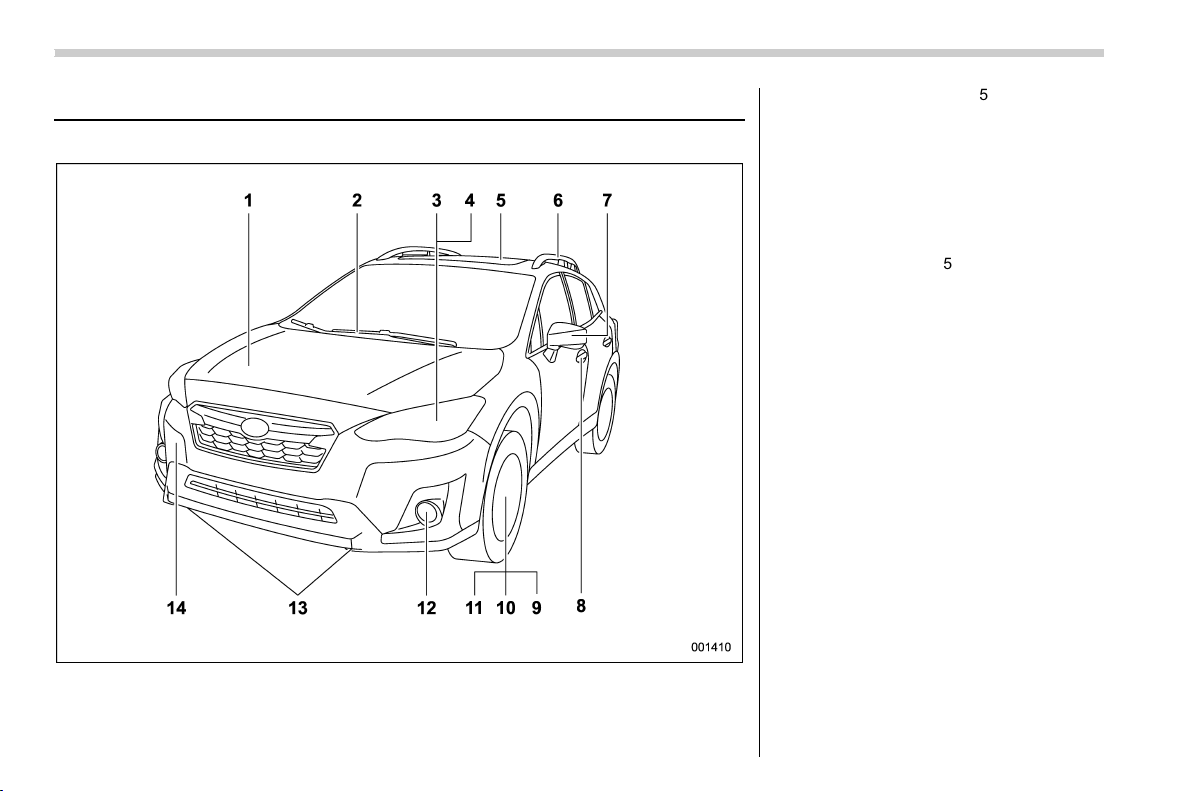
1) Engine hood (page 11-5)
2) Front wipers (page 3-77)
3) Headlights (page 3-67)
4) Replacing bulbs (page 11-36)
5) Moonroof (page 2-32)
6) Roof rails (page 8-13)
7) Outside mirror (page 3-88)
8) Door locks (page 2-21)
9) Tire pressure (page 11-23)
10) Flat tires (page 9-5)
11) Snow tires (page 8-10)
12) Fog lights (page 3-74)
13) Tie-down hooks (page 9-13)
14) Towing hook (page 9-13)
12
(16,1)
北米Model "A1320BE-C" EDITED: 2017/ 10/ 10
& Interior
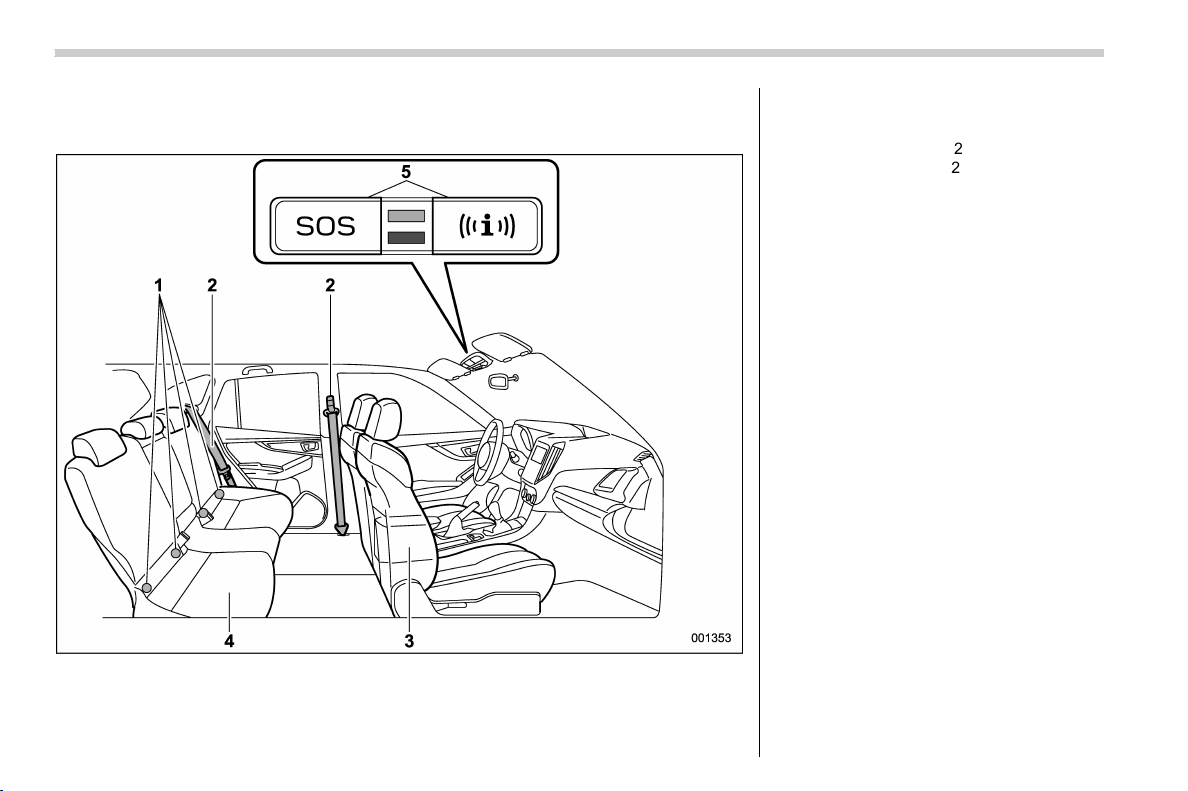
! Passenger compartment area
1) Lower anchorages for child restraint
system (page 1-33)
2) Seatbelt (page 1-12)
3) Front seat (page 1-2)
4) Rear seat (page 1-2)
5) Buttons for SUBARU STARLINK
NOTE
For U.S.-spec. models with SUBARU
STARLINK: Refer to the Owner’s Man-
ual supplement for SUBARU
STARLINK.
14
(17,1)
北米Model "A1320BE-C" EDITED: 2017/ 10/ 10
1) Power windows (page 2-28)
2) Door locks (page 2-21)
3) Outside mirror switch (page 3-88)
4) Glove box (page 6-5)
5) Front power supply socket (page 6-7)
6) Shift lever (MT models) (page 7-21)/
Select lever (CVT models) (page 7-24)
7) Seat heater switches (page 1-10)
8) Cup holder (page 6-6)
9) X-mode switch (page 7-39)
10) Center console (page 6-6)
11) Parking brake lever (page 7-43)
– CONTINUED –
15
0

(18,1)
北米Model "A1320BE-C" EDITED: 2017/ 10/ 10
& Instrument panel
1) Steering responsive fog lights OFF
switch (page 3-74)/Steering Responsive
Headlight off switch (page 3-72)
2) Illumination brightness control
(page 3-12)
3) Combination meter (page 3-8)
4) Type A multi-function display (black and
white) (page 3-42)/Type B multi-function
display (color LCD) (page 3-47)
5) Audio*
6) Hazard warning flasher switch (page 3-8)
7) Climate control (page 4-2)
8) Tilt/Telescopic steering (page 3-90)
9) BSD/RCTA OFF switch (page 7-52)
10) Fuse box (page 11-34)
11) Hood lock release knob (page 11-5)
12) Vehicle Dynamics Control OFF switch
(page 7-37)
*: For details about how to use the audio
and navigation system (if equipped), refer
to the separate navigation/audio Owner’s
Manual.
NOTE
For models with the EyeSight system:
Refer to the Owner’s Manual supple-
ment for the EyeSight system.
16
(19,1)
北米Model "A1320BE-C" EDITED: 2017/ 10/ 10
1) Audio control switches*
2) INFO button for type A multi-function
display (black and white) (page 3-42)/
INFO button for type B multi-function
display (color LCD) (page 3-47)
3) Cruise control (page 7-48)
4) Shift paddle (page 7-26)
5) Heated Steering Wheel switch (page 3-
91)
6) SRS airbag (page 1-37)
7) Horn (page 3-92)
8) Combination meter display (color LCD)
control switches (page 3-33)
9) Talk switch for voice command system*/
Hands-free phone switches*
*: For details ab out how to use the
switches, refer to the separate naviga-
tion/audio Owner’s Manual.
– CONTINUED –
17
0
(20,1)
北米Model "A1320BE-C" EDITED: 2017/ 10/ 10
& Light control and wiper control levers/switches
1) Windshield wiper (page 3-76)
2) Mist (page 3-77)
3) Windshield washer (page 3-78)
4) Rear window wiper and washer switch
(page 3-79)
5) Wiper intermittent time control switch
(page 3-78)
6) Windshield wiper and washer switches
(page 3-77)
7) Light control switch (page 3-66)
8) Fog light switch (page 3-74)
9) Headlight ON/OFF/AUTO (page 3-67)
10) Headlight flasher High/Low beam change
(page 3-68)
11) Turn signal lever (page 3-75)
18
(21,1)
北米Model "A1320BE-C" EDITED: 2017/ 10/ 10
& Combination meter
! U.S.-spec. models (type A)
The illustration above is a typical example. For some models, the combination meter may
be slightly different than that shown in the illustration.
1) Tachometer (page 3-8)
2) Select lever/gear position indicator
(page 3-30)
3) Trip meter and odometer (page 3-9)
4) Speedometer (page 3-8)
5) ECO gauge (page 3-10)
6) Fuel gauge (page 3-10)
– CONTINUED –
19
0
(22,1)
北米Model "A1320BE-C" EDITED: 2017/ 10/ 10
! U.S.-spec. models (type B)
The illustration above is a typical example. For some models, the combination meter may
be slightly different than that shown in the illustration.
1) Tachometer (page 3-8)
2) Select lever/gear position indicator
(page 3-30)
3) Combination meter display (color LCD)
(page 3-33)
4) Trip meter and odometer (page 3-9)
5) Speedometer (page 3-8)
6) Fuel gauge (page 3-10)
20

(23,1)
北米Model "A1320BE-C" EDITED: 2017/ 10/ 10
! Except U.S.-spec. models (type A)
The illustration above is a typical example. For some models, the combination meter may
be slightly different than that shown in the illustration.
1) Tachometer (page 3-8)
2) Select lever/gear position indicator
(page 3-30)
3) Trip meter and odometer (page 3-9)
4) Speedometer (page 3-8)
5) ECO gauge (page 3-10)
6) Fuel gauge (page 3-10)
– CONTINUED –
21
0
(24,1)
北米Model "A1320BE-C" EDITED: 2017/ 10/ 10
! Except U.S.-spec. models (type B)
The illustration above is a typical example. For some models, the combination meter may
be slightly different than that shown in the illustration.
1) Tachometer (page 3-8)
2) Select lever/gear position indicator
(page 3-30)
3) Combination meter display (color LCD)
(page 3-33)
4) Trip meter and odometer (page 3-9)
5) Speedometer (page 3-8)
6) Fuel gauge (page 3-10)
22
(25,1)
北米Model "A1320BE-C" EDITED: 2017/ 10/ 10
& Warning and indicator lights
Mark Name Page
Seatbelt warning light 3-13
Front passenger’s
seatbelt warning light
3-13
SRS airbag system
warning light
3-15
Front passenger’s
frontal airbag ON indi-
cator
3-15
Front passenger’s
frontal airbag OFF in-
dicator
3-15
CHECK ENGINE
warning light/Malfunc-
tion indicator light
3-15
Coolant temperature
low indicator light/
Coolant temperature
high warning light
3-16
Charge warning light 3-17
Oil pressure warning
light
3-17
Engine oil level warn-
ing light
3-18
Mark Name Page
AT OIL TEMP warning
light (CVT models)
3-18
ABS warning light 3-20
Brake system warning
light
3-21
/
Door open warning
light
3-22
AWD warning light
(CVT models)
3-22
Power steering warn-
ing light
3-23
Hill start assist warning
light/Hill start assist
OFF indicator light
3-22
Vehicle Dynamics
Control warning light/
Vehicle Dynamics
Control operation indi-
cator light
3-23
Vehicle Dynamics
Control OFF indicator
light
3-24
Turn signal indicator
lights
3-30
High beam indicator
light
3-30
Mark Name Page
High beam assist indi-
cator light (green) (if
equipped)
3-30
High Beam Assist
warning indicator (yel-
low) (if equipped)
3-30
Automatic headlight
beam leveler warning
light (if equipped)
3-31
Steering Responsive
Headlight warning
light/Steering Respon-
sive Headlight OFF in-
dicator light (if
equipped)
3-31
Front fog light indicator
light (if equipped)
3-31
Access key warning
indicator (if equipped)
3-25
Security indicator light 3-29
Headlight indicator
light (if equipped)
3-31
Cruise control indica-
tor light (if equipped)
3-31
Cruise control set indi-
cator light (if equipped)
3-31
– CONTINUED –
23
0
(26,1)
北米Model "A1320BE-C" EDITED: 2017/ 10/ 10
Mark Name Page
X-mode indicator (if
equipped)
3-32
Hill descent control in-
dicator (if equipped)
3-32
Low fuel warning light 3-22
Low tire pressure
warning light
(U.S.-spec. models)
3-18
Windshield washer
fluid warning light
3-18
Steering responsive
fog lights warning indi-
cator/Steering respon-
sive fog lights OFF
indicator (if equipped)
3-31
BSD/RCTA warning
indicator (if equipped)
3-32
BSD/RCTA OFF indi-
cator (if equipped)
3-32
RAB warning indicator
(if equipped)
3-32
RAB OFF indicator (if
equipped)
3-32
Mark Name Page
Icy road surface warn-
ing indicator (if
equipped)
3-32
24
(27,1)
北米Model "A1320BE-C" EDITED: 2017/ 10/ 10
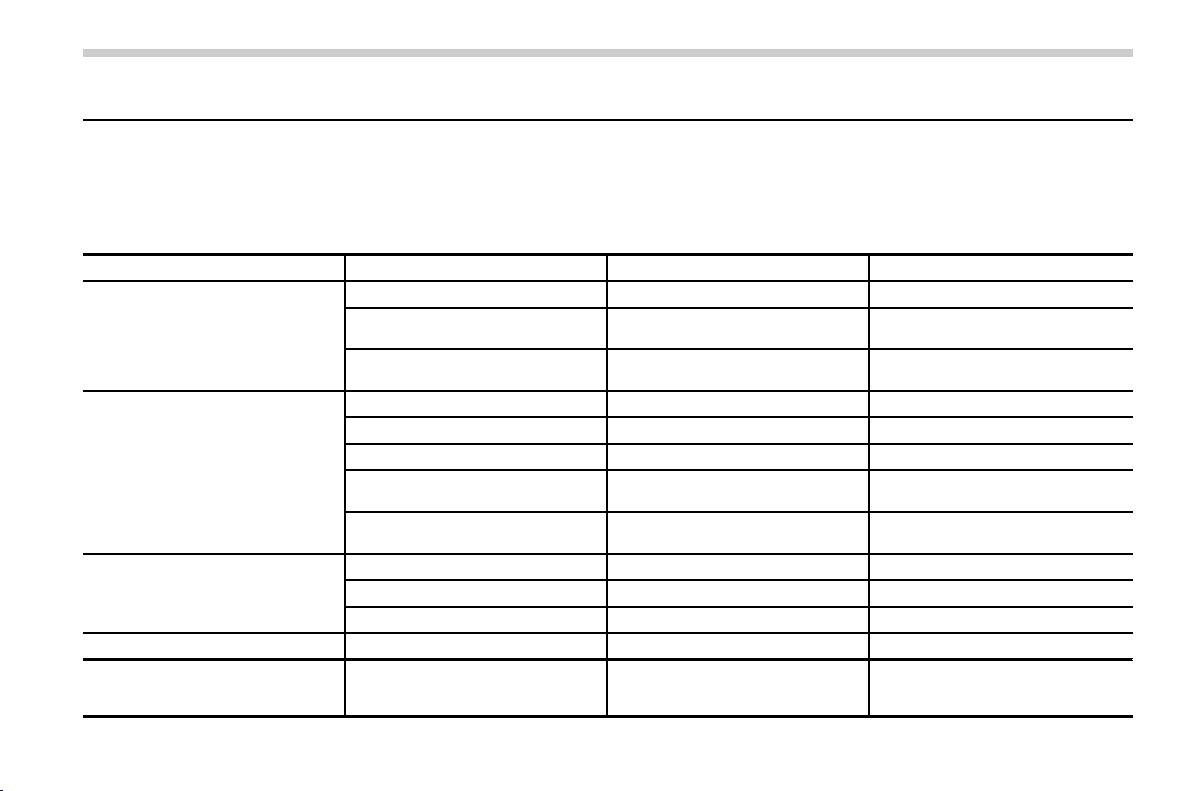
Function settings
A SUBARU dealer can change the settings of the functions shown in the following table to meet your personal requirements. Contact the
nearest SUBARU dealer for details. If your vehicle is equipped with a combination meter display (color LCD)*, audio unit or navigation
unit*, the settings for some of these functions can be changed using the display. For details, refer to “Combination meter display (color
LCD)” F3-33.
*: if equipped
Item Function Possible settings Default setting
Alarm system Alarm system Operation/Non-operation Operation
Monitoring start delay time (after
closure of doors)
0 seconds/30 seconds 30 seconds
Dome light, cargo area light, and
map lights illumination
ON/OFF OFF
Keyless Access (if equipped) Hazard warning flasher Operation/Non-operation Operation
Audible signal Operation/Non-operation Operation
Audible signal volume Level 1 to 7 Level 5
Door unlock selection function (dri-
ver’s door unlock)
Driver’s door only/All doors Driver’s door only
Door unlock selection function (rear
gate unlock)
Rear gate only/All doors Rear gate only
Remote keyless entry system Hazard warning flasher Operation/Non-operation Operation
Audible signal Operation/Non-operation Operation
Audible signal volume Level 1 to 7 Level 5
Key lock-in prevention Key lock-in prevention Operation/Non-operation Operation
Defogger and deicer system for
models with the automatic climate
control system
Rear window defogger, outside mir-
ror defogger and windshield wiper
deicer
Operation for 15 minutes/
Continuous operation
Operation for 15 minutes
– CONTINUED –
25
0

(28,1)
北米Model "A1320BE-C" EDITED: 2017/ 10/ 10
Item Function Possible settings Default setting
Dome light/Map lights/Cargo area
light
Operation of dome light/map light/
cargo area light OFF delay timer
OFF/10 seconds/20 seconds/30
seconds
30 seconds
Battery drainage prevention func-
tion
Battery drainage prevention func-
tion
Operation/Non-operation Operation
Seatbelt warning Sounds a chime while driving Operation/Non-operation Operation
Auto on/off headlights (if equipped) Sensitivity of the operation of the
auto on/off headlights
Low/Normal/High/Very high High
Auto-on/off wiper-linked headlights Operation/Non-operation Operation
Welcome lighting function (if
equipped)
Welcome lighting function (when
approaching)
OFF/30 seconds/60 seconds/90
seconds
30 seconds
Welcome lighting function (when
exiting)
OFF/30 seconds/60 seconds/90
seconds
30 seconds
Reverse gear interlocked rear wiper Reverse gear interlocked rear wiper
operation
Operation/Non-operation U.S.-spec. models: Non-operation
Other models: Operation
One-touch lane changer Operation of the one-touch lane
changer
Operation/Non-operation Operation
Auto dimmer cancel (if equipped) Sensitivity of the operation of the
auto dimmer cancel
OFF/Min/Low/Mid/Hi/Max Mid
High beam assist function (if
equipped)
High beam assist function Operation/Non-operation Operation
26

(31,1)
北米Model "A1320BE-C" EDITED: 2017/ 10/ 10
Seats ........................................................................ 1-2
Safety tips ............................................................. 1-2
Front seats ............................................................ 1-5
Rear seats ............................................................. 1-6
Head restraints ...................................................... 1-8
Seat heater (if equipped) ...................................... 1-10
Safety precautions ................................................1-10
Operation.............................................................. 1-11
Seatbelts................................................................ 1-12
Seatbelt safety tips ...............................................1-12
Emergency Locking Retractor (ELR)......................1-14
Automatic Locking Retractor/Emergency Locking
Retractor (ALR/ELR)............................................1-14
Seatbelt warning light and chime ..........................1-14
Fastening the seatbelt...........................................1-14
Seatbelt maintenance............................................1-20
Seatbelt pretensioners ......................................... 1-21
Seatbelt with shoulder belt pretensioner................ 1-21
Seatbelt with shoulder belt and lap belt
pretensioners...................................................... 1-22
System monitors................................................... 1-24
System servicing ..................................................1-24
Precautions against vehicle modification...............1-24
Child restraint systems ........................................ 1-25
Safety tips for installing child restraint systems ....1-26
Where to place a child restraint system ................1-26
Choosing a child restraint system.........................1-28
Installing child restraint systems with ALR/ELR
seatbelt .............................................................1-28
Installing a booster seat ....................................... 1-32
Installation of child restraint systems by use of
lower and tether anchorages (LATCH) ................1-33
Top tether anchorages ..........................................1-36
SRS airbag
(Supplemental Restraint System airbag) ......... 1-37
General precautions regarding SRS airbag
system .............................................................. 1-38
General precautions regarding SRS airbag
system for accessories and any objects.............1-40
General precautions regarding SRS airbag
system and children ..........................................1-42
Components......................................................... 1-45
SUBARU advanced frontal airbag system..............1-47
SRS side airbag and SRS curtain airbag ............... 1-58
SRS airbag system monitors.................................1-66
SRS airbag system servicing ................................1-67
Precautions against vehicle modification .............. 1-68
How to contact the vehicle manufacturer
concerning modifications for persons with
disabilities that may affect the advanced airbag
system .............................................................. 1-69
Seat, seatbelt and SRS airbags
1
(32,1)
北米Model "A1320BE-C" EDITED: 2017/ 10/ 10
Seats
& Safety tips
! Safety tips for seat
WARNING
. Never adjust the seat while driv-
ing to avoid loss of vehicle con-
trol and personal injury.
. Before adjusting the seat, make
sure the hands and feet of rear
seat passengers and cargo are
clear of the adjusting mechan-
ism.
. After adjusting the seat, push it
slightly to make sure it is se-
curely locked. If the seat is not
securely locked, it may move or
the seatbelt may not operate
properly.
. Do not put objects under the front
seats. They may interfere with
front seat locking and cause an
accident.
. Seatbelts provide maximum re-
straint when the occupant sits
well back and upright in the seat.
To reduce the risk of sliding
under the seatbelt in a collision,
the front seatbacks should be
always used in the upright posi-
tion while the vehicle is running.
If the front seatbacks are not
used in the upright position in a
collision, the risk of sliding under
the lap belt and of the lap belt
sliding up over the abdomen will
increase, and both can result in
serious internal injury or death.
. The SRS airbags deploy with
considerable speed and force.
Occupants who are out of proper
position when the SRS airbag
deploys could suffer very serious
injuries. Because the SRS airbag
needs enough space for deploy-
ment, the driver should always sit
upright and well back in the seat
as far from the steering wheel as
practical while still maintaining
full vehicle control and the front
passenger should move the seat
as far back as possible and sit
upright and well back in the seat.
WARNING
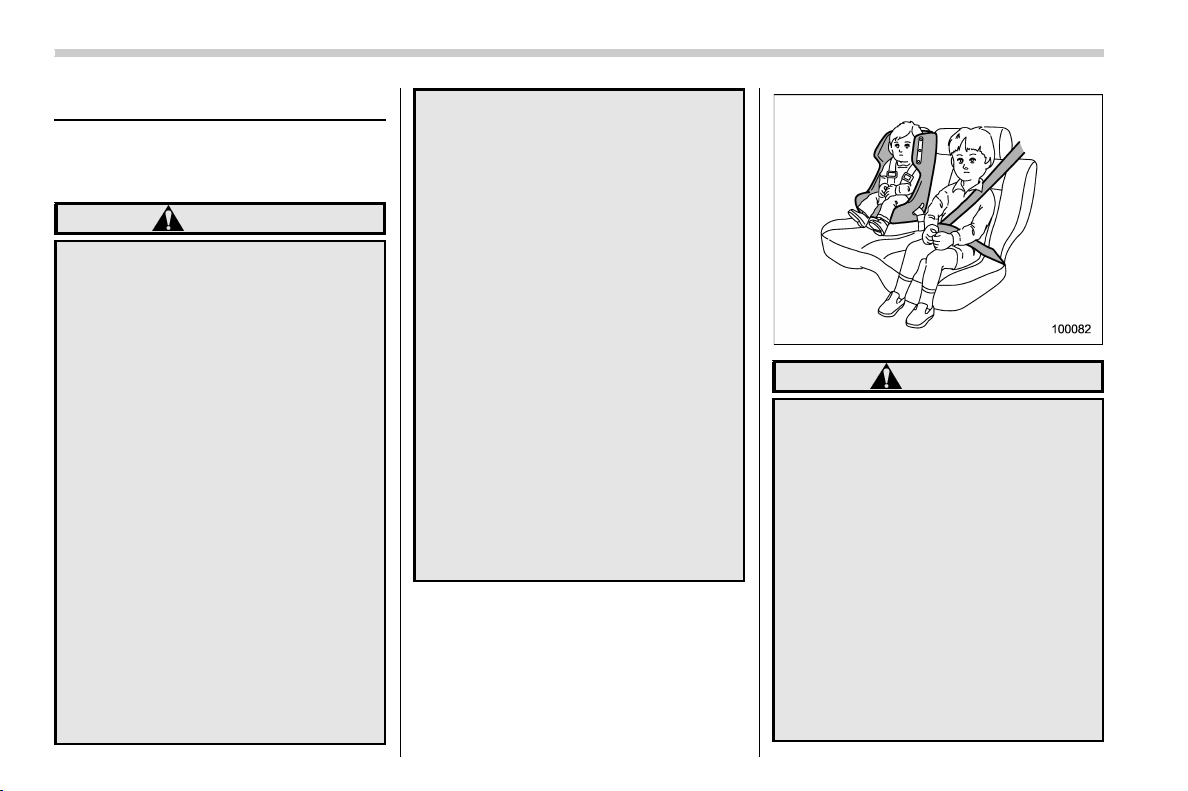
Place children in the rear seat prop-
erly restrained at all times. The SRS
airbag deploys with considerable
speed and force and can injure or
even kill children, especially if they
are not restrained or improperly
restrained. Because children are
lighter and weaker than adults, their
risk of being injured from deploy-
ment is greater. For that reason, we
strongly recommend that ALL chil-
dren (including those in child seats
and those that have outgrown child
restraint devices) sit in the REAR
seat properly restrained at all times
in a child restraint device or in a
seatbelt, whichever is appropriate
Seat, seatbelt and SRS airbags/Seats
1-2
(33,1)
北米Model "A1320BE-C" EDITED: 2017/ 10/ 10
for the child’s a ge, height and
weight. Secure ALL types of child
restraint devices (including forward
facing child seat) in the REAR seats
at all times.
NEVER INSTALL A FORWARD OR
REARWARD FACING CHILD SEAT IN
THE FRONT SEAT. DOING SO RISKS
SERIOUS INJURY OR DEATH TO
THE CHILD BY PLACING THE
CHILD’S HEAD TOO CLOSE TO
THE SRS AIRBAG.
According to accident statistics,
children are safer when properly
restrained in the rear seating posi-
tions than in the front seating posi-
tions. For instructions and precau-
tions concerning child restraint sys-
tems, refer to “Child restraint sys-
tems” F1-25.
WARNING
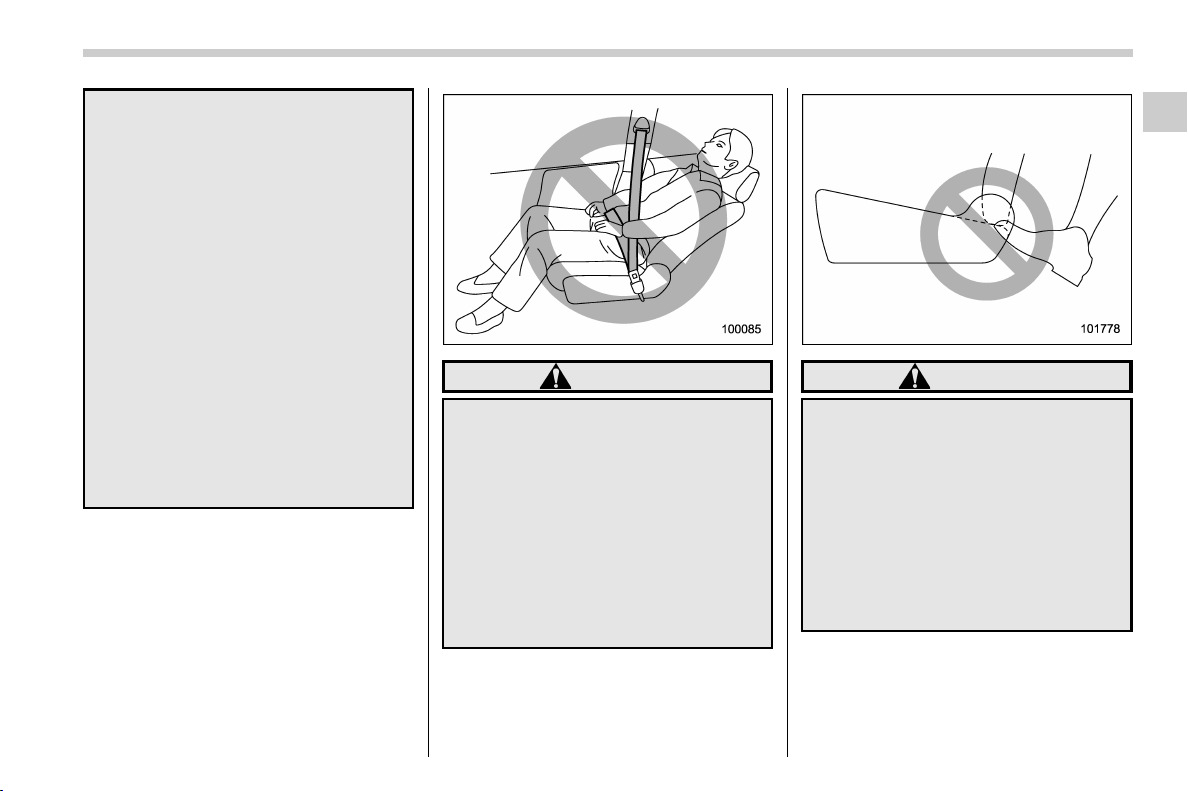
To prevent the passenger from slid-
ing under the seatbelt in the event of
a collision, always put the seatback
in the upright position while the
vehicle is in motion. Also, do not
place objects such as cushions
between the passenger and the seat-
back. If you do so, the risk of sliding
under the lap belt and of the lap belt
sliding up over the abdomen will
increase, and both can result in
serious internal injury or death.
WARNING
Do not let rear passengers rest their
feet between the front seatback and
seat cushion. Doing so may lead to
defective operation of the following
systems and could result in serious
injury.
. Occupant detection system
. SRS side airbag
. Seat heater (if equipped)
. Power seat (if equipped)
– CONTINUED –
Seat, seatbelt and SRS airbags/Seats
1-3
1
(34,1)
北米Model "A1320BE-C" EDITED: 2017/ 10/ 10
WARNING
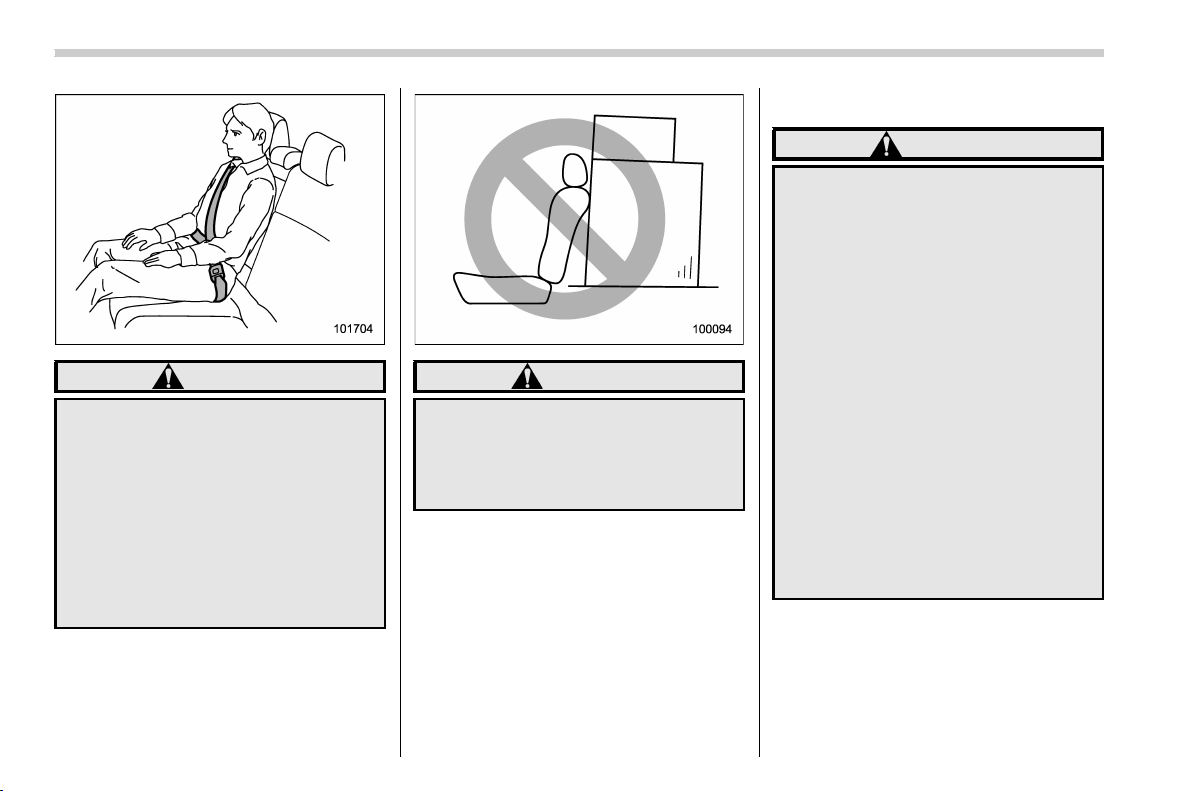
Seatbelts provide maximum re-
straint when the occupant sits well
back and upright in the seat. Do not
put cushions or any other materials
between occupants and seatbacks
or seat cushions. If you do so, the
risk of sliding under the lap belt and
of the lap belt sliding up over the
abdomen will increase, and both can
result in serious internal injury or
death.
WARNING
Never stack luggage or other cargo
higher than the top of the seatback
because it could tumble forward and
injure passengers in the event of a
sudden stop or accident.
! Safety tips for head restraint
WARNING
. Never drive the vehicle with the
head restraints removed because
they are designed to reduce the
risk of serious neck injury in the
event that the vehicle is struck
from the rear. Also, never install
the head restraints the opposite
way round. Doing so will prevent
the head restraints from function-
ing as intended. Therefore, when
you remove the head restraints,
you must reinstall all head re-
straints correctly to protect vehi-
cle occupants.
. All occupants, including the dri-
ver, should not operate a vehicle
or sit in a vehicle’s seat until the
head restraints are placed in their
proper positions in order to mini-
mize the risk of neck injury in the
event of a crash.
Seat, seatbelt and SRS airbags/Seats
1-4
(35,1)
北米Model "A1320BE-C" EDITED: 2017/ 10/ 10
& Front seats
! Manual seat (if equipped)
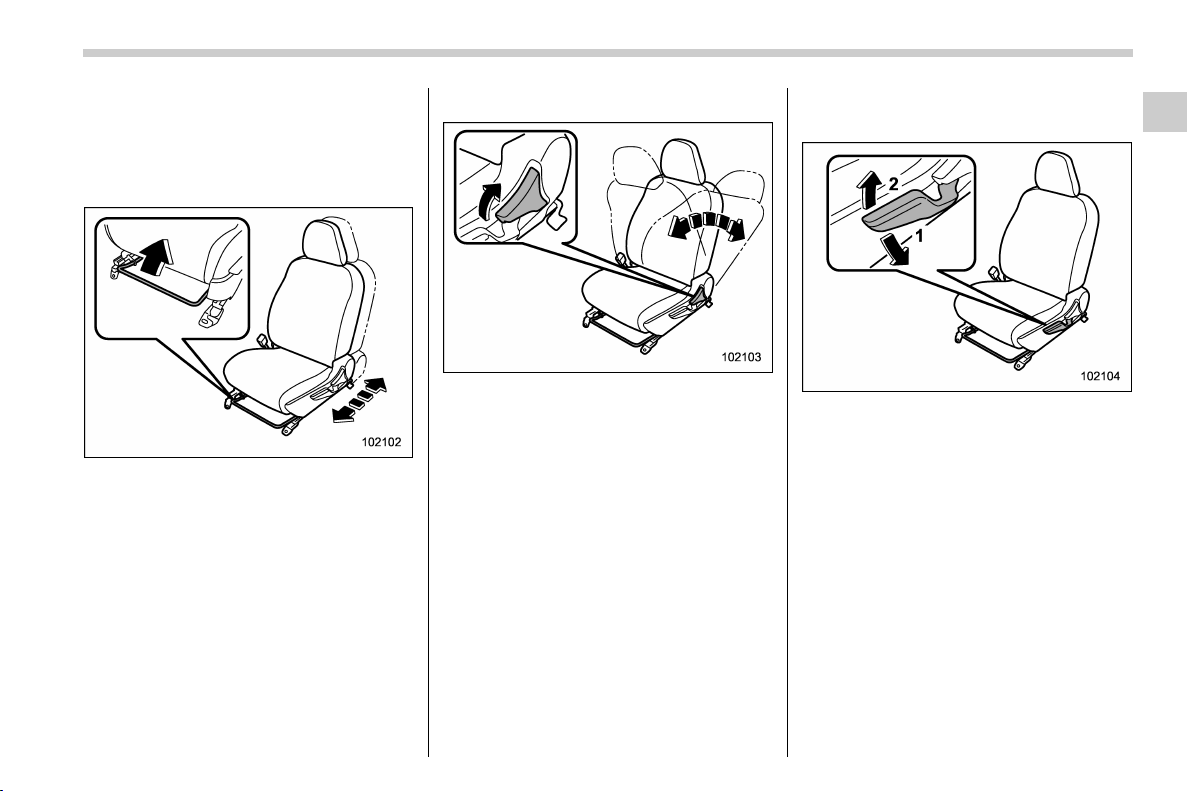
! Forward and backward adjust-
ment
Pull the lever upward and slide the seat to
the desired position. Then release the
lever and try to move the seat back and
forth to make sure that it is securely locked
into place.
! Reclining the seatback
Pull the reclining lever up and adjust the
seatback to the desired position. Then
release the lever and make sure the
seatback is securely locked into place.
The seatback placed in a reclined position
can spring back upward with force when
the lever is pulled. While operating the
lever to return the seatback, hold the
seatback lightly so that it may be raised
back gradually.
! Seat height adjustment (driver’s
seat)
1) When the lever is pushed down, the seat
is lowered.
2) When the lever is pulled up, the seat
rises.
The height of the seat can be adjusted by
moving the seat adjustment lever up and
down.
– CONTINUED –
Seat, seatbelt and SRS airbags/Seats
1-5
1
(36,1)
北米Model "A1320BE-C" EDITED: 2017/ 10/ 10
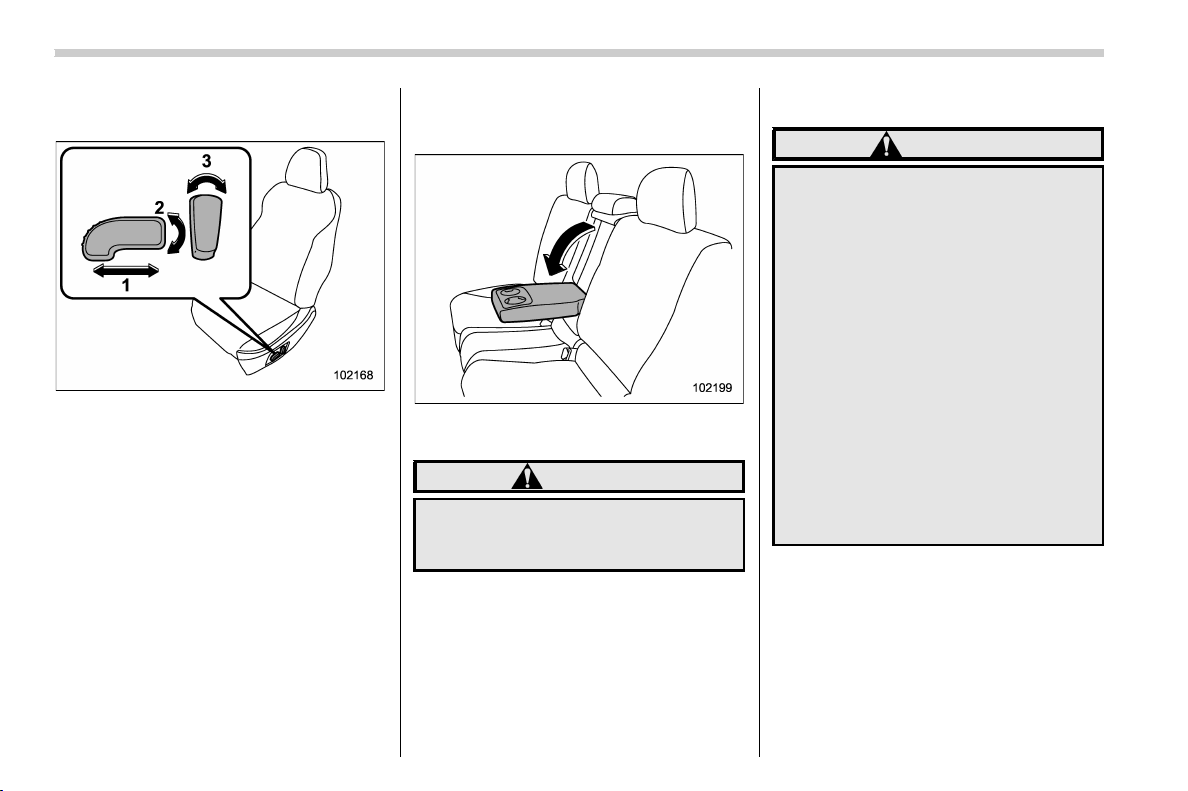
! Power seat (driver’s seat – if
equipped)
1) Seat position forward/backward con-
trol switch
To adjust the seat forward or backward,
move the control switch forward or
backward. During forward/backward ad-
justment of the seat, you cannot adjust
the seat cushion height.
2) Seat height control switch
To adjust the seat height, pull up or push
down the rear end of the control switch.
3) Seatback angle (reclining) control
switch
To adjust the angle of the seatback, move
the control switch.
& Rear seats
! Armrest (if equipped)
To lower the armrest, pull on the top edge
of the armrest.
WARNING
To avoid serious injury, passengers
must never be allowed to sit on the
center armrest.
! Folding down the rear seatback
WARNING
. When you fold down the seat-
back, check that there are no
passengers or objects on the rear
seat. Not doing so creates a risk
of injury or property damage if
the seatback suddenly folds
down.
. Never allow passengers to ride
on the folded rear seatback or in
the cargo area. Doing so may
result in serious injury or death.
. Secure all objects and especially
long items properly to prevent
them from being thrown around
inside the vehicle and causing
serious injury during a sudden
stop, a sudden steering maneu-
ver or a rapid acceleration.
Seat, seatbelt and SRS airbags/Seats
1-6
(37,1)
北米Model "A1320BE-C" EDITED: 2017/ 10/ 10
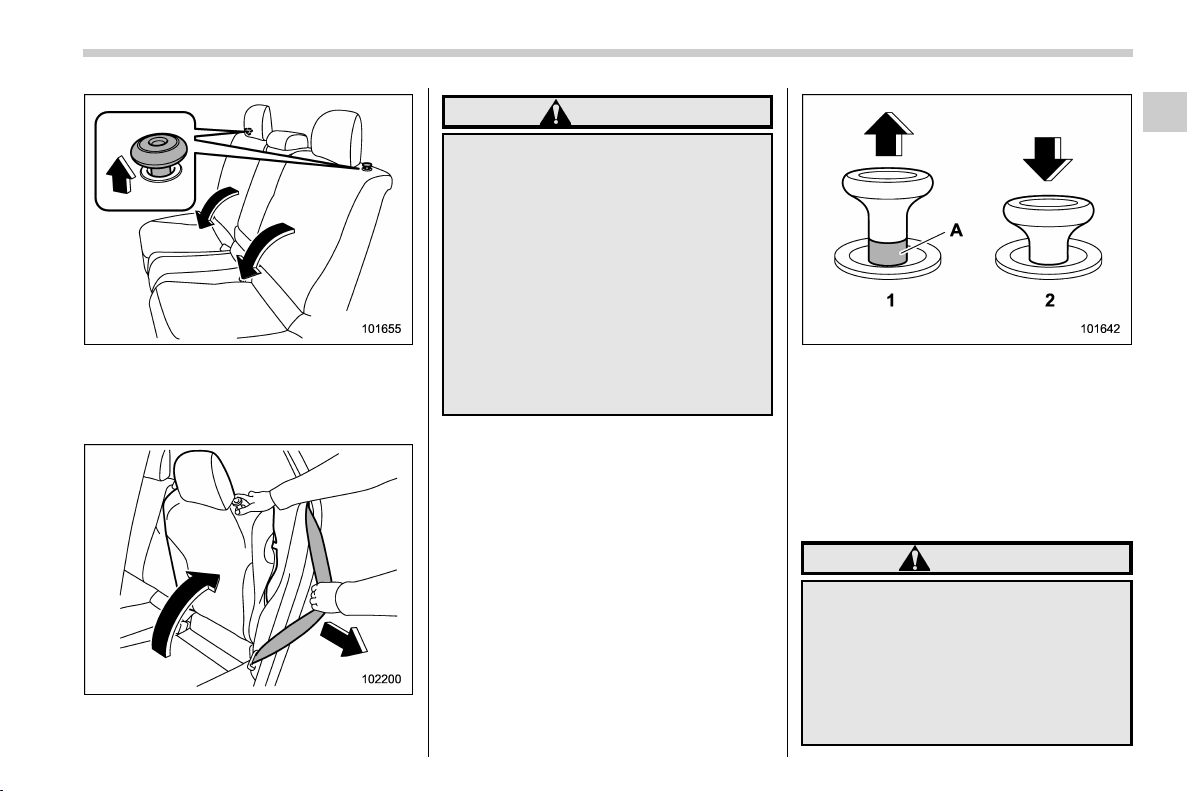
Unlock the seatback by pulling the lock
release knob and then fold the seatback
down.
! Return the rear seatback
WARNING
When returning the seatback to its
original position, observe the fol-
lowing precaution.
Failure to observe the precaution
may damage the seatbelt, impairing
its effectiveness, and possibly re-
sult in a serious injury.
. When returning the seatback to
its original position, pull the
seatbelt out towards the vehicle
exterior so that it will not be
caught between the seatback
and the trim.
Lock release knob
1) Unlocked
2) Locked
A) Unlocking marker in red
To return the seatback to its original
position, raise the seatback until it locks
into place and make sure that the unlock-
ing marker on the lock release knob is no
longer visible.
WARNING
When you return the seatback to its
original position, check that the
unlocking marker on the lock re-
lease knob is not visible. Also, shake
the seatback slightly to confirm that
it is securely fixed in place. If the
seatback is not securely fixed in
place, the seatback may suddenly
– CONTINUED –
Seat, seatbelt and SRS airbags/Seats
1-7
1
(38,1)
北米Model "A1320BE-C" EDITED: 2017/ 10/ 10
fold down in the event of sudden
braking, or objects may move out
from the cargo area, which could
cause serious injury or death.
& Head restraints
WARNING
The front seat head restraints are
designed to be installed into the
front seats only. The rear seat head
restraints are designed to be in-
stalled into the rear seats only. Do
not attempt to install the front seat
head restraints into the rear seats, or
the rear seat head restraints into the
front seats.
NOTE
It is possible to adjust the angle of the
front seat head restraints only. When
installing the front seat head restraints,
make sure that the angle of the head
restraints can be adjusted.
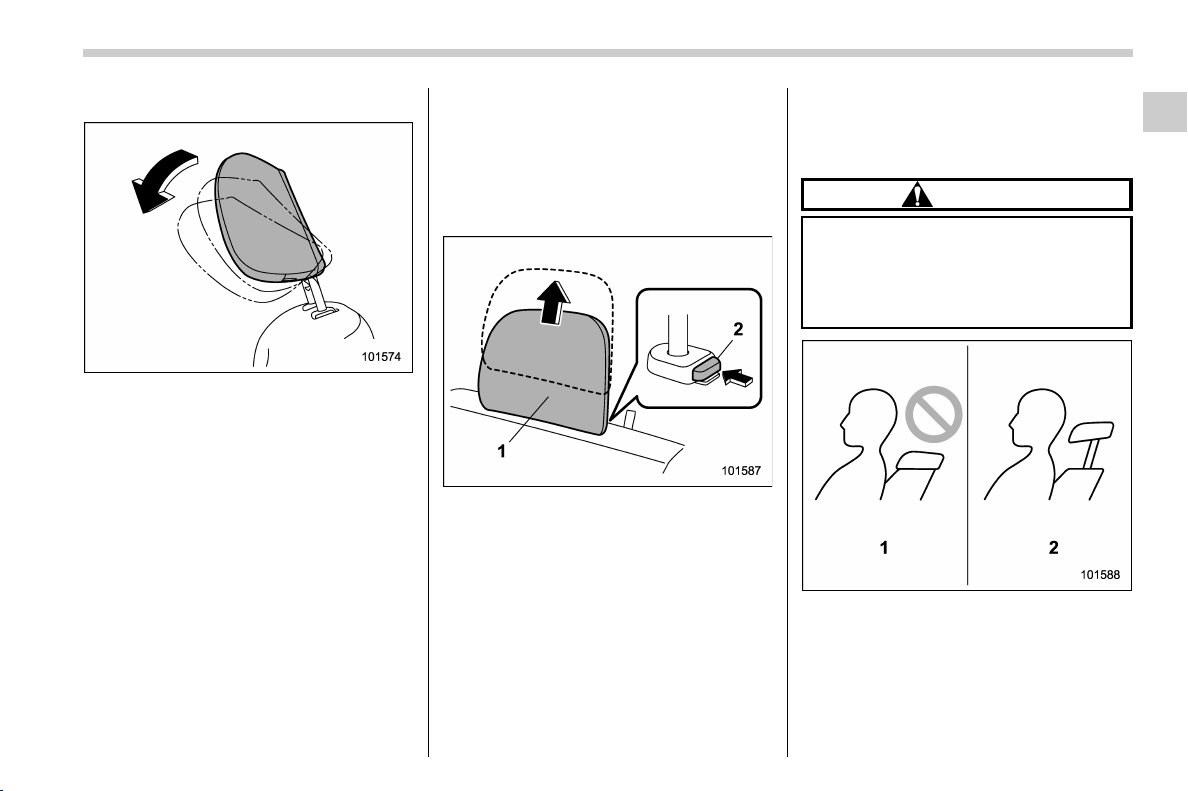
! Front seats
Both the driver ’s seat and the front
passenger’s seat are equipped with head
restraints. Both head restraints are adjus-
table in the following ways.
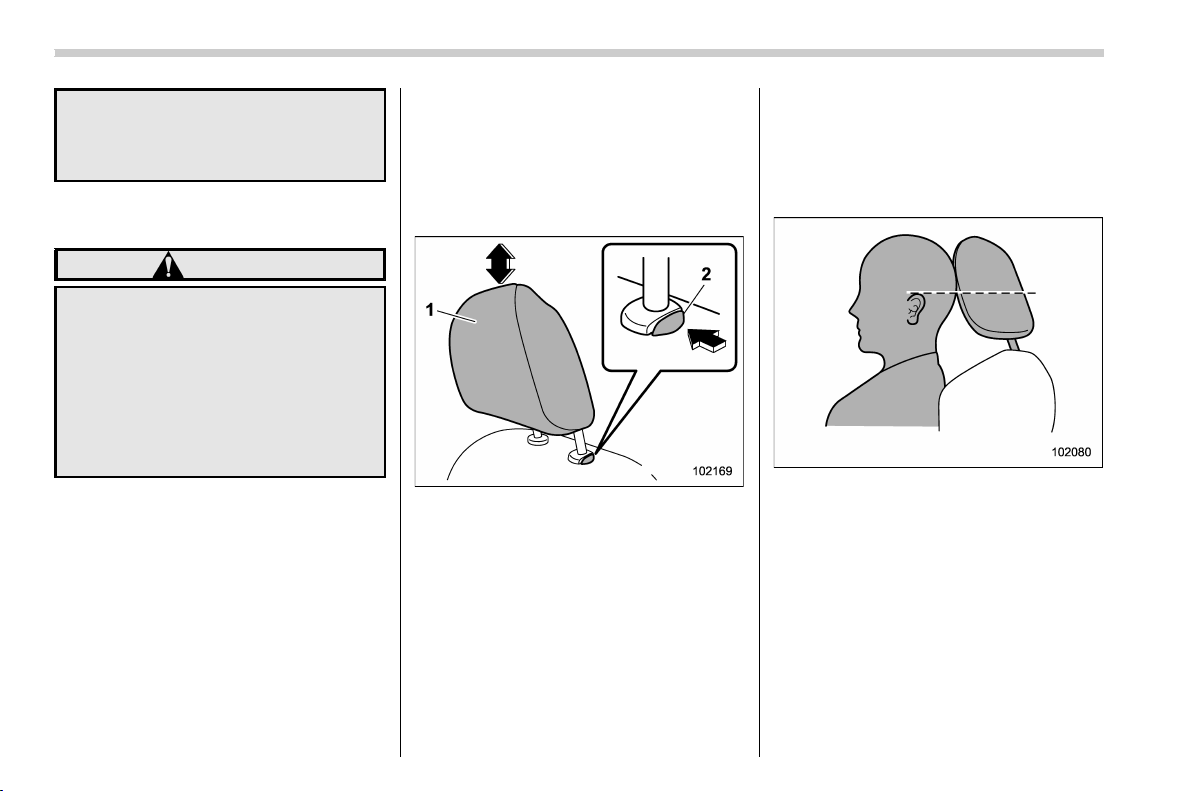
! Height adjustment
1) Head restraint
2) Release button
To raise:
Pull the head restraint up.
To lower:
Push the head restraint down while press-
ing the release button on the top of the
seatback.
To remove:
While pressing the release button, pull out
the head restraint.
To install:
Install the head restraint into the holes that
are located on the top of the seatback until
the head restraint locks. Press and hold
the release button to lower the head
restraint.
Each head restraint should be adjusted so
that the center of the head restraint is
closest to the top of the occupant’s ears.
NOTE
When the head restraint cannot be
pulled out or installed due to insuffi-
cient clearance between the head re-
straint and the roof, tilt the seat and
then perform the installation and re-
moval tasks.
Seat, seatbelt and SRS airbags/Seats
1-8
(39,1)
北米Model "A1320BE-C" EDITED: 2017/ 10/ 10
! Angle adjustment
The angle of the head restraint can be
adjusted in several steps. While maintain-
ing a suitable driving posture, adjust the
head restraint to a position where the back
of your head is as close to the head
restraint as possible.
To tilt:
Tilt the head restraint by hand to the
preferred position. A click will be audible
when the head restraint is locked.
To return:
Tilt the head restraint once as far forward
as it can go. The head restraint will
automatically return to the fully upright
position. Then, adjust the head restraint
again to the preferred angle.
! Rear seats
Both the rear window side seats and the
rear center seat are equipped with head
restraints.
! Rear windows side seating posi-
tion
1) Head restraint
2) Release button
To remove:
While pressing the release button, pull out
the head restraint.
To install:
Install the head restraint into the holes that
are located on the top of the seatback until
the head restraint locks. Press and hold
the release button to lower the head
restraint.
After installing the head restraint, make
sure it is securely locked.
! Rear center seating position
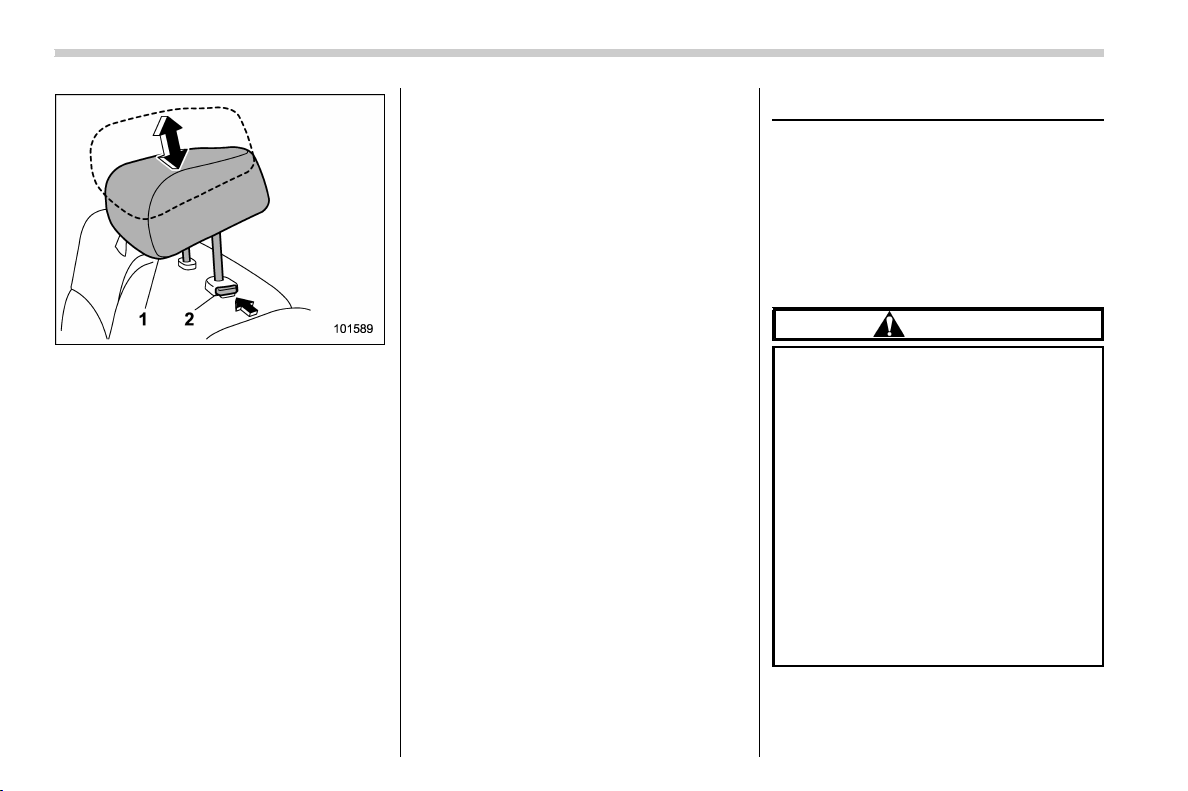
CAUTION
The head restraint is not intended to
be used at the retracted position.
Before sitting on the seat, raise the
head restraint to the extended posi-
tion.
1) Incorrect (retracted position)
2) Correct (extended position)
– CONTINUED –
Seat, seatbelt and SRS airbags/Seats
1-9
1
(40,1)
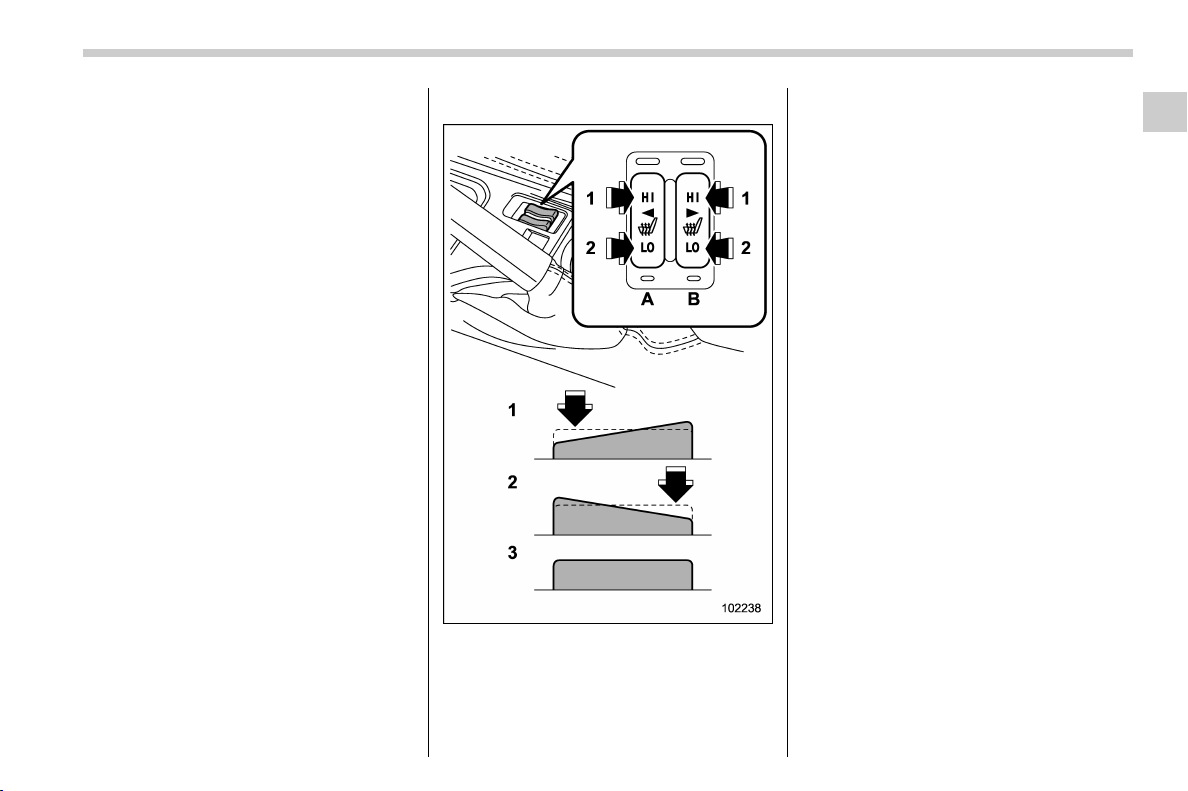
北米Model "A1320BE-C" EDITED: 2017/ 10/ 10
1) Head restraint
2) Release button
To raise:
Pull the head restraint up.
To lower:
Push the head restraint down while press-
ing the release button on the top of the
seatback.
To remove:
While pressing the release button, pull out
the head restraint.
To install:
Install the head restraint into the holes that
are located on the top of the seatback until
the head restraint locks. Press and hold
the release butt on to lower the head
restraint.
When the rear-center seating position is
occupied, raise the head restraint to the
extended position. When the rear center
seating position is not occupied, lower the
head restraint to improve rearward visibi-
lity.
Seat heater (if equipped)
The seat heater is equipped in the front
seats.
The seat heater operates when the ignition
switch is either in the “ACC” or “ON”
position.
& Safety precautions
CAUTION
. People with delicate skin may
suffer slight burns even at low
temperatures if they use the seat
heater for a long period of time.
When using the heater, always be
sure to warn the persons con-
cerned.
. Do not put anything on the seat
which insulates against heat,
such as a blanket, cushion, or
similar items. This may cause the
seat heater to overheat.
. When the seat is warmed enough
or before you leave the vehicle,
be sure to turn off the seat heater.
Seat, seatbelt and SRS airbags/Seat heater
1-10
(41,1)
北米Model "A1320BE-C" EDITED: 2017/ 10/ 10
NOTE
Use of the seat heater for a long period
of time while the engine is not running
can cause battery discharge.
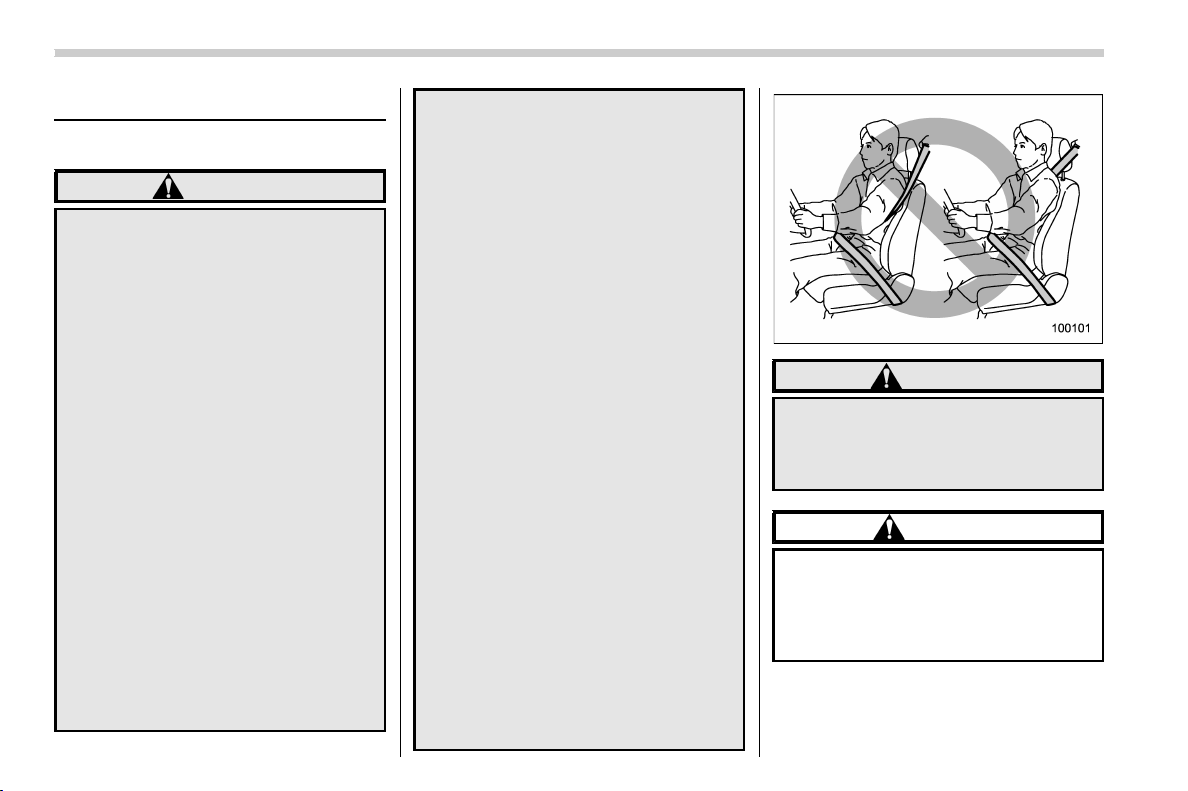
& Operation
1) HI – Rapid heating
2) LO – Normal heating
3) Off
A) Left-hand side
B) Right-hand side
To turn on the seat heater, push the “LO” or
“HI” position on the switch, as desired,
depending on the temperature.
Selecting the “HI” position will cause the
seat to heat up quicker.
To turn off the seat heater, lightly press the
opposite side of the current position.
The indicator located on the switch illumi-
nates when the seat heater is in operation.
Seat, seatbelt and SRS airbags/Seat heater
1-11
1
(42,1)
北米Model "A1320BE-C" EDITED: 2017/ 10/ 10
Seatbelts
& Seatbelt safety tips
WARNING
. All persons in the vehicle should
fasten their seatbelts BEFORE
the vehicle starts to move. Other-
wise, the possibility of serious
injury becomes greater in the
event of a sudden stop or acci-
dent.
. All belts should fit snugly in order
to provide full restraint. Loose
fitting belts are not as effective in
preventing or reducing injury.
. Each seatbelt is designed to sup-
port only one person. Never use a
single belt for two or more per-
sons – even children. Otherwise,
in an accident, serious injury or
death could result.
. Replace all seatbelt assemblies
including retractors and attach-
ing hardware worn by occupants
of a vehicle that has been in a
serious accident. The entire as-
sembly should be replaced even
if damage is not obvious.
. Never use a belt that is twisted or
reversed. In an accident, this can
increase the risk or severity of
injury.
. Keep the lap belt as low as
possible on your hips. In a colli-
sion, this spreads the force of the
lap belt over stronger hip bones
instead of across the weaker
abdomen.
. Seatbelts provide maximum re-
straint when the occupant sits
well back and upright in the seat.
To reduce the risk o f sliding
under the seatbelt in a collision,
the front seatbacks should be
always used in the upright posi-
tion while the vehicle is running.
If the front seatbacks are not
used in the upright position in a
collision, the risk of sliding under
the lap belt and of the lap belt
sliding up over the abdomen will
increase, and both can result in
serious internal injury or death.
. Do not put cushions or any other
materials between occupants
and seatbacks or seat cushions.
If you do so, the risk of sliding
under the lap belt and of the lap
belt sliding up over the abdomen
will increase, and both can result
in serious internal injury or death.
WARNING
Never place the shoulder belt under
the arm or behind the back. If an
accident occurs, this can increase
the risk or severity of injury.
CAUTION
Metallic parts of the seatbelt can
become very hot in a vehicle that has
been closed up in sunny weather;
they could burn an occupant. Do not
touch such hot parts until they cool.
Your vehicle is equipped with a crash
sensing and diagnostic module, which will
record the use of the seatbelt by the front
Seat, seatbelt and SRS airbags/Seatbelts
1-12
(43,1)
北米Model "A1320BE-C" EDITED: 2017/ 10/ 10
passenger when any of the SRS frontal,
side and curtain airbags deploy.
! Infants or small children
Use a child restraint system that is suitable
for your vehicle. Refer to “Child restraint
systems” F1-25.
! Children
WARNING
Place children in the rear seat prop-
erly restrained at all times. The SRS
airbag deploys with c onsiderable
speed and force and can injure or
even kill children, especially if they
are not restrained or improperly
restrained. Because children are
lighter and weaker than adults, their
risk of being injured from deploy-
ment is greater. For that reason, we
strongly recommend that ALL chil-
dren (including those in child seats
and those that have outgrown child
restraint devices) sit in the REAR
seat properly restrained at all times
in a child restraint device or in a
seatbelt, whichever is appropriate
for the child’s height and weight.
Secure ALL types of child restraint
devices (including forward faci ng
child seats) in the REAR seats at all
times.
NEVER INSTALL A FORWARD OR
REARWARD FACING CHILD SEAT IN
THE FRONT SEAT. DOING SO RISKS
SERIOUS INJURY OR DEATH TO
THE CHILD BY PLACING THE
CHILD’SHEADTOOCLOSETO
THE SRS AIRBAG.
According to accident statistics,
children are safer when properly
restrained in the rear seating posi-
tions than in the front seating posi-
tions. For instructions and precau-
tions concerning the child restraint
system, refer to “Child restraint
systems” F1-25.
If a child is too big for a child restraint
system, the child should sit in the rear seat
and be restrained using the seatbelts.
According to accident statistics, children
are safer when properly restrained in the
rear seating positions than in the front
seating positions. Never allow a child to
stand up or kneel on the seat.
If the shoulder portion of the belt crosses
the face or neck, move the child closer to
the belt buckle to help provide a good
shoulder belt fit. Care must be taken to
securely place the lap belt as low as
possible on the hips and not on the child’s
waist. If the shoulder portion of the belt
cannot be properly positioned, a child
restraint system should be used. Never
place the shoulder belt under the child’s
arm or behind the child’s back.
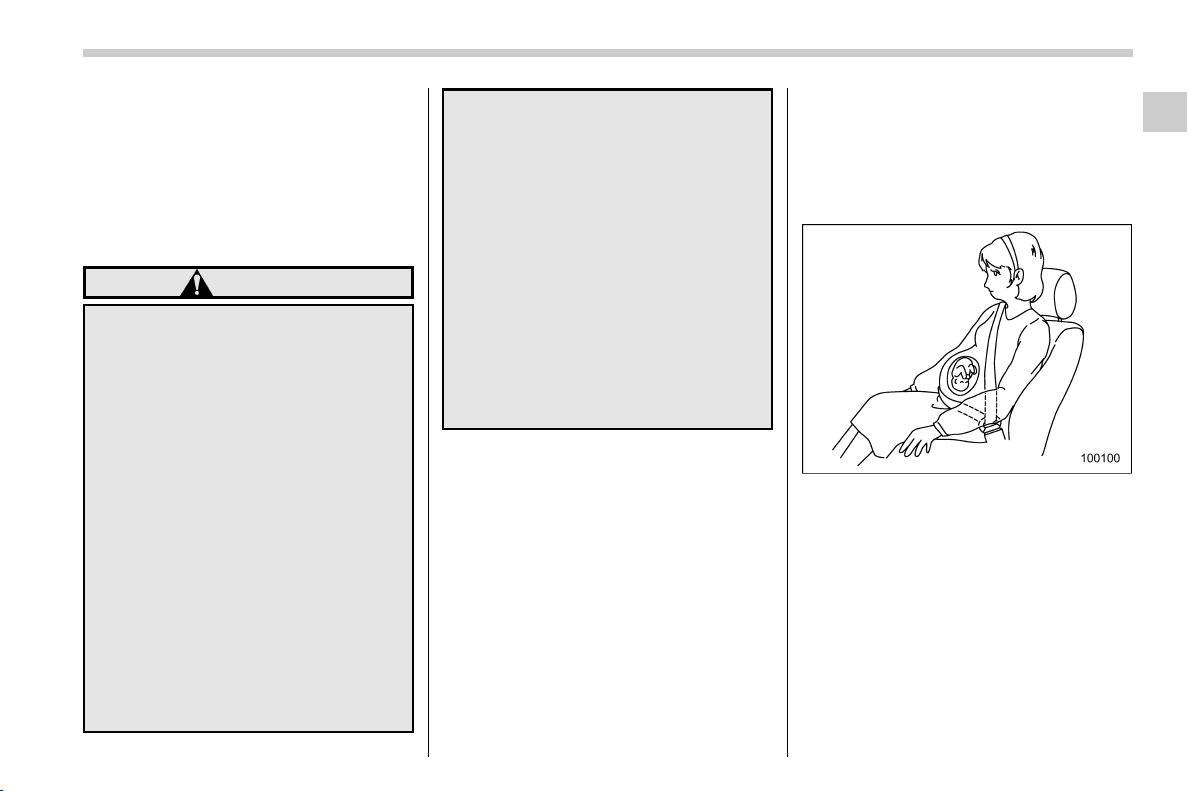
! Expectant mothers
Expectant mothers also need to use the
seatbelts. They should consult their doctor
for specific recommendations. The lap belt
should be worn securely and as low as
possible over the hips, not over the waist.
– CONTINUED –
Seat, seatbelt and SRS airbags/Seatbelts
1-13
1
(44,1)
北米Model "A1320BE-C" EDITED: 2017/ 10/ 10
& Emergency Locking Retrac-
tor (ELR)
The driver’s seatbelt has an Emergency
Locking Retractor (ELR).
The emergency locking retractor allows
normal body movement but the retractor
locks automatically during a sudden stop,
impact or if you pull the belt very quickly
out of the retractor.
& Automatic Locking Retractor/
Emergency Locking Retrac-
tor (ALR/ELR)
Each passenger’s seatbelt has an Auto-
matic Locking Retractor/Emergency Lock-
ing Retractor (ALR/ELR). The Automatic
Locking Retractor/Emergency Locking
Retractor normally functions as an Emer-
gency Locking Retractor (ELR). The ALR/
ELR has an additional locking mode
“Automatic Locking Retractor (ALR)
mode” intended to secure a child restraint
system. When the seatbelt is once drawn
out completely and is then retracted even
slightly, the retractor locks the seatbelt in
that position and the seatbelt cannot be
extended. As the belt is rewinding, clicks
will be heard which indicate the retractor
functions as an ALR. When the seatbelt is
retracted fully, the ALR mode is released.
When securing a child restraint system on
the rear seats by the use of the seatbelt,
the seatbelt must be changed over to the
Automatic Locking Retractor (ALR) mode.
When the child restraint system is re-
moved, make sure that the seatbelt re-
tracts fully and the retractor returned to the
Emergency Locking Retractor (ELR)
mode.
For instructions on how to convert the
retractor to the ALR mode and restore it to
the ELR mode, refer to “Installing child
restraint systems with ALR/ELR seatbelt”
F1-28.
& Seatbelt warning light
and chime
Refer to “Seatbelt warning light and chime”
F3-13.
& Fastening the seatbelt
! Front seatbelts
1. Adjust the seat position according to
the following procedure.
Driver’s seat: Adjust the seatback to the
upright position. Move the seat as far from
the steering wheel as practical while still
maintaining full vehicle control.
Front passenger’s seat: Adjust the seat-
back to the upright position. Move the seat
as far back as possible.
2. Sit well back in the seat.
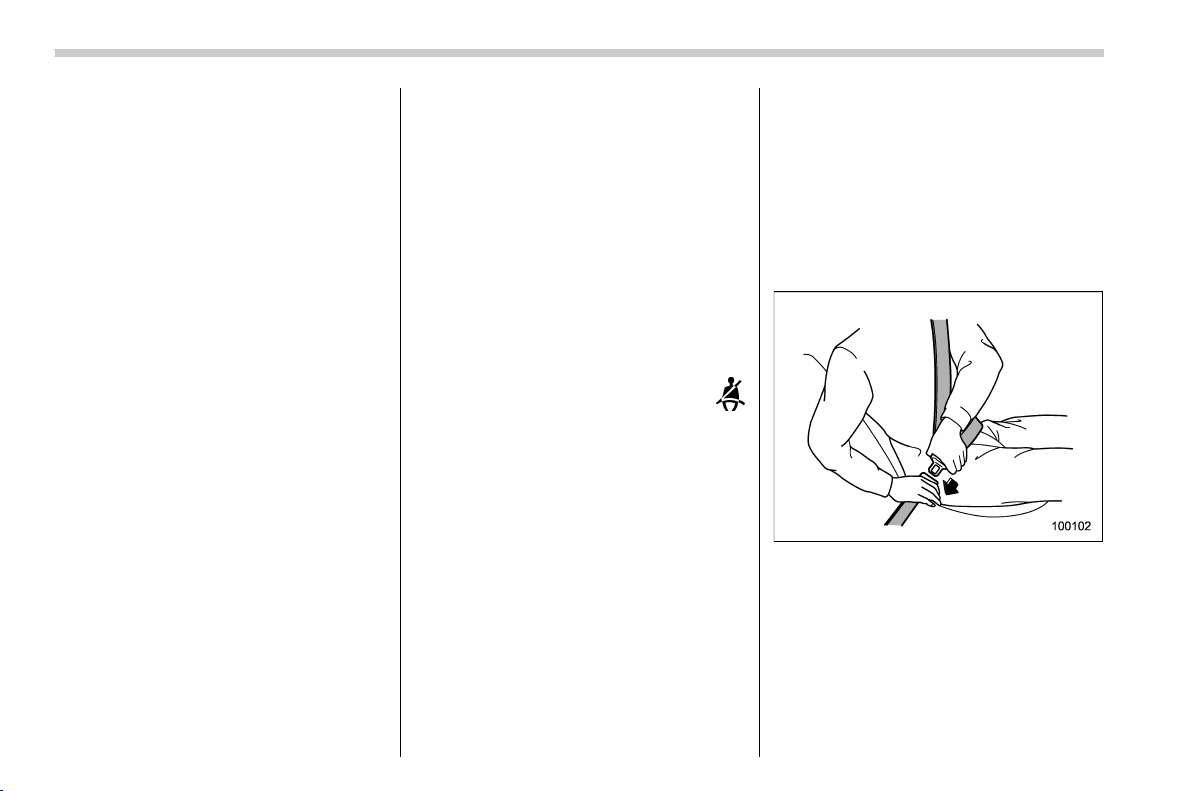
3. Pick up the tongue plate and pull the
belt out slowly. Do not let it get twisted.
. If the belt stops before reaching the
buckle, return the belt slightly and pull it
out more slowly.
. If the belt still cannot be unlocked, let
the belt retract slightly after giving it a
strong pull, then pull it out slowly again.
4. Insert the tongue plate into the buckle
until you hear a click.
Seat, seatbelt and SRS airbags/Seatbelts
1-14
(45,1)
北米Model "A1320BE-C" EDITED: 2017/ 10/ 10
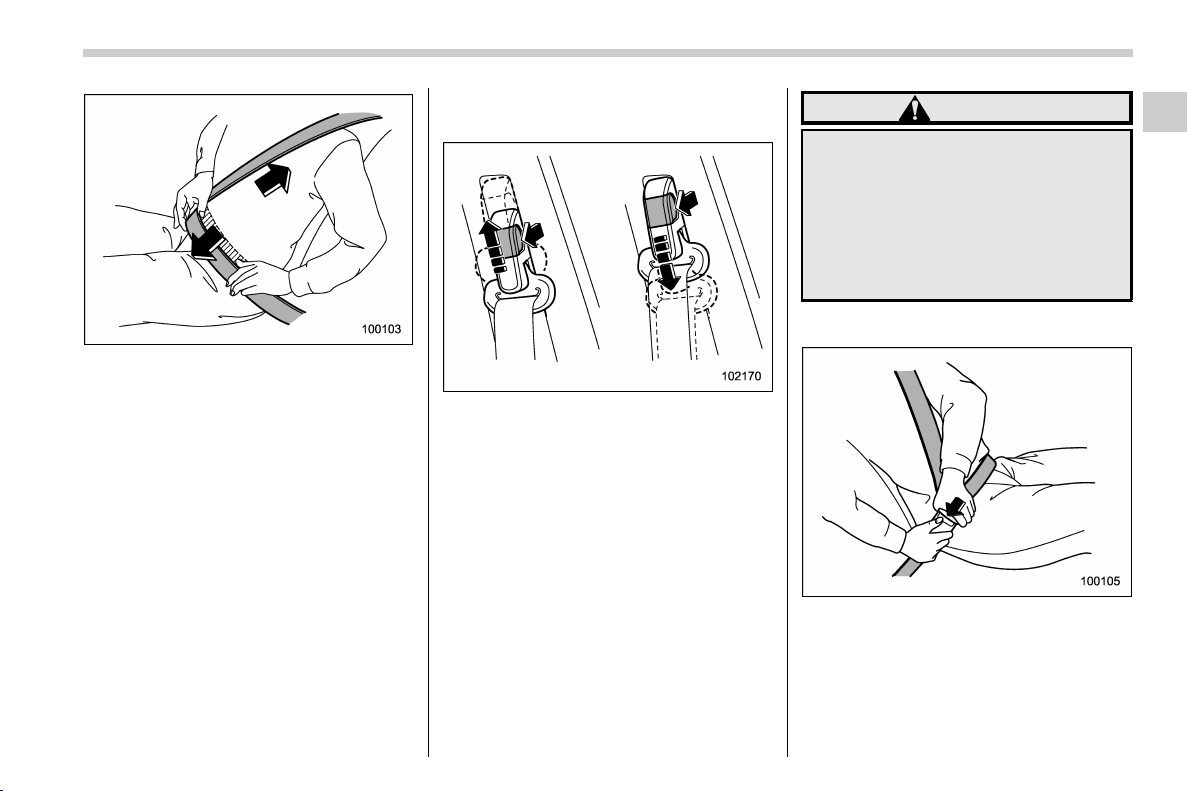
5. To make the lap part tight, pull up on
the shoulder belt.
6. Place the lap belt as low as possible on
your hips, not on your waist.
! Adjusting the front seat shoulder
belt anchor height
The shoulder belt anchor height should be
adjusted to the position best suited for the
driver/front passenger. Always adjust the
anchor height so that the shoulder belt
passes over the middle of the shoulder
without touching the neck.
To raise:
Pull the release knob and slide the anchor
up.
To lower:
Pull the release knob and slide the anchor
down.
Pull down on the anchor to make sure that
it is locked in place.
WARNING
When wearing the seatbelts, make
sure the shoulder portion of the
webbing does not pass over your
neck. If it does, adjust the seatbelt
anchor to a lower position. Placing
the shoulder belt over the neck may
result in neck injury during sudden
braking or in a collision.
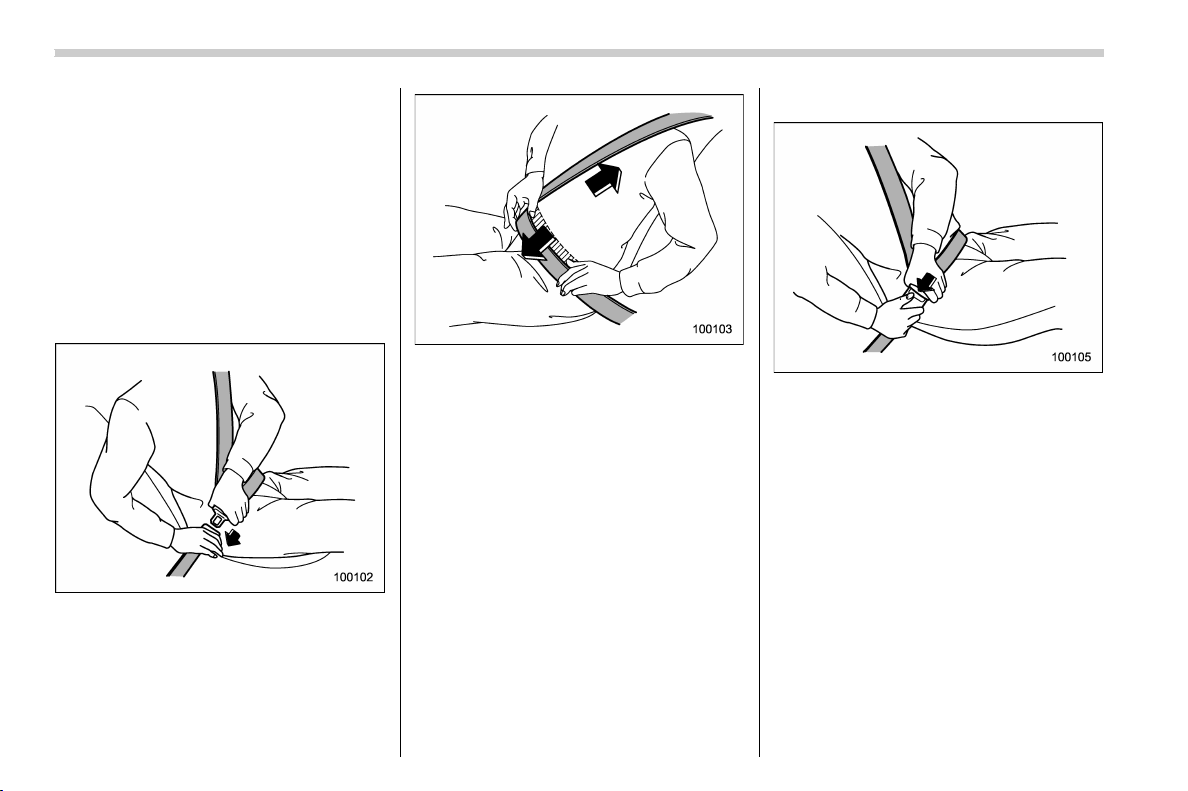
! Unfastening the seatbelt
1. Push the button on the buckle.
2. Have the seatbelt retracted slowly to
avoid the seatbelt being tangled or twisted.
Before closing the door, make sure that the
belts are retracted properly to avoid
catching the belt webbing in the door.
– CONTINUED –
Seat, seatbelt and SRS airbags/Seatbelts
1-15
1
(46,1)
北米Model "A1320BE-C" EDITED: 2017/ 10/ 10
! Rear seatbelts (except rear center
seatbelt)
1. Sit well back in the seat.
2. Pick up the tongue plate and pull the
belt out slowly. Do not let it get twisted.
. If the belt stops before reaching the
buckle, return the belt slightly and pull it
out more slowly.
. If the belt still cannot be unlocked, let
the belt retract slightly after giving it a
strong pull, then pull it out slowly again.
3. Insert the tongue plate into the buckle
until you hear a click.
4. To make the lap part tight, pull up on
the shoulder belt.
5. Place the lap belt as low as possible on
your hips, not on your waist.
! Unfastening the seatbelt
1. Push the button on the buckle.
2. Have the seatbelt retracted slowly to
avoid the seatbelt being tangled or twisted.
Before closing the door, make sure that the
belts are retracted properly to avoid
catching the belt webbing in the door.
Seat, seatbelt and SRS airbags/Seatbelts
1-16
(47,1)
北米Model "A1320BE-C" EDITED: 2017/ 10/ 10
! Rear center seatbelt
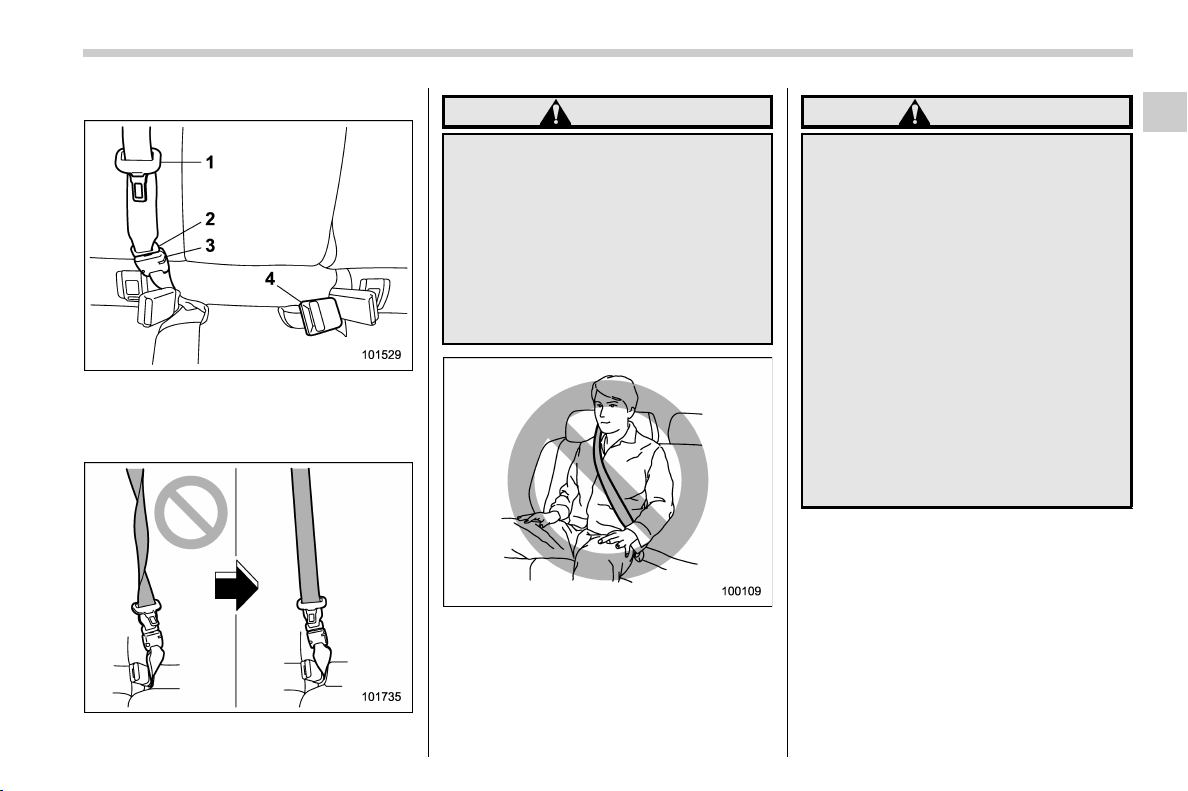
1) Center seatbelt tongue plate
2) Connector (tongue)
3) Connector (buckle)
4) Center seatbelt buckle
WARNING
Fastening the seatbelt with the web-
bing twisted can increase the risk or
severity of injury in an accident.
When fastening the belt after it is
pulled out from the retractor, espe-
cially when inserting the connec-
tor’s tongue plate into the mating
buckle (on right-hand side), always
check that the webbing is no t
twisted.
WARNING
. Be sure to fasten both tongue
plates to the respective buckles.
If the seatbelt is used only as a
shoulder belt (with the connec-
tor’s tongue plate not fastened to
the connector’s buckle on the
right-hand side), it cannot prop-
erly restrain the wearer in posi-
tion in an accident, possibly
resulting in serious injury or
death.
. The head restraint is not intended
to be used at the lowest position.
Before sitting on the seat, raise
the head restraint to the extended
position. Otherwise, in an acci-
dent, serious injury or death
could result.
– CONTINUED –
Seat, seatbelt and SRS airbags/Seatbelts
1-17
1
(48,1)
北米Model "A1320BE-C" EDITED: 2017/ 10/ 10
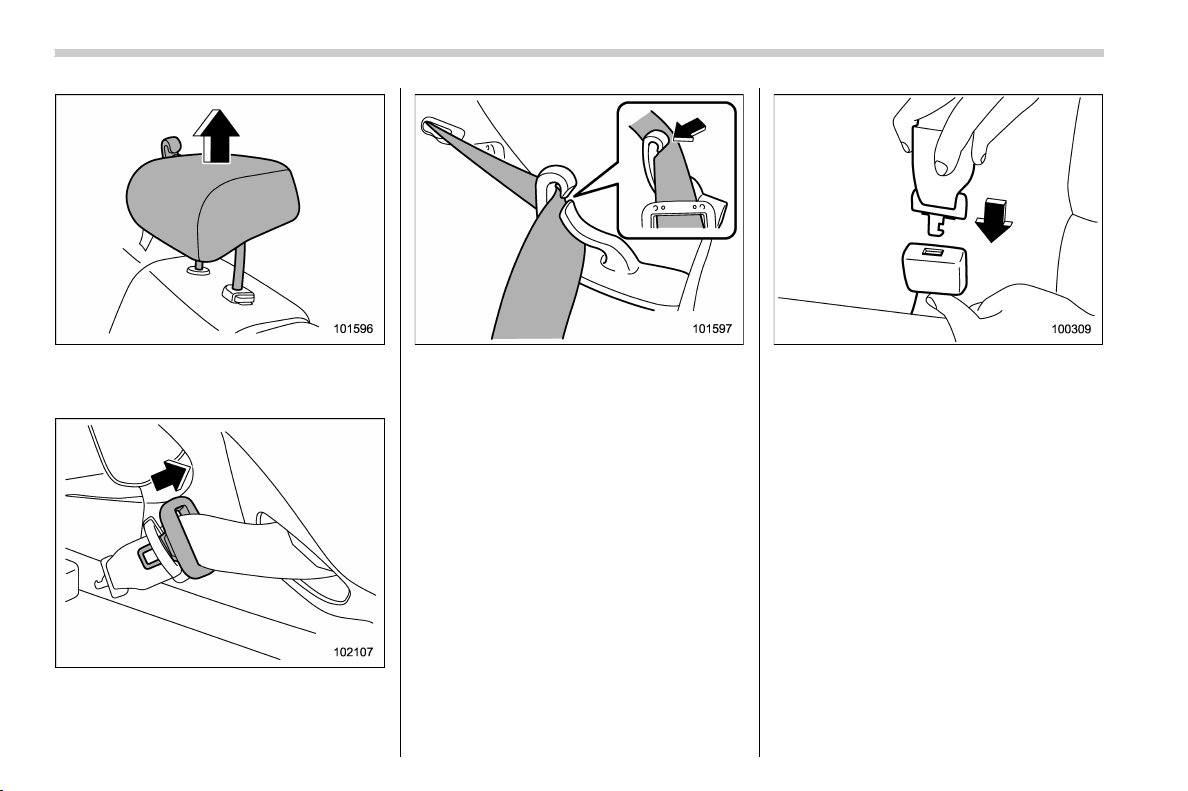
1. Raise the head restraint to the ex-
tended position. Do not remove the head
restraint.
2. Remove the tongue plate from the belt
holder on the right side of the cargo area
and pull out the seatbelt slowly.
3. After drawing out the seatbelt, pass it
through the belt guide as follows: First
insert one edge of the belt into the open
gap in the belt guide; then slide the rest of
the belt in, so that the whole belt fits inside.
4. After confirming that the webbing is not
twisted, insert the connector ( tongue)
attached at the we bbing end into the
buckle on the right-hand side until a click
is heard.
. If the belt stops before reaching the
buckle, return the belt slightly and pull it
out more slowly.
. If the belt still cannot be unlocked, let
the belt retract slightly after giving it a
strong pull, then pull it out slowly again.
Seat, seatbelt and SRS airbags/Seatbelts
1-18
(49,1)
北米Model "A1320BE-C" EDITED: 2017/ 10/ 10
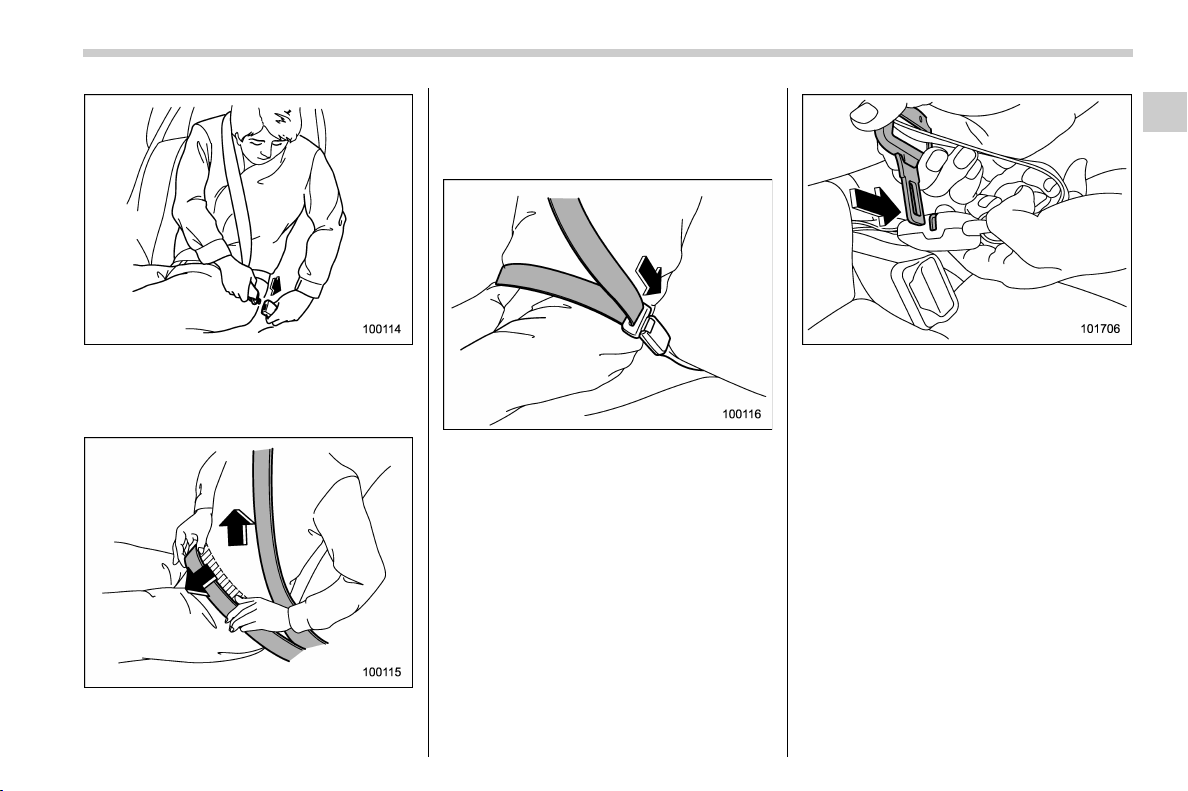
5. Insert the center seatbelt tongue plate
into the center seatbelt buckle marked
“CENTER” on the left-hand side until it
clicks.
6. To make the lap part tight, pull up on
the shoulder belt.
7. Place the lap belt as low as possible on
your hips, not on your waist.
! Unfastening the seatbelt
1. Push the release button of the center
seatbelt buckle (on the left-hand side) to
unfasten the seatbelt.
NOTE
When the seatback is folded down for
greater cargo area, it is necessary to
disconnect the connector.
2. Insert a tongue plate or other hard
pointed object into the slot in the connector
(buckle) on the right-hand side and push it
in. The connector (tongue) plate will then
disconnect from the buckle.
– CONTINUED –
Seat, seatbelt and SRS airbags/Seatbelts
1-19
1

(50,1)
北米Model "A1320BE-C" EDITED: 2017/ 10/ 10
3. Allow the retractor to roll up the belt.
You should hold the webbing end and
guide it back into the retractor while it is
rolling up. Insert the connector (tongue)
into the belt holder.
CAUTION
. Do not allow the retractor to roll
up the seatbelt too quickly. Other-
wise, the metal tongue plates
may hit against the trim, resulting
in damaged trim.
. Have the seatbelt fully rolled up
sothatthetongueplatesare
neatly stored. A hanging tongue
plate can swing and hit against
the trim during driving, causing
damage to the trim.
& Seatbelt maintenance
To clean the seatbelts, use a mild soap and
lukewarm water. Never bleach or dye the
belts because this could seriously affect
their strength.
Inspect the seatbelts and atta chments
including the webbing and all hardware
periodically for cracks, cuts, gashes, tears,
damage, loose bolts or worn areas. Re-
place the seatbelts even if only minor
damage is found.
CAUTION
. Keep the belts free of polishes,
oils, chemicals and particularly
battery acid.
. Never attempt to make modifica-
tions or changes that will prevent
the seatbelt from operating prop-
erly.
Seat, seatbelt and SRS airbags/Seatbelts
1-20
(51,1)
北米Model "A1320BE-C" EDITED: 2017/ 10/ 10
Seatbelt pretensioners
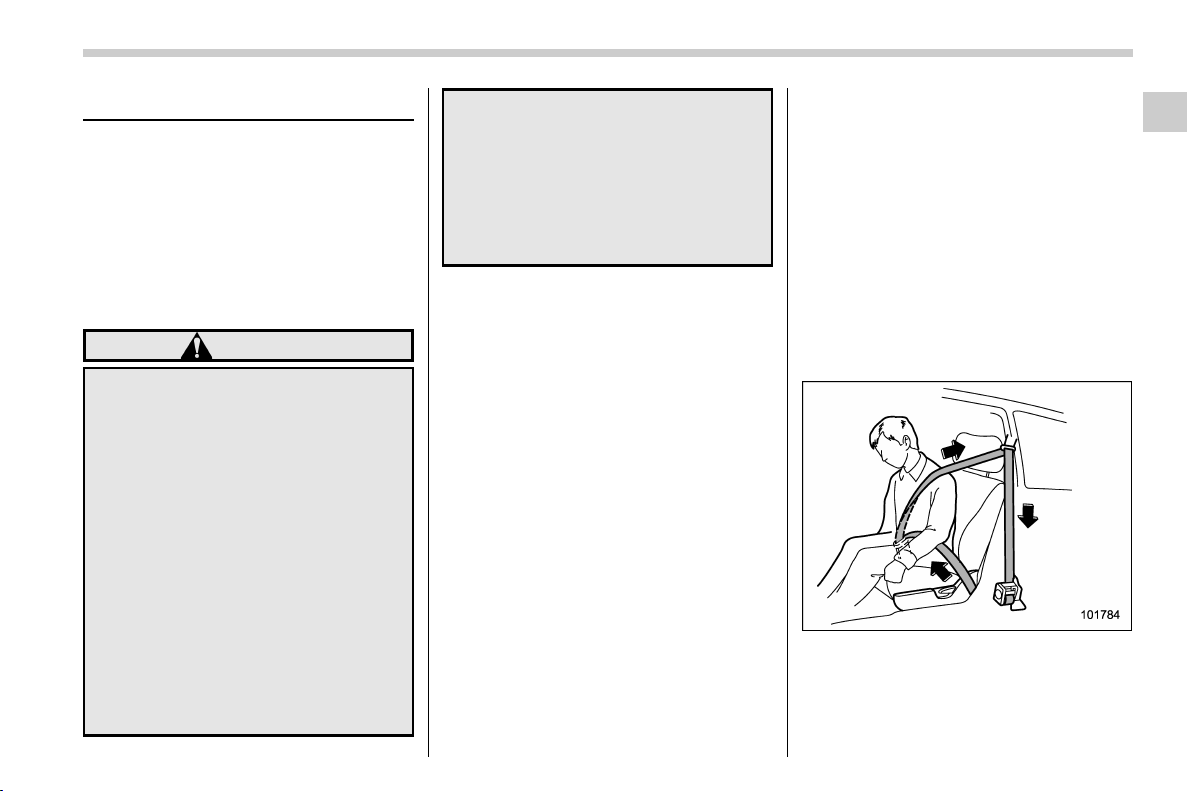
The following seatbelts have a seatbelt
pretensioner.
. Driver’s seatbelt
. Front passenger’s seatbelt
The seatbelt pretensioners are designed
to be activated in the event of an accident
involving a moderate to severe frontal and
side collision and rollover accident.
WARNING
. To obtain maximum protection,
the occupants should sit in an
upright position with their seat-
belts properly fastened. Refer to
“Seatbelts” F1-12.
. Do not modify, remove or strike
the seatbelt retractor assemblies
equipped with seatbelt preten-
sioners or surrounding area. This
could result in accidental activa-
tion of the seatbelt pretensioners
or could make the system inop-
erative, possibly resulting in ser-
ious injury. Seatbelt preten-
sioners have no user-serviceable
parts. For required servicing of
seatbelt retractors equipped with
seatbelt pretensioners, consult
your SUBARU dealer.
. When discarding seatbelt retrac-
tor assemblie s equipped w ith
seatbelt pretensioners or scrap-
ping the entire vehicle due to
collision damage or for other
reasons, consult your SUBARU
dealer.
NOTE
. Seatbelt pretensioners are not de-
signed to activate in minor impacts or
in rear impacts.
. Pretensioners are designed to func-
tion on a one-time-only basis. In the
event that a pretensioner is activated,
both the driver’s and front passenger’s
seatbelt retractor assemblies should
be replaced only by an authorized
SUBARU dealer. When replacing seat-
belt retractor assemblies, use only
genuine SUBARU parts.
. If a seatbelt that has a seatbelt
pretensioner does not retract or cannot
be pulled out due to a malfunction or
activation of the pretensioner, contact
your SUBARU dealer as soon as pos-
sible.
. If the seatbelt retractor assembly or
surrounding area has been damaged,
contact your SUBARU dealer as soon
as possible.
. When you sell your vehicle, we urge
you to inform the buyer that the vehicle
is equipped with seatbelt preten-
sioners. Also, notify the buyer of the
contents in this section.
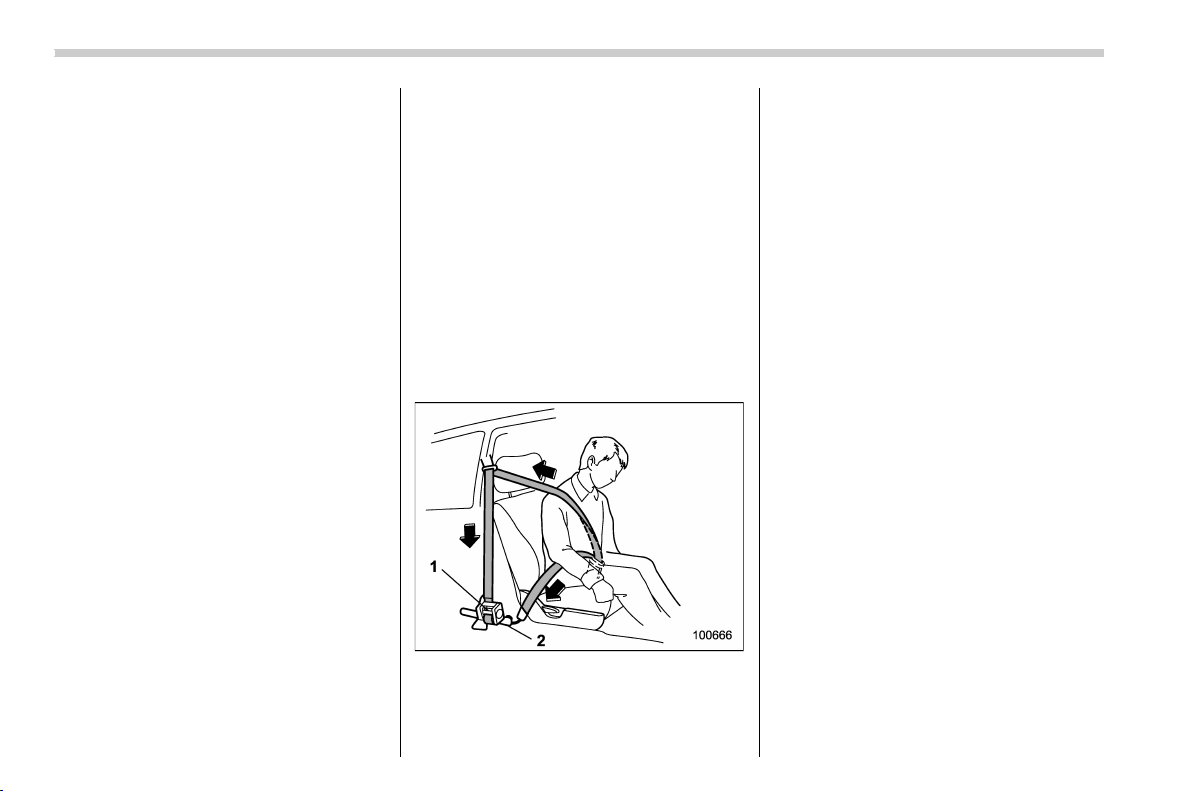
& Seatbelt with shoulder belt
pretensioner
NOTE
This section is applicable to the follow-
ing components.
. Driver’s seatbelt
Front seatbelt pretensioner
The pretensioner sensor also serves as
follows.
. SRS frontal airbag sensor
– CONTINUED –
Seat, seatbelt and SRS airbags/Seatbelt pretensioners
1-21
1
(52,1)
北米Model "A1320BE-C" EDITED: 2017/ 10/ 10
. Side impact sensor
. Front door impact sensor
. Rollover sensor
If the sensor detects a certain predeter-
mined amount of force during frontal or
side collisions or rollover accidents, any
seatbelt that has a seatbelt pretensioner is
quickly drawn back in by the retractor to
take up the slack so that the belt more
effectively restrains the seat occupant.
The driver’s seatbelt pretensioner includes
a tension reducing device which limits the
peak forces exerted by the seatbelt on the
occupant in the event of a collision.
When a seatbelt pretensioner is activated,
an operating noise will be heard and a
small amount of smoke will be released.
These occurrences are normal and not
harmful. This smoke does not indicate a
fire in the vehicle.
Once the seatbelt pretensioner has been
activated, the seatbelt retractor remains
locked. Consequently, the seatbelt can not
be pulled out and retracted and therefore
must be replaced.
! In cases of rollover accident, frontal
collisions or side collisions, the
following components will operate
simultaneously
For details, refer to “ In cases of rollover
accident, frontal collisions or side colli-
sions, the following components will oper-
ate simultaneously” F1-23.
& Seatbelt with shoulder belt
and lap belt pretensioners
NOTE
This section is applicable to the front
passenger’s side seatbelt.
1) Seatbelt retractor assembly (shoulder
belt pretensioner and adaptive force
limiter)
2) Lap belt pretensioner
On the f ront passenger ’sside,the
shoulder belt pretensioner is supplemen-
ted by a lap belt pretensioner, which is
located at the base of the center pillar. Like
the shoulder belt pretensioner, the lap belt
pretensioner instantaneously pulls in the
belt to eliminate slack if a certain level of
frontal collision force is detected. As a
result, the seatbelt restrains the front seat
occupant more effectively.
The front passenger’s seatbelt p reten-
sioner includes a tension reducing device
which limits the peak forces exerted by the
seatbelt on the occupant in the event of a
collision.
The adaptive force limiter will select a
reducing load to the suit body size of
occupant as detected by the occupant
detection sensor.
When a seatbelt pretensioner is activated,
an operating noise will be heard and a
small amount of smoke will be released.
These occurrences are normal and not
harmful. This smoke does not indicate a
fire in the vehicle.
Once the seatbelt pretensioner has been
activated, the seatbelt pretensioner re-
mains locked. Consequently, the seatbelt
cannot be pulled out and retracted and
therefore must be replaced.
Seat, seatbelt and SRS airbags/Seatbelt pretensioners
1-22
(53,1)
北米Model "A1320BE-C" EDITED: 2017/ 10/ 10
! In cases of rollover accident, frontal collisions or side collisions, the following components will operate simultaneously
Driver’s side
seatbelt pre-
tensioner
Front passen-
ger’s side
shoulder belt
pretensioner
Front passen-
ger’s side lap
belt preten-
sioner
SRS frontal
airbag for dri-
ver
SRS frontal
airbag for front
passenger
SRS curtain
airbags
SRS side air-
bags
Rollover accidents ** –––
*
both sides
–
Frontal collisions
*****
*1
––
Offset frontal
collisions
*****
*1
*
both sides
–
Side collisions *
*3
*
*4
–––
*
impacted side
*
*2
impacted side
Rear impact –––––––
Minor impact ––––––
–
*: Activated
–: Not activated
*1: This does not operate if the occupant detection system deactivates airbag operation.
*2: When both the satellite safing sensor and any of the center pillar impact sensors/front door impact sensors sense an impact force.
*3: When both the satellite safing sensor and the driver’s side front door impact sensor sense an impact force.
However, when a center pillar impact sensor detects a signal faster than the front door impact sensor, or both sensors detect signals simultaneously, the
seatbelt pretensioner does not activate.
*4: When both the satellite safing sensor and the front passenger’s side front door impact sensor sense an impact force.
However, when a center pillar impact sensor detects a signal faster than the front door impact sensor, or both sensors detect signals simultaneously, the
seatbelt pretensioner does not activate.
– CONTINUED –
Seat, seatbelt and SRS airbags/Seatbelt pretensioners
1-23
1
(54,1)
北米Model "A1320BE-C" EDITED: 2017/ 10/ 10
& System monitors
A diagnostic system continually monitors
the readiness of the seatbelt pretensioner
while the vehicle is being driven. The
seatbelt pretensioners share the control
module with the SRS airbag system.
Therefore, if any malfunction occurs in a
seatbelt pretensioner, the SRS airbag
system warning light will illuminate. For
details, ref er to “SRS airbag system
monitors” F1-66.
& System servicing
WARNING
. When discarding a seatbelt re-
tractor assembly or scrapping
the entire vehicle damaged by a
collision, consult your SUBARU
dealer.
. Tampering with or disconnecting
the system’s wiring could result
in accidental activation of th e
seatbelt pretensioner and/or
SRS airbag or could make the
system inoperative, which may
result in serious injury. Do not
use electrical test equipment on
any circuit related to the seatbelt
pretensioner and SRS airbag sys-
tems. For required servicing of
the seatbelt pretensioner, con-
sult your nearest SUBARU deal-
er.
CAUTION
The sensors and SRS airbag control
modules are located in the following
locations.
. Front sub sensors: on both the
right and left side at the front of
the vehicle
. Front door impact sensors: on
both front doors
. Satellite safing sensor: under the
rear center seat
. SRS airbag control module (in-
cluding the impact sensors): un-
der the center of the instrument
panel
If you need service or repair in those
areas or near the front seatb elt
retractors, have the work performed
by your authorized SUBARU dealer.
NOTE
If the front or side part of the vehicle is
damaged in an accident to the extent
that the seatbelt pretensioner does not
operate, contact your SUBARU dealer
as soon as possible.
& Precautions against vehicle
modification
Always consult your SUBARU dealer if you
want to install any accessory parts to your
vehicle.
CAUTION
Do not perform any of the following
modifications. Such modifications
can interfere with proper operation
of the seatbelt pretensioners.
. Attachment of any equipment
(bush bar, winches, snow plow,
skid plate, etc.) other than genu-
ine SUBARU accessory parts to
the front end.
. Modification of the suspension
system or front end structure.
. Installation of a tire of different
size and construction from the
tires specified on the vehicle
placard attached to the driver’s
door pillar or specified for indivi-
dual vehicle models in this Own-
er’s Manual.
Seat, seatbelt and SRS airbags/Seatbelt pretensioners
1-24
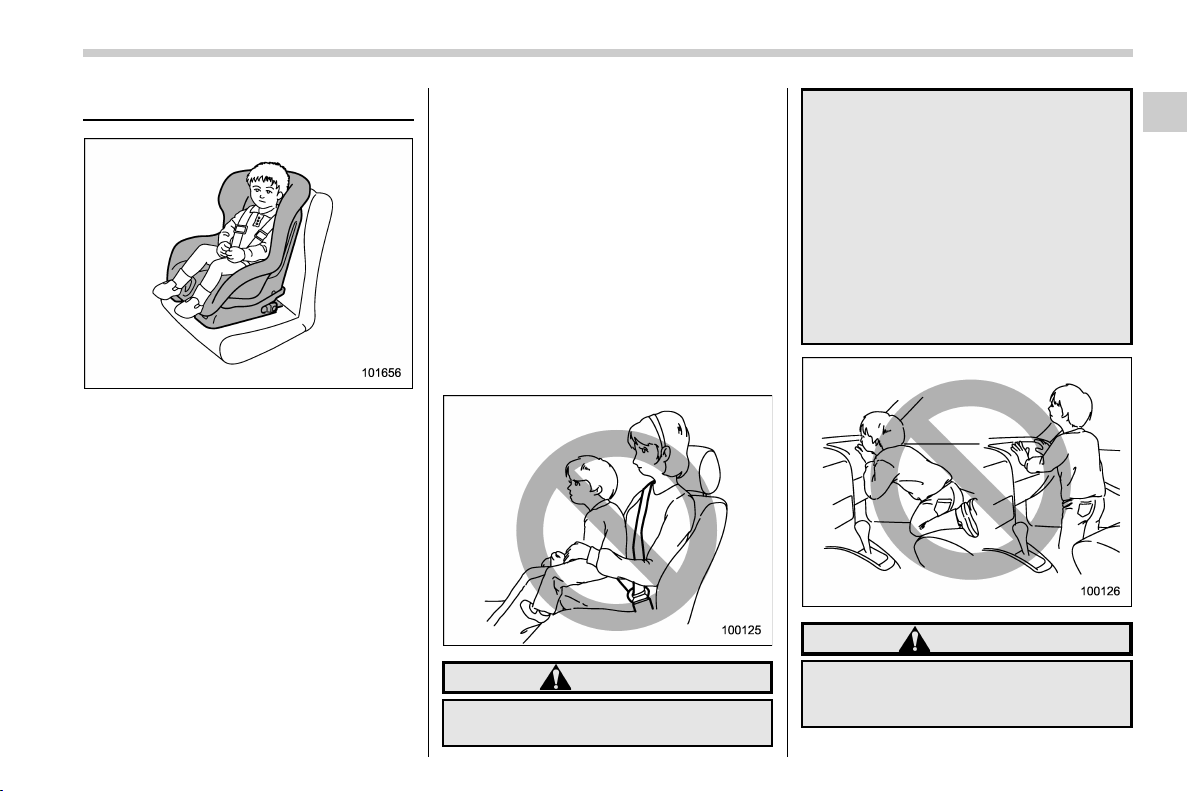
(55,1)
北米Model "A1320BE-C" EDITED: 2017/ 10/ 10
Child restraint systems
Infants and small children should always
be placed in an infant or child restraint
system in the rear seat while riding in the
vehicle.
You should use an infant or child restraint
system that meets Federal Motor Vehicle
Safety Standards or Canada Motor Vehi-
cle Safety Standards, is compatible with
your vehicle and is appropriate for the
child’s age and size.
All child restraint systems are designed to
be secured in vehicle seats by lap belts or
the lap belt portion of a lap/shoulder belt
(except those described in “Installation of
child restraint systems by use of lower and
tether anchorages (LATCH)” F1-33).
Children cou ld be endan gered in an
accident if their child restraints are not
properly secured in the vehicle. When
installing the child restraint system, care-
fully follow the manufacturer’s instructions.
According to accident statistics, children
are safer when properly restrained in the
rear seating positions than in the front
seating positions.
All U.S. states and Canadian provinces
require that infants and small children be
restrained in an approved child restraint
system at all times while the vehicle is
moving.
WARNING
Never let a passenger hold a child on
his or her lap or in his or her arms
while the vehicle is moving. The
passenger cannot protect the child
from injury in a collision, because
the child will be caught between the
passenger and objects inside the
vehicle.
Additionally, holding a child in your
lap or arms in the front seat exposes
that child to another serious danger.
Since the SRS airbag deploys with
considerable speed and force, the
child could be injured or even killed.
WARNING
Children should be properly re-
strained at all times. Never allow a
child to stand up, or to kneel on any
– CONTINUED –
Seat, seatbelt and SRS airbags/Child restraint systems
1-25
1
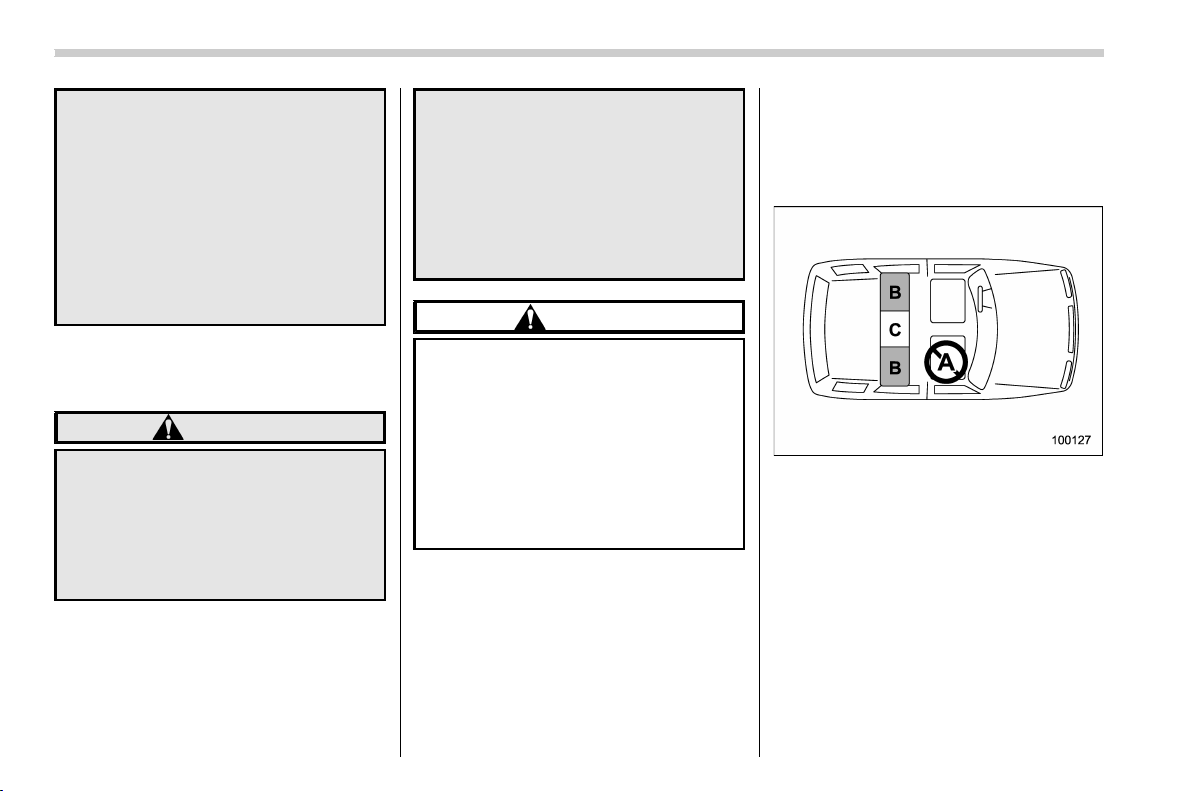
(56,1)
北米Model "A1320BE-C" EDITED: 2017/ 10/ 10
seat. Unrestrained children will be
thrown forward during sudden stop
or in an accident and can be injured
seriously.
Additionally, children standing up or
kneeling on or in front of the front
seat are exposed another serious
danger. Since the SRS airbag de-
ploys with considerable speed and
force, the child could be injured or
even killed.
& Safety tips for installing child
restraint systems
WARNING
. Child restraint systems and seat-
belts can become hot in a vehicle
that has been closed up in sunny
weather; they could burn a small
child. Check the child restraint
system before you place a child
in it.
. Do not leave an unsecured child
restraint system in your vehicle.
Unsecured child restraint sys-
tems can be thrown around in-
side of the vehicle in a sudden
stop, turn or accident; they can
strike and injure vehicle occu-
pants as well as result in serious
injuries or death to the child.
CAUTION
When you install a child restraint
system, follow the manufacturer’s
instructions supplied with it. After
installing the child restraint system,
check to ensure that it is held
securely in position. If it is not held
tight and secure, the danger of your
child suffering personal injury in the
event of an accident may b e in-
creased.
& Where to place a child re-
straint system
The following are SUBARU’s recommen-
dations on where to place a child restraint
system in your vehicle.
A: Front passenger’s seat
You should not install a child restraint
system (including a booster seat) due to
the hazard to children posed by the
passenger’s airbag.
B: Rear seat, window-side seating
positions
Recommended positions for all types of
child restraint systems.
In these positions, the following equipment
is provided for installing a child restraint
system.
Seat, seatbelt and SRS airbags/Child restraint systems
1-26
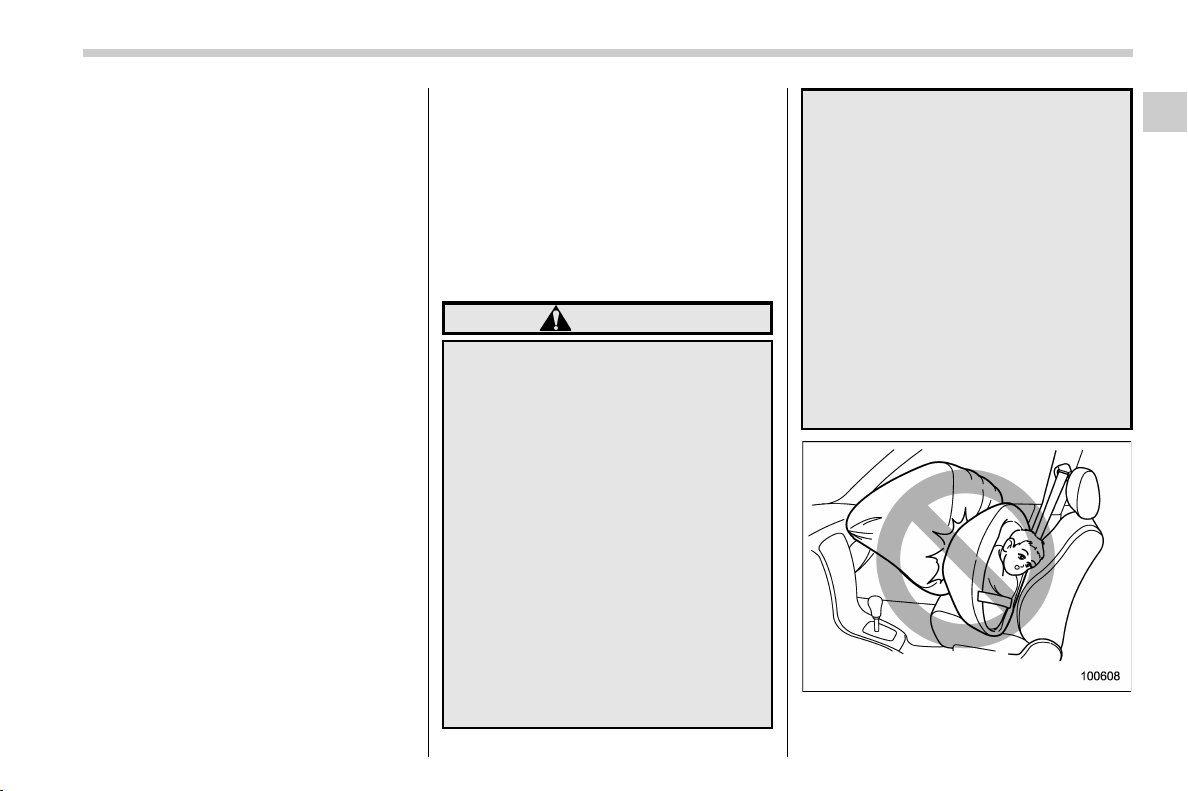
(57,1)
北米Model "A1320BE-C" EDITED: 2017/ 10/ 10
. Automatic Lockin g Retractor/Emer-
gency Locking Retractor (ALR/ELR) seat-
belts
. Lower anchorages (bars)
. Upper anchorages (tether anchorages)
Some types of child restraints might not be
able to be secured firmly due to projection
of the seat cushion.
In this seating position, you should use
only a child restraint system that has a
bottom base that fits snugly against the
contours of the seat cushion and can be
securely retained using the seatbelt.
C: Rear seat, center seating position
The ALR/ELR seatbelt and an upper
anchorage (tether anchorage) are pro-
vided in this position.
Some types of child restraints might not be
able to be secured firmly due to projection
of the seat cushion.
In this seating position, you should use
only a child restraint system that has a
bottom base that fits snugly against the
contours of the seat cushion and can be
securely retained using the seatbelt.
When you install a child restraint system in
the rear seat’s center seating position,
raise the center head restraint.
Lower anchorages (bars) for window-side
seating positions may be used for a seat in
thecenterseatingpositionifachild
restraint system manufacturer’s instruc-
tions permit and specify using anchors as
far apart as those in this vehicle.
If a child restraint system is not correctly
fixed in place (for example, if a child
restraint system can be moved more than
1 inch (2.5 cm) from side to side), you
should install the child restraint system in a
rear seat, window-side seating position.
WARNING
. Even with advanced airbags, chil-
dren can be seriously injured by
the airbag. Place children in the
rear seat properly restrained at
all times. The SRS airbag deploys
with considerable speed and
force and can injure or even kill
children, especially if they are not
restrained or improperly re-
strained. Beca use children are
lighter and weaker than adults,
their risk of being injured from
deployment is greater.
For that reason, be sure to secure
ALL types of child restraint de-
vices (including forward facing
child seats) in the REAR seats at
all times. You should choose a
restraint device which is appro-
priate for the child’s age, height
and weight. According to acci-
dent statistics, children are safer
when properly restrained in the
rear seating positions than in the
front seating positions.
. Do not use lower anchorages
(bars) for a seat in the center
seating position unless a child
restraint system manufacturer’s
instructions permit and specify
using anchors spaced as far
apart as those in this vehicle.
. Do not connect two or more lower
hooks onto the same anchorage
(bar).
– CONTINUED –
Seat, seatbelt and SRS airbags/Child restraint systems
1-27
1
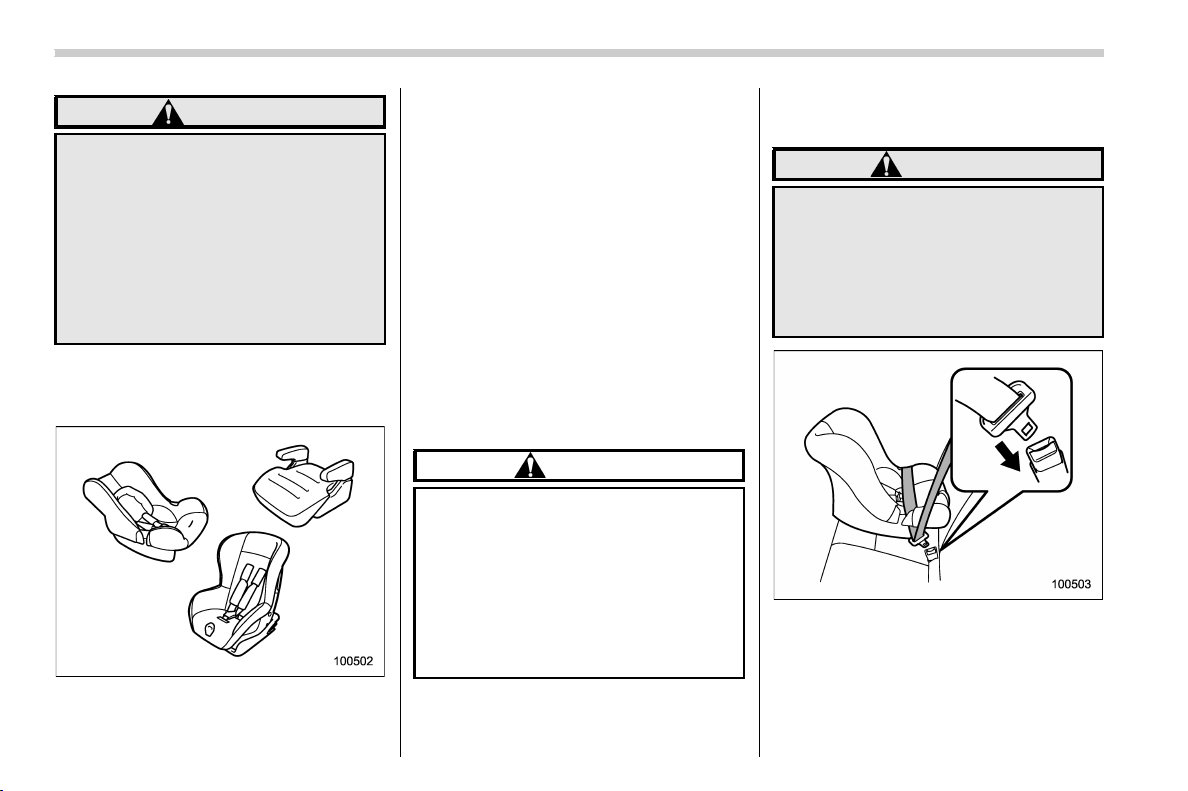
(58,1)
北米Model "A1320BE-C" EDITED: 2017/ 10/ 10
WARNING
SINCE YOUR VEHICLE IS
EQUIPPED WITH A PASSENGER’S
SRS AIRBAG, NEVER INSTALL A
FORWARD OR REARWARD FACING
CHILD SAFETY SEAT IN THE FRONT
PASSENGER’S SEAT. DOING SO
RISKS SERIOUS INJURY OR DEATH
TO THE CHILD BY PLACING THE
CHILD’S HEAD TOO CLOSE TO THE
SRS AIRBAG.
& Choosing a child restraint
system
Choose a child restraint system that is
appropriate for the child’s age and size
(weight and height) in order to provide the
child with proper protection. The child
restraint system should meet all applicable
requirements of Federal Motor Vehicle
Safety Standards for the United States or
of Canada Motor Vehicle Safety Standards
for Canada. It can be identified by looking
for the label on the child restraint system or
the manufacturer’s statement of compli-
ance in the document attached to the
system.
Also it is important for you to make sure
that the child restraint system is compa-
tible with the vehicle in which it will be
used.
& Installing child restraint sys-
tems with ALR/ELR seatbelt
CAUTION
When installing a child restraint
system in the rear center seating
position, set both seatbacks to the
original position. Otherwise, the
child restraint system cannot be
securely restrained, which may re-
sult in death or serious injuries in
the event of sudden stop, sudden
steering maneuver or an accident.
! Installing a rearward facing child
restraint
WARNING
NEVER INSTALL A FORWARD OR
REARWARD FACING CHILD SEAT IN
THE FRONT PASSENGER’S SEAT.
DOING SO RISKS SERIOUS INJURY
OR DEATH TO THE CHILD BY PLA-
CING THE CHILD’SHEADTOO
CLOSE TO THE SRS AIRBAG.
1. Shake the seatback slightly to confirm
that it is securely locked into place.
– Check the red colored unlocking
marker which is attached to the bottom
of the lock release knob is invisible. For
details, refer to “Folding down the rear
Seat, seatbelt and SRS airbags/Child restraint systems
1-28
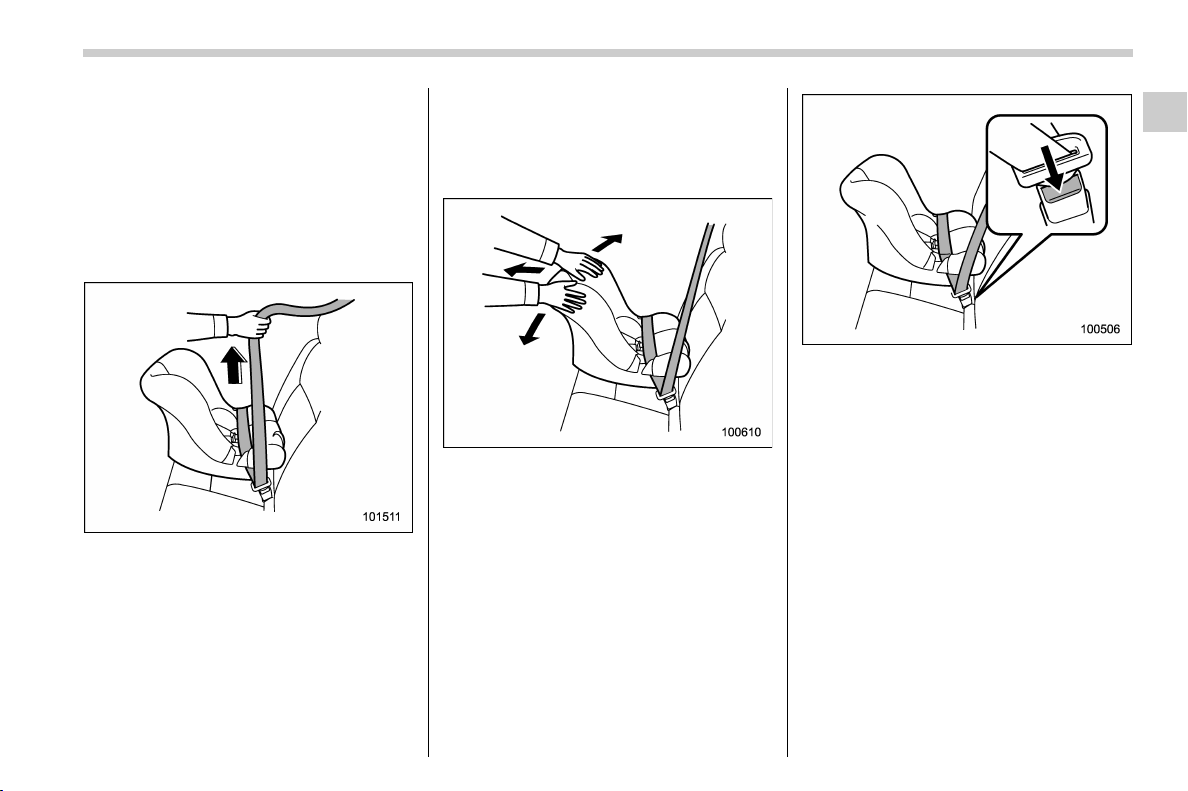
(59,1)
北米Model "A1320BE-C" EDITED: 2017/ 10/ 10
seatback” F1-6.
2. Place the child restraint system in the
rear seating position.
3. Run the lap and shoulder belt through
or around the child restraint system follow-
ing the instructions provided by its manu-
facturer.
4. Insert the tongue plate into the buckle
until you hear a click.
5. Take up the slack in the lap belt.
6. If using the seatbelt in the ALR mode is
recommended by the manufacturer’s in-
structions supplied with the child restraint
system, perform the following procedure.
(1) Pull out the seatbelt fully from the
retractor to change the retractor over from
the Emergency Locking Retractor (ELR) to
the Automatic Locking Retractor (ALR)
mode.
(2) Allow the belt to rewind into the
retractor. As the belt is rewinding, clicks
will be heard which indicate the retractor
functions as ALR.
7. Push and pull the child restraint system
forward and from side to side to check if it
is firmly secured. Sometimes a child
restraint can be more firmly secured by
pushing it down into the seat cushion and
then tightening the seatbelt.
8. If the seatbelt has been set to the ALR
mode in step 5, pull at the shoulder portion
of the belt to confirm that it cannot be
pulled out (ALR properly functioning).
9. To remove the child restraint system,
press the release button on the seatbelt
buckle and allo w the belt to retract
completely. The belt will retur n to the
ELR mode.
NOTE
When the child restraint system is no
longer in use, remove it and restore the
ELR function of the retractor. That
function is restored by allowing the
seatbelt to retract fully.
– CONTINUED –
Seat, seatbelt and SRS airbags/Child restraint systems
1-29
1
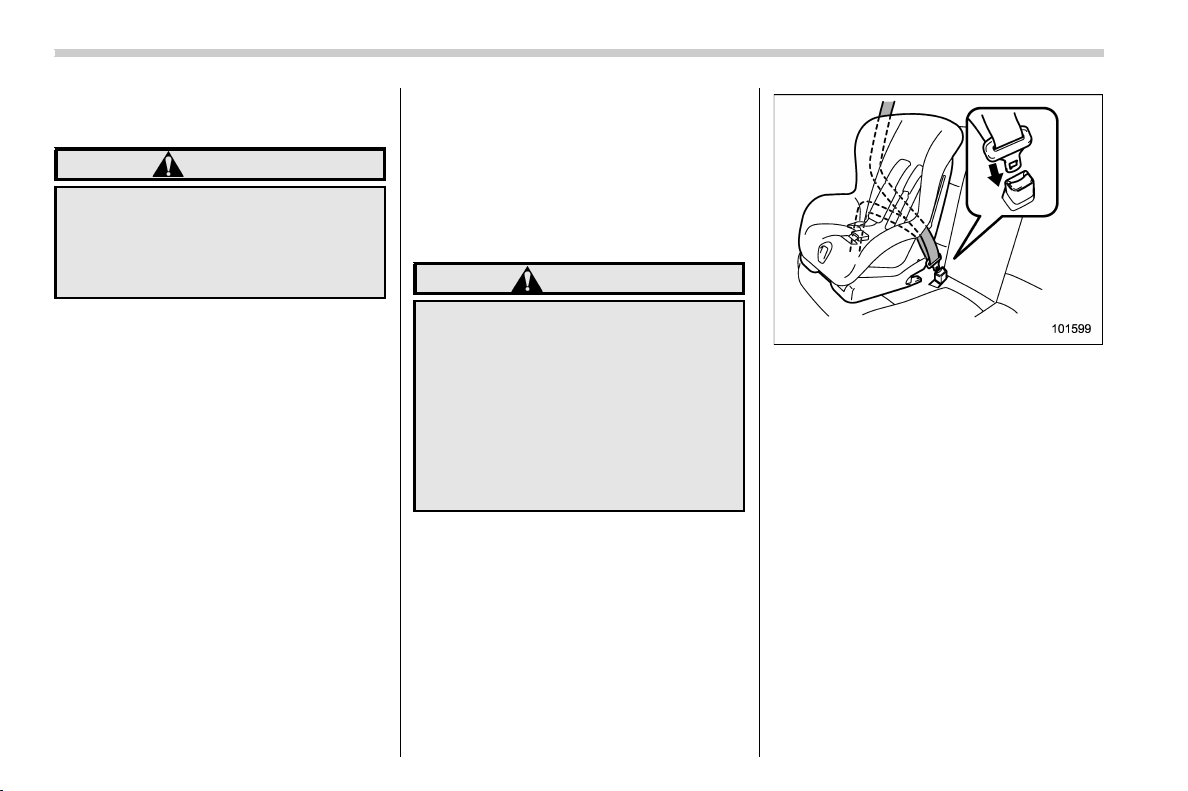
(60,1)
北米Model "A1320BE-C" EDITED: 2017/ 10/ 10
! Installing forward facing child re-
straint
WARNING
Before installing a child restraint
system, be sure to confirm that the
seatback is securely locked into
place. Otherwise, in an accident,
serious injury or death could result.
1. Shake the seatback slightly to confirm
that it is securely locked into place.
– Check the red colored unlocking
marker which is attached to the bottom
of the lock release knob is invisible. For
details, refer to “Folding down the rear
seatback” F1-6.
2. Prepare the rear seat head restraint
where a child restraint system is intended
to be installed in the following way.
– When a child restraint system is
installed on the window-side seating
position, remove the rear seat head
restraint. For details, refer to “Rear
seats” F1-9.
Store the head restraint in the cargo
area. Avoid placing the head restraint
in the passenger compartment to pre-
vent it from being thrown around in the
passenger compartment in a sudden
stop or a sharp turn.
– When a child restraint system is
installed on the rear center seating
position, raise the rear seat head
restraint to the extended position. Do
not remove the head restraint. For
details, refer to “Rear seats” F1-9.
3. Place the child restraint system in the
rear seating position.
WARNING
When you intend to install a child
restraint system on the rear center
seating position, if the child restraint
system does not fit snugly against
the contours of the rear center seat
cushion, install the child restraint
system on the window-side seating
position to be safe. For details, refer
to “Where to place a child restraint
system” F1-26.
4. Run the lap and shoulder belt through
or around the child restraint system follow-
ing the instructions provided by its manu-
facturer.
– When a child restraint system is
installed on the rear center seating
position, pass the rear center seatbelt
through the belt guide properly. For
details, refer to “Rear center seatbelt”
F1-17.
5. Insert the tongue plate into the buckle
until you hear a click.
Seat, seatbelt and SRS airbags/Child restraint systems
1-30
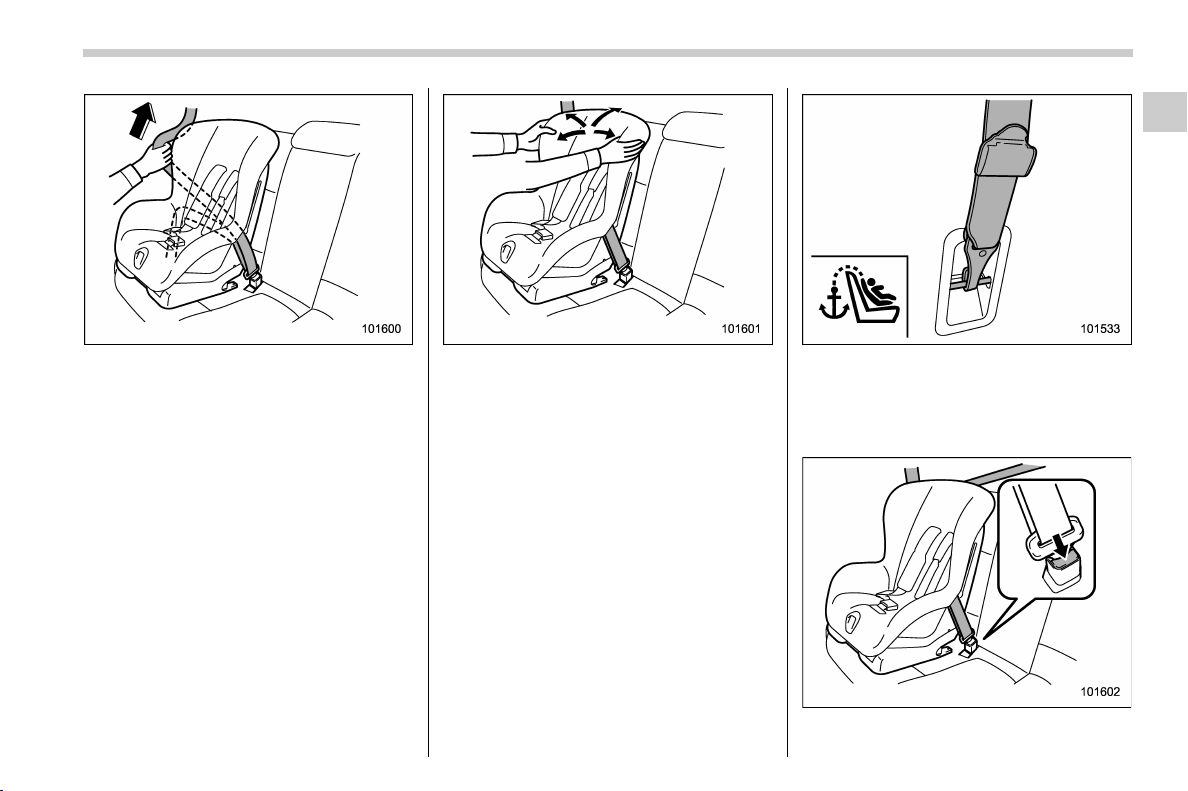
(61,1)
北米Model "A1320BE-C" EDITED: 2017/ 10/ 10
6. Take up the slack in the lap belt.
7. Pull out the seatbelt fully from the
retractor to change the retractor over from
the Emergency Locking Retractor (ELR) to
the Automatic Locking Retractor (ALR)
function. Then, allow the belt to rewind into
the retractor. As the belt is rewinding,
clicks will be heard which indicate the
retractor functions as ALR.
8. Before having a child sit in the child
restraint system, try to move it back and
forth and right and left to check if it is firmly
secured. Sometimes a child restraint
system can be more firmly secured by
pushing it down into the seat cushion and
then tightening the seatbelt.
9. Pull at the shoulder portion of the belt
to confirm that it cannot be pulled out (ALR
properly functioning).
10. Latch the top tether hook onto the
tether anchorage that is located behind the
rear seat and tighten the top tether firmly.
For additional instructions, refer to “To p
tether anchorages” F1-36.
11. To remove the child restraint system,
– CONTINUED –
Seat, seatbelt and SRS airbags/Child restraint systems
1-31
1
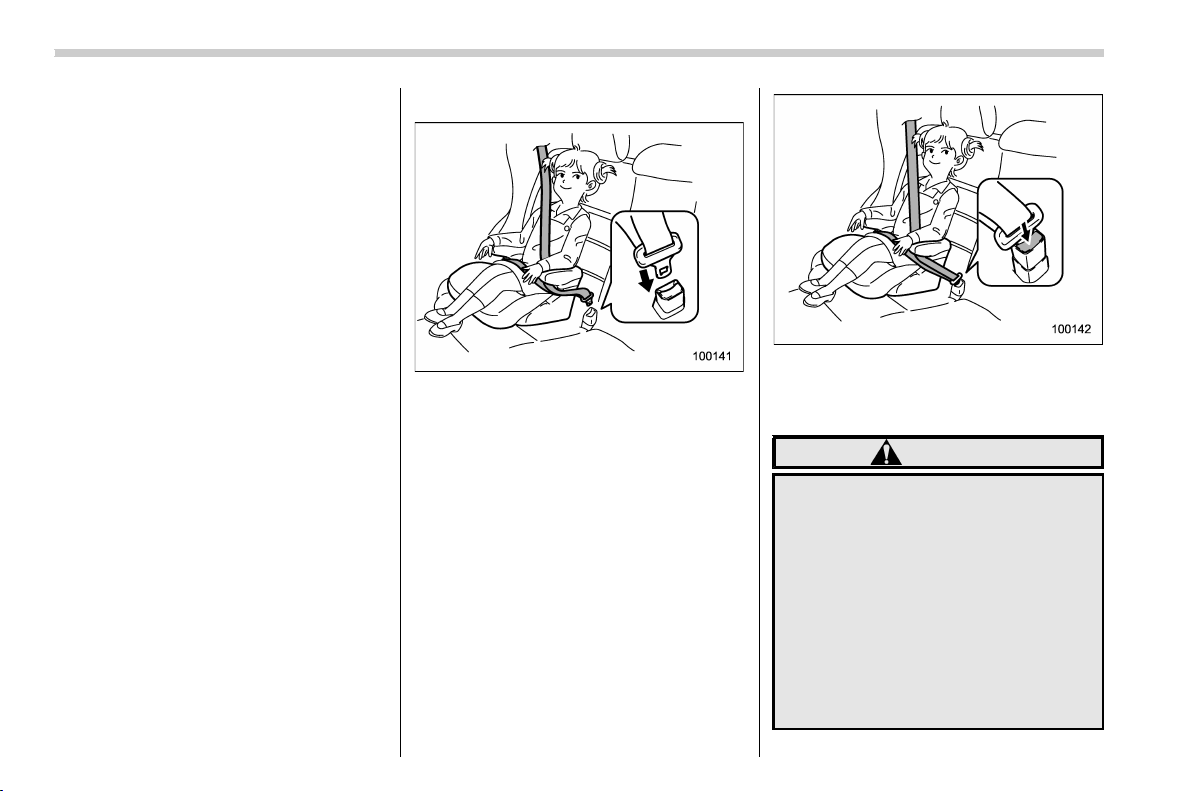
(62,1)
北米Model "A1320BE-C" EDITED: 2017/ 10/ 10
press the release button on the seatbelt
buckle and allow the belt to retract
completely. The belt will return to the
ELR mode.
If you h ave installed a child restraint
system for the rear center seating posi-
tion, when you remove the child restraint
system, the seatbelt may not be restored
to the ELR mode even if the seatbelt is
retracted. In this case, lower the head
restraint to the retracted position to allow
the seatbelt to retract moreover. The
seatbelt will return to the ELR mode.
Remember that the head restraint is not
intended to be used at the lowest position
(retracted position). Therefore, when the
rear center seat is occupied (including
when a child restraint system is installed)
next time, be sure to raise the head
restraint to the extended position.
NOTE
When the child restraint system is no
longer in use, remove it and restore the
ELR function of the retractor. That
function is restored by allowing the
seatbelt to retract fully.
& Installing a booster seat
1. Place the booster seat in the rear
seating position and sit the child on it.
The child should sit well bac k on the
booster seat.
2. Run the lap and shoulder belt through
or around the booster seat and the child
following the instructions provided by its
manufacturer.
3. Insert the tongue plate into the buckle
until you hear a click. Take care not to twist
the seatbelt.
Make sure the shoulder belt is positioned
across the center of child’s shoulder and
that the lap belt is positioned as low as
possible on the child’s hips.
4. To remove the booster seat, press the
release button on the seatbelt buckle and
allow the belt to retract.
WARNING
. Never use a belt that is twisted or
reversed. In an accident, this can
increase the risk or severity of
injury to the child.
. Never place the shoulder belt
under the child’s arm or behind
the child’s back. If an accident
occurs, this can increase the risk
or severity of injury to the child.
. The seatbelt should fit snugly in
order to provide full restraint.
Loose fitting belts are not as
Seat, seatbelt and SRS airbags/Child restraint systems
1-32
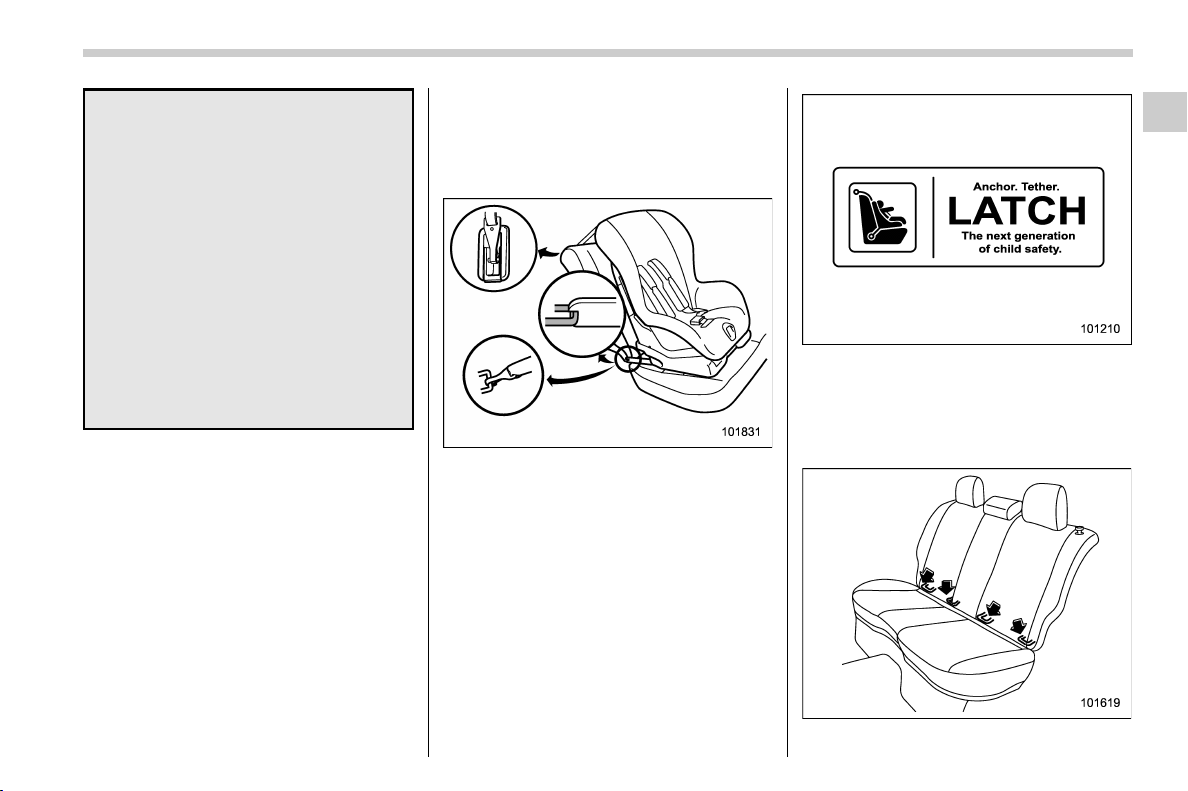
(63,1)
北米Model "A1320BE-C" EDITED: 2017/ 10/ 10
effective in preventing or redu-
cing injury.
. Placethelapbeltaslowas
possible on the child’s hips. A
high-positioned lap belt will in-
crease the risk of sliding under
the lap belt and of the lap belt
sliding up over the abdomen, and
both can result in serious internal
injury or death.
. Make sure the shoulder belt is
positioned across the center of
child’s shoulder. Placing the
shoulder belt over the neck may
result in neck injury during sud-
den braking or in a collision.
& Installation of child restraint
systems by use of lower and
tether anchorages (LATCH)
! Lower and tether anchorages
Some types of child restraint systems can
be installed on the rear seat of your vehicle
without use of the seatbelts. Such child
restraint systems are secured to the
designated anchorages provided on the
vehicle body. The lower and tether an-
chorages are sometimes referred to as the
LATCH system (Lower Anchors and
Tethers for CHildren).
Your vehicle is equipped with four lower
anchorages (bars) and three upper an-
chorages (tether anchorages) for accom-
modating such child restraint systems.
! Lower anchorages
– CONTINUED –
Seat, seatbelt and SRS airbags/Child restraint systems
1-33
1
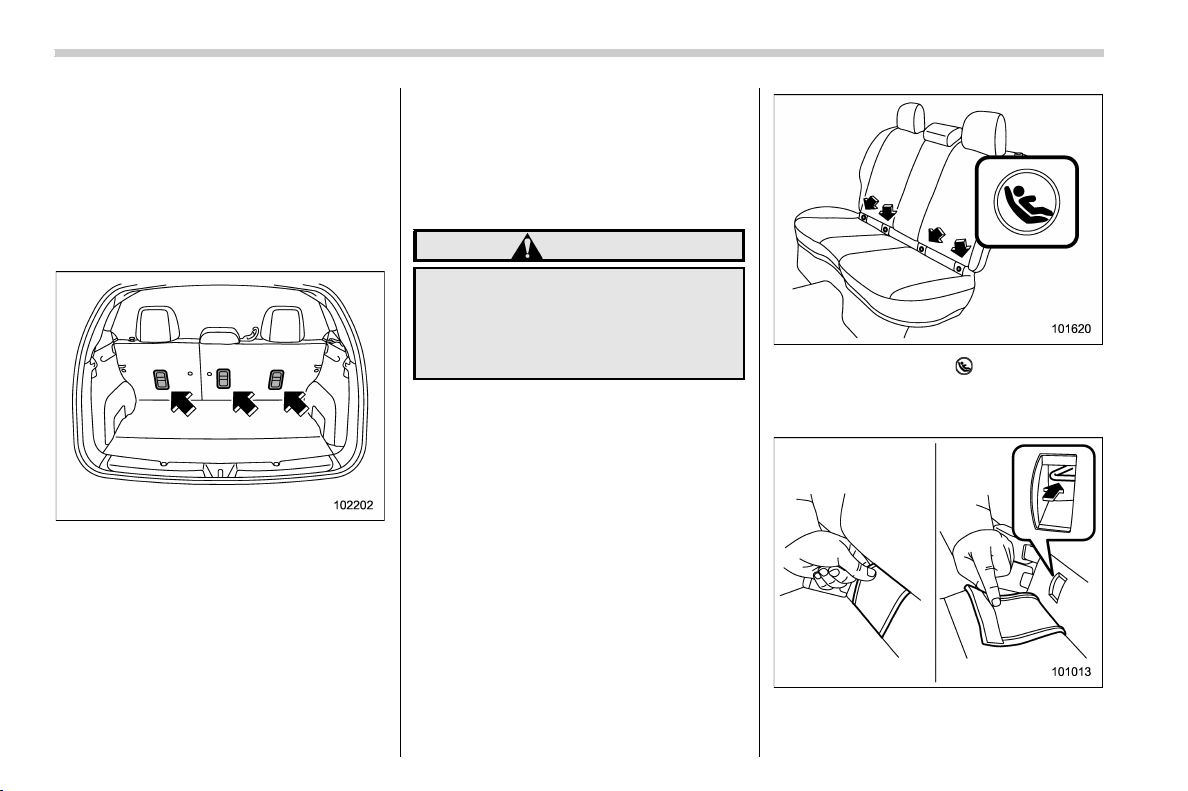
(64,1)
北米Model "A1320BE-C" EDITED: 2017/ 10/ 10
The lower anchorages (bars) are used for
installing a child restraint system only on
the rear seat window-side seating posi-
tions. For each window-side seating posi-
tion, two lower anchorages are provided.
Each lower anchorage is located where
the seat cushion meets the seatback.
! Tether anchorages
The tether anchorages (upper an-
chorages) are provided at the locations
shown in the above illustration. For details,
refer to “Top tether anchorages” F1-36.
! To install a child restraint system
using lower and tether an-
chorages
To install a child restraint system using
lower and tether anchorages, perform the
following procedure.
WARNING
Before installing a child rest raint
system, be sure to confirm that the
seatback is securel y locked into
place. Otherwise, in an accident,
serious injury or death could result.
1. Shake the seatback slightly to confirm
that it is securely locked into place.
– Check the red colored unlocking
marker which is attached to the bottom
of the lock release knob is invisible. For
details, refer to “Folding down the rear
seatback” F1-6.
2. You will find marks “ ” at the bottom of
the rear seat seatbacks. These marks
indicate the positions of the lower an-
chorages (bars).
Remove the covers and locate the lower
anchorages (bars).
Seat, seatbelt and SRS airbags/Child restraint systems
1-34
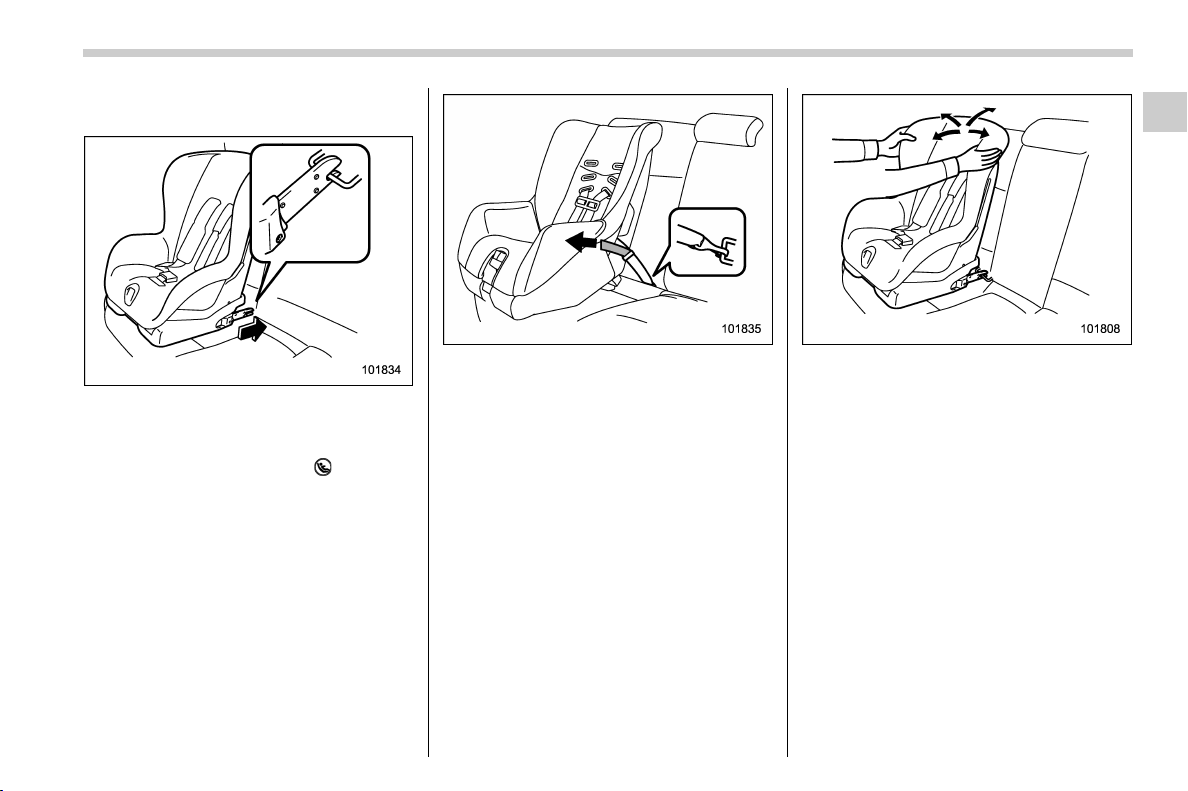
(65,1)
北米Model "A1320BE-C" EDITED: 2017/ 10/ 10
3. Remove the rear seat head restraint.
For details, refer to “Rear seats” F1-9.
4. While following the instructions sup-
plied by the child restraint system manu-
facturer, connect the lower hooks onto the
lower anchorages located at “
” marks on
the bottom of the rear seatback. When the
hooks are connected, make sure the
adjacent seatbelts are not caught.
5. [If your child restraint system is of a
flexible attachment type (which uses tether
belts to connect the child restraint system
properly to the lower anchorages)]
While pushing the child restraint into the
seat cushion, pull both left and right lower
tether belts up to secure the child restraint
system firmly by taking up the slack in the
belt.
6. Latch the top tether hook onto the
tether anchorage that is located behind the
rear seat and tighten the top tether firmly.
For additional instructions, refer to “To p
tether anchorages” F1-36.
7. Before seating a child in t he child
restraint system, try to move it back and
forth and right and left to verify that it is held
securely in position.
8. To remove the child restraint system,
follow the reverse procedures of installa-
tion.
If you have any question concerning this
type of child restraint system, ask your
SUBARU dealer.
– CONTINUED –
Seat, seatbelt and SRS airbags/Child restraint systems
1-35
1
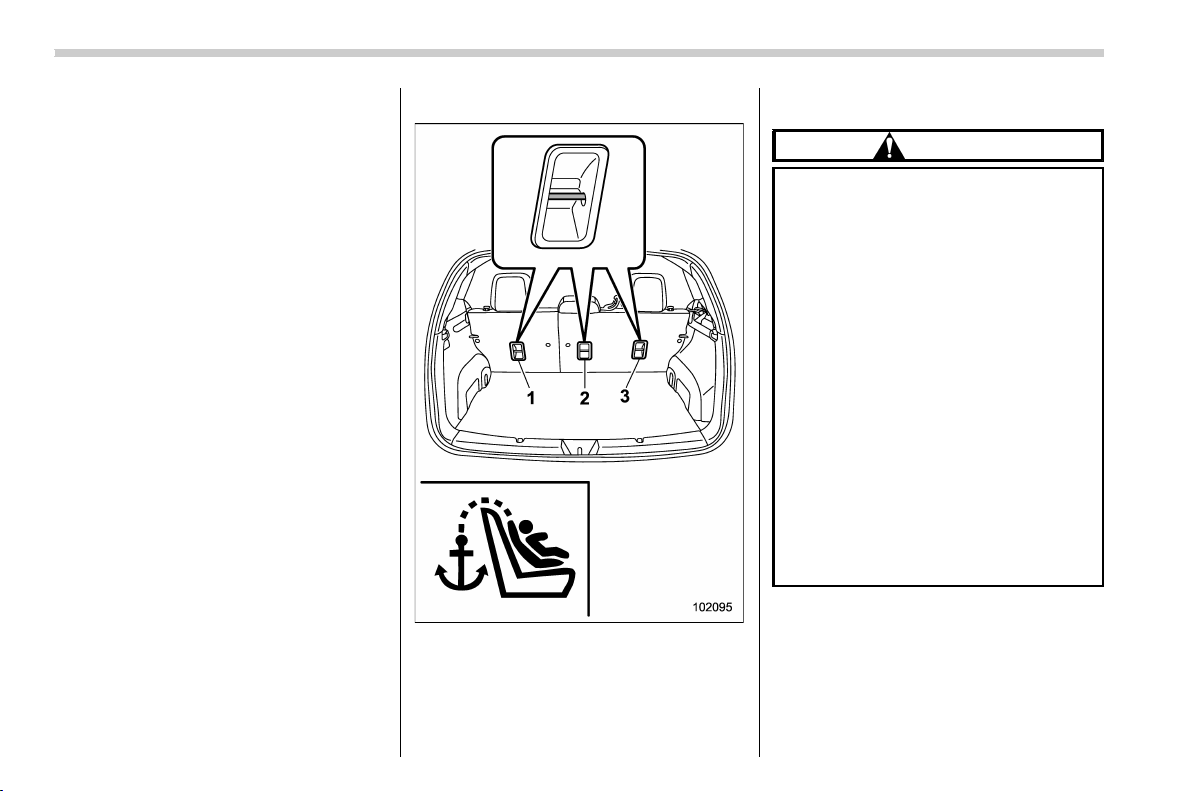
(66,1)
北米Model "A1320BE-C" EDITED: 2017/ 10/ 10
& Top tether anchorages
Your vehicle is equipped with three top
tether anchorages so that a child restraint
system having a top tether can be installed
in the rear seat. When installing a child
restraint system using top tether, proceed
as follows, while observing the instructions
by the child restraint system manufacturer.
Since a top tether can provide additional
stability by offering another connection
between a child restraint system and the
vehicle, we recommend that you use a top
tether whenever one is required or avail-
able.
! Anchorage location
1) For left seat
2) For center seat
3) For right seat
Three upper anchorages are installed on
the back side of the rear seatback.
! To hook the top tether
CAUTION
. Exc ept for the center seating
position, r emove the head re-
straint when mounting a child
restraint system. Otherwise, it
might be possible that the top
tether cannot be fastened tightly.
. For the center seating position,
raise the center head restraint to
the extended position when
mounting a child restraint sys-
tem. Otherwise, it will be impos-
sible to use the seatbelt guide
that is attached to the head
restraint correctly.
The seatbelt guide is essential for
routing the belt webbing at the
center seating position. For in-
formation about using the seat-
belt guide, refer to “Rear center
seatbelt” F1-17.
Seat, seatbelt and SRS airbags/Child restraint systems
1-36
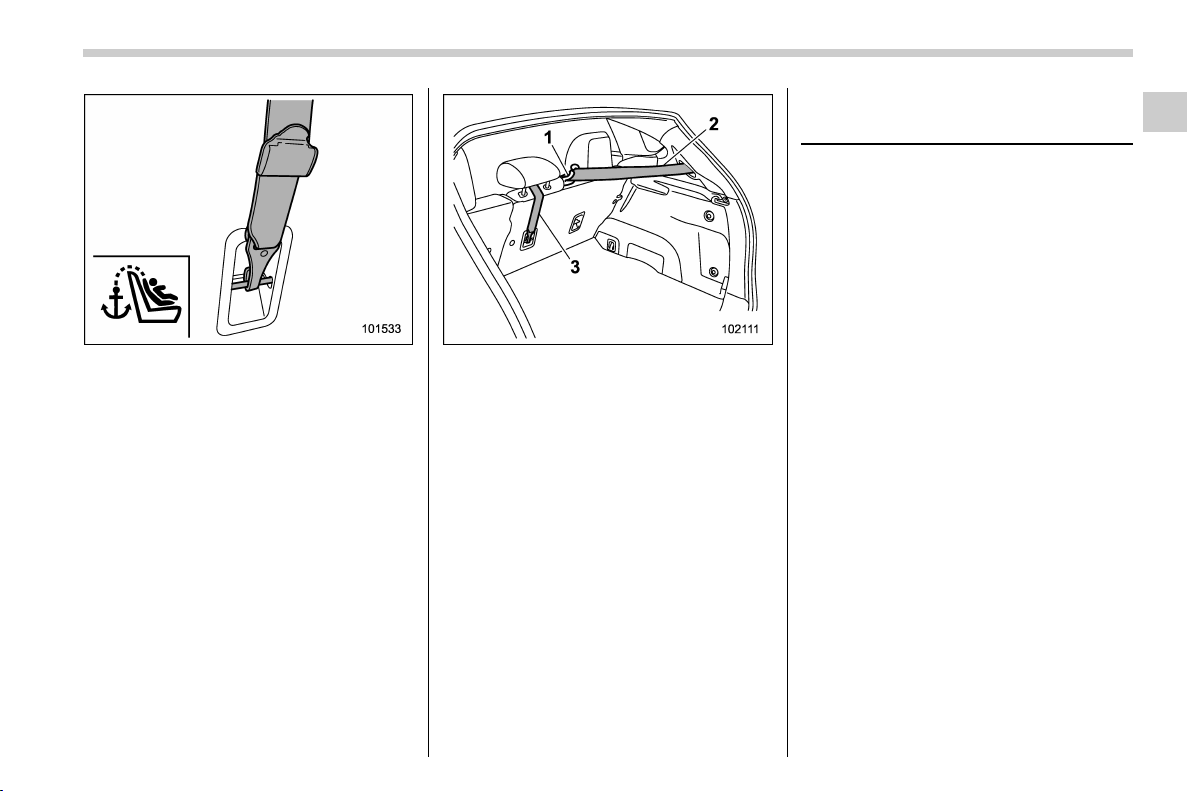
(67,1)
北米Model "A1320BE-C" EDITED: 2017/ 10/ 10
1. Attach the top tether hook to the
appropriate upper anchorage.
For the center seating position, route
the top tether under the head restraint as
illustrated below.
1) Seatbelt guide
2) Seatbelt of the center seating position
3) Top tether
2. Tighten the top tether securely.
Please contact your SUBARU dealer if you
have any question regarding the installa-
tion of a child restraint system.
*SRS airbag (Supplemental
Restraint System airbag)
*SRS: This stands for supplemental re-
straint system. This name is used because
the airbag system supplements the vehi-
cle’s seatbelts.
Your vehicle is equipped with a supple-
mental restraint system in addition to a lap/
shoulder belt at each front seating position
and each rear window-side seating posi-
tions. The supplemental restraint system
(SRS) consists of seven airbags.
The configurations are as follows.
. Driver’s and front passenger’s frontal
airbags
. Driver’s and front passenger’s side
airbags
. Curtain airbags (for driver, front pas-
senger, and window-side rear passen-
gers)
. Knee airbag for driver
These SRS airbags are designed only
as a supplement to the primary protec-
tion provided by the seatbelt.
The system also controls front seatbelt
pretensioners. For operation instructions
and precautions concerning the seatbelt
pretensioner, refer to “Seatbelt preten-
sioners” F1-21.
– CONTINUED –
Seat, seatbelt and SRS airbags/SRS airbag (Supplemental Restraint System airbag)
1-37
1
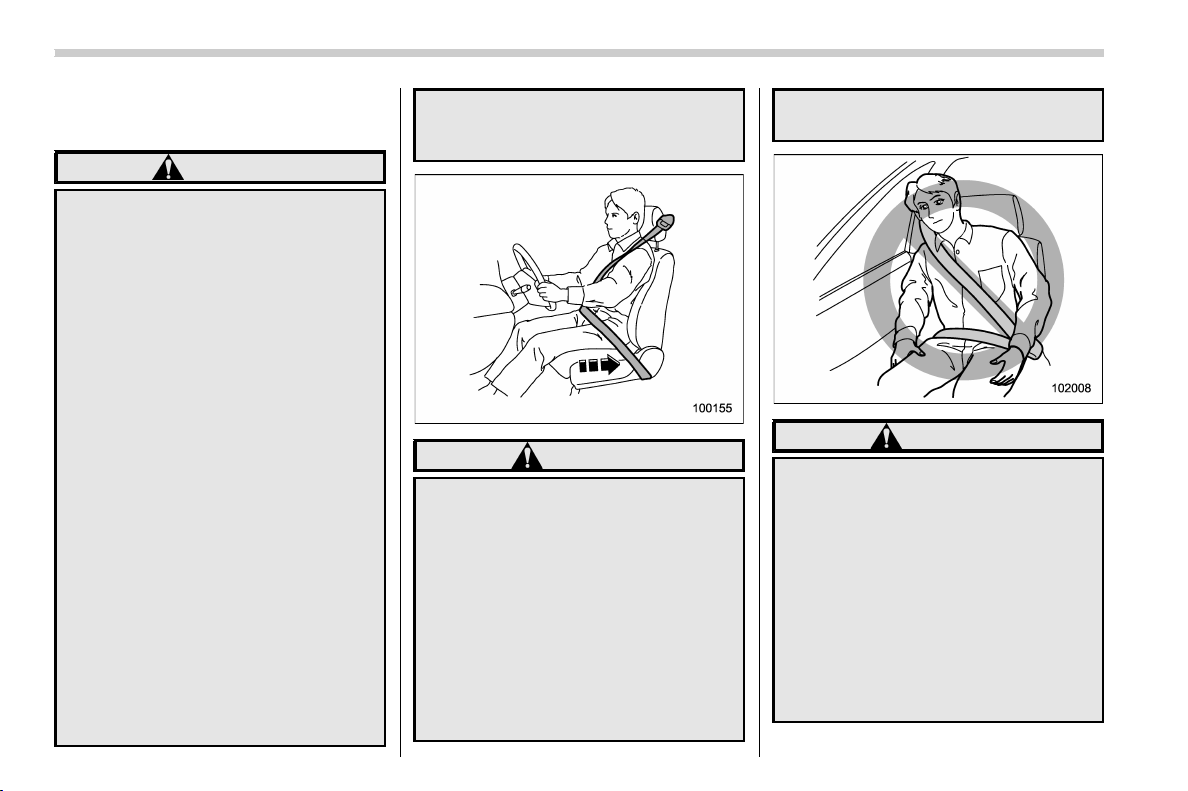
(68,1)
北米Model "A1320BE-C" EDITED: 2017/ 10/ 10
& General precautions regard-
ing SRS airbag system
WARNING
. To obtain maximum protection in
the event of an accident, the
driver and all passengers must
always wear seatbelts when in
the vehicle. The SRS airbag is
designed only to be a supplement
to the primary protection pro-
vided by the seatbelt. It does not
eliminate the need to fasten seat-
belts. In combination with the
seatbelts, it offers the best com-
bined protection in case of a
serious accident.
Not wearing a seatbelt increases
the chance of severe injury or
death in a crash even when the
vehicle has the SRS airbag.
For instructions and precautions
concerning the seatbelt system,
refer to “Seatbelts” F1-12.
. The SRS side airbag and SRS
curtain airbag are designed only
to be a supplement to the primary
protection provided by the seat-
belt. They do not eliminate the
need to fasten seatbelts. It is also
important to wear your seatbelt to
help avoid injuries that can result
when an occupant is not seated
in a proper upright position.
WARNING
. The SRS airbags deploy with
considerable speed and force.
Occupants who are out of proper
position when the SRS airbag
deploys could suffer very serious
injuries. Because the SRS airbag
needs enough space for deploy-
ment, the driver should always sit
upright and well back in the seat
as far from the steering wheel as
practical while still maintaining
full vehicle control and the front
passenger should move the seat
as far back as possible and sit
upright and well back in the seat.
WARNING
. Do not sit or lean unnecessarily
close to either front door. The
SRS side airbags are stored in
both front seat seatbacks next to
the door, and they provide pro-
tection by deploying rapidly (fas-
ter than the blink of an eye) in the
event of a side impact or frontal
collision. However, the force of
SRS side airbag deployment may
cause injuries if your head or
other parts of the body are too
close to the SRS side airbag.
Seat, seatbelt and SRS airbags/SRS airbag (Supplemental Restraint System airbag)
1-38
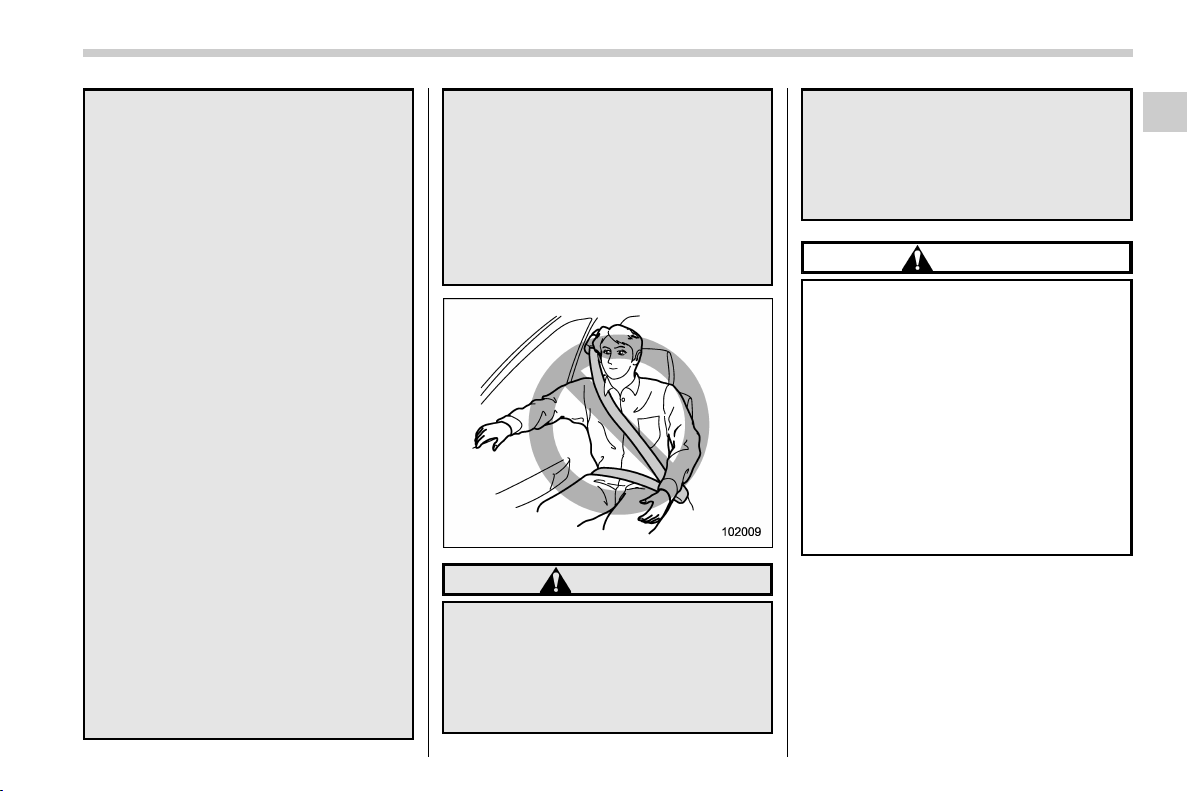
(69,1)
北米Model "A1320BE-C" EDITED: 2017/ 10/ 10
. Since your vehicle is equipped
with SRS curtain airbags, do not
sit or lean unnecessarily close to
the front or rear door on either
side. Also, do not put your head,
arms or hands out of the window.
The SRS curtain airbags on both
sides of the cabin are stored in
the roof side (between the front
pillar and a point behind the rear
quarter glass), and they provide
protection by deploying rapidly
(faster than the blink of an eye) in
the event of a side impact, roll-
over or an offset frontal collision.
However, the force of its deploy-
ment may cause injuries if your
head is too close to it.
. Do not sit or lean unnecessarily
close to the SRS airbag. Because
the SRS airbag deploys with
considerable speed – faster than
the blink of an eye – and force to
protect in high speed collisions,
the force of an airbag can injure
an occupant whose body is too
close to SRS airbag.
It is also important to wear your
seatbelt to help avoid injuries
that can result when the SRS
airbag contacts an occupant not
in proper position such as one
thrown forward during pre-acci-
dent braking.
Even when properly positioned,
there remains a possibility that
an occupant may suffer minor
injury such as abrasions and
bruises to the face or arms be-
cause of the SRS airbag deploy-
ment force.
WARNING
. Do not rest your arm on either
front door or its internal trim. You
could be injured in the event of
SRS side airbag deployment.
. Do not place any objects over or
near the SRS airbag cover or
between you and the SRS airbag.
If the SRS airbag deploys, these
objects could interfere with its
proper operation and could be
propelled inside the vehicle,
causing injury.
CAUTION
. When the SRS airbag deploys,
some smoke will be released.
This smoke could cause breath-
ing problems for people with a
history of asthma or other breath-
ing trouble. If you or your pas-
sengers have breathing pro-
blems after SRS airbag deploys,
get fresh air promptly.
. A deploying SRS airbag releases
hot gas. Occupants could get
burned if they come into direct
contact with the hot gas.
NOTE
. When you sell your vehicle, we urge
you to inform the buyer that the vehicle
is equipped with SRS airbags. Also,
notify the buyer of the applicable sec-
tion in this Owner’s Manual.
. If the SRS airbag deploys, fuel
supply will be cut off to reduce the risk
– CONTINUED –
Seat, seatbelt and SRS airbags/SRS airbag (Supplemental Restraint System airbag)
1-39
1
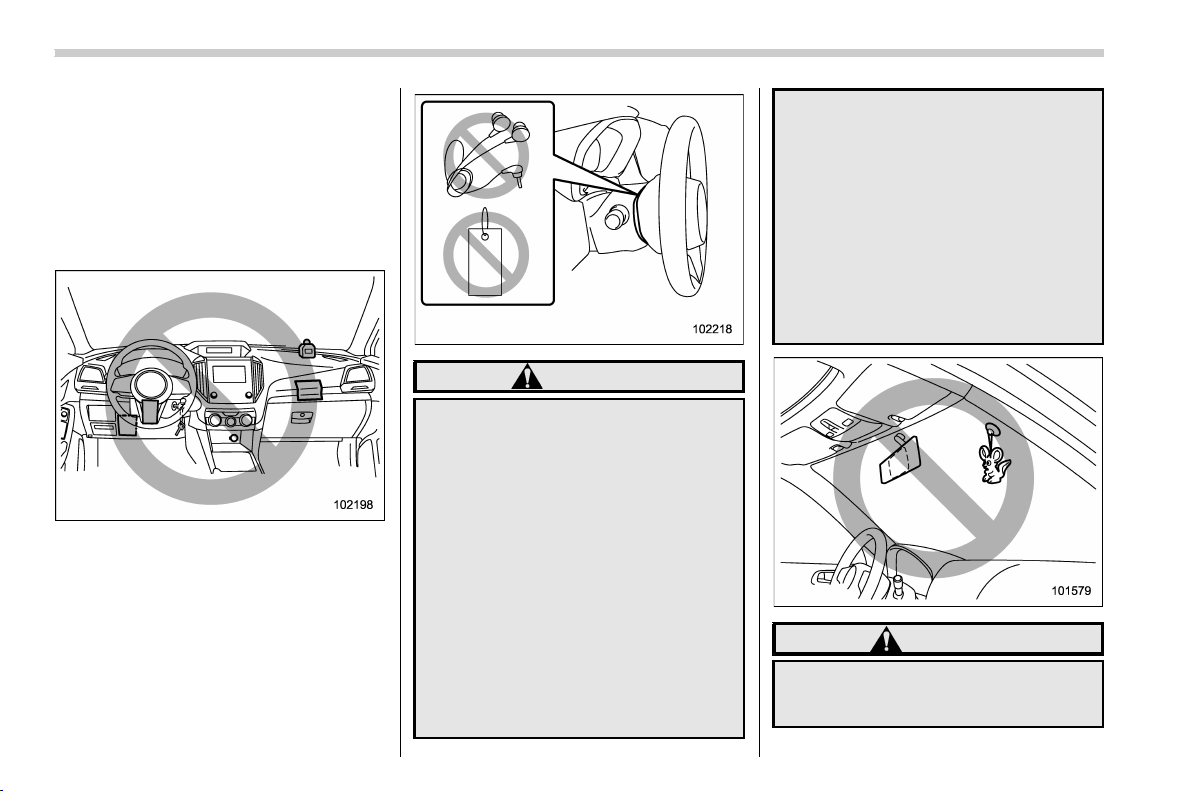
(70,1)
北米Model "A1320BE-C" EDITED: 2017/ 10/ 10
of fire caused by leaking fuel. For
details about restarting of the engine,
refer to “If your vehicle is involved in an
accident” F9-20.
& General precautions regard-
ing SRS airbag system for
accessories and any objects
WARNING
. Do not put any objects (including
straps or cords) over the steering
wheel pad, column cover, or
dashboard.
– These objects could be en-
tangled with the steering
wheel, preventing the SRS
frontal airbag, etc. from oper-
ating properly.
– If the SRS frontal airbag de-
ploys, these objects could be
propelled inside the vehicle,
causing injury.
. Do not put any objects under the
driver’s side of the instrument
panel. If the SRS knee airbag
deploys, those objects could in-
terfere with its proper operation
and could be propelled inside the
vehicle, causing injury.
. The key must not be attached to
heavy, sharp or hard acces-
sories, or another key. If the SRS
knee airbag deploys, those ob-
jects could interfere with its
proper operation and could be
propelled inside the vehicle and
cause injury.
WARNING
Do not attach accessories to the
windshield, or fit an extra-wide mir-
ror over the inside rear view mirror. If
Seat, seatbelt and SRS airbags/SRS airbag (Supplemental Restraint System airbag)
1-40
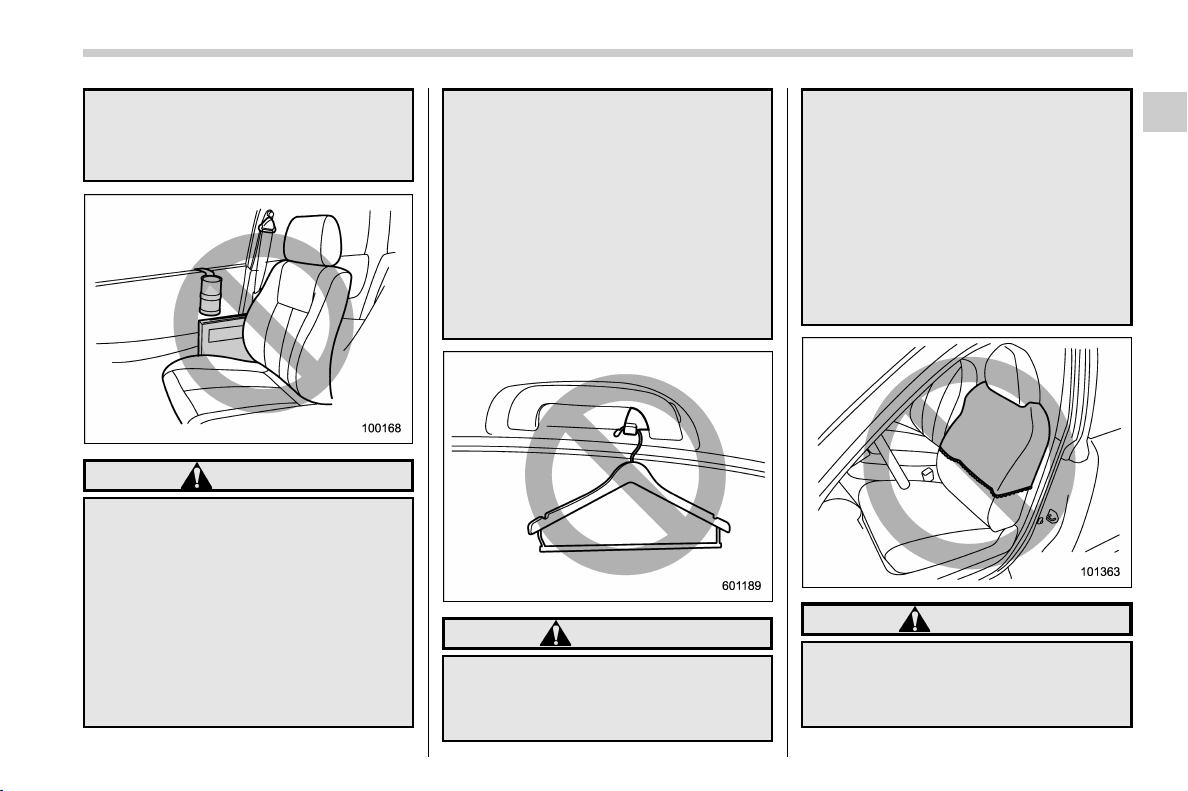
(71,1)
北米Model "A1320BE-C" EDITED: 2017/ 10/ 10
the SRS airbag deploys, those ob-
jects could become projectiles that
could seriously injure vehicle occu-
pants.
WARNING
. Do not attach accessories to the
door trim or near either SRS side
airbags and do not place objects
near the SRS side airbags. In the
event of SRS side airbag deploy-
ment, they could be propelled
dangerously toward the vehicle’s
occupants and cause injuries.
. Do not attach a hands-free micro-
phone or any other accessory to
a front pillar, a center pillar, a rear
pillar, the windshield, a side win-
dow, an assist grip, or any other
cabin surface that would be near
a deploying SRS curtain airbag. A
hands-free microphone or other
accessory in such a location
could be propelled through the
cabin with great force by the
curtain airbag, or it could prevent
correct deployment of the curtain
airbag. In either case, the result
could be serious injuries.
WARNING
Do not hang coat hangers or other
hard or pointed objects on the coat
hooks. If such items were hanging
on the coat hooks during deploy-
ment of the SRS curtain airbags,
they could cause serious injuries by
coming off the coat hooks and being
thrown through the cabin or by
preventing deployment of the cur-
tain airbags.
Before hanging clothing on the coat
hooks, make sure there are no sharp
objects in the pockets. Hang cloth-
ing directly on the coat hooks with-
out using hangers.
WARNING
. Do not put any kind of clothes or
other objects over either front
seatback and do not attach labels
or stickers to the front seat sur-
– CONTINUED –
Seat, seatbelt and SRS airbags/SRS airbag (Supplemental Restraint System airbag)
1-41
1

(72,1)
北米Model "A1320BE-C" EDITED: 2017/ 10/ 10
face on or near the SRS side
airbag. They could prevent prop-
er deployment of the SRS side
airbag, reducing protection avail-
able to the front seat’s occupant.
. Do not install a seat cover unless
it is a genuine SUBARU seat
cover exclusively designed for
use with the SRS airbag. Even
when using a genuine SUBARU
seat cover, the SRS side airbag
system may not function nor-
mally if the seat cover is not
installed correctly.
& General precautions regard-
ing SRS airbag system and
children
WARNING
Place children in the rear seat prop-
erly restrained at all times. The SRS
airbag deploys with considerable
speed and force and can injure or
even kill children, especially if they
are not restrained or improperly
restrained. Because children are
lighter and weaker than adults, their
risk of being injured from deploy-
ment is greater.
For that reason, we strongly recom-
mend that ALL children (including
those in child seats and those that
have outgrown child restraint de-
vices) sit in the REAR seat properly
restra ined at all times in a child
restraint device or in a seatbelt,
whichever is appropriate for t he
child’s age, height and weight.
Secure ALL types of child restraint
devices (including forward faci ng
child seats) in the REAR seats at all
times.
According to accident statistics,
children a re safer whe n properly
restrained in the rear seating posi-
tions than in the front seating posi-
tions.
For instructions and precautions
concerning the child restraint sys-
tem, refer to “Child restraint sys-
tems” F1-25.
Seat, seatbelt and SRS airbags/SRS airbag (Supplemental Restraint System airbag)
1-42
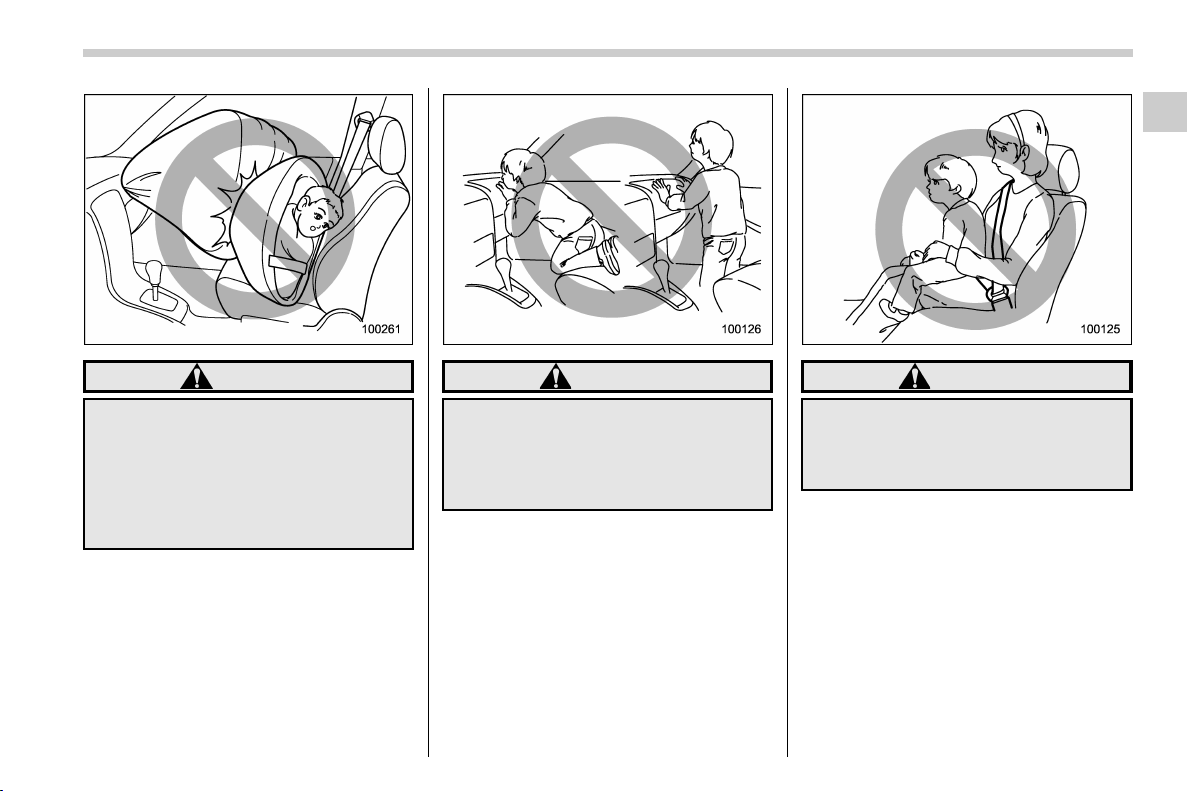
(73,1)
北米Model "A1320BE-C" EDITED: 2017/ 10/ 10
WARNING
NEVER INSTALL A FORWARD OR
REARWARD FACING CHILD SEAT IN
THE FRONT SEAT. DOING SO RISKS
SERIOUS INJURY OR DEATH TO
THE CHILD BY PLACING THE
CHILD’S HEAD TOO CLOSE TO
THE SRS AIRBAG.
WARNING
Never allow a child to stand up or
kneel on the front passenger’s seat.
The SRS airbag deploys with con-
siderable force and can injure or
even kill the child.
WARNING
Never hold a child on your lap or in
your arms. The SRS airbag deploys
with considerable force and can
injure or even kill the child.
– CONTINUED –
Seat, seatbelt and SRS airbags/SRS airbag (Supplemental Restraint System airbag)
1-43
1
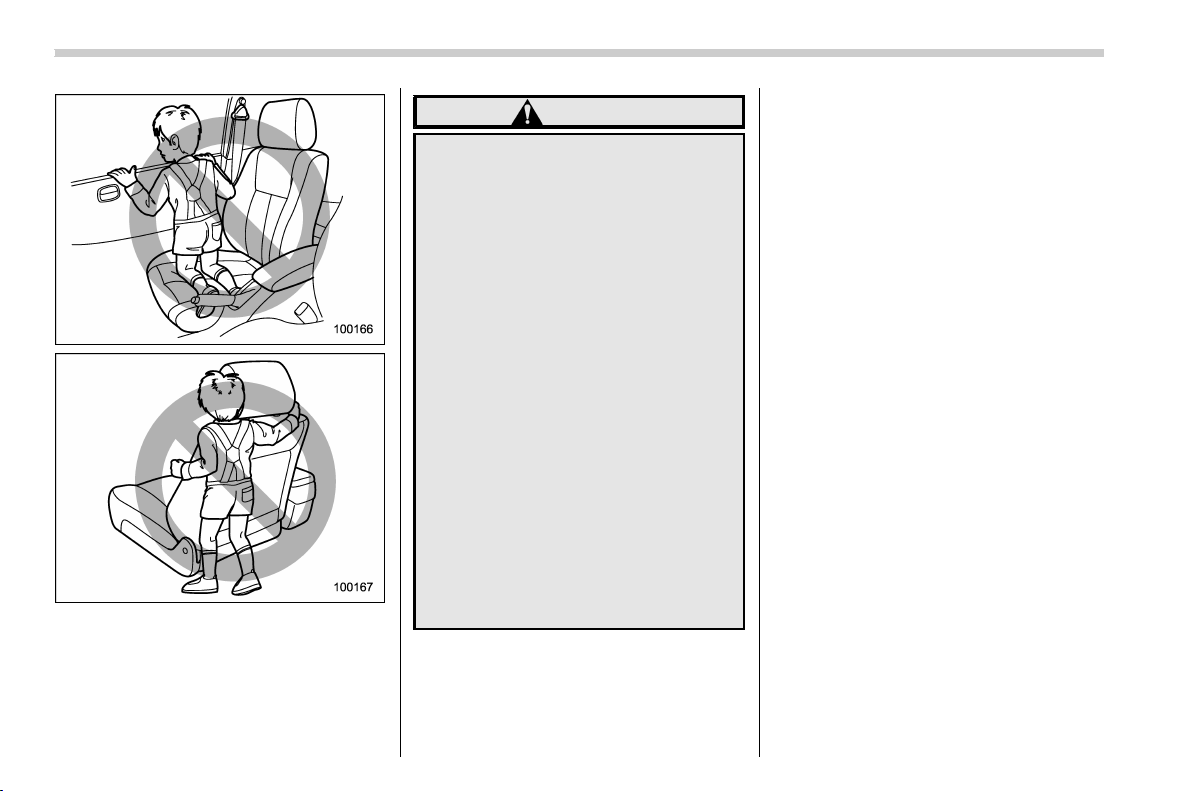
(74,1)
北米Model "A1320BE-C" EDITED: 2017/ 10/ 10
WARNING
. Never allow a child to do the
following.
– Kneel on any passenger’s seat
facing the side window
– Wrap his/her arms around the
front seat seatback
– Put his/her head, arms o r
other parts of the body out of
the window
In the event of an accident, the
force of SRS side airbag and/or
SRS curtain airbag deployment
could injure the child seriously
because his/her head, arms or
other parts of the body are too
close to the SRS side airbag and/
or SRS curtain airbag.
. Since your vehicle is also
equipped with a front passen-
ger’s SRS frontal airbag, children
should be placed in the rear seat
anyway and should be properly
restrained at all times.
Seat, seatbelt and SRS airbags/SRS airbag (Supplemental Restraint System airbag)
1-44
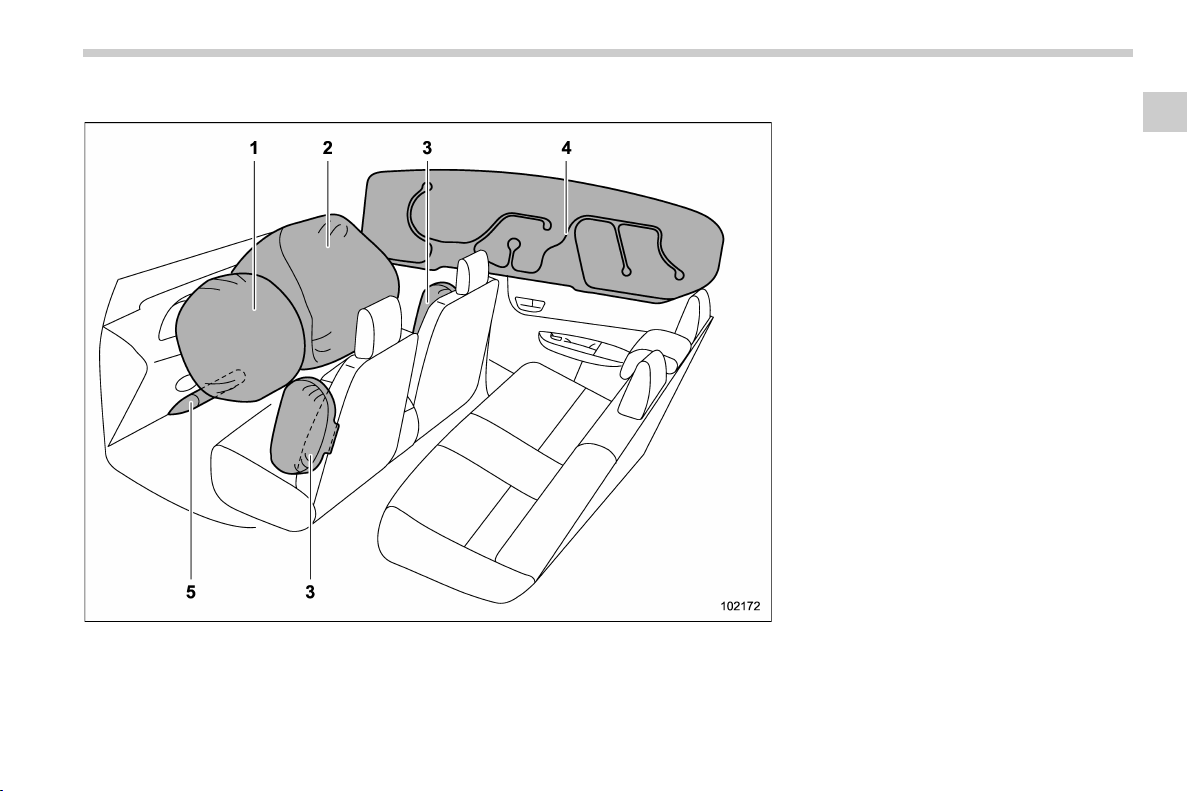
(75,1)
北米Model "A1320BE-C" EDITED: 2017/ 10/ 10
& Components
1) Driver’s SRS frontal airbag
2) Front passenger’s SRS frontal airbag
3) SRS side airbag
4) SRS curtain airbag
5) SRS knee airbag
The SRS airbags are stowed in the
following locations.
Driver’s SRS frontal airbag: in the center
portion of the steering wheel
A “SRS AIRBAG” mark is located at the
pad of the airbag.
Front passenger’s SRS frontal airbag:
near the top of the dashboard under the
“SRS AIRBAG” mark
SRS side airbag: in the door side of each
front seat seatback which bears an “SRS
AIRBAG” label
SRS curtain airbag: in the roof side
(between the front pillar and a point behind
the rear quarter glass)
“SRS AIRBAG” marks are located at the
top of each center pillar.
SRS knee airbag: under th e steering
column
A “SRS AIRBAG” mark is located at the
door of the airbag.
– CONTINUED –
Seat, seatbelt and SRS airbags/SRS airbag (Supplemental Restraint System airbag)
1-45
1
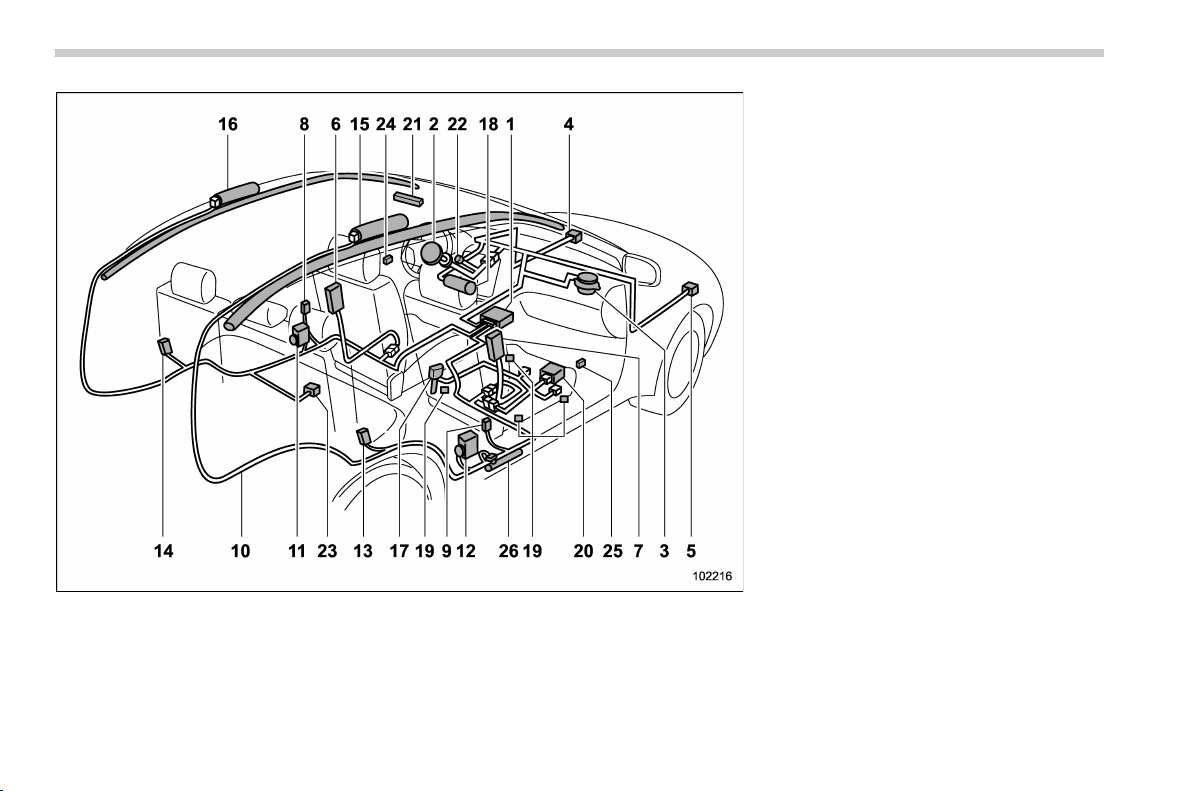
(76,1)
北米Model "A1320BE-C" EDITED: 2017/ 10/ 10
1) Airbag control module (including impact
sensor and rollover sensor)
2) Frontal airbag module (driver’s side)
3) Frontal airbag module (front passenger’s
side)
4) Front sub sensor (left-hand side)
5) Front sub sensor (right-hand side)
6) Side airbag module (driver’s side)
7) Side airbag module (front passenger’s
side)
8) Side airbag sensor (center pillar left-hand
side)
9) Side airbag sensor (center pillar right-
hand side)
10) Airbag wiring
11) Seatbelt pretensioner (driver’s side)
12) Seatbelt pretensioner and adaptive force
limiter (front passenger’s side)
13) Curtain airbag sensor (rear wheel house
right-hand side)
14) Curtain airbag sensor (rear wheel house
left-hand side)
15) Curtain airbag module (right-hand side)
16) Curtain airbag module (left-hand side)
17) Seatbelt buckle switch (front passenger’s
side)
18) Knee airbag module (driver’s side)
19) Front passenger’s occupant detection
system sensor
20) Front passenger’s occupant detection
control module
21) Front passenger’s frontal airbag ON and
OFF indicator
22) SRS airbag system warning light
23) Satellite safing sensor (under the rear
center seat)
24) Front door impact sensor (left-hand side)
25) Front door impact sensor (right-han d
side)
26) Lap belt pretensioner (front passenger’s
side)
Seat, seatbelt and SRS airbags/SRS airbag (Supplemental Restraint System airbag)
1-46
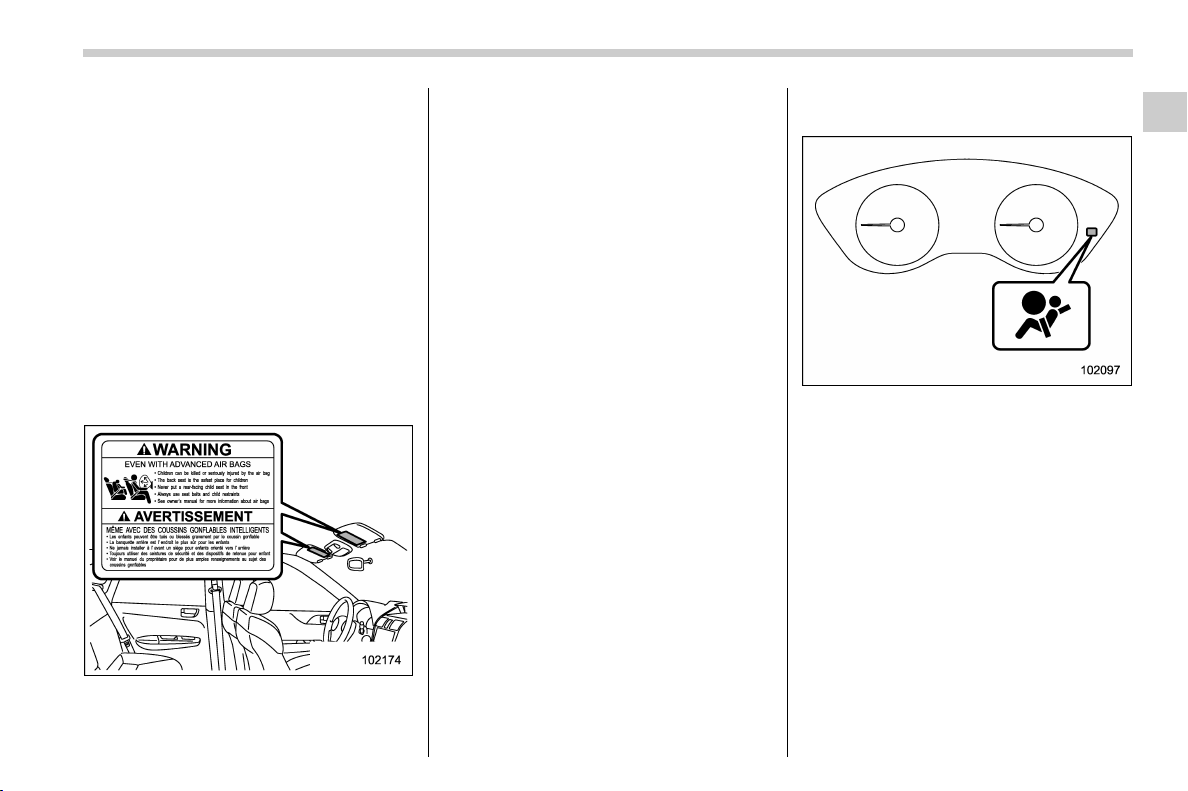
(77,1)
北米Model "A1320BE-C" EDITED: 2017/ 10/ 10
& SUBARU advanced frontal
airbag system
Your vehicle is equipped with a SUBARU
advanced frontal airbag system that com-
plies with the new advanced frontal airbag
requirements in the amended Federal
Motor Vehicle Safety Standard (FMVSS)
No. 208.
The SUBARU advanced frontal airbag
system automatically determines the de-
ployment force of the driver’s SRS frontal
airbag at the time of deployment as well as
whether or not to activate the front
passenger’s SRS frontal airbag and, if
activated, the deployment force of the SRS
frontal airbag at the time of deployment.
Your vehicle has warning labels on the
driver’s and front passenger’s sun visors
beginning with the phrase “EVEN WITH
ADVANCED AIR BAGS” and a tag at-
tached to the glove box lid beginning with
the phrase “Even with Advanced Air
Bags”. Make sure that you carefully read
the instructions on the warning labels and
tag.
Always wear your seatbelt. The SUBARU
advanced frontal airbag system is a
supplemental restraint system and must
be used in combination with a seatbelt. All
occupants should wear a seatbelt or be
seated in an appropriate child restraint
system.
For the locations of the SRS airbags, refer
to “Components” F1-45.
In a moderate to severe frontal collision,
the following components deploy.
. SRS frontal airbag for driver
. SRS frontal airbag for front passenger
. SRS knee airbag for driver
. SRS curtain airbag*
1
*1: When an offset frontal collision that is severe
enough to deploy the front airbag occurs.
These components supplement the seat-
belts by reducing the impact to the
occupant’s head, chest and knees.
! Driver’s SRS frontal airbag
The driver’s SRS frontal airbag uses a dual
stage inflator. The inflator op erates in
different ways depending on the severity
of impact.
SRS airbag system warning light
Have the system inspected by your
SUBARU dealer immediately if the SRS
airbag system warning light illuminates.
NOTE
The driver’s SRS side airbag and SRS
curtain airbag are not controlled by the
SUBARU advanced frontal airbag sys-
tem.
– CONTINUED –
Seat, seatbelt and SRS airbags/SRS airbag (Supplemental Restraint System airbag)
1-47
1
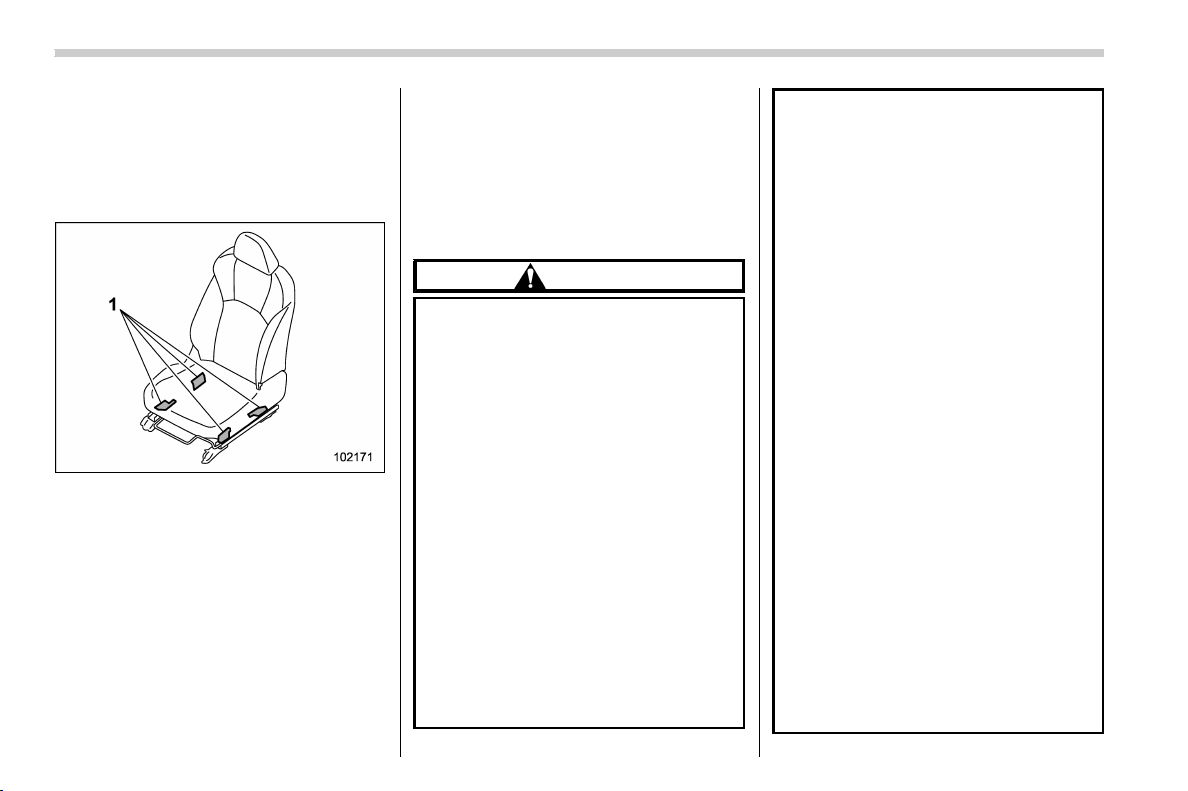
(78,1)
北米Model "A1320BE-C" EDITED: 2017/ 10/ 10
! Front passenger’s SRS frontal air-
bag
The front passenger’s SRS frontal airbag
uses a dual stage inflator. The inflator
operates in different ways depending on
the severity of impact.
1) Occupant detection sensors
The occupant detection system sensors
are installed between the seat and seat
rails, and monitor the physique and pos-
ture of the front passenger. Using this
information, the occupant detection sys-
tem determines whether the front passen-
ger’s SRS frontal airbag should be de-
ployed or not.
The occupant detection system may not
inflate the front passenger’s SRS frontal
airbag even when the driver’s SRS frontal
airbag deploys. This is normal. In this
case, although the front passenger’s SRS
frontal airbag does not operate, the front
passenger’s seatbelt pretensioner oper-
ates with the driver’s seatbelt prete n-
sioner. For details about the seatbelt
pretensioner, refer to “Seatbelt preten-
sioners” F1-21.
CAUTION
Observe the following precautions.
Failure to do so may prevent the
SUBARU advanced frontal airbag
system from functioning correctly
or cause the system to fail.
. Do not apply any strong impact to
the front passenger’s seat such
as by kicking.
. Do not let rear passengers rest
their feet between the front seat-
back and seat cushion.
. Do not spill liquid on the front
passenger ’s seat. If liquid is
spilled, wipe it off immediately.
. Do not remove or disassemble
the front passenger’s seat.
. Do not install any accessory
(such as an audio amplifier) other
than a genuine SUBARU acces-
sory under the front passenger’s
seat.
. Do not place anything (shoes,
umbrella, etc.) under the front
passenger’s seat.
. Do not place any objects (books,
etc.) around the front passen-
ger’s seat.
. Do not use the front passenger’s
seat with the head restraint re-
moved.
. Do not leave any articles on the
front passenger ’s seat or the
seatbelt tongue and buckle en-
gaged when you leave your vehi-
cle.
. Do not put sharp object(s) on the
seat or pierce the seat uphols-
tery.
. Do not place a magnet near the
seatbelt buckle and the seatbelt
retractor.
. Do not use front seats with their
forwa rd-backward position and
seatback not being locked into
place securely. If any of them are
not locked securely, adjust them
again. For adjusting procedure,
refer to “Forward and backward
adjustment” F1-5 and “Reclining
the seatback” F1-5.
Seat, seatbelt and SRS airbags/SRS airbag (Supplemental Restraint System airbag)
1-48
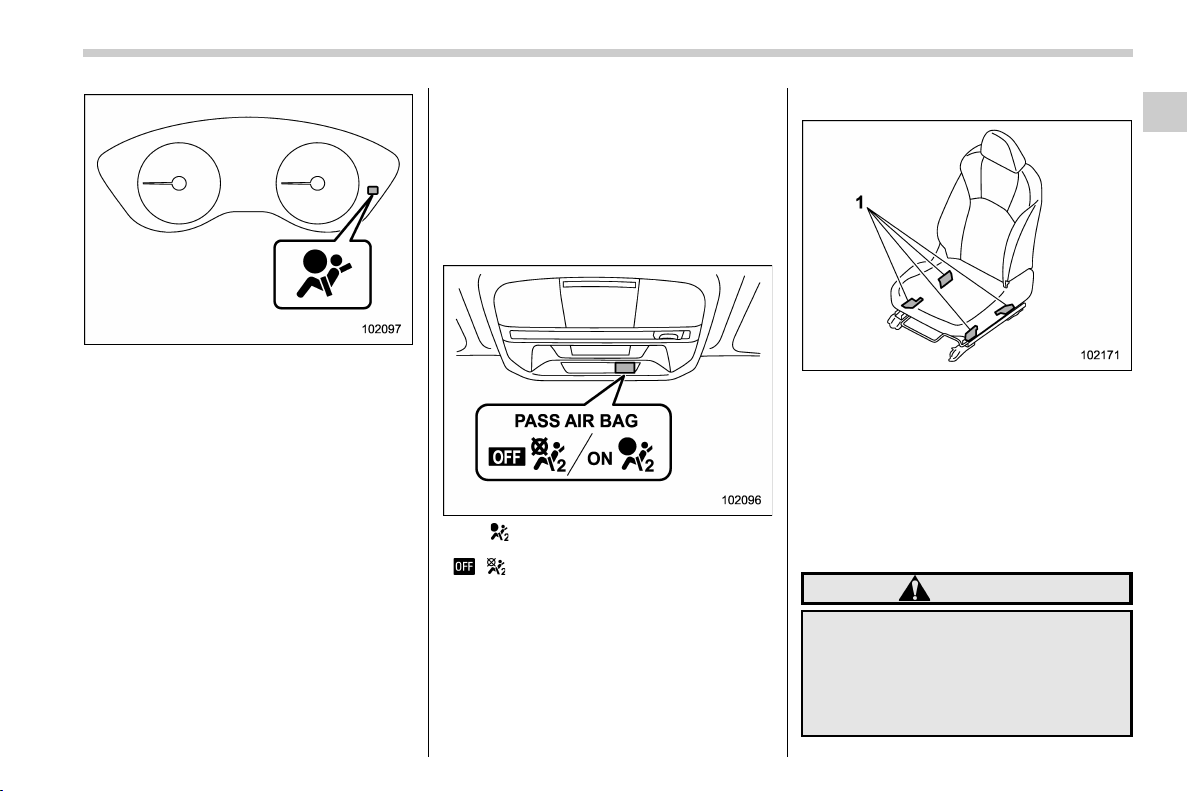
(79,1)
北米Model "A1320BE-C" EDITED: 2017/ 10/ 10
SRS airbag system warning light
If the seatbelt buckle switch and/or front
passenger’s occupant detection system
have failed, the SRS airbag system warn-
ing light will illuminate. Have the system
inspected by your SUBARU dealer imme-
diately if the SRS airbag system warning
light illuminates.
If your vehicle has sustained impact, this
may affect the proper function of the
SUBARU advanced frontal airbag system.
Have your vehicl e inspected a t your
SUBARU dealer. Do not use the front
passenger’s seat while driving the vehicle
to your SUBARU dealer.
NOTE
The front passenger’s SRS side airbag
and SRS curtain airbag are not con-
trolled by the SUBARU advanced fron-
tal airbag system.
! Passenger’s frontal airbag ON and
OFF indicators
ON / : Front passenger’s frontal airbag ON
indicator
/ : Front passenger’s frontal airbag OFF
indicator
Refer to “Front passenger’s frontal airbag
ON and OFF indicators” F3-15.
! Occupant detection system
1) Occupant detection sensors
The occupant detection system sensors
are installed between the seat and seat
rails, and monitor the physique and pos-
ture of the front passenger. Using this
information, the occupant detection sys-
tem determines whether the front passen-
ger’s SRS frontal airbag should be de-
ployed or not.
WARNING
Do not kick the front passenger seat
or subject it to severe impact. Other-
wise, the SRS airbag system warn-
ing light may illuminate to indicate a
malfunction of the front passenger
occupant detection system. In this
– CONTINUED –
Seat, seatbelt and SRS airbags/SRS airbag (Supplemental Restraint System airbag)
1-49
1
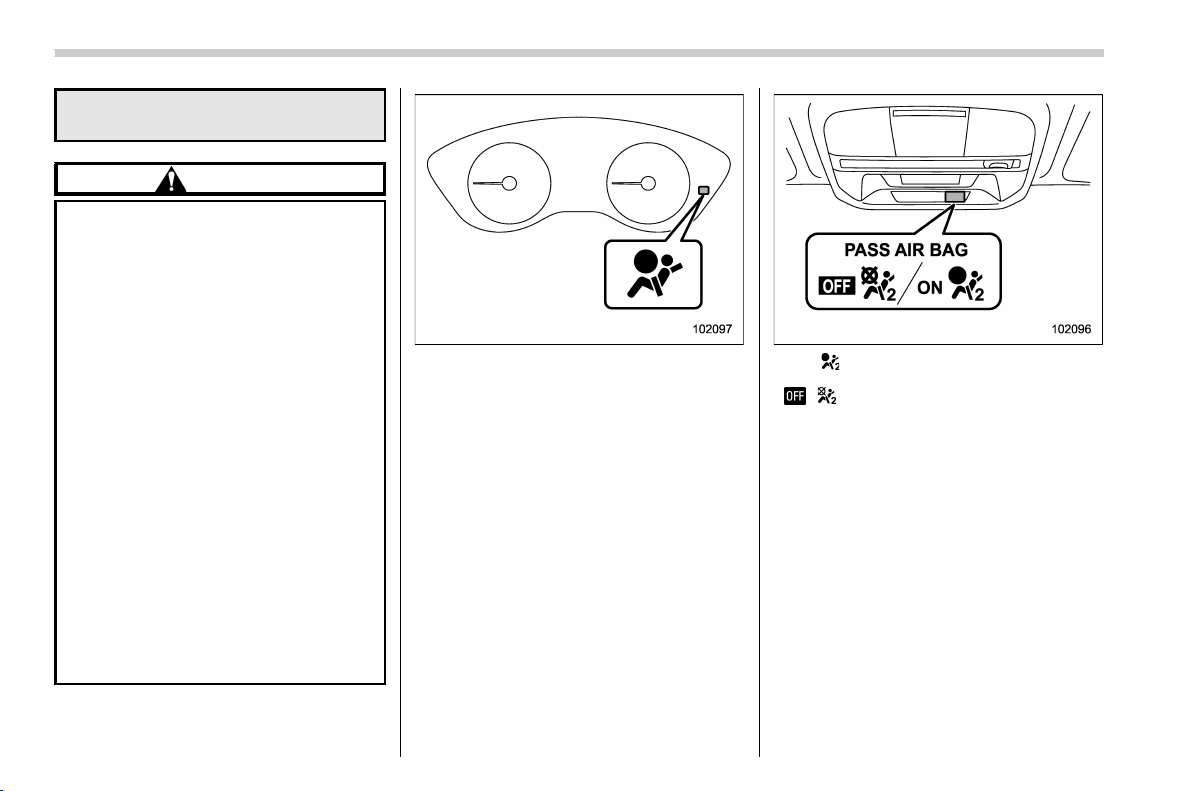
(80,1)
北米Model "A1320BE-C" EDITED: 2017/ 10/ 10
case, contact your SUBARU dealer
immediately.
CAUTION
Electrical devices, such as cell
phones, laptops, portable music
players, or electronic games, espe-
cially when connected to the acces-
sory power outlet and placed on the
front passenger ’s seat or used by
the person sitting in the front pas-
senger’s seat, may affect the opera-
tion of the occupant detection sys-
tem. If either of the following situa-
tions occurs when using an electro-
nic device in the vehicle, at first try
to relocate that device to avoid it
creating any interference.
. The SRS airbag system warning
light illuminates.
. The front passenger’s frontal air-
bag ON and OFF indicators oper-
ate erratically.
If the device continues to caus e
interference, the use of that device
in the vehicle should be discontin-
ued.
SRS airbag system warning light
If the front passenger’s seat cushion is
wet, this may adversely affect the ability of
the system to determine deployment.
Wipe off liquid from the seat, let the seat
dry naturally and then check the SRS
airbag system warning light.
ON / : Front passenger’s frontal airbag ON
indicator
/ : Front passenger’s frontal airbag OFF
indicator
If the front passenger’s frontal airbag ON
and OFF indicators do not work properly
even when the front passenger’s seat is
dry, do not allow anyone to sit on the front
passenger’s seat and have the occupant
detection system checked by your
SUBARU dealer.
Seat, seatbelt and SRS airbags/SRS airbag (Supplemental Restraint System airbag)
1-50

(81,1)
北米Model "A1320BE-C" EDITED: 2017/ 10/ 10
ON / : Front passenger’s frontal airbag ON
indicator
/ : Front passenger’s frontal airbag OFF
indicator
Also, if luggage or electronic devices are
placed on the front passenger’s seat, this
may adversely affect the ability of the
system to determine deployment. This
may prevent the front passenger’s frontal
airbag ON and OFF indicators from work-
ing properly. Check that the indicators
work properly.
When the OFF indicator turns off and the
ON indicator illuminates, the front passen-
ger’s frontal airbag may deploy during a
collision. Remove luggage and electronic
devices from the front passenger’s seat.
! Conditions in which front passen-
ger’s SRS frontal airbag is not
activated
The front passenger’s SRS frontal airbag
will not be activated when any of the
following conditions are met regarding
the front passenger’s seat:
. The seat is empty.
. The seat is equipped with an appro-
priate child restraint system and an infant
or a child is restrained in it. (See WARN-
ING that follows.)
. The front passenger’s occupant detec-
tion system is malfunctioning.
WARNING
NEVER INSTALL A FORWARD OR
REARWARD FACING CHILD SEAT IN
THE FRONT PASSENGER’S SEAT
EVEN IF THE FRONT PASSENGER’S
SRS FRONTAL AIRBAG IS DEACTI-
VATED. Be sure to install it in the
REAR seat in a correct manner. Also,
it is strongly recommended that any
forward facing child seat or booster
seat be installed in the REAR seat,
and that even children who have
outgrown a child restraint system be
also seated in the REAR seat. This is
because children sitting in the front
passenger’s seat may be killed or
severely injured should the front
passenger’s SRS frontal airbag de-
ploy. REAR s eats are the safest
place for children.
CAUTION
When the front passenger’s seat is
occupied by an infant in an appro-
priate child restraint system, ob-
serve the following precautions.
Failure to do so may interfere with
the proper operation of the occupant
detection system, activating the
front passenger’s SRS frontal airbag
even though that seat is occupied by
the infant in the child restraint
system.
. Do not place any article (includ-
ing electronic devices) on the
seat other than the infant in the
child restraint system.
. Do not place more than one infant
in the child restraint system.
– CONTINUED –
Seat, seatbelt and SRS airbags/SRS airbag (Supplemental Restraint System airbag)
1-51
1
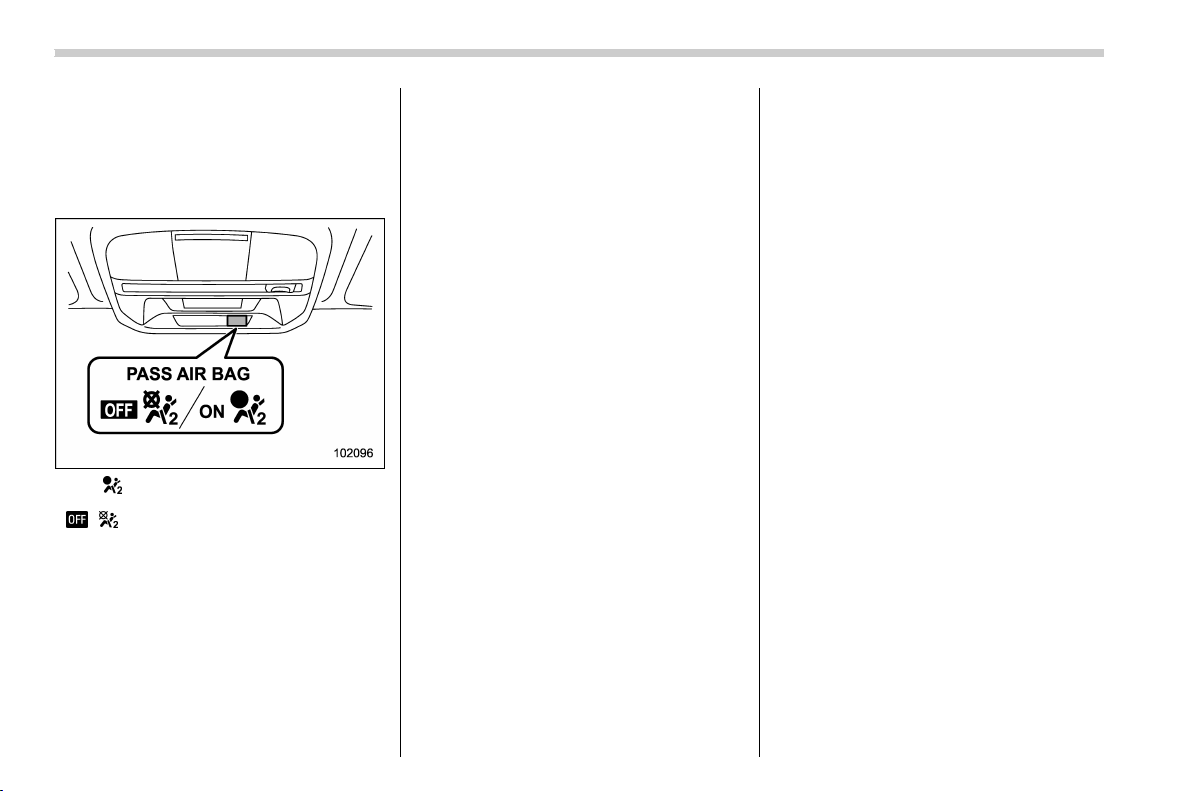
(82,1)
北米Model "A1320BE-C" EDITED: 2017/ 10/ 10
! If the front passenger’s frontal
airbag ON indicator illuminates
and the OFF indicator turns off
even when an infant or a small
child is in a child restraint sys-
tem (including booster seat)
ON / : Front passenger’s frontal airbag ON
indicator
/ : Front passenger’s frontal airbag OFF
indicator
1. Turn the ignition switch to the “LOCK”/
“OFF” position.
2. Remove the child restraint system from
the seat.
3. By referring to the child restraint
manufacturer’s recommendations as well
as the child restraint system installation
procedures in “Child restraint systems”
F1-25, correctly install the child restraint
system.
4. Turn the ignition switch to the “ON”
position and make su re that the front
passenger’s frontal airbag ON indicator
turns off and the OFF indicator illuminates.
If still the ON indicator remains illuminated
while the OFF indicator turns off, take the
following actions.
. Ensure that no article is placed on the
seat other than the child restraint system
and the child occupant.
. Ensure that the backward-forward po-
sition and seatback of front passenger’s
seat are locked into place securely by
moving the seat back and forth.
If the ON indicator still remains illuminated
while the OFF indicator turns off after
taking releva nt correct ive action s de-
scribed above, relocate the child restraint
system to the rear seat and immediately
contact your SUBARU dealer for an
inspection.
NOTE
When a child who has outgrown a child
restraint system or a small adult is
seated in the front passenger’s seat,
the SUBARU advanced frontal airbag
system may or may not activate the
front passenger’s SRS frontal airbag
depending on the occupant’s seating
posture. Children should always wear a
seatbelt when sitting in the seat irre-
spective of whether the airbag is deac-
tivated or activated. If the front passen-
ger’s SRS frontal airbag is activated
(the ON indicator remains illuminated
while the OFF indicator turns off), take
the following action.
. Ensure that no article is placed on
the seat other than the occupant.
If the ON indicator still remains illumi-
nated while the OFF indicator turns off
despite the fact that the actions noted
above have been taken, seat the child/
small adult in the rear seat and imme-
diately contact your SUBARU dealer for
an inspection. Even if the system has
passed the dealer inspection, it is
recommended that on subsequent trips
the child/small adult always take the
rear seat.
Children who have outgrown a child
restraint system should always wear the
seatbelt irrespective of whether the airbag
is deactivated or activated.
Seat, seatbelt and SRS airbags/SRS airbag (Supplemental Restraint System airbag)
1-52
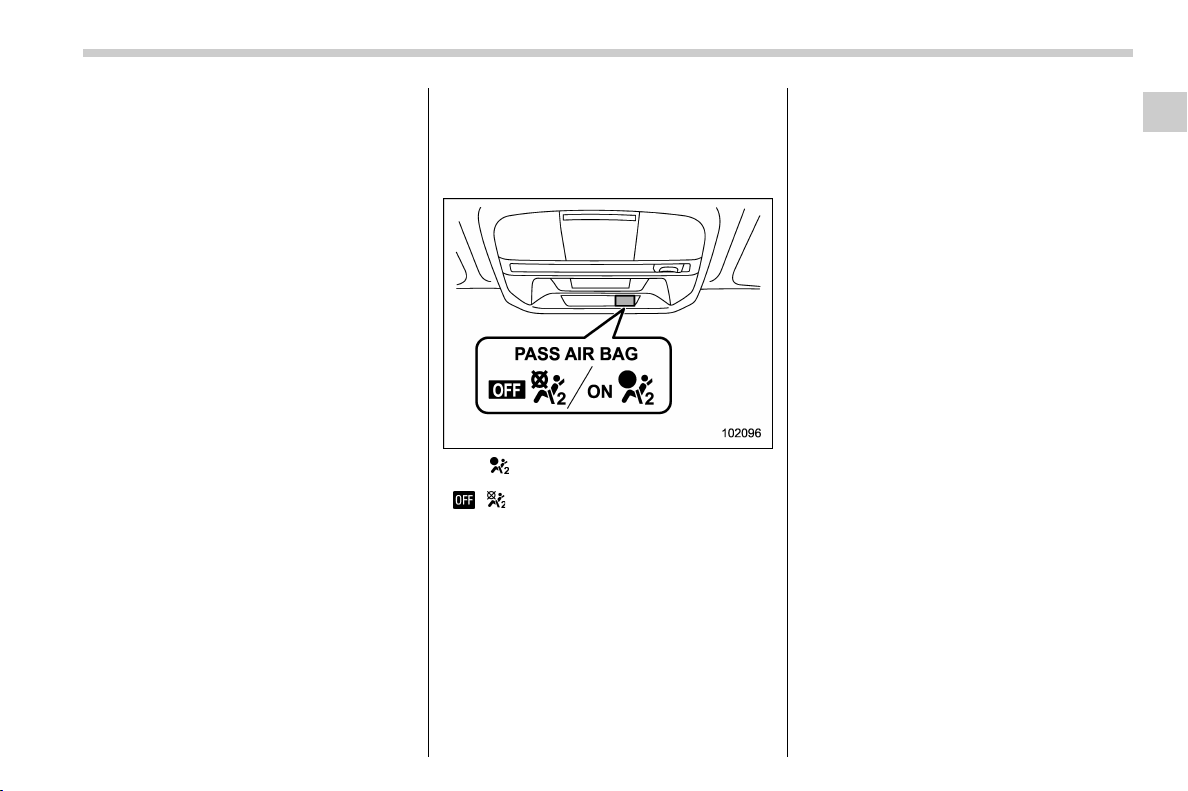
(83,1)
北米Model "A1320BE-C" EDITED: 2017/ 10/ 10
! Conditions in which front passen-
ger’s SRS frontal airbag is activated
The front passenger’s SRS frontal airbag
will b e activated for deployment upon
impact when any of the following condi-
tions are met regarding the front passen-
ger’s seat.
. When the seat is occupied by an adult.
. When certain items (e.g. jug of water)
are placed on the seat.
! If the passenger’s frontal airbag
OFF indicator illuminates and the
ON indicator turns off even when
the front passenger’s seat is
occupied by an adult
ON / : Front passenger’s frontal airbag ON
indicator
/ : Front passenger’s frontal airbag OFF
indicator
This can be caused by the adult incorrectly
sitting in the front passenger’s seat.
1. Turn the ignition switch to the “LOCK”/
“OFF” position.
2. Ask the front passenger to set the
seatback to the upright position, sit up
straight in the center of the seat cushion,
correctly fasten the seatbelt, position his/
her legs out forward, and adjust the seat to
the rearmost position.
3. Turn the ignition switch to the “ON”
position.
If the OFF indicator remains illuminated
while the ON indicator remains off, take the
following actions.
1. Turn the ignition switch to the “LOCK”/
“OFF” position.
2. Make sure that the front passenger
does not use a blanket, seat cushion, seat
cover, seat heater or massager, etc.
3. If wearing excessive layers of clothing,
the front passenger should remove any
unnecessary items before sitting in the
front passenger’s seat, or should sit in a
rear seat.
4. Turn the ignition switch to the “ON”
position and wait 6 seconds to allow the
system to complete self-checking. Follow-
ing the system check, both indicators turn
off for 2 seconds. Now, the ON indicator
should illuminate while the OFF indicator
remains off.
If the OFF indicator still remains illumi-
nated while the ON indicator remains off,
ask the occupant to move to the rear seat
and immediately contact your SUBARU
dealer for an inspection.
– CONTINUED –
Seat, seatbelt and SRS airbags/SRS airbag (Supplemental Restraint System airbag)
1-53
1

(84,1)
北米Model "A1320BE-C" EDITED: 2017/ 10/ 10
! Operation
A) Driver’s side
B) Passenger’s side
1) SRS AIRBAGs deploy as soon as a collision occurs.
2) After deployment, SRS AIRBAGs start to deflate immediately so that the driver’s vision is not
obstructed.
The SRS airbags can function only when
the ignition switch is in the “ON” position.
The SUBARU advanced frontal airbag
system is designed to determine the
activation or deactivation condition of the
front passenger’s SRS frontal airbag de-
pending on the characteristic of item(s) or
person on the front p assenger’s seat
monitored by the front passenger’s occu-
pant detection system sensor. For this
reason, only the driver ’ s S RS frontal
airbag may deploy in the event of a
collision, but this does not mean failure of
the system.
If the following sensors detect a predeter-
mined amount of force during a frontal
collision, the control module sends signals
to the a irbag module(s) (only driver’s
module or both driver’s and front passen-
ger’s modules) instructing the module(s) to
inflate the SRS frontal airbag(s).
. the front sub sensors
. the impact sensors in the airbag control
module
On the driver’s side, the SRS knee airbag
also inflates with the SRS frontal airbag.
Seat, seatbelt and SRS airbags/SRS airbag (Supplemental Restraint System airbag)
1-54
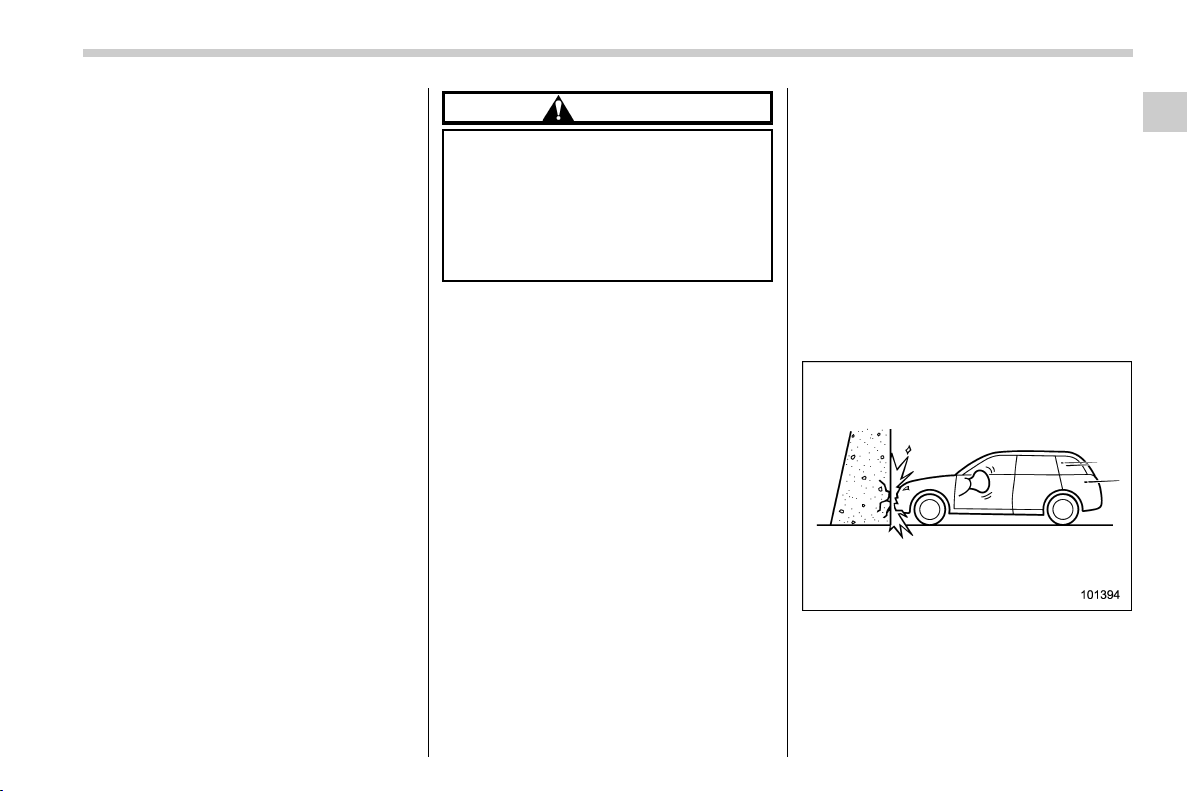
(85,1)
北米Model "A1320BE-C" EDITED: 2017/ 10/ 10
The driver’s and front passenger’s SRS
frontal airbags use dual stage inflators.
The two inflators of each airbag are
triggered either sequentially or simulta-
neously, depending on the severity of
impact, in the case of the driver’s SRS
frontal airbag and depending on the
severity of impact and the characteristic
of item(s) or person on the seat in the case
of the front passenger’s SRS frontal air-
bag.
! After deployment
After deployment, the SRS airbag imme-
diately starts to deflate so that the driver’s
vision is not obstructed and the driver’s
ability to maintain control of the vehicle is
not impaired. The time required from
detecting impact to the deflation of the
SRS airbag after deployment is shorter
than the blink of an eye.
Both when only the driver’s SRS frontal
airbag deploys and the driver’s and front
passenger’s SRS frontal airbags deploy,
the driver’s and front passenger’s seatbelt
pretensioners operate at the same time.
When the SRS airbag deploys, a sudden,
fairly loud inflation noise will be heard and
some smoke will be released. These
occurrences are a normal result of the
deployment. This smoke does not indicate
a fire in the vehicle.
CAUTION
Do not touch the SRS airbag system
components around the steering
wheel and dashboard with b are
hands right after deployment. Doing
so can cause burns because the
components can be very hot as a
result of deployment.
! Example of the type of accident
The driver’s SRS frontal airbag and front
passenger’s SRS frontal airbag are de-
signed as follows.
. to deploy in the event of an accident
involving a moderate to severe frontal
collision
. to function on a one-time-only basis
The driver’s SRS frontal airbag and front
passenger’s SRS frontal airbag are not
designed as follows.
. to deploy in most lesser frontal im-
pacts
*1
. to deploy in most side or rear impacts or
in most rollover accidents
*2
*1: Because the necessary protection can be
achieved by the seatbelt alone.
*2: Because deployment of only the driver’s
SRS frontal airbag or both the driver ’s and front
passenge r’s SRS frontal airbags would no t
protect the occupant in those situations.
SRS airbag deployment depends on the
level of force experienced in the passen-
ger compartment during a collision. That
level differs from one type of collision to
another, and it may have no bearing on the
visible damage done to the vehicle itself.
! Example of accident in which the
driver’s/driver’s and front pas-
senger’s SRS frontal airbag(s)
will most likely deploy
A head-on collision against a thick con-
crete wall at a vehicle speed of 12 to 19
mph (20 to 30 km/h) or higher activates
only the driver’s SRS frontal airbag or both
driver’s and front passenger’s SRS frontal
airbags. The airbag(s) will also be acti-
– CONTINUED –
Seat, seatbelt and SRS airbags/SRS airbag (Supplemental Restraint System airbag)
1-55
1
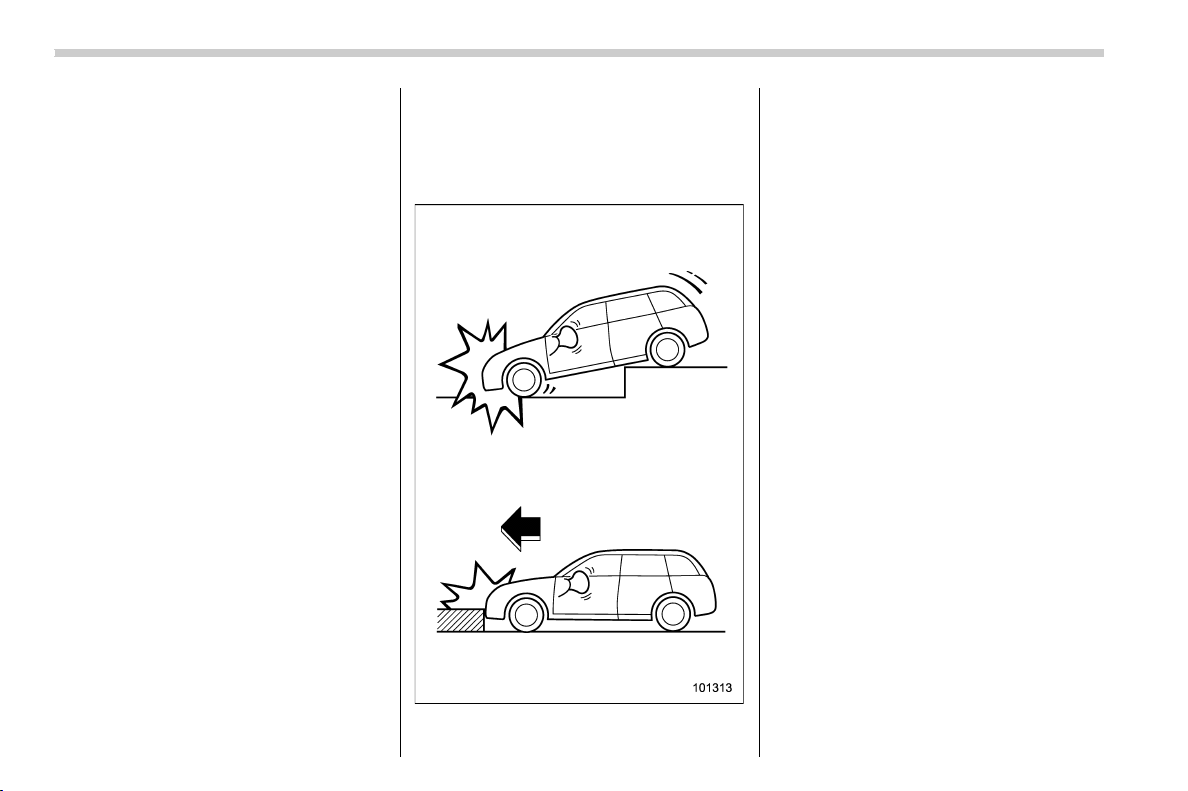
(86,1)
北米Model "A1320BE-C" EDITED: 2017/ 10/ 10
vated when the vehicle is exposed to a
frontal impact similar in fashion and
magnitude to the collisio n described
above.
! Examples of the types of acci-
dents in which it is possible that
the driver’s/driver’s and front
passenger’s SRS frontal
airbag(s) will deploy
Only the driver’s SRS frontal airbag or both
driver’s and front passenger’s SRS frontal
airbags may be activated when the vehicle
sustains a hard impact in the undercar-
riage area from the road surface (such as
when the vehicle plunges into a deep ditch,
is severely impacted or knocked hard
against an obstacle on the road such as
a curb).
Seat, seatbelt and SRS airbags/SRS airbag (Supplemental Restraint System airbag)
1-56
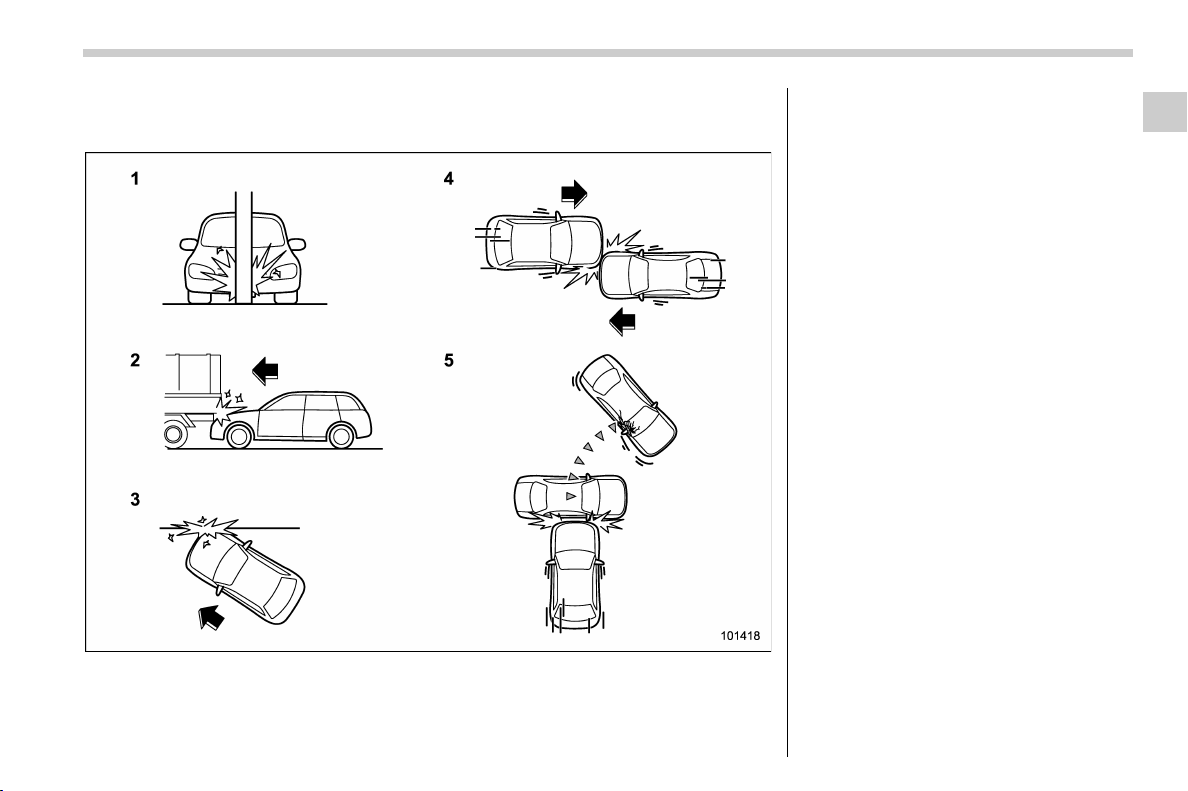
(87,1)
北米Model "A1320BE-C" EDITED: 2017/ 10/ 10
! Examples of the types of accidents in which deployment of the driver’s/
driver’s and front passenger ’s SRS frontal airbag(s) is unlikely to occur
1) The vehicle strikes an object, such as a
telephone pole or sign pole.
2) The vehicle slides under the load bed of a
truck.
3) The vehicle sustains an oblique offset
frontal impact.
4) The vehicle sustains an offset frontal
collision.
5) The vehicle strikes an object that can
move or deform, such as a parked
vehicle.
There are many types of collisions which
might not necessarily require deployment
of driver’s/driver’s and front passenger’s
SRS frontal airbag(s). In the event of
accidents like those illustrated, the dri-
ver’s/driver’s and front passenger’s SRS
frontal airbag(s) may not deploy depend-
ing on the level of accident forces involved.
– CONTINUED –
Seat, seatbelt and SRS airbags/SRS airbag (Supplemental Restraint System airbag)
1-57
1
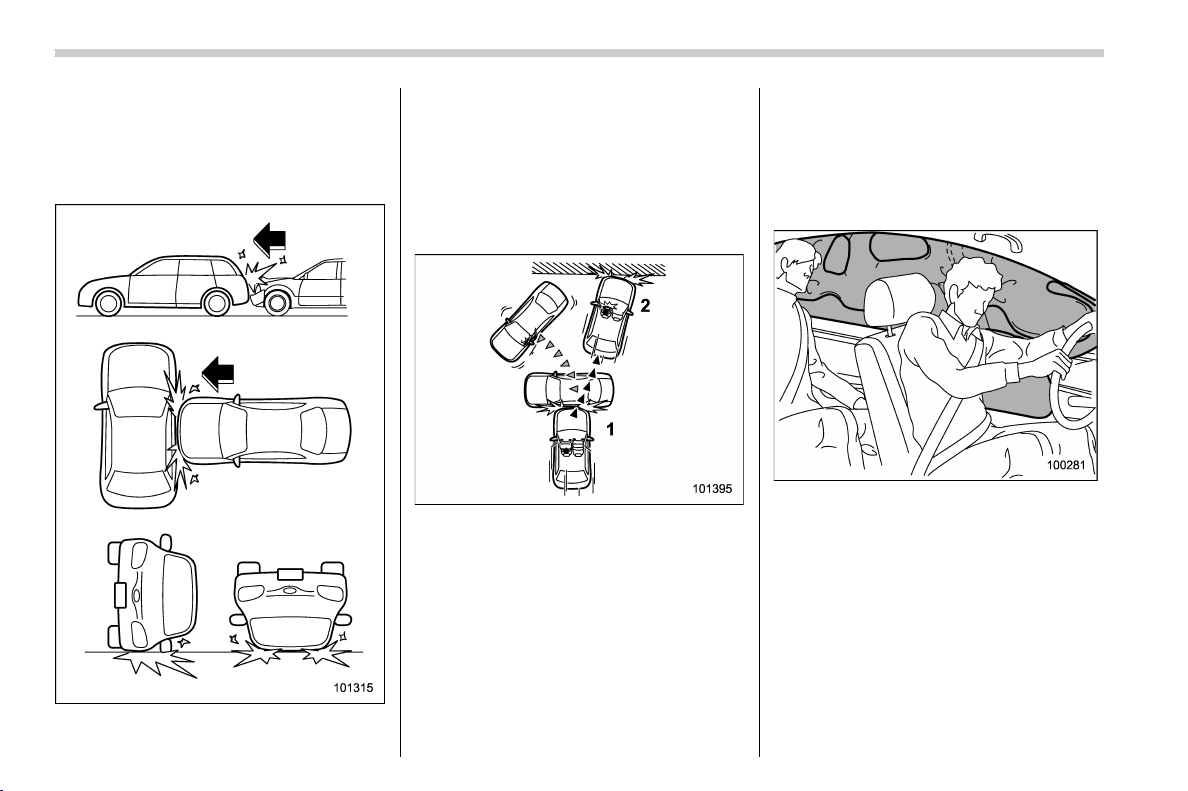
(88,1)
北米Model "A1320BE-C" EDITED: 2017/ 10/ 10
! Examples of the types of acci-
dents in which the driver’s/dri-
ver’s and front passenger’s SRS
frontal airbag(s) are not de-
signed to deploy in most cases
The driver’s and front passenger’s SRS
frontal airbags are not designed to deploy
in most of the following cases.
. If the vehicle is struck from the side or
from behind
. If the vehicle rolls onto its side or roof
. If the vehicle is involved in a low-speed
frontal collision
1) First impact
2) Second impact
In an acci dent where the vehicle is
impacted more than once, the driver’s
and/or front passenger’s SRS frontal
airbag(s) will deploy only once on the first
impact.
Example: In the case of a double collision,
first with another vehicle, then against a
concrete wall in immediate succession,
once either or both of the driver’s and front
passenger’s SRS frontal airbags is/are
activated on the first impact, it/they will
not be activated on the second impact.
& SRS side airbag and SRS
curtain airbag
! SRS side airbag
The SRS side airbag is stored in the door
side of each front seat seatback, which
bears an “SRS AIRBAG” label.
In a moderate to severe side impact
collision, the SRS side airbag on the
impacted side of the vehicle deploys
between the occupant and the door panel
and supplements the seatbelt by reducing
the impact on the occupant’s chest and
waist. The SRS side airbag operates only
Seat, seatbelt and SRS airbags/SRS airbag (Supplemental Restraint System airbag)
1-58

(89,1)
北米Model "A1320BE-C" EDITED: 2017/ 10/ 10
for front seat occupants.
! SRS curtain airbag
Your vehicle is equipped with a SUBARU
SRS curtain airbag system that complies
with the Federal Motor Vehicle Safety
Standard (FMVSS) No. 226.
The SRS curtain airbag on each side of the
cabin is stored in the roof side (between
the front pillar and a point over the rear
seat). An “SRS AIRBAG” mark is located
at the top of each center pillar.
Inamoderatetoseveresideimpact
collision, the SRS curtain airbag on the
impacted side of the vehicle deploys
between the occupant and the side win-
dow and supplements the seatbelt by
reducing the impact on the occupant’s
head.
In a rollover, SRS curtain airbags on both
sides of the vehicle deploy between the
occupant and the side window and supple-
ment the seatbelt by reducing the impact to
the occupant’s head.
In an offset frontal collision, SRS curtain
airbags on both sides of the vehicle deploy
between the occupant and the side win-
dow and supplement the seatbelt by
reducing the impact to the occupant’s
head and chest.
! Operation
The SRS side airbag and SRS curtain
airbag can function only when the ignition
switch is in the “ON” position.
The following airbags deploy indepen-
dently of each other since each has its
own impact sensor.
. Driver’s SRS side airbag
. Front passenger’s SRS side airbag
. SRS curtain airbag (right-hand side)
. SRS curtain airbag (left-hand side)
Therefore, they may not both deploy in the
same accident. Also, the SRS side airbag
and SRS curtain airbag deploys indepen-
dently of the driver’s and front passenger’s
SRS frontal airbags in the steering wheel
and instrument panel.
An impact sensor, which senses impact
force, is located in each of the following
locations.
. In the left and right front doors
. In the left and right center pillars
. In the left and right rear wheel houses
. Under the rear center seat
A rollover sensor is also located inside the
airbag control module.
– CONTINUED –
Seat, seatbelt and SRS airbags/SRS airbag (Supplemental Restraint System airbag)
1-59
1

(90,1)
北米Model "A1320BE-C" EDITED: 2017/ 10/ 10
! In cases of rollover accident or side collisions, the following components will operate simultaneously
Impact sensors affected
SRS side airbags SRS curtain airbags
Seatbelt pretensioner
(shoulder belt pretensioner only)
Impacted side
Non-impacted
side
Impacted side
Non-impacted
side
Impacted side
Non-impacted
side
Both of the sen-
sors together
sense an impact
force
Impact sensor in
front doors
* – * – * –
Impact sensor
under rear cen-
ter seat
Both of the sen-
sors together
sense an impact
force
Impact sensor in
center pillars
* – * –––
Impact sensor
under rear cen-
ter seat
Both of the sen-
sors together
sense an impact
force
Impact sensor in
rear wheel
houses
––* –– –
Impact sensor
under rear cen-
ter seat
Rollover sensor in airbag control
module
– ***
*
*: Activated
–: Not activated
Seat, seatbelt and SRS airbags/SRS airbag (Supplemental Restraint System airbag)
1-60
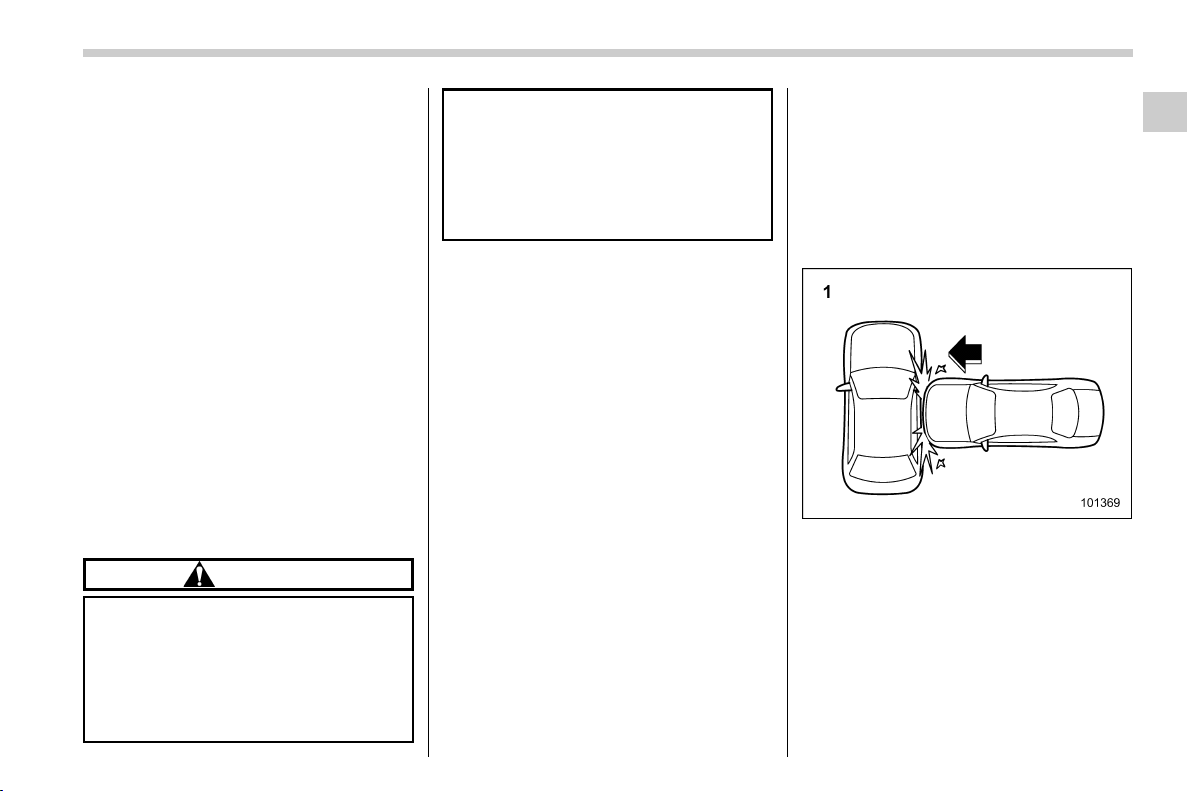
(91,1)
北米Model "A1320BE-C" EDITED: 2017/ 10/ 10
! After deployment
After the deployment, the SRS side airbag
immediately starts to deflate. The time
required from detection of an impact to
deflation of an SRS side airbag after
deployment is shorter than the blink of an
eye.
The SRS curtain airbag remains inflated
for a while following deplo yment then
slowly deflates.
The SRS side airbag and SRS curtain
airbag deploy even when no one occupies
the seat on the side on which an impact is
applied.
When the SRS side airbag and SRS
curtain airbag deploy, a sudden, fairly loud
inflation noise will be heard and some
smoke will be released. These occur-
rences are a normal result of the deploy-
ment. This smoke does not indicate a fire
in the vehicle.
CAUTION
Do not touch the SRS side airbag
system components around the
front seat seatback with bare hands
right after deployment. Doing so can
cause burns because the compo-
nents can be very hot as a result of
deployment.
After deployment, do not touch any
part of the SRS curtain airbag sys-
tem (from the front pillar to the part
of the roof side over the rear seat).
Doing so can cause burns because
the components can be very hot as a
result of deployment.
! Example of the type of accident
The SRS side airbag and SRS curtain
airbag are designed as follows:
. to deploy in the event of an accident
involving a moderate to severe side impact
collision
. to function on a one-time-only basis.
The SRS side airbag and SRS curtain
airbag are not designed to deploy in the
following cases:
. in most lesser side impact
. in most frontal or most rear impacts
(because the SRS side airbag and SRS
curtain airbag deployment would not pro-
tect the occupant in those situations)
The SRS curtain airbags are also de-
signed to deploy when the vehicle is in an
extremely inclined state such as during a
rollover. They are not designed to deploy in
most lesser inclined state.
SRS side airbag and SRS curtain airbag
deployment depend on the level of force
experienced in the passenger compart-
ment during a side impact collision. That
level differs from one type of collision to
another, and it may have no bearing on the
visible damage done to the vehicle itself.
! Example of the type of accident in
which the SRS side airbag will
most likely deploy.
1) A severe side impact near the front seat.
– CONTINUED –
Seat, seatbelt and SRS airbags/SRS airbag (Supplemental Restraint System airbag)
1-61
1
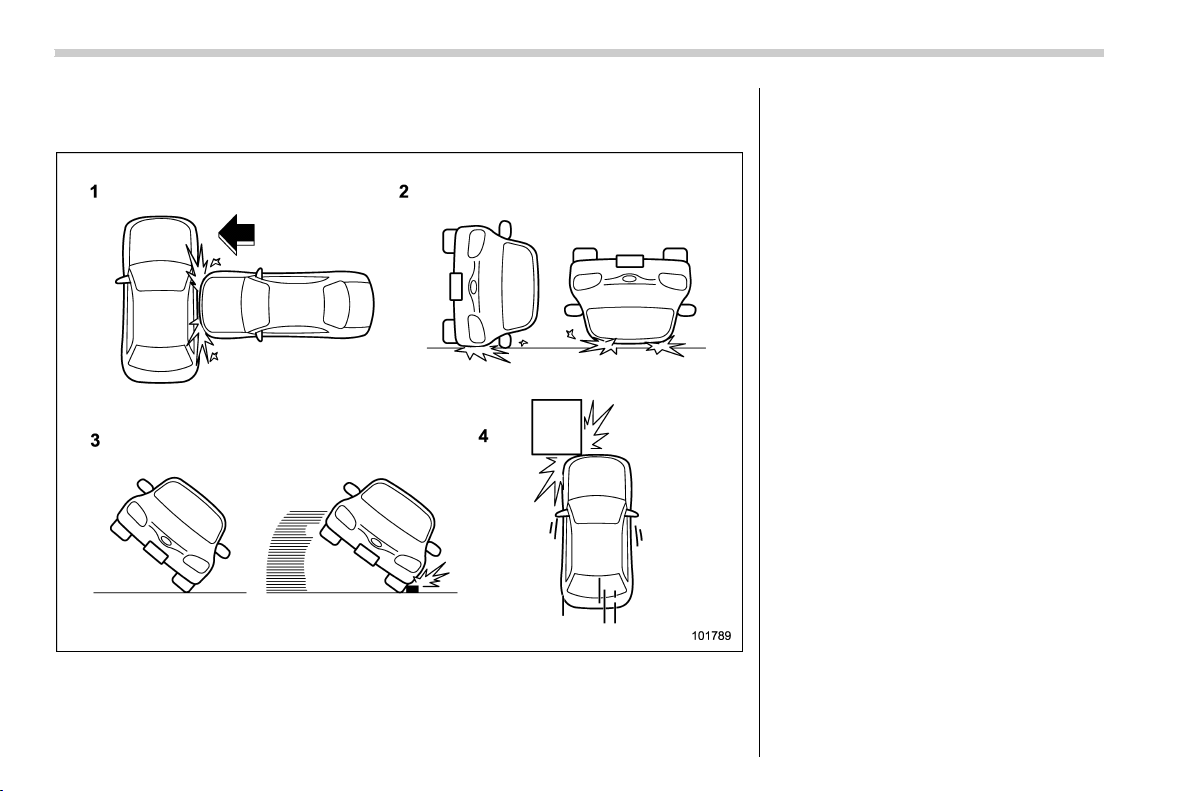
(92,1)
北米Model "A1320BE-C" EDITED: 2017/ 10/ 10
! Examples of the types of accidents in which the SRS curtain airbag will most
likely deploy.
1) The vehicle is involved in a severe side
impact near the front seat or the rear seat.
2) The vehicle rolls onto its side or the roof.
3) The angle of vehicle tip-up is marginal or
the skidding vehicle’s tires hit a curbstone
laterally.
4) An offset frontal collision that is severe
enough to deploy the front airbag.
Seat, seatbelt and SRS airbags/SRS airbag (Supplemental Restraint System airbag)
1-62
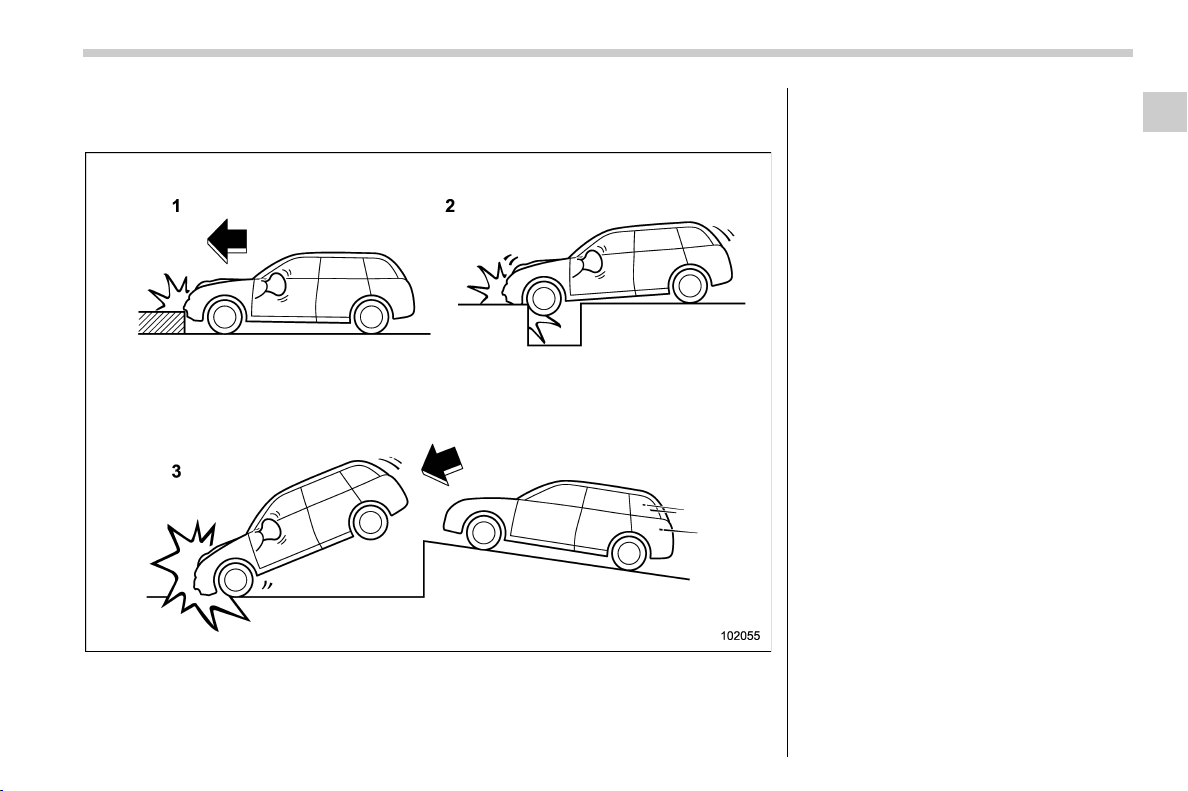
(93,1)
北米Model "A1320BE-C" EDITED: 2017/ 10/ 10
! Examples of the types of accidents in which it is possible that the SRS side
airbag and the SRS curtain airbag will deploy.
1) Hitting a curb, edge of pavement or hard
surface
2) Falling into or jumping over a deep hole
3) Landing hard or vehicle falling
It is possible that the SRS side and curtain
airbags will deploy if a serious impact
occurs to the underside of your vehicle.
Some examples are shown in the illustra-
tion.
– CONTINUED –
Seat, seatbelt and SRS airbags/SRS airbag (Supplemental Restraint System airbag)
1-63
1
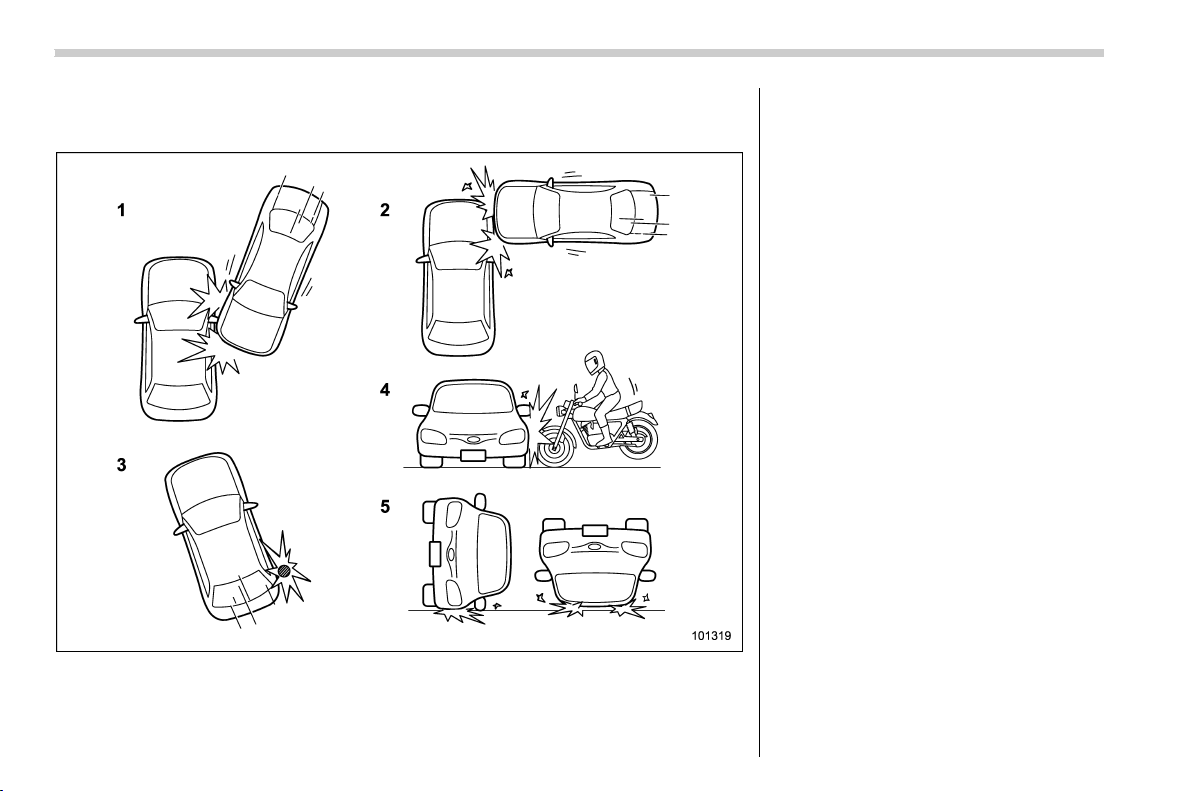
(94,1)
北米Model "A1320BE-C" EDITED: 2017/ 10/ 10
! Examples of the types of accidents in which the SRS side airbag is unlikely to
deploy.
1) The vehicle is involved in an oblique side-
on impact.
2) The vehicle is involved in a side-on
impact in an area outside the vicinity of
the passenger compartment.
3) The vehicle strikes a telephone pole or
similar object.
4) The vehicle is involved in a side-on
impact from a motorcycle.
5) The vehicle rolls onto its side or the roof.
There are many types of collisions which
might not necessarily require SRS side
airbag deployment. In the event of acci-
dents like those illustrated, the SRS side
airbag may not deploy depending on the
level of accident forces involved.
Seat, seatbelt and SRS airbags/SRS airbag (Supplemental Restraint System airbag)
1-64
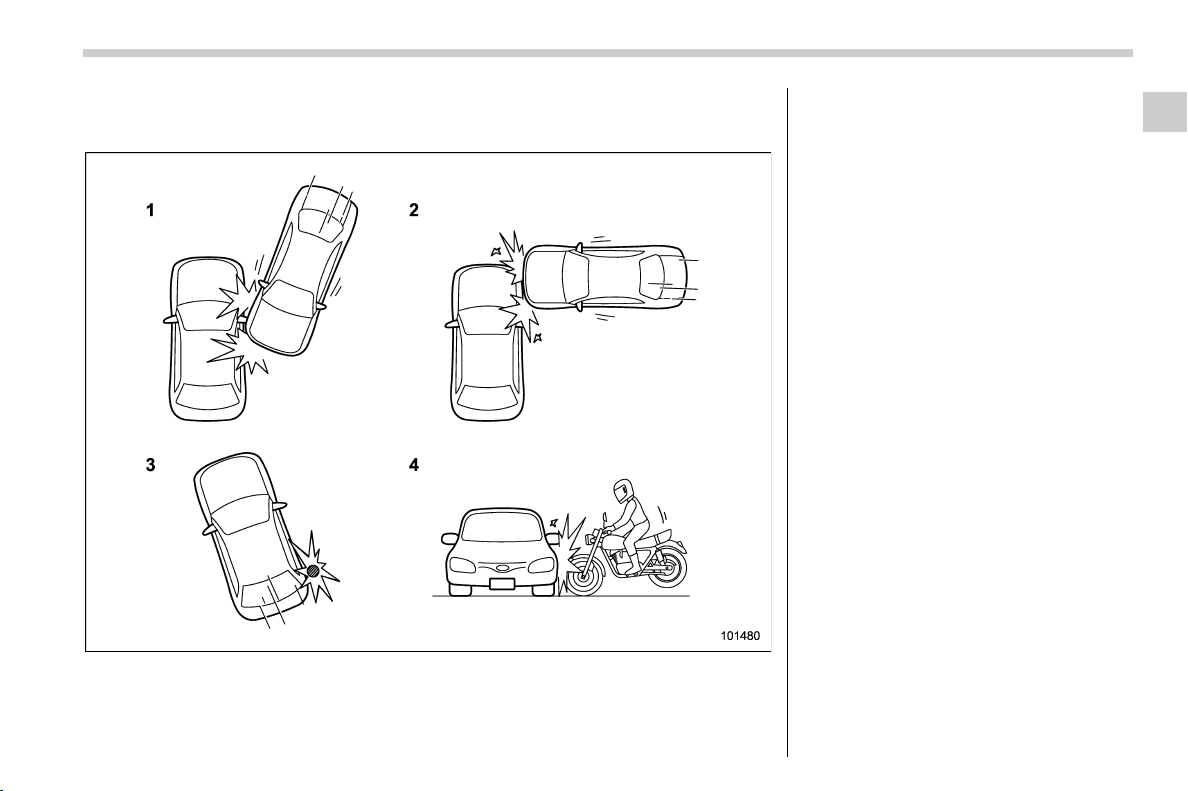
(95,1)
北米Model "A1320BE-C" EDITED: 2017/ 10/ 10
! Examples of the types of accidents in which the SRS curtain airbag is unlikely
to deploy.
1) The vehicle is involved in an oblique side-
on impact.
2) The vehicle is involved in a side-on
impact in an area outside the vicinity of
the passenger compartment.
3) The vehicle strikes a telephone pole or
similar object.
4) The vehicle is involved in a side-on
impact from a motorcycle.
There are many types of collisions which
might not necessarily require SRS curtain
airbag deployment. In the event of acci-
dents like those illustrated, the SRS
curtain airbag may not deploy depending
on the level of accident forces involved.
– CONTINUED –
Seat, seatbelt and SRS airbags/SRS airbag (Supplemental Restraint System airbag)
1-65
1
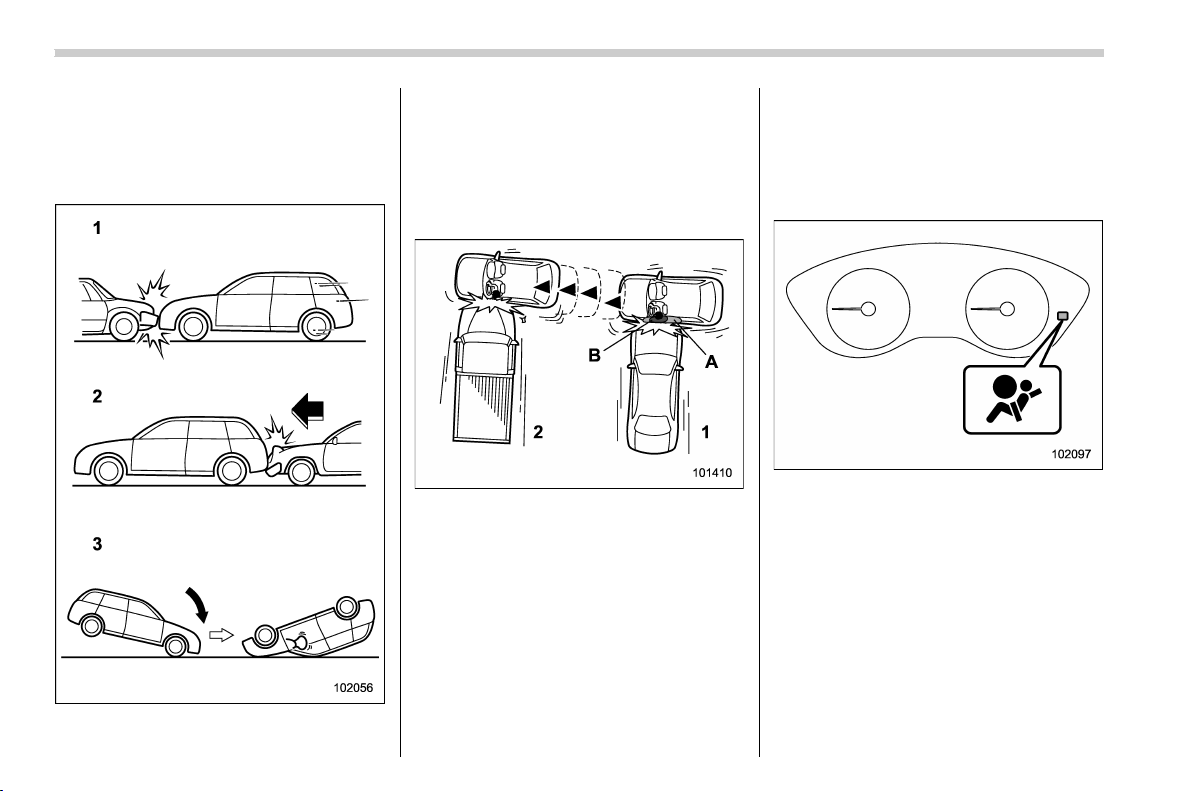
(96,1)
北米Model "A1320BE-C" EDITED: 2017/ 10/ 10
! Examples of the types of acci-
dents in which the SRS side
airbag and SRS curtain airbag
are not designed to deploy in
most cases
1) The vehicle is involved in frontal collision
with another vehicle (moving or station-
ary).
2) The vehicle is struck from behind.
3) The vehicle pitches end over end.
In the event of accidents like those
illustrated, the SRS side airbag and SRS
curtain airbag are not designed to deploy
in most cases.
1) First impact
2) Second impact
A) SRS curtain airbag
B) SRS side airbag
In an accident where the vehicle is struck
from the side more than once, the SRS
side airbag and SRS curtain airbag deploy
only once on the first impact.
Example: In the case of a double side
impact collision, first with one vehicle and
immediately followed by another from the
same direction, once the SRS side airbag
and SRS curtain airbag are activated on
the first impact, they will not be activated
on the second.
& SRS airbag system monitors
SRS airbag system warning light
A diagnostic system continually monitors
the readiness of the SRS airbag system
(including front seatbelt pretensioners)
while the vehicle is being driven. The
SRS airbag system warning light will show
normal system operation by illuminating
for approximately 6 seconds when the
ignition switch is turned to the “ON”
position.
Seat, seatbelt and SRS airbags/SRS airbag (Supplemental Restraint System airbag)
1-66
(97,1)
北米Model "A1320BE-C" EDITED: 2017/ 10/ 10
The following components are monitored
by the indicator:
. Front sub sensor
. Airbag control module (including im-
pact sensor and rollover sensor)
. Frontal airbag module
– Driver’s side
– Front passenger’s side
. Knee airbag module (driver’s side)
. Side airbag sensor
. Front door impact sensor
. Side airbag module
. Curtain airbag sensor
. Curtain airbag module
. Satellite safing sensor (under the rear
center seat)
. Seatbelt pretensioner (driver’s side)
. Seatbelt pretensioner and adaptive
force limiter (front passenger’s side)
. Lap belt pretensioner (front passen-
ger’s side)
. Seatbelt buckle switch (front passen-
ger’s side)
. Front passenger’s occupant detection
system sensor
. Front passenger’s occupant detection
control module
. Front passenger’s frontal airbag ON
and OFF indicator
. All related wiring
WARNING
If the warning light exhibits any of
the following conditions, there may
be a malfunction in the seatbelt
pretensioners and/or SRS airbag
system.
. Flashing or flickering of the warn-
ing light
. No illumination of the warning
light when the ignition switch is
first turned to the “ON” position
. Continuous illumination of the
warning light
. Illumination of the warning light
while driving
Immediately take your vehicle to
your nearest SUBARU dealer to
have the system checked. Unless
checked and properly repaired, the
seatbelt pretensioners and/or SRS
airbag will not operate properly in
the event of a collision, which may
increase the risk of injury.
& SRS airbag system servicing
WARNING
. When discarding an airbag mod-
ule or scrapping the entire vehi-
cle damaged by a collision, con-
sult your SUBARU dealer.
. The SRS airbag has no user-
serviceable parts. Do not use
electrical test equipment on any
circuit related to the SRS airbag
system. For required servicing of
the SRS airbag, consult your
nearest SUBARU dealer. Tamper-
ingwithordisconnectingthe
system’s wiring could result in
accidental inflation of the SRS
airbag or could make the system
inoperative, which may result in
serious injury.
CAUTION
If you need service or repair in areas
indicated in the following list, have
the work performed by an author-
ized SUBARU dealer. The SRS air-
bag control module, impact sensors
and airbag modules are stored in
these areas.
– CONTINUED –
Seat, seatbelt and SRS airbags/SRS airbag (Supplemental Restraint System airbag)
1-67
1
(98,1)
北米Model "A1320BE-C" EDITED: 2017/ 10/ 10
. Under the center of the instru-
ment panel
. On both the right and left sides at
the front of the vehicle
. Steering wheel and column and
nearby areas
. Bottom of the steering column
and nearby areas
. Top of the dashboard on front
passenger ’s side and nearby
areas
. Each front seat and nearby area
. Inside each center pillar
. Inside each front door
. In each roof side (from the front
pillar to a point over the rear seat)
. Between the rear seat cushion
and rear wheel house on each
side
. Under the rear center seat
In the event that the SRS airbag is
deployed, replacement of the system
should be performed only by an author-
ized SUBARU dealer. When the compo-
nents of the SRS airbag system are
replaced, use only genuine SUBARU
parts.
NOTE
In the following cases, contact your
SUBARU dealer as soon as possible.
. The front part of the vehicle was
involved in an accident in which only
the driver’s SRS frontal airbag or both
driver’s and front passenger’sSRS
frontal airbags did not deploy.
. The pad of the steering wheel, the
cover over the front passenger’s SRS
frontal airbag, or either roof side (from
the front pillar to a point over the rear
seat) is scratched, cracked, or other-
wise damaged.
. The center pillar, front door, rear
wheel house or rear sub frame, or an
area near these parts, was involved in
an accident in which the SRS side
airbag and SRS curtain airbag did not
deploy.
. The fabric or leather of either front
seatback is cut, frayed, or otherwise
damaged.
. The rear part of the vehicle was
involved in an accident in which no
SRS airbag was deployed.
& Precautions against vehicle
modification
WARNING
To avoid accidental activation of the
system or rendering the system
inoperative, which may result in
serious injury, no modifications
should be made to any components
or wiring of the SRS airbag system.
This includes following modifica-
tions.
. Installation of custom steering
wheels
. Attachment of additional trim ma-
terials to the dashboard
. Installation of custom seats
. Replacement of seat fabric or
leather
. Installation of additional fabric or
leather on the front seat
. Attachment of a hands-free mi-
crophone or any other accessory
to a front pillar, a center pillar, a
rear pillar, the windshield, a side
window, an assist grip, or any
other cabin surface that would be
near a deploying SRS curtain
airbag.
Seat, seatbelt and SRS airbags/SRS airbag (Supplemental Restraint System airbag)
1-68
(99,1)
北米Model "A1320BE-C" EDITED: 2017/ 10/ 10
. Installation of additional electri-
cal/electronic equipment such as
a mobile two-way radio on or near
the SRS airbag system compo-
nents and/or wiring is not advi-
sable. This could interfere with
proper operation of the SRS air-
bag system.
CAUTION
Do not perform any of the following
modifications. Such modifications
can interfere with proper operation
of the SRS airbag system.
. Att achment of any equipm ent
(bush bar, winches, snow plow,
skid plate, etc.) other than genu-
ine SUBARU accessory parts to
the front end.
. Modification of the suspension
system or front end structure.
. Installation of a tire of different
size and construction from the
tires specified on the vehicle
placard attached to the driver’s
door pillar or specified for indivi-
dual vehicle models in this Own-
er ’s Manual.
. Att achment of any equipm ent
(side steps or side sill protectors,
etc.) other than genuine SUBARU
accessory parts to the side body.
Always consult your SUBARU dealer if you
want to install any accessory parts on your
vehicle.
& How to contact the vehicle
manufacturer concerning
modifications for persons
with disabilities that may af-
fect the advanced airbag
system
Changing or moving any parts of the front
seats, rear seat, seatbelts, front bumper,
front side frame, radiator panel, instrument
panel, combination meter, steering wheel,
steering column, tire, suspension or floor
panel can affect the operation of the
SUBARU advanced airbag system. If you
have any questions, you may contact the
following SUBARU distributors.
<Continental U.S., Alaska and the District
of Columbia>
Subaru of America, Inc.
Customer Retailer Services Department
P.O. Box 6000
Cherry Hill, NJ 08034-6000
1-800-SUBARU3 (1-800-782-2783)
<Hawaii>
Subaru Hawaii
2850 Pukoloa Street, Suite 202,
Honolulu, HI 96819-4467
808-839-2273
<Guam>
Shen’s Corporation dba Prestige Automo-
bile
491, East Marine Corps Drive, Route 1
Dededo, Guam 96921-6225
671-633-2698
<Puerto Rico>
Trebol Motors
P.O. Box 11204, San Juan, Puerto Rico
00910
787-793-2828
<Canada>
Subaru Canada, Inc.
Consumer Support Department
560 Suffolk Court, Mississauga, Ontario
L5R 4J7
1-800-894-4212
There are currently no SUBARU distribu-
tors in any other U.S. territories. If you are
in such an area, p lease contact t he
SUBARU distributor or dealer from which
you bought your vehicle.
Seat, seatbelt and SRS airbags/SRS airbag (Supplemental Restraint System airbag)
1-69
1

Black plate (2,1)
Model "ALL_MODEL_MEMO" EDITED: 2007/ 6/ 22
Left Page
————————————————————————————————————————
————————————————————————————————————————
————————————————————————————————————————
————————————————————————————————————————
————————————————————————————————————————
————————————————————————————————————————
————————————————————————————————————————
————————————————————————————————————————
————————————————————————————————————————
————————————————————————————————————————
————————————————————————————————————————
————————————————————————————————————————
————————————————————————————————————————

(103,1)
北米Model "A1320BE-C" EDITED: 2017/ 10/ 10
Keys ......................................................................... 2-2
Key number plate................................................... 2-2
Keyless access with push-button start system
(if equipped) ......................................................... 2-2
Safety precautions ................................................. 2-3
Locking and unlocking by holding the access
key fob ................................................................ 2-6
Unlock using PIN Code Access .............................2-10
Power saving function .......................................... 2-11
Power saving function of access key fob ..............2-12
Disabling keyless access function.........................2-12
Selecting audible signal operation.........................2-13
Warning chimes and warning indicator.................. 2-13
When access key fob does not operate properly ...2-14
Replacing battery of access key fob......................2-14
Replacing access key fob ..................................... 2-14
Certification for keyless access with push-
button start system.............................................2-14
Immobilizer ............................................................ 2-15
Security indicator light..........................................2-15
Key replacement ...................................................2-15
Certification for immobilizer system ......................2-16
Remote keyless entry system.............................. 2-17
Locking the doors................................................. 2-18
Unlocking the doors.............................................. 2-18
Unlocking the rear gate ......................................... 2-19
Vehicle finder function .......................................... 2-19
Sounding a panic alarm ........................................2-19
Setting audible signal operation
(models without “keyless access with push-
button start system”) ..........................................2-19
Replacing the battery............................................ 2-20
Replacing lost transmitters ................................... 2-20
Certification for remote keyless entry system........ 2-20
Door locks............................................................. 2-21
Locking and unlocking from the outside ............... 2-21
Locking and unlocking from the inside ................. 2-22
Key lock-in prevention function ............................2-23
Battery drainage prevention function ....................2-24
Alarm system ........................................................ 2-24
Alarm system operation........................................ 2-25
Arming the system ............................................... 2-25
Disarming the system...........................................2-26
Alarm system setting............................................ 2-26
If you have accidentally triggered the alarm
system .............................................................. 2-27
Valet mode ........................................................... 2-27
Child safety locks ................................................. 2-28
Windows................................................................ 2-28
Power window operation.......................................2-28
Initialization of power window with one-touch
auto up/down function....................................... 2-30
Rear gate ............................................................... 2-31
Lock/unlock.......................................................... 2-31
Open/close ...........................................................2-31
Moonroof (if equipped)......................................... 2-32
Moonroof switches ...............................................2-33
Sunshade ............................................................. 2-34
Keys and doors
2
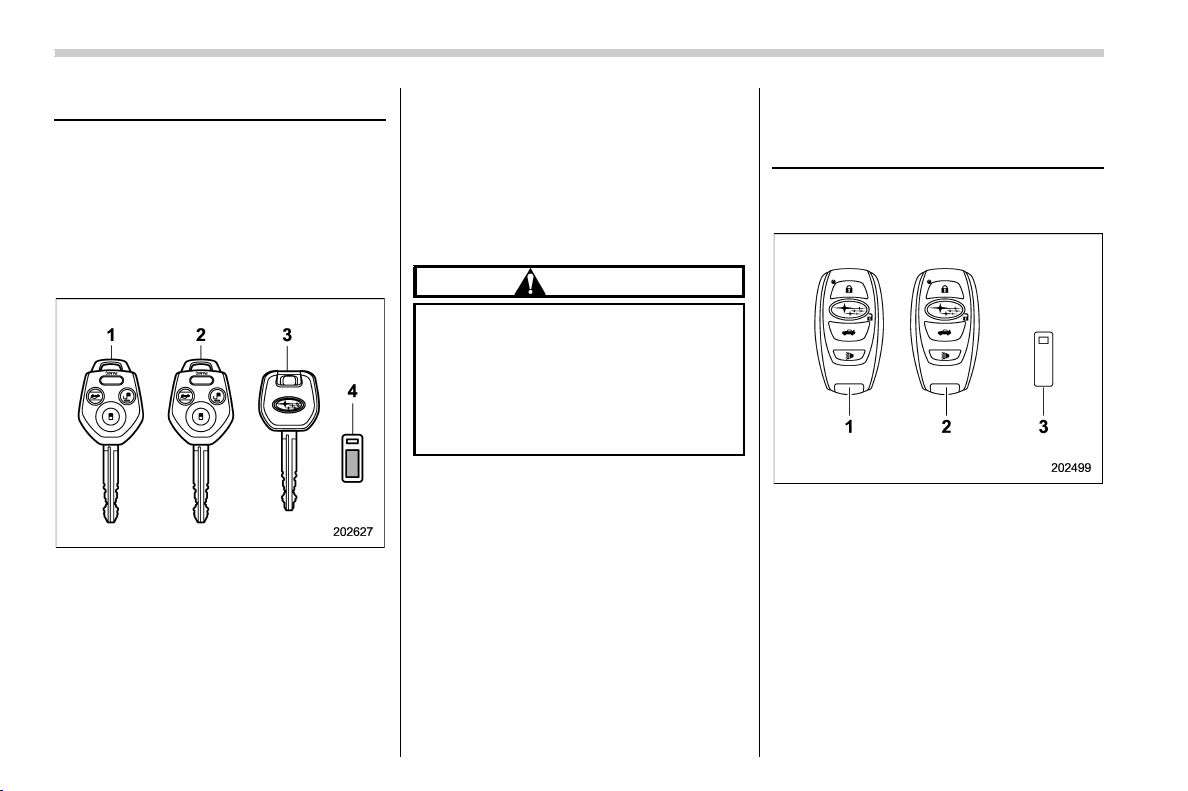
(104,1)
北米Model "A1320BE-C" EDITED: 2017/ 10/ 10
Keys
NOTE
For models with “keyless access with
push-button start system”, ref er to
“Keyless access with push-button start
system” F2-2.
The following keys are provided with the
vehicle.
1) Master key (Main)
2) Master key (Sub)
3) Sub key
4) Key number plate
Akeycanbeusedinthefollowing
locations.
. Ignition switch
. Driver’s door
. Glove box
NOTE
Locking/unlocking using the remote
keyless entry system can also be con-
trolled with the buttons on the key. For
detailed information, refer to “Remote
keyless entry system” F2-17.
CAUTION
Do not attach a large key holder or
key case to either key. If it bangs
against your knees while you are
driving, it could turn the ignition
switch from the “ON” position to
the “ACC” or “LOCK” position,
thereby stopping the engine.
& Key number plate
The key number is stamped on the key
number plate attached to the key set. Write
down the key numbe r and keep it in
another safe place, not in the vehicle. This
number is needed to make a replacement
key if you lose your key or lock it inside the
vehicle. Refer to “Key replacement” F2-
15.
Keyless access with push-
button start system (if
equipped)
The following access key fobs are pro-
vided with the vehicle.
1) Access key fob (main)
2) Access key fob (sub)
3) Key number plate
The keyless access with push-button start
system allows you to perform the following
functions when you are carrying the
access key fob.
. Locking and unlocking of the doors and
rear gate. Refer to “Locking and unlocking
by holding the access key fob” F2-6.
. Starting and stopping the engine. For
detailed information, refer to “Starting and
Keys and doors/Keys
2-2
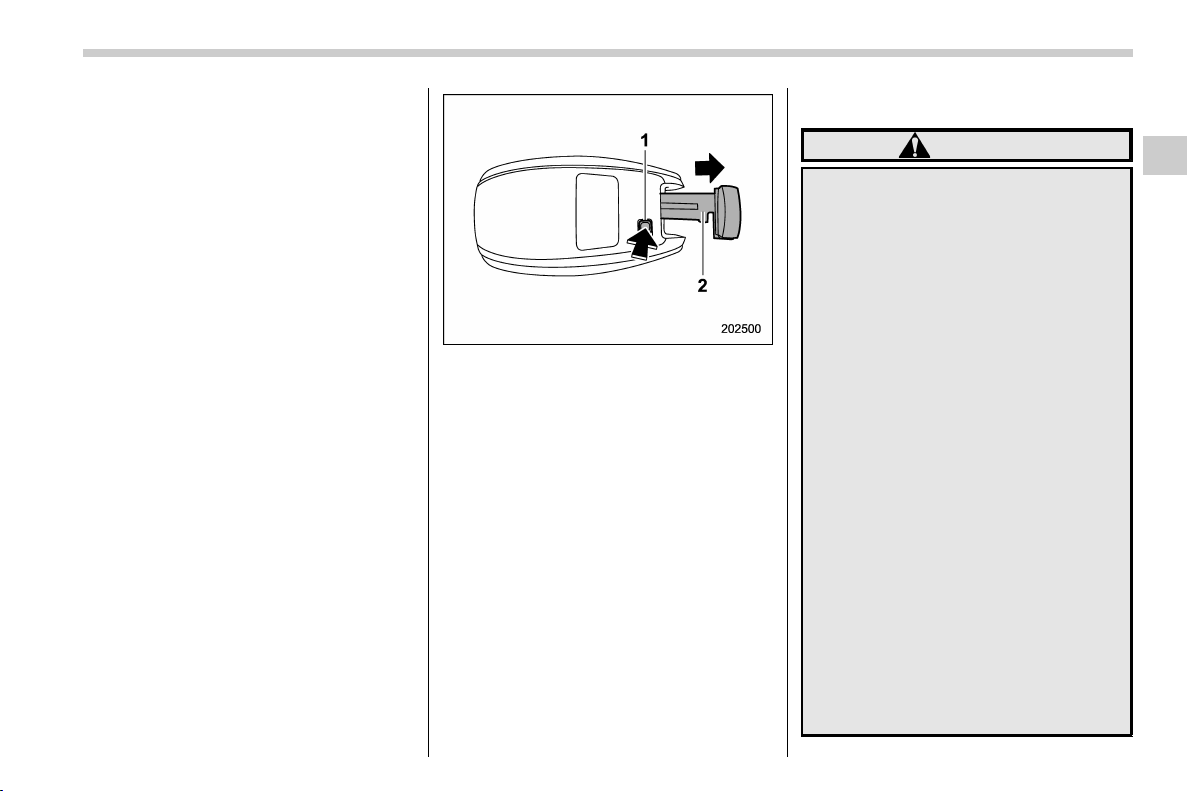
(105,1)
北米Model "A1320BE-C" EDITED: 2017/ 10/ 10
stopping engine (models with push-button
start system)” F7-11.
. Arming and disarming the alarm sys-
tem. For detailed information, refer t o
“Alarm system” F2-24.
NOTE
. Locking/unlocking using the remote
keyless entry system can also be con-
trolled with the buttons on the access
key fob. For detailed information, refer
to “Remote keyless entry system” F2-
17.
. Carefully store the key number plate
supplied with the access key fob. It is
necessary for vehicle repair and addi-
tional registration of access key fobs.
For details, refer to “Key replacement”
F2-15.
An emergency key is attached to each
access key fob.
1) Release button
2) Emergency key
While pressing the release button of the
access key fob, take out the emergency
key.
The emergency key is used for the follow-
ing operations.
. Locking and unlocking the driver’s door
. Locking and unlocking the glove box
NOTE
The glove box can be kept locked when
you leave your vehicle and the access
key fob (with the emergency key re-
moved) at a parking facility.
& Safety precautions
WARNING
If you wear an implanted pacemaker
or an implanted defibrillator, stay at
least 8.7 in (22 cm) away from the
transmitting antennas installed on
the vehicle.
The radio waves from the transmit-
ting antennas on the vehicle could
adversely affect the operation of
implanted pacemakers and im-
planted defibrillators.
If you wear electronic medical equip-
ment other than an implanted pace-
maker or an implanted defibrillator,
before using the keyless access
with push-button start system, refer
to “Radio waves used for the key-
less access with push-button start
system” mentioned later, and con-
tact the electronic medical equip-
ment manufacturer for more infor-
mation. The radio waves from the
transmitting antennas on the vehicle
could adversely affect the operation
of the electronic medical equipment.
“Radio waves used for the keyless
access with push-button start sys-
tem”
– CONTINUED –
Keys and doors/Keyless access with push-button start system
2-3
2
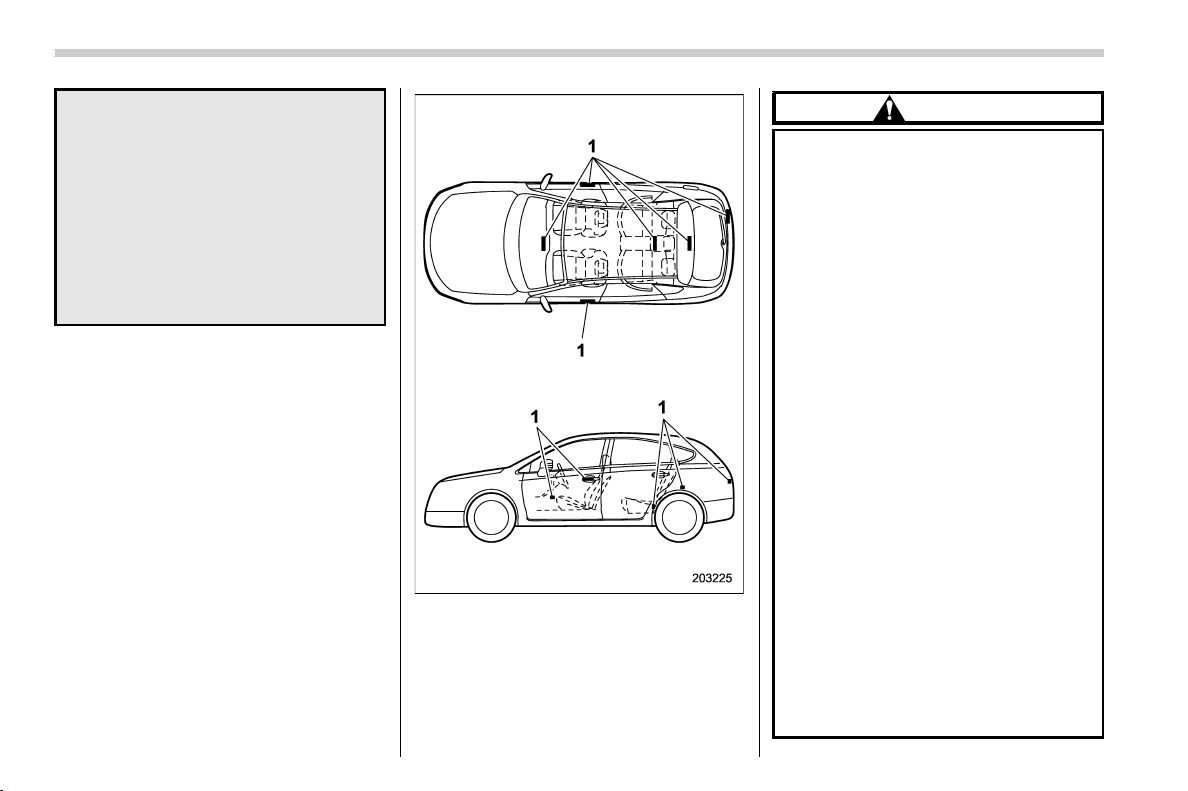
(106,1)
北米Model "A1320BE-C" EDITED: 2017/ 10/ 10
. The keyless access with push-
button start system uses radio
waves of the following fre-
quency* in addition to the radio
waves used for the remote key-
less entry system. The radio
waves are periodically o utput
from the antennas installed on
the vehicle as shown in the
following illustrations.
* Radio frequency: 134 kHz
1) Antenna
CAUTION
. Never leave or store the access
key fob inside the vehicle or
within 6.6 ft (2 m) around the
vehicle (e.g., in the garage). The
access key fob may be locked
inside the vehicle, or the battery
may discharge rapidly. Note that
the push-button ignition switch
may not turn on in some cases
depending on the location of the
access key fob.
. The access key fob contains
electronic components. Observe
the following precautions to pre-
vent malfunctions.
– It is recommended to have the
access key battery replaced at
an authorized SUBARU dealer
to avoid the risk of damage.
– Do not get the access key fob
wet. If the access key fob gets
wet, wipe it off immediately
and let it dry completely.
– Do not apply strong impacts to
the access key fob.
– Never leave the access key
fob in direct sunlight or any-
where that may become hot,
such as on the dashboard. It
Keys and doors/Keyless access with push-button start system
2-4
(107,1)
北米Model "A1320BE-C" EDITED: 2017/ 10/ 10
may damage the battery or
cause circuit malfunctions.
– Do not wash the access key
fob in an ultrasonic washer.
– Do not leave the access key
fob in humid or dusty loca-
tions. Doing so may cause
malfunctions.
– Keep the access key fob away
from magnetic sources.
– Do not leave the access key
fob near a personal computer
or home electrical appliance.
– Do not leave the access key
fob near a battery charger or
any electrical accessories.
– Do not apply metallic window
tint or attach metallic objects
to the windows.
– Do not fit non genuine acces-
sories or parts.
. If the access key fob is dropped,
the integrated emergency key in-
side may become loose. Be care-
ful not to lose the emergency key.
. When traveling in an airplane, do
not press the button of the ac-
cess key fob. If any button of the
access key fob is pressed, radio
waves are emitted and may affect
the operation of the airplane.
When carrying the access key
fob in a bag, take measures to
prevent the buttons from being
pressed accidentally.
NOTE
. The operatio nal/non-operational
setting for the keyless access function
can be changed. For the setting proce-
dure, refer to “Disabling keyless ac-
cess function” F2-12.
. For detailed information about the
operation method for the push-button
ignition switch while the keyless ac-
cess function is switched to the non-
operational mode, refer to “Access key
fob – if access key fob does not operate
properly” F9-17.
. The keyless access with push-but-
ton start system uses weak radi o
waves. The status of the access key
fob and environmental conditions may
interfere with the communication be-
tween the access key fob and the
vehicle under the following conditions,
and it may not be possible to lock or
unlock the doors or start the engine.
– When operating near a facility
where strong radio waves are trans-
mitted, such as a broadcast station
and power transmission lines
– When products that transmit
radio waves are used, such as an
access key fob or a remote trans-
mitter key of another vehicle
– When carrying the access key fob
of your vehicle together with the
access key fob or the remote trans-
mitter of another vehicle
– When the access key fob is
placed near wireless communica-
tion equipment such as a cell phone
– When the access key fob is
placed near a metallic object
– When metallic accessories are
attached to the access key fob
– When carrying the access key fob
with electronic appliances such as a
laptop computer
– When the battery of the access
key fob is discharged
. The access key fob is always com-
municating with the vehicle and is
continuously using the battery.
Although the life of the battery varies
depending on the operating conditions,
it is approximately 1 to 2 years. If the
battery becomes fully discharged, re-
place it with a new one.
. If an access key fob is lost, it is
recommended that all of the remaining
access key fobs be reregistered. For
– CONTINUED –
Keys and doors/Keyless access with push-button start system
2-5
2
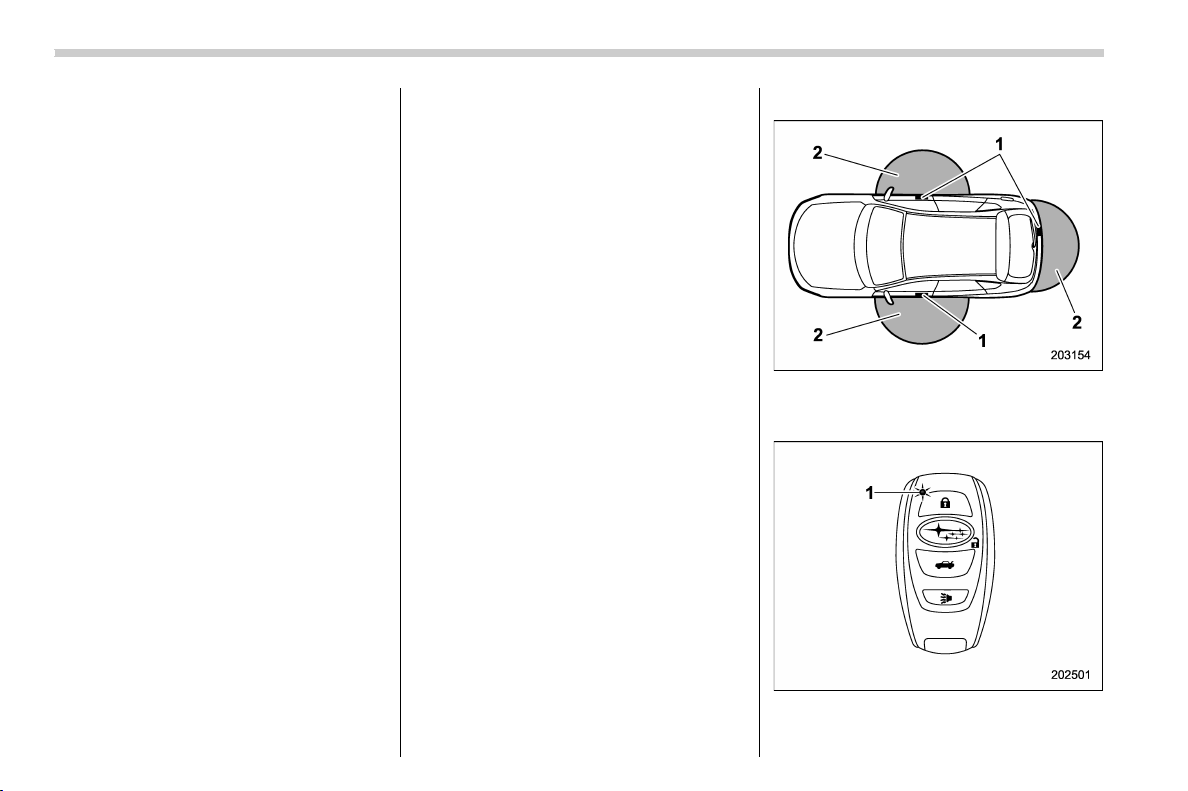
(108,1)
北米Model "A1320BE-C" EDITED: 2017/ 10/ 10
reregistration of an access key fob,
contact a SUBARU dealer.
. For a spare access key fob, contact a
SUBARU dealer.
. Up to 7 access key fobs can be
registered for one vehicle.
. Do not leave the access key fob in
the storage spaces inside the vehicle,
such as the door pocket, dashboard,
inside the corner of the cargo area.
Vibrations may damage the key fob or
turn on the switch, possibly resulting in
a lockout.
. After the vehicle battery is dis-
charged or replaced, initialization of
the steering lock system may be re-
quired to start the engine. In this case,
perform the following procedure to
initialize the steering lock.
(1) Turn the push-button ignition
switch to the “OFF” position. For
details, refer to “Switching power
status” F3-7.
(2) Open and close the driver ’s
door.
(3) Wait for approximately 10 sec-
onds.
When the steering is locked, the initi-
alization is completed.
. Do not leave the access key fob in
the following places.
– On the instrument panel
– On the floor
– Inside the glove box
– Inside the door trim pocket
– On the rear seat
– In the cargo area
If you do, the following situations
may occur.
– The access key fob is mistakenly
locked inside the vehicle.
– A false warning issues although
no malfunction actually occurs.
– No warni ng issues even when
any malfunction occurs.
& Locking and unlocking by
holding the access key fob
When the access key fob is carried within
the operating range, the doors and the rear
gate can be locked/unl ocked just by
touching the door handle.
NOTE
The vehicle c an also be locked/un-
locked with the remote keyless entry
system. For details, refer to “Remote
keyless entry system” F2-17.
! Operating ranges
1) Antenna
2) Operating range (approximately 16 to 32
in (40 to 80 cm))
1) LED indicator
Keys and doors/Keyless access with push-button start system
2-6

(109,1)
北米Model "A1320BE-C" EDITED: 2017/ 10/ 10
When the access key fob is within either of
the operating ranges of the front doors, the
LED indicator on the access key fob
flashes. When the keyless access func-
tions are disabled, the LED indicator does
not flash unless a button on the access key
fob is pressed.
NOTE
. If the access key fob is placed too
close to the vehicle body, the keyless
access functions may not operate
properly. If they do not operate prop-
erly, repeat the operation from further
away.
. If the access key fob is placed near
the ground or in an elevated location
from the ground, even if it is in the
indicated operating range, the keyless
access function may not operate prop-
erly.
. When the access key fob is within
the operating range, it is possible for
anyone, even someone who is not
carrying the access key fob, to operate
the keyless access function. Note that
the keyless access function can be
operated only by the door handle, door
lock sensor, rear gate opener button or
rear lock button in the operating range
in which the access key fob is detected.
. It is not possible to lock the doors
and rear gate using the keyless access
function when the access key fob is
inside the vehicle. However, depending
on the status of the access key fob and
the environmental conditions, the ac-
cess key fob may be locked inside the
vehicle. Before locking the vehicle,
make sure that you have the access
key fob.
. When the battery of the access key
fob is discharged, or when operating it
in a location with strong radio waves or
noise (e.g., near a radio tower, power
plant, broadcast station or an area
where wireless equipment is used), or
while talking on a cell phone, t he
operating ranges may be reduced, or
the keyless access function may not
operate.
In such a case, perform the procedure
described in “Locking and unlocking”
F9-17.
. The doors may lock or unlock when
the car is being washed or exposed to a
significant amount of water that con-
tacts the door handle while the key fob
is still in the operating range.
! How to lock and unlock
It is possible to perform the following
operations when you are carrying the
access key fob.
. Lock and unlock the doors
. Unlock and lock rear gate
NOTE
. It is not possible to lock the doors
and rear gate using the keyless access
function when the push-button ignition
switch is in the “ACC” or “ON” position.
Refer to “Switching power status” F3-
7.
. If the door handle is gripped with a
gloved hand, the door lock may not be
released.
. If the door lock sensor is touched
three times or more repeatedly, the
system will ignore the sensor opera-
tion.
. When performing the locking proce-
dure too quickly, locking may not have
been completed. After performing the
locking procedure, it is recommended
to pull the REAR door handle to confirm
that the doors have been locked.
. If any of the doors (or the rear gate)
are not fully closed, the following will
occur to alert you that the doors (or the
rear gate) are not properly closed.
– an electronic chirp sounds five
times.
– the hazard warning flashers flash
five times.
. It is possible to lock the doors even
when one of the doors is open. After
– CONTINUED –
Keys and doors/Keyless access with push-button start system
2-7
2
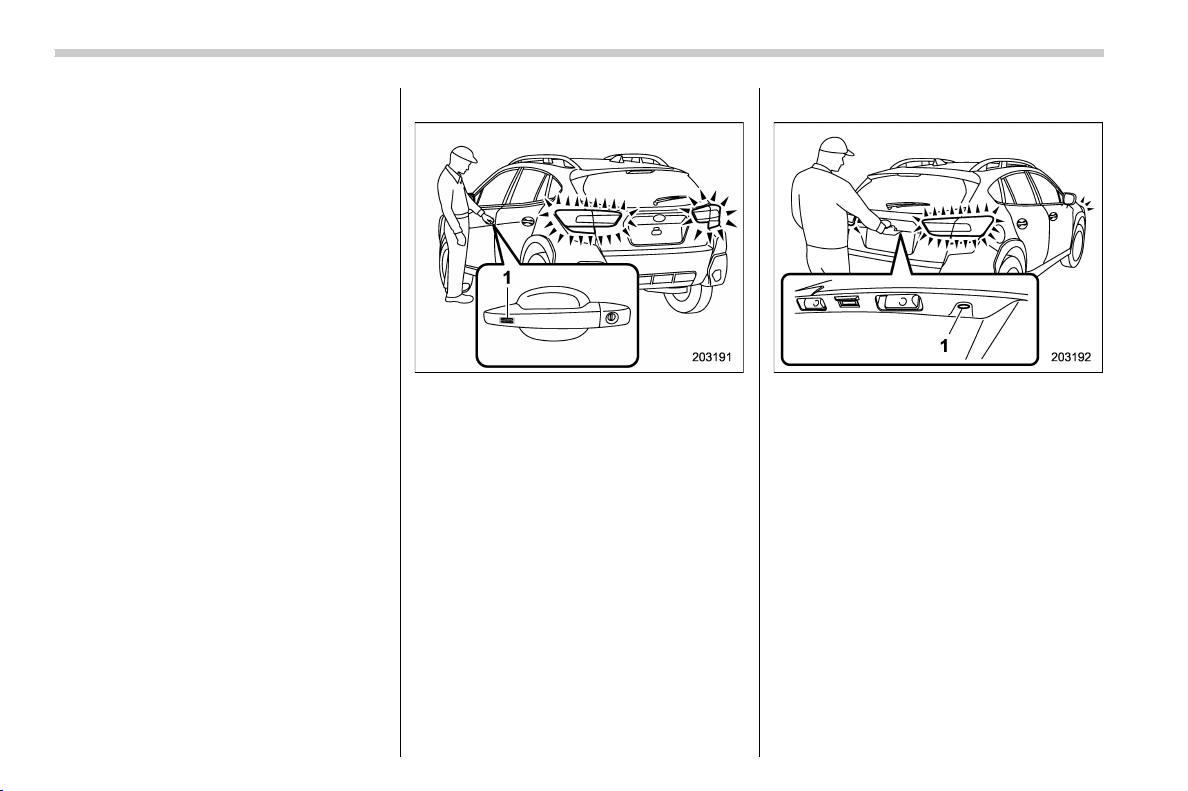
(110,1)
北米Model "A1320BE-C" EDITED: 2017/ 10/ 10
performing the locking procedure,
close the opened door or rear gate to
lock it.
. Within 3 seconds after locking the
doors and the rear gate by using the
keyless access function, it is not pos-
sible to unlock doors and/or the rear
gate by using the keyless access func-
tion.
. When locking, be sure to carry the
access key fob to prevent locking the
access key fob in the vehicle.
. The setting of the hazard warning
flasher operation and the volume of the
audible signal can be changed by your
SUBARU dealer. Contact your SUBARU
dealer for details. Also, for models with
the combination meter display (color
LCD), the setting of the hazard warning
flasher operation can be changed by
operating the combination meter dis-
play (color LCD). For details, refer to
“Keyless Entry System” F3-41.
! Locking with the door lock sensor
1) Door lock sensor
Carry the access key fob, close all doors
including the rear gate, and touch the door
lock sensor on the door handle. All doors
including the rear gate will be locked. Also,
an electronic chirp will sound once and the
hazard warning flashers will flash once.
! Locking with the rear lock button
1) Rear lock button
Carry the access key fob, close all doors
including the rear gate and press the rear
lock button. The rear gate and all doors will
be locked. Also, an electronic chirp will
sound once and the ha zard warning
flashers will flash once.
Keys and doors/Keyless access with push-button start system
2-8
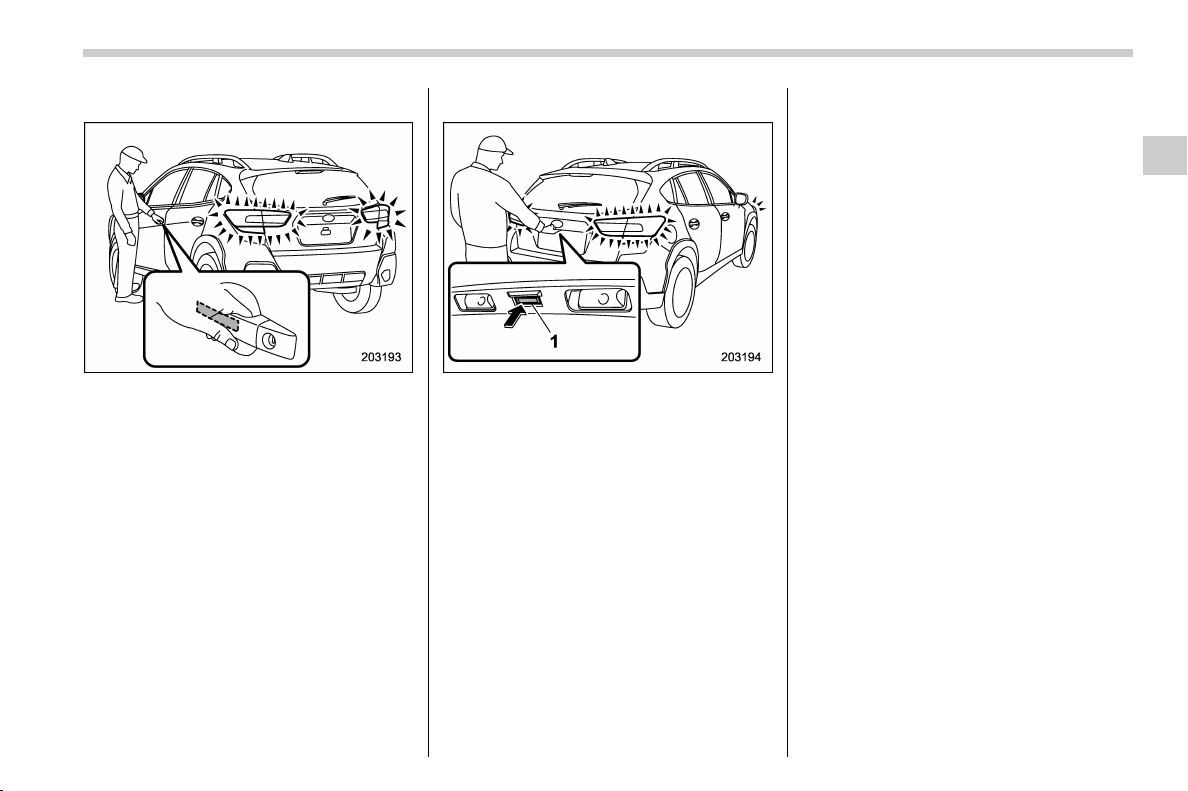
(111,1)
北米Model "A1320BE-C" EDITED: 2017/ 10/ 10
! Unlocking
Carry the access key fob, and grip the
following door handle.
. The driver’s door handle:
Either only the driver’s door will unlock, or
all doors will unlock.
. The front passenger’s door handle:
All doors and rear gate will be unlocked.
Also, an electronic chirp will sound twice
and the hazard warning flashers will flash
twice.
! Unlocking rear gate
1) Rear gate opener button
Carry the access key fob, and press the
rear gate opener button. Either only the
rear gate will unlock, or all doors will
unlock. Also, an electronic chirp will sound
twice and the hazard warning flashers will
flash twice.
! Door unlock selection function
When the door is unlocked using the
keyless access function, only the doors
that were set can be unlocked.
The settings can be changed with the
following methods.
. The setting can be changed by operat-
ing the combination meter display (color
LCD) (if equipped). Refer to “Keyless Entry
System” F3-41.
. The setting can be changed by a
SUBARU dealer.
– CONTINUED –
Keys and doors/Keyless access with push-button start system
2-9
2
(112,1)
北米Model "A1320BE-C" EDITED: 2017/ 10/ 10
& Unlock using PIN Code Ac-
cess
When all doors including the rear gate are
locked, you can unlock the doors (includ-
ing rear gate) without a key by pressing the
rear lock button.
1) Rear lock button
NOTE
PIN Code Access will be helpful if the
key fob is accidentally left in the
vehicle. It is recommended that a 5-
digit security code (PIN code) be regis-
tered.
! Preparation for registering a PIN
code
1. Turn off the ignition switch.
2. Close all doors (including rear gate).
3. Press and hold the “
” button on the
access key fob. Then all doors (including
rear gate) will be locked.
4. Keep the “
” button pressed, and
press the rear lock button within 5 seconds
after step 3.
5. Press and hold the rear lock button for
more than 5 seconds. Confirm a chirp
sound.
6. Release the “
” button and rear lock
button.
7. Press the “
” button on the access key
fob while the chirp sounds.
Then the chirp will stop and the prepara-
tion is complete.
NOTE
Press the “ ” button within 30 seconds
of step 6 to end the preparation mode
and move on to the registration stage.
Unless the “
” button is pressed within
30 seconds after step 6, the PIN code
registration will be canceled.
! Registration for a PIN code
For example, to register “32468” as the
PIN code, perform the following proce-
dure.
1. Press the rear lock button three times.
2. After a chirp sounds once, press the
rear lock button twice.
3. After a chirp sounds once, press the
rear lock button four times.
4. After a chirp (ding) sounds once, press
the rear lock button six times.
5. After a chirp (ding) sounds once, press
the rear lock button eight times.
6. Perform steps 1 to 5 again within
approximately 30 seconds after the chirp
starts sounding intermittently.
7. All doors will be unlocked and locked.
Then the PIN code will be registered.
Keys and doors/Keyless access with push-button start system
2-10
(113,1)
北米Model "A1320BE-C" EDITED: 2017/ 10/ 10
NOTE
. Press the rear lock button ten times
to enter “0”.
. Change the PIN code frequently to
protect your vehicle from theft.
. If you have lent your vehi cle to
another person, confirm that the PIN
code has not been changed or deleted.
If the PIN code has been changed or
deleted, reregister a new PIN code.
. If you make an error d uring the
registration procedure, press the “
”
or “
” button on the access key fob.
Then, start over from the procedure
described in “Preparation for register-
ing a PIN code”.
. To protect your vehicle from theft,
you cannot register a string of the same
five numbers together, such as
“00000”, nor “12345” as a PIN code.
. Do not register your vehicle license
plate number or simple numbers such
as “11122” or “12121” as a PIN code.
Doing so will increase the risk of
vehicle theft.
. When you try to register “22222”, the
registered PIN code will be deleted. You
cannot unlock the doors by PIN Code
Access until a new code is registered.
. After registering a new PIN code,
make sure that you can unlock the
doors using the PIN code.
. The PIN code cannot be d eleted
while the keyless access function is
disabled by operating the access key
fob.
. Reregister the PIN code in the fol-
lowing case.
– when you forget the PIN code
– when you want to change the PIN
code
! Unlocking
Perform steps 1 to 5 described in “Regis-
tration for a PIN code”.
NOTE
. You cannot unlock by PIN Code
Access in the following cases.
– when the access key fob is within
the operating ranges
– when the ignition switch is in the
“ACC” or “ON” position
. If you make an operation error dur-
ing the unlocking procedure, start over
with the unlocking procedure after
waiting for 5 seconds or longer.
. To protect your vehicle from theft, a
buzzer will sound if incorrect PIN codes
are entered five times continuously. If
this occurs, you cannot unlock the
doors by PIN Code Access for 5
minutes.
& Power saving function
The keyless access function will be dis-
abled in the following cases to protect the
access key fob battery and the vehicle
battery.
. Case 1: When the keyless access
function and the remote keyless entry
system have not been used for 2 weeks
or longer while all doors are locked
Operate one of the following items to
recover the keyless access function:
– Unlock the doors by operating any
procedure other than gripping the front
passenger’s door handle
– Lock the doors
– Open a door and then close it
. Case 2: When the access key fob has
been left in the operating range for 10
minutes or longer while all doors are
locked
Operate one of the following items to
recover the keyless access function:
– Unlock the doors by gripping the
door handle
– Unlock the doors by pressing the
rear gate opener button
– Lock the doors by touching the door
lock sensor
– Lock or unlock the doors by using
– CONTINUED –
Keys and doors/Keyless access with push-button start system
2-11
2
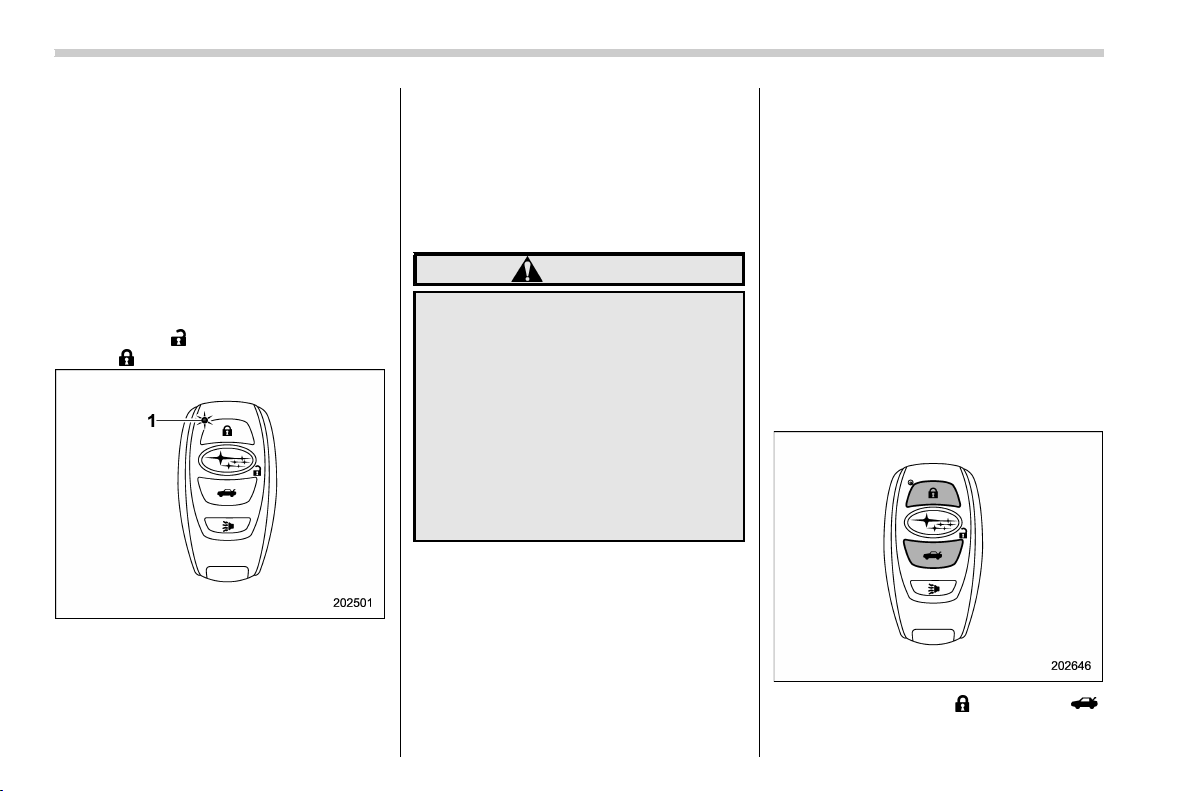
(114,1)
北米Model "A1320BE-C" EDITED: 2017/ 10/ 10
the remote keyless entry system
– Lock or unlock the doors by using
the power door locking switch
– Open either of the front doors
& Power saving function of ac-
cess key fob
This function stops the access key fob
from receiving signals and helps minimize
the battery consumption of the access key
fob.
1. Press the “
” button twice while hold-
ing the “
” button.
1) LED indicator
2. Confirm that the LED indicator blinks 4
times to notify that the setting is complete.
When the access key fob is in the power
save mode, the keyless access function
and push-button start system will not be
available.
To cancel the power save mode, press one
of the buttons on the access key fob.
& Disabling keyless access
function
WARNING
If you wear an implanted pacemaker
or an implanted defibrillator, per-
form the procedure described in
“By operating the dri ver’s door”
F2-13 to disable the keyless access
function. If you perform the proce-
dure described in “By operating the
access key fob” F2-12, the opera-
tion of an implanted pacemaker or
implanted defibrillator may be af-
fected by the radio waves from the
transmitter antenna.
When the vehicle is not going to be used
for a long time, or when you choose not to
use the keyless access function, the key-
less access function can be disabled.
NOTE
. The locking and unlocking function
by the remote keyless entry system is
not disabled.
. To start the engine while the func-
tions are disabled, perform the proce-
dure described in “Starting engine”
F9-18.
! Disabling functions
! By operating the access key fob
If you have registered a PIN code for PIN
Code Access, you can disable the keyless
access function by operating the access
key fob. For details about registering a PIN
code, refer to “Preparation for registering a
PIN code” F2-10.
1. Open the driver’s door.
2. Rotate the lock lever toward the lock
position.
3. Press and hold the “ ” button and “ ”
button on the access key fob simulta-
Keys and doors/Keyless access with push-button start system
2-12
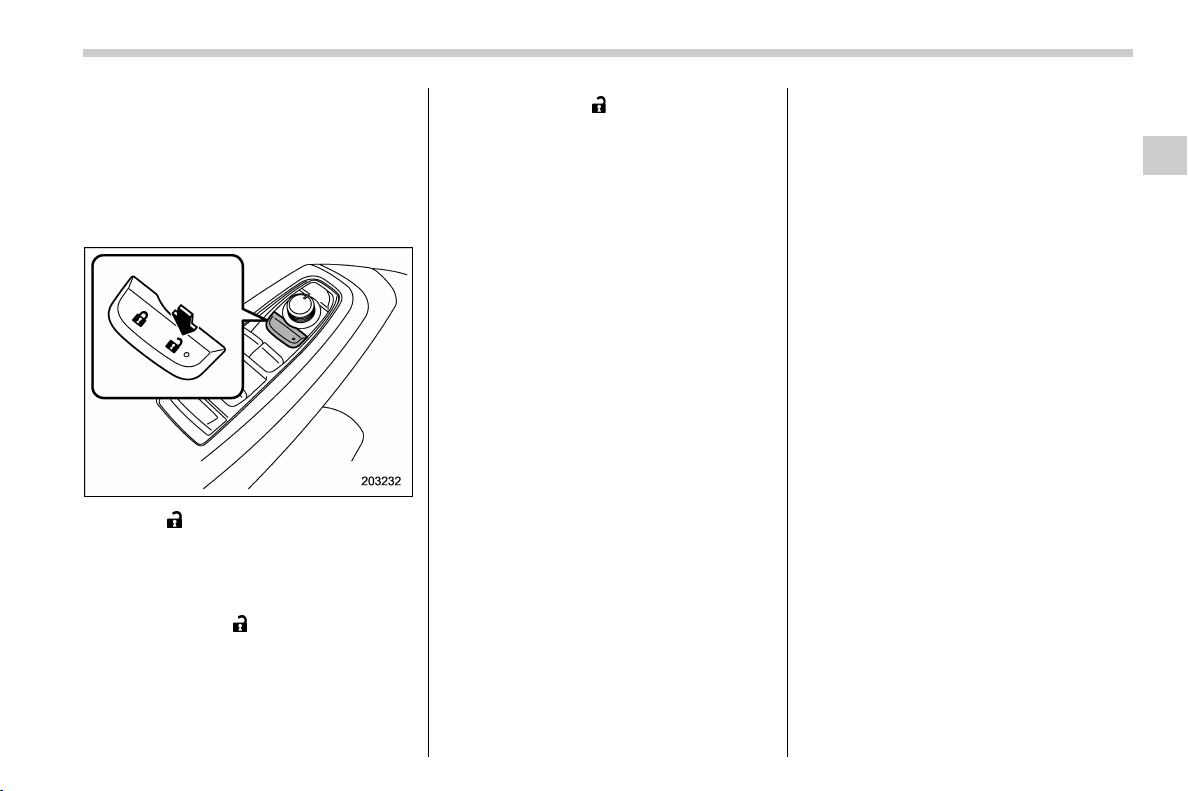
(115,1)
北米Model "A1320BE-C" EDITED: 2017/ 10/ 10
neously for more than 5 seconds.
A chirp sound will be heard, and the
function will be disabled.
! By operating the driver’s door
1. Sit in the driver’s seat, and close the
door.
2. Push “ ” of the power door locking
switch.
3. Within 5 seconds after step 2 is
performed, open the driver’s door.
4. Within 5 seconds after step 3 is
performed, push “
” of the power door
locking switch twice while the door is open.
5. Within 10 seconds after step 4 is
performed, close and open the driver ’s
door twice.
6. Within 10 seconds after step 5 is
performed, push “
” of the power door
locking switch twice while the door is open.
7. Within 10 seconds after step 6 is
performed, close and open the driver ’s
door once.
8. Within 5 seconds after step 7 is
performed, close the door.
A chirp sound will be heard, and the
functions will be disabled.
NOTE
In steps 4 and 6, press the power door
locking switch slowly. If the switch is
pressed quickly, the functions may not
be disabled.
! Enabling functions
When the procedure to disable the func-
tions is performed again, a chirp sound will
be heard, and the functions are enabled.
NOTE
. The keyless access function will be
enabled only if you perform the proce-
dure in the same manner you disabled
the function (for example, when dis-
abling by operating the driver’s door,
the function will not be enabled even if
you operate the access key fob).
. Press the push-button ignition
switch if you do not know the proce-
dure in which the keyless access func-
tion was disabled.
– When disabling by operating the
driver’s door: a chirp will not be
heard
– When disabling by operating the
access key fob: a chirp will be heard
& Selecting audible signal op-
eration
Using an electronic chirp, the system will
give you an audible signal when the doors
lock and unlock. If desired, you may turn
the audible signal off. For more details,
contact a SUBARU dealer.
NOTE
For models with the combination meter
display (color LCD), the setting can be
changed by operating the combination
meter display (color LCD). For details,
refer to “Vehicle Setting” F3-41.
& Warning chimes and warning
indicator
The keyless access with push-button start
system sounds a warning chime and
flashes the access key warning indicator
on the combination meter in order to
minimize improper operations and help
protect your vehicle from theft.
For details, refer to “Warning chimes and
– CONTINUED –
Keys and doors/Keyless access with push-button start system
2-13
2

(116,1)
北米Model "A1320BE-C" EDITED: 2017/ 10/ 10
warning indicator of the keyless access
with push-button start system” F3-25.
& When access key fob does
not operate properly
Refer to “Access key fob – if access key
fob does not operate properly” F9-17.
& Replacing battery of access
key fob
Refer to “Replacing battery of access key
fob” F11-43.
& Replacing access key fob
Access key fobs can be replaced at
SUBARU dealers. For more details, con-
tact a SUBARU dealer.
& Certification for keyless ac-
cess with push-button start
system
. U.S.-spec. models
FCC ID: HYQ14AHK
FCC ID: Y8PFJ16-1
FCC ID: Y8PSSPIMB02
CAUTION
FCC WARNING
Changes or modifications not ex-
pressly approved by the party re-
sponsible for compliance could void
the user’s authority to operate the
equipment.
NOTE
This device complies with part 15 of the
FCC Rules. Operation is subject to the
following two conditions: (1) This de-
vice may not cause harmful interfer-
ence, and (2) this device must accept
any interference receiv ed, inclu din g
interference that may cause undesired
operation.
. Canada-spec. models
Keys and doors/Keyless access with push-button start system
2-14
(117,1)
北米Model "A1320BE-C" EDITED: 2017/ 10/ 10
. Mexico-spec. models
IFT
RLVDE1415-1661
14AHK
DENSO
Immobilizer
The immobilizer system is designed to
prevent an unauthorized person from
starting the engine. Only keys registered
with your vehicle’s immobilizer system can
be used to operate your vehicle. If engine
start is attempted with an unregistered
access key fob or key, the engine will not
start. Even if the engine does start, it will
stop after a few seconds. This system,
however, is not a 100% anti-theft guaran-
tee.
CAUTION
. Do not place the key under direct
sunlight or anywhere it may be-
come hot.
. Do not get the key wet. If the key
gets wet, wipe it dry with a cloth
immediately.
. Do not modify or remo ve the
system. If modified or removed,
the proper operation of the sys-
tem cannot be guaranteed.
NOTE
. To protect your vehicle from theft,
please pay close attention to the follow-
ing security precautions:
– Never leave your vehicle unat-
tended with its keys inside.
– Before leav ing your vehicle,
close all windows and the moon-
roof, and lock the doors and rear
gate.
– Do not leave spare keys or any
record of your key number in the
vehicle.
. The vehicle has a maintenance-free
type immobilizer system.
& Security indicator light
Refer to “Security indicator light” F3-29.
& Key replacement
Your key number plate will be required if
you ever need a replacement key made.
Any new key must be registered for use
with your vehicle’s immobilizer system
before it can be used. The maximum
number of keys that can be registered for
use with one vehicle is as follows.
. Four (models without “keyless access
with push-button start system”)
. Seven (models with “keyless access
– CONTINUED –
Keys and doors/Immobilizer
2-15
2
(118,1)
北米Model "A1320BE-C" EDITED: 2017/ 10/ 10
with push-button start system”)
One key that has already been registered
is required in order to register a new key.
NOTE
If you lose a key, the lost key’s ID code
still remains i n the memory of the
vehicle’s immobilizer system. For se-
curity reasons, the lost key’s ID code
should be erased from the memory. To
erase the lost key’s ID code, all keys
that will be used are required.
For details about new key registration
and erasing the lost key’s ID code,
contact your SUBARU dealer.
& Certification for immobilizer
system
. For models with “keyless access
with push-button start system”:
Refer to “Certification for keyless access
with push-button start system” F2-14.
. For models without “keyless access
with push-button start system”:
– U.S.-spec. models
FCC ID: Y8PFJ16-2
CAUTION
FCC WARNING
Changes or modifications not ex-
pressly approved by the party re-
sponsible for compliance could void
the user’s authority to operate the
equipment.
NOTE
This device complies with part 15 of the
FCC Rules. Operation is subject to the
following two conditions: (1) This de-
vice may not cause harmful interfer-
ence, and (2) this device must accept
any interference receiv ed, inclu din g
interference that may cause undesired
operation.
– Canada-spec. models
Keys and doors/Immobilizer
2-16
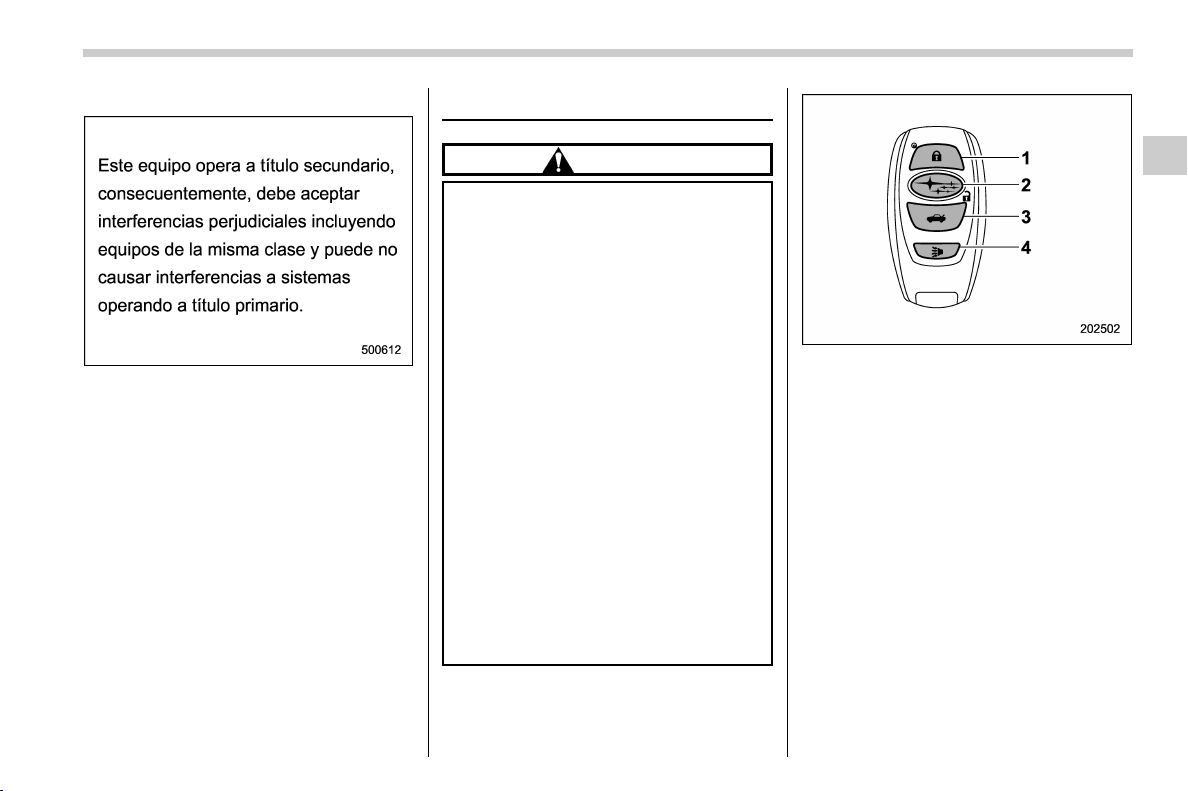
(119,1)
北米Model "A1320BE-C" EDITED: 2017/ 10/ 10
– Mexico-spec. models
Remote keyless entry system
CAUTION
. Do not expose the remote trans-
mitter to severe shocks, such as
those experienced as a result of
dropping or throwing.
. Do not take the remote transmit-
ter apart except when replacing
the battery.
. Do not get the remote transmitter
wet. If it gets wet, wipe it dry with
a cloth immediately.
. When you carry the remote trans-
mitter on an airplane, do not
press the button of the remote
transmitter while in the airplane.
When any button of the remote
transmitter is pressed, radio
waves are sent and may affect
the operation of the airplane.
When you carry the remote trans-
mitter in a bag on an airplane,
take measures to prevent the
buttons of the remote transmitter
from being pressed.
Access key fob
1) Lock/arm button
2) Unlock/disarm button
3) Rear gate unlock button
4) PANIC button
– CONTINUED –
Keys and doors/Remote keyless entry system
2-17
2
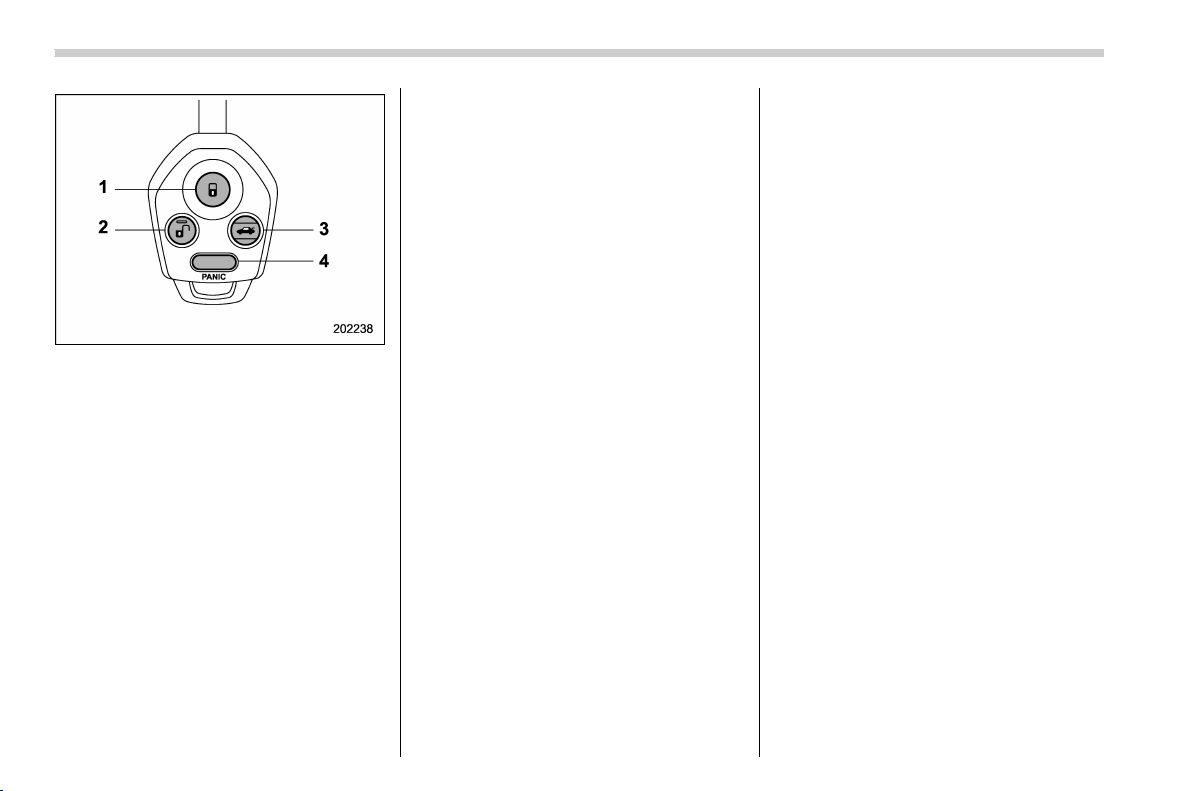
(120,1)
北米Model "A1320BE-C" EDITED: 2017/ 10/ 10
Transmitter
1) Lock/arm button
2) Unlock/disarm button
3) Rear gate unlock button
4) PANIC button
The remote keyless entry system has the
following functions.
. Locking and unlocking the doors (and
rear gate)
. Unlocking the rear gate
. Sounding a panic alarm
. Arming and disarming the alarm sys-
tem. For detailed information, refer t o
“Alarm system” F2-24.
The operable distance of the remote key-
less entry system is approximately 30 feet
(10 meters). However, this distance will
vary depending on environmental condi-
tions. The system’s operable distance will
be shorter in areas near a facility or
electronic equipment emitting strong radio
waves such as a power plant, broadcast
station, TV tower, or remote controller of
home electronic appliances.
NOTE
. For models with “keyless access
with push-button start system”,the
remote keyless entry system will not
be activated when the push-button
ignition switch is in any position other
than the “OFF” position.
. For models without “keyless access
with push-button start system”,the
remote keyless entry system will not
be activated when the key is inserted in
the ignition switch.
. The hazard warning flashers will
flash once or twice when the access
key fob/transmitter button is pressed in
the following cases.
– When locking the doors
– When unlocking the doors
– When unlocking the rear gate
Operation of the hazard warning
flashers in the above cases can be set
to “On” or “Off” by a SUBARU dealer.
Consult your SUBARU dealer for de-
tails.
& Locking the doors
Press the lock/arm button to lock all doors
and rear gate. An electronic chirp will
sound once and the ha zard warning
flashers will flash once.
If any of the doors (or the rear gate) are not
fully closed, the following will occur to alert
you that the doors (or the rear gate) are not
properly closed.
. an electronic chirp sounds five times.
. the hazard warning flashers flash five
times.
When you close the door, it will automati-
cally lock and then the following will occur.
. an electronic chirp sounds once.
. the hazard warning flashers flash once.
& Unlocking the doors
Press the unlock/disarm button to unlock
the driver’s door. An electronic chirp will
sound twice and the hazard warning
flashers will flash twice. To unlock all doors
and the rear gate, briefly press the unlock/
disarm button a second time within 5
seconds.
NOTE
If the interval between the first and
second presses of the unlock/disarm
button (for unlocking of all of the doors
Keys and doors/Remote keyless entry system
2-18
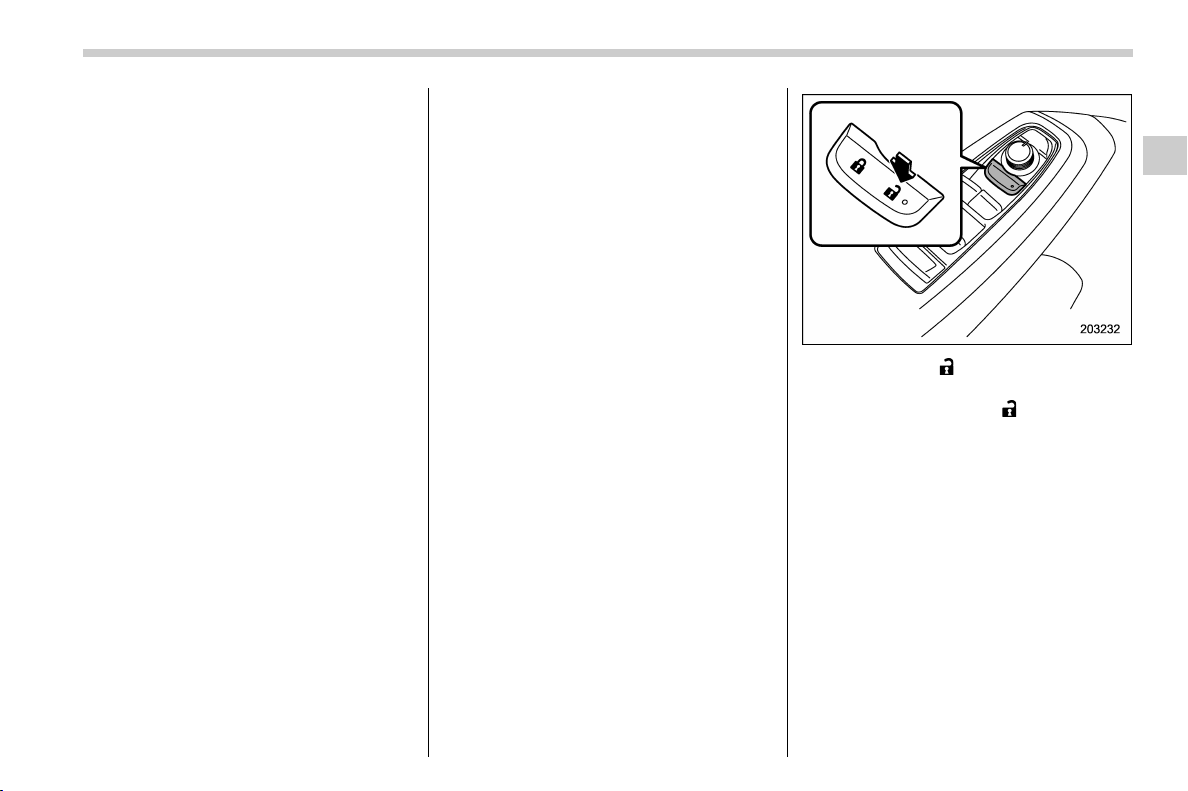
(121,1)
北米Model "A1320BE-C" EDITED: 2017/ 10/ 10
and the rear gate) is extremely short,
the system may not respond.
& Unlocking the rear gate
Press the rear gate unlock button to unlock
the rear gate.
An electronic chirp will sound twice and the
hazard warning flashers will flash twice.
& Vehicle finder function
Use t his function to find your vehicle
parked among many vehicles in a large
parking lot. Provided you are within 30 feet
(10 meters) of the vehicle, pressing the
lock/arm button three times in a 5-second
period will cause your vehicle ’s horn to
sound once and its hazard warning
flashers to flash three times.
NOTE
If the interval between presses is too
short whe n you press the lock/arm
button three times, the system may
not respond to the signals from the
remote transmitter.
& Sounding a panic alarm
To activate the alarm, press the “PANIC”
button once.
The horn will sound and the hazard
warning flashers will flash.
To deactivate the panic alarm, press any
button on the remote transmitter. Unless a
button on the remote transmitter is
pressed, the alarm will be deactivated
after approximately 30 seconds.
& Setting audible signal opera-
tion (models without “keyless
access with push-button start
system”)
Using an electronic chirp, the system will
give you an audible signal when the doors
lock and unlock. If desired, you may turn
the audible signal off.
Perform the following steps to deactivate
the audible signal. You can also use the
same steps to restore the function.
1. Sit in the driver’s seat and shut all
doors and the rear gate.
2. Hold down “ ” of the power door
locking switch.
3. While holding down “
” of the power
door locking switch, pull the key out and re-
insert it into the ignition switch at least 6
times within 10 seconds after Step 2.
4. Open and close the driver’s door once
within 10 seconds after Step 3.
5. The hazard warning flashers flash 3
times to indicate completion of the setting.
Your SUBARU dealer can perform the
above procedure for you. Also, for models
with a combination meter display (color
LCD), the setting can be changed using
the display. For details, refer to “Vehicle
Setting” F3-41.
– CONTINUED –
Keys and doors/Remote keyless entry system
2-19
2

(122,1)
北米Model "A1320BE-C" EDITED: 2017/ 10/ 10
& Replacing the battery
Refer to “Replacing key battery” F11-42.
& Replacing lost transmitters
If you lose a transmitter or want to
purchase additional transmitters (up to
four can be programmed), your transmit-
ters should be reprogrammed for security
reasons. For details, contact your
SUBARU dealer and have the transmitters
programmed into the remote keyless entry
system.
& Certification for remote key-
less entry system
! U.S.-spec. models
FCC ID: CWTB1G077
FCC ID: CWTD1G049
CAUTION
FCC WARNING
Changes or modifications not ex-
pressly approved by the party re-
sponsible for compliance could void
the user’s authority to operate the
equipment.
NOTE
This device complies with part 15 of the
FCC Rules. Operation is subject to the
following two conditions: (1) This de-
vice may not cause harmful interfer-
ence, and (2) this device must accept
any interference receiv ed, inclu din g
interference that may cause undesired
operation.
! Canada-spec. models
Keys and doors/Remote keyless entry system
2-20
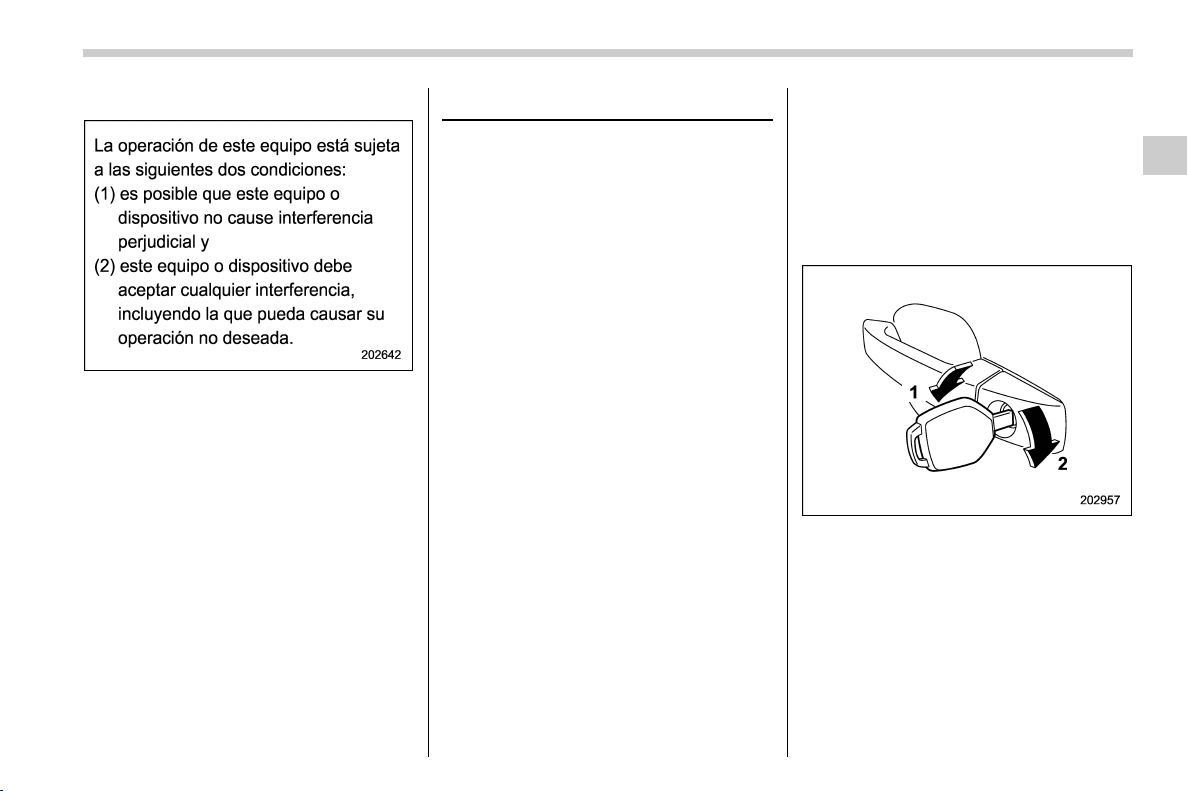
(123,1)
北米Model "A1320BE-C" EDITED: 2017/ 10/ 10
! Mexico-spec. models
IFETEL RLVSUTB15-1814
SUBARU
MODEL: TB1G077
IFETEL RLVSUTD15-1815
SUBARU
MODEL: TD1G049
Door locks
& Locking and unlocking from
the outside
NOTE
If you unlock the driver’s door with a
key (including an emergency key) and
open the door while the alarm system is
armed, the alarm system is triggered
and the vehicle’s horn sounds. In this
case, perform any of the following
operations:
. Models with “keyless access with
push-button start system”:
– Press any button on the access
key fob (except when the access
key fob battery is discharged).
– Press the push-button ignition
switch to “ACC”.
– Carry the access key fob and
perform either of the following pro-
cedures.
– Grip the front door handle
– P ress t he re ar gate opener
button
. Models without “keyless access
with push-button start system”:
– Press any button on the remote
transmitter (except when the trans-
mitter battery is discharged).
– Insert the key into the ignition
switch and turn the ignition switch
to “ON”.
For details about the alarm system,
refer to “Alarm system” F2-24.
! How to lock and unlock the vehicle
by using the key
1) Rotate the key toward the front to lock.
2) Rotate the key toward the rear to unlock.
In this case, only the driver’s side door is
locked.
NOTE
Models with “keyless access w ith
push-button start system”:
The emergency key is directional. If the
key cannot be inserted, change the
– CONTINUED –
Keys and doors/Door locks
2-21
2
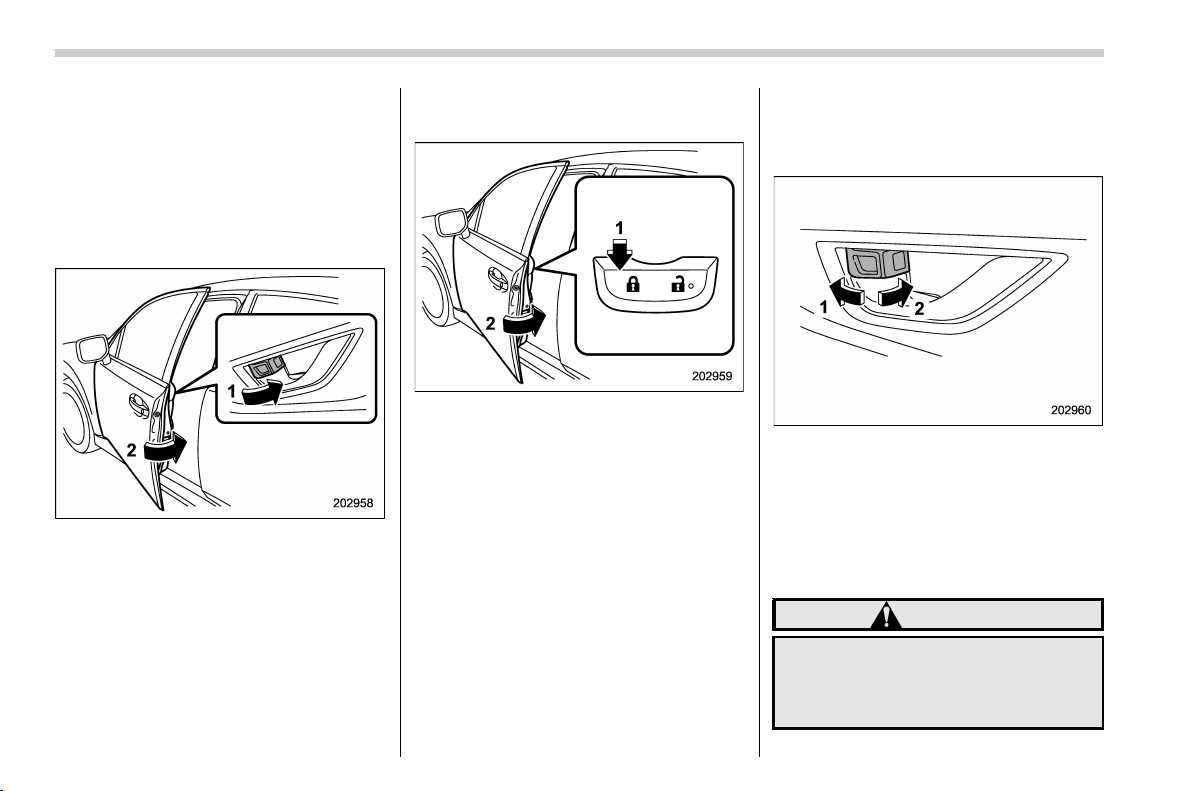
(124,1)
北米Model "A1320BE-C" EDITED: 2017/ 10/ 10
direction that the grooved side is facing
and insert it again.
! How to lock the vehicle without
using the key
To lock the door from outside without the
key, the following methods are available.
! Locking using lock lever
1) Rotate the lock lever forward.
2) Close the door.
In this way, only the door that was operated
will be locked.
! Locking using power door lock-
ing switch
1) Press the lock side of the power door
locking switch.*
2) Close the door.
*: For details about the power door locking
switch, refer to “How to operate the power
door locking switches” F2-23.
In this case, all closed doors and the rear
gate are locked at the same time.
NOTE
Make sure that you do not leave the key
inside the vehicle when locking the
doors from the outside without the key.
& Locking and unlocking from
the inside
! How to use the lock lever
1) Rotate the lock lever rearward to unlock.
2) Rotate the lock lever forward to lock.
Always make sure that all doors and the
rear gate are closed before starting to
drive.
The red mark on the lock lever appears
when the door is unlocked.
WARNING
Keep all doors locked when you
drive, especially when small chil-
dren are in your vehicle.
Along with the proper use of seat-
Keys and doors/Door locks
2-22
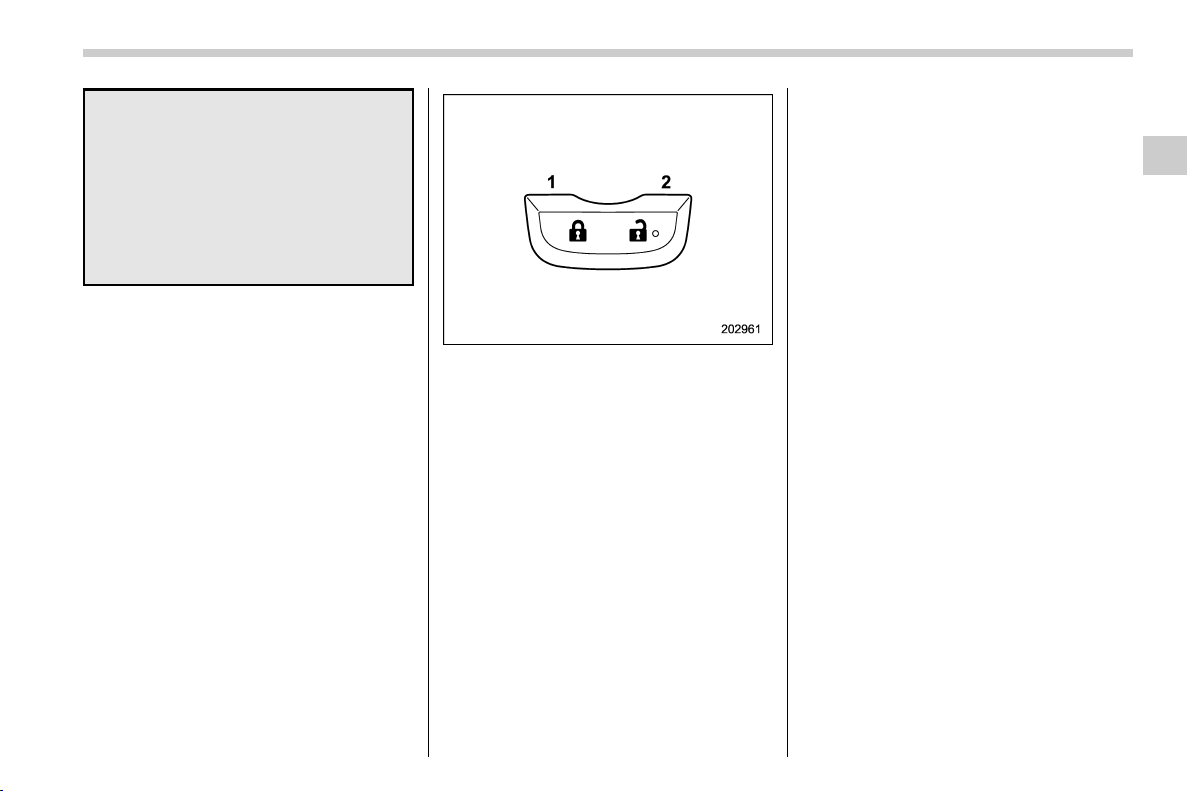
(125,1)
北米Model "A1320BE-C" EDITED: 2017/ 10/ 10
belts and child restraints, locking
the doors reduces the chance of
being thrown out of the vehicle in an
accident.
It also helps prevent passengers
from falling out if a door is acciden-
tally opened, a nd intruders from
unexpectedly opening doors and
entering your vehicle.
! How to operate the power door
locking switches
All doors and the rear gate can be locked
and unlocked using the power door locking
switches located at the driver’s side and
the front passenger’s side doors.
Example
1) Press to lock
2) Press to unlock
NOTE
Make sure that you do not leave the key
inside the vehicle before locking the
doors from the outside using the power
door locking switches.
& Key lock-in prevention func-
tion
Under the follo wing conditions, all the
doors will not lock when the door lock
switch is pushed with the driver door open.
. The key is still in the ignition switch
(models without “keyless access with
push-button start system”)
. The ignition switch is in the “ACC” or
“ON” position (models with “keyless ac-
cess with push-button start system”)
NOTE
. When leaving the vehicle, make sure
you are holding the key before locking
the doors.
. The factory setting (default setting)
for this function is set as “operational”.
This function’s operational/non-opera-
tional setting can be changed by a
SUBARU dealer. Contact a SUBARU
dealer for details.
! Non-operation of key lock-in pre-
vention function
When the system is set so that it does not
operate, the doors are locked by the
following operation.
. If the lock lever is turned to the front
(“LOCK”) position with the driver’s door
open and the driver’s door is then closed
with the lock lever in that position, the
driver’s door is locked.
. If the spare key is used to lock the
driver ’s door from the outside of the
vehicle, the door is locked.
– CONTINUED –
Keys and doors/Door locks
2-23
2

(126,1)
北米Model "A1320BE-C" EDITED: 2017/ 10/ 10
& Battery drainage prevention
function
If a door or the rear gate is not completely
closed, the interior lights will remain
illuminated as a result. However, several
lights are automatically turned off by the
battery drainage prevention function to
prevent the battery from discharging. The
following interior lights are affected by this
function.
Item
Switch
position
Automatically turning
off
Map lights DOOR
Approximately 20
minutes later
Dome light DOOR
Approximately 20
minutes later
Ignition
switch light
—
Approximately 20
minutes later
Cargo area
light
DOOR
Approximately 20
minutes later
NOTE
. The default setting for this function
is set as “operational”. The operational/
non-operational setting of this function
can be changed by a SUBARU dealer.
Contact your SUBARU dealer to
change the setting.
. When leaving the vehicle, please
make sure that all doors and the rear
gate are completely closed.
. The battery drainage prevention
function does not operate while the
key is in the ignition switch.
Alarm system
The alarm system helps to protect your
vehicle and valuables from theft. The horn
sounds and the hazard warning flashers
flash if someone attempts to break into
your vehicle.
For models with “keyless access with
push-button start system”:
The system can be armed or disarmed
with the keyless access function or access
key fob.
The system will not be activated when the
push-button ignition switch is in the “ACC”
or “ON” position.
For models without “keyless access
with push-button start system”:
The system can be armed or disarmed
with the remote transmitter.
The system will not be activated when the
key is inserted into the ignition switch.
Your vehicle’s alarm system has been set
for activation at the time of shipment from
the factory. You can set the system for
deactivation yourself or have it done by
your SUBARU dealer.
Keys and doors/Alarm system
2-24
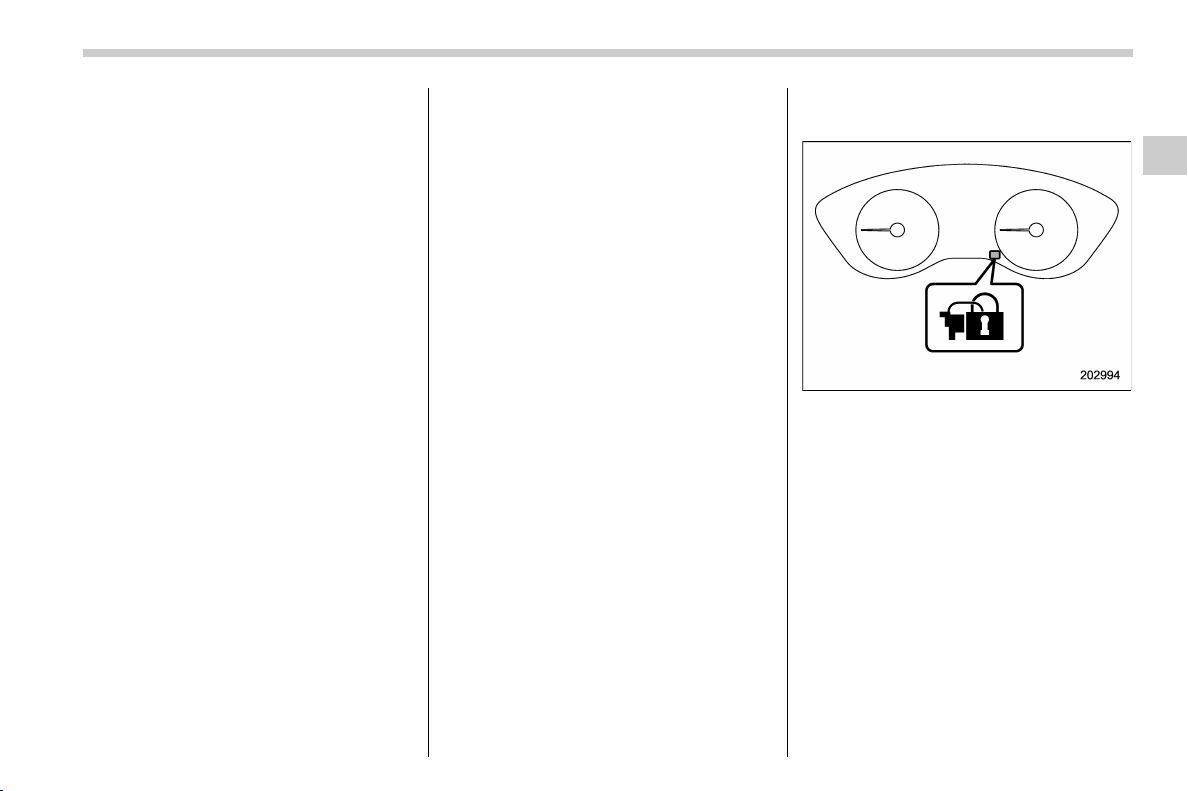
(127,1)
北米Model "A1320BE-C" EDITED: 2017/ 10/ 10
& Alarm system operation
When the alarm system is armed, it is
triggered by the opening any of the doors
or the rear gate.
The alarm system will activate the follow-
ing alarms when triggered.
. The vehicle’s horn will sound for 30
seconds.
. The hazard warning flashers will flash
for 30 seconds.
If any of the doors or the rear gate remains
open after the 30-second period, the horn
will continue to sound for a maximum of 3
minutes. If the door or the rear gate is
closed while the horn is sounding, the horn
will stop sounding with a delay of up to 30
seconds.
NOTE
The alarm system can be set to trigger
the illumination of the following interior
lights.
. Map lights (illuminates only when
the door interlock switch is in th e
“DOOR” position)
. Dome light (illuminates only when
the dome light switch is in the “DOOR”
position)
. Cargo area light (illuminates only
when the cargo area light switch is in
the “DOOR” position)
The notifications regarding the map
lights, dome light and cargo area light
are deactivated as the factory setting. A
SUBARU dealer can activate the sys-
tem. Contact your SUBARU dealer for
details.
& Arming the system
The alarm system becomes armed when
the following operation is performed.
1. Close all windows and the moonroof (if
equipped) and turn the ignition switch to
the “OFF” position.
2. Carry the key and get out of the
vehicle.
3. Lock the doors using any of the
following methods.
. Locking using the remote keyless
entry system. For details, refer to
“Remote keyless entry system” F2-17.
. Locking using the keyless access
function (if equipped). For details, refer
to “Locking with the door lock sensor”
F2-8.
. Locking using the power door lock-
ing switch. For details, refer to “Locking
using power door locking switch” F2-
22.
NOTE
Security indicator light
All doors and the rear gate will lock, an
electronic chirp will sound once, the
hazard warning flashers will flash once,
and the security indicator light will start
flashing rapidly.
4. Approximately 30 seconds later, the
system will enter surveillance state.
When the system is in surveillance state,
the security indicator light will then flash
slowly (twice approximately every 2 sec-
onds), indicating that the system has been
armed for surveillance.
– CONTINUED –
Keys and doors/Alarm system
2-25
2

(128,1)
北米Model "A1320BE-C" EDITED: 2017/ 10/ 10
NOTE
. The system can be armed even if the
engine hood, windows and/or moon-
roof are open. Always make sure that
they are fully closed before arming the
system.
. When arming the system, if any of
the doors or the rear gate is not fully
closed, an electronic chirp sounds five
times, the hazard warning flashers
flash five times to alert you that the
doors (or the rear gate) are not properly
closed. When you close the door, doors
will automatically lock and the system
will automatically arm in 30 seconds.
. The 30-second standby time can be
eliminated if you prefer. Have it per-
formed by your SUBARU dealer.
. If any of the following actions is
done during the standby period, the
system will not switch to the surveil-
lance state.
– Doors (including the rear gate)
are unlocked using the access key
fob/remote transmitter.
– Doors (including the rear gate)
are unlocked using the keyless
access function (models with “key-
less access with push-button start
system”).
– Any door (including the rear gate)
is opened.
– The ignition switch is turned to
the “ON” position (models without
“keyless access with push-button
start system”).
– Push-button ignition switch is
turned to the “ACC” position (mod-
els with “keyless access with push-
button start system”).
& Disarming the system
Perform either of the following procedures.
. Briefly press a button (for less than 2
seconds) on the access key fob/remote
transmitter.
. Carry the access key fob and perform
either of the following procedures (models
with “keyless access with push-button
start system”).
– Grip the front door handle.
– Press the rear gate opener button.
– Unlock using the PIN code access.
The flashing of the security indicator light
will then change slowly (once approxi-
mately every 3 seconds from twice ap-
proximately every 2 seconds), indicating
that the alarm system has been disarmed.
! Emergency disarming
If you cannot disarm the system using the
access key fob/transmitter (i.e. the trans-
mitter is lost, broken or the transmitter
battery is too weak), you can disarm the
system without using the access key fob/
remote transmitter.
The system can be disarmed if you turn the
ignition switch from the “LOCK”/“OFF” to
the “ON” position with a registered key/
access key fob.
NOTE
For models with “keyless access with
push-button start system”, if the ac-
cess key fob battery is discharged,
perform the procedure described in
“Switching power status” F9-17. In
such a case, replace the battery im-
mediately. Refer to “Replacing battery
of access key fob ” F11-43.
& Alarm system setting
To change the setting of your vehicle’s
alarm system for activation or deactiva-
tion, do the following.
1. Disarm the alarm system. Refer to
“Disarming the system” F2-26.
2. Sit in the driver’s seat and shut all
doors and the rear gate.
3. Turn the ignition switch to the “ON”
position.
4. Hold down “
” of the driver’s power
door locking switch, open the driver’s door
within the following 1 second, and wait 10
Keys and doors/Alarm system
2-26
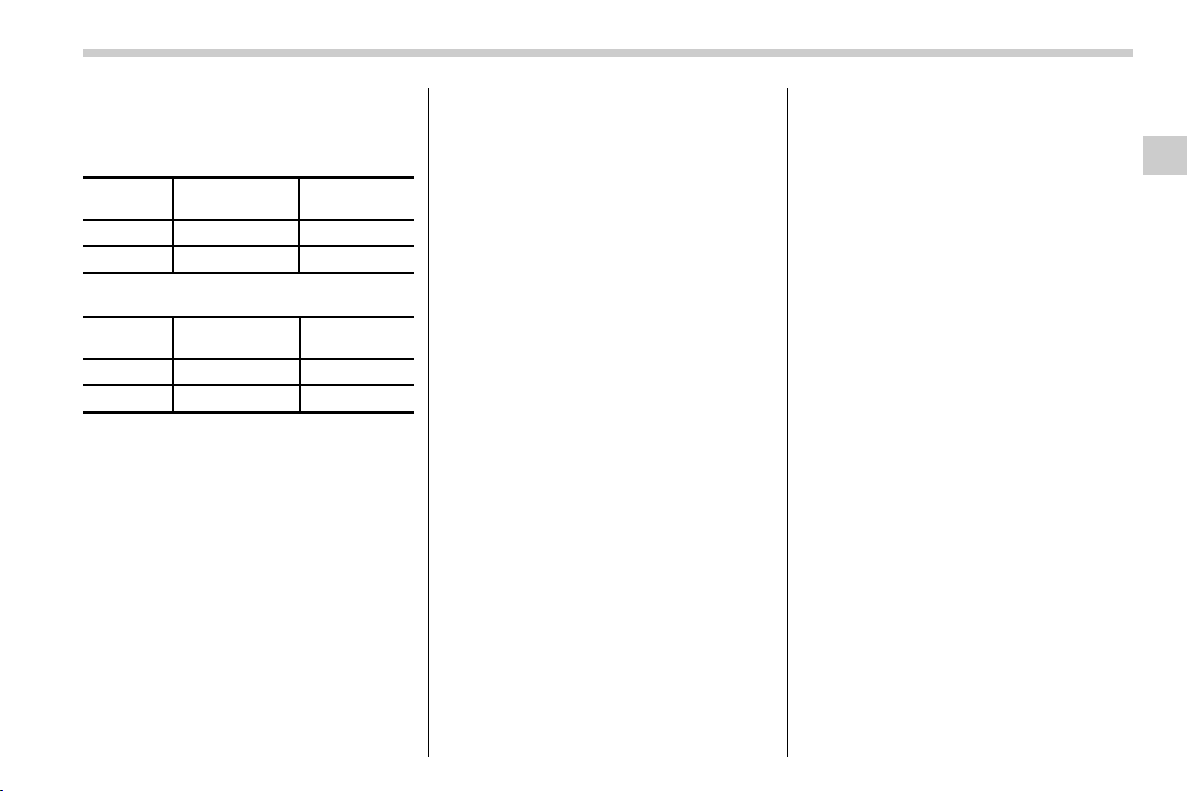
(129,1)
北米Model "A1320BE-C" EDITED: 2017/ 10/ 10
seconds without releasing the switch. The
setting will then be changed as follows.
. Type A combination meter
Setting
status
Combination
meter display
Horn
Activate ALon Once
Deactivate ALoF
Twice
. Type B combination meter
Setting
status
Combination
meter display
Horn
Activate AL ON Once
Deactivate AL OFF
Twice
NOTE
You may have the above setting change
done by your SUBARU dealer.
& If you have accidentally trig-
gered the alarm system
! To stop the alarm
Do any of the following operations:
. Press any button on the access key fob/
remote transmitter.
. Turn the ignition switch to the “ON”
position (models without “keyless access
with push-button start system”).
. Turn the push-button ignition to the
“ACC” position (model s with “keyless
access with push-button start system”).
NOTE
Only registered keys will stop the
alarm. If the immobilizer transponder
is not registered, the alarm will not
stop.
& Valet mode
When you choose the valet mode, the
alarm system does not operate. In valet
mode, the remote transmitter is used only
for locking and unlocking the doors and
rear gate and panic activation.
To enter the valet mode, change the
setting of your vehicle’s alarm system for
deactivation mode. Refer to “Alarm system
setting” F2-26. The security indicator light
will continue to flash once every 3 seconds
indicating that the system is in the valet
mode.
To exit valet mode, change the setting of
your vehicle’s alarm system for activation
mode. Refer to “Alarm system setting” F2-
26.
Keys and doors/Alarm system
2-27
2
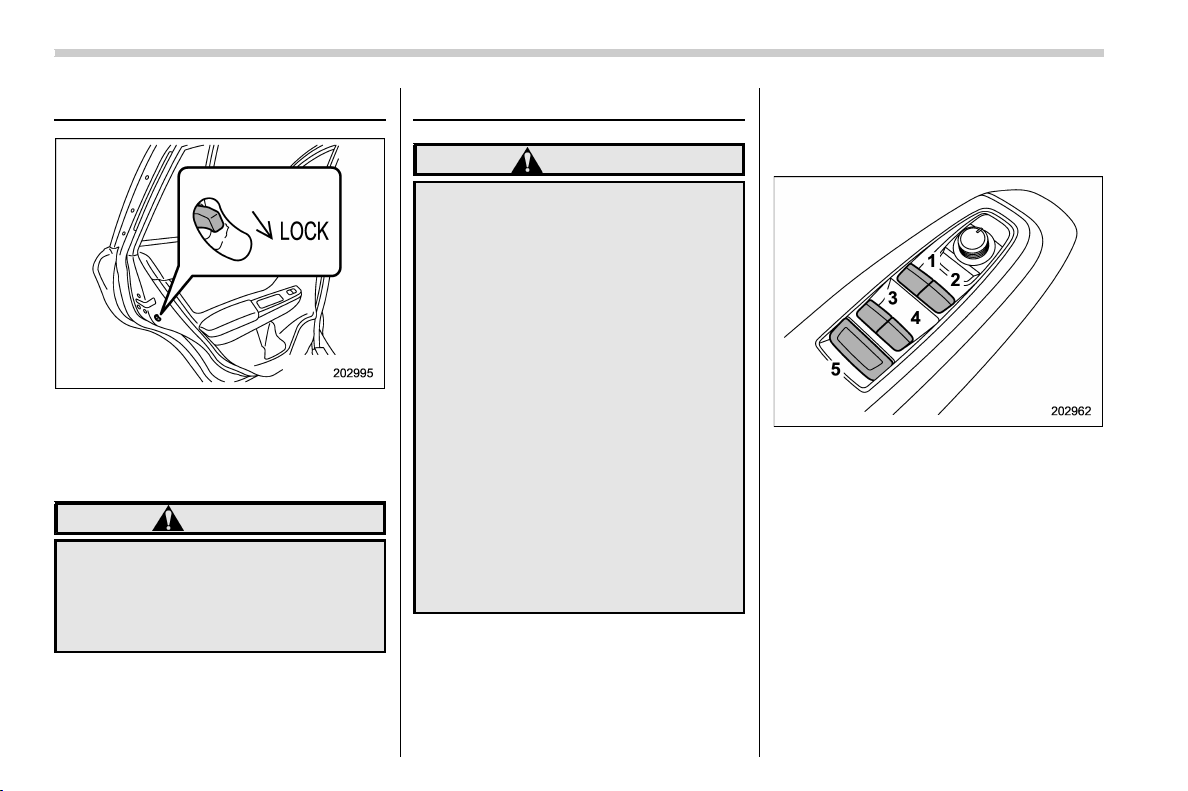
(130,1)
北米Model "A1320BE-C" EDITED: 2017/ 10/ 10
Child safety locks
Each rear door has a child safety lock.
When the child safety lock lever is in the
lock position, the door cannot be opened
from inside. The door can only be opened
from the outside.
WARNING
Always turn the child safety locks to
the “LOCK” position when children
sit in the rear seat. Serious injury
could result if a child accidentally
opens the door and falls out.
Windows
WARNING
To avoid serious personal injury
caused by entrapment, always con-
form to the following instructions
without exception.
. When operating the power win-
dows, be extremely careful to
prevent anyone’s fingers, arms,
neck, head or other objects from
being caught in the window.
. Always lock the passengers’ win-
dows using the lock switch when
children are riding in the vehicle.
. Always carry the key when you
leave the vehicle for safety rea-
sons and never allow an unat-
tended child to remain in the
vehicle. Failure to follow this
procedure could result in injury
to a child operating the power
window.
The power windows operate only when the
ignition switch is in the “ON” position.
& Power window operation
! Power window switches
. Driver’s side power window switches:
1) For front left window (with one-touch auto
up and down feature)
2) For front right window (with one-touch
auto up and down feature)
3) For rear left window
4) For rear right window
5) Lock switch
All door windows can be controlled by the
power window switch cluster at the driver
side door.
Keys and doors/Child safety locks
2-28
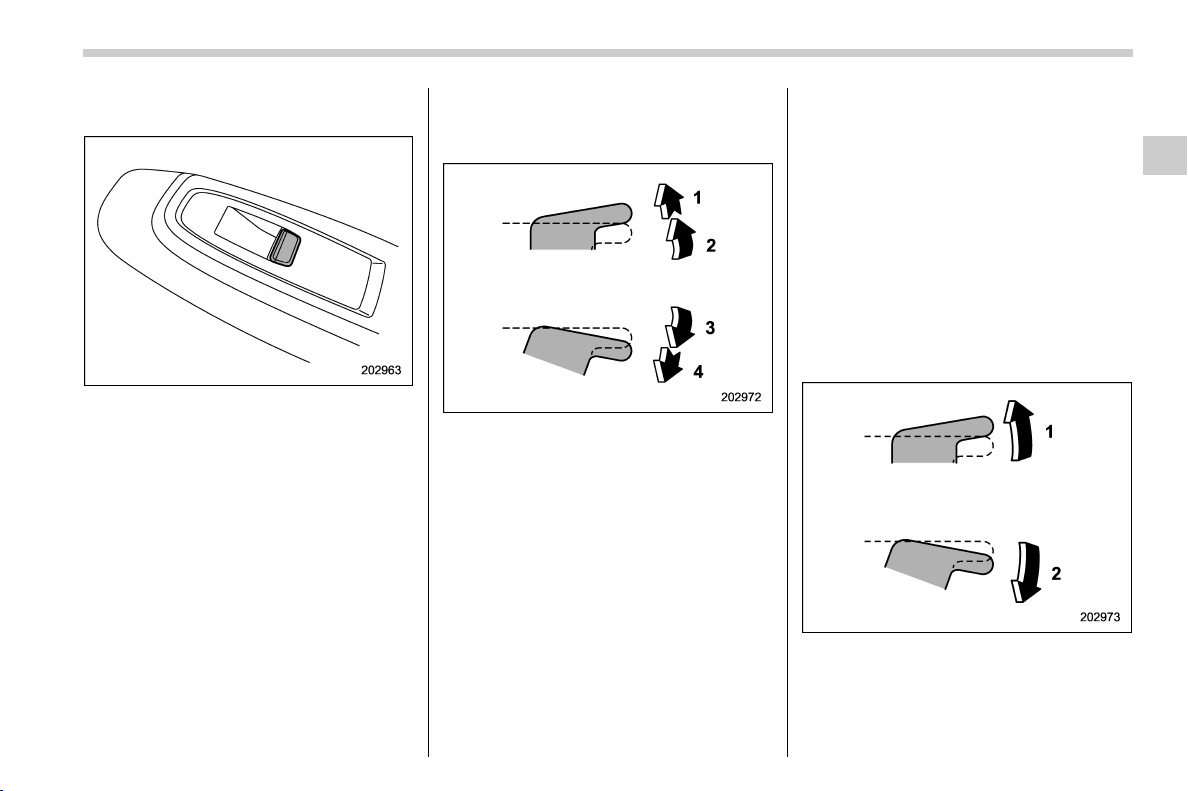
(131,1)
北米Model "A1320BE-C" EDITED: 2017/ 10/ 10
. Passenger ’s side power window
switches:
Each passenger’s window can be con-
trolled by the power window switch located
on the door.
! Operating the window
. With one-touch auto up and down
feature:
1) Automatically close*
2) Close
3) Open
4) Automatically open*
*: To stop the window halfway, operate the
switch to opposite side.
NOTE
Avoid the following.
. After the driver’s window is fully
closed or fully opened, the switch is
continuously operated in the same
direction for a few seconds.
. After the windows for three or more
seats are fully closed or fully opened,
each switch is continuously operated
in the same direction simultaneously
for a few seconds.
Either of the operations described
above may cause the power window
breaker to operate making it impossible
to open or close the window. Be sure to
initialize the power windows. If they are
not initialized, the one-touch auto up/
down function will not operate. Refer to
“Initialization of power window with
one-touch auto up/down function”
F2-30.
. Without one-touch auto up and down
feature:
1) Close
2) Open
– CONTINUED –
Keys and doors/Windows
2-29
2
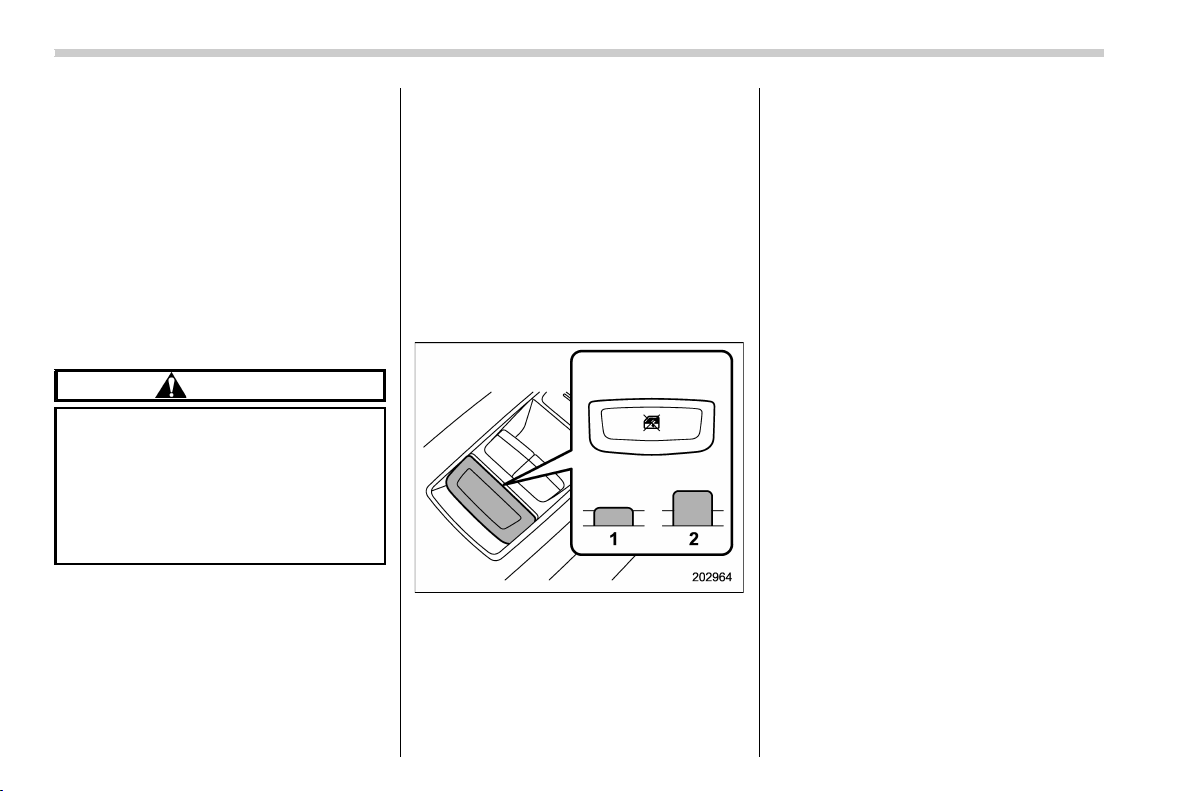
(132,1)
北米Model "A1320BE-C" EDITED: 2017/ 10/ 10
! Anti-entrapment function (windows
with one-touch auto up/down func-
tion)
While closing the driver’s and front pas-
senger’s windows automatically, if the
window senses a substantial enough
object trapped between the window and
the window frame, it automatically moves
down slightly and stops.
If a foreign object is caught while the
driver’s window or passenger’s window is
opening automatically, the window will
stop.
CAUTION
. Never attempt to test this func-
tion using fingers, hands or other
parts of your body.
. The anti-en trapment funct ion
may not operate properly if some
object gets trapped just before
the window fully closes.
NOTE
. If a window detects an impact similar
to that caused by trapping an object (for
example, when the vehicle encounters
a deep pothole), the anti-entrapment
function may operate.
. The window cannot be operated for a
few seconds after the anti-entrapment
function operates.
! Off delay function (windows with
one-touch auto up/down function)
The front windows can be operated for
approximately 45 seconds even after the
ignition switch is turned to the “ACC” or
“OFF” position. If a front door is opened
within 45 seconds, the off delay function is
canceled.
! Locking the passengers’ windows
1) Lock
2) Unlock
When the lock switch is in the lock position,
the rear passenger’s window switches on
the driver side door and the passengers’
window switches cannot be operated.
& Initialization of power window
with one-touch auto up/down
function
If the power window automatic function
(one-touch auto up and down function)
does not operate properly, operate each
window according to the following proce-
dure in order to initialize the power window
system.
1. Close the door.
2. Turn the ignition switch to the “ON”
position.
3. Open the window completely and then
press and hold down the power window
switch for approximately 1 second.
4. Close the window completely and then
pull and hold the power window switch for
approximately 1 second.
Keys and doors/Windows
2-30
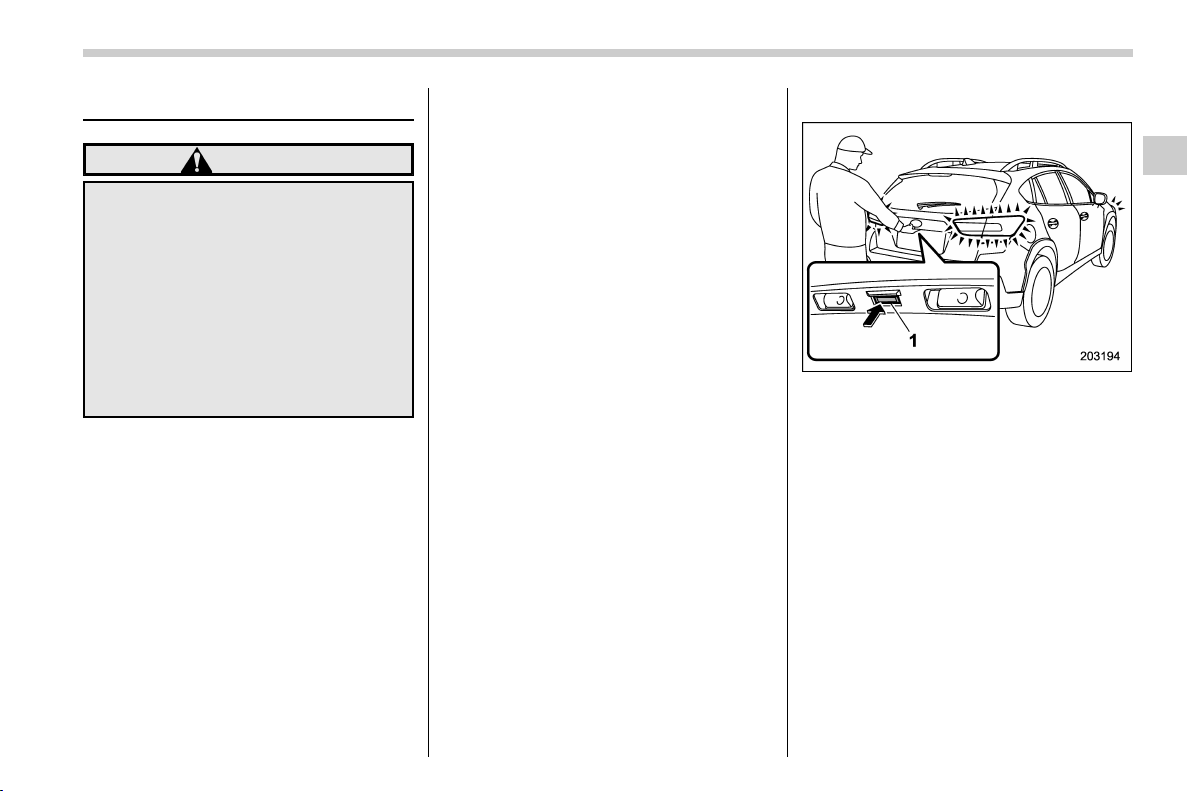
(133,1)
北米Model "A1320BE-C" EDITED: 2017/ 10/ 10
Rear gate
WARNING
. To prevent dangerous exhaust
gas from entering the vehicle,
always keep the rear gate closed
while the engine is running.
. Do not attempt to shut the rear
gate while holding the recessed
grip. Also avoid closing the rear
gate by pulling on the recessed
grip from inside the cargo space.
There is a danger of your hand
being caught and injured.
NOTE
If the rear gate cannot be unlocked due
to a discharged vehicle battery, a mal-
function in the door locking/unlocking
system or other causes, you can unlock
it by manually operating the rear gate
lock release lever.
For the procedure, refer to “Rear gate –
if the rear gate cannot be opened” F9-
19.
& Lock/unlock
The rear gate can be locked and unlocked
using any of the following systems.
. Power door locking switch: Refer to
“How to operate the power door locking
switches” F2-23.
. Keyless access with the push-button
start system (if equipped): Refer to “Key-
less access with push-button start system”
F2-2.
. Remote keyless entry system: Refer to
“Remote keyless entry system” F2-17.
& Open/close
1) The rear gate opener button
To open:
First unlock the rear gate lock then push
the rear gate opener button.
– CONTINUED –
Keys and doors/Rear gate
2-31
2
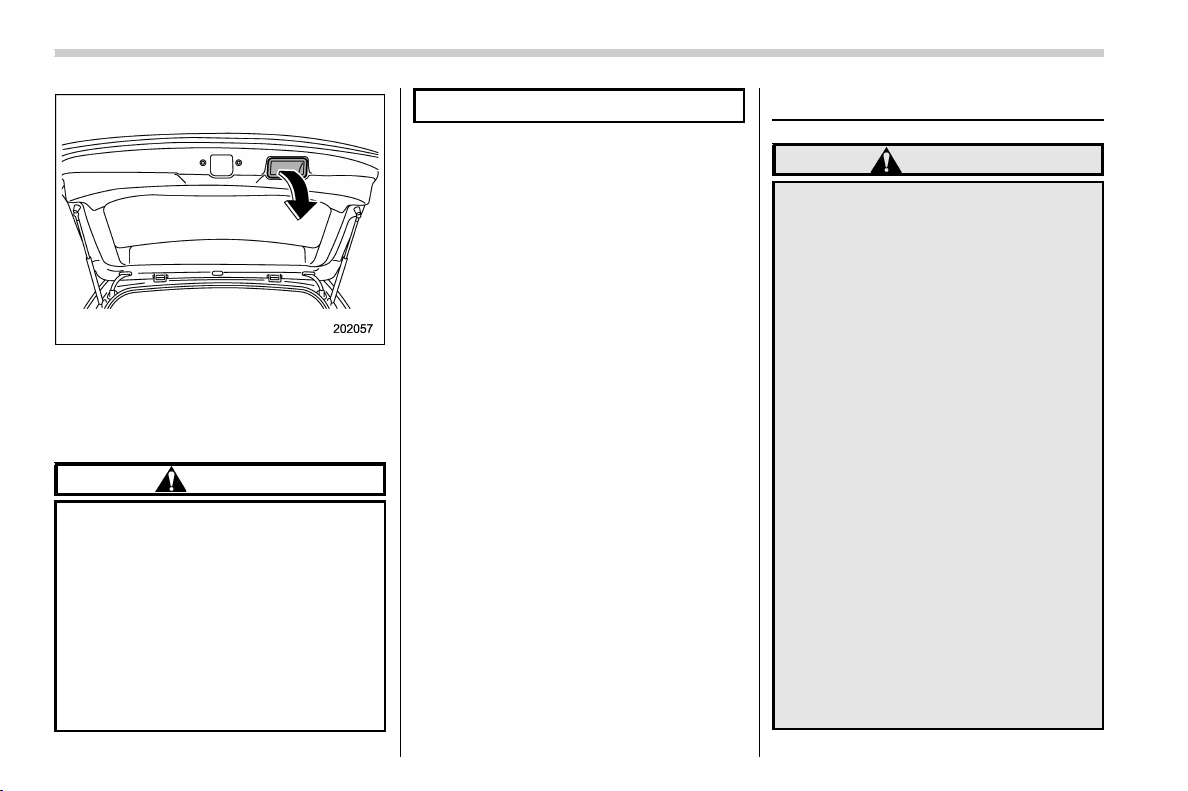
(134,1)
北米Model "A1320BE-C" EDITED: 2017/ 10/ 10
To close:
Lower the rear gate slowly and push down
firmly until the latch engages.
The rear gate can be lowered easily if you
pull it down holding the recessed grip.
CAUTION
. Do not jam a plastic bag in or
place cellophane tape on the rear
gate stays or scratch the stays
while loading or unloading cargo.
That could cause leakage of gas
from the stays, which may result
in their inability to hold the rear
gate open.
. Be careful not to hit your head or
face on the rear gate when open-
ing or closing the rear gate and
when loading or unloading cargo.
Moonroof (if equipped)
WARNING
Never let anyone’s hands, arms,
head or any objects protrude from
the moonroof. A person could be
seriously injured if any of the follow-
ing conditions occur.
. The vehicle stops suddenly.
. The vehicle turns sharply.
. The vehicle is involved in an
accident.
. Body parts protruding from the
vehicle are struck by outside
objects.
To avoid serious personal injury
caused by entrapment, always con-
form to the following instructions
without exception.
. Before closing the moonroof,
make sure that no one’s hands,
arms, head or other objects will
be accidentally caught in the
moonroof.
. Always carry the key when you
leave the vehicle for safety rea-
sons and never allow an unat-
tended child to remain in the
Keys and doors/Moonroof
2-32
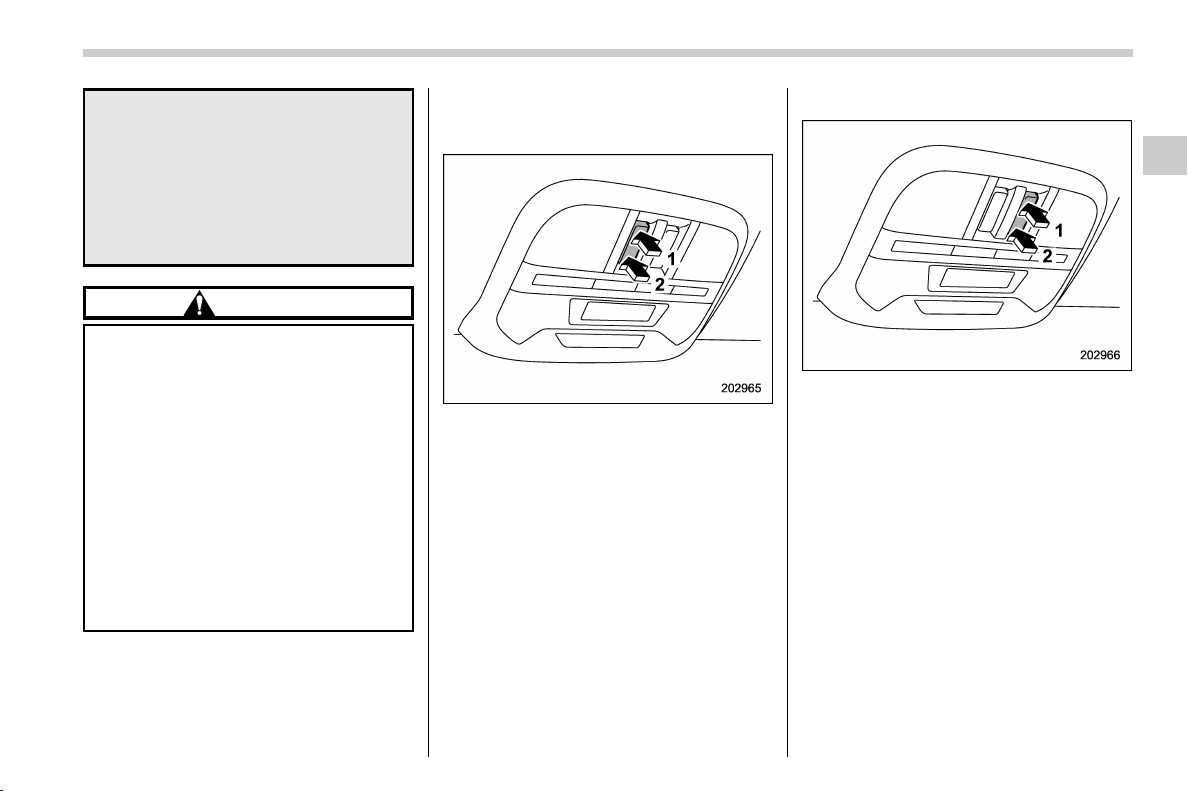
(135,1)
北米Model "A1320BE-C" EDITED: 2017/ 10/ 10
vehicle. Failure to follow this
procedure could result in injury
to a child operating the moon-
roof.
. Never try to check the anti-en-
trapment function by deliberately
placing part of your body in the
moonroof.
CAUTION
. Do not sit on the edge of the open
moonroof.
. Do not operate the moonroof if
falling snow or extremely cold
conditions have caused it to
freeze shut.
. The anti-en trapment funct ion
does not operate when the moon-
roof is being tilted down. Be sure
to confirm that it is safe to do so
before tilting the moonroof down.
. If the moonroof does not close,
have the system checked by a
SUBARU dealer.
The moonroof has both tilting and sliding
functions.
The moonroof operates only when the
ignition switch is in the “ON” position.
& Moonroof switches
! Tilting moonroof
1) Up
2) Down
To raise the moonroof, press and hold the
switch in the up side and release. To lower
the moonroof, press and hold the switch in
the down side.
NOTE
Release the switch after the moonroof
has been raised or has been lowered
completely. Pressing the switch con-
tinuously may cause damage to the
moonroof.
! Sliding moonroof
1) Open
2) Close
To open or close the moonroof using the
automatic function, press and hold the
switch toward the open/close side and
release.
To stop the moonroof halfway, press a
switch on the moonroof switch.
NOTE
. After washing the vehicle or after it
rains, wipe away water on the roof prior
to opening the moonroof to prevent
drops of water from falling into the
passenger compartment.
– CONTINUED –
Keys and doors/Moonroof
2-33
2
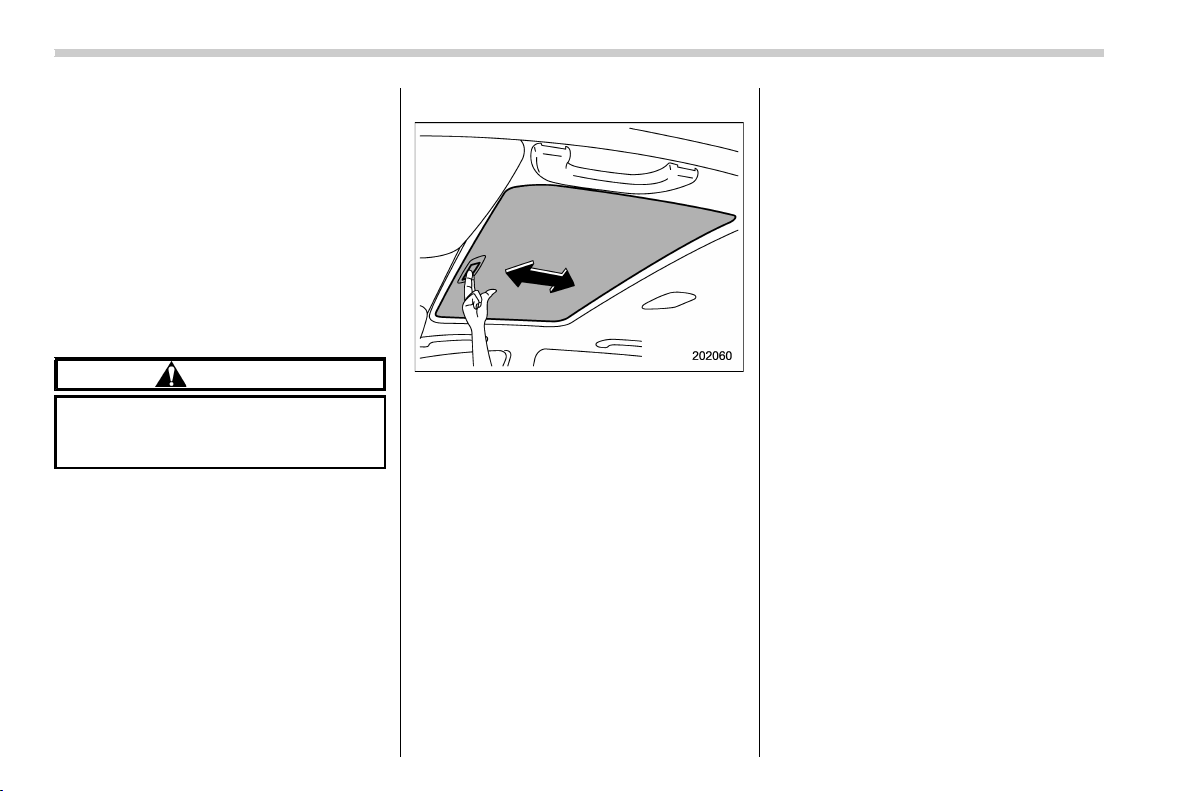
(136,1)
北米Model "A1320BE-C" EDITED: 2017/ 10/ 10
. For the sake of safety, it is recom-
mended that you avoid driving with the
moonroof fully opened.
! Anti-entrapment function
When the moonroof senses a substantial
enough object trapped between its glass
and the vehicle’s roof during closure, it
automatically moves back to the fully open
position and stops there. The anti-entrap-
ment function may also be activated by a
strong shock on the moonroof even when
there is nothing trapped.
CAUTION
Never attempt to test this function
using fingers, hands or other parts
of your body.
& Sunshade
The sunshade can be slid forward or
backward by hand while the moonroof is
closed.
If the moonroof is opened, the sunshade
also moves back.
Keys and doors/Moonroof
2-34

(139,1)
北米Model "A1320BE-C" EDITED: 2017/ 10/ 10
Ignition switch (models without “keyless
access with push-button start system”)............ 3-4
Key positions......................................................... 3-4
Key reminder chime ............................................... 3-5
Ignition switch light (if equipped) ........................... 3-5
Push-button ignition switch (models with
“keyless access with push-button start
system”) ............................................................... 3-6
Safety precautions ................................................. 3-6
Operating range for push-button start system ........ 3-6
Switching power status.......................................... 3-7
When access key fob does not operate properly .... 3-8
Hazard warning flasher .......................................... 3-8
Meters and gauges ................................................. 3-8
Speedometer ......................................................... 3-8
Tachometer............................................................ 3-8
Odometer............................................................... 3-9
Double trip meter ................................................... 3-9
Fuel gauge............................................................ 3-10
ECO gauge (if equipped) .......................................3-10
Combination meter settings .................................. 3-11
Illumination brightness control............................ 3-12
Auto dimmer cancel function (if equipped) ............3-12
Warning and indicator .......................................... 3-12
Initial illumination for system check ...................... 3-12
Seatbelt warning light and chime ..........................3-13
SRS airbag system warning light........................... 3-15
Front passenger’s frontal airbag ON and OFF
indicators ...........................................................3-15
CHECK ENGINE warning light/Malfunction
indicator light .....................................................3-15
Coolant temperature low indicator light/Coolant
temperature high warning light ..........................3-16
Charge warning light ............................................ 3-17
Oil pressure warning light.....................................3-17
Engine low oil level warning light.......................... 3-18
Windshield washer fluid warning light................... 3-18
AT OIL TEMP warning light (CVT models)..............3-18
Low tire pressure warning light
(U.S.-spec. models)............................................3-18
ABS warning light.................................................3-20
Brake system warning light (red) ..........................3-21
Low fuel warning light ..........................................3-22
Hill start assist warning light/Hill start assist
OFF indicator light.............................................3-22
Door open warning light .......................................3-22
All-Wheel Drive warning light (CVT models) .......... 3-22
Power steering warning light ................................3-23
Vehicle Dynamics Control warning light/Vehicle
Dynamics Control operation indicator light ........3-23
Vehicle Dynamics Control OFF indicator light ....... 3-24
Warning chimes and warning indicator of the
keyless access with push-button start system
(if equipped) ...................................................... 3-25
Security indicator light..........................................3-29
Select lever/gear position indicator
(CVT models)..................................................... 3-30
Turn signal indicator lights ...................................3-30
High beam indicator light...................................... 3-30
High beam assist indicator light (green)
(if equipped) ...................................................... 3-30
High beam assist warning indicator (yellow)
(if equipped) ...................................................... 3-30
Instruments and controls
3

(140,1)
北米Model "A1320BE-C" EDITED: 2017/ 10/ 10
Cruise control indicator light (if equipped).............3-31
Cruise control set indicator light (if equipped)....... 3-31
Automatic headlight beam leveler warning light
(models with LED headlights).............................. 3-31
LED headlight warning light (models with LED
headlights).......................................................... 3-31
Steering Responsive Headlight warning light/
Steering Responsive Headlight OFF indicator
light (if equipped)................................................3-31
Front fog light indicator light (if equipped) ............3-31
Headlight indicator light (if equipped)....................3-31
Steering responsive fog lights warning indicator/
Steering responsive fog lights OFF indicator
(if equipped) ....................................................... 3-31
X-mode indicator (if equipped) ..............................3-32
Hill descent control indicator (if equipped) ............ 3-32
BSD/RCTA warning indicator (if equipped)............. 3-32
BSD/RCTA OFF indicator (if equipped) .................. 3-32
RAB warning indicator (if equipped) ...................... 3-32
RAB OFF indicator light (if equipped) .................... 3-32
Icy road surface warning indicator (if equipped) ....3-32
Combination meter display (color LCD)
(if equipped) ....................................................... 3-33
Basic operation.....................................................3-34
Welcome screen and Good-bye screen.................. 3-34
Warning screen..................................................... 3-35
Telltale screen.......................................................3-35
Basic screens .......................................................3-36
Menu screens .......................................................3-38
Multi-function display (black and white) ............. 3-42
Driving information display ...................................3-43
Outside temperature indicator ............................... 3-46
X-mode indicator (if equipped) .............................. 3-47
Clock.................................................................... 3-47
Multi-function display (color LCD)
(if equipped) ....................................................... 3-47
Features ............................................................... 3-48
Welcome screen ................................................... 3-48
Self-check screen ................................................. 3-48
Interruption screen ...............................................3-49
Basic operation ....................................................3-49
Basic screens.......................................................3-50
Setting screen ...................................................... 3-57
How to get the source code using the open
source............................................................... 3-62
Clock...................................................................... 3-63
Setting the clock manually.................................... 3-63
Setting the clock automatically ............................. 3-66
Regulatory information ......................................... 3-66
Light control switch ............................................. 3-66
Precautions and tips.............................................3-66
Headlights ............................................................ 3-67
High/low beam change (dimmer) ........................... 3-68
Headlight flasher .................................................. 3-69
High beam assist function (if equipped) ................3-69
Daytime running light system ............................... 3-72
Steering Responsive Headlight (SRH)
(if equipped) ....................................................... 3-72
Headlight beam leveler
(models with LED headlights) .......................... 3-73
Fog light switch (if equipped).............................. 3-74
Steering responsive fog lights system
(if equipped) ...................................................... 3-74
Instruments and controls

(141,1)
北米Model "A1320BE-C" EDITED: 2017/ 10/ 10
Turn signal lever ................................................... 3-75
One-touch lane changer ........................................ 3-76
Wiper and washer ................................................. 3-76
Windshield wiper and washer switches ................. 3-77
Rear window wiper and washer switch ..................3-79
Mirrors ................................................................... 3-80
Inside mirror .........................................................3-80
Auto-dimming mirror/compass (if equipped) ..........3-80
Auto-dimming mirror/compass with HomeLink
®
(if equipped) ...................................................... 3-81
Outside mirrors ....................................................3-88
Defogger and deicer (if equipped) ...................... 3-89
Tilt/telescopic steering wheel .............................. 3-90
Heated Steering Wheel system (if equipped) .........3-91
Horn ....................................................................... 3-92
Instruments and controls
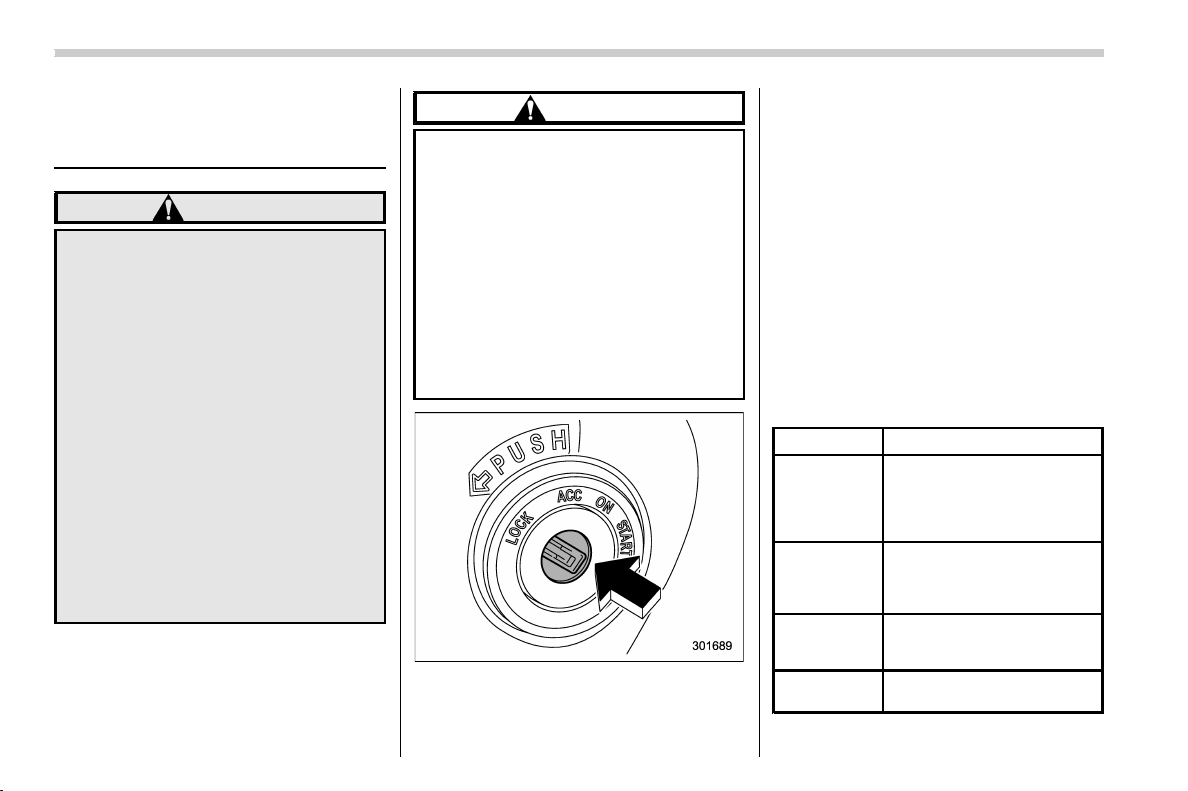
(142,1)
北米Model "A1320BE-C" EDITED: 2017/ 10/ 10
Ignition switch (models with-
out “keyless access with
push-button start system”)
WARNING
. Never turn the ignition switch to
the “LOCK” position while the
vehicle is being driven or towed
because that will lock the steer-
ing wheel, preventing steering
control. And when the engine is
turned off, it takes a much greater
effort than usual to steer.
. Before leaving the vehicle, al-
ways remove the key from the
ignition switch for safety and
never allow an unattended child
to remain in the vehicle. Failure to
follow this procedure could re-
sult in injury to a child or others.
Children could operate the power
windows, the moonroof or other
controls or even make the vehicle
move.
CAUTION
Do not attach a large key holder or
key case to either key. If it banged
against your knees or hands while
you are driving, it could turn the
ignition switch from the “ON” posi-
tion to the “ACC” or “LOCK” posi-
tion, thereby stopping the engine.
Also, if the key is attached to a key
holder or to a large bunch of other
keys, centrifugal force may act on it
as the vehicle moves, resulting in
unwanted turning of the ignition
switch.
The ignition switch has four positions:
LOCK, ACC, ON and START.
NOTE
. Keep the ignition switch in the
“LOCK” position when the engine is
not running.
. Using electrical accessories for a
long time with the ignition switch in the
“ON” or “ACC ” position can cause the
battery to go dead.
. If the ignition switch will not move
from the “LOCK” position to the “ACC”
position, turn the steering wheel
slightly to the left and right as you turn
the ignition switch.
& Key positions
Position Description
LOCK
The key can only be inserted
or removed in this position.
The ignition switch will lock
the steering wheel when you
remove the key.
ACC
In this position the electrical
accessories (audio, acces-
sory power outlet, etc.) can be
used.
ON
This is the normal operating
position after starting the en-
gine.
START
The engine is started in this
position.
Instruments and controls/Ignition switch (models without “keyless access with push-button start system”)
3-4
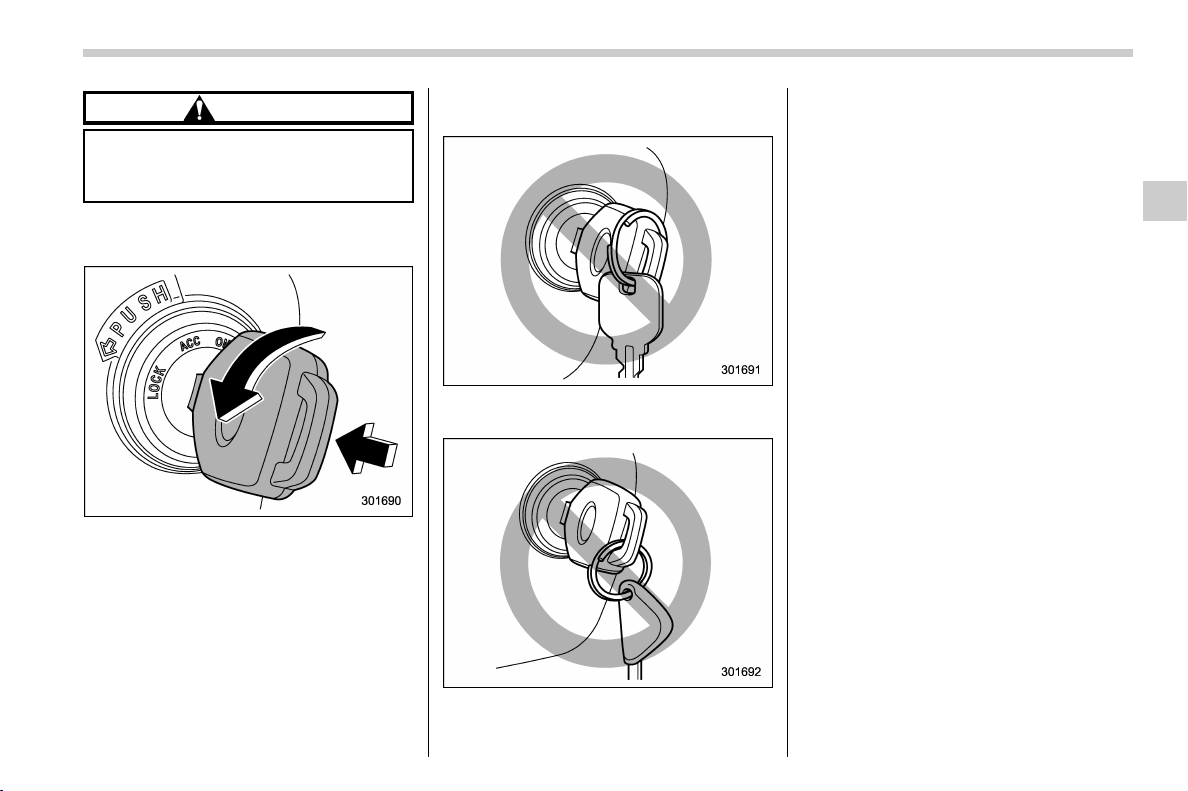
(143,1)
北米Model "A1320BE-C" EDITED: 2017/ 10/ 10
CAUTION
Do not turn the ignition switch to the
“START” position while the engine
is running.
NOTE
. To turn the key from the “ACC” to
“LOCK” position, the select lever must
be in the “P” position (CVT models) and
the key must be pushed in and turned.
. If your registered key fails to start
the engine, pull out the key once (the
security indicator light will blink), and
then insert the key again and turn it to
the “START” position again to restart
the engine.
. The engine may not start in the
following cases:
– The key grip is touching another
key or a metallic key holder.
– The key is near another key that
contains an immobilizer transpon-
der.
– T he key is near or touching
another transmitter.
& Key reminder chime
The reminder chime sounds when the
driver’s door is opened and the ignition
switch is in the “LOCK” or “ACC” position.
The chime stops under the f ollowing
conditions.
. when the ignition switch is turned to the
“ON” position
. when the key is removed from the
ignition switch
. when the driver’s door is closed
& Ignition switch light (if
equipped)
For easy access to the ignition switch in
the dark, the ignition switch light illumi-
nates when the driver’s door is opened or
when the driver’s door is unlocked using
the remote keyless entry transmitter.
The light remains illuminated for several
tens of seconds and then gradually turns
off under the following conditions.
. when the driver’s door is closed
. when the doors are unlocked using the
remote keyless entry transmitter
– CONTINUED –
Instruments and controls/Ignition switch (models without “keyless access with push-button start system”)
3-5
3
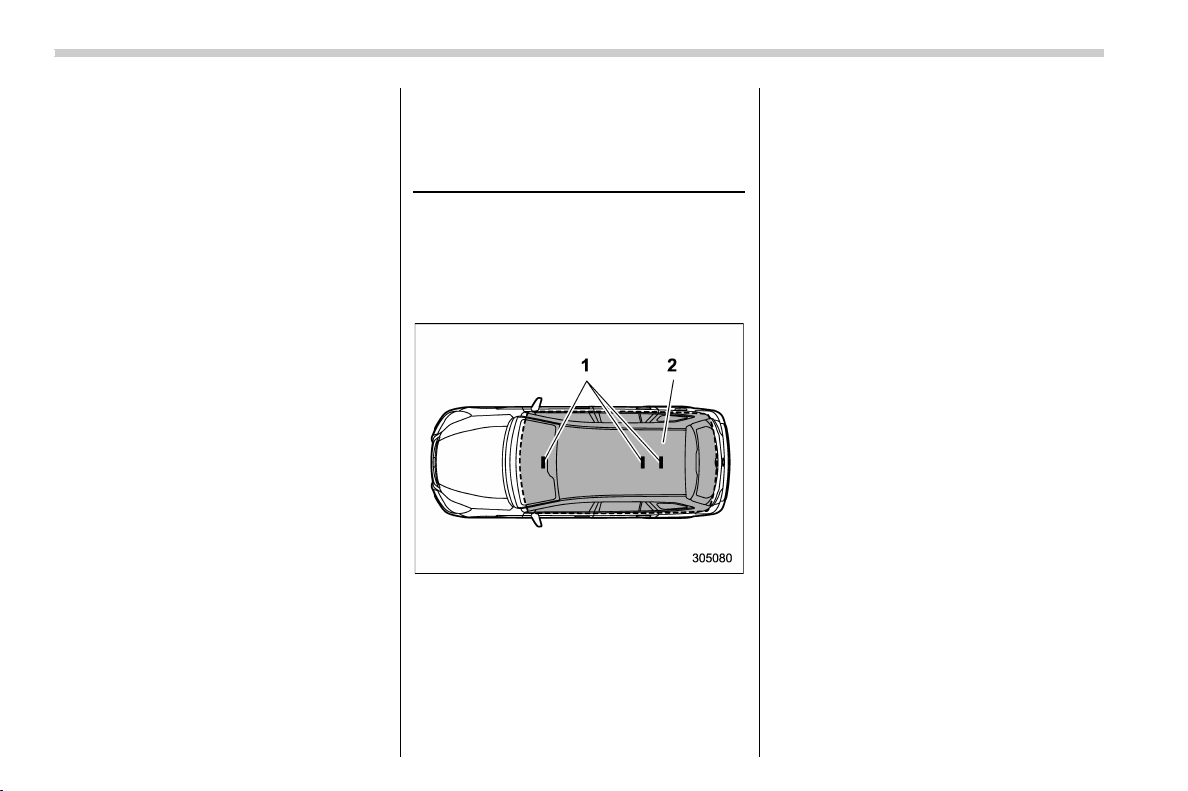
(144,1)
北米Model "A1320BE-C" EDITED: 2017/ 10/ 10
The light turns off immediately under the
following conditions.
. when the ignition switch is turned to the
“ON” position
. when all doors and the rear gate are
locked using the remote keyless entry
transmitter
Push-button ignition switch
(models with “keyless access
with push-button start sys-
tem”)
& Safety precautions
Refer to “Safety precautions ” F2-3.
& Operating range for push-
button start system
1) Antenna
2) Operating range
NOTE
. If the access key fob is not detected
within the operating range of the anten-
nas inside the vehicle, the push-button
ignition switch and the engine start
cannot be operated.
. Even when the access key fob is
outside the vehicle, if it is placed too
close to the glass, it may be possible to
switch the power or to start the engine.
. Do not leave the access key fob in
the following places. It may become
impossible to operate the push-button
ignition switch and the engine start. It
may also cause a false warning to issue
although no malfunction actually oc-
curs, or not to issue a warning when
any malfunction occurs.
– On the instrument panel
– On the floor
– Inside the glove box
– Inside the door trim pocket
– On the rear seat
– In the cargo area
. Wh en operating the push-button
ignition switch or starting the engine,
if the access key fob battery is dis-
charged, perform the procedure de-
scribed in “Access key fob – if access
key fob does not operate properly” F9-
17. In such a case, replace the battery
immediately. Refer to “Replacing bat-
tery of access key fob” F11-43.
Instruments and controls/Push-button ignition switch (models with “keyless access with push-button start system”)
3-6
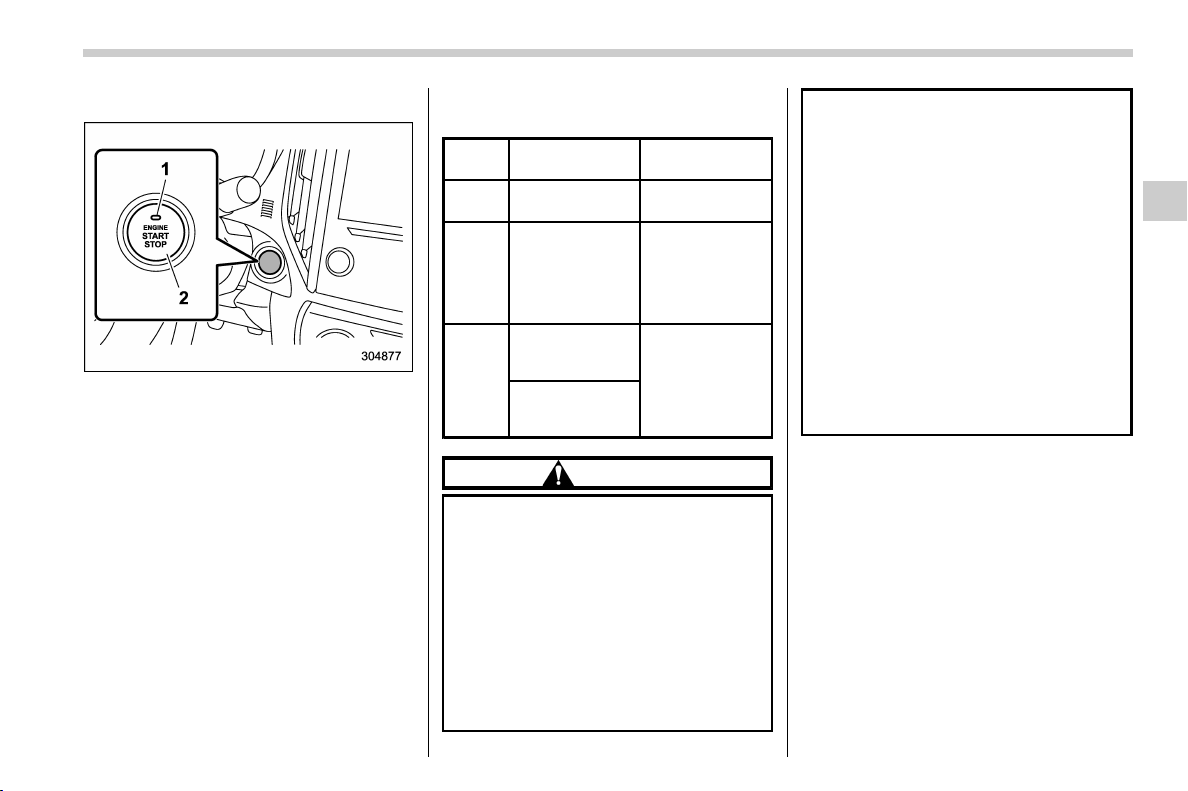
(145,1)
北米Model "A1320BE-C" EDITED: 2017/ 10/ 10
& Switching power status
1) Operation indicator
2) Push-button ignition switch
The power is switched every time the
push-button ignition switch is pressed.
1. Carry the access key fob, and sit in the
driver’s seat.
2. Shift the select lever (CVT models)/the
shift lever (MT models) into the “P”/“N”
position.
3. Press the push-button ignition switch
without depressing the brake pedal. Every
time the button is pressed, the power is
switched in the sequence of “OFF”, “ACC”,
“ON” and “OFF”. When the engine is
stopped and the push-button ignition
switch is in “ACC” or “ON”, the operation
indicator on the push-button ignition switch
illuminates in orange.
Power
status
Indicator color Operation
OFF Turned off
Power is turned
off.
ACC Orange
The following
systems can be
used:
audio and ac-
cessory power
outlet.
ON
Orange
(while engine is
stopped)
All electrical
systems can be
used.
Turned off
(while engine is
running)
CAUTION
. Whe n the push-button ignition
switch is left in “ON” (while the
engine is not running) or “ACC”
for a long time, it may result in
vehicle battery discharge.
. Do not spill drinks or other liquids
on the push-button ignition
switch. It may cause a malfunc-
tion.
. Do not touch the push-button
ignition switch with a hand soiled
with oil or other contaminants. It
may cause a malfunction.
. If the push-button ignition switch
does not operate smoothly, stop
the operation. Contact a SUBARU
dealer immediately.
. If the push-button ignition switch
does not illuminate even when
the instrument panel illumination
is turned on, have the vehicle
inspected at a SUBARU dealer.
. If the vehicle was left in the hot
sun for a long time, the surface of
the push-button ignition switch
may get hot. Be careful not to
burn yourself.
NOTE
. Wh en operating the push-button
ignition switch, firmly press it all the
way.
. If the push-button ignition switch is
pressed quickly, the power may not
turn on or off.
– CONTINUED –
Instruments and controls/Push-button ignition switch (models with “keyless access with push-button start system”)
3-7
3
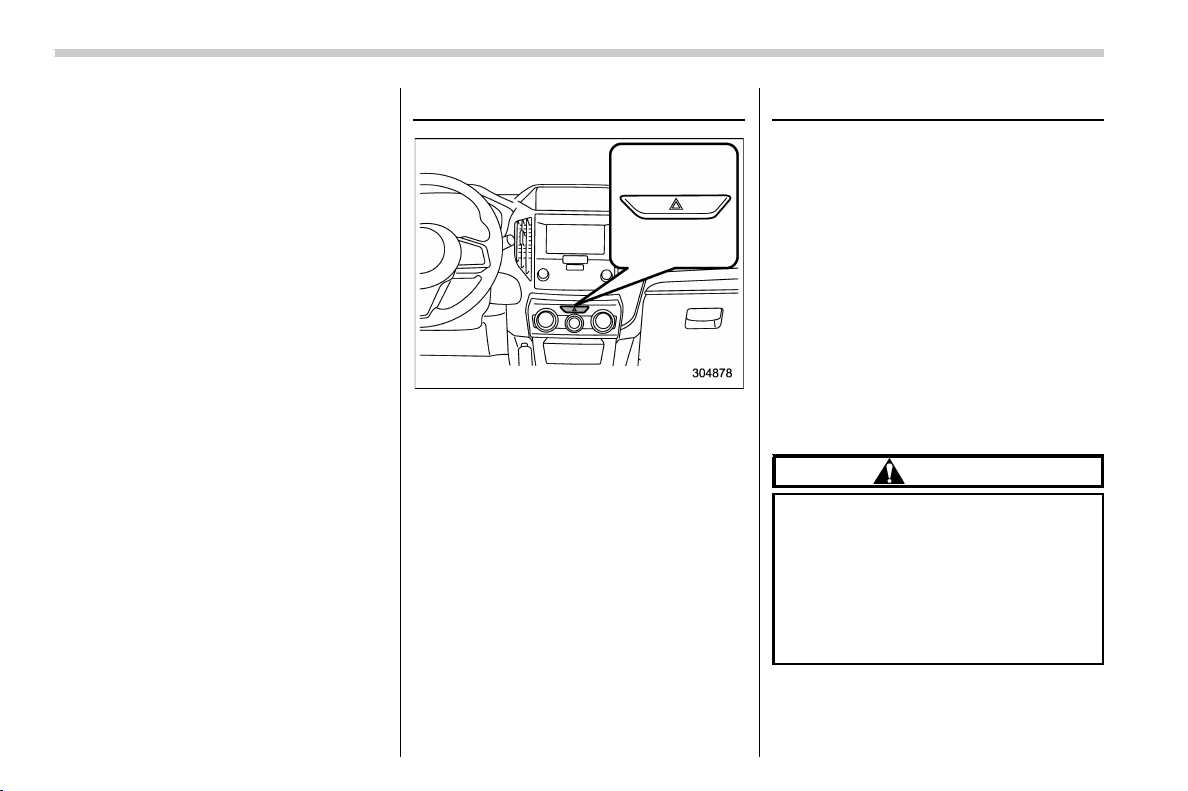
(146,1)
北米Model "A1320BE-C" EDITED: 2017/ 10/ 10
. If the indicator light on the push-
button ignition switch flashes in green
when the push-button ignition switch is
pressed, steering is locked. When this
occurs, press the push-button ignition
switch while turning the steering wheel
left and right.
! Battery drainage prevention func-
tion
When the push-button ignition switch is left
in the “ACC” or “ON” position for approxi-
mately 1 hour, the push-button ignition
switch will be automatically switched to
“OFF” to prevent the battery from going
dead.
& When access key fob does
not operate properly
Refer to “Access key fob – if access key
fob does not operate properly” F9-17.
Hazard warning flasher
The hazard warning flasher is used to warn
other drivers when you have to park your
vehicle under emergency conditions. The
hazard warning flasher works regardless
of the position of the ignition switch.
To turn on the hazard warning flasher,
push the hazard warning button on the
instrument panel. All the turn signal lights
and the turn signal indicator lights will
flash. To turn off the flasher, push the
button again.
NOTE
When the hazard warning flasher is on,
the turn signals do not work.
Meters and gauges
NOTE
Some of the meters and gauges on the
combination meter use liquid-crystal
displays. You will find their indications
hard to see if you wear polar ized
glasses.
& Speedometer
The speedomete r shows the vehicle
speed.
& Tachometer
The tachometer shows the engine speed
in thousands of revolutions per minute.
CAUTION
Do not operate the engine with the
pointer of the tachometer in the red
zone. In this range, fuel injection will
be cut by the engine control module
to protect the engine from overrev-
ving. The engine will resume run-
ning normally after the engine speed
is reduced below the red zone.
Instruments and controls/Hazard warning flasher
3-8
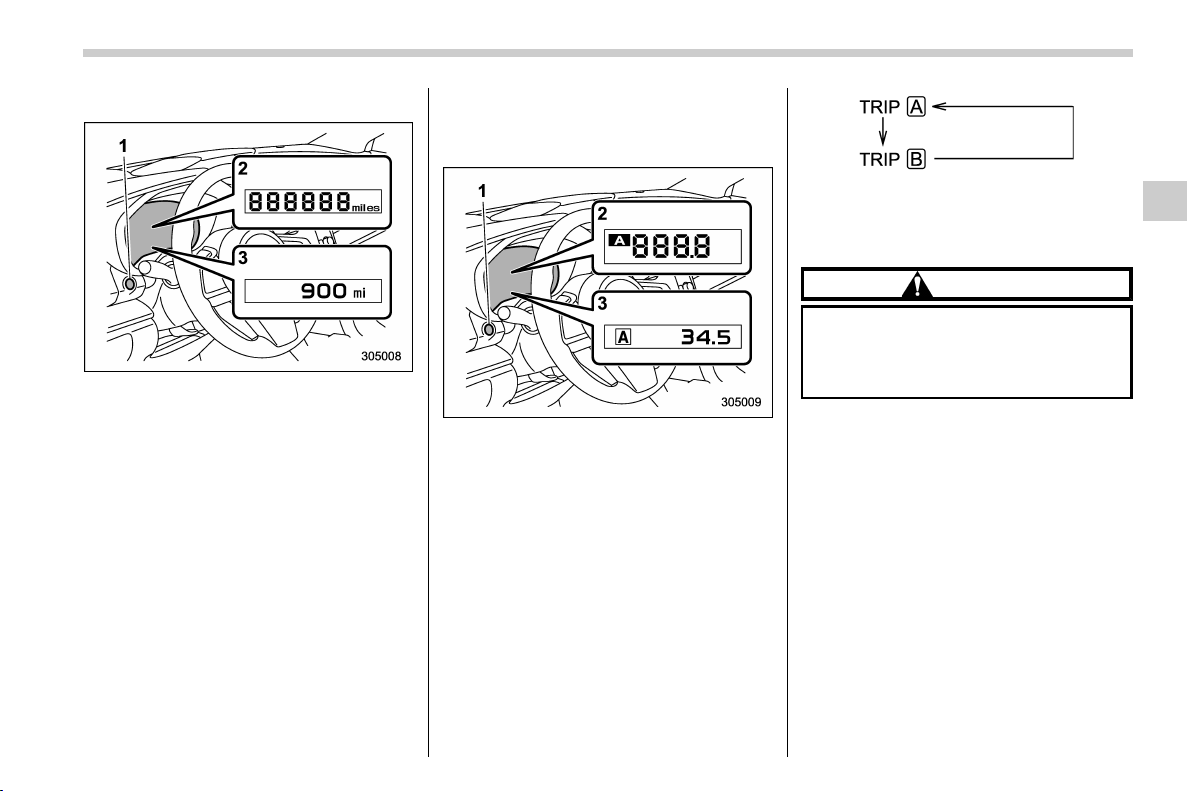
(147,1)
北米Model "A1320BE-C" EDITED: 2017/ 10/ 10
& Odometer
1) TRIP RESET switch
2) Type A combination meter
3) Type B combination meter
This meter displays the odometer when
the ignition switch is in the “ON” position.
The odometer shows the total distance
that the vehicle has been driven.
NOTE
If you press the TRIP RESET switch
when the ignition switch is in the
“LOCK”/“OFF” or “ACC” position, the
odometer/trip meter will light up.
The indicators will turn off when:
. The TRIP RESET switch is not oper-
ated for approximately 10 seconds.
. The driver’s door is opened and then
closed.
& Double trip meter
1) TRIP RESET switch
2) Type A combination meter
3) Type B combination meter
This meter displays the two trip meters
when the ignition switch is in the “ON”
position.
The trip meter shows the distance that the
vehicle has been driven since you last set
it to zero.
The display can be switched as shown in
the following sequence by pressing the
TRIP RESET switch.
To set the trip meter to zero, select the A
trip or B trip meter by pressing the TRIP
RESET switch and keep the knob pressed
for more than 2 seconds.
CAUTION
To ensure safety, do not attempt to
change the function of the indicator
during driving, as an accident could
result.
– CONTINUED –
Instruments and controls/Meters and gauges
3-9
3
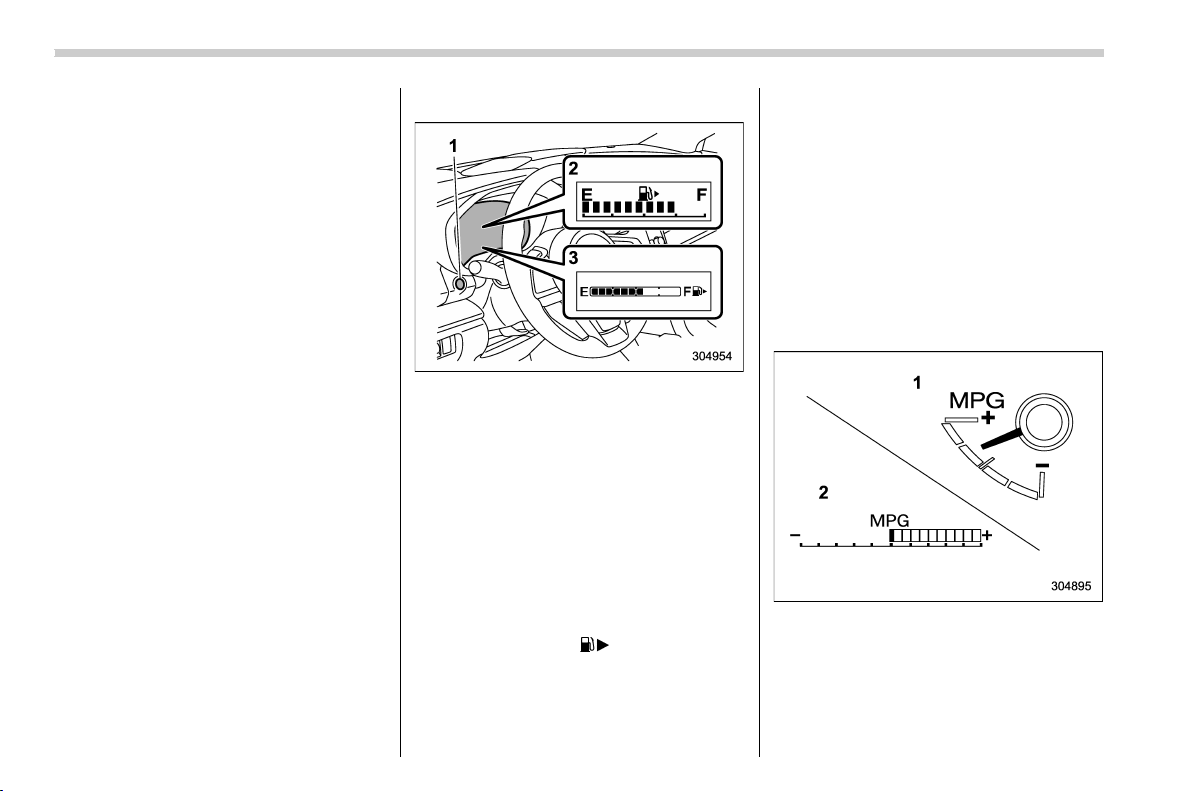
(148,1)
北米Model "A1320BE-C" EDITED: 2017/ 10/ 10
NOTE
. If the connection between the com-
bination meter and battery is broken for
any reason such as vehicle mainte-
nance or fuse replacement, the data
recorded on the trip meter will be lost.
. If you press the TRIP RESET switch
when the ignition switch is in the
“LOCK”/“OFF” or “ACC” position, the
odometer/trip meter will light up. It is
possible to switch between the A trip
meter and B trip meter indications while
the odometer/trip meter is lit up.
In addition, it is possible to reset the trip
meter by pressing and holding the TRIP
RESET switch.
The indicators will turn off when:
– The TRIP RESET switch is not
operated for approximately 10 sec-
onds.
– The driver’s door is opened and
then closed.
& Fuel gauge
1) TRIP RESET switch
2) Type A combination meter
3) Type B combination meter
The fuel gauge is displayed when the
ignition is in the “ON” position, and it shows
the approximate amount of fuel remaining
in the tank.
The gauge indication may change slightly
during braking, turning or acceleration due
to fuel level movement in the tank.
NOTE
. You will see the “ ” sign in the fuel
gauge. This indicates that the fuel filler
door (lid) is located on the right side of
the vehicle.
. If you press the TRIP RESET switch
while the ignition switch is in the
“LOCK”/“OFF” or “ACC” position, the
fuel gauge will light up and indicate the
amount of fuel remaining in the tank.
The indicators will turn off when:
– The TRIP RESET switch is not
operated for approximately 10 sec-
onds.
– The driver’s door is opened and
then closed.
& ECO gauge (if equipped)
1) Type A combination meter
2) Type B combination meter
The ECO g auge shows the difference
between the current rate of fuel consump-
tion and the average rate of fuel consump-
tion since the trip meter was last reset.
Instruments and controls/Meters and gauges
3-10
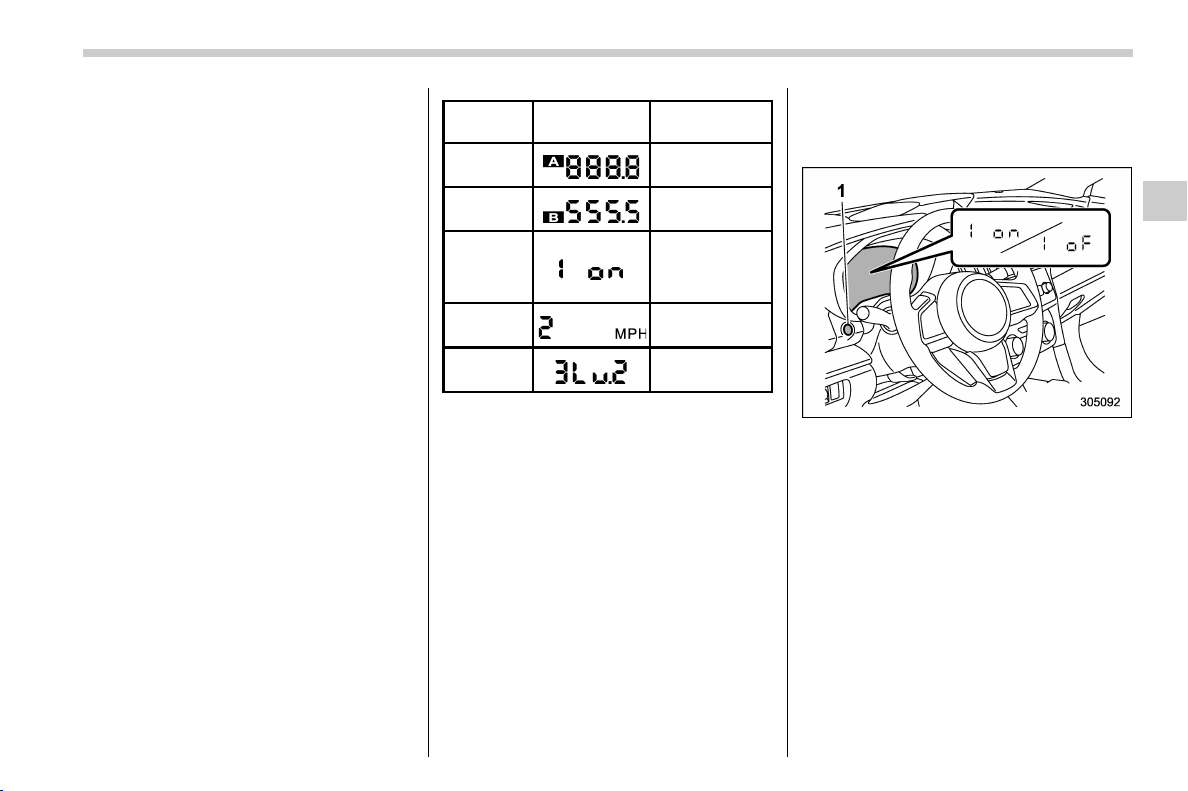
(149,1)
北米Model "A1320BE-C" EDITED: 2017/ 10/ 10
If the ECO gauge moves towards the +
side, this indicates better fuel efficiency.
NOTE
. The ECO gauge shows only an
approximate indication of fuel eff i-
ciency.
. After resetting the trip meter, the
average rate of fuel consumption is not
shown until you have driven for 1 mile
(or 1 km). Before that time, the ECO
gauge does not operate.
& Combination meter settings
Meter and vehicle settings can be set on
the combination meter.
! Type A combination meter
Various adjustments can be made, such
as switching units shown on the combina-
tion meter and adjusting the warning tone
volume.
While the ignition switch is in the “ OFF ”
position, each press of TRIP RESET
switch results in items shown in the table
below being switched.
Item
Combination
meter display
Possible
settings
A trip
—
B trip
—
Gauge
needle
sweep
function
On/Off
Changing
the unit*
mile/km
Warning
volume*
Lv. 1/Lv. 2/Lv. 3
*: if available
NOTE
. If you switch the units on the combi-
nation meter, the units on the multi-
function display (black and white) also
switches accordingly.
. If either of the following conditions
is met, the combination meter setting
mode will be canceled.
– The driver’s door is opened.
– The TRIP RESET switch is not
operated for approximately 10 sec-
onds or more.
! Switching method
1. Push the ignition switch in the “OFF”
position.
1) TRIP RESET switch
2. Press the TRIP RESET switch repeat-
edly until the item you want to change is
displayed.
3. Press and hold the TRIP RESET
switch while the item to be changed is
displayed, the setting of the item will be
switched.
! Type B combination meter
Meter and vehicle settings can be set on
the combination meter display (color
LCD). Refer to “Menu screens” F3-38.
Instruments and controls/Meters and gauges
3-11
3
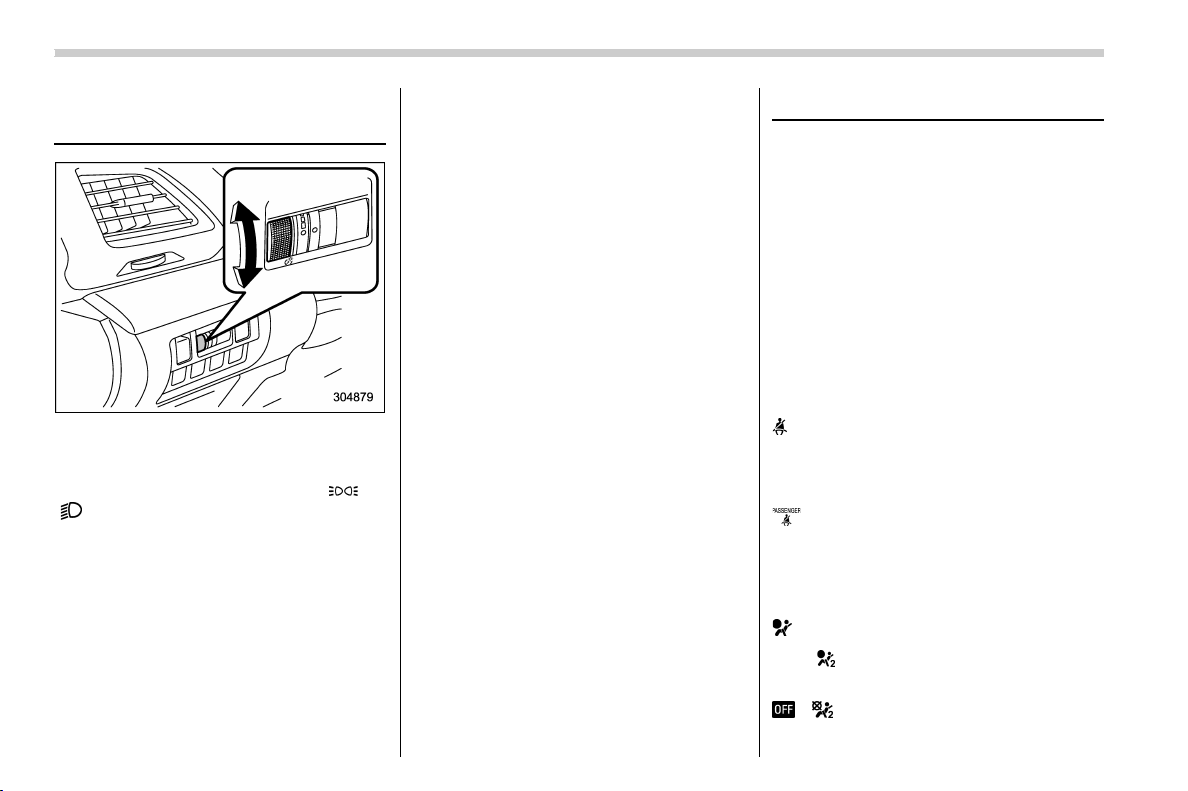
(150,1)
北米Model "A1320BE-C" EDITED: 2017/ 10/ 10
Illumination brightness con-
trol
The illumination brightness of the instru-
ment panel illuminates under the following
conditions.
. when the light switch is in the “
” or
“
” position
. when the light control switch is in the
“AUTO” position and the headlights illumi-
nate automatically
You can adjust the illumination brightness
for better visibility.
To brighten, turn the control dial upward.
To darken, turn the control dial downward.
NOTE
. When the control dial is turned fully
upward, the illumination brightness
becomes the maximum and the auto-
matic dimming function does not work
at all.
. The brightness setting is not can-
celed even when the ignition switch is
turned to the “LOCK”/“OFF” position.
& Auto dimmer cancel function
(if equipped)
When the ambient light is bright, the
illumination brightness is set to the max-
imum regardless of the position of the
control dial. In this case, you cannot adjust
the illumination brightness by using the
control dial. When the ambient light is dark,
you can dim the illumination brightness as
described above.
The operational/non -oper at io nal setting
and sensitivity of the auto dimmer cancel
function can be changed by your SUBARU
dealer. Contact your SUBARU dealer for
details.
Warning and indicator
& Initial illumination for system
check
Several of the warning and indicator lights
illuminate when the ignition switch is
initially turned to the “ON” position. This
permits checking the operation of the
bulbs.
Apply the park ing brake and turn the
ignition switch to the “ON” position. For
the system check, several of the following
lights illuminate and then turn off after
several seconds or after the engine has
started.
: Seatbelt warning light
(The seatbelt warning light turns off
only when the driver fastens the seat-
belt.)
: Front passenger’s seatbelt warning
light
(The seatbelt warning light turns off
only when the front seat passenger
fastens the seatbelt.)
: SRS airbag system warning light
ON /
: Front passenger’s frontal airbag
ON indicator light
/ : Front passenger’s frontal airbag
OFF indicator light
Instruments and controls/Illumination brightness control
3-12
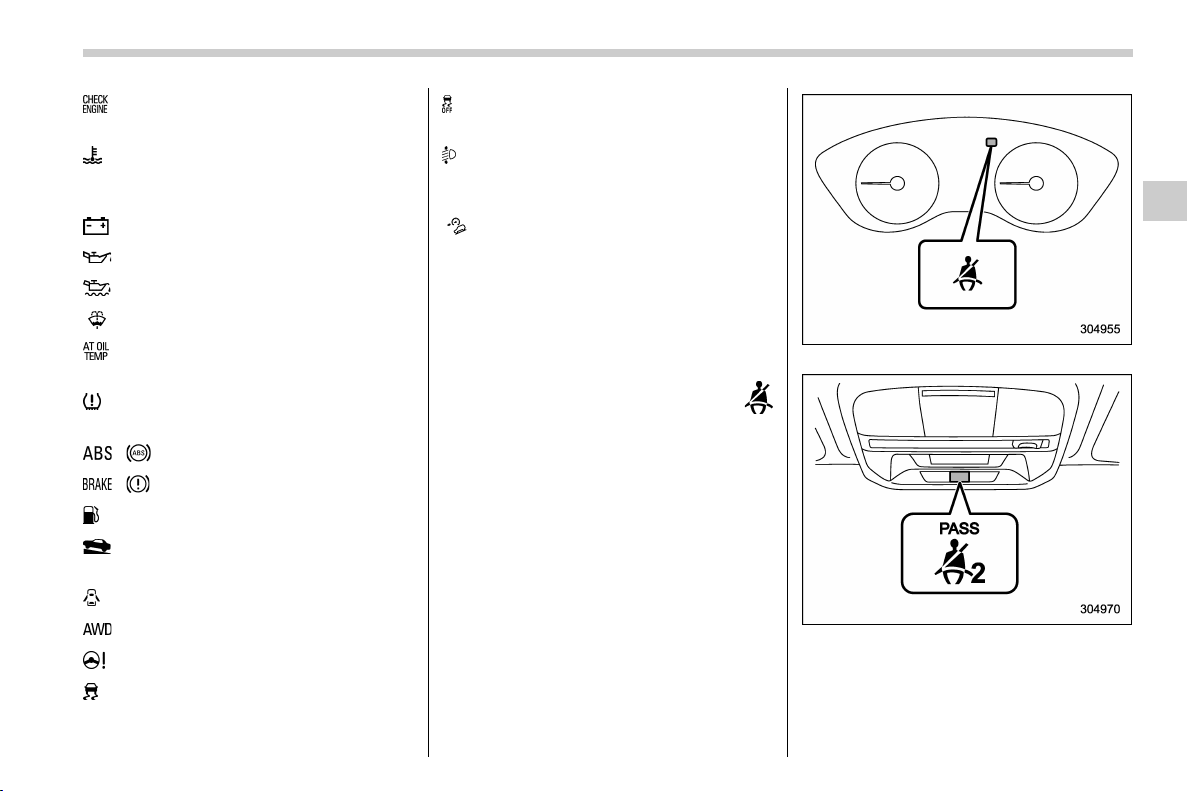
(151,1)
北米Model "A1320BE-C" EDITED: 2017/ 10/ 10
: CHECK ENGINE warning light/Mal-
function indicator light
: Coolant temperature low indicator
light/Coolant temperature high warn-
ing light
: Charge warning light
: Oil pressure warning light
: Engine low oil level warning light
: Windshield washer fluid warning light
: AT OIL TEMP warning light
(CVT models)
: Low tire pressure warning light
(U.S.- spec. models)
/ : ABS warning light
/ : Brake system warning light
: Low fuel warning light
: Hill start assist warning light/Hill start
assist OFF indicator light
: Door open warning light
: AWD warning light (CVT models)
: Power steering warning light
: Vehicle Dynamics Control warning light/
Vehi cl e Dynamic s Control opera tio n
indicator light
: Vehicle Dynamics Control OFF indicator
light
: Automatic headlight beam leveler
warning light (models with LED head-
lights)
: Hill descent control indicator light (if
equipped)
If any lights fail to illuminate, it indicates a
burned-out bulb or a malfunction of the
corresponding system.
Consult your authorized SUBARU dealer
for repair.
& Seatbelt warning light
and chime
Your vehicle is equipped with a seatbelt
warning device at the driver’s and front
passenger’s seat, as required by current
safety standards.
With the ignition switch turned to the “ON”
position, this device reminds the driver and
front passenger to fasten their seatbelts by
illuminating the warning lights in the loca-
tions indicated in the following illustration
and sounding a chime.
Driver’s warning light
Front passenger’s warning light
– CONTINUED –
Instruments and controls/Warning and indicator
3-13
3

(152,1)
北米Model "A1320BE-C" EDITED: 2017/ 10/ 10
! Operation
If the driver and/or front passenger have/
has not yet fastened the seatbelt(s) when
the ignition switch is turned to the “ ON”
position, the seatbelt warning light(s) will
flash for several seconds, to warn that the
seatbelt(s) is/are unfastened. If the driver’s
seatbelt is not fastened, a chime will also
sound simultaneously.
NOTE
. If the driver’s and/or front passen-
ger’s seatbelt(s) are/is still not fastened
6 seconds later, the seatbelt warning
device operates as follows according
to the vehicle speed.
– At speeds lower than approxi-
mately 9 mph (15 km/h)
The warning light(s) for unfastened
seatbelt(s) will alternate between
steady illumination and flashing at
15-second intervals. The chime will
not sound.
– At speeds higher than approxi-
mately 9 mph (15 km/h)
The warning light(s) for unfastened
seatbelt(s) will alternate between
flashing and steady illumination at
15-second intervals and the chime
will sound while the warning light(s)
is/are flashing.
. It is possible to cancel the warning
operation that follows the 6-second
warning after turning ON the ignition
switch. When the ignition switch is
turned ON next time, however, the
complete sequence of the warning
operation resumes. For further details
about canceling the warning operation,
please contact your SUBARU dealer.
If there is no passenger on the front
passenger’s sea t, the seatbelt warning
device for the front passenger’s seat will
be deactivated. The front passenger’s
occupant detection system monitors
whether or not there is a passenger on
the front passenger’s seat.
Observe the following precautions. Failure
to do so may prevent the device from
functioning correctly or cause the device to
fail.
. Do not install any accessory such as a
table or TV onto the seatback.
. Do not store a heavy load in the
seatback pocket.
. Do not allow the rear seat occupant to
place his/her hands or legs on the front
passenger’s seatback, or allow him/her to
pull the seatback.
. Do not use front seats with their back-
ward-forward position and seatback not
being locked into place securely. If any of
them are not locked securely, adjust them
again. For adjusting procedure, refer to
“Manual seat” F1-5.
If the seatbelt warning device for the front
passenger’s seat does not function cor-
rectly (e.g., it is activated even when the
front passenger’s seat is empty or it is
deactivated even when the front passen-
ger has not fastened his/her seatbelt), take
the following actions.
. Ensure that no article is placed on the
seat other than a child restraint system and
its child occupant, although we strongly
recommend that all children sit in the rear
seat properly restrained.
. Ensure that there is no article left in the
seatback pocket.
. Ensure that the backward-forward po-
sition and seatback of front passenger’s
seat are locked into place securely by
moving the seat back and forth.
If still the seatbelt warning device for front
passenger’s seat does not function cor-
rectly after taking relevant corrective ac-
tions described above, immediately con-
tact your SUBARU dealer for an inspec-
tion.
Instruments and controls/Warning and indicator
3-14

(153,1)
北米Model "A1320BE-C" EDITED: 2017/ 10/ 10
& SRS airbag system
warning light
WARNING
If the warning light exhibits any of
the following conditions, there may
be a malfunction in the seatbelt
pretensioners and/or SRS airb ag
system. Immediately take your vehi-
cle to your nearest SUBARU dealer
to have the system checked. Unless
checked and properly repaired, the
seatbelt pretensioners and/or SRS
airbag will not operate properly in
the event of a collision, which may
increase the risk of injury.
. Flashing or flickering of the warn-
ing light
. No illumination of the warning
light when the ignition switch is
first turned to the “ON” position
. Continuous illumination of the
warning light
. Illumination of the warning light
while driving
For details about the components mon-
itored by the warning light, refer to “SRS
airbag system monitors” F1-66.
& Front passenger’s frontal air-
bag ON and OFF indicators
ON : Front passenger’s frontal airbag ON
indicator
: Front passenger’s frontal airbag OFF
indicator
The front passenger’s frontal airbag ON
and OFF indicators show you the status of
the front passenger’s SRS frontal airbag.
The indicator is displayed near the map
lights.
When the ignition switch is turned to the
“ON” position, both the ON and OFF
indicators illuminate for 6 seconds during
which time the system is checked. Follow-
ing the system check, both indicators turn
off for 2 seconds. After that, one of the
indicators illuminates depending on the
status of the front passenger’s SRS frontal
airbag determined by the SUBARU ad-
vanced frontal airbag system monitoring.
If the front passenger’s SRS frontal airbag
is activated, the passenger’s frontal airbag
ON indicator will illuminate while the OFF
indicator will remain off.
If the front passenger’s SRS frontal airbag
is deactivated, the passenger’s frontal
airbag ON indicator will remain off while
the OFF indicator will illuminate.
With the ignition switch turned to the “ON”
position, if both the ON and OFF indicators
remain illuminated or off simultaneously
even after the system check period, the
system is malfunctioning. Contact your
SUBARU dealer immediately for an in-
spection.
& CHECK ENGINE warn-
ing light/Malfunction in-
dicator light
CAUTION
If the CHECK ENGINE light illumi-
nates while you are driving, have
your vehicle checked/repaired by
your SUBARU dealer as soon as
possible. Continued vehicle opera-
tion without having the emission
control system checked and re-
paired as necessary could cause
– CONTINUED –
Instruments and controls/Warning and indicator
3-15
3
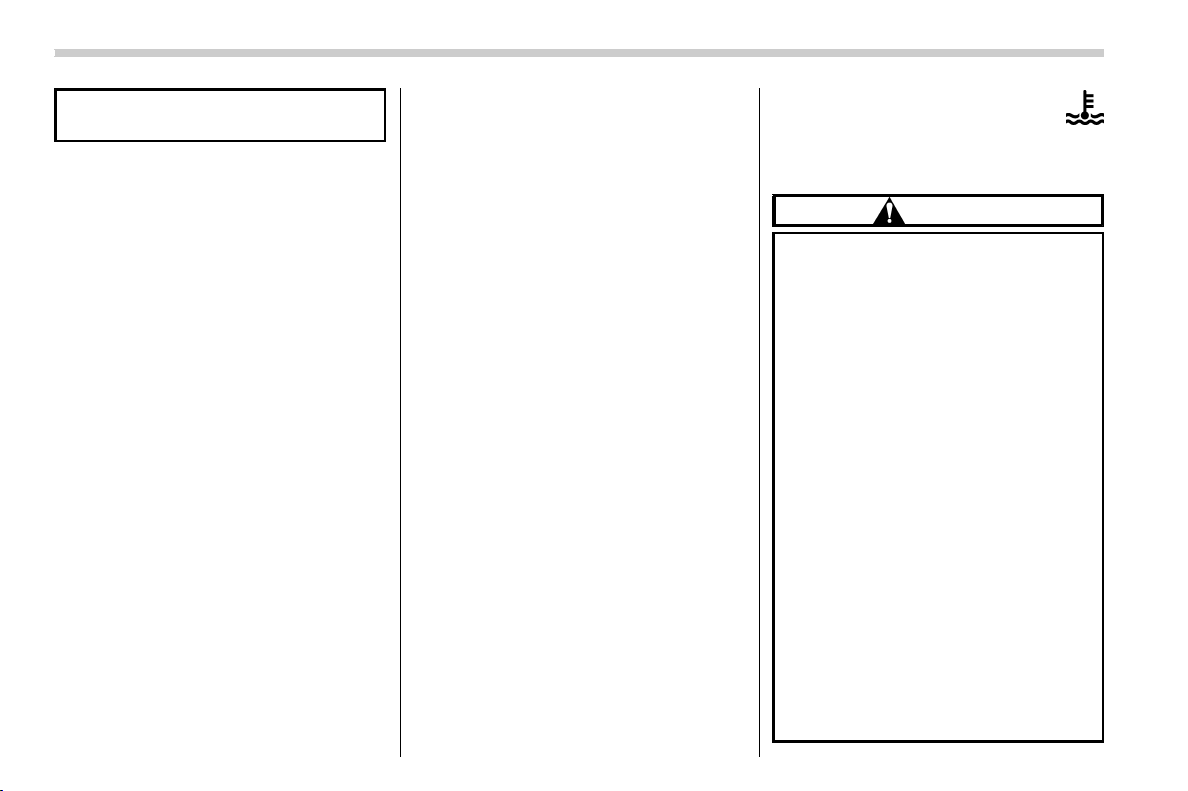
(154,1)
北米Model "A1320BE-C" EDITED: 2017/ 10/ 10
serious damage, which may not be
covered by your vehicle’s warranty.
If this light illuminates steadily or blinks
while the engine is running, it may indicate
that there is at least one problem or
potential problem somewhere in the emis-
sion control system.
! If the light illuminates steadily
If the light illuminates steadily while driving
or does not turn off after the engine starts,
an emission control system malfunction
has been detected.
You should have your vehicle checked by
an authorized SUBARU dealer immedi-
ately.
NOTE
This light also illuminates when the fuel
filler cap is not tightened until it clicks.
If you have recently refueled your vehicle,
the cause of the CHECK ENGINE warning
light/malfunction indicator light illuminating
could be a loose or missing fuel filler cap.
Remove the cap and retighten it until it
clicks. Make sure nothing is interfering with
the sealing of the cap. Tightening the cap
will not make the CHECK ENGINE warn-
ing light turn off immediately. It may take
several driving trips. If the light does not
turn off, take your vehicle to your author-
ized SUBARU dealer immediately.
! If the light is blinking
If the light is blinking while driving, an
engine misfire condition has been de-
tected which may damage the emission
control system.
To prevent serious damage to the emis-
sion control system, you should do the
following.
. Reduce vehicle speed.
. Avoid hard acceleration.
. Avoid steep uphill grades.
. Reduce the amount of cargo, if possi-
ble.
. Stop towing a trailer as soon as
possible.
The CHECK ENGINE warning light may
stop blinking and illuminate steadily after
several driving trips. You should have your
vehicle checked by an authorized
SUBARU dealer immediately.
& Coolant temperature
low indicator light/Cool-
ant temperature high
warning light
CAUTION
. After turning the ignition switch
to the “ON” position, if this
indicator light/warning light be-
haves in any of the fo llowing
ways, the electrical system may
be malfunctioning. Contact your
SUBARU dealer immediately for
an inspection.
– It remains blinking in RED.
– It remains illuminated in RED
for more than 2 seconds.
– It remains blinking in RED and
BLUE alternately.
. While driving, if this indicator
light/warning light behaves in
any of the following ways, take
the specified appropriate mea-
sure listed below.
– Blinking or illuminated in
RED:
Safely stop the vehicle as
soon as possible, and refer to
the emergency steps to take in
the case of engine overheat-
Instruments and controls/Warning and indicator
3-16
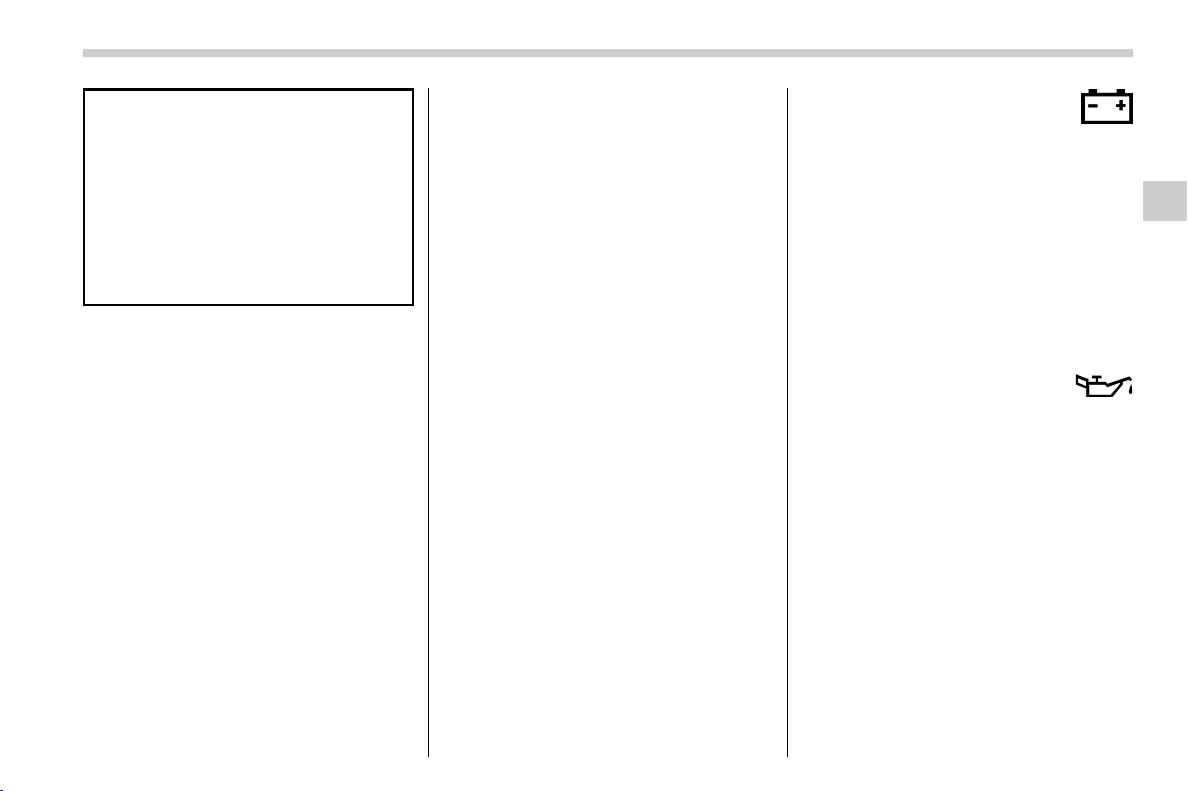
(155,1)
北米Model "A1320BE-C" EDITED: 2017/ 10/ 10
ing. After that, have the sys-
tem checked by your nearest
SUBARU dealer. Refer to “En-
gine overheating” F9-12.
– Blinking in RED and BLUE
alternately:
The electrical system may be
malfunctioning. Contact your
SUBARU dealer for an inspec-
tion.
This coolant temperature low indic ator
light/coolant temperature high warning
light has the following three functions.
. Illumination in BLUE indicates insuffi-
cient warming up of the engine
. Blinking in RED indicates that the
engine is close to overheating
. Illumination in RED indicates overheat-
ing condition of the engine
For a system check, this indicator light/
warning light illuminates in RED for ap-
proximately 2 seconds when the ignition
switch is turned to the “ON” position. After
that, this indicator light/warning light
changes to BLUE and maintains illumina-
tion in BLUE. This BLUE illuminated light
turns off when the engine is warmed up
sufficiently.
If the engine coolant temperature in-
creases over the specified ran ge, the
indicator light/warning light blinks in RED.
At this time, the engine is close to over-
heating.
If the engine coo lant temperature in-
creases further, the indicator light/warning
light illuminates in RED continuously. At
this time, the engine may be overheating.
When the indicator light/warning light
blinks in RED or illuminates in RED, safely
stop the vehicle as soon as possible, and
refer to the emergency steps to take in the
case of engine overheating. Refer to
“Engine overheating” F9-12. After that,
have the system checked by your nearest
SUBARU dealer.
Also, if the indicator light/warning light
often blinks in RED, the electrical system
may be malfunctioning. Contact your
SUBARU dealer for an inspection.
NOTE
If the engine is restarted after a certain
driving condition, this indicator light/
warning light may illuminate in RED.
However, this is not a malfunction if the
indicator light/warning light turns off
after a short time.
& Charge warning light
If this light illuminates when the engine is
running, it may indicate that the charging
system is not working properly.
If the light illuminates while driving or does
not turn off after the engine starts, stop the
engine at the first safe opportunity and
check the alternator belt. If the belt is
loose, broken or if the belt is in good
condition but the light remains illuminated,
contact your nearest SUBARU dealer
immediately.
& Oil pressure warning
light
If this light illuminates when the engine is
running, it may indicate that the engine oil
pressure is low and the lubricating system
is not working properly.
If the light illuminates while driving or does
not turn off after the engine starts, stop the
engine at the first safe opportunity and
check the engine oil level. If the oil level is
low, add oil immediately. If the engine oil is
at the proper level but the light remains
illuminated, contact your nearest
SUBARU dealer immediately.
For details about checking the engine oil
level or adding the engine oil, refer to
“Engine oil” F11-8.
– CONTINUED –
Instruments and controls/Warning and indicator
3-17
3
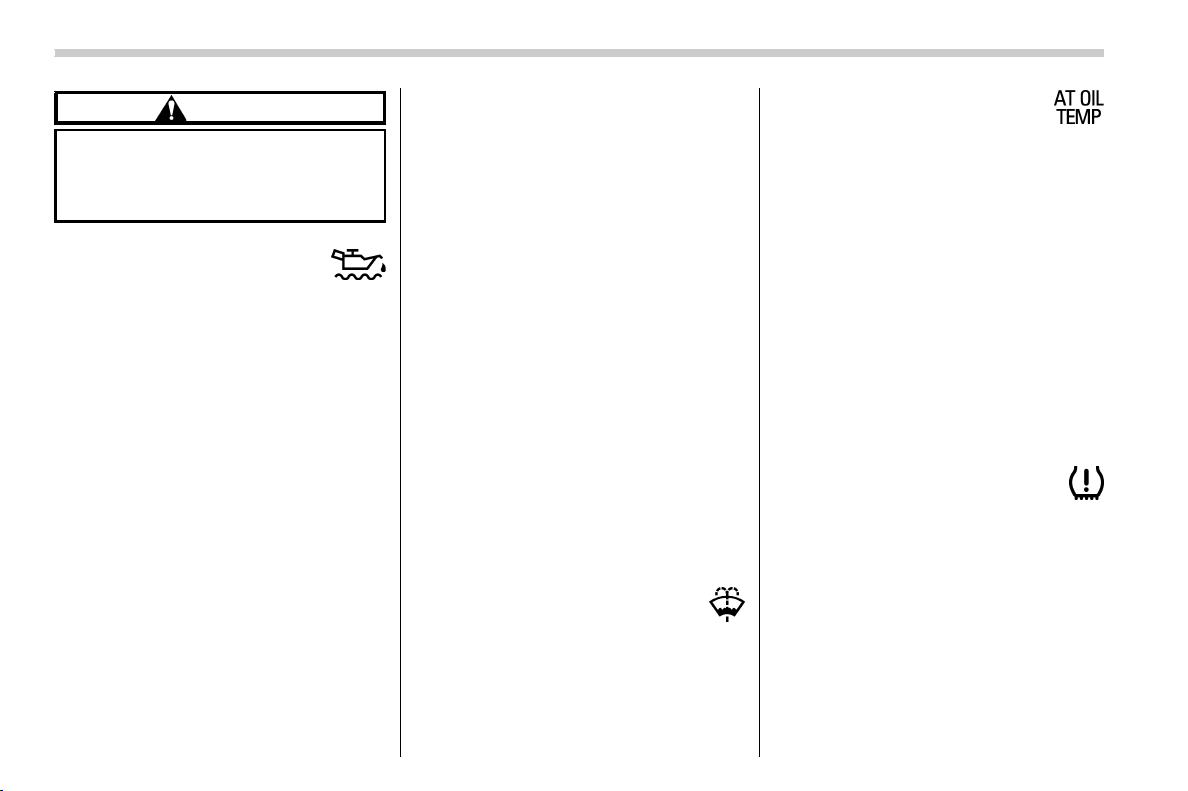
(156,1)
北米Model "A1320BE-C" EDITED: 2017/ 10/ 10
CAUTION
Do not operate the engine with the
oil pressure warning light illumi-
nated. This may cause serious en-
gine damage.
& Engine low oil level
warning light
This light illuminates when the engine oil
level decreases to the lower limit.
If the engine low oil level warning light
illuminates while driving, park the vehicle
in a safe and level location, and then check
the engine oil level. When the engine oil
level is not within the normal range, refill
with engine oil. Refer to “Engine oil” F11-
8.
If the warning light does not turn off after
refilling the engine oil, or the warning light
illuminates even though the engine oil
level is within the normal range, have the
vehicle checked by a SUBARU dealer.
NOTE
. The warning light may stay illumi-
nated when the engine is started
straight after topping up or changing
the engine oil. In such cases, park the
vehicle on a level surface and wait for
more than a minute until the oil level
settles, after which the warning light
will turn off.
. The warning light may illuminate
temporarily in the following conditions
because a low oil level may be detected
as a result of significant oil movement
in the engine.
– when the vehicle is considerably
inclined on an uphill or steep slope
– when the vehicle has continu-
ously accelerated and decelerated
– when the vehicle is continuously
turned
– when the vehicle is driven on a
road that alternates continuously
between uphill and downhill
& Windshield washer
fluid warning light
This light illuminates when the fluid level in
the windshield washer fluid t ank de-
creases to the lower limit (approximately
0.6 US qt, 0.6 liter, 0.5 Imp qt).
& AT OIL TEMP warning
light (CVT models)
If this light illuminates when the engine is
running, it may indicate that the transmis-
sion fluid temperature is too hot.
If the light illuminates while driving, im-
mediately stop the vehicle in a safe place
and let the engine idle until the warning
light turns off.
! Transmission control system warn-
ing
If the “AT OIL TEMP” warning light flashes
after the engine has started, it may indicate
that the transmission control system is not
working properly. Contact your nearest
SUBARU dealer for service immediately.
& Low tire pressure
warning light (U.S.-spec.
models)
When the ignition switch is turned to the
“ON” position, the low tire pressure warn-
ing light will illuminate for approximately 2
seconds to check that the tire pressure
monitoring system (TPMS) is functioning
properly. If there is no problem and all tires
are properly inflated, the light will turn off.
Each tire, including the spare (if provided),
should be checked monthly when cold and
Instruments and controls/Warning and indicator
3-18
(157,1)
北米Model "A1320BE-C" EDITED: 2017/ 10/ 10
inflated to the inflation pressure recom-
mended by the vehicle manufacturer on
the vehicle placard or tire inflation pres-
sure label. (If your vehicle has tires of a
different size than the size indicated on the
vehicle placard or tire inflation pressure
label, you should determine the proper tire
inflation pressure for those tires.)
As an added safety feature, your vehicle
has been equipped with a tire pressure
monitoring system (TPMS) that illuminates
a low tire pressure telltale when one or
more of your tires is significantly under-
inflated. Accordingly, when the low tire
pressure telltale illuminates, you should
stop and check your tires as soon as
possible, and inflate them to the proper
pressure. Driving on a significantly under-
inflated tire causes the tire to overheat and
can lead to tire failure. Under-inflation also
reduces fuel efficiency and tire tread life,
and may affect the vehicle’s handling and
stopping ability.
Please note that the TPMS is not a
substitute for proper tire maintenance,
and it is the driver ’s responsibility to
maintain correct tire pressure, even if
under-inflation has not reached the level
to trigger illumination of the TPMS low tire
pressure telltale.
Your vehicle has also been equipped with
a TPMS malfunction indicator to indicate
when the system is not operating properly.
The TPMS malfunction indicator is com-
bined with the low tire pressure telltale.
When the system detects a malfunction,
the telltale will flash for approximately one
minute and then re main conti nuously
illuminated. This sequence will continue
upon subsequent vehicle start-ups as long
as the malfunction exists. When the mal-
function indicator is illuminated, the sys-
tem may not be able to detect or signal low
tire pressure as intended. TPMS malfunc-
tions may occur for a variety of reasons,
including the installation of replacement or
alternate tires or wheels on the vehicle that
prevent the TPMS from functioning prop-
erly. Always check the TPMS malfunction
telltale after replacing one or more tires or
wheels on your vehicle to ensure that the
replacement or alternate tires and wheels
allow the TPMS to continue to function
properly.
Should the warning light illuminate steadily
after blinking for approximately one min-
ute, have the system inspected by your
nearest SUBARU dealer as soon as
possible.
WARNING
If this light does not illuminate
briefly after the ignition switch is
turned ON or the light illuminates
steadily after blinking for approxi-
mately one minute, you should have
your Tire Pressure Monitoring Sys-
tem checked at a SUBARU dealer as
soon as possible.
If this light illuminates while driving,
never brake suddenly and keep
driving straight ahead while gradu-
ally reducing speed. Then slowly
pull off the road to a safe place.
Otherwise an accident involving
serious vehicle damage and serious
personal injury could occur.
If this light still illuminates while
driving after adjusting the tire pres-
sure, a tire may have significant
damage and a fast leak that causes
the tire to lose air rapidly. If you have
a flat tire, replace it with a spare tire
as soon as possible.
When a spare tire is mounted or a
wheel rim is replaced without the
original pressure sensor/transmitter
being transferred, the Low tire pres-
sure warning light will illuminate
steadily after blinking for approxi-
mately one minute. This indicates
– CONTINUED –
Instruments and controls/Warning and indicator
3-19
3
(158,1)
北米Model "A1320BE-C" EDITED: 2017/ 10/ 10
the TPMS is unable to monitor all
four road wheels. Contact your
SUBARU dealer as soon as possible
for tire and sensor replacement and/
or system resetting.
If the light illuminates steadily after
blinking for approximately one min-
ute, promptly contact a SU BARU
dealer to have the system inspected.
CAUTION
The tire pressure monitoring system
is NOT a substitute for manually
checking tire pressure. The tire
pressure should be checked peri-
odically (at least monthly) using a
tire gauge. After any change to tire
pressure(s), the tire pressure mon-
itoring system will not re-check tire
inflation pressures until the vehicle
is first driven more than 20 mph (32
km/h). After adjusting the tire pres-
sures, increase the vehicle speed to
at least 20 mph (32 km/h) to start the
TPMS re-checking of the tire infla-
tion pressures. If the tire pressures
are now above the severe low pres-
sure threshold, the low tire pressure
warning light should turn off a few
minutes later. Therefore, be sure to
install the specified size for the front
and rear tires.
& ABS warning light
CAUTION
. If any of the following conditions
occur, we recommend that you
have the ABS repaired at the first
available opportunity by your
SUBARU dealer.
– The warning light does not
illuminate when the ignition
switch is turned to the “ON”
position.
– The warning light illuminates
when the ignition switch is
turned to the “ON” position,
but it does not turn off even
after the vehicle is started.
– The warning light illuminates
during driving.
. When the warning light is on (and
the brake system warning light is
off), the ABS function shuts
down. However, the conventional
brake system continues to oper-
ate normally.
The ABS warning light, Vehicle Dynamics
Control warning light, and brake system
warning light illuminate simultaneously if
the EBD system malfunctions. For further
details of the EBD system malfunction
warning, refer to “Electronic Brake Force
Distribution (EBD) system warning” F3-
21.
NOTE
If the warning light behavior is as
described in the following conditions,
the ABS may be considered normal.
. The warning light illuminates when
the ignition switch is turned to the “ON”
position and turns off approximately 2
seconds after the engine has started.
. The warning light illuminates right
after the engine is started but turns off
immediately, remaining off.
. The warning light remains illumi-
nated after the engine has been started,
but it turns off while driving.
. The warning light illuminates during
driving, but it turns off immediately and
remains off.
When driving with an insufficient battery
voltage such as when the engine is jump
started, the ABS warning light may illumi-
nate. This is due to the low battery voltage
and does not indicate a malfunction. When
the battery becomes fully charged, the
light will turn off.
Instruments and controls/Warning and indicator
3-20
(159,1)
北米Model "A1320BE-C" EDITED: 2017/ 10/ 10
& Brake system
warning light (red)
This light illuminates with the parking
brake applied while the ignition switch is
in the “ON” position. It turns off when the
parking brake is fully released.
WARNING
. Driving with the brake system
warning light on is dangerous.
This indicates your brake system
may not be working properly. If
the light remains illuminated,
have the brakes inspected by a
SUBARU dealer immediately.
. If at all in doubt about whether the
brakes are operating properly, do
not drive the vehicle. Have your
vehicle towed to t he nearest
SUBARU dealer for repair.
The brake system warning light has the
following functions.
! Brake fluid level warning
This light illuminates when the brake fluid
level has dropped to near the “MIN” level of
the brake fluid reservoir with the ignition
switch in the “ON” position and with the
parking brake fully released.
If the brake system warning light should
illuminate while driving (with the parking
brake fully released and with the ignition
switch positioned in “ON”), it could be an
indication of leaking of brake fluid or worn
brake pads. If this occurs, immediately
stop the vehicle at the nearest safe
location and check the brake fluid level. If
the fluid level is below the “MIN” mark in
the reservoir, do not drive the vehicle.
Have the vehicle towed to the nearest
SUBARU dealer for repair.
! Electronic Brake Force Distribution
(EBD) system warning
The EBD system may be malfunctioning if
the brake system warning light
/ ,
Vehicle Dynamics Control warning light
and ABS warning light / illuminate
simultaneously during driving.
Even if the EBD system fails, the conven-
tional braking system will still function.
However, the rear wheels will be more
prone to locking when the brakes are
applied harder than usual and the vehicle’s
motion may therefore become somewhat
harder to control.
If the brake system warning light
/ ,
Vehicle Dynamics Control warning light
and ABS warning light / illuminate
simultaneously, take the following steps.
1. Stop the vehicle in the nearest safe, flat
location.
2. Shut down the engine, apply the
parking brake and then restart it.
3. Fully release the parking brake.
4. Even if all the warning lights do not
come back on, the EBD system may have
a possible malfunction. Drive carefully to
the nearest SUBARU dealer and have the
system inspected.
5. If all the warning lights stay illuminated
or come back on after approximately 2
seconds, shut down the engine, apply the
parking brake and check the brake fluid
level.
. If the brake fluid level is not below the
“MIN” mark, the EBD system may be
malfunctioning. Drive carefull y to the
nearest SUBARU dealer and have the
system inspected.
. If the brake fluid level is below the “MIN”
mark, DO NOT drive the vehicle. Instead,
have the vehicle towed to the nearest
SUBARU dealer for repair.
! Vacuum pressure system warning
The brake system warning light
/ will
illuminate when the vacuum pressure
sensor is malfunctioning or brake booster
pressure is decreasing.
If the brake warning light continues to
illuminate for several minutes after starting
– CONTINUED –
Instruments and controls/Warning and indicator
3-21
3

(160,1)
北米Model "A1320BE-C" EDITED: 2017/ 10/ 10
the engine, there may be a malfunction in
the vacuum system. In this case, drive the
vehicle carefully and have the system
inspected by a SUBARU dealer.
& Low fuel warning light
The low fuel warning light illuminates when
the tank is nearly empty, at approximately
2.5 US gal (9.5 liters, 2.1 Imp gal). It only
operates when the ignition switch is in the
“ON” position.
CAUTION
Promptly put fuel in the tank when-
ever the low fuel warning light
illuminates. Engine misfires as a
result of an empty tank could cause
damage to the engine.
& Hill start assist warning
light/Hill start assist
OFF indicator light
! Hill start assist warning light
While the engine is running, if there are
any malfunctions in the Hill start assist
system, the warning light will illuminate.
WARNING
When the Hill start assist warning
light illuminates, have the vehicle
inspected at an authorized SUBARU
dealer.
! Hill start assist OFF indicator light
While the Hill start assist system is
deactivated, the H ill start assist OFF
indicator light illuminates continuously to
inform the driver that the Hill start assist
system is not operational.
& Door open warning light
The warning light illuminates if any door or
the rear gate is not fully closed. This
function is effective even if the ignition
switch is in the “LOCK”/“OFF” or “ACC”
position, or the key is removed from the
ignition switch.
For some models, only the open doors are
indicated by the warning lights.
Always make sure this light is not illumi-
nated before you start to drive.
& All-Wheel Drive warn-
ing light (CVT models)
This light blinks if the vehicle is driven with
tires of differing diameters fitted on the
wheels or with an excessively low air
pressure in any of the tires.
WARNING
If the AWD warning light flashes,
promptly park in a safe location then
check whether all four tires are the
same diameter and whether any of
the tires has a puncture or has lost
air pressure for some other reason.
Continuing to drive with the AWD
warning light flashing can lead to
powertrain damage.
NOTE
If the temporary spare tire is used, the
AWD warning light may flash. Use of the
temporary spare tire should therefore
be restricted to the minimum time
necessary. Replace the temporary
spare tire with a conventional tire as
soon as possible.
Instruments and controls/Warning and indicator
3-22
(161,1)
北米Model "A1320BE-C" EDITED: 2017/ 10/ 10
& Power steering warning
light
While the engine is running, this warning
light illuminates when a malfunction has
been detected in the electric power steer-
ing system.
CAUTION
When the power steering warning
light is illuminated, there may be
more resistance when the steering
wheel is operated. Drive carefully to
the nearest SUBARU dealer and
have the vehicle inspected immedi-
ately.
NOTE
If the steering wheel is operated in the
following ways, the power steering
control system may temporarily limit
the power assist in order to prevent the
system components, such as the con-
trol computer and drive motor, from
overheating.
. The steering wheel is operated fre-
quently and turned sharply while the
vehicle is maneuvered at extremely low
speeds, such as while frequently turn-
ing the steering wheel during parallel
parking.
. The steering wheel remains in the
fully turned position for a long period of
time.
At this time, there will be more resis-
tance when steering. However this is
not a malfunction. Normal steering
force will be restored after the steering
wheel is not operated for a while and
the power steering control system has
an opportunity to cool down. However,
if the power steering is operated in a
non-standard way which causes power
assist limitation to occur too frequently,
that may result in a malfunction of the
power steering control system.
& Vehicle Dynamics Con-
trol warning light/Vehicle
Dynamics Control op-
eration indicator light
! Vehicle Dynamics Control warning
light
CAUTION
The Vehicle Dynamics Control sys-
tem provides its ABS control
through the electrical circuit of the
ABS. Accordingly, if the ABS is
inoperative, the Vehicle Dynamics
Control system becomes unable to
provide ABS control. As a result, the
Vehicle Dynamics Control system
also becomes inoperative, causing
the warning light to illu minate.
Although both the Vehicle Dynamics
Control system and ABS are inop-
erative in this case, the ordinary
functions of the brake system are
still available. You will be safe while
driving with this condition, but drive
carefully and have your vehicle
checked at a SUBARU dealer as
soon as possible.
NOTE
. If the electrical circuit of the Vehicle
Dynamics Control system itself mal-
functions, the warning light only illumi-
nates. At this time, the ABS (Anti-lock
BrakeSystem)remainsfullyopera-
tional.
. The warning light illuminates when
the electronic control system of the
ABS/Vehicle Dynamics Control system
malfunctions.
. The Vehicle Dynamics Control warn-
ing light, ABS warning light, and brake
system warning light illuminate simul-
taneously if the EBD system malfunc-
tions. For further details of the EBD
system malfunction warning, refer to
– CONTINUED –
Instruments and controls/Warning and indicator
3-23
3

(162,1)
北米Model "A1320BE-C" EDITED: 2017/ 10/ 10
“Electronic Brake Force Distribution
(EBD) system warning” F3-21.
The Vehicle Dynamics Control system is
probably inoperative under any of the
following conditions. Have your vehicle
checked at a SUBARU dealer immedi-
ately.
. The warning light does not illuminate
when the ignition switch is turned to the
“ON” position.
. The warning light illuminates while the
vehicle is running.
NOTE
If the warning light behavior is as
described in the following examples,
the Vehicle Dynamics Control system
may be considered normal.
. The warning light illuminates when
the ignition switch is turned to the “ON”
position and turns off approximately 2
seconds after the engine has started.
. The warning light illuminates right
after the engine is started but turns off
immediately, remaining off.
. The warning light illuminates after
the engine has started and turns off
while the vehicle is subsequently being
driven.
. The warning light illuminates during
driving, but it turns off immediately and
remains off.
. The warning light illuminates when
the engine has stalled and continues to
illuminate after the engine has been
restarted. However, it will turn off once
the vehicle starts moving.
! Vehicle Dynamics Control operation
indicator light
The indicator light flashes during activation
of the skid suppression function and during
activation of the traction control function.
NOTE
. The light may remain illuminated for
a short period of time after the engine
has been started, especially in cold
weather. This does not indicate the
existence of a problem. The light
should turn off as soon as the engine
has warmed up.
. The indicator light illuminates when
the engine has developed a problem
and the CHECK ENGINE warning light/
malfunction indicator light is on.
The Vehicle Dynamics Control system is
probably malfunctioning under the follow-
ing condition. Have your vehicle checked
at a SUBARU dealer as soon as possible.
. The light does not turn off even after the
lapse of several minutes (the engine has
warmed up) after the engine has started.
& Vehicle Dynamics Con-
trol OFF indicator light
The light illuminates when the Vehicle
Dynamics Control OFF switch is pressed
to deactivate the Vehicle Dynamics Con-
trol system.
The Vehicle Dynamics Control system is
probably malfunctioning under any of the
following conditions. Have your vehicle
checked at a SUBARU dealer immedi-
ately.
. The light does not illuminate when the
ignition switch is turned to the “ON”
position.
. The light does not turn off even once
several seconds have elapsed after the
ignition switch has been turned to the “ON”
position.
Instruments and controls/Warning and indicator
3-24
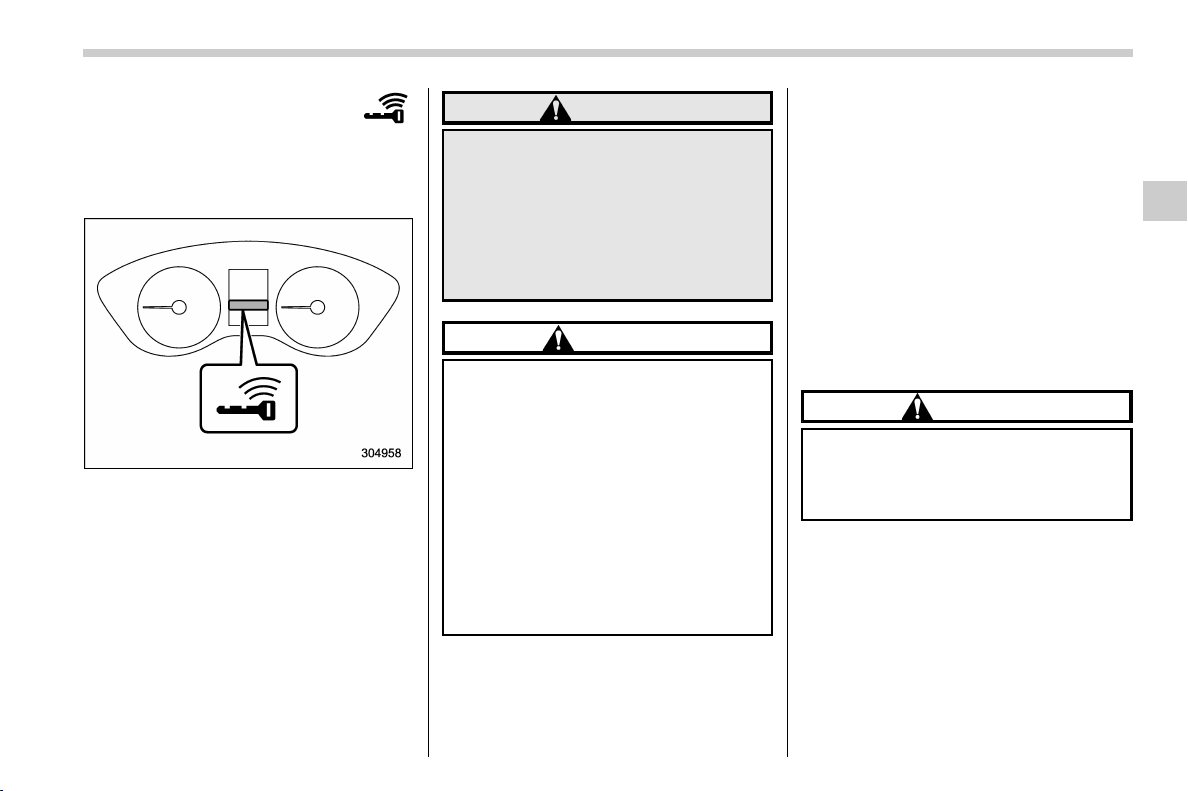
(163,1)
北米Model "A1320BE-C" EDITED: 2017/ 10/ 10
& Warning chimes and
warning indicator of the
keyless access with
push-button start sys-
tem (if equipped)
Access key warning indicator
The keyless access with push-button start
system sounds a warning chime and
flashes the access key warning indicator
on the combination meter in order to
minimize improper operations and help
protect your vehicle from theft.
When the warning chime sounds and/or
the warning indicator flashes, take the
appropriate action.
WARNING
Never drive the vehicle if the indica-
tor on the push-b utton ign ition
switch is flashing in green when
starting the engine. This indicates
the status that the steering wheel is
not released and could result in an
accident involving serious injury or
death.
CAUTION
. When starting the engine again
after the operation indicator on
the push-button ignition switch
flashes in green, if the operation
indicator is still flashing in green,
there could be a steering lock
malfunction. Contact your
SUBARU dealer as soon as pos-
sible.
. When the operation indicator on
the push-button ignition switch
flashes in orange, contact a
SUBARU dealer immediately.
NOTE
. Even when the access key fob is
within the operating ranges inside the
vehicle, the access key warning for
engine start may be provided depend-
ing on the status of the access key fob
and the environmental conditions.
. When the access key fob is taken out
of the vehicle through an open window,
the access key fob takeout warning or
passenger access key fob takeout
warning will not be provided.
! List of warnings
CAUTION
When any of the following warnings
occurs even if the access key warn-
ing indicator does not appear, take
the appropriate action.
– CONTINUED –
Instruments and controls/Warning and indicator
3-25
3

(164,1)
北米Model "A1320BE-C" EDITED: 2017/ 10/ 10
Inside warning
chime
Outside warning
chime
Operation indicator
on push-button igni-
tion switch
Status Action
Ding,
ding ...
(intermittent)
——
The driver’s door was opened while the
push-button ignition switch is “ACC” (in
CVT models, when the select lever is in
the “P” position).
Switch the push-button ignition switch to
“OFF”, or close the driver’s door.
*When exiting the vehicle, be sure to
switch the push-button ignition switch to
“OFF”.
The push-button ignition switch was
switched to “ OFF” while the driver’s door
is open.
Close the driver’s door.
Ding
Short beep
(2 seconds)
—
Lockout warning:
An attempt was made to lock all doors
while the access key fob is left inside the
vehicle.
Take out the access key fob from the
vehicle, and lock the doors.
*The doors cannot be locked while the
access key fob is inside the vehicle.
*A chirp sound will be heard, and all doors
will be unlocked.
—
Short beep
(2 seconds)
—
Access key fob lock-in warning:
The door lock sensor was touched while
the push-button ignition switch is “OFF”
and the access key fob is inside the
vehicle.
Take out the access key fob from the
vehicle, and lock the doors.
*If the access key fob is inside the vehicle,
the doors cannot be locked.
—
Beep, beep, beep,
beep, beep
(5 times)
—
Door ajar warning:
The door lock sensor is touched while the
ignition switch is in the “OFF” position and
one of the doors including the rear gate is
opened.
Close the doors securely and lock them.
*If one of the doors including the rear gate
is opened, the doors cannot be locked.
Ding
Long beep (60
seconds max.)
—
Power warning:
The door lock sensor was touched while
carrying the access key fob, the push-
button ignition switch is in a position other
than “OFF” (in CVT models, when the
select lever is in the “P” position).
Return the access key fob inside the
vehicle, or switch the push-button ignition
switch to “OFF”.
*If the push-button ignition switch is not
switched to “ OFF”, the doors cannot be
locked.
Ding,
ding ...
(7 seconds)
——
Access key warning:
The vehicle was driven while the access
key fob is not inside the vehicle.
Carry the access key fob, and drive the
vehicle.
Instruments and controls/Warning and indicator
3-26

(165,1)
北米Model "A1320BE-C" EDITED: 2017/ 10/ 10
Inside warning
chime
Outside warning
chime
Operation indicator
on push-button igni-
tion switch
Status Action
Ding ——
Access key warning for engine start:
The push-button ignition switch was
pressed while the access key fob is not
inside the vehicle.
Carry the access key fob, and press the
push-button ignition switch.
Ding
Beep, beep, beep
(3 times)
—
Access key takeout warning:
The driver exited the vehicle with the
access key fob and closed the driver’s
door while the push-button ignition switch
is in a position other than “OFF” (in CVT
models, when the select lever is in the “P”
position).
Switch the push-button ignition switch to
“OFF”, and get out of the vehicle.
Ding
Beep, beep, beep
(3 times)
—
Passenger access key takeout warn-
ing:
A fellow passenger exited the vehicle with
the access key fob and closed a door
other than the driver’s door while the
push-button ignition switch is in a position
other than “OFF”.
Return the access key fob to inside the
vehicle, or switch the push-button ignition
switch to “OFF”.
Long beep
(continuous)
Long beep
(continuous)
—
Access key takeout without P position
warning (CVT models):
The driver exited the vehicle with the
access key fob and closed the driver’s
door while the push-button ignition switch
is in a position other than “OFF” and the
select lever is in a position other than the
“P” position.
Shift the select lever to the “P” position,
switch the push-button ignition switch to
“OFF” and exit the vehicle.
Long beep
(continuous)
——
Select lever position warning (CVT
models):
The engine is turned off by pressing the
push-button ignition switch and the select
lever is in a position other than the “P”
position.
Start the engine, shift the select lever to
the “P” position, switch the push-button
ignition switch to “OFF” and exit the
vehicle.
– CONTINUED –
Instruments and controls/Warning and indicator
3-27
3
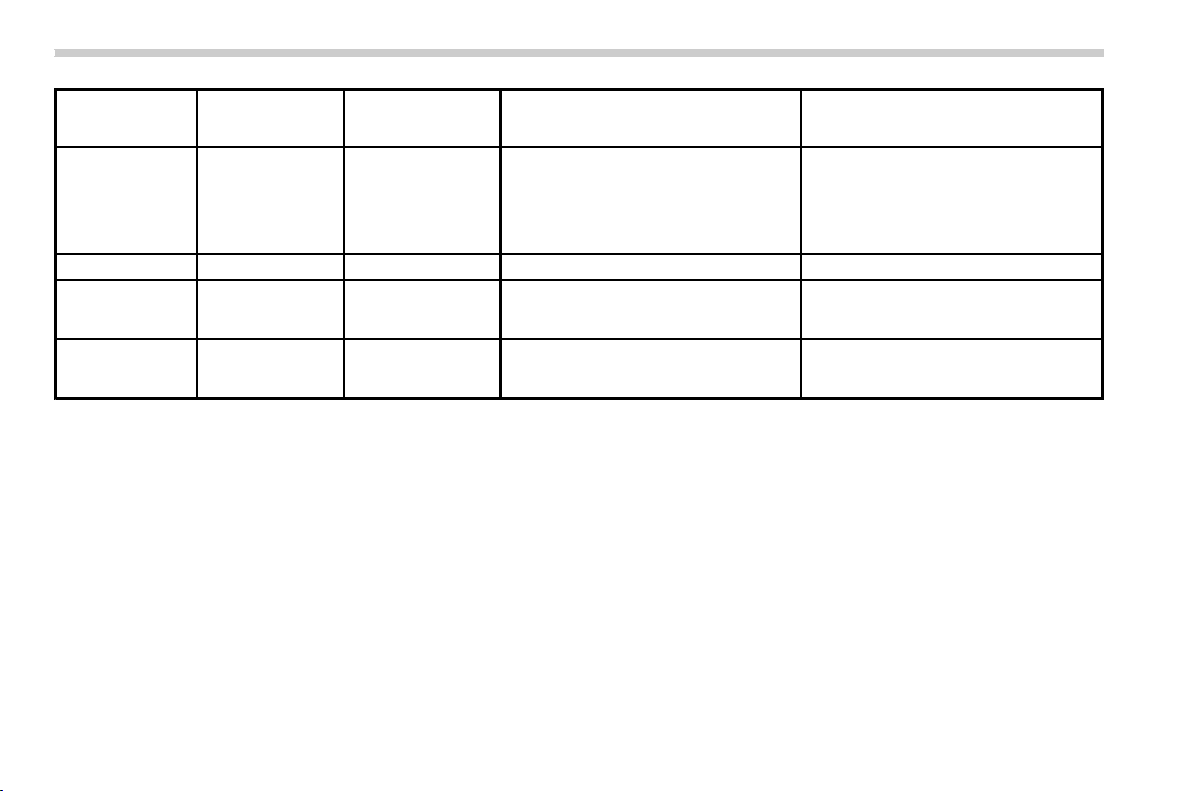
(166,1)
北米Model "A1320BE-C" EDITED: 2017/ 10/ 10
Inside warning
chime
Outside warning
chime
Operation indicator
on push-button igni-
tion switch
Status Action
Long beep
(continuous)
——
Select lever position warning (CVT
models):
The driver’s door was opened while the
push-button ignition switch is in a position
other than “OFF” and the select lever is in
a position other than the “P” position.
Shift the select lever to the “P” position,
switch the push-button ignition switch to
“OFF” and exit the vehicle.
Ding ——The battery of the access key fob is low. Replace the battery of the access key fob.
Ding —
Flashes in green
(15 seconds max.)
Steering lock warning:
The engine start procedure was per-
formed, but the steering is still locked.
While turning the steering wheel right and
left lightly, depress the brake pedal and
press the push-button ignition switch.
Ding —
Flashes in orange
(15 seconds max.)
System malfunction warning:
A malfunction was detected in the power
system or steering lock.
Contact a SUBARU dealer immediately
and have the vehicle inspected.
Instruments and controls/Warning and indicator
3-28
(167,1)
北米Model "A1320BE-C" EDITED: 2017/ 10/ 10
& Security indicator light
This indicator light shows the status of the
alarm system. It also indicates operation of
the immobilizer system.
! Alarm system
It blinks to show the driver the operational
status of the alarm system. For detailed
information, refer to “Alarm system” F2-
24.
! Immobilizer system
The security indicator light starts blinking
in the following conditions.
For models with “keyless access with
push-button start system”:
. Immediately after the push-button igni-
tion switch is turned to the “OFF” position.
. Immediately after the driver’s door is
opened or closed when all of the following
conditions are met.
– The push-button ignition switch is in
the “ON” or “ACC” position.
– The access key fob is outside the
vehicle.
– The engine is not running.
In the event that an unauthorized key is
used (for example, the key is unregistered
or the ID code does not match), the power
is not switched to “ON” and the security
indicator light continues blinking.
For models without “keyless access
with push-button start system”:
. Immediately after the key is pulled out.
. Approximately 60 seconds after the
ignition switch is turned from the “ON”
position to the “ACC” or “LOCK” position.
If the indicator light does not blink in the
above conditions , it may indicate that
immobilizer system may be malfunction-
ing. Contact your nearest SUBARU dealer
immediately.
In the event that an unauthorized key (for
example, an unauthorized duplicate) is
used to start the engine, the securi ty
indicator light illuminates. For details about
the immobilizer system, refer to “Immobi-
lizer” F2-15.
NOTE
. The security indicator light remains
off in the following conditions. It means
that the matching of the ID code is
completed and the immobilizer system
is deactivated, and it does not indicate
a malfunction.
Models with “keyless access with
push-button start system”:
– while the engine is running
– the push-button ignition switch
has been turned to the “ON” or
“ACC ” position and the driver’s
door has not been opened or closed
Models without “keyless access
with push-button start system”:
– while the engine is running
– when the ignition switch is in the
“ON” position.
– for approximately 60 seconds
after the ignition switch is turned
from the “ON” position to the “ACC”
or “LOCK” position
. Even if a malfunction occurs, such
as the security indicator light flashes
irregularly, it will not affect the func-
tionality of the immobilizer system.
– CONTINUED –
Instruments and controls/Warning and indicator
3-29
3
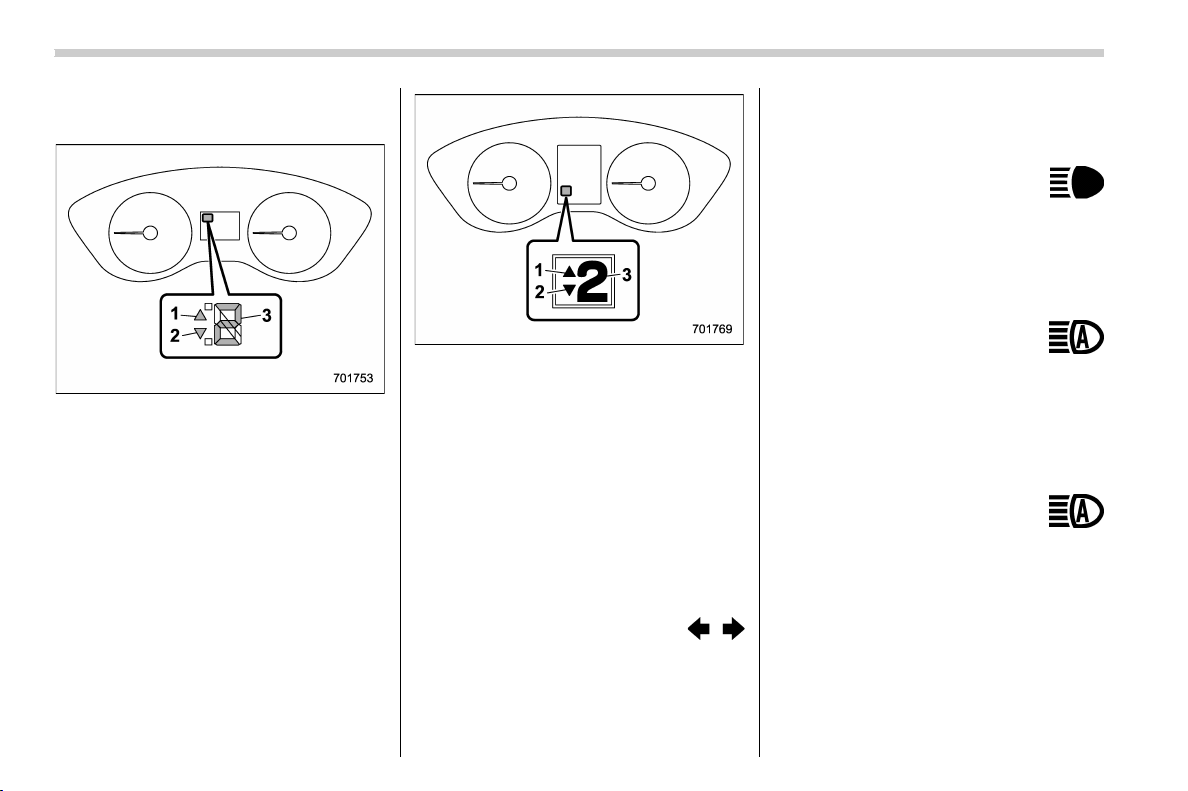
(168,1)
北米Model "A1320BE-C" EDITED: 2017/ 10/ 10
& Select lever/gear position in-
dicator (CVT models)
Type A
1) Upshift indicator
2) Downshift indicator
3) Select lever/gear position indicator
Type B
1) Upshift indicator
2) Downshift indicator
3) Select lever/gear position indicator
This indicator shows the position of the
select lever.
For models with manual mode, when the
manual mode is selected, the gear position
indicator (which shows the current gear
selection) and the upshift/downshift indi-
cator light up. Refer to “Continuously
variable transmission” F7-24.
& Turn signal indicator
lights
These lights show the operation of the turn
signal or lane change signal.
If the indicator lights do not blink or blink
rapidly, the turn signal bulb may be burned
out. Replace the bulb as soon as possible.
Refer to “Replacing bulbs” F11-36.
& High beam indicator
light
This light shows that the headlights are in
the high beam mode.
This indicator light also illuminates when
the headlight flasher is operated.
& High beam assist indi-
cator light (green) (if
equipped)
This light illuminates when the high beam
assist function is activated. For details
about the high beam assist function, refer
to “High beam assist function” F3-69.
& High beam assist
warning indicator
(yellow) (if equipped)
This warning indicator appears when the
high beam assist function malfunctions.
When this warning indicator appears, have
your vehicle inspected by your SUBARU
dealer.
Instruments and controls/Warning and indicator
3-30
(169,1)
北米Model "A1320BE-C" EDITED: 2017/ 10/ 10
& Cruise control indicator
light (if equipped)
This light illuminates when the cruise
control main button is pressed to activate
the cruise control function. For details,
refer to “To set cruise control” F7-48.
If this light blinks, do not use the cruise
control. In addition, if it blinks frequently,
contact your SUBARU dealer for an
inspection.
CAUTION
If the CHECK ENGINE warning light/
malfunction indicator light illumi-
nates, the cruise control indicator
light flashes at the same time. At this
time, avoid driving at high speed and
have your vehicle inspected at a
SUBARU dealer as soon as possi-
ble.
& Cruise control set indi-
cator light (if equipped)
This light illuminates when vehicle speed
has been set to use the cruise control
function. Refer to “To set cruise control”
F7-48.
& Automatic headlight
beam leveler warning
light (models with LED
headlights)
This light illuminates when the automatic
headlight beam leveler does not operate
normally.
If this light illuminates during driving, have
your vehicle inspected at your SUBARU
dealer.
& LED headlight warning
light (models with LED
headlights)
This light illuminates if the LED headlights
malfunction. Have your vehicle inspected
at a SUBARU dealer as soon as possible.
& Steering Responsive
Headlight warning light/
Steering Responsive
Headlight OFF indicator
light (if equipped)
This light illuminates when the Steering
Responsive Headlight OFF switch is
pressed to deactivate the Steering Re-
sponsive Headlight. Also, the light flashes
when a malfunction occurs in the Steering
Responsive Headlight. Refer to “Steering
Responsive Headlight (SRH)” F3-72.
& Front fog light indicator
light (if equipped)
This indicator light illuminates while the
front fog lights are illuminated.
& Headlight indicator
light (if equipped)
This indicator light illuminates under the
following conditions.
. when the light switch is turned to the
“
” or “ ” position
. when the light control switch is in the
“AUTO” position and the headlights illumi-
nate automatically
& Steering responsive fog
lights warning indicator/
Steering responsive fog
lights OFF indicator (if
equipped)
NOTE
For details about the steering respon-
sive fog lights system, refer to “Steer-
ing responsive fog lights system” F3-
74.
– CONTINUED –
Instruments and controls/Warning and indicator
3-31
3
(170,1)
北米Model "A1320BE-C" EDITED: 2017/ 10/ 10
! Steering responsive fog lights
warning indicator
This indicator appears when the steering
responsive fog lights system malfunctions.
When this indicator appears while the
system is activated, contact your SUBARU
dealer for an inspection.
! Steering responsive fog lights OFF
indicator
This indicator appears when the steering
responsive fog lights system is deacti-
vated. This indicator disappears when the
system is activated.
& X-mode indicator (if
equipped)
This indicator appears while the X-mode is
activated. It will disappear when the X-
mode is deactivated. Refer to “To activate/
deactivate the X-mode” F7-39.
& Hill descent control in-
dicator (if equipped)
This indicator appears while the hill des-
cent control function is in standby. It will
flash while the hill descent control function
is operating. It will disappear when the hill
descent control function is not available.
Refer to “Hill descent control function” F7-
40.
& BSD/RCTA warning in-
dicator (if equipped)
This warning indicator appears when the
BSD/RCTA is malfunctioning. In this case
the BSD/RCTA warning indicator will be
shown on the combination meter display
(color LCD). When this indicator appears,
have your vehicle inspected by your
SUBARU dealer as soon as possible.
& BSD/RCTA OFF indica-
tor (if equipped)
The indicator appears when the BSD/
RCTA OFF switch is pressed to deactivate
the BSD/RCTA. In this case the BSD/
RCTA OFF indicator will be shown on the
combination meter display (color LCD).
For details, refer to “BSD/RCTA” F7-52.
& RAB warning
indicator (if equipped)
This indicator illuminates if the Reverse
Automatic Braking System malfunctions.
Refer to “Reverse Automatic Braking
System” F7-61.
& RAB OFF indicator light
(if equipped)
This indicator illuminates when the Re-
verse Automatic Braking System is turned
OFF, or when the Reverse Automatic
Braking System is suspended temporarily.
Refer to “Reverse Automatic Braking
System” F7-61.
& Icy road surface warn-
ing indicator (if
equipped)
When the outside temperature is 378F
(38C) or less, the icy road surface warning
will illuminate to inform the driver that the
road surface may be frozen.
NOTE
. The outside temperature indicator
shows the temperature in the area
around the sensor. Therefore, the tem-
perature indication may differ from the
actual outside air temperature.
. The icy road surface warning screen
should be treated only as a guide. Be
sure to check the condition of the road
surface before driving.
. Once the icy road surface warning
screen appears, it will not disappear
unless the outside temperature has
increased to 418F(58C) or higher.
Instruments and controls/Warning and indicator
3-32
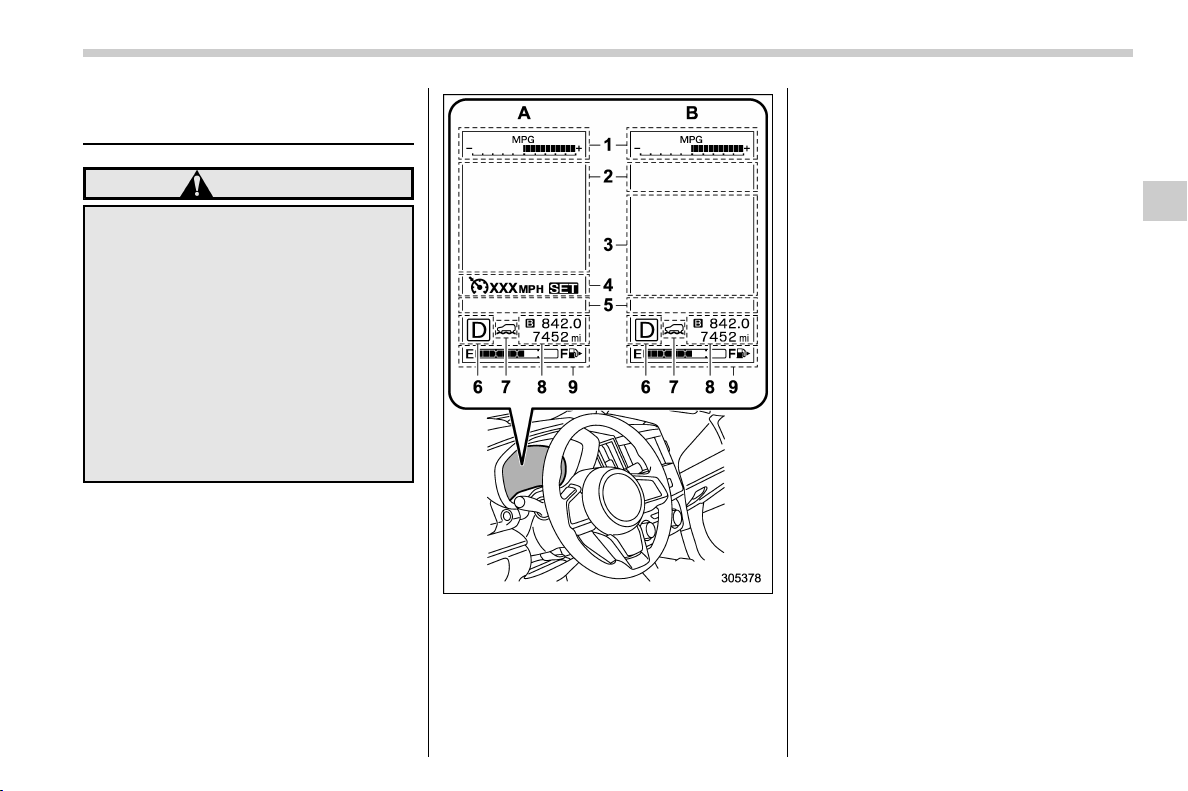
(171,1)
北米Model "A1320BE-C" EDITED: 2017/ 10/ 10
Combination meter display
(color LCD) (if equipped)
WARNING
Always pay adequate attention to
safe driving when operating the
combinatio n meter display (color
LCD) while the vehicle is in motion.
When operation of the combination
meter display (color LCD) interferes
with your ability to concentrate on
driving, stop t he vehicle before
performing operations on the
screen. Also, do not concentrate on
the display while driving. Doing so
may cause you to look away from the
road and could result in an accident.
Various information will be shown on the
combination meter display (color LCD).
Also, a warning message will appear on
the di splay if a malfunc tion, etc. is
detected. In addition, several settings for
the displayed content can be performed.
Combination meter display (color LCD)
1) ECO gauge
2) Warning screen (refer to “War ning
screen” F3-35.)/Basic screen (refer to
“Basic screens” F3-36.)
3) EyeSight screen
4) Cruise control information display
5) Telltale screen (refer to “Telltale screen”
F3-35.)
6) Select lever/gear position indicator (refer
to “Select lever/gear position indicator
(CVT models) ” F3-30.)
7) X-mode indicator (if equipped) (refer to
“X-mode indicator” F3-32.)
8) Odometer (refer to “Odometer” F3-9.)/
double trip meter (refer to “Double trip
meter” F3-9.)
9) Fuel gauge (refer to “Fuel gauge” F3-
10.)
A: Deactivating the Eyesight system or
models without the Eyesight system
B: Activating the Eyesight system
– CONTINUED –
Instruments and controls/Combination meter display (color LCD)
3-33
3
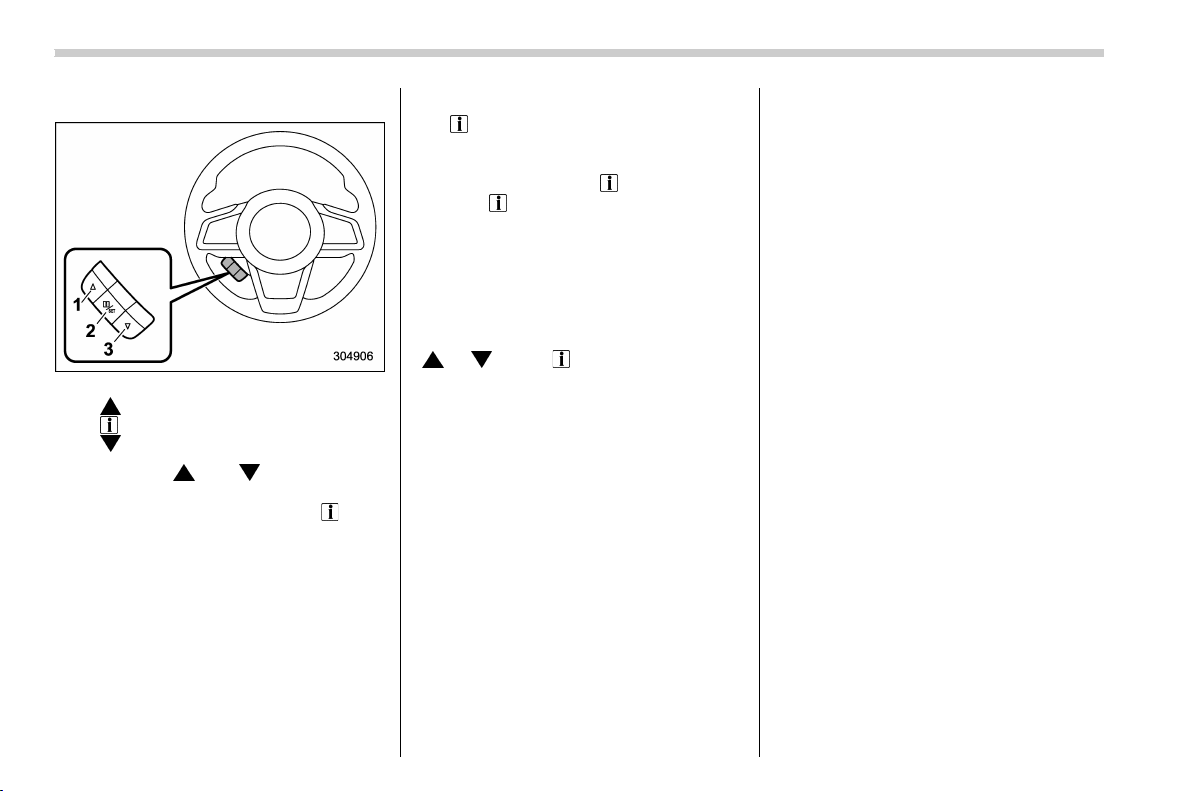
(172,1)
北米Model "A1320BE-C" EDITED: 2017/ 10/ 10
& Basic operation
Control switch
1)
(Up)
2)
/SET (enter)
3)
(Down)
By operating “ ” or “ ” of the control
switch, the screens and selection items
can be switched. When the “
/SET”
switch is pulled toward you, the item can
be selected and set.
If there are some useful messages, such
as vehicle information, warning informa-
tion, etc., they will interrupt the current
screen, and appear on the display accom-
panied by a beep. If such a screen is
displayed, take proper action according to
the message shown on the screen.
The warning sc reen will return to the
original screen after a few seconds. While
the “
” information reminder is shown on
the display, it may be possible to display
the warning screen again. To recall the
message marked with “
” on the display,
pull the “
/SET” switch on the steering
wheel toward you.
NOTE
When the multi-function display (color
LCD) is set to the setting screen, the
combination meter display (color LCD)
cannot be controlled pressing on the
“
”, “ ” and “ /SET” on the control
switch.
& Welcome screen and Good-
bye screen
When the driver’s door is opened and
closed after unlocking the door, the wel-
come screen will appear on the combina-
tion meter display (color LCD) for approxi-
mately 20 seconds.
When the ignition switch is turned to the
“LOCK”/“OFF” position, the combination
meter display (color LCD) gradually turns
off (Good-bye screen).
NOTE
. Once the welcome screen appears, it
takes a certain period of time to display
it again.
. If the ignition switch is operated
after unlocking the driver’s door, the
welcome screen will not appear even
when the driver’s door is opened and
closed.
. The welcome screen will disappear
when you lock the driver ’s door by
using the remote keyless entry system
(all models) or the keyl ess access
function (if equipped) while the wel-
come screen is displayed.
. The welcome screen including the
multi-function display (color LCD) (if
equipped) and the audio/navigation
unit can be set to on or off. For details,
refer to “Welcome Screen” F3-41.
Instruments and controls/Combination meter display (color LCD)
3-34
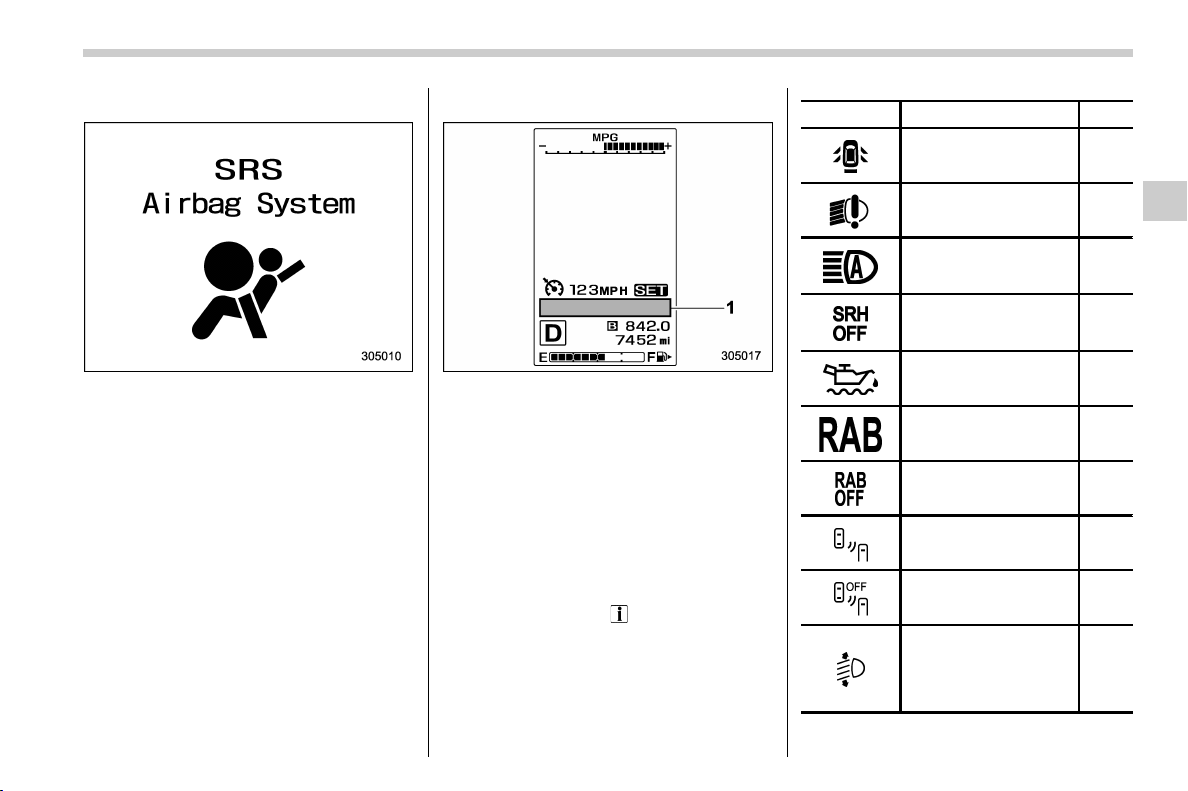
(173,1)
北米Model "A1320BE-C" EDITED: 2017/ 10/ 10
& Warning screen
Example of warning
If there is a warning message or a
maintenance notification, it will appear on
this screen. Take the appropriate actions
based on the messages indicated.
& Telltale screen
1) Telltale screen
When the corresponding situation occurs,
the following telltales will be displayed on
the telltale screen.
NOTE
When there is warning information to
display, it will be displayed in five
warning indicators, starting on the left
in ascending order of severity. If there
are six or more warning information
displayed, pull the “
/SET” switch and
check the item.
Mark Name Page
Door open indicator 3-22
LED headlight warning
indicator (if equipped)
3-31
High beam assist indi-
cator (green) (if
equipped)
3-30
Steering Responsive
Headlight warning light
(if equipped)
3-31
Engine low oil level
warning indicator
3-18
RAB warning indicator
(if equipped)
3-32
RAB OFF indicator (if
equipped)
3-32
BSD/RCTA warning in-
dicator (if equipped)
3-32
BSD/RCTA OFF indi-
cator (if equipped)
3-32
Automatic headlight
beam leveler system
malfunction warning
(models with LED
headlights)
3-31
– CONTINUED –
Instruments and controls/Combination meter display (color LCD)
3-35
3
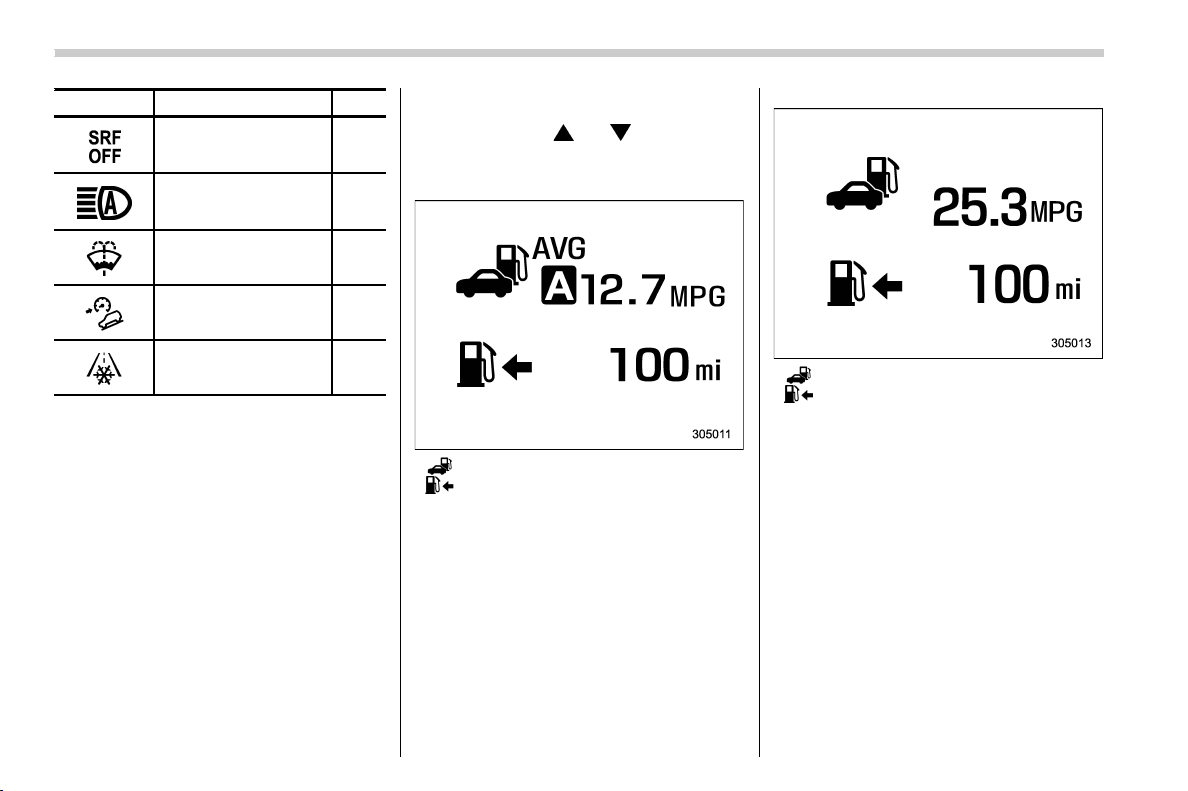
(174,1)
北米Model "A1320BE-C" EDITED: 2017/ 10/ 10
Mark Name Page
Steering responsive fog
lights OFF indicator (if
equipped)
3-31
High beam assist warn-
ing indicator (yellow) (if
equipped)
3-30
Windshield washer fluid
warning indicator
3-18
Hill descent control in-
dicator (if equipped)
3-32
Icy road surface warn-
ing indicator
3-32
& Basic screens
By operating the “ ” or “ ” switch on the
steering wheel, you can change the screen
that is always displayed.
Average fuel consumption screen:
: Average fuel consumption
: Driving range on remaining fuel
This screen displays the average rate of
fuel consumption since the trip meter was
last reset.
NOTE
The driving range on remaining fuel is
only a guide. The indicated value may
differ from the actual driving range on
remaining fuel, so you must immedi-
ately fill the tank when the low fuel
warning light illuminates.
Current fuel consumption screen:
: Current fuel consumption
: Driving range on remaining fuel
This screen displays the rate of fuel
consumption at the present moment.
NOTE
The driving range on remaining fuel is
only a guide. The indicated value may
differ from the actual driving range on
remaining fuel, so you must immedi-
ately fill the tank when the low fuel
warning light illuminates.
Instruments and controls/Combination meter display (color LCD)
3-36
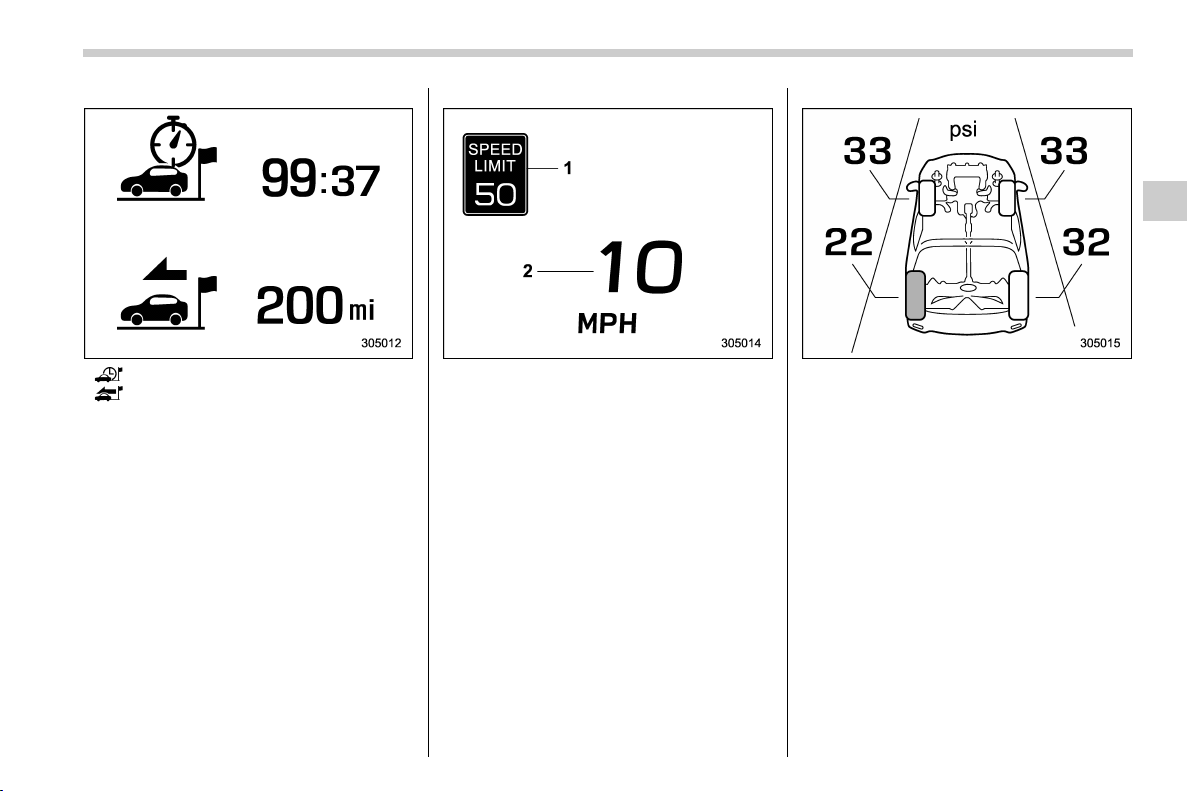
(175,1)
北米Model "A1320BE-C" EDITED: 2017/ 10/ 10
Driving information screen:
: Journey time
: Journey distance
This screen displays the journey time (the
time that has elapsed since the ignition
switch was turned to the “ON” position)
and journey distance (the distance that
has been driven since the ignition switch
was turned to the “ON” position).
Digital speed screen:
1) Speed limit indicator (if equipped)
2) Vehicle speed
This screen displays the current vehicle
speed.
TPMS screen (U.S.-spec. models):
This screen displays each tire pressure.
When a tire is deflated, the deflated tire
and the tire pressure will be displayed on
the screen in yellow.
NOTE
The tire pressure values are displayed
several minutes after driving.
– CONTINUED –
Instruments and controls/Combination meter display (color LCD)
3-37
3
(176,1)
北米Model "A1320BE-C" EDITED: 2017/ 10/ 10
Menu screen entering screen:
While this screen is selected, pull and hold
the “
/SET” switch to enter the menu
screen.
& Menu screens
Pull and hold the “ /SET” switch to enter
the menu screens when all of the following
conditions are satisfied.
. The menu screen entering screen is
selected.
. The “
” information reminder is off.
NOTE
While driving, the setting items avail-
able on the combination meter display
(color LCD) are limited.
Instruments and controls/Combination meter display (color LCD)
3-38
(177,1)
北米Model "A1320BE-C" EDITED: 2017/ 10/ 10
The menu list is as follows.
1st menu
2nd menu 3rd menu
Screen Settings Welcome Screen ―
Good-bye Screen ―
Gauge Initial Movement ―
Units ―
Tire Pressure Units (if equipped) ―
Languages ―
Warning Volume* (if equipped)
――
EyeSight (models with EyeSight system) Lead Vehicle Acquisition Sound ―
Lead Vehicle Moving Monitor Function ―
Cruise Control Acceleration Characteristics* ―
RAB (if equipped) Sonar Audible Alarm ―
*: You can also set this while driving.
– CONTINUED –
Instruments and controls/Combination meter display (color LCD)
3-39
3
(178,1)
北米Model "A1320BE-C" EDITED: 2017/ 10/ 10
1st menu
2nd menu 3rd menu
Vehicle Setting Keyless Entry System Audible Signal (if equipped)
Hazard Warning Flasher
Security Relocking (if equipped)
Driver Door Unlock (if equipped)
Rear Gate/Trunk Unlock (if equipped)
Defogger ―
Interior Light ―
Auto Light Sensor (if equipped) ―
Welcome Lighting (if equipped) Approaching Time Set
Leaving Time Set
One-touch lane changer ―
Default Settings
――
Instruments and controls/Combination meter display (color LCD)
3-40
(179,1)
北米Model "A1320BE-C" EDITED: 2017/ 10/ 10
By operating the “ ” or “ ” switch on the
steering wheel, you can select the menu.
Pull the “
/SET” switch to enter the
selected menu.
NOTE
If you enter the “Go Back” menu, the
system will return to the previous
screen.
! Screen Settings
After entering the “Screen Settings” menu,
select one of the following menus.
! Welcome Screen
The welcome screen can be activated or
deactivated.
! Good-bye Screen
The good-bye screen can be activated or
deactivated.
! Gauge Initial Movement
The movement of the meter needles and
gauge needles that occurs when the
ignition switch is turned to the “ON”
position can be activated or deactivated.
! Units
Changes the units displayed in the combi-
nation meter display (color LCD), the type
A multi-function display (black and white)
and the type B multi-function display (color
LCD).
! Tire Pressure Units (if equipped)
Changes the units displayed in the Tire
Pressure Monitoring system.
! Languages
Changes the language displayed in the
combination meter display (color LCD)
and the multi-function display (color LCD).
! Warning Volume (if equipped)
Sets the EyeSight warning volume, the
BSD/RCTA warning volume and the RAB
warning volume.
! EyeSight (models with EyeSight
system)
NOTE
For models with the EyeSight system,
refer to the Owner’s Manual supple-
ment for the EyeSight system.
! RAB (models with EyeSight system)
The Sonar Audible Alarm can be set to on
or off.
NOTE
For models with Reverse Automatic
Braking system, refer to “Reverse
Automatic Braking System” F7-61.
! Sonar Audible Alarm
When the Reverse Automatic Braking
system is in operation, the warning sound
to notify that an obstacle is detected in the
rear can be activated or deactivated.
! Vehicle Setting
After entering the “Vehicle Setting” menu,
select one of the following menus.
! Keyless Entry System
Sets the settings used when the keyless
access function was operated.
. Audible Signal (if equipped)
Sets the electronic chirp that sounds when
the door is locked or unlocked.
. Hazard Warning Flasher
Sets the operation of the hazard warning
flasher that blinks when the door is locked
or unlocked.
. Security Relocking (if equipped)
The automatic locking operation period
can be se t or customized. Select the
preferred seconds to customize the opera-
tion period.
. Driver Door Unlock (if equipped)
Select only the driver’s door to unlock or all
doors to unlock simultaneously when the
driver’s door is unlocked.
. Rear Gate/Trunk Unlock (if equipped)
Select only the rear gate to unlock or all
– CONTINUED –
Instruments and controls/Combination meter display (color LCD)
3-41
3
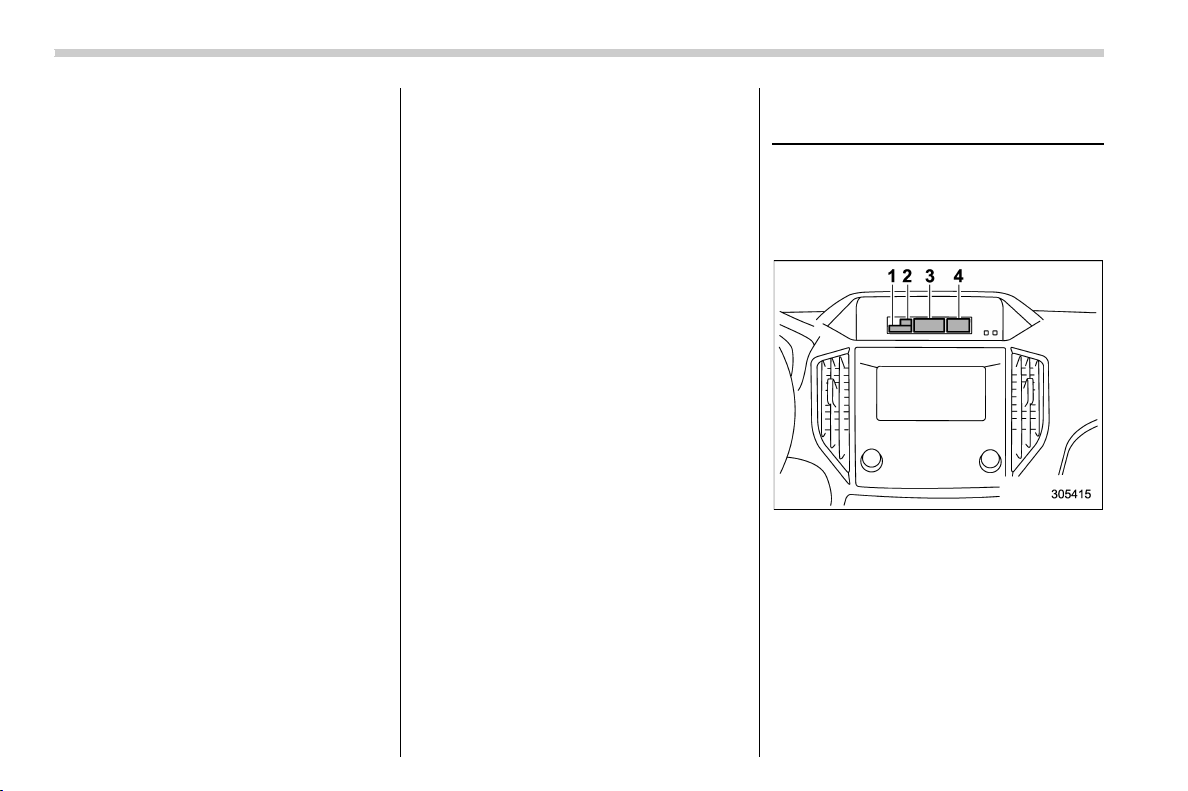
(180,1)
北米Model "A1320BE-C" EDITED: 2017/ 10/ 10
doors to unloc k simulta neousl y when
accessing from the cargo area.
! Defogger
Sets and customizes the operation of the
defogger.
! Interior Light
Sets and customizes the interior light off
delay timer.
! Auto Light Sensor (if equipped)
Sets and customizes the sensitivity of the
auto light sensor.
! Welcome Lighting (if equipped)
Sets the leaving time and approaching
time.
. Approaching time set
Sets the illumination time of the headlights
that illuminate when you approach the
vehicle.
. Leaving time set
Sets the time until the headlights turn off
when you have moved away from the
vehicle.
! One-touch lane changer
Sets the one-touch lane changer on/off.
! Default Settings
Select “Yes” to use the menu screen to
restore customized settings to the factory
default settings. Select “No” to return to the
previous screen without restoring to the
factory default settings.
Multi-function display (black
and white)
NOTE
For models with multi-function display
(color LCD), refer to “Mu lti-function
display (color LCD)” F3-47.
1) Outside temperature indicator
2) X-mode indicator (if equipped)
3) Driving information display
4) Clock
With the ignition switch in the “ACC”
position, the clock appears on the display.
With the ignition switch in the “ON” posi-
tion, the outside temperature indicator,
driving information display and clock all
appear on the display.
Instruments and controls/Multi-function display (black and white)
3-42
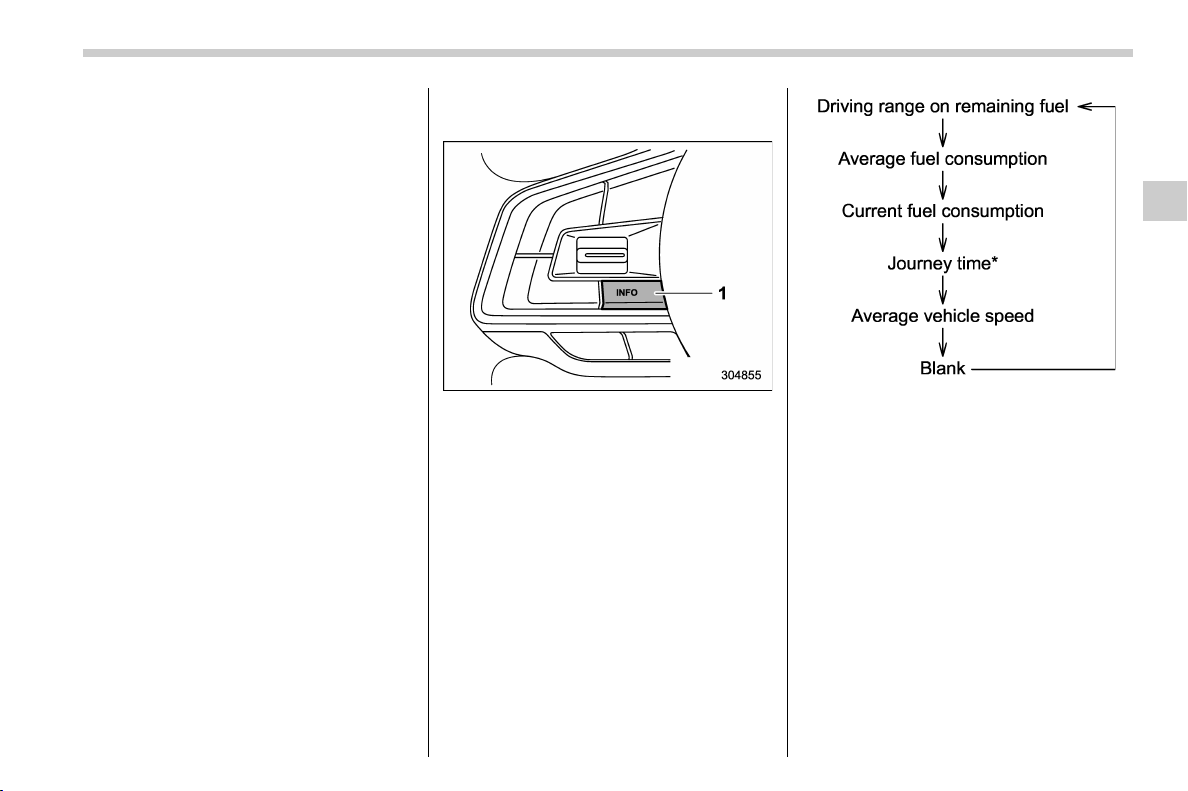
(181,1)
北米Model "A1320BE-C" EDITED: 2017/ 10/ 10
NOTE
The indicated values vary in accor-
dance with changes in the vehicle’s
running conditions. Also, the indicated
values may differ slightly from the
actual values and should thus be
treated only as a guide.
& Driving information display
NOTE
You can set the units for both the multi-
function display (black and white) and
the c ombination meter a t the same
time. For details about setting the
language and units, refer to “Type A
combination meter” F3-11 or “Menu
screens” F3-38.
! How to change the information dis-
play
1) INFO button
Pressing the INFO button on the steering
wheel switches the display in the following
sequence.
*: models without combination meter dis-
play (color LCD)
– CONTINUED –
Instruments and controls/Multi-function display (black and white)
3-43
3
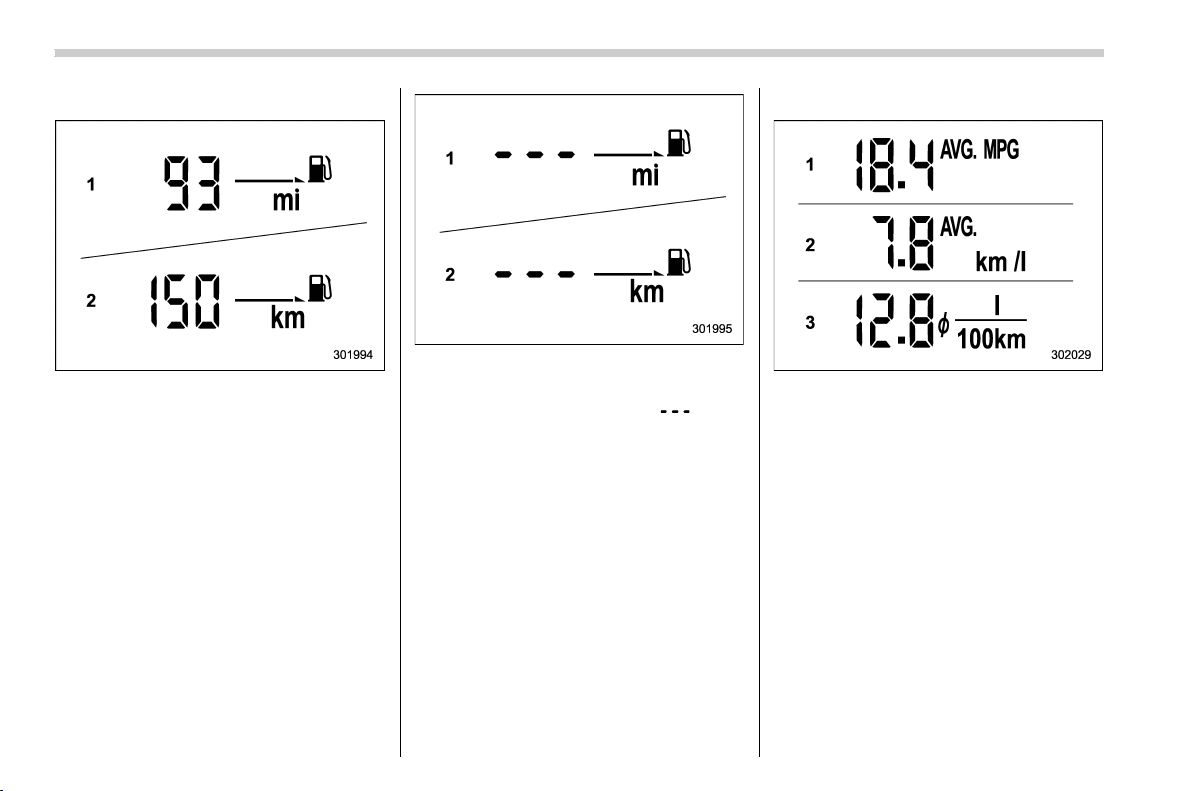
(182,1)
北米Model "A1320BE-C" EDITED: 2017/ 10/ 10
! Driving range on remaining fuel
1) When setting the displayed unit as MPH
2) When setting the displayed unit as km/h
The driving range indicates the distance
that can be driven taking into account the
amount of fuel remaining in the tank and
the average rate of fuel consumption.
1) When setting the displayed unit as MPH
2) When setting the displayed unit as km/h
If the driving range is shown as “ ”, there
is only a tiny amount of fuel left in the tank.
NOTE
The driving range on remaining fuel is
only a guide. The indicated value may
differ from the actual driving range on
remaining fuel, so you must immedi-
ately fill the tank when the low fuel
warning light illuminates.
! Average fuel consumption
1) Displays the driving range per gallon of
fuel
2) Displays the driving range per liter of fuel
3) Displays the fuel consumption per 100
km
This display shows the average rate of fuel
consumption since the trip meter was last
reset.
Instruments and controls/Multi-function display (black and white)
3-44
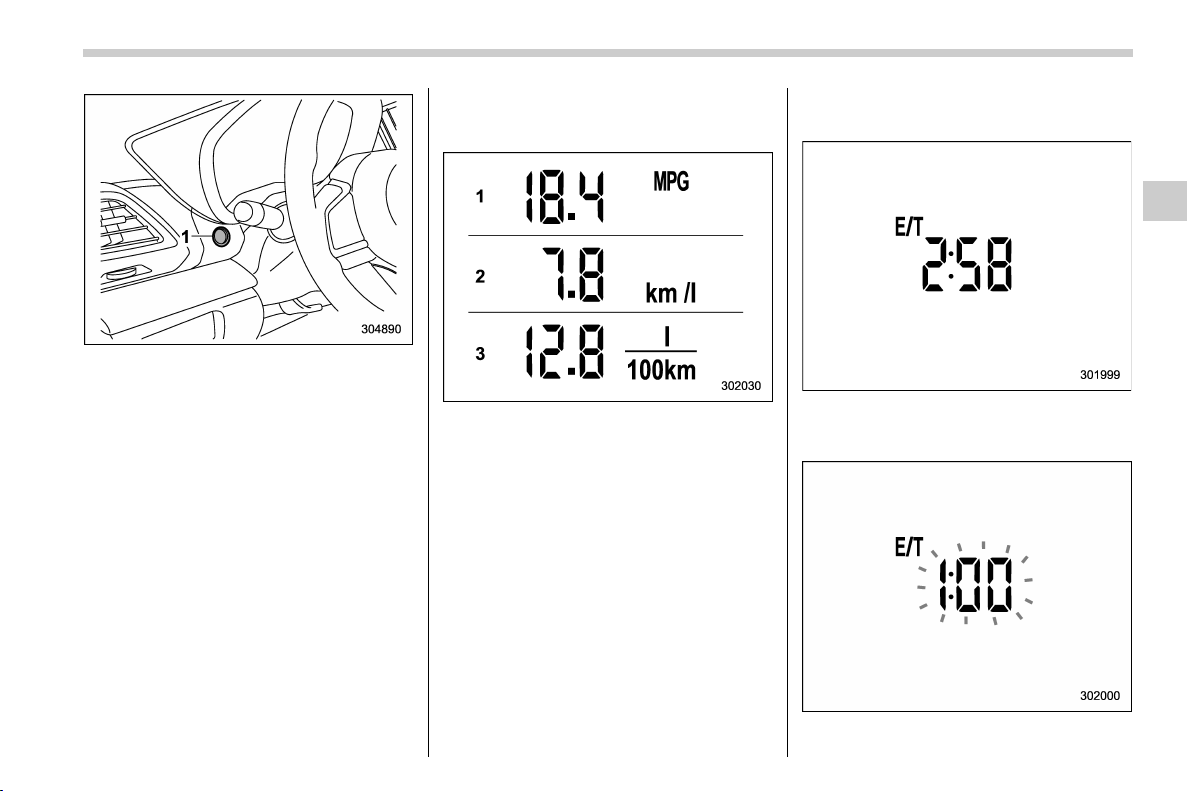
(183,1)
北米Model "A1320BE-C" EDITED: 2017/ 10/ 10
1) TRIP RESET switch
Press the TRIP RESET switch to switch
between the displays for the average fuel
consumption that corresponds to the A trip
meter mileage and the average fuel con-
sumption that corresponds to the B trip
meter mileage.
When the trip meter displays is reset, the
corresponding average fuel consumption
value is also reset.
NOTE
. When the trip meter display is reset,
the average fuel consumption corre-
sponding to that trip meter display is
not shown until the vehicle has subse-
quently covered a distance of 1 mile (or
1 km).
. The units for measuring average fuel
consumption cannot be changed.
! Current fuel consumption
1) Displays the driving range per gallon of
fuel
2) Displays the driving range per liter of fuel
3) Displays the fuel consumption per 100
km
This indi cation shows the rate of fuel
consumption at the present moment.
! Journey time (models without com-
bination meter display (color LCD))
The journey time shows the time that has
elapsed since the ignition switch was
turned to the “ON” position.
The journey time indication flashes each
– CONTINUED –
Instruments and controls/Multi-function display (black and white)
3-45
3
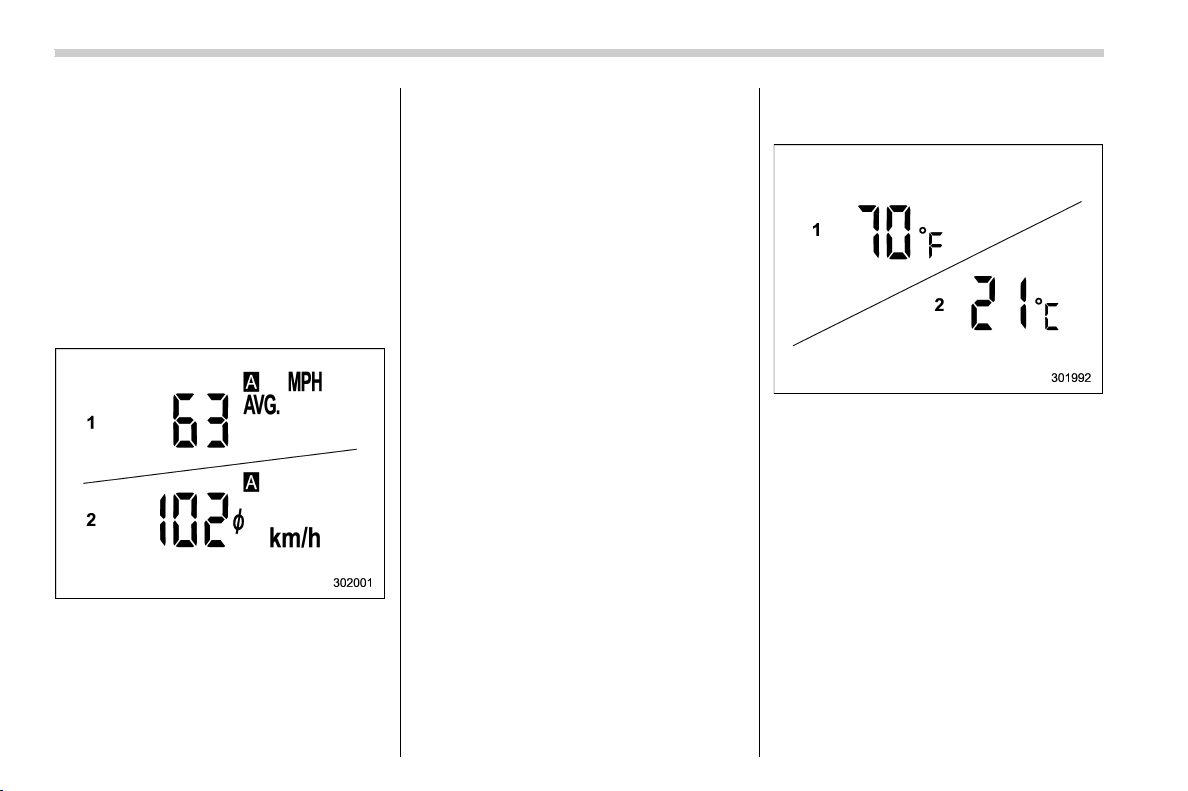
(184,1)
北米Model "A1320BE-C" EDITED: 2017/ 10/ 10
time a complete hour has elapsed. If the
display is giving a reading other than the
journey time, the display switches to the
journey time, flashes for 5 seconds, and
returns to its original reading each time a
complete hour has elapsed.
NOTE
The journey time is reset when the
ignition switch is turned to the “ACC”
or “LOCK”/“OFF” position.
! Average vehicle speed
1) When units in miles is selected
2) When units in km is selected
This display shows the average vehicle
speed since the trip meter was last reset.
Pressing the TRIP RESET switch toggles
the display between the average vehicle
speed corresponding to the A trip meter
display and the average vehicle speed
corresponding to the B trip meter display.
When either of the trip meter displays is
reset, the corresponding average vehicle
speed value is also reset.
NOTE
When either trip meter display is reset,
the average vehicle speed correspond-
ing to that trip meter display is not
shown until the vehicle has subse-
quently covered a distance of 1 mile
(or 1 km).
! Turn off display of driving informa-
tion display
Select the blank space in the menu to exit
the driving information display selection.
NOTE
. The average fuel consumption and
average vehicle speed are calculated
even while the driving information dis-
play is not displayed.
. Even if you turn off the driving
information displa y, the display will
automatically turn on when the battery
voltage is disconnected and then re-
connected for battery replacement or
fuse replacement.
& Outside temperature indica-
tor
1) U.S.-spec. models
2) Except U.S.-spec. models
NOTE
. The outside temperature indicator
shows the temperature around the
sensor. Therefore, the temperature in-
dication may differ from the actual
outside air temperature.
. The temperature unit cannot be
changed.
Instruments and controls/Multi-function display (black and white)
3-46
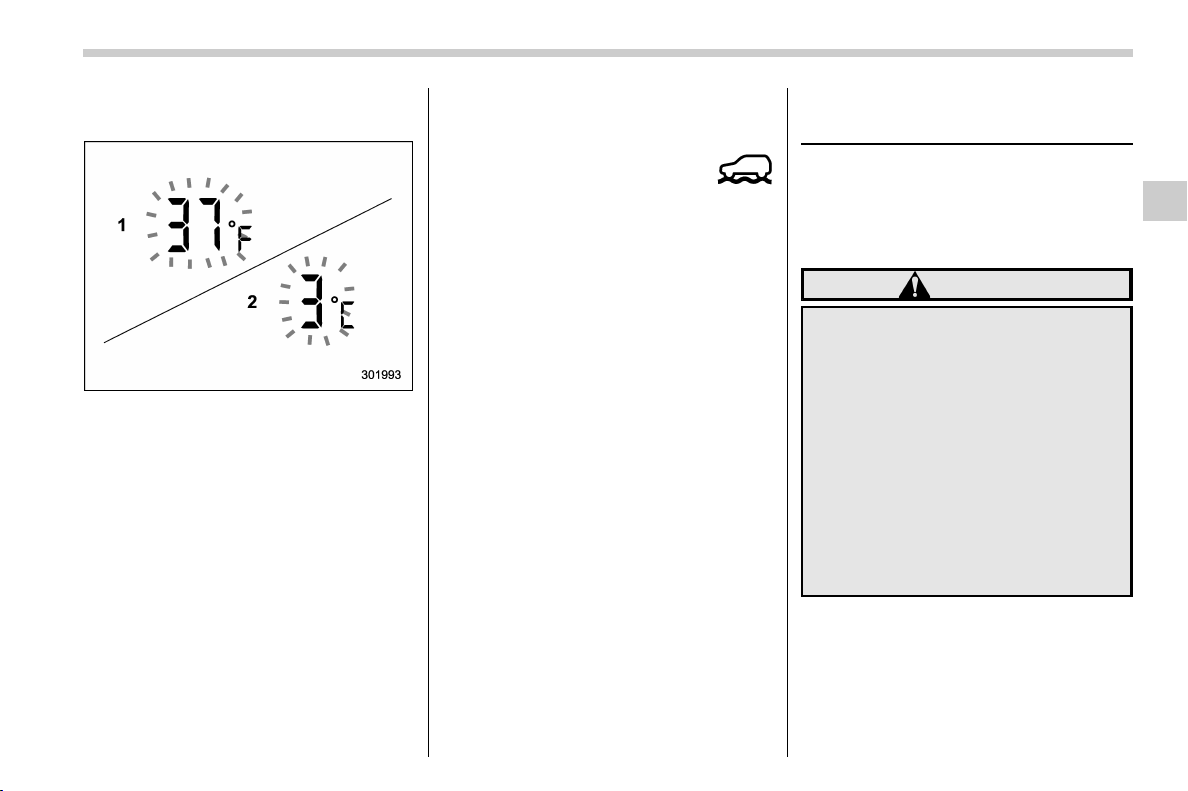
(185,1)
北米Model "A1320BE-C" EDITED: 2017/ 10/ 10
! Road surface freeze warning indi-
cation
1) U.S.-spec. models
2) Except U.S.-spec. models
When the outside temperature drops to a
certain temperature or lower, the tempera-
ture indication flashes for 5 seconds to
show that the road surface may be frozen.
If the display is already indicating that the
outside tempera ture is low whe n the
ignition switch is turned to the “ON”
position, the indication does not flash.
NOTE
The outside temperature indication
may differ from the actual outside
temperature. The road surface freeze
warning indication should be treated
only as a guide. Be sure to check the
condition of the road surface before
driving.
& X-mode indicator (if
equipped)
This indicator will be shown while the X-
mode is activated. It will turn off when the
X-mode is deactivated.
& Clock
For details about clock setting, refer to
“Clock” F3-63.
Multi-function display (color
LCD) (if equipped)
NOTE
For models with multi-function display
(black and white), refer to “Multi-func-
tion display (black and white)” F3-42.
WARNING
Always pay adequate attention to
safe driving when operating the
multi-function display (color LCD)
while the vehicle is in motion. When
operation of the multi-function dis-
play (color LCD) is disturbing your
awareness and ability to concen-
trate on driving, stop the vehicle in
a safe place before performing op-
erations on the screen. Also, do not
concentrate on the display while
driving. Doing so may cause you to
look away from the road and could
result in an accident.
– CONTINUED –
Instruments and controls/Multi-function display (color LCD)
3-47
3
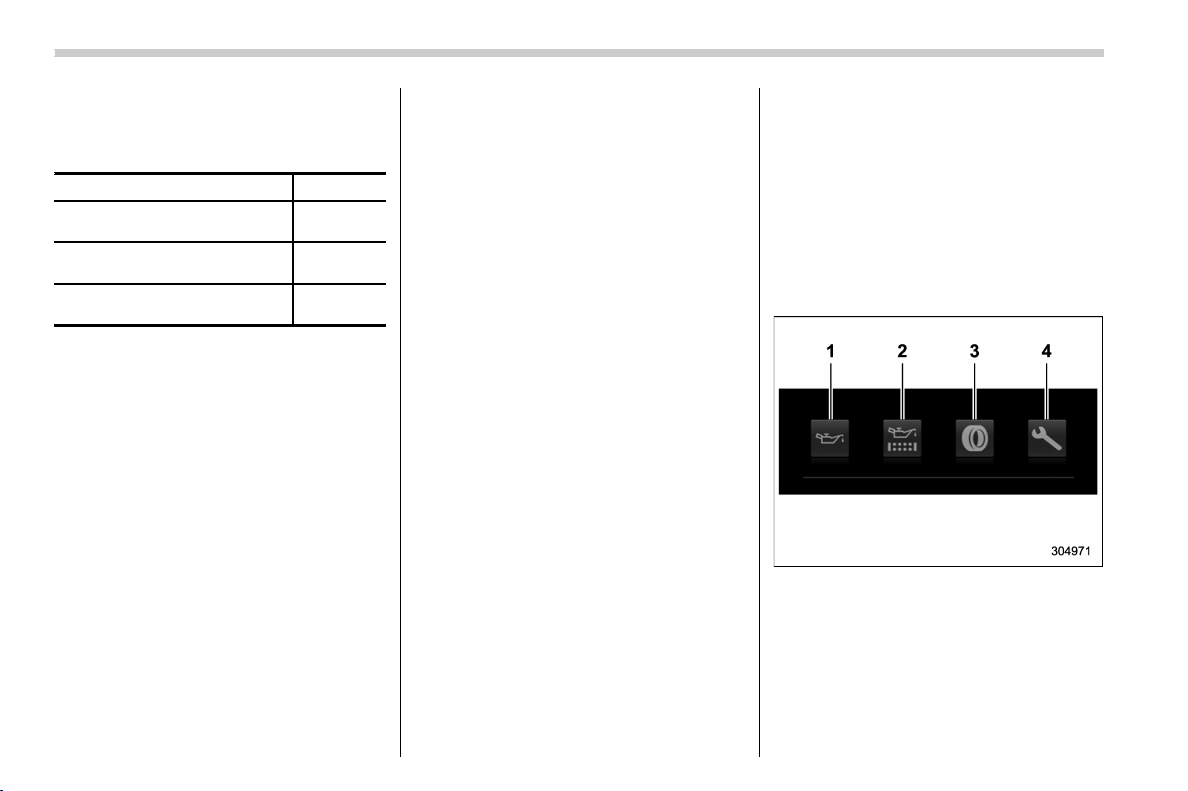
(186,1)
北米Model "A1320BE-C" EDITED: 2017/ 10/ 10
& Features
The multi-function display (color LCD) has
the following functions.
Description Page
Displays useful messages, such
as notification, etc.
3-49
Displays basic screens (e.g. fuel
consumption screen, etc.)
3-50
Sets and adjusts maintenance
notification
3-61
Also, the multi-function display (color LCD)
can also be used to set and initialize the
multi-function display (color LCD) itself.
NOTE
. When the vehicle is in motion,
certain functions and selections may
not be available.
. You can set the language and units
for both the multi-function display
(color LCD) and the combination meter
at the same time. For details about
setting the language and units, refer to
“Menu screens” F3-38.
. The images displayed in this Own-
er ’s Manual are sample images. The
actual image may vary depending on
the market and vehicle specifications.
& Welcome screen
When the driver’s door is opened and
closed, the welcome screen will appear for
a short time.
NOTE
. The welcome screen will disappear
when the ignition switch is turned to the
“ON” position while the welcome
screen is displayed.
. The welcome screen can be set to on
or off. For de tails, refer to “Screen
Settings” F3-41.
. For a certain period of time after the
welcome screen has once appeared, it
may not appear again even when the
driver’s door is o pened and closed
again. This does not indicate a mal-
function.
& Self-check screen
NOTE
When the setting is “On”, the self check
screen appears. For details about this
setting, refer to “On/Off setting” F3-61.
When the ignition switch is turned to the
“ON” position, the vehicle self-check will
be performed. The screens corresponding
to the following items will appear one after
another for several seconds each.
1) Engine oil: Checks the interval of engine
oil replacement.
2) Oil filter: Checks the interval of oil filter
replacement.
3) Tires: Checks the interval of tire rotation.
4) Inspection and maintenance: Checks the
interval of inspection and maintenance.
When the checks are performed, the color
of the icon corresponding to the checked
Instruments and controls/Multi-function display (color LCD)
3-48
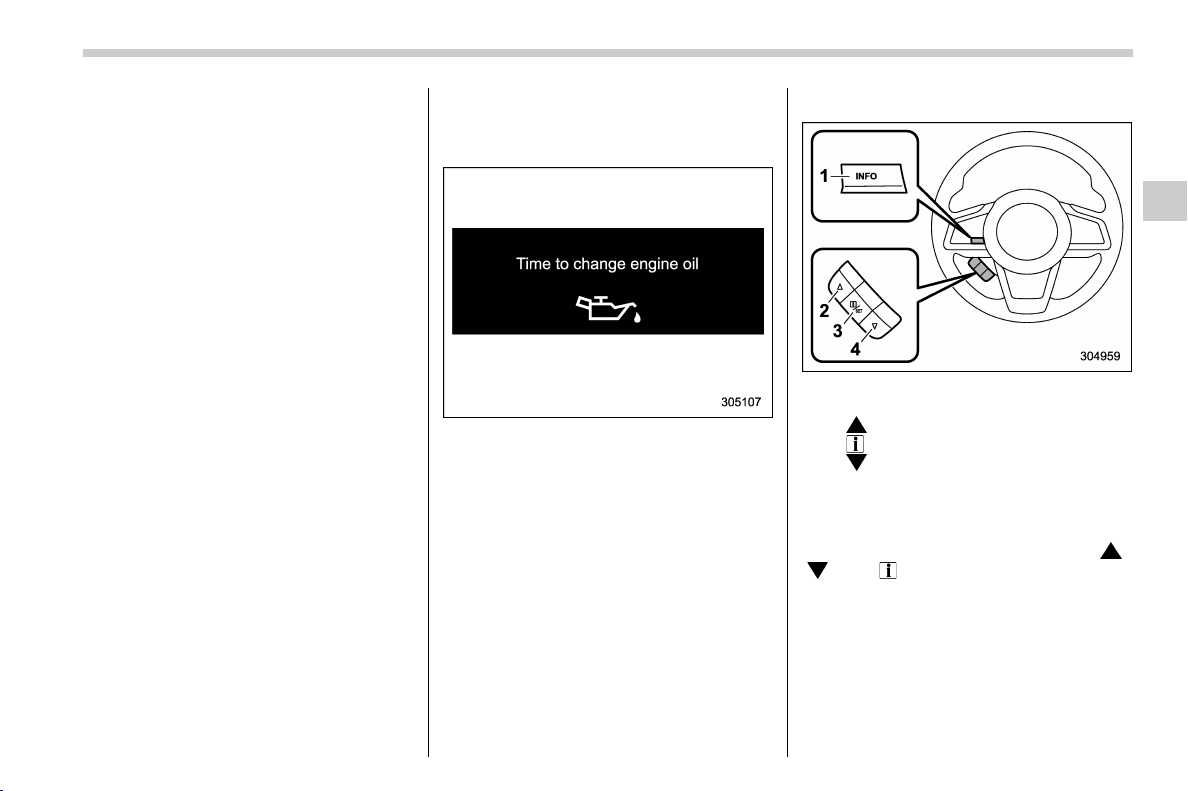
(187,1)
北米Model "A1320BE-C" EDITED: 2017/ 10/ 10
item will change.
If there is a notification, the message will
be displayed. Take the appropriate actions
based on the message indicated.
After the self-check is completed, today’s
date, the stored birthday or the stored
anniversary is displayed.
NOTE
. After performing the maintenance,
change the setting of the correspond-
ing maintenance item. For details, refer
to “Maintenance settings” F3-61.
. The maintenance notification screen
will be displayed under either of the
following conditions.
– The period of time remaining until
the registered notification date is 15
days or less.
– The total driving distance remain-
ing until the registered notification
distance is approximately 311 miles
(500 km) or less.
. The maintenance notification screen
will be displayed until either of the
following conditions is satisfied.
– The period of time passed after
the registered notification date is 15
days or more.
– The total distance driven after the
registered notification distance is
approximately 311 miles (500 km) or
more.
& Interruption screen
Example
Useful messages, such as reminder in-
formation, weather information (if
equipped) and traffic information (if
equipped) may interrupt the current screen
and appear on the display accompanied
by a beep. Take proper action according to
the message.
The interruption screen will return to the
original screen after a few seconds. Also,
you can press the INFO button to skip the
interruption screen.
& Basic operation
Control switch
1) INFO button
2)
3) /SET
4)
Press the INFO button on the steering
wheel to switch the item displayed on the
basic screen. You can operate the items
on the setting screen by using the “
”,
“
” and “ /SET” switches.
– CONTINUED –
Instruments and controls/Multi-function display (color LCD)
3-49
3
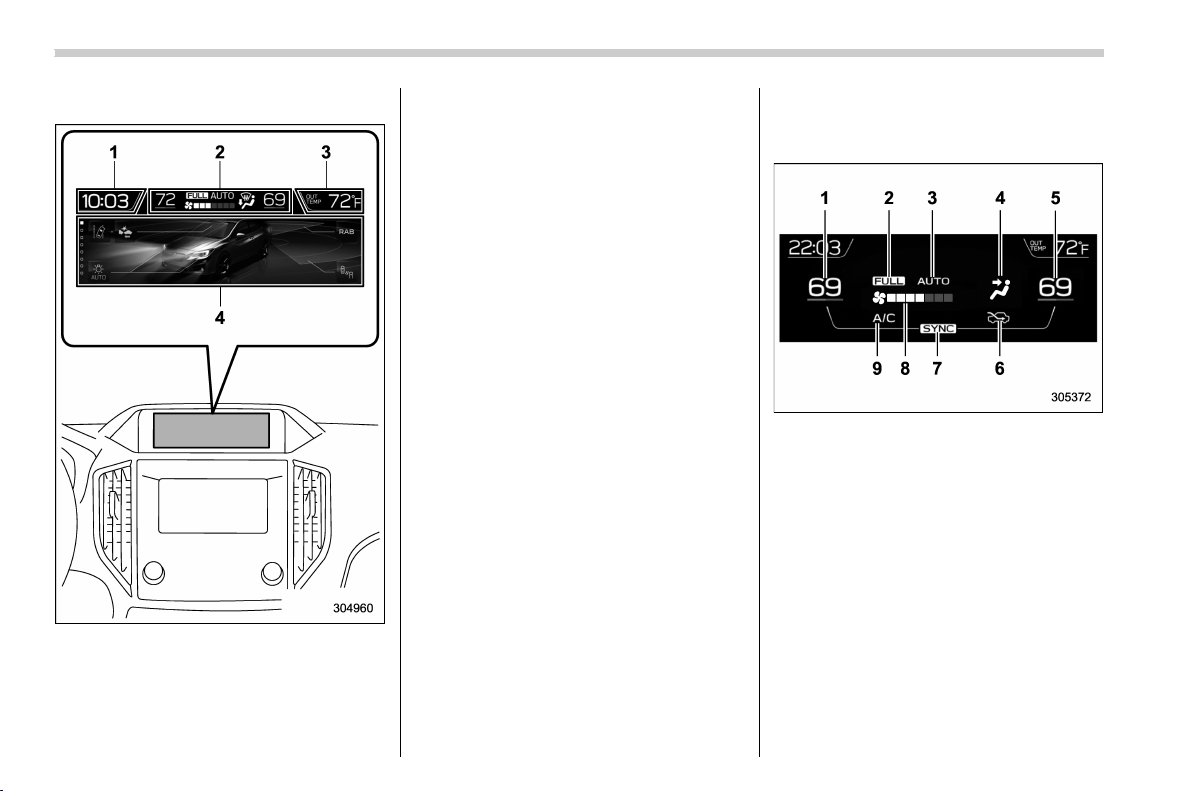
(188,1)
北米Model "A1320BE-C" EDITED: 2017/ 10/ 10
& Basic screens
1) Clock
2) Climate control*
3) Outside temperature
4) Information screen
*: This is not displayed on the multi-function
display (color LCD) when the ignition switch
is in the “ACC” position.
While the ignition switch is in the “ACC” or
“ON” position, the basic screen will be
displayed.
! Outside temperature indicator
The outside temperature is displayed on
the multi-function display (color LCD).
NOTE
. The outside temperature indicator
shows the temperature around the
sensor. Therefore, the temperature in-
dication may differ from the actual
outside air temperature.
. The temperature unit cannot be
changed.
! Climate control screen
The climate control status is displayed on
the multi-function display (color LCD).
Climate control screen
1) Set temperature indicator (left-hand side)
2) FULL AUTO indicator
3) AUTO indicator
4) Airflow mode indicator
5) Set temperature indicator (right-hand
side)*
1
6) Air inlet selection indicator
7) SYNC indicator*
1
8) Fan speed indicator
9) Air conditioner ON indicator
*1: Models with the SYNC function only
When operating the climate control sys-
tem, the basic screen switches to the
climate control screen. For details about
Instruments and controls/Multi-function display (color LCD)
3-50

(189,1)
北米Model "A1320BE-C" EDITED: 2017/ 10/ 10
climate control operation, refer to “Climate
control panel” F4-2.
! Clock
The clock can be displayed in either 12-
hour display or 24-hour display. For details
about the setting, refer to“Clock” F3-63.
– CONTINUED –
Instruments and controls/Multi-function display (color LCD)
3-51
3
(190,1)
北米Model "A1320BE-C" EDITED: 2017/ 10/ 10
! Information screen
Press the INFO button on the steering wheel to switch the item displayed on the information screen.
Content Description Page
Electric components operating status screen
Displays the operating status of the electric components and equipment. 3-53
Prevention safety screen Displays the status of your vehicle. 3-53
EyeSight screen*
1
Displays the operating status of EyeSight. 3-54
Favorite screen Displays up to 3 optional items. 3-54
Weather information screen*
2
Displays weather information. 3-55
Traffic information*
2
/Navigation*
3
screen Displays information linked with the navigation system. 3-55
Audio screen Displays audio system information. 3-56
Fuel consumption screen Displays fuel consumption information. 3-56
Clock screen Displays the clock. 3-56
Guidance screen Moves to the setting screen.
3-57
*1: Models with EyeSight system
*2: Models with SiriusXM Satellite Radio
*3: Models with navigation system
Instruments and controls/Multi-function display (color LCD)
3-52
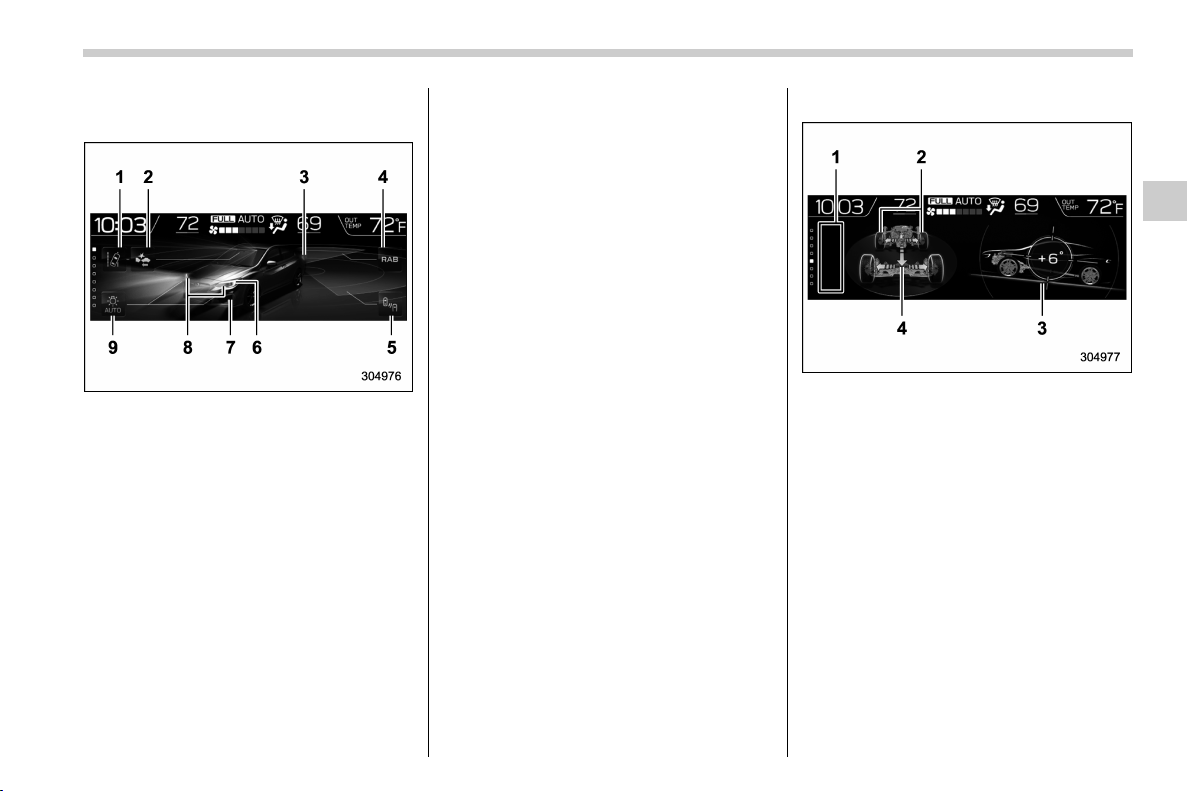
(191,1)
北米Model "A1320BE-C" EDITED: 2017/ 10/ 10
! Electric components operation
screen
1) Lane Departure/Sway Warning indica-
tor*
1
2) Pre-Collision Braking System indicator*
1
3) Stop lights
4) Reverse Automatic Braking (RAB)*
1
5) BSD/RCTA*
1
6) Headlights*
2
7) Front fog lights*
2
8) Turn signals
9) Auto on/off headlights*
1
*1: If equipped
*2: The daytime running lights are not dis-
played.
This screen displays the electric compo-
nents operation status of the vehicle.
NOTE
. Indicators do not display for func-
tions that are not equipped to the
vehicle.
. The indicators of functions that are
not operating are displayed in grey.
. For models with auto on/off head-
lights; If the multi-function display
(color LCD) unit, battery, or fuse is
removed, the Auto on/off headlights
indicator turns off on the multi-function
display (color LCD). After reinstalling
the removed multi-funct ion display
(color LCD) unit, battery, or fuse to the
vehicle, the Auto on/off headlights
indicator will appear once more if the
light control switch is turned to the
“AUTO” position.
. The exterior lights indicators on the
screen do not notify the driver when the
bulbs burn out. The indicators on the
screen still illuminate.
! Prevention safety screen
1) Telltale screen
2) Steering angle
3) Vehicle posture
4) Running condition
This screen displays the driving status of
the vehicle and the operation status func-
tions. For functions that are operating, the
indicator will illuminate or flash.
NOTE
. The vehicle posture indication may
differ from the actual vehicle posture.
. When X-mode has turned on, the
screen of the multi-function display is
switched to the prevention safety
screen.
– CONTINUED –
Instruments and controls/Multi-function display (color LCD)
3-53
3
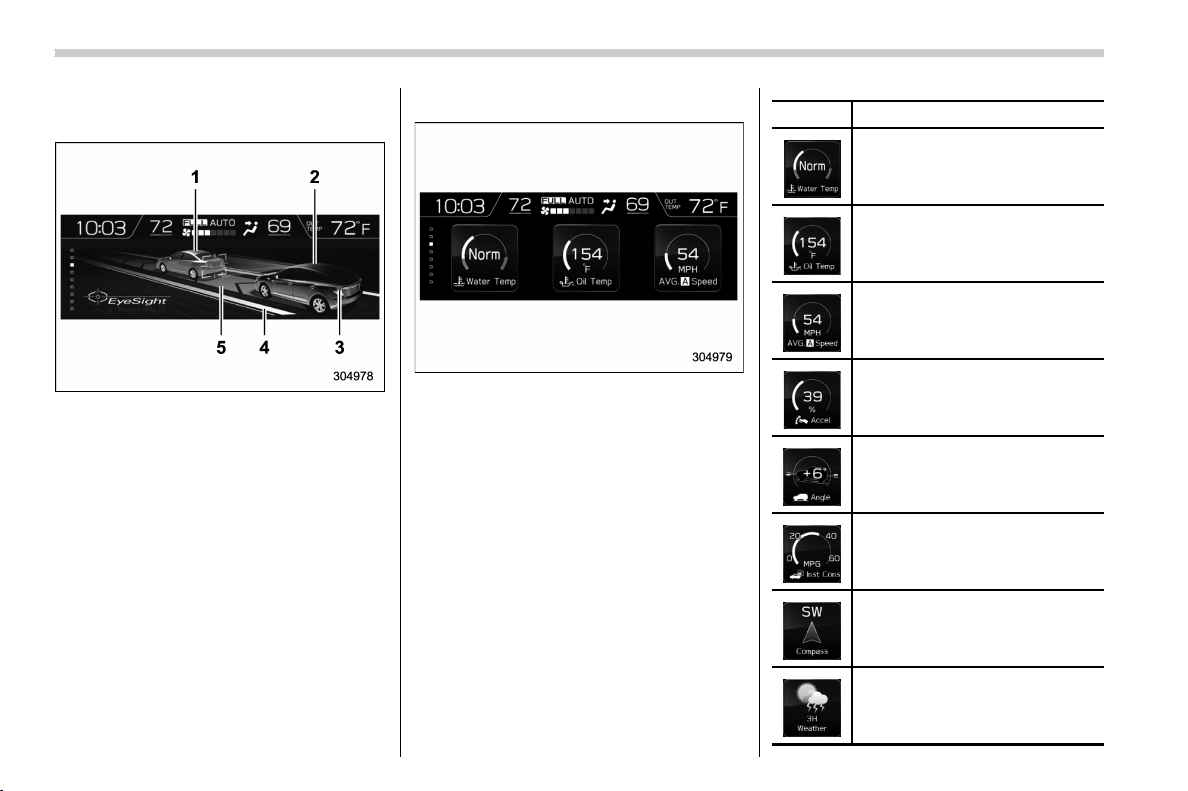
(192,1)
北米Model "A1320BE-C" EDITED: 2017/ 10/ 10
! EyeSight screen (models with
EyeSight system)
1) Lead vehicle indicator
2) Your own vehicle indicator
3) Stop lights
4) Road line indicator
5) Lane indicator
This screen displays the status of the
EyeSight system. The lead vehicle indica-
tor moves forward and backward depend-
ing on the distance with the vehicle in front.
For details, refer to the Owner’s Manual
supplement for the EyeSight system.
! Favorite screen
Favorite screen (display example)
This screen displays up to three optional
pieces of information that can be selected
from the following items.
Item Details
The engine coolant temperature is
displayed.
The engine oil temperature is
displayed.
The average vehicle speed is
displayed.
The accelerator opening ratio is
displayed.
The vehicle posture is displayed.
The current rate of fuel consump-
tion is displayed.
The direction of the vehicle is
displayed.*
1
The weather information is dis-
played.*
2
Instruments and controls/Multi-function display (color LCD)
3-54
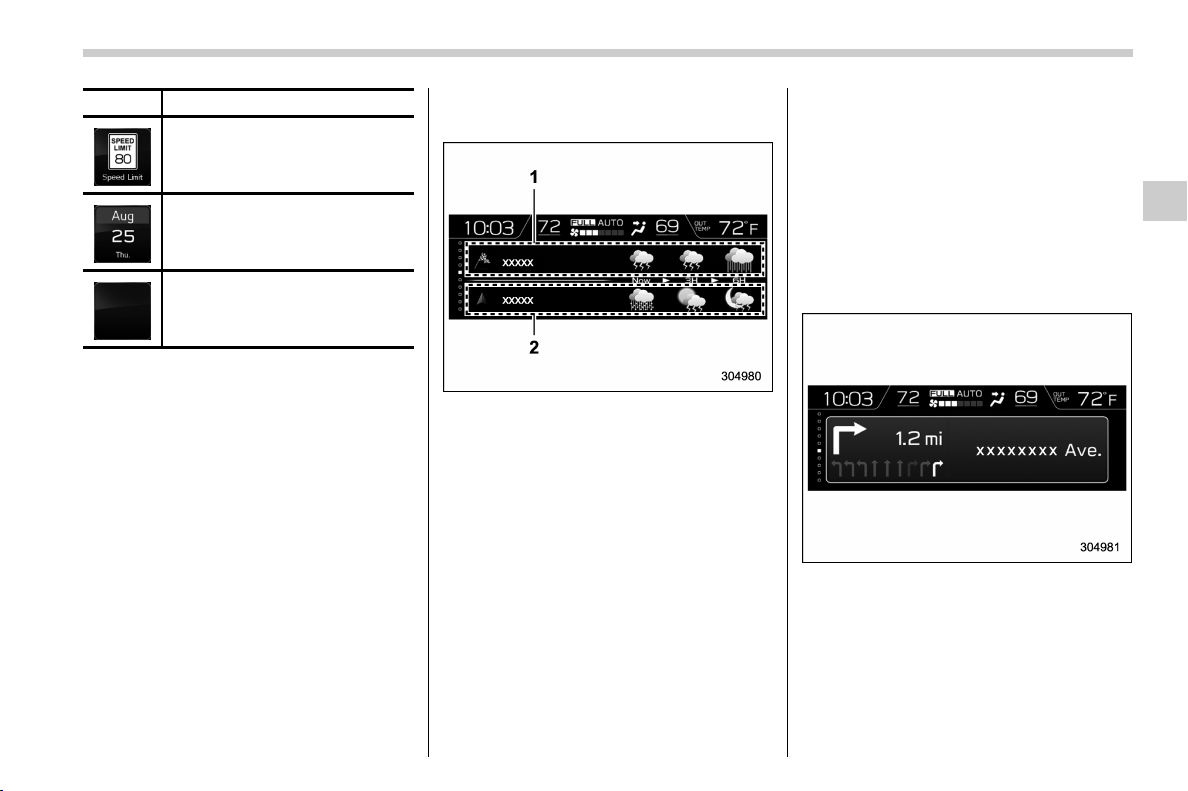
(193,1)
北米Model "A1320BE-C" EDITED: 2017/ 10/ 10
Item Details
The posted speed limit of the road
you are currently driving on is
displayed.*
1
The calender is displayed.
Nothing is displayed.
*1: If equipped
*2: Models with SiriusXM Satellite Radio
NOTE
Some displayed items may be not
displayed depending on the model
and specifications.
The items shown in the favorite screen can
be changed. For details, refer to “Favorite
setting” F3-60.
! Weather information screen (if
equipped)
1) Weather information for the destination.*
2) Weather information for the current loca-
tion.
*: Only when a destination is set in the
navigation system
The weather information is displayed on
the screen.
NOTE
. When all of the following conditions
are satisfied, weather information is
displayed.
– The vehicle is equipped with an
audio and navigation system for
SiriusXM satellite radio.
– You have a current SiriusXM
satellite radio subscription.
. The weather f orecast for the set
destination remains displayed until a
new destination is set or until you reach
the destination.
. Depending on the reception timing
of XM, the display of weather informa-
tion may be delayed.
! Navigation screen (models with
navigation system)
The navigation system information to the
destination is displayed on the screen.
NOTE
When a destination is not set in the
navigation system, the compass orien-
tation, name, route sign and speed limit
of the road the vehicle is traveling on
– CONTINUED –
Instruments and controls/Multi-function display (color LCD)
3-55
3
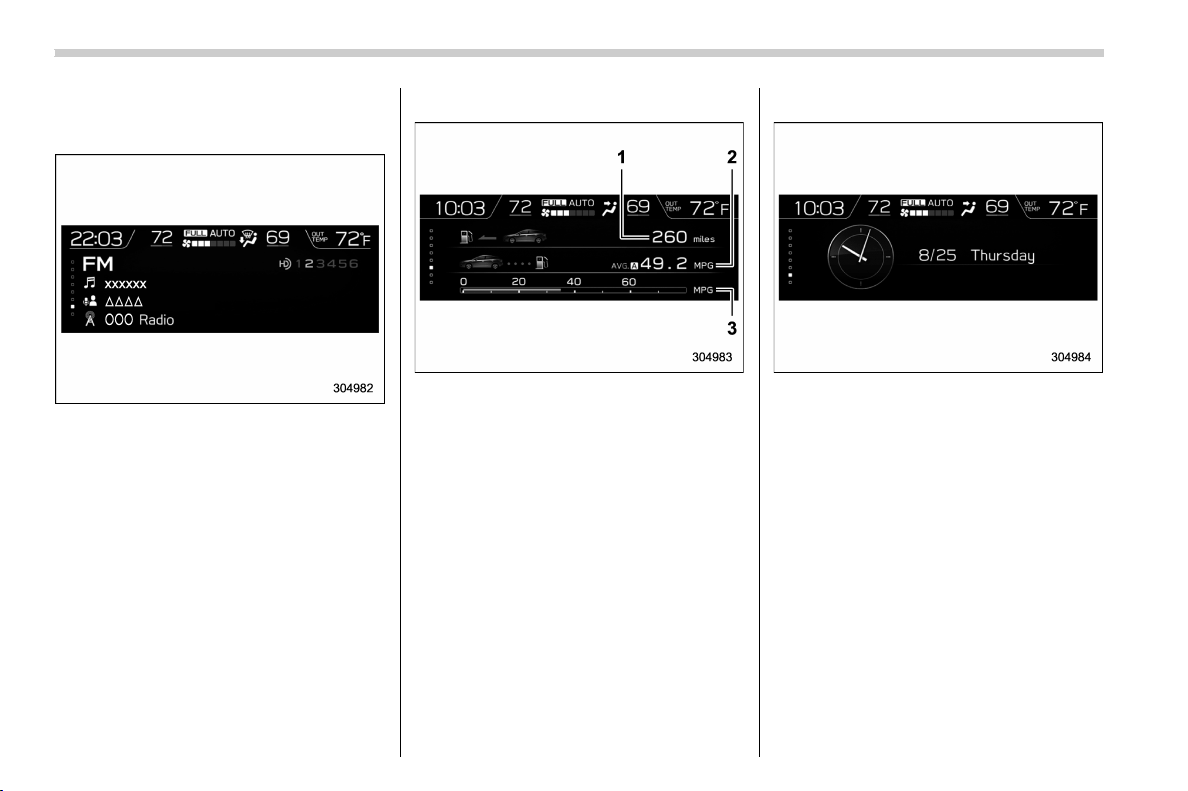
(194,1)
北米Model "A1320BE-C" EDITED: 2017/ 10/ 10
remain displayed on the screen.
! Audio screen
The screen of the currently selected audio
source is displayed.
For details about how to use the audio set,
refer to the s eparate navigati on/audi o
Owner’s Manual.
! Fuel consumption screen
1) Driving range on remaining fuel
2) Average fuel consumption corresponding
to the driving distance of each trip meter
3) Current fuel consumption
The fuel consumption information is dis-
played on the screen.
NOTE
The driving range on remaining fuel is
only a guide. The indicated value may
differ from the actual driving range on
remaining fuel, so you must immedi-
ately fill the tank when the low fuel
warning light illuminates.
! Clock/date screen
The time and date are displayed.
You can adjust the time and date. For
details, refer to “ Clock” F3-63.
Instruments and controls/Multi-function display (color LCD)
3-56
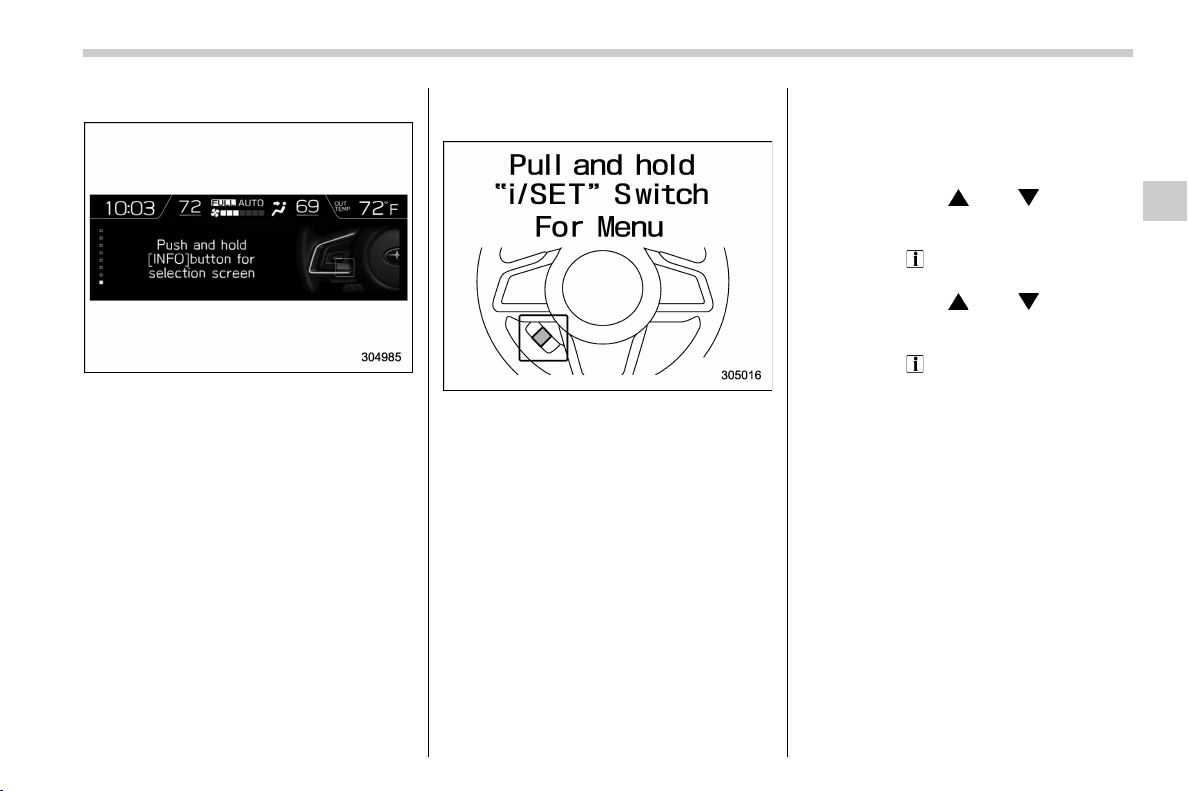
(195,1)
北米Model "A1320BE-C" EDITED: 2017/ 10/ 10
! Guidance screen
When the INFO button on the steering
wheel is pressed and held on this screen,
the setting screen can be displayed.
For details, refer to “Setting screen” F3-
57.
NOTE
When the combination meter display
(color LCD) is displaying the menu
screen entering screen, the system will
not move to the setting screen even if
the INFO button is pressed and held.
& Setting screen
1. Press and hold the INFO button on the
guidance screen. The top menu is dis-
played.
2. Op erate the “
” or “ ” switch to
select the preferred menu from the top
menu.
3. Pull the “
/SET” switch to enter the
selected menu.
4. Op erate the “
” or “ ” switch to
select the preferred menu from the 2nd
menu.
5. Pull the “
/SET” switch to enter the
selected menu.
– CONTINUED –
Instruments and controls/Multi-function display (color LCD)
3-57
3
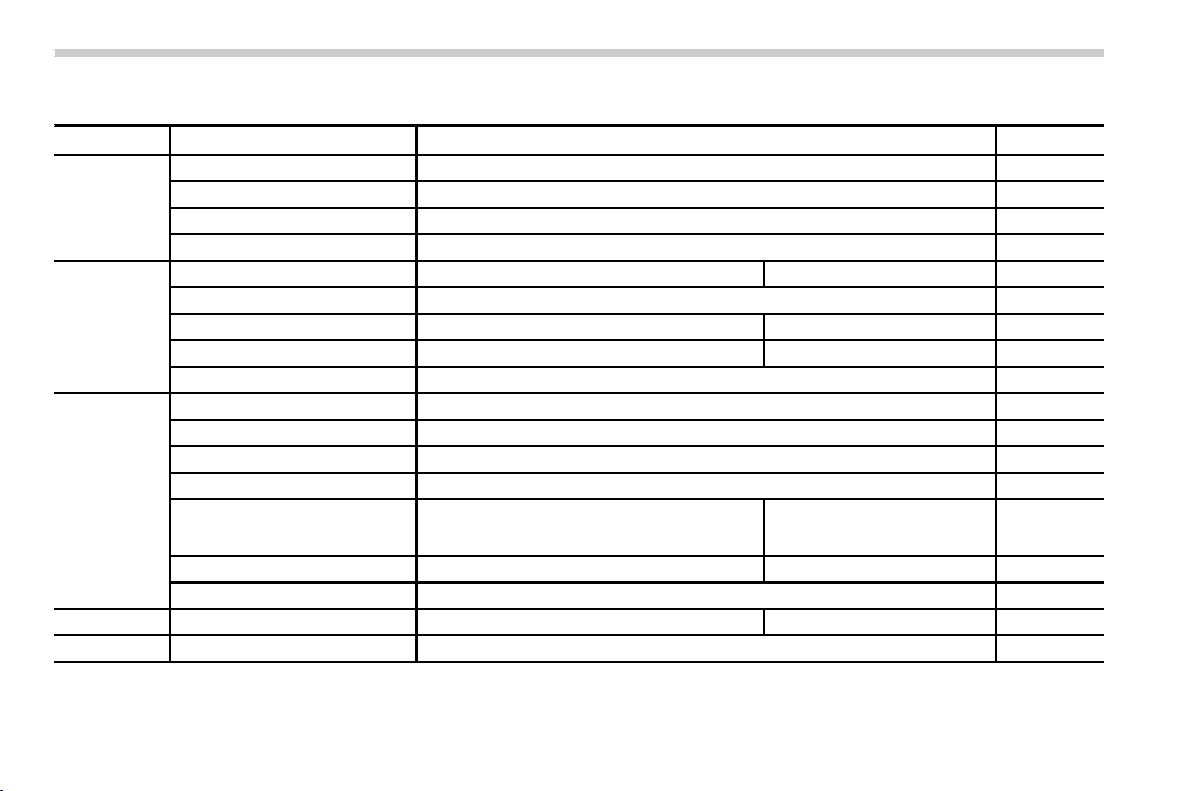
(196,1)
北米Model "A1320BE-C" EDITED: 2017/ 10/ 10
The menu list is as follows.
Top menu 2nd menu Description Page
Time/Date
Time/Date* Set and adjust the time and date. 12h or 24h format can be selected. 3-59
Birthday Set a birthday. 3-59
Anniversary Set an anniversary day. 3-59
Go Back Return to the 1st menu. —
Display/Beep
Screen Off* Turn the screen on or off. Yes or No 3-59
Favorite Set and customize the triple meter. 3-60
Bypass Screen Set the bypass screen for each item. On or Off 3-60
Beep Adjust the beep sound volume. High, Low or Off 3-60
Go Back Return to the 1st menu. —
Maintenance
Engine Oil Set and adjust the oil maintenance notification date. 3-61
Oil Filter Set and adjust the oil filter maintenance notification date. 3-61
Tires Set and adjust the tire maintenance notification date. 3-61
Maintenance Schedule Set and adjust the vehicle maintenance notification date. 3-61
ON/OFF
Turn on or off the self-check screen that is
activated when the ignition switch is turned to the
“ON” position.
On or Off 3-61
Clear All Settings Clear all settings for maintenance items. Yes or No 3-61
Go Back Return to the 1st menu. —
Initialize
— Reset all settings to the default settings. Yes or No 3-62
Go Back
— Return to the setting screen.
—
*: You can also set this while driving.
Instruments and controls/Multi-function display (color LCD)
3-58
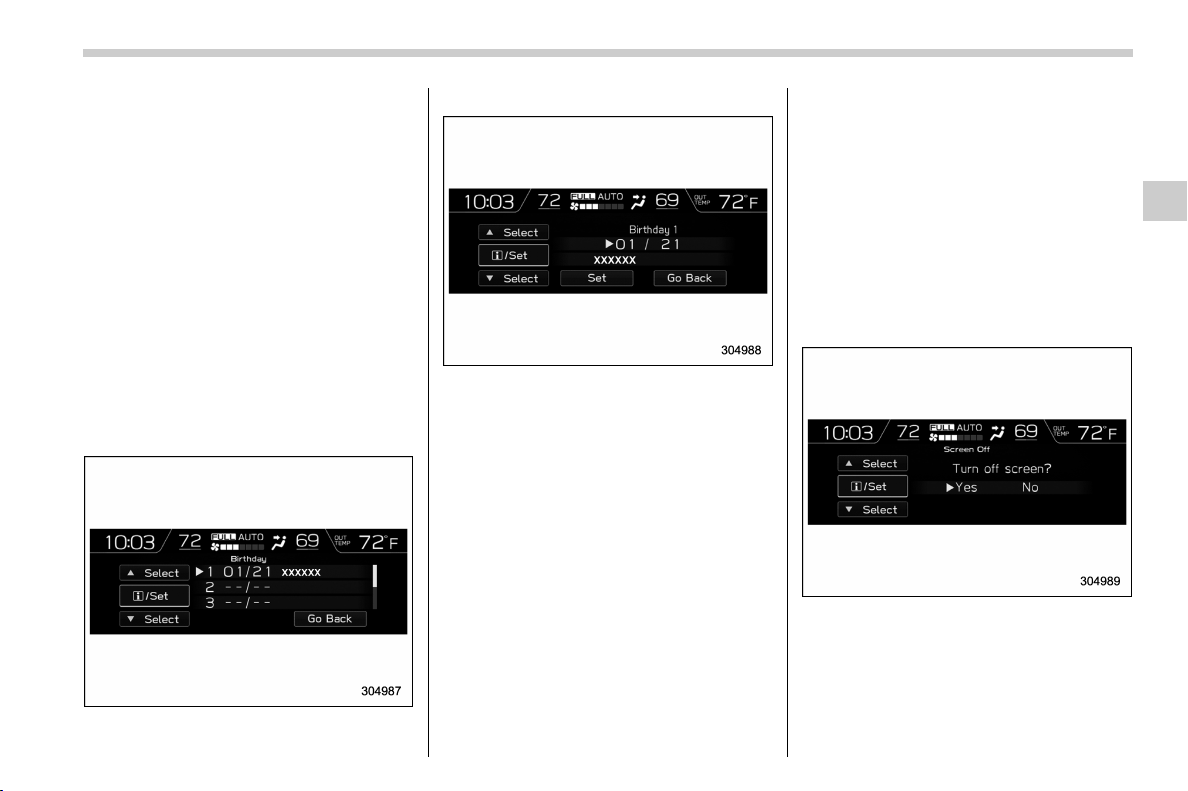
(197,1)
北米Model "A1320BE-C" EDITED: 2017/ 10/ 10
! Date and time settings
You can set the date, time and 12h or 24h
format settings.
! Current date and time setting
For details about clock setting, refer to
“Clock” F3-63.
! Birthday setting
If a birthday or anniversary is approaching,
a message will be displayed when the
ignition switch is turned to the “ON”
position. This function can be set to on or
off. For details, refer to “Bypass screen
setting” F3-60.
1. Select “Birthday” from the 2nd menu in
the setting screen. Refer t o “Setting
screen” F3-57.
2. Select from the list the number that you
want to register.
3. Enter the date and the text by using the
control switches.
4. Select “Set” to exit settings. Select “Go
Back” to return to the previous screen
without applying the setting changes.
NOTE
You can store a maximum of 5 birth-
days.
! Anniversary setting
1. The procedure for setting an anniver-
sary is the same as “Birthday setting” F3-
59, except that in step 1 “Anniversary” is
selected.
NOTE
You can store a maximum of 5 anniver-
saries.
! Display/Beep settings
You can set the display settings and
volume settings.
! Screen OFF setting
1. Select “ Screen Off” from the 2nd menu
in setting screen. Refer to “Setting screen”
F3-57.
2. Select “Yes” to turn off the screen.
Select “No” to return to the previous
screen.
Restoring the screen
When the INFO button is operated after
– CONTINUED –
Instruments and controls/Multi-function display (color LCD)
3-59
3

(198,1)
北米Model "A1320BE-C" EDITED: 2017/ 10/ 10
the ignition switch is turned to the “ON” or
“ACC” position, the screen will be restored.
The screen will be restored with the basic
screen that was d isplayed when the
screen was turned off.
NOTE
While the screen is off, the screen
switches to the climate control screen
only when the climate control system is
operated.
! Favorite setting
1. Select the “Favo rite” from the 2nd
menu in setting screen. Refer to “Setting
screen” F3-57.
2. Set the desired items by using the
control switches. For details about items,
refer to “Favorite screen” F3-54.
3. Select “Set” to exit settings. Select “Go
Back” to return to the previous screen
without applying the setting changes.
NOTE
. You can display a maximum of the 3
items.
. The same item cannot be selected
for the left, center or right location.
. Weather informatio n for 3 hours
later or 6 hours later can be displayed.
! Bypass screen setting
1. Select “Bypass Screen” from the 2nd
menu in the setting screen. Refer to
“Setting screen” F3-57.
2. Select “On” or “Off” to turn the display
of items on or off by using the control
switches.
3. Select “Set ” to exit settings. Select “Go
Back” to return to the previous screen
without applying the setting changes.
NOTE
Traffic information setting is only dis-
played for the audio unit with SiriusXM
satellite radio.
! Beep setting
1. Select “Beep” from the 2nd menu in the
setting screen. Refer to “Setting screen”
F3-57.
2. Set the beep volume by using the
control switches.
3. Select “Set ” to exit settings. Select “Go
Back” to return to the previous screen
Instruments and controls/Multi-function display (color LCD)
3-60
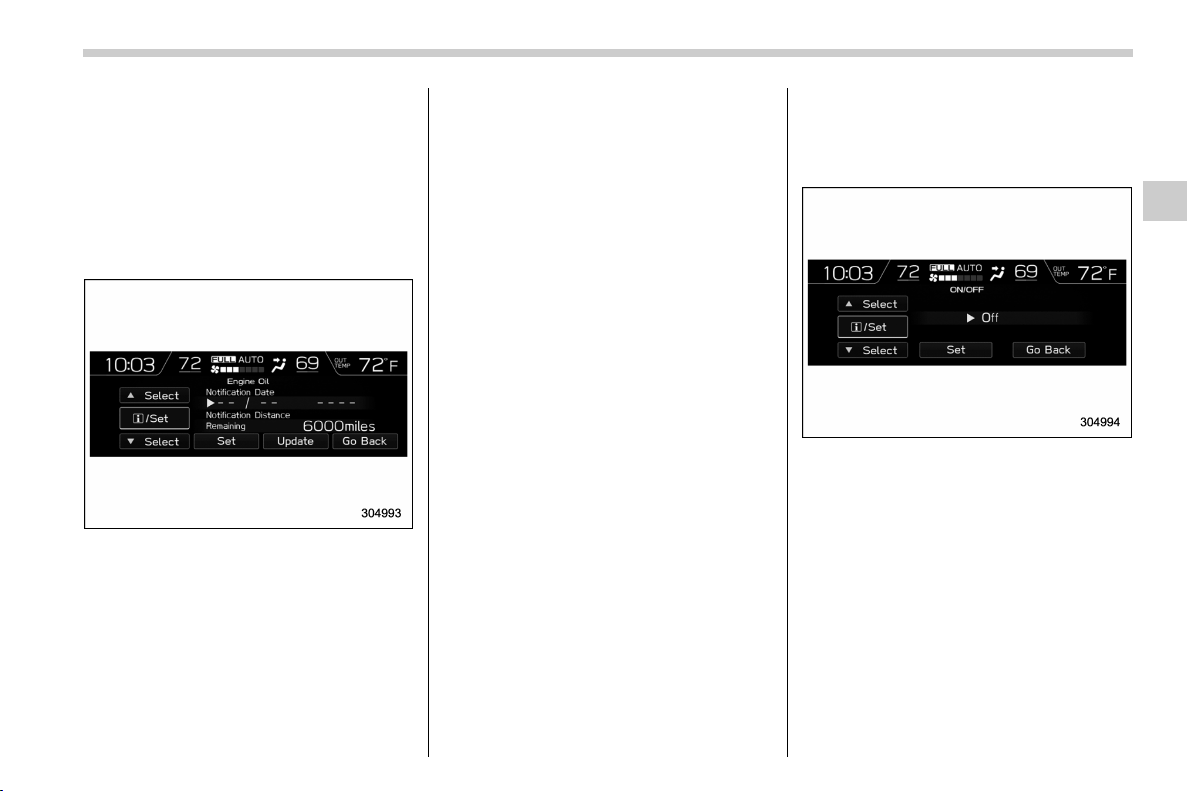
(199,1)
北米Model "A1320BE-C" EDITED: 2017/ 10/ 10
without applying the setting changes.
! Maintenance settings
You can set maintenance reminders.
! Engine oil setting
1. Select “Engine Oil” from the 2nd menu
in the setting screen. Refer to “Setting
screen” F3-57.
2. Set the date and distance of the
reminder by using the control switches.
3. Select “Set” to exit settings. Select
“Update” to change the notification dis-
tance to the default value. Select “Go
Back” to return to the previous screen
without applying the setting changes.
NOTE
. The reminder will be displayed by
either date or distance in accordance
with the setting.
. Even when either “Day” or “Dis-
tance” are displayed as “__” a pop-up
screen will appear.
. The reminder will be displayed until
either of the following conditions is
satisfied.
– The period of time passed after
the registered notification date is 15
days or more.
– The total distance driven after the
registered notification distance is
approximately 311 miles (500 km) or
more.
! Oil filter setting
The setting procedure is the same as
“Engine oil setting” F3-61, but select the
“Oil Filter” item in step 1.
! Tires setting
The setting procedure is the same as
“Engine oil setting” F3-61, but select the
“Tires” item in step 1.
! Maintenance schedule setting
The setting procedure is the same as
“Engine oil setting” F3-61, but select the
“Maintenance Schedule” item in step 1.
! On/Off setting
1. Select “On/Off” from the 2nd menu on
the setting screen. Refer to “Setting
screen” F3-57.
2. Select “On” or “Off” to turn the opening
screen on or off by using the control
switches.
3. Select “Set” to exit settings. Select “Go
Back” to return to the previous screen
without applying the setting changes.
! Clear setting
1. Select “Clear All Settings” from the 2nd
menu on the setting screen. Refer to
“Setting screen” F3-57.
– CONTINUED –
Instruments and controls/Multi-function display (color LCD)
3-61
3

(200,1)
北米Model "A1320BE-C" EDITED: 2017/ 10/ 10
2. Select “Yes” or “No” by using the
control switches.
! Initialize
You can initialize the items that have been
set to your preference.
1. Select “Initialize” from the 2nd menu on
the setting screen. Refer t o “Setting
screen” F3-57.
2. Select “Yes” or “No” by using the
control switches.
& How to get the source code
using the open source
Free/Open Source Software Information
This product contains Free/Open Source
Software (FOSS).
The license information and/or the source
code of such FOSS can be found at the
following URL.
http://www.g lobaldenso.com/en/open-
source/ivi/subaru/
Instruments and controls/Multi-function display (color LCD)
3-62
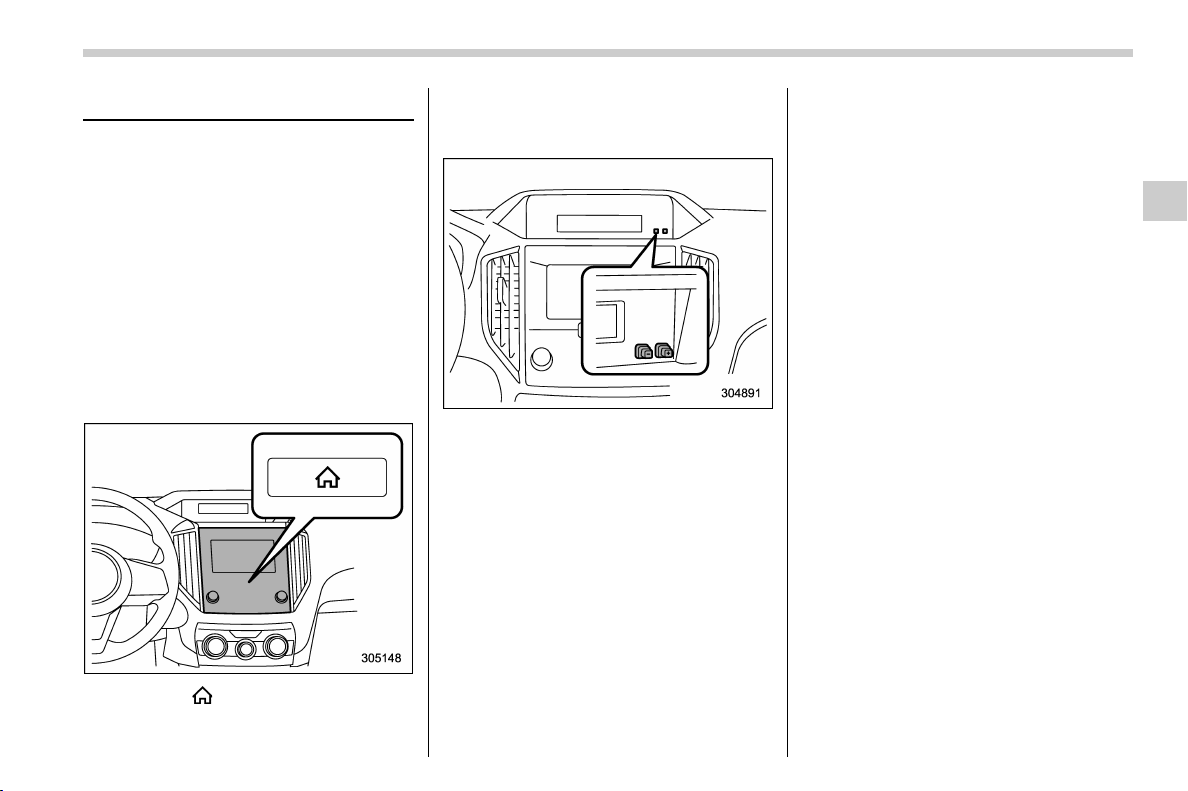
(201,1)
北米Model "A1320BE-C" EDITED: 2017/ 10/ 10
Clock
For models with a SUBARU genuine
navigation and/or audio system, the clock
can be adjusted using either auto mode or
manual mode.
. Auto mode: automatic clock adjustment
. Manual mode: manual clock adjust-
ment
& Setting the clock manually
! Type A multi-function display (black
and white)
1. Turn the ignition switch to “ON”.
2. Press the button.
3. Select “Settings”.
4. Select “Vehicle”.
5. Select “Clock adjustment” and then
select “Manual”.
6. Press the “+” button or the “−” button
beside the clock.
! Setting 12-hour or 24-hour dis-
play
The clock can be set to 12-hour or 24-hour
display. Perform the following procedure to
switch the display format.
1. Turn the ignition switch in the “LOCK”/
“OFF” position.
2. Press and hold the “−” button located
near the clock display for approximately 5
seconds. The clock display will then start
to flash.
3. While the clock display is flashing,
press and hold the “+” button for approxi-
mately 2 seconds. The clock format will
then change.
4. The clock display will continue to flash
for approximately 3 seconds to indicate
that the clock display has been changed.
– CONTINUED –
Instruments and controls/Clock
3-63
3
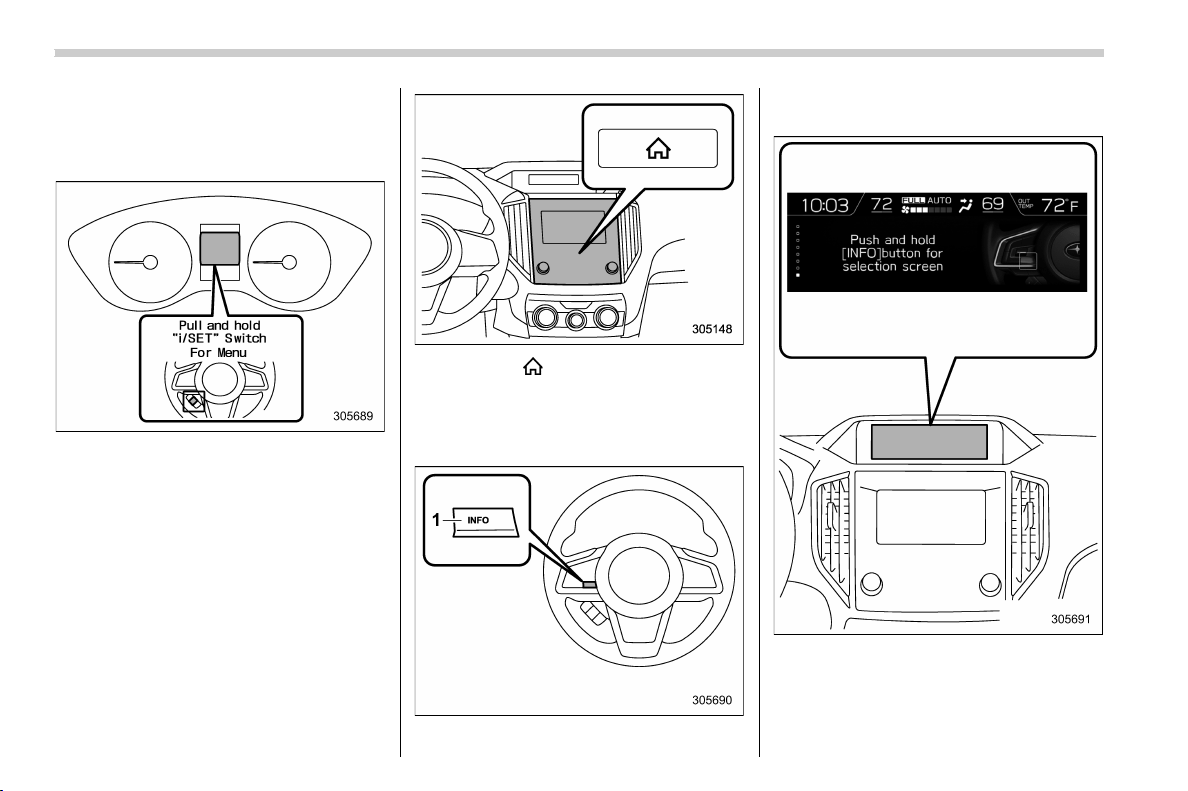
(202,1)
北米Model "A1320BE-C" EDITED: 2017/ 10/ 10
! Type B multi-function display (color
LCD)
NOTE
When the combination meter display
(color LCD) is displaying the menu
screen entering screen, the system will
not move to the selection screen even if
the “INFO” button is pressed and held.
Before adjusting the clock, be sure to
change the combination meter display
(color LCD) to a screen other than the
menu screen entering screen.
1. Turn the ignition switch to “ON”.
2. Press the button.
3. Select “Settings”.
4. Select “Vehicle”.
5. Select “Clock adjustment” and then
select “Manual”.
1) “INFO” button
6. Press the “INFO” button on the steer-
ing wheel to display the guidance screen.
7. While displaying the guidance screen,
press and hold the “INFO” button on the
steering wheel. The screen goes to the
selection screen.
Instruments and controls/Clock
3-64
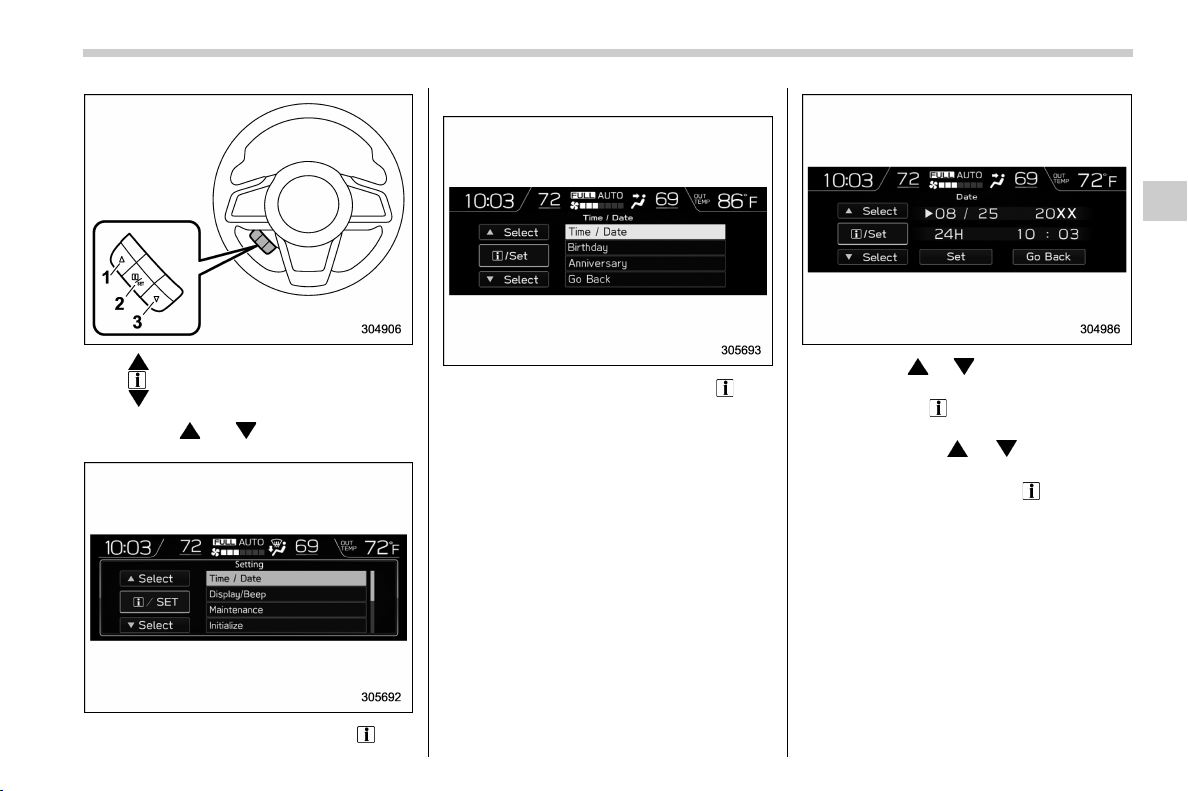
(203,1)
北米Model "A1320BE-C" EDITED: 2017/ 10/ 10
1)
2) /SET
3)
8. Pull the “ ” or “ ” switch to select the
item.
9. Select “Time/Date” and pull the /SET
switch.
10. Select “Time/Date” and pull the /SET
switch.
NOTE
If “Clock adjustment” is not in manual
mode, “Time/Date” cannot be selected.
Be sure to perform steps 2 through 5.
11. Pull the “ ”, “ ” switches to scroll
through to the items you can set.
(1) Use the
/ SET switch to choose
the item you would like to change.
(2) Pull the “
”, “ ” switches to
adjust the items.
12. Select “Set” and pull the
/SET switch
to complete the clock setting.
Select “Go Back” to return to the previous
screen without saving settings.
NOTE
The Birthday/Anniversary and mainte-
nance reminder system function are
based on the time and date on the
multifunction display (color LCD).
– CONTINUED –
Instruments and controls/Clock
3-65
3
(204,1)
北米Model "A1320BE-C" EDITED: 2017/ 10/ 10
& Setting the clock automati-
cally
1. Press the button.
2. Select “Settings”.
3. Select “Vehicle”.
4. Select “Clock adjustment” and then
select “Auto”.
5. Press the
button again to complete
the setting.
! Models with navigation system
The clock will be set automatically where a
GPS signal is available.
! Models without navigation system
The clock will be set and adjusted auto-
matically when a smartphone is connected
via Bluetooth
®
for transferring phonebook
data.
1. Register the smartphone to the audio
system. For details, refer to “Bluetooth
SETTINGS” in the supplemental Owner’s
Manual for the audio/navigation system.
2. Transfer phonebook data to the sys-
tem. For details, refer to “Bluetooth SET-
TINGS” in the supplemental Owner’s
Manual for the audio/navigation system.
The clock will be adjusted automatically.
NOTE
Depending on the model of smart-
phone, the settings of the connected
smartphone may need to be changed.
(ex: For iOS or other models, notifica-
tion settings may need to be activated.)
For details, check the instructions on
connecting smartphones.
& Regulatory information
The Bluetooth
®
word mark and logos are
registered trademarks owned by Bluetooth
SIG, Inc.
Light control switch
& Precautions and tips
CAUTION
. Use of any lights for a long period
of time while the engine is not
running can cause the battery to
discharge.
. Before leaving the vehicle, make
sure that the lights are turned off.
If the vehicle is left unattended
for a long time with the lights
illuminated, the battery may be
discharged.
NOTE
. Even if the key is removed from the
ignition switch, the lights can be illumi-
nated by operating the light control
switch from the “
” (off) position to the
“
” or “ ” position.
. If the driver’s door is opened while
the lights are illuminated and the key is
removed from the ignition switch, the
chirp sound will inform the driver that
the lights are illuminated.
Instruments and controls/Light control switch
3-66
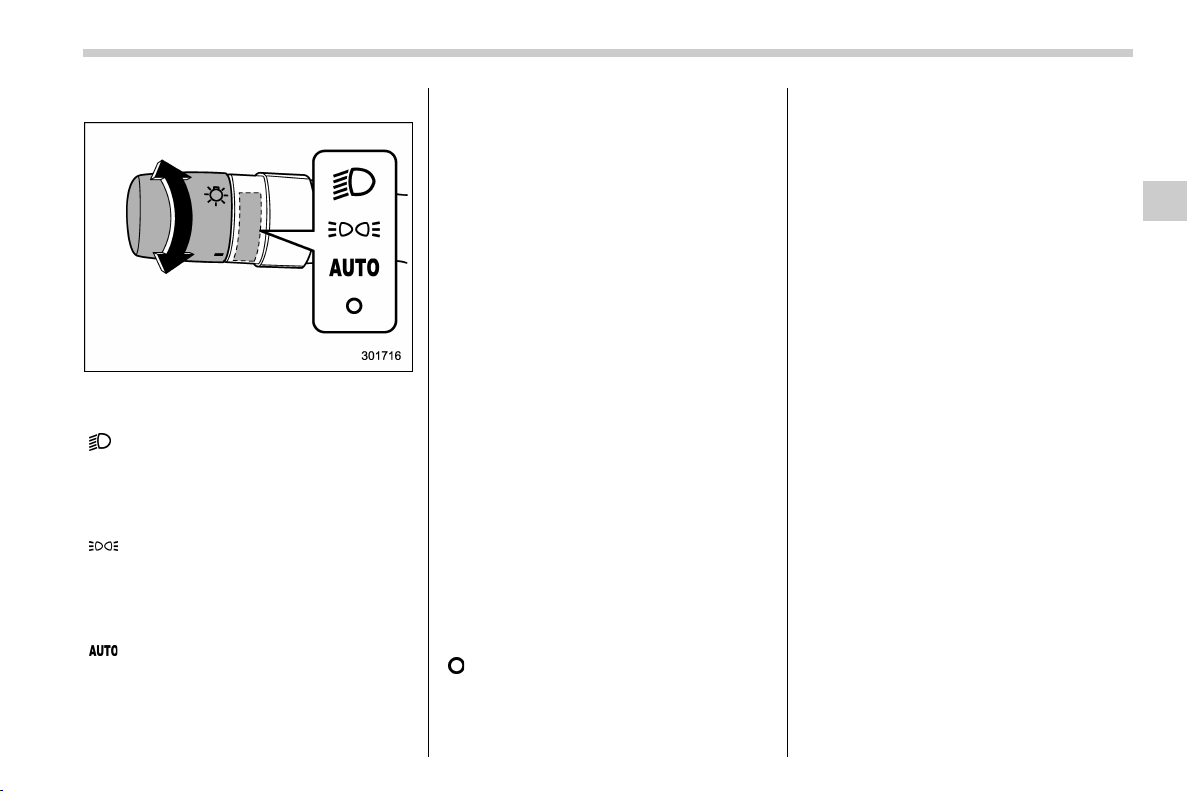
(205,1)
北米Model "A1320BE-C" EDITED: 2017/ 10/ 10
& Headlights
To turn on the headlights, turn the knob on
the end of the turn signal lever.
“
” position:
Instrument panel illumination, headlights,
parking lights, front side marker lights, rear
side marker lights, tail lights and license
plate lights are on.
“
” position:
Instrument panel illumination, parking
lights, front side marker lights, rear side
marker lights, tail lights and license plate
lights are on.
“
” position (if equipped):
. Auto on/off headlights
When the ignition switch is in the “ON”
position, the instrument panel illumination,
headlights, parking lights, front side mar-
ker lights, rear side marker lights, tail lights
and license plate lights are automatically
on or off depending on the level of the
ambient light.
NOTE
The sensitivity of the auto on/off head-
lights can be changed by a SUBARU
dealer. Consult your SUBARU dealer
for details. Also, for models with a
combination meter display (color
LCD), the setting can be changed using
the display. For details, refer to “Vehicle
Setting” F3-41.
. Auto-on/off wiper-linked headlights
While the light control switch is in the
“AUTO” position, the headlights will auto-
matically turn on when the windshield
wipers operate several times. The head-
lights will automatically turn off when the
wipers stop.
NOTE
The ON/OFF setting of this function can
be changed by a SUBARU dealer.
Consult your SUBARU dealer for de-
tails.
“
” position:
The headlights are all off.
! Welcome lighting function (if
equipped)
The welcome lighting function turns on the
low beam headlight for smooth approach-
ing to or exiting from the vehicle at night or
in a dark place.
The function is activated while all of the
following conditions are met.
. The light control switch is in the “AUTO”
position
. It is dark enough to turn on the auto on/
off headlights
When approaching:
While the welcome lighting function is
activated, the low beam headlights will
automatically illuminate when unlocking
the doors and the rear gate by using the
remote keyless entry system.
The low beam headlights will remain
illuminated for 30 seconds
*1
and then turn
off. However, if any of the fo llowing
operations is done, the low beam head-
lights will turn off.
. The doors are locked.
. The light control switch is turned to a
position other than “AUTO”.
. The ignition switch is turned to the “ON”
position.
– CONTINUED –
Instruments and controls/Light control switch
3-67
3
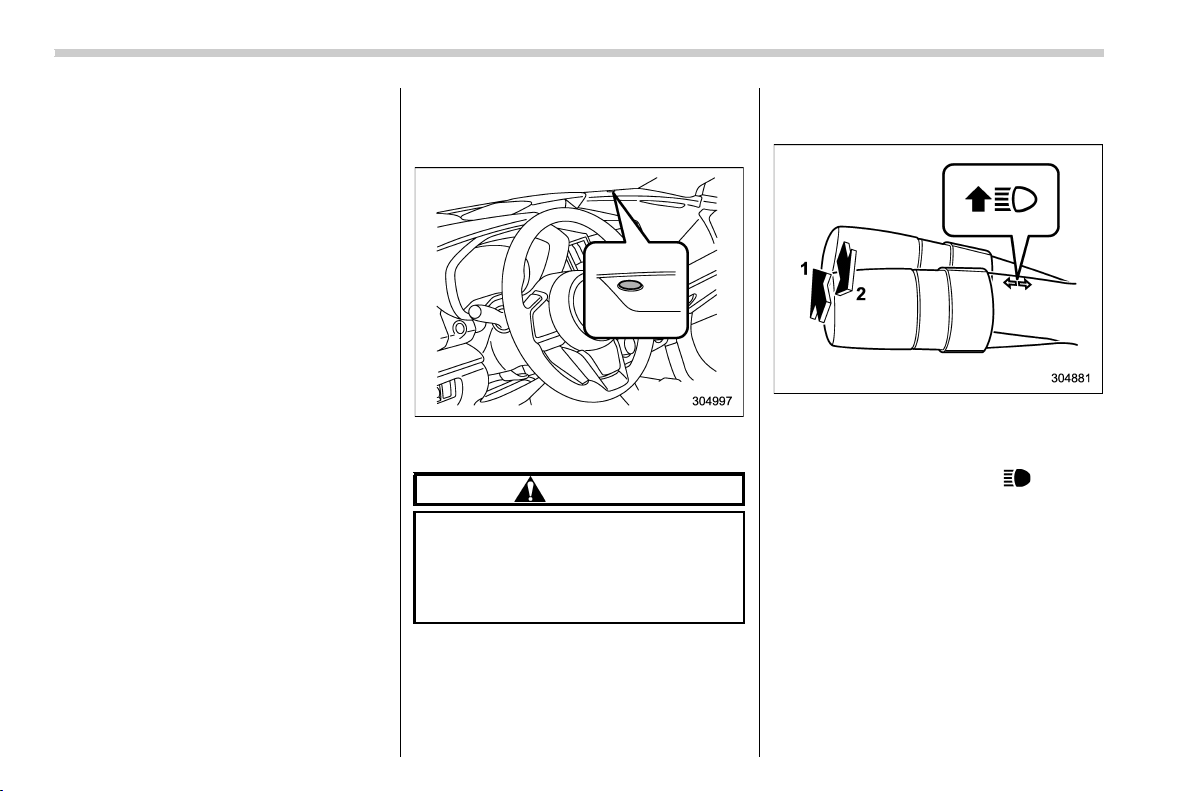
(206,1)
北米Model "A1320BE-C" EDITED: 2017/ 10/ 10
When exiting:
While the welcome lighting function is
activated, the low beam headlights will
remain illuminated even when either of the
following operation is done.
. T he push- button i gnition s witch is
turned to the “OFF” status (models with
“keyless access with push-button start
system”)
. The key is pulled out from the ignition
switch (models without “keyless access
with push-button start system”)
The low beam headlights will turn off under
any of the following conditions.
. 3 minutes have passed since the low
beam headlights were illuminated by the
welcome lighting function.
. 30 seconds have passed since the door
is opened and closed.
*1
. The light control switch is turned to a
position other than “AUTO”.
. The locking procedure is performed
twice. When performing the unlocking
proce dure after performing the locking
procedure, perform the locking procedure
twice again.
*1: The setting for the period of time in which the
low beam headlights remain on by the welcome
lighting function can be changed by a SUBARU
dealer. Contact your SUBARU dealer for de-
tails.
! Sensor for the auto on/off head-
lights (if equipped)
The sensor is on the instrument panel as
shown in the illustration.
CAUTION
If any object is placed on or near the
sensor, the sensor may not detect
the level of the ambient light cor-
rectly and the auto on/off headlights
may not operate properly.
& High/low beam change
(dimmer)
1) High beam
2) Low beam
When the headlights are on high beam, the
high beam indicator light “
” on the
combination meter is also on.
Instruments and controls/Light control switch
3-68
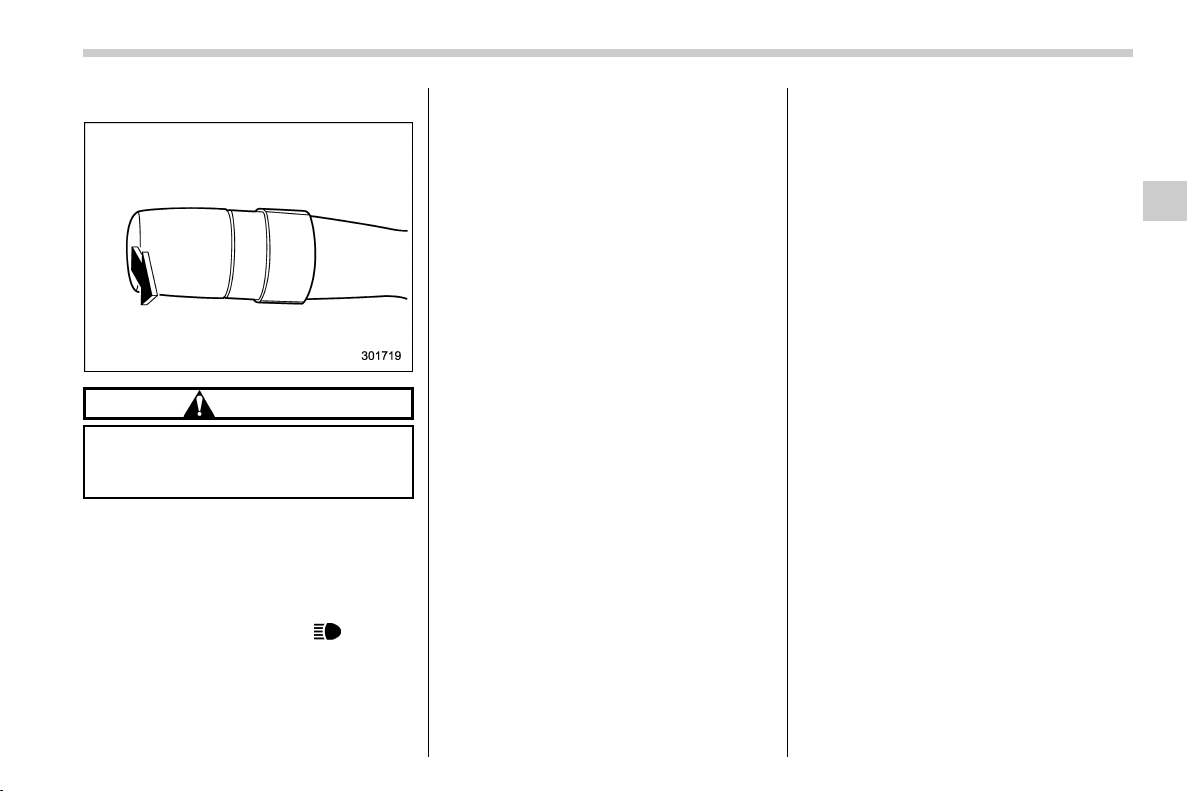
(207,1)
北米Model "A1320BE-C" EDITED: 2017/ 10/ 10
& Headlight flasher
CAUTION
Do not hold the lever in the flashing
position for more than just a few
seconds.
To flash the headlights, pull the lever
toward you and then release it. The high
beam will stay on for as long as you hold
the lever.
When the headlights are on high beam, the
high beam indicator light “
” on the
combination meter also illuminates.
& High beam assist function (if
equipped)
NOTE
. The high beam assist function uti-
lizes the stereo camera installed at the
position of the front map lights.
. For details on how to handle the
stereo camera, refer to the Owner’s
Manual supplement for the EyeSight
system.
The high beam assist function automati-
cally changes the headlight from high
beam to low beam (or vice versa).
When all of the following conditions are
met, the headlight will change to high
beam.
. When the vehicle speed increases to or
above 20 mph (32 km/h).
. There is no preceding or oncoming
vehicle.
. The forward area of the vehicle is dark.
. The road does not have a sharp curve.
When any of the following conditions is
met, the headlight will change to low beam.
. When the vehicle speed decreases to
or below 10 mph (16 km/h).
. When the forward area of the vehicle is
bright.
. When there is a preceding or oncoming
vehicle.
. When the EyeSight system is malfunc-
tioning or is temporarily stopped.
NOTE
The factory setting (default setting) for
this function is set as “operational”.
This setting can be changed to OFF
(non-operation) at SUBARU dealers.
For more details, contact a SUBARU
dealer.
! How to use the high beam assist
function
The high beam assist function will be
activated when all the following conditions
are met.
. The light control switch is in the “AUTO”
position and the low beam headlights are
on automatically.
. The turn signal lever is pushed forward.
– CONTINUED –
Instruments and controls/Light control switch
3-69
3
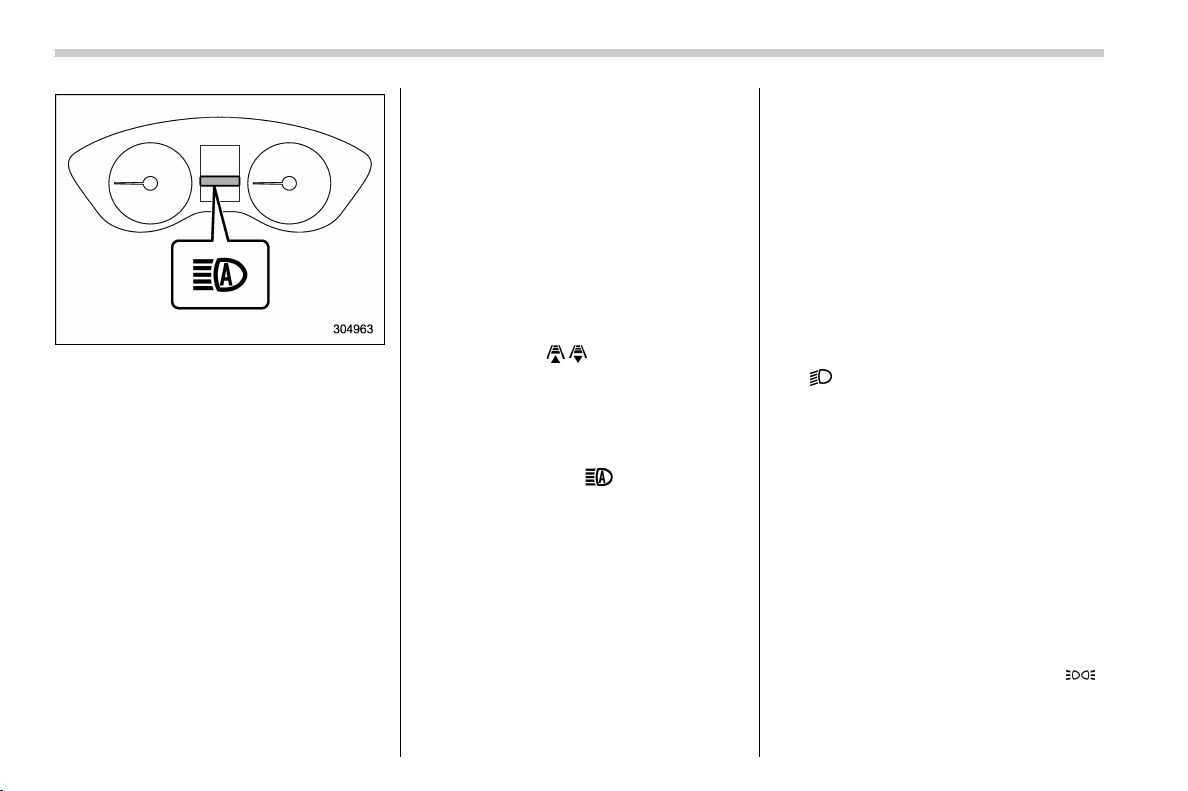
(208,1)
北米Model "A1320BE-C" EDITED: 2017/ 10/ 10
High beam assist indicator
When the high beam assist function is
activated, the high beam assist indicator
light (green) on the combination meter will
illuminate.
NOTE
If the high beam assist function is
malfunctioning or is temporarily
stopped, the headlight will be fixed at
low beam.
! How to temporarily lower the sensi-
tivity of the high beam assist func-
tion
The sensitivity of the high beam assist
function can be lowered by performing the
following operations.
1. Before turning the ignition switch to the
“ON” position, set the light control switch to
the “AUTO” position and push the signal
lever forward (high beam position).
2. Turn the ignition switch to the “ON”
position and within approximately 15 sec-
onds, press the “
/ ” (following distance
setting) switch more than 10 times con-
secutively.
When the sensitivity of the high beam
assist function is lowered, the high beam
assist indicator light “
” (yellow) on the
combination meter will flash.
NOTE
. The sensitivity of the high b eam
assist function cannot be lowered in
the following conditions.
– Cruise control or Adaptive Cruise
Control is in operation
– The EyeSight warning indicator
(yellow) is illuminated
. The sensitivity of the high b eam
assist function returns to normal level
the next time the ignition switch is
turned to the “LOCK”/“OFF” position
and the engine is restarted.
! How to change the headlight mode
manually
Change to the low beam:
When you return the turn signal lever to the
center position, the high beam assist
function will turn off and the high beam
assist indicator light (green) will turn off.
Change to the high beam:
When you turn the light control switch to
the “
” position, the headlight mode will
be changed to the high beam.
At this time, the high beam assist function
will turn off, the high beam assist indicator
(green) will turn off and the high beam
indicator light will turn on.
NOTE
. After manually changing the head-
light mode to the high beam, if you turn
on the high beam assist function,
return the light control switch to the
“AUTO” position.
. When manually changing the head-
light mode to the high beam, if you turn
the light control switch to the “
”
position, the instrument panel illumina-
tion, parking lights, front side marker
lights, rear side marker lights, tail lights
Instruments and controls/Light control switch
3-70

(209,1)
北米Model "A1320BE-C" EDITED: 2017/ 10/ 10
and license plate lights will be on.
! Tips for the high beam assist sys-
tem
. The high beam assist function recog-
nizes the conditions surrounding the ve-
hicle based on the brightness of illumina-
tion ahead of your vehicle, etc. Therefore,
the headlight mode may switch in some
situations that do not match to the driver ’s
sense.
. A bicycle or cargo cycle may not be
detected.
. Under the fo llowing situati ons, the
brightness of ambient illumination may
not be detected correctly and the high
beam assist function may not work prop-
erly. As a result, the glare of the high beam
maydisturbtheoncomingvehicleor
vehicle ahead. Also, the low beam mode
may continue although there are no
oncoming vehicles and vehicles ahead.
In the such cases, change the headlight
mode manually.
– In bad weather (fog, snow, sand
storm, heavy rain, etc.).
– When the windshield glass is dirty or
fogged.
– When the windshield is cracked or
damaged.
– Whenthestereocameraisde-
formed or the stereo camera lenses
are dirty.
– If there are lights similar to the
headlights or the tail ligh ts in the
surrounding area.
– When an oncoming vehicle or ve-
hicle ahead is driven without its head-
lights and tail lights on.
– If the headlights of an oncoming
vehicle or the tail lights of a vehicle
ahead are dirty or discolored, or if the
light beams are not aimed correctly.
– When a rapid change of brightness
continues while driving.
– When driving on a road with many
ups and downs or uneven surfaces.
– When driving on a road with many
curves.
– When there are some objects that
reflect light strongly, such as a road
sign or a mirror in vehicle ahead.
– When the rear part of the vehicle
ahead, such as a container, reflects
light strongly.
– When the headlights of your vehicle
are damaged or dirty.
– When your vehicle is tilted, such as
in case the vehicle has a flat tire or is
being towed.
– Immediately after the engine has
started.
. In the following conditions, the head-
light mode will not be automatically chan-
ged from the high beam to the low beam.
– When your vehicle passes an on-
coming veh icle suddenly in a blind
curve.
– When another vehicle passes in
front of your vehicle.
– When an oncoming vehicle or ve-
hicle ahead comes in and out of view
because of continuous curves, median
strips, roadside trees, etc.
. If the stereo camera detects the light of
the front fog lights of an oncoming vehicle,
the headlight mode may change from the
high beam to the low beam automatically.
. The headlight mode may change from
the high beam to the low beam, or the low
beam mode may continue, when affected
by a street light, traffic signal, illumination
of an advertisement board, or a reflective
object such as a road sign and signboard.
. The timing of the change of headlight
mode may differ due to the following
factors.
– Color or brightness of the headlights
of an oncoming vehicle or the tail lights
of a vehicle ahead.
– The headlights of the oncoming
vehicle or the tail lights of the vehicle
ahead are covered with mud, snow,
etc.
– Movement and direction of an on-
coming vehicle or a vehicle ahead.
– CONTINUED –
Instruments and controls/Light control switch
3-71
3
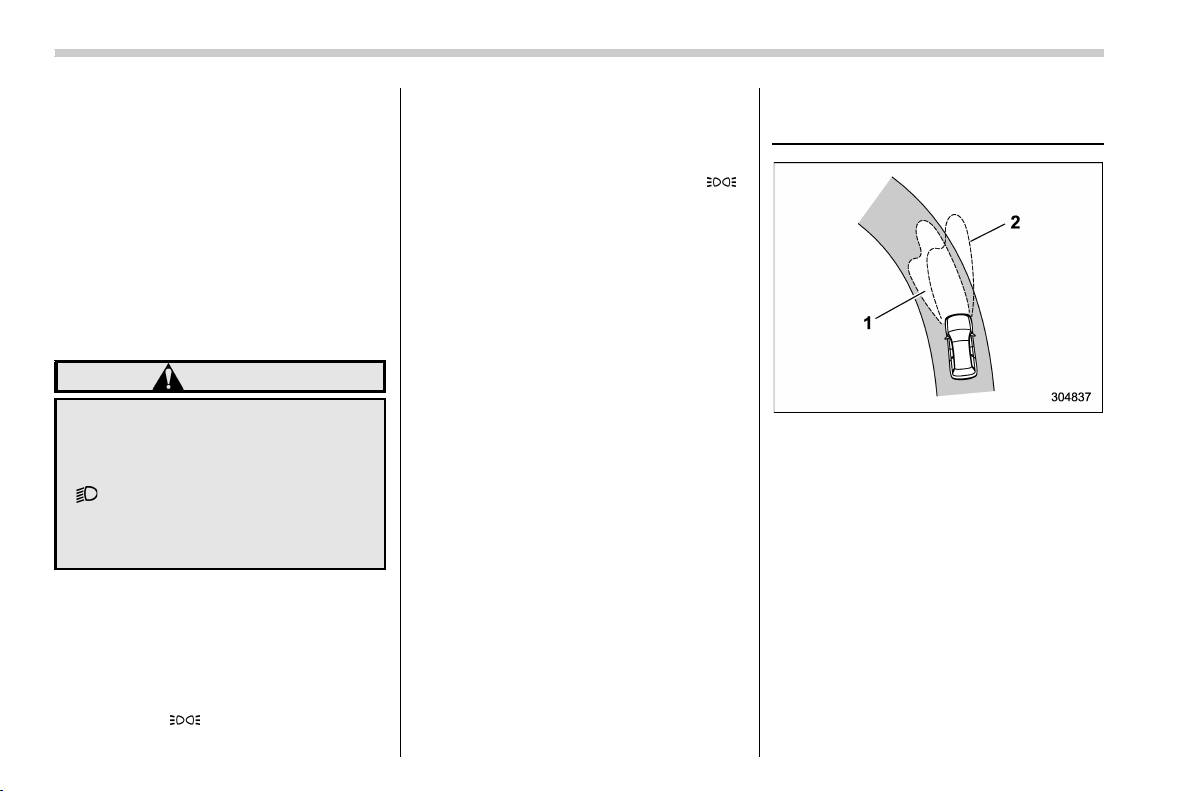
(210,1)
北米Model "A1320BE-C" EDITED: 2017/ 10/ 10
– When the headlights of an oncom-
ing vehicle or the tail lights of a vehicle
ahead illuminate on only one side.
– When the oncoming vehicle or
vehicle ahead is a motorcycle.
– Conditions of a road (slope, curve,
road surface, etc.).
– Number of passengers and weight
of loaded cargo.
– Limitation of the detection ability of
the stereo camera.
& Daytime running light system
WARNING
When the daytime running lights are
illuminated, the tail lights do not
illuminate. When it becomes dark
outside, turn the light switch to the
“
” position to illuminate the head-
lights and tail lights. This will im-
prove visibility and allow other dri-
vers to see your vehicle more easily.
The daytime running lights will automati-
cally illuminate when the following condi-
tions are fulfilled.
. The engine is running.
. The parking brake is fully released.
. The light control switch is in the “AUTO”
(if equipped), “
” or off position.
. For CVT models, the select lever is in a
position other than the “P” position.
NOTE
When the light switch is in the “ ”
position, the instrument panel illumina-
tion, front side marker lights, tail lights
and license plate lights are also illumi-
nated.
Steering Responsive Head-
light (SRH) (if equipped)
1) The target area of illumination when SRH
is activated
2) The target area of illumination when SRH
is not activated
SRH is a function that automatically moves
the headlight beam to the left or right in
accordance with the steering angle and
vehicle speed. This function helps to
improve the visibility at night by illuminat-
ing the road ahead at corners and inter-
sections.
Instruments and controls/Steering Responsive Headlight (SRH)
3-72
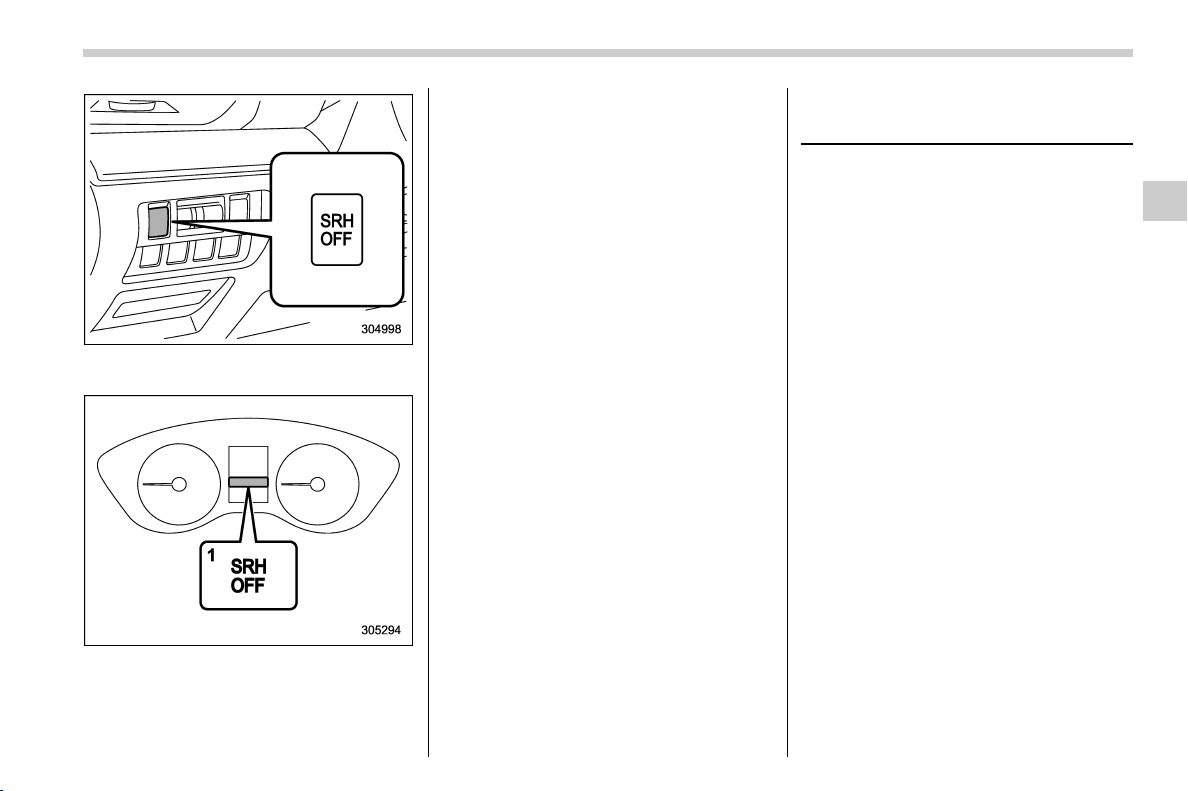
(211,1)
北米Model "A1320BE-C" EDITED: 2017/ 10/ 10
You can turn the SRH function on or off by
pressing the SRH OFF switch.
1) SRH OFF indicator
The SRH OFF indicator on the combina-
tion meter turns off when SRH is turned on.
The SRH OFF indicator on the combina-
tion meter illuminates when SRH is turned
off.
If SRH is malfunctioning, the SRH OFF
indicator on the combination meter flashes
when the ignition switch is in the “ON”
position. It indicates that SRH has been
deactivated. Contact a SUBARU dealer for
an inspection.
NOTE
. If you turn the ignition switch to the
“OFF” position with SRH turned off and
then start the engine again, SRH will
automatically turn on.
. When you turn the ignition switch to
the “ON” position, the SRH OFF indi-
cator will illuminate and turn off after
several seconds.
. SRH only activates when the vehicle
is traveling forward at the speed of
approximately 5 mph (8 km/h) or more.
. SRH may not activate when the shift
lever (MT models) is selected in 1st
gear.
Headlight beam leveler
(models with LED headlights)
The LED headlights produce more light
than conventional halogen headlights.
When the vehicle is carrying a heavy load
and the headlight beams are angled
upwards, the driver of an oncoming vehicle
may experience glare.
To prevent this, the automatic headlight
beam leveler adjusts the headlights to the
optimum height automatically depending
on the load the vehicle is carrying.
Instruments and controls/Headlight beam leveler (models with LED headlights)
3-73
3
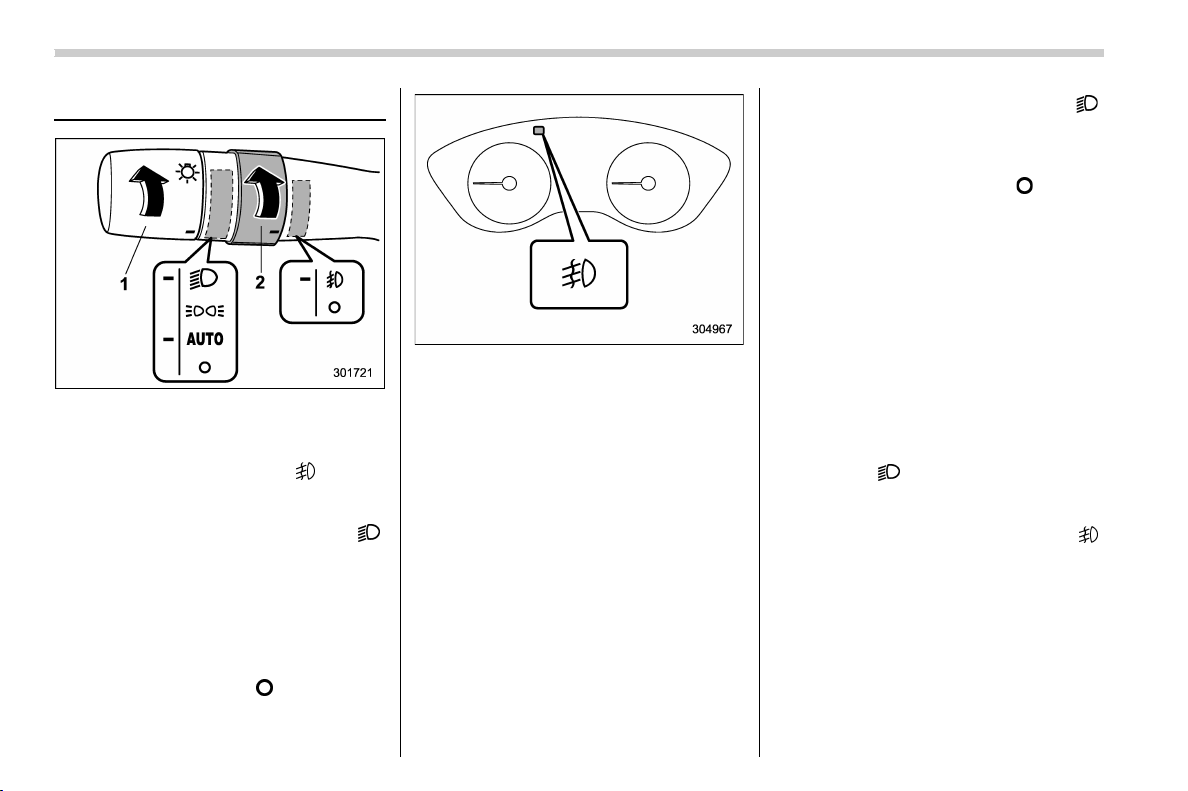
(212,1)
北米Model "A1320BE-C" EDITED: 2017/ 10/ 10
Fog light switch (if equipped)
1) Headlight switch
2) Fog light switch
The front fog lights will turn on when the
fog light switch is placed in the “
” position
while the headlights are in the following
condition.
. while the headlight switch is in the “
”
position
. for models with the auto on/off head-
lights, while the headlight switch is in the
“AUTO” position and the low beam head-
lights turn on automatically
To turn off the front fog lights, turn the
switch back down to the “
” position.
The indicator light on the combination
meter will illuminate when the front fog
lights are illuminated.
& Steering responsive fog
lights system (if equipped)
The steering responsive fog lights system
automatically turns the front fog light on
and off based on the steering angle and
vehicle speed when entering a curve or
driving on curved roads. The system is
intended to help prevent accidents by
enabling better visibility of curves ahead
and early recognition of any disabled
vehicles or other obstacles.
The front fog light on the inside of a curve
will turn on if all of the following conditions
are met.
. The light control switch is in the “
”
position, or the light control switch is in the
“AUTO” position and the low beam head-
lights are turned on automatically
. The fog light switch is in the “
” position
. The low beam mode is selected
. The select lever is in the “D” position or
the manual mode is selected.
. The steering response fog lights sys-
tem has not been deactivated
. The operating conditions such as the
steering angle and vehicle speed are met
The front fog lights on both sides will turn
on as usual if all of the following conditions
are met.
. The light control switch is in either of the
following conditions.
– in the “
” position
– in the “AUTO” position and the low
beam headlights turn on automatically
. The fog light switch is in t he “
”
position
. The low beam mode is selected
Instruments and controls/Fog light switch
3-74

(213,1)
北米Model "A1320BE-C" EDITED: 2017/ 10/ 10
! Steering responsive fog lights OFF
switch
Steering responsive fog lights OFF switch
Press this switch to deactivate the steering
responsive fog lights system. Press the
switch again to activate the system.
! Steering responsive fog lights OFF
indicator
Steering responsive fog lights OFF indi-
cator
This indicator appears when the steering
responsive fog lights system is deacti-
vated. This indicator disappears when the
system is activated.
Turn signal lever
1) Right turn
2) Lane change right signal
3) Lane change left signal
4) Left turn
If the lever does not return after cornering,
return the lever to the neutral position by
hand.
To signal a lane change, push the turn
signal lever up or down slightly and hold it
during the lane change. The lever will
return automatically to the neutral position
when you release it.
– CONTINUED –
Instruments and controls/Turn signal lever
3-75
3
(214,1)
北米Model "A1320BE-C" EDITED: 2017/ 10/ 10
& One-touch lane changer
To flash the turn signal and turn signal
indicator light three times, push the turn
signal lever up or down slightly and
immediately release it.
NOTE
The operational/non-operational
setting of the one-touch lane changer
can be changed by a SUBARU dealer.
Contact the nearest SUBARU dealer for
details. For models with the combina-
tion meter display (color LCD), the
setting can also be changed by operat-
ing the combination meter display
(color LCD). For details, refer to “Vehi-
cle Setting” F3-41.
Wiper and washer
WARNING
In freezing weather, do not use the
windshield washer until the wind-
shield is sufficiently warmed by the
defroster.
Otherwise the washer fluid can
freeze on the windshield, blocking
your view.
CAUTION
. Do not operate the washer con-
tinuously for more than 10 sec-
onds, or when the washer fluid
tank is empty. This may cause
overheating of the washer motor.
Check the washer fluid level fre-
quently, such as at fuel stops.
. Do not operate the wipers when
the windshield or rear window is
dry. This may scratch the glass,
damage the blade rubbers and
might cause the wiper motor to
fail. Before operating the wiper
on a dry windshield or rear win-
dow, always use the windshield
washer.
. In freezing weather, be sure that
the blade rubbers are not frozen
to the windshield or rear window
before switching on the wipers.
Attempting to operate the wiper
withthebladesfrozentothe
window glass could cause not
only the blade rubbers to be
damaged but also might cause
the wiper motor to fail. If the blade
rubbers are frozen to the window
glass, be sure to operate the
defroster, windshield wiper dei-
cer (if equipped) or rear window
defogger before turning on the
wiper.
. If the wipers stop during opera-
tion because of ice or some other
obstruction on the window, this
might cause the wiper motor to
fail even if the wiper switch is
turned off. If this occurs,
promptly stop the vehicle in a
safe place, turn the ignition
switch to the “LOCK”/“OFF” po-
sition and clean the window glass
to allow proper wiper operation.
. Use clean water if windshield
washer fluid is una vailable . In
areas where water freezes in
winter, use SUBARU Windshield
Washer Fluid or the equivalent.
Instruments and controls/Wiper and washer
3-76
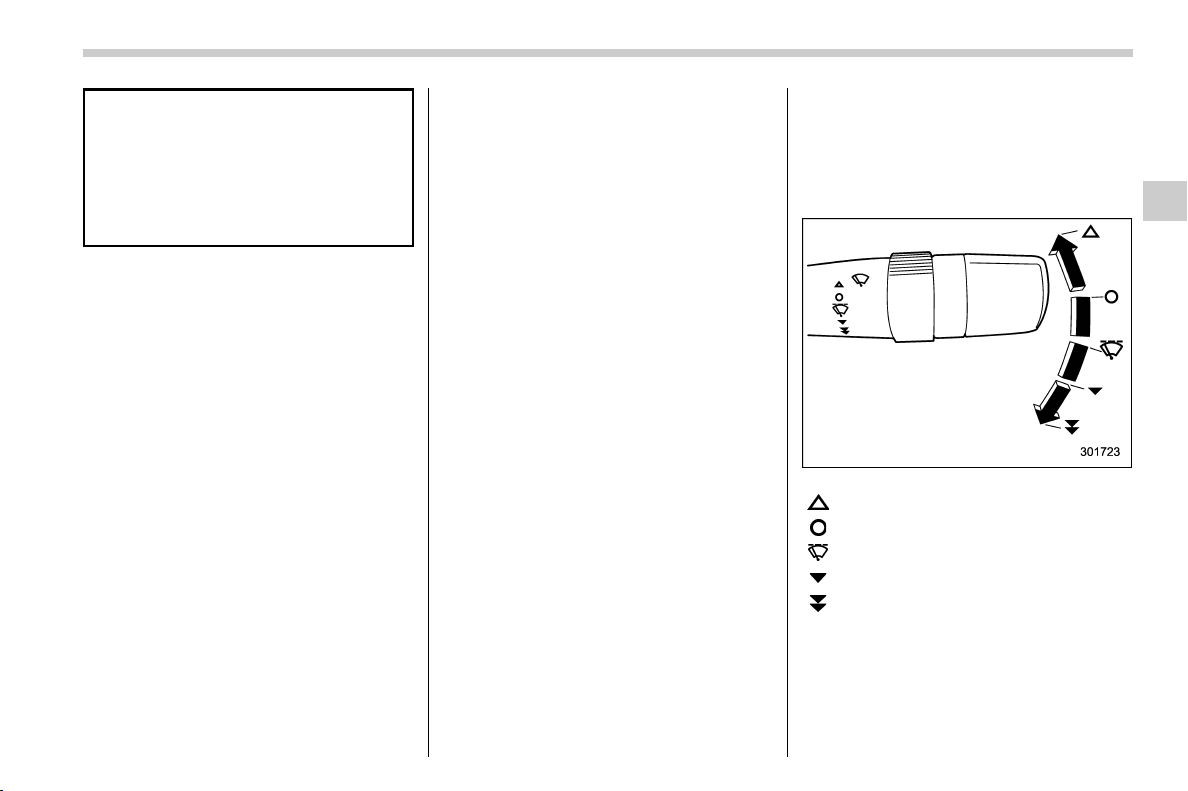
(215,1)
北米Model "A1320BE-C" EDITED: 2017/ 10/ 10
Refer to “ Windshield washer
fluid” F11-28.
. Do not clean the blade rubbers
with gasoline or a solvent, such
as paint thinner or benzine. This
will cause deterioration of the
blade rubbers.
NOTE
. The windshield wiper motor is pro-
tected against overloads by a circuit
breaker. If the motor operates continu-
ously under an unusually heavy load,
the circuit breaker may trip to stop the
motor temporarily. If this happens, park
your vehicle in a safe place, turn off the
wiper switch, and wait for approxi-
mately 10 minutes. The circuit breaker
will reset itself, and the wipers will
again operate normally.
. Clean your blade rubbers and win-
dow glass periodically with a washer
solution to prevent streaking, and to
remove accumulations of road salt or
road film. Operate the windshield
washer for at least 1 second so that
washer solution will be sprinkled all
over the windshield or rear window.
. Grease, wax, insects or other mate-
rial on th e w indshield or the blade
rubbers results in jerky wiper operation
and streaking on the glass. If you
cannot remove those streaks after
operating the washer or if the wiper
operation is jerky, clean the outer sur-
face of the windshield or rear window
and the blade rubbers using a sponge
or soft cloth with a neutral detergent or
mild-abrasive cleaner. After cleaning,
rinse the window glass and blade
rubbers with clean water. The glass is
clean if no beads form on the glass
when you rinse with water.
. If you cannot eliminate the streaking
even after following this procedure,
replace the blade rubbers with new
ones. For replacement instructions,
refer to “Replacement of wiper blades”
F11-29.
& Windshield wiper and washer
switches
The wiper operates only when the ignition
switch is in the “ON” or “ACC” position.
! Operating the wiper lever
: Mist operation (for a single wipe)
: Off
: Intermittent operation
: Low speed operation
:
High speed operation
For a single wipe of the wipers, push the
lever up. The wipers operate until you
release the lever.
– CONTINUED –
Instruments and controls/Wiper and washer
3-77
3
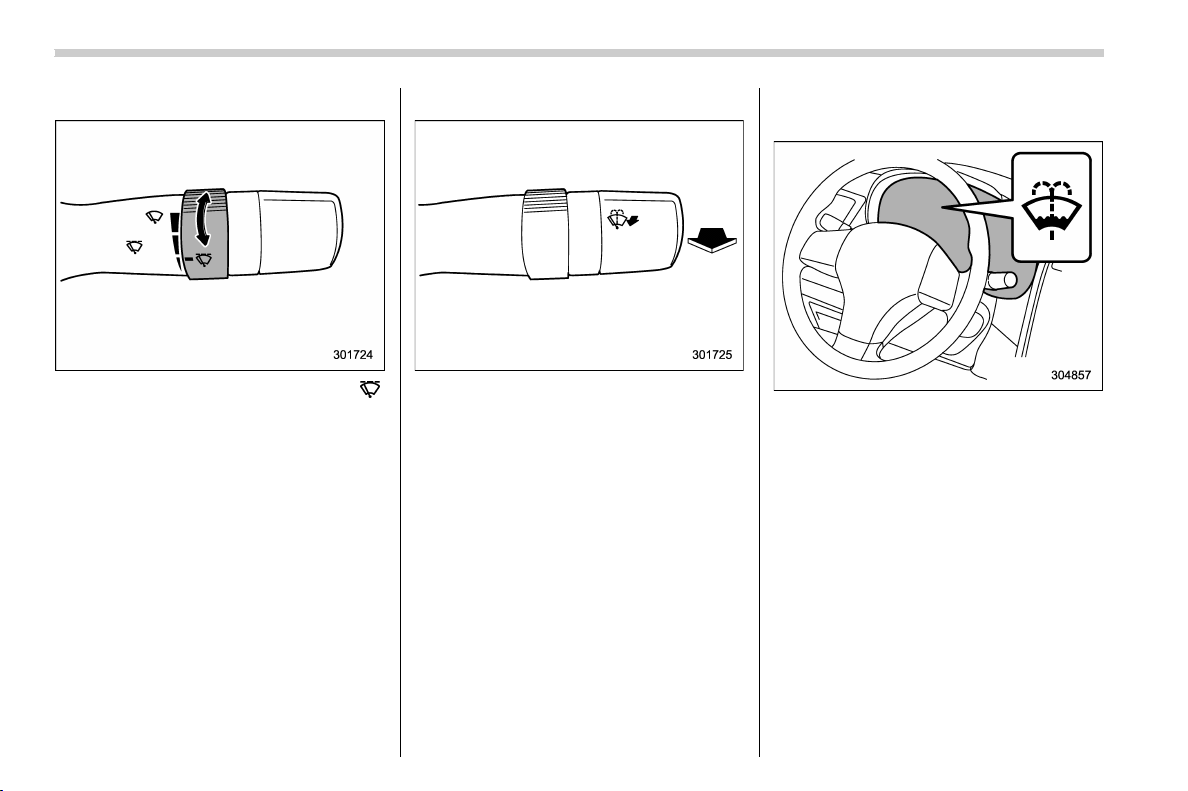
(216,1)
北米Model "A1320BE-C" EDITED: 2017/ 10/ 10
! Wiper intermittent time control
When the wiper switch is in the “ ”
position, turn the dial to adjust the operat-
ing interval of the wiper. The operating
interval can be adjusted in several steps
from the shortest interval to the longest.
! Windshield washer
To wash the windshield, pull the wiper
control lever toward you. The washer fluid
sprays until you release the lever. The
wipers operate while you pull the lever.
NOTE
Windshield washer fluid warning light
The windshield washer fluid warning
light illuminates when the washer fluid
level in the tank has dropped to the
lower limit. If the warning light illumi-
nates, refill the tank with fluid. For the
refilling procedure, refer to “Wind-
shield washer fluid” F11-28.
Instruments and controls/Wiper and washer
3-78
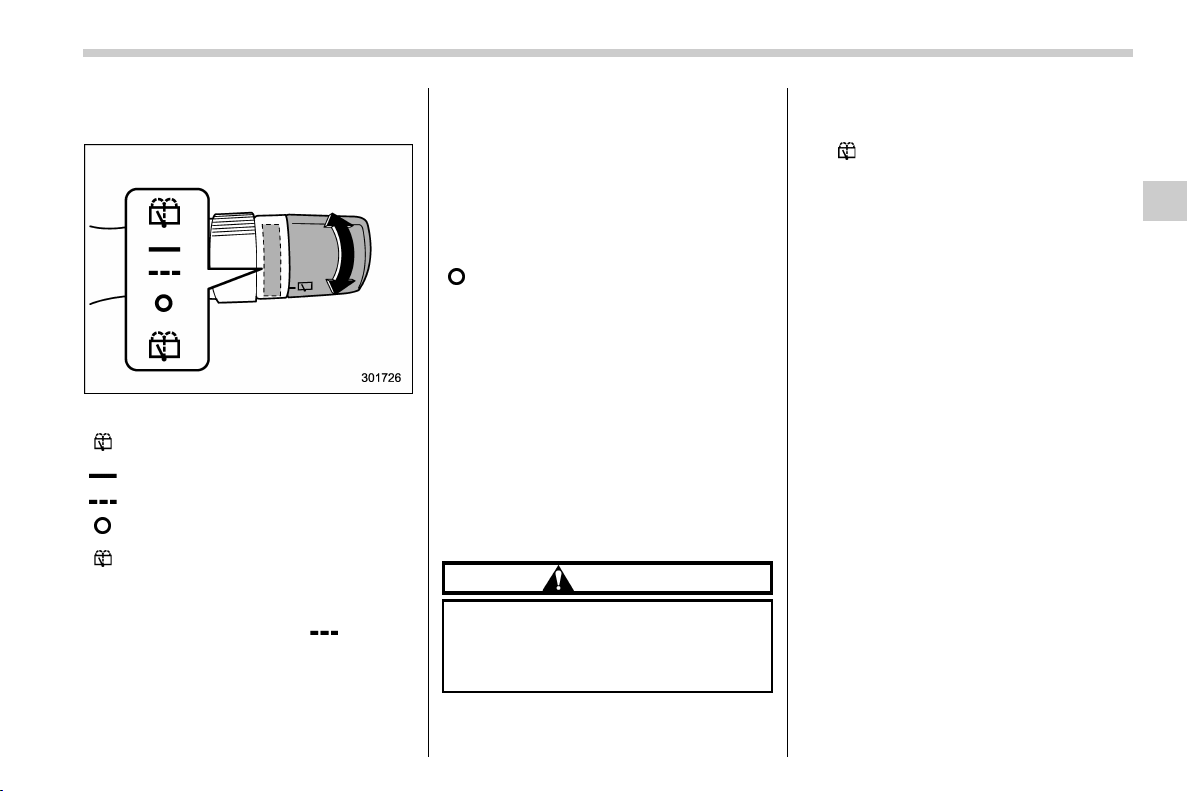
(217,1)
北米Model "A1320BE-C" EDITED: 2017/ 10/ 10
& Rear window wiper and
washer switch
:
Washer operation (accompanied by
wiper operation)
: Continuous operation
: Intermittent operation
:Off
:
Washer operation (accompanied by
wiper operation)
! Rear wiper
With the switch turned to the “
” position,
the rear wiper will operate intermittently at
intervals corresponding to the vehicle
speed. In this position, when you move
the select lever to the “R” position (CVT
models) or the shift lever to the reverse
position (MT models), the rear wiper will
switch to continuous operation. When you
move the select lever/shift lever from the
“R” (reverse) position to another position,
the rear wiper will return to intermittent
operation.
Reverse gear interlocked rear wiper:
Even if the rear wiper switch is in the off
“
” position, if the front windshield wiper is
operating continuously, the rear wiper will
operate intermittently when you move the
select lever/shift lever to the “R” (reverse)
position.
The factory setting (default setting) of the
reverse gear interlocked rear wiper is as
follows.
. U.S.-spec. models: Non-operational
. Other models: Operational
This setting can be changed by a SUBARU
dealer. Consult your SUBARU dealer for
details.
CAUTION
Do not attach anything that disturbs
the rear wiper operation on the rear
gate. Doing so may damage the rear
wiper when it operates.
! Washer
To wash the rear window, turn the knob to
the “
” position. The washer fluid sprays
and the wiper operates until you release
the knob.
Instruments and controls/Wiper and washer
3-79
3
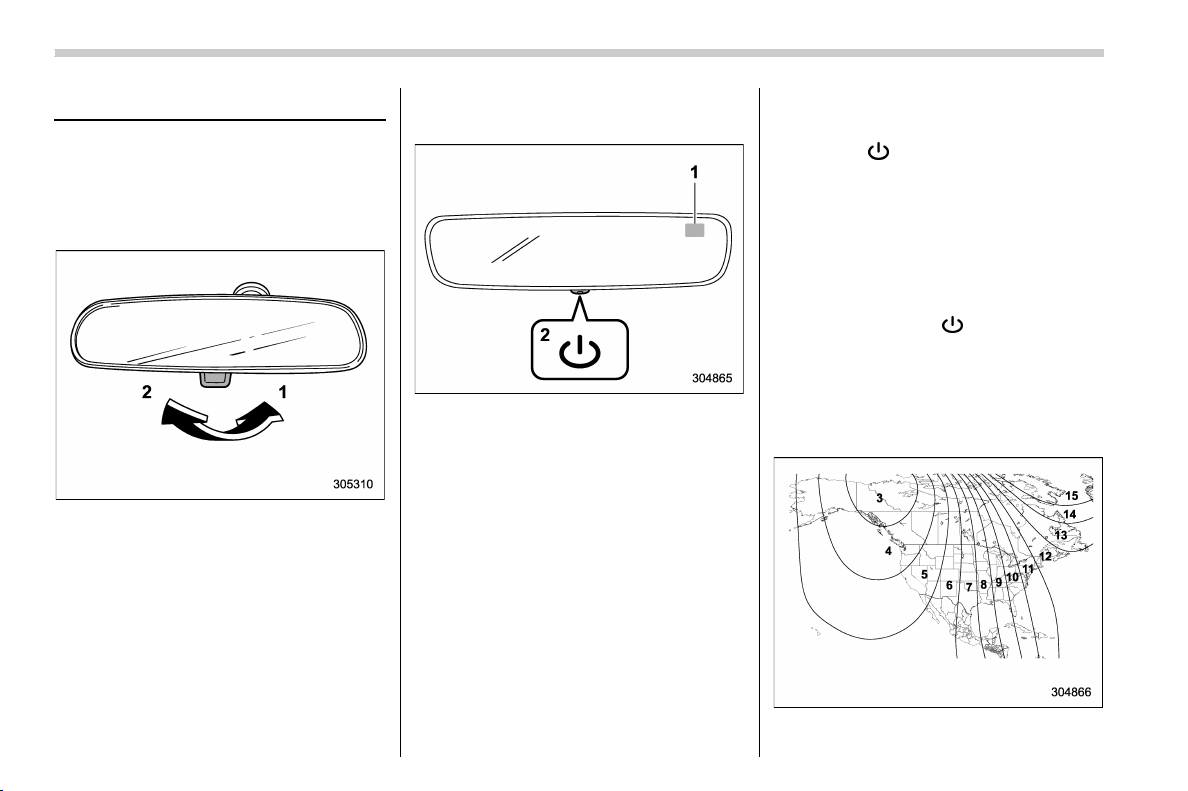
(218,1)
北米Model "A1320BE-C" EDITED: 2017/ 10/ 10
Mirrors
Always check that the inside and outside
mirrors are properly adjusted before you
start driving.
& Inside mirror
1) Normal position
2) Anti-glare position
Push the tab on the mirror for normal use.
To reduce glare from the headlights of the
vehicle behind you, pull the tab to the
antiglare position.
& Auto-dimming mirror/com-
pass (if equipped)
1) Display
2) Switch
During nighttime driving, the auto-dimming
feature senses distracting glare from
vehicle headlights behind you and auto-
matically dims to eliminate the glare and
preserve your vision.
! To Operate the Auto-Dimming Fea-
ture
Press the “
” switch to turn the auto-
dimming feature on/off. The auto-dimming
feature is enabled when the switch’s green
LED indicator is on. The auto-dimming
feature will default to on with each ignition
cycle.
! To Operate the Compass Feature
1. To turn the compass feature on/off,
press and hold the “
” switch for more
than 3 seconds or until the display turns
on/off. The compass feature will default to
on with each ignition cycle.
2. If the display reads “C”, slowly drive the
vehicle in circles until compass is cali-
brated.
Compass calibration zones
Instruments and controls/Mirrors
3-80
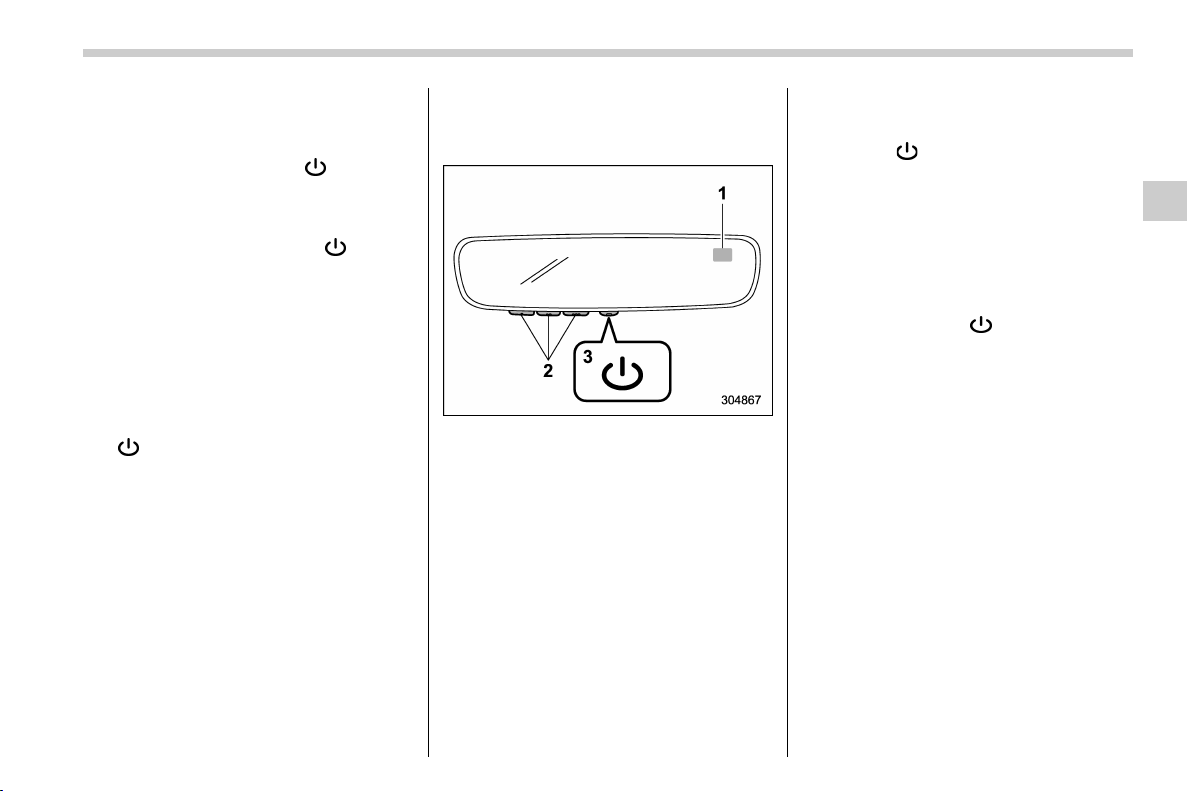
(219,1)
北米Model "A1320BE-C" EDITED: 2017/ 10/ 10
3. To adjust for compass zone variance:
(1) Find your current location and
zone number on the map.
(2) Press and hold the “
” switch for
more than 6 seconds or until a zone
number appears in the display.
(3) Once the zone number appears in
the display, toggle the “
” switch
again until your current location zone
number appears. After you stop press-
ing the switch, your new zone number
will be saved. Within a few seconds,
the display will show a compass direc-
tion.
4. If the vehicle’s magnetics have chan-
ged or if the compass appears inaccurate,
recalibrate the compass. Press and hold
the “
” switch for more than 9 seconds or
until a “C” appears in the display. Once a
“C” appears in the display, slowly drive the
vehicle in circles until compass is cali-
brated.
& Auto-dimming mirror/com-
pass with HomeLink
®
(if
equipped)
1) Display
2) HomeLink Buttons
3) Switch
During nighttime driving, the auto-dimming
feature senses distracting glare from
vehicle headlights behind you and auto-
matically dims to eliminate the glare and
preserve your vision.
! To Operate the Auto-Dimming Fea-
ture
Press the “
” switch to turn the auto-
dimming feature on/off. The auto-dimming
feature is enabled when the switch’s green
LED indicator is on. The auto-dimming
feature will default to on with each ignition
cycle.
! To Operate the Compass Feature
1. To turn the compass feature on/off,
press and hold the “
” switch for more
than 3 seconds or until the display turns
on/off. The compass feature will default to
on with each ignition cycle.
2. If the display reads “C”, slowly drive the
vehicle in circles until compass is cali-
brated.
– CONTINUED –
Instruments and controls/Mirrors
3-81
3
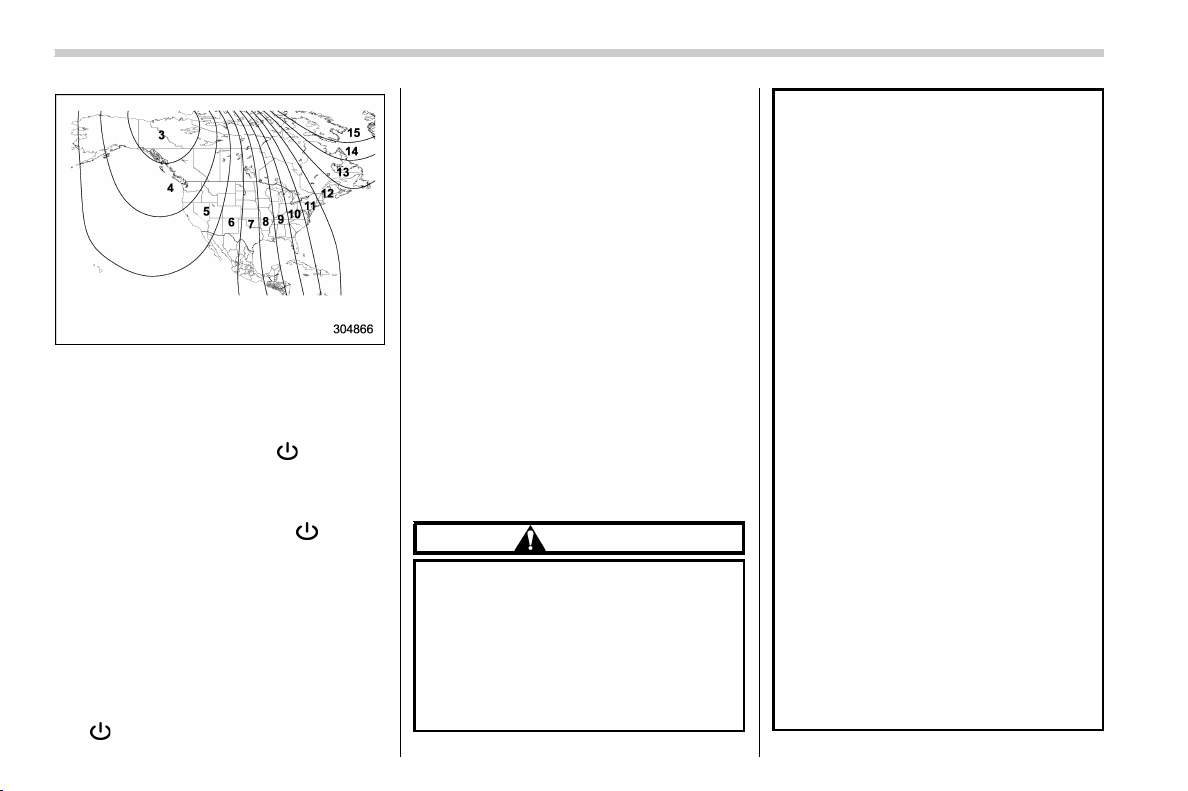
(220,1)
北米Model "A1320BE-C" EDITED: 2017/ 10/ 10
Compass calibration zones
3. To adjust for compass zone variance:
(1) Find your current location and
zone number on the map.
(2) Press and hold the “
” switch for
more than 6 seconds or until a zone
number appears in the display.
(3) Once the zone number appears in
the display, toggle the “
” switch
again until your current location zone
number appears. After you stop press-
ing the switch, your new zone number
will be saved. Within a few seconds,
the display will show a compass direc-
tion.
4. If the vehicle’s magnetics have chan-
ged or if the compass appears inaccurate,
recalibrate the compass. Press and hold
the “
” switch for more than 9 seconds or
until a “C” appears in the display. Once a
“C” appears in the display, slowly drive the
vehicle in circles until compass is cali-
brated.
! HomeLink
®
Wireless Control Sys-
tem
The HomeLink
®
Wireless Control System
provides a convenient way to replace up to
three hand-held radio-frequency remotes
used to activate devices such as gate
operators, garage door openers, entry
door locks, security systems, even home
lighting. The below steps are generic
programming instructions; for Genie and
Sommer garage door openers please go
directly to the HomeLink website. Addi-
tional information and programming vi-
deos can be found at
www.HomeLink.com and
www.youtube.com/HomeLinkGentex.
CAUTION
. Before programming HomeLink
to a garage door opener or gate
operator, make sure that people
and objects are out of the way of
the device to prevent potential
harm or damage.
. When programming a garage
door opener, it is advised to park
outside of the garage.
. Do not use HomeLink with any
garage door opener that lacks
safety stop and reverse features
as required by U.S. federal safety
standards (this includes any gar-
age door opener model manufac-
tured before April 1, 1982). A
garage door that cannot detect
an object signaling the door to
stop and reverse does not meet
current U.S. federal safety stan-
dards.
. It is also recommended that a new
battery be placed in the hand-
held remote (garage door opener
remote) of the device for quicker
and more accurate training.
. Some vehicles may require the
ignition switch to be turned to the
“ON” or “ACC” position for pro-
gramming and/or operation of
HomeLink.
. Keep the hand-held remote (gar-
age door opener remote) of the
device you are programming for
use in other vehicles as well as
for future HomeLink program-
ming. It is also suggested that
upon the sale of the vehicle, the
programmed HomeLink buttons
Instruments and controls/Mirrors
3-82
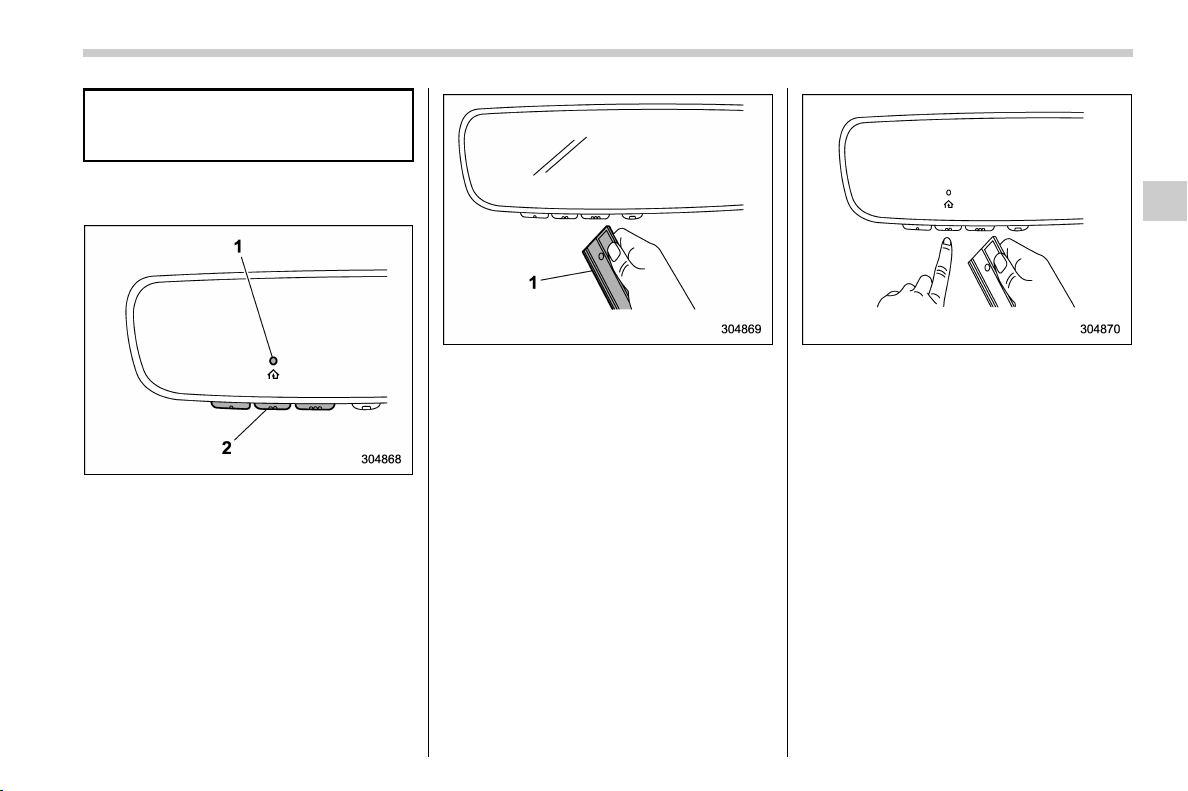
(221,1)
北米Model "A1320BE-C" EDITED: 2017/ 10/ 10
be erased for security purposes.
Refer to “Erasing HomeLink But-
tons” F3-85.
! Programming a New HomeLink
Button
1) Indicator Light
2) HomeLink Buttons
1. Press and release the HomeLink but-
ton that you would like to program. The
HomeLink indicator light will flash orange
slowly (if not, refer to “Erasing HomeLink
Buttons” F3-85).
1) Garage door opener remote
2. Position the hand-held remote (garage
door opener remote) 1 to 3 inches (2 to 8
cm) away from the HomeLink button that
you would like to program.
NOTE
Some hand-held remotes (garage door
opener remotes) may actually train
better at a distance of 6 to 12 inches
(15 to 20 cm). Keep this in mind if you
have difficulty with the programming
process.
3. While the HomeLink indicator light is
flashing orange, press and hold the hand-
held remote button. Continue pressing the
hand-held remote button until the
HomeLink indicator light changes from
orange to green. You may now release
the hand-held remote button.
NOTE
Some devices may require you to re-
place this “ Programming a New
HomeLink Button” step 3 with proce-
dures noted in the “Gate Operator /
Canadian Programming” section. Refer
to “Gate Operator / Canadian Program-
ming” F3-85.
– CONTINUED –
Instruments and controls/Mirrors
3-83
3

(222,1)
北米Model "A1320BE-C" EDITED: 2017/ 10/ 10
1) Indicator Light
4. Press the HomeLink button that you
would like to program and observe the
indicator light.
. If the indicator light remains constant
green, your device should operate
when the HomeLink button is pressed.
At this point, if your device operates,
programming is complete.
. If the indicator light rapidly flashes
green, firmly press, hold for two sec-
onds and release the HomeLink button
up to three times to complete the
programming process. At this point if
your device operates, programming is
complete. If the device does not
operate, continue with the next step
of the programming instructions.
1) “Learn” button
5. At the gara ge door opener motor,
(security gate motor, etc...) locate the
“Learn”, “Smart”,or“Program” button. This
can usually be found where the hanging
antenna wire is attached to the motor-head
unit (see the device’s manual to identify
this button). The name and color of the
button may vary by manufacturer.
NOTE
A ladder and/or second person may
simplify the following steps.
6. Firmly press and release the “Learn”,
“Smart”,or“Program” button. You now
have 30 seconds in which to complete step
7.
7. Return to the vehicle and firmly press,
hold for two seconds and release t he
HomeLink button up to three times. At this
point programming is complete and your
device should operate when the HomeLink
button is pressed and released.
Instruments and controls/Mirrors
3-84
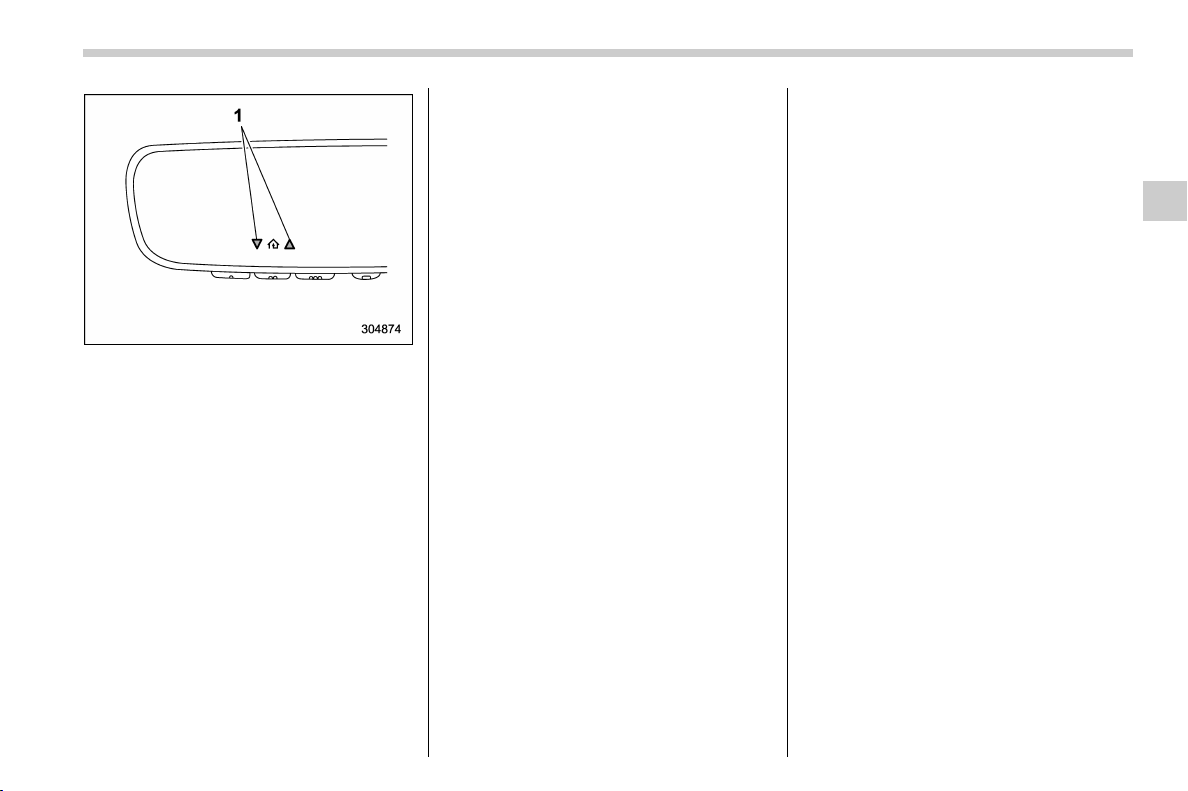
(223,1)
北米Model "A1320BE-C" EDITED: 2017/ 10/ 10
1) Status Indicators
8. If status indicator arrows appear next
to the indicator light, plea se refer to
“Garage Door Two-Way Communication”
F3-86.
In the event that there are still program-
ming difficulties or questions, additional
HomeLink information and programming
videos can be found at
www.HomeLink.com and
www.youtube.com/HomeLinkGentex. For
Genie and Sommer garage door openers
please go directly to the HomeLink web-
site.
! Gate Operator / Canadian Pro-
gramming
Canadian radio-frequency laws require
transmitter remote signals to “time-out”
(or quit) after several seconds of transmis-
sion, which may not be long enough for
HomeLink to pick up the signal during
programming. Similar to this Canadian
law, some U.S. gate operators are de-
signed to “time-out” in the same manner.
The indicator LED on the hand-held
remote will go off when the device times
out, indicating that it has finished transmit-
ting.
If you live in Canada or you are having
difficulties programming a gate operator or
garage door opener by using the program-
ming procedures, replace “Programming a
New HomeLink Button” step 3 with the
following:
While the HomeLink indicator light is
flashing orange, press and release (“cy-
cle”) your device’s hand-held remote every
two seconds until the HomeLink indicator
light changes from orange to green. You
may now release the hand-held remote
button.
NOTE
If programming a garage door opener
or gate operator, it is advised to unplug
the device during the “cycling” process
to prevent possible overheating.
Proceed with “ Programming a New
HomeLink Button” step 4 to complete.
! Using HomeLink
To operate, simply press and release the
programmed HomeLink button. Activation
will now occur for the trained device (i.e.
garage door opener, gate operator, secur-
ity system, entry door lock, home/office
lighting, etc.). For convenience, the hand-
held remote of the device may also be
used at any time.
! Erasing HomeLink Buttons
To erase programming from the three
buttons (individual buttons cannot be
erased but can be “reprogrammed” as
outlined below), follow the step noted:
Press and hold the two outer HomeLink
buttons for at least 10 seconds. The LED
indicator will change from continuously lit
to rapidly flashing. Release both buttons.
Do not hold for longer than 20 seconds.
HomeLink is now ready to be programmed
at any time beginning with “Programming a
New HomeLink Button” - step 1.
– CONTINUED –
Instruments and controls/Mirrors
3-85
3
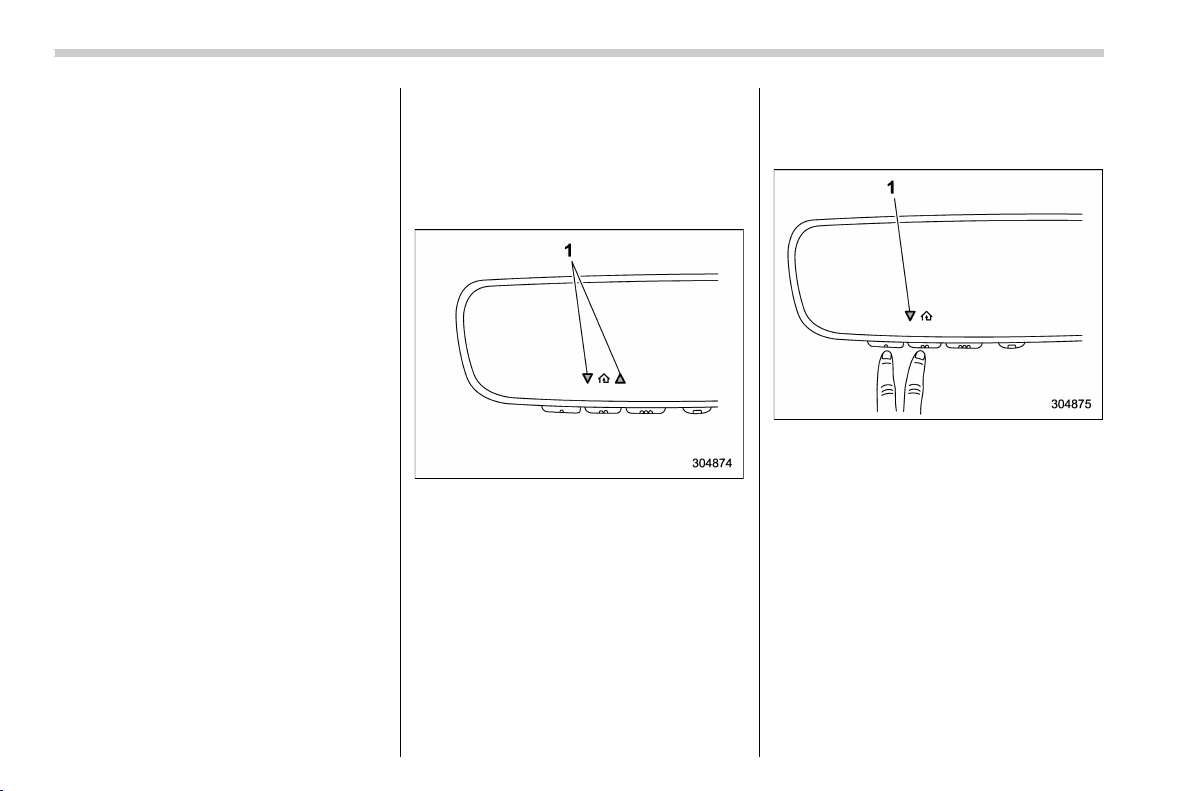
(224,1)
北米Model "A1320BE-C" EDITED: 2017/ 10/ 10
! Reprogramming a Single
HomeLink Button
To program a previously trained button,
follow these steps:
1. Press and hold the desired HomeLink
button. DO NOT release the button.
2. The indicator light will begin to slowly
flash orang e after 20 seconds. The
HomeLink button can be released at this
point. Proceed with “Programming a New
HomeLink Button” - step 3.
3. If you do not complete the program-
ming of a new device to the button, it will
revert to the previously stored program-
ming.
! Garage Door Two-Way Commu-
nication
HomeLink has the capability of commu-
nicating with your garage door opener.
HomeLink can receive and display “clos-
ing” or “opening” status messages from
compatible garage door opener systems.
At any time, HomeLink can also recall and
display the last recorded status commu-
nicated by the garage door opener to
indicate your garage door being “closed”
or “opened”.
HomeLink has the capability of receiving
this communication from the garage door
opener at a range up to 820 feet (250 m).
Range may be reduced by obstacles such
as houses or trees. You may have to slow
your vehicle speed to successfully receive
the garage door opener communication.
! Programming Two-Way Commu-
nication
1) Status Indicators
Within five seconds after programming a
new HomeLink button, both of HomeLink’s
garage door status indicators will flash
rapidly green indicating that the garage
door two-way communication has been
enabled. If your garage door status in-
dicators flashed, two-way communication
programming is complete.
If the garage door status indicators do not
flash, additional HomeLink information
and programming videos can be found
online at www.HomeLink.com and
www.youtube.com/HomeLinkGentex.
! Using Two-Way Communication
1) Status Indicators
Recall and display (at any time) the last
recorded garage door status message
communicated to HomeLink by simulta-
neously pressing HomeLink buttons 1 and
2 for two seconds. HomeLink will display
the last recorded status for three seconds.
Instruments and controls/Mirrors
3-86
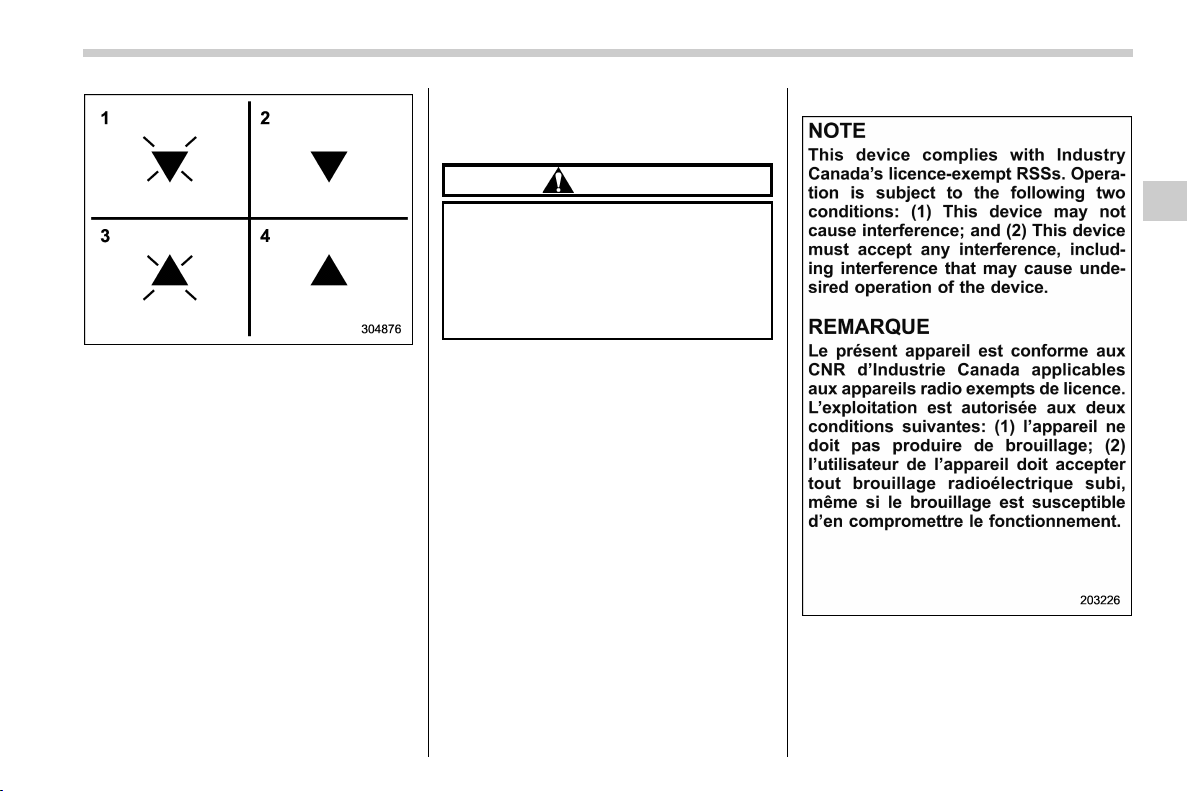
(225,1)
北米Model "A1320BE-C" EDITED: 2017/ 10/ 10
1) Garage Door Opener CLOSING (Blinking
Orange)
2) Garage Door Opener CLOSED (Solid
Green)
3) Garage Door Opener OPENING (Blink-
ing Orange)
4) Garage Door Opener OPENED (Solid
Green)
If two-way communication programming is
successful, HomeLink will display the
status of your garage door opener with
arrow indicators.
! Certification
In the event that there are still program-
ming difficulties or questions, additional
HomeLink information and programming
videos can be found at
www.HomeLink.com,
www.youtube.com/HomeLinkGentex, or
by calling the toll-free HomeLink-hotline
at 1-800-355-3515.
. U.S.-spec. models
CAUTION
FCC WARNING
Changes or modifications not ex-
pressly approved by the party re-
sponsible for compliance could void
the user’s authority to operate the
equipment.
This device complies with part 15 of the
FCC Rules. Operation is subject to the
following two conditions: (1) This de-
vice may not cause harmful interfer-
ence, and (2) this device must accept
any interference receiv ed, inclu din g
interference that may cause undesired
operation.
. Canada-spec. models
HomeLink
®
and the HomeLink
®
house are
registered trademarks of Gentex Corpora-
tion.
– CONTINUED –
Instruments and controls/Mirrors
3-87
3
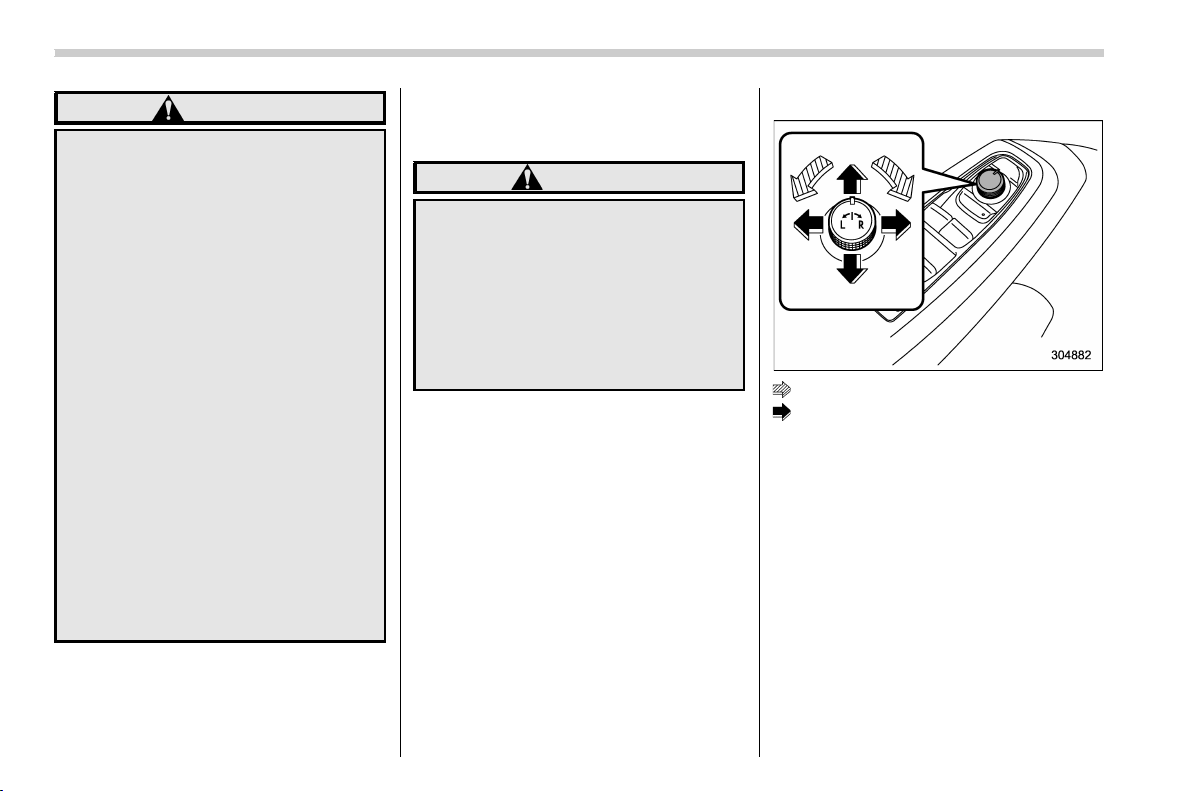
(226,1)
北米Model "A1320BE-C" EDITED: 2017/ 10/ 10
WARNING
. When programming the
HomeLink
®
Wireless Control Sys-
tem, you may be operatin g a
garage door opener or other
device. Make sure that people
and objects are out of the way of
the garage door or other device
to prevent potential harm or da-
mage.
. Do not use the HomeLink
®
Wire-
less Control System with a gar-
age door opener that lacks the
safety stop and reverse feature
as required by applicable safety
standards. A garage door opener
which cannot detect an object,
signaling the door to stop and
reverse, does not meet these
safety standards. Using a garage
door opener without these fea-
tures increases risk of serious
injury or death. For more infor-
mation, consult the HomeLink
®
website at www.homelink.com or
call 1-800-355-3515.
& Outside mirrors
! Convex mirror (passenger side)
WARNING
Objects look smaller in a convex
mirror and farther away than when
viewed in a flat mirror. Do not use the
convex mirror to judge the distance
of vehicles behind you when chan-
ging lanes. Use the inside mirror (or
glance backwards) to determine the
actual size and distance of objects
that you view in convex mirror.
! Remote control mirror switch
: Select side to adjust
: Direction control
The remote control mirrors operate only
when the ignition switch is in the “ON” or
“ACC” position.
1. Turn the control switch to the side that
you want to adjust. “L” is for the left mirror,
“R” is for the right mirror.
2. Move the control switch in the direction
you want to move the mirror.
3. Return the control switch to the neutral
position to prevent unintentional opera-
tion.
The mirrors can also be adjusted manu-
ally.
Instruments and controls/Mirrors
3-88
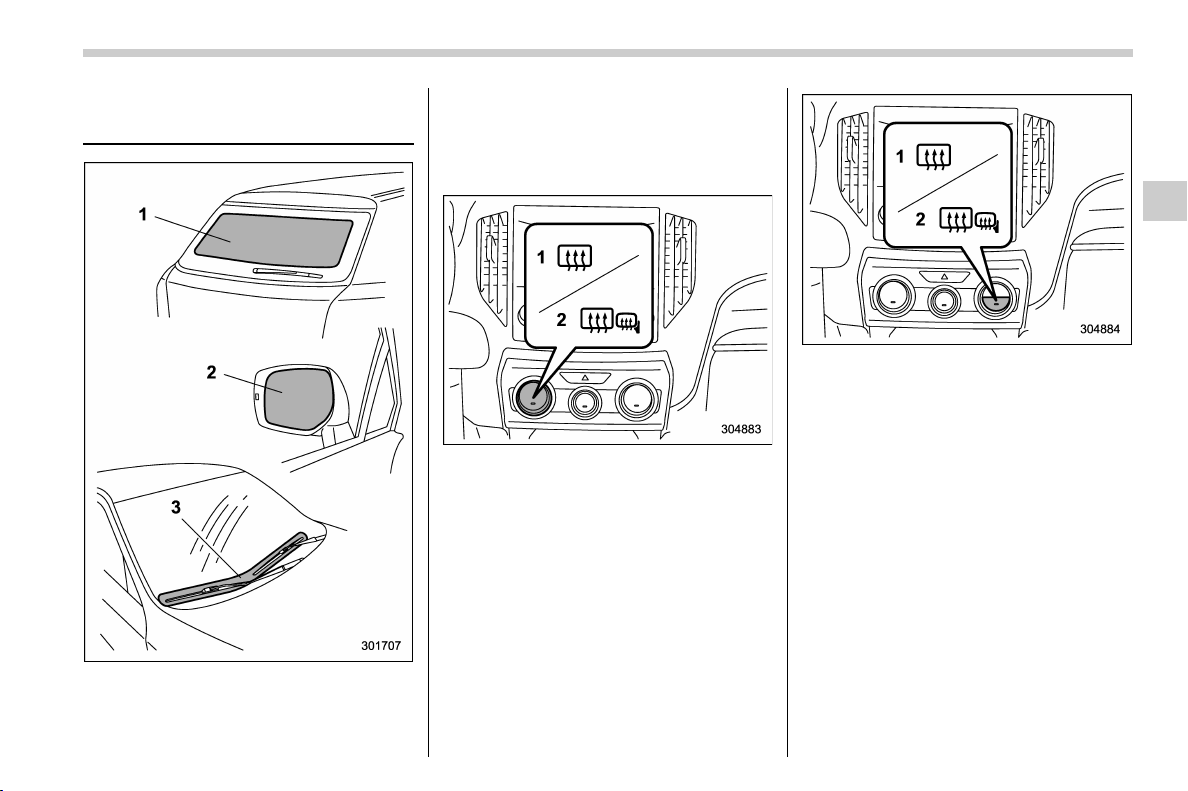
(227,1)
北米Model "A1320BE-C" EDITED: 2017/ 10/ 10
Defogger and deicer (if
equipped)
1) Rear window defogger
2) Outside mirror defogger (if equipped)
3) Windshield wiper deicer (if equipped)
The vehicle is equipped with the defogger
and the deicer (if equipped) system. The
defogger and deicer system is activated
only when the ignition switch is in the “ON”
position.
Climate control system type A
1) Models without outside mirror defogger
2) Models with outside mirror defogger
Climate control system type B and C
1) Models without outside mirror defogger
2) Models with outside mirror defogger
To activate simultaneously the rear win-
dow defogger, outside mirror defogger (if
equipped) and windshield wiper deicer (if
equipped), press the control switch that is
located on the climate control panel. The
indicator light on the control switch illumi-
nates while the def ogger and deicer
system is activated.
To turn them off, press the control switch
again. They also turn off when the ignition
switch is turned to the “ACC ” or “ LOCK”/
“OFF” position.
The defogger and deicer system will
automatically shut off after approximately
15 minutes. If the rear window and the
– CONTINUED –
Instruments and controls/Defogger and deicer
3-89
3
(228,1)
北米Model "A1320BE-C" EDITED: 2017/ 10/ 10
outside mirrors have been cleared and the
windshield bla de rubbers have bee n
deiced completely before that time, press
the control switch to turn them off.
For climate control system (type B and
C), it is possible for the defogger and
deicer system to be set to continuous
operation mode by a SUBARU dealer.
Consult your SUBARU dealer for details.
Also, for models with a combination meter
display (color LCD), it is possible to set the
defogger and deicer system for the con-
tinuous operation mode. For details, refer
to “Vehicle Setting” F3-41.
CAUTION
. To prevent the battery from being
discharged, do not operate the
defogger and deicer system con-
tinuously for any longer than
necessary.
. Do not use sharp instruments or
window cleaner containing abra-
sives to clean the inner surface of
the rear window. They may da-
mage the conductors printed on
the window.
NOTE
. Turn on the defogger and deicer
system if the wipers are frozen to the
windshield.
. If the windshield is covered with
snow, remove the snow so that the
windshield wiper deicer works effec-
tively.
. While the defogger and deicer sys-
tem is in the continuous operation
mode:
– If the vehicle speed remains at 9
mph (15 km/h) or lower for 15
minutes, the windshield wiper dei-
cer system automatically stops op-
erating. However, the rear window
defogger system and outside mirror
defogger system maintain continu-
ous operation in this condition.
– If the veh icle battery vol tage
drops below the permissible level,
continuous operation of the defog-
ger system and deicer system is
canceled and the system stops
operating.
Tilt/telescopic steering wheel
WARNING
. Do not adjust the steering wheel
tilt/telescopic position while driv-
ing. This may cause loss of
vehicle control and result in per-
sonal injury.
. If the lever cannot be raised to the
fixed position, adjust the steering
wheel again. It is dangerous to
drive without locking the steering
wheel. This may cause loss of
vehicle control and result in per-
sonal injury.
Instruments and controls/Tilt/telescopic steering wheel
3-90
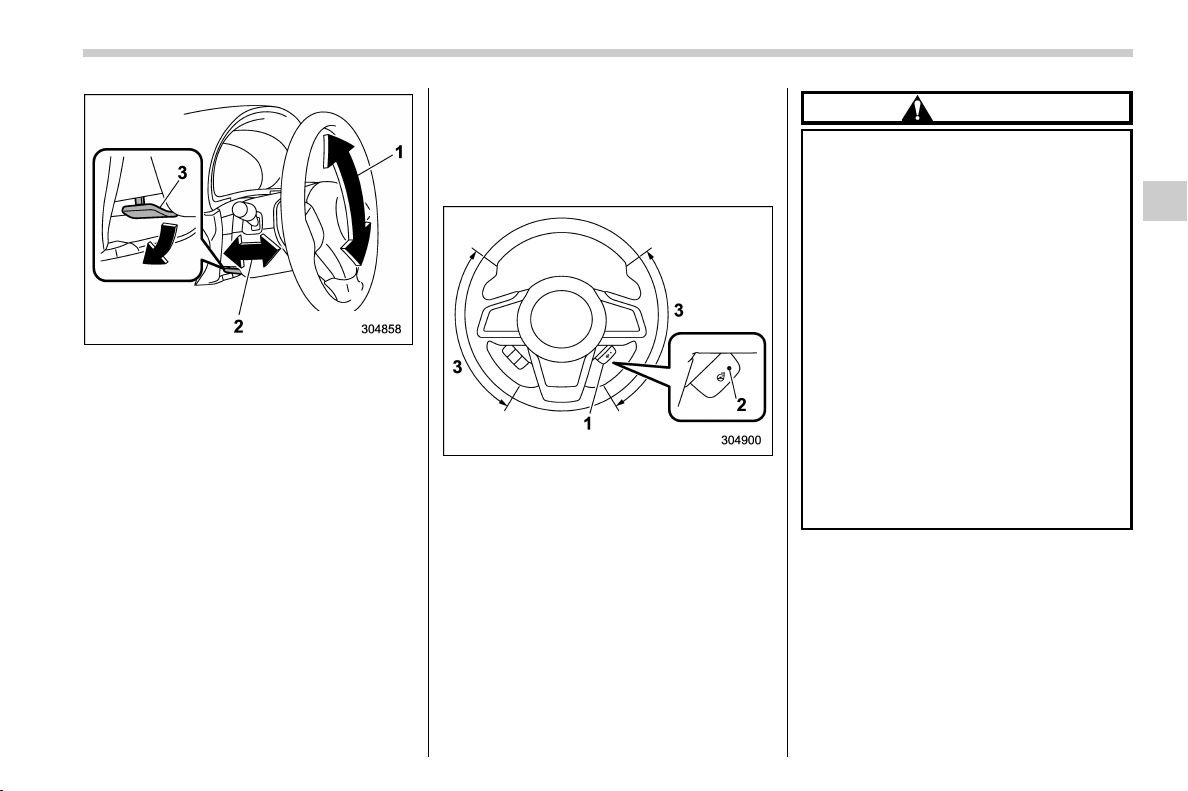
(229,1)
北米Model "A1320BE-C" EDITED: 2017/ 10/ 10
1) Tilt adjustment
2) Telescopic adjustment
3) Tilt/telescopic lock lever
1. Adjust the seat position. Refer to “Front
seats” F1-5.
2. Pull the tilt/telescopic lock lever down.
3. Move the steering wheel to the desired
level.
4. Pull the lever up to lock the steering
wheel in place.
5. Make sure that the steering wheel is
securely locked by moving it up and down,
and forward and backward.
& Heated Steering Wheel sys-
tem (if equipped)
The Heated Steering Wheel system
warms the steering wheel at a constant
temperature.
1) Heated Steering Wheel switch
2) Indicator light
3) Heated area
To turn on the Heated Steering Wheel
system, pull the Heated Steering Wheel
switch when the ignition switch is in the
“ON” or “ACC” position. Then the steering
wheel will be warmed and the indicator
light on the switch will illuminate. To turn off
the Heated Steering Wheel system, pull
the switch again. Then the indicator light
will turn off.
CAUTION
. Use the Heated Steering Wheel
system with the engine running.
Otherwise, the battery voltage
may drop below the permissible
level and it may not be possible to
start the engine.
. There is a possibility that people
with delicate skin may suffer
slight burns even at low tempera-
tures if they use the Heated
Steering Wheel for a long period
of time. When using the Heated
Steering Wheel, always be sure to
warn the persons concerned.
. Do not cover the Heated Steering
Wheel with an object such as a
steering wheel cover. Doing so
may cause the Heated Steering
Wheel to overheat.
NOTE
. If the surface temperature of the
steering wheel is approximately above
1048F (408C) when the switch is turned
on, the system will not heat the steering
wheel. Then, the indicator light will
continue to illuminate.
. The Heated Steering Wheel system
will automatically turn off approxi-
– CONTINUED –
Instruments and controls/Tilt/telescopic steering wheel
3-91
3
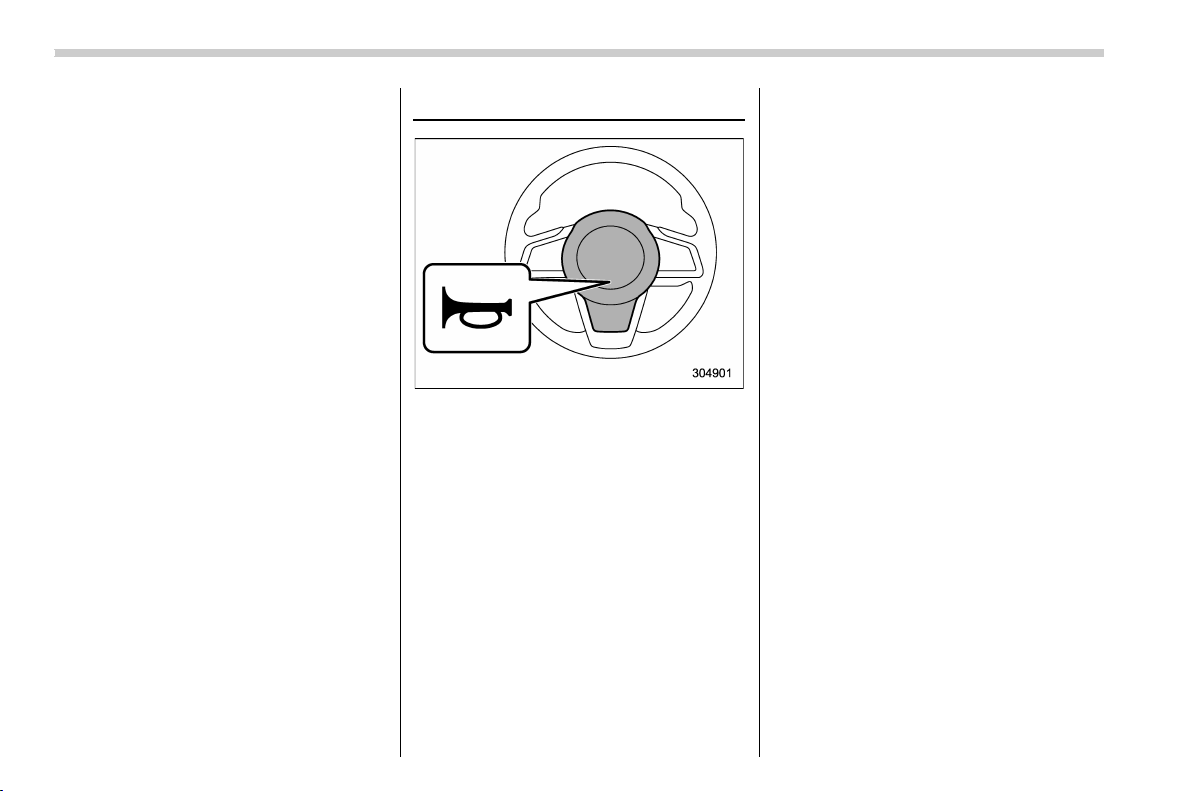
(230,1)
北米Model "A1320BE-C" EDITED: 2017/ 10/ 10
mately 30 minutes after the system has
been turned on.
Horn
To sound the horn, push the horn pad.
Instruments and controls/Horn
3-92

(233,1)
北米Model "A1320BE-C" EDITED: 2017/ 10/ 10
Ventilator control .................................................... 4-2
Center ventilators .................................................. 4-2
Side ventilators...................................................... 4-2
Climate control panel ............................................. 4-2
Type A ................................................................... 4-3
Type B ................................................................... 4-4
Type C ................................................................... 4-5
Automatic climate control operation
(type B and C) ...................................................... 4-6
Sensors ................................................................. 4-6
Manual climate control operation.......................... 4-7
Airflow mode selection........................................... 4-7
MAX A/C mode (for type B and C) .......................... 4-8
Temperature control............................................... 4-8
Fan speed control.................................................. 4-9
Air conditioner control ........................................... 4-9
Air inlet selection ...................................................4-9
To turn off the climate control system..................... 4-9
Defrosting.............................................................. 4-10
Operating tips for heater and air conditioner .... 4-10
Cleaning ventilation grille ..................................... 4-10
Efficient cooling after parking in direct sunlight ... . 4-10
Lubrication oil circulation in the refrigerant
circuit................................................................ 4-11
Checking air conditioning system before summer
season .............................................................. 4-11
Cooling and dehumidifying in high humidity
and low temperature weather conditions............ 4-11
Air conditioner compressor shut-off when
engine is heavily loaded .................................... 4-11
Refrigerant for your climate control system .......... 4-11
Air filtration system...............................................4-11
Replacing a cabin air filter .................................... 4-12
Climate control
4
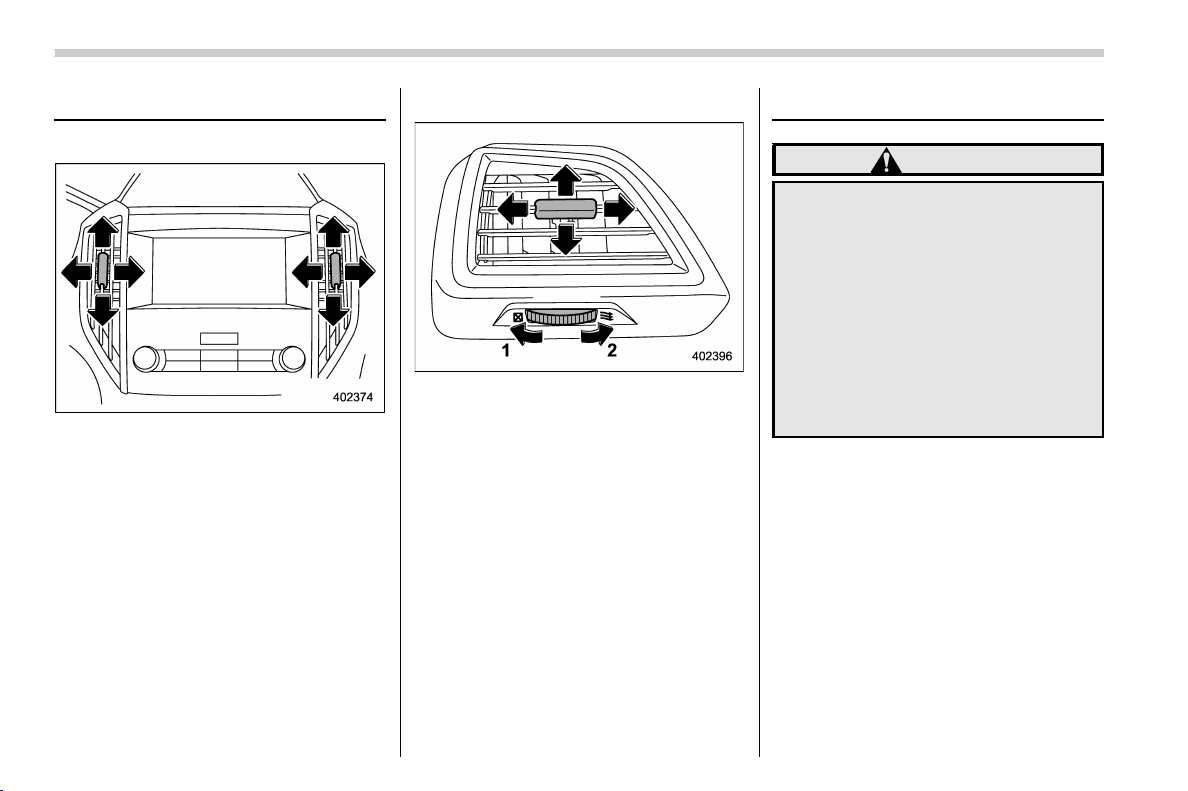
(234,1)
北米Model "A1320BE-C" EDITED: 2017/ 10/ 10
Ventilator control
& Center ventilators
Center ventilators
To adjust the airflow direction, move the
tab. To close the ventilator, move the tab all
the way down.
& Side ventilators
Side ventilators
1) Close
2) Open
To adjust the flow direction, move the tab.
Climate control panel
WARNING
. The cooling function operates
only when the engine is running.
. Do not leave children or adults
who would normally require the
support of others alone in your
vehicle. Pets should not be left
alone either. On hot, sunny days,
temperatures in a closed vehicle
could quickly become high en-
ough to cause severe or possibly
fatal injuries to people or ani-
mals.
Climate control/Ventilator control
4-2
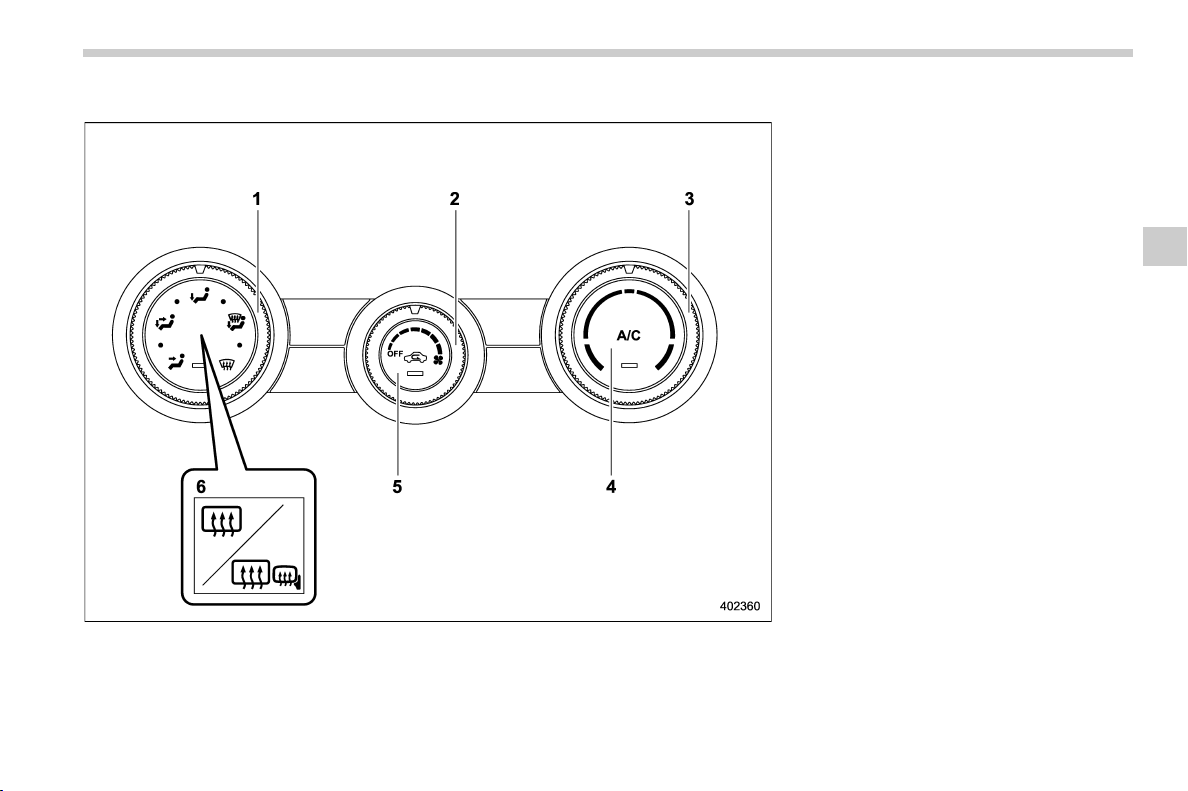
(235,1)
北米Model "A1320BE-C" EDITED: 2017/ 10/ 10
& Type A
1) Airflow mode selection dial (Refer to
“Airflow mode selection” F4-7.)
2) Fan speed control dial (Refer to “Fan
speed control” F4-9.)
3) Temperature control dial (Refer to “Tem-
perature control” F4-8.)
4) Air condi tioner button (Refe r to “Air
conditioner control” F4-9.)
5) Air inlet selection button (Refer to “Air
inlet selection” F4-9.)
6) Rear window defogger button and out-
side mirror defogger button (if equipped)
(Refer to “Defogger and deicer” F3-89.)
– CONTINUED –
Climate control/Climate control panel
4-3
4
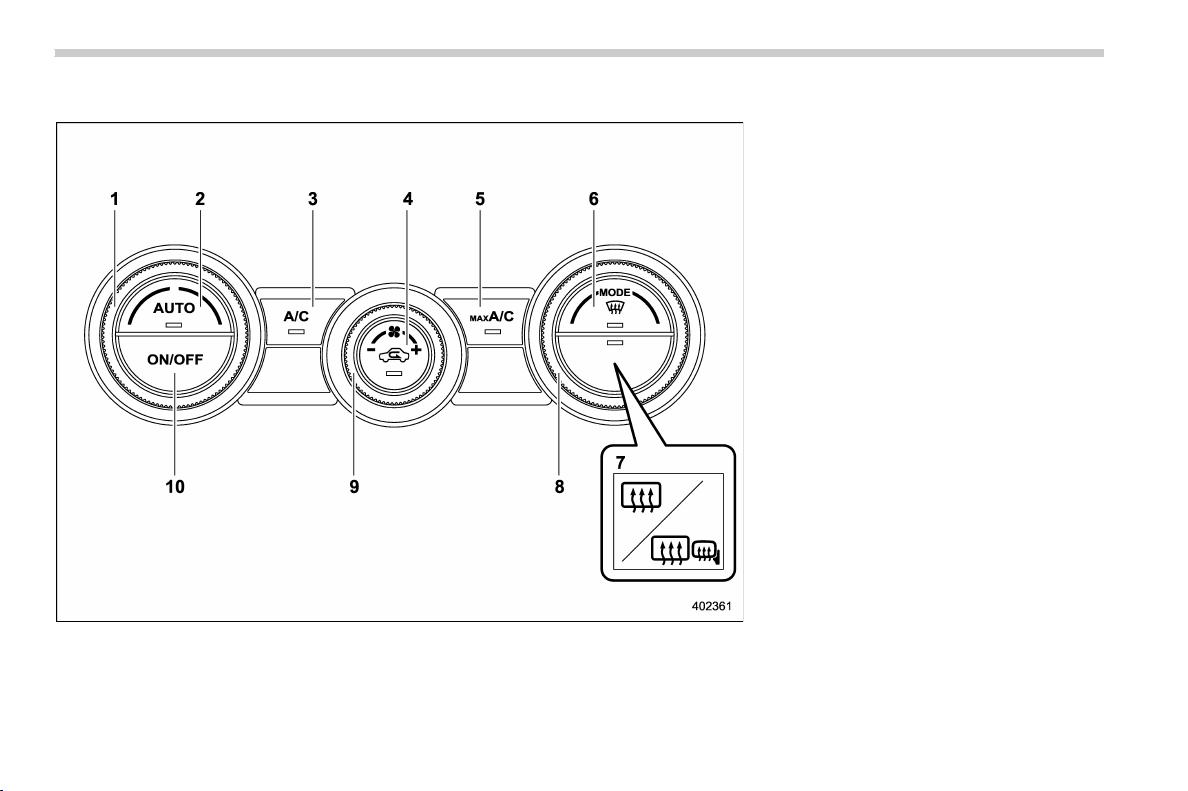
(236,1)
北米Model "A1320BE-C" EDITED: 2017/ 10/ 10
& Type B
1) Temperature control dial (Refer to “Auto-
matic climate control operation (type B
and C)” F4-6 and/or “Temperature con-
trol” F4-8.)
2) AUTO button (Refer to “Automatic cli-
mate control operation (type B and C)”
F4-6.)
3) Air condi tioner button (Refe r to “Air
conditioner control” F4-9.)
4) Air inlet selection button (Refer to “Air
inlet selection” F4-9.)
5) MAX A/C button (Refer to “MAX A/C
mode (for type B and C)” F4-8.)
6) Defroster button (Refer to “Defrosting”
F4-10.)
7) Rear window defogger button and out-
side mirror defogger button (if equipped)
(Refer to “Defogger and deicer” F3-89.)
8) Airflow mode selection dial (Refer to
“Airflow mode selection” F4-7.)
9) Fan speed control dial (Refer to “Fan
speed control” F4-9.)
10) ON/OFF button (Refer to “Auto matic
climate control operation (type B and
C)” F4-6.)
NOTE
The climate control screen is displayed
on the multi-function display (col or
LCD). Refer to “Climate control screen”
F3-50.
Climate control/Climate control panel
4-4
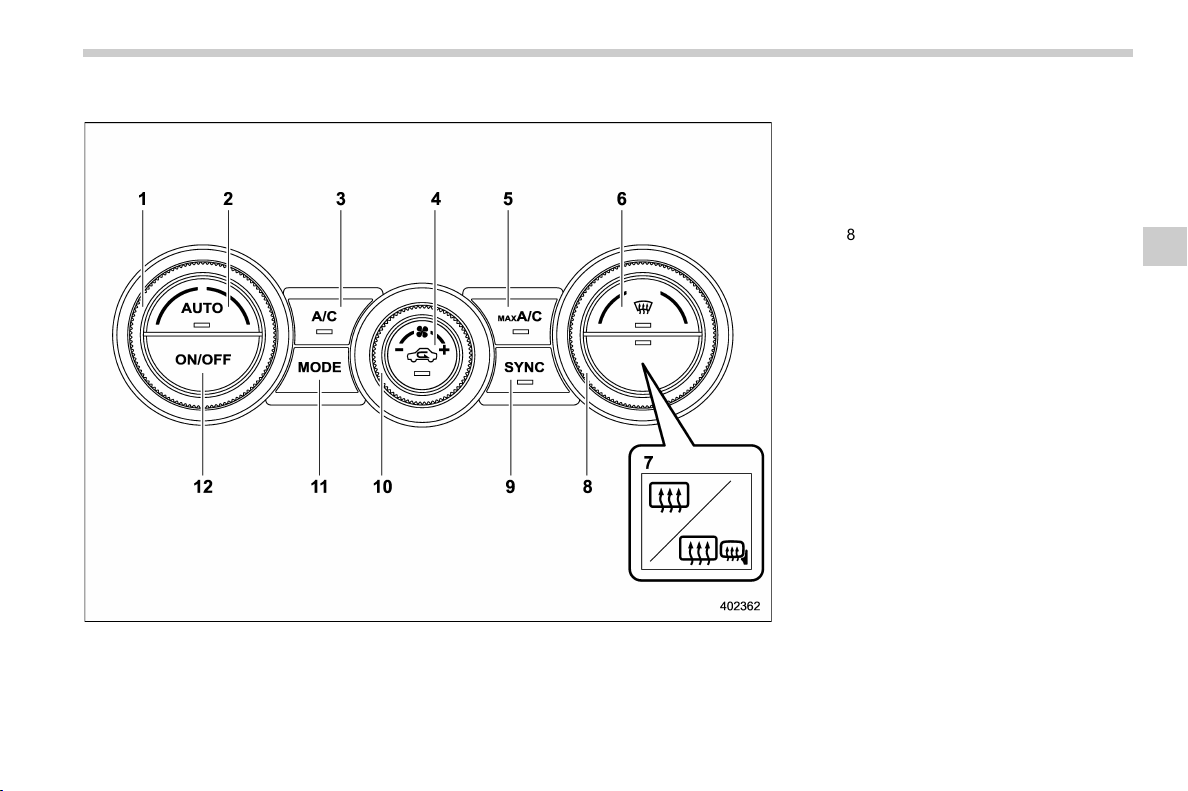
(237,1)
北米Model "A1320BE-C" EDITED: 2017/ 10/ 10
& Type C
1) Driver’s side temperature control dial
(Refer to “Automatic climate control
operation (type B and C)” F4-6 and/or
“Temperature control” F4-8.)
2) AUTO button (Refer to “Automatic cli-
mate control operation (type B and C)”
F4-6.)
3) Air conditioner button (Refer to “Air
conditioner control” F4-9.)
4) Air inlet selection button (Refer to “Air
inlet selection” F4-9.)
5) MAX A/C button (Refer to “MAX A/C
mode (for type B and C)” F4-8.)
6) Defroster button (Refer to “Defrosting”
F4-10.)
7) Rear window defogger button and out-
side mirror defogger button (if equipped)
(Refer to “Defogger and deicer” F3-89.)
8) Passenger’s side temperature control
dial (Refer to “Temperature control” F4-
8.)
9) SYNC button (Refer to “SYNC mode
(type C)” F4-8.)
10) Fan speed control dial (Refer to “Fan
speed control” F4-9.)
11) Airflow mode selection button (Refer to
“Airflow mode selection” F4-7.)
12) ON/OFF button (Refer to “Auto matic
climate control operation (type B and
C)” F4-6.)
NOTE
The climate control screen is displayed
on the multi-function display (col or
LCD). Refer to “Climate control screen”
F3-50.
Climate control/Climate control panel
4-5
4

(238,1)
北米Model "A1320BE-C" EDITED: 2017/ 10/ 10
Automatic climate control
operation (type B and C)
When this mode is selected, the fan speed,
airflow distribution, air-inlet control, and air
conditioner compressor operation are
automatically controlled. To activate this
mode, perform the following.
1. Press the AUTO button. The indicator
light “FULL AUTO” on the multi-function
display (color LCD) illuminates.
2. Set the preferred temperature using
the temperature control dial.
NOTE
. Operate the automatic climate con-
trol system when the engine is running.
. Even when cooling is not necessary,
the air conditioner compressor will
automatically turn on if the temperature
is set much lower than the current
outlet air temper ature. Even in thi s
case, the “A/C” indicator light on the
control panel illuminates.
. The controllable temperature range
may vary depending on the regional
specifications of the vehicle.
. If you operate any of the buttons on
the control panel other than the ON/
OFF button, rear window defogger
button, SYNC button and temperature
control dial(s) during FULL AUTO mode
operation, the “FULL” indicator light on
the multi-function display (color LCD)
will turn off and the “AUTO” indicator
light will remain illuminated. You can
then manually control the system as
desired using the button you operated.
To change the system back to the FULL
AUTO mode, press the AUTO button.
To turn off the climate control system,
press the ON/OFF button. Then the air
inlet selection will be set to the following.
. When the air inlet selection is set to
auto mode: Outside air circulation
. When the air inlet selection is set to
manual mode: No change
& Sensors
The sensors are located as follows.
1) Interior air temperature sensor
2) Solar sensor
The automatic climate control system
employs several sensors. These sensors
Climate control/Automatic climate control operation (type B and C)
4-6
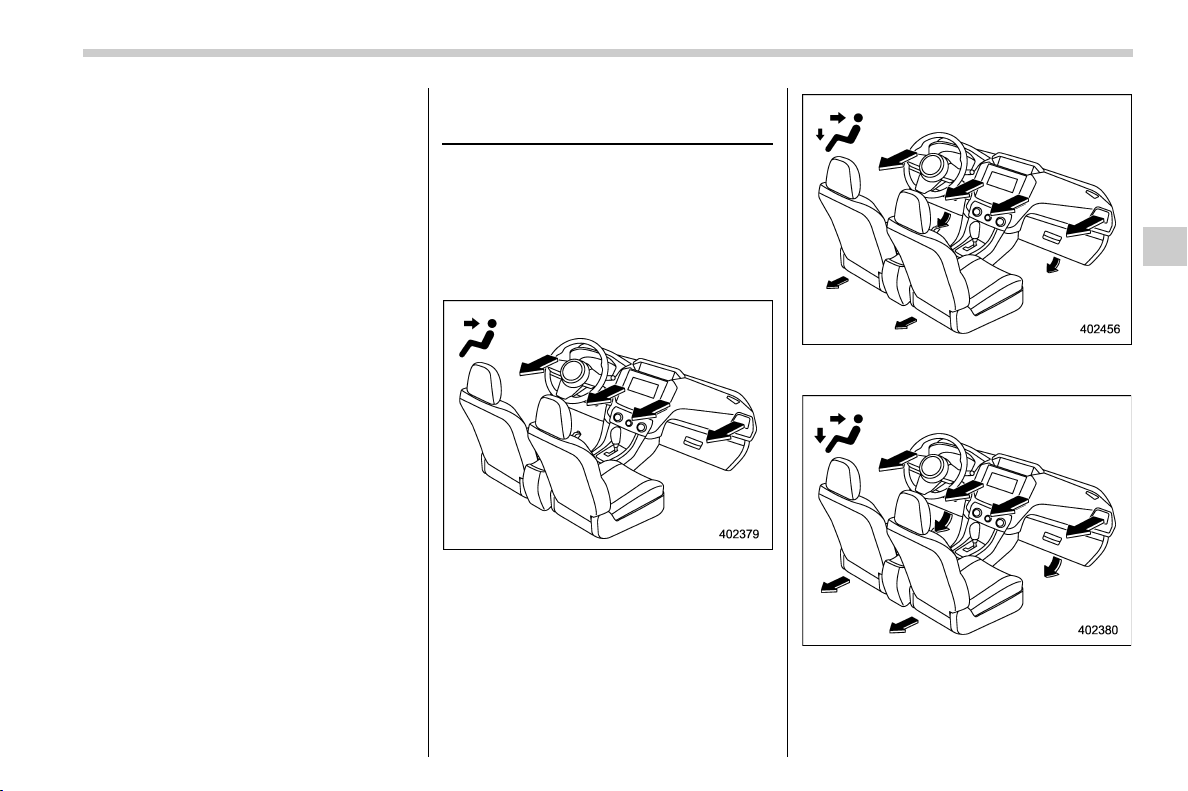
(239,1)
北米Model "A1320BE-C" EDITED: 2017/ 10/ 10
are delicate. If they are not treated properly
and become damaged, the system may
not be able to control the interior tempera-
ture correctly. To avoid damaging the
sensors, observe the following precau-
tions.
. Do not subject the sensors to impact.
. Keep water away from the sensors.
. Do not cover the sensors.
Manual climate control op-
eration
& Airflow mode selection
Select the airflow mode by using the
airflow mode selection dial (type A and B)
or the airflow mode selection button (type
C).
Airflow modes are as follows.
Ventilation: Instrument panel outlets
Ventilation 2 for type B and C: Instru-
ment panel outlets and foot outlets
Bi-level: Instrument panel outlets and foot
outlets
– CONTINUED –
Climate control/Manual climate control operation
4-7
4
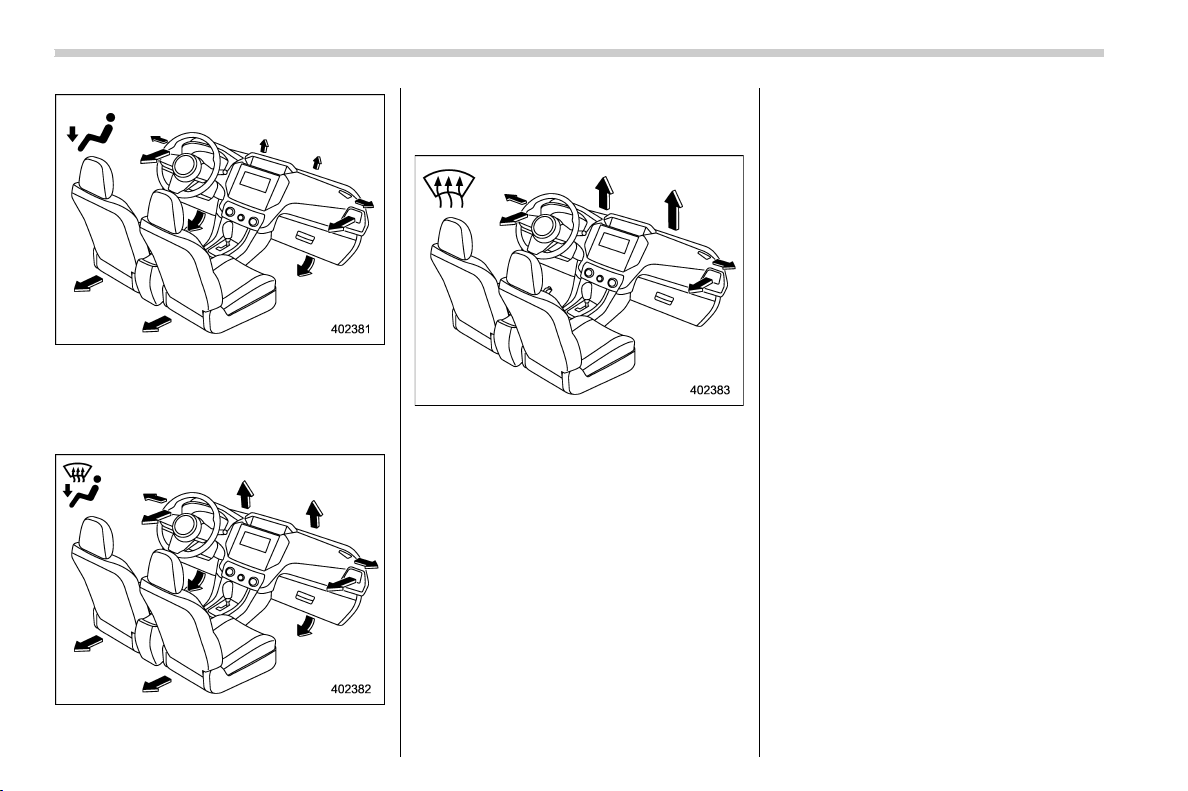
(240,1)
北米Model "A1320BE-C" EDITED: 2017/ 10/ 10
Heat: Foot outlets, both side outlets of the
instrument panel and some through wind-
shield defroster outlets (A small amount of
air flows to the windshield and both side
windows to prevent fogging.)
Heat-def: Windshield defroster outlets,
foot outlets and both side outlets of the
instrument panel (Refer to “Defrosting”
F4-10.)
Defrost: Windshield defroster outlets and
both side outlets of the instrument panel
(Refer to “Defrosting” F4-10.)
& MAX A/C mode (for type B and
C)
For quicker cooling, press the MAX A/C
button.
When the MAX A/C mode is on, the
following settings will be changed auto-
matically.
. The air conditioner will turn on.
. The temperature will be set on the
lowest.
. The fan speed will be set on the
maximum speed.
. The air inlet will be set to recirculation.
. The air flow mode setting will be set to
ventilation mode.
To turn off MAX A/C mode and return the
previous setting, press the MAX A/C
button again.
& Temperature control
Turn the temperature control dial to set the
preferred interior temperature.
NOTE
The controllable temperature range
may vary depending on the regional
specifications of the vehicle.
! SYNC mode (type C)
When the SYNC mode is turned on, both
the driver’s and passenger’s side tem-
peratures are synchronized using the
driver’s side temperature control dial.
Press the SYNC button to turn on the
SYNC mode. The SYNC button indicator
will illuminate.
Press the SYNC button again or turn the
passenger’s side temperature control dial
to cancel the SYNC mode. The SYNC
button indicator will not illuminate. In this
case, temperature control on the driver’s
side and passenger’s side is separated.
Climate control/Manual climate control operation
4-8
(241,1)
北米Model "A1320BE-C" EDITED: 2017/ 10/ 10
The temperature will be controlled indivi-
dually using the driver’s and passenger’s
temperature control dials.
& Fan speed control
Select the preferred fan speed by turning
the fan speed control dial.
& Air conditioner control
The air conditioner operates only when the
engine is running.
Press the air conditioner button while the
fan is in operation to turn on th e air
conditioner. When the air conditioner is
on, the “A/C” indicator light illuminates.
To turn off the air conditioner, press the
button again.
NOTE
For efficient defogging or dehumidify-
ing in cold weather, turn on the air
conditioner. If the ambient temperature
decreases to approximately 328F(08C),
the air conditioner and dehumidifica-
tion system may not operate properly.
& Air inlet selection
Select the air inlet by pressing the air inlet
selection button.
. Recirculation:
When the indicator light on the air inlet
selection button illuminates, interior air is
recirculated inside the vehicle. Press the
air inlet selection button to the ON position
for fast cooling with the air conditioner or
when driving on a dusty road.
. Outside air circulation:
When the indicator light on the air inlet
selection button does not illuminate, out-
side air is drawn into the passenger
compartment. Press the air inlet selection
buttontotheOFFpositionwhenthe
interior has cooled to a comfortable tem-
perature and the road is no longer dusty.
WARNING
Continued operation in the ON posi-
tion may fog up the windows. Switch
to the OFF position as soon as the
outside conditions are no longer
dusty.
& To turn off the climate control
system
To turn off the climate control system:
. Type A: select the “OFF” position using
the fan speed control dial.
. Type B and C: press the ON/OFF
button.
Climate control/Manual climate control operation
4-9
4
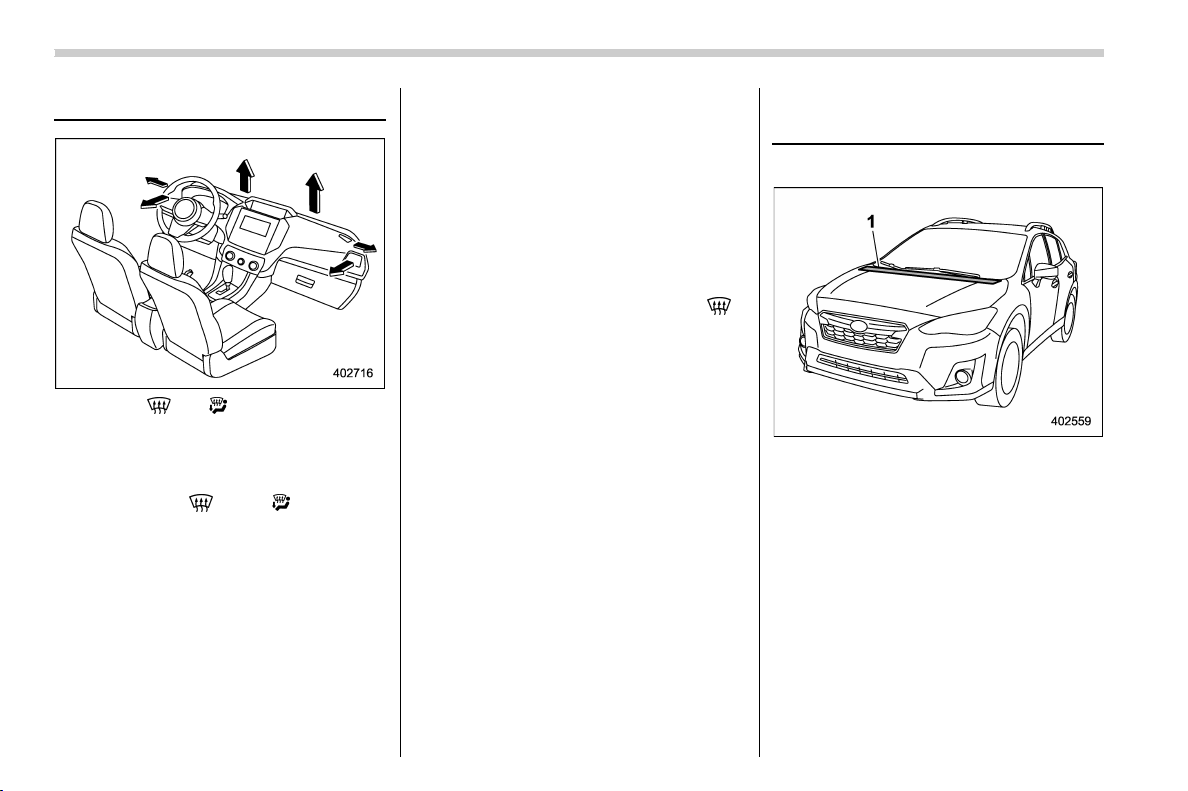
(242,1)
北米Model "A1320BE-C" EDITED: 2017/ 10/ 10
Defrosting
Select the “ ” or “ ” mode to defrost or
dehumidify the windshield and front door
windows.
NOTE
. When the “ ” or “ ” mode is
selected, the air conditioner compres-
sor operates automatically regardless
of the position of the air conditioner
button to defrost the windshield more
quickly. However the indicator on the
air conditioner button will not illumi-
nate. At the same time, the air inlet
selection is automatically set to the
outside air mode.
For type A climate control system, in
this state:
– You cannot stop the air condi-
tioner compressor by pressing the
air conditioner button.
– You cannot select the recircula-
tion mode by pressing the air inlet
selection button.
. For types B and C climate control
system, after defrosting the windshield
by pressing the defroster button “
”,
pressing the button again returns the
system to the setting that had been
selected before the defroster was acti-
vated.
Operating tips for heater and
air conditioner
& Cleaning ventilation grille
1) Front ventilation inlet grille
Always keep the front ventilation inlet grille
free of snow, leaves, or other obstructions
to ensure efficient heating and defrosting.
Since the condenser is located in front of
the radiator, this area should be kept clean
because cooling performance is impaired
by any accumulation of insects and leaves
on the condenser.
& Efficient cooling after parking
in direct sunlight
After parking in direct sunlight, drive with
the windows open for a few minutes to
Climate control/Defrosting
4-10
(243,1)
北米Model "A1320BE-C" EDITED: 2017/ 10/ 10
allow outside air to circulate into the
heate d interior. This results in quicker
cooling by the air conditioner. Keep the
windows closed during the operation of the
air conditioner for maximum cooling effi-
ciency.
& Lubrication oil circulation in
the refrigerant circuit
Operate the air conditioner compressor at
a low engine speed (at idle or low driving
speeds) a few minutes each month during
the off-season to circulate its oil.
& Checking air conditioning
system before summer sea-
son
Check the air conditioner unit for refriger-
ant leaks, hose conditions, and proper
operation each spring. Have the air con-
ditioning system checked by your
SUBARU dealer.
& Cooling and dehumidifying in
high humidity and low tem-
perature weather conditions
Under certain weather conditions (high
relative humidity, low temperatures, etc.) a
small amount of water vapor emission
from the air outlets may be noticed. This
condition is normal and does not indicate
any problem with the air c ondition ing
system.
& Air conditioner compressor
shut-off when engine is
heavily loaded
To improve acceleration and gas mileage,
the air conditioner compressor is designed
to temporarily shut off during air condi-
tioner operation whenever the accelerator
is fully depressed such as during rapid
acceleration or when driving on a steep
upgrade.
& Refrigerant for your climate
control system
Your air conditioner uses ozone friendly
refrigerant HFC134a. Therefore, the meth-
od of adding, changing or checking the
refrigerant is different from the method for
CFC12 (freon). Consult your SUBARU
dealer for service. Repairs needed as a
result of using the wrong refrigerant are not
covered under warranty.
Air filtration system
Your vehicle’s air conditioning system is
equipped with an air filtration system.
Replace the cabin air filter according to
the replacement schedule found in the
“Warranty and Maintenance Booklet”. This
schedule should be followed to maintain
the filter’s dust collection ability. Under
extremely dusty condition s, the filter
should be replaced more frequently. Have
your filter checked or replaced by your
SUBARU dealer. For replacement, use
only a genuine SUBARU air filter kit.
CAUTION
Contact your SUBARU dealer if the
following occurs, even if it is not yet
time to change the filter:
. Reduction of the airflow through
the vents.
. Windshield gets easily fogged or
misted.
NOTE
The filter can influence the air condi-
tioning, heating and defroster perfor-
mance if not properly maintained.
– CONTINUED –
Climate control/Air filtration system
4-11
4

(244,1)
北米Model "A1320BE-C" EDITED: 2017/ 10/ 10
& Replacing a cabin air filter
1. Remove the glove box.
NOTE
We recommend that you take measures
to protect the center console with
masking tape first, so that you avoid
scratching the center console with the
glove box.
(1) Open the glove box.
(2) Remove the damper shaft from the
glove box.
(3) Push in the stoppers located on
both sides of the glove box and then
pull down the glove box as far as it will
go.
(4) Pull out the glove box horizontally
and remove the hinge portion. When
doing this, be careful not to damage
the hinge.
2. Remove the cabin air filter according to
the following procedure in order to prevent
dust on the air cleaner from falling to the
inside of its housing.
(1) Pinch both tabs and remove the
filter cover.
(2) Gently tilt down the end of the filter
and slowly pull it out 0.4 in (1 cm).
(3) Slowly pull out the rest of the filter.
Climate control/Air filtration system
4-12
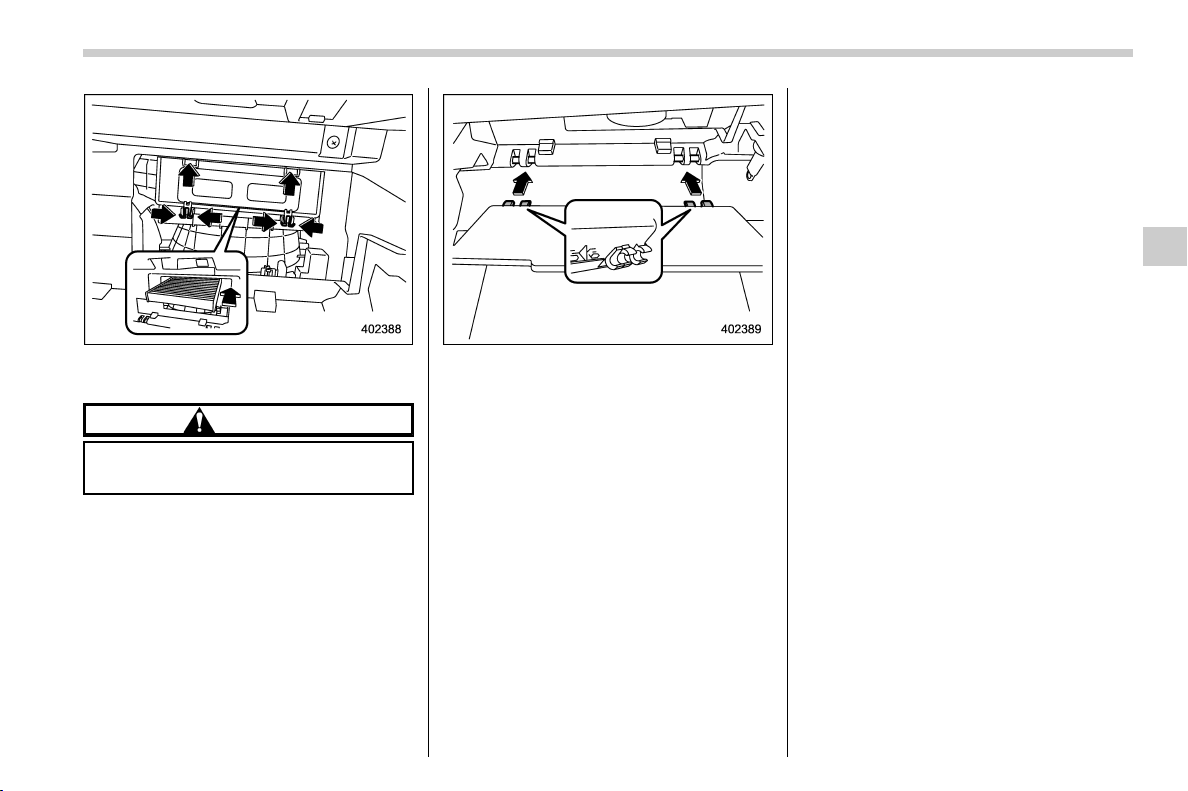
(245,1)
北米Model "A1320BE-C" EDITED: 2017/ 10/ 10
3. Replace the cabin air filter with a new
one and then reinstall the cover.
CAUTION
The arrow mark on the filter must
point UP.
4. Reinstall the glove box, and connect
the damper shaft.
5. Close the glove box.
Climate control/Air filtration system
4-13
4

Black plate (2,1)
Model "ALL_MODEL_MEMO" EDITED: 2007/ 6/ 22
Left Page
————————————————————————————————————————
————————————————————————————————————————
————————————————————————————————————————
————————————————————————————————————————
————————————————————————————————————————
————————————————————————————————————————
————————————————————————————————————————
————————————————————————————————————————
————————————————————————————————————————
————————————————————————————————————————
————————————————————————————————————————
————————————————————————————————————————
————————————————————————————————————————

(247,1)
北米Model "A1320BE-C" EDITED: 2017/ 10/ 10
Antenna ................................................................... 5-2
Roof antenna (for Rod type) ................................... 5-2
Roof antenna (for Shark fin type) ........................... 5-2
Audio set ................................................................. 5-3
Audio
5
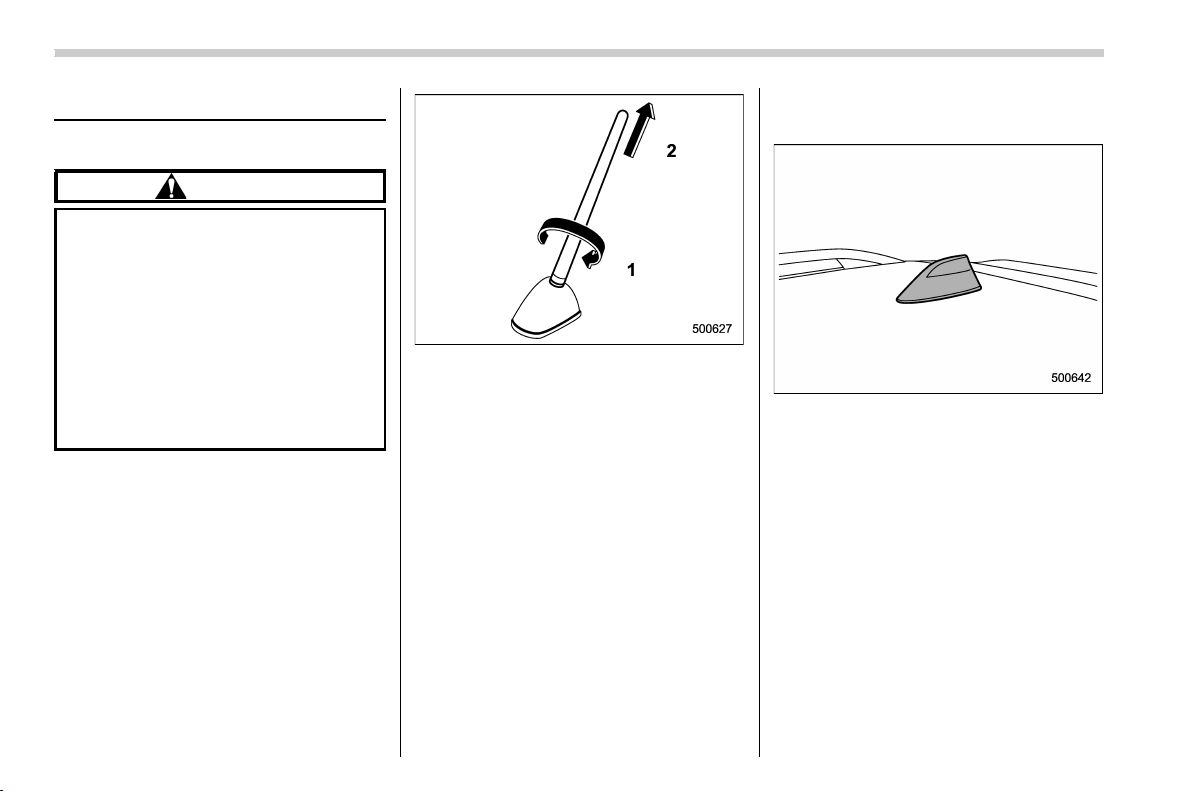
(248,1)
北米Model "A1320BE-C" EDITED: 2017/ 10/ 10
Antenna
& Roof antenna (for Rod type)
CAUTION
. Be sure to remove the antenna
rod before entering garages,
parking towers and other loca-
tions with low ceilings.
. Remove the antenna rod before
washing your car at a car wash. If
the antenna rod remains at-
tached, it may scratch the roof.
. When reinstalling the removed
antenna rod, be sure to fully
tighten it.
1) Unscrew
2) Remove
The roof antenna is installed on the roof.
The antenna rod ca n be removed by
unscrewing it from its base.
& Roof antenna (for Shark fin
type)
The roof antenna is installed on the roof.
Audio/Antenna
5-2

(249,1)
北米Model "A1320BE-C" EDITED: 2017/ 10/ 10
Audio set
If your vehicle is equipped with a genuine
SUBARU navigation system or audio
system, refer to the separate navigation/
audio Owner’s Manual for details.
Audio/Audio set
5-3
5

Black plate (2,1)
Model "ALL_MODEL_MEMO" EDITED: 2007/ 6/ 22
Left Page
————————————————————————————————————————
————————————————————————————————————————
————————————————————————————————————————
————————————————————————————————————————
————————————————————————————————————————
————————————————————————————————————————
————————————————————————————————————————
————————————————————————————————————————
————————————————————————————————————————
————————————————————————————————————————
————————————————————————————————————————
————————————————————————————————————————
————————————————————————————————————————

(251,1)
北米Model "A1320BE-C" EDITED: 2017/ 10/ 10
Interior lights ........................................................... 6-2
Map lights.............................................................. 6-2
Dome light ............................................................. 6-2
Cargo area light ..................................................... 6-3
OFF delay timer ..................................................... 6-3
Sun visors ............................................................... 6-3
Sun visor extension plate (if equipped) .................. 6-4
Vanity mirror.......................................................... 6-4
Vanity mirror with light (if equipped) ...................... 6-5
Storage compartment ............................................. 6-5
Glove box .............................................................. 6-5
Center console ...................................................... 6-6
Cup holders........................................................... 6-6
Bottle holders ........................................................ 6-6
Accessory power outlets ....................................... 6-7
Use with a cigarette lighter (dealer option) .. ............ 6-8
Ashtray (dealer option) .......................................... 6-9
Floor mat ............................................................... 6-10
Coat hook.............................................................. 6-10
Shopping bag hook ...............................................6-11
Cargo area cover (if equipped).............................6-11
Using the cover .................................................... 6-11
To remove the cover housing................................6-12
Stowage of the cargo area cover........................... 6-12
To install the cover housing.................................. 6-13
Cargo tie-down hooks (if equipped) ................... 6-13
Interior equipment
6

(252,1)
北米Model "A1320BE-C" EDITED: 2017/ 10/ 10
Interior lights
CAUTION
When leaving your vehicle, make
sure the lights are turned off to
avoid battery discharge.
& Map lights
1) Door interlock switch
To turn on the map light, push the lens.
To turn it off, push the lens again.
! Automatic illumination
When the door interlock switch is in the
“DOOR” position, the map lights illuminate
automatically in the following cases.
. Any of the doors other than the rear
gate (if equipped) is opened.
. The doors are unlocked using the
keyless access function (if equipped).
Refer to “Locking and unlocking by holding
the access key fob” F2-6.
. The doors are unlocked using the
remote keyless entry system. Refer to
“Remote keyless entry system” F2-17.
. The ignition switch is turned from the
“ACC” position to the “LOCK”/“OFF” posi-
tion.
& Dome light
1) ON
2) DOOR
3) OFF
The dome light switch has the following
positions.
ON: The light remains on continuously.
OFF: The light remains off.
DOOR: The dome light illuminates auto-
matically in the following cases.
. Any of the doors or the rear gate is
opened.
. The doors or the rear gate are unlocked
using the keyless access function (if
equipped). Refer to “Locking and unlock-
ing by holding the access key fob” F2-6.
. The doors or the rear gate are unlocked
Interior equipment/Interior lights
6-2
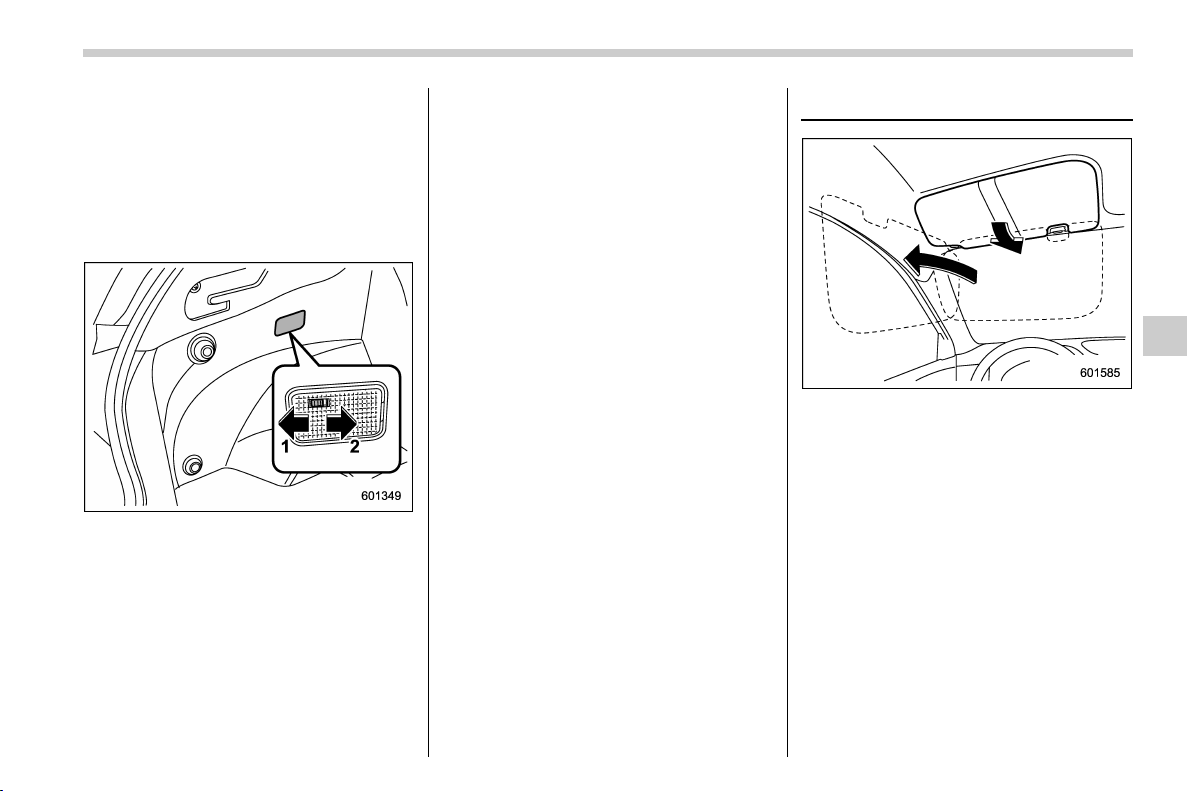
(253,1)
北米Model "A1320BE-C" EDITED: 2017/ 10/ 10
using the remote keyless entry transmitter.
Refer to “Remote keyless entry system”
F2-17.
. The ignition switch is turned from the
“ACC” position to the “LOCK”/“OFF” posi-
tion.
& Cargo area light
1) DOOR
2) OFF
DOOR: The light illuminates when the rear
gate is opened. The light remains illumi-
nated for several seconds and gradually
turns off after the rear gate is closed.
OFF: The light remains off.
& OFF delay timer
The following lights have an automatic
illumination function.
. dome light
. map light
. cargo area light
When the interior light switch is set to the
“DOOR” position, the light will automati-
cally turn on and turn off depending on the
locking and unlocking of the doors, the
opening and closing of the doors, as well
as the position of the ignition switch.
NOTE
The setting for the period of time in
which the lights remain on (OFF delay
timer) can be changed by a SUBARU
dealer. Contact your SUBARU dealer
for details. For models with the combi-
nation meter display (color LCD), the
setting can also be changed by operat-
ing the combination meter display
(color LCD). For details, refer to “Vehi-
cle Setting” F3-41.
Sun visors
To block out glare, swing down the visors.
To use the sun visor at a side window,
swing it down and move it sideways.
– CONTINUED –
Interior equipment/Sun visors
6-3
6
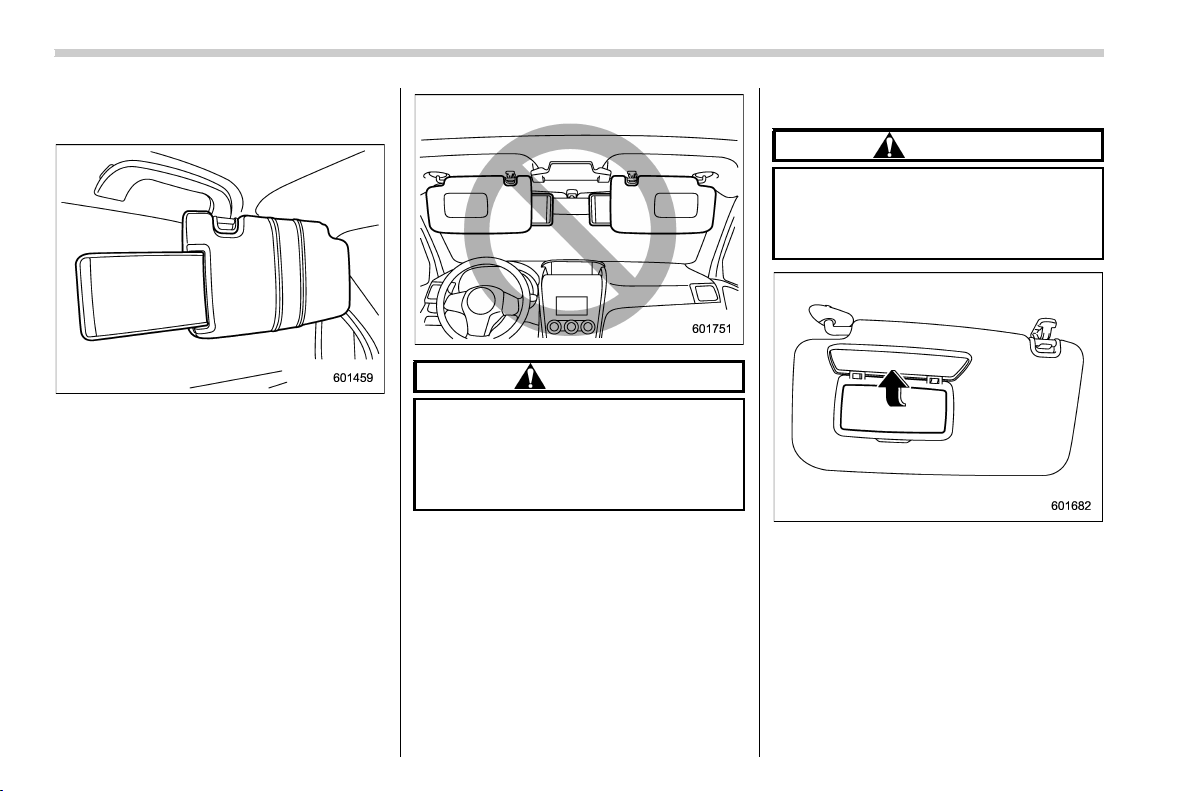
(254,1)
北米Model "A1320BE-C" EDITED: 2017/ 10/ 10
& Sun visor extension plate (if
equipped)
With the sun visor positioned over the side
window, you can use the sun visor exten-
sion plate to prevent glare through the gap
between the sun visor and center pillar. To
use the extension plate, pull it toward the
rear of the vehicle. When you have
finished using it, stow it by pushing it
toward the front of the vehicle.
CAUTION
Do not pull out the extension plate
with the sun visor positioned over
the windshield. The extension plate
would o bstruct your view o f the
rearview mirror.
& Vanity mirror
CAUTION
Keep the vanity mirror cover closed
while the car is being driven to avoid
being temporarily blinded by the
glare of bright light.
To use the vanity mirror, swing down the
sun visor and open the vanity mirror cover.
Interior equipment/Sun visors
6-4
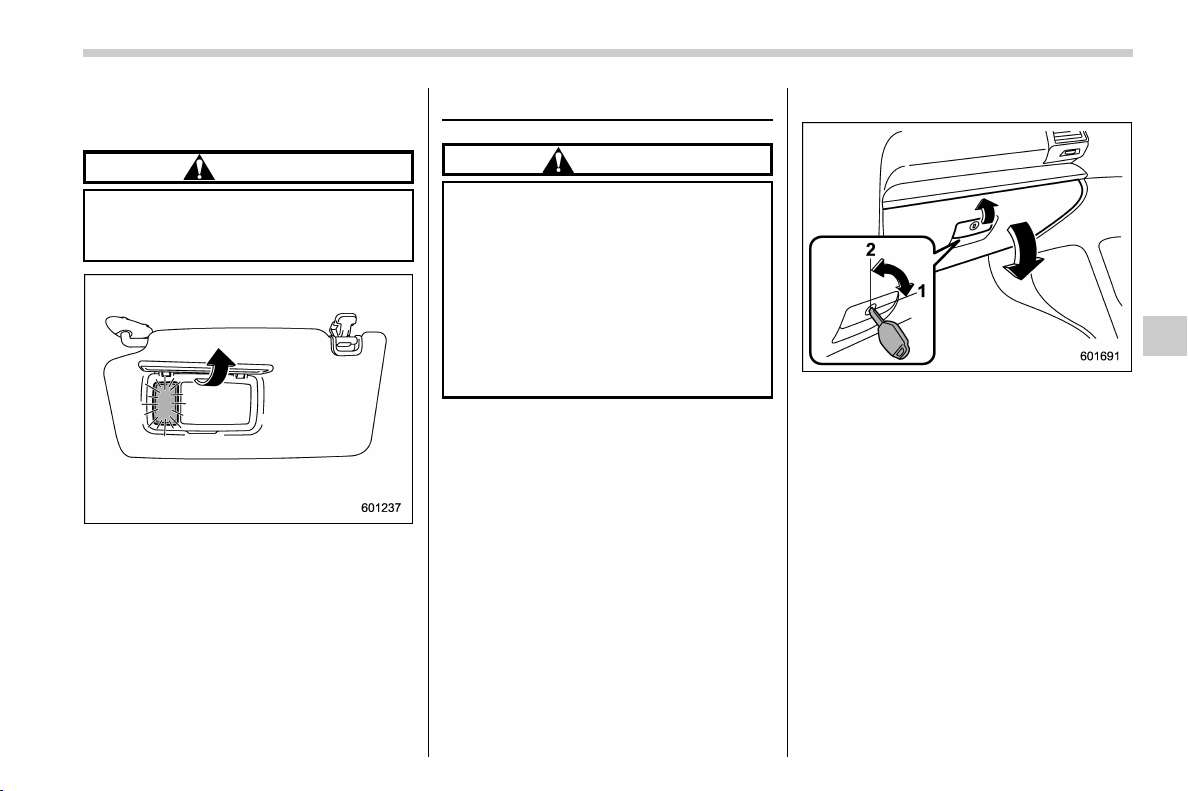
(255,1)
北米Model "A1320BE-C" EDITED: 2017/ 10/ 10
& Vanity mirror with light (if
equipped)
CAUTION
Keep the vanity mirror cover closed
while the car is being driven to avoid
being distracted by the light.
To use the vanity mirror, swing down the
sun visor and open the vanity mirror cover.
The light beside the vanity mirror illumi-
nates when the mirror cover is opened.
NOTE
Use of the vanity mirror light for a long
period of time while the engine is not
running can cause battery discharge.
Storage compartment
CAUTION
. Always keep the storage com-
partment closed while driving to
reduce the risk of injury in the
event of a sudden stop or an
accident.
. Do not store spray cans, contain-
ers with flammable or corrosive
liquids or any other dangerous
items in the storage compart-
ment.
& Glove box
1) Rotate the key clockwise to lock.
2) Rotate the key counterclockwise to un-
lock.
To open the glove box, pull the handle.
To close it, push the lid firmly upward.
NOTE
. The emergency key is directional. If
the key cannot be inserted, change the
direction that the grooved side is facing
and insert it again.
. For models with the “keyless access
with push-button start system”, use the
emergency key to lock or unlock the
glove box.
– CONTINUED –
Interior equipment/Storage compartment
6-5
6
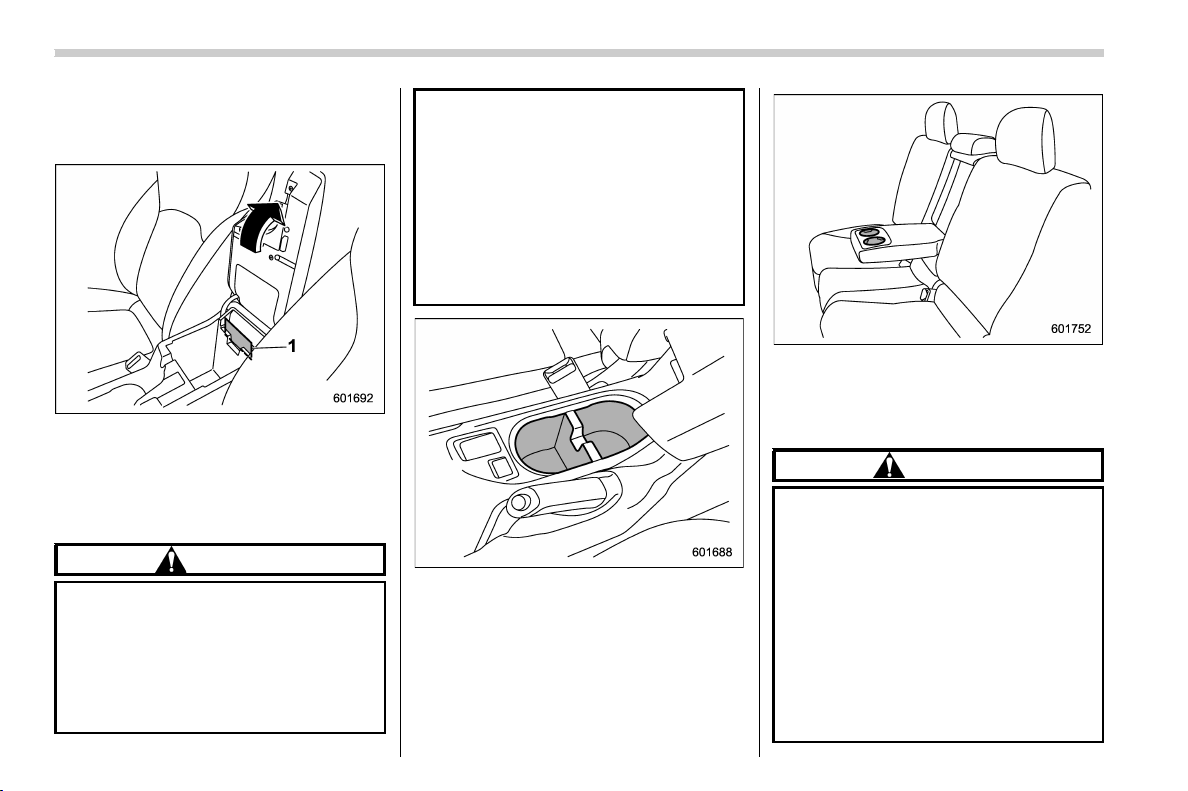
(256,1)
北米Model "A1320BE-C" EDITED: 2017/ 10/ 10
& Center console
The center console box provides a storage
space.
1) Card holder
The top of the console can be used as an
armrest.
& Cup holders
CAUTION
. Do not pick up a cup from the cup
holder or put a cup in the holder
while you are driving, as this may
distract you and lead to an acci-
dent.
. Take care to avoid spills. Bev-
erages, if hot, might scald you
and/or your passengers. Spilled
beverages may also damage up-
holstery or carpets.
. When a cup in the rear passen-
ger’s cup holder contains a bev-
erage, do not fold down the rear
seatback. Otherwise, the bever-
age could spill and, if the bev-
erage is hot, it could scald you
and/or your passengers.
Front passenger’s cup holder
A dual cup holder is built into the center
console.
Rear passenger’s cup holder (if equipped)
A dual cup holder is built into the armrest.
& Bottle holders
CAUTION
. Do not pick up a bottle from the
bottle holder or put a bottle in the
holder while you are driving, as
this may distract you and lead to
an accident.
. When placing a beverage in a
bottle holder, make sure it is
capped. Otherwise, the beverage
could spill when opening/closing
the door or while driving and, if
the beverage is hot, it could scald
you and/or your passengers.
Interior equipment/Storage compartment
6-6
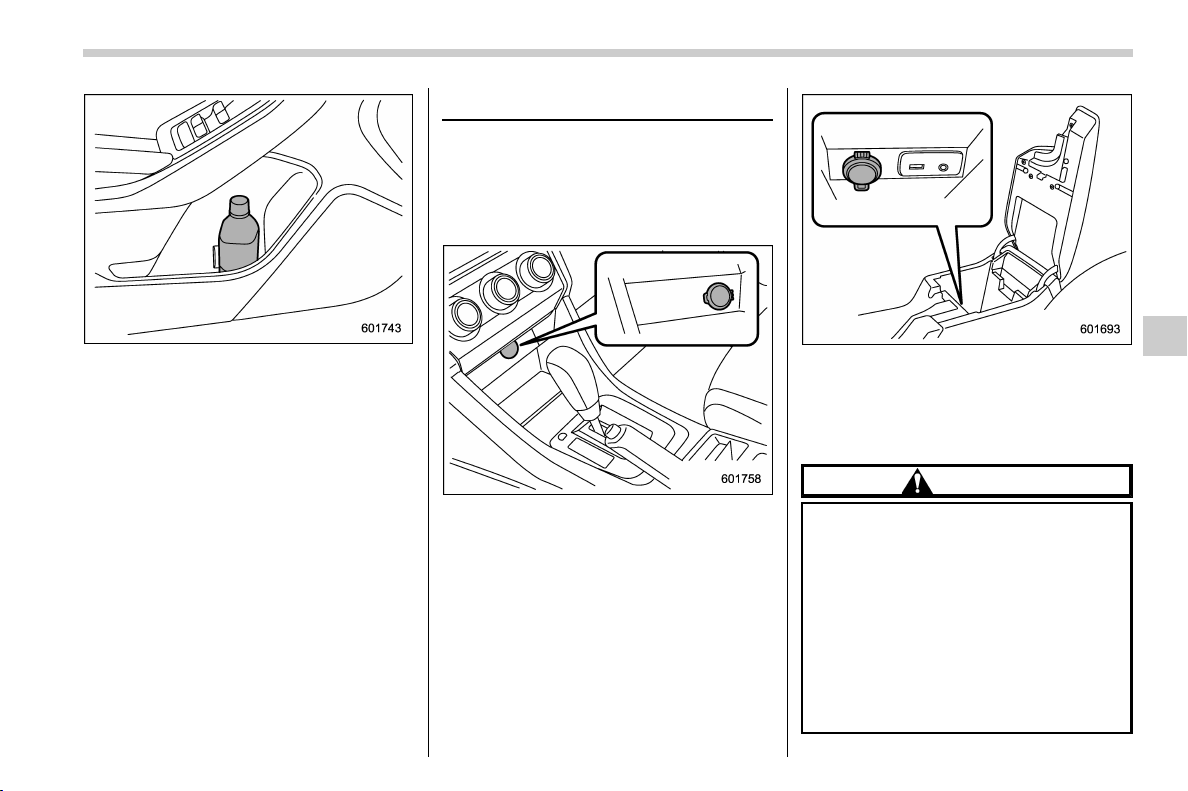
(257,1)
北米Model "A1320BE-C" EDITED: 2017/ 10/ 10
The bottle holder equipped on each door
trim can be used to hold beverage bottles
and other items.
Accessory power outlets
Electrical power (12V DC) is available at
any of the accessory power outlets when
the ignition switch is in either the “ACC” or
“ON” position. Accessory power outlets
are located in the following places.
Power outlet below the climate control
dials
Power outlet in the center console
You can use an in-vehicle electrical appli-
ance by connecting it to an outlet.
The maximum power rating of an appli-
ance that can be connected is 120W.
CAUTION
. Do not attempt to use a cigarette
lighter in the accessory power
outlets.
. Do not place any foreign objects,
especially metal ones such as
coins or aluminum foil, into the
accessory power outlet. That
could cause a short circuit. Al-
ways put the cap on the acces-
sory power outlet when it is not in
use.
– CONTINUED –
Interior equipment/Accessory power outlets
6-7
6
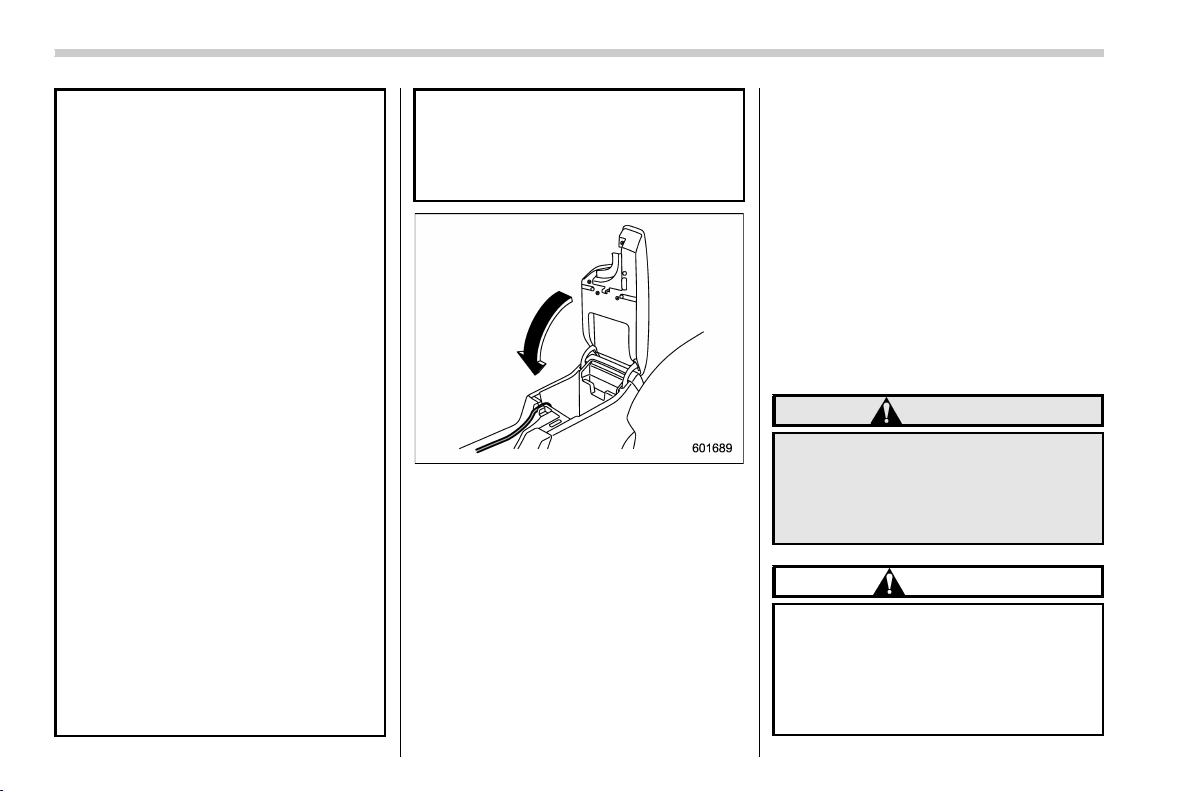
(258,1)
北米Model "A1320BE-C" EDITED: 2017/ 10/ 10
. Use only electrical appliances
which are designed for 12V DC.
The maximum power rating of an
appliance that can be connected
is 120W. Do not use an appliance
which exceeds the indicated wat-
tage for each outlet.
. When using appliances con-
nected to two outlets simulta-
neously, the total power con-
sumed by them must not exceed
120W. Overloading the accessory
power outlet can cause a short
circuit. Do not use double adap-
ters or more than one electrical
appliance.
. If the plug on your electric appli-
ance is either too loose or too
tight for the accessory power
outlet, this can result in a poor
contact or cause the plug to get
stuck. Only use plugs that fit
properly.
. Use of an electric appliance in the
accessory power outlet for a long
period of time while the engine is
not running can cause battery
discharge.
. Before driving your vehicle, make
sure that the plug and the cord on
your electrical appliance will not
interfere with your shifting gears
and operating the accelerator
and brake pedals. If they do, do
not use the electrical appliance
while driving.
NOTE
When the lid of the center console is
closed, an opening remains between
the center console and the lid to allow
the power outlet in the center console
to be used. Pass the cord of the
electrical appliance through this open-
ing.
& Use with a cigarette lighter
(dealer option)
To use the accessory power outlet as a
cigarette lighter socket, purchase the
cigarette lighter plug, which is an optional
accessory. A cigarette lighter plug is
available from your SUBARU dealer.
The cigarette lighter operates only when
the ignition switch is in the “ON” or “ACC”
position.
To use the cigarette lighter, push in the
knob and wait a few moments. It will
automatically spring up when ready for
use.
WARNING
To avoid being burned, never grasp
the lighter by the end with the
heating element. Doing so could
result in injury and could also da-
mage the heating element.
CAUTION
. Do not hold the lighter pushed in,
because it will overheat.
. The electrical power socket is
originally designed to use a gen-
uine SUBARU cigarette lighter
plug. Do not use a non-genuine
Interior equipment/Accessory power outlets
6-8
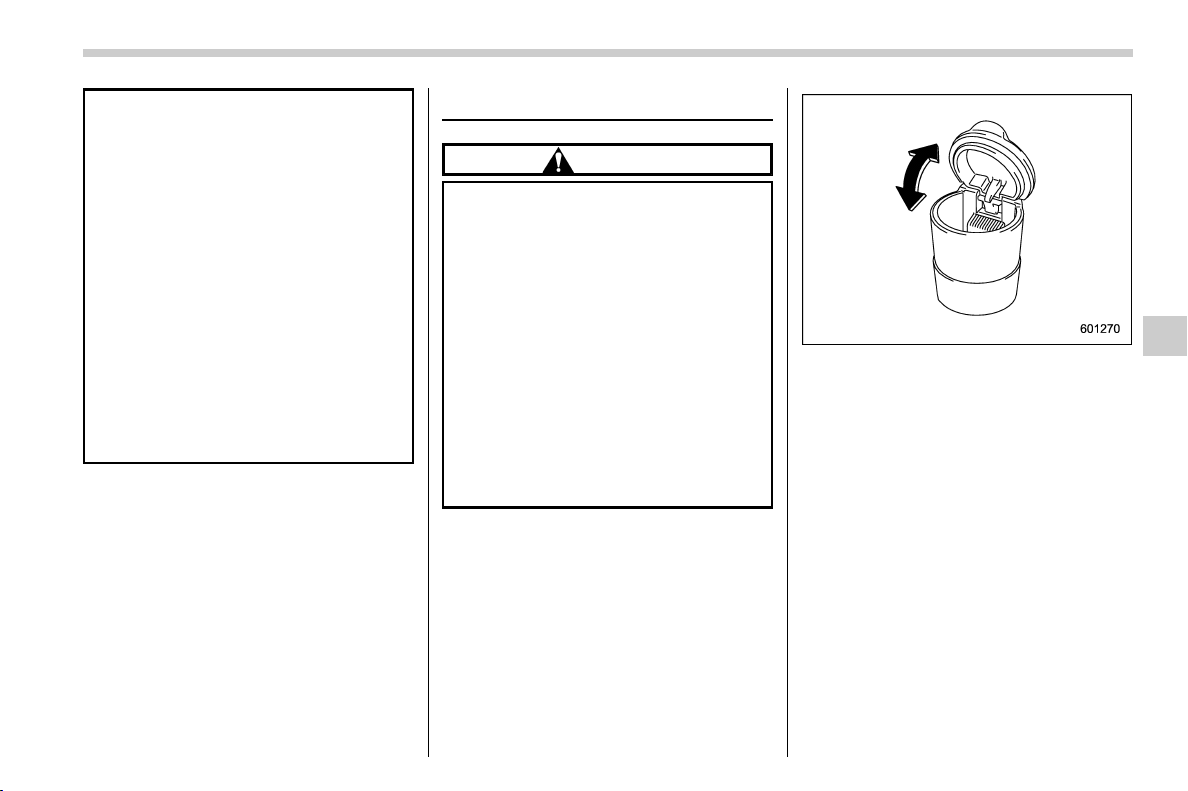
(259,1)
北米Model "A1320BE-C" EDITED: 2017/ 10/ 10
cigarette lighter plug in the sock-
et. Doing so may cause a short-
circuit and overheating, resulting
in a fire.
. If the socket is ever used for a
plug-in accessory such as a cell
phone, that may damage the
portion of the socket’s internal
mechanism that causes a cigar-
ette lighter plug to “pop out” after
its lighter el ement is h eated.
Therefore, do not place a cigar-
ette lighter plug in a socket that
has been used, even once, to
power a plug-in accessory. Doing
so may cause the plug to stick
and overheat, creating a potential
fire hazard.
Ashtray (dealer option)
CAUTION
. Do not use ashtrays as waste
receptacles or leave a lighted
cigarette in an ashtray. This could
cause a fire.
. Always extinguish matches and
cigarettes before putting them
into the ashtray, and then close
the ashtray securely. If you keep
the ashtray open, the fire of the
cigarette may spread to another
cigarette butt and start a fire.
. Do not put flammable material in
the ashtray.
. Do not leave a lot of cigarette
butts in the ashtray.
NOTE
Particles of ash and tobacco will accu-
mulate around the hinges of the ash-
tray’s inner lid. Clean them off using a
toothbrush or a similar narrow-ended
implement.
The portable ashtray can be installed in
each cup holder or bottle holder. For the
locations of the cup holders, refer to “Cup
holders” F6-6. For the locations of the
bottle holders, refer to “Bottle holders” F6-
6.
When using the ashtray, open the lid of the
ashtray. Fully close the lid after using the
ashtray to help reduce residual smoke.
Interior equipment/Ashtray (dealer option)
6-9
6
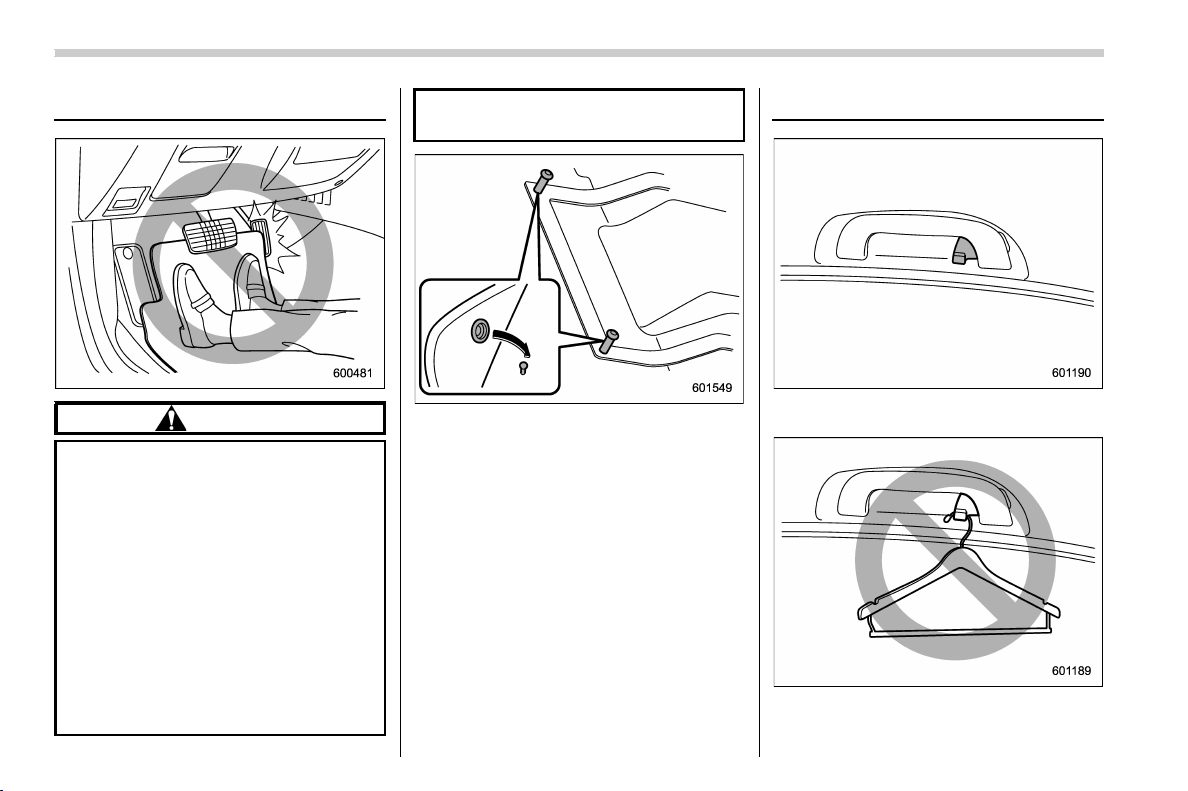
(260,1)
北米Model "A1320BE-C" EDITED: 2017/ 10/ 10
Floor mat
CAUTION
If the floor mat slips forward and
interferes with the movement of the
pedals during driving, it could cause
an accident. Observe the following
precautions to prevent the floor mat
from slipping forward.
. Be sure to use a genuine
SUBARU floor mat or an equiva-
lent designed with grommets in
the correct locations.
. Make sure that the driver’s floor
mat is placed in its proper loca-
tion and is correctly secured on
its retaining pins.
. Do not use more than one floor
mat.
Retaining pins are located on the driver’s
side floor.
The floor mat should be properly secured
using the built-in grommets, by placing the
grommets over the pins and pushing them
downward.
Coat hook
A coat hook is attached to the rear
passenger’s hand grip.
Interior equipment/Floor mat
6-10
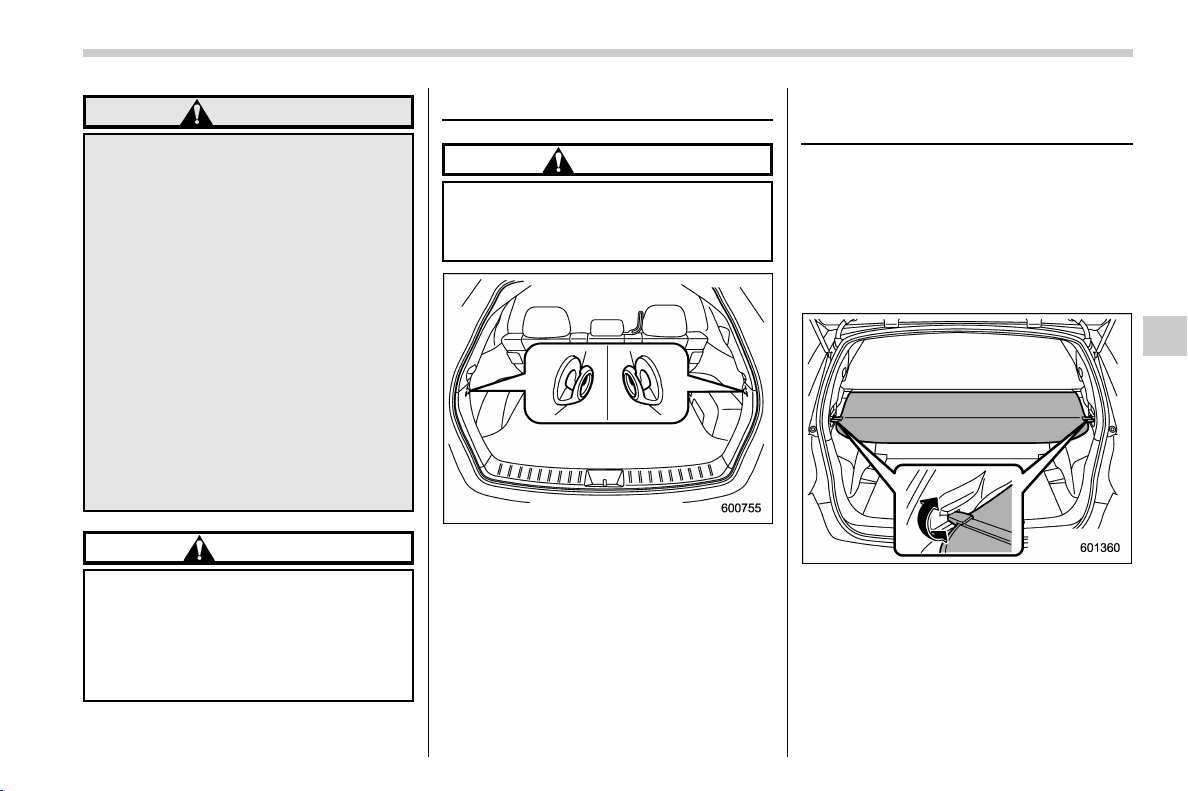
(261,1)
北米Model "A1320BE-C" EDITED: 2017/ 10/ 10
WARNING
Obey the following instructions.
. Do not hang coat hangers or
other hard or pointed objects on
the coat hooks. Hang clothing
directly on the coat hooks with-
out using hangers.
. Before hanging clothing on the
coat hooks, make sure there are
no pointed objects in the pock-
ets.
If these instructions are ignored, the
following may occur in sudden
stops or in a collision.
. serious injuries by the items
thrown through the cabin.
. incorrect SRS curtain airbag de-
ployment
CAUTION
Never hang anything on the coat
hook that might obstruct the driver’s
view or that could cause injury in
sudden stops or in a collision. And
do not hang items on the coat hook
that weigh 11 lbs (5 kg) or more.
Shopping bag hook
CAUTION
Do not hang items on the shopping
bag hook that weigh 6 lbs (3 kg) or
more.
A shopping bag hook is attached to each
side of the cargo area.
Cargo area cover (if
equipped)
The cargo area cover is provided for
covering the cargo area and to protect its
contents from direct sunlight. This cover is
detachable to make room for additional
cargo.
& Using the cover
To extend the cover, pull the end of the
cover out of the housing, then insert its
hooks into the catches as shown. To
rewind it, unhook it from the catches and
it will rewind automatically. You should
hold on to the cover and guide it back into
the cover housing while it is rewinding.
– CONTINUED –
Interior equipment/Shopping bag hook
6-11
6
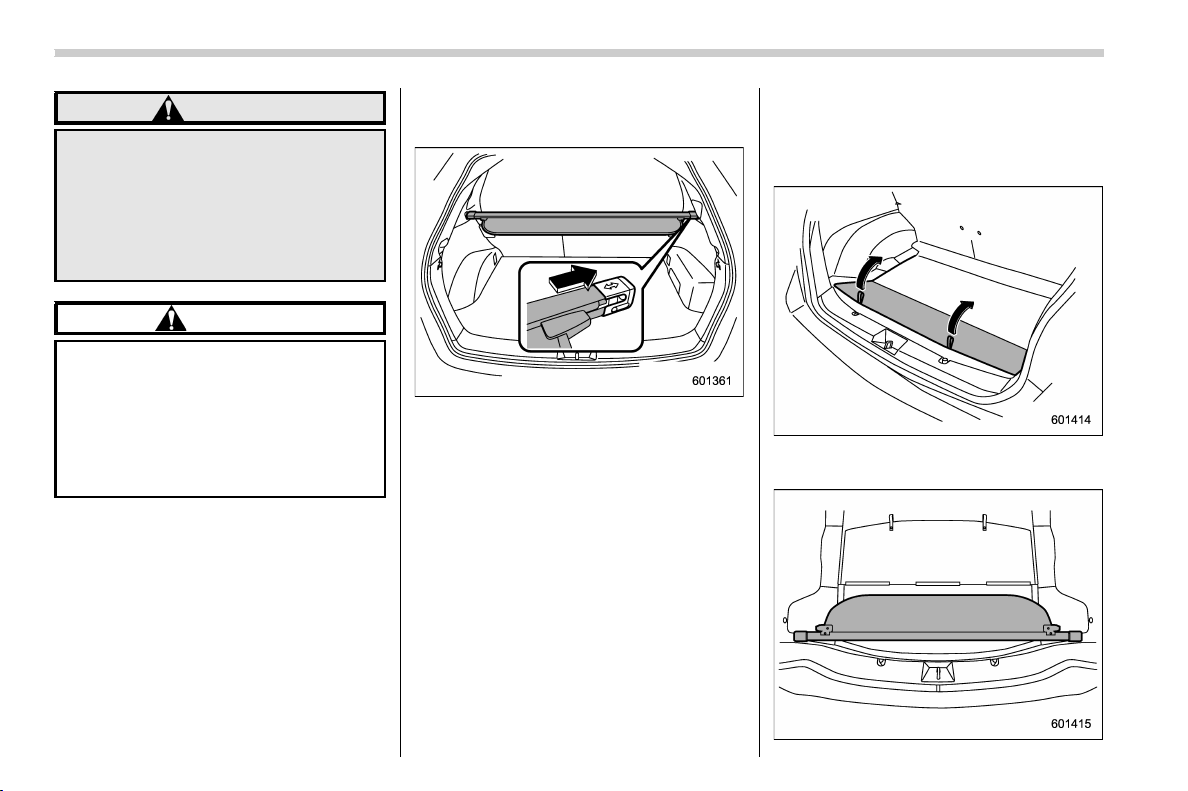
(262,1)
北米Model "A1320BE-C" EDITED: 2017/ 10/ 10
WARNING
Do not place anything on the ex-
tended cover. Putting excessive
weight on the extended cover can
break it and an object on the cover
could tumble forward in the event of
a sudden stop or collision. This
could cause serious injury.
CAUTION
Be careful not to scratch the rear
gate stays while extending and re-
winding the cover.
Scratches on the stays could cause
leakage of gas from the stays, which
may result in their inability to hold
the rear gate open.
& To remove the cover housing
1. Rewind the cover.
2. Push the cover housing to the right
side and shorten it.
3. Take it off the retainer.
& Stowage of the cargo area
cover
The cargo area cover can be stowed in
under the cargo floor.
1. Raise and fold the rear end of the cargo
floor board.
Interior equipment/Cargo area cover
6-12
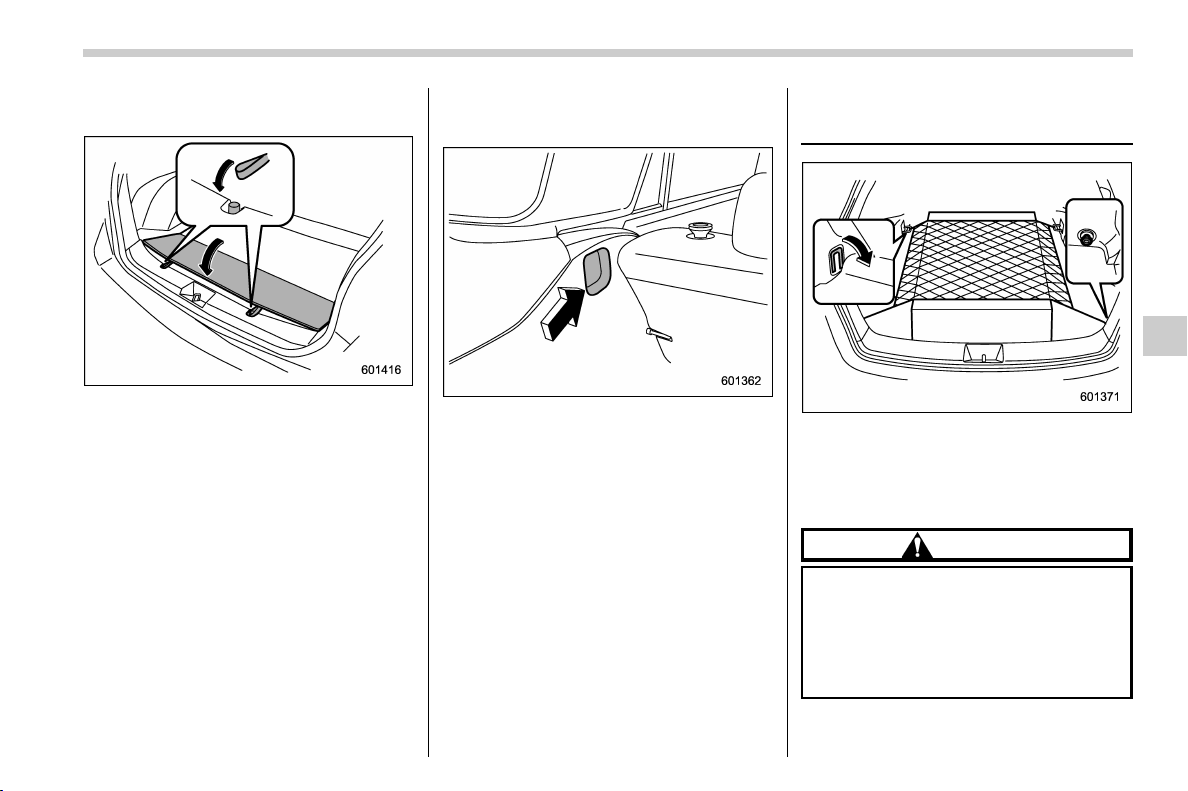
(263,1)
北米Model "A1320BE-C" EDITED: 2017/ 10/ 10
2. Stow the cover housing in the cargo
area end.
3. Put the cargo floor board back while
hanging two retaining straps on the hooks
that are located on the rear wall of cargo
area.
& To install the cover housing
1. Shorten the cover housing.
2. Insert both ends of the cover housing
into the recesses of the retainers.
Cargo tie-down hooks
(if equipped)
The cargo area is equipped with two or
four tie-down hooks so that cargo can be
secured with a cargo net or ropes.
When using the front tie-down hooks, turn
them down out of the storing recesses.
CAUTION
The cargo tie-down hooks are de-
signed only for securing light cargo.
Never try to secure cargo that ex-
ceeds the capacity of the hooks. The
maximum load capacity is 22 lbs (10
kg) per hook.
Interior equipment/Cargo tie-down hooks
6-13
6

Black plate (2,1)
Model "ALL_MODEL_MEMO" EDITED: 2007/ 6/ 22
Left Page
————————————————————————————————————————
————————————————————————————————————————
————————————————————————————————————————
————————————————————————————————————————
————————————————————————————————————————
————————————————————————————————————————
————————————————————————————————————————
————————————————————————————————————————
————————————————————————————————————————
————————————————————————————————————————
————————————————————————————————————————
————————————————————————————————————————
————————————————————————————————————————

(267,1)
北米Model "A1320BE-C" EDITED: 2017/ 10/ 10
Fuel .......................................................................... 7-3
Fuel requirements .................................................. 7-3
Fuel filler lid and cap ............................................. 7-4
State emission testing (U.S. only) ......................... 7-7
Preparing to drive ................................................... 7-8
Starting and stopping the engine
(models without push-button start system) ...... 7-9
Starting engine ...................................................... 7-9
Stopping the engine.............................................. 7-11
Starting and stopping engine
(models with push-button start system) .......... 7-11
Safety precautions ................................................ 7-11
Operating range for push-button start system ....... 7-11
Starting engine ..................................................... 7-11
Stopping engine....................................................7-13
When access key fob does not operate properly ...7-14
Remote engine start system (dealer option) ...... 7-14
Remote engine starter transceiver (fob).................7-15
Alternate operation method for models with
“keyless access with push-button start
system” ..............................................................7-18
Entering the vehicle while it is running via
remote start ........................................................7-18
Entering the vehicle following remote engine
start shutdown.................................................... 7-19
Pre-heating or pre-cooling the interior of
the vehicle ..........................................................7-19
Remote transmitter program
(Remote engine starter transceiver)..................... 7-19
System maintenance.............................................7-19
Certification for remote engine starter ...................7-21
Manual transmission ............................................ 7-21
Shifting speeds .................................................... 7-22
Driving tips........................................................... 7-23
Continuously variable transmission ................... 7-24
Continuously variable transmission features .........7-24
Select lever .......................................................... 7-25
Selection of manual mode (if equipped) ................7-26
Selection of “L” (if equipped)................................7-28
Shift lock function ................................................ 7-28
Driving tips........................................................... 7-30
Power steering...................................................... 7-30
Power steering warning light ................................7-30
Power steering system features ............................7-30
Braking .................................................................. 7-31
Braking tips..........................................................7-31
Brake system ....................................................... 7-31
Disc brake pad wear warning indicators................7-32
ABS (Anti-lock Brake System)............................. 7-33
ABS self-check .....................................................7-33
ABS warning light.................................................7-33
Electronic Brake Force Distribution (EBD)
system ................................................................ 7-34
Steps to take if EBD system malfunctions............. 7-34
Vehicle Dynamics Control system ...................... 7-35
Safety precautions................................................7-35
System features....................................................7-36
Vehicle Dynamics Control system monitor ............7-37
Vehicle Dynamics Control OFF switch...................7-37
X-mode (if equipped)............................................ 7-38
To activate/deactivate the X-mode .........................7-39
Starting and operating
7

(268,1)
北米Model "A1320BE-C" EDITED: 2017/ 10/ 10
Hill descent control function .................................7-40
Tire pressure monitoring system (TPMS)
(U.S.-spec. models)............................................ 7-41
Parking your vehicle............................................. 7-43
Parking brake .......................................................7-43
Parking tips ..........................................................7-43
Hill start assist system......................................... 7-45
To activate/deactivate the Hill start assist
system................................................................ 7-46
Hill start assist warning light/Hill start assist
OFF indicator light ..............................................7-47
Cruise control (if equipped) ................................. 7-48
To set cruise control .............................................7-48
To temporarily cancel the cruise control................7-49
To turn off the cruise control................................. 7-50
To change the cruising speed ...............................7-50
Cruise control indicator light.................................7-52
Cruise control set indicator light ...........................7-52
BSD/RCTA (if equipped)....................................... 7-52
System features....................................................7-52
System operation ................................................. 7-55
BSD/RCTA approach indicator light/warning
buzzer ............................................................... 7-56
BSD/RCTA warning indicator ................................7-58
BSD/RCTA OFF switch.......................................... 7-59
Certification for the BSD/RCTA .............................7-60
Handling of radar sensors .................................... 7-60
Reverse Automatic Braking System
(if equipped) ....................................................... 7-61
Reverse Automatic Braking System overview........7-62
Operating conditions ............................................ 7-62
Reverse Automatic Braking System operation....... 7-65
Canceling the Reverse Automatic Braking
system operation...............................................7-67
Reverse Automatic Braking system ON/OFF
setting............................................................... 7-68
RAB warning indicator..........................................7-69
Handling of the sonar sensors ..............................7-69
Starting and operating
(269,1)
北米Model "A1320BE-C" EDITED: 2017/ 10/ 10
Fuel
CAUTION
Use of a fuel which is low in quality
or use of an inappropriate fuel
additive may cause damage to the
engine and/or fuel system.
& Fuel requirements
The engine is designed to operate using
unleaded gasoline with an octane rating
of 87 AKI (90 RON) or higher.
! Mexico only
Add a bottle of genuine SUBARU fuel
additive to the fuel every 15,000 km (9,000
miles). Refer to an authorized SUBARU
dealer for details.
! Fuel octane rating
Using a gasoline with a lower octane rating
can cause persistent and heavy knocking,
which can damage the engine. Do not be
concerned if you r vehicle somet imes
knocks lightly when you drive up a hill or
when you accel erate. Contact your
SUBARU dealer if you use a fuel with the
specified octane rating and your vehicle
knocks heavily or persistently.
! RON
This octane rating is the Research Octane
Number.
! AKI
This octane rating is the average of the
Research Octane and Motor Octane num-
bers and is commonly referred to as the
Anti Knock Index (AKI).
! Unleaded gasoline
The neck of the fuel filler pipe is designed
to accept only an unleaded gasoline filler
nozzle. Under no circumstances should
leaded gasoline be used because it will
damage the emission control system and
may impair driveability and fuel economy.
! Gasoline for California-certified
LEV
If your vehicle was certified to California’s
low emission vehicle (LEV) standards as
indicated on the underhood tune-up label,
it is designed to optimize engine and
emission performance with gasoline that
meets the clean burning low-sulfur Cali-
fornia gasoline specifications. If you live in
any other state than California, your
vehicle will operate on gasoline meeting
Federal specifications. Gasoline sold out-
side California is permitted to have higher
sulfur levels, which may affect the perfor-
mance of your vehicle’s catalytic converter
and may produce a sulfur exhaust odor or
smell. SUBARU recommends that you try
a different brand of unleaded gasoline
having lower sulfur to determine if the
problem is fuel related before returning
your vehicle to an authorized dealer for
service.
! MMT
Some gasoline contains an octane-enhan-
cing additive called MMT (Methylcyclo-
pentadienyl Manganese Tricarbonyl). If
you use such fuels, your emission control
system performance may deteriorate and
the CHECK ENGINE warning light/Mal-
function indicator light may turn on. If this
happens, return to your authorized
SUBARU Dealer for service. If it is
determined that the condition is caused
by the type of fuel used, repairs may not be
covered by your warranty.
! Gasoline for cleaner air
Your use of gasoline with detergent ad-
ditives will help prevent deposits from
forming in your engine and fuel system.
This helps keep your engine in tune and
your emission control system worki ng
properly, and is a way of doing your part
for cleaner air. If you continuously use a
high quality fuel with the proper detergent
and other additives, you should never
need to add any fuel system cleaning
– CONTINUED –
Starting and operating/Fuel
7-3
7
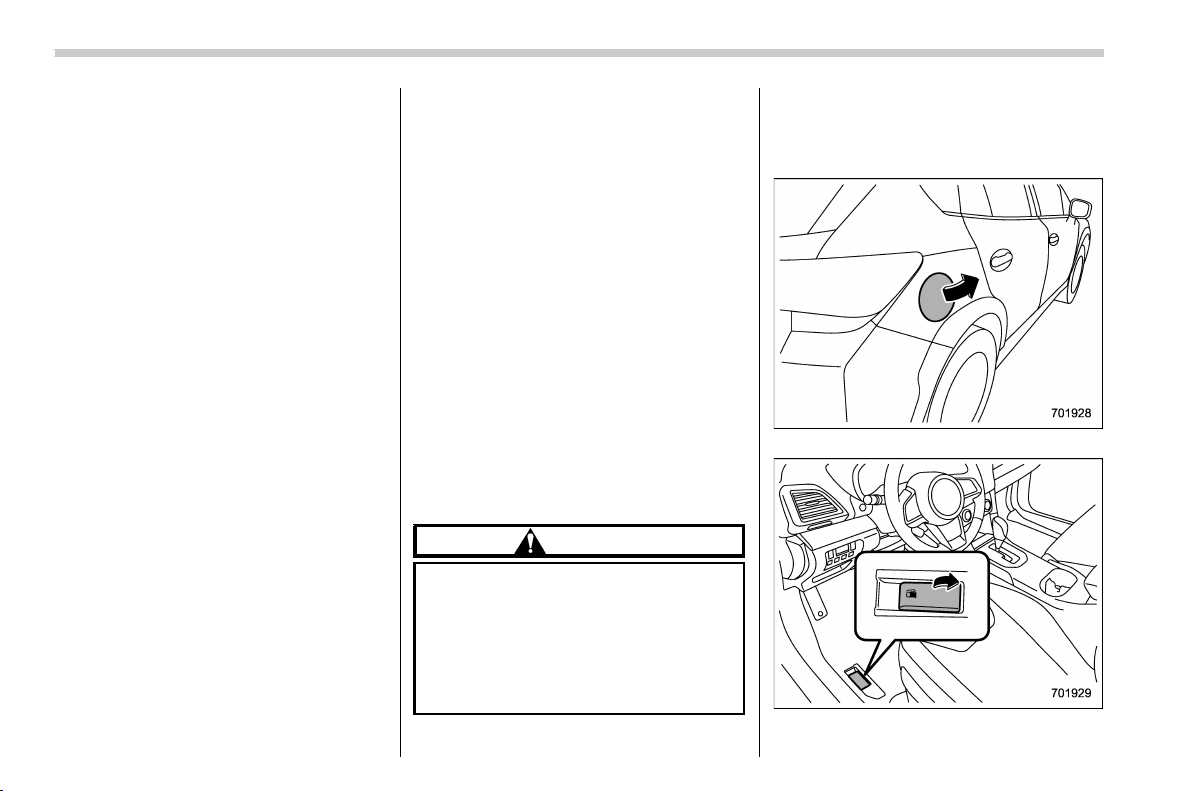
(270,1)
北米Model "A1320BE-C" EDITED: 2017/ 10/ 10
agents to your fuel tank.
Many gasolines are now blended with
materials called oxygenates. Use of these
fuels can also help keep the air cleaner.
Oxygenated blend fuels, such as ethanol
(ethyl or grain alcohol) may be used in your
vehicle, but should contain no more than
10% ethanol for the proper operation of
your SUBARU.
Do not use any gasoline that contains
more than 10% ethanol, including from any
pump labeled E15, E30, E50 or E85 (which
are only some examples of fuel containing
more than 10% ethanol).
In addition, some gasoline suppliers are
now producing reformulated gasolines,
which are desi gned to reduce vehicle
emissions. SUBARU approves the use of
reformulated gasoline.
If you are not sure what the fuel contains,
you should ask your service station op-
erators if their gasolines contain deter-
gents and oxygenates and if they have
been reformulated to reduce vehicle emis-
sions.
As additional guidance, only use fuels
suited for your vehicle as explained in the
following description.
. Fuel should be unleaded and have an
octane rating no lower than that specified
in this manual.
. Methanol (methyl or wood alcohol) is
sometimes mixed with unleaded gasoline.
Methanol can be used in your vehicle
ONLY if it does not exceed 5% of the fuel
mixture AND if it is accompanied by
sufficient quantities of the proper cosol-
vents and corrosion inhibitors required to
prevent damage to the fuel system. Do not
use fuel containing metha nol EXCEPT
under these conditions.
. If undesirable driveability problems are
experienced and you suspect they may be
fuel related, try a different brand of gaso-
line before seek ing service at your
SUBARU dealer.
. Fuel system damage or dr ivea bi lity
problems which result from the use of
improper fuel are not covered under the
SUBARU Limited Warranty.
CAUTION
Do not let fuel spill on the exterior
surfaces of the vehicle. Because fuel
may damage the paint, be sure to
wipe off any spilled fuel quickly.
Paint damage caused by spilled fuel
is not covered under the SUBARU
Limited Warranty.
& Fuel filler lid and cap
! Locations of the fuel filler lid and the
lid release lever
Fuel filler lid
Fuel filler lid release lever
Starting and operating/Fuel
7-4
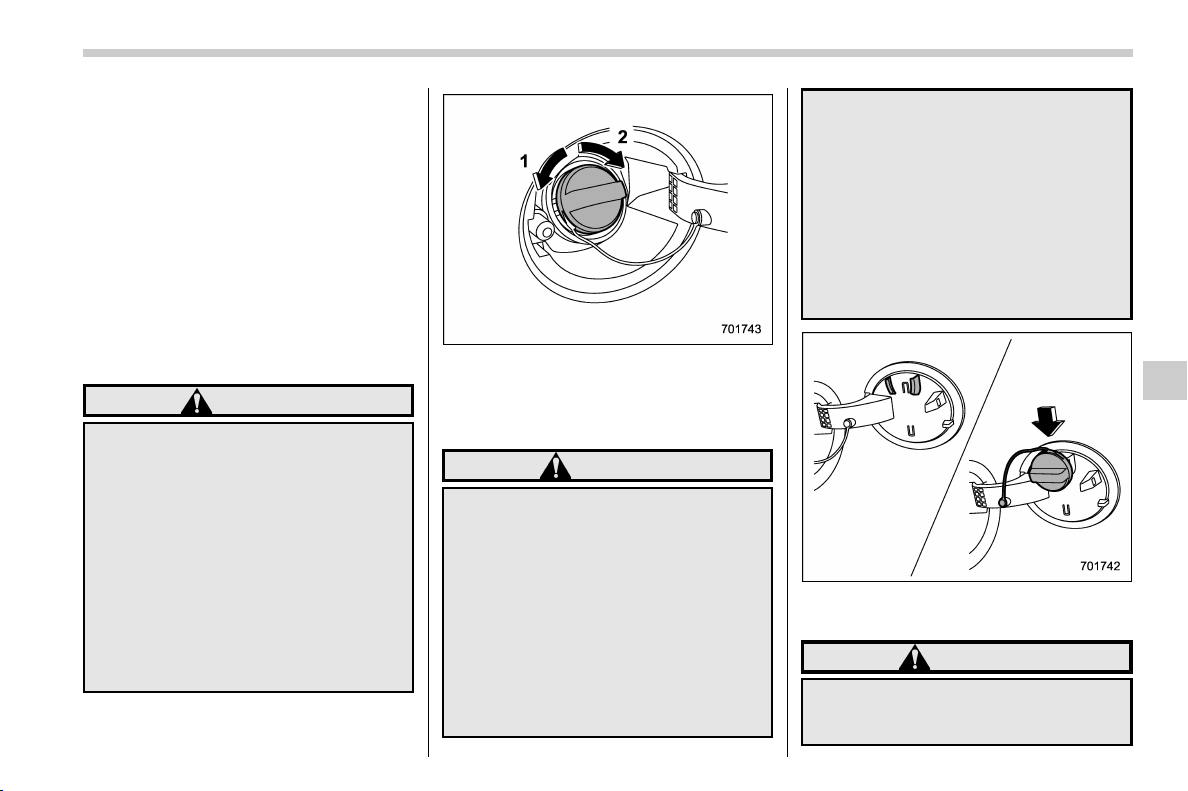
(271,1)
北米Model "A1320BE-C" EDITED: 2017/ 10/ 10
! Refueling
Only one person should be involved in
refueling. Do not allow others to approach
the area of the vehicle near the fuel filler
pipe while refueling is in progress.
Be sure to observe any other precautions
that are posted at the service station.
1. Stop the vehicle and turn the ignition
switch to the “LOCK”/“OFF” position and
turn off all the other electrical components.
2. To open the fuel filler lid, pull the lid
release lever up. The lever is on the floor at
the left of the driver’s seat.
WARNING
Before opening the fuel filler cap,
first touch the vehicle body or a
metal portion of the fuel pump or
similar object to discharge any sta-
tic electricity that may be present on
your body. If your body is carrying
an electrostatic charge, there is a
possibility that an elec tric spark
could ignite the fuel, which could
burn you. To avoid acquiring a new
static electric charge, do not get
back into the vehicle while refueling
is in progress.
1) Open
2) Close
3. Remove the fuel filler cap by turning it
slowly counterclockwise.
WARNING
. Gasoline vapor is highly flam-
mable. Before refueling, always
turn the ignition switch to the
“LOCK”/“OFF” position first and
then close all vehicle doors and
windows. Make sure that there
are no lighted cigarettes, open
flames or electrical sparks in the
adjacent area. Only handle fuel
outdoors. Quickly wipe up any
spilled fuel.
. When opening the cap, grasp it
firmly and turn it slowly to the left.
Do not remove the cap quickly.
Fuel may be under pressure and
spray out of the fuel filler neck,
especially in hot weather. If you
hear a hissing sound while you
are removing the cap, wait for the
sound to stop and then slowly
open the cap to prevent fuel from
spraying out and creating a fire
hazard.
4. Set the fuel filler cap on the cap holder
inside the fuel filler lid.
WARNING
. When refueling, insert the fuel
nozzle securely into the fuel filler
pipe. If the nozzle is lifted or not
– CONTINUED –
Starting and operating/Fuel
7-5
7
(272,1)
北米Model "A1320BE-C" EDITED: 2017/ 10/ 10
fully inserted, its automatic stop-
ping mechanism may not func-
tion, causing fuel to overflow the
tank and creating a fire hazard.
. Stoprefuelingwhentheauto-
matic s top mechanism on the
fuel nozzle activates. If you con-
tinue to add fuel, temperature
changes or other conditions
may cause fuel to overflow from
the tank and create a fire hazard.
5. Stop filling the tank after the fuel filler
pump automatically stops. Do not add any
more fuel.
6. Put the cap back on, turn it clockwise
until you hear a clicking noise. Be certain
not to catch the tether under the cap while
tightening.
CAUTION
Make sure that the cap is tightened
until it clicks to prevent fuel spillage
in the event of an accident.
7. Close the fuel filler lid completely.
CAUTION
If you spill any fuel on the painted
surface, rinse it off immedia tely.
Otherwise, the painted surface
could be damaged.
NOTE
. You will see the “ ” sign in the fuel
gauge. This indicates that the fuel filler
door (lid) is located on the right side of
the vehicle.
. If the fuel filler cap is not tightened
until it clicks or if the tether is caught
under the cap, the CHECK ENGINE
warning light/malfunction indicator
light may illuminate. Refer to “CHECK
ENGINE warning light/Malfunction in-
dicator light” F3-15.
CAUTION
. Never add any cleaning agents to
the fuel tank. The addition of a
cleaning agent may cause da-
mage to the fuel system.
. After refueling, turn the cap to the
right until it clicks to ensure that
it is fully tightened. If the cap is
not securely tightened, fuel may
leak out while the vehicle is being
driven or fuel spillage could oc-
cur in the event of an accident,
creating a fire hazard.
. Do not let fuel spill on the exterior
surfaces of the vehicle. Because
fuel may damage the paint, be
sure to wipe off any spilled fuel
quickly. Paint damage caused by
spilled fuel is not covered under
the SUBARU Limited Warranty.
. Always use a genuine SUBARU
fuel filler cap. If you use the
wrong cap, it may not fit or have
proper venting and your fuel tank
and emission control system
may be damaged. It could also
lead to fuel spillage and a fire.
. Immediately put fuel in the tank
whenever the low fuel warning
light illuminates. Engine misfires
as a result of an empty tank could
cause damage to the engine.
Continuing to operate your vehi-
cle at an extremely low fuel level
may result in a reduction of
engine performance.
Starting and operating/Fuel
7-6
(273,1)
北米Model "A1320BE-C" EDITED: 2017/ 10/ 10
State emission testing
(U.S. only)
WARNING
Only use a four-wheel dynamometer
when testing an All-Wheel Drive
(AWD) model.
Testing of an AWD model must
NEVER be performed on a single
two-wheel dynamometer. Attempt-
ing to do so will result in uncon-
trolled vehicle movement and may
cause an accident or injuries to
persons nearby.
CAUTION
. At state inspection time, remem-
ber to tell your inspection or
service station in advance not to
place your SUBARU AWD vehicle
on a two-wheel dynamometer.
Otherwise, serious transmission
damage will result.
. Resultant vehicle damage due to
improper testing is not covered
under the SUBARU Limited War-
ranty and is the responsibility of
the state inspection program or
its contractors or licensees.
California and a number of federal states
have Inspection/Maintenance programs to
inspect your vehicle’s em ission control
system. If your vehicle does not pass this
test, some states may deny renewal of
your vehicle’s registration.
Your vehicle is equipped with a computer
that monitors the performance of the
engine’s emission control system. Certi-
fied emission inspectors will inspect the
On-Board Diagnostic (OBDII) system as
part of the state emission inspection
process. The OBDII system is designed
to detect engine and transmission pro-
blems that might cause the vehicle emis-
sions to exceed allowable limits. OBDII
inspections apply to all 1996 model year
and newer passenger cars and trucks.
Over 30 states plus the District of Colum-
bia have implemented emission inspection
of the OBDII system.
. The inspection of the OBDII system
consists of a visual operational check of
the “CHECK ENGINE” warning light/mal-
function indicator light (MIL) and an ex-
amination of the OBDII system with an
electronic scan tool.
. A vehicle passes the OBDII system
inspection if proper operation of the
“CHECK ENGINE” warning light is ob-
served, there are no stored diagnostic
trouble codes, and the OBDII readiness
monitors are all complete.
. A vehicle fails the OBDII inspection if
the “CHECK ENGINE” warning light is not
properly operating (light is illuminated or is
not working due to faulty LED [Light
Emitting Diode]) or there is one or more
diagnostic trouble codes sto red in the
vehicle’s computer.
. A state emission inspection may reject
(not pass or fail) a vehicle if the number of
OBDII system readiness monitors “NOT
READY” is greater than one. If the
vehicle’s battery has been recently re-
placed or disconnected, the OBDII system
inspection may indicate that the vehicle is
not ready for the emission test. Under this
condition, the vehicle driver should be
instructed to drive his/her vehicle for a
few days to reset the readiness monitors
and return for an emission re-inspection.
. Owners of rejected or failing vehicles
should contact their SUBARU Dealer for
service.
Some states still use dynamometers in
their emission inspection program. A
dynamometer is a treadmill or roller-like
testing device that allows your vehicle’s
wheels to turn while the vehicle remains in
one place. Prior to your vehicle being put
– CONTINUED –
Starting and operating/State emission testing (U.S. only)
7-7
7
(274,1)
北米Model "A1320BE-C" EDITED: 2017/ 10/ 10
on a dynamometer, tell your emission
inspector not to place your SUBARU
AWD vehicle on a two-wheel dynam-
ometer. Otherwise, serious transmis-
sion damage will result.
The U.S. Environmental Protection
Agency (EPA) and states using two-wheel
dynamometers in their emission testing
program have EXEMPTED SUBARU
AWD vehicles from t he portion of the
testing program that involves a two-wheel
dynamometer. There are some states that
use four-wheel dynamometers in their
testing program. When properly used, this
equipment should not damage a SUBARU
AWD vehicle.
Under no circumstances should the rear
wheels be jacked off the ground, nor
should the driveshaft be disconnected in
an attempt to bypass AWD for state
emission testing. An AWD vehicle must
be tested using an AWD dynamometer
with all 4 wheels driven and loaded.
Preparing to drive
You should perform the following checks
and adjustments every day before you
start driving.
1. Check that all windows, mirrors, and
lights are clean and unobstructed.
2. Check the appearance and condition
of the tires. Also check tires for proper
inflation.
3. Look under the vehicle for any sign of
leaks.
4. Check that no small animals enter the
engine compartment.
5. Check that the hood and rear gate are
fully closed.
6. Check the adjustment of the seat.
7. Check the adjustment of the inside and
outside mirrors.
8. Fasten your seatbelt. Check that your
passengers have fastened their seatbelts.
9. Check the operation of the warning
and indicator lights when the ignition
switch is turned to the “ON” position.
10. Check the gauges, indicator and warn-
ing lights after starting the engine.
CAUTION
Trapping small animals in the cool-
ing fan and belts of the engine may
result in a malfunction. Check that
no small animal enters the engine
compartment and under the vehicle
before starting the engine.
NOTE
. Engine oil , eng ine coolant, brake
fluid, washer fluid and other fluid levels
should be checked daily, weekly or at
fuel stops.
. When towing a trailer, refer to “Trai-
ler hitch (dealer option)” F8-14
Starting and operating/Preparing to drive
7-8
(275,1)
北米Model "A1320BE-C" EDITED: 2017/ 10/ 10
Starting and stopping the en-
gine (models without push-
button start system)
CAUTION
Do not operate the starter motor
continuously for more than 10 sec-
onds. If the engine fails to start after
operating the starter for 5 to 10
seconds, wait for 10 seconds o r
more before trying again.
NOTE
It may be difficult to start the engine
when the battery has been discon-
nected and reconnected (for mainte-
nance or other purposes). This diffi-
culty is caused by the electronically
controlled throttle’s self-diagnosis
function. To overcome it, keep the
ignition switch in the “ON” position
for approximately 10 seconds before
starting the engine.
& Starting engine
! General precautions when starting
engine
WARNING
. Never start the engine from out-
side the vehicle (except w hen
using the remote engine start
system). It may result in an acci-
dent.
. Do not leave the engine running
in locations with poor ventilation,
such as a garage and indoors.
The exhaust gas may enter the
vehicle or indoors, and it may
result in carbon monoxide poi-
soning.
. Do not start the engine near dry
foliage, paper, or other flammable
substances. The exhaust pipe
and exhaust emissions can cre-
ate a fire hazard at high tempera-
tures.
CAUTION
. If the engine is stopped during
driving, the catalyst may over-
heat and burn.
. When starting the engine, be sure
to sit in the driver’s seat (except
when using the remote engine
start system).
NOTE
. Avoid rapid racing and rapid accel-
eration immediately after the engine
has started.
. For a short time after the engine has
started, the engine speed is kept high.
When the warm-up is completed, the
engine speed lowers automatically.
. On rare occasions, it may be difficult
to start the engine depending on the
fuel and the usage condition (repeated
driving of a distance in which the
engine has not warmed up sufficiently).
In such a case, it is recommended that
you change to a different brand of fuel.
. On rare occasions, transient knock-
ing may be heard from the engine when
the accelerator is operated rapidly such
as a rapid start-up and a rapid accel-
eration. This is not a malfunction.
. The engine starts more easily when
the headlights, air conditioner and rear
window defogger are turned off.
. Do not shift the select lever (CVT
models) or shift lever (MT models)
while the starter is cranking.
– CONTINUED –
Starting and operating/Starting and stopping the engine (models without push-button start system)
7-9
7

(276,1)
北米Model "A1320BE-C" EDITED: 2017/ 10/ 10
! MT models
1. Apply the parking brake.
2. Turn off unnecessary lights and acces-
sories.
3. Depress the clutch pedal to the floor
and shift the shift lever into neutral. Hold
the clutch pedal to the floor while starting
the engine.
The starter motor will only operate when
the clutch pedal is depressed fully to the
floor.
4. Turn the ignition switch to the “ON”
position and check the operation of the
warning and indicator lights. Refer to
“Warning and indicator” F 3-12.
5. Turn the ignition switch to the “START”
position without depressing the accelera-
tor pedal. Release the key immediately
after the engine has started.
If the engine does not start, try the
following procedure.
(1) Turn the ignition switch to the
“LOCK”/“OFF” position and wait for at
least 10 seconds. After checking that
the parking brake is firmly set, turn the
ignition switch to the “START” position
while depressing the accelerator pedal
slightly (approximately a quarter of the
full stroke). Release the accelerator
pedal as soon as the engine starts.
(2) If this fails to start the engine, turn
the ignition switch back to the “LOCK”/
“OFF” position and wait for at least 10
seconds. Then fully depress the accel-
erator pedal and turn the ignition
switch to the “START” position. If the
engine starts, quickly release the ac-
celerator pedal.
(3) If this fails to start the engine, turn
the ignition switch again to the “LOCK”/
“OFF” position. After waiting for 10
seconds or longer, turn the ignition
switch to the “START” position without
depressing the accelerator pedal.
(4) If the engine still fails to start,
contact your nearest SUBARU dealer
for assistance.
6. Confirm that all warning and indicator
lights have turned off after the engine has
started. The fuel injection system auto-
matically lowers the idle speed as the
engine warms up.
! CVT models
1. Apply the parking brake.
2. Turn off unnecessary lights and acces-
sories.
3. Shift the select lever to the “P” or “N”
position (preferably the “P ” position).
The starter motor will only operate when
the select lever is at the “
P” or “N” position.
4. Turn the ignition switch to the “ON”
position and check the operation of the
warning and indicator lights. Refer to
“Warning and indicator” F 3-12.
5. Turn the ignition switch to the “START”
position without depressing the accelera-
tor pedal. Release the key immediately
after the engine has started.
If the engine does not start, try the
following procedure.
(1) Turn the ignition switch to the
“LOCK”/“OFF” position and wait for at
least 10 seconds. After checking that
the parking brake is firmly set, turn the
ignition switch to the “START” position
while depressing the accelerator pedal
slightly (approximately a quarter of the
full stroke). Release the accelerator
pedal as soon as the engine starts.
(2) If this fails to start the engine, turn
the ignition switch back to the “LOCK”/
“OFF” position and wait for at least 10
seconds. Then fully depress the accel-
erator pedal and turn the ignition
switch to the “START” position. If the
engine starts, quickly release the ac-
celerator pedal.
(3) If this fails to start the engine, turn
the ignition switch again to the “LOCK”/
“OFF” position. After waiting for 10
seconds or longer, turn the ignition
switch to the “START” position without
depressing the accelerator pedal.
Starting and operating/Starting and stopping the engine (models without push-button start system)
7-10
(277,1)
北米Model "A1320BE-C" EDITED: 2017/ 10/ 10
(4) If the engine still refuses to start,
contact your nearest SUBARU dealer
for assistance.
6. Confirm that all warning and indicator
lights have turned off after the engine has
started. The fuel injection system auto-
matically lowers the idle speed as the
engine warms up.
While the engine is warming up, make sure
that the select lever is at the “P” or “N”
position and that the parking brake is
applied.
CAUTION
If you restart the engine while the
vehicle is moving, shift the select
lever into the “N” position. Do not
attempt to place the select lever of a
moving vehicle into the “P” position.
& Stopping the engine
The ignition switch should be turned off
only when the vehicle is stopped and the
engine is idling.
WARNING
Do not stop the engine when the
vehicle is moving. This will cause
loss of power to the power steering
and the brake booster, making steer-
ing and braking more difficult. It
could also result in accidental acti-
vation of the “LOCK”/“OFF” posi-
tion on the ignition switch, causing
the steering wheel to lock.
Starting and stopping engine
(models with push-button
start system)
& Safety precautions
Refer to “Safety precautions” F2-3.
& Operating range for push-
button start system
Refer to “Operating range for push-button
start system” F3-6.
& Starting engine
WARNING
. There are some general precau-
tions when starting the engine.
Carefully read the precautions
described in “Starting e ngine”
F7-9.
. If the indicator on the push-but-
ton ignition switch flashes in
green after the engine has
started, never drive the vehicle.
The steering is still locked, and it
may result in an accident.
– CONTINUED –
Starting and operating/Starting and stopping engine (models with push-button start system)
7-11
7
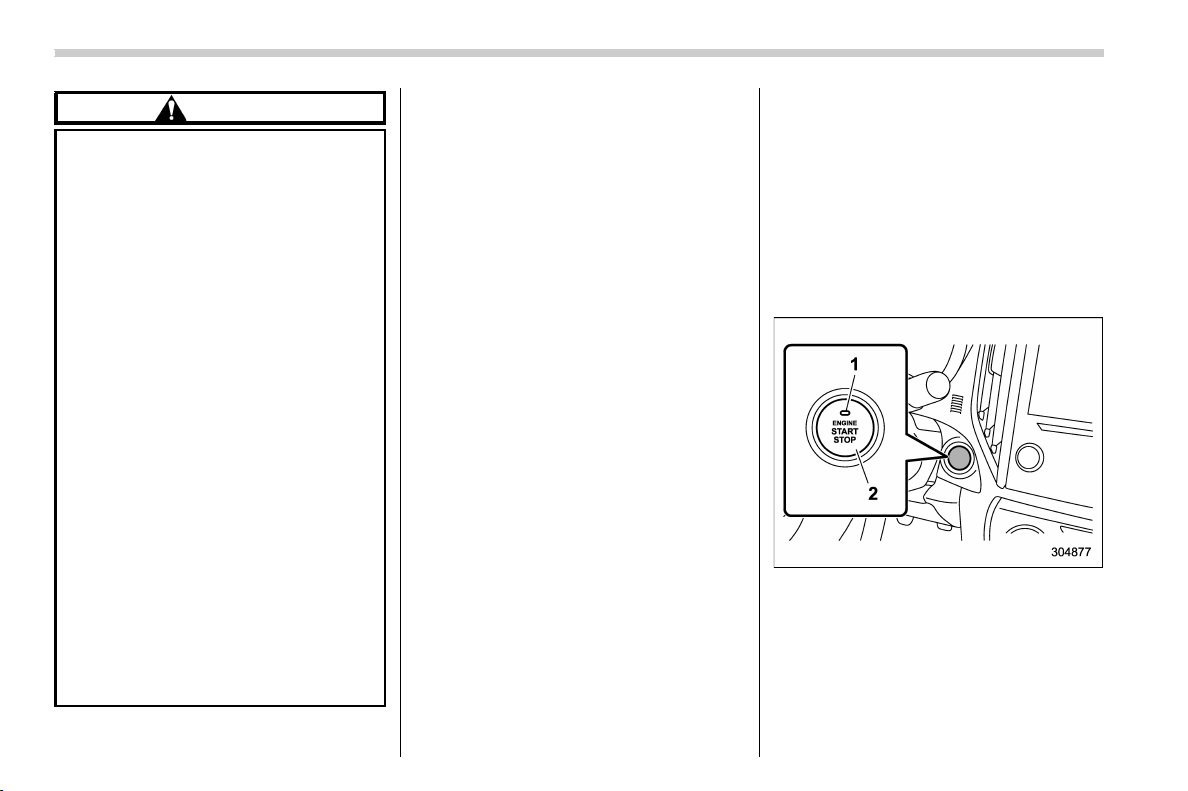
(278,1)
北米Model "A1320BE-C" EDITED: 2017/ 10/ 10
CAUTION
. When the operation indicator on
the push-button ignition switch is
flashing in orange, there may be a
malfunction with the vehicle.
Contact a SUBARU dealer imme-
diately.
. If the indicator on the push-but-
ton ignition switch is flashing in
green after the engine has
started, it means that the steering
is still locked. Depress the brake
pedal while moving the steering
wheel to the right and left, and
press the push-button ignition
switch.
. Do not continue pushing the
push-button ignition switch for
more than 10 seconds. Doing so
could cause a malfunction. If the
engine does not start, stop push-
ing the push-button ignition
switch. Instead, press the push-
button ignition switch without
depressing the brake pedal to
switch the power status to
“OFF”. Wait 10 seconds, and then
push the pu sh-button ignition
switch to start the engine.
NOTE
. For a short time after the engine has
started, the engine speed is kept high.
When the warm-up is completed, the
engine speed lowers automatically.
. When the push-button ignition
switch is pressed while depressing
the clutch pedal (MT models) or the
brake pedal (CVT models), the engine
starter operates for a maximum of 10
seconds and after starting the engine,
the starter stops automatically.
. When the push-button ignition
switch is pressed while depressing
the clutch pedal (MT models) or the
brake pedal (CVT models), the engine
can be started regardless of the status
of the push-button ignition switch.
. If the security indicator light illumi-
nates when you attempt to start the
engine but the engine does not start,
press the push-button ignition switch
to switch the power to “OFF” and then
try to start the engine again.
. If the engine does not start, press the
push-button ignition switch without
depressing the clutch pedal (MT mod-
els) or the brake pedal (CVT models) to
switch the power to “OFF”. Then, while
depressing the clutch pedal (MT mod-
els) or the brake pedal (CVT models)
more forcefully, press the push-button
ignition switch.
. The engine start procedures may not
function depending on the radio wave
conditions around the vehicle. In such
a case, refer to “Starting engine” F9-
18.
. If the vehicle battery is discharged,
the st eering cannot be unlocked.
Charge the battery.
. Do not shift the select lever while the
starter is cranking.
1) Operation indicator
2) Push-button ignition switch
When the push-button ignition switch is
pressed while depressing the clutch pedal
(MT models) or the brake pedal (CVT
models), the engine will start. The starting
procedure for the engine is as follows.
Starting and operating/Starting and stopping engine (models with push-button start system)
7-12
(279,1)
北米Model "A1320BE-C" EDITED: 2017/ 10/ 10
! MT models
1. Carry the access key fob, and sit in the
driver’s seat.
2. Apply the parking brake.
3. Shift the shift lever to neutral.
4. Depress the brake pedal.
5. Depress the clutch pedal until the
indicator on the push-button ignition switch
turns green.
6. While depressing the clutch pedal,
press the push-button ignition switch.
NOTE
In case the engine does not start by the
normal engine start procedure, move
the shift lever to the neutral position,
and switch the power to “ACC”. De-
press the clutch pedal, and press the
push-button ignition switch for at least
15 seconds. The engine may start. Only
use this engine start procedure in case
of emergency.
! CVT models
1. Carry the access key fob, and sit in the
driver’s seat.
2. Apply the parking brake.
3. Shift the select lever into the “ P”
position. The engine can also start when
the select lever is in the “N” position,
however, for safety reasons, start in the “P”
position.
4. Depress the brake pedal until the
operation indi cator on the push-button
ignition switch turns green. When starting
with the select lever in the “N” position, the
indicator does not turn green.
5. While depressing the brake pedal,
press the push-button ignition switch.
NOTE
. While pressing the select lever but-
ton in, the indicator on the push-button
ignition switch will not turn green even
when the select lever is in the “P”
position.
. In case the engine does not start by
the normal engine start procedure,
move the select lever to the “P” posi-
tion, and switch the power to “ACC”.
Depress the brake pedal, and press the
push-button ignition switch for at least
15 seconds. The engine may start. Only
use this engine start procedure in case
of emergency.
. When the engine is not started, the
brake pedal may feel stiff. In such a
case, depress the brake pedal more
forcefully than usual. Check that the
operation indicator on the push-button
ignition switch turns green, and press
the push-button ignition switch to start
the engine.
& Stopping engine
1. Stop the vehicle completely.
2. Move the select lever to the “P”
position (CVT models).
3. Press the push-button ignition switch.
The engine will stop, and the power will be
switched off.
WARNING
. Do not touch the push -butt on
ignition switch during driving.
When the push-button ignition
switch is operated as follows,
the engine will stop.
– The switch is pressed and held
for 3 seconds or longer.
– The switch is pressed briefly 3
times or more in succession.
When the engine stops, the brake
booster will not function. A great-
er foot pressure will be required
on the brake pedal.
The power steering system will
not operate either. A greater force
will be required to steer, and it
may result in an accident.
. If the engine stops during driving,
– CONTINUED –
Starting and operating/Starting and stopping engine (models with push-button start system)
7-13
7
(280,1)
北米Model "A1320BE-C" EDITED: 2017/ 10/ 10
do not operate the push-button
ignition switch or open any of the
doors until the vehicle is stopped
in a safe location. It is dangerous
because the steering lock may be
activated. Stop the vehicle in a
safe place, and contact a
SUBARU dealer immediately.
CAUTION
For CVT models
. Do not stop the engine while the
select lever is in a position other
than the “P” position.
. If the engine is stopped while the
select lever is in a position other
than the “P” position, the power
will be in “ACC”. If the vehicle is
left in this condition, the battery
may be discharged.
NOTE
Although you can stop the engine by
operating the push-button ignition
switch, do not stop the engine during
driving except in an emergency.
& When access key fob does
not operate properly
Refer to “Access key fob – if access key
fob does not operate properly” F9-17.
Remote engine start system
(dealer option)
WARNING
. There are some general precau-
tions when starting the engine.
Carefully read the precautions
described in “General precau-
tions when starting engine” F7-
9.
. Do not remote start a vehicle in an
enclosed environment (e.g.
closed garage). Prolonged opera-
tion of a m otor vehicle in an
enclosed environment can cause
a harmful build-up of Carbon
Monoxide. Carbon Monoxide is
harmful to your health. Exposure
to high levels of Carbon Monox-
ide can cause headaches, dizzi-
ness or in extreme cases uncon-
sciousness and/or death.
The remote engine start system allows you
to start the engine from outside the vehicle.
In addition, the remote engine start system
can activate the heater or air conditioner,
providing you with a comfortable cabin
upon entry. For more details, refer to the
Owner’s Manual supplement for the re-
Starting and operating/Remote engine start system (dealer option)
7-14
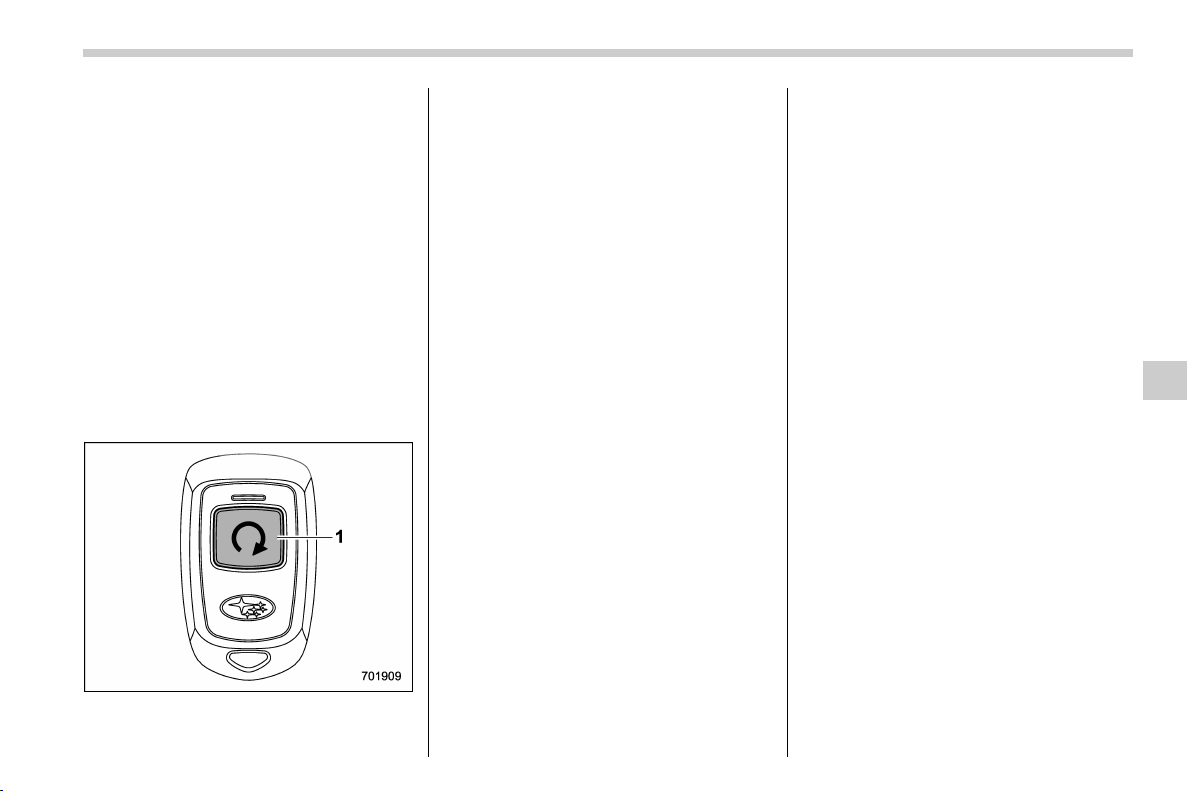
(281,1)
北米Model "A1320BE-C" EDITED: 2017/ 10/ 10
mote engine start system.
NOTE
. The length of time for which it is
acceptable to allow t he engine to
remain idling may be bound by local
laws and regulations. Check the local
rules when using the remote engine
start system.
. When taking your vehicle in for
service, it is recommended that you
inform the service personnel that your
vehicle is equipped with a remote
engine start system.
& Remote engine starter trans-
ceiver (fob)
1) Fob button
! Starting the engine
NOTE
All vehicle doors (including rear gate)
and the engine hood must be closed
prior to activating the remote engine
start system. Any open entry point will
prevent starting or cause the engine to
stop.
The remote engine start system is acti-
vated by pressing the fob button on your
remote engine starter transceiver (fob)
twice within 3 seconds. If the fob is within
operating range of the system and the start
request is received, the following phenom-
ena will occur.
. The fob flashes and beeps once.
. The horn sounds once.
. The side marker lights, tail lights, and
parking lights flash once.
If the fob is not within range (the user is too
far away from the vehicle), the fob will
indicate two long flashes without beeping.
The system will check certain safety
preconditions before starting, and if all
conditions are met, the engine will start
within 5 seconds. After the engine starts,
the following phenomena will occur.
. The fob flashes and beeps twice.
. The horn sounds once.
. The side marker lights, tail lights, and
parking lights flash once.
While the engine is idling via the remote
engine start system, the following phe-
nomena will occur.
. The side marker lights, tail lights, and
parking lights remain illuminated.
. The fob button flashes once every 3
seconds.
. The power windows are disabled.
If the engine turns over but does not start
(or starts and stalls) the remote engine
start system will power off and then
attempt to start the engine 3 additional
times. The system will not attempt to
restart the engine if it determines a vehicle
malfunction is preventing starting. If the
engine does not start after 3 additional
attempts, the remote engine start request
will be aborted.
! Stopping the engine
Press and hold the fob button for at least 2
seconds to stop the engine. The fob will
flash and beep three times, indicating the
engine has stopped. If the stop request is
not received (for example, if the user is too
far away from the vehicle), the fob will
continue to flash once every 3 seconds.
The system will automatically stop the
engine after 15 minutes.
– CONTINUED –
Starting and operating/Remote engine start system (dealer option)
7-15
7

(282,1)
北米Model "A1320BE-C" EDITED: 2017/ 10/ 10
! Remote start safety features
For safety and security reasons, the
remote engine start system will prevent
starting (or stop the engine if running) and
sound the horn twice if any of the following
conditions is detected. In addition, the fob
will flash and beep 3 times.
. The total run-time has exceeded 20
minutes
. The brake pedal is depressed
. A key is in the ignition switch
. The engine hood is open
. The engine idle speed exceeds 3,500
RPM
. The security alarm is triggered
. The select lever is not in the “P” position
(CVT models)
If the system detects any door (including
the rear gate) open during operation, it will
prevent starting or stop the engine, and
sound the horn and flash side marker
lights, tail lights, and parking lights 6 times.
In addition to the items above, i f the
vehicle’s engine management system
determines there is a safety risk due to a
vehicle-related problem, the vehicle will
power down and the horn will sound 3
times.
NOTE
. If the alarm system is armed at the
time of remote engine starter activation
(the security indicator light on the
combination meter is flashing), the
alarm system will remain armed
throughout the remote start run cycle.
. If the alarm system is disarmed at
the time of remote engine starter acti-
vation (the security indicator light on
the combination meter is not flashing),
the alarm system will remain disarmed
throughout the remote start run cycle.
! Remote start operation - fob con-
firmation
Your remote engine starter fob is a
bidirectional transceiver that can confirm
system operation with several different
visual and audible indications. The fob’s
LED-backlit button and internal piezo
buzzer will indicate status of the system
using the following flash and beep se-
quences, provided the fob is within opera-
tional range of the system.
Starting and operating/Remote engine start system (dealer option)
7-16
(283,1)
北米Model "A1320BE-C" EDITED: 2017/ 10/ 10
Precondition
Fob Indication
Meaning
Flash Beep
Fob start button is being pressed
Continuous while button is
held down
— The fob is transmitting an RF signal
User attempts to start engine by pressing fob
button twice within 3 sec
1 flash 1 beep Engine start request received
2 flashes 2 beeps Engine started successfully
1 flash every 3 sec — Engine idling
3 flashes 3 beeps Vehicle is in range but engine not started
2 long flashes — Vehicle not in range (engine not started)
Engine idling by remote engine start operation
1 flash every 3 sec — Engine idling
3 flashes 3 beeps
Engine stopped by system timeout or for safety
reasons (see sections above)
User attempts to stop engine by pressing and
holding fob button for at least 2 sec.
3 flashes 3 beeps Engine stopped by user request
1 flash every 3 sec —
Stop request not received. Engine still idling.
– CONTINUED –
Starting and operating/Remote engine start system (dealer option)
7-17
7
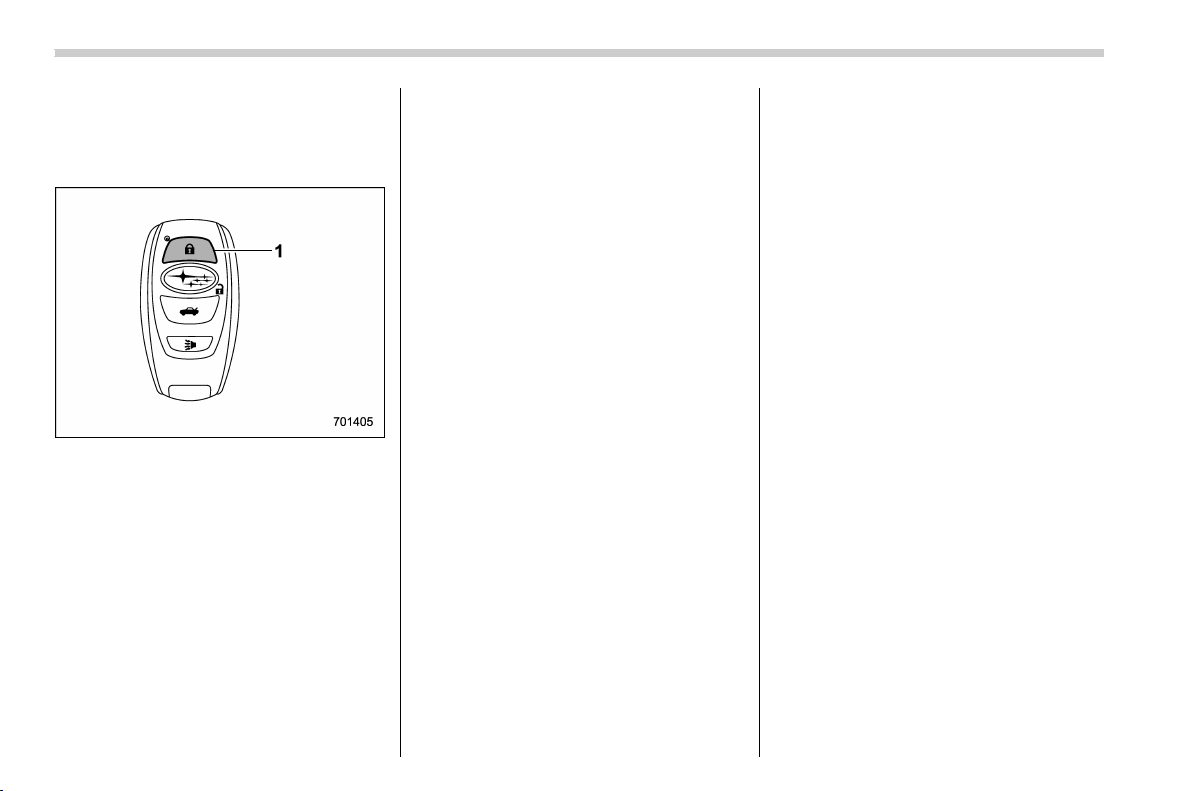
(284,1)
北米Model "A1320BE-C" EDITED: 2017/ 10/ 10
& Alternate operation method
for models with “keyless ac-
cess with push-button start
system”
Access key fob
1) Lock button
An access key fob can be used as the
remote engine start transmitter. Operate
the lock button to start or stop the engine
as follows.
! Before starting the engine
Before using the remote engine start
system to start the engine, confirm the
following conditions.
. The select lever is in the “P” position
(CVT models).
. All doors including the rear gate are
closed.
. The engine hood is closed.
. The push-button ignition switch is in the
“OFF” position.
! When starting the engine
To start the engine with remote engine
start system, briefly press the lock button
twice within 2 seconds, then press and
hold the lock button for 3 seconds.
1. Press the lock button briefly. The
hazard warning flashers then flash once
and the keyless buzzer chirps once.
2. Within 2 seconds, press the lock button
briefly again. The hazard warning flashers
then flash once again, and the keyless
buzzer chirps once again.
3. After step 2, immediately press and
hold the lock button. The hazard warning
flashers then flash three times, and the
horn will honk once.
4. Approximately 3 seconds after step 3,
release the lock button. The engine will
then start successfully.
! When stopping the engine
Press and hold the lock button to stop the
engine with remote engine start system.
! Remote start safety features
For detailed information, refer to “Remote
start safety features” F7-16.
& Entering the vehicle while it is
running via remote start
1. Unlock the vehicle doors using the
keyless access function (if equipped) or
remote keyless entry system.
If the vehicle’s doors are unlocked manu-
ally using the key, the vehicle’s alarm
system will trigger (if the alarm system is
armed prior to activating the remote
engine start system) and the engine will
turn off. Perform either of the following
procedures to disarm the alarm system.
Refer to “Alarm system” F2-24.
. Insert the key into the ignition switch
and turn it to the “ON” position (models
without “keyless access with push-
button start system”)
. Turn the push-button ignition switch
to the “ACC” or “ON” position (models
with “keyless access with push-button
start system”)
. Press any button on the access key
fob/remote keyless entry transmitter.
2. Enter the vehicle.
3. The engine will shut down when any
door or rear gate is opened.
4. Insert the key into the ignition switch
Starting and operating/Remote engine start system (dealer option)
7-18

(285,1)
北米Model "A1320BE-C" EDITED: 2017/ 10/ 10
and turn to the “START” position to restart
the engine.
& Entering the vehicle following
remote engine start shut-
down
An alarm trigger may occur if the vehicle is
opened by th e remote keyle ss entry
transmitter within a few seconds immedi-
ately following remote engine start shut-
down.
& Pre-heating or pre-cooling
the interior of the vehicle
Before exiting the vehicle, set the tem-
perature controls to the desired setting and
operation. After the system starts the
engine, the heater or air conditioning will
activate and heat or cool the interior to
your setting.
& Remote transmitter program
(Remote engine starter
transceiver)
New transmitters can be programmed to
the remote engine start system in the
event that a transmitter is lost, stolen,
damaged or additional transmitters are
desired (the system will accept up to eight
transmitters). New remote engine start
transmitters can be programmed accord-
ing to the following procedure.
1. Open the driver’s door (the driver’s
door must remain opened throughout the
entire process).
2. Depress and hold the brake pedal.
3. Turn the ignition switch to “ON” then
“LOCK”/“OFF”, back to “ON” then “LOCK”/
“OFF”, back to “ON ” then “LOCK”/“OFF”,
then back to “ON” again and leave the
ignition “ON” throughout the programming
process.
4. The system will flash the side marker
lights, tail lights and parking lights and
honk the horn three times, indicating that
the system has entered the transmitter
learn mode.
5. Press and release the “
” button on
the transmitter that you want to program.
6. The system will flash the side marker
lights, tail lights and parking lights and
honk the horn one time, indicating that the
system has learned the transmitter. Upon
successful programming, the remote start
confirmation transmitter button will flash
one time.
7. Repeat step 5 for any additional
transmitters (the system will accept up to
eight transmitters).
8. The system will exit the transmitter
learn mode if the key is turned to the
“LOCK”/“OFF” position, the door is closed
or after 2 minutes.
& System maintenance
NOTE
For remote engine starter transceiver:
In the event that the vehicle’s battery is
replaced, discharged or disconnected,
it will be necessary to start the vehicle a
minimum of one time using the key
prior to activating the remote engine
start system. This is required to allow
the vehicle electronic systems to re-
synchronize.
! Changing the battery
CAUTION
. Do not let dust, oil or water get on
or in th e remote engine start
transmitter when replacing the
battery.
. Be careful not to damage the
printed circuit board in the re-
mote engine start transmitter
when replacing the battery.
. Be careful not to allow children to
touch the battery and any re-
moved parts; chi ldren could
swallow them.
. There is a danger of explosion if
– CONTINUED –
Starting and operating/Remote engine start system (dealer option)
7-19
7
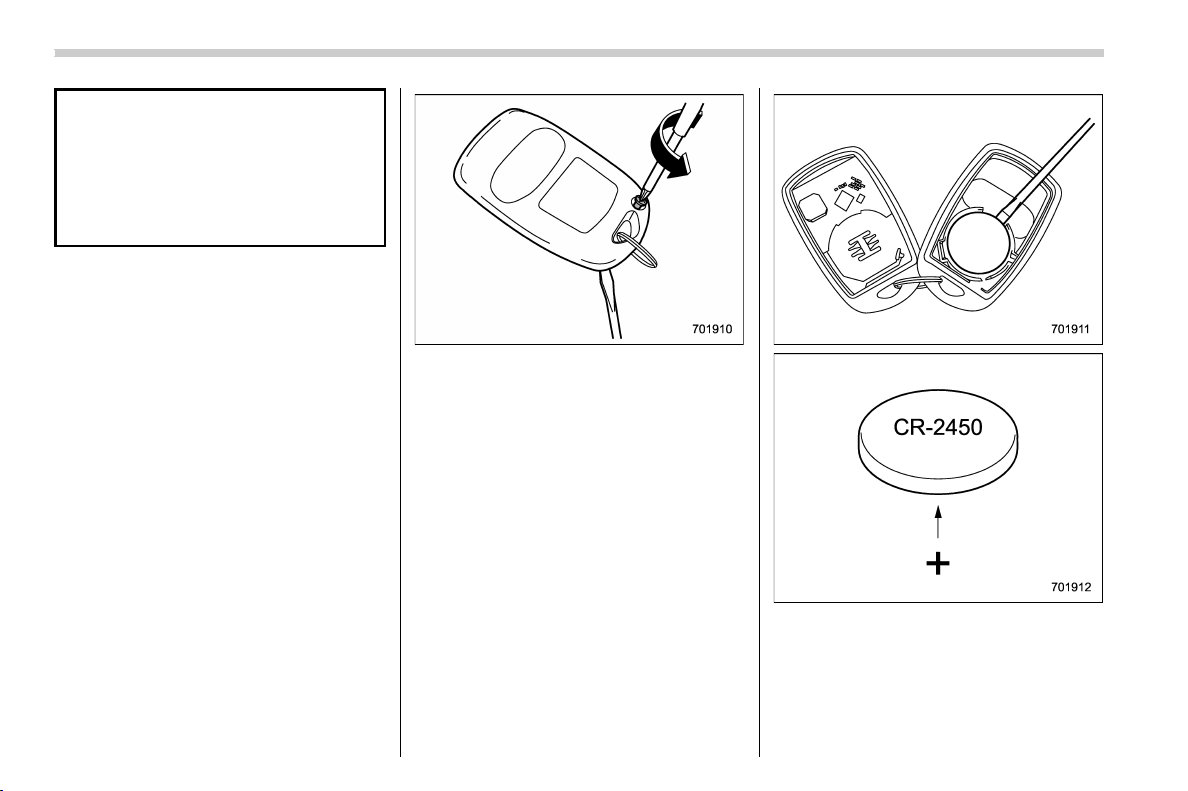
(286,1)
北米Model "A1320BE-C" EDITED: 2017/ 10/ 10
an incorrect replacement battery
is used. Replace only with the
same or equivalent type of bat-
tery.
. Battery should not be exposed to
excessive heat such as sunshine,
fire or the like.
For models with “keyless access with
push-button start system”:
Perform the procedure described in “Re-
placing battery of access key fob” F11-43.
For remote engine starter transceiver:
The 3-volt lithium battery (model CR-2450)
supplied in your remote engine start
transmitter should last approximately one
year, depending on usage. When the
battery begin to weaken, you will notice a
decrease in range (distance from the
vehicle that your remote control operates).
Follow the instructions below to change
the remote engine start transmitter battery.
1. Remove the small phillips screw lo-
cated on the back side lower left corner of
the transmitter.
2. Carefully pry the remote engine start
transmitter halves apart using a small flat-
head screwdriver.
3. Remove the circuit board from the
bottom half of the case and remove the
battery and replace with new one. Be sure
to observe the (+) sign on the old battery
before removing it to ensure that the new
battery is inserted properly (battery “+”
Starting and operating/Remote engine start system (dealer option)
7-20
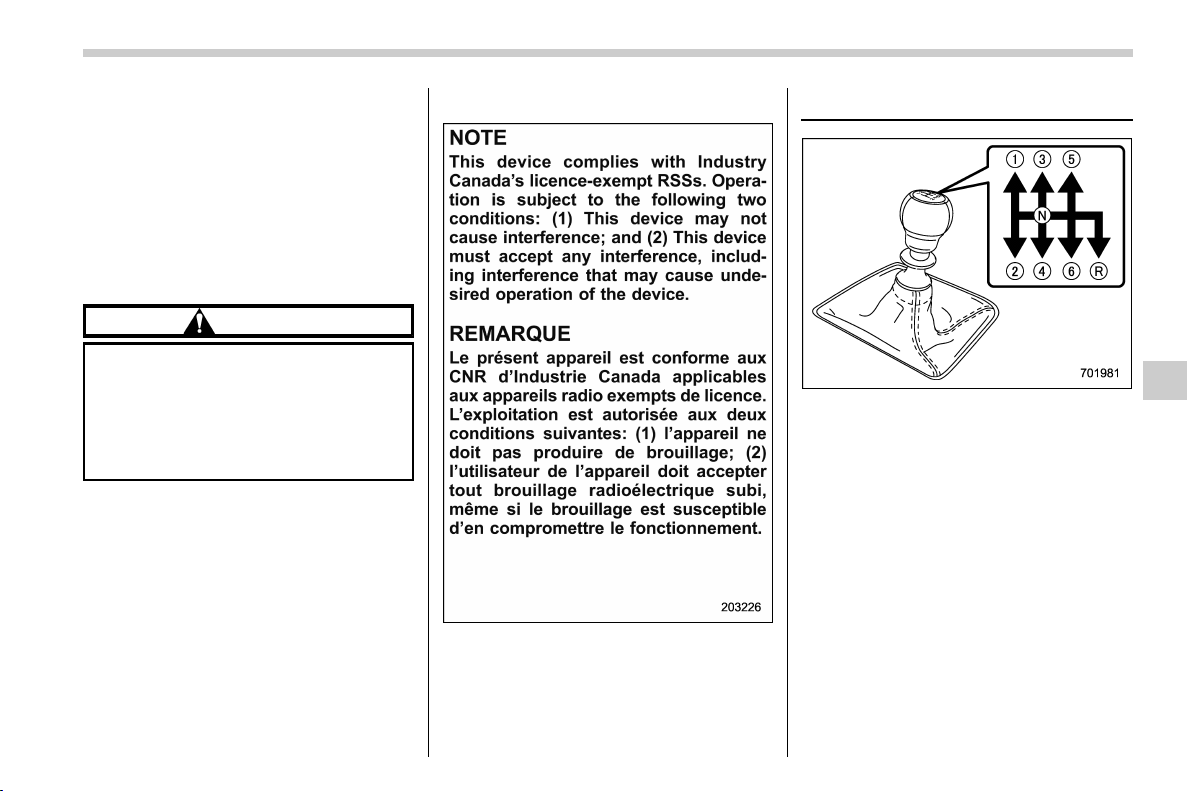
(287,1)
北米Model "A1320BE-C" EDITED: 2017/ 10/ 10
should be pointed away from the transmit-
ter circuit board on battery).
4. Carefully snap the case halves back
together, reinstall the phillips screw and
test the remote engine start system.
& Certification for remote en-
gine starter
! U.S.-spec. models
CAUTION
FCC WARNING
Changes or modifications not ex-
pressly approved by the party re-
sponsible for compliance could void
the user’s authority to operate the
equipment.
NOTE
This device complies with part 15 of the
FCC Rules. Operation is subject to the
following two conditions: (1) This de-
vice may not cause harmful interfer-
ence, and (2) this device must accept
any i nterference received, including
interference that may cause undesired
operation.
! Canada-spec. models
Manual transmission
The manual transmission is a fully syn-
chromeshed, 6-forward-speed and 1-re-
verse-speed transmission.
The shift pattern is shown on the shift lever
knob.
– CONTINUED –
Starting and operating/Manual transmission
7-21
7
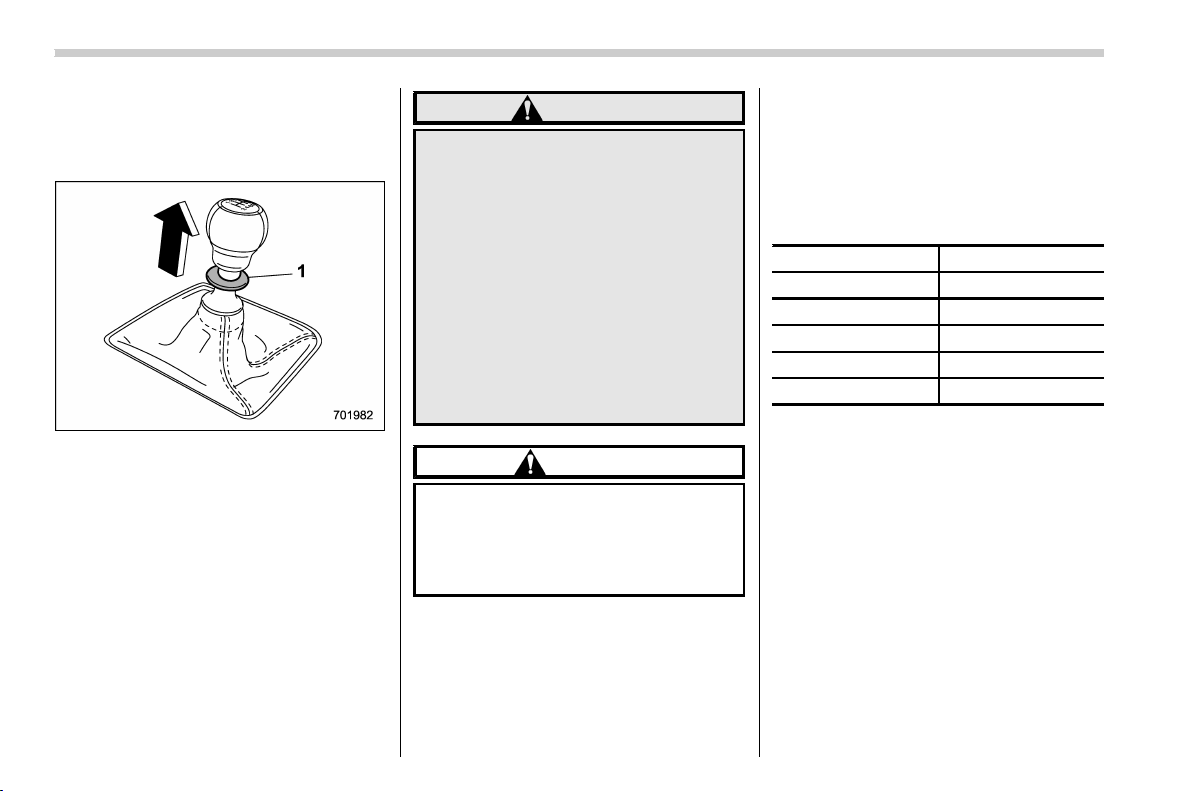
(288,1)
北米Model "A1320BE-C" EDITED: 2017/ 10/ 10
To change the shift lever position:
1. Depress the clutch pedal.
2. To shift into all positions other than “R”,
move the shift lever accordingly.
1) Slider
3. To shift into the “R” position, hold up the
slider, move the lever to the “R” position,
then release the slider.
4. Gradually release the clutch pedal.
If it is difficult to shift into gear, put the
transmission in neutral, release the clutch
pedal momentarily, and then try again.
WARNING
. Do not drive the vehicle with the
clutch disengaged (i.e., when the
clutch pedal is depressed) or with
the shift lever in the neutral
position. Engine braking has no
effect in either of these condi-
tions and the risk of an accident
is consequently increased.
. Do not engage the clutch (i.e.,
release the clutch pedal) sud-
denly when starting the vehicle.
By doing so the vehicle might
unexpectedly accelerate or the
transmission could malfunction.
CAUTION
Shift into reverse ONLY when the
vehicle has completely stopped. It
may cause damage to the transmis-
sion to try shifting into reverse when
the vehicle is moving.
& Shifting speeds
! Recommended shifting speeds
The best compromise between fuel econ-
omy and vehicle performance during
normal driving is ensured by shifting up
at the speeds listed in the following table.
Shift up mph (km/h)
1st to 2nd 15 (24)
2nd to 3rd 25 (40)
3rd to 4th 40 (64)
4th to 5th 45 (72)
5th to 6th
50 (81)
! Maximum allowable speeds
The following table shows the maximum
speeds that are possible with each differ-
ent gear. The tachometer’s needle will
enter the red area if these speeds are
exceeded.
With the exception of cases where sudden
acceleration is required, the vehicle should
not be driven with the tachometer’s needle
inside the red area. Failure to observe this
precaution can lead to excessive engine
wear and poor fuel economy.
Starting and operating/Manual transmission
7-22
(289,1)
北米Model "A1320BE-C" EDITED: 2017/ 10/ 10
Gear mph (km/h)
1st 26 (42)
2nd 52 (84)
3rd 78 (126)
4th
Legal speed limit
(Posted limit speed)
5th
6th
WARNING
When shifting down a gear, ensure
that the vehicle is not travelling at a
speed exceeding the Maximum Al-
lowable Speed for the gear which is
about to be selected. Failure to
observe this precaution can lead to
engine over-revving and this in turn
can result in engine damage.
In addition, sudden application of
engine brakes when the vehicle is
travelling on a slippery surface can
lead to wheel locking; as a conse-
quence, control of the vehicle may
be lost and the risk of an accident
increased.
NOTE
Never exceed the posted speed limit.
& Driving tips
CAUTION
If the accelerator and brake pedals
are depressed at the same time,
driving torque may be restrained.
This is not a malfunction.
Do not drive with your foot resting on the
clutch pedal and do not use the clutch to
hold your vehicle at a standstill on an
upgrade. Either of those actions may
cause clutch damage.
Do not drive with your hand resting on the
shift lever. This may cause wear on the
transmission components.
When it is necessary to reduce vehicle
speed due to slow traffic, turning corners,
or driving up steep hills, downshift to a
lower gear before the engine starts to
labor.
On steep downgrades, downshift the
transmission to 5th, 4th, 3rd or 2nd gear
as necessary; this helps to maintain a safe
speed and to extend brake pad life.
In this way, the engine provides a braking
effect. Remember, if you “ride” (over use)
the brakes while descending a hill, they
may overheat and not work properly.
The engine may, on rare occasions, knock
when the vehicle rapidly accelerates or
rapidly pulls away from a standstill. This
phenomenon is not an indication of a
problem in your vehicle.
Starting and operating/Manual transmission
7-23
7
(290,1)
北米Model "A1320BE-C" EDITED: 2017/ 10/ 10
Continuously variable trans-
mission
WARNING
Do not shift from the “P” or “N”
position into the “D” or “R” position
while depressing the accelerator
pedal. This may cause the vehicle
to jump forward or backward.
CAUTION
. Shift into the “P” or “R” position
only after the vehicle is comple-
tely stopped. Shifting while the
vehicle is moving may cause
damage to the transmission.
. Do not race the engine for more
than 5 seconds in any position
except the “N” or “P” position
when the brake is applied or
when chocks are used in the
wheels. This may cause the
transmission fluid to overheat.
. Never move the vehicle rearward
by inertia with the select lever set
in a forward driving position or
move the vehicle forw ard by
inertia with the select lever set
in the “R” position. Doing so may
result in an unexpected accident
or malfunction.
. Do not shift from the “D” position
into the “R” position or vice versa
until the vehicle has completely
stopped. Such shifting may
cause damage to the transmis-
sion.
. When parking the vehicle, first
securely apply the parking brake
and then place the select lever in
the “P” position. Do not park for a
long time with the select lever in
any other position as doing so
could result in a dead battery.
& Continuously variable trans-
mission features
The continuously variable transmission is
electronically controlled and provides an
infinite number of forward speeds and 1
reverse speed. For some models, it also
has a manual mode or an “L” position.
NOTE
. When the engine coolant tempera-
ture is still low, the transmission will
upshift or downshift at higher engine
speeds than when the coolant tempera-
ture is sufficiently high in order to
shorten the warm-up time and improve
driveability. The gearshift timing will
automatically shift to the normal timing
after the engine has warmed up.
. Immediately after transmission fluid
is replaced, you may feel that the
transmission operation is somewhat
unusual. This results from invalidation
of data which the on-board computer
has collected and stored in memory to
allow the transmission to shift at the
most appropriate times for the current
condition of your vehicle. Optimized
shifting will be restored as the vehicle
continues to be driven for a while.
. When driving a CVT model under
continuous heavy load conditions such
as when towing a camper or climbing a
long, steep hill, the engine speed or the
vehicle speed may automatically be
reduced. This is not a malfunction. This
phenomenon results from the engine
control function maintaining the cool-
ing performance of the vehicle. The
engine and vehicle speed will return to
a normal speed when the engine is able
to maintain the optimum cooling per-
formance after the heavy load de-
creases. Driving under a heavy load
must be performed with extreme care.
Do not try to pass a vehicle in front
when driving on an uphill slope while
towing.
Starting and operating/Continuously variable transmission
7-24
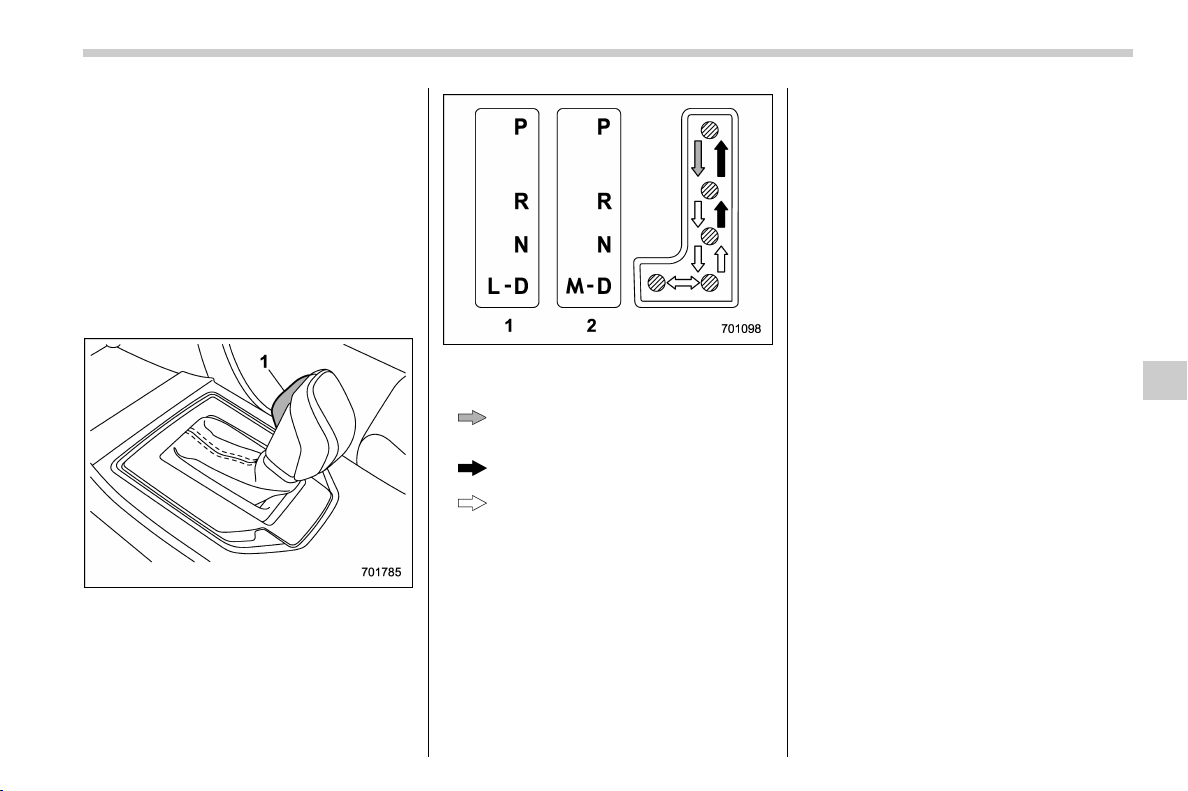
(291,1)
北米Model "A1320BE-C" EDITED: 2017/ 10/ 10
. The continuously variable transmis-
sion is a chain type system that pro-
vides superior transmission efficiency
for maximum fuel economy. At times,
depending on varying driving condi-
tions, a chain operating sound may be
heard that is characteristic of this type
of system.
& Select lever
! Select lever positions
1) Select lever button
1) Models with “L” position
2) Models with manual mode
: With the brake pedal depressed, shift
while pressing the select lever button
in.
: Shift while pressing the select lever
button in.
: Shift without pressing the select lever
button.
The select lever has four positions, “P”,
“R”, “N”, “D” and it also has an “L” or “M”
gate.
NOTE
For some models, to protect the engine
while the select lever is in the “P” or “N”
position, the engine is controlled so
that the engine speed may not become
too high even if the accelerator pedal is
depressed hard.
! P (Park)
This position is for parking the vehicle and
starting the engine. In this position, the
transmission is mechanically locked to
prevent the vehicle from rolling freely.
When you park the vehicle, first apply the
parking brake firmly, then shift into the “P”
position. Do not hold the vehicle with only
the mechanical friction of the transmission.
To shift the select lever from the “P”
position to any other position, you should
depress the brake pedal fully then move
the select lever. This prevents the vehicle
from lurching when it is started.
! R (Reverse)
This position is for backing the vehicle. To
shift from the “N” to “R” position, stop the
vehicle completely then move the lever to
the “R” position while pressing the select
lever button in.
When the ignition switch has been turned
to the “LOCK”/“ OFF ” position, movement
of the select lever from the “N” to “R”
position is possible for a limited time period
by depressing the brake pedal, and then it
becomes impossible. For details, refer to
“Shift lock function” F7-28.
– CONTINUED –
Starting and operating/Continuously variable transmission
7-25
7
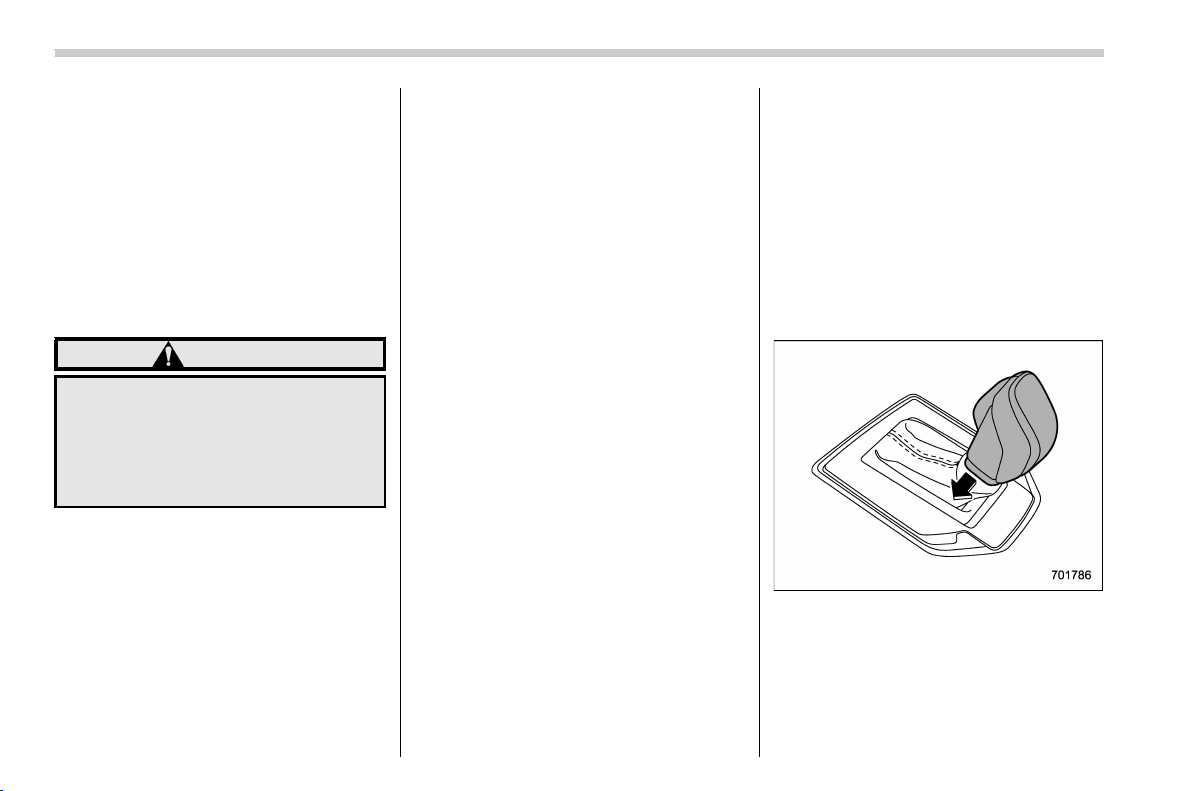
(292,1)
北米Model "A1320BE-C" EDITED: 2017/ 10/ 10
! N (Neutral)
This position is for restarting a stalled
engine. In this position, the transmission is
neutral, meaning that the wheels and
transmission are not locked. Therefore,
the vehicle will roll freely, even on the
slightest incline unless the parking brake
or foot brake is applied.
Avoid coasting with the transmission in
neutral. Engine braking has no effect in
this condition.
WARNING
Do not drive the vehicle with the
select lever in the “N” (neutral)
position. Engine braking has no
effect in this condition and the risk
of an accident is consequently in-
creased.
NOTE
If the select lever is in the “N” position
when you stop the engine for parking,
you may not subsequently be able to
move it to the “R” and “P” positions. If
this happens, turn the ignition switch to
the “ON” position. You will then be able
to move the select lever to the “P”
position.
! D (Drive)
This position is for normal driving. The
transmission shifts automatically and con-
tinuously into a suitable gear according to
the vehicle speed and the acceleration you
require. Also, while driving up and down a
hill, the transmission assists and controls
the driving performance and engine brak-
ing while corresponding to the road grade.
When more acceleration is required in “D”
position, depress the accelerator pedal
fully to the floor and hold that position. The
transmission will automatically downshift.
In this case, the transmission will operate
like a conventional automatic transmis-
sion. When you release the pedal, the
transmission will return to the original gear
position.
For models with manual mode, if one of the
shift paddles behind the steering wheel is
operated while driving in the “ D” position,
the transmission will temporarily switch to
the manual mode. In this mode, you can
shift into any gear position using the shift
paddles. For details about the manual
mode, refer to “Selection of manual mode”
F7-26. Once the vehicle speed stabilizes,
the transmission will switch from the
manual mode back to the “D” position for
normal driving.
& Selection of manual mode (if
equipped)
With the vehicle either moving or station-
ary, move the select lever from the “D”
position to the “M” position to select the
manual mode.
Starting and operating/Continuously variable transmission
7-26
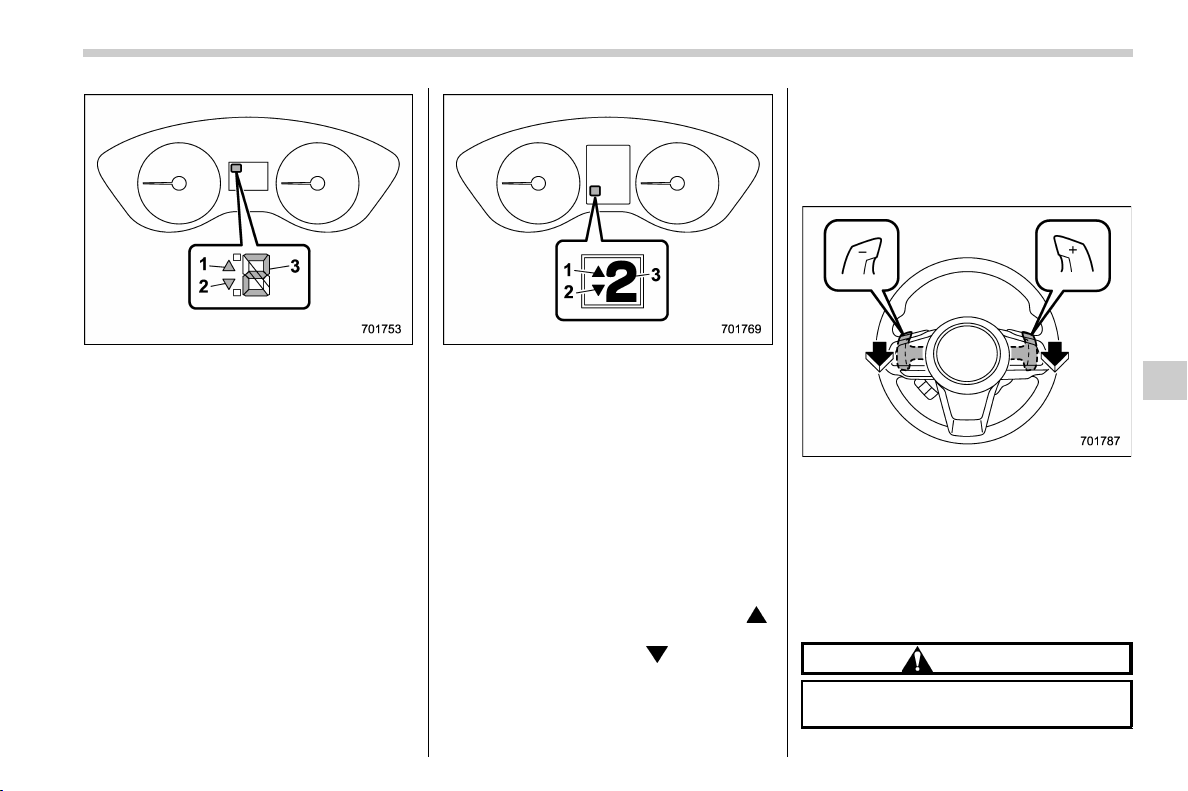
(293,1)
北米Model "A1320BE-C" EDITED: 2017/ 10/ 10
Type A
1) Upshift indicator
2) Downshift indicator
3) Gear position indicator
Type B
1) Upshift indicator
2) Downshift indicator
3) Gear position indicator
When the manual mode is selected, the
gear position indicator and upshift indica-
tor and/or downshift indicator on the
combination meter illuminate.
The gear position indicator shows the
currently selected gear in the 1st-to-7th-
gear range. The upshift and downshift
indicators show when a gear shift is
possible. When the upshift indicator “
”
illuminates, upshifting is possible. When
the downshift indicator “
” illuminates,
downshifting is possible. When both in-
dicators illuminate, upshifting and down-
shifting are both possible. When the
vehicle stops (for example, at traffic
signals) the gear will be automatically
shifted to the 1st position and the down-
shift indicator will turn off.
Gearshifts can be performed using the
shift paddle behind the steering wheel.
To upshift to the next higher gear position,
pull the shift paddle that has “+” indicated
on it. To downshift to the next lower gear
position, pull the shift paddle that has “–”
indicated on it.
To deselect the manual mode, return the
select lever to the “D” position from the “M”
position.
CAUTION
Do not place or hang anything on the
shift paddles. Doing so may result in
– CONTINUED –
Starting and operating/Continuously variable transmission
7-27
7
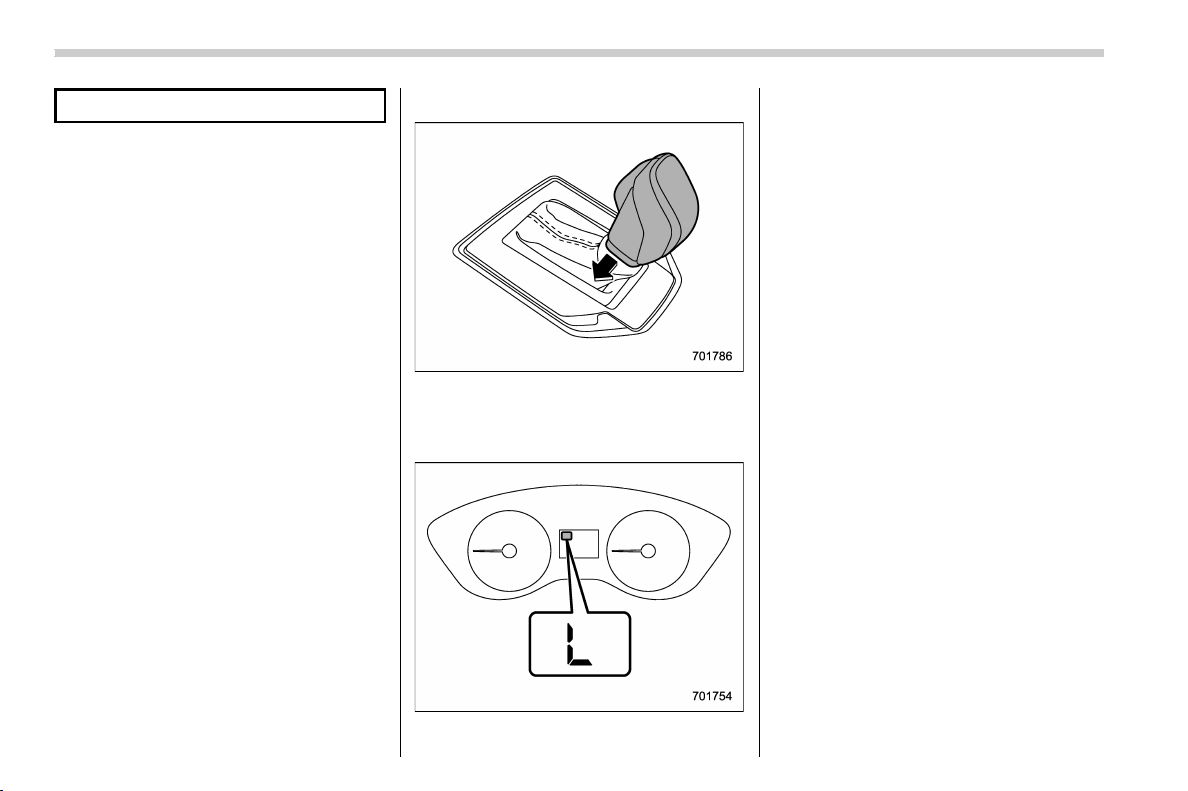
(294,1)
北米Model "A1320BE-C" EDITED: 2017/ 10/ 10
accidental gear shifting.
NOTE
Please read the following points care-
fully and bear them in mind when using
the manual mode.
. If you attempt to shift down when the
engine speed is too high, i.e., when a
downshift would push the tachometer
needle beyond the red zone, beeps will
be emitted to warn you that the down-
shift is not possible.
. If you attempt to shift up when the
vehicle speed is too low, the transmis-
sion will not respond.
. You can perform a skip-shift (for
example, from 4th to 2nd) by operating
the shift paddle twice in rapid succes-
sion.
. The transmission automatically se-
lects 1st gear when the vehicle stops
moving.
. If the temperature of the transmis-
sion fluid becomes too high, the “AT
OIL TEMP” warning light on the combi-
nation meter will illuminate. Immedi-
ately stop the vehicle in a safe location
and let the engine idle until the warning
light turns off.
& Selection of “L” (if equipped)
“L” is for using engine braking when going
down a hill, etc. To select this mode, move
the select lever from the “D” position to the
“L” position.
When selected, t he indicator “L” will
illuminate on the combination meter.
To deselect “L”, move the select lever to
the “D” position.
& Shift lock function
The shift lock function helps prevent the
improper operation of the select lever.
. The select lever cannot be operated
unless the ignition switch is turned to the
“ON” position and the brake pedal is
depressed.
. The select lever cannot be moved from
the “P” position to any other position before
the brake pedal is depressed. Depress the
brake pedal first, and then operate the
select lever.
. Only the “P” position allows you to turn
the ignition switch from the “ACC” position
to the “LOCK”/“ OFF ” position and remove
the key from the ignition switch.
. If the ignition switch is turned to the
“LOCK”/“OFF” position while the select
lever is in the “N” position, the select lever
may not be moved to the “P” position after
a period of time. Therefore, move the
select lever to the “P” position with the
brake pedal depressed soon after the
ignition switch is turned to the “LOCK”/
“OFF” position.
Starting and operating/Continuously variable transmission
7-28
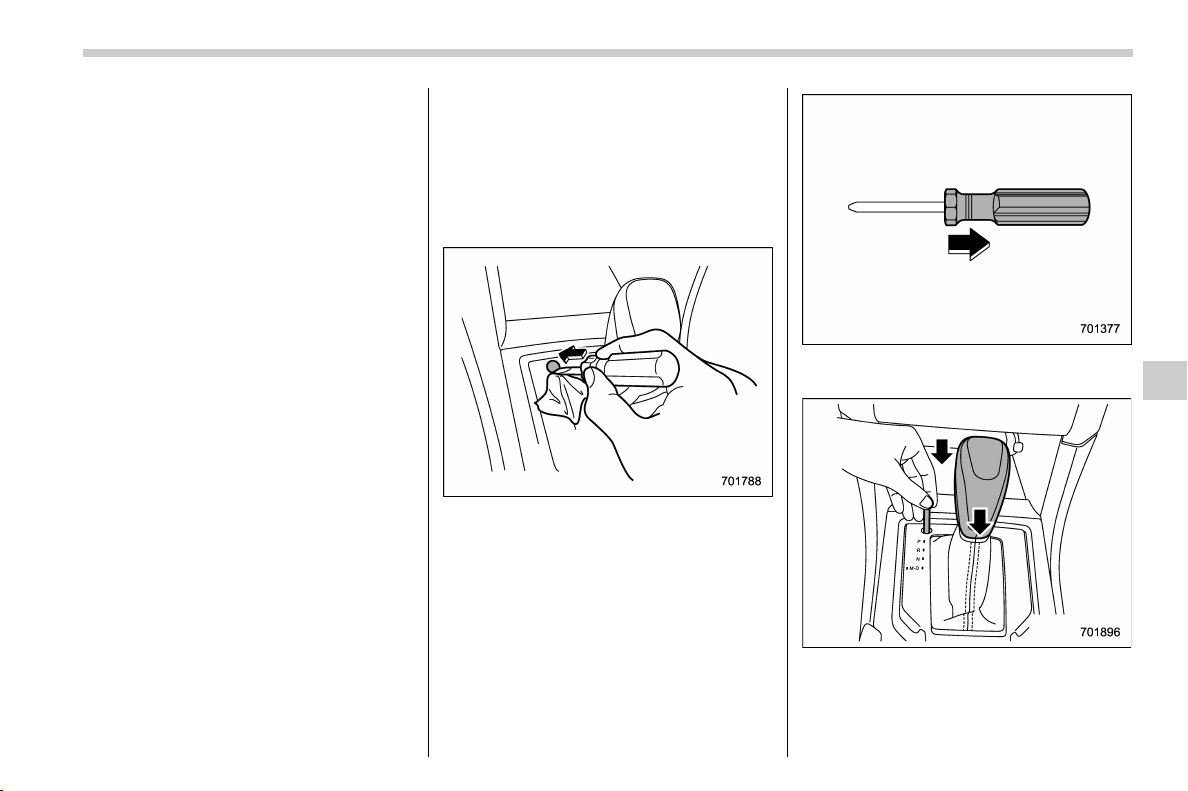
(295,1)
北米Model "A1320BE-C" EDITED: 2017/ 10/ 10
! Shift lock release
If the select lever cannot be operated, turn
the ignition switch back to the “ON”
position then move the select lever to the
“P” position with the select lever button
pressed and brake pedal depressed.
If the select lever does not move after
performing the above procedure, perform
the following steps.
. When the select lever cannot be
shifted from “P” to “N”:
Refer to “Shift lock release using the shift
lock release button” F7-29.
. When the select lever cannot be
shifted from “N” to “R”, “P”:
Within 60 seconds after placing the ignition
switch in the “ACC” position, move the
select lever to the “P” position with the
select lever button pressed and brake
pedal depressed.
If you must perform the above procedure,
the shift lock system (or the vehicle control
system) may be malfunctioning. Contact a
SUBARU dealer for an inspection as soon
as possible.
If the select lever does not move after
performing the above procedure, refer to
“Shift lock release using the shift lock
release button” F7-29.
! Shift lock release using the shift
lock release button
Perform the following procedure to release
the shift lock.
1. Apply the parking brake and turn the
ignition switch to the “ LOCK”/ “OFF” posi-
tion.
2. Wrap the tip of a flat-head screwdriver
with vinyl tape or a cloth and use it to
remove the shift lock cover. The shift lock
release button is located under the shift
lock cover.
3. Remove the grip portion of the screw-
driver.
4. While depressing the brake pedal,
insert a screwdriver into the hole, move it
right and left while pushing the shift lock
release button using a screwdriver, and
– CONTINUED –
Starting and operating/Continuously variable transmission
7-29
7
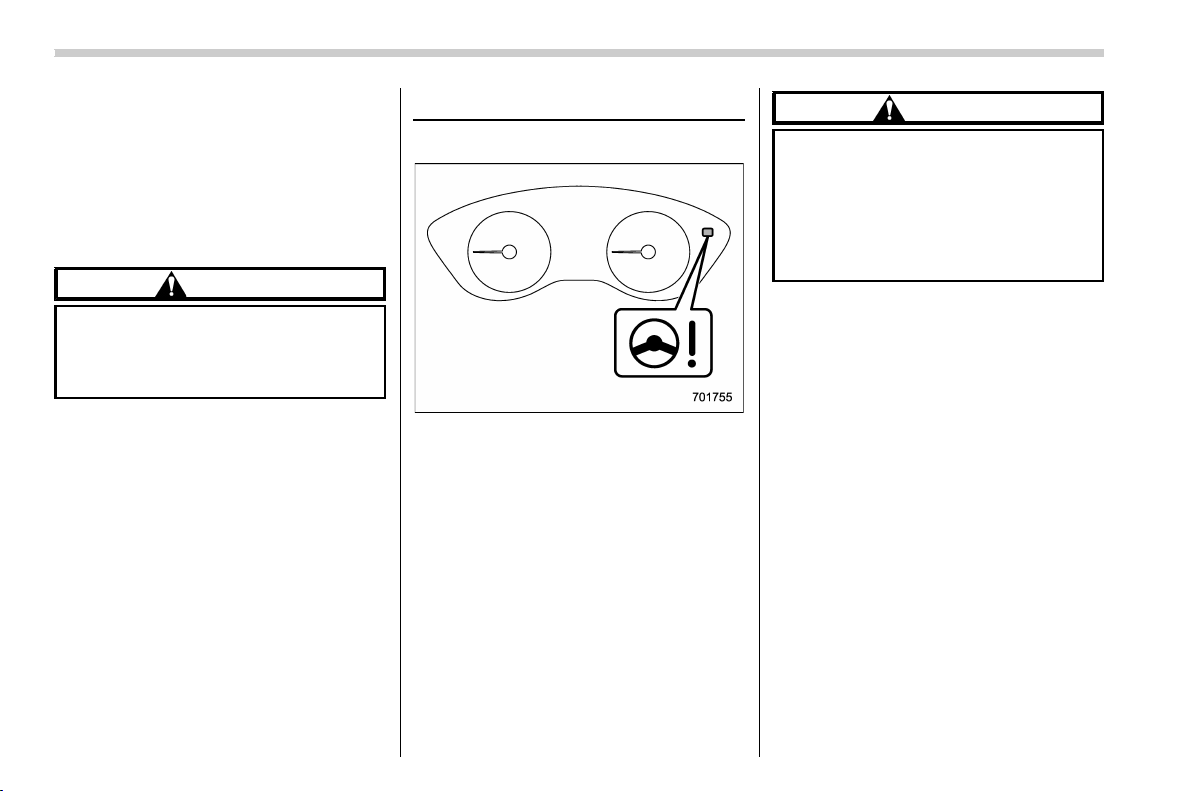
(296,1)
北米Model "A1320BE-C" EDITED: 2017/ 10/ 10
then move the select lever.
If the select lever does not move after
performing the above procedure, the shift
lock system may be malfunctioning. Con-
tact a SUBARU dealer for an inspection as
soon as possible.
& Driving tips
CAUTION
If the accelerator and brake pedals
are depressed at the same time,
driving torque may be restrained.
This is not a malfunction.
. Always apply the foot or parking brake
when the vehicle is stopped in the “D” or
“R” position.
. Always apply the parking brake when
parking you r vehicle. Do n ot hold the
vehicle with only the mechanical friction
of the transmission.
. Do not keep the vehicle in a stationary
position on an uphill grade by using the “D”
position. Use the brake instead.
. The engine may, on rare occasions,
knock when the vehicle rapidly acceler-
ates or rapidly pulls away from a standstill.
This phenomenon does n ot indicat e a
malfunction.
Power steering
& Power steering warning light
& Power steering system fea-
tures
The vehicle is equipped with an electric
power steering system. When the ignition
switch is turned to the “ ON” position, the
power steering warning light on the com-
bination meter illuminates to inform the
driver that the warning system is function-
ing properly. Then, if the engine started,
the warning light turns off to inform the
driver that the steering power assist is
operational.
CAUTION
When the power steering warning
light is illuminated, there may be
more resistance when the steering
wheel is operated. Drive carefully to
the nearest SUBARU dealer and
have the vehicle inspected immedi-
ately.
NOTE
If the steering wheel is operated in the
following ways, the power steering
control system may temporarily limit
the power assist in order to prevent the
system components, such as the con-
trol computer and drive motor, from
overheating.
. The steering wheel is operated fre-
quently and turned sharply while the
vehicle is maneuvered at extremely low
speeds, such as while frequently turn-
ing the steering wheel during parallel
parking.
. The steering wheel remains in the
fully turned position for a long period of
time.
At this time, there will be more resis-
tance when steering. However this is
not a malfunction. Normal steering
force will be restored after the steering
Starting and operating/Power steering
7-30
(297,1)
北米Model "A1320BE-C" EDITED: 2017/ 10/ 10
wheel is not operated for a while and
the power steering control system has
an opportunity to cool down. However,
if the power steering is operated in a
non-standard way which causes power
assist limitation to occur too frequently,
this may result in a malfunction of the
power steering control system.
Braking
& Braking tips
WARNING
Never rest your foot on the brake
pedal while driving. This can cause
dangerous overheating of the
brakes and needless wear on the
brake pads and linings.
! When the brakes get wet
When driving in rain or after washing the
vehicle, the brakes may get wet. As a
result, brake stopping distance will be
longer. To dry the brakes, drive the vehicle
at a safe speed while lightly depressing the
brake pedal to heat up the brakes.
! Use of engine braking
Remember to make use of engine braking
in addition to foot braking. When descend-
ing a grade, if only the foot brake is used,
the brakes may start working improperly
because of brake fluid overheating,
caused by overheated brake pads. To help
prevent this, shift into a lower gear to get
stronger engine braking.
! Braking when a tire is punctured
Do not depress the brake pedal suddenly
when a tire is punctured. This could cause
a loss of control of the vehicle. Keep
driving straight ahead while gradually
reducing speed. Then slowly pull off the
road to a safe location.
& Brake system
! Two separate circuits
Your vehicle has two separate circuit brake
systems. Each circuit works diagonally
across the vehicle. If one circuit of the
brake system should fail, the other half of
the system still works. If one circuit fails,
the brake pedal will go down much closer
to the floor than usual and you will need to
press it down much harder. And a much
longer distance will be needed to stop the
vehicle.
! Brake booster
The brake booster uses engine manifold
vacuum to assist braking force. Do not turn
off the engine while driving because that
will turn off the brake booster, resulting in
poor braking power.
The brakes will continue to work even
when the brake booster completely stops
functioning. If this happens, you will have
to depress the pedal much harder than
during normal braking, and the braking
distance will increase.
– CONTINUED –
Starting and operating/Braking
7-31
7
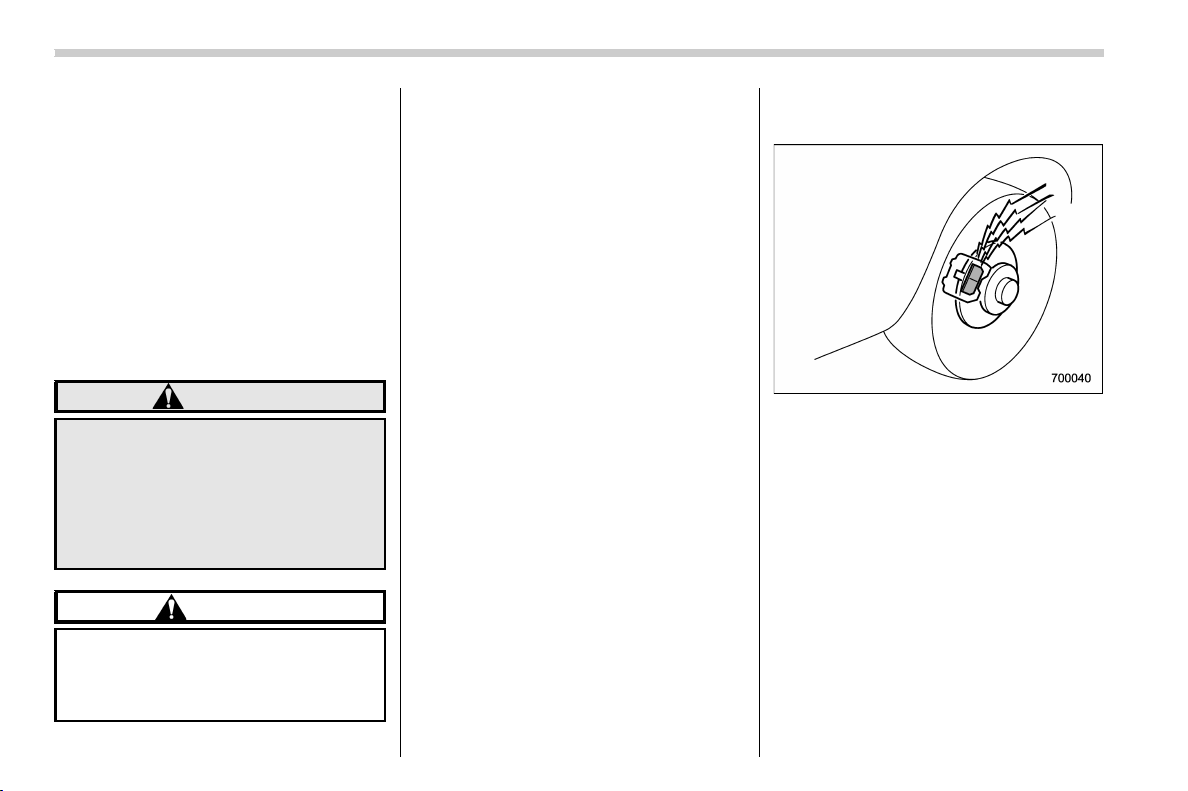
(298,1)
北米Model "A1320BE-C" EDITED: 2017/ 10/ 10
! Supplemental booster function
when vacuum pressure fails
While the ignition switch is turned “ON”
and the engine is running, the supple-
mental booster function operates when the
brake booster performance is decreased
due to insufficient vacuum boost.
When the brake pedal is depressed while
the supplemental booster function is oper-
ating, an operation sound and brake pedal
vibration may be generated. This is not a
malfunction.
! Brake assist system
WARNING
Do not be overconfident about the
brake assist. It is not a system that
brings more braking ability to the
vehicle beyond its braking capabil-
ity. Always use t he utmost care
when driving regarding vehicl e
speed and safe distance.
CAUTION
When you need to brake suddenly,
continue depressing the brake pedal
strongly to bring the effect of the
brake assist.
Brake assist is a driver assistance system.
It assists the brake power when the driver
cannot depress the brake pedal strongly
and the brake power is insufficient.
Brake assist generates the brake power
according to the speed at which the driver
depresses the brake pedal.
NOTE
When you depress the brake pedal
strongly or suddenly, the following
phenomena occur. However, even
though these occur, they do not indi-
cate any malfunctions, and the brake
assist system is operating properly.
. You might feel that the brake pedal is
applied by lighter force and generates a
greater braking force.
. You might hear an ABS operating
noise from the engine compartment.
& Disc brake pad wear warning
indicators
The disc brake pad wear warning indica-
tors on the disc brakes give a warning
noise when the brake pads are worn.
If a squeaking or scraping noise is heard
from the disc brakes while braking, im-
mediately have your vehicle checked by
your SUBARU dealer.
Starting and operating/Braking
7-32
(299,1)
北米Model "A1320BE-C" EDITED: 2017/ 10/ 10
ABS (Anti-lock Brake Sys-
tem)
The ABS prevents the lock-up of wheels
which may occur during sudden braking or
braking on slippery road surfaces. This
helps prevent the loss of steering control
and directional stability caused by wheel
lock-up.
When the ABS is operating, you may hear
a chattering noise or feel a slight vibration
in the brake pedal. This is normal when the
ABS operates.
The ABS will not operate when the vehicle
speed is below approximately 6 mph (10
km/h).
WARNING
Always use the utmost care in driv-
ing – overconfidence because you
are driving a vehicle with the ABS
could easily lead to a serious acci-
dent.
CAUTION
. The ABS does not always de-
crease stopping distance. You
should always maintain a safe
following distance from other
vehicles.
. When driving on badly surfaced
roads, gravel roads, icy roads, or
over deep newly fallen snow,
stopping distances may be long-
er for a vehicle with the ABS than
one without. When driving under
these conditions, therefore, re-
duce your speed and leave ample
distance from other vehicles.
. When tire chains are installed,
stopping distances may be long-
er for a vehicle with the ABS than
one without. Be sure to reduce
your speed and maintain a safe
distance from the vehicle in front.
. When you feel the ABS operating,
you should maintai n constan t
brake pedal p ressure. Do not
pump the brake pedal since
doing so may defeat the opera-
tion of the ABS.
& ABS self-check
Just after the vehicle is started, you may
feel on the brake pedal a vibration similar
to when the ABS operates, and you may
also hear the sound of the ABS working
from t he engine compartment. This is
caused by an automatic functional test of
the ABS being carried out and does not
indicate a malfunction.
& ABS warning light
Refer to “ABS warning light” F3-20.
Starting and operating/ABS (Anti-lock Brake System)
7-33
7
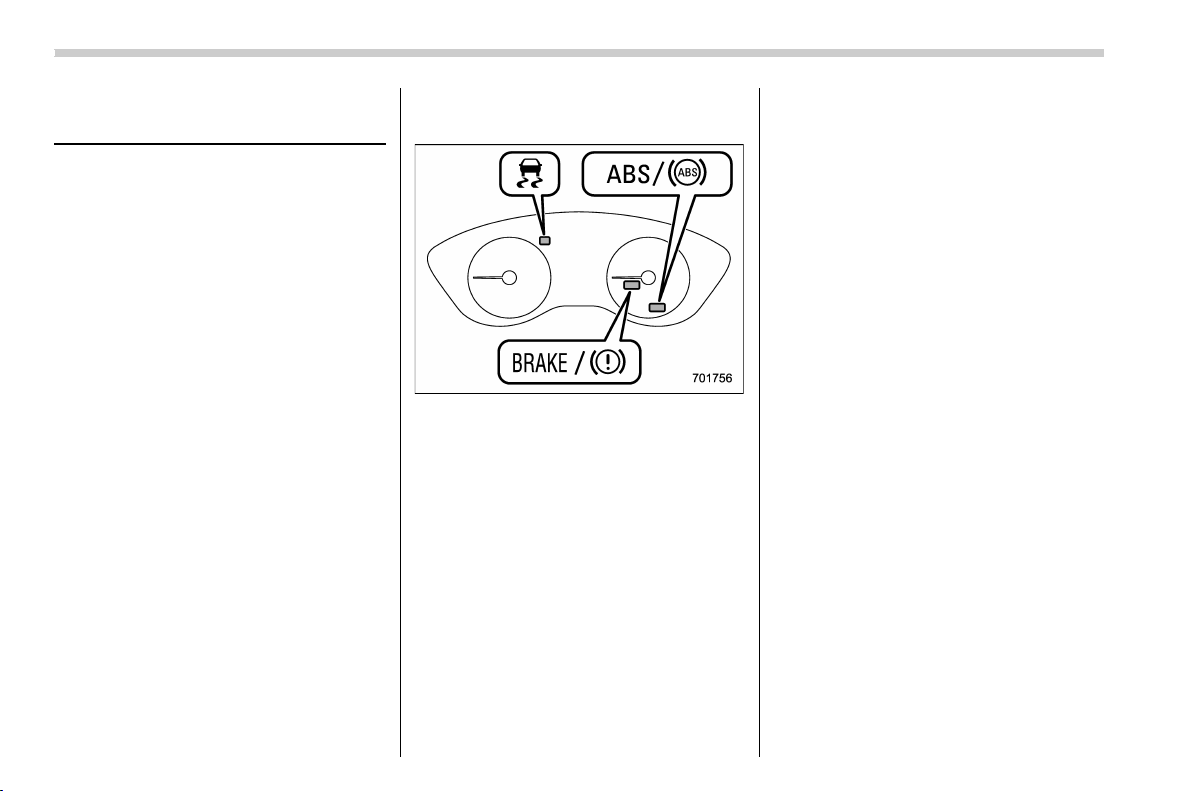
(300,1)
北米Model "A1320BE-C" EDITED: 2017/ 10/ 10
Electronic Brake Force Dis-
tribution (EBD) system
The EBD system maximizes the effective-
ness of the brakes by allowing the rear
brakes to supply a greater proportion of the
braking force. It functions by adjusting the
distribution of braking force to the rear
wheels in accordance with the vehicle’s
loading condition and speed.
The EBD system is an integral part of the
ABS and uses some of the ABS compo-
nents to perform its function of optimizing
the distribution of braking force. If any of
the ABS components used by the EBD
system malfunction, the EBD system also
stops working.
When the EBD system is operating, you
may hear a chattering noise or feel a slight
vibration in the brake pedal. This is normal
and does not indicate a malfunction.
& Steps to take if EBD system
malfunctions
If a malfunction occurs in the EBD system,
the system stops working and the following
warning lights illuminate simultaneously.
. Brake system warning light
. ABS warning light
. Vehicle Dynamics Control warning light
The EBD system may be malfunctioning if
all the warning lights illuminate simulta-
neously during driving.
Even if the EBD system malfunctions, the
conventional braking system will still func-
tion. However, the rear wheels will be more
prone to locking when the brakes are
applied harder than usual and the vehicle’s
motion may therefore become somewhat
harder to control.
If all the warning lights illuminate simulta-
neously, take the following steps.
1. Stop the vehicle in the nearest safe, flat
location.
2. Apply the parking brake and turn off the
engine.
3. Restart the engine.
4. Release the parking brake.
If all the warning lights do not come
back on:
The EBD system have a possible malfunc-
tion. Drive carefully to the nearest
SUBARU dealer and have the system
inspected.
If all the warning lights stay illuminated
or come back on after approximately 2
seconds:
1. Turn off the engine again.
2. Apply the parking brake.
3. Check the brake fluid level. For details
about checking the brake fluid level, refer
to “Checking the fluid level” F11-15.
. If the brake fluid level is not below the
“MIN” mark, the EBD system may be
malfunctioning. Drive carefull y to the
nearest SUBARU dealer and have the
system inspected.
. If the brake fluid level is below the “MIN”
mark, DO NOT drive the vehicle. Instead,
Starting and operating/Electronic Brake Force Distribution (EBD) system
7-34
(301,1)
北米Model "A1320BE-C" EDITED: 2017/ 10/ 10
have the vehicle towed to the nearest
SUBARU dealer for repair.
WARNING
. Driving with the brake system
warning light illuminated is dan-
gerous. This indicates your brake
system may not be working prop-
erly. If the light remains illumi-
nated, have the brakes inspected
by a SUBARU dealer immedi-
ately.
. If at all in doubt about whether the
brakes are operating properly, do
not drive the vehicle. Have your
vehicle towed to t he nearest
SUBARU dealer for repair.
Vehicle Dynamics Control
system
& Safety precautions
WARNING
Always use the utmost care in driv-
ing – overconfidence because you
are driving a vehicle with the Vehicle
Dynamics Control system could ea-
sily lead to a serious accident.
CAUTION
. Even if your vehicle is equipped
with Vehicle Dynamics Control
system, winter tires should be
used when driving on snow-cov-
ered or icy roads; in addition,
vehicle speed should be reduced
considerably. Simply having a
Vehicle Dynamics Control sys-
tem does not guarantee that the
vehicle will be able to avoid
accidents in any situation.
. Activation of the Vehicle Dy-
namics Control system is an
indication that the road being
travelled on has a slippery sur-
face; since having Vehicle Dy-
namics Control is no guarantee
that full vehicle control will be
maintained at all times and under
all conditions, its activation
should be seen as a sign that
the speed of the vehicle should
be reduced considerably.
. Whenev er suspension compo-
nents, steering components, or
an axle are remove d from a
vehicle, have an inspecti on of
that system performed by an
authorized SUBARU dealer.
. The following precautions should
be observed in order to ensure
that the Vehicle Dynamics Con-
trol system is operating properly:
– All four wheels should be
fitted with tires of the same
size, type, and brand. Further-
more, the amount of wear
should be the same for all four
tires.
– Keep the tire pressure at the
proper level as shown on the
vehicle placard attached to
the driver’s side door pillar.
– Use only the specified tempor-
ary spare tire to replace a flat
tire. With a temporary spare
tire, the effectiveness of the
– CONTINUED –
Starting and operating/Vehicle Dynamics Control system
7-35
7

(302,1)
北米Model "A1320BE-C" EDITED: 2017/ 10/ 10
Vehicle Dynamics Control
system is reduced and this
should be taken into account
when driving the vehicle in
such a condition.
. If non-matching tires are used,
the Vehicle Dynamics Control
system may not operate cor-
rectly.
. The Vehicle Dynamics Control
system helps prevent unstable
vehicle motion such as skidding
using control of the brakes and
engine power. Do not turn off the
Vehicle Dynamics Control sys-
tem unless it is absolutely neces-
sary. If you must turn off the
Vehicle Dynamics Control sys-
tem, drive very carefully accord-
ing to the road surface condi-
tions.
& System features
In the event of wheelspin and/or skidding
on a slippery road surface and/or during
cornering and/or an evasive maneuver,
the Vehicle Dynamics Control system
adjusts the engine’s output and the
wheels’ respective braking forces to help
maintain traction and directional control.
. Traction Control Function
The traction control function is designed to
prevent spinning of the driving wheels on
slippery road surfaces, thereby helping to
maintain traction and directional control.
Activation of this function is shown by
flashing the Vehicle Dynam ics Control
operation indicator light.
. Skid Suppression Function
The skid suppression function is designed
to help maintain directional stability by
suppressing the wheels ’ tendency to slide
sideways during steering operations. Acti-
vation of this function is shown by flashing
the Vehicle Dynamics Control operation
indicator light.
NOTE
. The Vehicle Dynamics Control sys-
tem may be considered normal when
the following conditions occur.
– Slight twitching of the brake
pedal is felt.
– The vehicle or steering wheel
shakes to a small degree.
– An operating sound from the
engine compartment is heard briefly
when starting the engine and when
driving off after starting the engine.
– The brake pedal seems to jolt
when driving off after starting the
engine.
. In the circumstances shown in the
following list, the vehicle may be less
stable than it feels to the driver. The
Vehicle Dynamics Control System may
therefore operate. Such operation does
not indicate a system malfunction.
– on gravel-covered or rutted roads
– on unfinished roads
– when the vehicle is towing a
trailer
– when the vehicle is fitted with
snow tires or winter tires
. Activation of the Vehicle Dynamics
Control system will cause operation of
the steering wheel to feel slightly
different compared to that for normal
conditions.
. It is always important to reduce
speed when approaching a corner,
even if your vehicle is equipped with
the Vehicle Dynamics Control system.
. Always turn off the engine before
replacing a tire. Failure to do so may
render the Vehicle Dynamics Control
system unable to operate correctly.
Starting and operating/Vehicle Dynamics Control system
7-36
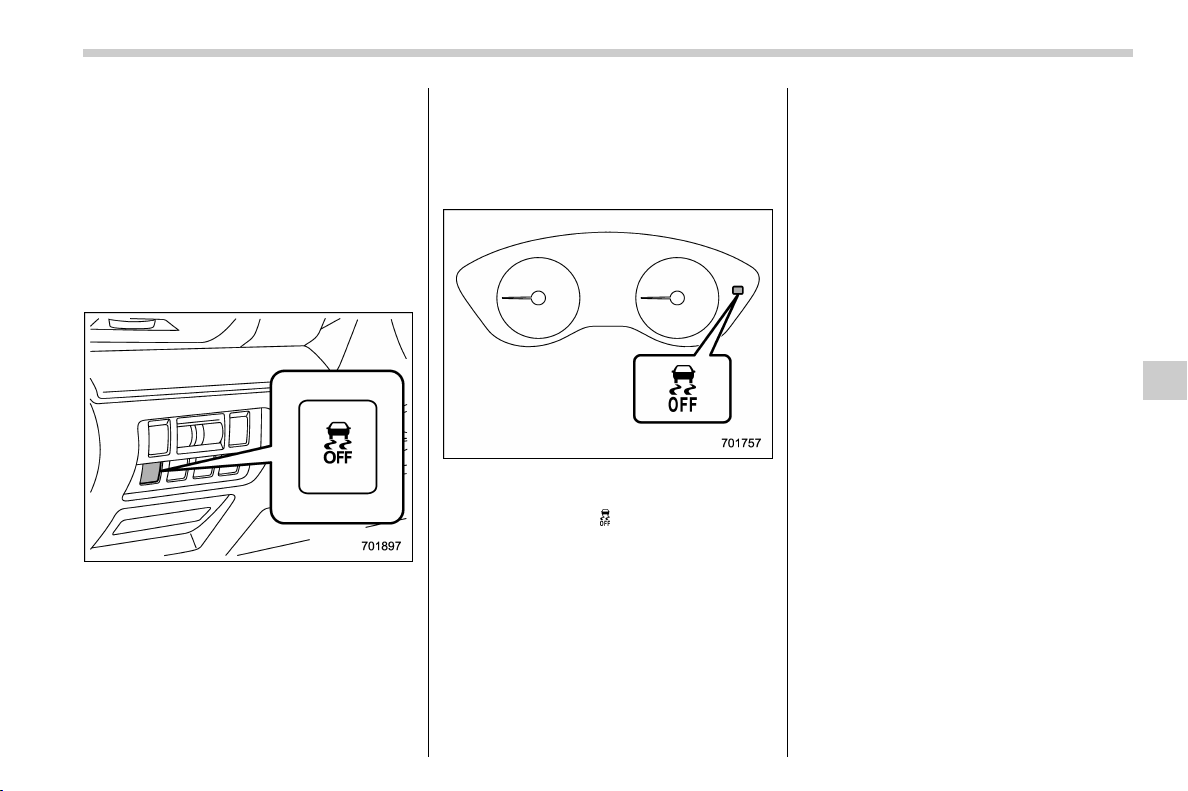
(303,1)
北米Model "A1320BE-C" EDITED: 2017/ 10/ 10
& Vehicle Dynamics Control
system monitor
Refer to “Vehicle Dynamics Control warn-
ing light/Vehicle Dynamics Control opera-
tion indicator light” F3-23 and “Vehicle
Dynamics Control OFF indicator light” F3-
24.
& Vehicle Dynamics Control
OFF switch
Press the Vehicle Dynamics Control OFF
switch to deactivate the Vehicle Dynamics
Control system. Creating adequate driving
wheel slip by deactivating the Vehicle
Dynamics Control system may help to
recover from the loss of traction. Use the
Vehicle Dynamics Control OFF switch as
necessary.
. a standing start on a steeply sloping
road with a snowy, gravel-covered, or
otherwise slippery surface
. extrication of the vehicle when its
wheels are stuck in mud or deep snow
When the switch is pressed during engine
operation, the Vehicle Dynamics Control
OFF indicator light “
” on the combination
meter illuminates. The Vehicle Dynamics
Control system will be deactivated and the
vehicle will behave like a model not
equipped with the Vehicle Dynamics Con-
trol system. When the switch is pressed
again to reactivate the Vehicle Dynamics
Control system, the Vehicle Dynamics
Control OFF indicator light turns off.
With the Vehicle Dynamics Control system
deactivated, traction and stability en-
hancement offered by Vehicle Dynamics
Control system is unavailable. Therefore
you should not deactivate the Vehicle
Dynamics Control system except under
above-mentioned situations.
NOTE
. When the switch has been pressed
to deactivate the Vehicle Dynamics
Control system, the Vehicle Dynamics
Control system automatically reacti-
vates itself the next time the ignition
switch is turned to the “LOCK”/“OFF”
position and the engine is restarted.
. If the switch is held down for 30
seconds or longer, the indicator light
turns off, the Vehicle Dynamics Control
system is activated, and the system
ignores any further pressing of the
switch. To make the switch usable
again, turn the ignition switch to the
“LOCK”/“OFF” position and restart the
engine.
. When the switch is p ressed to
deactivate the Vehicle Dynamics Con-
trol system, the vehicle’s running per-
formance is comparable with that of a
vehicle that does not have a Vehicle
Dynamics Control system. Do not de-
activate the Vehicle Dynamics Control
system except when absolutely neces-
sary.
. Even when the Vehicle Dynamics
– CONTINUED –
Starting and operating/Vehicle Dynamics Control system
7-37
7
(304,1)
北米Model "A1320BE-C" EDITED: 2017/ 10/ 10
Control system is deactivated, compo-
nents of the brake control system may
still activate. When the brake control
system is activated, the Vehicle Dy-
namics Control operation indicator
light flashes.
X-mode (if equipped)
WARNING
. Always use the utmost care in
driving – overconfidence be-
cause you are driving a vehicle
with X-mode could easily lead to
a serious accident.
. Always use the utmost care in
driving – overconfidence be-
cause you are driving a vehicle
with hill descent control function
could easily lead to a serious
accident. Be especially careful,
and depress the brake pedal if
necessary when driving on ex-
tremely steep downhill, frozen,
muddy or sandy roads. Failure
to control the vehicle’sspeed
may cause a loss of control and
result in a serious accident.
CAUTION
. Even if your vehicle is equipped
with X-mode, winter tires should
be used when driving on snow-
covered or icy roads; in addition,
vehicle speed should be reduced
considerably. Simply having X-
mode does not guarantee that the
vehicle will be able to avoid
accidents in any situation.
. Activate the X-mode when you
encounter a very slippery surface
at low speed. However, having X-
mode is no guarantee that full
vehicle control will be maintained
at all times and under all condi-
tions. When activating X-mode,
the speed of the vehicle should
be reduced considerably.
. Whenev er suspension compo-
nents, steering components, or
an axle are removed from a
vehicle, have the system in-
spected by an authorized
SUBARU dealer.
. Observe the following precau-
tions in order to ensure that the
X-mode is operating properly:
– All four wheels should be
fitted with tires of the same
size, type, and brand. Further-
more, the amount of wear
should be the same for all four
tires.
– Keep the tire pressure at the
proper level as shown on the
label attached to the vehicle’s
door pillar.
Starting and operating/X-mode
7-38
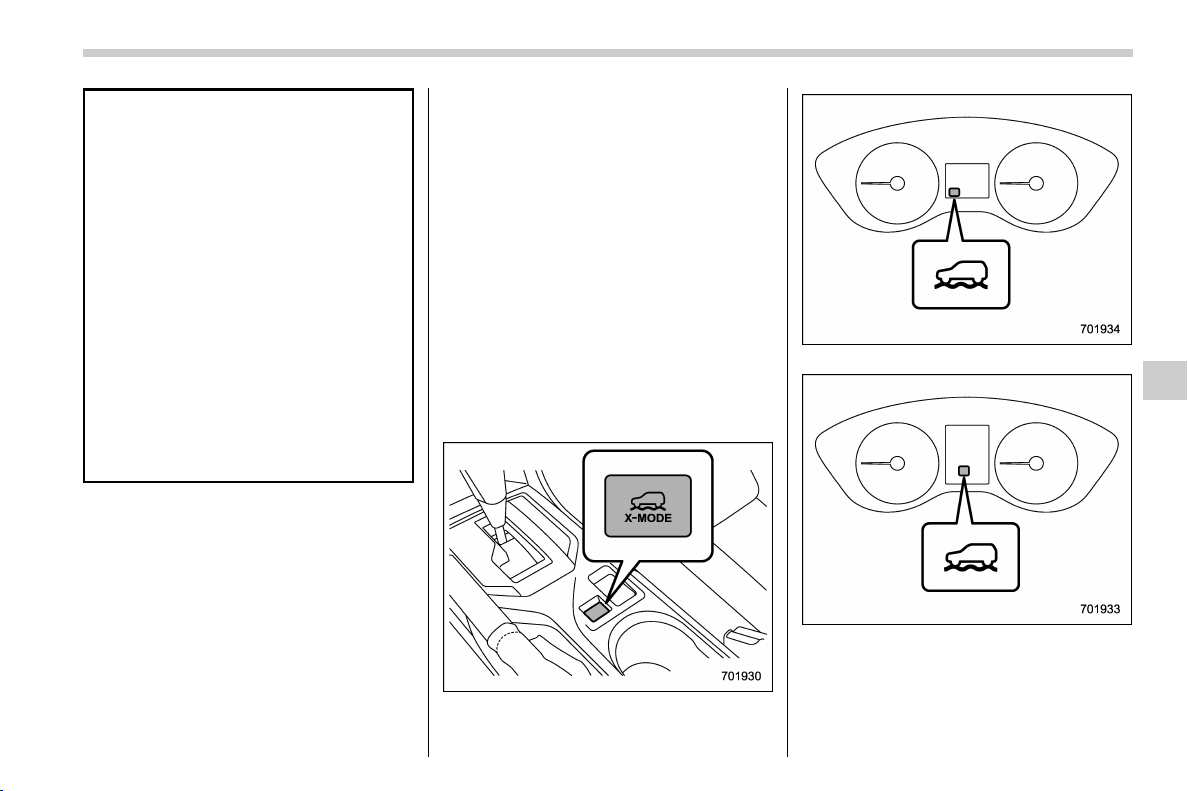
(305,1)
北米Model "A1320BE-C" EDITED: 2017/ 10/ 10
– Use only the special tempor-
ary spare tire to replace a flat
tire. With a normal temporary
spare tire, the effectiveness of
the X-mode is reduced and
this should be taken into ac-
count when driving the vehi-
cle in such a condition.
. If the hill descent control function
has operated continuously for a
long time, the temperature of the
brake disc may increase and the
hill descent control function may
be temporarily disabled. In this
case, the hill descent control
indicator will disappear. When
the hill descent control indicator
disappears, the hill descent con-
trol function is disabled.
X-mode is the integrated control system of
the engine, AWD and Vehicle Dynamics
Control system, etc. for driving with bad
road conditions. Using X-mode, you can
drive more comfortably even in slippery
road conditions including uphill and down-
hill.
X-mode has the following functions.
. Hill descent control function:
Using the hill descent control function, you
can keep the vehicle at a consistent speed
driving downhill. If the vehicle speed is
likely to increase, the brake control system
will be activated to adjust the vehicle
speed.
. Driving ability control:
This mode increases the hill-climbing
ability and driving abi lity as well as
enabling smooth application of torque for
easier control of the steering wheel.
& To activate/deactivate the X-
mode
X-mode switch
X-mode indicator (type A)
X-mode indicator (type B)
To activate:
Press the X-mode switch. While the X-
mode is activated, the X-mode indicator
– CONTINUED –
Starting and operating/X-mode
7-39
7
(306,1)
北米Model "A1320BE-C" EDITED: 2017/ 10/ 10
appears.
To deactivate:
Press the X-mode switch again. The X-
mode indicator will disappear when the X-
mode is deactivated.
NOTE
. Even if you try to activate the X-
mode by pressing the X-mode switch
when the vehicle speed is 12 mph (20
km/h) or more, the X-mode will not be
activated. At this time, a buzzer will
sound twice.
. If the vehicle speed reaches 25 mph
(40 km/h) or more while the X-mode is
activated, a buzzer will sound once and
the X-mode will be deactivated.
. While the engine is running, if any of
the following conditions is met, the X-
mode will be deactivated. In this case, it
is not possible to activate the X-mode.
– The CHECK ENGINE warning
light/malfunction indicator light illu-
minates.
– The AT OIL TEMP warning light
flashes.
– The ABS w arning light illumi-
nates.
– The Vehicle Dynamics Control
warning light illuminates.
. If the engine could overheat because
of a temperature increase of the engine
coolant, it may not be possible to
activate the X-mode. Even while the X-
mode is activated, the X-mode will be
deactivated when the engine coolant
temperature increases.
& Hill descent control function
The hill descent control function will be in
standby mode when the X-mode is acti-
vated and the vehicle speed is less than
approximately 12 mph (20 km/h).
The function will operate when the vehicle
speed is less than approximately 12 mph
(20 km/h) and the accelerator ratio is less
than approximately 10%.
The function will turn off when the vehicle
speed is more than approximately 12 mph
(20 km/h) and the accelerator pedal is
depressed.
CAUTION
The braking power of the hill des-
cent control function may not be
sufficient when strong braking
power is needed (e.g., when towing
a trailer).
NOTE
. Even while the hill descent control
function is operating, you can vary the
vehicle speed by using the brake pedal
or accelerator pedal.
. During braking by the hill descent
control function, the hill descent con-
trol indicator will flash.
. The hill descent control function is
operable regardless of the gradient of
the road.
. The hill descent control function
may be considered normal when the
following conditions occur.
– An operating sound is heard
briefly from the engine compart-
ment while the hill descent control
function is operating.
– The sensation of depressing the
brake pedal is different, (harder than
usual etc.) when the brake pedal is
depressed during hill descent con-
trol function operation.
Starting and operating/X-mode
7-40
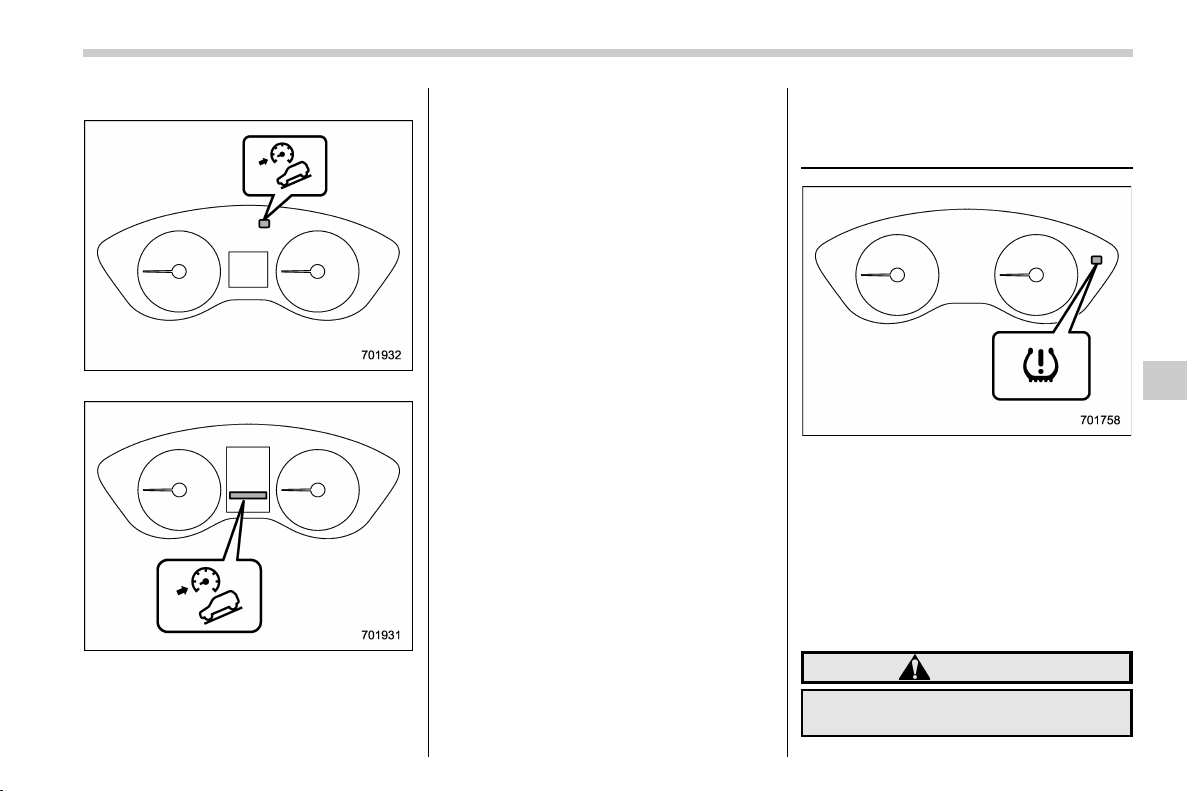
(307,1)
北米Model "A1320BE-C" EDITED: 2017/ 10/ 10
! Hill descent control indicator
Hill descent control indicator (type A)
Hill descent control indicator (type B)
This indicator appears while the hill des-
cent control function is in the standby
mode. It flashes while the function is
operating. I t will disapp ear when the
function is in the disabled mode. When
this function is changed from operational
to non-operational, it will disappear when
the vehicle speed reache s more than
approximately 18 mph (30 km/h).
Tire pressure monitoring
system (TPMS) (U.S.-spec.
models)
The tire pressure monitoring system pro-
vides the driver with a warning message
when tire pressure is severely low.
The tire pressure monitoring system will
activate only when the vehicle is driven at
speeds above 20 mph (32 km/h). Also, this
system may not react immediately to a
sudden drop in tire pressure (for example,
a blow-out caused by running over a sharp
object).
WARNING
. If the low tire pressure warning
light illuminates while driving,
– CONTINUED –
Starting and operating/Tire pressure monitoring system (TPMS) (U.S.-spec. models)
7-41
7
(308,1)
北米Model "A1320BE-C" EDITED: 2017/ 10/ 10
never brake suddenly. Instead,
perform the following procedure.
Otherwise, an accident involving
serious vehicle damage and ser-
ious personal injury could occur.
(1) Keep driving straight ahead
while gradually reducing
speed.
(2) Slowly pull off the road to a
safe location.
(3) Check the pressure for all four
tires and adjust the pressure
to the COLD tire p ressure
shown on the tire placard.
The tire placard is located on
the door pillar on the driver’s
side.
Even when the vehicle is driven a
very short distance, the tires get
warm and their pressures in-
crease accordingly. Be sure to
let the tires cool thoroughly be-
fore adjusting their pressures to
the standard values shown on the
tire placard. Refer to “Tires and
wheels” F11-21. The tire pres-
sure monitoring system does not
function when the vehicle is sta-
tionary. After adjusting the tire
pressures, increase the vehicle
speed to at least 20 mph (32 km/h)
to start the TPMS rechecking of
the tire inflation pressures. If the
tire pressures are now above the
severe low pressure threshold,
the low tire pressure warning
light should turn off a few min-
utes later.
If this light still illuminates while
drivi ng after adjusting the tire
pressure, a tire may have signifi-
cant damage and a fast leak that
causes the tire to lose air rapidly.
If you have a flat tire, replace it
with a spare tire as soon as
possible.
. When a spare tire is mounted or a
wheel rim is replaced without the
original pressure sensor/trans-
mitter being transferred, the low
tire pressure warning light will
illuminate steadily after blinking
for approximately one minute.
This indicates the TPMS is unable
to monitor all four road wheels.
Contact your SUBARU dealer as
soon as possible for tire and
sensor replacement and/or sys-
tem resetting.
. When a tire is repaired with liquid
sealant, the tire pressure warning
valve and transmitter may not
operate properly. If a liquid sea-
lant is used, contact your nearest
SUBARU dealer or other qualified
service shop as soon as possi-
ble. Make sure to replace the tire
pressure warning valve and
transmitter when replacing the
tire. You may reuse the wheel if
there is no damage to it and if the
sealant residue is properly
cleaned off. Do not inject any tire
liquid or aerosol tire sealant into
the tires, as this may cause a
malfunction of the tire pressure
sensors. If the light illuminates
steadily after blinking for ap-
proximately one minute,
promptly contact a SUBARU
dealer to have the system in-
spected.
CAUTION
Do not place metal film or any metal
parts in the cargo area. This may
cause poor reception of the signals
from the tire pressure sensors, and
the tire pressure monitoring system
will not function properly.
Starting and operating/Tire pressure monitoring system (TPMS) (U.S.-spec. models)
7-42
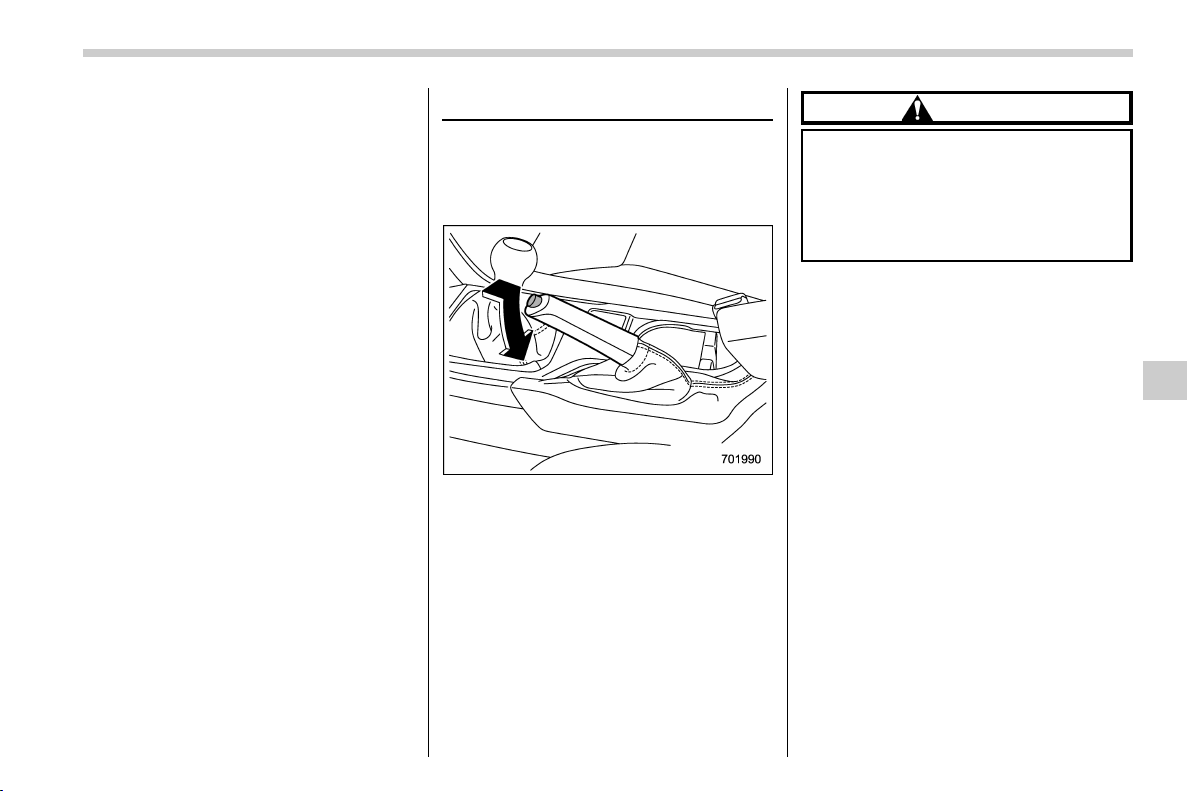
(309,1)
北米Model "A1320BE-C" EDITED: 2017/ 10/ 10
NOTE
This device complies with part 15 of the
FCC Rules. Operation is subject to the
following two conditions: (1) This de-
vice may not cause harmful interfer-
ence, and (2) this device must accept
any i nterference received, including
interference that may cause undesired
operation.
FCC CAUTION
Changes or modifications not ex-
pressly approved by the party respon-
sible for compliance could void the
user’s authority to operate the equip-
ment.
Parking your vehicle
& Parking brake
To set the parking brake, depress the
brake pedal firmly and hold it down until
the parking brake lever is fully pulled up.
To release the parking brake, pull the lever
up slightly, press the release button, then
lower the lever while keeping the button
pressed.
When the parking brake is set while the
engine is running, the parking brake
warning light illuminates. After starting
the vehicle, be sure that the warning light
has turned off before the vehicle is driven.
Refer to “Brake system warning light (red)”
F3-21.
CAUTION
Never drive while the parking brake
is set because this will cause un-
necessary wear on the brake linings.
Before starting to driv e, always
make sure that the parking brake
has been fully released.
& Parking tips
When parking your vehicle, always per-
form the following items.
. Apply the parking brake firmly.
. For MT models, put the shift lever in the
“1” (1st) for upgrade or “R” (Reverse) for a
downgrade.
. For CVT models, put the select lever in
the “P” (Park) position.
Never rely on the mechanical friction of the
transmission alone to hold the vehicle.
– CONTINUED –
Starting and operating/Parking your vehicle
7-43
7
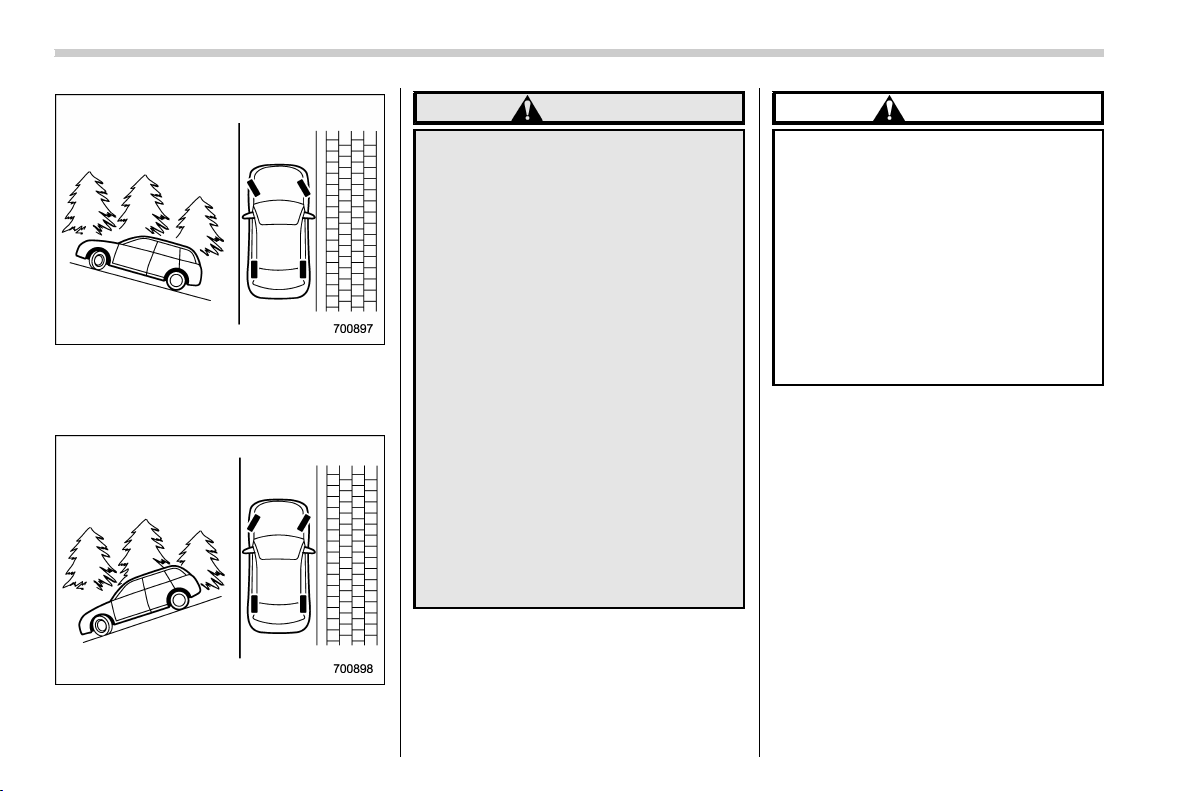
(310,1)
北米Model "A1320BE-C" EDITED: 2017/ 10/ 10
When parking on a hill, always turn the
steering wheel. When the v ehicle is
headed up the hill, the front wheels should
be turned away from the curb.
When facing downhill, the front wheels
should be turned into the curb.
WARNING
. Never leave unattended children
or pets in the vehicle. They could
accidentally injure themselves or
others through inadvertent op-
eration of the vehicle. Also, on
hot or sunny days, the tempera-
ture in a closed vehicle could
quickly become high enough to
cause severe or possibly fatal
injuries to people.
. Do not park the vehicle over
flammable materials such as dry
grass, waste paper or rags, as
they may burn easily if they come
near hot engine or exhaust sys-
tem parts.
. Be sure to stop the engine if you
take a nap in the vehicle. If engine
exhaust gas enters the passen-
ger compartment, occupants in
the vehicle could die from carbon
monoxide (CO) contained in the
exhaust gas.
CAUTION
. If your vehicle has a bumper
under guard (optional), pay atten-
tion to blocks and other obstruc-
tions on the ground when park-
ing. The underspoiler could be
damaged by contact with them.
. The braking power of the parking
brake may not be sufficient when
stronger braking power is
needed (e.g., when parking on a
steep slope while towing a trai-
ler).
Starting and operating/Parking your vehicle
7-44
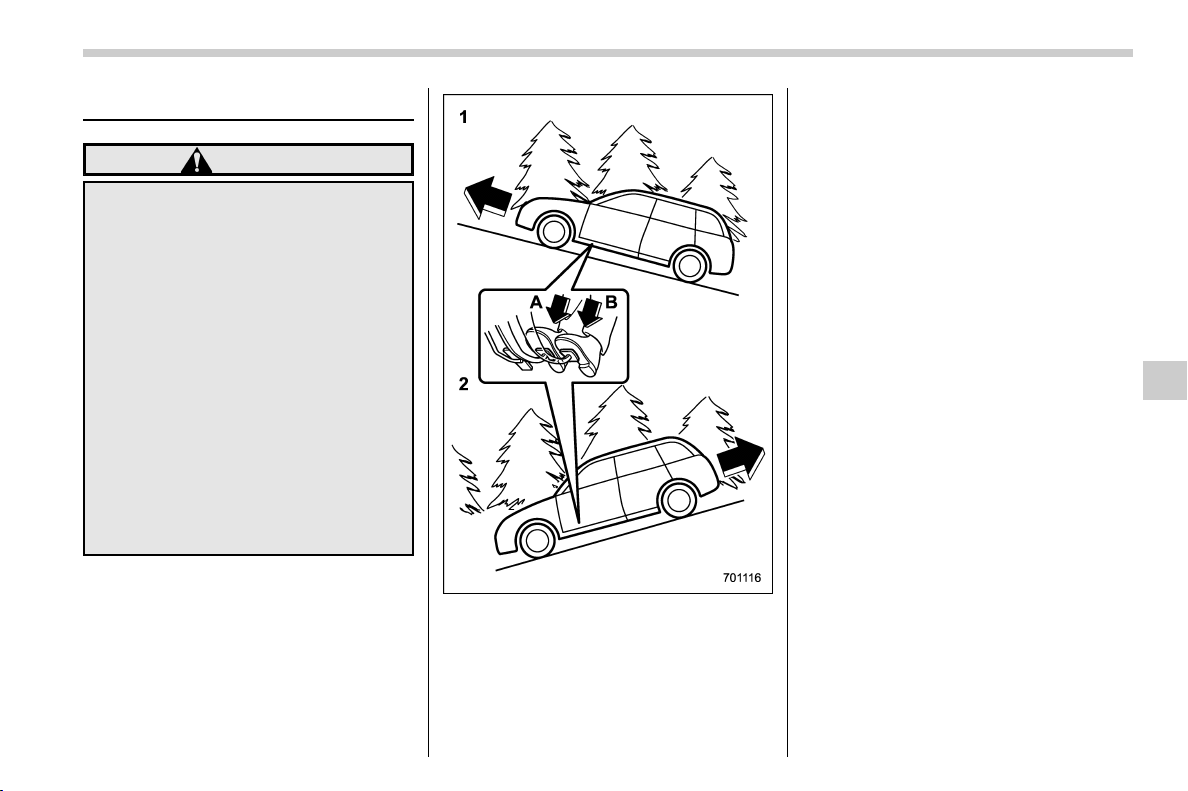
(311,1)
北米Model "A1320BE-C" EDITED: 2017/ 10/ 10
Hill start assist system
WARNING
. The Hill start assist system is a
device only for helping the driver
to START the vehicle on an uphill
grade. To prevent accidents
when the vehicle is parked on a
slope, be sure to firmly set the
parking brake. When setting the
parking brake, make sure that the
vehicle remains stationary when
the clutch pedal (MT models) and
brake pedal (both MT and CVT
models) are released.
. Do not turn the ignition switch to
the “LOCK”/“OFF” position while
the Hil l start assist system is
operating. The Hill start assist
system will be deactivated and
may lead to an accident.
The Hill start assist system is a device to
make the following vehicle operations
easier.
1) Starting forward facing uphill
2) Starting backward facing downhill
A) Brake pedal (both MT models and CVT
models)
B) Clutch pedal (MT models only)
In both these cases, the Hill start assist
system operates under the following con-
ditions.
. when the clutch pedal is depressed
while the brake pedal is also depressed
(MT models)
. when the vehicle has stopped with the
brake pedal depressed (CVT models)
Braking power is maintained temporarily
(for approximately 2 seconds) by the Hill
start assist system after the brake pedal is
released. The driver is therefore able to
start the vehicle in the same way as on a
level grade, just using the clutch pedal (MT
models only) and accelerator pedal (all
models).
If the braking power of the Hill start assist
system is insufficient after the brake pedal
is released, apply more braking power by
depressing the brake pedal again.
The Hill start assist system may not
operate on slight grades. Also, the Hill
start assist system does not operate in the
following cases.
– CONTINUED –
Starting and operating/Hill start assist system
7-45
7
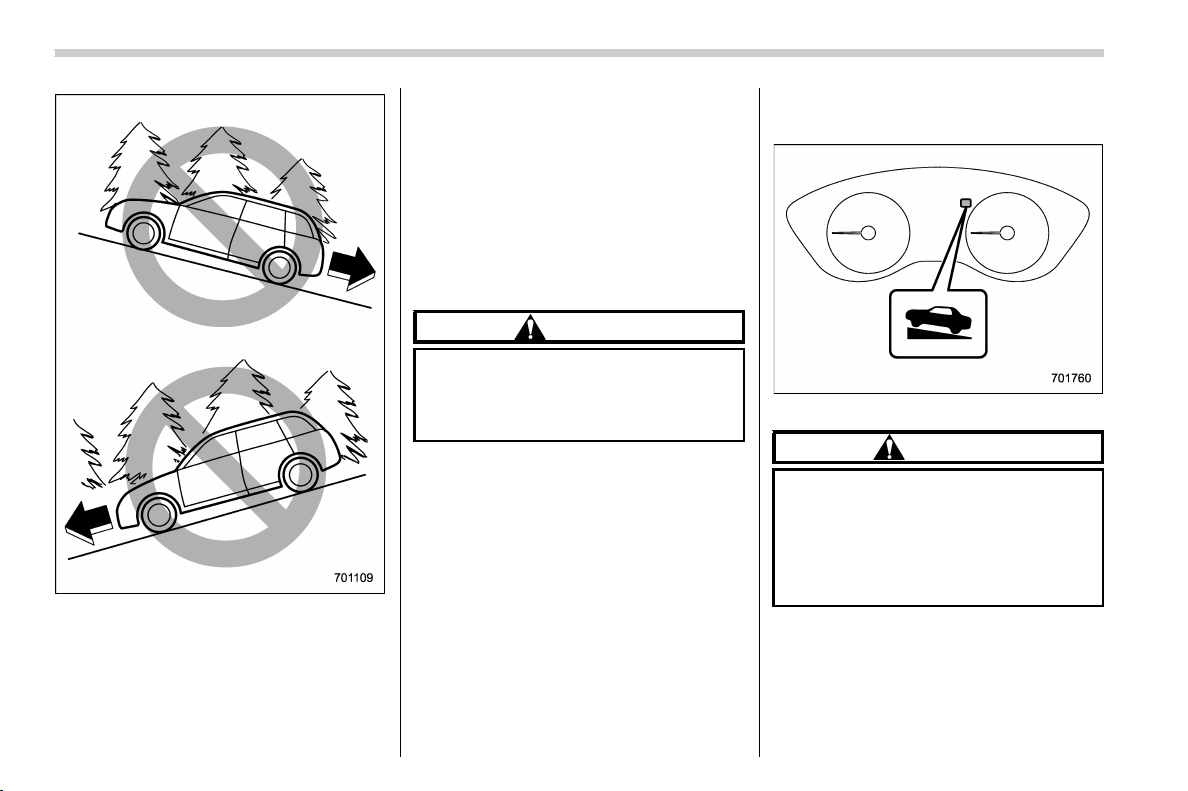
(312,1)
北米Model "A1320BE-C" EDITED: 2017/ 10/ 10
. when starting backward facing uphill
. when starting forward facing downhill
. while the parking brake is applied
. while the ignition switch is in the “ ACC”
or “LOCK”/“OFF” position
. while the Hill start assist warning light/
Hill start assist OFF in dicator light is
illuminated. Refer to “Hill start assist
warning light/Hill start assist OFF indicator
light” F3-22.
When using the Hill start assist system, a
braking effect may be felt even after the
brake pedal has been released. However,
for MT models, this braking effect should
disappear once the clutch pedal is re-
leased.
CAUTION
The braking power of the Hill start
assist system may not be sufficient
when strong braking power is
needed (e.g., when towing a trailer).
NOTE
A slight jolt may be felt when the
vehicle begins to move forward after
being reversed.
& To activate/deactivate the Hill
start assist system
Hill start assist OFF indicator
CAUTION
When starting on an up hill grade,
make sure the Hill start assist OFF
indicator light is off.
If the Hill start assist OFF indicator
light is on, make sure the parking
brake is applied.
To activate or deactivate the Hill start
assist system, perform the following steps.
NOTE
If you make an error when performing
any steps in the following procedure,
Starting and operating/Hill start assist system
7-46
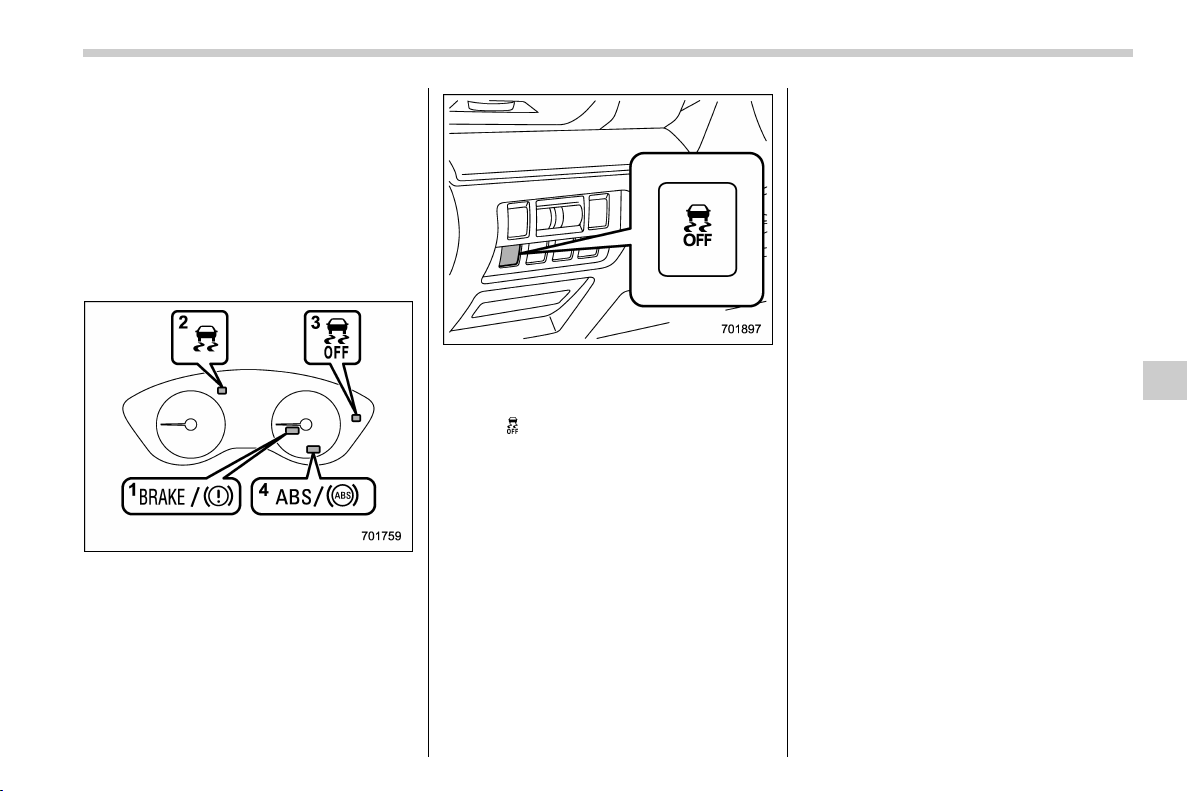
(313,1)
北米Model "A1320BE-C" EDITED: 2017/ 10/ 10
place the ignition switch in the “LOCK”/
“OFF” position once and then start
over again.
! To deactivate
1. Park your vehicle in a flat and safe
location and apply the parking brake.
2. Turn the ignition switch to the “LOCK”/
“OFF” position.
3. Restart the engine.
4. Confirm the following items.
(1) The brake system warning light
illuminates.
(2) The Vehicle Dynamics Control
warning light turns off.
(3) The Vehicle Dynamics Control
OFF indicator light turns off.
(4) The ABS warning light turns off.
5. Press and hold the Vehicle Dynamics
Control OFF switch for 30 seconds until
the Vehicle Dynamics Control OFF indica-
tor light
on the combination meter turns
on and off.
6. Within 5 seconds, release the Vehicle
Dynamics Control OFF switch.
7. Within 2 seconds, press back the
Vehicle Dynamics Control OFF switch.
The Hill start assist OFF indicator light
turns on and off.
8. Turn the ignition switch to the “LOCK”/
“OFF” position. Hill start assist is deacti-
vated.
NOTE
When the Hill start assist system is
deactivated, the Hill start assist OFF
indicator light illuminates.
! To reactivate
To reactivate Hill start assist system,
repeat steps 1 to 8. When the Hill start
assist system is activated, the Hill start
assist OFF indicator light turns off.
& Hill start assist warning light/
Hill start assist OFF indicator
light
Refer to “Hill start assist warning light/Hill
start assist OFF indicator light” F3-22.
Starting and operating/Hill start assist system
7-47
7
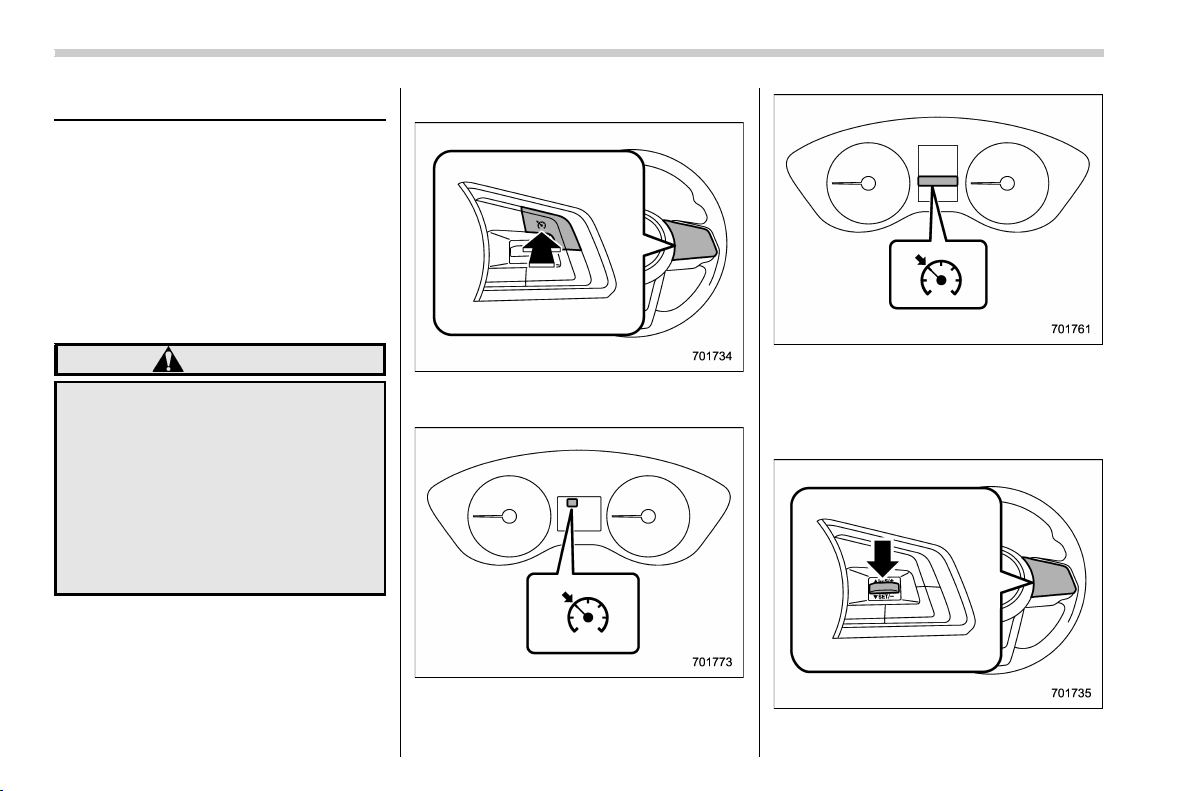
(314,1)
北米Model "A1320BE-C" EDITED: 2017/ 10/ 10
Cruise control (if equipped)
NOTE
For models with EyeSight system:
Refer to the Owner’s Manual supple-
ment for the EyeSight system.
Cruise control enables you to maintain a
constant vehicle speed without holding
your foot on the accelerator pedal and it is
operative when the vehicle speed is 20
mph (30 km/h) or more.
WARNING
Do not use the cruise control under
any of the following conditions.
These may cause loss of vehicle
control.
. driving up or down a steep grade
. driving on slippery or winding
roads
. driving in heavy traffic
. towing a trailer
NOTE
Make sure the cruise control system is
turned off when the cruise control is not
in use to avoid unintentionally setting
of the cruise control.
& To set cruise control
Cruise control main button
1. Press the cruise control main button.
Cruise control indicator light (type A)
Cruise control indicator light (type B)
The cruise control indicator light on the
combination meter will illuminate.
2. Depress the accelerator pedal until the
vehicle reaches the desired speed.
3. Press the “RES/SET” switch to the
Starting and operating/Cruise control
7-48
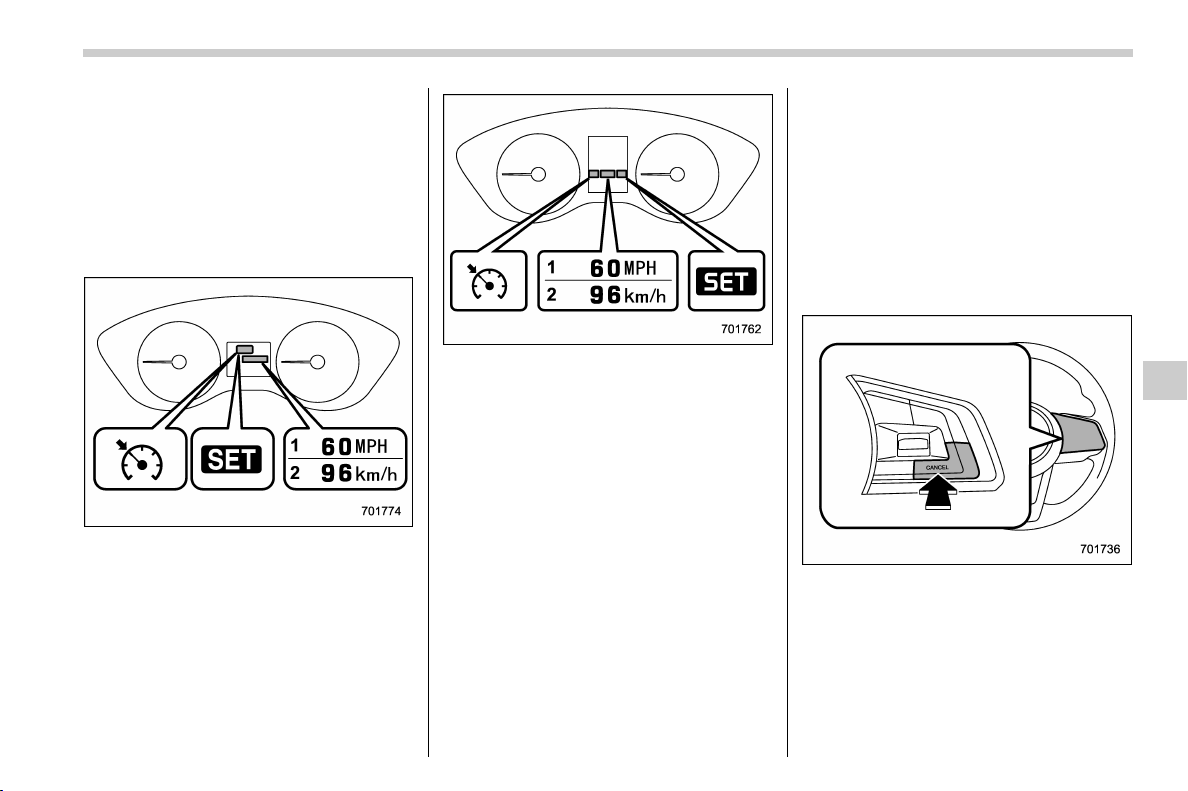
(315,1)
北米Model "A1320BE-C" EDITED: 2017/ 10/ 10
“SET” side and release it. Then release the
accelerator pedal.
NOTE
If the set vehicle speed has not been
memorized (other than when it has
been temporarily canceled), the vehicle
speed can be set even if the “RES/SET”
switch is pressed to the “RES” side.
Cruise control set indicator light (type A)
1) Whe n setting the displ ayed unit as
“MPH”.
2) Whe n setting the displ ayed unit as
“km/h”.
Cruise control set indicator light (type B)
1) When setting the displayed unit as
“MPH”.
2) When setting the displayed unit as
“km/h”.
At this time, the cruise control set indicator
light is illuminated in the combination
meter. The set speed will be shown on
the combination meter. You can change
the displayed unit by operating the combi-
nation meter display.
. For type A meter details, refer to
“Combination meter settings” F3-11.
. For type B meter details, refer to
“Screen Settings” F3-41.
The vehicle will maintain the desired
speed.
Vehicle speed can be temporarily in-
creased while driving with the cruise
control activated . Simply depress the
accelerator pedal to accelerate the vehi-
cle. When the accelerator pedal is re-
leased, the vehicle will return to and
maintain the previous cruising speed.
& To temporarily cancel the
cruise control
The cruise control can be temporarily
canceled in the following ways.
. Press the “CANCEL” button.
. Press the X-mode switch to activate the
X-mode (models with X-mode).
. Depress the brake pedal.
. Depress the clutch pedal (MT models
only).
– CONTINUED –
Starting and operating/Cruise control
7-49
7
(316,1)
北米Model "A1320BE-C" EDITED: 2017/ 10/ 10
WARNING
For CVT models, you can cancel the
cruise control by shifting the select
lever into the “N” position. However,
do not shift the lever into the “N”
position while driving except in case
of emergency. If the select lever is
shifted into the “N” position, the
engine brake will no longer work.
This could result in an accident.
The cruise control set indicator light in the
combination meter turns off when the
cruise control is canceled.
To resume the cruise control after it has
been temporarily canceled and with vehi-
cle speed of approximately 20 mph (30
km/h) or more, press the “RES/SET”
switch to the “RES” side to return to the
original cruising speed automatically.
The cruise control set indicator light in the
combination meter will automatically illu-
minate at this time.
& To turn off the cruise control
There are two ways to turn off the cruise
control:
. Press the cruise control main button
again.
. Turn the ignition switch to the “ACC” or
“LOCK”/“OFF” position (but only when the
vehicle is completely stopped).
& To change the cruising speed
! To increase the speed (by the “RES/
SET” switch)
Press the “RES/SET” switch to the “RES”
side and hold it until the vehicle reaches
the desired speed. The n, release the
switch. The vehicle speed at that moment
will be memorized and treated as the new
set speed.
When set ting the displayed unit as
“MPH”:
The set speed can be increased 1 mph
(1.6 km/h) each time by pressing the “RES/
SET” switch to the “RES” side.
When set ting the displayed unit as
“km/h”:
The set speed can be increased 1 km/h
each time by pressing the “RES/SET”
switch to the “RES ” side.
Starting and operating/Cruise control
7-50
(317,1)
北米Model "A1320BE-C" EDITED: 2017/ 10/ 10
! To increase the speed (by accelera-
tor pedal)
1. Depress the accelerator pedal to ac-
celerate the vehicle to the desired speed.
2. Press the “RES/SET ” switch to the
“SET” side once. Now the desired speed is
set and the vehicle will keep running at that
speed without depressing the accelerator
pedal.
! To decrease the speed (by the “RES/
SET” switch)
Press the “RES/SET” switch to the “SET”
side and hold it until the vehicle reaches
the desired spee d. Then, release the
switch. The vehicle speed at that moment
will be memorized and treated as the new
set speed.
When setting the displayed unit as
“MPH”:
The set speed can be decreased 1 mph
(1.6 km/h) each time by pressing the “RES/
SET” switch to the “SET” side.
When setting the displayed unit as
“km/h”:
The set speed can be decreased 1 km/h
each time by p ressing the “RES/SET”
switch to the “SET” side.
! To decrease the speed (by brake
pedal)
1. Depress the brake pedal to release
cruise control temporarily.
2. When the s peed decreases to the
desired speed, p ress the “RES/SET”
switch to the “SET” side once. Now the
desired speed is set and the vehicle will
keep running at that speed without depres-
sing the accelerator pedal.
– CONTINUED –
Starting and operating/Cruise control
7-51
7
(318,1)
北米Model "A1320BE-C" EDITED: 2017/ 10/ 10
& Cruise control indicator light
Refer to “Cruise control indicator light” F3-
31.
& Cruise control set indicator
light
Refer to “Cruise control set indicator light”
F3-31.
BSD/RCTA (if equipped)
The BSD/RCTA consists of rear radar with
Blind Spot Detection and Rear Cross
Traffic Alert.
These functions enable the system to
detect objects or vehicles to the rear,
drawing attention to the driver when
changing a lane or when driving in reverse.
WARNING
The driver is responsible for driving
safely. Always be sure to check the
surroundings with your eyes when
changing lanes or reversing the
vehicle.
The system is designed to assist the
driver to change lanes or reverse
safely by monitoring the rear and
side areas of the vehicle. However,
you cannot rely on this system alone
in assuring the safety during a lane
change or reversing. Overconfi-
dence in this system could result in
an accident and lead to serious
injury or death. Since the system
operation has various limitations,
the flashing or illumination of the
BSD/RCTA approach indicator light
may be delayed or it may not operate
at all even when a vehicle is present
in a neighboring lane or approach-
ing from either side.
The driver is responsible for paying
attention to the rear and side areas
of the vehicle.
& System features
BSD/RCTA consists of the following func-
tions.
. To detect a vehicle in a blind spot on an
adjacent lane or a vehicle approaching at
high speed while driving the vehicle (Blind
Spot Detection)
. To detect a vehicle approaching from
the right or left while reversing the vehicle
(Rear Cross Traffic Alert)
The system uses radar sensors for the
above functions.
NOTE
The BSD/RCTA radar sensor has been
certified by the radio wave related laws
of the U.S. and Canada. When driving in
other countries, certification of the
country where the vehicle is driven
must be obtained. For certification in
the U.S. and Canada, refer to “Certifica-
tion for the BSD/RCTA” F7-60.
Starting and operating/BSD/RCTA
7-52
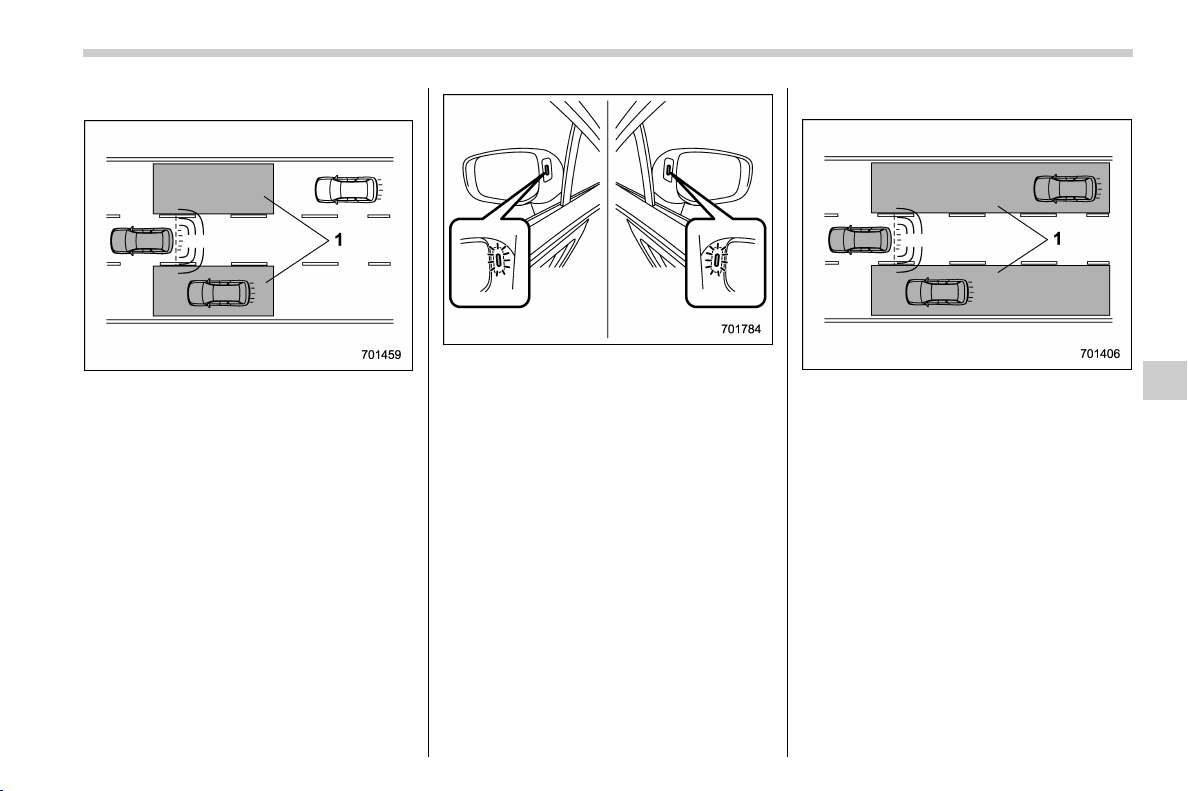
(319,1)
北米Model "A1320BE-C" EDITED: 2017/ 10/ 10
! Blind Spot Detection (BSD)
1) Operating range
The system warns the driver of dangers as
follows.
. If the system detects a vehicle existing
in the blind spot, the BSD/RCTA approach
indicator light(s) on the outside mirror(s)
will illuminate.
BSD/RCTA approach indicator light
. If the driver operates the turn signal
lever in the direction which the BSD/RCTA
approach indicator light is illuminating, the
corresponding BSD/RCTA approach indi-
cator light will flash.
! Lane Change Assist (LCA)
1) Operating range
The system warns the driver of dangers as
follows.
. If the system detects a vehicle ap-
proaching at a high speed in the neighbor-
ing lanes, the BSD/RCTA approach indi-
cator light(s) on the outside mirror(s) will
illuminate.
. If the driver operates the turn signal
lever in the direction which the BSD/RCTA
approach indicator light is illuminating, the
corresponding BSD/RCTA approach indi-
cator light will flash.
– CONTINUED –
Starting and operating/BSD/RCTA
7-53
7
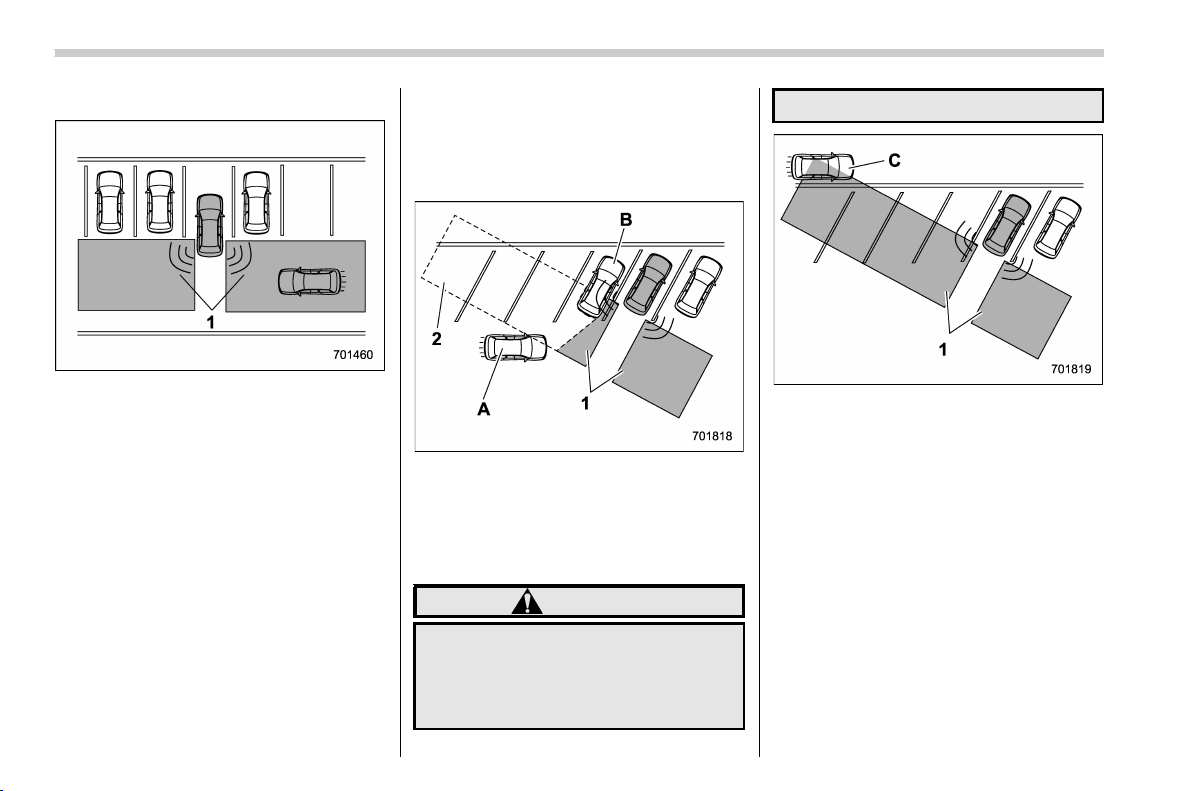
(320,1)
北米Model "A1320BE-C" EDITED: 2017/ 10/ 10
! Rear Cross Traffic Alert (RCTA)
1) Operating range
The system notifies the driver of another
vehicle approaching from either side when
driving in reverse. This feature helps the
driver check the rear and side areas of the
vehicle when moving backward.
If the system detects a vehicle approach-
ing from either side while moving back-
ward, it warns the driver of dangers in the
following way.
. The BSD/RCTA approach indicator
light(s) on the outside mirror(s) flashes.
. A warning buzzer sounds.
. An icon appears on the rear v iew
camera screen (audio/navigation monitor)
! Limitations of the detectability of
RCTA
Since the detectability of RCTA is limited,
the RCTA may not operate properly in
angled parking.
Example 1
1) The detection range of the radar sensors
2) Area out of detection range of the radar
sensors
A) Vehicle that may not be detected
B) Parked vehicle
WARNING
An approaching vehicle (A) may not
be detected because the detection
range is limited by the parked vehi-
cle (B). Always be sure to check the
surroundings with your eyes when
reversing the vehicle.
Example 2
1) The detection range of the radar sensors
C) Vehicle that may be detected
NOTE
The system may detect that a vehicle
(C) is passing in front of your vehicle.
Always be sure to check the surround-
ings with your eyes when reversing the
vehicle.
Starting and operating/BSD/RCTA
7-54

(321,1)
北米Model "A1320BE-C" EDITED: 2017/ 10/ 10
& System operation
! Operating conditions
The BSD/RCTA will operate when all of the
following conditions are met.
. Theignitionswitchisinthe“ON”
position.
. The BSD/RCTA warning indicator and
BSD/RCTA OFF indicator are turned off.
. The vehicle is driven at speeds above 6
mph (10 km/h) (except when reversing).
. The shift lever/select lever is in the “R”
position (when reversing).
The BSD/RCTA will not operate in the
following situations.
. The BSD/RCTA OFF indicator is on.
. The vehicle speed is below 6 mph (10
km/h) even when the BSD/RCTA OFF
indicator remains off (except when rever-
sing).
NOTE
. In the following case, the BSD/RCTA
will stop operating and the BSD/RCTA
warning indicator will appear. If the
BSD/RCTA warning indicator appears,
have your vehicle ins pected at a
SUBARU dealer as soon as possible.
– When a malfunction occurs in the
system, i ncluding the BSD/RCTA
approach indicator light
. In the following cases, the BSD/
RCTA will temporarily stop operating
(or may stop operating) and the BSD/
RCTA warning indicator will appear.
– When the radar sensor becomes
significantly misaligned (If the or-
ientation of the radar sensor is
shifted for an y reason, readjust-
ment is required. Have the sensor
adjusted at a SUBARU dealer.)
– When a large amount of snow or
ice sticks to the rear bumper sur-
face around the radar sensors
– When the vehicle is driven on a
snow-covered road or in an envir-
onment in which there are no ob-
jects around (such as in a desert) for
a long time
– When the temperature around the
radar sensors increased exces-
sively due to long driving on uphill
grades in summer, etc.
– When the temperature around the
radar sensors becomes extremely
low
– When the vehicle battery voltage
lowers
– When the vehicle battery be-
comes overvoltage
When the above conditions are cor-
rected, the BSD/RCTA will resume op-
eration and the BSD/RCTA warning
indi cator will disappear. However, if
the BSD/RCTA warning indicator has
appeared for a prolonged time, have the
system inspected at a SUBARU dealer
as soon as possible.
. The detectability of the radar sen-
sors is restricted. The BSD/RCTA de-
tection may be impaired and the system
may not operate properly under the
following conditions.
– When the rear bumper around the
radar sensors is distorted
– When ice, snow or mud adheres
to the rear bumper surface around
the radar sensors
– When stickers, etc. are affixed on
the areas of the radar sensors on
the rear bumper
– During adverse weather condi-
tions such as rain, snow or fog
– When driving on wet roads such
as snow-covered roads and through
puddles
. The radar sensors may not detect or
may have difficulty detecting the fol-
lowing.
– Small motorcycles, bicycles, pe-
destrians, stationary objects on the
road or road side, etc.
– Vehicles with body shapes that
the radar may not reflect (vehicles
– CONTINUED –
Starting and operating/BSD/RCTA
7-55
7
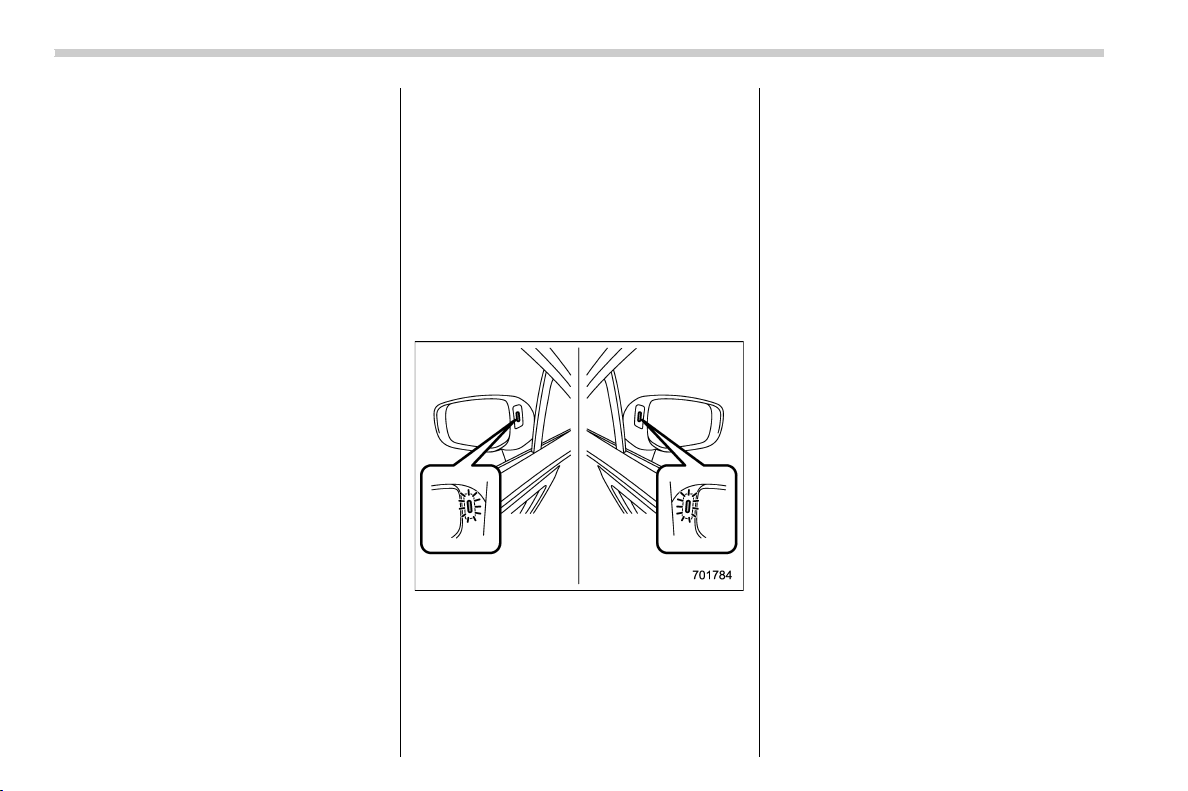
(322,1)
北米Model "A1320BE-C" EDITED: 2017/ 10/ 10
with a low body hei ght such as
sports cars or a trailer with no
cargo)
– Vehicles that are not approaching
your vehicle even though they are in
the detection area (either on a
neighboring lane to the rear or be-
side your vehicle when reversing)
(The system determines the pre-
sence of approaching vehicles
based on data detected by the radar
sensors.)
– Vehicles traveling at significantly
different speeds
– Vehicles driving in parallel at al-
most the same speed as your vehi-
cle for a prolonged time
– Oncoming vehicles
– Vehicles in a lane beyond the
neighboring lane
– Vehicles travelling at a signifi-
cantly lower speed th at you are
trying to overtake
. On a road with extremely narrow
lanes, the system may detect vehicles
driving in a lane next to the neighboring
lane.
. When the 8-inch audio/navigation
system is performing a software up-
date, the RCTA warning icons may not
be displayed on the audio/navigation
screen until the update is complete.
& BSD/RCTA approach indica-
tor light/warning buzzer
When the BSD/RCTA is active, the BSD/
RCTA approach indicator light will operate
to alert the driver when there are vehicles
in the neighboring lanes. When reversing
the vehicle, the BSD/RCTA approach
indicator light and warning buzzer will
operate to alert the driver that a vehicle is
approaching from the left or right side.
! BSD/RCTA approach indicator light
BSD/RCTA approach indicator light
It is mounted in each side of the outside
mirrors.
The indicator light will illuminate when a
vehicle approaching from behind is de-
tected.
The indicator light will flash to warn the
driver of dangers under the following
conditions.
. While the indicator light illuminates, if
you operate the turn signal lever toward
the side in which this light turned on.
. When reversing the vehicle while the
system detects a vehicle approaching
from either side.
! BSD/RCTA approach indicator
light dimming function
When the headlights are turned on, the
brightness of the BSD/RCTA approach
indicator light will be reduced.
NOTE
. You may have difficulty recognizing
the BSD/RCTA approach indicator light
under the following conditions.
– When affected by direct sunlight
– When affected by the headlight
beams from the vehicles behind
. While the illumination brightness
control dial is in the fully upward
position, e ven if the headlights are
turned on, the brightness of the BSD/
RCTA approach indicator light will not
be reduced. For details about the
illumination brightness control dial,
refer to “Illumination brightness con-
trol” F3-12.
Starting and operating/BSD/RCTA
7-56
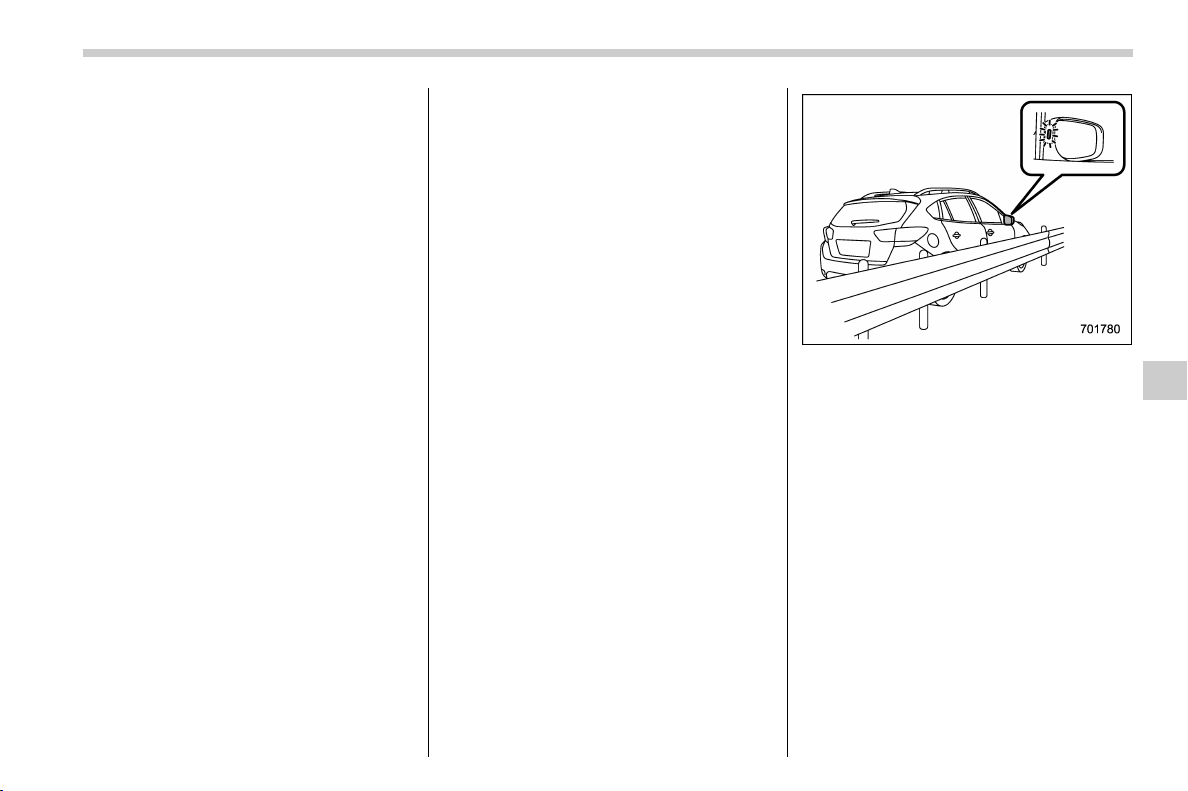
(323,1)
北米Model "A1320BE-C" EDITED: 2017/ 10/ 10
! BSD/RCTA approach warning buz-
zer (only when reversing)
A warning buzzer sounds along with
flashing of the BSD/RCTA approach in-
dicator light to warn the driver of dangers.
The setting of the warning buzzer volume
can be changed by operating the combi-
nation meter display (color LCD). For
details, refer to “ Menu screens” F3-38.
! Safety tips regarding the BSD/RCTA
approach indicator light/warning
buzzer
. In the following cases, operation of the
BSD/RCTA approach indicator light and
the warning buzzer may be delayed or the
system may fail to issue these warnings.
– When a vehicle moves to the neigh-
boring lane from a lane next to the
neighboring lane
– When driving on a steep incline or
on repeated sharp uphill and downhill
grades
– When going beyond a pass
– When both your vehi cle and a
vehicle driving on a neighboring lane
are driving on the far side of each lane.
– When several narrowly-spaced ve-
hicles are approaching in a row
– In low radius bends (tight bends or
when making turns at an intersection)
– When there is a difference in height
between your lane and the neighboring
lane
– Immediately after the BSD/RCTA is
activated by pressing the BSD/RCTA
OFF switch
– Immediately after the shift lever/
select lever is shifted to the “R” position
– When extremely heavy cargo is
loaded in the cargo area
. During reversing, operation of the BSD/
RCTA approach indicator light and the
warning buzzer may be delayed or the
system may fail to issue these warnings
under the following conditions.
– When backing out of an angled
parking space
– When a large-sized vehicle is
parked next to your vehicle (That
vehicle prevents the propagation of
radar waves.)
– When reversing on sloped roads
– When reversing at a high speed
. The BSD/RCTA approach indicator
light may illuminate when driving close to
solid objects on the road or road side (such
as guardrails, tunnels and sidewalls).
. The BSD/RCTA approach indicator
light may flash when turning at an inter-
section in u rban areas or a multilane
intersection.
. The BSD/RCTA approach indicator
light may flash and the warning buzzer
may sound if a building or a wall exists in
the reversing direction.
. In the following cases, the system may
detect a vehicle driving two lanes away
from your vehicle.
– When you are driving on the near
side of its lane from the corresponding
vehicle
– When the vehicle driving two lanes
– CONTINUED –
Starting and operating/BSD/RCTA
7-57
7
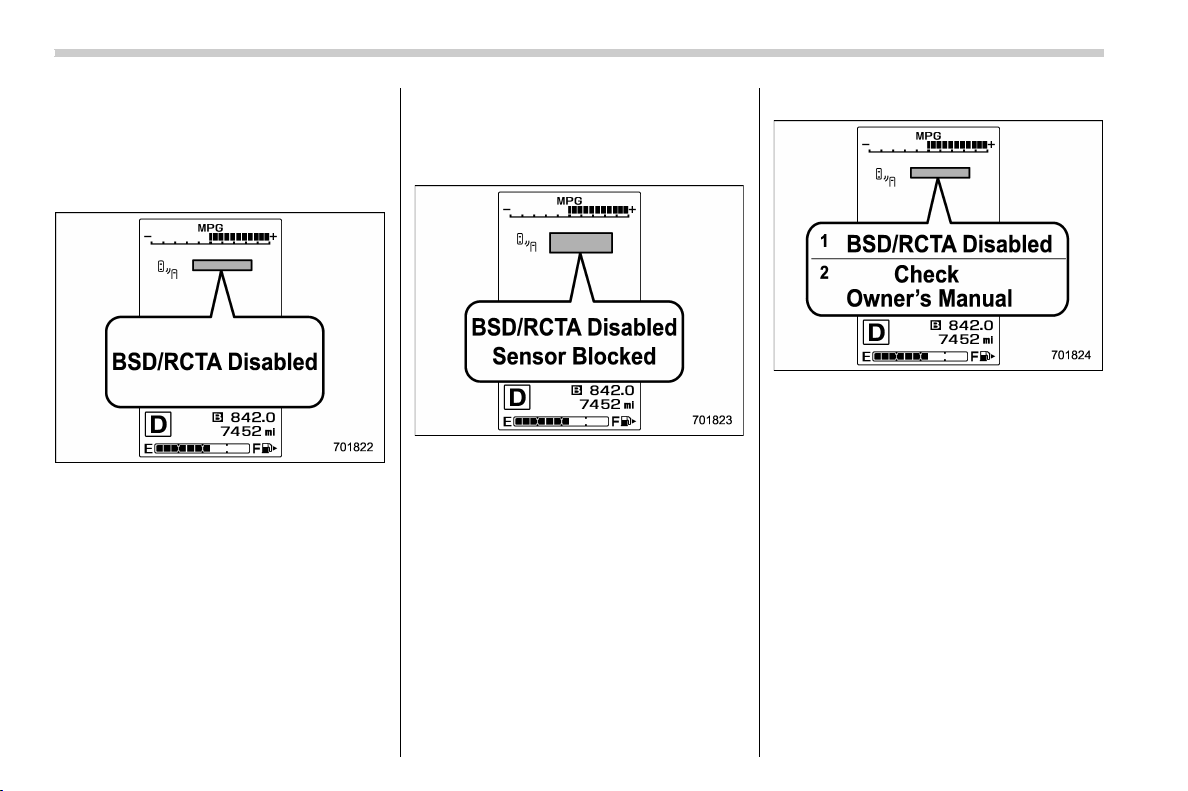
(324,1)
北米Model "A1320BE-C" EDITED: 2017/ 10/ 10
away is driving on the near side of its
lane from your vehicle
& BSD/RCTA warning indicator
! System temporary stop indicator
System temporary stop indicator
This indicator appears when the system is
used under the following conditions.
. Extremely high or low temperatures
. When abnormal voltage exists for the
vehicle battery
. When the radar sensor is significantly
misaligned
Once the above conditions are corrected,
the system will recover from the temporary
stop condition and the indicator will dis-
appear. If the indicator remains displayed
for a prolonged time, have the system
inspected at a SUBARU dealer.
! System temporary stop indicator
due to reduced radar sensitivity
System temporary stop indicator due to
reduced radar sensitivity
This indicator appears when the detect-
ability of the radar sensors is reduced.
Once the condition is corrected, the
system will recover from the temporary
stop condition and the indicator will dis-
appear. If the indicator remains displayed
for a prolonged time, have the system
inspected at a SUBARU dealer.
! System malfunction indicator
System malfunction indicator
1) At first, this message will appear
2) Then this message will appear
This indicator appears when a malfunction
occurs in the system. Contact a SUBARU
dealer and have the system inspected.
Starting and operating/BSD/RCTA
7-58
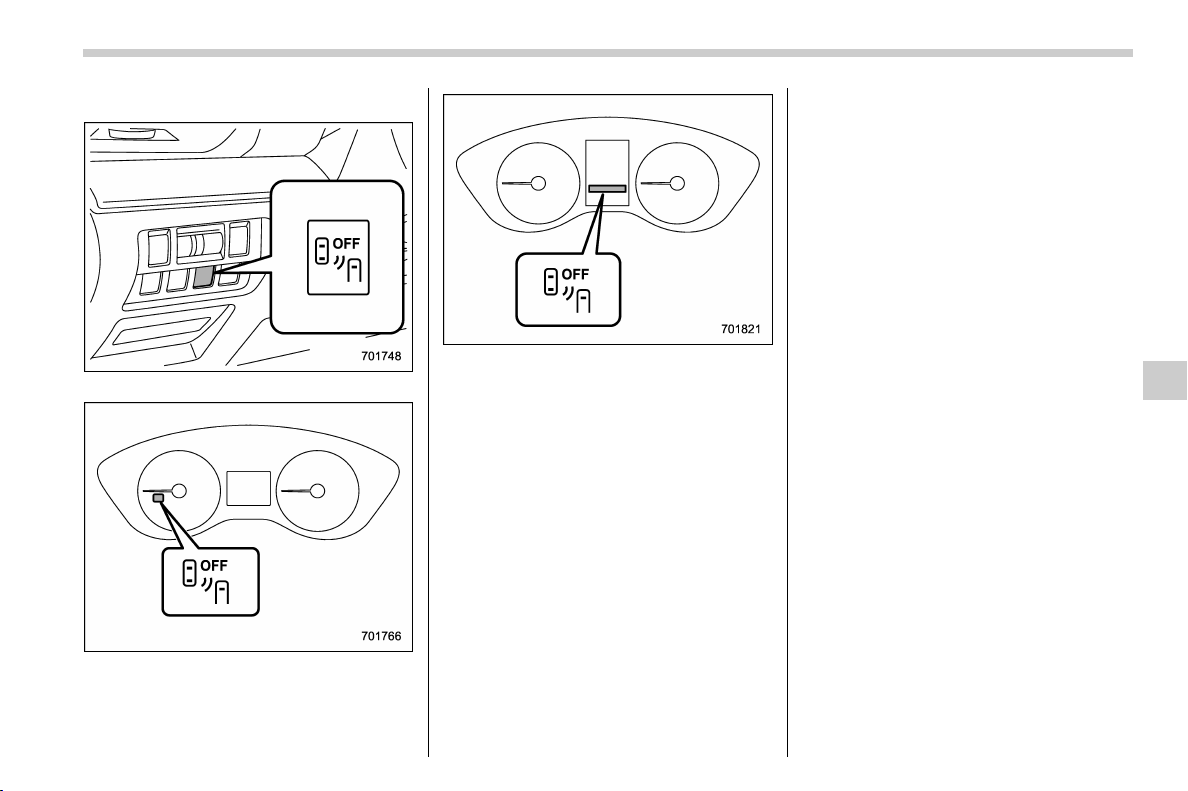
(325,1)
北米Model "A1320BE-C" EDITED: 2017/ 10/ 10
& BSD/RCTA OFF switch
BSD/RCTA OFF switch
BSD/RCTA OFF indicator (type A)
BSD/RCTA OFF indicator (type B)
If the BSD/RCTA OFF switch is pressed,
the BSD/RCTA OFF indicator appears on
the combination meter, and the BSD/
RCTA is deactivated.
Press the switch again to activate the BSD/
RCTA. The BSD/RCTA OFF indicator will
disappear.
When this occurs, the BSD/RCTA ap-
proach indicator light on the side of the
rearview mirror illuminates for a few
seconds and then turns off.
NOTE
. In the following cases, the system
may not oper ate properly due to
blocked radar waves. Press the BSD/
RCTA OFF switch to deactivate the
system.
– When towing a trailer
– When a bicycle carrier or other
carrier item is fitted to the rear of the
vehicle
– When using a chassis dynam-
ometer or free roller device, etc.
– When running the engine and
making the wheels rotate while
lifting up the vehicle
. If the ignition switch is turned to the
“LOCK”/“OFF” position, the last known
status of the system is maintained. For
example, if the ignition switch is turned
to the “LOCK”/“OFF” position with the
BSD/RCTA deactivated, the BSD/RCTA
will remain deactivated the next time
the ignition switch is turned to the “ON”
position.
– CONTINUED –
Starting and operating/BSD/RCTA
7-59
7
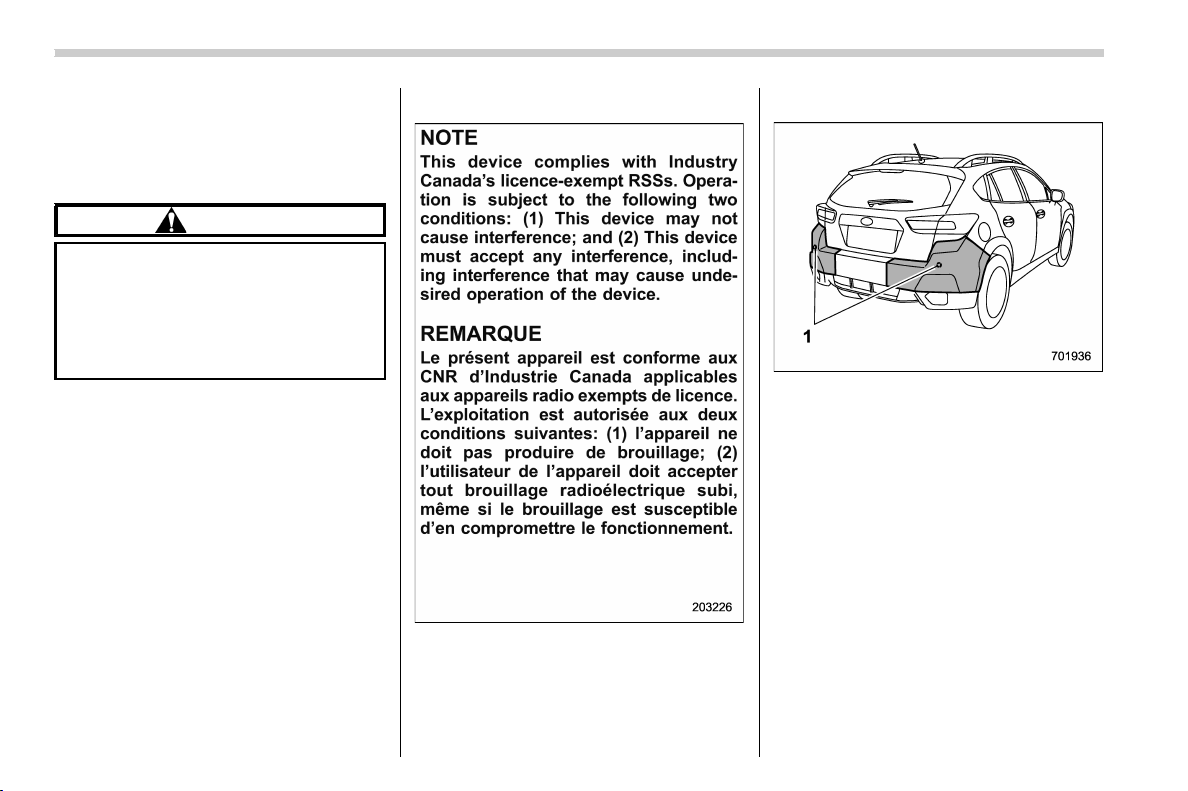
(326,1)
北米Model "A1320BE-C" EDITED: 2017/ 10/ 10
& Certification for the BSD/
RCTA
! U.S.-spec. models
FCC ID: OAYSRR3A
CAUTION
FCC WARNING
Changes or modifications not ex-
pressly approved by the party re-
sponsible for compliance could void
the user’s authority to operate the
equipment.
NOTE
This device complies with part 15 of the
FCC Rules. Operation is subject to the
following two conditions: (1) This de-
vice may not cause harmful interfer-
ence, and (2) this device must accept
any i nterference received, including
interference that may cause undesired
operation.
! Canada-spec. models
& Handling of radar sensors
1) Sensors
The radar sensors, one on each side of the
vehicle, are mounted inside the rear
bumper.
To ensure correct operation of the BSD/
RCTA, observe the following precautions.
. Always keep the bumper surface near
the radar sensors clean.
. Do not affix any stickers or other items
on the bumper surface near the radar
sensors.
. Do not modify the bumper near the
radar sensors.
. Do not paint the bumper near the radar
sensors.
. Do not expose the bumper near the
radar sensors to strong impacts. If a
Starting and operating/BSD/RCTA
7-60
(327,1)
北米Model "A1320BE-C" EDITED: 2017/ 10/ 10
sensor becomes misaligned, a system
malfunction may occur, including the in-
ability to detect vehicles entering the
detection areas. If any strong shock is
applied to the bumper, be sure to contact
your SUBARU dealer for inspection.
. Do not disassemble the radar sensors.
NOTE
If the radar sensors require repair or
replacement, or the bumper area
around the radar sensors requires
repair, paintwork or replacement, con-
tact your SUBARU dealer for assis-
tance.
Reverse Automatic Braking
System (if equipped)
Reverse Automatic Braking is a system
designed to help avoid collisions or reduce
collision damage when reversing the
vehicle. If a wall or an obstacle is detected
in the reversing direction, the system will
notify the driver with a warning sound and
may activate the vehicle’s brakes auto-
matically.
WARNING
. Reverse Automatic Braking is not
a system intended to replace the
driver’s responsibility to check
surrounding areas for vehicles or
obstacles to avoid a collision.
. The driver is responsible for driv-
ing safely. Always be sure to
check the surroundings visually
when reversing the vehicle.
. Since the system operation has
various limitations, the warning
sound or automatic braking may
be delayed or may not operate at
all even when an obstacle is
present in the reversing direc-
tion.
. The system is not designed to
detect people (including chil-
dren), animals or other moving
objects.
. Depending on the vehicle condi-
tion or the surrounding environ-
ment, the sonar sensor’s ability
to detect objects may be compro-
mised.
NOTE
The Reverse Automatic Braking Sys-
tem records and stores the following
data when automatic braking operates.
It does not record conversations, per-
sonal information or other audio data.
. Distance from the object
. Vehicle speed
. Accelerator pedal operation status
. Brake pedal operation status
. Select lever position
. Outside temperature
. The sensitivity setting of the sonar
sensors
SUBARU and third parties contracted
by SUBARU may acquire and use the
recorded data for the purpose of vehi-
cle research and development.
SUBARU and third parties contracted
by SUBARU will not disclose or provide
the acquired data to any other third
– CONTINUED –
Starting and operating/Reverse Automatic Braking System
7-61
7
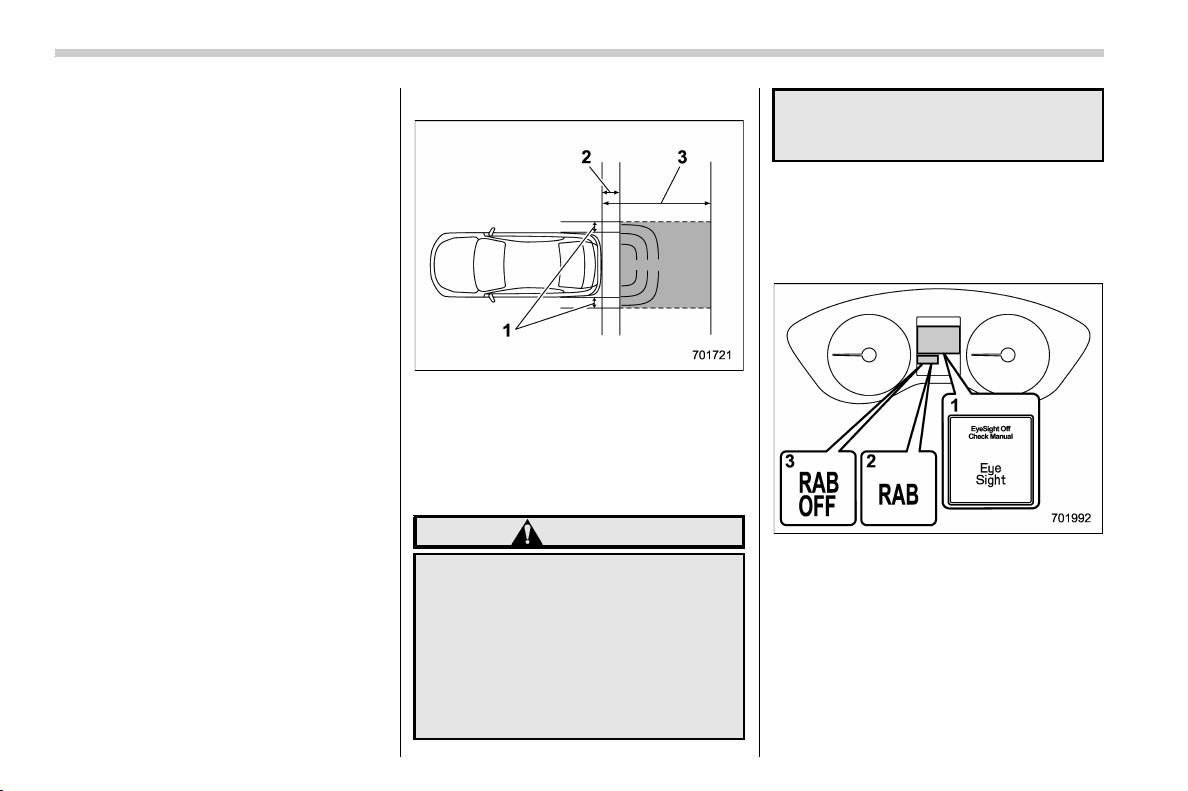
(328,1)
北米Model "A1320BE-C" EDITED: 2017/ 10/ 10
party except under the following con-
ditions.
. The vehicle owner has given his/her
consent.
. The disclosure/provision is based
on a court order or other legally en-
forceable request.
. Data that has been modified so that
the user and vehicle cannot be identi-
fied is provided to a research institution
for statistical processing or similar
purposes.
& Reverse Automatic Braking
System overview
The system detects objects using sonar
sensors installed in the rear bumper.
. If the system determines a possible
collision with an object in the reversing
direction, automatic deceleration will be
activated. Also, beeping sounds will acti-
vate.
. If the vehicle is further reversed, auto-
matic hard braking will be applied and a
continuous beeping sound will activate.
! Detecting range
1) Detecting range (width): Approximately 6
in (15 cm) outside of the vehicle width
2) Range that the system cannot detect:
Approximately 20 in (50 cm) behind the
rear of the vehicle
3) Detecting range (length): Approximately
5 ft (1.5 m) from the rear of the vehicle
WARNING
If your vehicle is trapped on a rail-
road crossing and you are trying to
escape by reversing through the
crossing gate, the system may re-
cognize the crossing gate as an
obstacle and the brake may activate.
In this case, remain calm and either
continue to depress the accelerator
pedal or cancel the system. To
cancel the system, refer to “Cancel-
ing the Reverse Automatic Braking
system operation” F7-67.
& Operating conditions
The Reverse Automatic Braking system
will operate when all of the following
conditions are met.
1) EyeSight warning indicator
2) RAB warning indicator
3) RAB OFF indicator
. Theignitionswitchisinthe“ON”
position
. The EyeSight warning indicator is off
. The RAB warning indicator is off
. HALT (RAB OFF) indicator is off
. The Reverse Automatic Braking sys-
Starting and operating/Reverse Automatic Braking System
7-62

(329,1)
北米Model "A1320BE-C" EDITED: 2017/ 10/ 10
tem is set to on
. The select lever is in the “R” position
. The vehicle speed is between 1 to 9
mph (1.5 to 15 km/h)
NOTE
. In the following cases, the Reverse
Automatic braking system will not
operate. Promptly contact a SUBARU
dealer to have the system inspected.
– The EyeSight warning indicator
is illuminated
– The Reverse Automatic Braking
fail indicator is illuminated
. When the Reverse Automatic Brak-
ing system OFF indicator is illumi-
nated, the Reverse Automatic braking
system cannot be operated.
. In the following cases, the system
may not be able to properly detect an
obstacle. Promptly contact a SUBARU
dealer to have the system inspected.
– A sticker, paint, or a chemical is
applied to the rear bumper near the
sonar sensor
– The rear bumper is modified
– The rear bumper has been re-
moved and reattached
– The ground clearance is changed
due to the vehicle’s loading condi-
tion or modification
– Ice, snow or mud is adhered to
the rear bumper near the sonar
sensor
– The rear bumper is exposed to
strong impact, or the rear bumper is
deformed
. When the 8-inch audio/navigation
system is performing a software up-
date, the Reverse Automatic Braking
System may not display the following
items on the audio/navigation screen
until the update is complete.
– Display Icon on/off Function
– Distance Indicator Image
– Warning Message
. On a steep hill, the system’s auto-
matic braking ability will be reduced.
. The system is designed to avoid
collisions by automatic hard braking
when the vehicle’s reversing speed is
less than approximately 3 mph (5 km/h).
However, the system does not guaran-
tee that the vehicle will be able to avoid
collisions in any situation.
. If the vehicle is reversed at an
extremely slow speed, the driver ’s
operation may be prioritized. In this
case, automatic braking will not oper-
ate.
. The system may not be able to detect
the following objects
– Sharp or thin objects such as
poles, fences and ropes which may
not reflect the sound wave emitted
from the sonar sensor
– Objects that are too close to the
rear bumper when the select lever is
set to the “R” position
– Objects with a surface which may
not reflect the sound wave emitted
from the sonar sensor such as a
chain link fence.
. Objects the system is not designed
to detect
– Pedestrians
– Moving objects including moving
vehicles
– Objects which absorb sound
waves such as cloth or snow
– Objects whose surface has a
diagonal angle
– Objects that are low to the ground
such as parking blocks
– Objects that are high above the
ground such as objects hanging
from above
. The system may not be able to
properly detect objects or may cause
a system malfunction when the follow-
ing conditions exist
High frequency sound from other
sources are nearby
– Horn sound from another vehicle
– Engine sound from other vehi-
– CONTINUED –
Starting and operating/Reverse Automatic Braking System
7-63
7
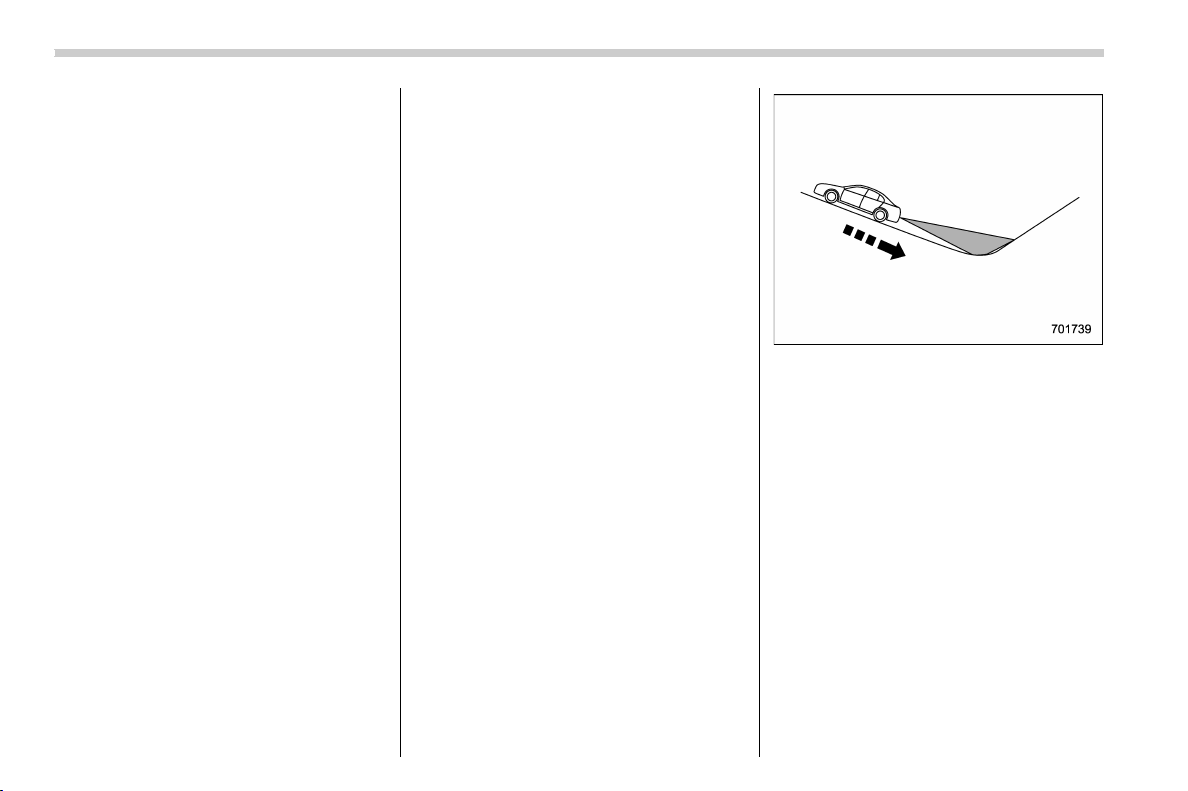
(330,1)
北米Model "A1320BE-C" EDITED: 2017/ 10/ 10
cles
– Sound of an air brake
– Vehicle detection equipment or a
sonar from another vehicle
– A sound wave with a frequency
similar to the vehicle’s system is
transmitted nearby
– A vehicle equipped with the same
system is reversing toward your
reversing direction
Weather conditions
– Extremely high or extremely low
temperatures in which the area near
the sonar sensor becomes too hot
or too cold to operate
– The rear bumper near the sonar
sensors is exposed to heavy rain or
a significant amount of water
– Fog, snow or sandstorm, etc.
– Air is moving rapidly such as
when a strong wind is blowing
Parts attached to the rear bumper
near the sonar sensor
– Commercial electronic parts (fog
light, fender pole, radio antenna) or
commercial attachment parts (trai-
ler hitch, bicycle carrier, bumper
guard) are attached
– Parts that emit high frequency
sound, such as a horn or speaker,
are attached
Vehicle conditions
– The vehicle is significantly in-
clined
– The ground clearance is signifi-
cantly reduced due to the vehicle’s
loading condition, etc.
– When the sonar sensor is mis-
aligned due to a collision or an
accident
Surrounding environment
– A cloth banner, flag, hanging
branch or railroad cross ing bars
are present in the reversing direc-
tion
– When reversing on a gravel or
grassy area
– When reversing in an area where
objects or walls are adjacent to the
vehicle such as narrow tunnels,
narrow bridges, narrow roads or
narrow garages
– Wheel tracks or a hole is present
in the gro und of the reversin g
direction
– When reversing over a drainage
cover (grate cover)
– The path of the reversing direc-
tion is inclined such as on a steep
uphill
– A curb is present in the reversing
direction
– When reversing downhill
Starting and operating/Reverse Automatic Braking System
7-64

(331,1)
北米Model "A1320BE-C" EDITED: 2017/ 10/ 10
& Reverse Automatic Braking
System operation
When the Reverse Automatic Braking
System is in operation, the range between
the vehicle and the detected object will be
indicated on the audio/navigation monitor.
Also, warning sounds will activate in 3
levels to warn the driver of a potential
collision.
While the RAB is operating, a warning
message is displayed on the audio/navi-
gation monitor and the combination meter
display (color LCD).
Guideline of detecting range
Alert level Range of detected object* Distance indicator Alarm pattern
Long proximity (ob-
ject detected)
35 inches (90 cm) or more Green No warning sound
Medium proximity
alert (approaching the
object)
28 to 35 inches (70 to 90
cm)
Yellow Short beeps
Short proximity alert
(approaching closer
to the object)
20 to 28 inches (50 to 70
cm)
Orange Rapid short beeps
Closest proximity
alert (too close to the
object)
20 inches (50 cm) or less Red
Continuous beep
*: Range of detection may vary depending on the environmental condition.
– CONTINUED –
Starting and operating/Reverse Automatic Braking System
7-65
7
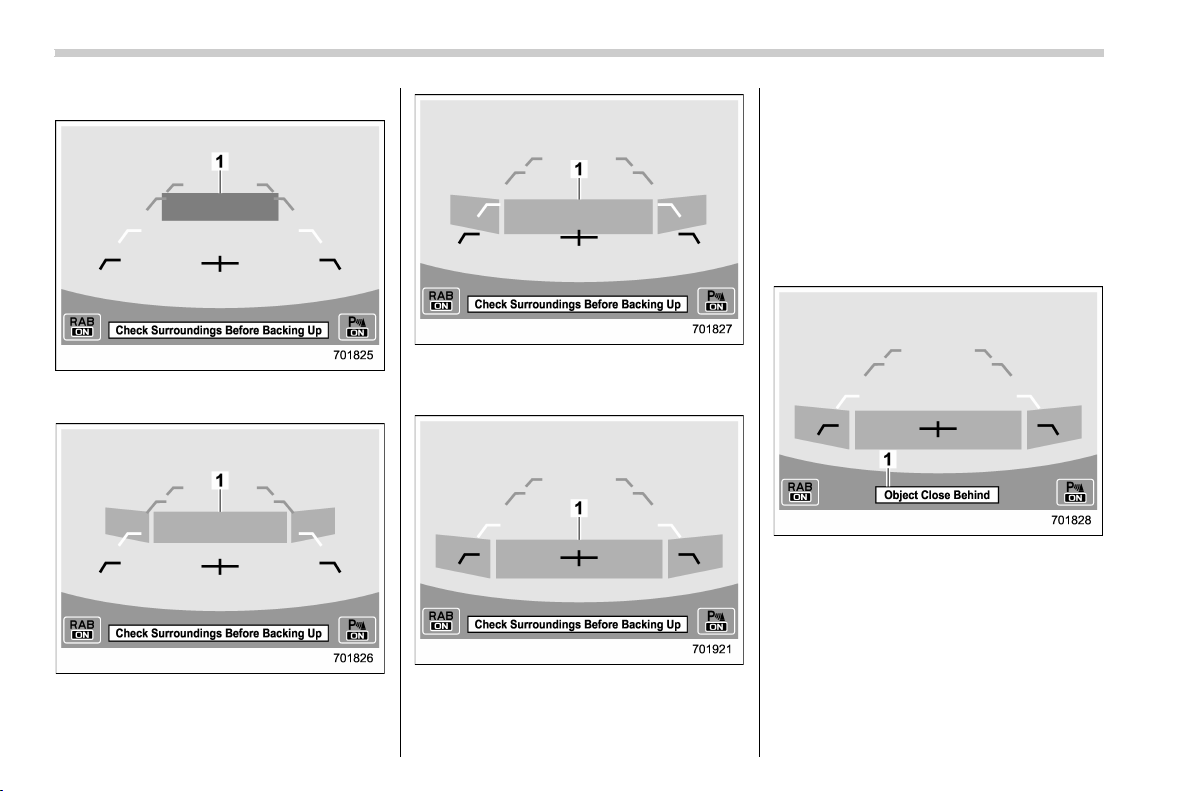
(332,1)
北米Model "A1320BE-C" EDITED: 2017/ 10/ 10
! Obstacle detected and alert level
Long proximity alert (object detected)
1) Green: 35 inches (90 cm) or more
Medium proximity alert (approaching the
object)
1) Yellow: 28 to 35 inches (70 to 90 cm)
Short proximity alert (approaching the
object closer)
1) Orange: 20 to 28 inches (50 to 70 cm)
Closest proximity alert (too close to the
object)
1) Red: 20 inches (50 cm) or less
When an object is detected in the rever-
sing direction, the range of detected object
will be shown on the audio/navigation
monitor.
A warning alarm will sound and, depend-
ing on the speed, either torque control to
generate engine braking or automati c
braking will be applied.
! Object close behind warning
Automatic braking warning
1) Warning message
If the vehicle continues to go in reverse,
the system may determine the risk of
collision with the object. In this case, short
warning beeps or continuous warnin g
beeps will sound and either strong auto-
matic braking or torque control will be
applied to prevent collision.
Starting and operating/Reverse Automatic Braking System
7-66
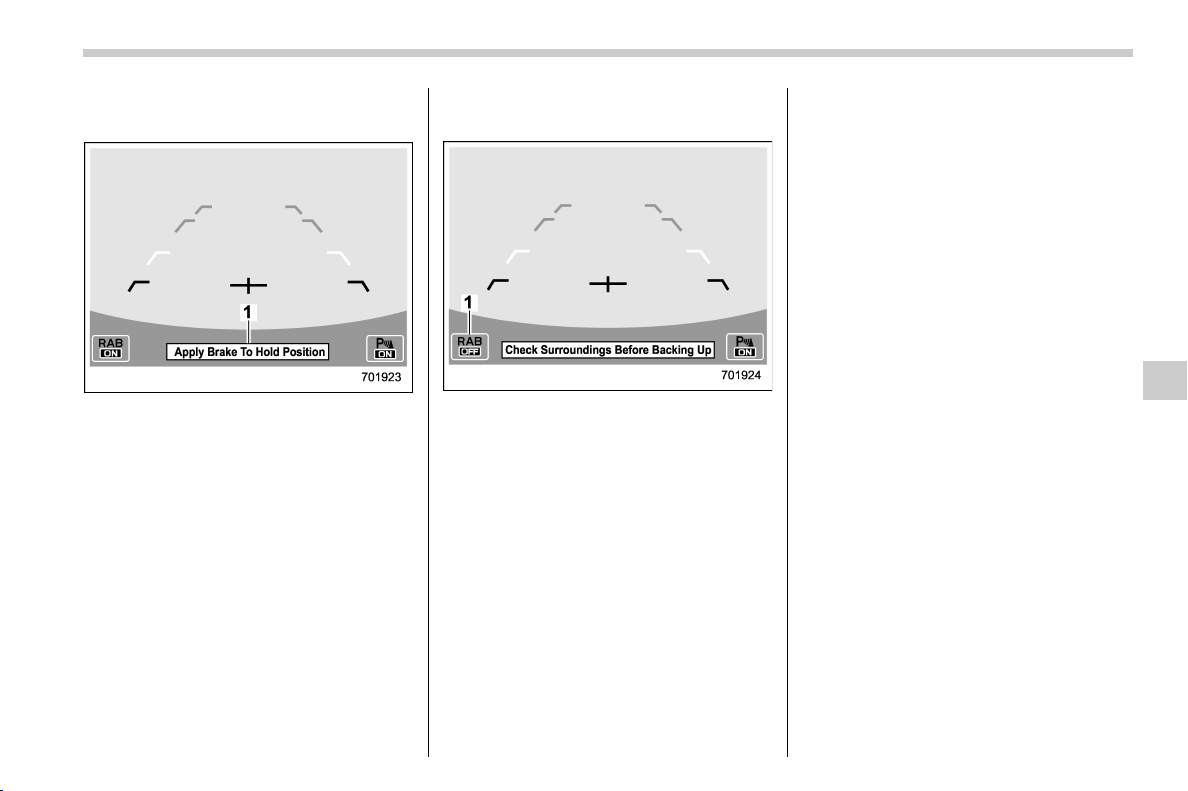
(333,1)
北米Model "A1320BE-C" EDITED: 2017/ 10/ 10
! When the vehicle is being stopped
by the system
Depress brake pedal warning
1) Warning message
Make sure to depress the brake pedal
once the vehicle has been stopped by
automatic braking. Until the brake pedal is
depressed, a message will be displayed
on the audio/navigation monitor and the
continuous beep will remain sounding.
At this time, a warning message is also
displayed on the combination meter dis-
play (color LCD).
! After the vehicle is stopped by the
system
1) Reverse Automatic Braking system OFF
indicator
After the brake pedal is depressed, the
Reverse Automatic Braking system OFF
indicator will illuminate and the system will
temporarily stop operating. The Reverse
Automatic Braking system OFF indicator
will turn off when the select lever is shifted
to a position other than the “R” position.
The system will operate again the next
time the select lever is shift ed to “R”
position.
NOTE
Automatic braking only holds the vehi-
cle for 2 seconds. Before the automatic
brake is released, a warning sound (3
short beeps followed by a long beep)
will activate to alert the driver that the
automatic will be released.
& Canceling the Reverse Auto-
matic Braking system opera-
tion
The Reverse Automatic Braking system
can be temporarily canceled by any of the
following operations.
. While the vehicle is stopped by the
operation of automatic braking, the brake
pedal is depressed
. While the vehicle is stopped by the
operation of automatic braking, the accel-
erator pedal is depressed
. The a ccelerator pedal is k ept de-
pressed (In this case, limited acceleration
will be canceled and the vehicle will
continue reversing.)
. The select lever is shifted to a position
other than the “R” position
NOTE
The system will be canceled if the
object is no longer detected.
– CONTINUED –
Starting and operating/Reverse Automatic Braking System
7-67
7
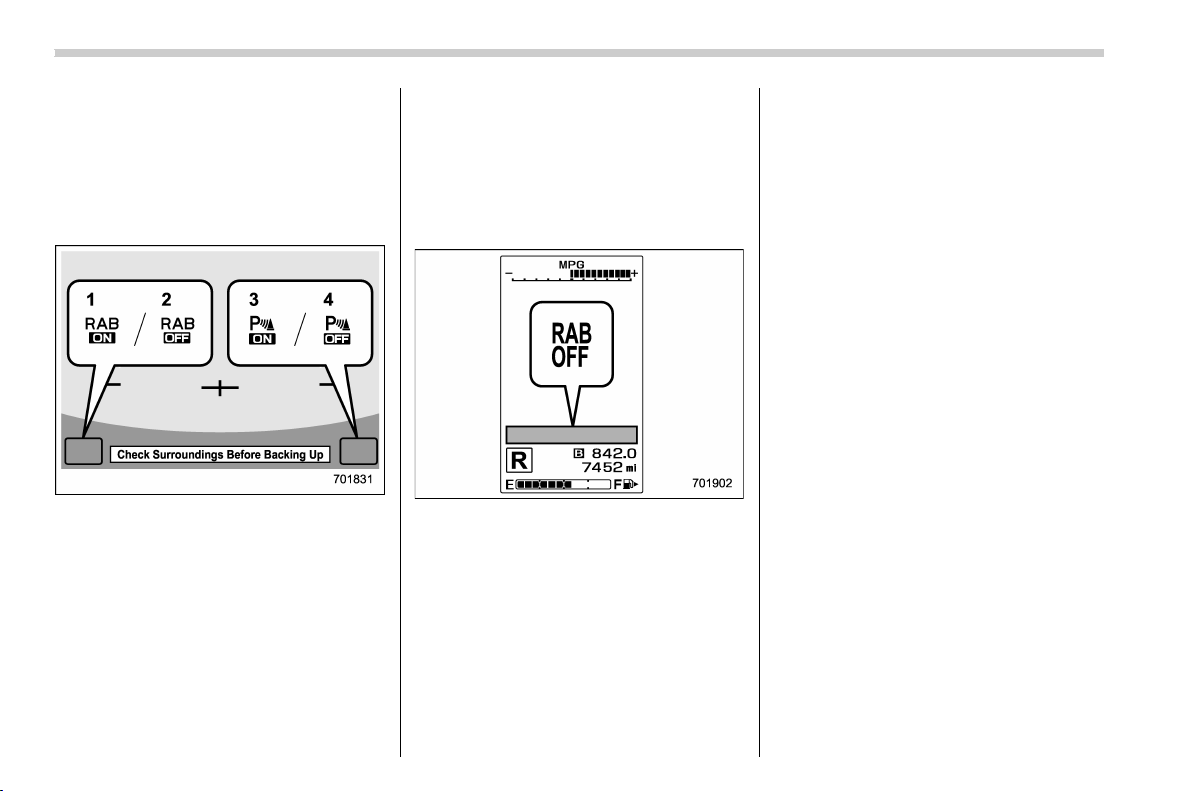
(334,1)
北米Model "A1320BE-C" EDITED: 2017/ 10/ 10
& Reverse Automatic Braking
system ON/OFF setting
While the select lever is shifted to the “R”
position, the below functions of the Re-
verse Automatic Braking system can be
set by operating the audio/navigation
monitor.
1) ON setting key of Reverse Automatic
Braking
2) OFF setting key of Reverse Automatic
Braking
3) ON setting key of the object detection
warning beeping sound
4) OFF setting key of the object detection
warning beeping sound
When the ON setting key is shown, the
corresponding setting is ON.
Touch and hold the ON setting key to turn
the setting OFF.
When the OFF setting is shown, the
corresponding setting is OFF.
Touch and hold the OFF setting key to turn
the setting ON.
When the Reverse Automatic Braking
system is turned OFF, the following in-
dicator will illuminate.
RAB OFF indicator: illuminates when the
Reverse Automatic Braking system is turned
OFF.
RAB OFF indicator will turn off when the
Reverse Automati c Braking system is
turned ON.
NOTE
. When the settings cannot be chan-
ged, the ON/OFF setting key will be
grayed out.
. The ON/OFF setting key may be
greyed out if the Reverse Automatic
Braking system malfunctions, etc. In
this case, turn the ignition switch to the
“LOCK”/“OFF” position and then turn it
to the “ON” position again. If the setting
cannot be changed even after turning
the ignition switch to the “ON” position
again, consult your SUBARU dealer.
. The settings will be restored as
follows when the select lever is shifted
to the “R” position next time.
– Reverse Automatic Braking sys-
tem settings: default (ON setting)
– Object detection warning beep-
ing sound: the setting selected by
operating the combination meter
display (color LCD)
Also, the following settings can be chan-
ged by operating the combination meter
display (color LCD).
. Warning volume
. Sonar audible alarm ON/OFF
For details, refer to “Menu screens” F3-
38.
Starting and operating/Reverse Automatic Braking System
7-68

(335,1)
北米Model "A1320BE-C" EDITED: 2017/ 10/ 10
& RAB warning indicator
If the Reverse Automatic Braking System
malfunctions, the above indicator illumi-
nates on the combination meter. Contact
the nearest SUBARU dealer for details.
& Handling of the sonar sen-
sors
The 4 sonar sensors are located in the rear
bumper. To ensure the proper operation of
the Reverse Automatic Braking system,
observe the following precautions.
. Do not affix any stickers or other items
on the bumper surface near the sonar
sensors.
. Always keep the rear bumper surface
near the sonar sensors clean.
. Do not modify the rear bumper.
. Do not paint the bumper near the sonar
sensors.
. Do not apply strong impacts to the rear
bumper near the sonar sensors. If a sensor
becomes misaligned, a system malfunc-
tion may occur, including inability to detect
objects in the reversing direction. If any
strong impact is applied to the rear
bumper, contact a SUBARU dealer to
have the system inspected.
. Do not disassemble the sonar sensors.
NOTE
If the sonar sensors require repair or
replacement, or if the area of the rear
bumper n ear the sonar sensors re-
quires repair, paintwork or replace-
ment, contact your SUBARU dealer for
assistance.
Starting and operating/Reverse Automatic Braking System
7-69
7

Black plate (2,1)
Model "ALL_MODEL_MEMO" EDITED: 2007/ 6/ 22
Left Page
————————————————————————————————————————
————————————————————————————————————————
————————————————————————————————————————
————————————————————————————————————————
————————————————————————————————————————
————————————————————————————————————————
————————————————————————————————————————
————————————————————————————————————————
————————————————————————————————————————
————————————————————————————————————————
————————————————————————————————————————
————————————————————————————————————————
————————————————————————————————————————

(339,1)
北米Model "A1320BE-C" EDITED: 2017/ 10/ 10
New vehicle break-in driving – the first 1,000
miles (1,600 km) ................................................... 8-2
Fuel economy hints ................................................ 8-2
Engine exhaust gas (carbon monoxide) ............... 8-2
Catalytic converter.................................................. 8-3
Periodic inspections ............................................... 8-4
Driving in foreign countries ................................... 8-4
Driving tips for AWD models ................................. 8-4
Off road driving....................................................... 8-6
Before driving........................................................ 8-6
During driving........................................................ 8-6
After driving........................................................... 8-7
Winter driving.......................................................... 8-7
Operation during cold weather ............................... 8-7
Driving on snowy and icy roads ............................. 8-9
Corrosion protection.............................................8-10
Snow tires ............................................................8-10
Tire chains ........................................................... 8-11
Rocking the vehicle .............................................. 8-11
Loading your vehicle.............................................8-11
Vehicle capacity weight ........................................ 8-12
GVWR and GAWR (Gross Vehicle Weight
Rating and Gross Axle Weight Rating) ............... 8-13
Roof rail ...............................................................8-13
Trailer hitch (dealer option) ................................. 8-14
Connecting a trailer ..............................................8-15
If not towing a trailer ............................................ 8-16
Trailer towing ........................................................ 8-16
Warranties and maintenance.................................8-17
Maximum load limits.............................................8-17
Trailer Hitches ...................................................... 8-20
When you do not tow a trailer............................... 8-21
Connecting a trailer ..............................................8-21
Trailer towing tips................................................. 8-22
Driving tips
8
(340,1)
北米Model "A1320BE-C" EDITED: 2017/ 10/ 10
New vehicle break-in driving –
the first 1,000 miles (1,600 km)
The performance and long life of your
vehicle are dependent on how you handle
and care for your vehicle while it is new.
Follow these instructions during the first
1,000 miles (1,600 km):
. Do not race the engine. And do not
allow engine speed to exceed 4,000 rpm
except in an emergency.
. Do not drive at one constant engine or
vehicle speed, either fast or slow.
. Avoid starting suddenly and rapid ac-
celeration, except in an emergency.
. Avoid hard braking, except in an emer-
gency.
The same break-in procedures should be
applied to an overhauled engine, newly
mounted engine or when brake pads or
brake linings are replaced with new ones.
Fuel economy hints
The following suggestions will help to save
fuel.
. Select the proper gear position for the
speed and road conditions.
. Avoid sudden acceleration or decelera-
tion. Always accelerate gently until you
reach the desired speed. Then try to
maintain that speed for as long as possi-
ble.
. Do not pump the accelerator and avoid
racing the engine.
. Avoid unnecessary engine idling.
. Keep the engine properly tuned.
. Keep the tires inflated to the correct
pressure shown on the tire placard, which
is located under the door latch on the
driver’s side. Low pressure will increase
tire wear and fuel consumption.
. Use the air conditioner only when
necessary.
. Keep the front and rear wheels in
proper alignment.
. Avoid carrying unnecessary luggage or
cargo.
Engine exhaust gas (carbon
monoxide)
WARNING
. Never inhale engine exhaust gas.
Engine exhaust gas contains
carbon monoxide, a colorless
and odorless gas which is dan-
gerous, or even lethal, if inhaled.
. Always properly maintain the en-
gine exhaust system to prevent
engine exhaust gas from entering
the vehicle.
. Never run the engine in a closed
space, such as a garage, except
for the brief time needed to drive
the vehicle in or out of it.
. Avoid remaining in a parked ve-
hicle for a lengthy time while the
engine is running. If that is un-
avoidable, then use the ventila-
tion fan to force fresh air into the
vehicle.
. Always keep the front ventilator
inlet grille free from snow, leaves
or other obstructions to ensure
that the ventilation system al-
ways works properly.
. If at any time you suspect that
Driving tips/New vehicle break-in driving – the first 1,000 miles (1,600 km)
8-2
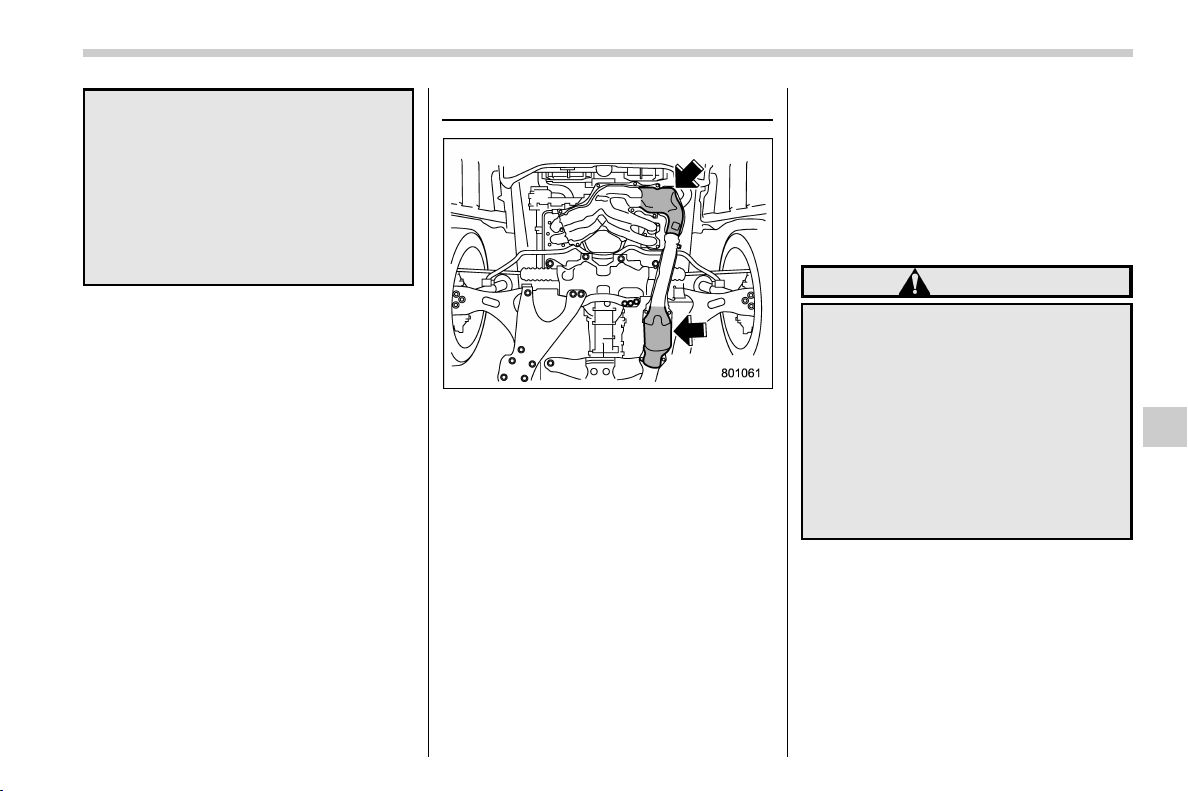
(341,1)
北米Model "A1320BE-C" EDITED: 2017/ 10/ 10
exhaust fumes are entering the
vehicle, have the problem
checked and corrected as soon
as possible. If you must drive
under these conditions, drive
only with all windows fully open.
. Keep the rear gate closed while
driving to prevent exhaust gas
from entering the vehicle.
NOTE
Due to the expansion and contraction
of the metals used in the manufacture
of the exhaust system, you may hear a
crackling sound coming from the ex-
haust system for a short time after the
engine has been shut off. This sound is
normal.
Catalytic converter
The catalytic converter is installed in the
exhaust system. It serves as a catalyst to
reduce HC, CO and NOx in exhaust gases,
thus providing cleaner exhaust.
To avoid damage to the catalytic converter:
. Use only unleaded fuel. Even a small
amount of leaded fuel will damage the
catalytic converter.
. Never start the engine by pushing or
pulling the vehicle.
. Avoid racing the engine.
. Never turn the ignition switch to the
“OFF” position while the vehicle is moving.
. Keep your engine tuned-up. If you feel
the engine running rough (misfiring, back-
firing or incomplete combustion), have
your vehicle checked and repaired by an
authorized SUBARU dealer.
. Do not apply undercoating or rust
prevention treatment to the heat shield of
catalytic converter and the exhaust sys-
tem.
. Do not drive with an extremely low fuel
level.
WARNING
. Avoid fire hazards. Do not drive
or park the vehicle anywhere
near flammable materials (e.g.,
grass, paper, rags or leaves),
because the catalytic converter
operates at very high tempera-
tures.
. Keep everyone and flammable
materials away from the exhaust
pipe while the engine is running.
The exhaust gas is very hot.
Driving tips/Catalytic converter
8-3
8
(342,1)
北米Model "A1320BE-C" EDITED: 2017/ 10/ 10
Periodic inspections
To keep your vehicle in the best condition
at all times, always have the recom-
mended maintenance services listed in
the maintenance schedule in the “War-
ranty and Maintenan ce Booklet” per-
formed at the specified time or mileage
intervals.
Driving in foreign countries
When planning to use your vehicle in
another country:
. Confirm the availability of the correct
fuel. Refer to “Fuel requirements” F7-3.
. Comply with all regulations and require-
ments of each country.
Driving tips for AWD models
WARNING
. Always maintain a safe driving
speed according to the road and
weather conditions in order to
avoid having an accident on a
sharp turn, during sudden brak-
ing or under other similar condi-
tions.
. Always use the utmost care in
driving – overconfidence be-
cause you are driving an All-
Wheel Drive vehicle could easily
lead to a serious accident.
. When replacing or installing tire
(s), all four tires must be the same
for following items.
(a) Size
(b) Circumference
(c) Speed symbol
(d) Load index
(e) Construction
(f) Manufacturer
(g) Brand (tread pattern)
(h) Degrees of wear
For the items (a) to (d), you must
obey the specification that is
Driving tips/Periodic inspections
8-4
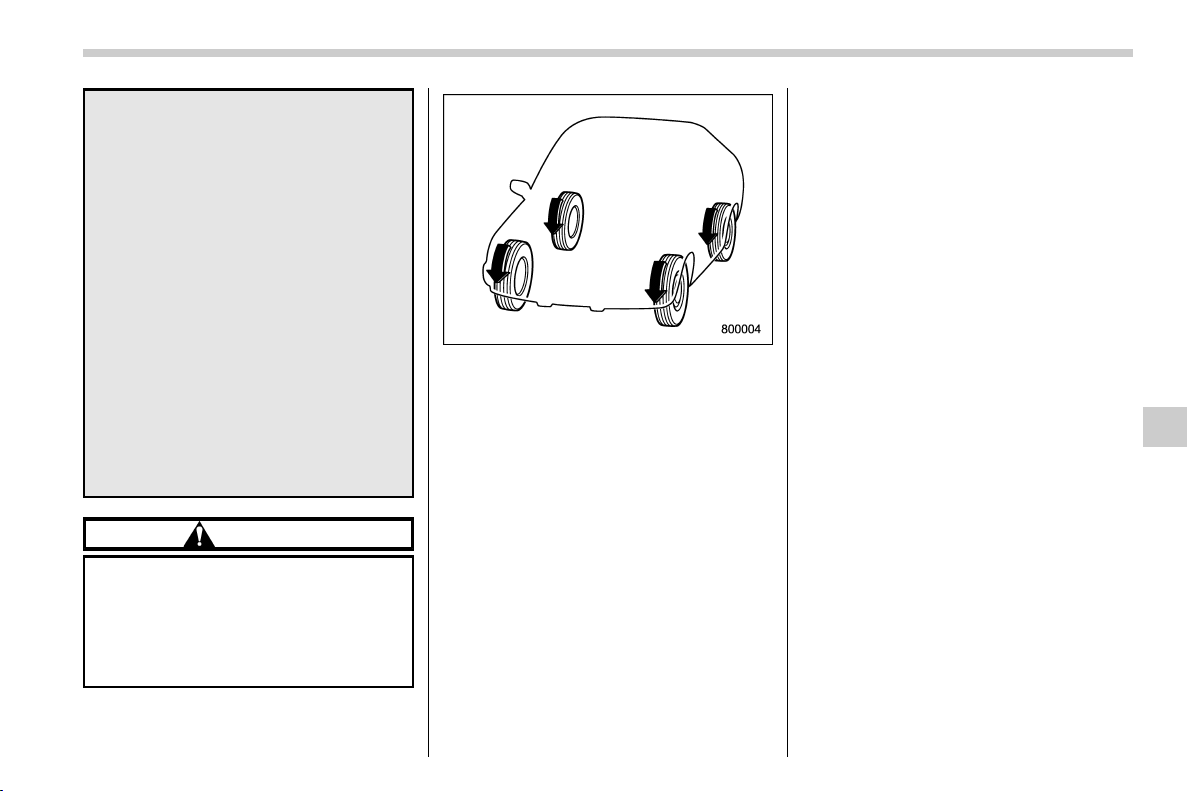
(343,1)
北米Model "A1320BE-C" EDITED: 2017/ 10/ 10
printed on the tire placard. The
tire placard is located on the
driver’s door pillar.
If all of four tires are not the same
for items (a) to (h), serious me-
chanical damage could occur to
the drive train of your car, and
affect the following.
— Ride
— Handling
— Braking
— Speedometer/Odometer
calibration
— Clearance between the body
and tires
It also may be dangerous and
lead to loss of vehicle control,
and it can lead to an accident.
CAUTION
If you use a temporary spare tire to
replace a flat tire, be sure to use the
original temporary spare tire stored
in the vehicle. Using other sizes may
result in severe mechanical damage
to the drive train of your vehicle.
All-Wheel Drive distributes the engine
power to all four wheels. AWD models
provide better traction when driving on
slippery, wet or snow-covered roads and
when moving out of mud, dirt and sand. By
shifting power between the front and rear
wheels, SUBARU AWD can also provide
added traction during acceleration and
added engine braking force during decel-
eration.
Therefore, your SUBARU AWD vehicle
may handle differently than an ordinary
two wheel drive vehicle and it contains
some features unique to AWD. For safety
purposes as well as to avoid damaging the
AWD system, you should keep the follow-
ing tips in mind.
. An AWD model is better able to climb
steeper roads under snowy or slippery
conditions than a two wheel drive vehicle.
There is little difference in handling, how-
ever, during extremely sharp turns or
sudden braking. Therefore, when driving
down a slope or turning corners, be sure to
reduce your speed and maintain an ample
distance from other vehicles.
. Always check the cold tire pressure
before starting to drive. The recommended
tire pressu re is provi ded on th e tire
placard, which is located under the door
latch on the driver’s side.
. Never attempt to drive through pools
and puddles, or roads flooded with water.
Water entering the engine air intake or the
exhaust pipe or water splashing onto
electrical parts may damage your vehicle
and may cause it to stall.
. There are some precautions that you
must observe when towing your vehicle.
For detailed information, refer to “ Towing”
F9-13.
Driving tips/Driving tips for AWD models
8-5
8
(344,1)
北米Model "A1320BE-C" EDITED: 2017/ 10/ 10
Off road driving
WARNING
. Always maintain a safe driving
speed according to the road and
weather conditions in order to
avoid having an accident on a
sharp turn, during sudden brak-
ing or under other similar condi-
tions.
. Always use the utmost care in
driving – overconfidence be-
cause you are driving an All-
Wheel Drive model could easily
lead to a serious accident.
CAUTION
Frequent driving of an AWD model
under hard-driving conditions such
as rough roads or off roads will
necessitate more frequent replace-
ment of the following items than that
specified in the maintenance sche-
dule described in the “Warranty and
Maintenance Booklet”.
. Engine oil
. Brake fluid
Remember that damage done to
your SUBARU while operating it off-
road and not using common sense
precautions such as those listed
here is not eligible for warranty
coverage.
Because of the AWD feature and higher
ground clearance, you can driv e your
SUBARU on ordinary roads or off-road.
But please keep in mind that an AWD
SUBARU is a passenger car and is neither
a conventional off-road vehicle nor an all-
terrain v ehicle. I f you d o take your
SUBARU off-road, certain common sense
precautions such as those in the following
list should be taken.
& Before driving
. Make certain that you and all of your
passengers are wearing seatbelts.
. Carry some emergency equipme nt,
such as a towing rope or chain, a shovel,
wheel blocks, first aid kit and cell phone or
citizens band radio.
. Secure all cargo carried inside the
vehicle and make certain that it is not piled
higher than the seatbacks. During sudden
stops or jolts, unsecured cargo could be
thrown around in the vehicle and cause
injury. Do not pile heavy loads on the roof.
Those loads raise the vehicle’s center of
gravity and make it more prone to tip over.
. Never equip your vehicle with tires
larger than those specified in this manual.
& During driving
General precautions:
. Drive carefully. Do not take unneces-
sary risks by driving in dangerous areas or
over rough terrain.
. Slow down and employ extra caution at
all times. When driving off-road, you will
not have the benefit of marked traffic
lanes, banked curves, traffic signs and
the like.
. Do not drive across steep slopes.
Instead, drive either straight up or straight
down the slopes. A vehicle can much more
easily tip over sideways than it can end
over end. Avoid driving straight up or down
slopes that are too steep.
. Avoid sharp turning maneuvers, espe-
cially at higher speeds.
. Do not grip the inside or spokes of the
steering wheel. A bad bump could jerk the
wheel and injure your hands. Instead,
drive with your fingers and thumbs on the
outside of the rim.
. Do not drive or pa rk over or near
flammable materials such as dry grass or
fallen leaves, as they may burn easily. The
exhaust system is very hot while the
engine is running and right after the engine
Driving tips/Off road driving
8-6

(345,1)
北米Model "A1320BE-C" EDITED: 2017/ 10/ 10
stops. This could create a fire hazard.
Precautions when driving under espe-
cially dangerous situations:
. If driving through water, such as when
crossing shallow streams, first check the
depth of the water and the bottom of the
stream bed for firmness and ensure that
the bed of the stream is flat. Drive slowly
and cross the stream without stopping.
The water should be shallow enough that it
does not reach the vehicle’s undercar-
riage. Water entering the engine air intake
or the exhaust pipe or water splashing onto
electrical parts may damage your vehicle
and may cause it to stall. Never attempt to
drive through rushing water; regardless of
its depth, it can wash away the ground
from under your tires, resulting in possible
loss of traction and even vehicle rollover.
. If you must rock the vehicle to free it
from sand or mud, depress the accelerator
pedal slightly and move the shift lever/
select lever back and forth between “1”/“D”
and “R” repeatedly. Do not race the
engine. For the best possible traction,
avoid spinning the wheels when trying to
free the vehicle.
. When the road surface is extremely
slippery, you can obtain better traction by
starting the vehicle with the transmission in
2nd than 1st (both for MT and CVT). For
CVT models, refer to “Selection of manual
mode” F7-26.
& After driving
. Always check your brakes for effective-
ness immediately after driving in sand,
mud or water. Do this by driving slowly and
stepping on the brake pedal. Repeat that
process several times to dry out the brake
discs and brake pads.
. After driving through tall grass, mud,
rocks, sand, rivers, etc., check that there is
no grass, bush, paper, rags, stones, sand,
etc. adhering to or trapped on the under-
body. Clear off any such matter from the
underbody. If the vehicle is used with these
materials trapped or adhering to the
underbody, a mechanical breakdown or
fire could occur.
. Wash the vehicle’s underbody after off-
road driving. Suspension components are
particularly prone to dirt buildup, so they
need to be washed thoroughly.
Winter driving
& Operation during cold weath-
er
! Maintenance
Carry some emergency equipment, such
as a window scraper, a bag of sand, flares,
a small shovel and jumper cables.
Check the battery and cables. Cold tem-
peratures reduce battery capacity. The
battery must be in good condition to
provide enough power for cold winter
starts.
It normally takes longer to start the engine
in very cold weather conditions. Use an
engine oil of a proper grade and viscosity
for cold weather. Using heavy summer oil
will make it harder to start the engine.
Keep the door locks from freezing by
squirting them with deicer or glycerin.
Forcing a frozen door open may damage
or separate the rubber weather strips
around the door. If the door is frozen, use
hot water to melt the ice, and afterwards
thoroughly wipe the water away.
Use a windshield washer fluid that con-
tains an antifreeze solution. Do not use
engine antifreeze or other substitutes
because they may damage the paint of
– CONTINUED –
Driving tips/Winter driving
8-7
8
(346,1)
北米Model "A1320BE-C" EDITED: 2017/ 10/ 10
the vehicle.
SUBARU Windshield Washer Fluid con-
tains 58.5% methyl alcohol and 41.5%
surfactant, by volume. Its freezing tem-
perature varies according to how much it is
diluted, as indicated in the following table.
Washer Fluid Con-
centration
Freezing Temperature
30% 10.48F(−128C)
50% −48F(−208C)
100%
−498F(−458C)
In order to prevent freezing of washer fluid,
check the freezing temperatures in the
table above when adjusting the fluid
concentration to the outside temperature.
If you fill the reservoir tank with a fluid with
a different concentration from the one
used previously, purge the old fluid from
the piping between the reservoir tank and
washer nozzles by operating the washer
for a certain period of time. Otherwise, if
the concentration of the fluid remaining in
the piping is too low for the outside
temperature, it may freeze and block the
nozzles.
CAUTION
. Adjust the washer fluid concen-
tration appropriately for the out-
side temperature. If the concen-
tration is inappropriate, sprayed
washer fluid may freeze on the
windshield and obstruct your
view, and the fluid may freeze in
the reservoir tank.
. State or local regulations on
volatile organic compounds may
restrict the use of methanol, a
common windshield washer anti-
freeze additive. Washer fluids
containing non-methanol anti-
freeze agents should be used
only if they provide cold weather
protection without damaging
your vehicle’s paint, wiper blades
or washer system.
! Before driving your vehicle
Before entering the vehicle, remove any
snow or ice from your shoes because that
could make the pedals slippery and driving
dangerous.
While warming up t he vehicle before
driving, check that the accelerator pedal,
brake pedal, and all other controls operate
smoothly.
Clear away ice and snow that has accu-
mulated under the fenders to avoid making
steering difficult. During severe winter
driving, stop when and where it is safe to
do so and check under the fenders
periodically.
! Parking in cold weather
WARNING
Snow can trap dangerous exhaust
gases under your vehicle. Keep
snow clear of the exhaust pipe and
from around your vehicle if you park
the vehicle in snow with the engine
running.
CAUTION
. Do not use the parking brake
when parking for long periods in
cold weather since it could freeze
in that position.
. When the vehicle is parked in
snow or when it snows, raise the
wiper blades off the glass to
prevent damage to them.
. When the vehicle has been left
parked after use on roads heavily
covered with snow, or has been
left parked during a snowstorm,
Driving tips/Winter driving
8-8
(347,1)
北米Model "A1320BE-C" EDITED: 2017/ 10/ 10
icing may develop on the brake
system, which could cause poor
braking action. Check for snow or
ice buildup on the suspension,
disc brakes and b rake hoses
underneath the vehicle. If there
is caked snow or ice, remove it,
being careful not to damage the
disc brakes and brake hoses and
ABS harness.
When parking for long periods in cold
weather, you should observe the following
tips.
1. For MT models, place the shift lever in
the “1” or “R” position. For CVT models,
place the select lever in the “P” position.
2. Use tire stops under the tires to prevent
the vehicle from moving.
! Refueling in cold weather
To help prevent moisture from forming in
the fuel system and the risk of its freezing,
use of an antifreeze additive in the fuel
tank is recommended during cold weather.
Use only additives that are specifically
designed for this purpose. When an anti-
freeze additive is used, its effect lasts
longer if the tank is refilled whenever the
fuel level reaches half empty.
If your SUBARU is not going to be used for
an extended period, it is best to have the
fuel tank filled to capacity.
& Driving on snowy and icy
roads
To prevent skidding and slipping, avoid
sudden braking, abrupt acceleration, high-
speed driving, and sharp turning when
driving on snowy or icy roads.
Always maintain ample distance between
your vehicle and the vehicle ahead of you
to avoid the need for sudden braking.
To supplement the foot brake, use the
engine brake effectively to control the
vehicle speed. (Shift into a lower gear
when necessary.)
Avoid shifting down abruptly. Such beha-
vior can cause the wheels to lock, possibly
leading to loss of vehicle control.
An anti-lock brake system (ABS) en-
hances your vehicle ’s braking perfo r-
mance on snowy and icy roads. Fo r
information on braking on slippery sur-
faces, refer to “ABS (Anti-lock Brake
System)” F7-33 and “Vehicle Dynamics
Control system” F7-35.
WARNING
For models with cruise control:
Do not use the cruise control on
slippery roads such as snowy or icy
roads. This may cause loss of vehi-
cle control.
CAUTION
Avoid prolonged continuous driving
in snowstorms. Snow will enter the
engine’s intake system and may
hinder the airflow, which could re-
sult in engine shutdown or even
breakdown.
! Wiper operation when snowing
Before driving in cold weather, make sure
the wiper blade rubbers are not frozen to
the windshield or rear window.
If the wiper blade rubbers are frozen to the
windshield or rear window, perform the
following procedure.
. To thaw the windshield wiper blade
rubbers, use the defroster with the airflow
selection in “
” and the temperature set
for maximum warmth until the wiper blade
rubbers are completely thawed. Refer to
“Climate control” F4-1.
. If your vehicle is equipped with a wiper
deicer, use it. It is helpful to thaw the
windshield wiper blade rubbers. Refer to
“Defogger and deicer” F3-89.
. To thaw the rear wiper blade rubbers,
– CONTINUED –
Driving tips/Winter driving
8-9
8
(348,1)
北米Model "A1320BE-C" EDITED: 2017/ 10/ 10
use the rear window defogger. Refer to
“Defogger and deicer” F3-89.
When driving in snow, if frozen snow starts
to stick on the surface of the windshield
despite wiper operation, use the defroster
with the airflow selection in “
” and the
temperature set for maximum warmth.
After the windshield gets warmed enough
to melt the frozen snow on it, wash it away
using the windshield washer. Refer to
“Windshield washer” F3-78.
Snow stuck on the wiper arm prevents the
wiper from working effectively. If snow is
stuck on the wiper arm, pull off the road to
a safe place, then remove it. If you stop the
vehicle at r oad side, use the hazard
warning flasher to alert other drivers. Refer
to “Hazard warning flasher” F3-8.
& Corrosion protection
Refer to “Corrosion protection” F10-4.
& Snow tires
WARNING
. When replacing or installing win-
ter tire(s), all four tires must be
the same for following items.
(a) Size
(b) Circumference
(c) Speed symbol
(d) Load index
(e) Construction
(f) Manufacturer
(g) Brand (tread pattern)
(h) Degrees of wear
For the items (a) to (d), you must
obey the specification that is
printed on the tire placard. The
tire placard is located on the
driver’s door pillar.
If all of four winter tires are not
the same for items (a) to (h),
serious mechanical damage
could occur to the drive train of
your car, and affect the following.
— Ride
— Handling
— Braking
— Speedometer/Odometer
calibration
— Clearance between the body
and tires
It also may be dangerous and
lead to loss of vehicle control,
and it can lead to an accident.
. Do not use a combination of
radial, belted bias or bias tires
since it may cause dangerous
handling characteristics and lead
to an accident.
Your vehicle is equipped with “all season
tires” as original equipment, which are
designed to provide an adequate measure
of traction, handling and braking perfor-
mance in year-round driving. In winter, it
may be possible to enhance performance
through use of tires designed specifically
for winter driving conditions.
When you choose to install winter tires on
your vehicle, be sure to use the correct tire
size and type. You must install four winter
tires that are of the same size, construc-
tion, brand and load range and you should
never mix radial, belted bias or bias tires
since this may result in dangerous hand-
ling characteristics. When you choose a
tire, make sure that there is enough
clearance between the tire and vehicle
body.
Remember to drive with care at all times
regardless of the type of tires on your
vehicle.
Driving tips/Winter driving
8-10
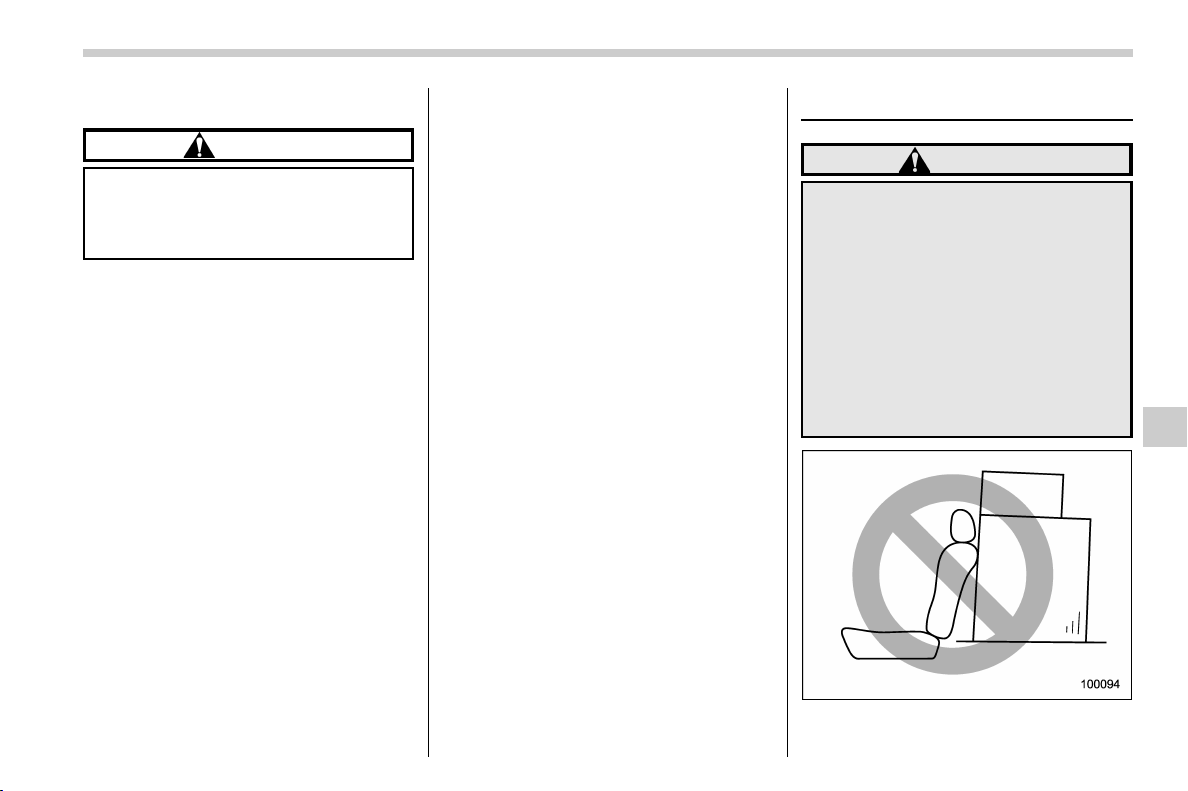
(349,1)
北米Model "A1320BE-C" EDITED: 2017/ 10/ 10
& Tire chains
CAUTION
Tire chains cannot be used on your
vehicle because of the lack of clear-
ance between the tires and vehicle
body.
NOTE
When tire chains cannot be used, use of
another type of traction device (such as
spring chains) may be acceptable if use
on your vehicle is recommended by the
device manufacturer, taking into ac-
count tire size and road conditions.
Follow the device manufacturer’s in-
structions, especially regarding max-
imum vehicle speed.
To help avoid damage to your vehicle,
drive slowly, readjust or remove the
device if it is contacting your vehicle,
and do not spin your wheels. Damage
caused to your vehicle by use of a
traction device is not covered under
warranty.
Make certain that any traction device
you use is an SAE class S device, and
use it on the front wheels only. Always
use the utmost care when driving with a
traction device. Overconfidence be-
cause you are using a traction device
could easily lead to a serious accident.
& Rocking the vehicle
If you must rock the vehicle to free it from
snow, sand, or mud, depress the accel-
erator pedal slightly and move the shift
lever/select lever back and forth between
“1”/“D” and “R” repeatedly. Do not race the
engine. For the best possible traction,
avoid spinning the wheels when trying to
free the vehicle.
When the road surface is extremely
slippery, you can obtain better traction by
starting the vehicle with the transmission in
2nd than 1st (both for MT and CVT
models).
If your vehicle is a CVT model, for
information about holding the transmission
in the 2nd position, refer to “Selection of
manual mode” F7-26.
Loading your vehicle
WARNING
. Never allow passengers to ride
on a folded rear seatback in the
cargo area. Doing so may result
in serious injury.
. Never stack luggage or other
cargo higher than the top of the
seatback because it could tumble
forward and injure passengers in
the event of a sudden stop or
accident. Keep luggage or cargo
low, as close to the floor as
possible.
– CONTINUED –
Driving tips/Loading your vehicle
8-11
8
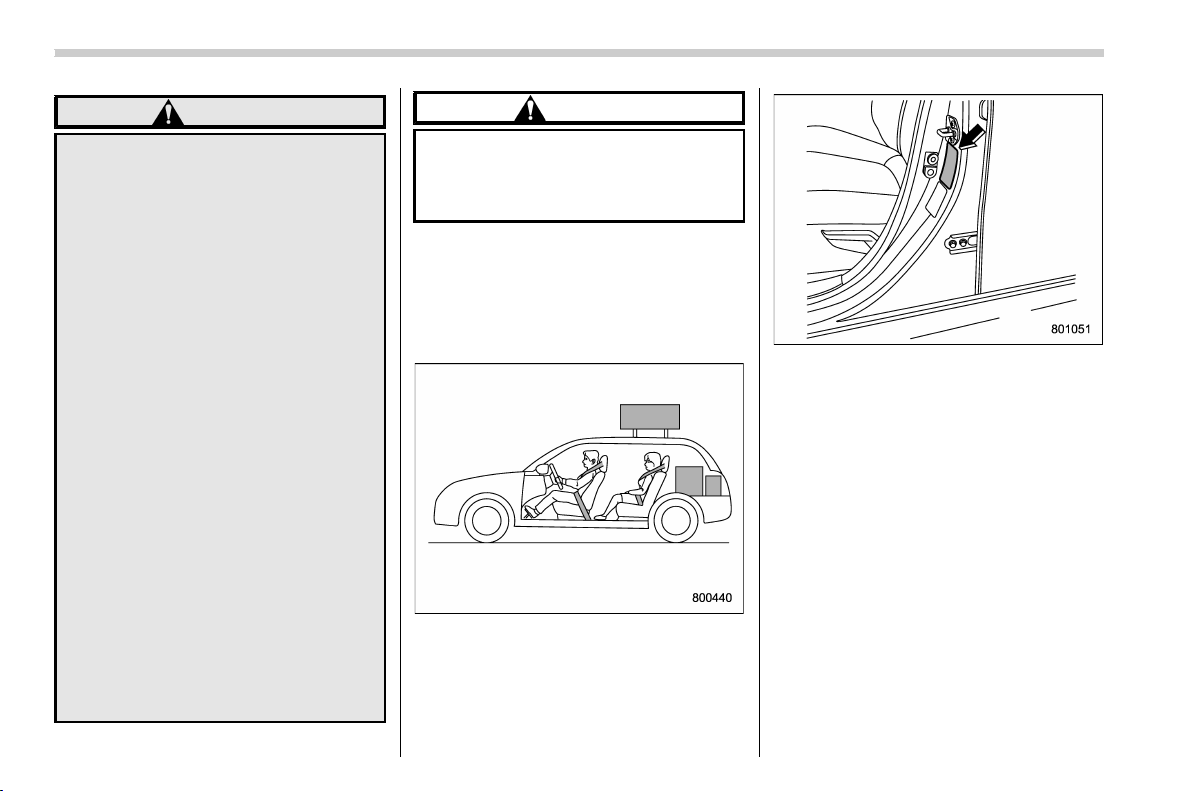
(350,1)
北米Model "A1320BE-C" EDITED: 2017/ 10/ 10
WARNING
. When you carry something inside
the vehicle, secure it whenever
you can to prevent it from being
thrown around inside the vehicle
during sudden stops, sharp turns
or in an accident.
. Do not pile heavy loads on the
roof. These loads raise the vehi-
cle’s center of gravity and make it
more prone to tip over.
. Secure lengthy items properly to
prevent them from shooting for-
ward and causing serious injury
during a sudden stop.
. Never exceed the maximum load
limit. If you do, some parts on
your vehicle can break, or it can
change the way your vehicl e
handles. This could result in loss
of control and cause personal
injury. Also, overloading can
shorten the life of your vehicle.
. Do not place anything on the
extended cargo area cover. Such
items could tumble forward in the
event of a sudden stop or a
collision. This could cause ser-
ious injury.
CAUTION
Do not carry spray cans, containers
with flammable or corrosive liquids
or any other dangerous items inside
the vehicle.
NOTE
For better fuel economy, do not carry
unneeded cargo.
& Vehicle capacity weight
Vehicle placard
The load capacity of your vehicle is
determined by weight, not by available
cargo space. The maximum load you can
carry in your vehicle is shown on the
vehicle placard attached to the driver’s
side door pillar. It includes the total weight
of the driver and all passengers and their
belongings, any optional equipment such
as a trailer hitch, roof rack or bike carrier,
etc., and the tongue load of a trailer.
Driving tips/Loading your vehicle
8-12
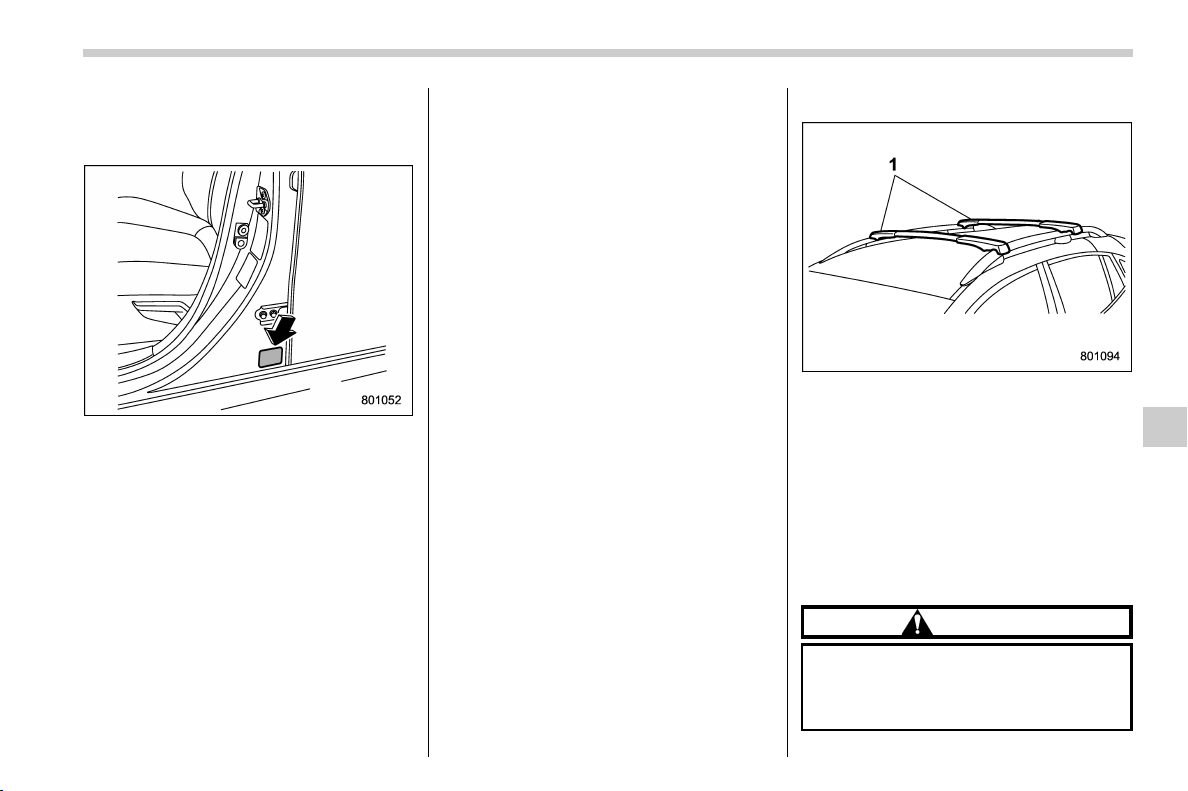
(351,1)
北米Model "A1320BE-C" EDITED: 2017/ 10/ 10
& GVWR and GAWR (Gross Ve-
hicle Weight Rating and
Gross Axle Weight Rating)
Certification label
The certification label attached to the
bottom of driver’s side door pillar shows
GVWR (Gross Vehicle Weight Rating) and
GAWR (Gross Axle Weight Rating).
The GVW (Gross Vehicle Weight) must
never exceed the GVWR. GVW is the
combined total of weight of the vehicle,
fuel, driver, all passengers, luggage, any
optional equipment and trailer tongue
load. Therefore, the GVW changes de-
pending on the situation. The GVWR
equals Curb Weight (actual weight of your
vehicle – including standard equipment,
fluids, emergency tools and spare tire
assembly) plus the vehicle capacity
weight.
In addition, the total weight applied to each
axle (GAW) must n ever exceed the
GAWR. The front and rear GAWs can be
adjusted by relocating luggage inside the
vehicle.
Even if the total weight of your luggage is
lower than the vehicle capacity weight,
either front or rear GAW may exceed the
GAWR, depending on the distribution of
the luggage.
When possible, the load should be evenly
distributed throughout the vehicle.
If you carry heavy loads in the vehicle, you
should confirm that GVW and front and
rear GAWs are within the GVWR and
GAWR by putting your vehicle on a vehicle
scale, found at a commercial weighing
station.
Do not use replacement tires with a lower
load range than the originals because they
may lower the GVWR and GAWR limita-
tions. Replacement tires with a higher load
range than the originals do not increase
the GVWR and GAWR limitations.
& Roof rail
1) Crossbar
Cargo can be carried on the roof after
securing the crossbars to the roof rails and
installing an appropriate carrying attach-
ment. When installing crossbars and a
carrying attachment, follow the manufac-
turer’s instructions. The roof rail system is
designed to carry loads (cargo, crossbars
and carrying attachment) of no more than
150 lbs (68 kg). Be sure not to exceed
your vehicle’s GVWR and GAWR.
CAUTION
. When using a carrying attach-
ment, make sure that the total
carrying load of the cargo, cross-
barsandcarryingattachment
– CONTINUED –
Driving tips/Loading your vehicle
8-13
8
(352,1)
北米Model "A1320BE-C" EDITED: 2017/ 10/ 10
does not exceed 150 lbs (68 kg).
Overloading may cause damage
to the vehicle.
. For cargo carrying purposes, the
roof rails must be used together
with the crossbars and any ap-
propriate carrying attachment
that may be needed. The roof
rails must never be used alone
to carry cargo. Otherwise, da-
mage to the roof or paint, or a
dangerous road hazard due to
loss of cargo could result.
NOTE
Remember that the vehicle’s center of
gravity is altered with the weight of the
load on the roof, thus affecting driving
characteristics.
Drive carefully. Avoid rapid starts, hard
cornering and abrupt stops. Crosswind
effects will be increased.
Trailer hitch (dealer option)
WARNING
. Never exceed the maximum
weight specified for the trailer
hitch. Exceeding the maximum
weight could cause an accident
resulting in serious personal in-
juries. Permissible trailer weight
changes depending on the situa-
tion. For possible recommenda-
tions and limitations, refer to
“Trailer towing” F8-16.
. Trailer brakes are required when
the towing load exceeds 1,000 lbs
(453 kg). Be sure your trailer has
safety chains and that each chain
will hold the trailer’s maximum
gross weight. Towing trailers
without safety chains could cre-
ate a traffic safety hazard if the
trailer separates from the hitch
due to coupling damage or hitch
ball damage.
. Be sure to check the hitch pin and
safety pi n for positive locking
placement before towing a trailer.
If the ball mount comes off the
hitch receiver, the trailer could
get loose and create a traffic
safety hazard.
. Although towing regulations for
trailer or caravan vehicles vary
by state/ region, all regulations
agree that specifications such
as the maximum gross trailer
weight must not exceed the les-
ser of the following:
– Maximum gross trailer weight
– Maximum gross tongue
weight
– GVWR
– GAWR
. Failure to comply with the proce-
dures set forth will not only
compromise your safety, but will
also negate your insurance cov-
erage and/or may violate the state
road and traffic acts and regula-
tions.
. Use only the ball mount supplied
with this hitch. Use the hitch only
as a weight carrying hitch. Do not
use with any type of weight dis-
tributing hitch.
. The standard bumper beam must
be installed after you remove the
trailer hitch. Consult a SUBARU
dealer for purchase of a standard
bumper beam if you do not have
Driving tips/Trailer hitch (dealer option)
8-14
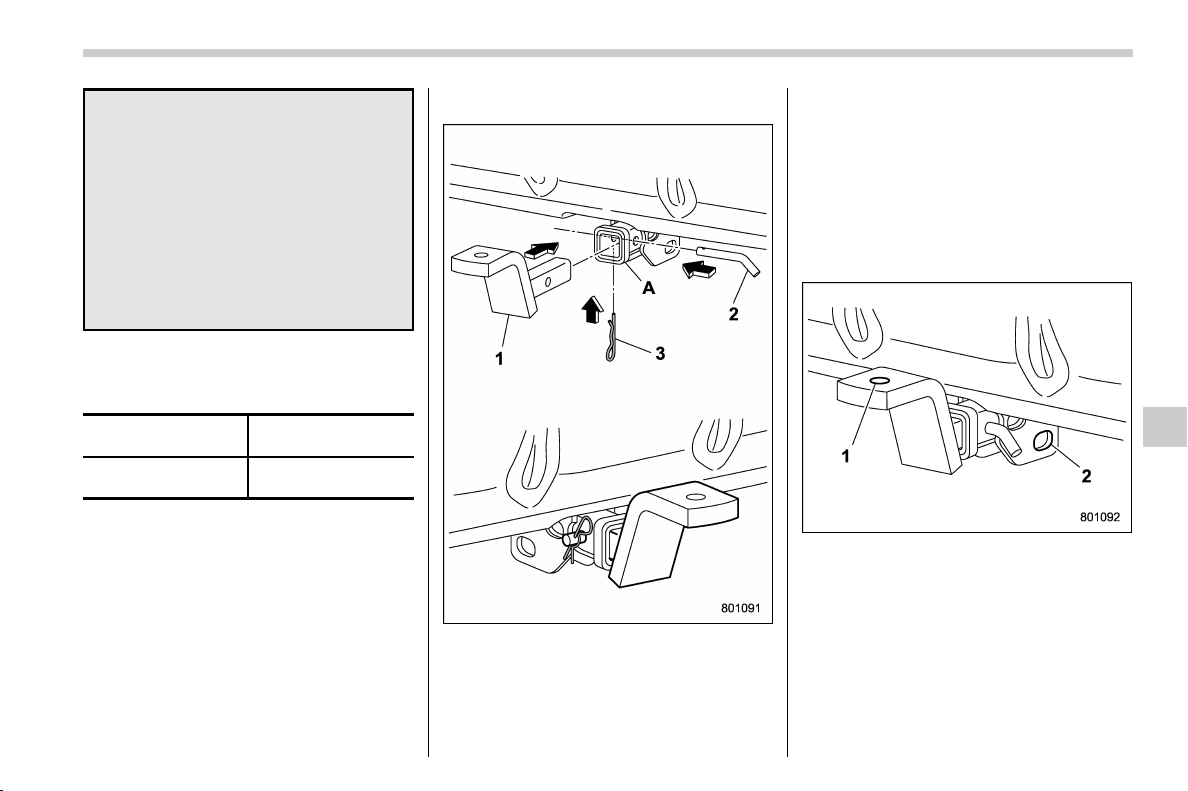
(353,1)
北米Model "A1320BE-C" EDITED: 2017/ 10/ 10
the original.
. Safety performance is decreased
and there is increased risk of
injury to passengers in the case
of an accident if the trailer hitch
or a standard bumper beam is not
installed. One of them must al-
ways be installed on the vehicle.
. If a trailer hitch is installed, it is
not possible to install the rear
towing hook.
The maximum gross trailer weight and
maximum gross tongue weight are indi-
cated in the following table.
Maximum gross trai-
ler weight
Maximum gross ton-
gue weight
1,500 lbs (680 kg)
200 lbs
(90 kg)
When towing a trailer, refer to “Trailer
towing” F8-16.
& Connecting a trailer
1) Ball mount
2) Hitch pin
3) Safety pin
A) Hitch receiver tube
1. Insert the ball mount into the hitch
receiver tube.
2. Insert the hitch pin into the hole located
on the hitch receiver tube so that the pin
passes through the ball mount.
3. Insert the safety pin through the hole
located on the hitch pin securely.
4. Check the ball mount assembly by
pulling on it to make sure it does not come
off the hitch receiver.
1) Hitch ball installation point
2) Hooks for safety chains
5. Attach a hitch ball. Use only a hitch ball
that is appropriate for the ball mount and
your trailer. The hitch ball must be securely
installed on the ball mount.
6. Connect your trailer to the hitch ball.
7. Connect the trailer and the hitch with
safety chains that will hold the trailer’s
– CONTINUED –
Driving tips/Trailer hitch (dealer option)
8-15
8
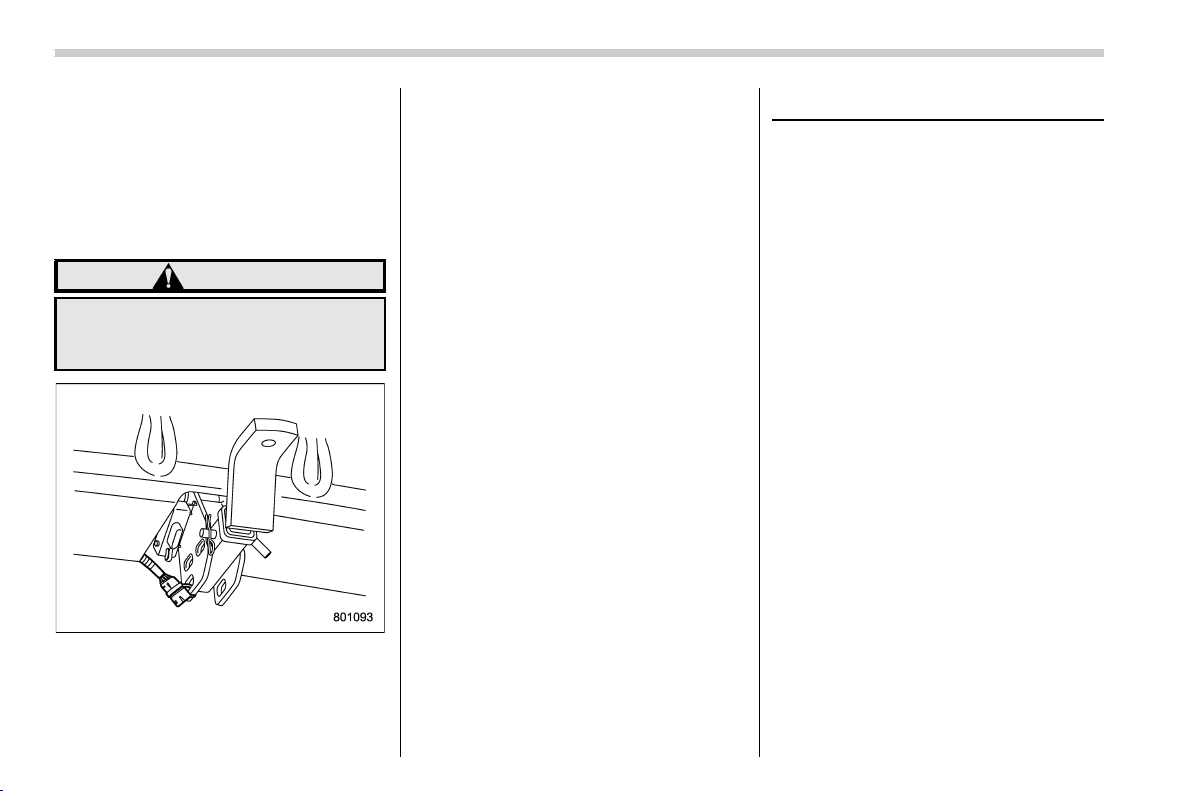
(354,1)
北米Model "A1320BE-C" EDITED: 2017/ 10/ 10
maximum gross weight. The chains should
cross under the trailer tongue to prevent
the tongue from dropping onto the ground
in case it should disconnect from the hitch
ball. Allow sufficient slack in the chains
taking tight turn situations into account;
however, be careful not to let them drag on
the ground.
WARNING
Do not connect safety chains to any
part of the vehicle other than the
safety chain hooks.
Hitch harness connector
8. Connect the hitch wire harness’s black
four-pin wire connector to the towing
trailer’s wire harness.
9. Confirm proper function of the hitch
wire harness by individually activating the
brake, stop and turn signal lights on the
trailer.
NOTE
Always disconnect the trailer wire har-
ness before launching or retrieving a
watercraft.
& If not towing a trailer
. Remove the ball mount from the hitch
receiver tube and insert the receiver cover
onto the hitch receiver tube.
. Place the dust cap over the four-pin
connector of the hitch wire harness to
protect against possible damage.
. Occasionally lubricate terminals of the
four-pin connector using terminal grease.
Trailer towing
Your vehicle is designed and intended to
be used primarily as a passenger-carrying
vehicle. Towing a trailer puts additional
loads on your vehicle’s engine, drivetrain,
brakes, tires and suspension and has an
adverse effect on fuel economy.
If you do decide to tow a trailer, your safety
and satisfaction depend upon proper use
of correct equipment and cautious opera-
tion of your vehicle. Seek the advice of
your SUBARU dealer to assist you in
purchasing a hitch and other necessary
towing eq uipment appropriate for your
vehicle. Do not use towing equipment
other than genuine SUBARU towing
equipment. In addition, be sure to follow
the instructions for proper installation and
use provided by the trailer or caravan’s
manufacturer.
SUBARU assumes no responsibility for
injuries or vehicle damage that result from
trailer towing equipment, or from any
errors or omissions in the instructions
accompanying such equipment or for your
failure to follow the proper instructions.
Regularly check that the hitch mounting
bolts and nuts are tightened securely.
Driving tips/Trailer towing
8-16
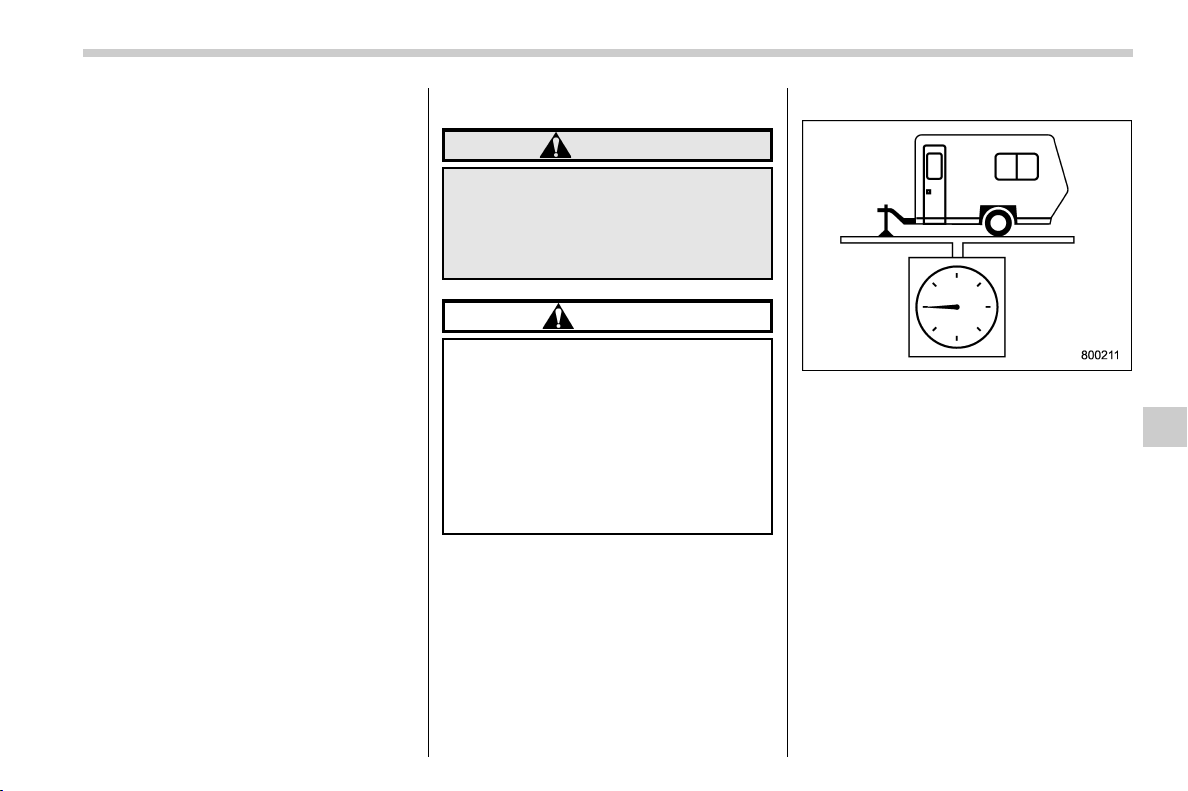
(355,1)
北米Model "A1320BE-C" EDITED: 2017/ 10/ 10
& Warranties and maintenance
SUBARU warranties do not apply to
vehicle damage or malfunction caused by
trailer towing. If you use your vehicle to tow
a trailer, more frequent maintenance will
be required due to the additional load.
(Refer to “ Maintenance schedule under
severe driving conditions” in the “Warranty
and Maintenance Booklet”.)
Under no circumstances should a trailer be
towed with a new vehicle or a vehicle with
any new powertrain component (engine,
transmission, differential, wheel bearings,
etc.) for the first 1,000 miles (1,600 km) of
driving.
& Maximum load limits
WARNING
Never exce ed the maximum load
limits explained in th e following.
Exceeding the maximum load limits
could cause personal injury and/or
vehicle damage.
CAUTION
. Adequate size trailer brakes are
required when the trailer and its
cargo exceed 1,000 lbs (453 kg)
total weight.
. Before towing a trailer, check the
trailer total weight, GVW, GAWs
and tongue load. Make sure the
load and its distribution in your
vehicle and trailer are acceptable.
! Total trailer weight
Total trailer weight
The total trailer weight (trailer weight plus
its cargo load) must never exceed the
maximum total trailer weight in the follow-
ing table.
– CONTINUED –
Driving tips/Trailer towing
8-17
8
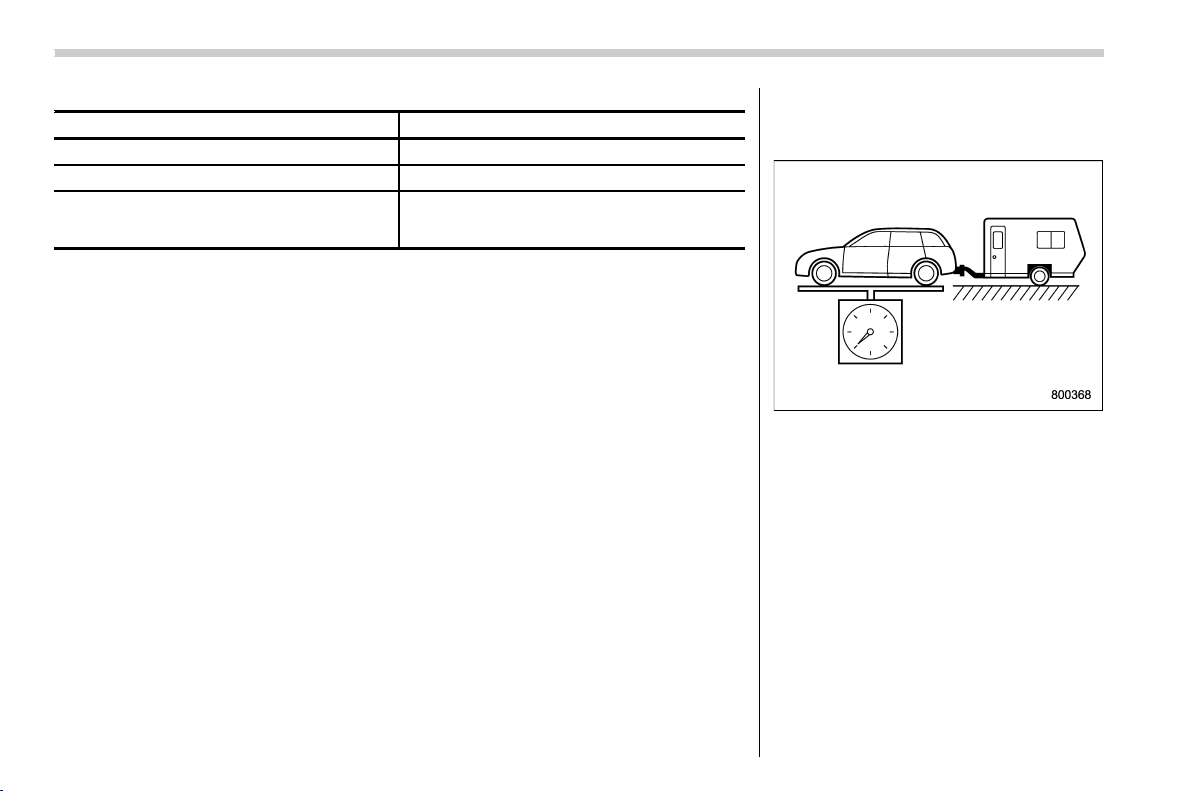
(356,1)
北米Model "A1320BE-C" EDITED: 2017/ 10/ 10
Crosstrek models
Conditions Maximum total trailer weight
When towing a trailer without brakes. 1,000 lbs (453 kg)
When towing a trailer with brakes. 1,500 lbs (680 kg)
When towing a trailer on a long uphill grade
continuously for over 5 miles (8 km) with an
outside temperature of 1048F (408C) or above.
750 lbs (340 kg)
! Gross Vehicle Weight (GVW) and
Gross Vehicle Weight Rating
(GVWR)
Gross Vehicle Weight
The Gross Vehicle Weight (GVW) must
never exceed the Gross Vehicle Weight
Rating (GVWR).
Gross Vehicle Weight (GVW) is the com-
bined total of the weight of the vehicle,
driver, passengers, luggage, trailer hitch,
trailer tongue load and any other optional
equipment installed on your ve hicle.
Therefore, the GVW changes depending
on the situation. Determine the GVW each
time before going on a trip by putting your
vehicle and trailer on a vehicle scale.
Driving tips/Trailer towing
8-18

(357,1)
北米Model "A1320BE-C" EDITED: 2017/ 10/ 10
Certification label
GVWR of your vehicle that is given by
SUBARU is shown on the certification
label located at the bottom of driver’s side
door pillar of your vehicle.
! Gross Axle Weight (GAW) and
Gross Axle Weight Rating (GAWR)
Gross Axle Weight
The total weight applied to each axle
(GAW) must never exceed the Gross Axle
Weight Rating (GAWR). The front and rear
GAWs can be adjusted by relocating
passengers and luggage inside the vehi-
cle. The front and rear GAWR of your
vehicle that is given by SUBARU are also
shown on the certification label located at
the bottom of driver’s side door pillar.
To check both GVWR and GAWR and to
confirm that the total weight and weight
distribution are within safe driving limits,
you should have your vehicle and trailer
weighed at a commercial weighing station.
Be sure that all cargo is firmly secured to
prevent a change in weight distribution
while driving.
! Tongue load
Tongue load
Ensure that the trailer tongue load is from 8
to 11 percent of the total trailer weight and
does not exceed the maximum value of
200 lbs (90 kg).
– CONTINUED –
Driving tips/Trailer towing
8-19
8
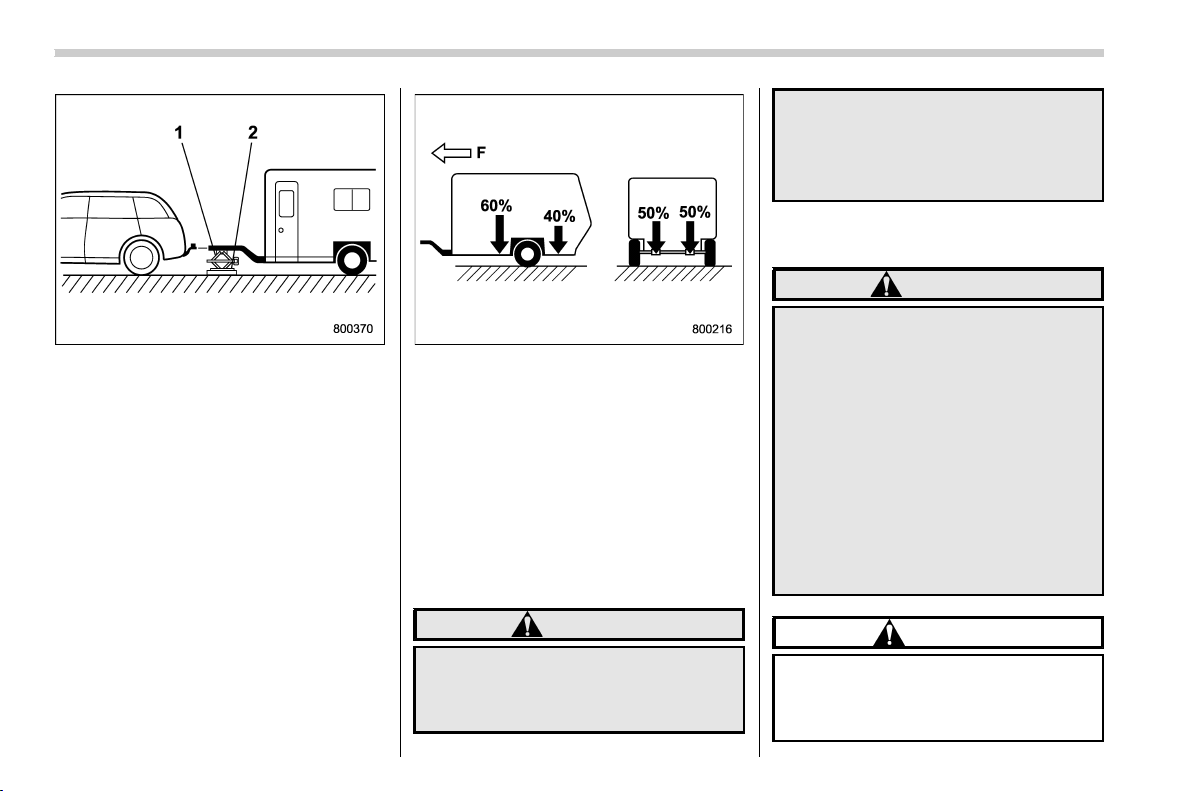
(358,1)
北米Model "A1320BE-C" EDITED: 2017/ 10/ 10
1) Jack
2) Bathroom scale
The tongue load can be weighed with a
bathroom scale as shown in the illustration
above. When weighing the tongue load, be
sure to position the towing coupler at the
height at which it would be during actual
towing, using a jack as shown.
F: Front
The tongue load can be adjusted by proper
distribution of the load in the trailer. Never
load the trailer with more weight in the
back than in the front; approximately 60
percent of the trailer load should be in the
front and approximately 40 percent in the
rear. Also, distribute the load as evenly as
possible on both the left and right sides.
Be sure that all cargo is firmly secured to
prevent a change in weight distribution
while driving.
WARNING
If the trailer is loaded with more
weight in the back of trailer’s axle
than in the front, the load is taken off
the rear axle of the towing vehicle.
This may cause the rear wheels to
skid, especially during braking or
when vehicle speed is reduced dur-
ing cornering, resulting in over-
steer, spin out and/or jackknifing.
& Trailer Hitches
WARNING
Never drill the frame or under-body
of your vehicle to install a commer-
cial trailer hitch. If you do, danger-
ous exhaust gas, water or mud may
enter the passenger compartment
through the drilled hole. Exhaust
gas contains carbon monoxide, a
colorless and odorless gas which is
dangerous, or even lethal, if inhaled.
Also, drilling the frame or under-
body of your vehicle could cause
deterioration of strength of your
vehicle and cause corrosion around
the drilled hole.
CAUTION
. Do not modify the vehicle ex-
haust system, brake system, or
other systems when installing a
hitch or other trailer towing
Driving tips/Trailer towing
8-20
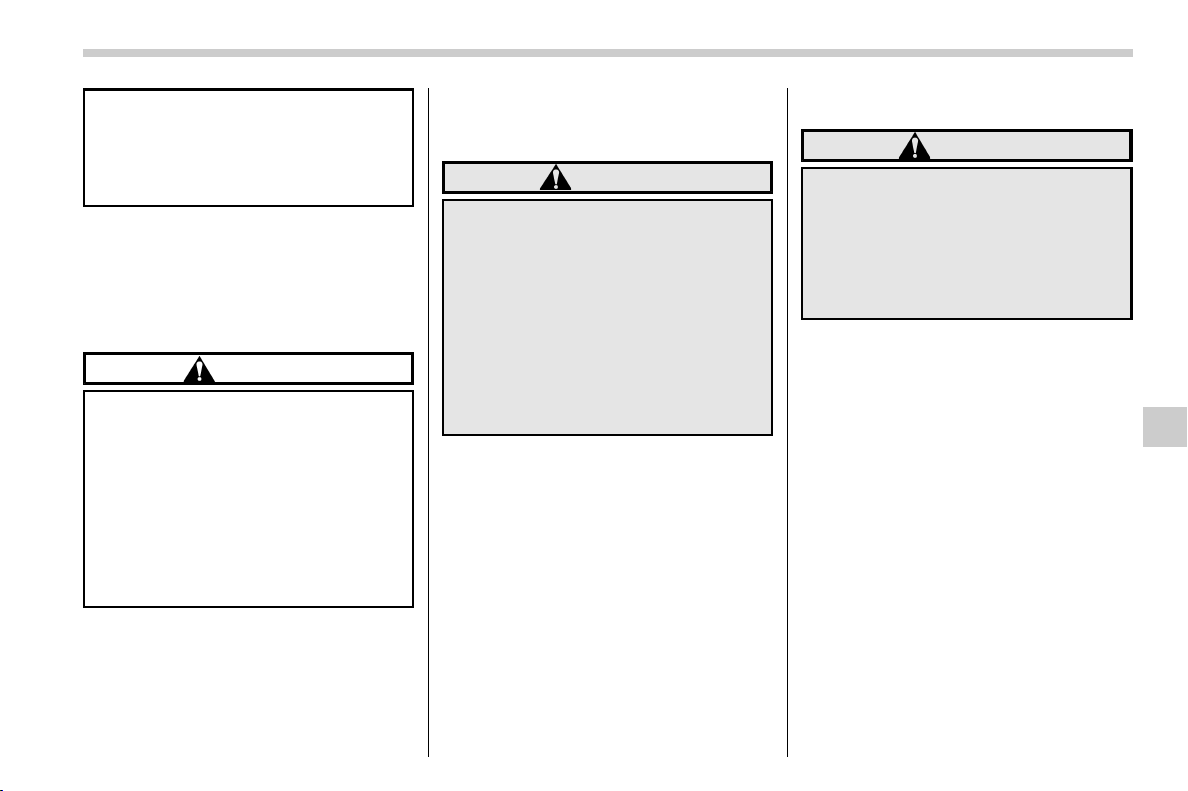
(359,1)
北米Model "A1320BE-C" EDITED: 2017/ 10/ 10
equipment.
. Do not use axle-mounted hitches
as they can cause damage to the
axle housing, wheel bearings,
wheels or tires.
Do not use a trailer hitch other than
genuine SUBARU trailer hitch. A genuine
SUBARU hitch is available from your
SUBARU dealer.
& When you do not tow a trailer
CAUTION
. The housing should be kept dirt
and corrosion-free at the points
of contact. The surfaces only
require cleaning with a cloth.
Grease or other lubricants
should never be used.
. If the ball is not installed, the
plastic insert should then be
inserted for protection and to
prevent dirt.
When the ball is not used, place the ball
cap and store securely.
& Connecting a trailer
! Trailer brakes
WARNING
. Adequate size trailer brakes are
required when the trailer and its
cargo exceed 1,000 lbs (453 kg)
total weight.
. Do not directly connect your
trailer’s hydraulic brake system
to the hydraulic brake system in
your vehicle. Direct connection
would cause the vehicle’s brake
performance to deteriorate and
could lead to an accident.
If your trailer’s total weight (trailer weight
plus its cargo weight) exceeds 1,000 lbs
(453 kg), the tr ailer is required to be
equipped with its own brake system.
Electric brakes or surge brakes are re-
commended, and must be installed prop-
erly. Check that your trailer’s brakes con-
form with Federal, state/province and/or
other applicable regulations. Your
SUBARU’s brake system is not designed
to be tapped into the trailer’s hydraulic
brake system. Please ask your SUBARU
dealer and professional trailer supplier for
more information about the trailer’s brake
system.
! Trailer safety chains
WARNING
Always use safety chains between
your vehicle and the trailer. Towing
trailer without safety chains could
create a traffic safety hazard if the
trailer separates from the hitch due
to coupling damage or hitch ball
damage.
In case the trailer hitch connector or hitch
ball should break or become discon-
nected, the trailer could get loose and
create a traffic safety hazard.
For safety, always connect the towing
vehicle and trailer with trailer safety
chains. Two chains should be used in
total, one to the right side and the other to
the left side trailer tongue. Pass the chains
crossing each other under the trai ler
tongue to prevent the trailer from dropping
onto the ground in case the trailer tongue
should disconnect from t he hitch ball.
Allow sufficient slack in the chains taking
tight turn situations into account; however,
be careful not to let them drag on the
ground.
– CONTINUED –
Driving tips/Trailer towing
8-21
8
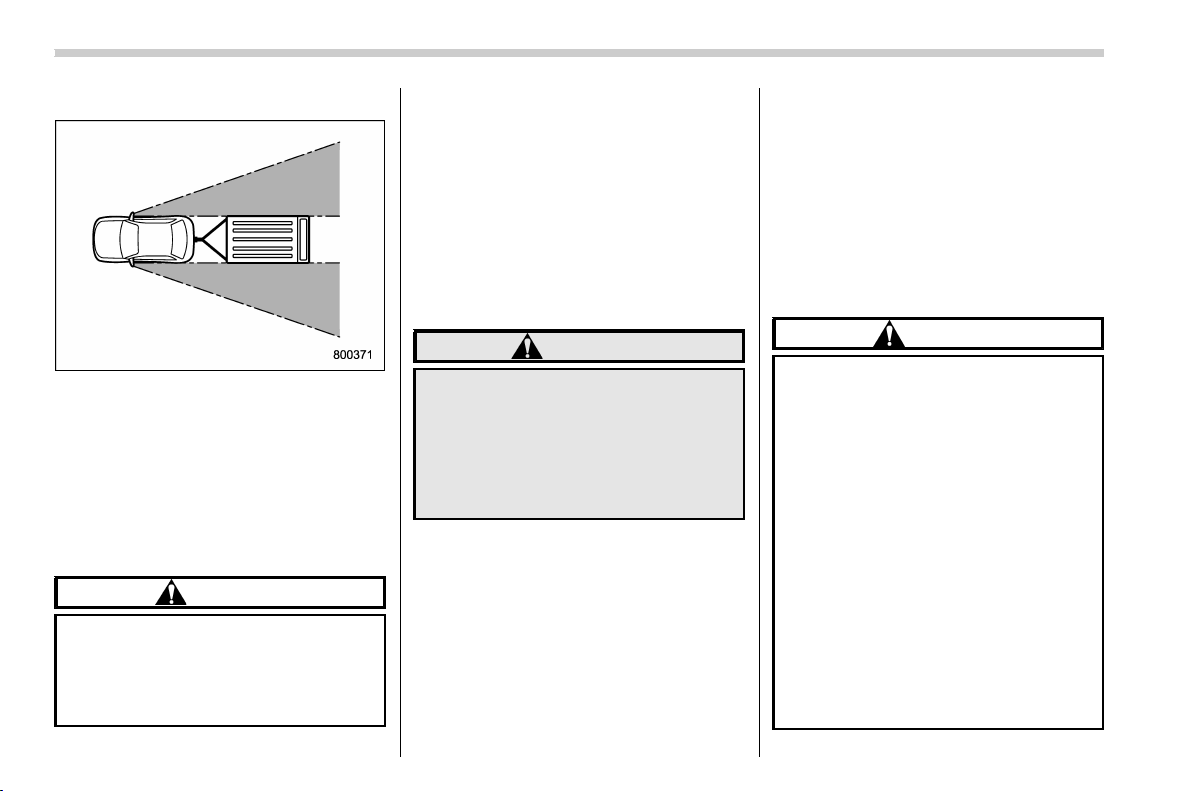
(360,1)
北米Model "A1320BE-C" EDITED: 2017/ 10/ 10
! Side mirrors
After hitching a trailer to your vehicle,
check that the standard side mirrors
provide a good rearward field of view
without significant blind spots. If significant
blind spots occur with the vehicle’s stan-
dard side mirrors, use towing mirrors that
conform with Federal, state/province and/
or other applicable regulations.
! Trailer lights
CAUTION
Direct splicing or other improper
connection of tra iler lights may
damage your vehicle’s electrical
system and cause a malfunction of
your vehicle’s lighting system.
Connection of trailer lights to your vehicle’s
electrical system requires modifications to
the vehicle’s lighting circuit to increase its
capacity and accommodate wiring
changes. To ensure the trailer lights are
connected properly, please consult your
SUBARU dealer. Check for proper opera-
tion of the turn signals and the brake lights
each time you connect a trailer to your
vehicle.
! Tires
WARNING
Never tow a trailer when the tempor-
ary spare tire is used. The temporary
spare tire is not designed to sustain
the towing load. Use of the tempor-
ary spare tire when towing can result
in failure of the spare tire and/or less
stability of the vehicle.
Make sure that all the tires on your vehicle
are properly inflated. Refer to “Tires” F12-
8.
Trailer tire condition, size, load rating and
proper inflation pressure sho uld be in
accordance with the trailer manufacturer’s
specifications. Also check federal, state,
province and/or other applicable regula-
tions.
In the event your vehicle gets a flat tire
when towing a trailer, ask a commercial
road service representative or profes-
sional to repair the flat tire.
If you carry a regular size spare tire in your
vehicle or trailer as a precaution against
getting a flat tire, be sure that the spare tire
is firmly secured.
& Trailer towing tips
CAUTION
. For models equipped with the
BSD (Blind Spot Detection) and
RCTA (Rear Cross Traffic Alert)
driving support systems, when
towing a trailer, press the BSD/
RCTA OFF switch to deactivate
the system. The system may not
operate properly due to the
blocked radar waves. For details
about the BSD/RCTA OFF switch,
refer to “BSD/RCTA OFF switch”
F7-59.
. For models equipped with RAB
(Reverse Automatic Braking)
system, consult your SUBARU
dealer for additional information
about towing a trailer.
. Never exceed 45 mph (72 km/h)
Driving tips/Trailer towing
8-22
(361,1)
北米Model "A1320BE-C" EDITED: 2017/ 10/ 10
when towing a trailer in hilly
country on hot days.
. When towing a trailer, steering,
stability, stopping distance and
braking performance will be dif-
ferent when compared to normal
operation. For safety’s sake, you
should empl oy extra c aution
when towing a trailer and you
should never drive at excessive
speeds. You should also keep the
following tips in mind:
. The braking power of the parking
brake may not be sufficient when
stronger braking power is
needed (e.g., when parking on a
steep slope while towing a trai-
ler).
! Before starting out on a trip
. Check the towing regulations for trailer
or caravan vehicles that vary by state/
region. Failure to comply with the proce-
dures set forth will not only compromise
your safety, but will also neg ate your
insurance coverage and/or may violate
the state road and traffic acts and regula-
tions.
. Check that the vehicle and vehicle-to-
hitch mounting are in good condition. If any
problems are apparent, do not tow the
trailer.
. Check that the vehicle rests horizon-
tally with the trailer attached. If the vehicle
is tipped sharply up at the front and down
at the rear, check the total trailer weight,
GVW, GAWs and tongue load again, then
confirm that the load and its distribution are
acceptable.
. Check that the tire rating and pressures
are correct.
. Check that the vehicle and trailer are
connected properly. Confirm that:
– the trailer tongue is connected
properly to the hitch ball.
– the trailer lights connector is con-
nected properly and trailer’sbrake
lights illuminate when the vehicle’s
brake pedal is pressed, and that the
trailer’s turn signal lights flash when
the vehicle’s turn signal lever is oper-
ated.
– the safety chains are con nected
properly.
– all cargo in the trailer is secured
safely in position.
– the side mirrors provide a good
rearward field of view without a sig-
nificant blind spot.
. Sufficient time should be taken to learn
the “feel” of the vehicle/trailer combination
before starting out on a trip. In an area free
of traffic, practice turning, stopping and
backing up.
! Driving with a trailer
. You should allow for considerably more
stopping distance when towing a trailer.
Avoid sudden braking because it may
result in skidding or jackknifing and loss
of control.
. Avoid abrupt starts and sudden accel-
erations. If your vehicle has a manual
transmission, always start out in first gear
and release the clutch at moderate engine
revolution.
. Avoid uneven steering, sharp turns and
rapid lane changes.
. Slow down before turning. Make a
longer than normal turning radius because
the trailer wheels will be closer than the
vehicle wheels to the inside of the turn. In a
tight turn, the trailer could hit your vehicle.
. Crosswinds will adversely affect the
handling of your vehicle and trailer, caus-
ingsway.Crosswindscanbedueto
weather conditions or the passing of large
trucks or buses. If swaying occurs, firmly
grip the steering wheel and promptly begin
deceler ating your vehicle at a gradual
pace.
. When passing other vehicles, consider-
able distance is required because of the
added weight and length caused by
attaching the trailer to your vehicle.
– CONTINUED –
Driving tips/Trailer towing
8-23
8
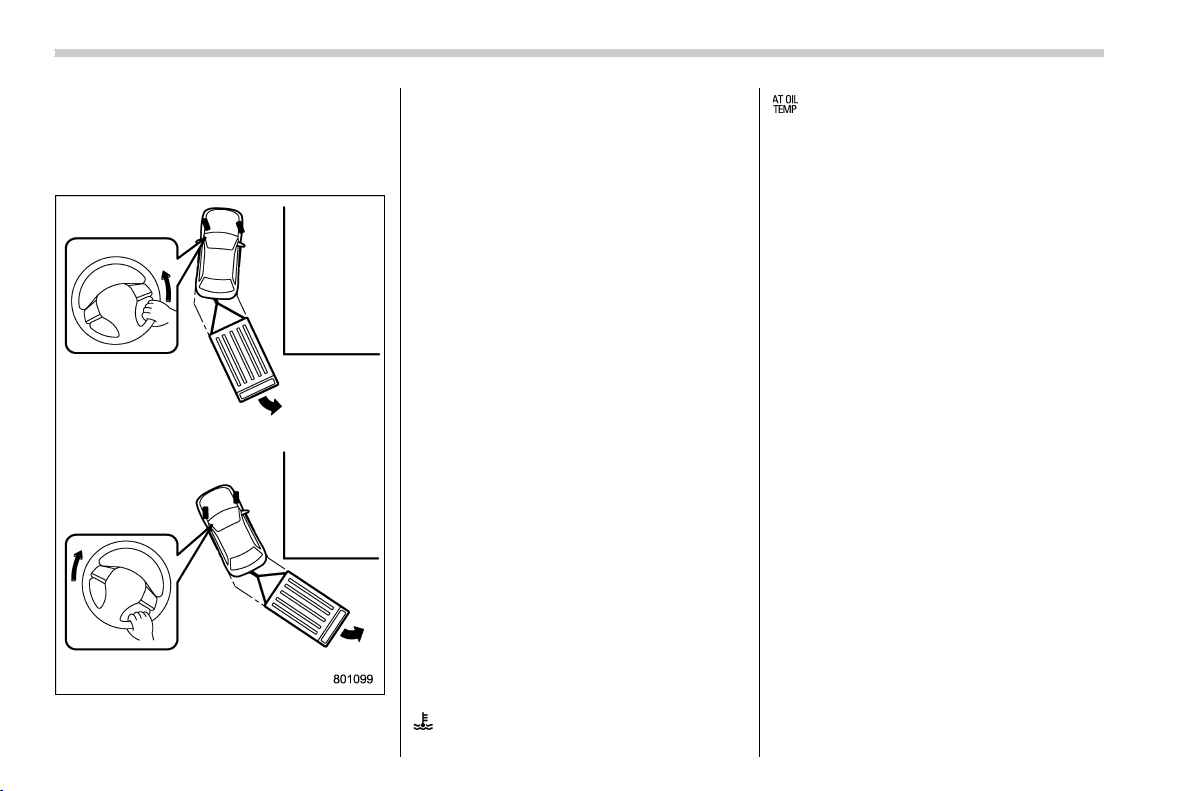
(362,1)
北米Model "A1320BE-C" EDITED: 2017/ 10/ 10
. Reversing the vehicle with a trailer can
be difficult and requires experience. Never
accelerate or steer rapidly, and grip the
bottom of the steering wheel with one
hand.
To reverse around a corner, perform the
following procedure.
1. Reverse slowly and steer in the oppo-
site direction to the way you want to turn.
2. Once the trailer begins to swing
around, straighten the steering wheel.
3. Turn the wheel in the opposite direc-
tion.
4. Steer the vehicle around to be in line
with the trailer, then straighten the steering
again.
. If the ABS warning light illuminates
while the vehicle is in motion, stop towing
the trailer and have repairs performed
immediately by your nearest SUBARU
dealer.
! Driving on grades
. Before going down a steep hill, slow
down and shift into lower gear (if neces-
sary, use 1st gear) in order to utilize the
engine braking effect and prevent over-
heating of your vehicle’s brakes. Do not
make sudden downshifts.
. When driving uphill in hot weather, the
air conditioner may turn off automatically
to protect the engine from overheating.
. When driving uphill in hot weather, pay
attention to the following indicators be-
cause the engine and transmission are
relatively prone to overheating.
: Coolant temperature high warning light
: AT OIL TEMP warning light
(CVT models)
If the coolant temperature high warning
light and/or the AT OIL TEMP warning light
illuminates, immediately turn off the air
conditioner and stop the vehicle in the
nearest safe location. For further instruc-
tions and additional information, refer to
the following sections.
–“If you park your vehicle in case of
an emergency” F9-2
–“Engine overheating” F9-12
–“Coolant temperature low indicator
light/Coolant temperature high warn-
ing light” F3-16
–“AT OIL TEMP warning light (CVT
models)” F3-18
. For CVT models, avoid using the
accelerator pedal to stay stationary on an
uphill slope instead of using the parking
brake or foot brake. That may cause the
transmission fluid to overheat.
Driving tips/Trailer towing
8-24

(363,1)
北米Model "A1320BE-C" EDITED: 2017/ 10/ 10
! Parking on a grade
Always block the wheels under both
vehicle and trailer when parking. Apply
the parking brake firmly. You should not
park on a hill or slope. If parking on a hill or
slope cannot be avoided, you should take
the following steps:
1. Apply the brakes and hold the pedal
down.
2. Have some one plac e wheel blocks
under both the vehicle and trailer wheels.
3. When the wheel blocks are in place,
release the regular brakes slowly until the
blocks absorb the load.
4. Apply the regular brakes and then
apply the parking brake; slowly release
the regular brakes.
5. Shift into 1st or reverse gear (MT
models) or “P” position (CVT model s)
and shut off the engine.
Driving tips/Trailer towing
8-25
8

Black plate (2,1)
Model "ALL_MODEL_MEMO" EDITED: 2007/ 6/ 22
Left Page
————————————————————————————————————————
————————————————————————————————————————
————————————————————————————————————————
————————————————————————————————————————
————————————————————————————————————————
————————————————————————————————————————
————————————————————————————————————————
————————————————————————————————————————
————————————————————————————————————————
————————————————————————————————————————
————————————————————————————————————————
————————————————————————————————————————
————————————————————————————————————————

(365,1)
北米Model "A1320BE-C" EDITED: 2017/ 10/ 10
If you park your vehicle in case of an
emergency ............................................................ 9-2
Temporary spare tire .............................................. 9-2
Maintenance tools................................................... 9-3
Tool locations ........................................................ 9-4
Using the jack........................................................ 9-4
Flat tires................................................................... 9-5
Changing a flat tire ................................................ 9-5
Tire pressure monitoring system (TPMS)
(U.S.-spec. models) .............................................. 9-8
Jump starting .......................................................... 9-9
How to jump start ................................................. 9-10
Engine overheating............................................... 9-12
If steam is coming from the engine
compartment ......................................................9-12
If no steam is coming from the engine
compartment .....................................................9-12
Towing ................................................................... 9-13
Towing hooks and tie-down hooks/holes...............9-13
Using a flat-bed truck ...........................................9-15
Towing with all wheels on the ground ................... 9-16
Access key fob – if access key fob does not
operate properly ................................................ 9-17
Locking and unlocking .........................................9-17
Switching power status ........................................9-17
Starting engine .....................................................9-18
Rear gate – if the rear gate cannot be opened .. 9-19
Moonroof (if equipped) – if the moonroof
does not close ................................................... 9-19
If your vehicle is involved in an accident........... 9-20
In case of emergency
9
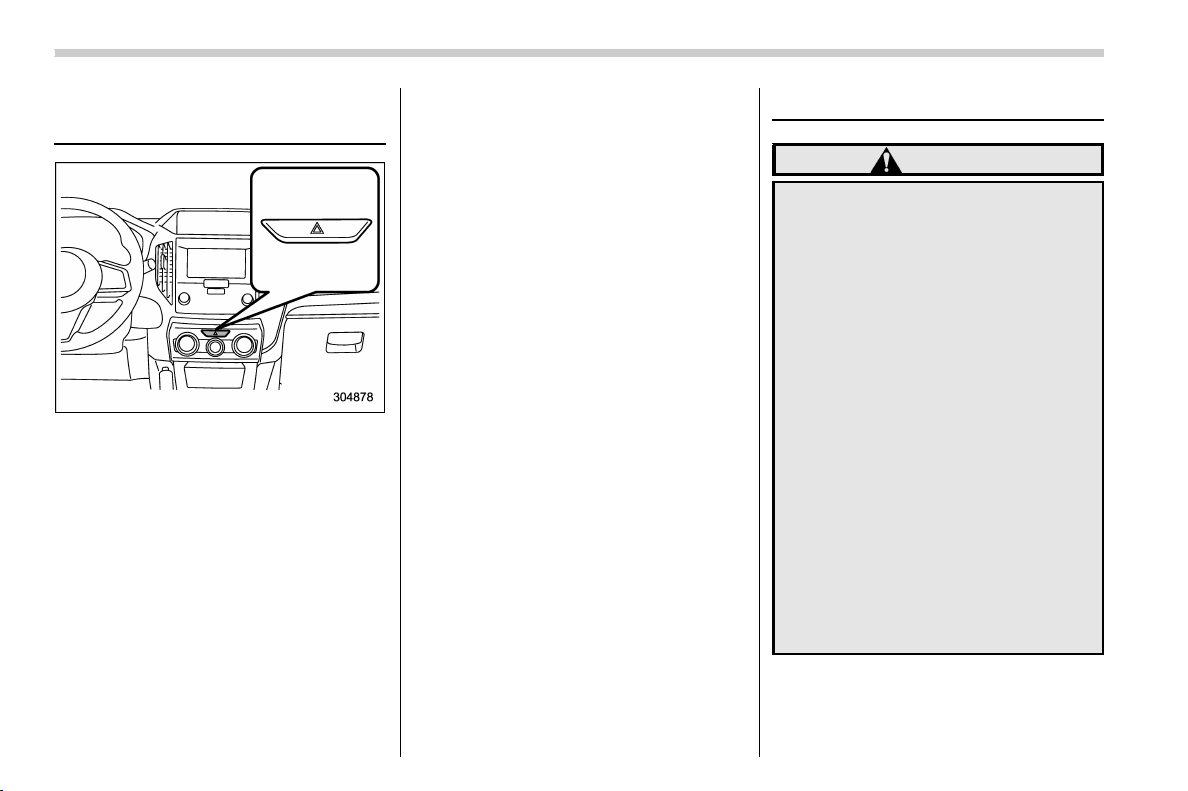
(366,1)
北米Model "A1320BE-C" EDITED: 2017/ 10/ 10
If you park your vehicle in
case of an emergency
The hazard warning flasher should be
used in day or night to warn other drivers
when you have to park your vehicle under
emergency conditions.
Avoid stopping on the road. It is best to
safely pull off the road if a problem occurs.
The hazard warning flasher can be acti-
vated regardless of the ignition switch
position.
Turn on the hazard warning by pushing the
hazard warning flasher switch. Turn it off
by pushing the switch again.
NOTE
When the hazard warning flasher is on,
the turn signals do not work.
Temporary spare tire
WARNING
. Never tow a trailer when the
temporary spare tire is used.
The temporary spare tire is not
designed to sustain the towing
load. Use of the temporary spare
tire when towing can result in
failure of the spare tire and/or
less stability of the vehicle and
may lead to an accident.
. When a spare tire is mounted or a
wheel rim is replaced without the
original pressure sensor/trans-
mitter being transferred, the low
tire pressure warning light will
illuminate steadily after blinking
for approximately one minute.
This indicates the tire pressure
monitoring system (TPMS) is un-
able to monitor all four road
wheels. Contact your SUBARU
dealer as soon as possible for
tire and sensor replacement and/
or system resetting.
In case of emergency/If you park your vehicle in case of an emergency
9-2
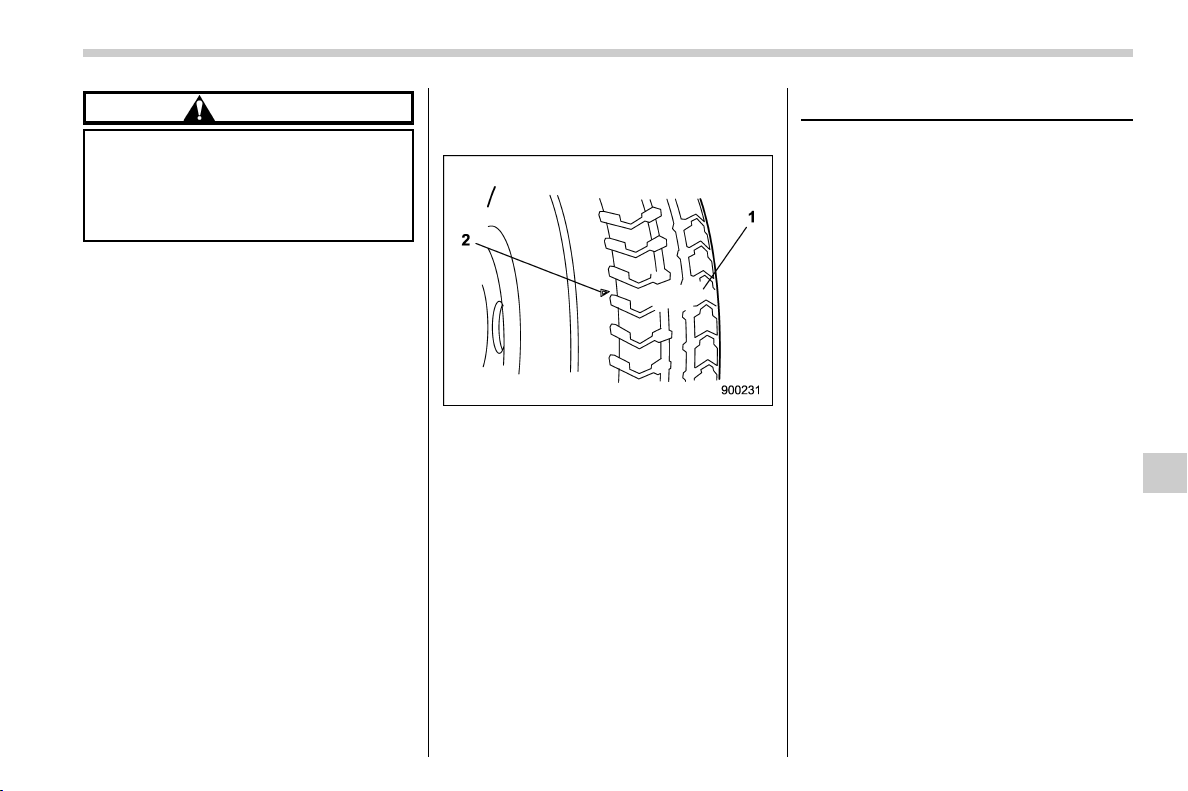
(367,1)
北米Model "A1320BE-C" EDITED: 2017/ 10/ 10
CAUTION
Never use any temporary spare tire
other than the original. Using other
sizes may result in severe mechan-
ical damage to the drive train of your
vehicle.
The temporary spare tire is smaller and
lighter than a conventional tire and is
designed for emergency use only. Re-
move the temporary spare tire and re-
install the conventional tire as soon as
possible because the spare tire is de-
signed only for temporary use.
Check the inflation pressure of the tem-
porary spare tire periodically to keep the
tire ready for use. The correct pressure is
60 psi (420 kPa, 4.2 kg/cm
2
).
When using the temporary spare tire, note
the following.
. Drive with caution when the temporary
spare tire is installed. Avoid hard accel-
eration and braking, or fast cornering, as
control of the vehicle may be lost.
. Do not exceed 50 mph (80 km/h).
. Do not put a tire chain on the temporary
spare tire. Because of the smaller tire size,
a tire chain will not fit properly.
. Do not use two or more temporary
spare tires at the same time.
. Do not drive over obstacles. This tire
has a smaller diameter, so road clearance
is reduced.
1) Tread wear indicator bar
2) Indicator location mark
. When the wear indicator appears on
the tread, replace the tire.
. The temporary spare tire must be used
only on a rear wheel. If a front wheel tire
gets punctured, replace the wheel with a
rear wheel and install the temporary spare
tire in place of the removed rear wheel.
Maintenance tools
Your vehicle is equipped with the following
maintenance tools.
. Jack
. Jack handle
. Screwdriver
. Towing hook (eye bolt)
. Wheel nut wrench
– CONTINUED –
In case of emergency/Maintenance tools
9-3
9
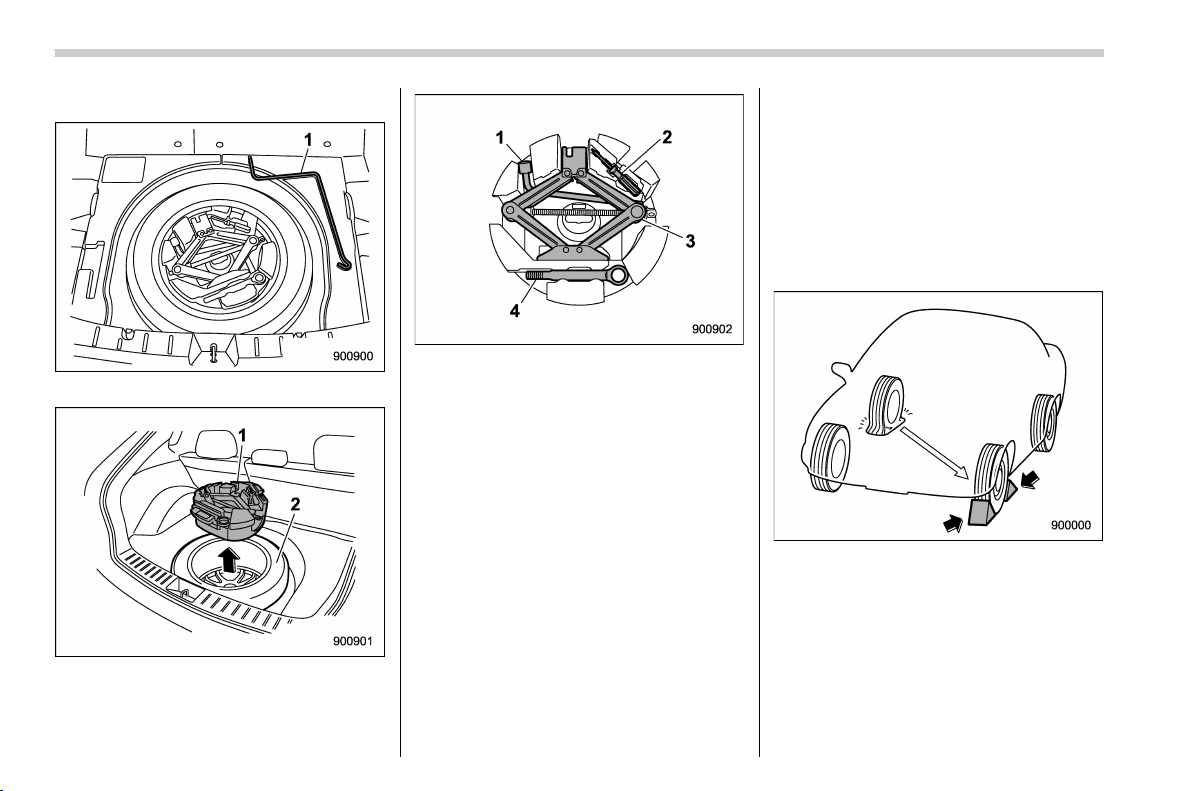
(368,1)
北米Model "A1320BE-C" EDITED: 2017/ 10/ 10
& Tool locations
1) Jack handle
1) Tool bucket
2) Spare tire
1) Wheel nut wrench
2) Screwdriver
3) Jack
4) Towing hook (eye bolt)
A jack handle is stored under the cargo
area. A jack and a towing hook are stored
in the tool bucket that is located in the
recess of the spare tire wheel.
Also, a tool bag that contains a wheel nut
wrench and a screwdriver is equipped with
the vehicle. Open the tool bag and store
the tools in the tool bucket as illustrated in
order that all tools are ready for use at any
time.
& Using the jack
1. Park on a hard, level surface, when-
ever possible, then stop the engine.
2. Apply the parking brake securely and
shift the shift lever in reverse (MT models)
or the select lever to the “P” (Park) position
(CVT models).
3. Turn on the hazard warning flasher and
have everyone get out of the vehicle.
4. Put wheel blocks at the front and rear
of the tire diagonally opposite the tire that
you are going to replace.
5. Take out the jack and jack handle.
In case of emergency/Maintenance tools
9-4
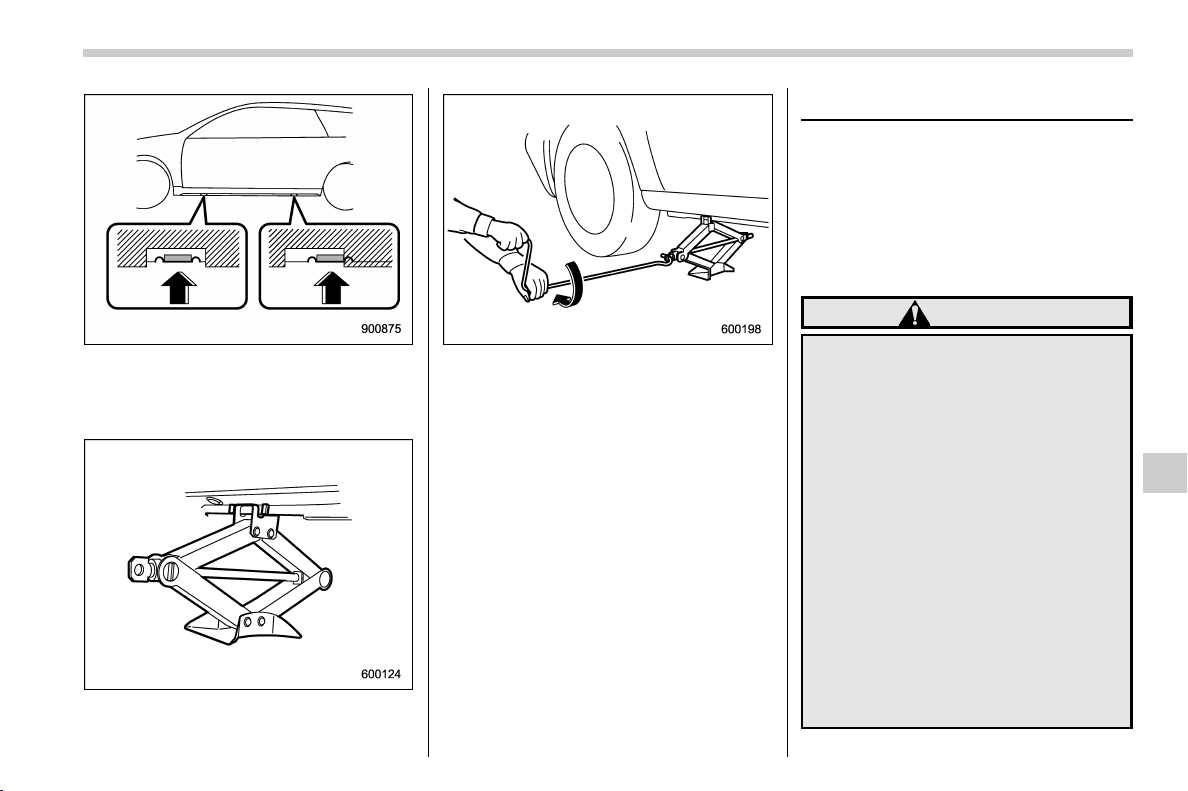
(369,1)
北米Model "A1320BE-C" EDITED: 2017/ 10/ 10
Jack-up points
6. Place the jack under the side sill at the
front or rear jack-up point closest to the tire
that you are going to replace.
Turn the jackscrew by hand until the jack
head engages firmly into the jack-up point.
7. Insert the jack handle into the jack-
screw, and turn the handle until the tire
clears the ground. Do not raise the vehicle
higher than necessary.
Flat tires
If you have a flat tire while driving, never
brake suddenly; keep driving straight
ahead while gradually reducing speed.
Then slowly pull off the road to a safe
place.
& Changing a flat tire
WARNING
. Do not jack up the vehicle on an
incline or a loose road surface.
The jack can come out of the
jacking point or sink i nto the
ground and this can result in a
severe accident.
. Use only the jack provided with
your vehicle. The jack supplied
with the vehicle is designed only
for changing a tire. Never get
under the vehicle while support-
ing the vehicle with this jack.
. Always turn off the engine before
raising the flat tire off the ground
using the jack. Never swing or
push the vehicle supported with
the jack. The jack can come out of
the jacking point due to a jolt and
this can result in a severe acci-
– CONTINUED –
In case of emergency/Flat tires
9-5
9
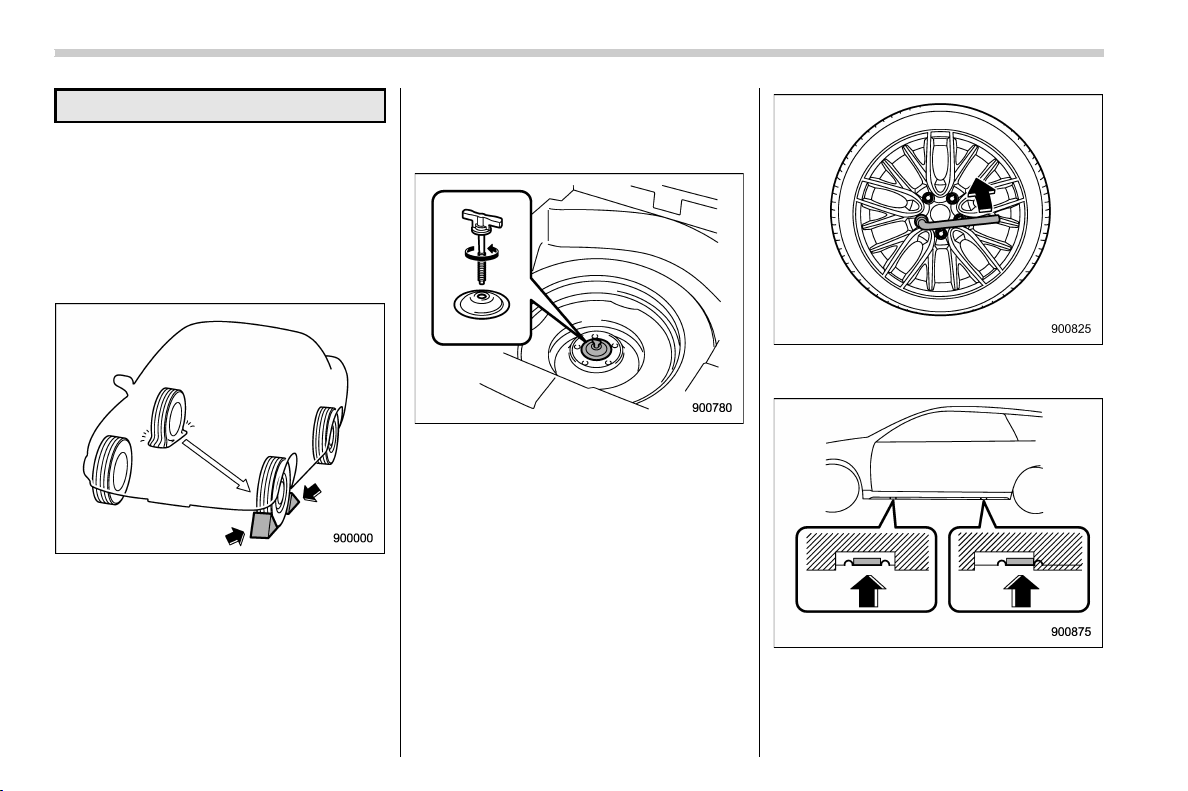
(370,1)
北米Model "A1320BE-C" EDITED: 2017/ 10/ 10
dent.
1. Park on a hard, level surface, when-
ever possible, then stop the engine.
2. Apply the parking brake securely and
shift the shift lever in reverse (MT models)
or the select lever to the “P” (Park) position
(CVT models).
3. Turn on the hazard warning flasher and
have everyone get out of the vehicle.
4. Put wheel blocks at the front and rear
of the tire diagonally opposite the flat tire.
5. Take out the jack, jack handle and
wheel nut wrench.
The tools and the spare tire are stored
under the cargo area. Refer to “Mainte-
nance tools” F9-3.
NOTE
Make sure that the jack is well lubri-
cated before using it.
6. Take out the tool bucket and turn the
attaching bolt counterclockwise, then take
the spare tire out.
NOTE
If the spare tire provided in your vehicle
is a temporary spare tire, carefully read
“Temporary spare tire” F9-2 and
strictly follow the instructions.
7. Loosen the wheel nuts using the wheel
nut wrench but do not remove the nuts.
Jack-up points
8. Place the jack under the side sill at the
front or rear jack-up point closest to the flat
tire.
In case of emergency/Flat tires
9-6
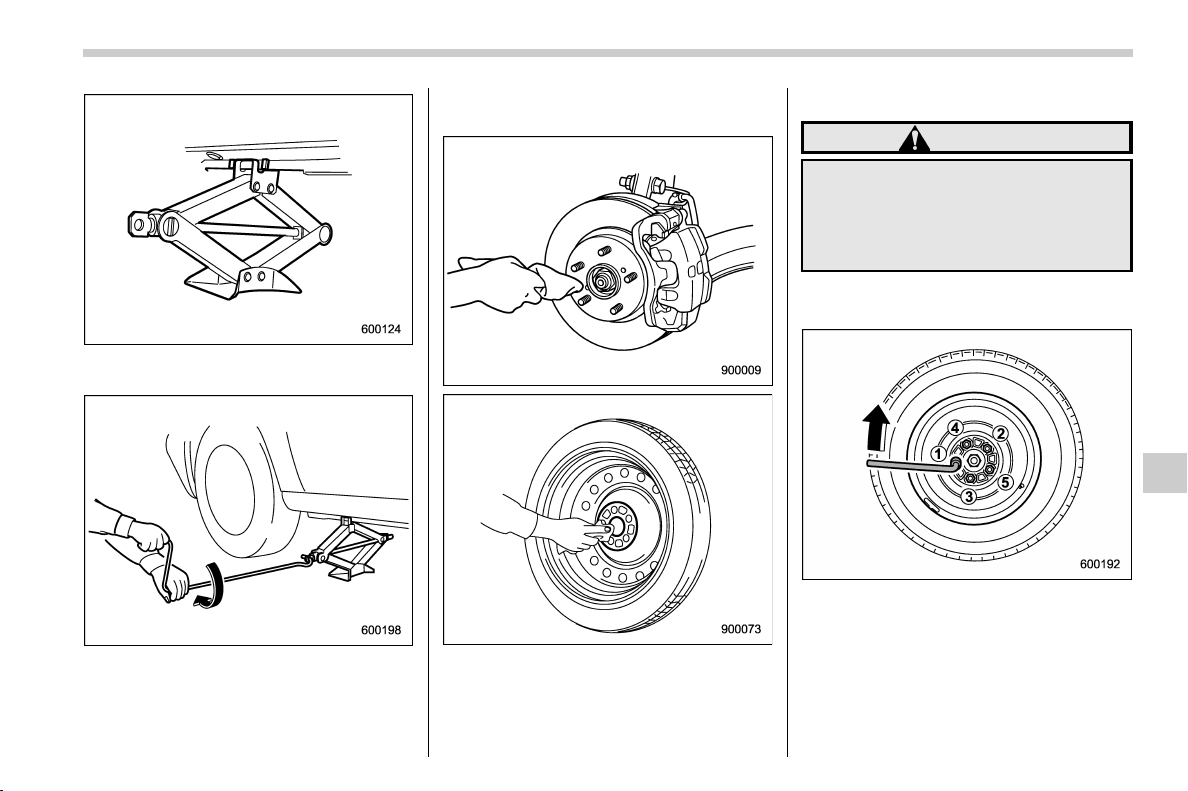
(371,1)
北米Model "A1320BE-C" EDITED: 2017/ 10/ 10
Turn the jackscrew by hand until the jack
head engages firmly into the jack-up point.
9. Insert the jack handle into the jack-
screw, and turn the handle until the tire
clears the ground. Do not raise the vehicle
higher than necessary.
10. Remove the wheel nuts and the flat
tire.
11. Before putting the spare tire on, clean
the mounting surface of the wheel and hub
with a cloth.
12. Put on the spare tire. Replace the
wheel nuts. Tighten them by hand.
WARNING
Do not use oil or grease on the wheel
studs or nuts when the spare tire is
installed. This could cause the nuts
to become loose and lead to an
accident.
13. Turn the jack handle counterclockwise
to lower the vehicle.
14. Use the wheel nut wrench to securely
tighten the wheel nuts to the specified
torque, following the tightening order in the
illustration.
For the wheel nut tightening torque, refer
to “Tires” F12-8. Never use your foot on
the wheel nut wrench or a pipe extension
– CONTINUED –
In case of emergency/Flat tires
9-7
9
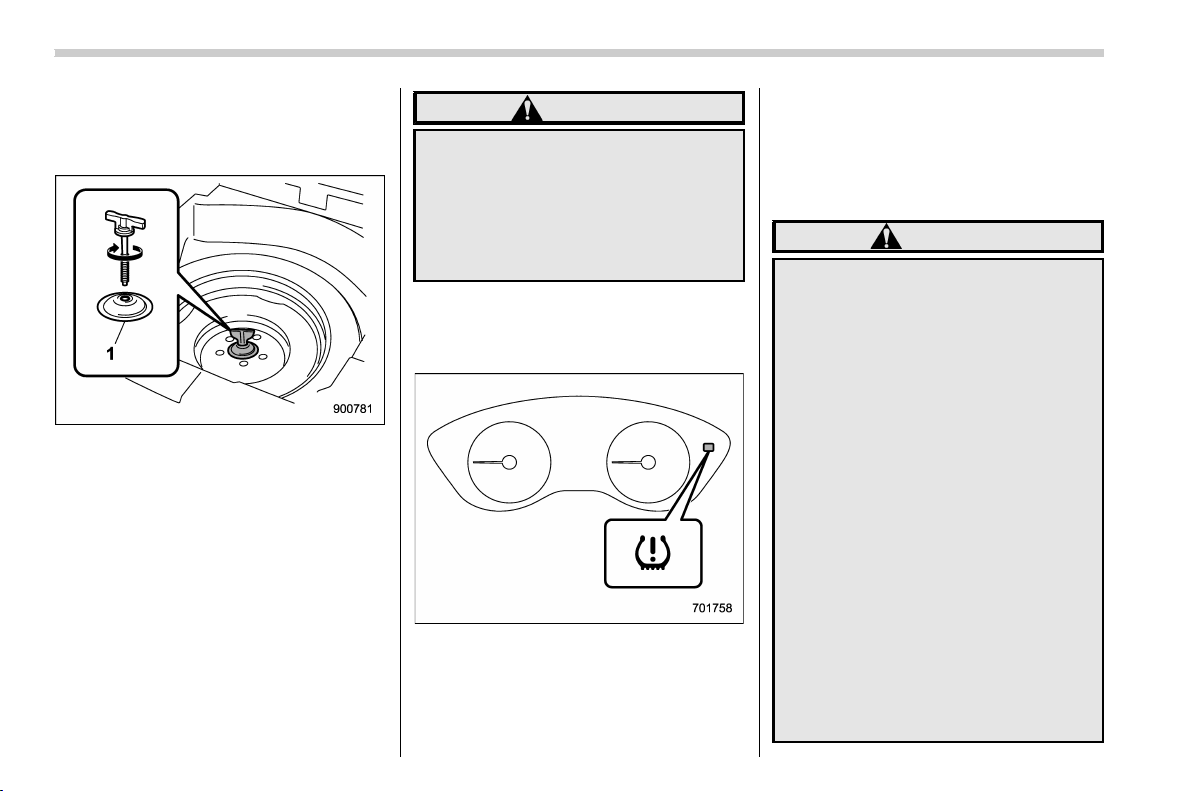
(372,1)
北米Model "A1320BE-C" EDITED: 2017/ 10/ 10
on the wrench because you may exceed
the specified torque. Have the wheel nut
torque checked at the nearest automotive
service facility.
1) Support holder
15. Store the flat tire in the spare tire
compartment. Install with the suppo rt
holder facing upward and secure the flat
tire by firmly tightening the attaching bolt.
NOTE
If you cannot fix the flat tire firmly, try
turning the support holder upside
down.
16. Store the jack, jack handle and wheel
nut wrench in their storage locations.
WARNING
Never place a tire or tire changing
tools in the passenger compartment
after changing wheels. In a sudden
stop or collision, loose equipment
could strike occupants and cause
injury. Store the tire and all tools in
the proper place.
& Tire pressure monitoring
system (TPMS) (U.S.-spec.
models)
The tire pressure monitoring system pro-
vides the driver with the warning message
indicated by sending a signal from a
sensor that is installed in each wheel when
tire pressure is severely low.
The tire pressure monitoring system will
activate only when the vehicle is driven.
Also, this system may not react immedi-
ately to a sudden drop in tire pressure (for
example, a blow-out caused running over
a sharp object).
WARNING
. If the low tire pressure warning
light illuminates while driving,
never brake suddenly. Instead,
perform the following procedure.
(1) Keep driving straight ahead
while gradually reducing
speed.
(2) Slowly pull off the road to a
safe place. Otherwise an acci-
dent involving serious vehicle
damage and serious personal
injury could occur.
(3) Check the pressure for all four
tires and adjust the pressure
to the COLD tire pressure
shown on the vehicle placard
on the door pillar on the
driver’s side.
If this light still illuminates while
driving after adjusting the tire
pressure, a tire may have signifi-
cant damage and a fast leak that
causes the tire to lose air rapidly.
In case of emergency/Flat tires
9-8
(373,1)
北米Model "A1320BE-C" EDITED: 2017/ 10/ 10
If you have a flat tire, replace it
with a spare ti re as soon as
possible.
. When a spare tire is mounted or a
wheel rim is replaced without the
original pressure sensor/trans-
mitter being transferred, the low
tire pressure warning light will
illuminate steadily after blinking
for approximately one minute.
This indicates the TPMS is unable
to monitor all four road wheels.
Contact your SUBARU dealer as
soon as possible for tire and
sensor replacement and/or sys-
tem resetting.
. When a tire is repaired with liquid
sealant, the tire pressure warning
valve and transmitter may not
operate properly. If a liquid sea-
lant is used, contact your nearest
SUBARU dealer or other qualified
service shop as soon as possi-
ble. Make sure to replace the tire
pressure warning valve and
transmitter when replacing the
tire. You may reuse the wheel if
there is no damage to it and if the
sealant residue is properly
cleaned off.
If the light illuminates steadily
after blinking for approximately
one minute, promptly contact a
SUBARU dealer to have the sys-
tem inspected.
Jump starting
WARNING
. Battery fluid is SULFURIC ACID.
Do not let it come in contact with
the eyes, skin, clothing or the
vehicle.
If battery fluid gets on you, thor-
oughly flush the exposed area
with water immediately. Get med-
ical help if the fluid has entered
your eyes.
If battery fluid is accidentally
swallowed, immediately drink a
large amount of milk or water,
and obtain immediate medical
help.
Keep everyone including chil-
dren away from the battery.
. The gas generated by a battery
explodes if a flame or spark is
brought near it. Do not smoke or
light a match while jump starting.
. Never attempt jump starting if the
discharged battery is frozen. It
could cause the battery to burst
or explode.
. Whenever working on or around a
battery, always wear suitable eye
– CONTINUED –
In case of emergency/Jump starting
9-9
9

(374,1)
北米Model "A1320BE-C" EDITED: 2017/ 10/ 10
protectors, and remove metal
objects such as rings, bands or
other metal jewelry.
. Be sure the jumper cables and
clamps on them do not have
loose or missing insulation.
Do not jump start unless cables
in suitable condition are avail-
able.
. A running engine can be danger-
ous. Keep your fingers, hands,
clothing, hair and tools away
from the cooling fan, belts and
any other moving engine parts.
Removing rings, watches and
ties is advisable.
. Jump starting is dangerous if it
done incorrectly. If you are un-
sure about the proper procedure
for jump starting, consult a com-
petent mechanic.
When your vehicle does not start due to a
run down (discharged) battery, the vehicle
may be jump started by connecting your
battery to another battery (called the
booster battery) with jumper cables.
& How to jump start
1. Make sure the booster battery is 12
volts and the negative terminal is
grounded.
2. If the booster battery is in another
vehicle, do not let the two vehicles touch.
3. Turn off all unnecessary lights and
accessories.
4. Connect the jumper cables exactly in
the sequence illustrated.
In case of emergency/Jump starting
9-10
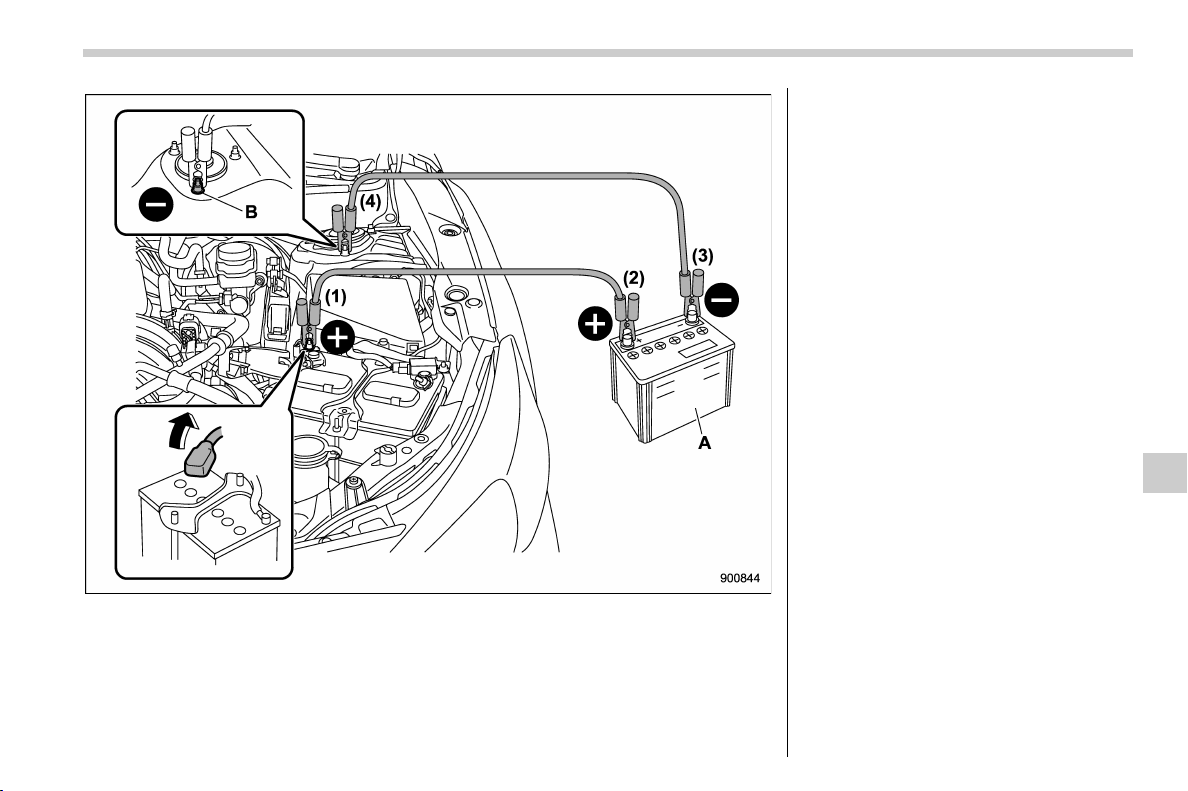
(375,1)
北米Model "A1320BE-C" EDITED: 2017/ 10/ 10
A) Booster battery
B) Strut mounting nut
(1) Connect one jumper cable to the
positive (+) terminal on the discharged
battery.
(2) Connect the other end of the
jumper cable to the positive (+) term-
inal of the booster battery.
(3) Connect one end of the other cable
to the negative (−) terminal of the
booster battery.
(4) Connect the other end of the cable
to the strut mounting nut of the vehicle
with the discharged battery.
Make sure that the cables are not near any
moving parts and that the cable clamps are
not in contact with any other metal.
5. Start the engine of the vehicle with the
booster battery and run it at moderate
speed. Then start the engine of the vehicle
that has the discharged battery.
6. When finished, carefully disconnect
the cables in exactly the reverse order.
In case of emergency/Jump starting
9-11
9

(376,1)
北米Model "A1320BE-C" EDITED: 2017/ 10/ 10
Engine overheating
WARNING
Never attempt to remove the radiator
cap until the engine has been shut
off and has fully cooled down. When
the engine is hot, the coolant is
under pressure. Removing the cap
while the engine is still hot could
release a spray of boiling hot cool-
ant, which could burn you very
seriously.
If the engine overheats, safely pull off the
road and stop the vehicle in a safe
location.
& If steam is coming from the
engine compartment
. Turn the ignition switch to the “LOCK”/
“OFF” position and get everyone away
from the vehicle until it cools down.
. Contact an authorized SUBARU deal-
er.
& If no steam is coming from the
engine compartment
1. Keep the engine running at idling
speed.
2. Open the engine hood to ventilate the
engine compartment. Refer to “Engine
hood” F11-5.
Confirm that the cooling fan is turning. If
the fan is not turning, immediately turn off
the engine and contact an authorized
SUBARU dealer for repair.
3. After the coolant temperature high
warning light that has blinked or illumi-
nated in RED turns off, turn off the engine.
For details about the warning light, refer to
“Coolant temperature low indicator light/
Coolant temperature high warning light”
F3-16.
4. After the engine has fully cooled down,
check the coolant level in the reserve tank.
If the coolant level is below the “LOW”
mark, add coolant up to the “FULL” mark.
NOTE
For details about how to check the
coolant level or how to add coolant,
refer to “Engine coolant ” F11-11.
5. If there is no coolant in the reserve
tank, add coolant to the reserve tank. Then
remove the radiator cap and fill the radiator
with coolant.
If you remove the radiator cap from a hot
radiator, first wrap a thick cloth around the
radiator cap, then turn the cap counter-
clockwise slowly without pressing down
until it stops. Release the pressure from
the radiator. After the pressure has been
fully released, remove the cap by pressing
down and turning it.
In case of emergency/Engine overheating
9-12
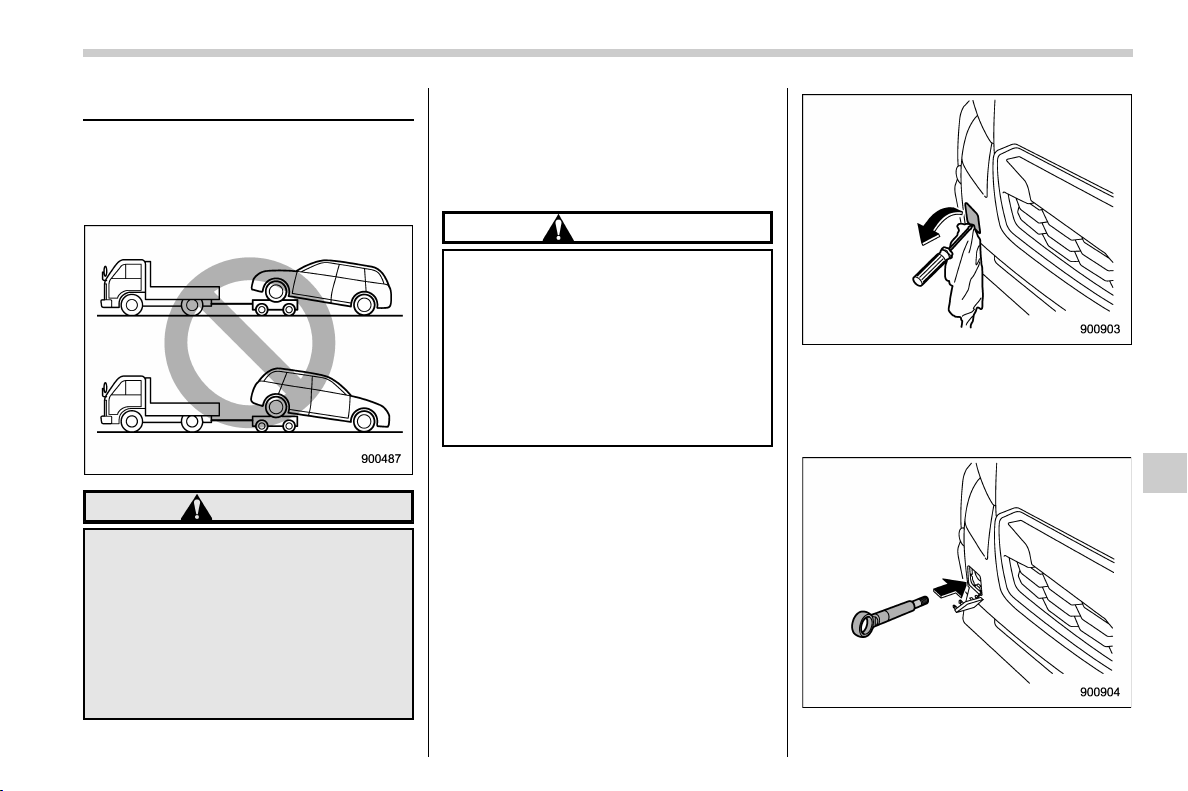
(377,1)
北米Model "A1320BE-C" EDITED: 2017/ 10/ 10
Towing
If towing is necessary, it is best done by
your SUBARU dealer or a commercial
towing service. Observe the following
procedures for safety.
WARNING
Never tow AWD models with the
front wheels raised off the ground
while the rear wheels are on the
ground, or with the rear wheels
raised off the ground while the front
wheels are on the ground. This will
cause the vehicle to spin away due
to the operation or deterioration of
the center differential.
& Towing hooks and tie-down
hooks/holes
The towing hooks should be used only in
an emergency (e.g., to free a stuck vehicle
from mud, sand or snow).
CAUTION
. Use only the specified towing
hooks and tie-down hooks/holes.
Never use suspension parts or
other parts of the body for towing
or tie-down purposes.
. To prevent deformation to the
front bumper and the towing
hook, do not appl y excessive
lateral load to the towing hooks.
! Front towing hook
1. Take the towing hook and screwdriver
out of the tool bucket. Take the jack handle
out of the cargo area.
2. Cover the tip of a flat-head screwdriver
with vinyl tape or cloth so that it will not
scratch the bumper. Insert the flat-head
screwdriver into the cutout of the cover and
pry open the cover.
3. Screw the towing hook into the thread
– CONTINUED –
In case of emergency/Towing
9-13
9
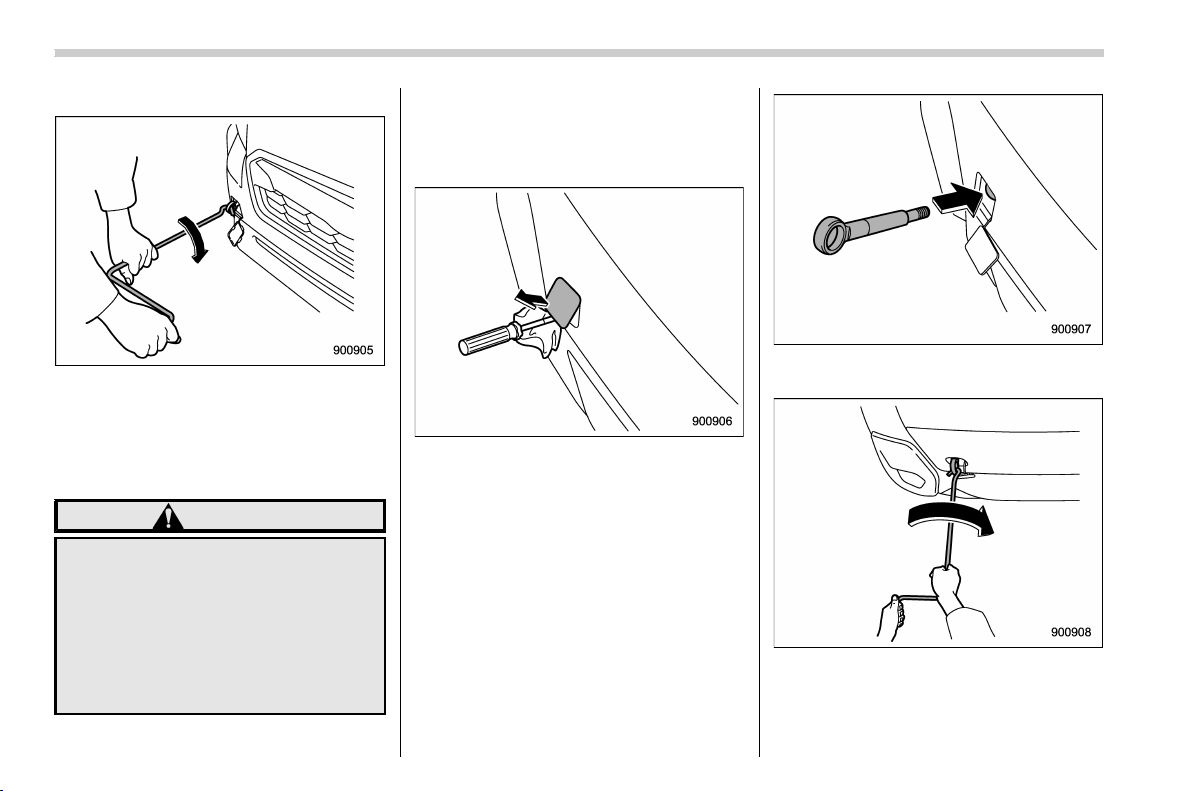
(378,1)
北米Model "A1320BE-C" EDITED: 2017/ 10/ 10
hole until its thread can no longer be seen.
4. Tighten the towing hook securely using
the jack handle.
After towing, remove the towing hook from
the vehicle and stow it in the tool bucket.
Fit the towing hook cover on the bumper.
WARNING
. Do not use th e towing hook
except when towing your vehicle.
. Be sure to remove the towing
hook after towing. Leaving the
towing hook mounted on the
vehicle could interfere with prop-
er operation of the SRS airbag
system in a frontal collision.
! Rear towing hook
1. Take the towing hook and screwdriver
out of the tool bucket. Take the jack handle
out of the cargo area.
2. Cover the tip of a flat-head screwdriver
with vinyl tape or cloth so that it will not
scratch the bumper. Pry off the cover on
the rear bumper using a screwdriver, and
you will find a threaded hole for attaching
the towing hook.
3. Screw the towing hook into the thread
hole until its thread can no longer be seen.
4. Tighten the towing hook securely using
the jack handle.
After towing, remove the towing hook from
In case of emergency/Towing
9-14
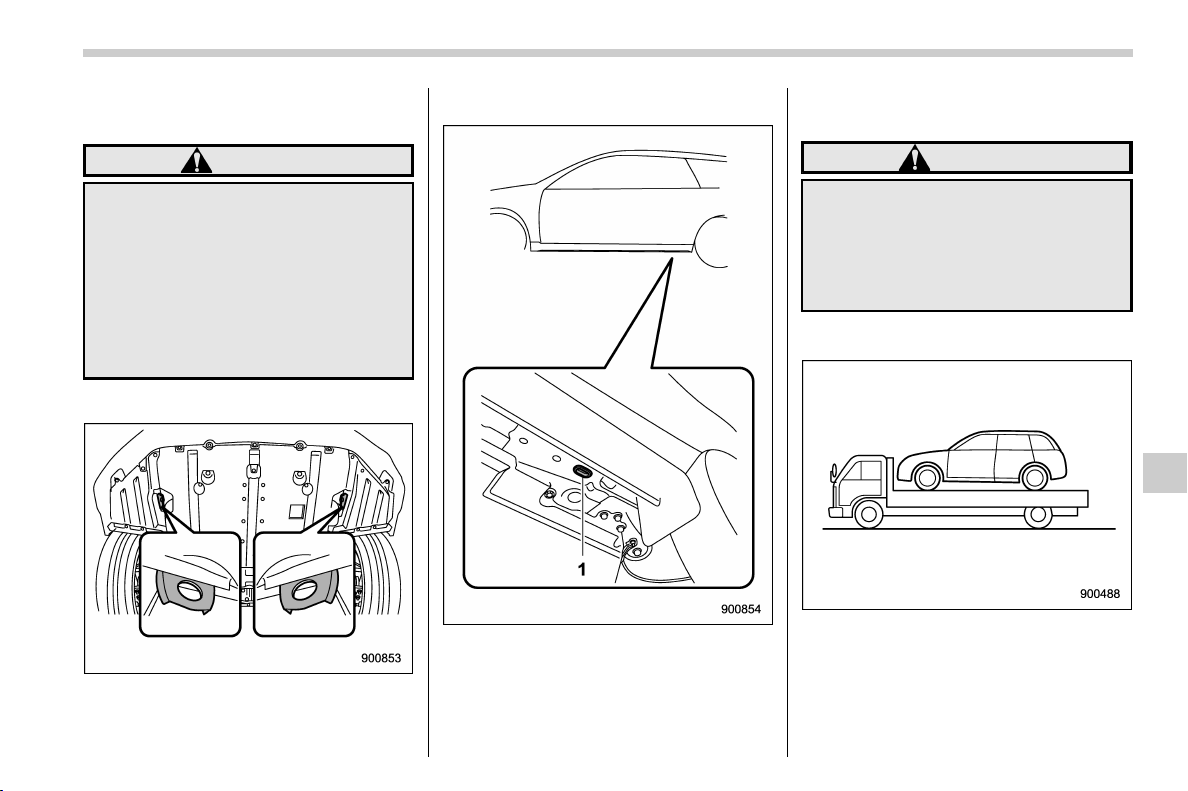
(379,1)
北米Model "A1320BE-C" EDITED: 2017/ 10/ 10
the vehicle and stow it in the tool bucket.
Fit the towing hook cover on the bumper.
WARNING
. Do not use th e towing hook
except when towing your vehicle.
. Be sure to remove the towing
hook after towing. Leaving the
towing hook mounted on the
vehicle could interfere with prop-
er operation of the fuel pump
shut off function when the vehi-
cle is struck from behind.
! Front tie-down hooks
The front tie-down hooks are located
between each of the front tires and the
front bumper.
! Rear tie-down holes
1) Rear tie-down hole
The rear tie-down holes are located near
each of the jack-up reinforcements.
There is a plug in each rear tie-down hole.
To use the rear tie-down holes, remove the
plugs. After using the rear tie-down holes,
return the plugs to their original places.
WARNING
Use the rear tie-down holes only for
downward anchoring. If they are
used to anchor the vehicle in any
other direction, cables may slip out
of the holes, possibly causing a
dangerous situation.
& Using a flat-bed truck
This is the best way to transport your
vehicle. Use the following procedures to
ensure safe transportation.
1. Shift the select le ver into the “P”
position for CVT models. Shift the shift
lever into the “1st” position for MT models.
– CONTINUED –
In case of emergency/Towing
9-15
9

(380,1)
北米Model "A1320BE-C" EDITED: 2017/ 10/ 10
2. Pull up the parking brake lever firmly.
3. Secure the vehicle onto the carrier
properly with safety chains. Each safety
chain should be equally tightened and care
must be taken not to pull the chains so
tightly that the suspension bottoms out.
CAUTION
If your vehicle has a bumper under
guard (optional), be careful not to
scrape it when placing the vehicle
on the carrier and when removing
the vehicle from the carrier.
& Towing with all wheels on the
ground
1. Release the parking brake and put the
transmission in the neutral position (CVT
and MT).
2. The ignition switch should be in the
“ON” position while the vehicle is being
towed.
3. Take up slack in the towline slowly to
prevent damage to the vehicle.
WARNING
. Never turn the ignition switch to
the “LOCK”/“OFF” position while
the vehicle is being towed be-
cause the steering wheel and the
direction of the wheels will be
locked.
. Remember that the brake booster
and power steering do not func-
tion when the engine is not run-
ning. Because the engine is
turned off , it will take greater
effort to operate the brake pedal
and steering wheel.
CAUTION
. If transmissi on failure occurs,
transport your vehicle on a flat-
bed truck.
. For CVT models, the traveling
speed must be limited to less
than 20 mph (30 km/h) and the
traveling distance to less than 31
miles (50 km). For greater speeds
and distances, transport your
vehicle on a flat-bed truck.
In case of emergency/Towing
9-16
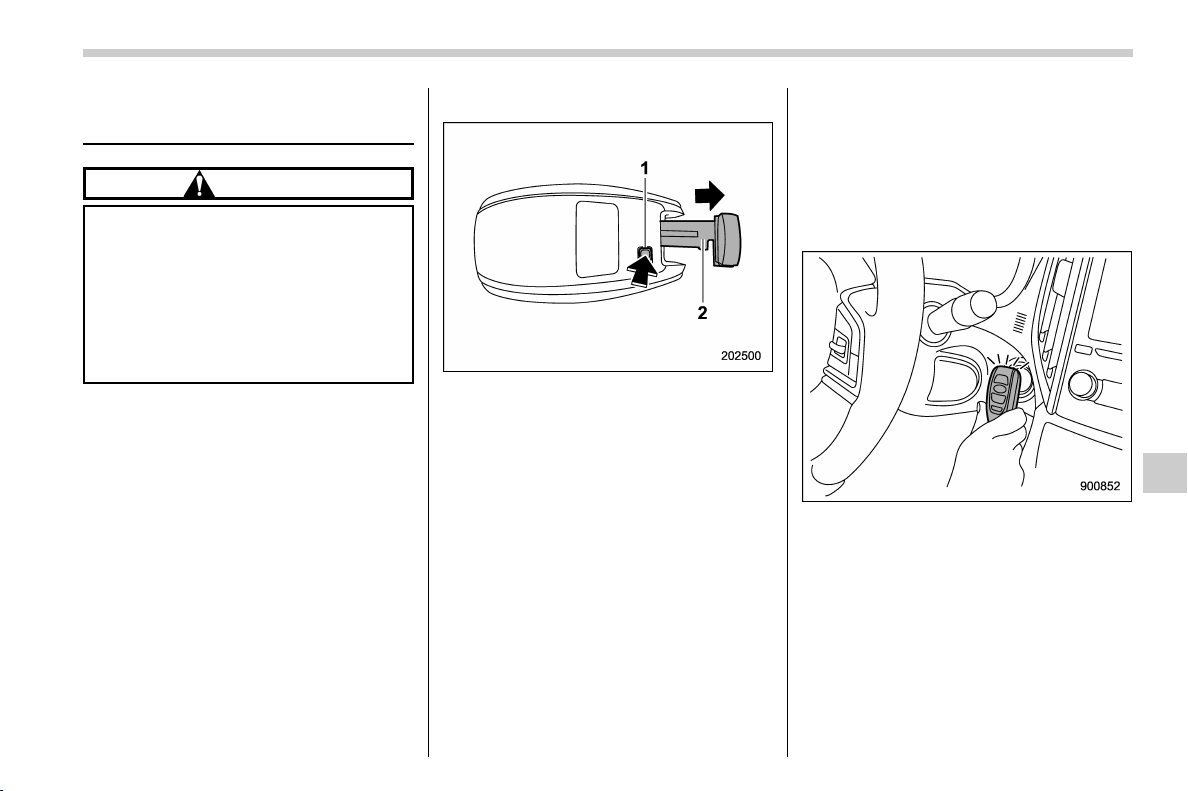
(381,1)
北米Model "A1320BE-C" EDITED: 2017/ 10/ 10
Access key fob – if access key
fob does not operate properly
CAUTION
Keep metallic objects, magnetic
sources and signal transmitters
away from the area between the
access key fob and the push-button
ignition switch. They may interfere
with the communication between
the access key fob and the push-
button ignition switch.
The following functions may be inoperable
because of strong radio signals in the
surrounding area or a low battery condition
of the access key fob.
. Locking/unlocking doors (including the
rear gate)
. Switching power status
. Starting engine
In such cases, perform the following
procedure. When the battery of the access
key fob is discharged, replace it with a new
one. Refer to “Replacing battery of access
key fob” F11-43.
& Locking and unlocking
1) Release button
2) Emergency key
While pressing the release button of the
access key fob, take out the emergency
key.
Lock or unlock the driver’s door with the
emergency key in the procedure described
in “Locking and unlocking from the out-
side” F2-21.
NOTE
After locking or unlocking, be sure to
attach the emergency key back to the
access key fob.
& Switching power status
1. Apply the parking brake.
2. Shift the shift lever to neutral (MT
models) or the select lever to the “P”
(Park) position (CVT models).
3. Depress the clutch pedal (MT models)
or the brake pedal (CVT models).
4. Hold the access key fob with the
buttons facing you, and touch the push-
button ignition switch with it.
When the communication between the
access key fob and the vehicle is com-
pleted, a chime (ding) will sound. At the
same time, the status of the push-button
ignition switch changes to either of the
following.
. When the keyless access with push-
button start system is deactivated:
– CONTINUED –
In case of emergency/Access key fob – if access key fob does not operate properly
9-17
9
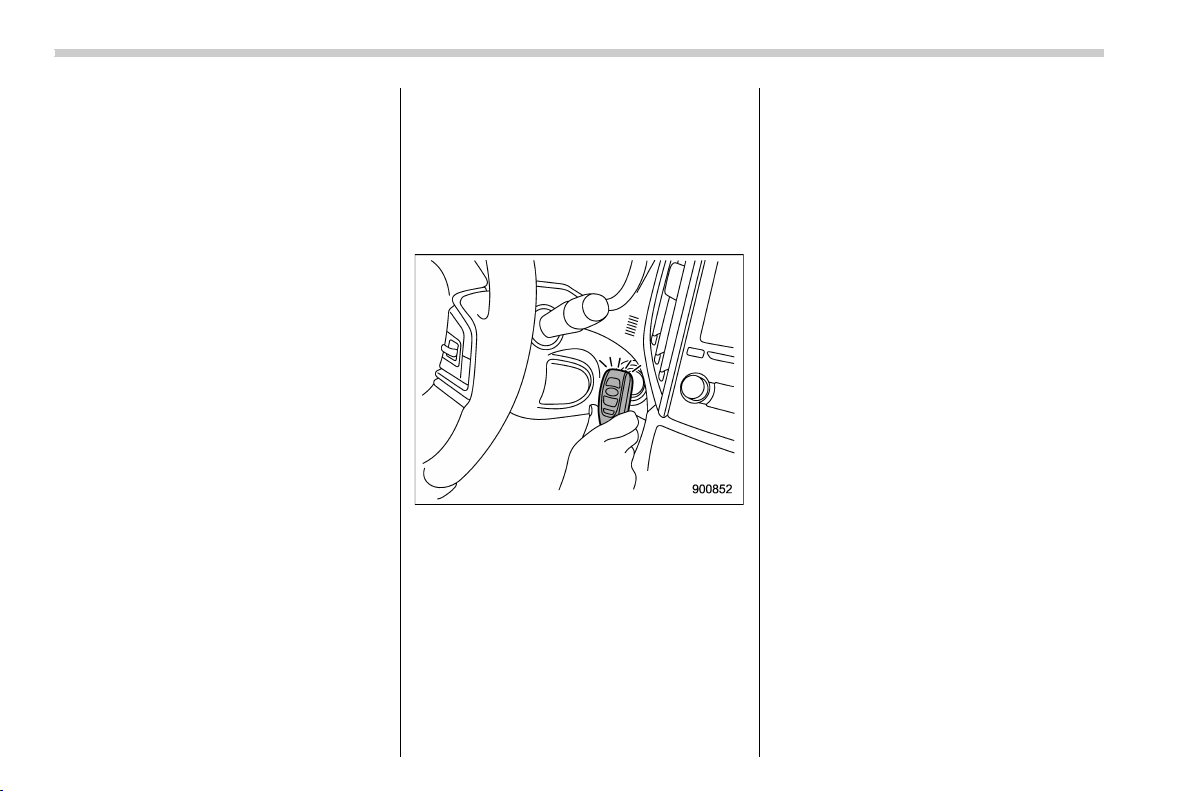
(382,1)
北米Model "A1320BE-C" EDITED: 2017/ 10/ 10
“ACC”
. Under other conditions: “ON”
5. When the keyless access with push-
button start system is deactivated, press
the push-button ignition switch with the
clutch pedal (MT models) or the brake
pedal (CVT models) released. The status
of the push-button ignition switch then
changes to “ON”.
NOTE
If the power does not switch even
though the above procedure was fol-
lowed precisely, contact your SUBARU
dealer.
& Starting engine
1. Apply the parking brake.
2. Shift the shift lever to neutral (MT
models) or the select lever to the “P”
(Park) position (CVT models).
3. Depress the brake pedal.
4. Depress the clutch pedal (MT models).
5. Holdtheaccesskeyfobwiththe
buttons facing you, and touch the push-
button ignition switch with it.
When the communication between the
access key fob and the vehicle is com-
pleted, a chime (ding) will sound. At the
same time, the push-button ignition switch
turns to the “ACC” or “ON” position.
6. After the push-button ignition switch
turns to the “ACC” or “ON” position, while
depressing the brake pedal (all models)
and the clutch pedal (MT models), press
the push-button ignition switch.
NOTE
If the engine does not start even though
the above procedure was followed
precisely, contact your SUBARU dealer.
In case of emergency/Access key fob – if access key fob does not operate properly
9-18
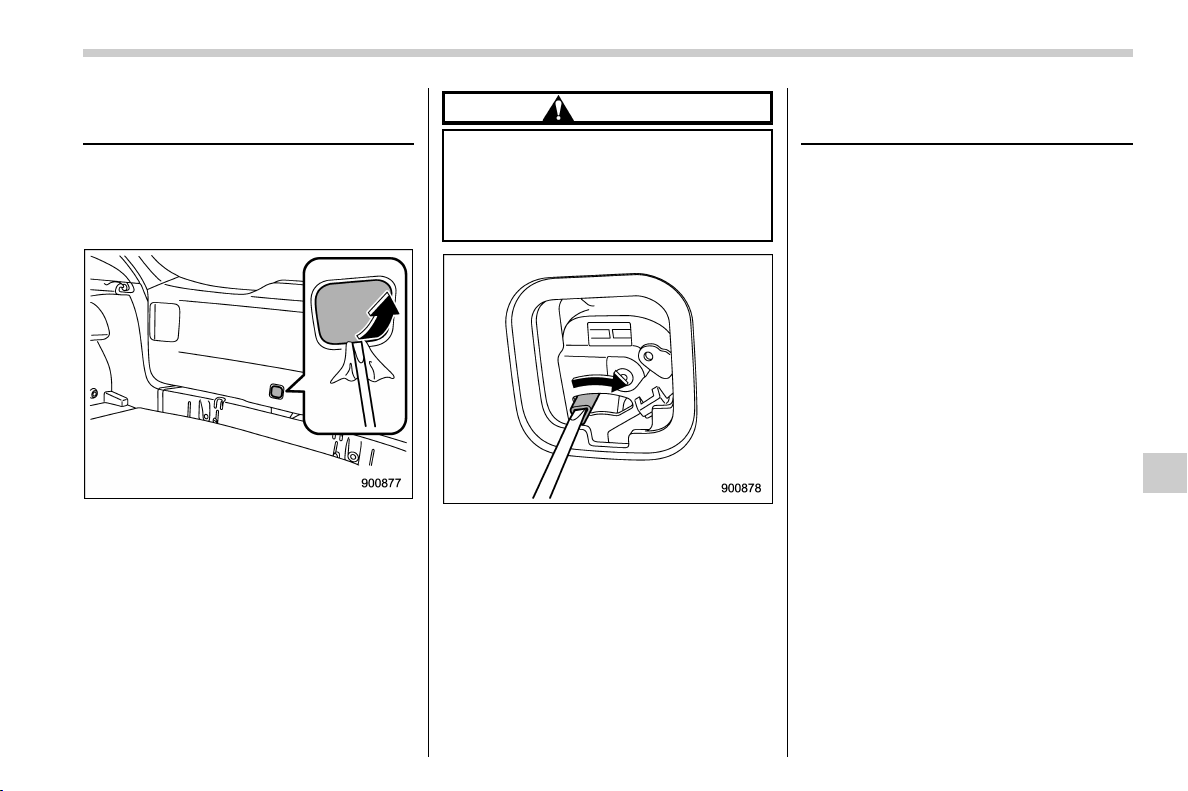
(383,1)
北米Model "A1320BE-C" EDITED: 2017/ 10/ 10
Rear gate – if the rear gate
cannot be opened
In the event that you cannot open the rear
gate by operating the rear gate opener
button, you can open it from inside the
cargo area.
1. Remove the access cover at the
bottom-center of the rear gate trim using
a flat-head screwdriver wrapped with vinyl
tape or a cloth.
2. Locate the rear gate open lever behind
the rear gate trim panel.
CAUTION
Never operate the rear gate open
lever with fingers because doing so
may cause an injury. Always use a
flat-head screwdriver or a similar
tool.
3. To open the rear gate, turn the lever to
the right position using a flat-head screw-
driver or a similar tool.
Moonroof (if equipped) – if the
moonroof does not close
If the moonroof do es not cl ose, we
recommend that you have the system
checked by a SUBARU dealer.
In case of emergency/Rear gate – if the rear gate cannot be opened
9-19
9
(384,1)
北米Model "A1320BE-C" EDITED: 2017/ 10/ 10
If your vehicle is involved in
an accident
CAUTION
If y our vehicle is involved in an
accident, be sure to inspect the
ground under the vehicle before
restarting the engine. If you find that
fuel has leaked on the ground, do
not try to restart the engine. The fuel
system has been damaged and is in
need of repair. Immediately contact
the nearest automotive service facil-
ity. We recommend that you consult
your SUBARU dealer.
Your vehicle has a fuel pump shut off
system. When the vehicle sustains an
impact in an accident, etc., the fuel pump
shut off system stops supplying the fuel in
order to minimize fuel leakage. However,
depending on the impact conditions at the
time of collision, the fuel pump shut-off
system may not operate.
Perform the following procedures to restart
the engine after the system is activated.
Models without “keyless access with
push-button start system”:
1. Turn the ignition switch to the “LOCK”
or “ACC” position.
2. Restart the engine.
Models with “keyless access with
push-button start system”:
1. Turn the push-button ignition switch to
the “ACC” or “OFF” position.
2. Restart the engine.
In case of emergency/If your vehicle is involved in an accident
9-20

(387,1)
北米Model "A1320BE-C" EDITED: 2017/ 10/ 10
Exterior care.......................................................... 10-2
Washing ...............................................................10-2
Waxing and polishing............................................ 10-3
Cleaning alloy wheels ........................................... 10-4
Corrosion protection ............................................ 10-4
Most common causes of corrosion .......................10-4
To help prevent corrosion .....................................10-5
Cleaning the interior............................................. 10-5
Seat fabric............................................................10-5
Leather seat materials .......................................... 10-6
Synthetic leather upholstery .................................10-6
Seatbelt................................................................10-6
Climate control panel, audio panel, instrument
panel, console panel, and switches....................10-6
Monitor................................................................. 10-7
Appearance care
10
(388,1)
北米Model "A1320BE-C" EDITED: 2017/ 10/ 10
Exterior care
& Washing
CAUTION
. When washing the vehicle, the
brakes may get wet. As a result,
the brake stopping distance will
be longer. To dry the brakes, drive
the vehicle at a safe speed while
lightly depressing the brake ped-
al to heat up the brakes.
. Do not wash the engine compart-
ment and area adjacent to it. If
water enters the engine air intake
or electrical parts, it will cause
engine trouble or a malfunction
of electrical equipment.
. When washing inner fenders, un-
derbody, bumpers and protrud-
ing objects such as exhaust
pipes and exhaust finishers, be
careful to prevent injuries from
contacting sharp ends.
. Do not use any organic solvents
when washing the surface of the
bulb assembly cover. However, if
a detergent with organic solvents
is used to wash the cover sur-
face, completely rinse off the
detergent with water. Otherwise,
the cover surface may be da-
maged.
. Since your vehicle is equipped
with a rear wiper, automatic car-
wash brushes could become
tangled around it, damaging the
wiper arm and other compo-
nents. Ask the automatic car-
wash operator not to let the
brushes touch the wiper arm or
to fix the wiper arm on the rear
window glass with adhesive tape
before operating the machine.
. For models with a rod-type roof
antenna, remove the antenna rod
before washing your car at a car
wash. If the antenna rod remains
attached, it may scratch the roof.
When reinstalling the removed
antenna rod, be sure to fully
tighten it.
NOTE
. When having your vehicle washed in
an automatic car wash, make sure
beforehand that the car wash is of
suitable type.
. The rear view camera lens has a hard
coating to help prevent scratches.
However, when washing the vehicle or
cleaning the camera lens, be careful not
to scratch the camera lens. Do not use a
washing brush directly on the camera
lens. The image quality of the rear view
camera may deteriorate.
The best way to preserve your vehicle’s
beauty is frequent washing. Wash the
vehicle at least once a month to avoid
contamination by road grime.
Wash dirt off with a wet sponge and plenty
of lukewarm or cold water. Do not wash the
vehicle with hot water and in direct sun-
light.
Salt, chemicals, insects, tar, soot, tree sap,
and bird droppings should be washed off
by using a light detergent, as required. If
you use a light detergent, make certain
that it is a neutral detergent. Do not use
strong soap or chemical detergents. All
cleaning agents should be promptly
flushed from the surface and not allowed
to dry there. Rinse the vehicle thoroughly
with plenty of lukewarm water. Wipe the
remaining water off with a chamois or soft
cloth. Wear rubber gloves and use a hand
brush when washing down underbody,
inner fenders and suspension to effec-
tively remove mud and dirt off.
Appearance care/Exterior care
10-2
(389,1)
北米Model "A1320BE-C" EDITED: 2017/ 10/ 10
! Washing the underbody
Chemicals, salts and gravel used for
deicing road surfaces are extremely cor-
rosive, accelerating the corrosion of un-
derbody components, such as the exhaust
system, fuel and brake lines, brake cables,
floor pan and fenders, and suspension.
Thoroughly flush the underbody and inside
of the fenders with lukewarm or cold water
at frequent intervals to reduce the harmful
effects of such agents.
Mud and sand adhering to the underbody
components may accelerate their corro-
sion.
After driving off-road or on muddy or sandy
roads, wash the mud and sand off the
underbody. Carefully flush the suspension
and axle parts, as they are particularly
prone to mud and sand buildup. Do not use
a sharp-edged tool to remove caked mud.
CAUTION
. Be careful not to damage brake
hoses, sensor harnesses, and
other parts when washing sus-
pension components.
. Be careful not to flush the engine
bottom for a long time. It may
cause damage of some electrical
parts.
! Using a warm water washer
. Keep a good distance of 12 in (30 cm)
or more between the washer nozzle and
the vehicle.
. Do not wash the same area continu-
ously.
. If a stain will not come out easily, wash
by hand. Some warm water washers are of
the high temperature, high pressure type,
and they can damage or deform the resin
parts such as moldings, or cause water to
leak into the vehicle.
& Waxing and polishing
Always wash and dry the vehicle before
waxing and polishing.
Use a good quality polish and wax and
apply them according to the manufac-
turer’s instructions. Wax or polish when
the painted surface is cool.
Be sure to polish and wax the chrome trim,
as well as the painted surfaces. Loss of
wax on a painted surface leads to loss of
the original luster and also quickens the
deterioration of the surface. It is recom-
mended that a coat of wax be applied at
least once a month, or whenever the
surface no longer repels water.
If the appearance of the paint has dimin-
ished to the point where the luster or tone
cannot be restored, lightly polish the sur-
face with a fine-grained compound. Never
polish just the affected area, but include
the surrounding area as well. Always
polish in only one direction. A No. 2000
grain compound is recommended. Never
use a coarse-grained compound. Coarse-
grained compounds have a smaller grain-
size number and could damage the paint.
After polishing with a compound, coat with
wax to restore the original luster. Frequent
polishing with a compound or an incorrect
polishing technique will result in removing
the paint layer and exposing the under-
– CONTINUED –
Appearance care/Exterior care
10-3
10
(390,1)
北米Model "A1320BE-C" EDITED: 2017/ 10/ 10
coat. When in doubt, it is always best to
contact your SUBARU dealer or an auto
paint specialist.
CAUTION
Do not use any agents with organic
solvents on the surface of the bulb
assembly cover. However, if a polish
or wax with organic solvents is
applied to the cover surface, com-
pletely wipe off the polish or wax.
Otherwise, the cover surface may be
damaged.
NOTE
. Be careful not to block the wind-
shield washer nozzles with wax when
waxing the vehicle.
. Do not wipe the rear view camera
with alcohol, benzine or paint thinner.
Otherwise, discoloration may occur. To
remove contamination, wipe the cam-
era with a cloth moistened with diluted
neutral detergent and then wipe it with a
soft, dry cloth.
. When waxing the vehicle, be careful
not to apply the wax to the rear view
camera. If it comes in contact with the
camera, moisten a clean cloth with
diluted neutral detergent to remove
the wax.
& Cleaning alloy wheels
. Promptly wipe the alloy wheels clean of
any kind of grime or agent. If dirt is left on
too long, it may be difficult to clean off.
. Do not use soap containing grit to clean
the wheels. Be sure t o use a neutral
cleaning agent, and later rinse thoroughly
with water. Do not clean the wheels with a
stiff brush or expose them to a high-speed
washing device.
. Clean the vehicle (including the alloy
wheels) with water as soon as possible
when it has been splashed with sea water,
exposed to sea breezes, or driven on
roads treated with salt or other agents.
Corrosion protection
Your SUBARU has been designed and
built to resist corrosion. Special materials
and protective finishes have been used on
most parts of the vehicle to help maintain
fine appearance, strength, and reliable
operation.
& Most common causes of cor-
rosion
The most common causes of corrosion
are:
. The accumulation of moisture retaining
dirt and debris in body panel sections,
cavities, and other areas.
. Damage to paint and other protective
coatings caused by gravel and stone chips
or minor accidents.
Corrosion is accelerated on the vehicle
when:
. It is exposed to road salt or dust control
chemicals, or used in coastal areas where
there is more salt in the air, or in areas
where there is considerab le industr ial
pollution.
. It is driven in areas of high humidity,
especially when temperatures range just
above freezing.
. Dampness in certain parts of the
Appearance care/Corrosion protection
10-4
(391,1)
北米Model "A1320BE-C" EDITED: 2017/ 10/ 10
vehicle remains for a long time, even
though other parts of the vehicle may be
dry.
. High temperatures will cause corrosion
to parts of the vehicle which cannot dry
quickly due to lack of proper ventilation.
& To help prevent corrosion
Wash the vehicle regularly to prevent
corrosion of the body and sus pension
components. Also, wash the vehicle
promptly after driving on any of the
following surfaces.
. roads that have been salted to prevent
them from freezing in winter
. mud, sand, or gravel
. coastal roads
After the winter has ended, it is recom-
mended that the underbody be given a
very thorough washing.
Before the beginning of winter, check the
condition of underbody components, such
as the exhaust system, fuel and brake
lines, brake cables, suspension, steering
system, floor pan, and fenders. If any of
them are found to be rusted, they should
be given an appropriate rust prevention
treatment or should be replaced. Contact
your SUBARU dealer to perform this kind
of maintenance and treatment if you need
assistance.
Repair chips and scratches in the paint as
soon as you find them.
Check the interior of the vehicle for water
and dirt accumulation under the floor mats
because that could cause corrosion. Oc-
casionally check under the mats to make
sure the area is dry.
Keep your garage dry. Do not park your
vehicle in a damp, poorly ventilated gar-
age. In such a garage, corrosion can be
caused by dampness. If you wash the
vehicle in the garage or put the vehicle into
the garage when wet or covered with
snow, that can cause dampness.
If your vehicle is operated in cold weather
and/or in areas where road salts and other
corrosive materials are used, the door
hinges and locks, rear gate lock, and hood
latch should be inspected and lubricated
periodically.
Cleaning the interior
Use a soft, damp cloth to clean the climate
control panel, audio equipment, instru-
ment panel, center console, combination
meter panel, and switches. (Do not use
organic solvents.)
CAUTION
Do not use sharp instruments or
window cleaner containing abra-
sives to clean the inner surface of
the rear window. They may damage
the conductors printed on the win-
dow.
& Seat fabric
Remove loose dirt, dust or debris with a
vacuum cleaner. If the dirt is caked on the
fabric or hard to remove with a vacuum
cleaner, use a soft brush then vacuum it.
Wipe the fabric surface with a tightly wrung
cloth and dry the seat fabric thoroughly. If
the fabric is still dirty, wipe using a solution
of mild soap and lukewarm water then dry
thoroughly.
If the stain does not come out, try a
commercially-available fabric cleaner.
Use the cleaner on a hidden place and
– CONTINUED –
Appearance care/Cleaning the interior
10-5
10
(392,1)
北米Model "A1320BE-C" EDITED: 2017/ 10/ 10
make sure it does not affect the fabric
adversely. Use the cleaner according to its
instructions.
CAUTION
When cleaning the seat, do not use
benzine, paint thinner, or any similar
materials. Doing so could damage
the surface and cause the color to
deteriorate.
& Leather seat materials
The leather used by SUBARU is a high
quality natural product which will retain its
distinctive appearance and feel for many
years with proper care.
Allowing dust or road dirt to build up on the
surface can cause the material to become
brittle and to wear prematurely. Regular
cleaning with a soft, moist, natural fiber
cloth should be performed monthly, taking
care not to soak the leather or allow water
to penetrate the stitched seams.
A mild det ergent suitable for cleaning
woolen fabrics may be used to remove
difficult dirt spots, rubbing with a soft, dry
cloth afterwards to restore the luster. If
your SUBARU is to be parked for a long
time in bright sunlight, it is recommended
that the seats and head restraints be
covered, or the windows shaded, to pre-
vent fading or shrinkage.
Minor surface blemishes or bald patches
may be treated with a commercial leather
spray lacquer. You will discover that each
leather seat section will develop soft folds
or wrinkles, which is characte risti c of
genuine leather.
& Synthetic leather upholstery
The synthetic leather material used on the
SUBARU may be cleaned using mild soap
or detergent and water, after first vacuum-
ing or brushing away loose dirt. Allow the
soap to soak in for a few minutes and wipe
off with a clean, damp cloth. Commercial
foam-type cleaners suitable for synthetic
leather materials may be used when
necessary.
CAUTION
Strong cleaning agents such as
solvents, paint thinners, window
cleaner or fuel must never be used
on leather or synthetic interior ma-
terials. Doing so could damage the
surface and cause the color to
deteriorate.
& Seatbelt
For details about how to clean the seatbelt,
refer to “Seatbelt maintenance” F1-20.
& Climate control panel, audio
panel, instrument panel, con-
sole panel, and switches
Use a soft, damp cloth to clean the climate
control panel, audio equipment, instru-
ment panel, center console, combination
meter panel, and switches.
CAUTION
. Do not use organic solvents such
as paint thinners or fuel, or
strong cleaning agents that con-
tain those solvents. Doing so
could damage the surface and
cause the color to deteriorate.
. Do not use chemical solvents that
contain silicone on the vehicle
audio system, electrical compo-
nents of the air-condit ioner or
any switches. If silicone adheres
to these parts, it may cause
damage to electrical compo-
nents.
Appearance care/Cleaning the interior
10-6
(393,1)
北米Model "A1320BE-C" EDITED: 2017/ 10/ 10
& Monitor
To clean the audio/navigation/multi func-
tion display monitor, wipe it with a silicone
cloth or with a soft cloth. If the monitor is
extremely dirty, clean it with a soft cloth
moistened with neutral detergent then
carefully wipe off any remaining detergent.
CAUTION
. Do not spray neutral detergent
directly onto the monitor. Doing
so could damage the monitor’s
components.
. Do not wipe the monitor with a
hard cloth. Doing so could
scratch the monitor.
. Do not use cleaning fluid that
contains thinner, fuel, or any
other volatile substance. Such
cleaning fluid could erase the
lettering on the switches at the
bottom of the monitor.
Appearance care/Cleaning the interior
10-7
10

Black plate (2,1)
Model "ALL_MODEL_MEMO" EDITED: 2007/ 6/ 22
Left Page
————————————————————————————————————————
————————————————————————————————————————
————————————————————————————————————————
————————————————————————————————————————
————————————————————————————————————————
————————————————————————————————————————
————————————————————————————————————————
————————————————————————————————————————
————————————————————————————————————————
————————————————————————————————————————
————————————————————————————————————————
————————————————————————————————————————
————————————————————————————————————————

(395,1)
北米Model "A1320BE-C" EDITED: 2017/ 10/ 10
Maintenance schedule.......................................... 11-3
Maintenance precautions ..................................... 11-3
Before checking or servicing in the engine
compartment ...................................................... 11-4
When checking or servicing in the engine
compartment ...................................................... 11-4
When checking or servicing in the engine
compartment while the engine is running ............11-5
Engine hood .......................................................... 11-5
Engine compartment overview ............................ 11-7
Engine oil............................................................... 11-8
Engine oil consumption ........................................ 11-8
Locations of the oil level gauge, oil filler cap
and oil filter ........................................................ 11-8
Checking the oil level............................................ 11-8
Changing the oil and oil filter ................................11-9
Recommended grade and viscosity ..................... 11-10
Synthetic oil........................................................ 11-10
Cooling system ................................................... 11-10
Safety precautions .............................................. 11-10
Cooling fan, hose and connections ..................... 11-11
Engine coolant.................................................... 11-11
Air cleaner element............................................. 11-12
Replacing the air cleaner element........................ 11-13
Spark plugs ......................................................... 11-14
Recommended spark plugs................................. 11-14
Drive belts ........................................................... 11-14
Manual transmission oil ..................................... 11-14
Recommended grade and viscosity ..................... 11-14
Continuously variable transmission fluid.......... 11-15
Front differential gear oil (CVT models) and
rear differential gear oil....................................11-15
Recommended grade and viscosity..................... 11-15
Brake fluid............................................................11-15
Checking the fluid level ...................................... 11-15
Recommended brake fluid .................................. 11-16
Clutch fluid (MT models).....................................11-16
Checking the fluid level ...................................... 11-16
Recommended clutch fluid ................................. 11-17
Brake booster ......................................................11-17
Brake pedal ..........................................................11-18
Checking the brake pedal free play ..................... 11-18
Checking the brake pedal reserve distance ......... 11-18
Clutch pedal (MT models)...................................11-18
Checking the clutch function .............................. 11-18
Checking the clutch pedal free play .................... 11-19
Hill start assist system .......................................11-19
Replacement of brake pad and lining ................ 11-19
Breaking-in of new brake pads and linings.......... 11-20
Parking brake stroke ........................................... 11-20
Tires and wheels .................................................11-21
Types of tires ..................................................... 11-21
Tire pressure monitoring system (TPMS)
(if equipped) .................................................... 11-21
Tire inspection.................................................... 11-22
Tire pressures and wear ..................................... 11-23
Wheel balance .................................................... 11-24
Wear indicators .................................................. 11-25
Maintenance and service
11

(396,1)
北米Model "A1320BE-C" EDITED: 2017/ 10/ 10
Rotational direction of tires ................................. 11-25
Tire rotation........................................................ 11-25
Tire replacement ................................................. 11-26
Wheel replacement ............................................. 11-27
Alloy wheels ........................................................ 11-27
Windshield washer fluid ..................................... 11-28
Adding the windshield washer fluid..................... 11-28
Windshield washer fluid ...................................... 11-28
Replacement of wiper blades ............................ 11-29
Windshield wiper blade assembly........................ 11-29
Window wiper blade rubber................................. 11-30
Rear window wiper blade assembly..................... 11-31
Rear window wiper blade rubber ......................... 11-32
Battery ................................................................. 11-33
Fuses ................................................................... 11-34
Installation of accessories ................................. 11-35
Replacing bulbs ...................................................11-36
Headlights (models with LED headlights) ............ 11-36
Headlights (models with halogen headlights) ... ... 11-36
Front turn signal light ......................................... 11-38
Parking light....................................................... 11-38
Front fog light (if equipped) ................................ 11-38
Rear combination lights...................................... 11-38
Backup light ....................................................... 11-40
License plate light .............................................. 11-40
Map light ............................................................ 11-41
Vanity mirror light (if equipped)........................... 11-41
Dome light and cargo area light .......................... 11-41
Other bulbs ........................................................ 11-42
Replacing key battery .........................................11-42
Safety precautions.............................................. 11-42
Replacing battery of access key fob ................... 11-43
Replacing transmitter battery.............................. 11-44
Maintenance and service
(397,1)
北米Model "A1320BE-C" EDITED: 2017/ 10/ 10
Maintenance schedule
U.S. models
The scheduled maintenance items re-
quired to be serviced at regular intervals
are shown in the “Warranty and Mainte-
nance Booklet”. For details, read the
separate “Warranty and Maintenance
Booklet”.
Canada models
The scheduled maintenance items re-
quired to be serviced at regular intervals
are shown in the “Warranty and Service
Booklet”. For details, read the separate
“Warranty and Service Booklet”.
Except for U.S. and Canada models
Some items of your vehicle are required to
be serviced at scheduled intervals. For
details about your maintenance schedule,
read the separate “Warranty and Main-
tenance Booklet”.
NOTE
For models with a multi-function dis-
play (color LCD), you can set a remin-
der to be displayed when a scheduled
maintenance item is almost due. For
details, refer to “Maintenance settings”
F3-61.
Maintenance precautions
When maintenance and service are re-
quired, it is recommended that all work be
done by an authorized SUBARU dealer.
If you perform maintenance and service by
yourself, you should familiarize yourself
with the information provided in this sec-
tion on general maintenance and service
for your SUBARU.
Incorrect or incomplete service could
cause improper or unsafe vehicle opera-
tion. Any problems caused by improper
maintenance and service performed by
you are not eligible for warranty coverage.
WARNING
. Always select a safe area when
performing maintenance on your
vehicle.
. Always be very careful to avoid
injury when working on the vehi-
cle. Remember that some of the
materials in the vehicle may be
hazardous if improperly used or
handled, for example, battery
acid.
. Your vehicle should only be ser-
viced by persons fully competent
to do so. Serious personal injury
may result to persons not experi-
enced in servicing vehicles.
. Always use the proper tools and
make certain that they are well
maintained.
. Never get under the vehicle sup-
ported only by a jack. Always use
safety stands to support the
vehicle.
. Never keep the engine running in
a poorly ventilated area, such as
a garage or other closed areas.
. Do not smoke or allow open
flames around the fuel or battery.
This will cause a fire.
. Because the fuel system is under
pressure, replacement of the fuel
filter should be performed only
by your SUBARU dealer.
. Wear adequate eye protection to
guard against getting oil or fluids
in your eyes. If something does
get in your eyes, thoroughly
wash them out with clean water.
. Do not tamper with the wiring of
the SRS airbag system or seat-
belt pretensioner system, or at-
tempt to take its connectors
apart, as that may activate the
system or it can render it inop-
– CONTINUED –
Maintenance and service/Maintenance schedule
11-3
11
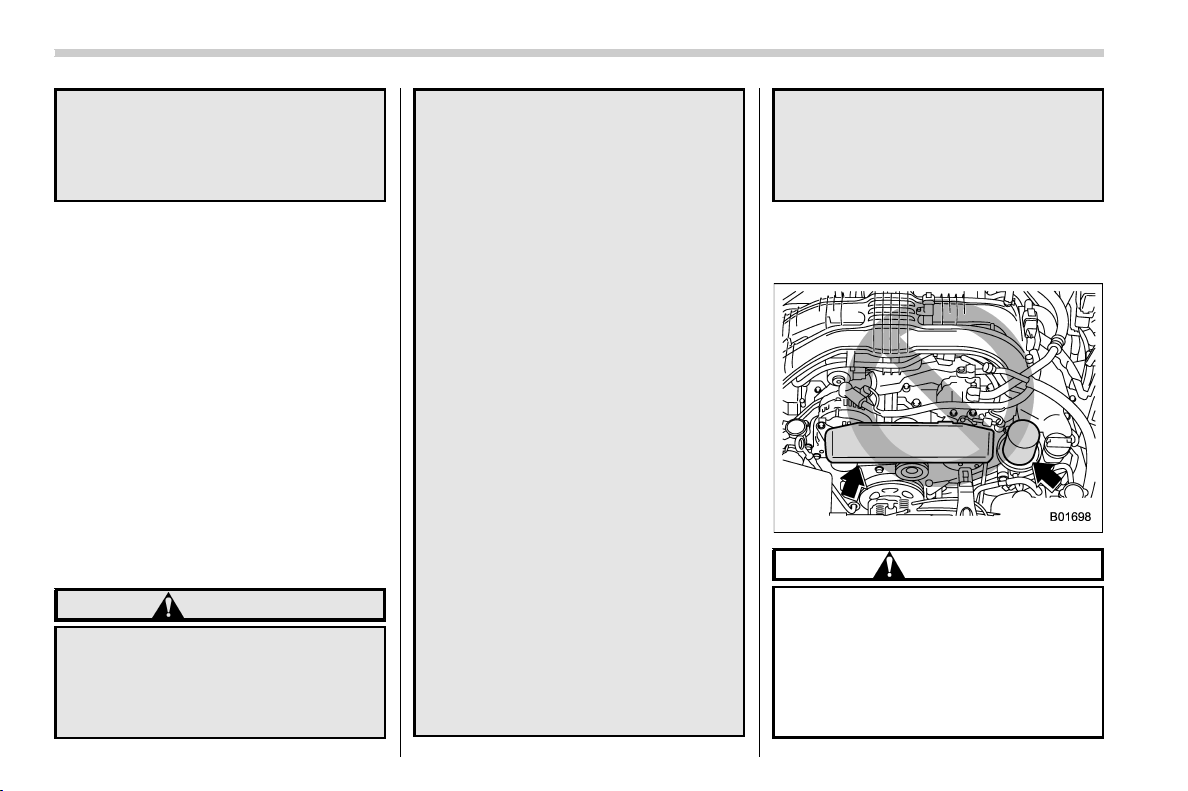
(398,1)
北米Model "A1320BE-C" EDITED: 2017/ 10/ 10
erative. NEVER use a circuit tes-
ter for this wiring. If your SRS
airbag or seatbelt pretensioner
needs service, consult your near-
est SUBARU dealer.
NOTE
SUBARU does not endorse the use of
non-SUBARU approved flushing sys-
tems and strongly advises against
performing these services on a
SUBARU vehicle. Non-SUBARU ap-
proved flushing systems use chemi-
cals and/or solvents which have not
been tested or approved by SUBARU.
SUBARU warranties do not cover any
part of the vehicle which is damaged by
adding or applying chemicals and/or
solvents other than those approved or
recommended by SUBARU.
& Before checking or servicing
in the engine compartment
WARNING
. Always stop the engine and apply
the parking brake firmly to pre-
vent the vehicle from moving.
. Always let the engine cool down.
Engine parts become very hot
when the engine is running and
remain hot for some time after the
engine has stopped.
. Do not spill engine oil, engine
coolant, brake fluid or any other
fluid on hot engine components.
This may cause a fire.
. When the ignition switch is in the
“ON” position, the cooling fan
may operate suddenly even when
the engine is stopped. If your
body or clothes come into con-
tact with a rotating fan, that could
result in serious injury. To avoid
risk of injury, perform the follow-
ing precautions.
– Models with push-button start
system:
Always turn the push-button
ignition switch to the “OFF”
position and confirm that the
operation indicator on the
switch is turned off. Then take
the access key fob out from
the vehicle.
– Mod els without push-button
start system:
Always remove the key from
the ignition switch.
. Before performing any servicing
on a vehicle equipped with a
remote engine start system (a
dealer option), temporarily place
the remote engine start system in
service mode to prevent it from
unexpectedly starting the engine.
& When checking or servicing
in the engine compartment
CAUTION
. Do not contact the drive belt
cover while checking the compo-
nents in the engine compartment.
Doing so may cause your hand to
slip off the cover and result in an
unexpected injury.
. Do not touch the oil filter until the
Maintenance and service/Maintenance precautions
11-4

(399,1)
北米Model "A1320BE-C" EDITED: 2017/ 10/ 10
engine has cooled down comple-
tely. Doing so may result in a burn
or other injury. Note that the oil
filter becomes very hot when the
engine is running and remains
hot for some time after the engine
has stopped.
& When checking or servicing
in the engine compartment
while the engine is running
WARNING
A running engine can be dangerous.
Keep your fingers, hands, clothing,
hair and tools away from the cooling
fan, drive belt and any other moving
engine parts. Removing rings,
watches and ties is advisable.
Engine hood
CAUTION
. When you open the engine hood,
do not stand the wiper blades up.
Furthermore, while the hood is
open, do not operate the wind-
shield wipers. Doing so could
result in damage to the engine
hood and wiper blades.
. Be extremely careful not to catch
fingers or other objects when
closing the engine hood.
. Do not push the hood forcibly to
close it. It could deform the metal.
. Be extremely careful opening the
engine hood when the wind is
strong. The engine hood could
close suddenly, possibly causing
injuries from slamming.
. Do not install accessories other
than genuine SUBARU parts to
the engine hood. If the engine
hood becomes too heavy, t he
stay may not be able to support
holding it open.
To open the hood:
1. If the wiper blades are lifted off the
windshield, return them to their original
position.
2. Pull the hood release knob under the
instrument panel.
– CONTINUED –
Maintenance and service/Engine hood
11-5
11
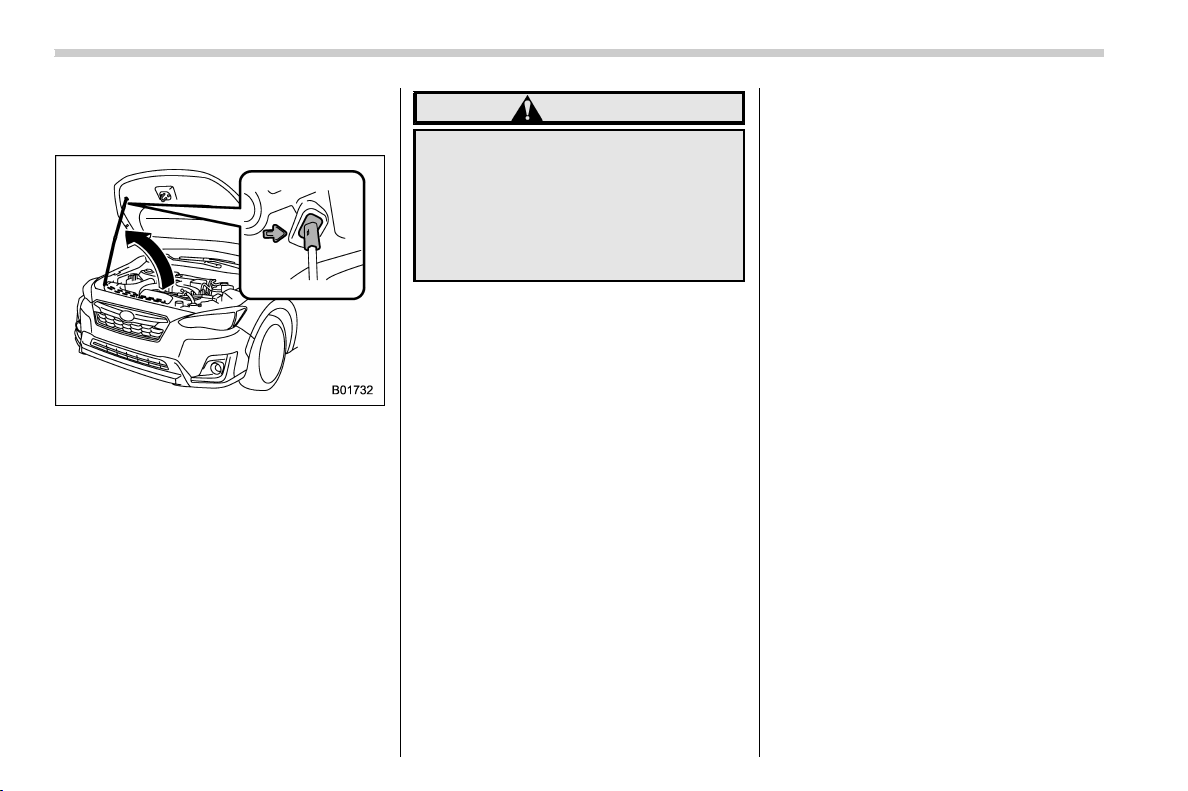
(400,1)
北米Model "A1320BE-C" EDITED: 2017/ 10/ 10
3. Release the secondary hood release
by moving the lever between the front grille
and the hood toward the left.
4. Lift up the hood, release the hood prop
from its retainer and put the end of the
hood prop into the slot in the hood.
To close the hood:
1. Lift the hood slightly and remove the
hood prop from the slot in the hood and
return the prop to its retainer.
2. Lower the hood to a height of approxi-
mately 5.9 in (15 cm) above its closed
position and then let it drop.
3. After closing the hood, be sure the
hood is securely locked.
If this does not close the hood, release it
from a slightly higher position.
WARNING
Always check that the hood is
properly locked before you start
driving. If it is not, it might fly open
while the vehicl e is moving and
block your view, which may cause
an accident and serious bodily in-
jury.
Maintenance and service/Engine hood
11-6
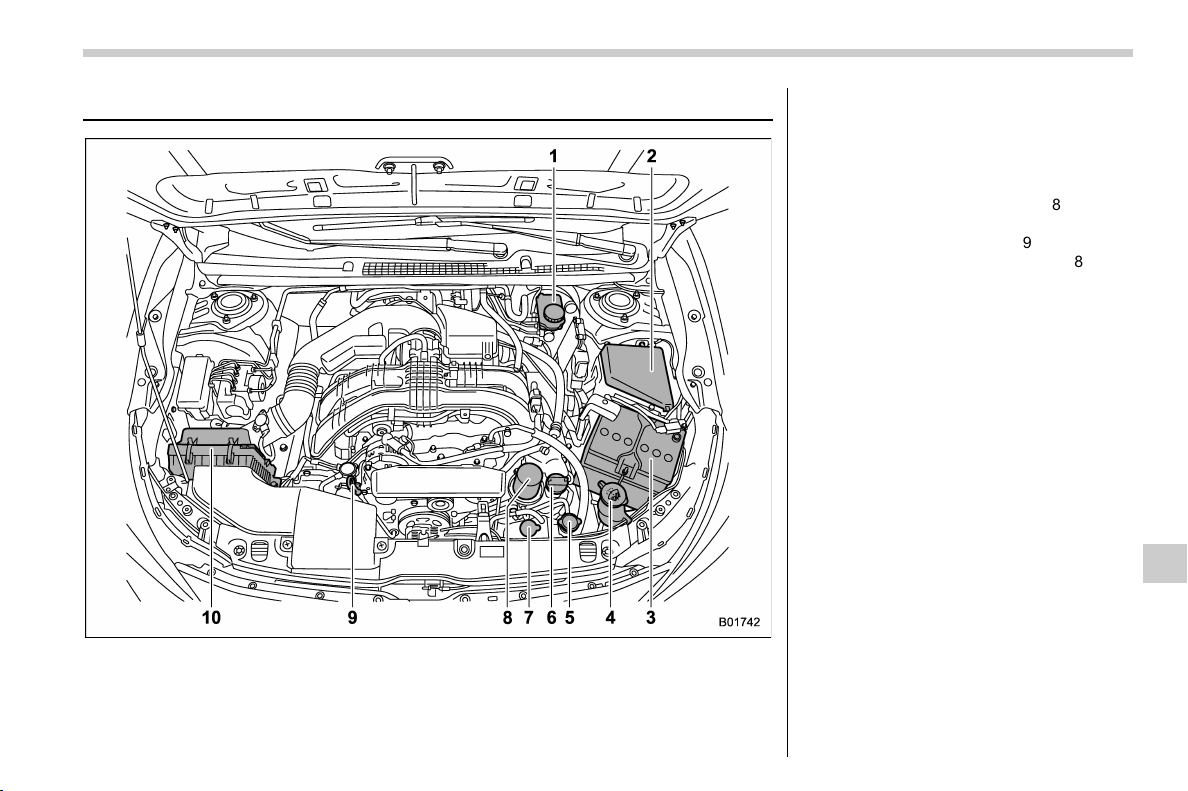
(401,1)
北米Model "A1320BE-C" EDITED: 2017/ 10/ 10
Engine compartment overview
1) Brake fluid reservoir/Clutch fluid reservoir
(MT models) (page 11-15)
2) Fuse box (page 11-34)
3) Battery (page 11-33)
4) Windshield washer tank (page 11-28)
5) Radiator cap (page 11-11)
6) Engine oil filler cap (page 11-8)
7) Engine coolant reservoir (page 11-11)
8) Engine oil filter (page 11-9)
9) Engine oil level gauge (page 11-8)
10) Air cleaner case (page 11-12)
Maintenance and service/Engine compartment overview
11-7
11
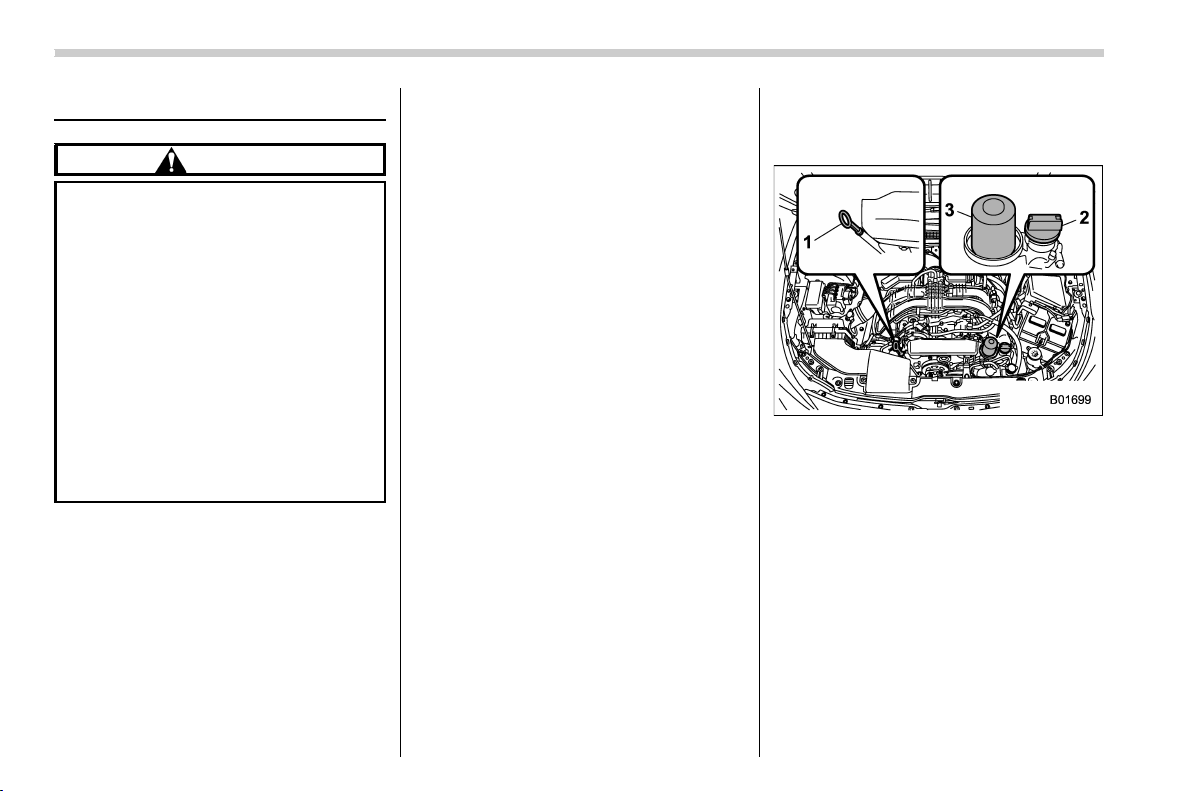
(402,1)
北米Model "A1320BE-C" EDITED: 2017/ 10/ 10
Engine oil
CAUTION
. If the level gauge cannot be
pulled out easily, twist the level
gauge right and left, then gently
pull it out. Otherwise, you may be
injured accidentally stra ining
yourself.
. Use only engine oil with the
recommended grade and v is-
cosity.
. Be careful not to spill engine oil
when adding it. If oil touches the
exhaust pipe, it may cause a bad
smell, smoke, and/or a fire. If
engine oil gets on the exhaust
pipe, be sure to wipe it off.
& Engine oil consumption
Some engine oil will be consumed while
driving. The rate of consumption can be
affected by such factors as transmission
type, driving style, terrain and tempera-
ture. Under the following conditions, oil
consumption can be increased and thus
require refilling between maintenance in-
tervals:
. When the engine is new and within the
break-in period
. When the engine oil is of lower quality
. When the incorrect oil viscosity is used
. When engine braking is employed
(repeatedly)
. When the engine is operated at high
engine speeds (for extended periods of
time)
. When the engine is operated under
heavy loads (for extended periods of time)
. When towing a trailer
. When the engine idles for extended
periods of time
. When the vehicle is operated in stop
and go and/or heavy traffic situations
. When the vehicle is used under severe
thermal conditions
. When the vehicle accelerates and
decelerates frequently
Under these or similar conditions, you
should check your oil at least every 2nd
fuel fill-up and change your engine oil more
frequently. Different drivers in the same
car may experience different results. If
your oil consumption rate is greater than
expected, contact your authorized
SUBARU retailer who may perform a test
under controlled conditions.
& Locations of the oil level
gauge, oil filler cap and oil
filter
1) Oil level gauge
2) Oil filler cap
3) Oil filter
& Checking the oil level
1. Park the vehicle on a level surface and
turn the ignition switch to the “LOCK”/
“OFF” position. If you check the oil level
just after turning the ignition switch to the
“LOCK”/“OFF” position, wait a few minutes
for the oil to drain back into the oil pan
before checking the level.
Maintenance and service/Engine oil
11-8
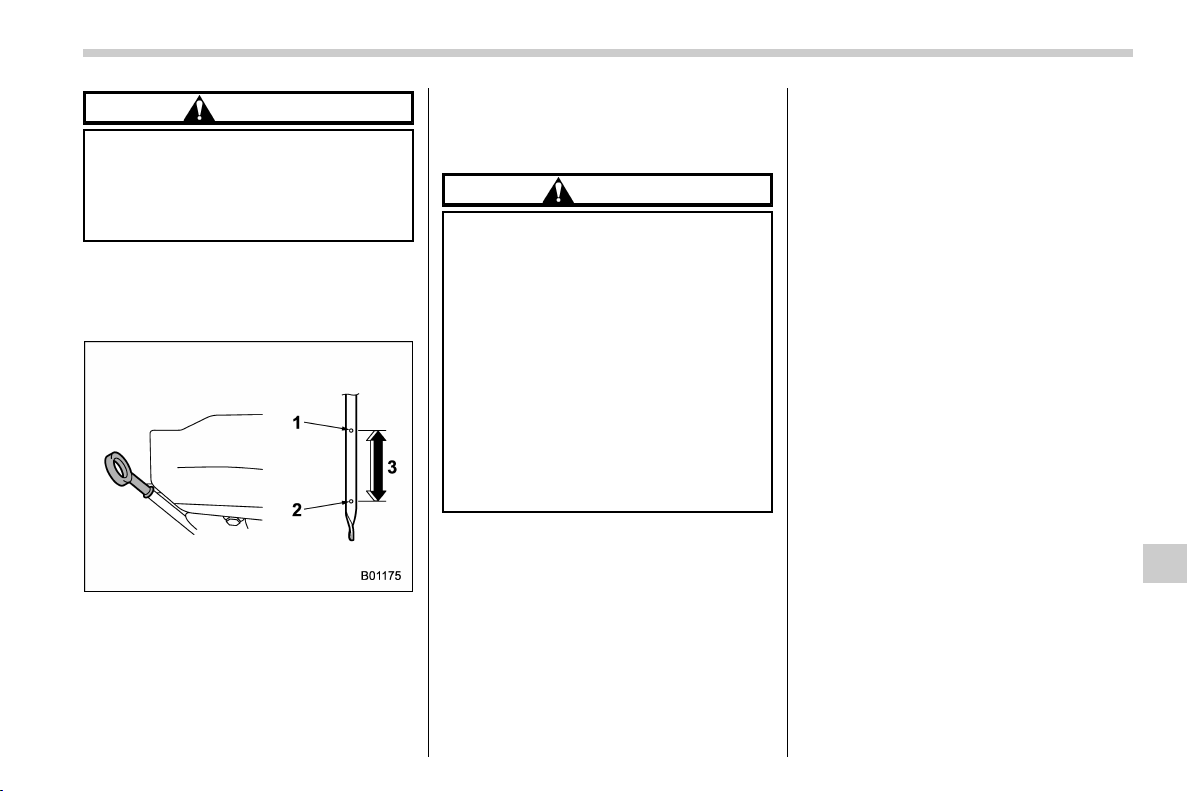
(403,1)
北米Model "A1320BE-C" EDITED: 2017/ 10/ 10
CAUTION
If the level gauge cannot be pulled
out easily, twist the level gauge right
and left, th en gently pull it out.
Otherwise, you may be injured acci-
dentally straining yourself.
2. Pull out the level gauge, wipe it clean,
and insert it again.
3. Be sure the level gauge is correctly
inserted until it stops.
1) Full level
2) Low level
3) Approximately 1.1 US qt (1.0 liter, 0.9 Imp
qt) from low level to full level
4. Pull out the oil level gauge again.
5. Check the oil levels on both sides of the
level gauge. The engine oil level must be
judged by the lowest of the two levels. If
the oil level is below the low level mark,
add oil so that the full level is reached.
CAUTION
. Be careful not to touch the engine
oil filter when removing the oil
filler cap. Doing so may result in a
burn, a pinched finger, or may
cause some other injury.
. Useonlyengineoilwiththe
recommended grade and vis-
cosity.
. Be careful not to spill engine oil
when adding it. If oil touches the
exhaust pipe, it may cause a bad
smell, smoke, and/or a fire. If
engine oil gets on the exhaust
pipe, be sure to wipe it off.
To add engine oil, remove the engine oil
filler cap and slowly pour engine oil
through the filler neck. After pouring oil
into the engine, you must use the level
gauge to confirm that the oil level is
correct.
NOTE
. To prevent overfilling the engine oil,
do not add any additional oil above the
upper level when the engine is cold.
. The engine low oil level warning light
may stay illuminated when the engine
is started straight after topping up or
changing the engine oil. In such cases,
park the vehicle on a level surface and
wait for more than a minute until the oil
level settles, after which the warning
light will turn off. Refer to “Engine low
oil level warning light” F3-18.
& Changing the oil and oil filter
Change the oil and oil filter according to
the maintenance schedule in the “War-
ranty and Maintenance Booklet”.
The engine oil and oil filter must be
changed more frequently than listed in
the maintenance schedule when driving
on dusty roads, when short trips are
frequently made, or when driving in ex-
tremely cold weather.
NOTE
. Changing the engine oil and oil filter
should be performed by a well-trained
expert. Contact your SUBARU dealer
for changing the engine oil and oil filter.
Fully trained mechanics are on standby
at a SUBARU dealer to utilize the
special tools, spare parts and recom-
mended oil for this work, and also, used
oils are properly disposed of.
. If performing oil replacement your-
– CONTINUED –
Maintenance and service/Engine oil
11-9
11
(404,1)
北米Model "A1320BE-C" EDITED: 2017/ 10/ 10
self, observe the local regulations and
dispose of waste oil properly.
& Recommended grade and
viscosity
CAUTION
Use only engine oil with the recom-
mended grade and viscosity.
Refer to “Engine oil” F12-4.
NOTE
Engine oil viscosity (thickness) affects
fuel economy. Oils of lower viscosity
provide better fuel economy. However,
in hot weather, oil of higher viscosity is
required to properly lubricate the en-
gine.
& Synthetic oil
You should use synthetic engine oil that
meets the same requirements given for
conventional engine oil. When using syn-
thetic oil, you must use oil of the same
classification, viscosity and grade shown
in this Owner’s Manual. Refer to “Engine
oil” F12-4. Also, you must follow the oil
and filter changing intervals shown in the
Warranty and Maintenance booklet.
NOTE
Synthetic oil of the grade and viscosity
noted in chapter 12 is the recom-
mended engine oil for optimum engine
performance. Conventional oil may be
used if synthetic oil is unavailable.
Cooling system
& Safety precautions
WARNING
Never attempt to remove the radiator
cap until the engine has been shut
off and has cooled down completely.
Since the coolant is under pressure,
you may suffer serious burns from a
spray of boiling hot coolant when
the cap is removed.
CAUTION
. Vehicles are filled at the factory
with SUBARU Super Coolant that
does not require the first change
for 11 years/137,500 miles (11
years/220,000 km). This coolant
should not be mixed with any
other brand or type of coolant
during this period. Mixing with a
different coolant will reduce the
life of the coolant. Should it be
necessary to top up the coolant
for any reason, use only SUBARU
Super Coolant.
If the SUBARU Super Coolant is
diluted with another brand or
Maintenance and service/Cooling system
11-10
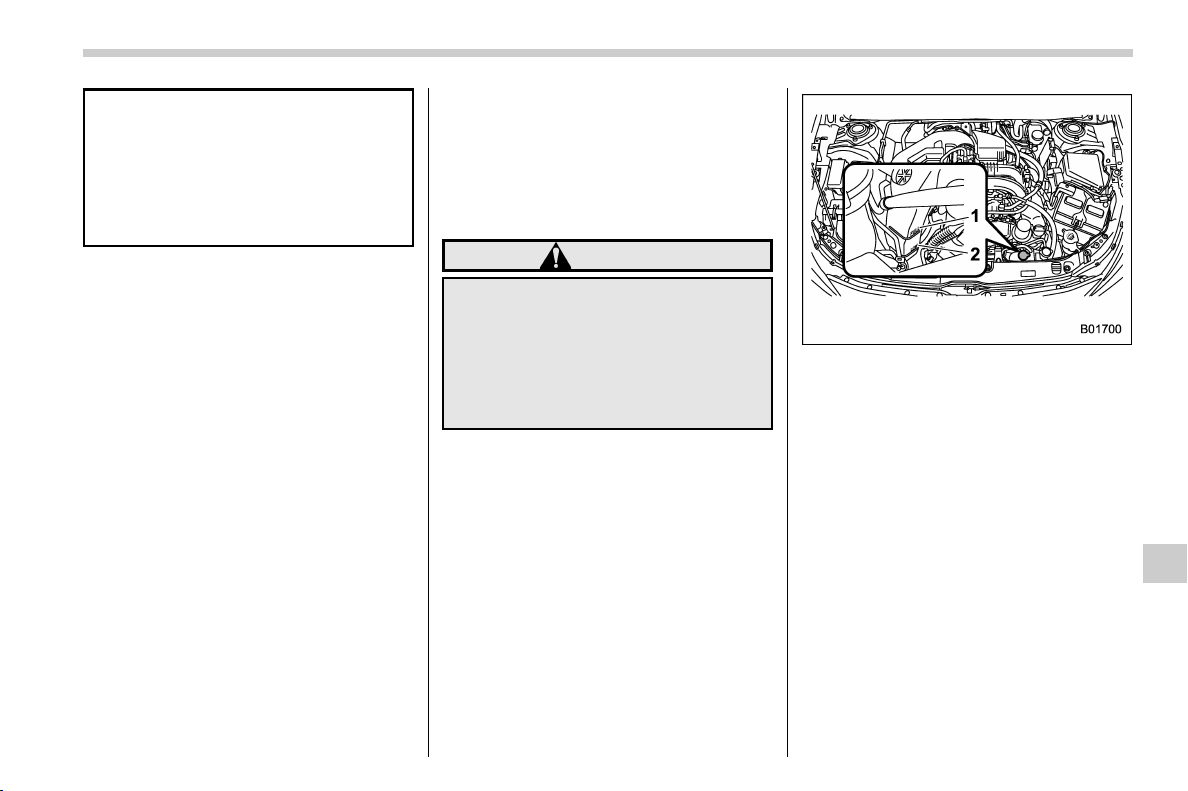
(405,1)
北米Model "A1320BE-C" EDITED: 2017/ 10/ 10
type, the maintenance interval is
shortened to that of the mixing
coolant.
. Do not splash the engine coolant
over painted parts. The alcohol
contained in the engine coolant
may damage the paint surface.
& Cooling fan, hose and con-
nections
Your vehicle employs an electric cooling
fan which is thermostatically controlled to
operate when the engine coolant reaches
a specific temperature.
If the radiator cooling fan does not operate
even when the coolant temperature high
warning light blinks or illuminates in RED,
the cooling fan circuit may be defective.
Refer to “Coolant temperature low indica-
tor light/Coolant temperature high warning
light” F3-16.
Check the fuse and replace it if necessary.
Refer to “Fuses” F11-34 and “Fuse panel
located in the engine compartment” F12-
12.
If the fuse is not blown, have the cooling
system checked by your SUBARU dealer.
If frequent addition of coolant is necessary,
there may be a leak in the engine cooling
system. It is recommended that the cooling
system and connections be checked for
leaks, damage, or looseness.
& Engine coolant
! Checking the coolant level
WARNING
Never attempt to remove the radiator
cap until the engine has been shut
off and has cooled down completely.
Since the coolant is under pressure,
you may suffer serious burns from a
spray of boiling hot coolant when
the cap is removed.
1) “FULL” level mark
2) “LOW” level mark
Check the coolant level at each fuel stop.
1. Check the coolant level on the outside
of the reservoir while the engine is cool.
2. If the level is close to or lower than the
“LOW” level mark, add coolant up to the
“FULL” level mark. If the reserve tank is
empty, remove the radiator cap and refill
coolant up to just below the filler neck as
shown in the following illustration.
– CONTINUED –
Maintenance and service/Cooling system
11-11
11
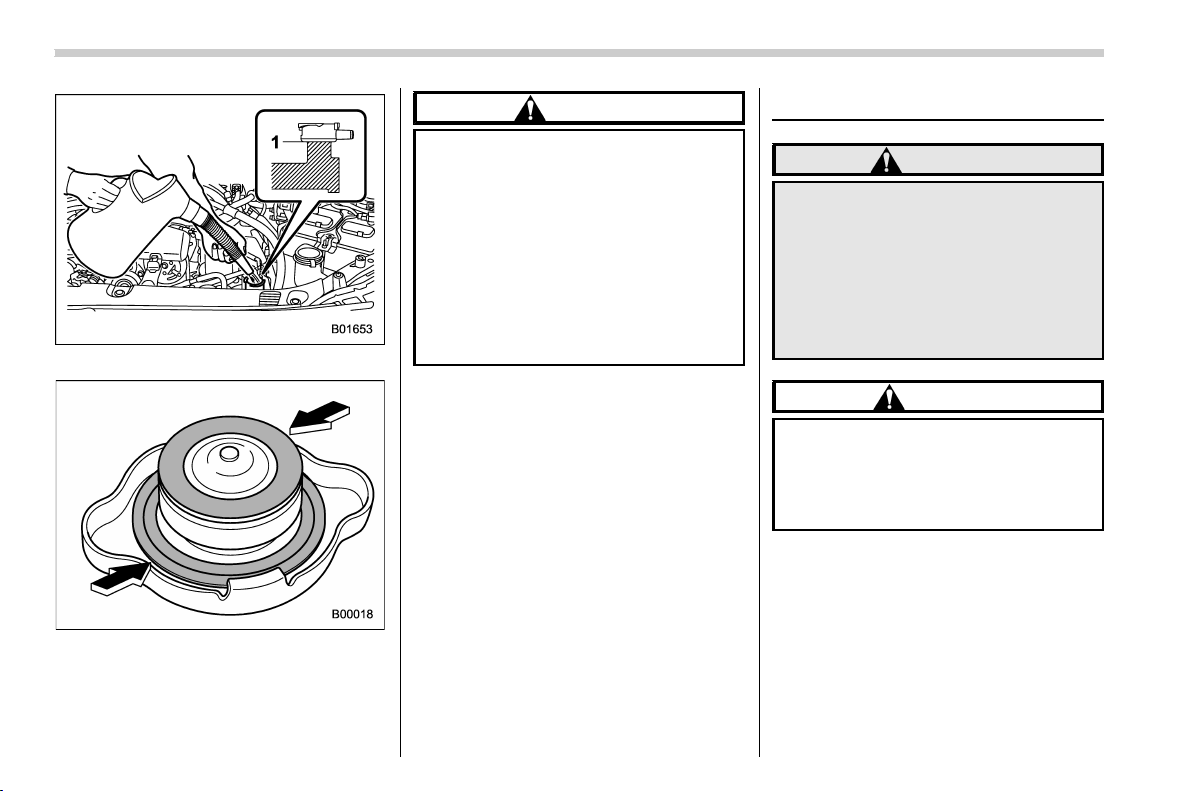
(406,1)
北米Model "A1320BE-C" EDITED: 2017/ 10/ 10
1) Fill up to this level
3. After refilling the reserve tank and the
radiator, reinstall the cap and check that
the rubber gaskets inside the radiator cap
are in the proper position.
CAUTION
. Be careful not to spill engine
coolant when adding it. If coolant
touches the exhaust pipe, it may
cause a bad smell, smoke, and/or
a fire. If engine coolant gets on
the exhaust pipe, be sure to wipe
it off.
. Do not splash the engine coolant
over painted parts. The alcohol
contained in the engine coolant
may damage the paint surface.
! Changing the coolant
It may be difficult to change the coolant.
Have the coolant changed by your
SUBARU dealer if necessary.
The coolant should be changed according
to the maintenance schedule in the “War-
ranty and Maintenance Booklet”.
Air cleaner element
WARNING
Do not operate the engine with the
air cleaner element removed. The air
cleaner element not only filters in-
take air but also stops flames if the
engine backfires. If the air cleaner
element is not installed when the
engine backfires, you could be
burned.
CAUTION
When replacing the air cleaner ele-
ment, use a genuine SUBARU air
cleaner element. If it is not used,
there is the possibility of causing a
negative effect to the engine.
The air cleaner element functions as a filter
screen. When the element is perforated or
removed, engine wear will be excessive
and engine life shortened.
It is not necessary to clean or wash the air
cleaner element.
Maintenance and service/Air cleaner element
11-12
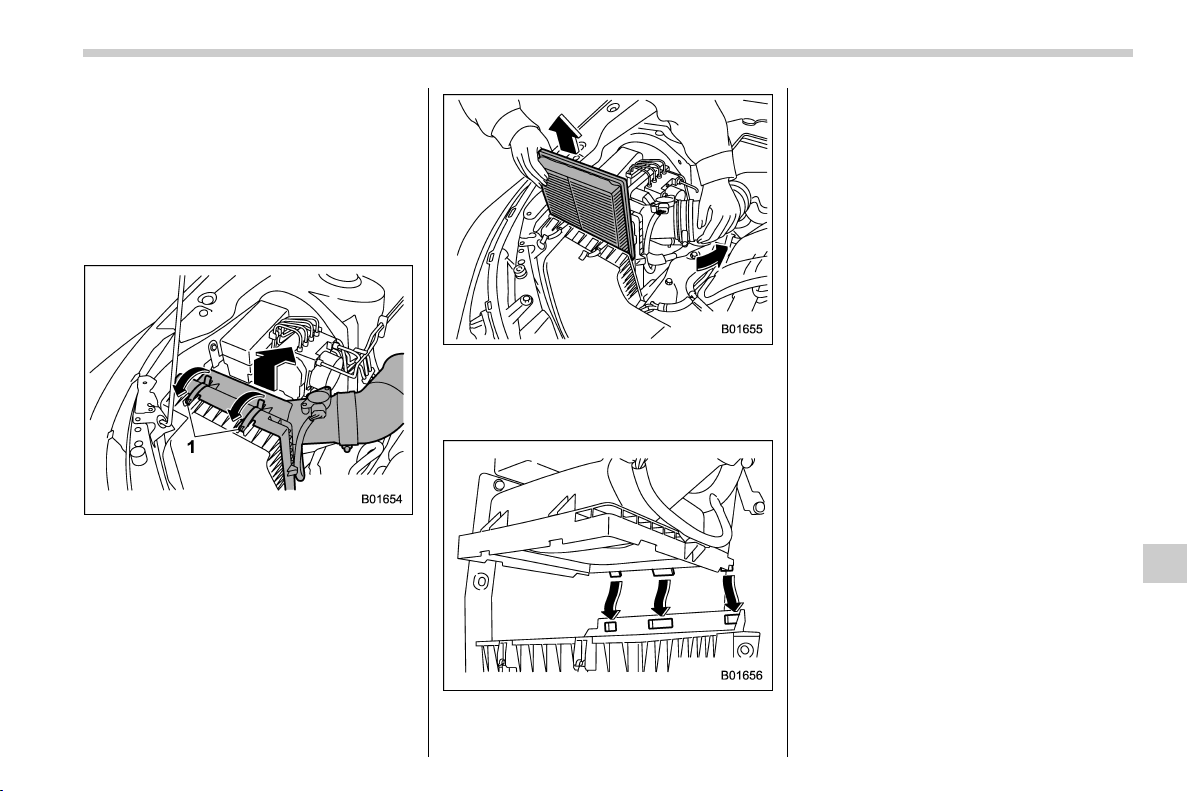
(407,1)
北米Model "A1320BE-C" EDITED: 2017/ 10/ 10
& Replacing the air cleaner ele-
ment
Replace the air cleaner element according
to the maintenance schedule in the “War-
ranty and Maintenance Booklet”. Under
extremely dusty conditions, replace it
more frequently. It is recommended that
you always use genuine SUBARU parts.
1) Clip
1. Unsnap the two clips holding the air
cleaner case (rear).
2. Open the air cleaner case and pull the
cover rearward while lifting it up.
3. Remove the air cleaner element.
4. Clean the inside of the air cleaner case
(both front and rear) with a damp cloth and
install a new air cleaner element.
5. To install the air cleaner case (rear),
insert the three projections on the air
cleaner case (rear) into the slits on the air
cleaner case (front).
6. Install in the reverse order of removal.
NOTE
Install the air cleaner element so that
the surface with “UPR” printed on it
faces upward.
Maintenance and service/Air cleaner element
11-13
11
(408,1)
北米Model "A1320BE-C" EDITED: 2017/ 10/ 10
Spark plugs
It may be difficult to replace the spark
plugs. It is recommended that you have the
spark plugs replaced by your SUBARU
dealer.
The spark plu gs should be replaced
according to the maintenance schedule
in the “Warranty and Maintenance Book-
let”.
CAUTION
Make sure the cables are replaced in
the correct order.
& Recommended spark plugs
For the recommended spark plugs, refer to
“Electrical system” F12-8.
Drive belts
It is unnecessary to check the deflection of
the drive belt periodically because your
engine is equipped with an automatic belt
tension adjuster. However, replacement of
the belt should be done according to the
maintenance schedule in the “Warranty
and Maintenance Booklet”. Consult your
SUBARU dealer for replacement.
If the drive belt is loose, cracked or worn,
contact your SUBARU dealer.
Manual transmission oil
It is not necessary to check the transmis-
sion oil level. Check that there are no
cracks, damage or leakage. However, the
oil inspection should be performed accord-
ing to the maintenance schedule in the
“Warranty and Maintenance Booklet”.
Consult your SUBARU dealer for details.
& Recommended grade and
viscosity
Each oil manufacturer has its own base
oils and additives. Never use different
brands together. For details, refer to
“Manual transmission, front differential
and rear differential gear oil” F12-6.
Maintenance and service/Spark plugs
11-14
(409,1)
北米Model "A1320BE-C" EDITED: 2017/ 10/ 10
Continuously variable trans-
mission fluid
It is not necessary to check the transmis-
sion fluid level. Check that there are no
cracks, damage or leakage. However, the
fluid inspection should be performed ac-
cording to the maintenance schedule in
the “Warranty and Maintenance Booklet”.
Consult your SUBARU dealer for details.
Front differential gear oil
(CVT models) and rear differ-
ential gear oil
It is not necessary to check the gear oil
level. Check that there are no cracks,
damage or leakage. However, the oil
inspection should be performed according
to the maintenance schedule in the “War-
ranty and Maintenance Booklet”. Consult
your SUBARU dealer for details.
& Recommended grade and
viscosity
Each oil manufacturer has its own base
oils and additives. Never use different
brands together. For details, refer to
“Manual transmission, front differential
and rear differential gear oil” F12-6.
CAUTION
Using a differential gear oil other
than the specified oil may cause a
decline in vehicle performance.
Brake fluid
& Checking the fluid level
WARNING
. Never let brake fluid contact your
eyes because brake fluid can be
harmful to your eyes. If brake
fluid gets in your eyes, immedi-
ately flush them thoroughly with
clean water. For safety, when
performing this work, wearing
eye protection is advisable.
. Brake fluid absorbs moisture
from the air. Any absorbed moist-
ure can cause a dangerous loss
of braking performance.
. If the vehicle requires frequent
refilling, there may be a leak. If
you suspect a problem, have the
vehicle checked at your SUBARU
dealer.
CAUTION
. When adding brake fluid, be care-
ful not to allow any dirt into the
reservoir.
. Never splash the brake fluid over
painted surfaces or rubber parts.
– CONTINUED –
Maintenance and service/Continuously variable transmission fluid
11-15
11
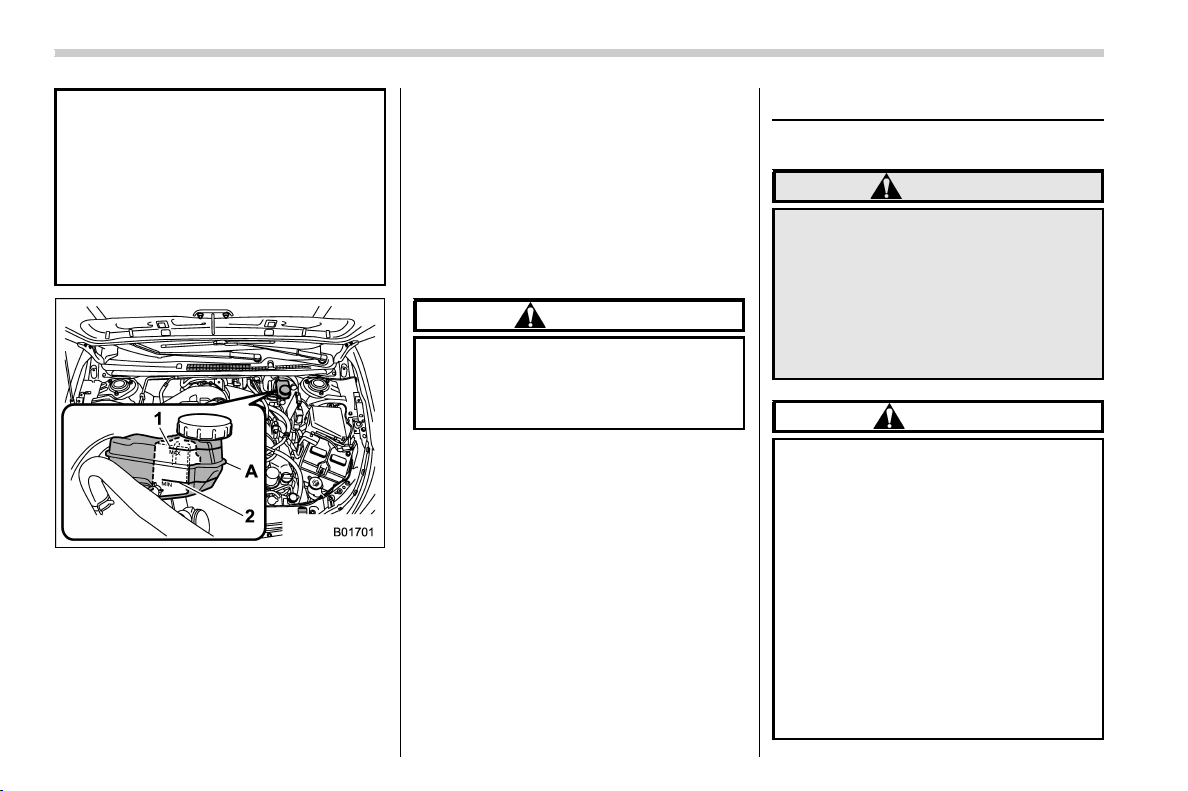
(410,1)
北米Model "A1320BE-C" EDITED: 2017/ 10/ 10
Alcohol contained in the brake
fluid may damage them.
. Be careful not to spill brake fluid
when adding it. I f brake fluid
touches the exhaust pipe, it may
cause a bad smell, smoke, and/or
a fire. If brake fluid gets on the
exhaust pipe, be sure to wipe it
off.
1) “MAX” level line
2) “MIN” level line
A) The brake fluid level must be checked in
this area.
Check the fluid level monthly.
Check the fluid level on the outside of the
reservoir. Be sure to check the fluid level
for the brake system at the shaded area in
the illustration. For MT models, this
reservoir is used for both the brake and
clutch systems and has chambers for each
system.
If the fluid level is below “MIN”, add the
recommended brake fluid to “MAX”. Use
only brake fluid from a sealed container.
& Recommended brake fluid
Refer to “Fluids” F12-7.
CAUTION
Never use different brands of brake
fluid together. Also, avoid mixing
DOT 3 and DOT 4 brake fluids even if
they are the same brand.
Clutch fluid (MT models)
& Checking the fluid level
WARNING
Never let clutch fluid contact your
eyes because clutch fluid can be
harmful to your eyes. If clutch fluid
gets in your eyes, immediately flush
them thoroughly with clean water.
For safety, when performing this
work, wearing eye protecti on is
advisable.
CAUTION
. Clutch fluid absorbs moisture
from the air. Any absorbed moist-
ure can cause improper clutch
operation.
. If the vehicle requires frequent
refilling, there may be a leak. If
you suspect a problem, have the
vehicle checked at your SUBARU
dealer.
. When clutch fluid is added, be
careful not to allow any dirt into
the tank.
. Never splash the clutch fluid over
painted surfaces or rubber parts.
Maintenance and service/Clutch fluid (MT models)
11-16
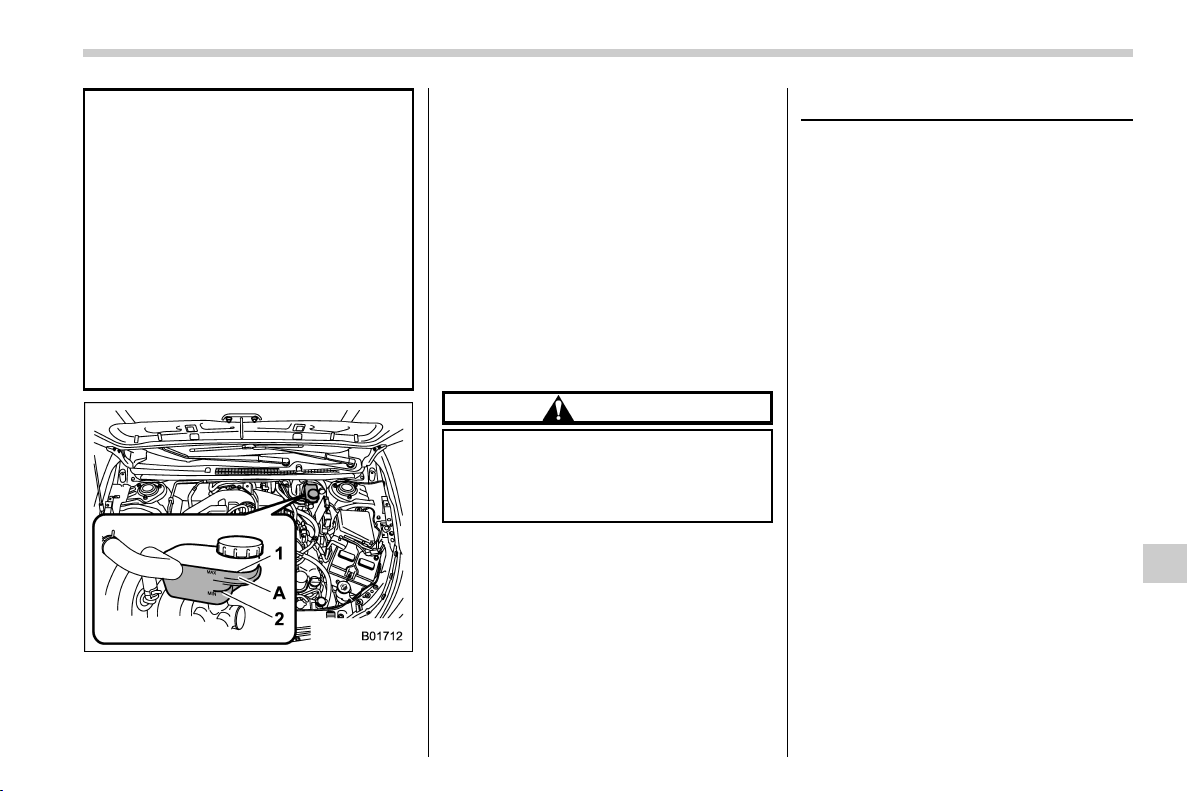
(411,1)
北米Model "A1320BE-C" EDITED: 2017/ 10/ 10
Alcohol contained in the clutch
fluid may damage them.
. Be careful not to spill clutch fluid
when adding it. If clutch fluid
touches the exhaust pipe, it may
cause a bad smell, smoke, and/or
a fire. If clutch fluid gets on the
exhaust pipe, be sure to wipe it
off.
. The fluid level for the clutch
system must be checked at the
inboard side of the reservoir. It
cannot be checked at the out-
board side of the reservoir.
1) “MAX” level line
2) “MIN” level line
A) The clutch fluid level must be checked in
this area.
Check the fluid level monthly.
Check the fluid level on the outside of the
reservoir. Because this reservoir is used
for both the brake and clutch systems and
has chambers for each system, be sure to
check the fluid level for the clutch system
at the shaded area in the illustration.If
the fluid level is below “MIN”, add the
recommended clutch fluid to “MAX”.
Use only clutch fluid from a sealed contain-
er.
& Recommended clutch fluid
Refer to “Fluids” F12-7.
CAUTION
Never use different brands of clutch
fluid together. Also, avoid mixing
DOT 3 and DOT 4 brake fluids even if
they are the same brand.
Brake booster
If the brake booster does not operate as
described in the following, have it checked
by your SUBARU dealer.
1. With the ignition switch in the “LOCK”/
“OFF” position, depress the brake pedal
several times, applying the same pedal
force each time. The distance the pedal
travels should not vary.
2. With the brake pedal depressed, start
the engine. The pedal should move slightly
down to the floor.
3. With the brake pedal depressed, stop
the engine and keep the pedal depressed
for 30 seconds. The pedal height should
not change.
4. Start the engine again and run for
approximately one minute then turn it off.
Depress the brake pedal several times to
check the bra ke booster. The brake
booster operates properly if the pedal
stroke decreases with each depression.
Maintenance and service/Brake booster
11-17
11
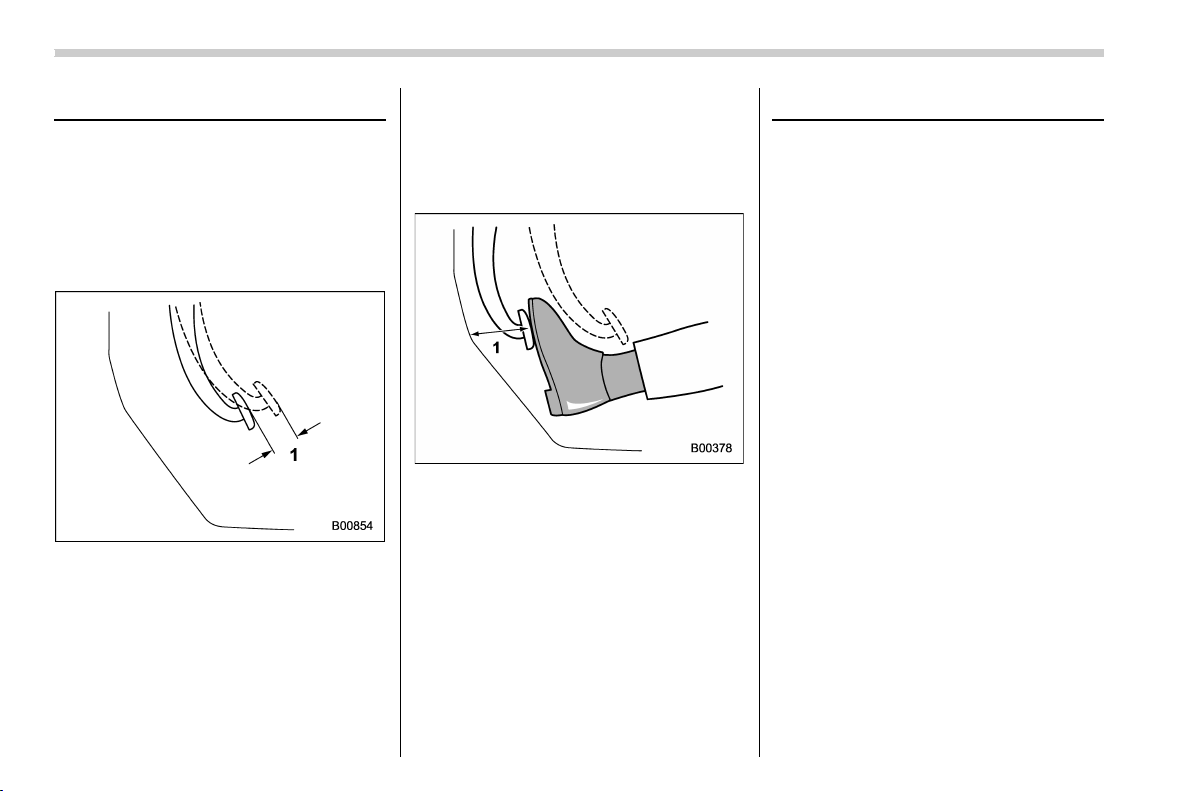
(412,1)
北米Model "A1320BE-C" EDITED: 2017/ 10/ 10
Brake pedal
Check the brake pedal free play and
reserve distance according to the main-
tenance schedule in the “Warranty and
Maintenance Booklet”.
& Checking the brake pedal free
play
1) 0.02 – 0.11 in (0.5 – 2.7 mm)
Turn the ignition switch to the “LOCK”/
“OFF ” position and firmly depress the
brake pedal several times. Lightly pull the
brake pedal up with one finger to check the
free play with a force of less than 2 lbf (10
N, 1 kgf).
If the free play is not within proper
specification, contact your SUBARU deal-
er.
& Checking the brake pedal re-
serve distance
1) More than 2.56 in (65 mm)
Depress the pedal with a force of approxi-
mately 66 lbf (294 N, 30 kgf) and measure
the distance between the upper surface of
the pedal pad and the floor.
When the measurement is smaller than
the specification, or when the pedal does
not operate smoothly, contact with your
SUBARU dealer.
Clutch pedal (MT models)
Check the clutch pedal free play according
to the maintenance schedule in the “War-
ranty and Maintenance Booklet”.
& Checking the clutch function
Check the clutch engagement and disen-
gagement.
1. With the engine idling, check that there
are no abnormal noises when the clutch
pedal is depressed, and that shifting into
1st or reverse feels smooth.
2. Start the vehicle by releasing the pedal
slowly to check that the engine and
transmission smoothly couple without
any sign of slippage.
Maintenance and service/Brake pedal
11-18
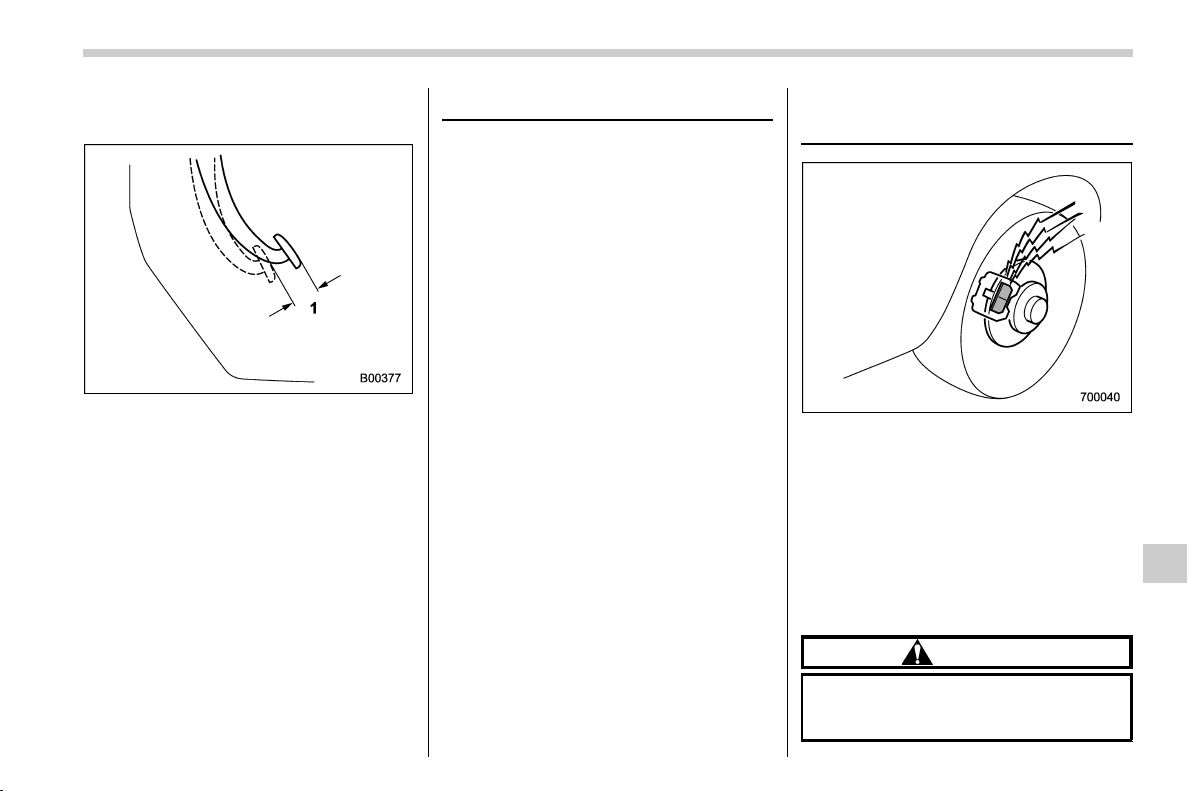
(413,1)
北米Model "A1320BE-C" EDITED: 2017/ 10/ 10
& Checking the clutch pedal
free play
1) 0.16 – 0.43 in (4.0 – 11.0 mm)
Lightly depress the clutch pedal down with
your finger until you feel resistance, and
check the free play.
If the free play is not within proper
specification, contact your SUBARU deal-
er.
Hill start assist system
Ensure that the Hill start assist system
operates properly under the following
circumstances.
1. Stop the vehicle on an uphill grade by
depressing the brake pedal (all models)
and clutch pedal (MT models only), with
the engine running.
2. Make sure that the vehicle does not
move backward for several seconds after
the brake pedal is released.
3. Then make sure the vehicle starts
climbing the grade by following the normal
starting procedures.
If the Hill start assist system does not
operate as described above, contact your
SUBARU dealer.
Replacement of brake pad
and lining
The disc brakes have audible wear in-
dicators on the brake pads. If the brake
pads wear close to their service limit, the
wear indicator makes a very audible
scraping noise when the brake pedal is
applied.
If you hear this scraping noise each time
you apply the brake pedal, have the brake
pads serviced by your SUBARU dealer as
soon as possible.
CAUTION
If you continue to drive despite the
scraping noise from the audible
brake pad wear indicator, it will
– CONTINUED –
Maintenance and service/Hill start assist system
11-19
11
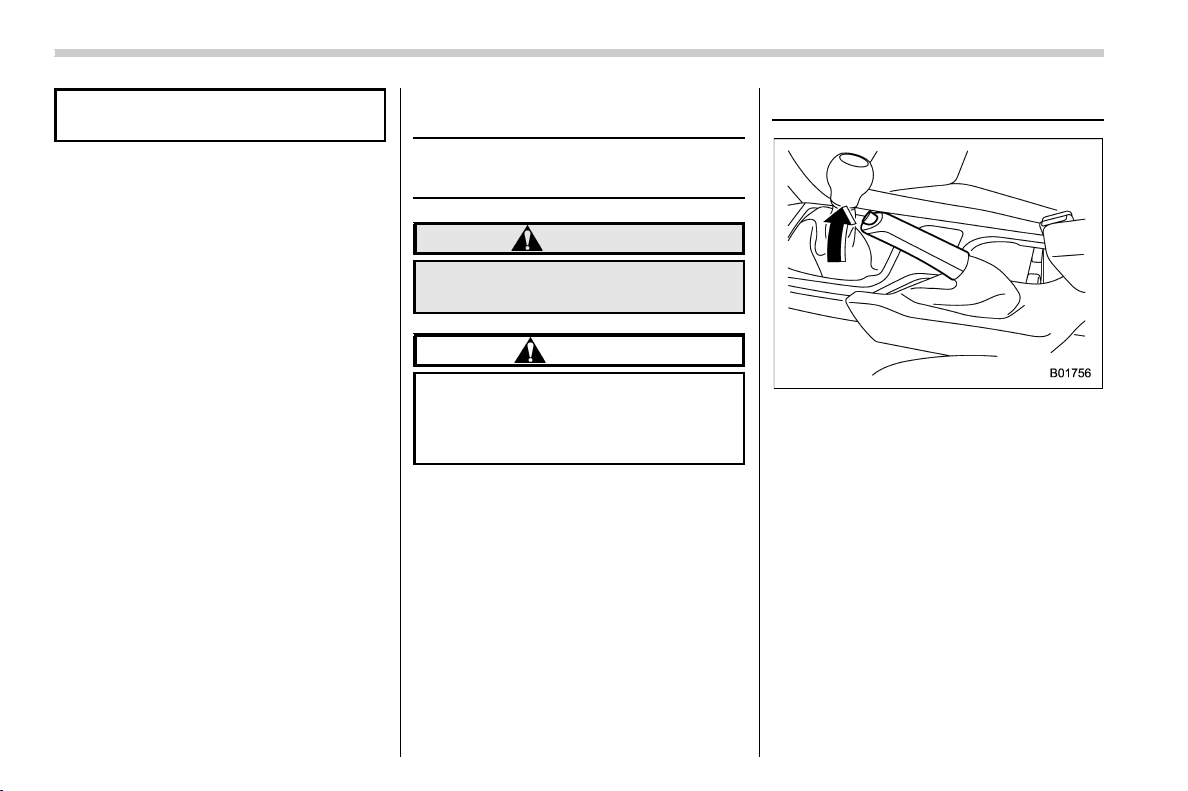
(414,1)
北米Model "A1320BE-C" EDITED: 2017/ 10/ 10
result in the need for costly brake
rotor repair or replacement.
& Breaking-in of new brake
pads and linings
When replacing the brake pad or lining,
use only genuine SUBARU parts. After
replacement, the new parts must be
broken in as follows.
! Brake pad and lining
While maintaining a speed of 30 to 40 mph
(50 to 65 km/h), step on the brake pedal
lightly. Repeat this five or more times.
! Parking brake lining
1. Drive the vehicle at a speed of approxi-
mately 22 mph (35 km/h).
2. With the parking brake release button
pushed in, pull the parking brake lever
SLOWLY and GENTLY (pulling with a
force of approximately 33.7 lbf [150 N,
15.3 kgf]).
3. Drive the vehicle for approximately 220
yards (200 meters) in this condition.
4. Wait 5 to 10 minutes for the parking
brake to cool down. Repeat this proce-
dure.
5. Check the parking brake stroke. If the
parking brake stroke is out of the specified
range, adjust it by turning the adjusting nut
located on the parking brake lever.
Parking brake stroke:
7 – 8 notches / 45 lbf (200 N, 20.4 kgf)
WARNING
A safe location and situation should
be selected for break-in driving.
CAUTION
Pulling the parking brake lever too
forcefully may cause the rear wheels
to lock. To avoid this, be certain to
pull the lever up slowly and gently.
Parking brake stroke
Check the parking brake stroke according
to the maintenance schedule in the “War-
ranty and Maintenance Booklet”. When
the parking brake is properly adjusted,
braking power is fully applied by pulling the
lever up 7 to 8 notches gently but firmly
(approximately 45 lbf [200 N, 20.4 kgf]). If
the parking brake lever stroke is not within
the specified range, have the brake sys-
tem checked and adjusted at your
SUBARU dealer.
Maintenance and service/Parking brake stroke
11-20
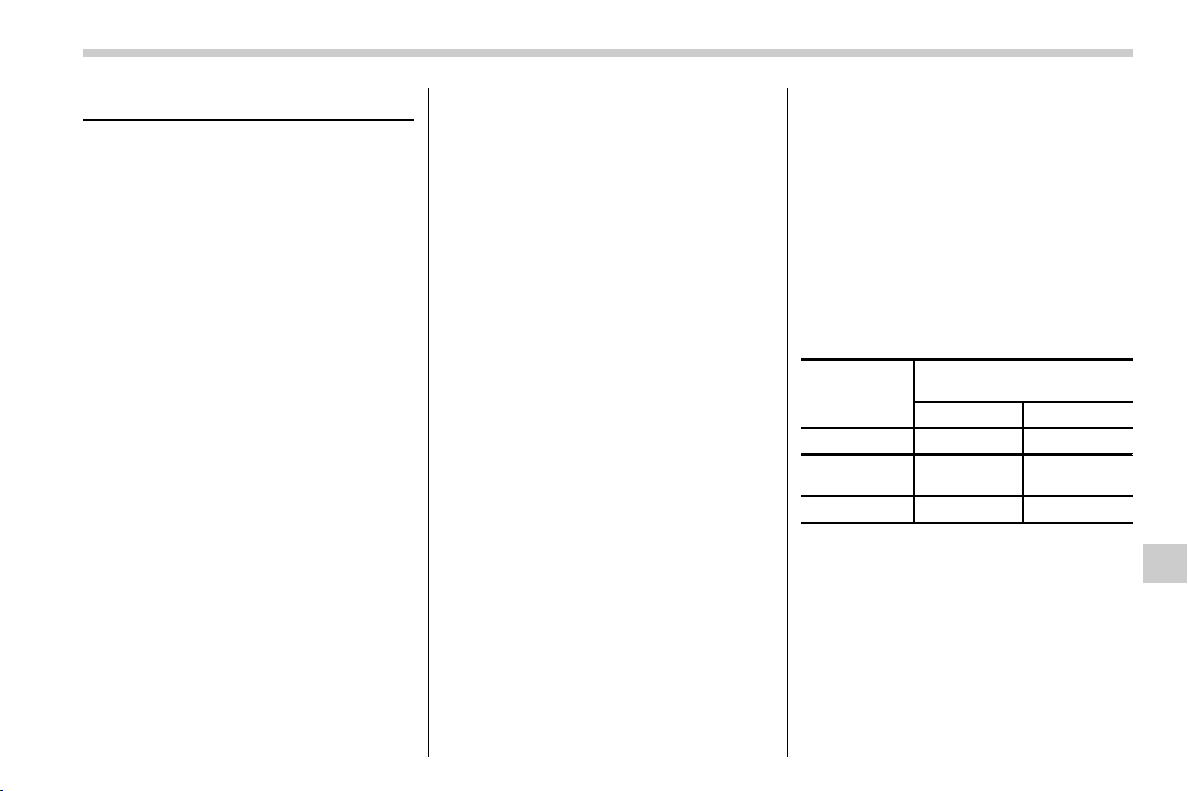
(415,1)
北米Model "A1320BE-C" EDITED: 2017/ 10/ 10
Tires and wheels
& Types of tires
You should be familiar with type of tires
present on your vehicle.
! All season tires
All season tires are designed to provide an
adequate measure of traction, handling
and braking performance in year-round
driving includin g snowy and icy roa d
conditions. However all season tires do
not offer as much traction performance as
winter (snow) tires in heavy or loose snow
or on icy roads.
All season tires are identified by “ALL
SEASON” and/or “M+S” (Mud & Snow) on
the tire sidewall.
! Summer tires
Summer tires are high-speed capability
tires best suited for highway driving under
dry conditions.
Summer tires are inadequate for driving on
slippery roads such as on snow-covered or
icy roads.
If you drive your vehicle on snow-covered
or icy roads, we strongly recommend the
use of winter (snow) tires.
When installing winter tires, be sure to
replace all four tires.
! Winter (snow) tires
Winter tires are best suited for driving on
snow-covered and icy roads. However
winter tires do not perform as well as
summer tires and all season tires on roads
other than snow-covered and icy roads.
& Tire pressure monitoring
system (TPMS) (if equipped)
The tire pressure monitoring system pro-
vides the driver with a warning message by
sending a signal from a sensor that is
installed in each wheel when tire pressure
is severely low. The tire pressure monitor-
ing system will activate only when the
vehicle is driven. Also, this system may not
react immediately to a sudden drop in tire
pressure (for example, a blow-out caused
by running over a sharp object).
If you adjust the tire pressures in a warm
garage and will then drive the vehicle in
cold outside air, the resulting drop in tire
pressures may cause the low tire pressure
warning light to illuminate. To avoid this
problem when adjusting the tire pressures
in a warm garage, inflate the tires to
pressures higher than those shown on
the tire placard. Specifically, inflate them
by an extra 1 psi (6.9 kPa, 0.07 kgf/cm
2
) for
every difference of 108F (5.68C) between
the temperature in the garage and the
temperature outside. By way of example,
the following table shows the required tire
pressures that correspond to various out-
side temperatures when the temperature
in the garage is 608F (15.68C).
Example:
Tire size: P225/60R17 98H and
P225/55R18 97H
Standard tire pressures:
Front: 33 psi (230 kPa, 2.3 kgf/cm
2
)
Rear: 32 psi (220 kPa, 2.2 kgf/cm
2
)
Garage temperature: 608F (15.68C)
Outside
temperature
Adjusted pressure
[psi (kPa, kgf/cm
2
)]
Front Rear
308F(−18C) 36 (250, 2.5) 35 (240, 2.4)
108F(−128C)
38
(265, 2.65)
37
(255, 2.55)
−108F(−238C) 40 (280, 2.8)
39 (270, 2.7)
If the low tire pressure warning light
illuminates when you drive the vehicle in
cold outside air after adjusting the tire
pressures in a warm garage, re-adjust the
tire pressures using the method described
above. Then, increase the vehicle speed
to at least 20 mph (32 km/h) and check to
see that the low tire pressure warning light
turns off a few minutes later. If the low tire
pressure warning light does not turn off,
– CONTINUED –
Maintenance and service/Tires and wheels
11-21
11
(416,1)
北米Model "A1320BE-C" EDITED: 2017/ 10/ 10
the tire pressure monitoring system may
not be functioning normally. In this event,
gotoaSUBARUdealertohavethe
system inspected as soon as possible.
While the vehicle is driven, friction be-
tween tires and the road surface causes
the tires to warm up. After illumination of
the low tire pressure warning light, any
increase in the tire pressures caused by an
increase in the outside air temperature or
by an increase in the temperature in the
tires can cause the low tire pressure
warning light to turn off.
System resetting is necessary when the
wheels are changed (for example, a switch
to snow tires) and new TPMS valves are
installed on the newly fitted wheels. Have
this work performed by a SUBARU dealer
following wheel replacement.
It may not be possible to install TPMS
valves on certain wheels that are on the
market. Therefore, if you change the
wheels (for example, a switch to snow
tires), use wheels that have the same part
number as the standard-equipment
wheels. Without four operational TPMS
valve/sensors on the wheels, the TPMS
will not fully function and the warning light
on the combination meter will illuminate
steadily after blinking for approximately
one minute.
When a tire is replaced, adjustments are
necessary to ensure continued normal
operation of the tire pressure monitoring
system. As with wheel replacement, there-
fore, you should have the work performed
by a SUBARU dealer.
WARNING
If the low tire pressure warning light
does not illuminate briefly after the
ignition switch is turned ON or the
light illuminates steadily after blink-
ing for approximately one minute,
you should have your Tire Pressure
Monitoring System che cked at a
SUBARU dealer as soon as possi-
ble.
If this light illuminates while driving,
never brake suddenly and keep
driving straight ahead while gradu-
ally reducing speed. Then slowly
pull off the road to a safe place.
Otherwise an accident involving
serious vehicle damage and serious
personal injury could occur.
If this light still illuminates while
driving after adjusting the tire pres-
sure, a tire may have significan t
damage and a fast leak that causes
the tire to lose air rapidly. If you have
a flat tire, replace it with a spare tire
as soon as possible.
When a spare tire is mounted or a
wheel rim is replaced without the
original pressure sensor/transmitter
being transferred, the low tire pres-
sure warning light will illuminate
steadily after blinking for approxi-
mately one minute. This indicates
the TPMS is unable to monitor all
four road wheels. Contact your
SUBARU dealer as soon as possible
for tire and sensor replacement and/
or system resetting. If the light
illuminates steadily after blinking
for approximately one minute,
promptly contact a SUBARU dealer
to have the system inspected.
& Tire inspection
Check on a daily basis that the tires are
free from serious damage, nails, and
stones. At the same time, check the tires
for abnormal wear.
Contact your SUBARU dealer immediately
if you find any problem.
NOTE
. When the wheels and tires strike
curbs or are subjected to harsh treat-
ment as when the vehicle is driven on a
rough surface, they can suffer damage
Maintenance and service/Tires and wheels
11-22
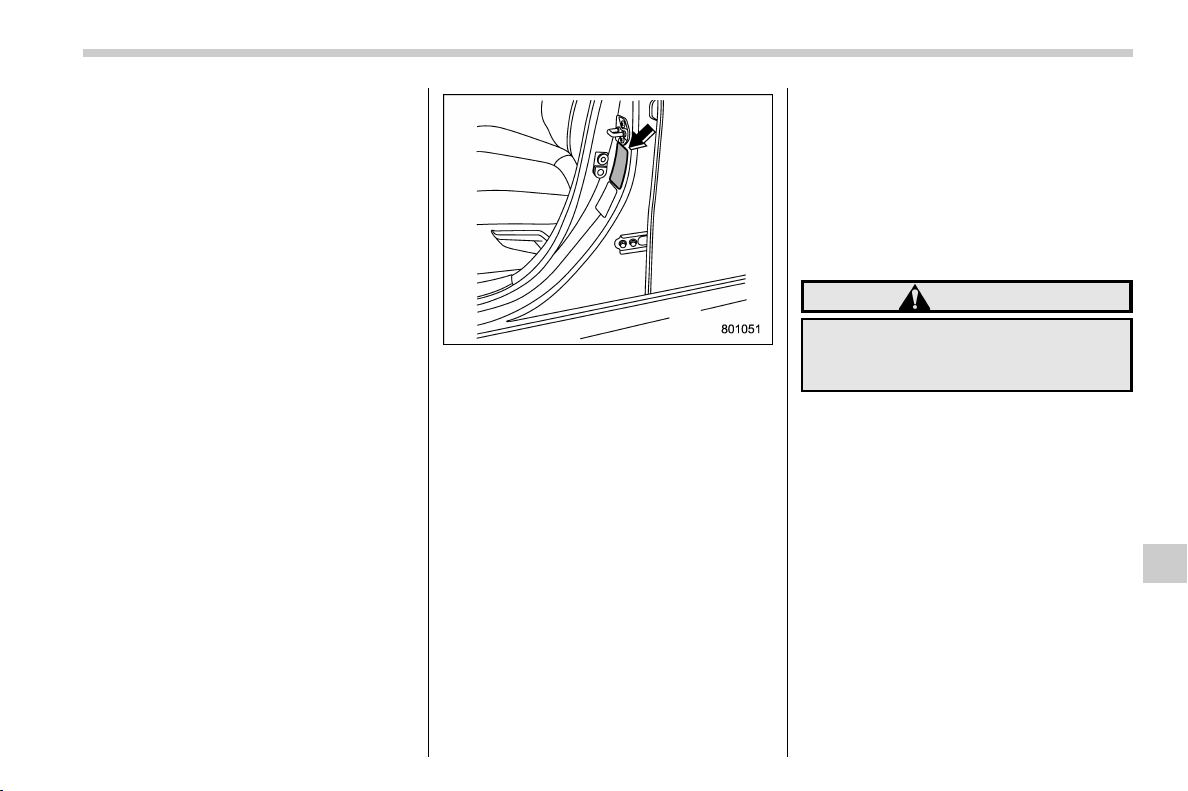
(417,1)
北米Model "A1320BE-C" EDITED: 2017/ 10/ 10
that cannot be seen with the naked eye.
This type of damage does not become
evident until time has passed. Try not to
drive over curbs, potholes or on other
rough surfaces. If doing so is unavoid-
able, keep the vehicle’s speed down to
a walking pace or less, and approach
the curbs as squarely as possible. Also,
make sure the tires are not pressed
against the curb when you park the
vehicle.
. If you feel unusual vibration while
driving or find it difficult to steer the
vehicle in a straight line, one of the tires
and/or wheels may be damaged. Drive
slowly to the nearest authorized
SUBARU dealer and have the vehicle
inspected.
& Tire pressures and wear
Maintaining the correct tire pressures
helps to maximize the tires’ service lives
and is essential for good running perfor-
mance. Check and, if necessary, adjust
the pressure of each tire (including the
spare - if equipped) at least once a month
(for example, during a fuel stop) and
before any long journey.
Tire placard
Check the tire pressures when the tires are
cold. Use a pressure gauge to adjust the
tire pressures to the values shown on the
tire placard. The tire placard is located on
the door pillar on the driver’s side.
Driving even a short distance warms up
the tires and increases the tire pressures.
Also, the tire pressures are affected by the
outside temperature. It is best to check tire
pressure outdoors before driving the ve-
hicle.
When a tire becomes warm, the air inside it
expands, causing the tire pressure to
increase. Be careful not to mistakenly
release air from a warm tire to reduce its
pressure.
NOTE
. The air pressure in a tire increases
by approximately 4.3 psi (30 kPa, 0.3
kgf/cm
2
) when the tire becomes warm.
. The tires are considered cold when
the vehicle has been parked for at least
three hours or has been driven less
than one mile (1.6 km).
WARNING
Do not let air out of warm tires to
adjust pressure. Doing so will result
in low tire pressure.
Incorrect tire pressures detract from con-
trollability and ride comfort, and they cause
the tires to wear abnormally.
– CONTINUED –
Maintenance and service/Tires and wheels
11-23
11
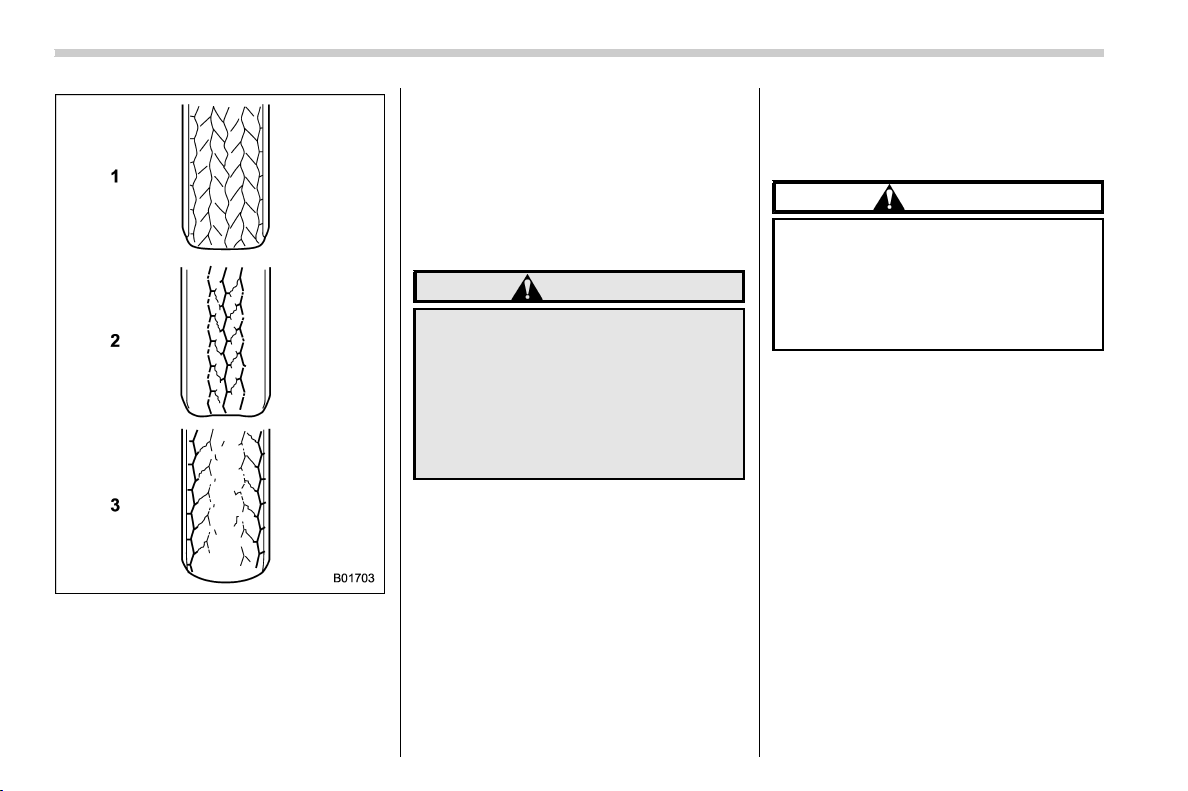
(418,1)
北米Model "A1320BE-C" EDITED: 2017/ 10/ 10
1) Correct tire pressure (tread worn evenly)
Roadholding is good, and steering is
responsive. Rolling resistance is low, so
fuel consumption is also lower.
2) Under inflated tire (tread worn on
shoulders)
Rolling resistance is high, so fuel con-
sumption is also higher.
3) Over inflated (tread worn in the center)
Ride comfort is poor. Also, the tire
magnifies the effects of road-surface
bumps and dips, possibly resulting in
vehicle damage.
If the tire placard shows tire pressures for
the vehicle when fully loaded, adjust the
tire pressures to the values that match the
loading conditions.
WARNING
Driving at high speeds with exces-
sively low tire pressures can cause
the tires to deform severely and to
rapidly heat up. A sharp increase in
temperature could cause tread se-
paration, and destruction of the
tires. The resulting loss of vehicle
control could lead to an accident.
& Wheel balance
Each wheel was correctly balanced when
your vehicle was new, but the wheels will
become unbalanced as the tires become
worn during use. Wheel imbalance causes
the steering wheel to vibrate slightly at
certain vehicle speeds and detracts from
the vehicle’s straight-line stability. It can
also cause steering and suspension sys-
tem problems and abnormal tire wear. If
you suspect that the wheels are not
correctly balanced, have them checked
and adjusted by your SUBARU dealer.
Also have them adjusted after tire repairs
and after tire rotation.
CAUTION
Loss of correct wheel alignment
causes the tires to wear on one side
and reduces the vehicle’s running
stability. Contact your SUBARU
dealer if you notice abnormal tire
wear.
NOTE
The suspension system is designed to
hold each wheel at a certain alignment
(relative to the other wheels and to the
road) for optimum straight-line stability
and cornering performance.
Maintenance and service/Tires and wheels
11-24
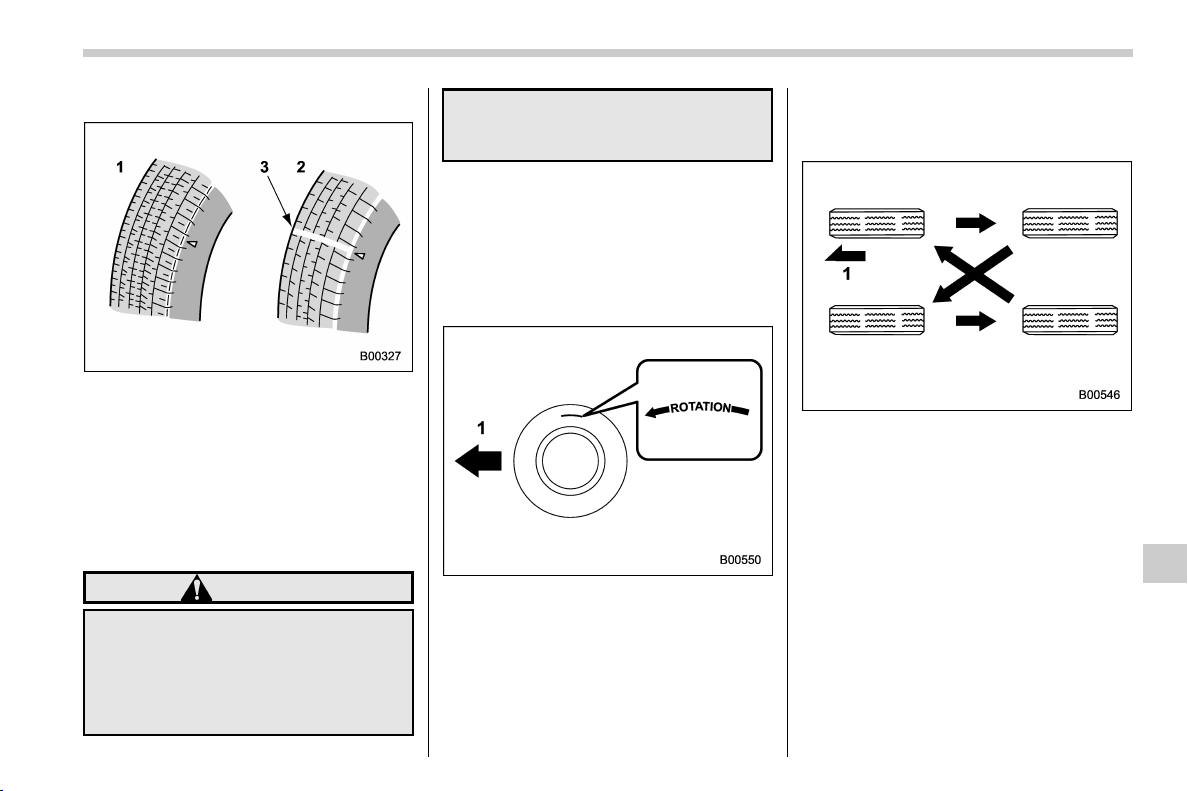
(419,1)
北米Model "A1320BE-C" EDITED: 2017/ 10/ 10
& Wear indicators
1) New tread
2) Worn tread
3) Tread wear indicator
Each tire incorporates a tread wear in-
dicator, which becomes visible when the
depth of the tread grooves decreases to
0.063 in (1.6 mm). A tire must be replaced
when the tread wear indicator appears as
a solid band across the tread.
WARNING
When a tire’s tread wear indicator
becomes visible, the tire is worn
beyond the acceptable limit and
must be replaced immediately. With
a tire in this condition, driving at
high speeds in wet weather can
cause the vehicle to hydroplane. The
resulting loss of vehicle control can
lead to an accident.
NOTE
For safety, inspect tire tread regularly
and replace the tires before their tread
wear indicators become visible.
& Rotational direction of tires
Example of rotational direction marked on
the sidewall
1) Front
If the tires have specific rotational direc-
tion, refer to the arrow marked on the side
wall.
The arrow should be pointing forward
direction when the wheels are fitted.
& Tire rotation
Vehicles equipped with 4 non-unidirec-
tional tires
1) Front
– CONTINUED –
Maintenance and service/Tires and wheels
11-25
11
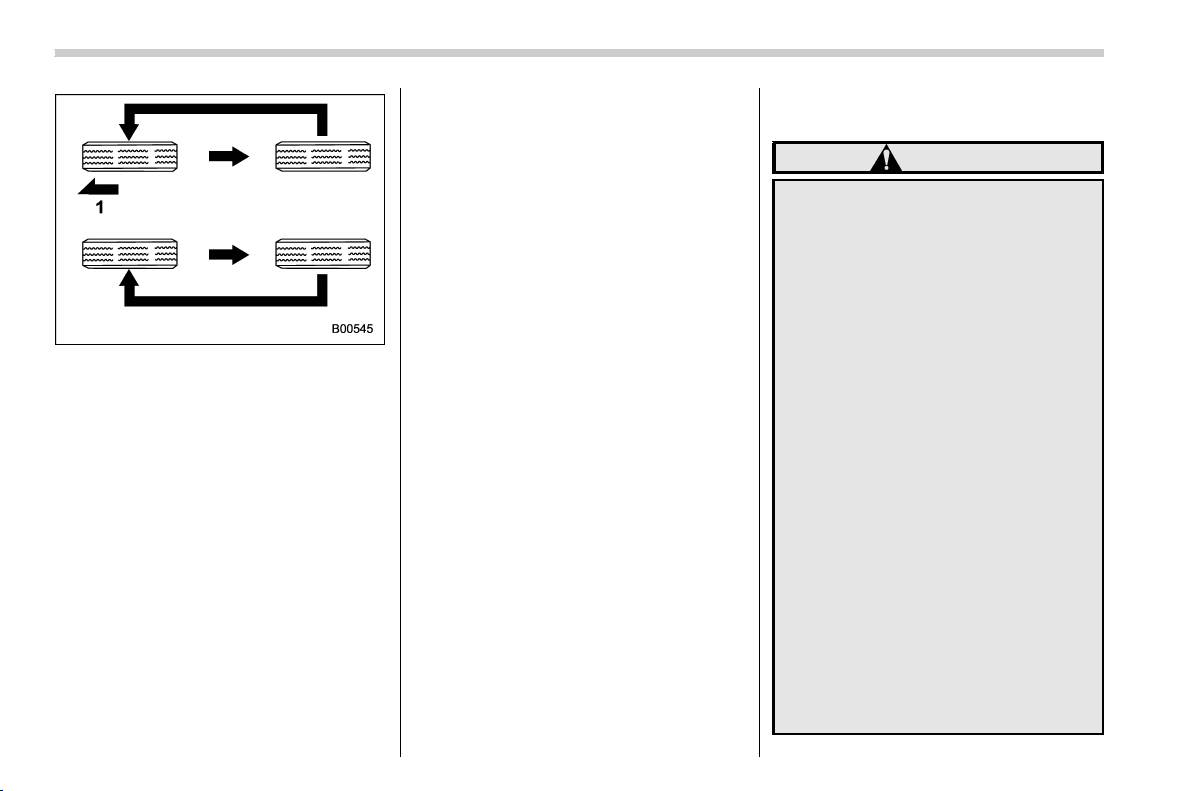
(420,1)
北米Model "A1320BE-C" EDITED: 2017/ 10/ 10
Vehicles equipped with unidirectional
tires
1) Front
Tire wear varies from wheel to wheel.
Move the tires to the positions shown in the
illustration each time they are rotated. For
the tire rota tion schedule , refer to the
“Warranty and Maintenance Booklet”.
Replace any damaged or unevenly worn
tires at the time of rotation. After tire
rotation, adjust the tires pressures and
make sure the wheel nuts are correctly
tightened.
After driving approximately 600 miles
(1,000 km), check the wheel nuts again
and retighten any nut that has become
loose.
For handling alloy wheels, refer to “Alloy
wheels” F11-27.
& Tire replacement
The wheels and tires are important and
integral parts of your vehicle’s design; they
cannot be changed arbitrarily. The tires
fitted as standard equipment are optimally
matched to the characteristi cs of the
vehicle and were selected to give the best
possible combination of running perfor-
mance, ride comfort, and service life. It is
essential for every tire to have a size and
construction matching those shown on the
tire placard and to have a speed symbol
and load index matching those shown on
the tire placard.
Using tires of a non-specified size detracts
from controllability, ride comfort, braking
performance, speedometer accuracy and
odometer accuracy. It also creates incor-
rect body-to-tire clearances and inappro-
priately changes the vehicle’s ground
clearance.
All four tires must be the same in terms of
manufacturer, brand (tread pattern), con-
struction, and size. You are advised to
replace the tires with new ones that are
identical to those fitted as standard equip-
ment.
For safe vehicle operation, SUBARU
recommends replacing all four tires at the
same time.
WARNING
. When replacing or installing tire
(s), all four tires must be the same
for following items.
(a) Size
(b) Circumference
(c) Speed symbol
(d) Load index
(e) Construction
(f) Manufacturer
(g) Brand (tread pattern)
(h) Degrees of wear
For the items (a) to (d), you must
obey the specification that is
printed on the tire placard. The
tire placard is located on the
driver’s door pillar.
If all of four tires are not the same
for items (a) to (h), serious me-
chanical damage could occur to
the drive train of your car, and
affect the following.
— Ride
— Handling
— Braking
Maintenance and service/Tires and wheels
11-26
(421,1)
北米Model "A1320BE-C" EDITED: 2017/ 10/ 10
— Speedometer/Odometer
calibration
— Clearance between the body
and tires
It also may be dangerous and
lead to loss of vehicle control,
and it can lead to an accident.
. Use only radial tires. Do not use
radial tires together with belted
bias tires and/or bias-ply tires.
Doing so can dangerously re-
duce controllability, resulting in
an accident.
& Wheel replacement
When replacing wheels due, for example,
to damage, make sure the replacement
wheels match the specifications of the
wheels that are fitted as standard equip-
ment. Replacement wheels are available
from SUBARU dealers.
WARNING
Use only those wheels that are
specified for your vehicle. Wheels
not meeting specifications could
interfere with brake caliper opera-
tion and may cause the tires to rub
against the wheel well housing dur-
ing turns. The resultin g loss of
vehicle control coul d lead to an
accident.
NOTE
When any of the wheels are removed
and replaced for tire rotation or for any
other reason, always check the tight-
ness of the wheel nuts after driving
approximately 600 miles (1,000 km). If
any nut is loose, tighten it to the
specified torque.
Alloy wheels
Alloy wheels can be scratched and da-
maged easily. Handle them carefully to
maintain their appearance, performance,
and safety.
. When any of the wheels are removed
and replaced for tire rotation or to change a
flat tire, always check the tightness of the
wheel nuts after driving approximately 600
miles (1,000 km). If any nut is loose,
tighten it to the specified torque.
. Never apply oil to the threaded parts,
wheel nuts, or tapered surface of the
wheel.
. Never let the wheel rub against sharp
protrusions or curbs.
. When wheel nuts, balance weights, or
the center cap is replaced, be sure to
replace them with genuine SUBARU parts
designed for alloy wheels.
. When stacking and storing removed
tires, place shock-absorbing material be-
tween the tires to protect the wheels from
becoming scratched.
Maintenance and service/Alloy wheels
11-27
11
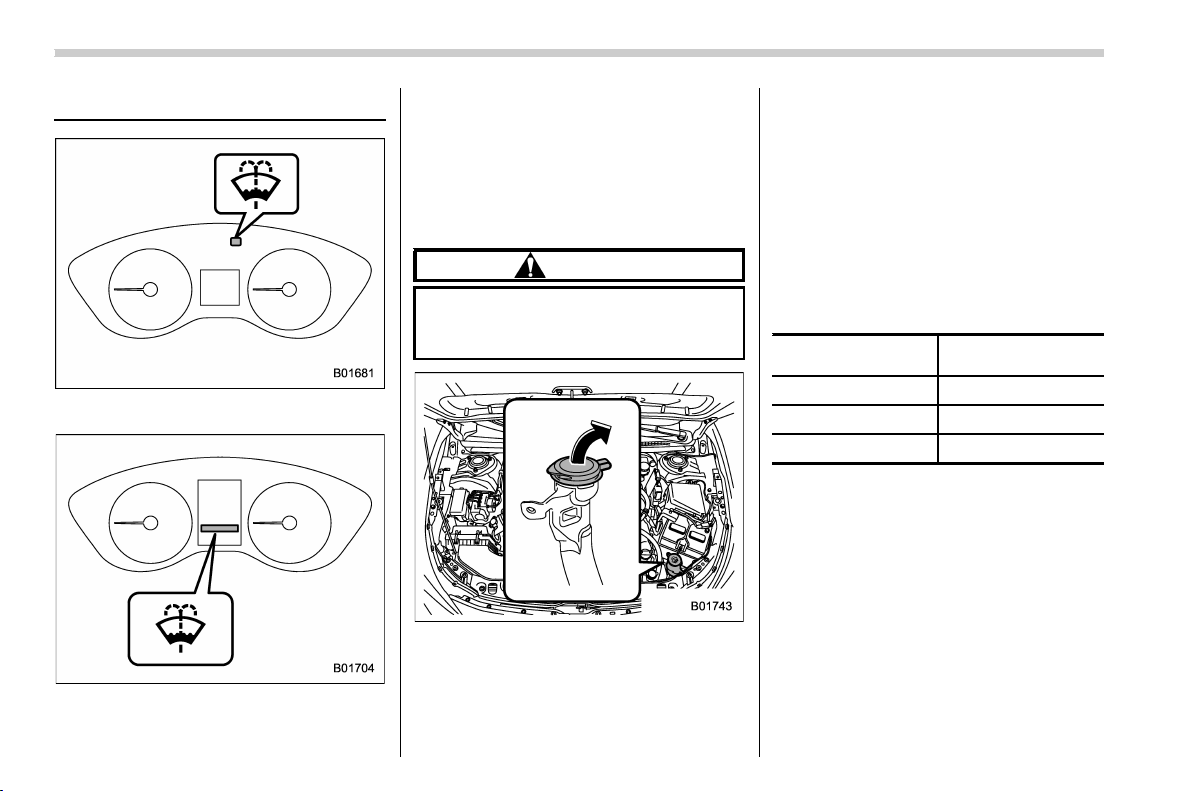
(422,1)
北米Model "A1320BE-C" EDITED: 2017/ 10/ 10
Windshield washer fluid
Windshield washer fluid warning light
(type A)
Windshield washer fluid warning light
(type B)
When there is only a small amount of
washer fluid re maining, the windshield
washer fluid warning light will illuminate.
When this occurs, refill the washer fluid.
& Adding the windshield
washer fluid
CAUTION
Never use engine coolant as washer
fluid because it could cause paint
damage.
Remove the washer tank filler cap, then
add windshield washer fluid.
& Windshield washer fluid
Use windshield washer fluid. If windshield
washer fluid is unavailable use clean
water.
In areas where water freezes in winter, use
an anti-freeze type windshield washer
fluid. SUBARU Windshield Washer Fluid
contains 58.5% methyl alcohol and 41.5%
surfactant, by volume. Its freezing tem-
perature varies according to how much it is
diluted, as indicated in the following table.
Washer Fluid
Concentration
Freezing
Temperature
30%
10.48F(−128C)
50% −48F(−208C)
100% −498F(−458C)
In order to prevent freezing of washer fluid,
check the freezing temperatures in the
table above when adjusting the fluid
concentration to the outside temperature.
If you fill the reservoir tank with a fluid with
a different concentr ation from the one
used previously, purge the old fluid from
the piping between the reservoir tank and
washer nozzles by operating the washer
for a certain period of time. Otherwise, if
the concentration of the fluid remaining in
the piping is too low for the outside
temperature, it may freeze and block the
Maintenance and service/Windshield washer fluid
11-28
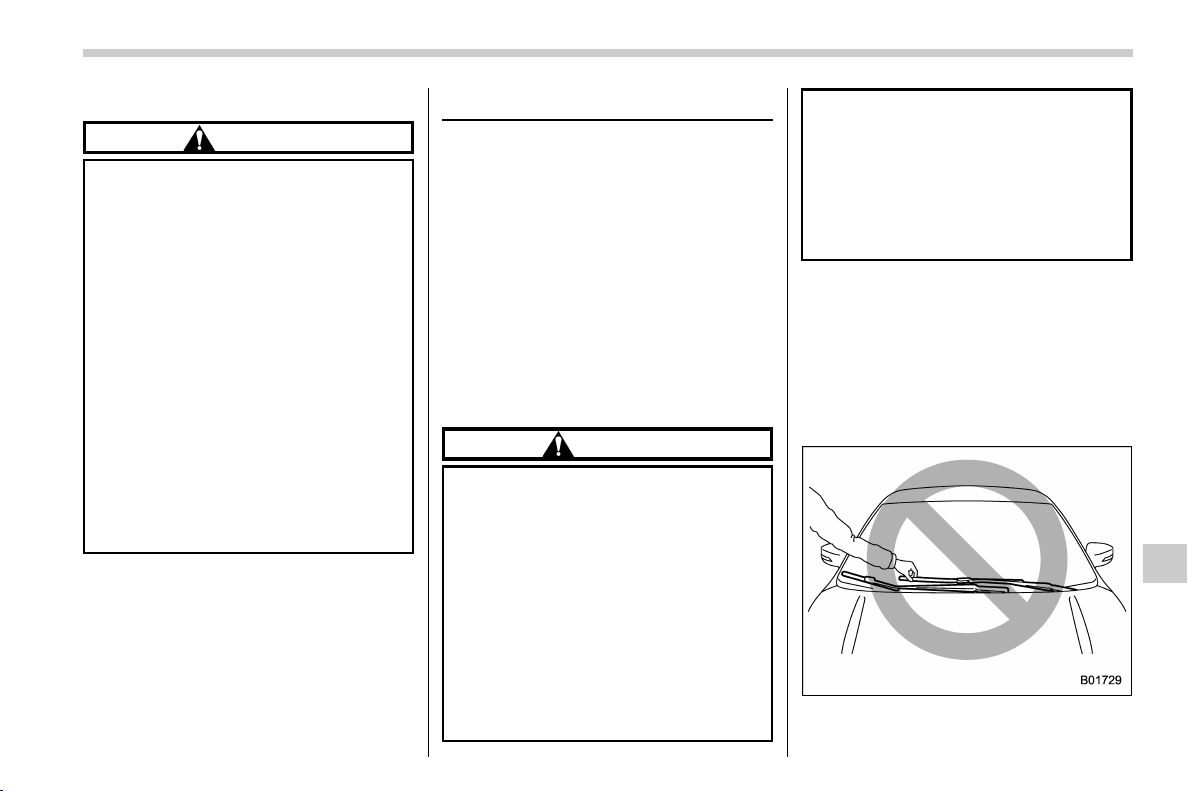
(423,1)
北米Model "A1320BE-C" EDITED: 2017/ 10/ 10
nozzles.
CAUTION
. Adjust the washer fluid concen-
tration appropriately for the out-
side temperature. If the concen-
tration is inappropriate, sprayed
washer fluid may freeze on the
windshield and obstruct you r
view, and the fluid may freeze in
the reservoir tank.
. State or local regulations on
volatile organic compounds may
restrict the use of methanol, a
common windshield washer anti-
freeze additive. Washer fluids
containing non-methanol anti-
freeze agents should be used
only if they provide cold weather
protection without damaging
your vehicle’s paint, wiper blades
or washer system.
Replacement of wiper blades
Grease, wax, insects, or other material on
the windshield or the wiper blade results in
jerky wiper operation and streaking on the
glass. If you cannot remove the streaks
after operating the windshield washer or if
the wiper operation is jerky, clean the outer
surface of the windshield (or rear window)
and the wiper blades using a sponge or
soft cloth with a neutral detergent or mild-
abrasive cleaner. After cleaning, rinse the
windshield and wiper blades with clean
water. The windshield is clean if beads do
not form when you rinse the windshield
with water.
CAUTION
. Do not clean the wiper blades
with gasoline or a solvent, such
as paint thinner or benzine. This
will cause deterioration of the
wiper blades.
. While removing the wiper blades
from the wiper arms, do not
return the wiper arms to the
original positions. Otherwise,
the windshield surface may be
scratched.
. When returning the raised wiper
arms to the original positions,
carefully return the wiper arms on
the winds hield by hand. You
should not return the wiper arms
to the windshield only by the
return spring. Otherwise, the wi-
per arms may be deformed and/or
the windshield surface may be
scratched.
If you cannot eliminate the streaking even
after following this method, replace the
wiper blades using the following proce-
dures.
& Windshield wiper blade as-
sembly
1. Raise the wiper arm off the windshield.
– CONTINUED –
Maintenance and service/Replacement of wiper blades
11-29
11
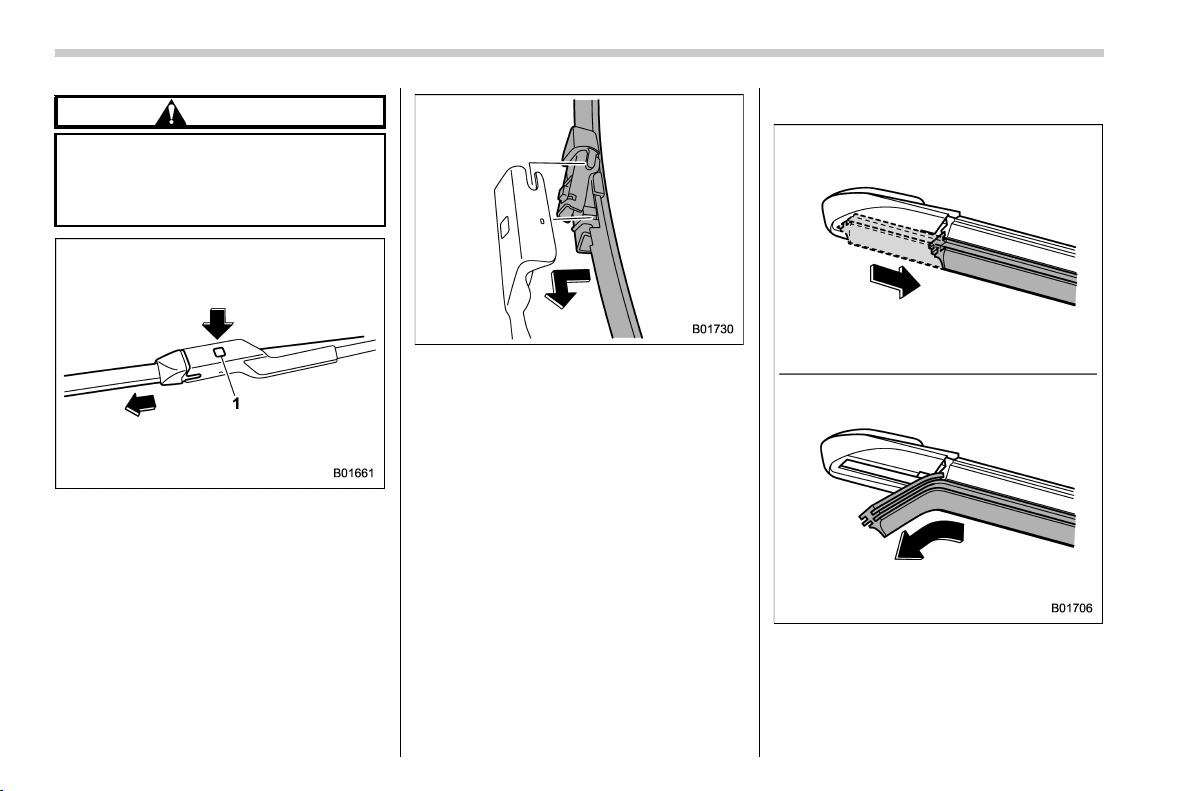
(424,1)
北米Model "A1320BE-C" EDITED: 2017/ 10/ 10
CAUTION
Hold the wiper arm when replacing
the wiper blade. Holding the wiper
blade, may result in blade deforma-
tion.
1) Lock knob
2. Hold the wiper blade connection by
hand, push the lock knob to release the
lock, and then pull out the wiper blade
assembly.
NOTE
Do not use a hard object to push the
lock knob. The lock knob may be
scratched.
3. When installing the wiper blade as-
sembly, align it with the wiper arm connec-
tion part and then slide it in the opposite
direction of removal to install. After instal-
ling the wiper blade assembly, check that
the connection part is locked completely.
4. Hold the wiper arm by hand and slowly
lower it in position.
& Window wiper blade rubber
Replace the wiper blade rubber according
to the following procedure.
1. Pull the wiper blade rubber until the slit
on the underside of the wiper blade is in
the removal position, as shown in the
Maintenance and service/Replacement of wiper blades
11-30
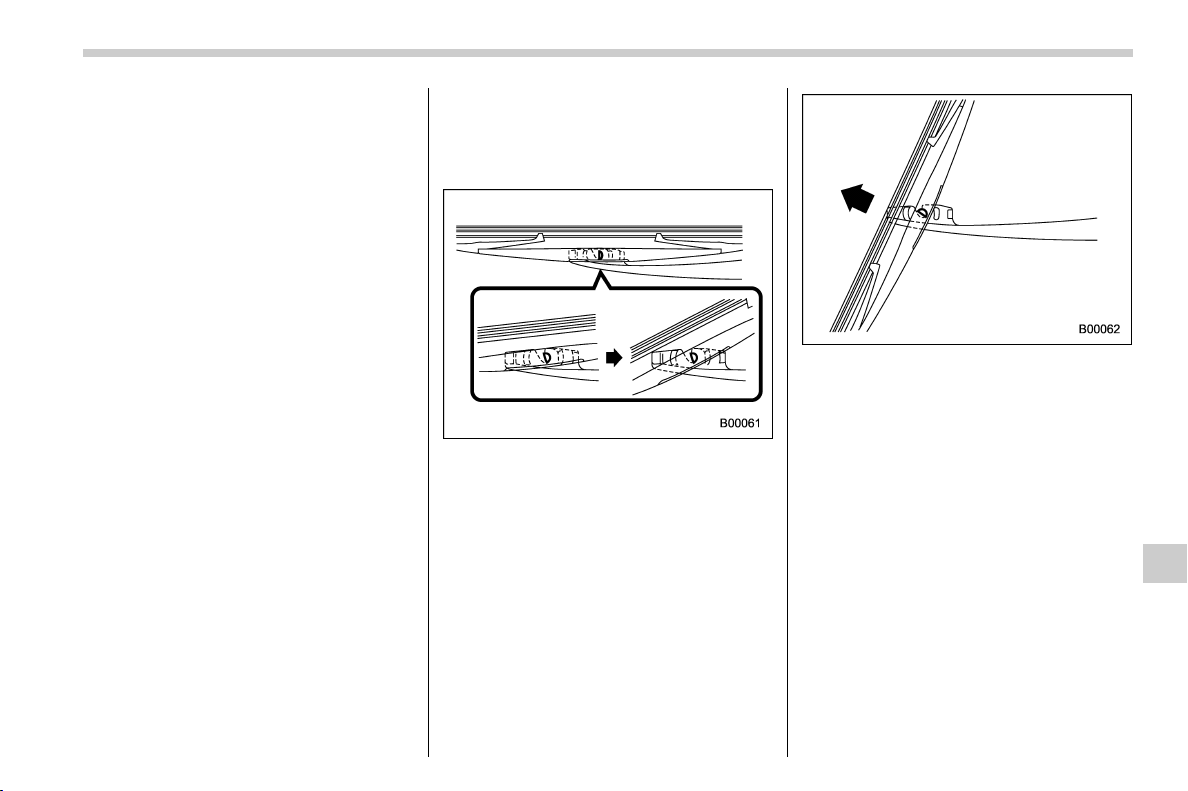
(425,1)
北米Model "A1320BE-C" EDITED: 2017/ 10/ 10
illustration, so that it can be removed.
2. Pull the end of the wiper blade rubber
through the slit to remove it.
3. To install a new wiper blade rubber,
perform the removal procedure in the
reverse order. After installation, check that
the tip of the wiper rubber has reached the
end of the cap.
NOTE
It may be difficult to perform the wiper
blade rubber replacement. We recom-
mend that you contact your SUBARU
dealer for wiper blade rubber replace-
ment if necessary.
& Rear window wiper blade as-
sembly
1. Raise the wiper arm off the rear
window.
2. Turn the wiper blade assembly coun-
terclockwise.
3. Pull the wiper blade assembly toward
you to remove it from the wiper arm.
4. Install the wiper blade assembly to the
wiper arm. Make sure that it locks in place.
5. Hold the wiper arm by hand and slowly
lower it in position.
– CONTINUED –
Maintenance and service/Replacement of wiper blades
11-31
11
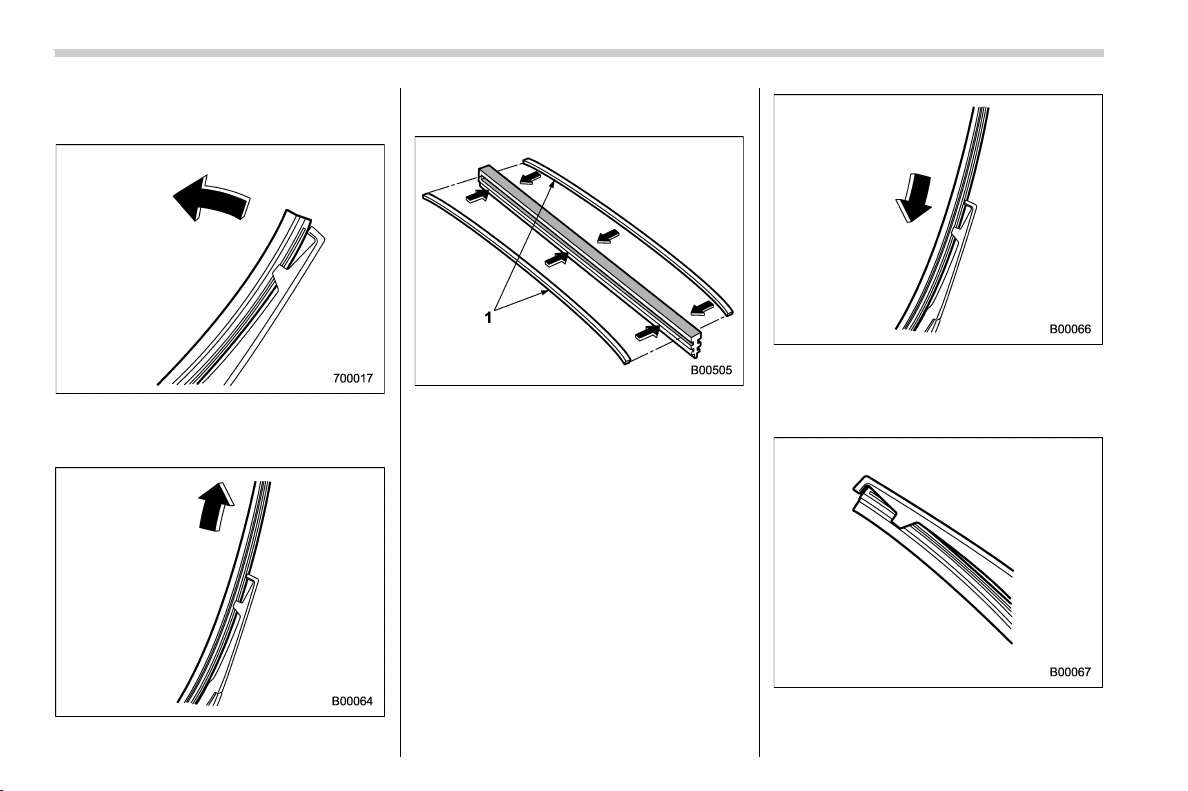
(426,1)
北米Model "A1320BE-C" EDITED: 2017/ 10/ 10
& Rear window wiper blade
rubber
1. Pull out the end of the blade rubber
assembly to u nlock it from the plastic
support.
2. Pull the blade rubber assembly out of
the plastic support.
1) Metal spines
3. If the new blade rubber is not provided
with two metal spines, remove the metal
spines from the old blade rubber and install
them in the new blade rubber.
4. Align the claws of the plastic support
with the grooves in the b lade rubber
assembly, then slide the blade rubber
assembly into place.
Securely retain both ends of the rubber
with the stoppers on the plastic support
Maintenance and service/Replacement of wiper blades
11-32
(427,1)
北米Model "A1320BE-C" EDITED: 2017/ 10/ 10
ends. If the rubber is not retained properly,
the wiper may scratch the rear window
glass.
5. Install the wiper blade assembly to the
wiper arm. Make sure that it locks in place.
6. Hold the wiper arm by hand and slowly
lower it in position.
Battery
WARNING
. Before beginning work on or near
any battery, be sure to extinguish
all cigarettes, matches, and light-
ers. Never expose a battery to an
open flam e or elec tric sparks.
Batteries give off a gas which is
highly flammable and explosive.
. For safety, in case an explosion
does occur, wear eye protection
or shield your eyes when working
near any battery. Never lean over
a battery.
. Do not let battery fluid contact
eyes, skin, fabrics, or paint be-
cause battery fluid is a corrosive
acid. If battery fluid gets on your
skin or in your eyes, immediately
flush the area with water thor-
oughly. Seek medical help imme-
diately if acid has entered the
eyes.
If battery fluid is accidentally
swallowed, immediately drink a
large amount of milk or water,
and seek medical attention im-
mediately.
. Tolessentheriskofsparks,
remove rings, metal watchbands,
and other metal jewelry. Never
allow metal tools to contact the
positive battery terminal and any-
thing connected to it WHILE you
are at the same time in contact
with any other metallic portion of
the vehicle because a short cir-
cuit will result.
. Keep everyone including children
away from the battery.
. Charge the battery in a well-
ventilated area.
. Battery posts, terminals and re-
lated accessories contain lead
and lead compounds, chemicals
known to the State of California
to cause cancer and reproductive
harm. Batte ries also contain
other chemicals known to the
State of California to cause can-
cer.
Wash hands after handling
.
– CONTINUED –
Maintenance and service/Battery
11-33
11
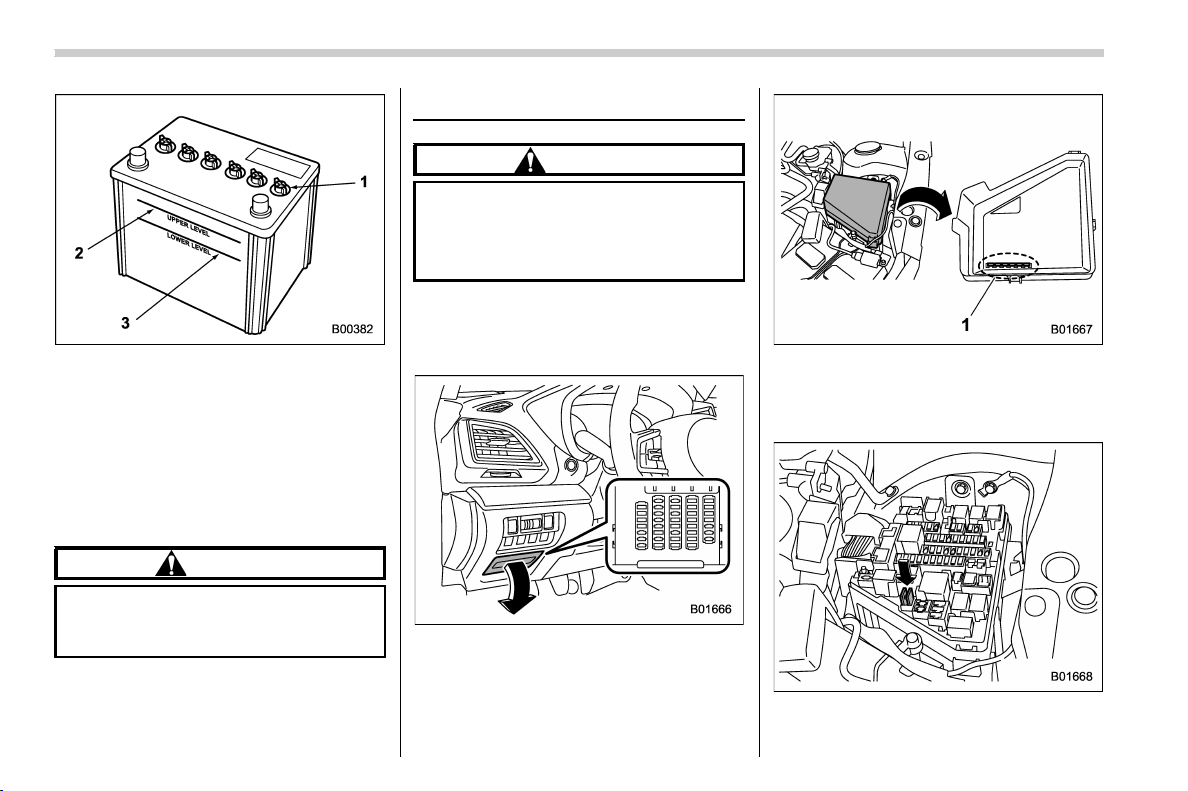
(428,1)
北米Model "A1320BE-C" EDITED: 2017/ 10/ 10
1) Cap
2) Upper level
3) Lower level
It is unnecessary to periodically check the
battery fluid level or periodically refill with
distilled water.
However, if the battery fluid level is below
the lower level, remove the cap. Fill to the
upper level with distilled water.
CAUTION
Never use more than 10 amperes
when charging the battery because
it will shorten battery life.
Fuses
CAUTION
Never replace a fuse with one having
a higher rating or with material other
than a fuse because serious damage
or a fire could result.
The fuses are designed to melt during an
overload to prevent damage to the wiring
harness and electrical equipment. The
fuses are located in two fuse boxes.
One is located under the instrument panel
behind the fuse box cover on the driver’s
seat side. To remove the cover, pull it out.
1) Spare fuses
The other one (main fuse box) is housed in
the engine compartment. Also, the spare
fuses are stored in the fuse box cover.
The fuse puller is stored in the main fuse
box in the engine compartment.
Maintenance and service/Fuses
11-34
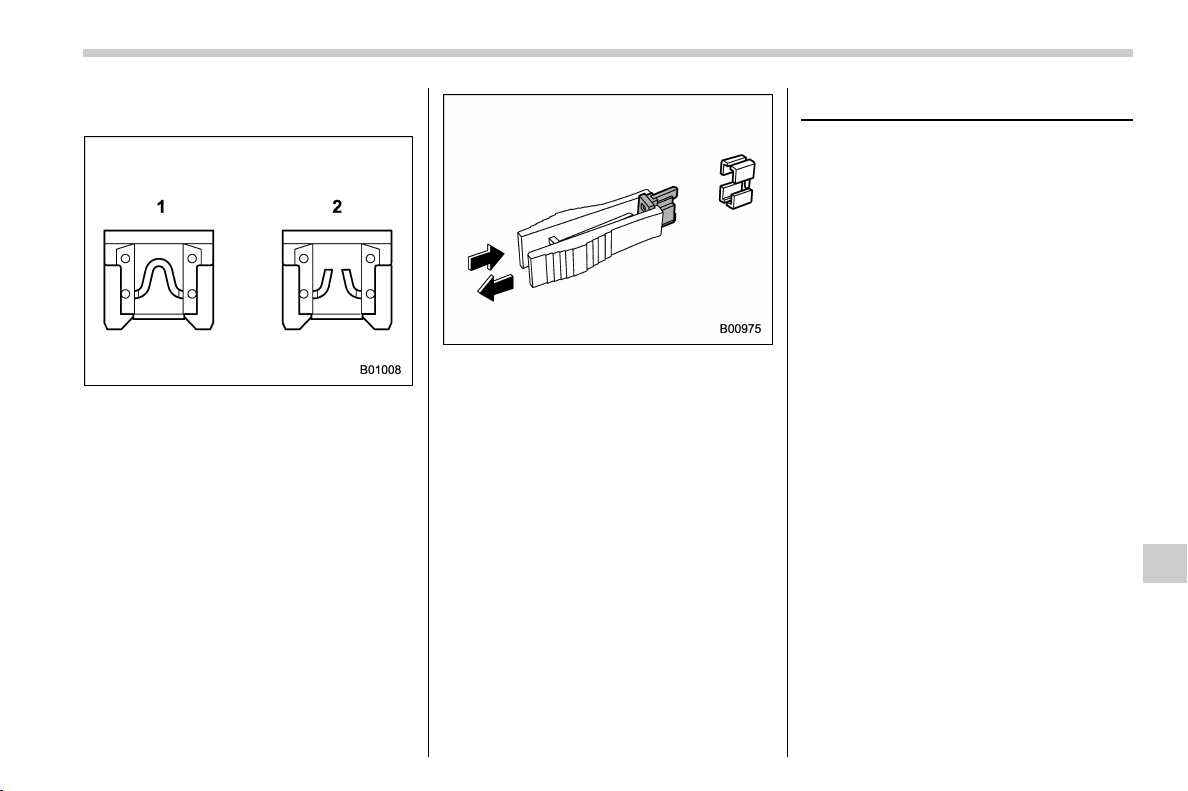
(429,1)
北米Model "A1320BE-C" EDITED: 2017/ 10/ 10
Pinch the upper part of the fuse puller
when removing it from the main fuse box.
1) Good
2) Blown
If any lights, accessories or other electrical
controls do not operate, inspect the corre-
sponding fuse. If a fuse has blown, replace
it.
1. Turn the ignition switch to the “LOCK”/
“OFF” position and turn off all electrical
accessories.
2. Remove the cover.
3. Determine which fuse may be blown.
Look at the back side of each fuse box
cover and refer to “Fuses and circuits”
F12-10.
4. Pull out the fuse with the fuse puller.
5. Inspect the fuse. If it has blown,
replace it with a spare fuse of the same
rating.
6. If the same fuse blows a gain, this
indicates that its system has a problem.
Contact your SUBARU dealer for repairs.
Installation of accessories
Always consult your SUBARU dealer
before installing fog lights or any other
electrical equipment in your vehicle. Such
accessories may cause the electronic
system to malfunction if they are incor-
rectly installed or if they are not suited for
the vehicle.
Maintenance and service/Installation of accessories
11-35
11
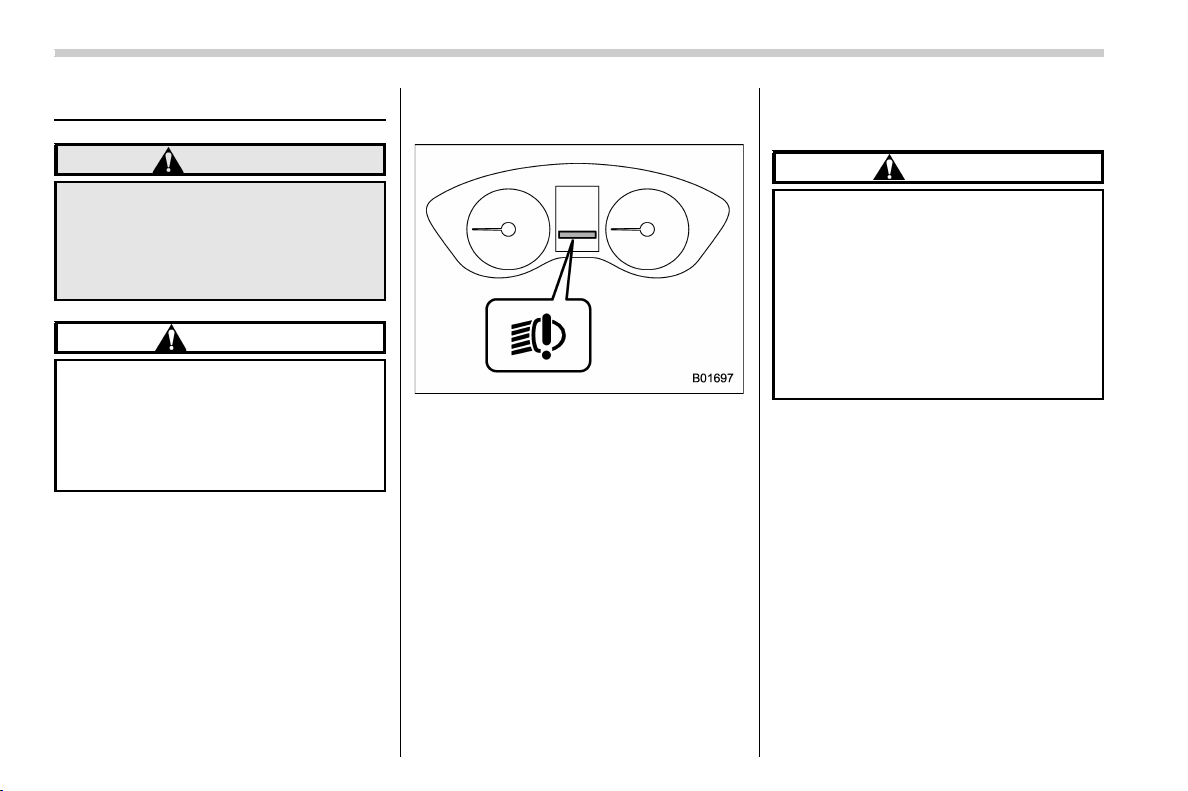
(430,1)
北米Model "A1320BE-C" EDITED: 2017/ 10/ 10
Replacing bulbs
WARNING
Bulbs may become very hot while
illuminated. Before replacing bulbs,
turn off the lights and wait until the
bulbs cool down. Otherwise, there is
a risk of sustaining a burn injury.
CAUTION
Replace any bulb only with a new
bulb of the specified wattage. Using
a bulb of different wattage could
result in a fire. For the specified
wattage of each bulb, refer to “Bulb
chart” F12-14.
NOTE
For models with type B combination
meter, if SRH is malfunctioning, the
SRH OFF indicator appears on the
combination meter when the ignition
switch is in the “ON” posi tion. It
indicates that SRH has been deacti-
vated. Contact a SUBARU dealer for an
inspection.
& Headlights (models with LED
headlights)
LED headlight warning light (type B)
The LED headlight warning light illumi-
nates if the LED headlights malfunction.
Have your vehicle inspected at a SUBARU
dealer as soon as possible.
& Headlights (models with ha-
logen headlights)
CAUTION
Halogen headlight bulbs become
very hot while in use. If you touch
the bulb surface with bare hands or
greasy gloves, fingerprints or
grease on the bulb surface will
develop into hot spots, causing the
bulb to break. If there are finger
prints or grease on the bulb surface,
wipe them away with a soft cloth
moistened with alcohol.
NOTE
. If headlight aiming is required, con-
sult your SUBARU dealer for proper
adjustment of the headlight aim.
. It may be difficult to replace the
bulbs. Have the bulbs replaced by your
SUBARU dealer if necessary.
Perform the following steps to replace the
bulbs.
Maintenance and service/Replacing bulbs
11-36
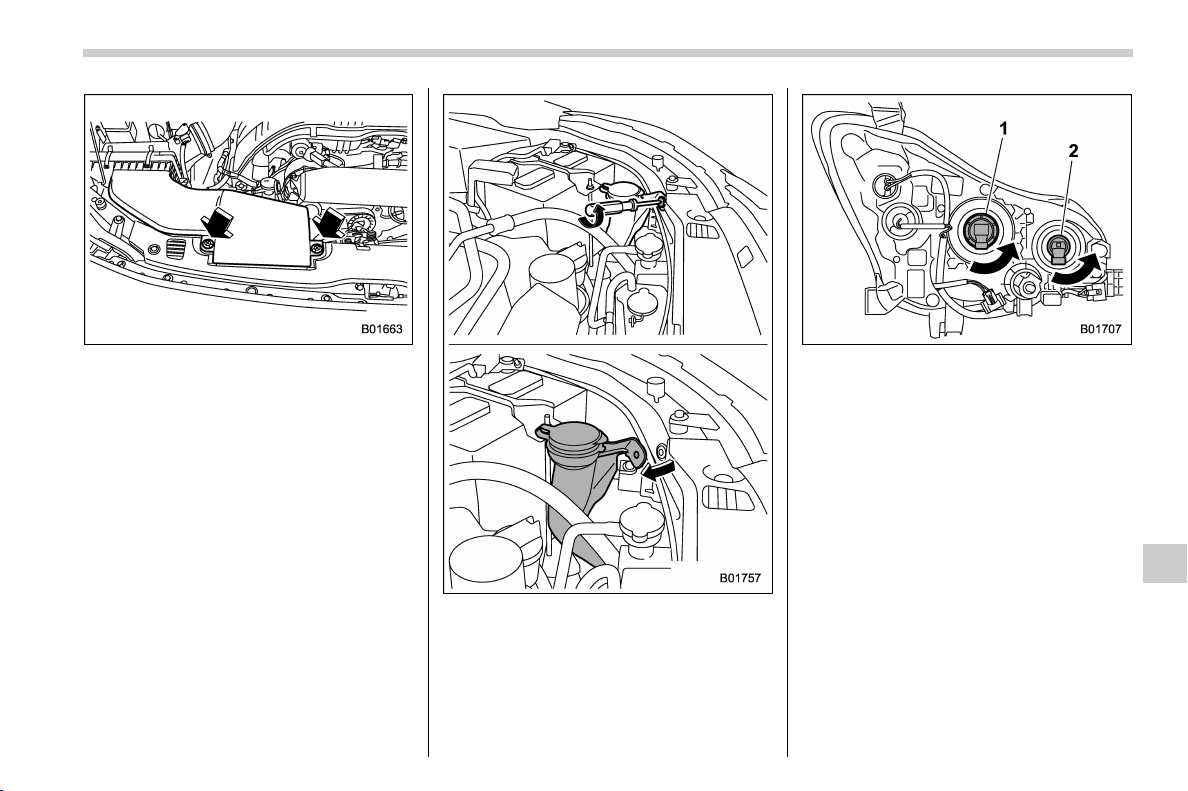
(431,1)
北米Model "A1320BE-C" EDITED: 2017/ 10/ 10
Right-hand side
1. Use a screwdriver to undo the clips on
the air intake duct, then remove the air
intake duct.
Left-hand side
2. Use a screwdriver to remove the
secured clip of the washer tank. To make
it easy to access the bulb, turn the neck of
the washer fluid filler pipe as illustrated.
1) Low beam bulb
2) High beam bulb
3. Disconnect the electric al connect or
from the bulb and remove the bulb from
the headlight assembly by turning it
counterclockwise.
4. Replace the bulb with new one. At this
time, use c are not to touch t he bulb
surface.
5. To install the bulb to the headlight
assembly, turn it clockwise until it clicks.
6. Reconnect the electrical connector.
7. Install the air intake duct with clips
(right-hand side).
8. Set the washer fluid filler pipe to the
original place and secure it by clip (left-
hand side).
– CONTINUED –
Maintenance and service/Replacing bulbs
11-37
11
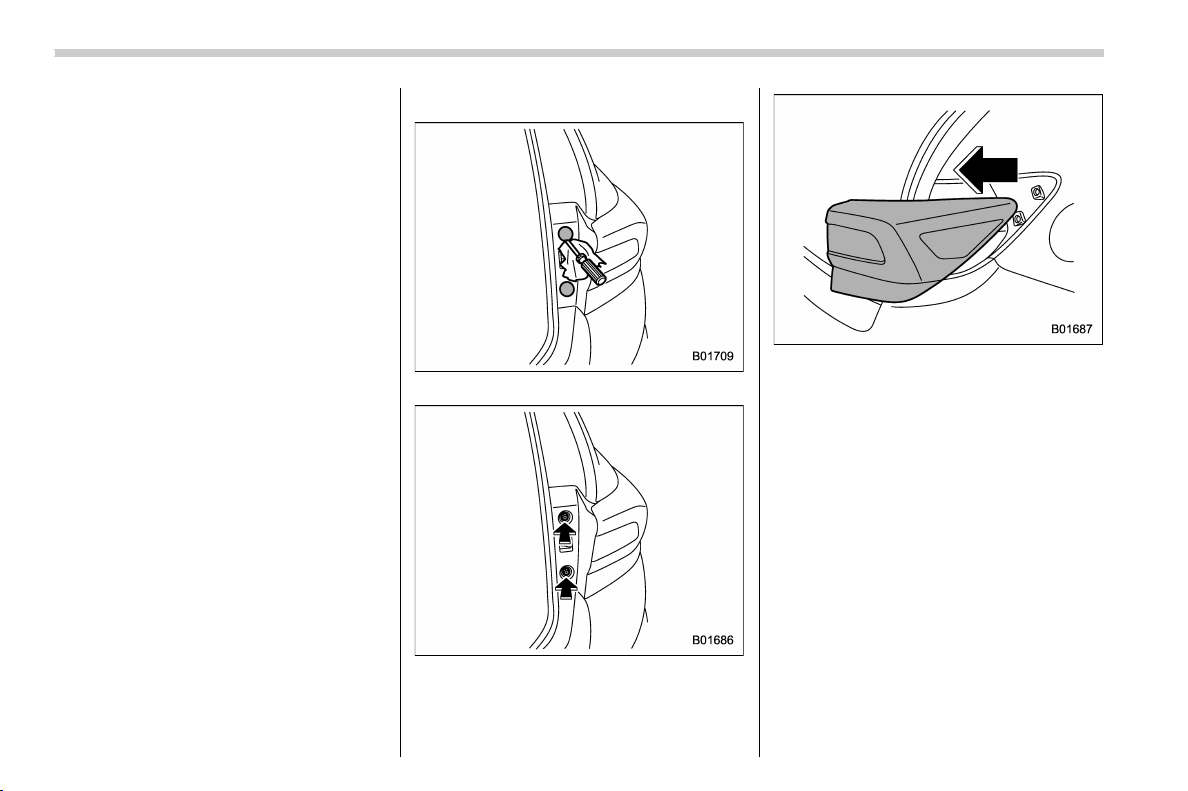
(432,1)
北米Model "A1320BE-C" EDITED: 2017/ 10/ 10
& Front turn signal light
It may be difficult to replace the bulbs.
Have the bulbs replaced by your SUBARU
dealer if necessary.
& Parking light
It may be difficult to replace the bulbs.
Have the bulbs replaced by your SUBARU
dealer if necessary.
& Front fog light (if equipped)
It may be difficult to replace the bulbs.
Have the bulbs replaced by your SUBARU
dealer if necessary.
& Rear combination lights
1. Remove the covers.
2. Using a Phillips screwdriver, remove
the upper and lower screws that secure the
rear combination light assembly.
3. Slide the rear combination light as-
sembly rearward and remove it from the
vehicle.
Maintenance and service/Replacing bulbs
11-38

(433,1)
北米Model "A1320BE-C" EDITED: 2017/ 10/ 10
1) Tail light
2) Rear side marker light
3) Rear turn signal light
4. Remove the bulb socket from the rear
combination light assembly by turning it
counterclockwise.
5. Pull the bulb out of the bulb socket and
replace it with a new one.
6. Set the bulb socket into the rear
combination light assembly and turn it
clockwise until it locks.
1) Guide pins
2) Catch
3) Clip
7. Put the rear combination light assem-
bly into place while aligning the 2 guide
pins and a catch with the guide holes and a
clip on the vehicle.
8. Tighten the upper and lower screws.
9. Reinstall the covers.
– CONTINUED –
Maintenance and service/Replacing bulbs
11-39
11
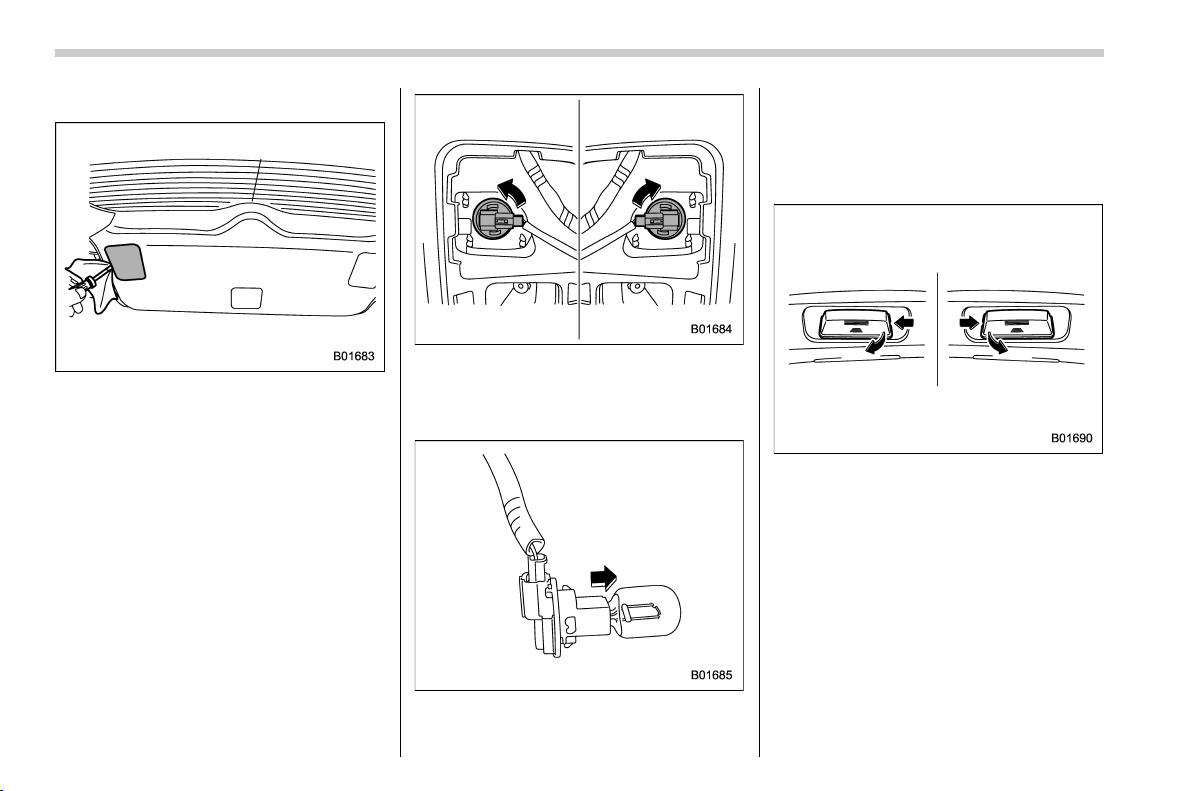
(434,1)
北米Model "A1320BE-C" EDITED: 2017/ 10/ 10
& Backup light
1. Apply a flat-head screwdriver to the
light cover as shown in the illustration, and
pry the light cover off from the rear gate
trim.
2. For left side light, turn the bulb socket
clockwise and remove it.
For right side light, turn the bulb socket
counterclockwise and remove it.
3. Pull the bulb out of the bulb socket and
replace it with a new one.
4. Install the bulb socket by turning it
clockwise.
5. Install the light cover on the rear gate.
& License plate light
1. The license plate lights must be
pushed outwards, and then pulled out to
be removed.
Maintenance and service/Replacing bulbs
11-40
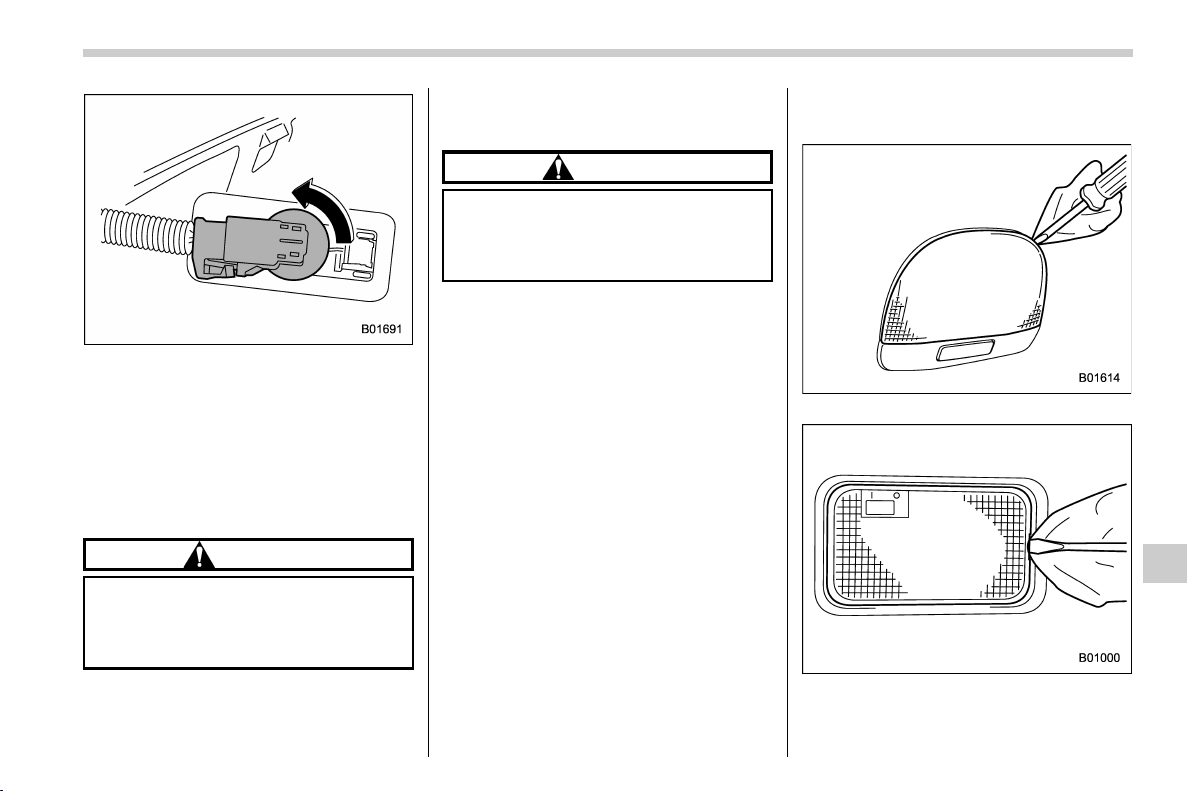
(435,1)
北米Model "A1320BE-C" EDITED: 2017/ 10/ 10
2. Turn the bulb socket counterclockwise
and pull out the socket.
3. Pull the bulb out of the socket.
4. Install a new bulb.
5. Reinstall the bulb socket and the
license plate light cover.
& Map light
CAUTION
Replacing the bulb could cause
burns since the bulb may be very
hot. Have the bulb replaced by your
SUBARU dealer.
& Vanity mirror light (if
equipped)
CAUTION
Replacing the bulb could cause
burns since the bulb may be very
hot. Have the bulb replaced by your
SUBARU dealer.
& Dome light and cargo area
light
Dome light
Cargo area light
1. Remove the lens by prying the edge of
– CONTINUED –
Maintenance and service/Replacing bulbs
11-41
11
(436,1)
北米Model "A1320BE-C" EDITED: 2017/ 10/ 10
the lens with a flat-head screwdriver.
2. Pull the bulb out of the socket.
3. Install a new bulb.
4. Reinstall the lens.
& Other bulbs
It may be difficult to replace the bulbs.
Have the bulbs replaced by your
SUBARU dealer if necessary.
Replacing key battery
The access key fob/transmitter battery
may be discharged under the following
conditions.
. The operation of the keyless access
function is unstable
. The operating distance of the remote
keyless entry system is unstable
. The transmitter does not operate prop-
erly when used within the standard dis-
tance
Replace the battery with a new one.
& Safety precautions
CAUTION
. Do not let dust, oil or water get on
or in the access key fob/transmit-
ter when replacing battery.
. Before replacing the battery, re-
move any static electricity.
. Be careful not to touch or damage
the printed circuit board in the
access key fob/transmitter when
replacing the battery.
. Be careful not to allow children to
touch the battery and any re-
moved parts; children could
swallow them.
. There is a danger of an explosion
if the battery is incorrectly re-
placed. Replace only with the
same or equivalent type of the
battery.
. Batteries should not be exposed
to excessive heat such as bright
sunlight, fire or the like.
NOTE
. Replace only with the same or
equivalent type of battery recom-
mended by the manufacturer.
. Dispose of used batteries according
to local laws.
. Mount the battery in the correct
orientation to prevent fluid leakage.
Be careful not to bend the terminals. It
may result in a malfunction.
. It is recommended that the battery
be replaced by a SUBARU dealer.
. Use a new battery.
. After replacing the battery, confirm
that the transmitter functions properly.
Maintenance and service/Replacing key battery
11-42
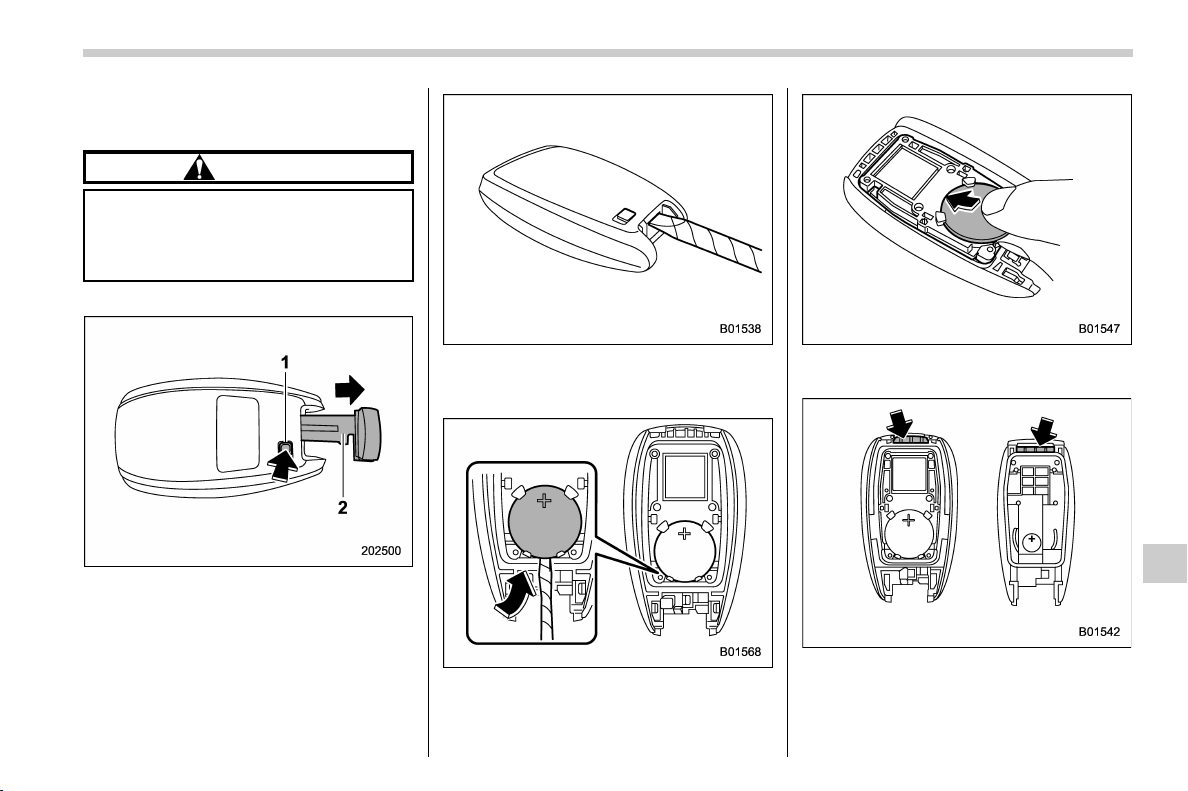
(437,1)
北米Model "A1320BE-C" EDITED: 2017/ 10/ 10
& Replacing battery of access
key fob
CAUTION
When removing or reinstalling the
access key fob cover, make sure that
the plastic part does not come off or
become misaligned.
Battery: Button battery CR2032
1) Release button
2) Emergency key
1. Take out the emergency key.
2. Wrap a flat-head screwdriver with vinyl
tape or a cloth, and insert it in the gap to
remove the cover.
3. Take out the battery using a flat-head
screwdriver with vinyl tape or a cloth.
4. Insert a new battery with its positive (+)
side facing upward as shown in the figure.
5. Attach the cover to the access key fob
by fitting the projections and recesses
together.
– CONTINUED –
Maintenance and service/Replacing key battery
11-43
11
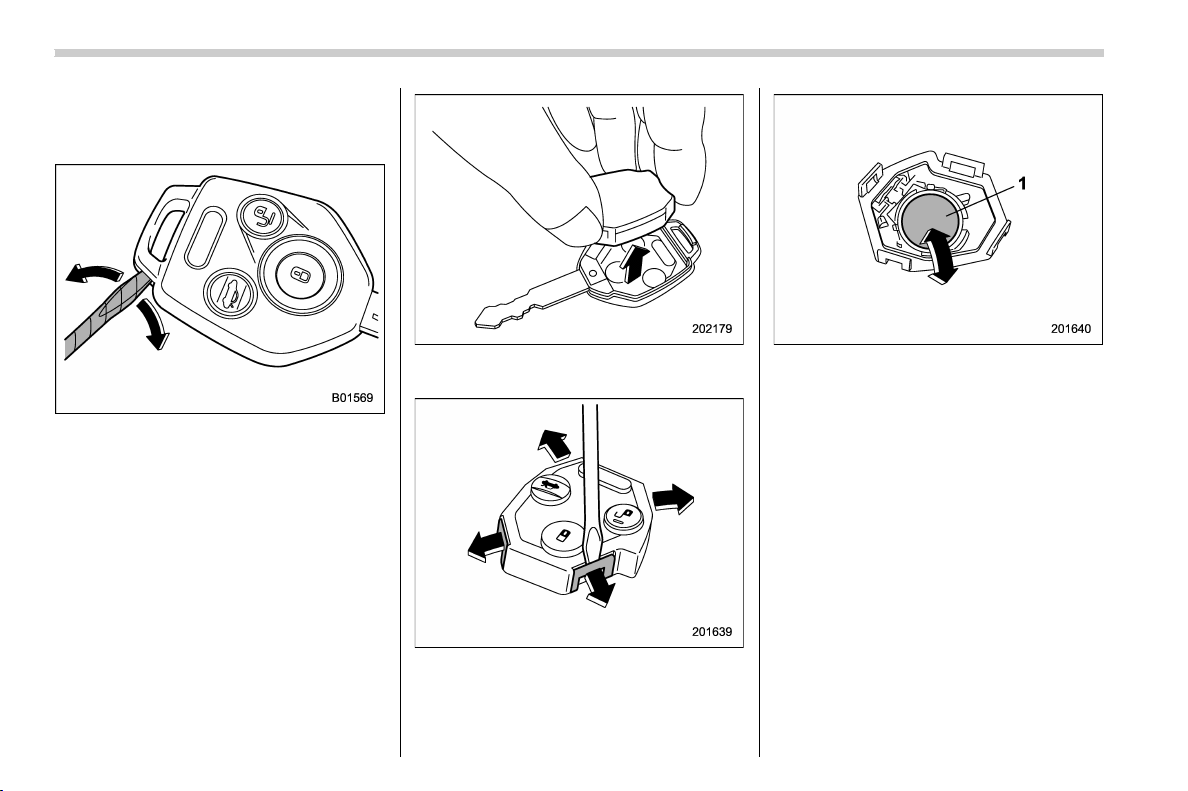
(438,1)
北米Model "A1320BE-C" EDITED: 2017/ 10/ 10
& Replacing transmitter battery
Battery: Button battery CR1620 or
equivalent
1. Wrap a flat-head screwdriver with vinyl
tape or a cloth. Open the key head using a
flat-head screwdriver.
2. Remove the transmitter case from the
key head.
3. Open the transmitter case by releasing
the hooks.
1) Negative (−) side facing up
4. Replace the old battery with a new
battery making sure to install the new
battery with the negative (−) side facing up.
5. Put together the transmitter case by
fitting the hooks on the case.
6. Reinstall the transmitter case in the
key head.
7. Refit the removed half of the key head.
Maintenance and service/Replacing key battery
11-44

(441,1)
北米Model "A1320BE-C" EDITED: 2017/ 10/ 10
Specifications........................................................ 12-2
Dimensions...........................................................12-2
Engine ..................................................................12-3
Fuel ......................................................................12-3
Engine oil .............................................................12-4
Manual transmission, front differential and rear
differential gear oil..............................................12-6
Fluids ...................................................................12-7
Engine coolant...................................................... 12-7
Electrical system ..................................................12-8
Tires ..................................................................... 12-8
Temporary spare tires ...........................................12-9
Brake disc ............................................................12-9
Fuses and circuits .............................................. 12-10
Fuse panel located in the passenger
compartment ................................................... 12-10
Fuse panel located in the engine compartment ... 12-12
Bulb chart............................................................ 12-14
Safety precautions.............................................. 12-14
Bulb chart .......................................................... 12-15
Vehicle identification .......................................... 12-18
Specifications
12
(442,1)
北米Model "A1320BE-C" EDITED: 2017/ 10/ 10
Specifications
These specifications are subject to change without notice.
& Dimensions
in (mm)
Item
Overall length 175.8 (4,465)
Overall width 71.0 (1,800)
Overall height 63.6 (1,615)
Wheel base 104.9 (2,665)
Tread
Front 61.0 (1,550)
Rear 61.2 (1,555)
Ground clearance*
1
8.7 (220)
*1: Measured with vehicle empty
Specifications/Specifications
12-2
(443,1)
北米Model "A1320BE-C" EDITED: 2017/ 10/ 10
& Engine
Engine model
FB20
(2.0 L, DOHC, non-turbo)
Engine type Horizontally opposed, liquid cooled 4 cylinder, 4-stroke direct injection gasoline engine
Displacement cu-in (cc) 121.7 (1,995)
Bore 6 Stroke in (mm) 3.31 6 3.54 (84.0 6 90.0)
Compression ratio 12.5 : 1
Firing order
1 – 3 – 2 – 4
& Fuel
Fuel requirement Fuel tank capacity
Unleaded gasoline with 87 AKI (90 RON) or higher
16.6 US gal (63 liters, 13.9 Imp gal)
For more details, refer to “
Fuel” F7-3.
– CONTINUED –
Specifications/Specifications
12-3
12
(444,1)
北米Model "A1320BE-C" EDITED: 2017/ 10/ 10
& Engine oil
For the checking, adding and replacing procedure or other details, refer to “Engine oil” F11-8.
NOTE
The procedure for changing the engine oil and oil filter should be performed by a properly-trained expert. It is recommended
that you have this service performed by your SUBARU dealer.
! Approved engine oil
Always use the SUBARU approved engine oil. For further details, please contact your SUBARU dealer.
If the approved engine oil is unavailable, use the alternative engine oil described on the next page.
Specifications/Specifications
12-4
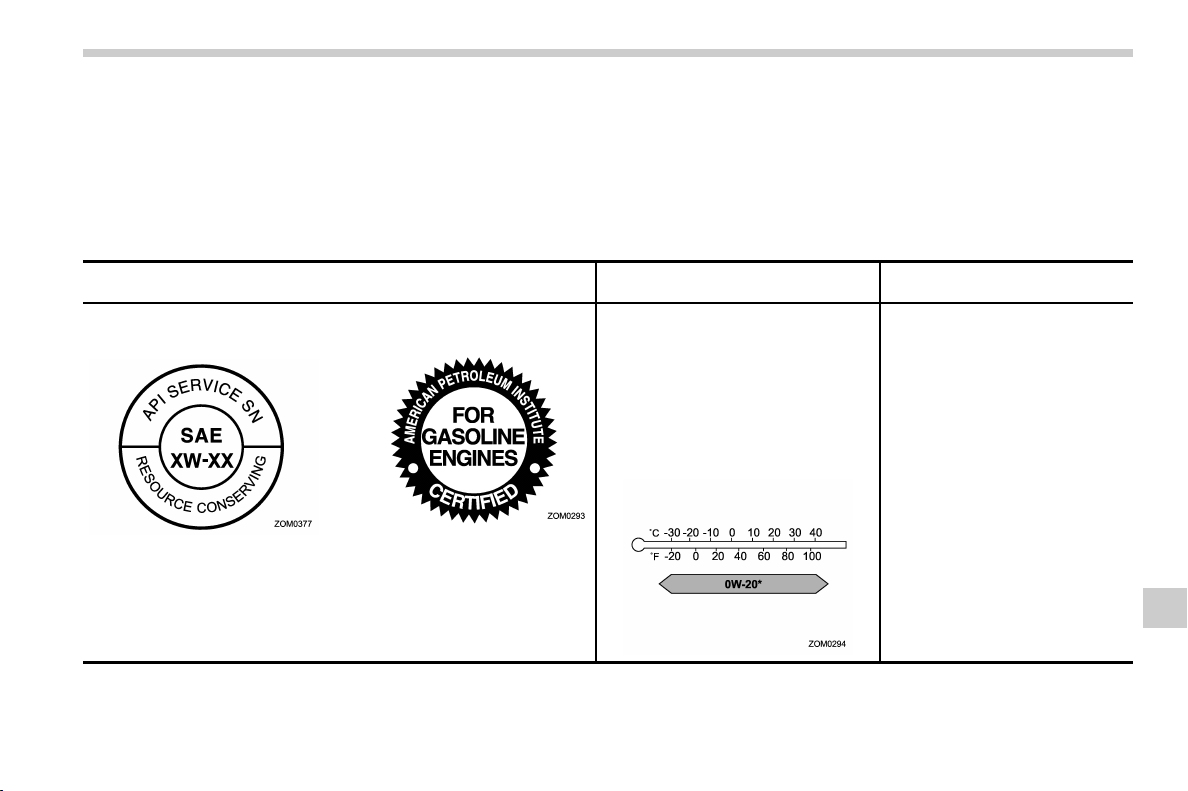
(445,1)
北米Model "A1320BE-C" EDITED: 2017/ 10/ 10
! Alternative engine oil
If the SUBARU approved oil is unavailable, the following alternative oil can be used.
NOTE
Each quantity indicated here is only a guideline. The necessary quantity for replacement may differ slightly depending on the
temperature and other factors.
Oil grade
SAE viscosity No. and
applicable temperature
Engine oil capacity
API (American Petroleum Insti-
tute) classification SN with the
words “RESOURCE CONSER-
VING”
or
ILSAC (International Lubricant
Specification Advisory Commit-
tee) GF-5, which can be identi-
fied with the ILSAC certification
mark (Starburst mark)
0W-20 synthetic oil is the required oil
for optimum engine performance and
protection. Conventional oil may be
used if synthetic oil is unavailable.
*: If 0W-20 synthetic oil is not available,
5W-30 conventional oil may be used if
replenishment is needed but should be
changed to 0W-20 synthetic oil at the
next oil change.
– Adding the oil from low level to
full level:
1.1 US qt (1.0 liter, 0.9 Imp qt)
– Changing the oil and oil filter:
4.7 US qt (4.4 liters, 3.9 Imp qt)
– CONTINUED –
Specifications/Specifications
12-5
12
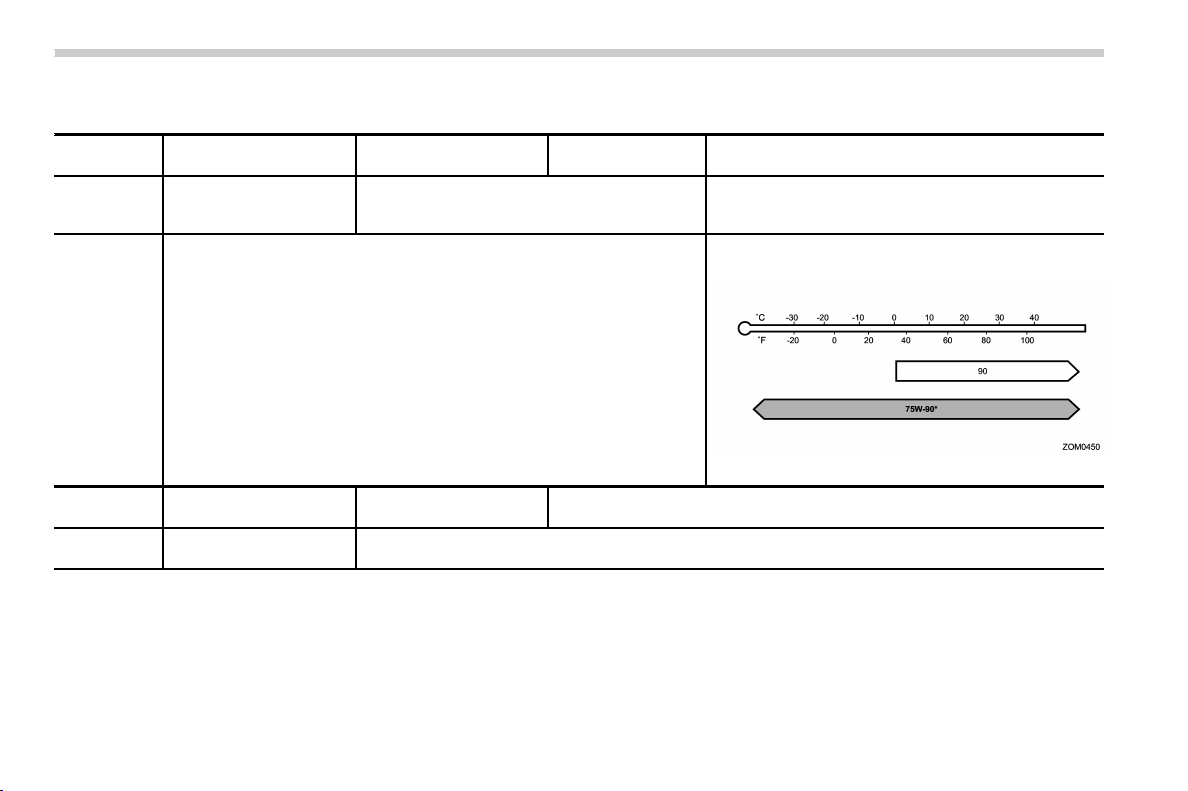
(446,1)
北米Model "A1320BE-C" EDITED: 2017/ 10/ 10
& Manual transmission, front differential and rear differential gear oil
Oil Manual transmission oil
Front differential gear oil
(CVT models)
Rear differential gear
oil (CVT models)
Rear differential gear oil (MT models)
Oil grade
. SUBARU Extra MT*
3
. API classification
GL-5 (75W-90)*
4
. SUBARU Extra MT*
3
. API classification GL-5
(75W-90)
API classification GL-5
SAE viscosity
No. and ap-
plicable tem-
perature
—
. 75W-90*
. 90
*: Recommended
Oil capacity*
1
3.5 US qt (3.3 liters, 2.9
Imp qt)
1.4 US qt (1.3 liters, 1.1
Imp qt)
0.8 US qt (0.8 liters, 0.7 Imp qt)
Remarks*
2
“Manual transmission oil”
F11-14
“Front differential gear oil (CVT models) and rear differential gear oil” F11-15
*1: The indicated oil quantity is only a guideline. The necessary quantity for replacement may differ slightly depending on the temperature and other
factors. After refilling the gearbox with oil, the oil level should be checked.
*2: For more details about maintenance and service, refer to the indicated section.
*3: The vehicle is filled at the factory with this type of oil.
*4: You may use this type of manual transmission oil. However, using this type of oil will detract from driveability and fuel efficiency.
Specifications/Specifications
12-6
(447,1)
北米Model "A1320BE-C" EDITED: 2017/ 10/ 10
& Fluids
Fluid
Fluid type*
1
Fluid capacity*
2
Remarks*
3
Continuously variable transmission
fluid (CVT models)
Consult your SUBARU dealer. 11.3 US qt (10.7 liters, 9.4 Imp qt)
“
Continuously variable transmis-
sion fluid” F11-15
Brake fluid
FMVSS No. 116, DOT 3 or DOT 4 brake
fluid
–“
Brake fluid” F11-15
Clutch fluid (MT models)
FMVSS No. 116, DOT 3 or DOT 4 brake
fluid
–
“
Clutch fluid (MT models)” F11-16
*1: Use one of the indicated types of fluid.
*2: The indicated fluid quantity is only a guideline. The necessary quantity for replacement may differ slightly depending on the temperature and other
factors.
*3: For more details about maintenance and service, refer to the indicated section.
& Engine coolant
Vehicle model Coolant capacity Coolant type
MT models 8.0 US qt (7.6 liters, 6.7 Imp qt)
SUBARU Super Coolant
CVT models
8.2 US qt (7.8 liters, 6.9 Imp qt)
The indicated coolant quantity is only a guideline. The necessary quantity for replacement may differ slightly depending on the temperature and other
factors. For more details about maintenance and service, refer to “
Cooling system” F11-10.
– CONTINUED –
Specifications/Specifications
12-7
12

(448,1)
北米Model "A1320BE-C" EDITED: 2017/ 10/ 10
& Electrical system
Battery type
75D23L
Alternator 12V-130A
Spark plugs
DILKAR7B8 (NGK)
& Tires
Tire size P225/60R17 98H 225/55R18 98H
Wheel size
17 6 7J 186 7J
Pressure Front
33 psi (230 kPa, 2.3 kgf/cm
2
)
Rear
32 psi (220 kPa, 2.2 kgf/cm
2
)
Wheel nut tightening torque
89 lbf·ft (120 N·m, 12 kgf·m)*
1
*1: This torque is equivalent to applying approximately 88 to 110 lbf (40 to 50 kgf) at the end of the wheel nut wrench. If you have tightened the wheel nuts
by yourself, have the tightening torque checked at the nearest automotive service facility as soon as possible. For the wheel nut tightening procedure,
refer to “
Changing a flat tire” F9-5.
Specifications/Specifications
12-8
(449,1)
北米Model "A1320BE-C" EDITED: 2017/ 10/ 10
& Temporary spare tires
U.S.-spec. models and Canada-spec. models Other models
Temporary spare tire size T145/80 D17 185/65 R17
Temporary spare tire inflation pressure
(recommended cold tire inflation pressure)
60 psi (420 kPa, 4.2 kgf/cm
2
)
42 psi (290 kPa, 2.9 kgf/cm
2
)
& Brake disc
If you need information on the usage limit value of brake discs and the method for measuring them, we recommend that you consult your
SUBARU dealer.
Specifications/Specifications
12-9
12
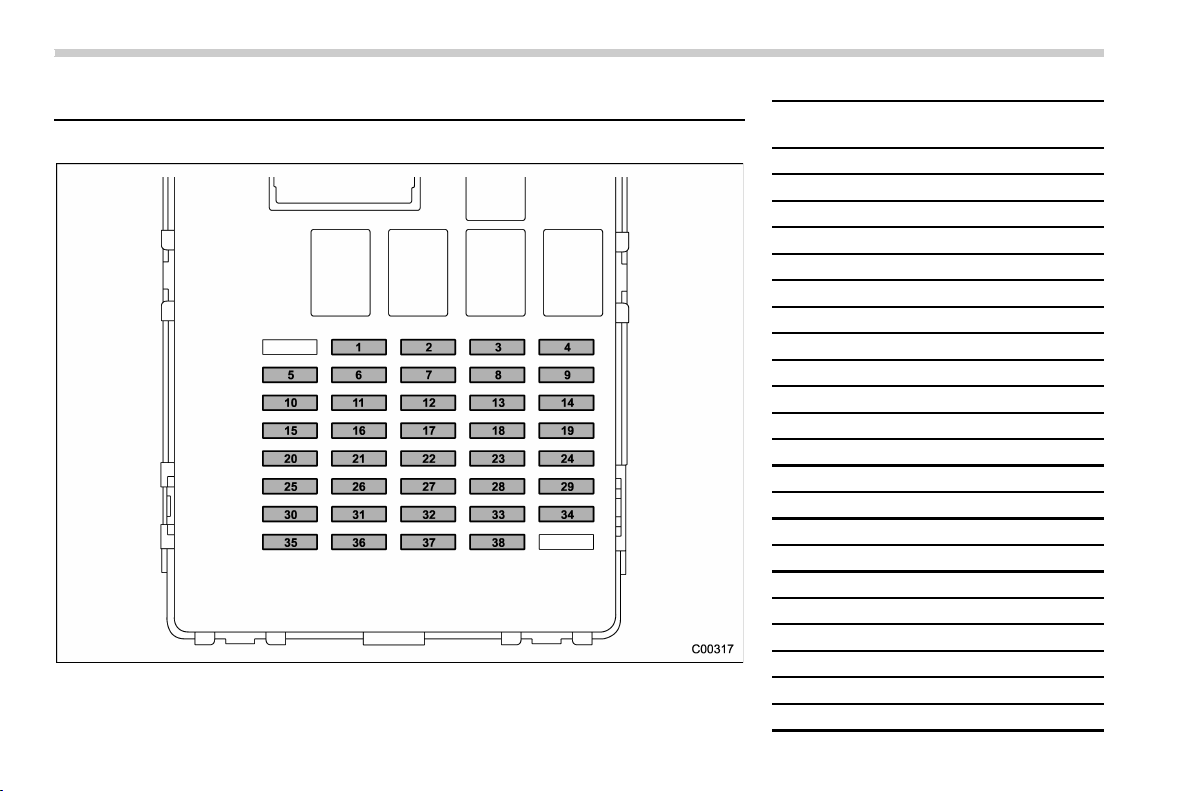
(450,1)
北米Model "A1320BE-C" EDITED: 2017/ 10/ 10
Fuses and circuits
& Fuse panel located in the passenger compartment
Fuse
panel
Fuse
rating
Circuit
1 Empty
2 20A CIGAR SEAT/H
3 7.5A
IG A-1
4 15A
AUDIO NAVI
5 15A
IG B-2
6 Empty
7 15A
12V SOCKET
8 15A
A/C IG
9 7.5A
ACC
10 7.5A
IG B-1
11 Empty
12 Empty
13 7.5A
IG A-3
14 7.5A
UNIT +B
15 7.5A METER IG
16 Empty
17 7.5A
MIRROR
18 7.5A
LAMP IG
19 10A
IG A-2
20 10A
SRS AIR BAG
21 Empty
22 15A
STRG/H
Specifications/Fuses and circuits
12-10

(451,1)
北米Model "A1320BE-C" EDITED: 2017/ 10/ 10
Fuse
panel
Fuse
rating
Circuit
23 10A
DRL
24 Empty
25 Empty
26 10A
BACK UP
27 Empty
28 20A
TRAIL R.FOG
29 Empty
30 Empty
31 Empty
32 7.5A
ILLUMI
33 7.5A
KEY SW A
34 Empty
35 Empty
36 7.5A
KEY SW B
37 7.5A
STOP
38 7.5A
EYE SIGHT
– CONTINUED –
Specifications/Fuses and circuits
12-11
12
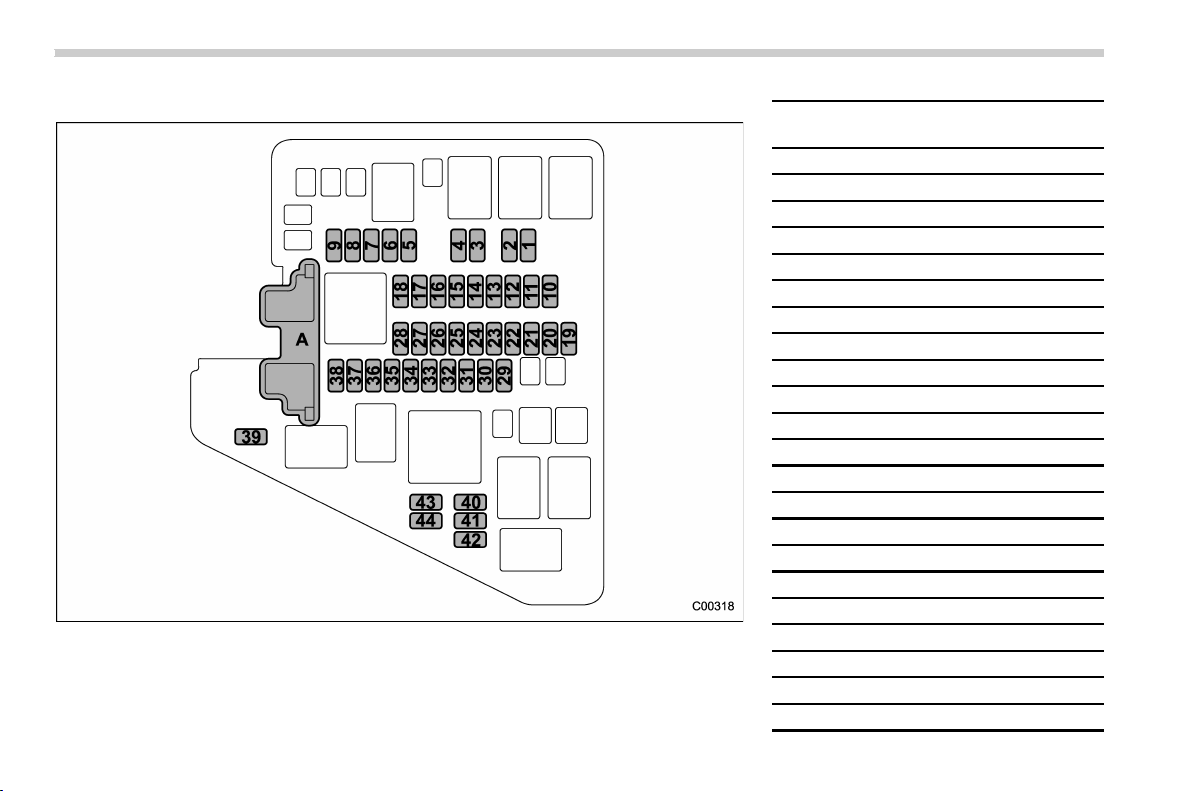
(452,1)
北米Model "A1320BE-C" EDITED: 2017/ 10/ 10
& Fuse panel located in the engine compartment
A) Main fuse
Fuse
panel
Fuse
rating
Circuit
1 7.5A
HORN 2
2 7.5A
HORN 1
3 15A
H/L LO RH
4
15A H/L LO LH
5
7.5A ACTGS
6 10A
H/L HI RH
7 10A
H/L HI LH
8 10A
TAIL
9 10A
ODS
10 7.5A
OBD
11 7.5A
PU B/UP
12 30A
JB-B
13 15A
HAZARD
14 20A
FUEL
15 7.5A
D-OP+B
16 10A
MB-B
17 15A
D/L
18 10A
DCM
19 20A
TCU
20 7.5A
CVT SSR
21 15A
IG COIL
22 10A
AVCS
Specifications/Fuses and circuits
12-12

(453,1)
北米Model "A1320BE-C" EDITED: 2017/ 10/ 10
Fuse
panel
Fuse
rating
Circuit
23 10A
E/G2
24 Empty
25 Empty
26 20A
O2 HTR
27 15A
E/G1
28 Empty
29 30A
BACKUP
30 25A
R. DEF
31 20A
AUDIO
32 30A
VDC SOL
33 25A
MAIN FAN
34 25A
SUB FAN
35 10A
DEICER
36 15A
F. FOG
37 15A
BLOWER
38 15A
BLOWER
39 Empty
40 30A
F. WIPER
41 15A
F. WASH
42 15A
R. WIPER
43 Empty
44 Empty
Specifications/Fuses and circuits
12-13
12
(454,1)
北米Model "A1320BE-C" EDITED: 2017/ 10/ 10
Bulb chart
& Safety precautions
WARNING
Bulbs may become very hot while
illuminated. Before replacing bulbs,
turn off the lights and wait until the
bulbs cool down. Otherwise, there is
a risk of sustaining a burn injury.
CAUTION
Replace any bulb only with a new
bulb of the specified wattage. Using
a bulb of different wattage could
result in a fire.
Specifications/Bulb chart
12-14
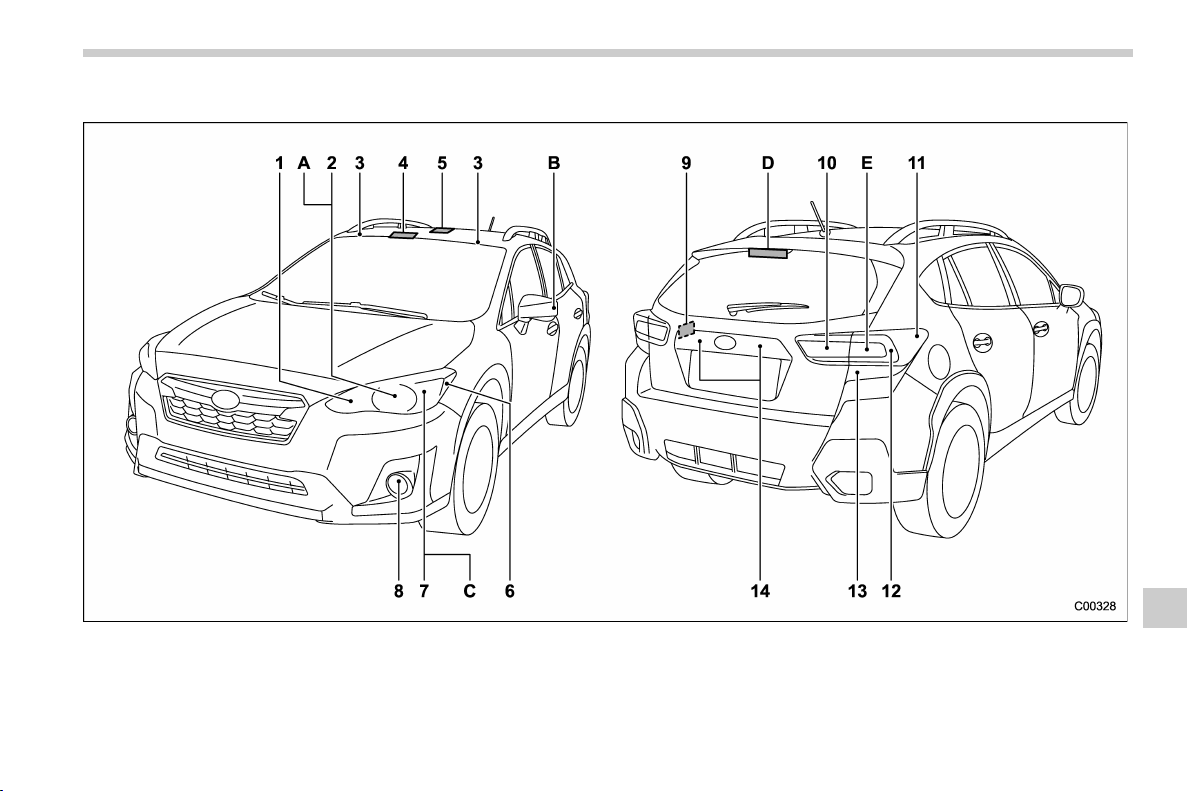
(455,1)
北米Model "A1320BE-C" EDITED: 2017/ 10/ 10
& Bulb chart
NOTE
Lights A, B, C, D and E are the LED (Light Emitting Diode) type. Consult your SUBARU dealer for replacement.
– CONTINUED –
Specifications/Bulb chart
12-15
12

(456,1)
北米Model "A1320BE-C" EDITED: 2017/ 10/ 10
Wattage Bulb No.
1) High beam headlight (models with halogen headlight) 12V-60W HB3
Front turn signal light (models with LED headlight) 12V-8/28W 7444NA
2) Low beam headlight (models with halogen headlight) 12V-55W H11
3) Vanity mirror light (if equipped) 12V-2W –
4)
Map light 12V-8W –
5)
Dome light 12V-8W –
6)
Front side marker light 12V-5W W5W
7)
Parking light/Front turn signal light (models with halogen
headlight)/Front position light (models with halogen headlight)
12V-8/28W 7444NA
8)
Front fog light (if equipped)
Models without steering responsive fog lights system 12V-19W H16
Models with steering responsive fog lights system 12V-55W H11
9)
Cargo area light 12V-5W –
10)
Backup light 12V-21W W21W
11)
Rear side marker light
12V-5W W5W
12)
Tail light 12V-5W W5W
13)
Rear turn signal light 12V-21W WY21W
14)
License plate light 12V-5W
W5W
Specifications/Bulb chart
12-16

(457,1)
北米Model "A1320BE-C" EDITED: 2017/ 10/ 10
Wattage Bulb No.
A)
Low and high beam headlight (models with LED headlight) ––
B)
Side turn signal light (if equipped) ––
C)
Front position light (models with LED headlight)/Daytime
running light (models with LED headlight)
––
D)
High-mounted stop light ––
E)
Stop light –
–
Specifications/Bulb chart
12-17
12

(458,1)
北米Model "A1320BE-C" EDITED: 2017/ 10/ 10
Vehicle identification
1) Vehicle identification number (under the
floor carpet of the right-hand front seat)
2) Emission control label
3) Tire inflation pressure label
4) Certification label
5) Vehicle identification number plate
6) Model number label
7) Fuel label
8) Air conditioner label
Specifications/Vehicle identification
12-18

(461,1)
北米Model "A1320BE-C" EDITED: 2017/ 10/ 10
For U.S.A. .............................................................. 13-2
Tire information..................................................... 13-2
Tire labeling.......................................................... 13-2
Recommended tire inflation pressure ....................13-4
Glossary of tire terminology..................................13-5
Tire care – maintenance and safety practices ...... 13-10
Determining compatibility of tire and vehicle
load capacities.................................................. 13-10
Adverse safety consequences of overloading on
handling and stopping and on tires ................... 13-10
Steps for Determining Correct Load Limit ........... 13-11
Vehicle load limit – how to determine ...............13-11
Calculating total and load capacities varying
seating configurations ..................................... 13-12
Uniform tire quality grading standards............. 13-14
Treadwear........................................................... 13-15
Traction AA, A, B, C............................................ 13-15
Temperature A, B, C ........................................... 13-15
Reporting safety defects (U.S.A.) ...................... 13-16
Consumer information and Reporting safety defects
13
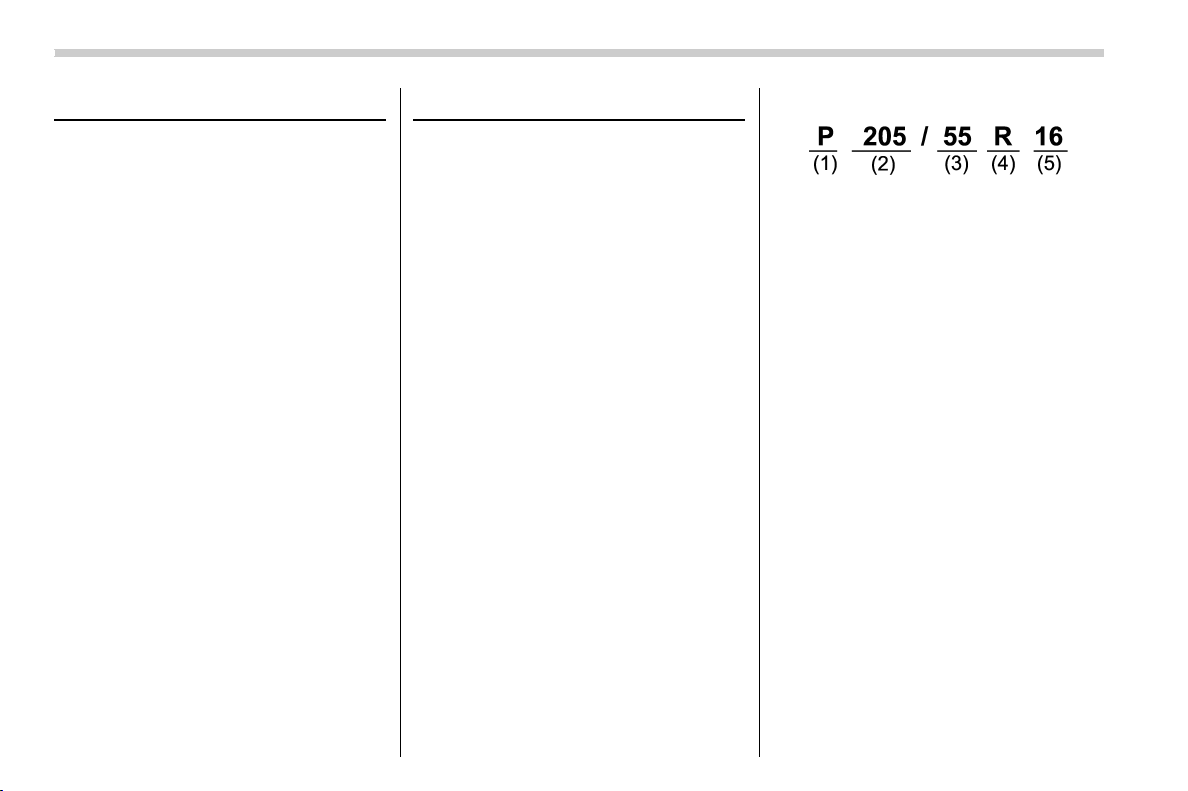
(462,1)
北米Model "A1320BE-C" EDITED: 2017/ 10/ 10
For U.S.A.
The following information has been
compiled according to Code of
Federal Regulations “Title 49, Part
575”.
Tire information
& Tire labeling
Many markings (e.g. Tire size, Tire
Identification Number or TIN) are
placed on the sidewall of a tire by
tire manufacturers. These markings
can provide you with useful infor-
mation on the tire.
! Tire size
Your vehicle comes equipped with
P-Metric tire size. It is important to
understand the sizing syste m in
selecting the proper tire for your
vehicles. Here is a brief review of
the tire sizing system with a break-
down of its individual elements.
! P Metric
With the P-Metric system, Section
Width is measured in millimeters.
To convert millimeters into inches,
divide by 25.4. The Aspect Ratio
(Section Height divided by Section
Width) helps provide more dimen-
sional information about the tire
size.
Example:
(1) P = Certain tire type used on
light duty vehicles such as passen-
ger cars
(2) Section Width in millimeters
(3) Aspect Ratio (= section height
7 section width).
(4) R = Radial Construction
(5) Rim diameter in inches
! Load and Speed Rating De-
scriptions
The load and speed rating descrip-
tions will appear following the size
designation.
They provide two important facts
about the tire. First, the number
designation is its load index. Sec-
ond, the letter designation indicates
the tire’s speed rating.
Consumer information and Reporting safety defects/For U.S.A.
13-2
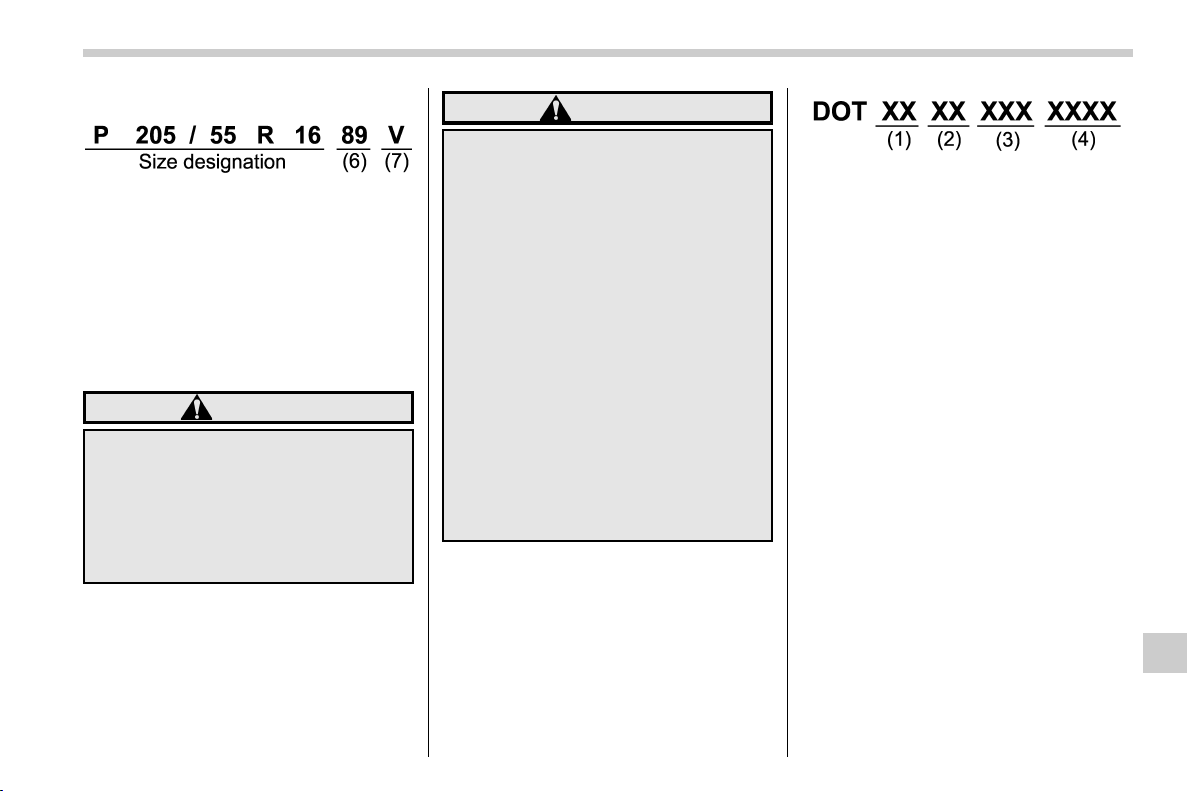
(463,1)
北米Model "A1320BE-C" EDITED: 2017/ 10/ 10
Example:
(6) Load Index: A numerical code
which specifies the maximum load
a tire can carry at the speed
indicated by its speed symbol, at
maximum inflation pressure.
For example, “90” means 1,323 lbs
(600 kg), “89” means 1,278 lbs (580
kg).
WARNING
Load indices apply only to the
tire, not to the vehicle. Putting
a load rated tire on any vehicle
does not mean the vehicle can
be loaded up to the tire’s rated
load.
(7) Speed Rating: An alphabetical
system describing a tire’s capability
to travel at established and prede-
termined speeds.
For example, “V” means 149 mph
(240 km/h)
WARNING
. Speed ratings apply only to
the tire, not to the vehicle.
Putting a speed rated tire on
any vehicle does not mean
the vehicle can be operated
at the tire’s rated speed.
. The speed rating is void if
the tires are worn out, da-
maged, repaired, retreaded,
or otherwise altered from
their origin al condition. If
tires are repaired, re-
treaded, o r o therwise al-
tered, they may not be sui-
table for original equipment
tire designed loads and
speeds.
! Tire Identification Number (TIN)
Tire Identification Number (TIN) is
marked on the intended outboard
sidewall. The TIN is composed of
four groups. Here is a brief review of
the TIN with a breakdown of its
individual elements.
(1) Manufacturer’s Identification
Mark
(2) Tire Size
(3) Tire Type Code
(4) Date of Manufacture
The first two figures identify the
week, starting with “01” to represent
the first full week of the calendar
year; the second two figures repre-
sent the year. For example, 0101
means the 1st week of 2001.
! Other markings
The following makings are also
placed on the sidewall.
! Maximum permissible infla-
tion pressure
The maximum cold inflation pres-
sure to which this tire may be
inflated. For example, “300 kPa
(44 PSI) MAX. PRESS”
– CONTINUED –
Consumer information and Reporting safety defects/Tire information
13-3
13
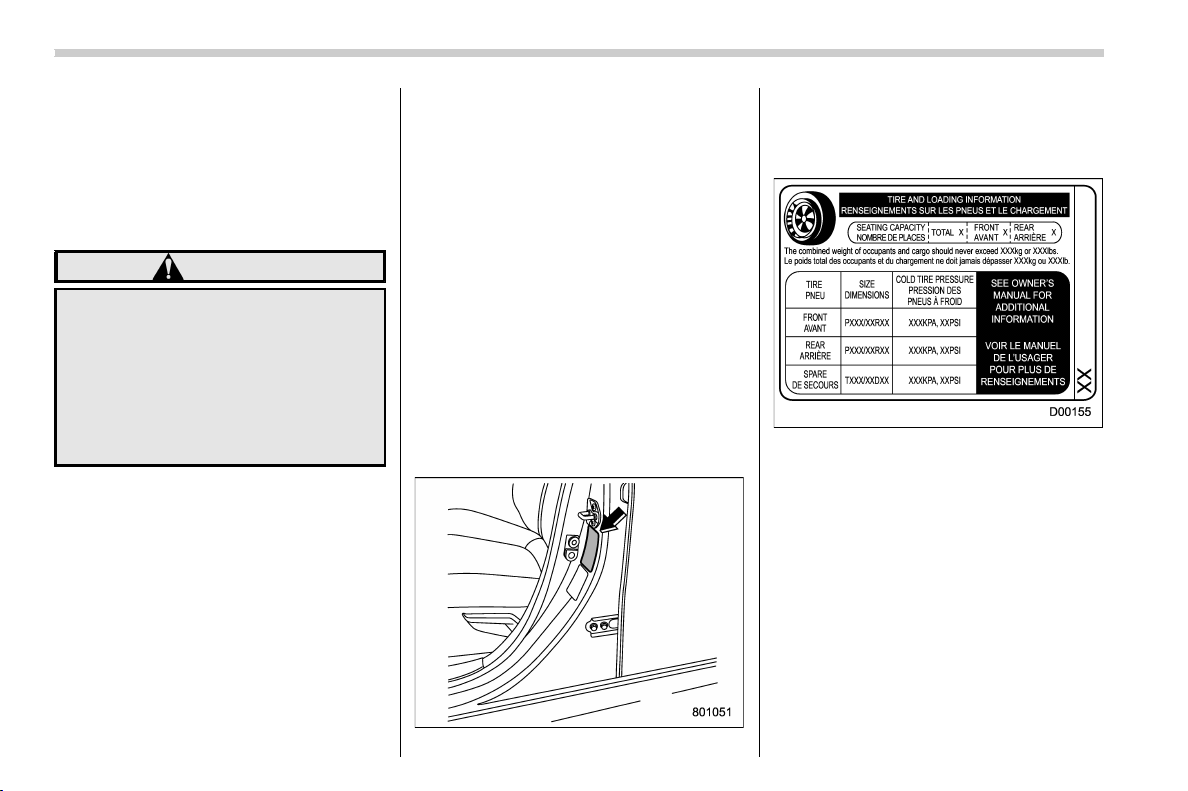
(464,1)
北米Model "A1320BE-C" EDITED: 2017/ 10/ 10
! Maximum load rating
The load rating at the maximum
permissible weight load for this tire.
For example, “MAX. LOAD 580 kg
(1279 LBS) @ 300 kPa (44 PSI)
MAX. PRESS.”
WARNING
Maximum load rating applies
only to the tire, not to the
vehicle. Putting a load rated
tire on any vehicle does not
mean the vehicle can be
loaded up to the tire’s rated
load.
! Construction type
Applicable construction of this tire.
For example, “TUBELESS STEEL
BELTED RADIAL”
! Construction
The generic name of each cord
material used in the plies (both
sidewall and tread area) of this tire.
For e xample, “PLIES: TREAD 2
STEEL + 2 POLYESTER SIDE-
WALL 2 POLYESTER”
! Uniform Tire Quality Grading
(UTQG)
For details, refer to “Uniform tire
quality grading standards” F13-14.
& Recommended tire inflation
pressure
! Recommended cold tire infla-
tion pressure
For recommended cold tire inflation
pressure for your vehicle’s tires,
refer to “
Tires” F12-8.
! Vehicle placard
The vehicle placard is attached to
the driver’s side door pillar.
Example:
The vehicle placard shows original
tire size, recommended cold tire
inflation pressure on each tire at
maximum loa ded vehicle weight,
seating capacity and loading infor-
mation.
! Adverse safety consequences
of under-inflation
Driving at high speeds with exces-
sively low tire pressures can cause
the tires to flex severely and to
rapidly become hot. A sharp in-
Consumer information and Reporting safety defects/Tire information
13-4

(465,1)
北米Model "A1320BE-C" EDITED: 2017/ 10/ 10
crease in temperature could cause
tread separation, and failure of the
tire(s). Possible resulting loss of
vehicle control could lead to an
accident.
! Measuring and adjusting air
pressure to achieve proper in-
flation
Check and, if necessary, adjust the
pressure of each tire (including the
spare) at least once a month and
before any long journey. Check the
tire pressures when the tires are
cold. Use a pressure gauge to
adjust the tire pressures to the
specific values. Driving even a short
distance warms up the tires and
increases the tire pressures. Also,
the tire pressures are affected by
the outside temperature. It is best to
check tire pressure outdoors before
driving the vehicle. When a tire
becomes warm, the air inside it
expands, causing the tire pressure
to increase. Be careful not to mis-
takenly release air from a warm tire
to reduce its pressure.
& Glossary of tire terminology
. Accessory weight
The combined weight (in excess of
those standard items which may be
replaced) of automatic transmis-
sion, power steering, power brakes,
power windows, power seats, radio,
and heater, to the extent that these
items are available as factory-in-
stalled equipment (whether in-
stalled or not).
. Bead
The part of the tire that is made of
steel wires, wrapped or reinforced
by ply cords and that is shaped to fit
the rim.
. Bead separation
A breakdown of the bond between
components in the bead.
. Bias ply tire
A pneumatic tire in which the ply
cords that extend to the beads are
laid at alternate angles substantially
less than 90 degrees to the center-
line of the tread.
. Carcass
The tire structure, except tread and
sidewall rubber which, when in-
flated, bears the load.
. Chunking
The breaking away of pieces of the
tread or sidewall.
. Cold tire pressure
The pressure in a tire that has been
driven less than 1 mile or has been
standing for three hours or more.
. Cord
The strands forming the plies in the
tire.
. Cord separation
The parting of cords from adjacent
rubber compounds.
. Cracking
Any parting within the tread, side-
wall, or inner liner of the tire
extending to cord material.
. Curb weight
The weight of a motor vehicle with
standard equipment including the
maximum capacity of fuel, oil and
coolant, and if so equipped, air
conditioning and additional weight
optional engine.
– CONTINUED –
Consumer information and Reporting safety defects/Tire information
13-5
13

(466,1)
北米Model "A1320BE-C" EDITED: 2017/ 10/ 10
. Extra load tire
A tire designed to operate at higher
loads and higher inflation pressure
than the corresponding standard
tire.
. Groove
The space between two adjacent
tread ribs.
. Innerliner
The layer(s) forming the inside sur-
face of a tubeless tire that contains
the inflating medium within the tire.
. Innerliner separation
The parting of the innerliner from
cord material in the carcass.
. Intended outboard sidewall
(1) The sidewall that contains a
whitewall, bears white lettering
or bears manufacturer, brand,
and/or model name molding that
is higher or deeper than the
same molding on the other side-
wall of the tire, or
(2) The outward facing sidewall
of an asymmetrical tire that has a
particular side that must always
face outward when mounting on
a vehicle.
. Light truck (LT) tire
A tire designated by its manufac-
turer as primarily intended for use
on lightweight trucks or multipur-
pose passenger vehicles.
. Load rating
The maximum load that a tire is
rated to carry for a given inflation
pressure.
. Maximum inflation pressure
The maximum cold inflation pres-
sure to which a tire may be inflated.
. Maximum load rating
The load rating for a tire at the
maximum permissible inflation
pressure for that tire.
. Maximum loaded vehicle weight
The sum of:
(a) Curb weight
(b) Accessory weight
(c) Vehicle capacity weight
(d) Production options weight
. Maximum permissible inflation
pressure
The maximum cold inflation pres-
sure to which a tire may be inflated.
. Measuring rim
The rim on which a tire is fitted for
physical dimension requirements.
. Normal occupant weight
150 lbs (68 kg) times the number of
occupants specified in the second
column of Table 1 that is appended
to the end of this section.
. Occupant distribution
Distribution of occupants in a vehi-
cle as specified in the third column
of Table 1 that is appended to the
end of this section.
. Open splice
Any parting at any junction of tread,
sidewall, or innerliner that extends
to cord material.
. Outer diameter
The overall diameter of an inflated
new tire.
. Overall width
The linear distance between the
exteriors of the sidewalls of an
inflated tire, including elevations
due to labeling, decorations, or
protective bands or ribs.
Consumer information and Reporting safety defects/Tire information
13-6

(467,1)
北米Model "A1320BE-C" EDITED: 2017/ 10/ 10
. Passenger car tire
A tire intended for use on passen-
ger cars, multipurpose passenger
vehicles, and trucks, that have a
gross vehicle weight rating (GVWR)
of 10,000 lbs (4,535 kg) or less.
. Ply
A layer of rubber-coated parallel
cords.
. Ply separation
A parting of rubber compound
between adjacent plies.
. Pneumatic tire
A mechanical device made of rub-
ber, chemicals, fabric and steel or
other materials, that, when
mounted on an automotive wheel,
provides the traction and contains
the gas or fluid that sustains the
load.
. Production options weight
The combined weight of those
installed regular production options
weighing over 5.1 lbs (2.3 kg) in
excess of those standard items
which they replace, not previously
considered in curb weight or acces-
sory weight, including heavy duty
brakes, rid e levelers, roof rack,
heavy duty battery, and special trim.
. Radial ply tire
A pneumatic tire in which the ply
cords that extend to the beads are
laid at substantially 90 degrees to
the centerline of the tread.
. Recommended inflation pres-
sure
The cold inflation pressure recom-
mended by a vehicle manufacturer.
. Reinforced tire
A tire designed to operate at higher
loads and at higher inflation pres-
sures than the corresponding stan-
dard tire.
. Rim
A metal support for a tire or a tire
and tube assembly upon which the
tire beads are seated.
. Rim diameter
Nominal diameter of the bead seat.
. Rim size designation
Rim diameter and width.
. Rim type designation
The industry of manufacturer’s des-
ignation for a rim by style or code.
. Rim width
Nominal distance between rim
flanges.
. Section width
The linear distance between the
exteriors of the sidewalls of an
inflated tire, excluding elevations
due to labeling, decoration, or pro-
tective bands.
. Sidewall
That portion of a tire between the
tread and bead.
. Sidewall separation
The parting of the rubber compound
from the cord material in the side-
wall.
. Test rim
The rim on which a tire is fitted for
testing, and it may be any rim listed
as appropriate for use with that tire.
. Tread
That portion of a tire that comes into
contact with the road.
– CONTINUED –
Consumer information and Reporting safety defects/Tire information
13-7
13

(468,1)
北米Model "A1320BE-C" EDITED: 2017/ 10/ 10
. Tread rib
A tread section running circumfer-
entially around a tire.
. Tread separation
Pulling away of the tread from the
tire carcass.
. Treadwear indicators (TWI)
The projections within the principal
grooves designed to give a visual
indication of the degrees of wear of
the tread.
. Vehicle capacity weight
The rated cargo and luggage load
plus 150 lbs (6 8 kg) times the
vehicle’s designated seating capa-
city.
. Vehicle maximum load on the tire
Load on an individual tire that is
determined by distributing to each
axle its share of the maximum
loaded vehicle weight and dividing
by two.
. Vehicle normal load on the tire
Load on an individual tire that is
determined by distributing to each
axle its share of the curb weight,
accessory weight, and normal oc-
cupant weight (distributed in accor-
dance with Table 1 that is appended
to the end of this section) and
dividing by 2.
. Wheel-holding fixture
The fixture used to hold the wheel
and tire assembly securely during
testing.
Consumer information and Reporting safety defects/Tire information
13-8
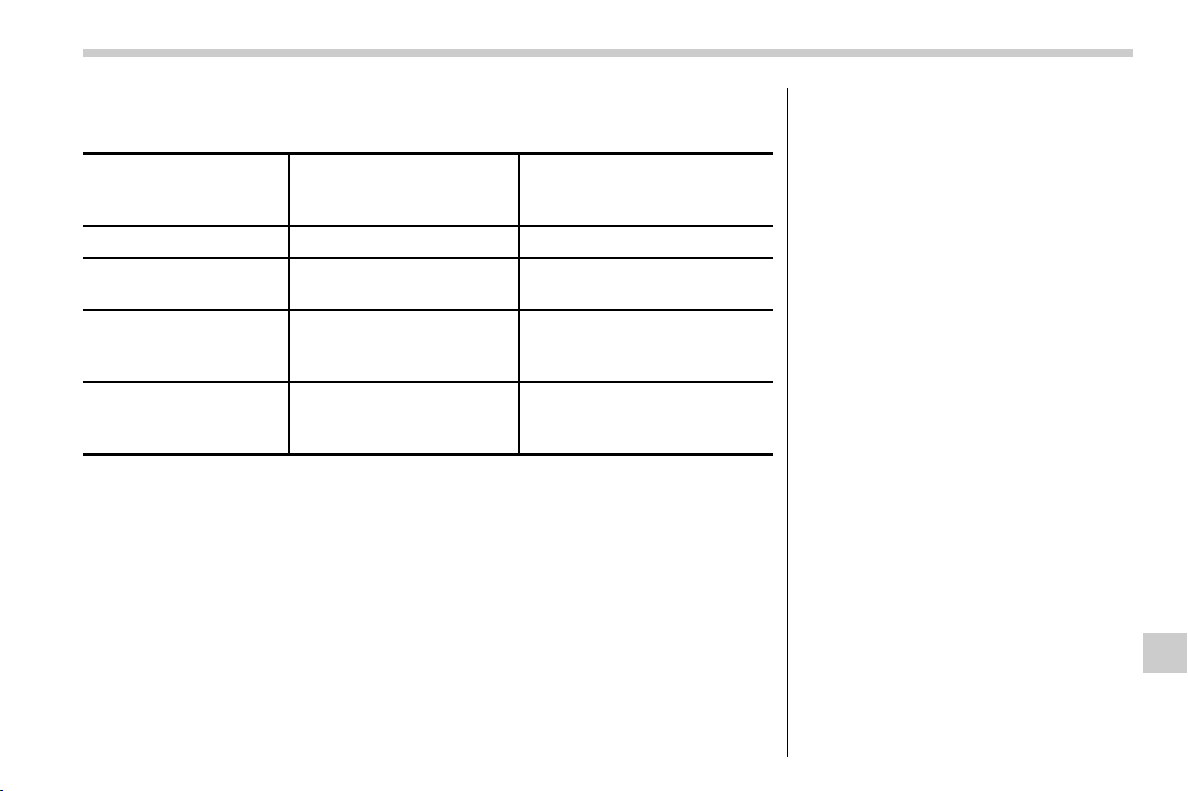
(469,1)
北米Model "A1320BE-C" EDITED: 2017/ 10/ 10
Table 1 — Occupant loading and distribution for vehicle normal load for
various designated seating capacities
Designated seating
capacity, number of
occupants
Vehicle normal load,
number of occupants
Occupant distribution in a
normally loaded vehicle
2 through 4 2 2 in front.
5 through 10 3
2 in front, 1 in second
seat.
11 through 15 5
2 in front, 1 in second
seat, 1 in third seat, 1 in
fourth seat.
16 through 22 7
2 in front, 2 in second
seat, 2 in third seat, 1 in
fourth seat.
– CONTINUED –
Consumer information and Reporting safety defects/Tire information
13-9
13

(470,1)
北米Model "A1320BE-C" EDITED: 2017/ 10/ 10
& Tire care – maintenance and
safety practices
. Check on a daily basis that the
tires are free from serious damage,
nails, and stones. At the same time,
check the tires for abnormal wear.
. Inspect the tire tread regularly
and replace the tires before their
tread wear indicators become visi-
ble. When a tire’s tread wear in-
dicator becomes visible, the tire is
worn beyond the acceptable limit
and must be replaced immediately.
With a tire in this condition, driving
at even low speeds in wet weather
can cause the vehicle to hydro-
plane. Possible resulting loss of
vehicle control can lead to an
accident.
. To maximize the life of each tire
and ensure that the tires wear
uniformly, it is best to rotate the
tires every 7,500 miles (12,000 km).
For information about the tire rota-
tion order, refer to “
Tire rotation”
F11-25.
Replace any damaged or
unevenly worn tires at the time of
rotation. After tire rotation, adjust
the tire pressures and make sure
the wheel nuts are correctly tigh-
tened. For information about the
tightening torque and tightening
sequence for the wheel nuts, refer
to “
Flat tires” F9-5.
& Determining compatibility of
tire and vehicle load capaci-
ties
The sum of four tires’ maximum
load ratings must exceed the max-
imum loaded vehicle weight
(“GVWR”). In addition, sum of the
maximum load ratings of two front
tires and of two rear tires must
exceed each axle’smaximum
loaded capacity (“GAWR”). Original
equipment tires are designed to
fulfill those conditions.
The maximum loaded vehicle
weight is referred to Gross Vehicle
Weight Rating (GVWR). And each
axle’s maximum loaded capacity is
referred to Gross Axle Weight Rat-
ing (GAWR). The GVWR and each
axle’s GAWR are shown on the
vehicle certification label located at
the bottom of driver’s side door
pillar.
The GVWR and fro nt and rear
GAWRs are determined by not only
the maximum load rating of tires but
also loaded capacities of the vehi-
cle’s suspension, axles and other
parts of the body.
Therefore, this means that the
vehicle cannot necessarily be
loaded up to the tire’s maximum
load rating on the tire sidewall.
& Adverse safety conse-
quences of overloading on
handling and stopping and on
tires
Overloading could affect v ehic le
handling, stopping distance, and
vehicle and tire performance in the
following ways. This could lead to
an accident and possibly result in
severe personal injury.
. Vehicle stability will deteriorate.
. Heavy and/or high-mounted
Consumer information and Reporting safety defects/Tire information
13-10

(471,1)
北米Model "A1320BE-C" EDITED: 2017/ 10/ 10
loads could increase the risk of
rollover.
. Stopping distance will increase.
. Brakes could overheat and fail.
. Suspension, bearings, axles and
other body parts could break or
experience accelerated wear that
will shorten vehicle life.
. Tires could fail.
. Tread separation could occur.
. Tire could separate from its rim.
& Steps for Determining Cor-
rect Load Limit
1. Locate the statement “The com-
bined weight of occupants and
cargo should never exceed XXX
kg or XXX lbs.” on your vehicle’s
placard.
2. Determine the combined weight
of the driver and passengers that
will be riding in your vehicle.
3. Subtract the combined weight of
the driver and passengers from
XXX kg or XXX lbs.
4. The resulting figure equals the
available amount of cargo and
luggage load capacity. For exam-
ple, if the “XXX” amount equals
1400 lbs. and there will be five 150
lb passengers in your vehicle, the
amount of available cargo and
luggage load capacity is 650 lbs.
(1400 − 750 (5 6 150) = 650 lbs.)
5. Determine the combined weight
of luggage and cargo being loaded
on the vehicle. That weight may not
safely exceed the available cargo
and luggage load capacity calcu-
lated in Step 4.
6. If your vehicle will be towing a
trailer, load from your trailer will be
transferred to your vehicle. Consult
this manual to determine how this
reduces the available cargo and
luggage load capacity of your ve-
hicle.
Vehicle load limit – how to
determine
The load capacity of your vehicle is
determined by weight, not by avail-
able cargo space. The load limit of
your vehicle is shown on the vehicle
placard attached to the driver’s side
door pillar. Locate the statement
“The combined weight of occupants
and cargo should never exceed
XXX kg or XXX lbs” on your
vehicle’s placard.
The vehicle placard also shows
seating capacity of your vehicle.
The total load capacity includes the
total weight of driver and all pas-
sengers and their belongings, any
cargo, any optional equipment such
as a trailer hitch, roof rack or bike
carrier, etc., and the tongue load of
a trailer. Therefore cargo capacity
can be calculated by the following
method.
Cargo capacity = Load limit − (total
weight of occupants + total weight
– CONTINUED –
Consumer information and Reporting safety defects/Vehicle load limit – how to determine
13-11
13
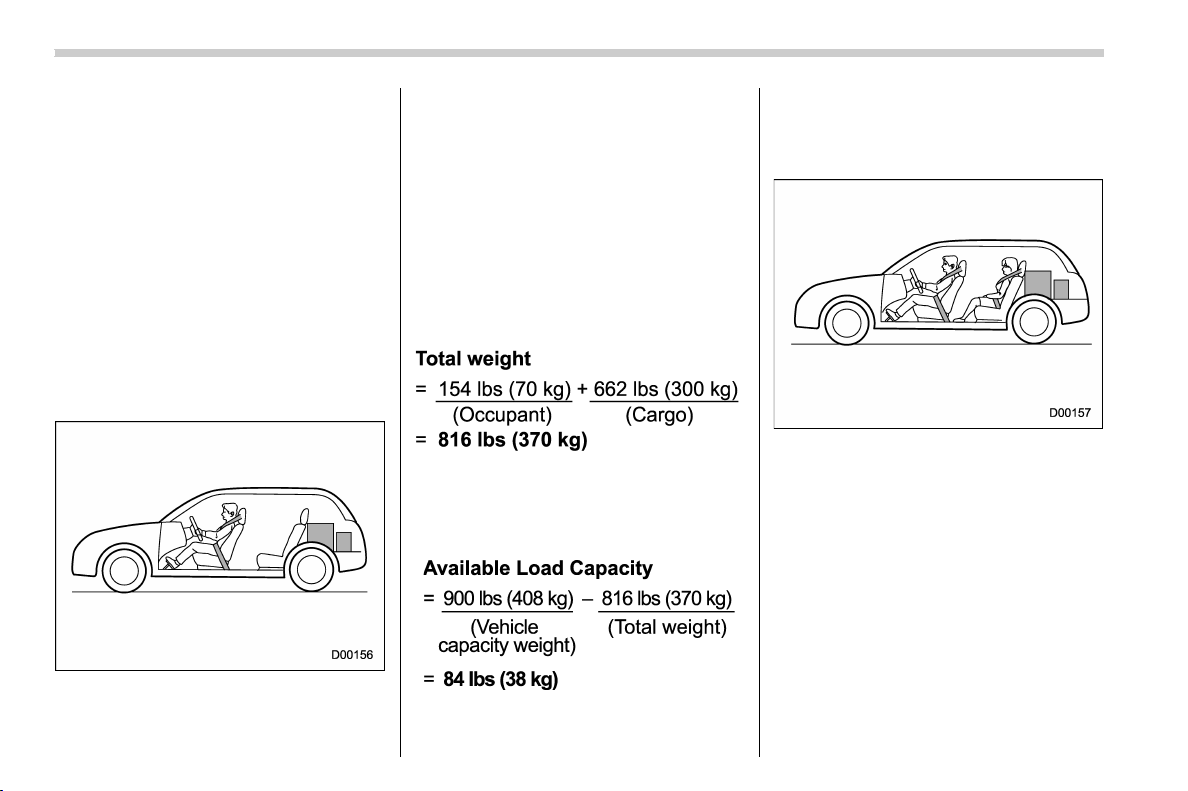
(472,1)
北米Model "A1320BE-C" EDITED: 2017/ 10/ 10
of optional equipment + tongue load
of a trailer (if applicable))
For information about vehicle load-
ing, refer to “
Loading your vehicle”
F8-11.
& Calculating total and load
capacities varying seating
configurations
Calculate the available load capa-
city as shown in the f ollowing
examples:
Example 1A
Vehicle capacity weight of the ve-
hicle is 900 lbs (408 kg), which is
indicated on the vehicle placard
with the statement “The combined
weight of occupants and cargo
should never exceed 900 lbs or
408 kg”.
For example, if the vehicle has one
occupant weighing 154 lbs (70 kg)
plus cargo weighing 662 lbs (300
kg).
1. Calculate the total weight.
2. Calculate the available load ca-
pacity by subtracting the total
weight from the vehicle capacity
weight of 900 lbs (408 kg).
3. The result of step 2 shows that a
further 84 lbs (38 kg) of cargo can
be carried.
Example 1B
For example, if a person weighing
176 lbs (80 kg) now enters the same
vehicle (bringing the number of
occupants to two), the calculations
are as follows.
1. Calculate the total weight.
Consumer information and Reporting safety defects/Vehicle load limit – how to determine
13-12
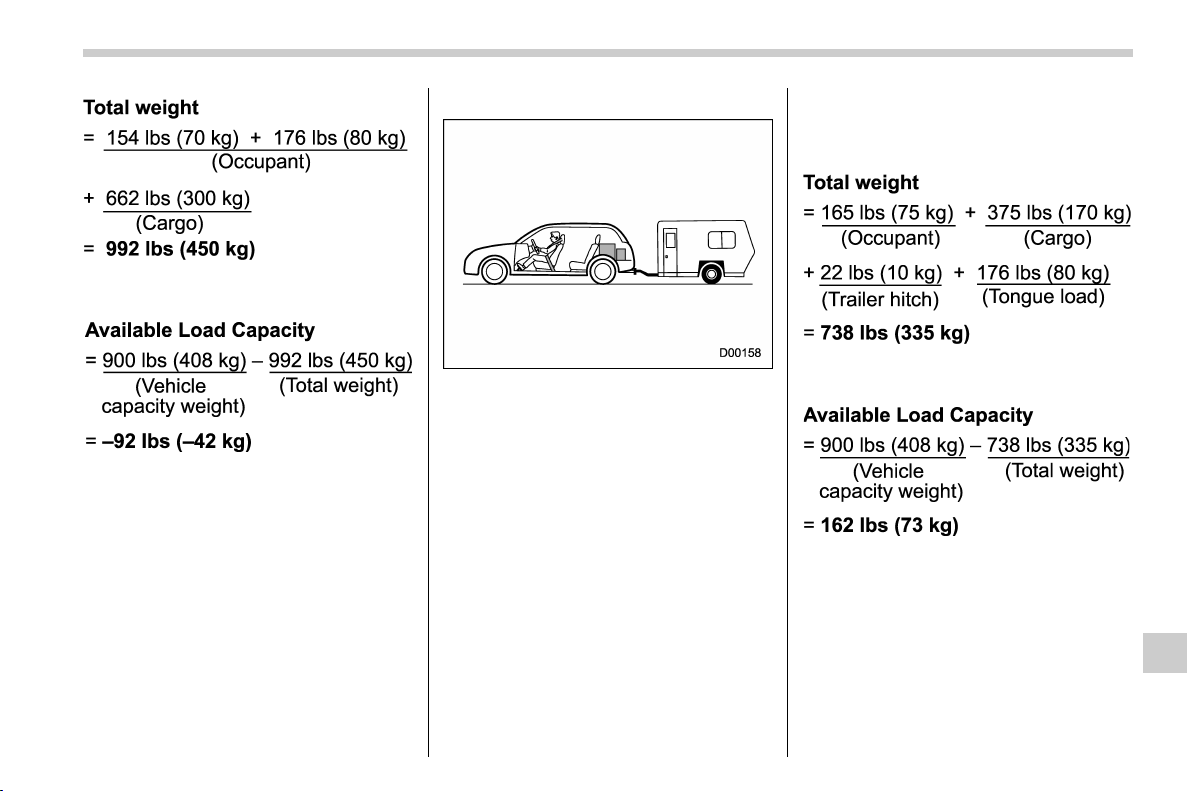
(473,1)
北米Model "A1320BE-C" EDITED: 2017/ 10/ 10
2. Calculate the available load ca-
pacity.
3. The total weight now exceeds
the capacity weight by 92 lbs (42
kg), so the cargo weight must be
reduced by 92 lbs (42 kg) or more.
Example 2A
Vehicle capacity weight of the ve-
hicle is 900 lbs (408 kg), which is
indicated on the vehicle placard
with the statement “The combined
weight of occupants and cargo
should never exceed 408 kg or
900 lbs”.
For example, the vehicle has one
occupant weighing 165 lbs (75 kg)
plus cargo weighing 375 lbs (170
kg). In addition, the vehicle is fitted
with a trailer hitch weighing 22 lbs
(10 kg), to which is attached a trailer
weighing 1,764 lbs (800 kg). 10% of
the trailer weight is applied to the
trailer tongue (i.e. Tongue load =
176 lbs (80 kg)).
1. Calculate the total weight.
2. Calculate the available load ca-
pacity.
3. The result of step 2 shows that a
further 162 lbs (73 kg) of cargo can
be carried.
– CONTINUED –
Consumer information and Reporting safety defects/Vehicle load limit – how to determine
13-13
13
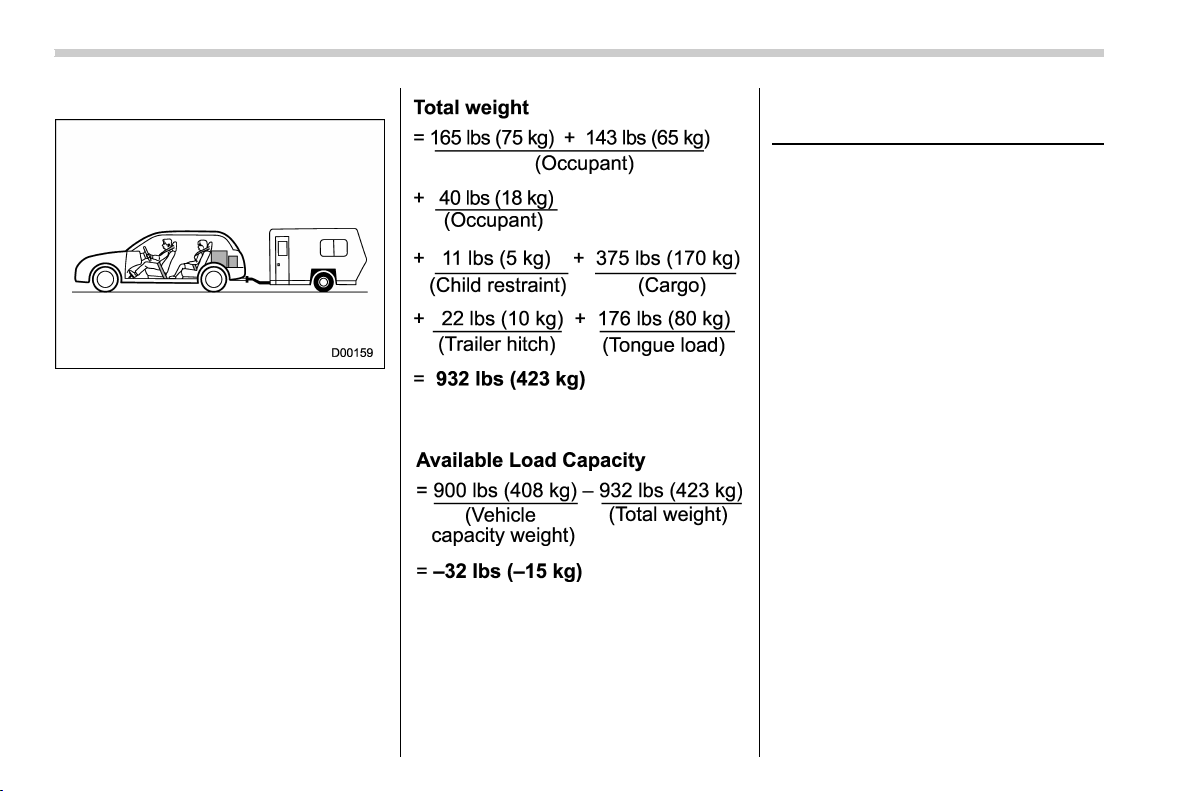
(474,1)
北米Model "A1320BE-C" EDITED: 2017/ 10/ 10
Example 2B
For example, if a person weighing
143 lbs (65 kg) and a child weighing
40 lbs (18 kg) now enter the same
vehicle (bringin g the number of
occupants to three), and a child
restraint system weighing 11 lbs (5
kg) is installed in the vehicle for the
child to use, the calculations are as
follows.
1. Calculate the total weight.
2. Calculate the available load ca-
pacity.
3. The total weight now exceeds
the capacity weight by 32 lbs (15
kg), so the cargo weight must be
reduced by 32 lbs (15 kg) or more.
Uniform tire quality grading
standards
This information indicates the rela-
tive performance of passenger car
tires in t he area of treadwear,
traction, a nd temperature resis-
tance. This is to aid the consumer
in making an informed choice in the
purchase of tires.
Quality grades can be found where
applicable on the tire sidewall be-
tween tread shoulder and maximum
section width.
For example:
Treadwear 200 Traction AA Tem-
perature A
The quality grades apply to new
pneumatic tires for use on passen-
ger cars. However, they do not
apply to deep tread, winter type
snow tires, space-saver or tempor-
ary use spare tires, tires with
nominal rim diameters of 12 inches
or less, or to some limited produc-
tion tires.
Consumer information and Reporting safety defects/Uniform tire quality grading standards
13-14
(475,1)
北米Model "A1320BE-C" EDITED: 2017/ 10/ 10
All passenger car tires must con-
form to Federal Safety Require-
ments in addition to these grades.
& Treadwear
The treadwear grade is a compara-
tive rating based on the wear rate of
the tire when tested under con-
trolled conditions on a specified
government test course.
Forexample,atiregraded150
would wear one and one-half (1-
1/2) times as well on the govern-
ment course as a tire graded 100.
The relative performance of tires
depends upon the actual conditions
of their use, however, and may
depart significantly from the norm
due to variations in driving habits,
service practices and differences in
road characteristics and climate.
& Traction AA, A, B, C
The traction grades, from highest to
lowest, are AA, A, B and C. Those
grades represent the tire’s ability to
stop on wet pavement as measured
under controlled conditions on spe-
cified government test surfaces of
asphalt and concrete.
A tire marked C may have poor
traction performance.
WARNING
The traction grade assigned to
this tire is based on straight-
ahead braking traction tests,
and does not include accelera-
tion, cornering, hydroplaning,
or peak traction characteris-
tics.
& Temperature A, B, C
The temperature grades are A (the
highest), B, and C, representing the
tire’s resistance to the generation of
heat and its ability to dissipate heat
when tested under controlled con-
ditions on a specified indoor labora-
tory test wheel.
Sustained high temperature can
cause the material of the tire to
degenerate and reduce tire life, and
excessive temperature can lead to
sudden tire failure.
The grade C corresponds to a level
of performance which all passenger
car tires must meet under the
Federal Motor Vehicle Safety Stan-
dards No. 109.
Grades B and A represent higher
levels of performance on the la-
boratory test wheel than the mini-
mum required by law.
WARNING
The temperature grade for this
tire is established for a tire that
is properly inflated and not
overloaded. Excessive speed,
underinflation, or excessive
loading, either separately or
in combination, can cause
heat buildup and possible tire
failure.
Consumer information and Reporting safety defects/Uniform tire quality grading standards
13-15
13

(476,1)
北米Model "A1320BE-C" EDITED: 2017/ 10/ 10
Reporting safety defects
(U.S.A.)
If you believe that your vehicle has
a defect which could cause a crash
or could cause injury or death, you
should immediately inform the Na-
tional Highway Traffic Safety Ad-
ministration (NHTSA) in addition to
notifying Subaru of America, Inc.
If NHTSA receives similar com-
plaints, it may open an investiga-
tion, and if it finds that a safety
defect exists in a group of vehicles,
it may order a recall and remedy
campaign. However, NHTSA can-
not become involved in individual
problems between you, your deal-
er, or Subaru of America, Inc.
To contact NHTSA, you may call
the Vehicle Safety Hotline toll-free
at 1-888-327-4236 (TTY: 1-800-
424-9153); go to
http://www.safercar.gov; or write
to: Administrator, NHTSA, 1200
New Jersey Avenue, SE, West
Building, Washington, DC 20590.
You can also obtain other informa-
tion about motor vehicle safety
from http://www.safercar.gov.
Consumer information and Reporting safety defects/Reporting safety defects (U.S.A.)
13-16
(1,1)
北米Model "A1320BE-C" EDITED: 2017/ 10/ 10
Index
14

(2,1)
北米Model "A1320BE-C" EDITED: 2017/ 10/ 10
14-2 Index
A
Abbreviation ................................................................... 3
ABS (Anti-lock Brake System) ..................................... 7-33
Warning light ......................................................... 3-20
Access key fob ............................................................ 2-2
Warning light ......................................................... 3-25
Accessories ............................................................. 11-35
Accessory power outlet ................................................ 6-7
Air cleaner element ................................................... 11-12
Air conditioner
Automatic climate control.......................................... 4-6
Manual climate control.............................................. 4-7
Air filtration system .................................................... 4-11
Air flow mode .............................................................. 4-7
Alarm system ............................................................ 2-24
All-Wheel Drive warning light....................................... 3-22
Alloy wheel .............................................................. 11-27
Cleaning ............................................................... 10-4
Antenna...................................................................... 5-2
Anti-lock Brake System (ABS) ..................................... 7-33
Arming the system ..................................................... 2-25
Ashtray....................................................................... 6-9
AT OIL TEMP warning light ......................................... 3-18
Auto on/off headlights................................................. 3-67
Auto-dimming mirror/compass ............................. 3-80, 3-81
Automatic headlight beam leveler
Warning light ......................................................... 3-31
Automatic Locking Retractor/Emergency Locking
Retractor (ALR/ELR) ............................................... 1-14
B
Battery
Drainage prevention function ................................... 2-24
Jump starting.......................................................... 9-9
Replacement (access key fob) ............................... 11-43
Replacement (transmitter) ..................................... 11-44
Vehicle battery ..................................................... 11-33
Booster seat .............................................................. 1-32
Brake
Assist.................................................................... 7-32
Booster ....................................................... 7-31, 11-17
Disc...................................................................... 12-9
Fluid ........................................................... 11-15, 12-7
Pad .................................................................... 11-20
Parking ....................................................... 7-43, 11-20
Pedal .................................................................. 11-18
System ................................................................. 7-31
Brake system............................................................. 7-31
Warning light ......................................................... 3-21
Braking ..................................................................... 7-31
Tips ...................................................................... 7-31
Breaking-in of new brake pads................................... 11-20
BSD/RCTA ................................................................ 7-52
Approach indicator light/warning buzzer .................... 7-56
OFF indicator......................................................... 3-32
OFF switch............................................................ 7-59
Warning indicator .......................................... 3-32, 7-58
Warning volume ..................................................... 7-57
Bulb
Chart .................................................................. 12-14
Replacement ....................................................... 11-36

(3,1)
北米Model "A1320BE-C" EDITED: 2017/ 10/ 10
C
Cargo area
Cover ................................................................... 6-11
Light............................................................. 6-3, 11-41
Tie-down hooks ..................................................... 6-13
Catalytic converter ....................................................... 8-3
Center console ............................................................ 6-6
Changing
Coolant................................................................ 11-12
Flat tire................................................................... 9-5
Oil and oil filter ...................................................... 11-9
Charge warning light .................................................. 3-17
CHECK ENGINE warning light/Malfunction indicator
light....................................................................... 3-15
Checking
Brake pedal free play ............................................ 11-18
Brake pedal reserve distance ................................. 11-18
Clutch function ..................................................... 11-18
Clutch pedal free play ........................................... 11-19
Coolant level ........................................................ 11-11
Fluid level (brake fluid) .......................................... 11-15
Fluid level (clutch fluid).......................................... 11-16
Fluid level (washer fluid) ........................................ 11-28
Oil level (engine oil) ............................................... 11-8
Child restraint systems ............................................... 1-25
Installation of a booster seat ................................... 1-32
Installation with ALR/ELR seatbelt ........................... 1-28
Lower and tether anchorages.................................. 1-33
Top tether anchorages............................................ 1-36
Child safety.................................................................... 4
Locks ................................................................... 2-28
Chime
Key........................................................................ 3-5
Light ..................................................................... 3-66
Seatbelt ................................................................ 3-13
Cigarette lighter .......................................................... 6-8
Cleaning
Alloy wheels .......................................................... 10-4
Interior .................................................................. 10-5
Ventilation grille...................................................... 4-10
Climate control system................................................. 4-2
Automatic ............................................................... 4-6
Manual................................................................... 4-7
Clock ....................................................... 3-47, 3-51, 3-63
Clutch
Fluid ................................................................... 11-16
Pedal .................................................................. 11-18
Coat hook ................................................................. 6-10
Combination meter display (color LCD)......................... 3-33
Compass.......................................................... 3-80, 3-81
Continuously variable transmission (CVT) ..................... 7-24
Fluid ........................................................... 11-15, 12-7
Oil temperature warning light (AT OIL TEMP) ............ 3-18
Coolant ........................................................... 11-11, 12-7
Temperature high warning light ................................ 3-16
Temperature low indicator light................................. 3-16
Cooling system ........................................................ 11-10
Corrosion protection ................................................... 10-4
Cruise control ............................................................ 7-48
Indicator light ......................................................... 3-31
Set indicator light ................................................... 3-31
Index 14-3

(4,1)
北米Model "A1320BE-C" EDITED: 2017/ 10/ 10
14-4 Index
D
Daytime running light system ...................................... 3-72
Defogger .................................................................. 3-89
Defrosting ................................................................. 4-10
Deicer ...................................................................... 3-89
Differential gear oil
Front .......................................................... 11-15, 12-6
Rear........................................................... 11-15, 12-6
Dimensions ............................................................... 12-2
Disarming the alarm system........................................ 2-26
Disc brake pad wear warning indicators ....................... 7-32
Dome light ........................................................ 6-2, 11-41
Door
Locks ................................................................... 2-21
Open warning light................................................. 3-22
Unlock selection function ........................................ 3-41
Drive belts ............................................................... 11-14
Driving
AWD vehicles.......................................................... 8-4
Drinking ..................................................................... 6
Drugs ........................................................................ 6
Foreign countries..................................................... 8-4
Off road.................................................................. 8-6
Pets .......................................................................... 7
Snowy and icy roads................................................ 8-9
Tips................................................. 7-23, 7-30, 8-2, 8-4
Tired or sleepy ........................................................... 7
Winter .................................................................... 8-7
E
ECO gauge............................................................... 3-10
Electrical system ........................................................ 12-8
Electronic Brake Force Distribution (EBD) system .......... 7-34
Warning ................................................................ 3-21
Emergency Locking Retractor (ELR)............................. 1-14
Engine
Compartment overview ........................................... 11-7
Coolant ....................................................... 11-11, 12-7
Exhaust gas (carbon monoxide)............................. 6, 8-2
Hood .................................................................... 11-5
Low oil level warning light ....................................... 3-18
Oil ................................................................ 11-8, 12-4
Overheating........................................................... 9-12
Starting & stopping .......................................... 7-9, 7-11
Event data recorder ........................................................ 9
Exterior care.............................................................. 10-2
F
Flat tires..................................................................... 9-5
Floor mat .................................................................. 6-10
Fluid level
Brake.................................................................. 11-15
Clutch ................................................................. 11-16
Continuously variable transmission......................... 11-15
Fog light
Bulb.......................................................... 11-38, 12-14
Indicator light ......................................................... 3-31
Switch................................................................... 3-74
Front
Differential gear oil ....................................... 11-15, 12-6
Seatbelt pretensioners ............................................ 1-21
Turn signal light ................................................... 11-38

(5,1)
北米Model "A1320BE-C" EDITED: 2017/ 10/ 10
Fuel ........................................................................... 7-3
Consumption indicator............................................ 3-43
Economy hints......................................................... 8-2
Filler lid and cap ...................................................... 7-4
Gauge .................................................................. 3-10
Requirements.................................................. 7-3, 12-3
Fuses ...................................................................... 11-34
Fuses and circuits.................................................... 12-10
G
GAWR (Gross Axle Weight Rating).............................. 8-13
Glove box ................................................................... 6-5
GVWR (Gross Vehicle Weight Rating).......................... 8-13
H
Hazard warning flasher.......................................... 3-8, 9-2
Headlight
Beam leveler......................................................... 3-73
Bulb replacing ...................................................... 11-36
Bulb wattage ....................................................... 12-14
Control switch ....................................................... 3-66
Flasher ................................................................. 3-69
Indicator light......................................................... 3-31
Welcome lighting function ....................................... 3-67
High Beam Assist ...................................................... 3-69
High Beam Assist function .......................................... 3-69
Indicator light......................................................... 3-30
Warning indicator................................................... 3-30
High beam assist warning indicator.............................. 3-30
High beam indicator light ............................................ 3-30
High/low beam change (dimmer) ................................. 3-68
Hill descent control ............................................ 7-38, 7-40
Indicator light ......................................................... 3-32
Hill start assist ................................................. 7-45, 11-19
OFF indicator light .................................................. 3-22
Warning light ......................................................... 3-22
HomeLink
®
................................................................. 3-81
Hook
Cargo tie-down ...................................................... 6-13
Coat ..................................................................... 6-10
Shopping bag ........................................................ 6-11
Towing and tie-down............................................... 9-13
Horn ......................................................................... 3-92
Hose and connections .............................................. 11-11
I
Ignition switch ............................................................. 3-4
Light ...................................................................... 3-5
Illumination brightness control ...................................... 3-12
Immobilizer................................................................ 2-15
Indicator light (security indicator light) ....................... 3-29
Indicator light
BSD/RCTA OFF............................................ 3-32, 3-35
BSD/RCTA warning ....................................... 3-32, 3-35
Coolant temperature low ......................................... 3-16
Cruise control ........................................................ 3-31
Cruise control set ................................................... 3-31
Front fog light ........................................................ 3-31
Headlight............................................................... 3-31
High beam............................................................. 3-30
High beam assist ................................................... 3-30
High beam assist warning ....................................... 3-30
Index 14-5

(6,1)
北米Model "A1320BE-C" EDITED: 2017/ 10/ 10
14-6 Index
Hill descent control ................................................ 3-32
Hill start assist OFF ............................................... 3-22
Immobilizer ........................................................... 3-29
Security ................................................................ 3-29
Select lever/Gear position ....................................... 3-30
Steering responsive fog lights OFF .......................... 3-31
Turn signal............................................................ 3-30
Vehicle Dynamics Control OFF................................ 3-24
Vehicle Dynamics Control operation......................... 3-23
X-MODE............................................................... 3-32
Inside mirror.............................................................. 3-80
Interior lights ............................................................... 6-2
J
Jack-up point............................................................... 9-5
Jump starting .............................................................. 9-9
K
Key ............................................................................ 2-2
Number plate .......................................................... 2-2
Reminder chime ...................................................... 3-5
Replacement......................................................... 2-15
Keyless access with push-button start system................. 2-2
Disabling keyless access functions .......................... 2-12
Warning chimes and warning indicator ..................... 3-25
When access key fob does not operate properly ....... 9-17
Keyless entry system ................................................. 2-17
L
Lap belt pretensioner ................................................. 1-22
Leather seat materials ................................................ 10-6
License plate light .................................................... 11-40
Light
Backup ............................................................... 11-40
Cargo area .................................................... 6-3, 11-41
Control switch ........................................................ 3-66
Daytime running..................................................... 3-72
Dome............................................................ 6-2, 11-41
Front fog ..................................................... 3-74, 11-38
Front side marker ......................................... 3-67, 12-14
Ignition switch ......................................................... 3-5
License plate ....................................................... 11-40
Map.............................................................. 6-2, 11-41
Parking ............................................................... 11-38
Rear combination ................................................. 11-38
Rear side marker light........................................... 11-38
Stop ................................................................... 11-38
Turn signal .................................................. 3-75, 11-38
Vanity mirror .................................................. 6-5, 11-41
Loading your vehicle................................................... 8-11
Low fuel warning light ................................................. 3-22
Low tire pressure warning light .................................... 3-18
Lower and tether anchorage ........................................ 1-33
M
Maintenance
Precautions ........................................................... 11-3
Schedule............................................................... 11-3
Seatbelt ................................................................ 1-20
Tools...................................................................... 9-3
Malfunction indicator light
(check engine warning light) ..................................... 3-15

(7,1)
北米Model "A1320BE-C" EDITED: 2017/ 10/ 10
Manual
Transmission......................................................... 7-21
Transmission oil.................................................... 11-14
Manual mode ............................................................ 7-26
Map light .......................................................... 6-2, 11-41
Maximum load limits................................................... 8-17
Meters and gauges ...................................................... 3-8
Mirror defogger.......................................................... 3-89
Mirrors...................................................................... 3-80
Moonroof .......................................................... 2-32, 9-19
Multi-function display (black and white) ........................ 3-42
Multi-function display (color LCD) ................................ 3-47
N
New vehicle break-in driving ......................................... 8-2
O
Odometer ................................................................... 3-9
Off road driving............................................................ 8-6
Oil filter..................................................................... 11-9
Oil level
Engine.................................................................. 11-8
Front differential gear ............................................ 11-15
Rear differential gear............................................. 11-15
Warning light ......................................................... 3-18
Oil pressure warning light ........................................... 3-17
Outside
Mirror defogger...................................................... 3-89
Mirrors.................................................................. 3-88
Temperature indicator..................................... 3-46, 3-50
Overheating engine.................................................... 9-12
P
Parking
Brake.................................................................... 7-43
Brake stroke ........................................................ 11-20
Light ................................................................... 11-38
Tips ...................................................................... 7-43
Periodic inspections..................................................... 8-4
Petrol fuel................................................................... 7-3
Power
Outlets ................................................................... 6-7
Outside mirrors ...................................................... 3-88
Steering ................................................................ 7-30
Steering warning light ............................................. 3-23
Windows ............................................................... 2-28
Precautions against vehicle modification .............. 1-24, 1-68
Preparing to drive........................................................ 7-8
Push-button
Ignition switch ......................................................... 3-6
Starting and stopping engine ............................ 7-9, 7-11
R
RAB (Reverse Automatic Braking)
OFF indicator......................................................... 3-32
Warning indicator ................................................... 3-32
Rear
Combination lights................................................ 11-38
Differential gear oil ....................................... 11-15, 12-6
Gate ............................................................ 2-31, 9-19
Turn signal light ................................................... 11-38
Rear window
Defogger ............................................................... 3-89
Index 14-7

(8,1)
北米Model "A1320BE-C" EDITED: 2017/ 10/ 10
14-8 Index
Wiper and washer switch........................................ 3-79
Wiper blades........................................................ 11-31
Recommended
Brake fluid ............................................................ 12-7
Continuously variable transmission fluid ................... 12-7
Engine oil ............................................................. 12-4
Front differential gear oil ......................................... 12-6
Rear differential gear oil ......................................... 12-6
Spark plugs........................................................... 12-8
Refueling .................................................................... 7-5
Remote engine start system........................................ 7-14
Remote keyless entry system...................................... 2-17
Replacement
Access key fob battery .......................................... 11-43
Air cleaner element ............................................... 11-13
Brake pad and lining ............................................. 11-19
Lost transmitters (remote keyless entry system) ........ 2-20
Remote keyless entry transmitter battery ................. 11-44
Wiper blades........................................................ 11-29
Replacing
Battery of access key fob ...................................... 11-43
Replacing bulbs.............................................. 11-36, 12-14
Backup light ......................................................... 11-40
Cargo area light.................................................... 11-41
Dome light ........................................................... 11-41
Front fog light ....................................................... 11-38
Front turn signal light ............................................ 11-38
Halogen headlight................................................. 11-36
Headlight ............................................................. 11-36
LED headlight ...................................................... 11-36
License plate light................................................. 11-40
Map light ............................................................. 11-41
Parking light ........................................................ 11-38
Rear combination light .......................................... 11-38
Rear side marker light........................................... 11-38
Rear turn signal light ............................................ 11-38
Stop light............................................................. 11-38
Tail light .............................................................. 11-38
Vanity mirror light ................................................. 11-41
Rocking the vehicle .................................................... 8-11
Roof rails .................................................................. 8-13
S
Safety
Precautions when driving ............................................ 4
Symbol ..................................................................... 3
Warnings................................................................... 2
Seat
Fabric ................................................................... 10-5
Heater................................................................... 1-10
Seatbelt ................................................................ 4, 1-12
Fastening .............................................................. 1-14
Maintenance .......................................................... 1-20
Pretensioners ........................................................ 1-21
Safety tips ............................................................. 1-12
Warning light and chime.......................................... 3-13
Security
Alarm system......................................................... 2-24
Immobilizer............................................................ 2-15
Indicator light ......................................................... 3-29
Select lever
Position indicator.................................................... 3-30

(9,1)
北米Model "A1320BE-C" EDITED: 2017/ 10/ 10
Shift lock function .................................................. 7-28
Shopping bag hook.................................................... 6-11
Shoulder pretensioners............................................... 1-21
Snow tires....................................................... 8-10, 11-21
Snowy and icy roads.................................................... 8-9
Sounding a panic alarm.............................................. 2-19
Spark plugs..................................................... 11-14, 12-8
Specifications ............................................................ 12-2
Speedometer............................................................... 3-8
SRS
Curtain airbag ....................................................... 1-58
Frontal airbag........................................................ 1-47
Side airbag ........................................................... 1-58
SRS airbag
(Supplemental Restraint System airbag) ................ 4, 1-37
SRS airbag system
Monitors ............................................................... 1-66
Servicing .............................................................. 1-67
Warning light ......................................................... 3-15
Starting & stopping engine .................................... 7-9, 7-11
State emission testing (U.S. only) .................................. 7-7
Steering responsive fog lights system .......................... 3-74
OFF indicator ........................................................ 3-31
Steering Responsive Headlight.................................... 3-72
Steering wheel
Heater .................................................................. 3-91
Power................................................................... 7-30
Tilt/telescopic ........................................................ 3-90
Stop light ................................................................. 11-38
Storage compartment................................................... 6-5
Sun visors................................................................... 6-3
Sunshade.................................................................. 2-34
Supplemental Restraint System airbag (SRS)................ 1-37
Synthetic leather upholstery......................................... 10-6
T
Tachometer ................................................................ 3-8
Temperature warning light
AT OIL TEMP ........................................................ 3-18
Coolant ................................................................. 3-16
Temporary spare tire............................................ 9-2, 12-9
Tether (child restraint system) ............................. 1-33, 1-36
Tie-down hooks/holes ................................................. 9-13
Tire................................................................. 11-21, 12-8
Chains .................................................................. 8-11
Inspection............................................................ 11-22
Pressures and wear.............................................. 11-23
Replacement ....................................................... 11-26
Rotation .............................................................. 11-25
Size and pressure .................................................. 12-8
Types.................................................................. 11-21
Tire pressure monitoring system (TPMS) ..... 7-41, 9-8, 11-21
Warning light ......................................................... 3-18
Tires and wheels ...................................................... 11-21
Tools.......................................................................... 9-3
Top tether anchorages ....................................... 1-33, 1-36
Towing ...................................................................... 9-13
All wheels on the ground......................................... 9-16
Flat-bed truck ........................................................ 9-15
Hooks ................................................................... 9-13
Weight .................................................................. 8-17
Index 14-9

(10,1)
北米Model "A1320BE-C" EDITED: 2017/ 10/ 10
14-10 Index
Trailer
Connecting ........................................................... 8-15
Hitch ............................................................ 8-14, 8-20
Towing tips............................................................ 8-22
Trailer towing ............................................................ 8-16
Trip meter ................................................................... 3-9
Turn signal
Indicator lights ....................................................... 3-30
Lever.................................................................... 3-75
V
Valet mode................................................................ 2-27
Vanity mirror................................................ 6-4, 6-5, 11-41
Light.................................................................... 11-41
Vehicle
Capacity weight ..................................................... 8-12
Identification........................................................ 12-18
Symbols .................................................................... 4
Vehicle Dynamics Control
OFF indicator light ................................................. 3-24
OFF switch ........................................................... 7-37
Operation indicator light.......................................... 3-23
System ................................................................. 7-35
Warning light ......................................................... 3-23
Ventilator .................................................................... 4-2
W
Warning and indicator lights ........................................ 3-12
Warning chimes
Keyless access with push-button start system........... 3-25
Seatbelt ................................................................ 3-13
Warning light
ABS...................................................................... 3-20
Access key............................................................ 3-25
All-Wheel Drive ...................................................... 3-22
AT OIL TEMP ........................................................ 3-18
Automatic headlight beam leveler............................. 3-31
Brake system......................................................... 3-21
BSD/RCTA ............................................................ 3-32
Charge.................................................................. 3-17
CHECK ENGINE.................................................... 3-15
Coolant temperature high ........................................ 3-16
Door open ............................................................. 3-22
Engine low oil level................................................. 3-18
High Beam Assist................................................... 3-30
Hill start assist ....................................................... 3-22
Icy road surface ..................................................... 3-32
Keyless access with push-button start system ........... 3-25
LED headlight ........................................................ 3-31
Low fuel ................................................................ 3-22
Low tire pressure ................................................... 3-18
Oil pressure........................................................... 3-17
Power steering....................................................... 3-23
RAB ..................................................................... 3-32
Seatbelt ................................................................ 3-13
SRS airbag system................................................. 3-15
Steering responsive fog lights .................................. 3-31
Steering Responsive Headlight ................................ 3-31
Vehicle Dynamics Control........................................ 3-23
Windshield washer fluid .......................................... 3-18
Warranties..................................................................... 1
Warranties and maintenance ....................................... 8-17

(11,1)
北米Model "A1320BE-C" EDITED: 2017/ 10/ 10
Washing ................................................................... 10-2
Waxing and polishing ................................................. 10-3
Wear indicators ........................................................ 11-25
Welcome lighting function ........................................... 3-67
Wheel
Alloy.................................................................... 11-27
Balance ............................................................... 11-24
Nut tightening torque...................................... 12-8, 12-9
Replacement........................................................ 11-27
Windows................................................................... 2-28
Windshield
Washer fluid......................................................... 11-28
Wiper and washer switches .................................... 3-77
Wiper blades........................................................ 11-29
Wiper deicer.......................................................... 3-89
Winter
Driving.................................................................... 8-7
Tires........................................................... 8-10, 11-21
Wiper and washer...................................................... 3-76
Wiper deicer.............................................................. 3-89
X
X-MODE................................................................... 7-38
Indicator light......................................................... 3-32
Index 14-11

Black plate (2,1)
Model "ALL_MODEL_MEMO" EDITED: 2007/ 6/ 22
Left Page
————————————————————————————————————————
————————————————————————————————————————
————————————————————————————————————————
————————————————————————————————————————
————————————————————————————————————————
————————————————————————————————————————
————————————————————————————————————————
————————————————————————————————————————
————————————————————————————————————————
————————————————————————————————————————
————————————————————————————————————————
————————————————————————————————————————
————————————————————————————————————————

Black plate (1,1)
Model "ALL_MODEL_MEMO" EDITED: 2007/ 6/ 22
Right Page
————————————————————————————————————————
————————————————————————————————————————
————————————————————————————————————————
————————————————————————————————————————
————————————————————————————————————————
————————————————————————————————————————
————————————————————————————————————————
————————————————————————————————————————
————————————————————————————————————————
————————————————————————————————————————
————————————————————————————————————————
————————————————————————————————————————
————————————————————————————————————————

Black plate (2,1)
Model "ALL_MODEL_MEMO" EDITED: 2007/ 6/ 22
Left Page
————————————————————————————————————————
————————————————————————————————————————
————————————————————————————————————————
————————————————————————————————————————
————————————————————————————————————————
————————————————————————————————————————
————————————————————————————————————————
————————————————————————————————————————
————————————————————————————————————————
————————————————————————————————————————
————————————————————————————————————————
————————————————————————————————————————
————————————————————————————————————————

(2,1)
北米Model "A1320BE-C" EDITED: 2017/ 10/ 10
GAS STATION REFERENCE
S99AA
& Fuel:
S99AA01
Use only unleaded gasoline with an octane rating of 87 AKI (90
RON) or higher.
& Fuel octane rating:
S99AA02
! RON
S99AA0201
This octane rating is the Research Octane Number.
! AKI
S99AA0202
This octane rating is the average of the Research Octane and
Motor Octane numbers and is commonly referred to as the Anti
Knock Index (AKI).
& Fuel capacity:
S99AA03
16.6 US gal (63 liters, 13.9 Imp gal)
& Engine oil:
S99AA04
Use only the following oils.
. API classification SN with the words “RESOURCE CON-
SERVING”
. or ILSAC GF-5, which can be identified with the ILSAC
certification mark (Starburst mark)
For the complete viscosity requirements, refer to “Engine oil”
F12-4.
& Engine oil capacity:
S99AA05
4.7 US qt (4.4 liters, 3.9 Imp qt)
The indicated oil quantity is only a guideline and is estimated
based on a case when the engine oil is changed with an oil filter.
After refilling the engine with oil, the oil level should be checked
using the oil level gauge. For more details about maintenance
and service, refer to “Engine oil” F11-8.
& Cold tire pressure:
S99AA06
Refer to “Tires” F12-8.