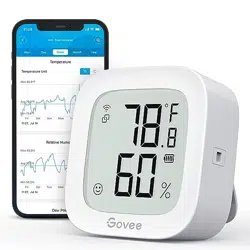
#1 The wifi icon turns red with an exclamation mark. What do I do if Goovi loses Wi-Fi connection?
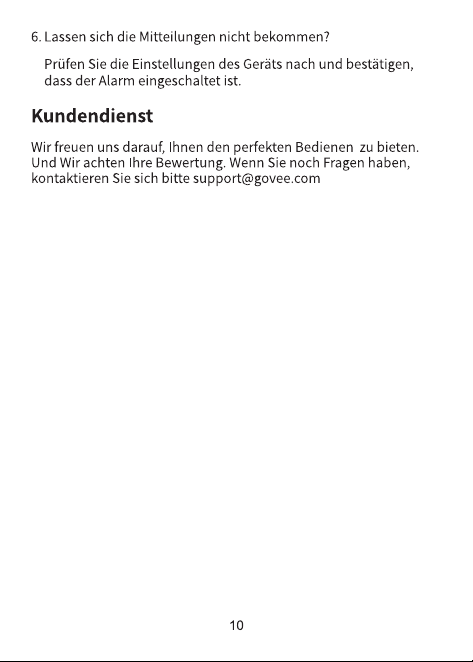
Sometimes the temp sensor will lose Wi-Fi connection because the network is not available.
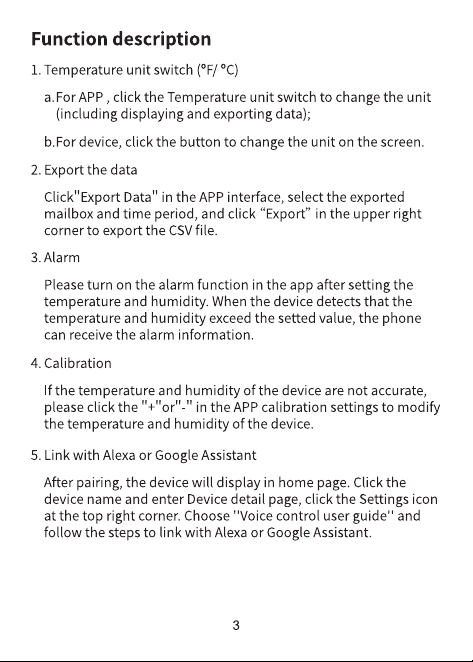
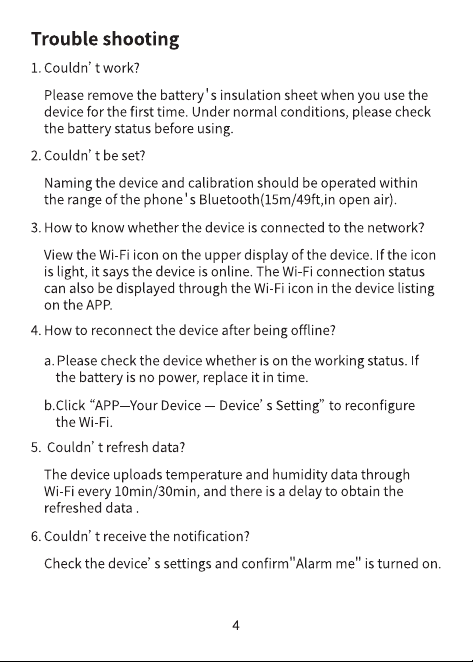
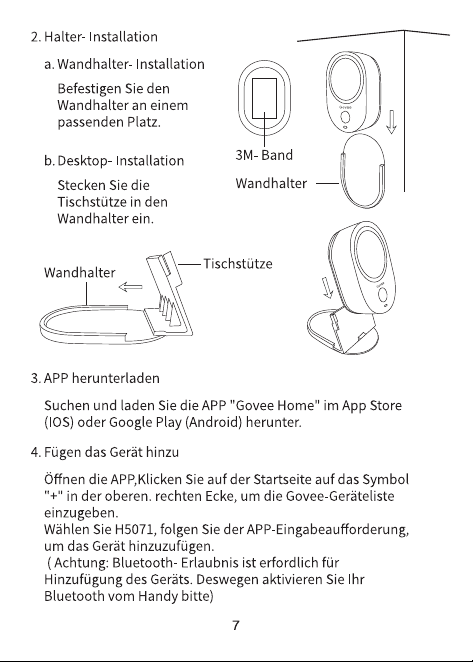
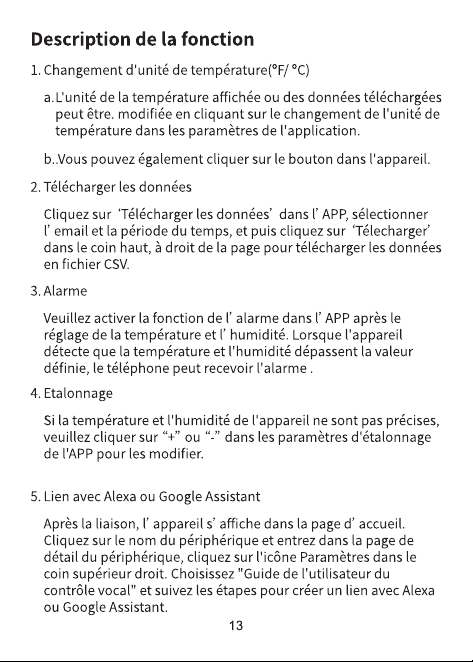
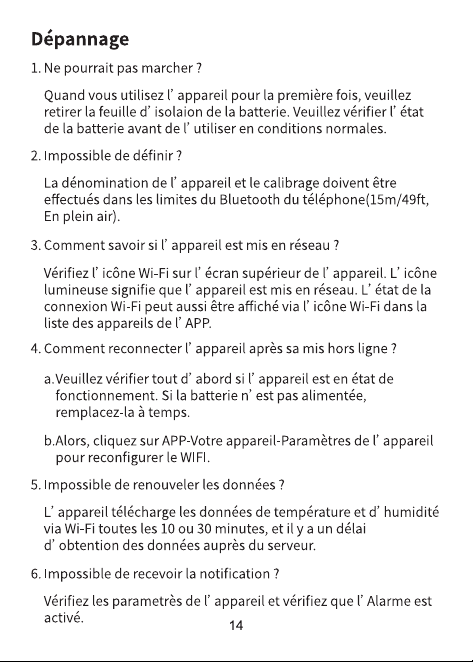
1. You can wait for the sensor to reconnect itself. The device will try to reconnect to Wi-Fi automatically every 10-30 minutes, depending on the upload frequency you choose.
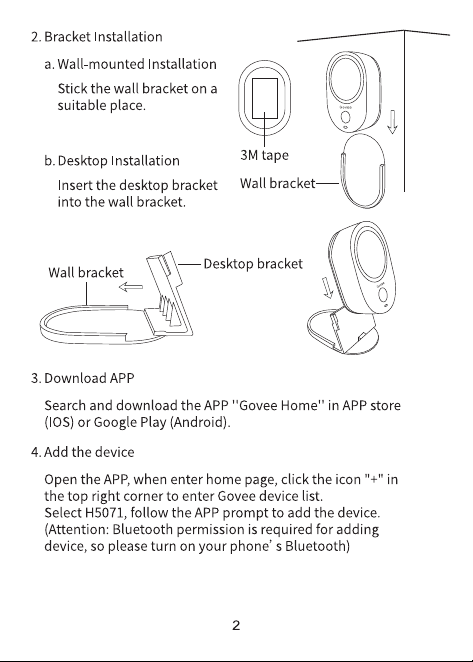
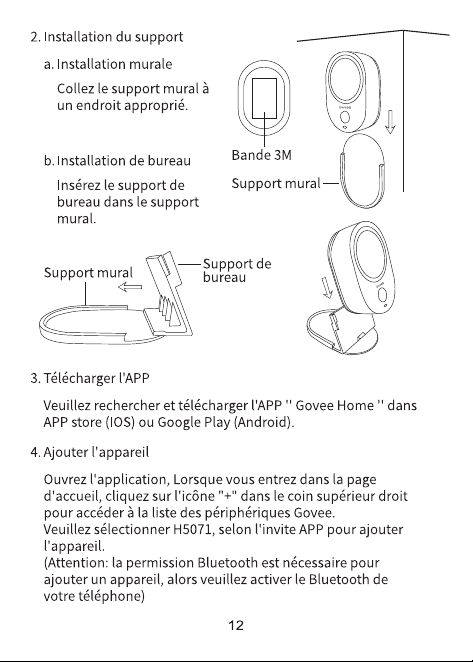
2. You can also reset Wi-Fi manually in Bluetooth range:
- Please be in Bluetooth range, turn on your phone Bluetooth, GPS/location.
- Tap the sensor on the device list, waiting for the graph page loaded 100%,
- Tap the settings icon on the upper right corner, enter the settings page.
- Reset Wi-Fi, then enter your Wi-Fi password.
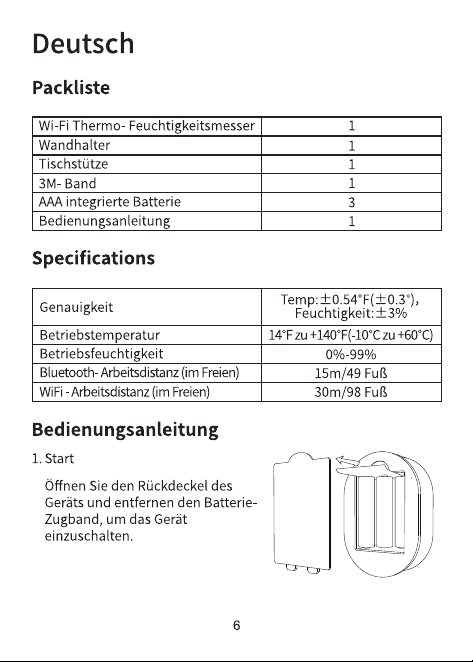
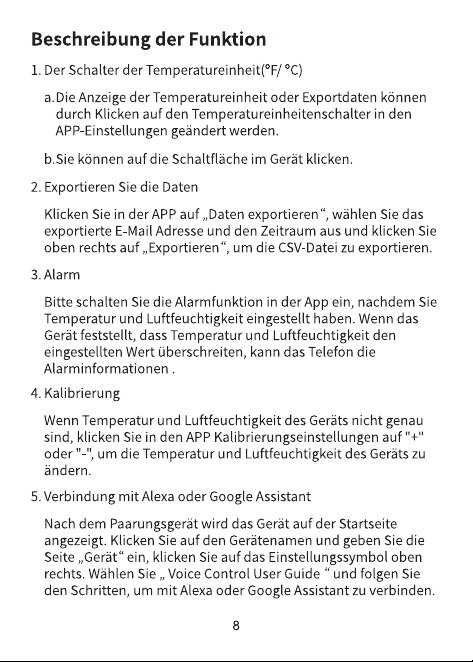
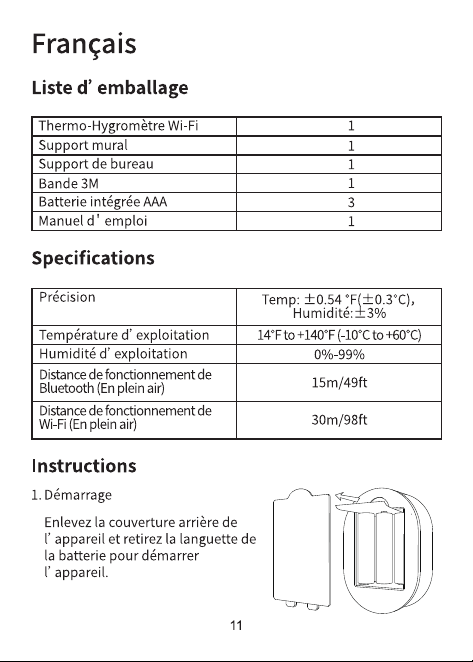
3. A low battery status may cause poor Wi-Fi connection, please replace battery if needed.
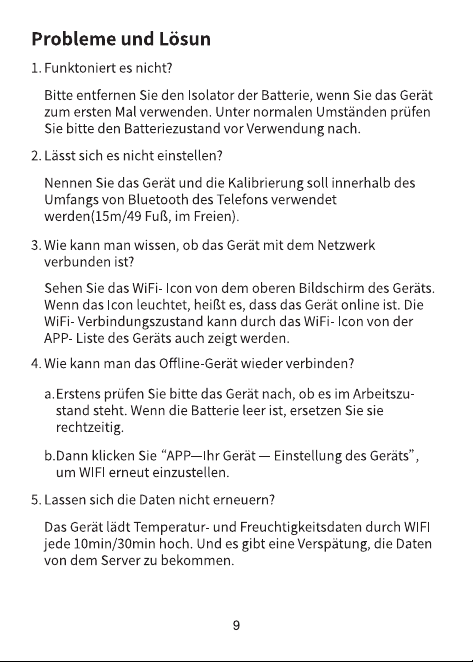
4. If possible, please set 2 different SSID for the 2.4Ghz Wi-Fi and the 5Ghz Wi-Fi, then connect the temperature sensor to the 2.4Ghz Wi-Fi.